


Stay state-compliant without the spreadsheets
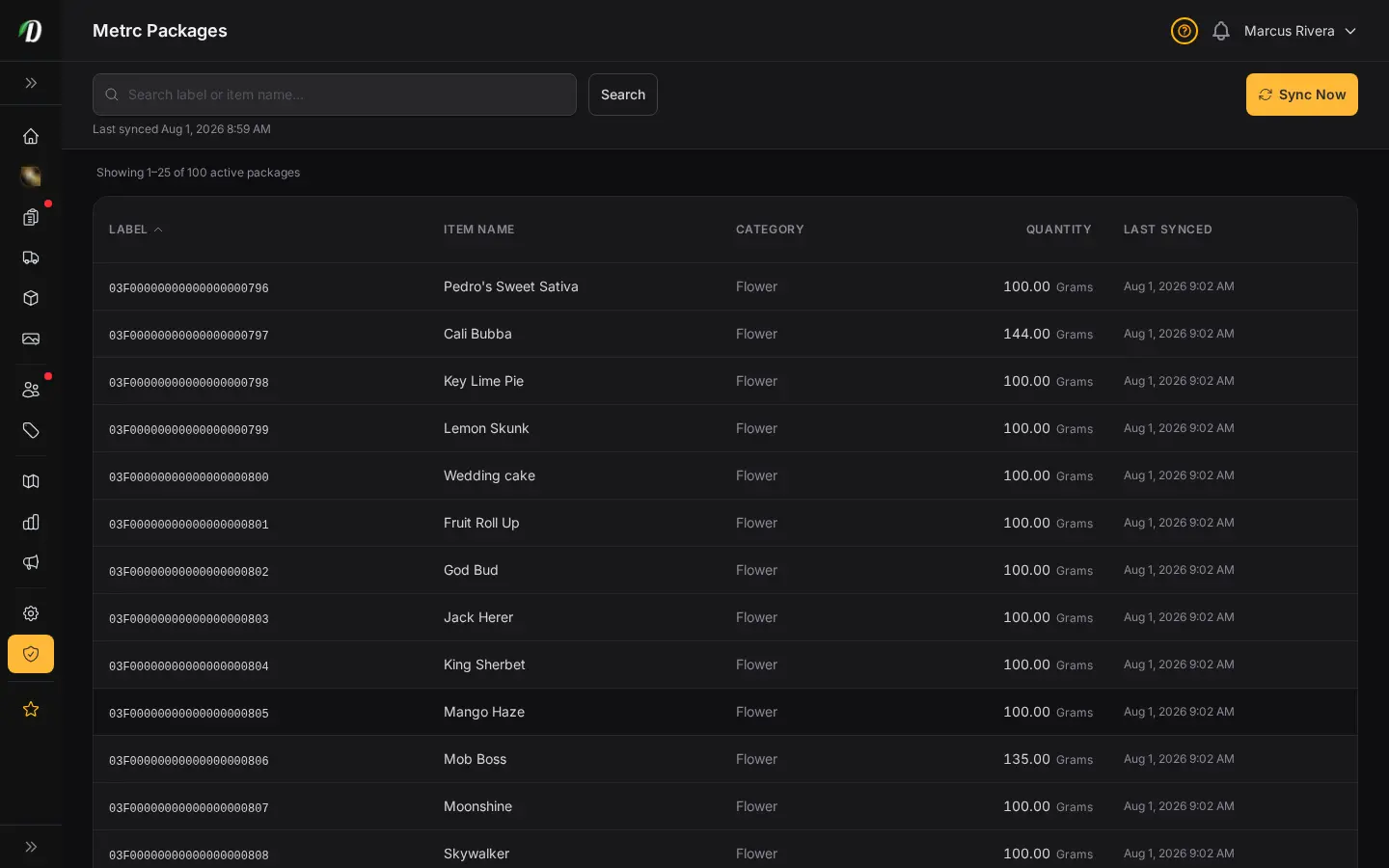
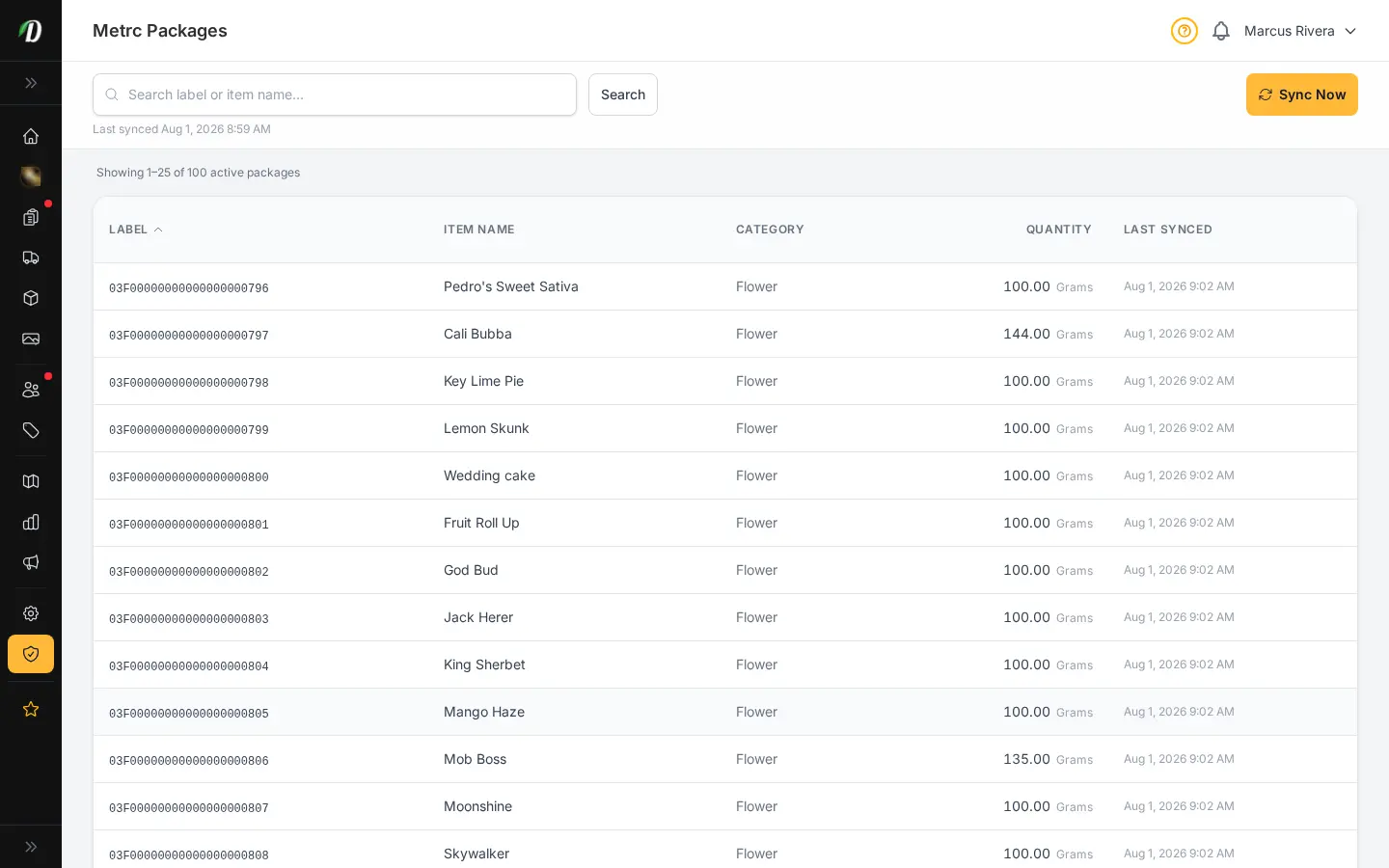
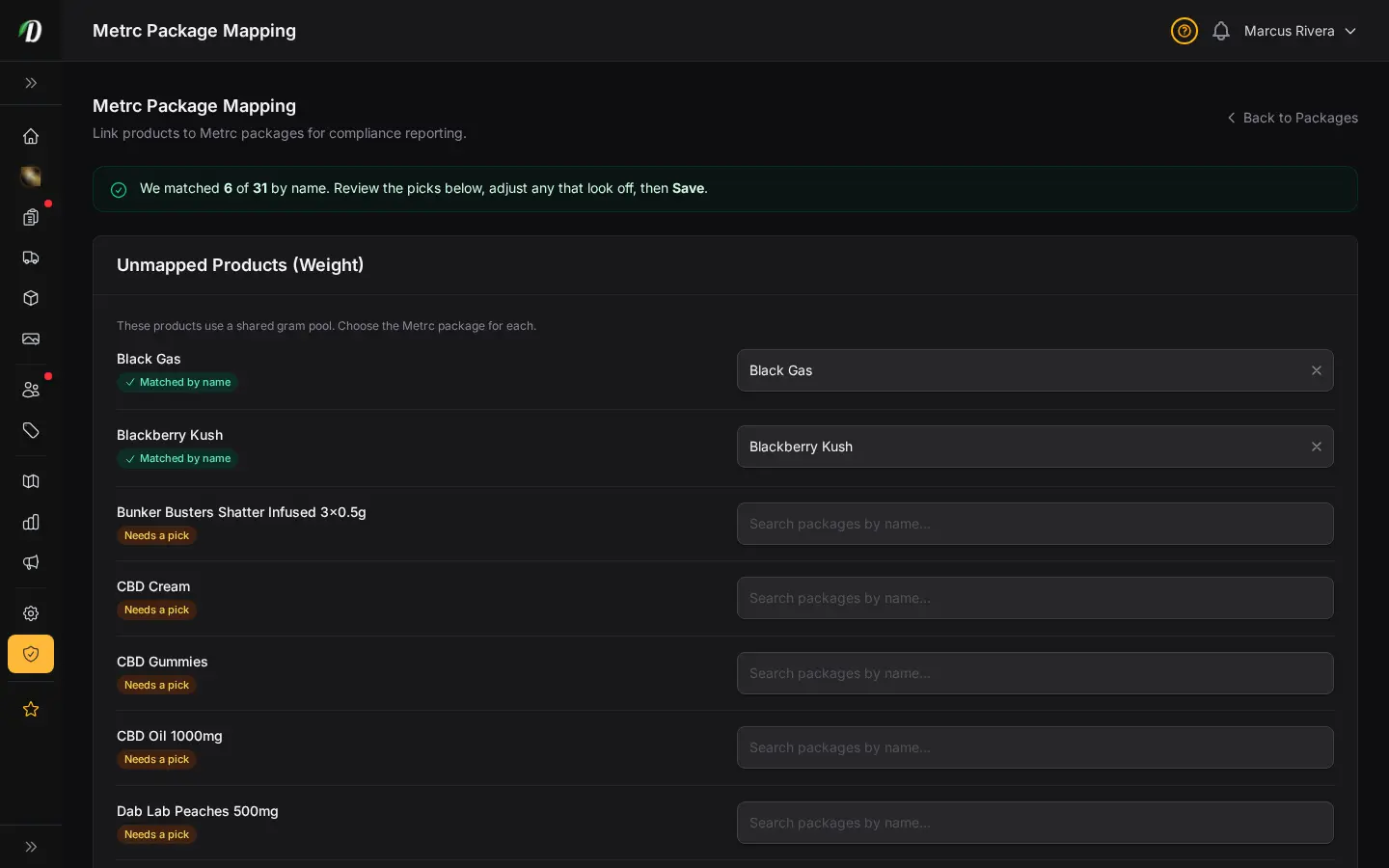
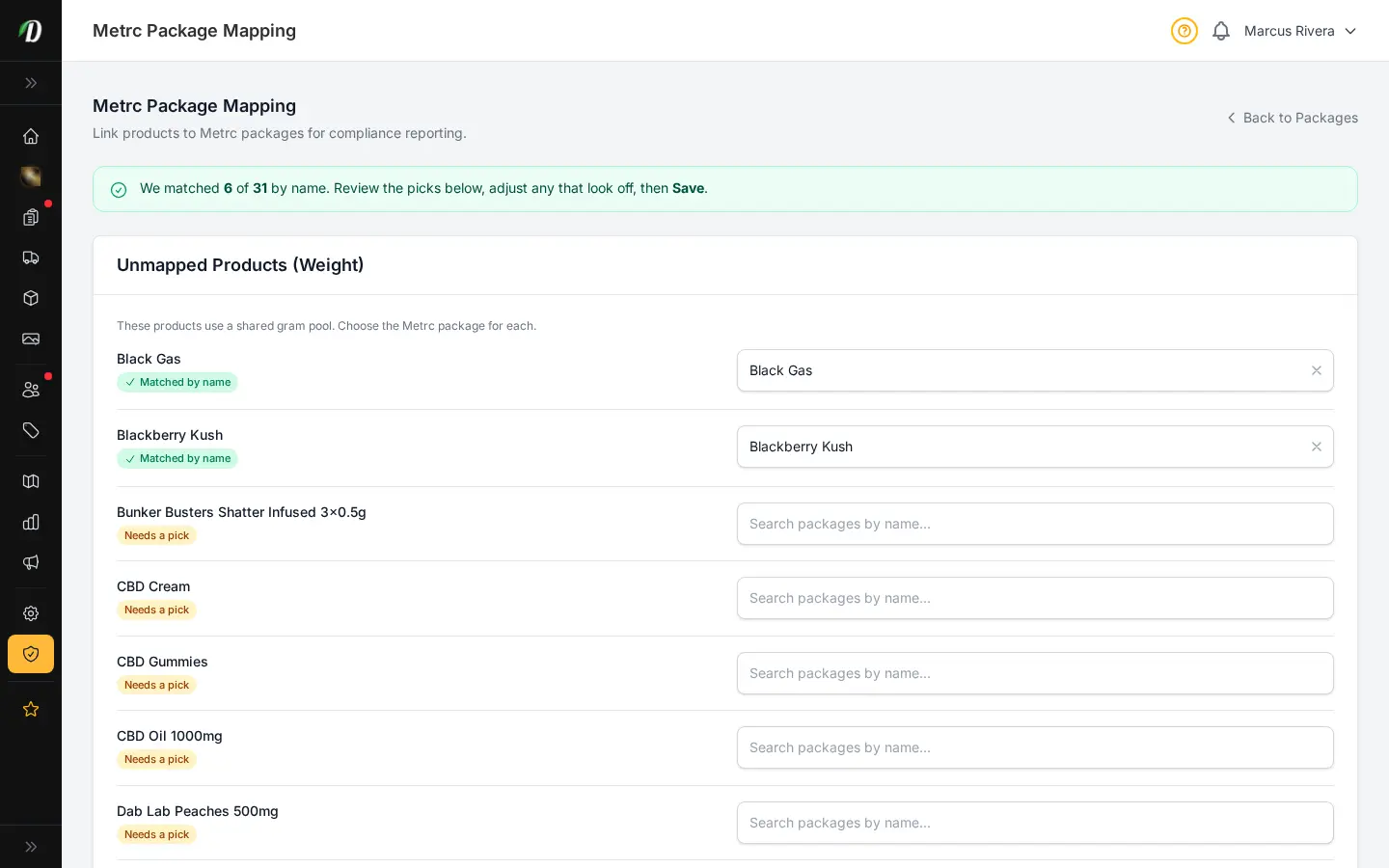
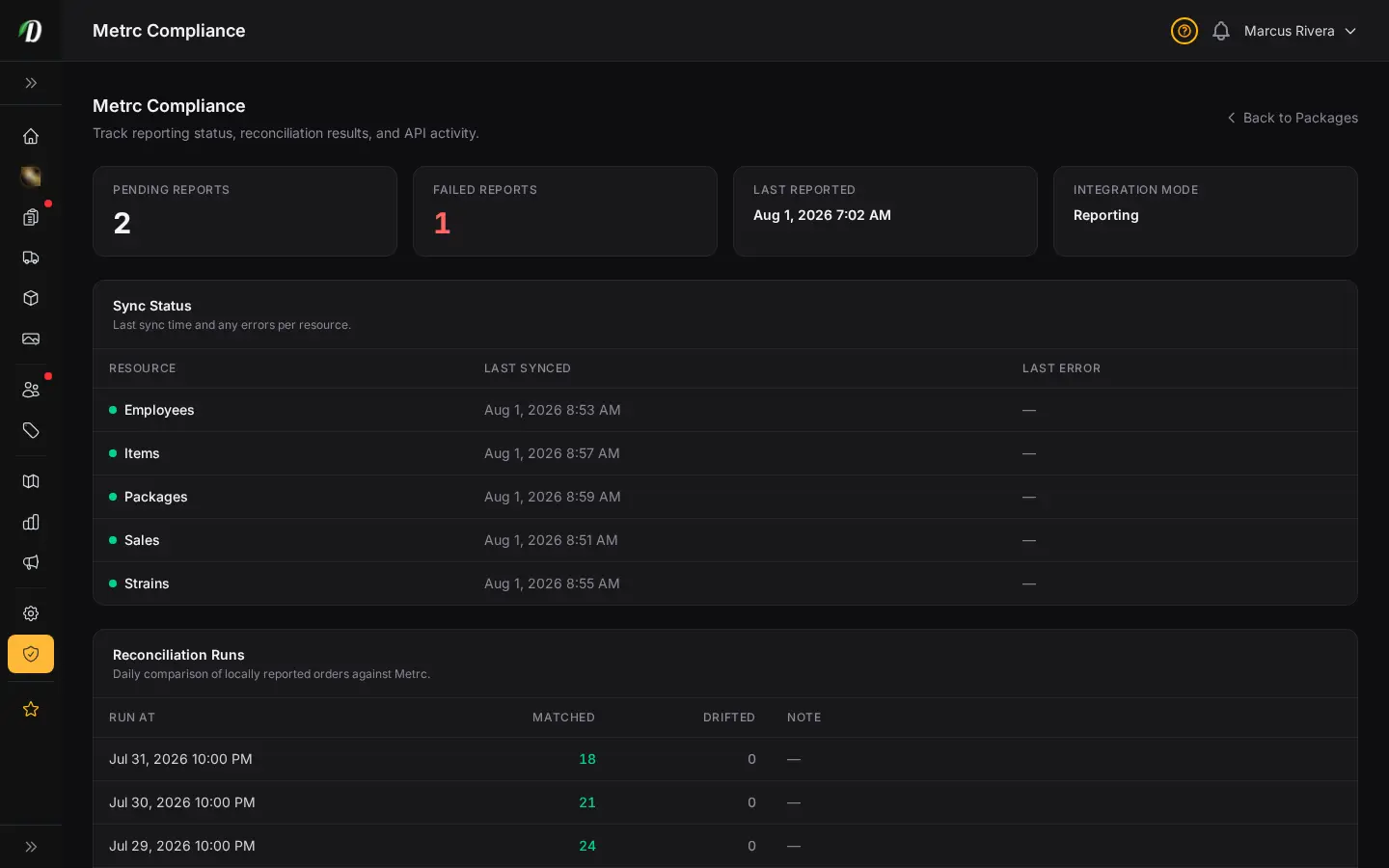
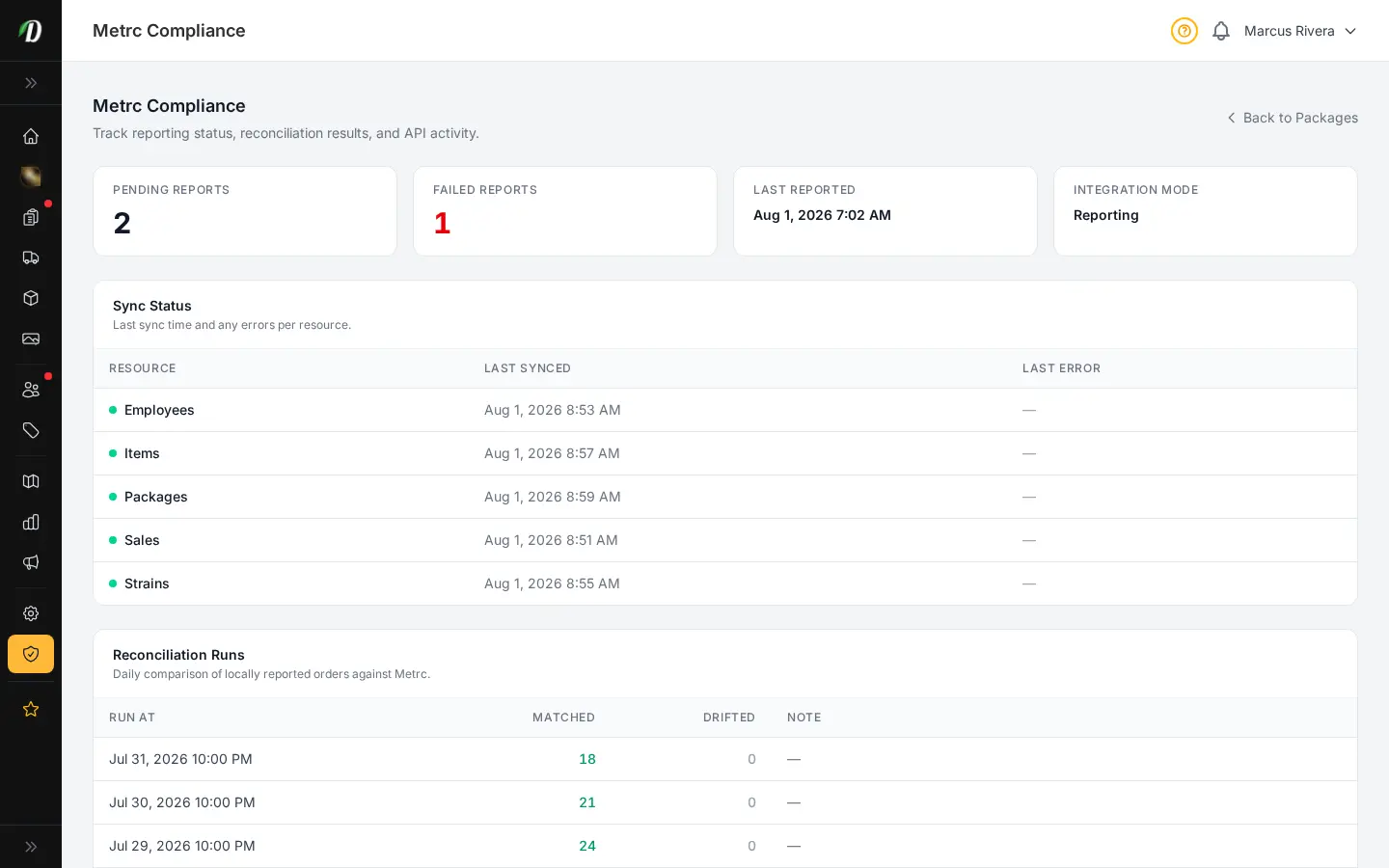
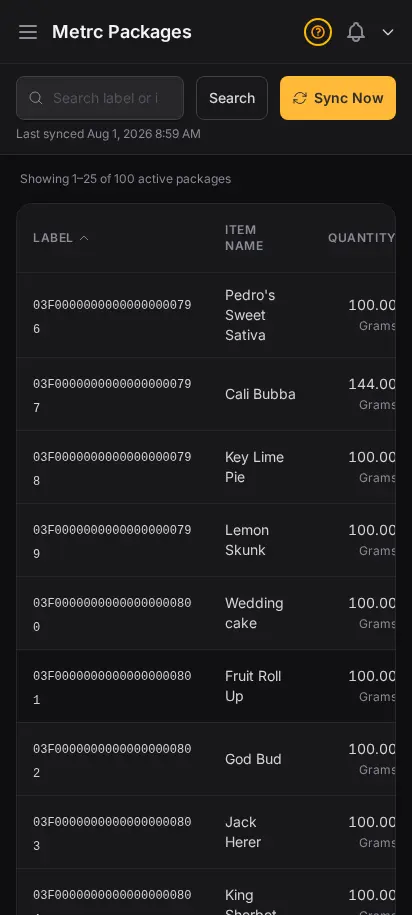
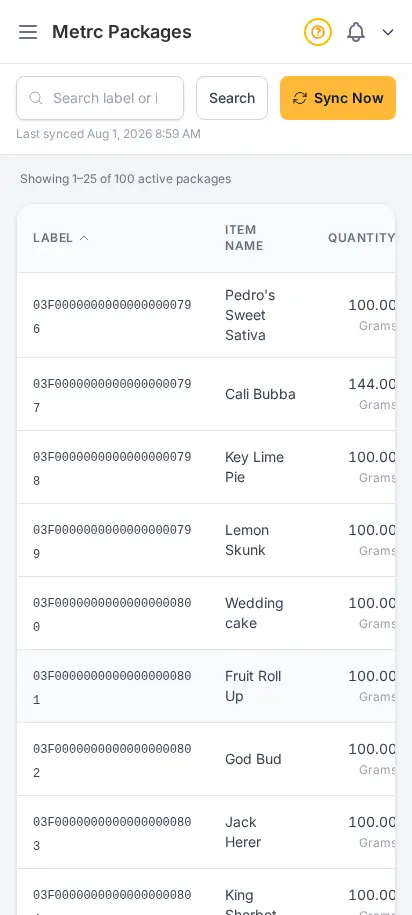
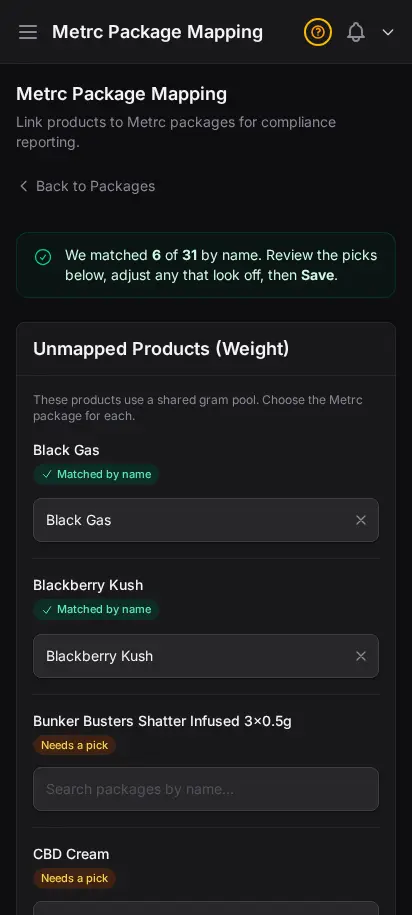
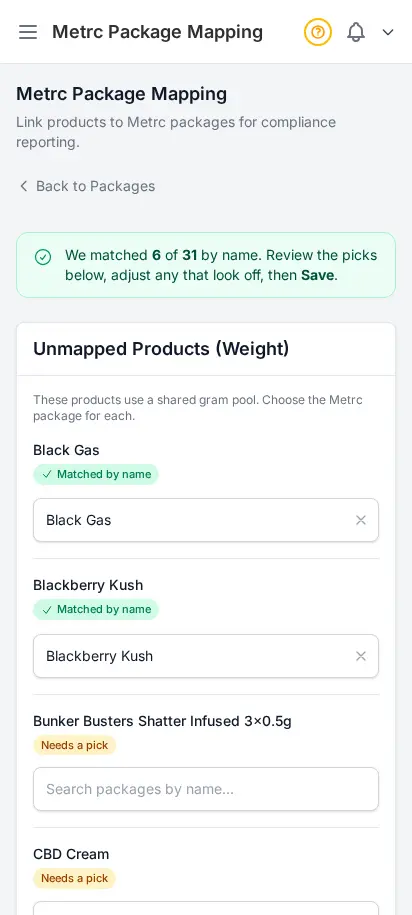
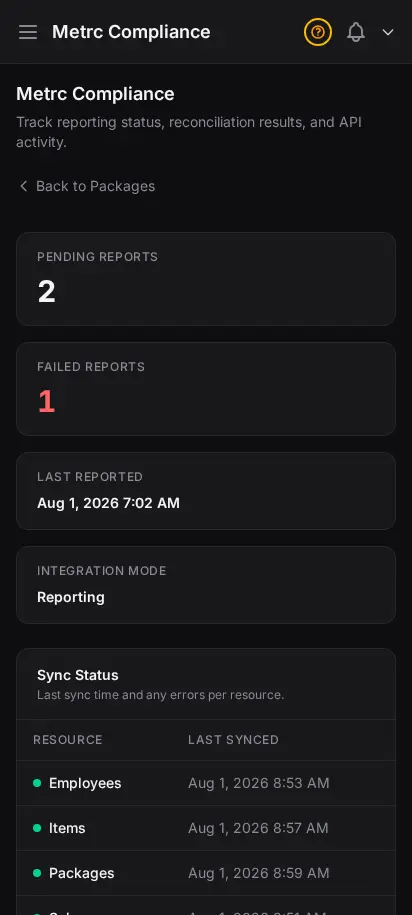
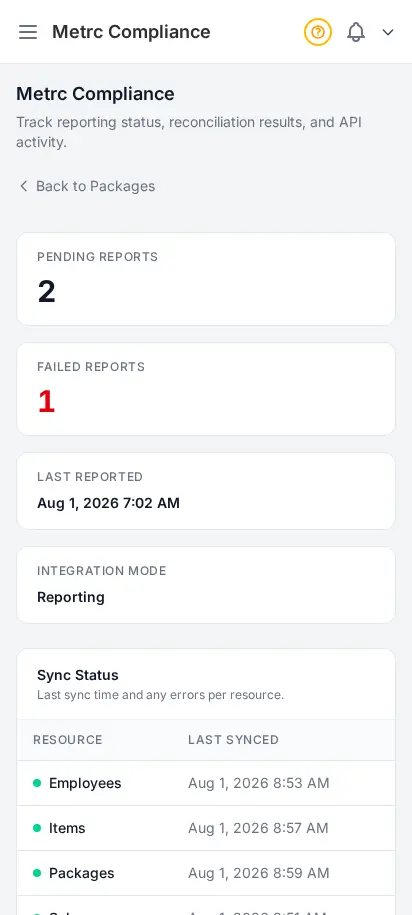
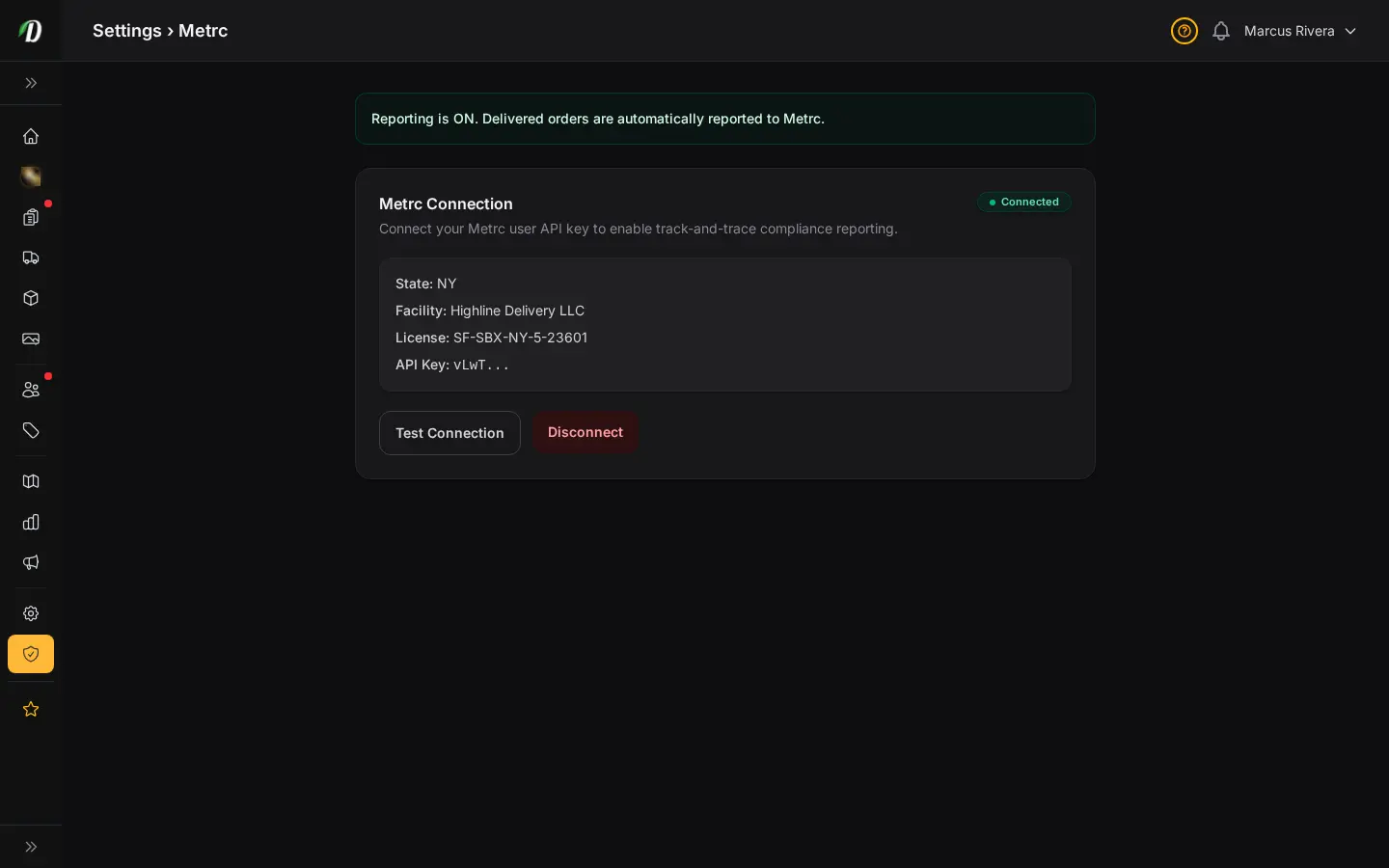
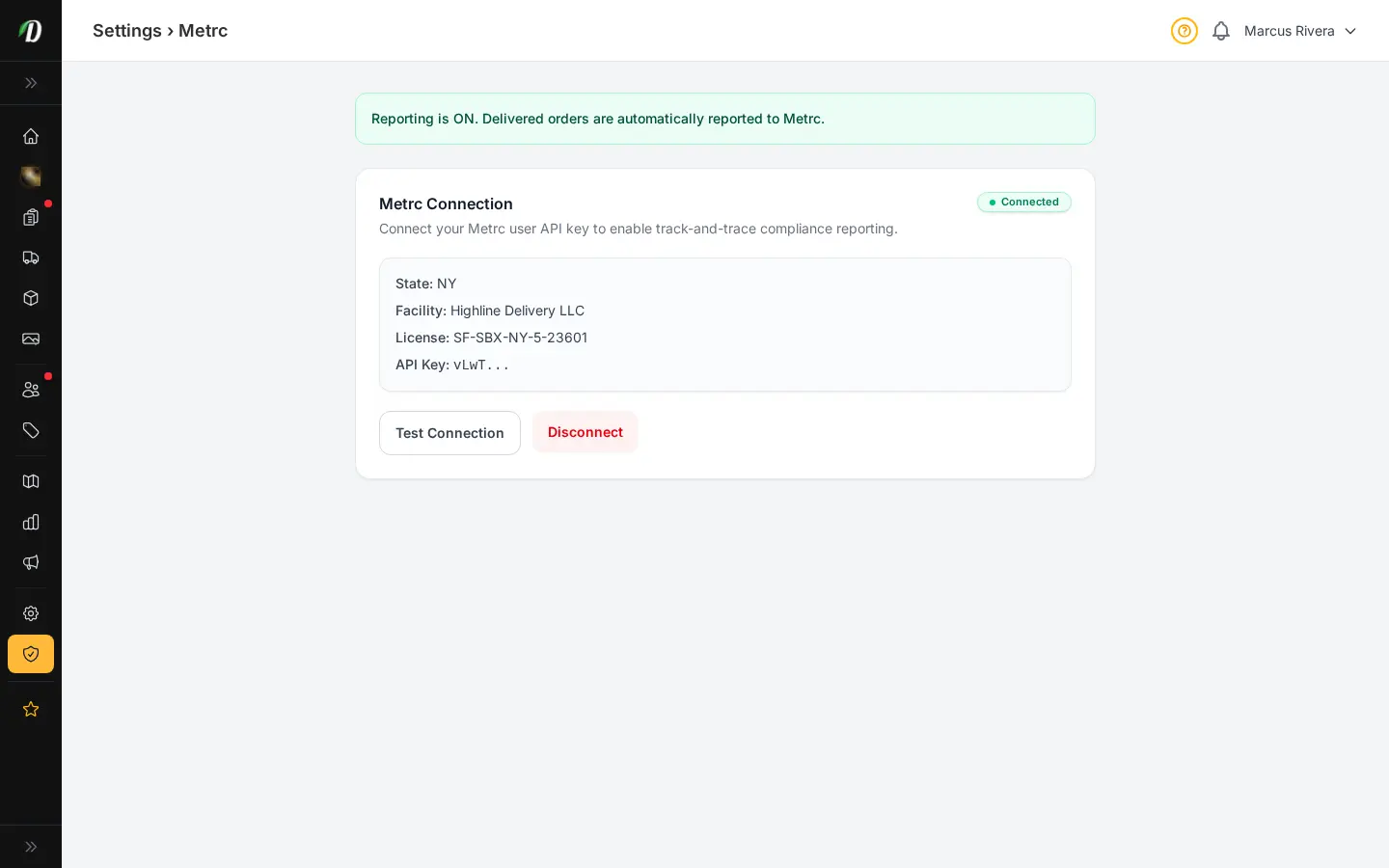
For US retailers in Metrc states, DabDash syncs your packages, maps them to your products, and runs scheduled reconciliation against state inventory — all from inside the dashboard. You see the same totals the state sees, with a clear audit trail and recent API activity.
- Live Metrc package inventory pulled from the state API
- Map state packages to your DabDash products once, reuse forever
- Scheduled reconciliation runs flag drift between you and Metrc
- Full API activity log for compliance audits
- Works across Metrc states — Michigan, Colorado, California, and more
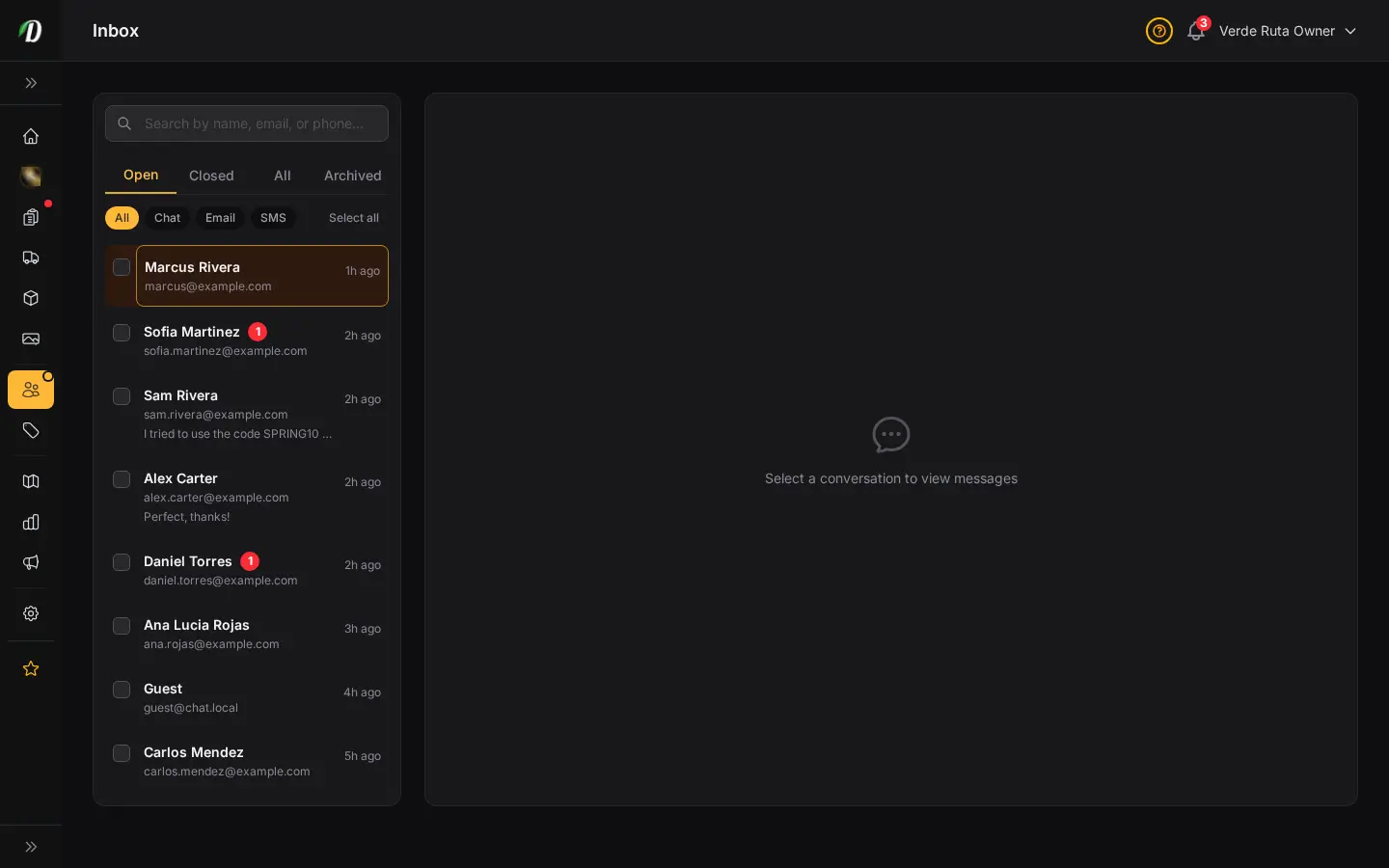
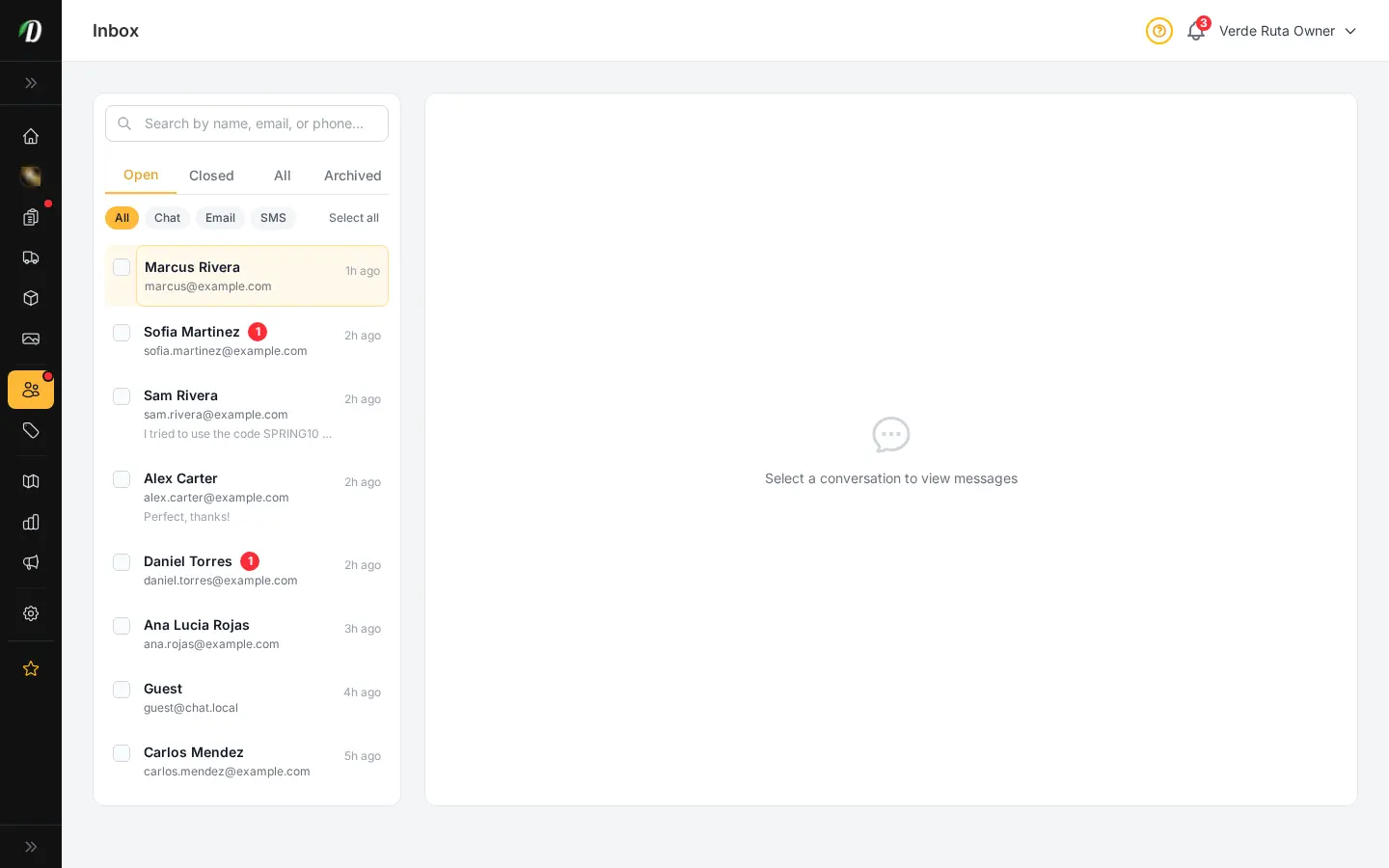
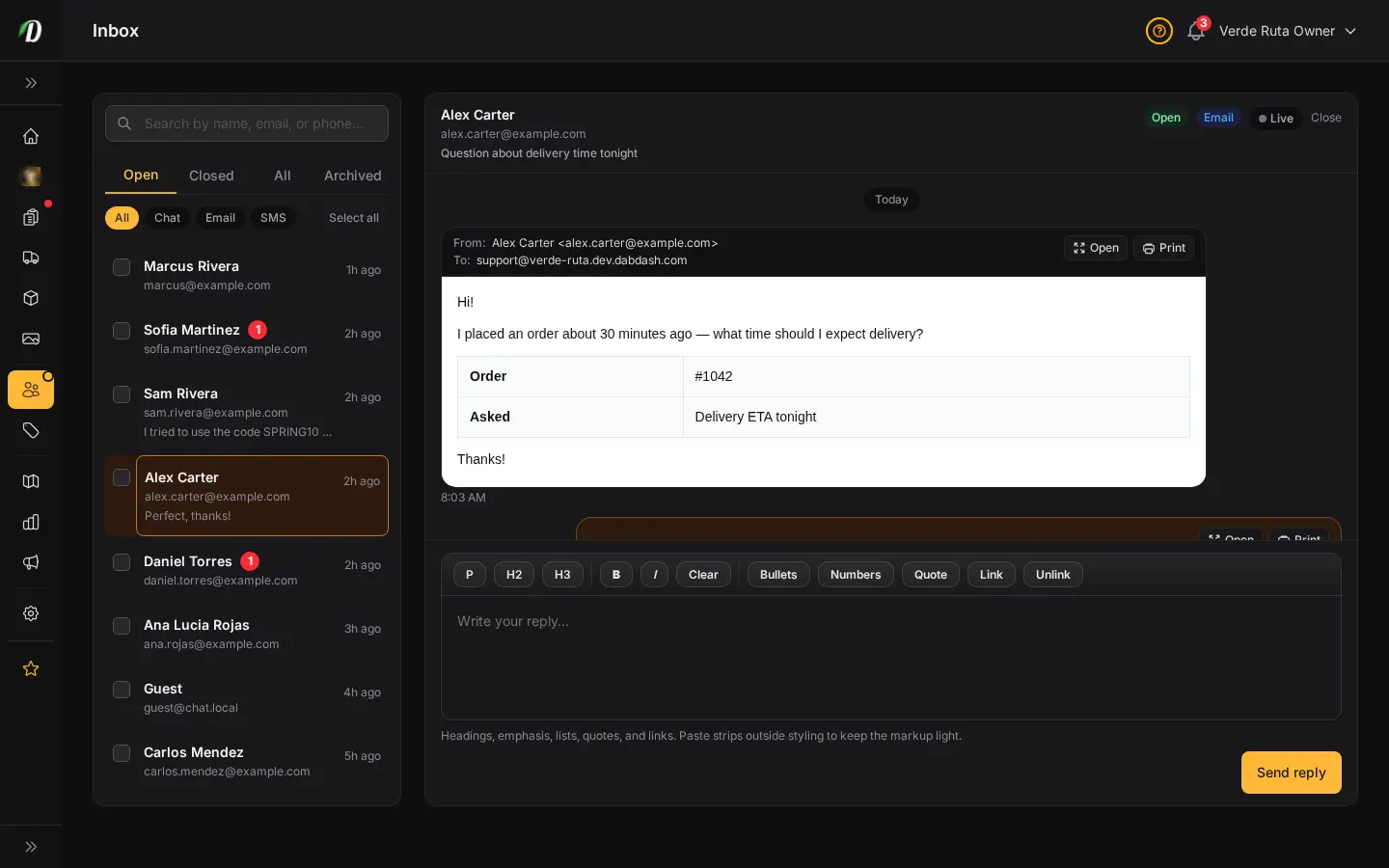
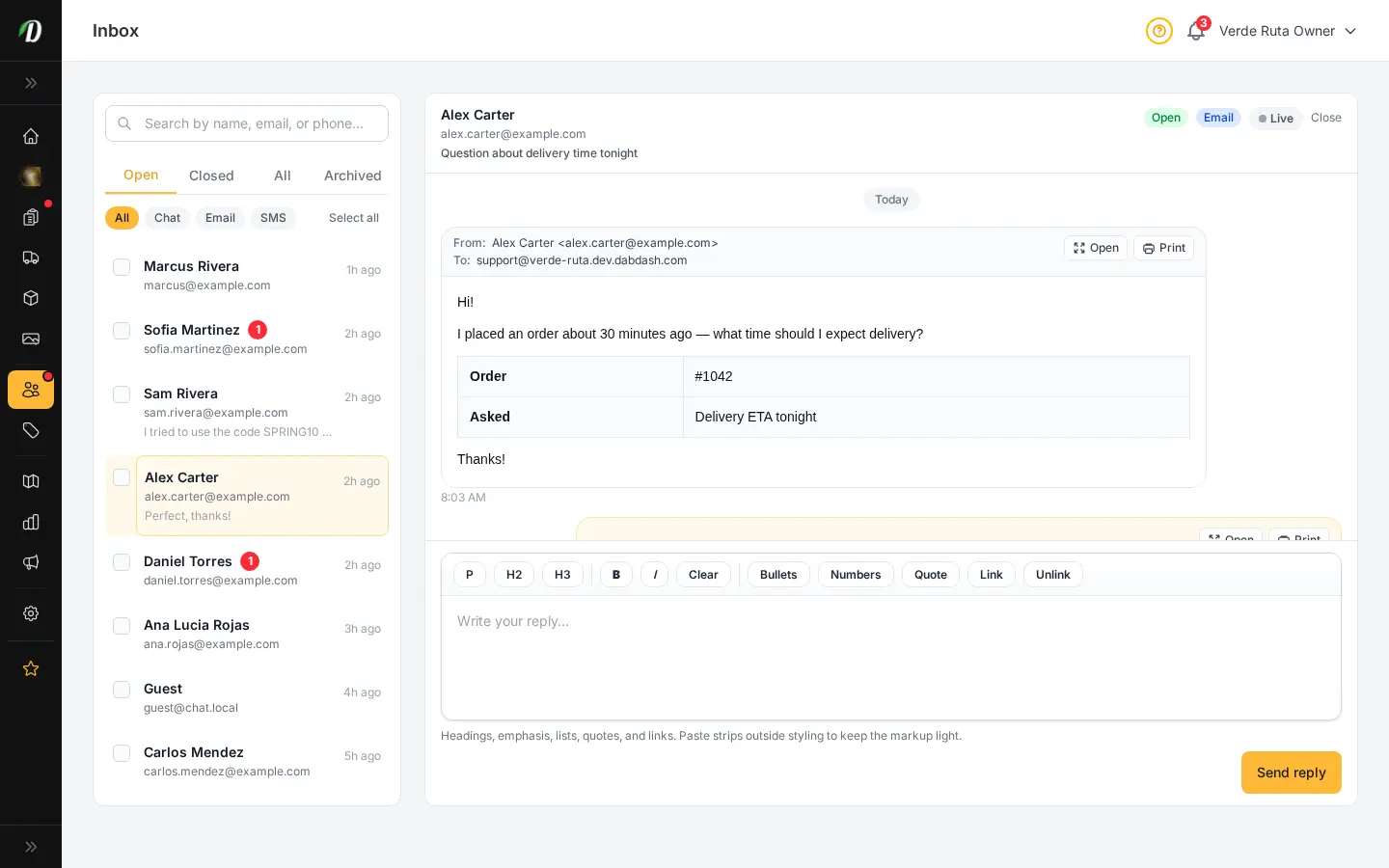
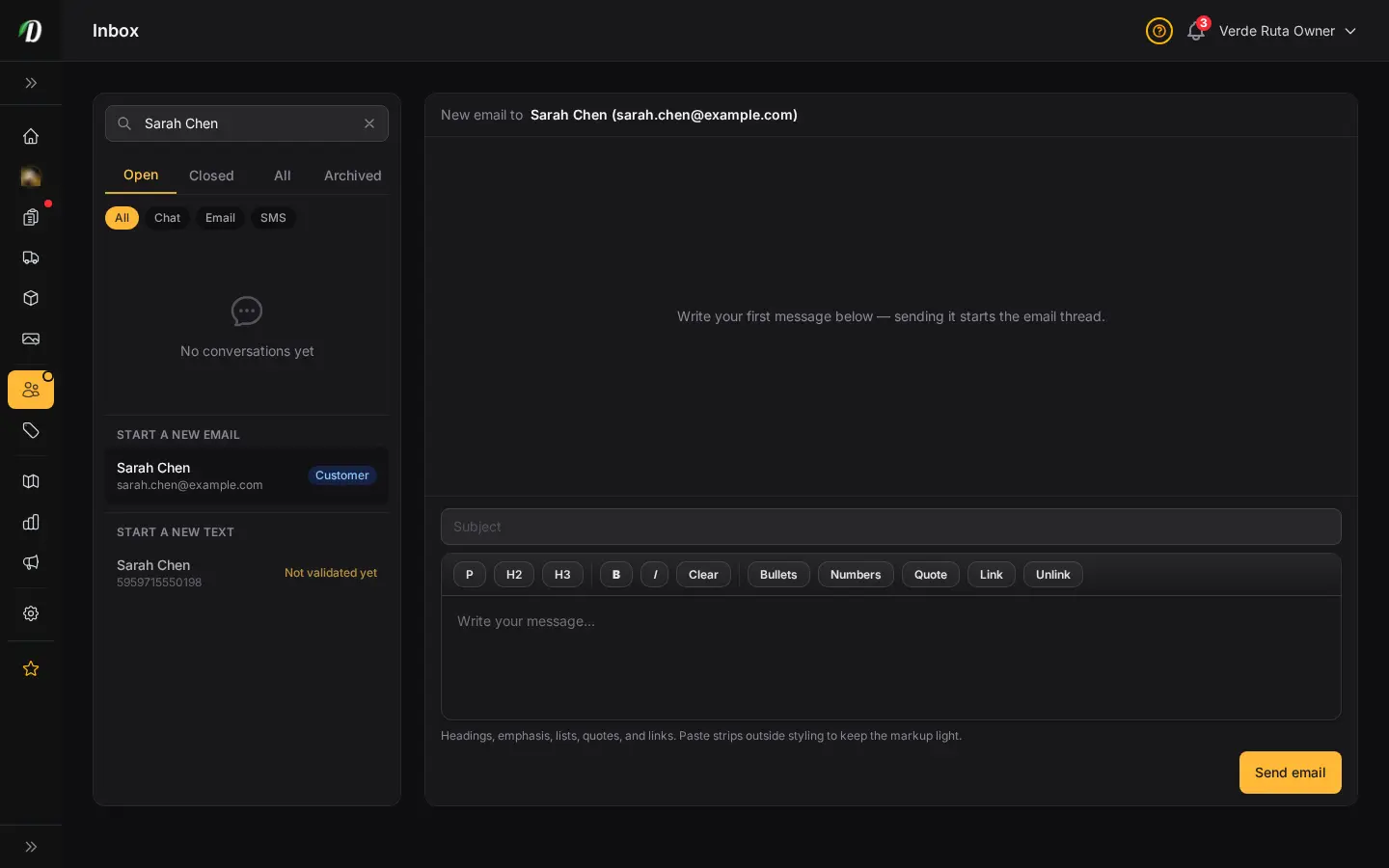
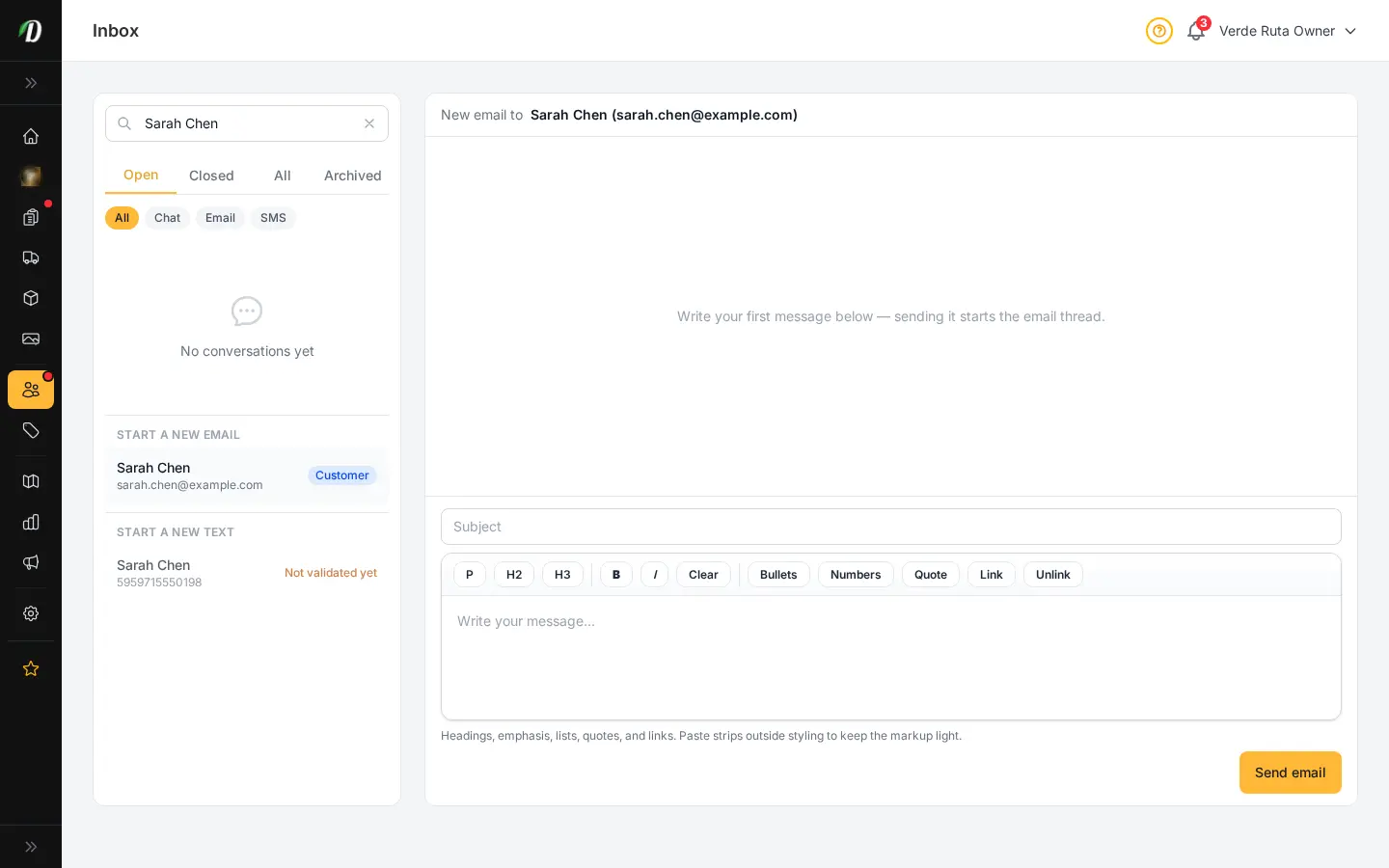
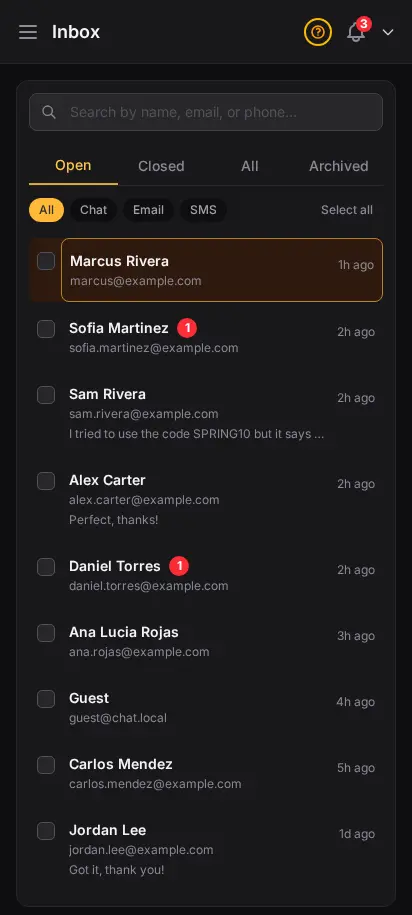
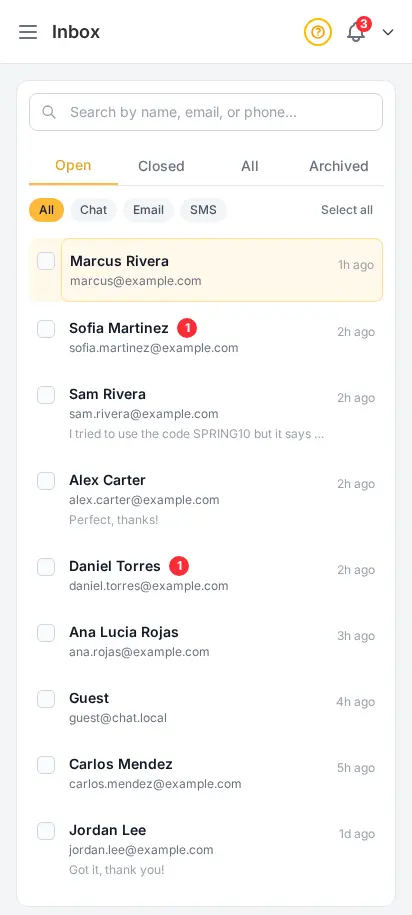
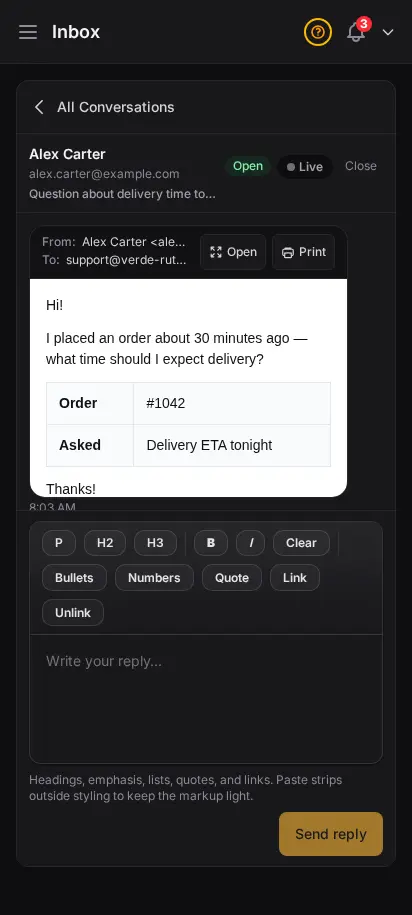
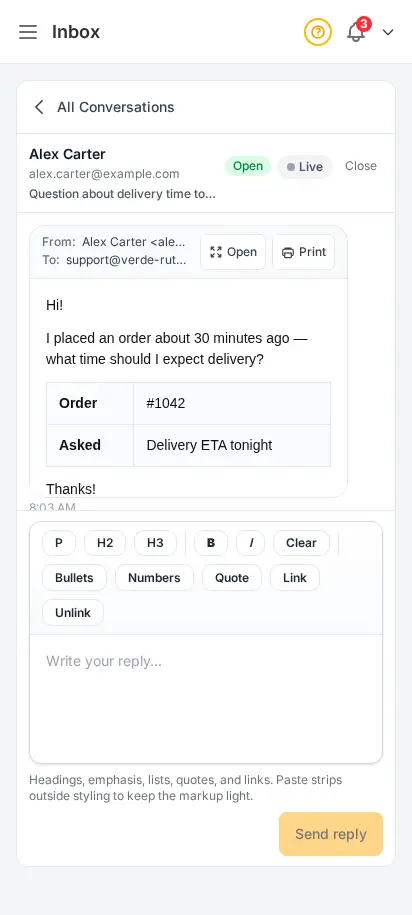
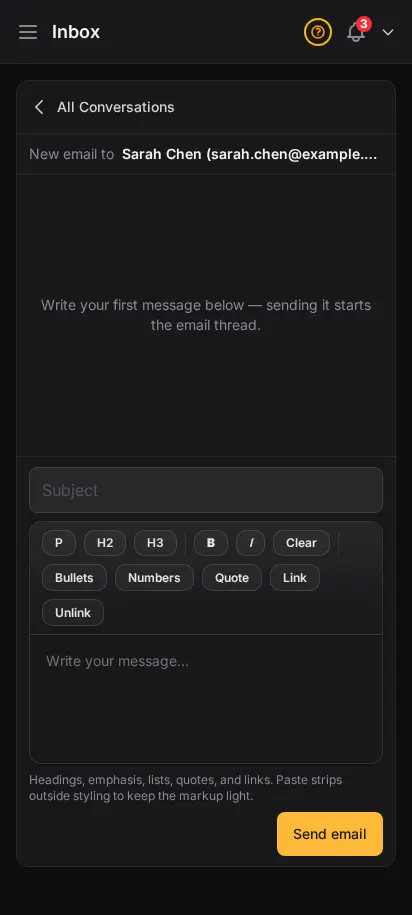
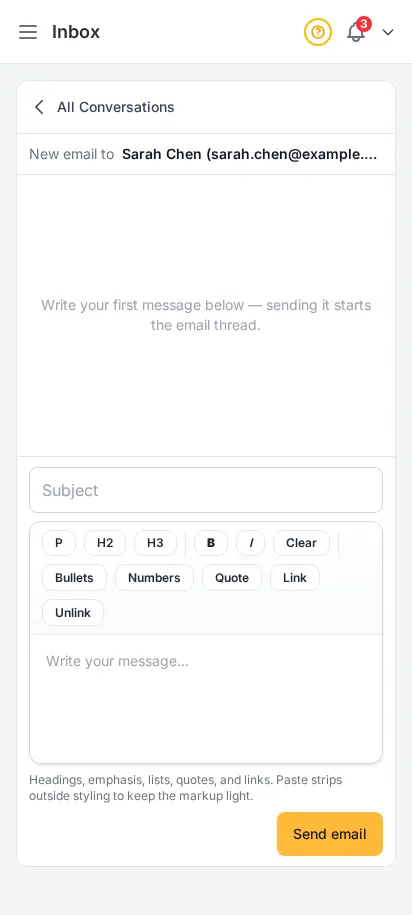
Talk to your customers in real time
Answer delivery questions, recommend strains, and resolve order issues without leaving the dashboard. Every conversation is saved, searchable, and organized by status so nothing slips through the cracks.
- Live chat widget embedded on your storefront
- Inbox with unread badges and conversation status
- HTML emails open in a safe preview — Open and Print when you need the full view
- Full message thread with visitor and agent bubbles
- Closed conversation archive for follow-up reference


Talk to DabDash support without leaving the dashboard
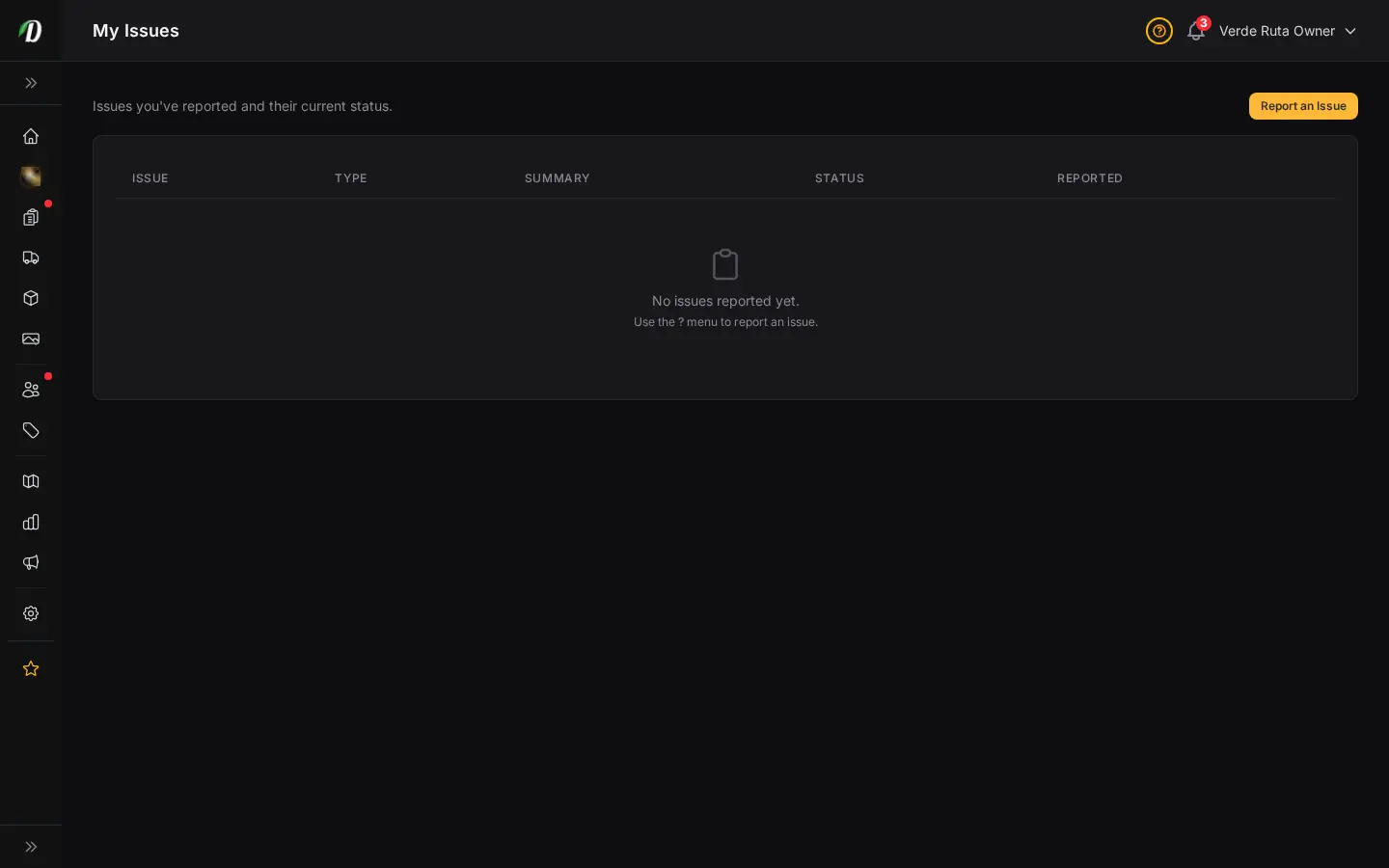
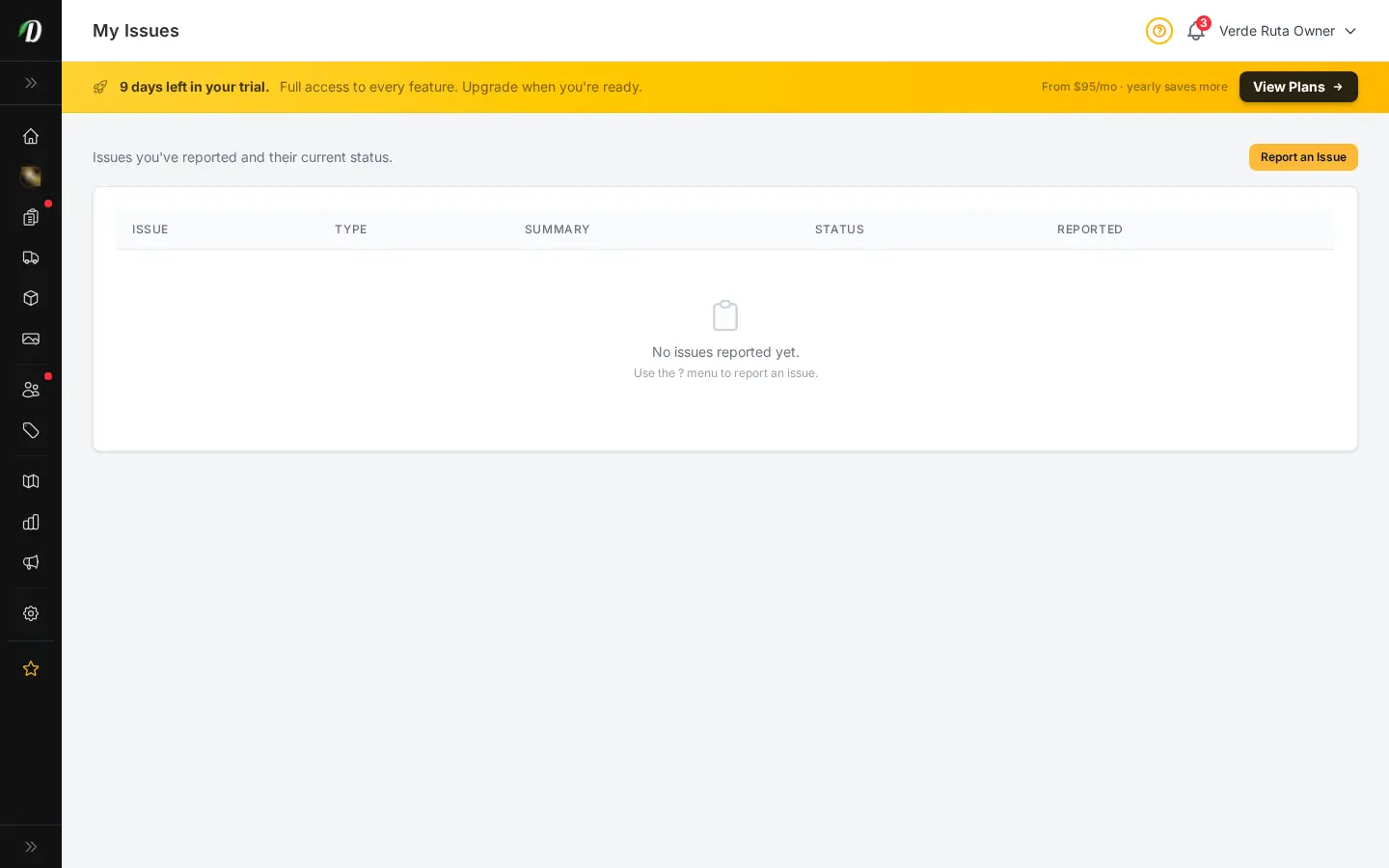
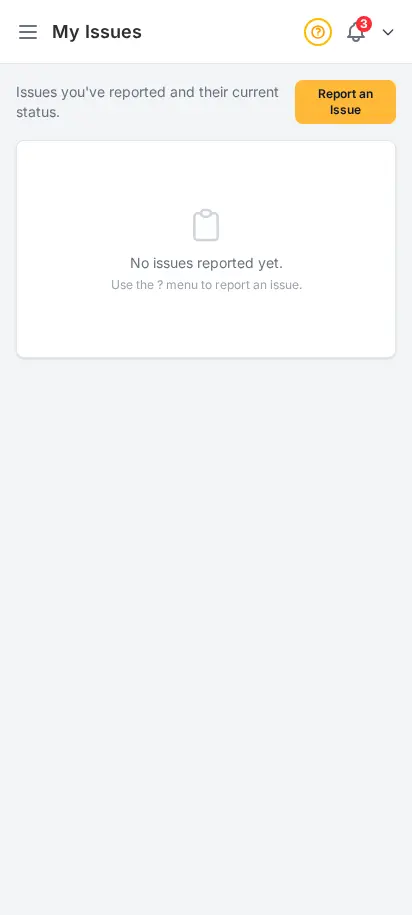
When something needs the DabDash team — a bug, a question, a feature request — file it from the help menu and track the ticket right here. Every issue has a status, a type, and a date so you always know where things stand. No email threads, no lost replies.
- Report bugs, questions, or feature requests from any page
- Track every ticket with status, type, and submitted date
- Tickets stay on the same screen, scoped to your store
- Direct line to the team building the platform
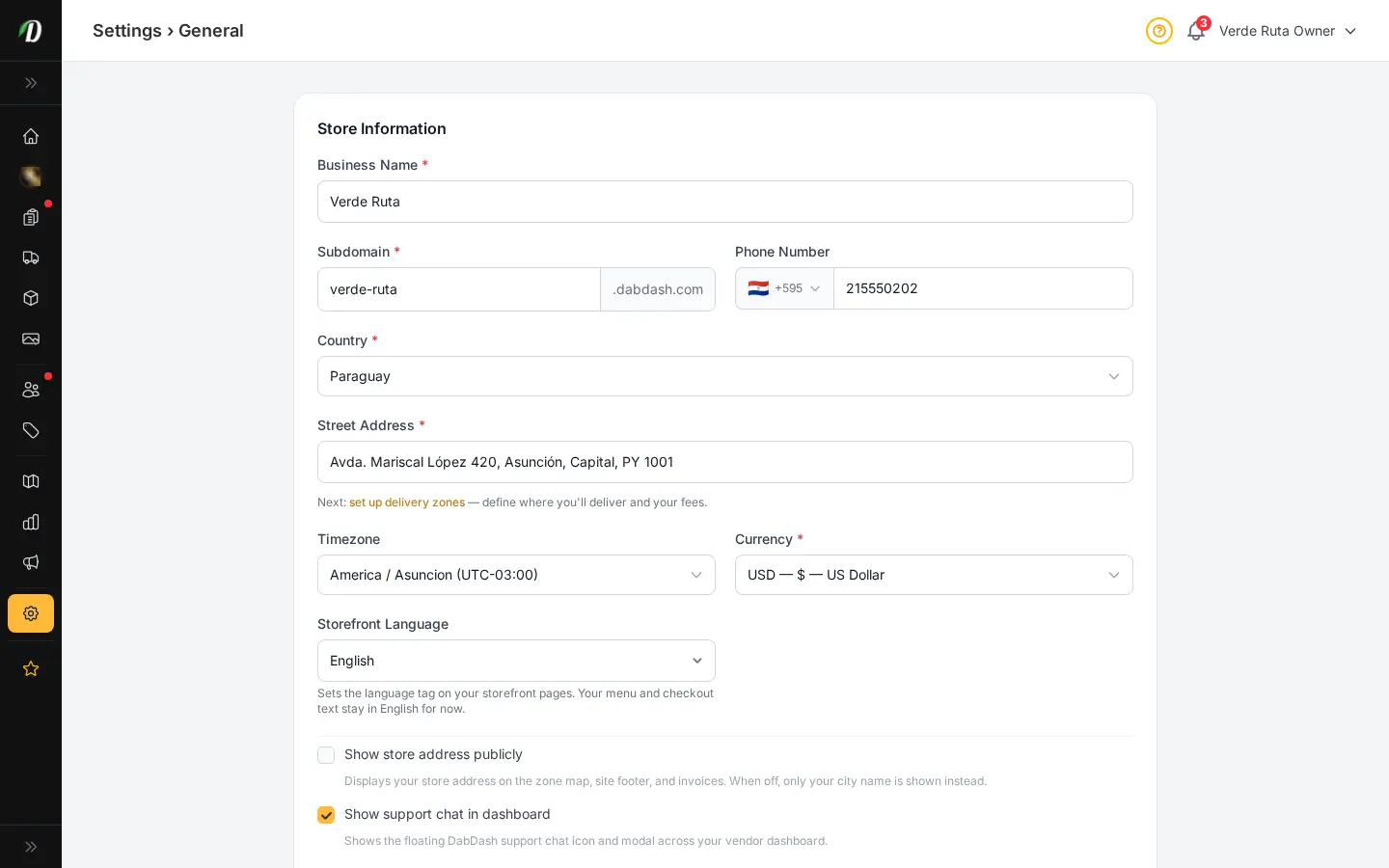
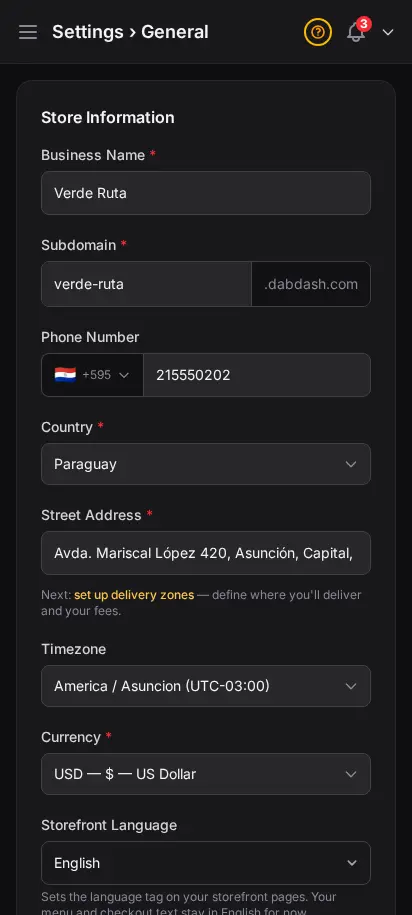
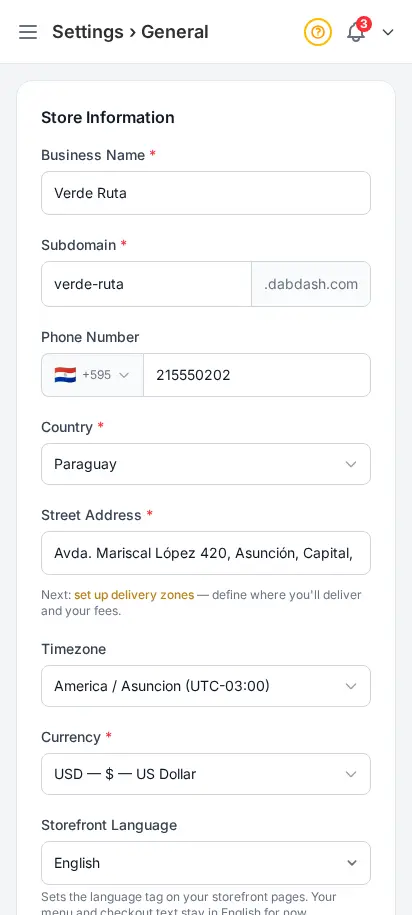
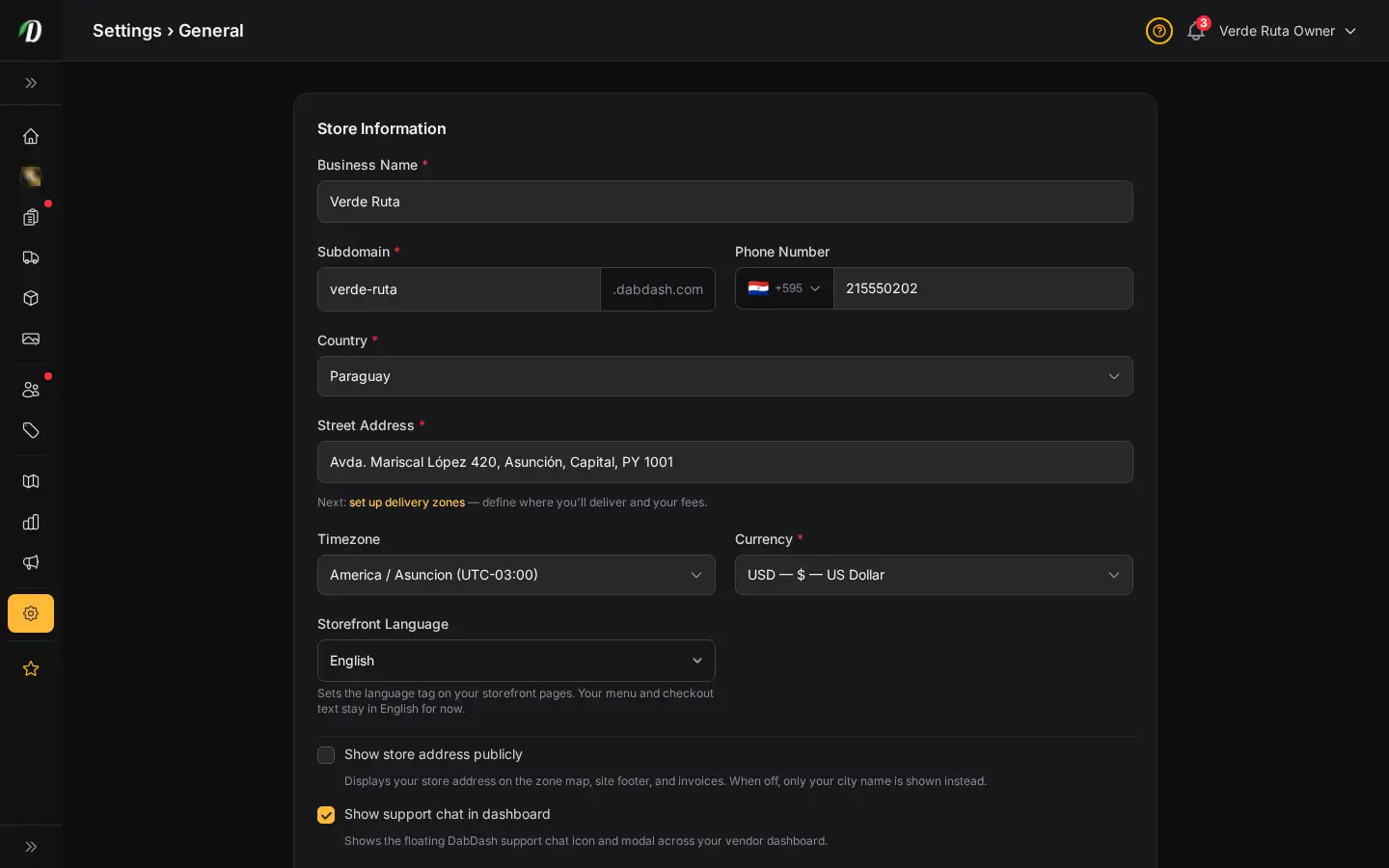
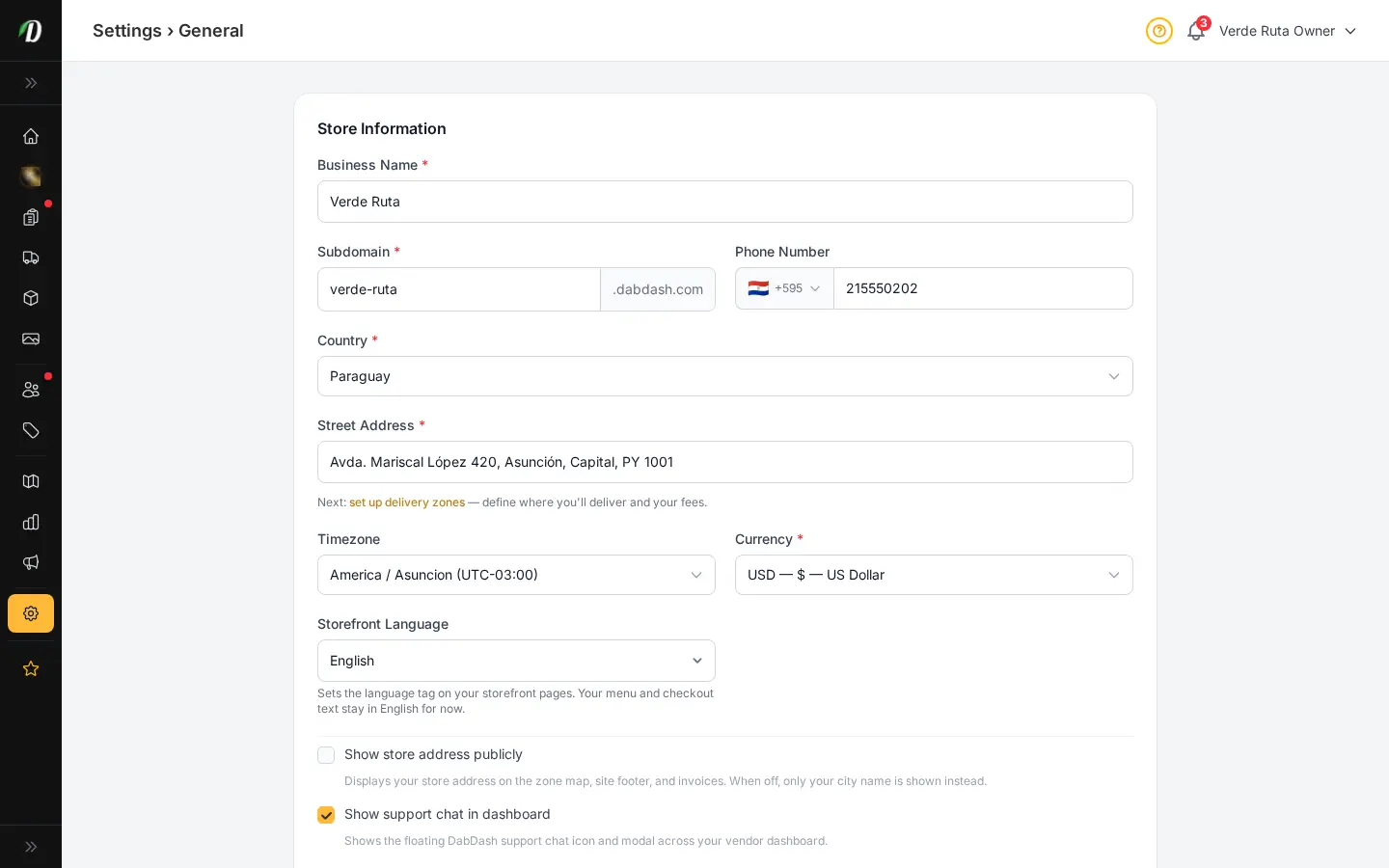
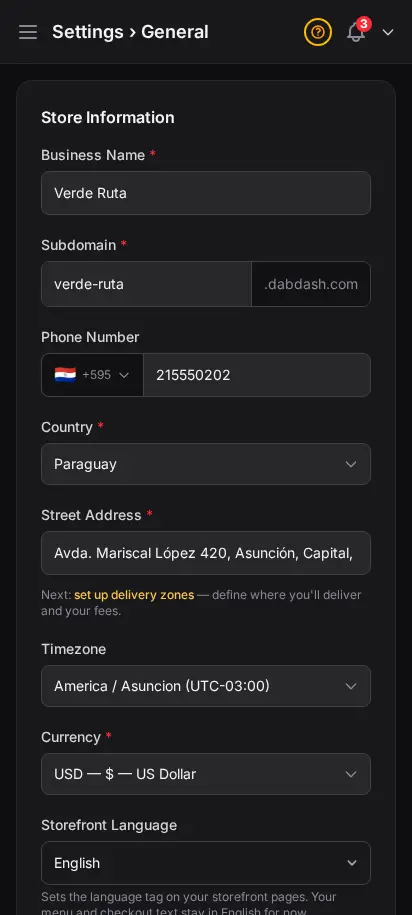
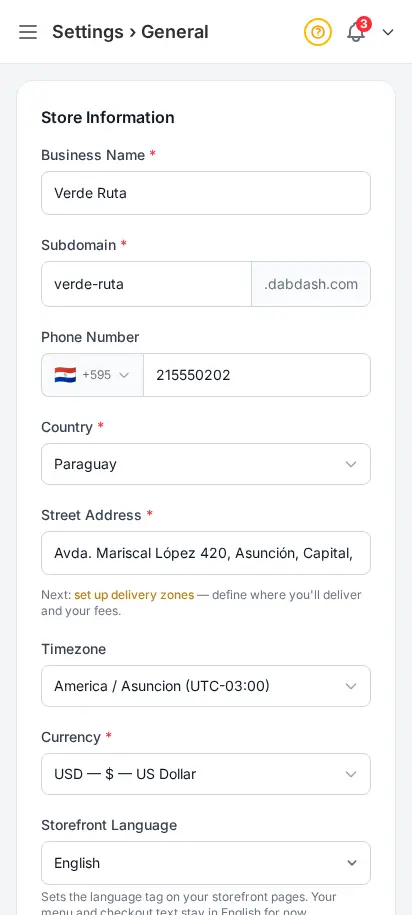
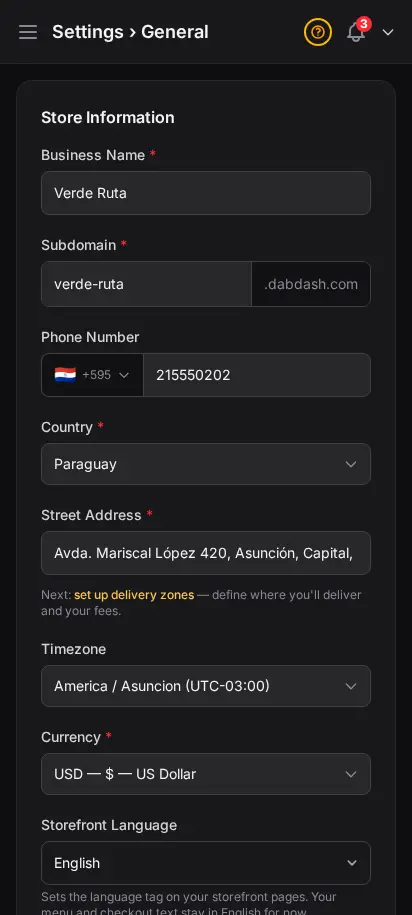
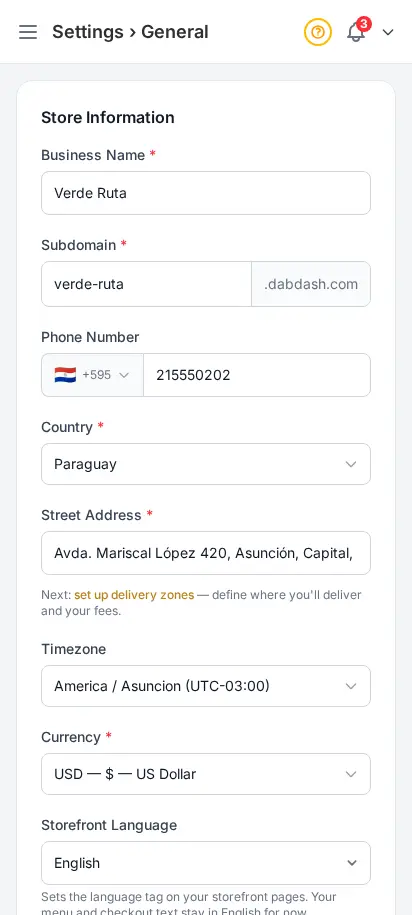
Your store info, rules, and legal basics in one pass
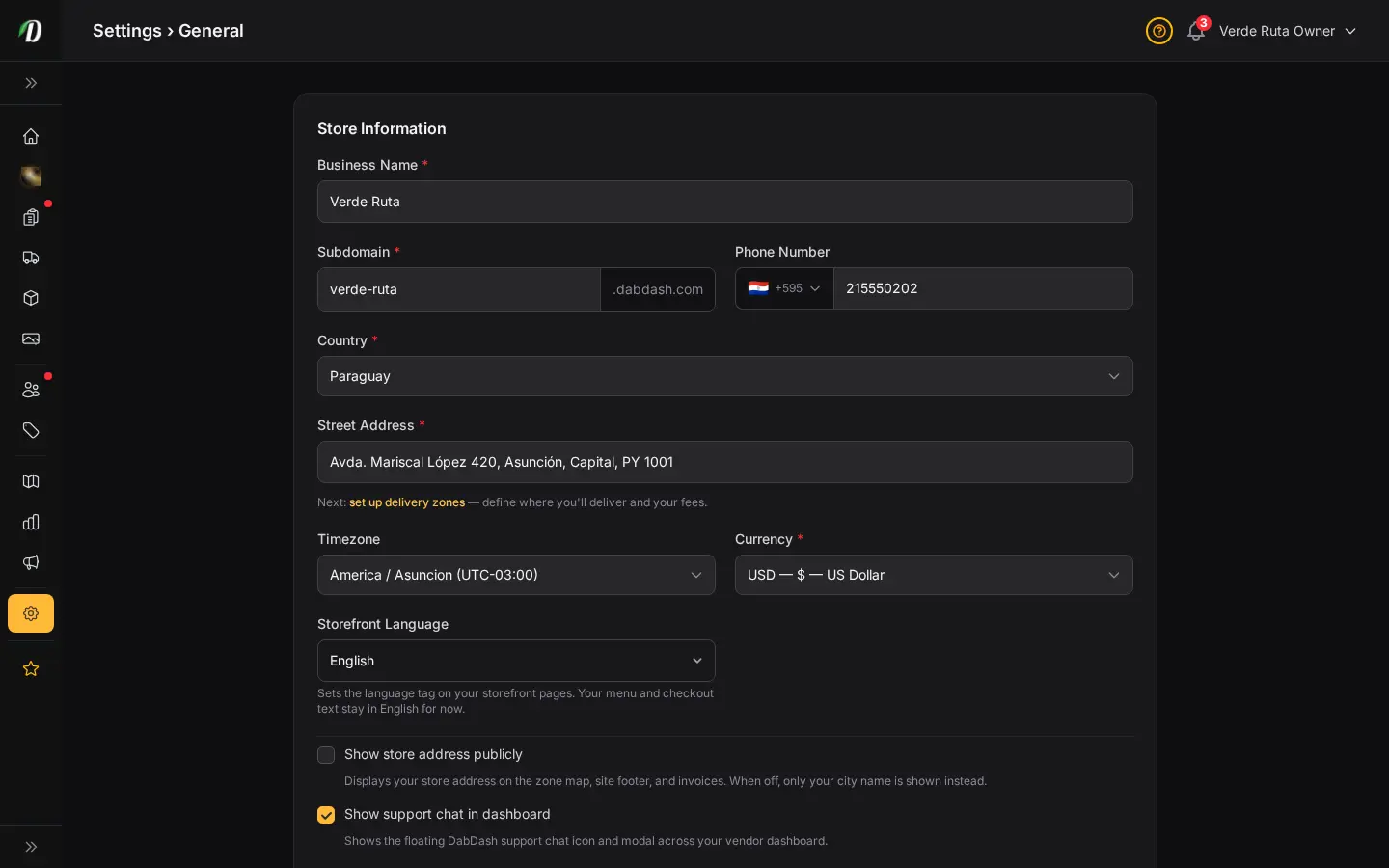
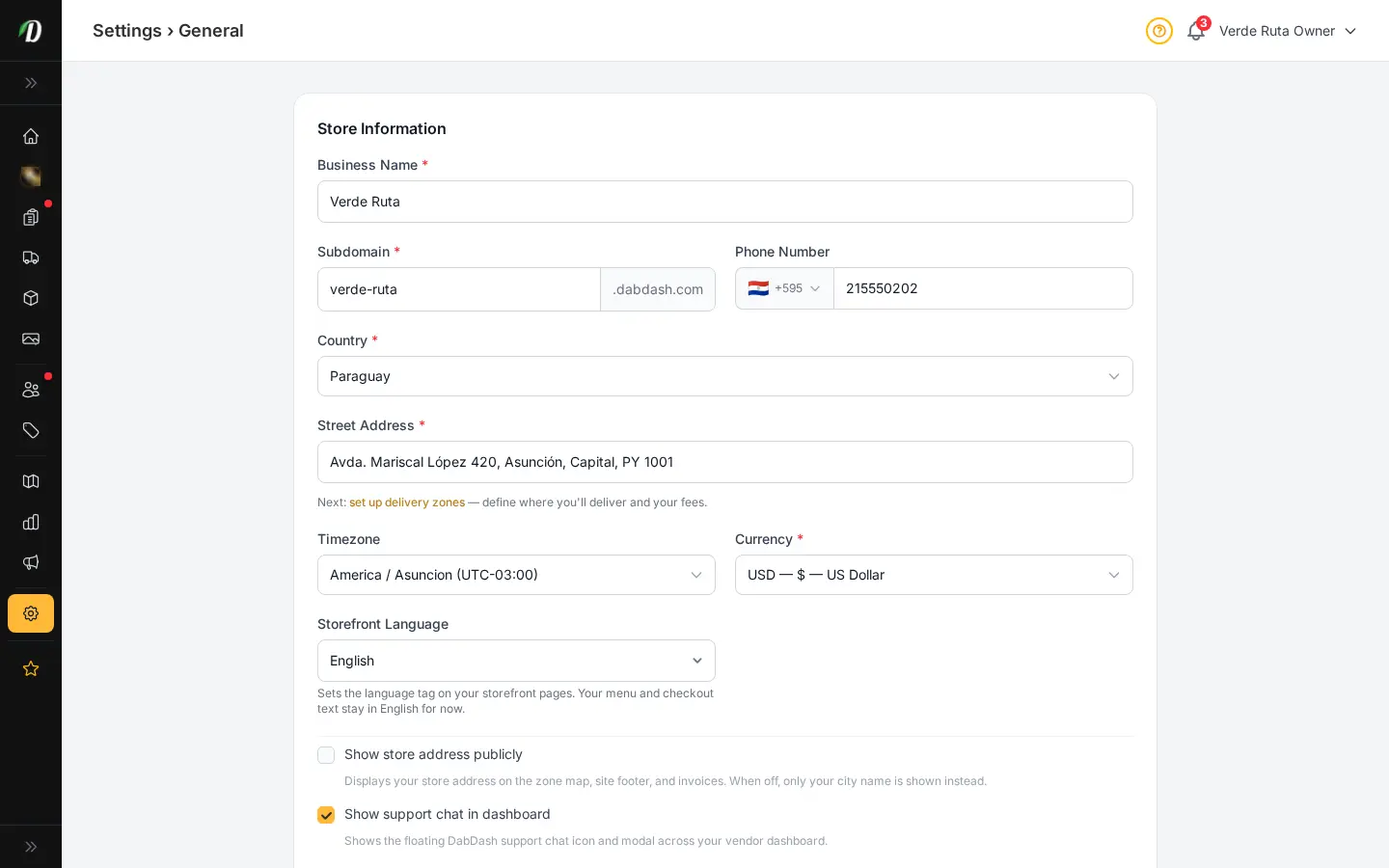
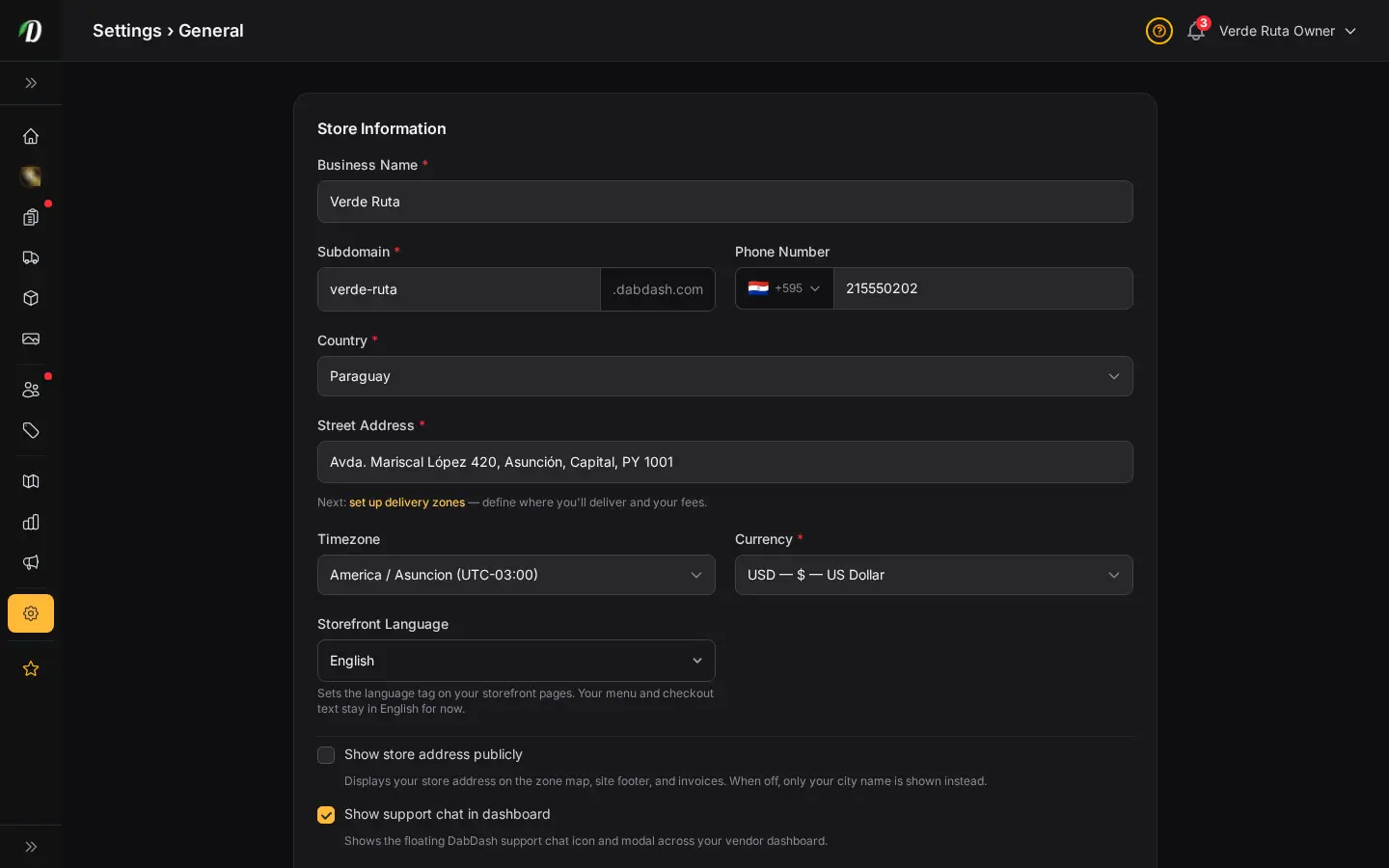
Set your business details, tune your storefront rules, and handle age check basics without bouncing between pages. It is a cleaner setup path for new cannabis retailers who need to get live quickly and confidently.
- Business name, address, and phone
- Timezone and storefront rules in one place
- Age check and legal controls ready during setup
- Built to shorten first-day store launch time


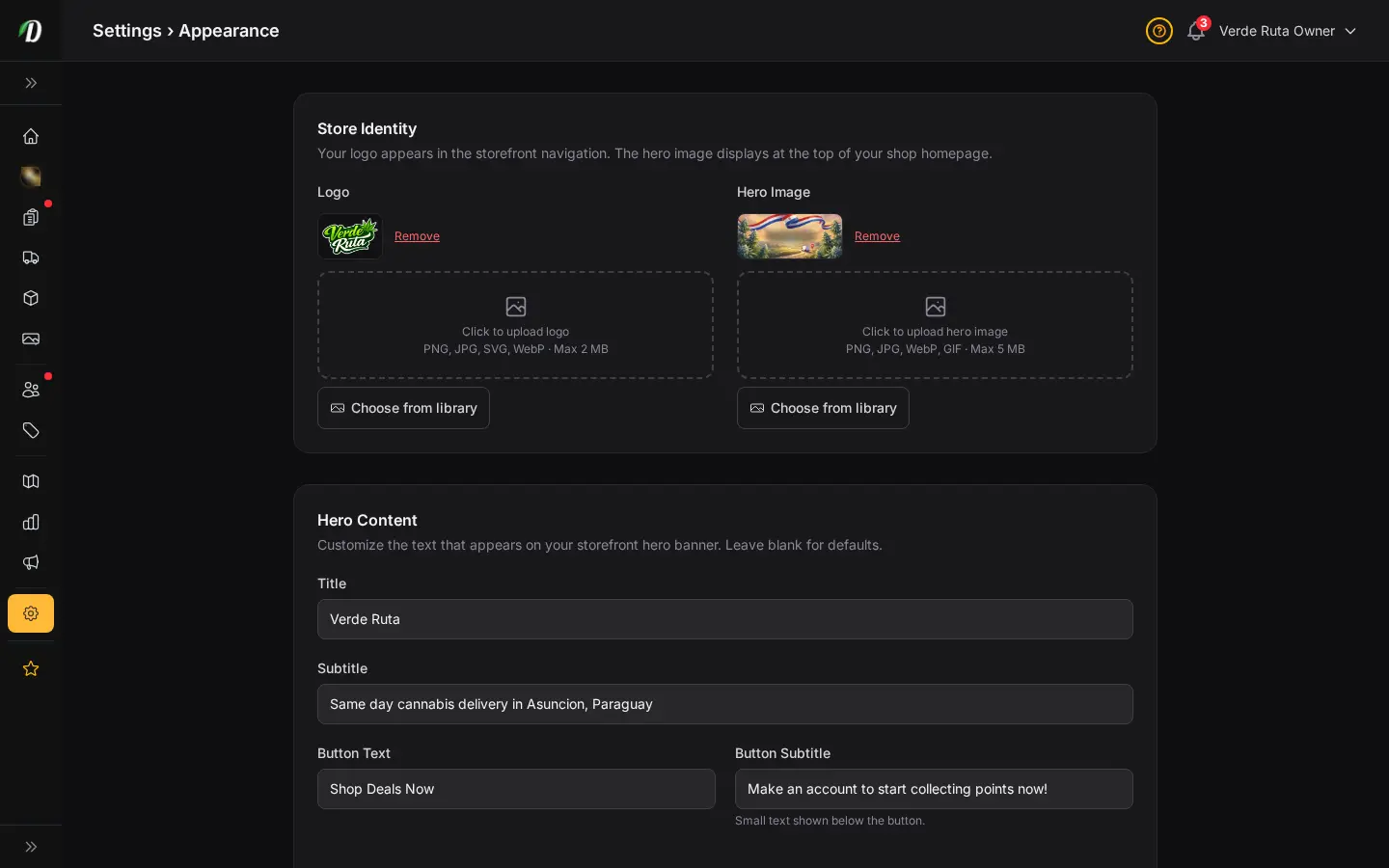
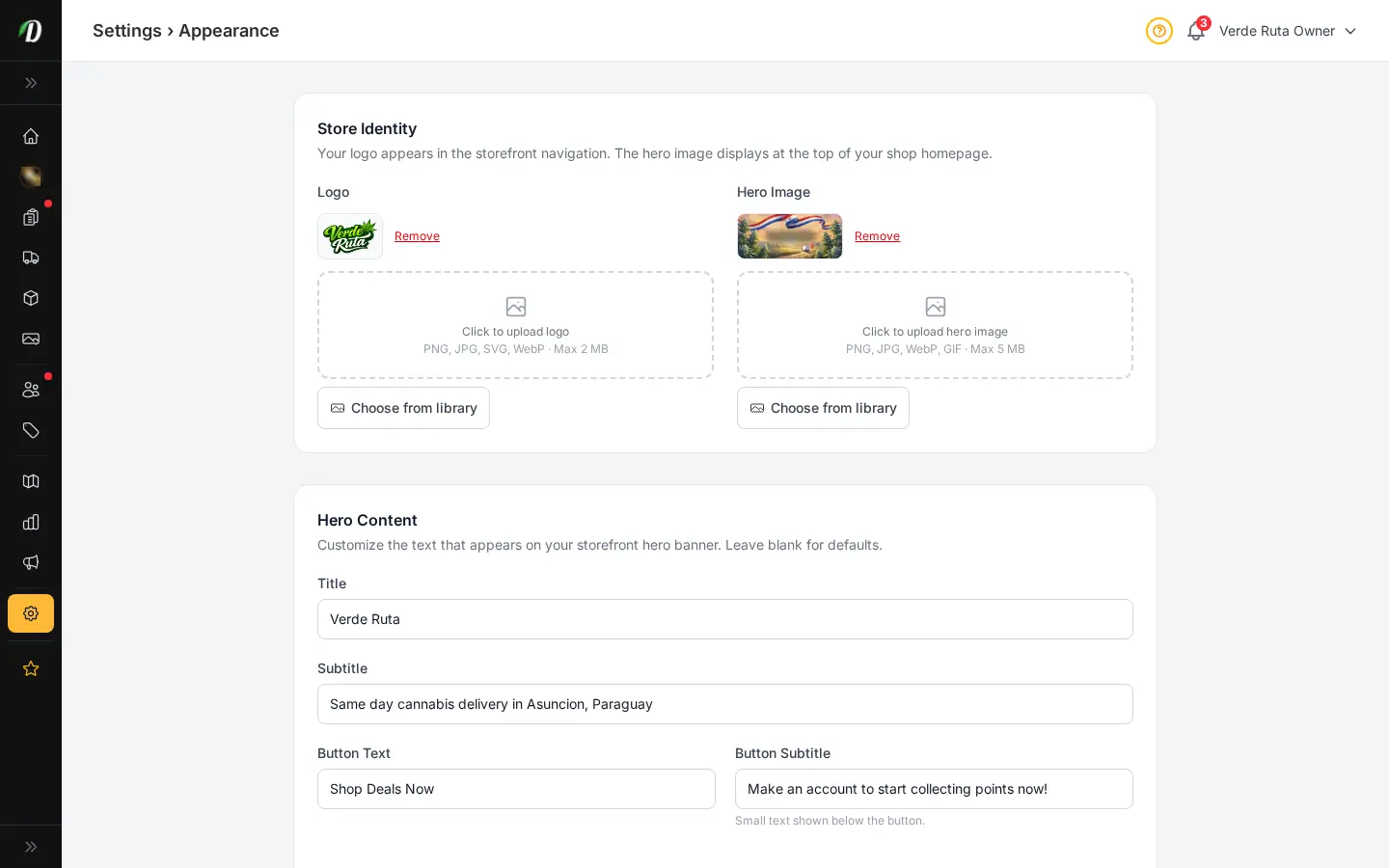
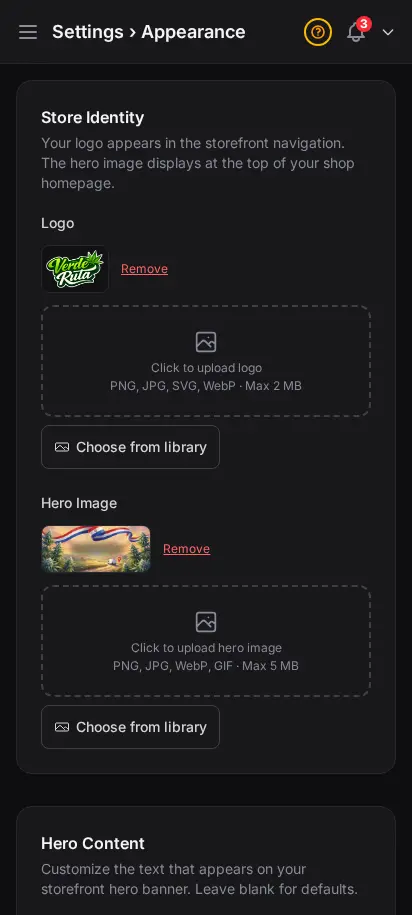
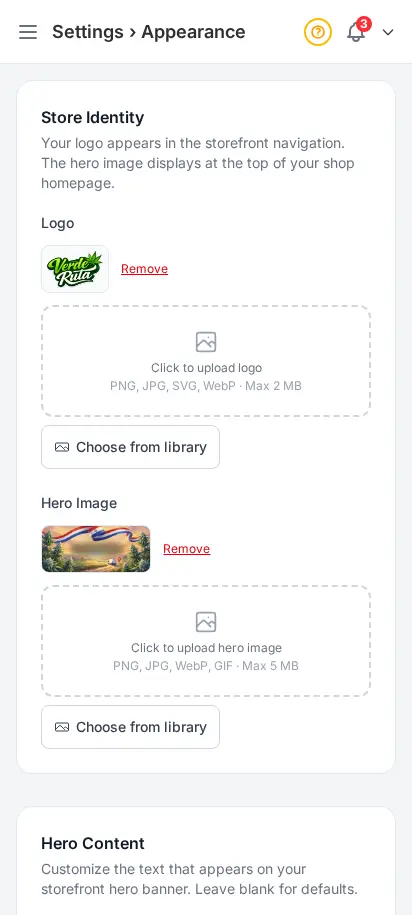
Make it look like yours
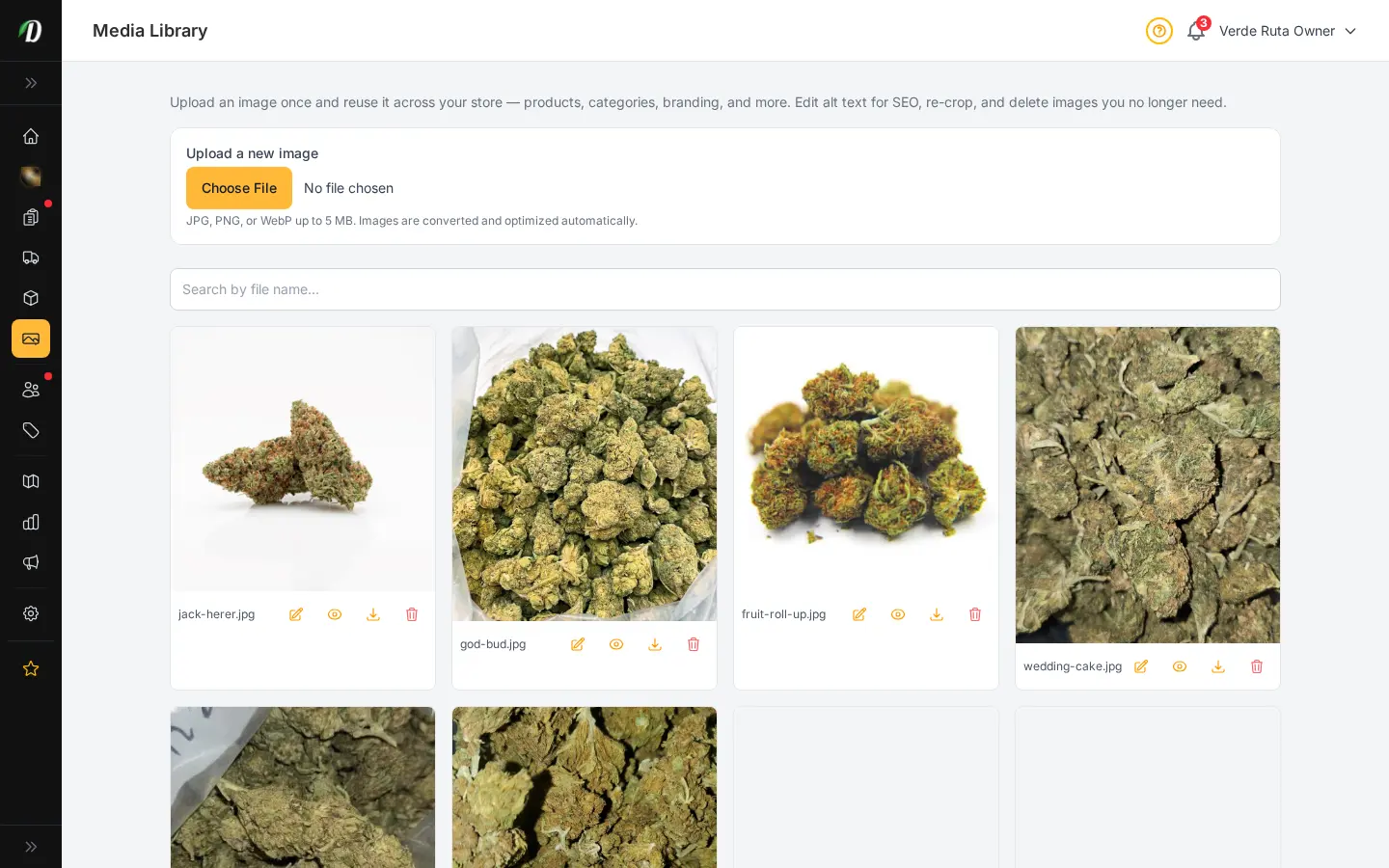
Upload your logo and favicon. Choose primary and accent colors. Select a font family. Toggle between dark and light mode for your storefront. Set a hero image for your homepage. Your storefront adapts instantly — no code required.
- Logo and favicon upload
- Primary and accent color pickers
- Font family selector (Inter, Poppins, Roboto, and more)
- Dark/light mode toggle for storefront
- Homepage hero image
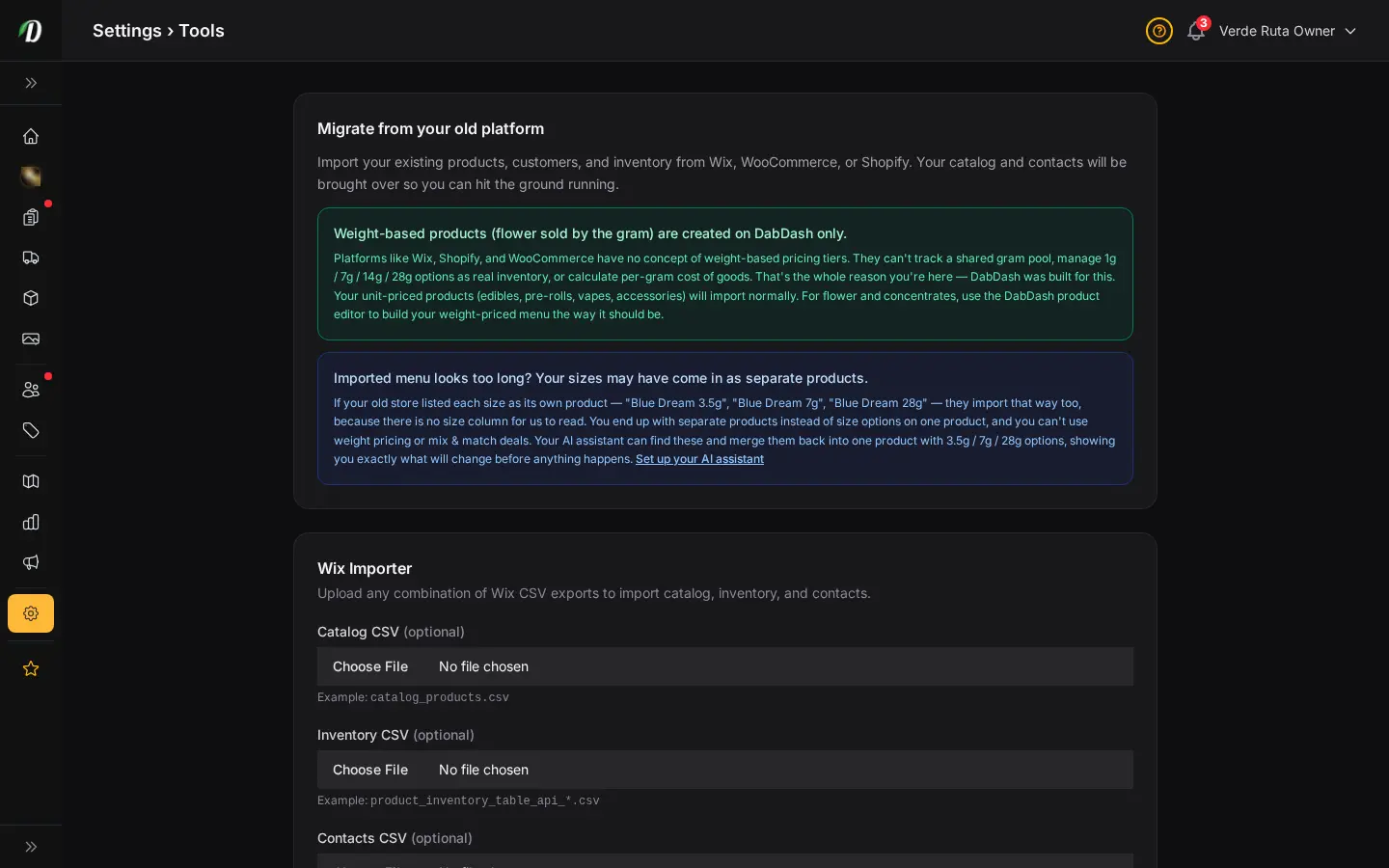
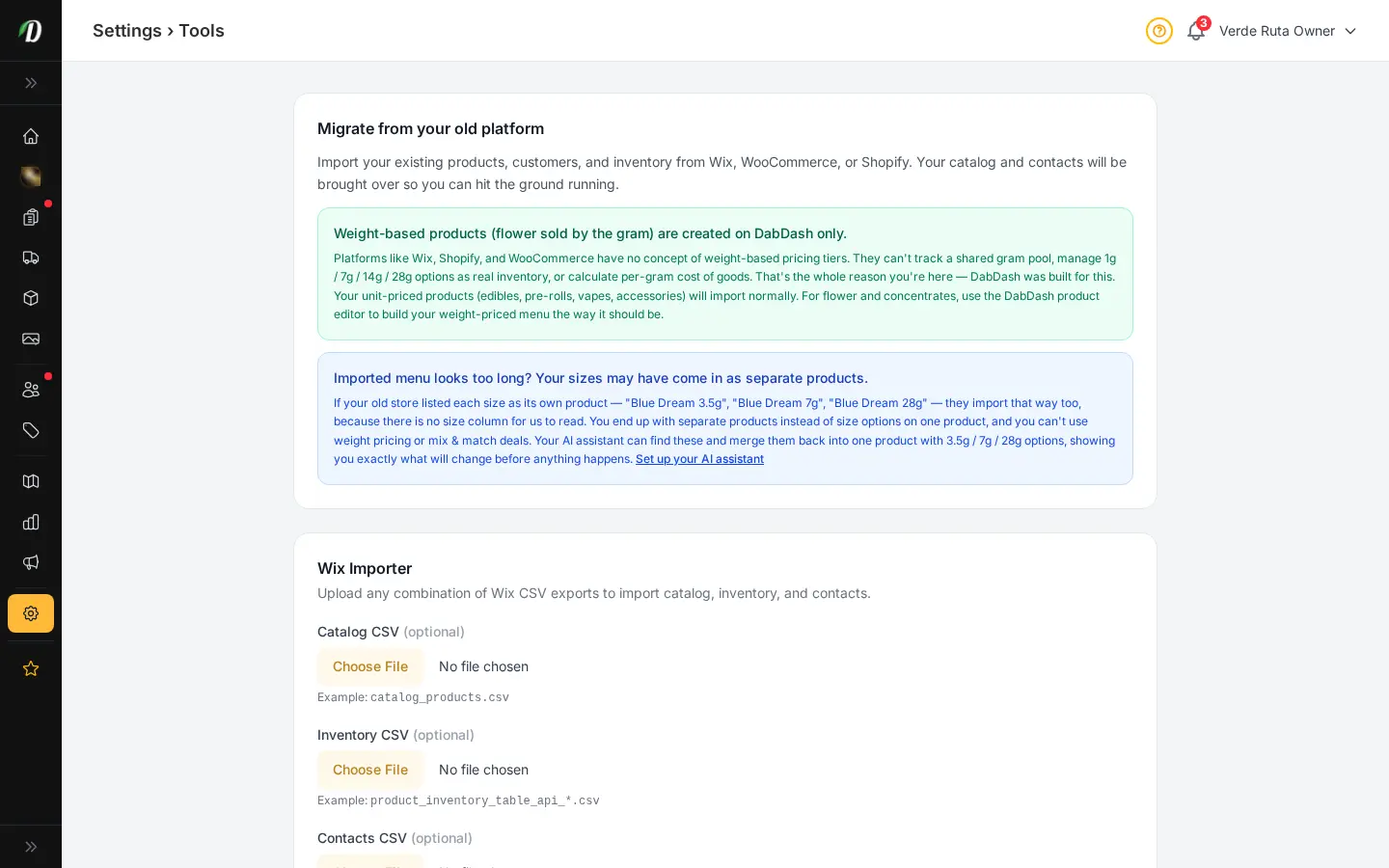
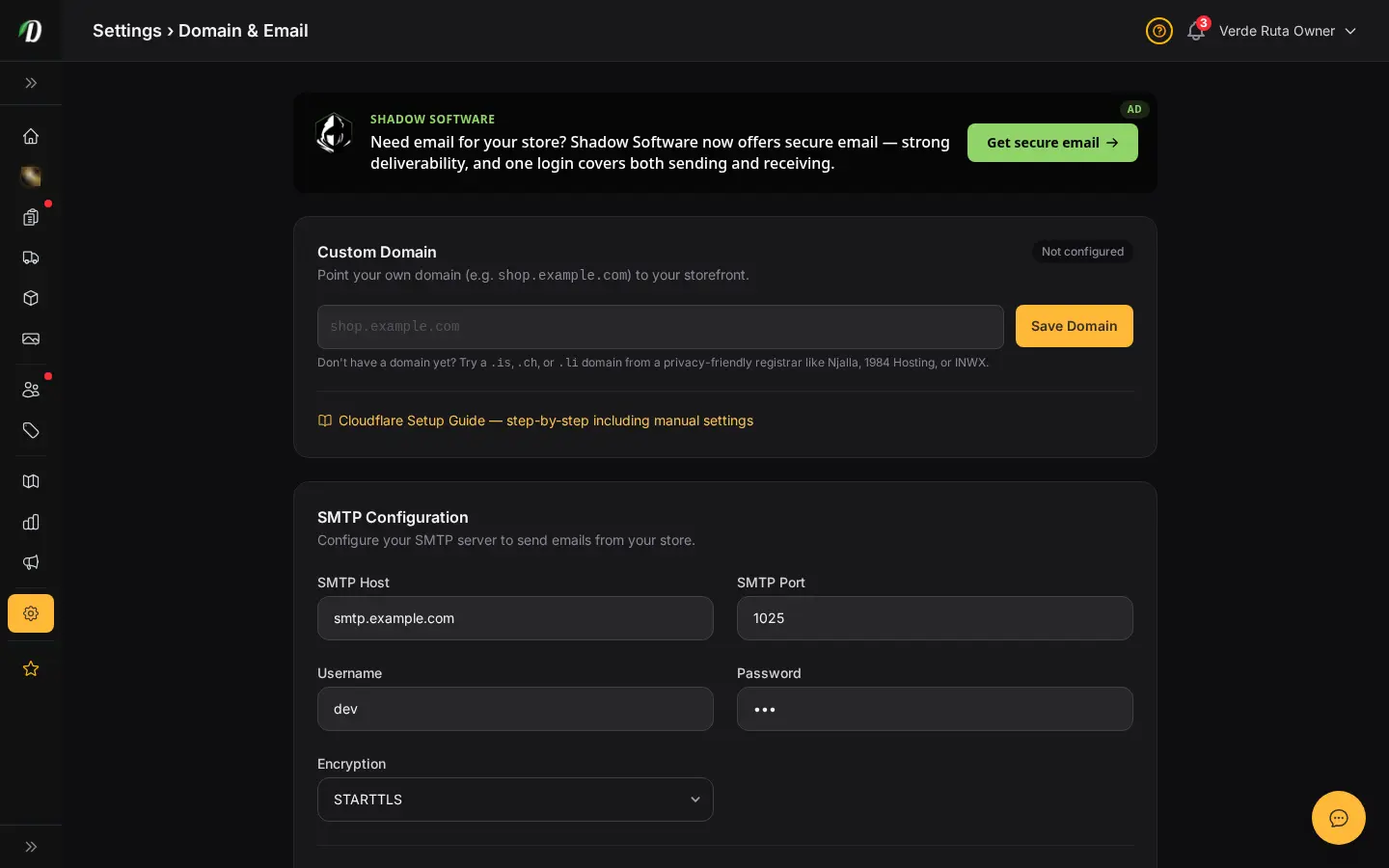
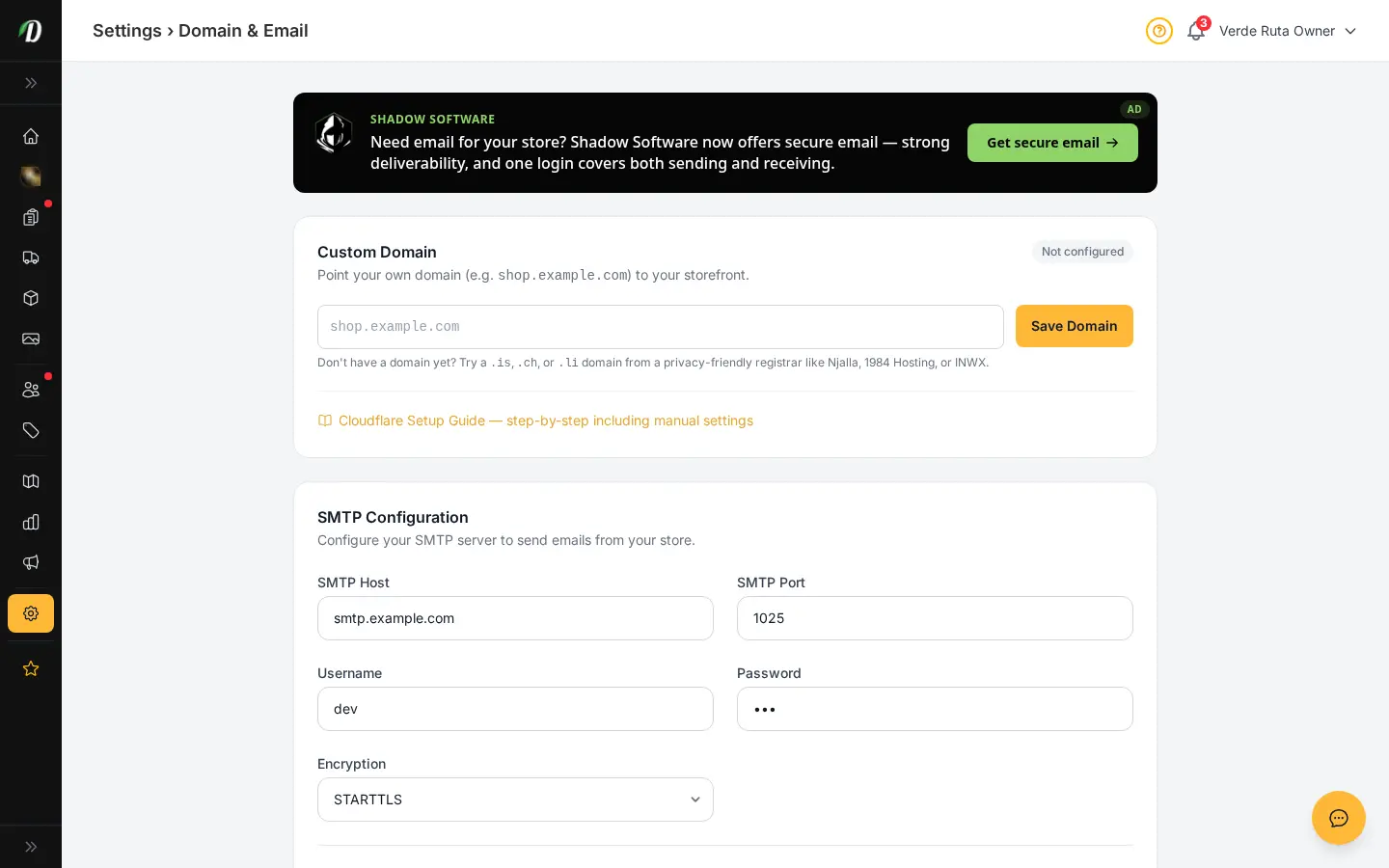
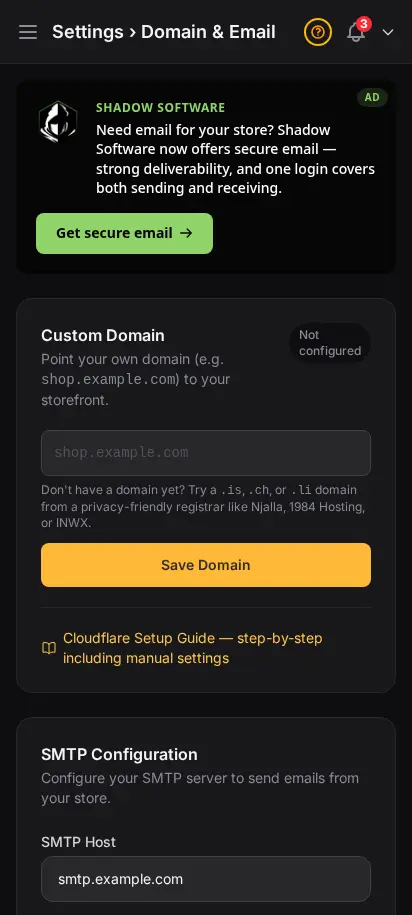
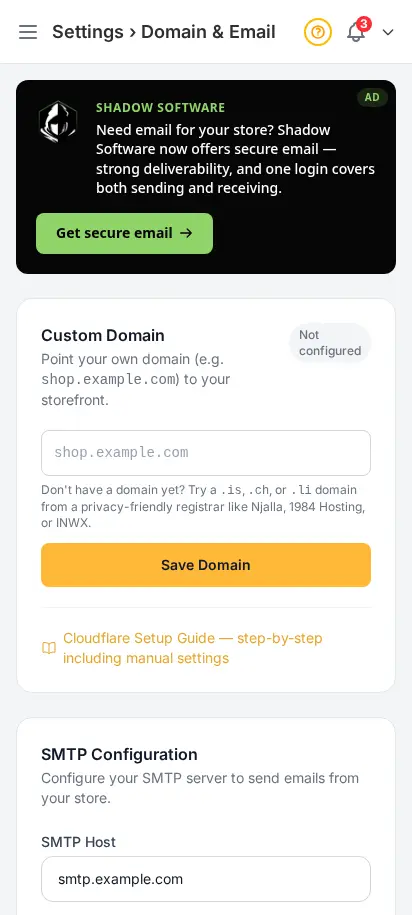
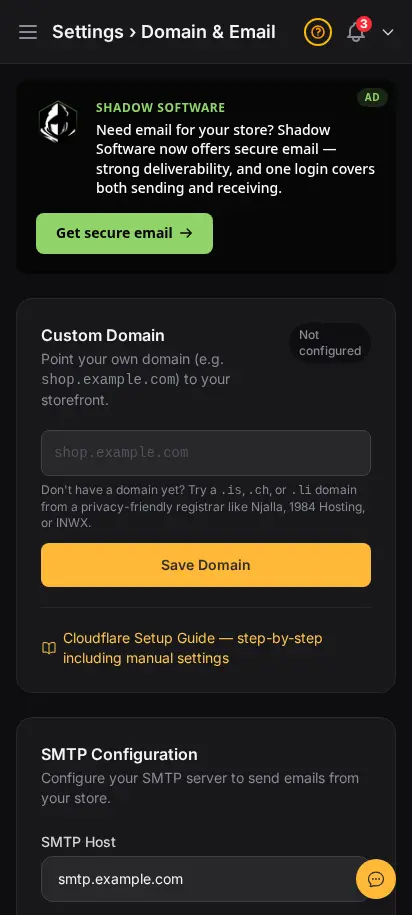
Connect your brand and move your store in cleanly
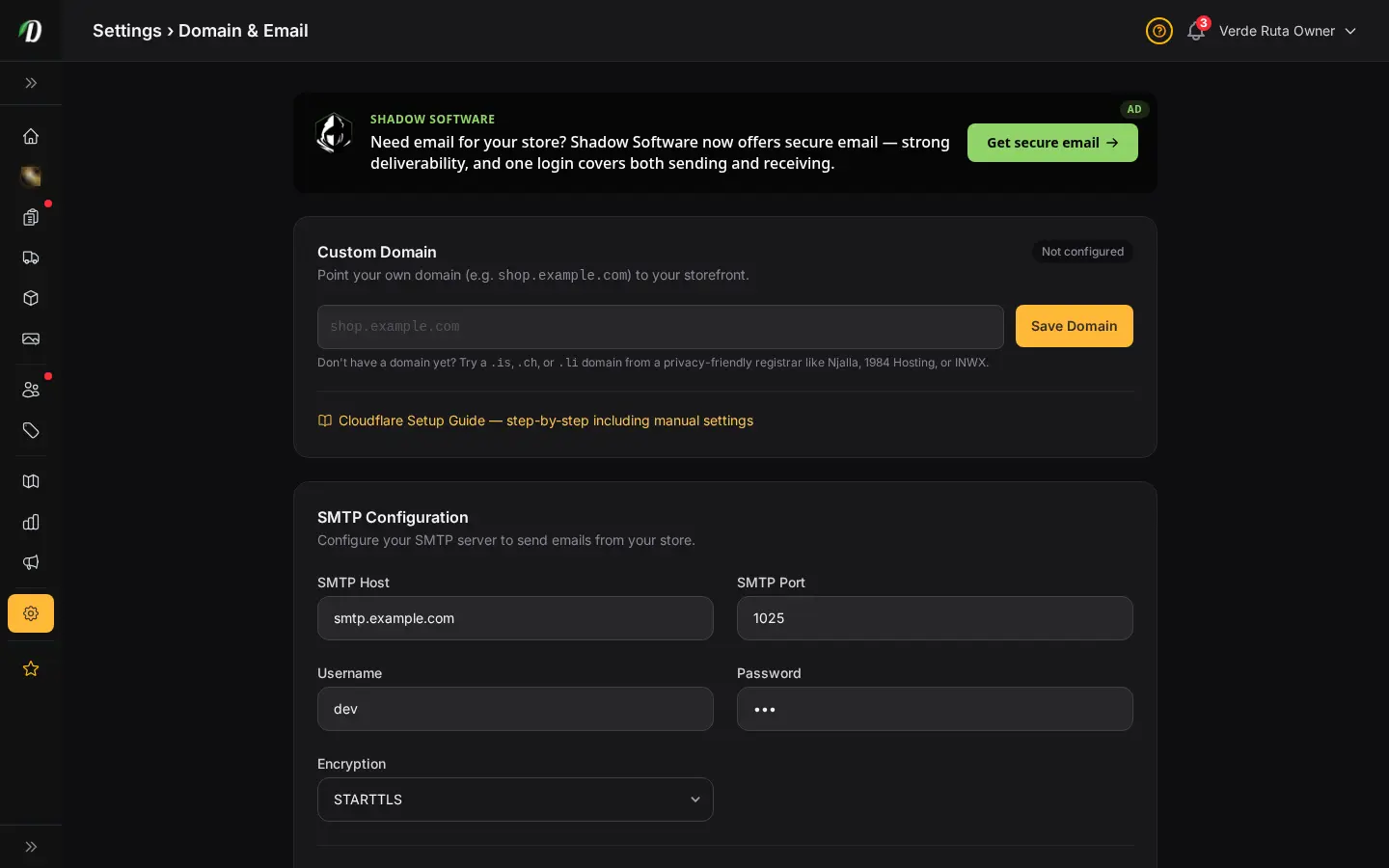
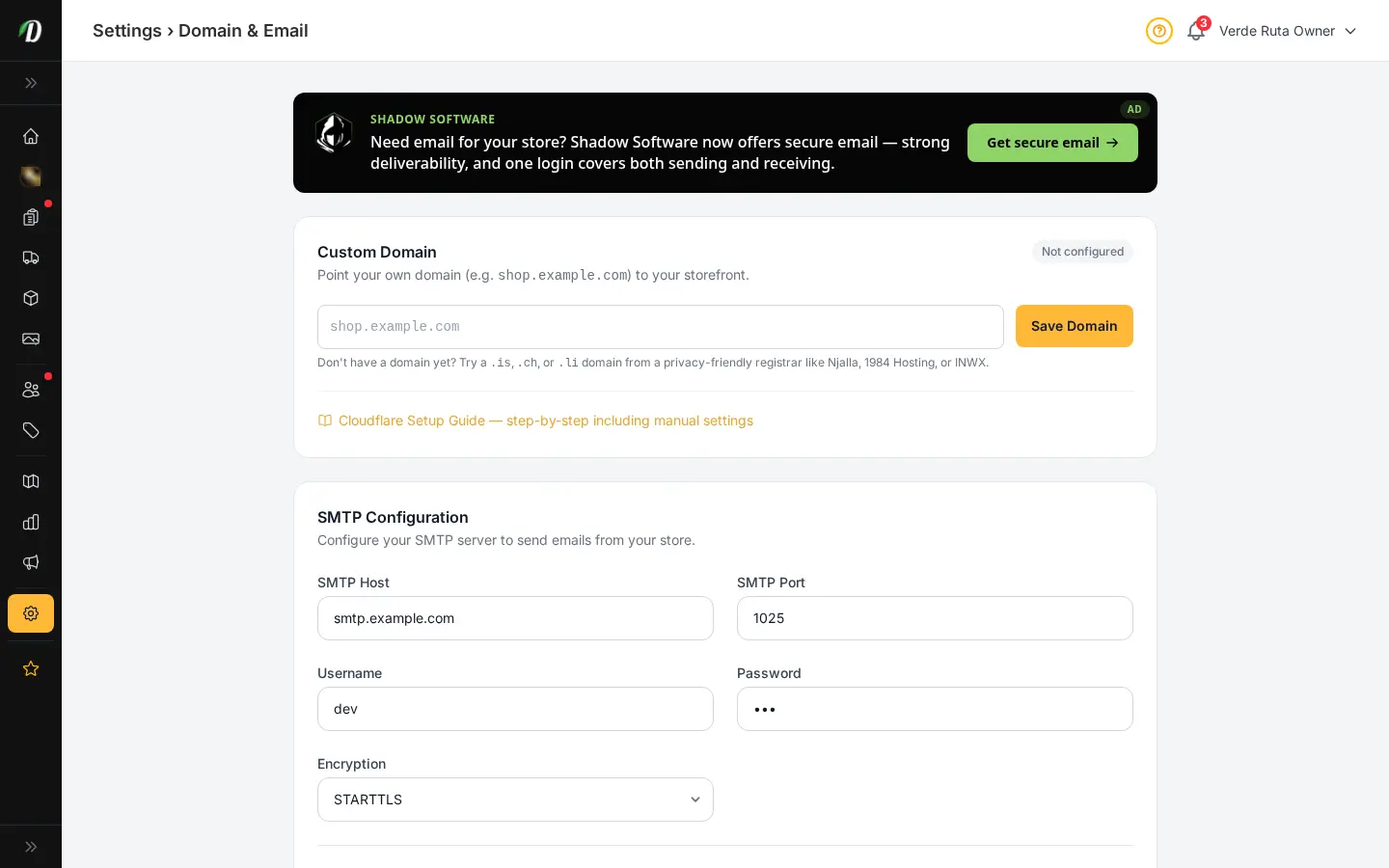
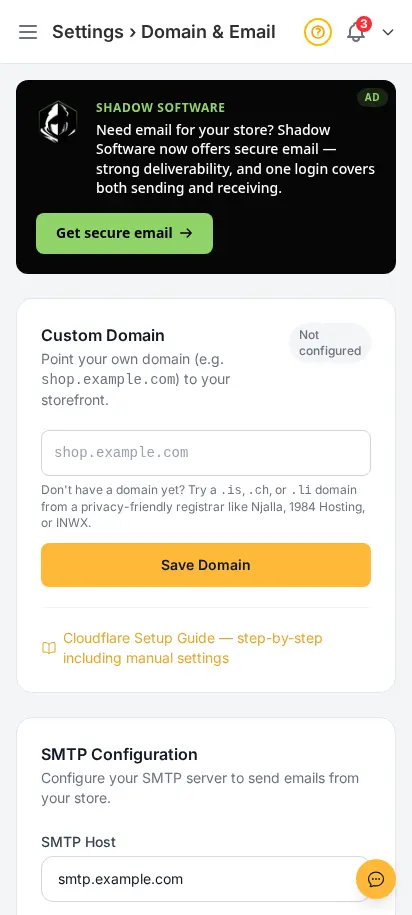
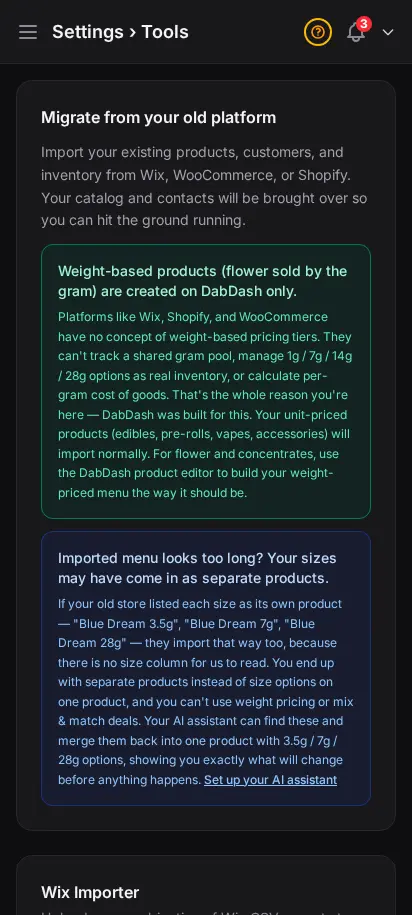
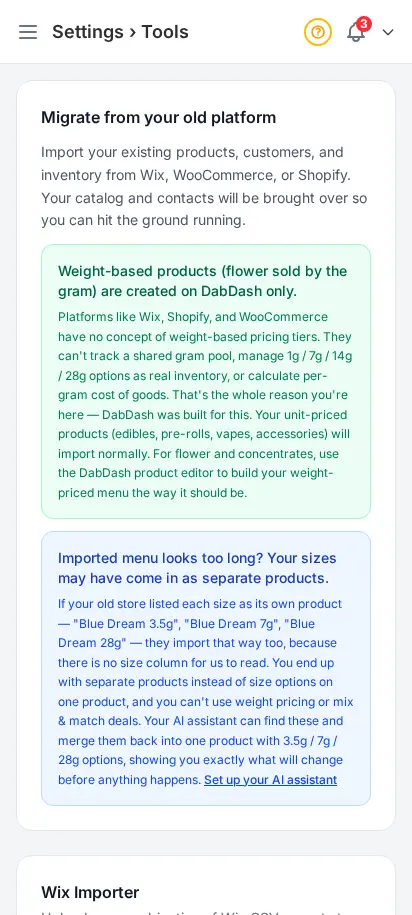
Point your own domain, set your sending email details, and use import tools to bring your store over without guesswork. This is the part of onboarding that makes the store feel real fast.
- Custom domain setup with verification details
- Email sender setup for customer messages
- Import tools for moving store data in
- Less setup confusion during launch week


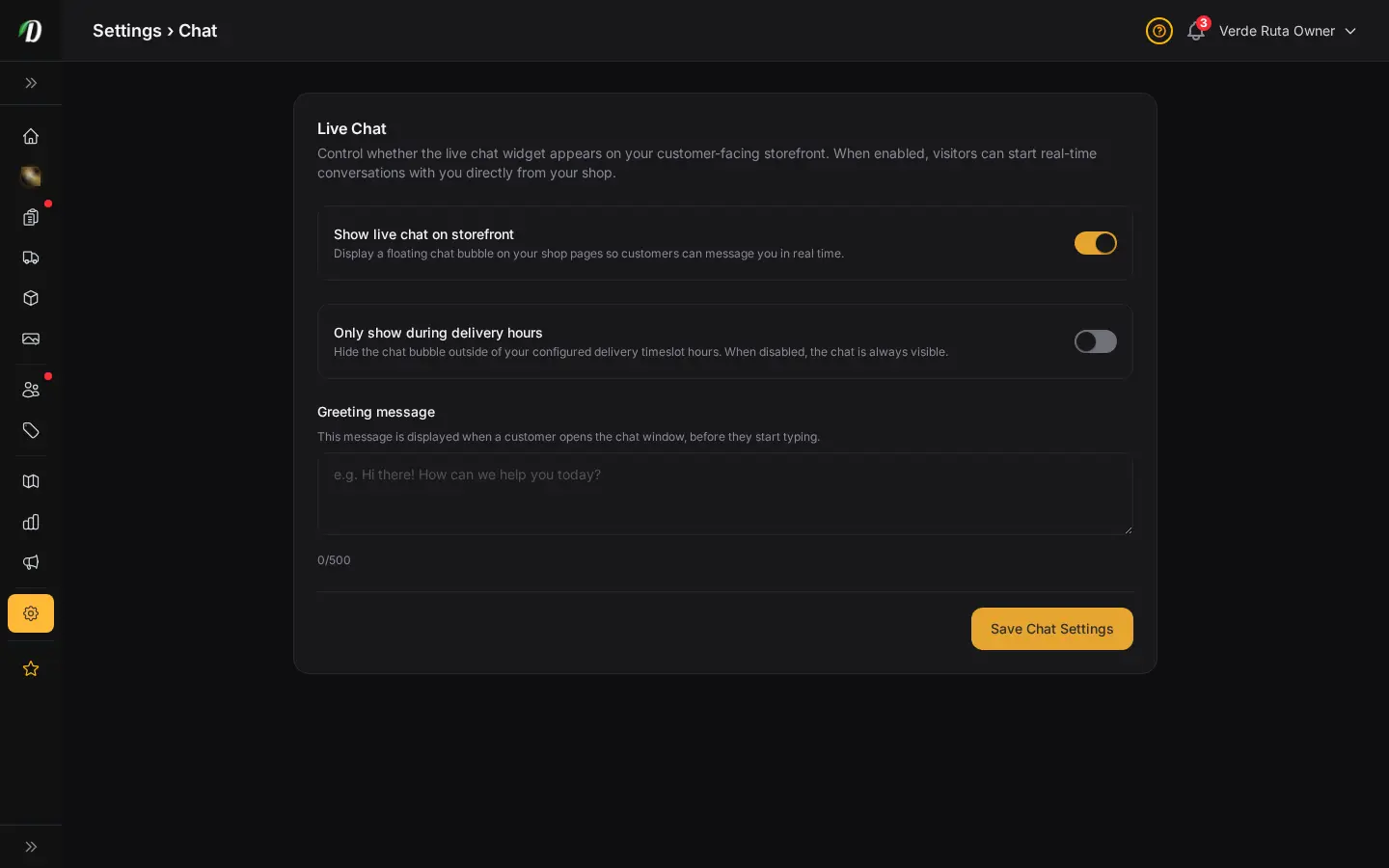
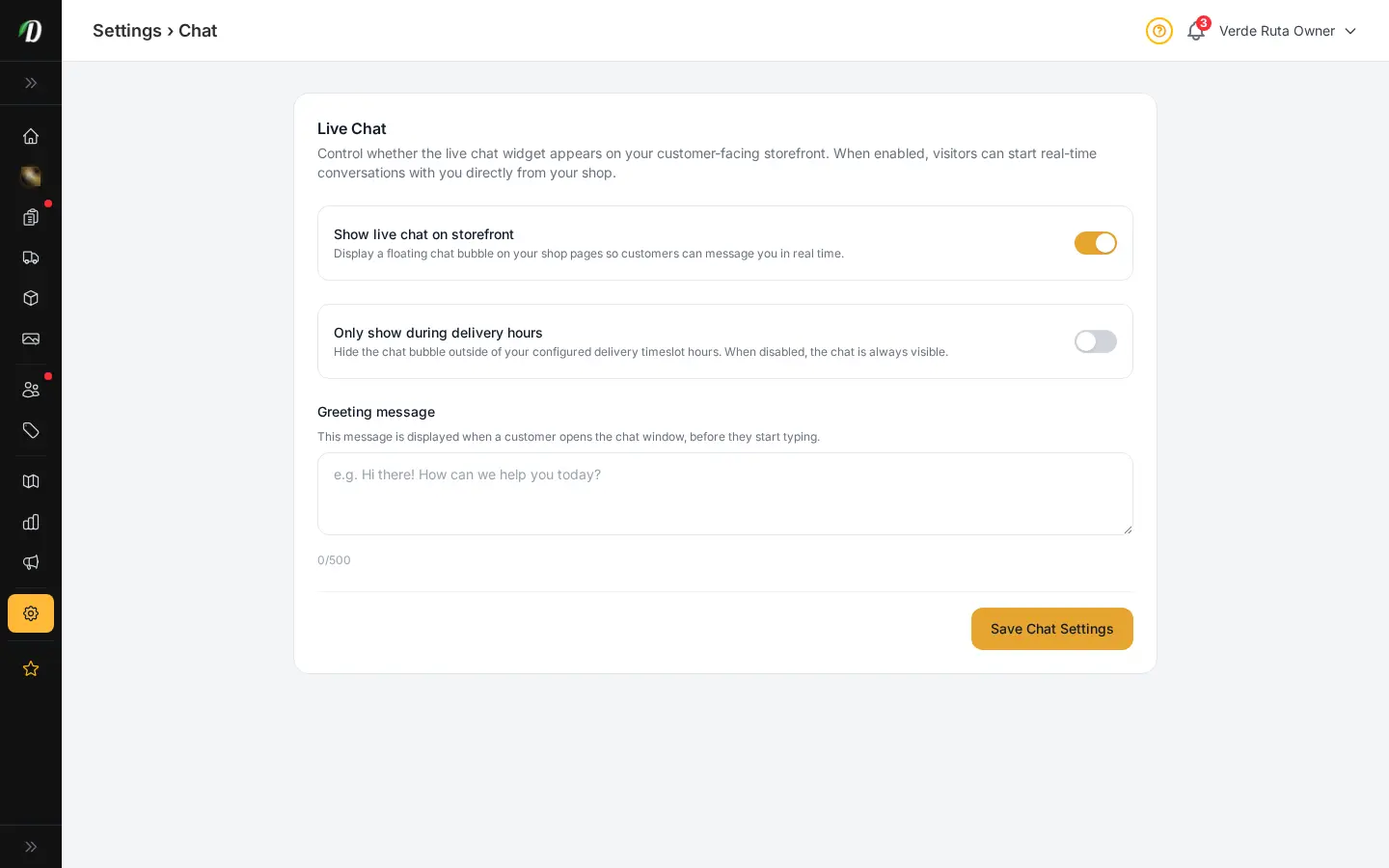
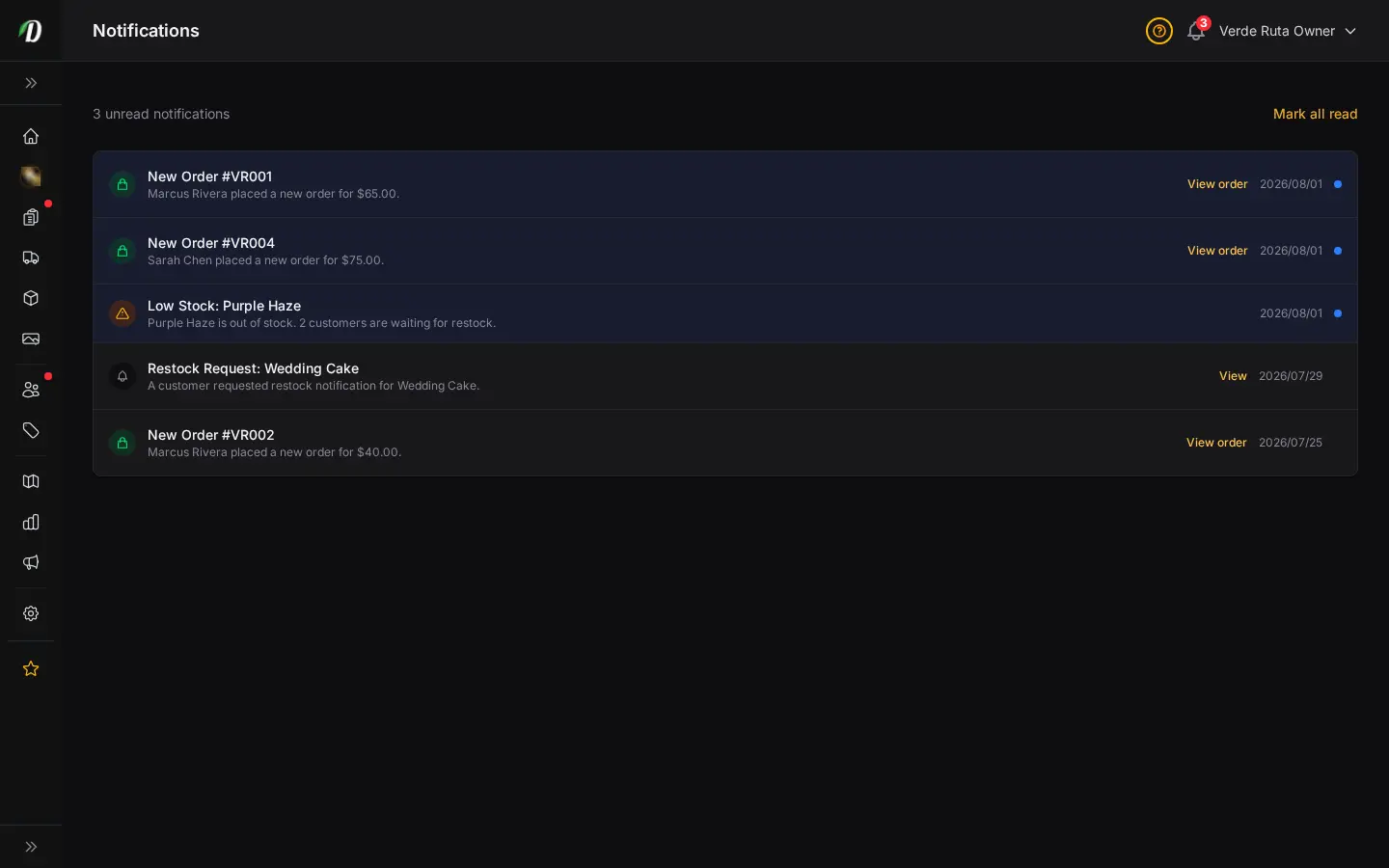
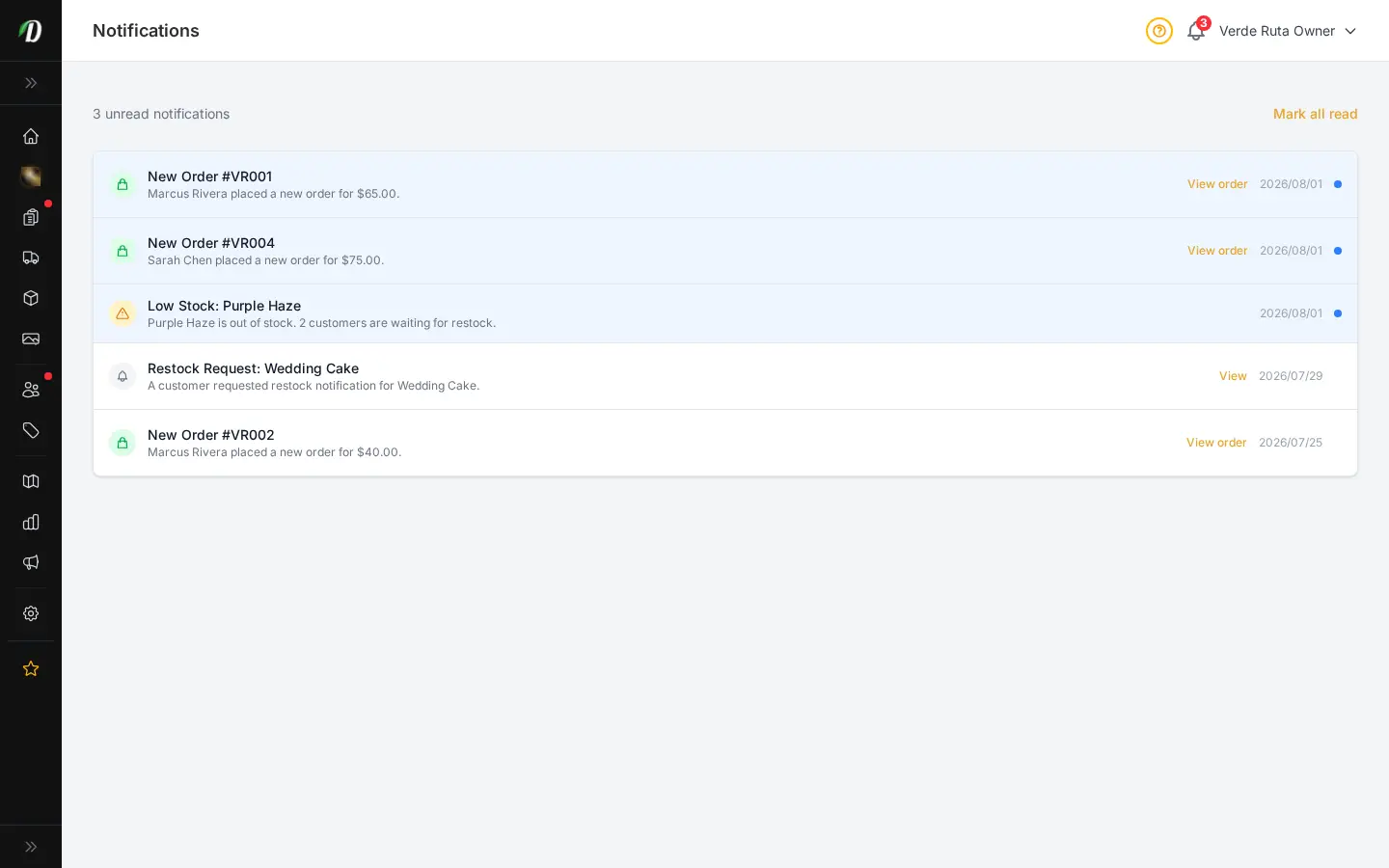
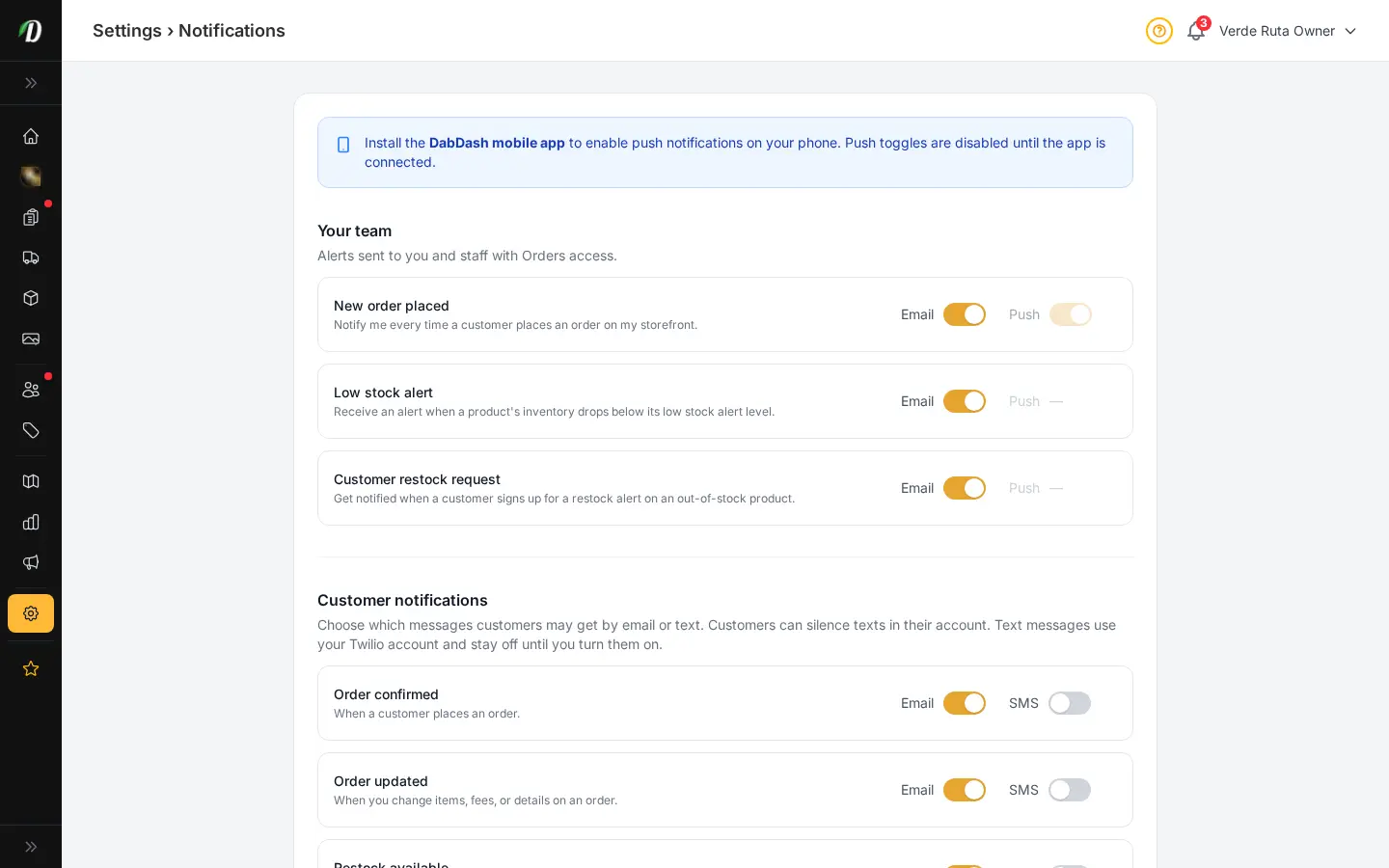
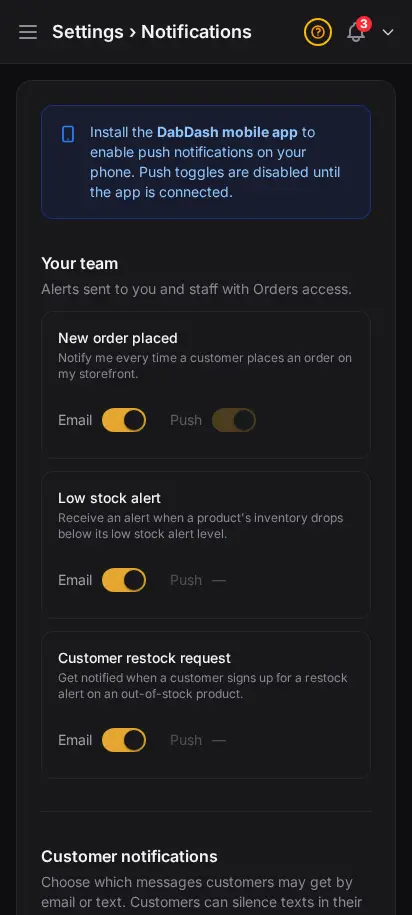
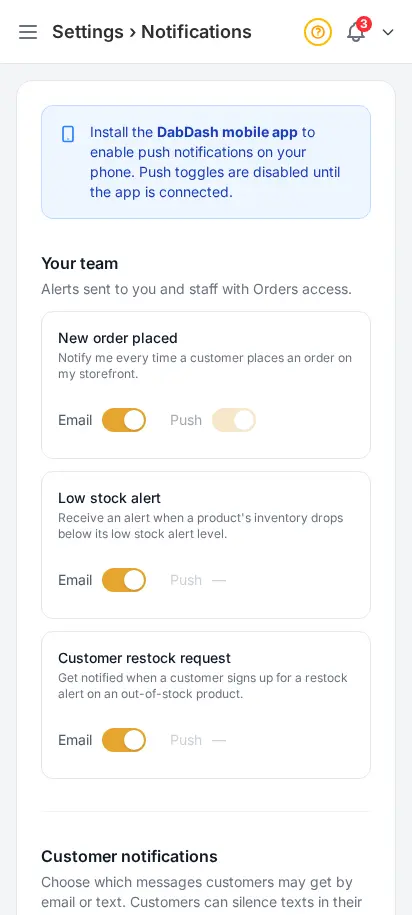
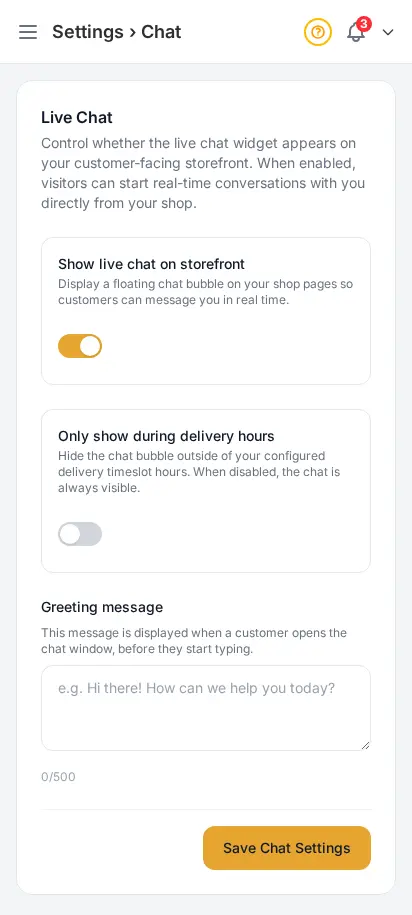
Control alerts and customer chat without the clutter
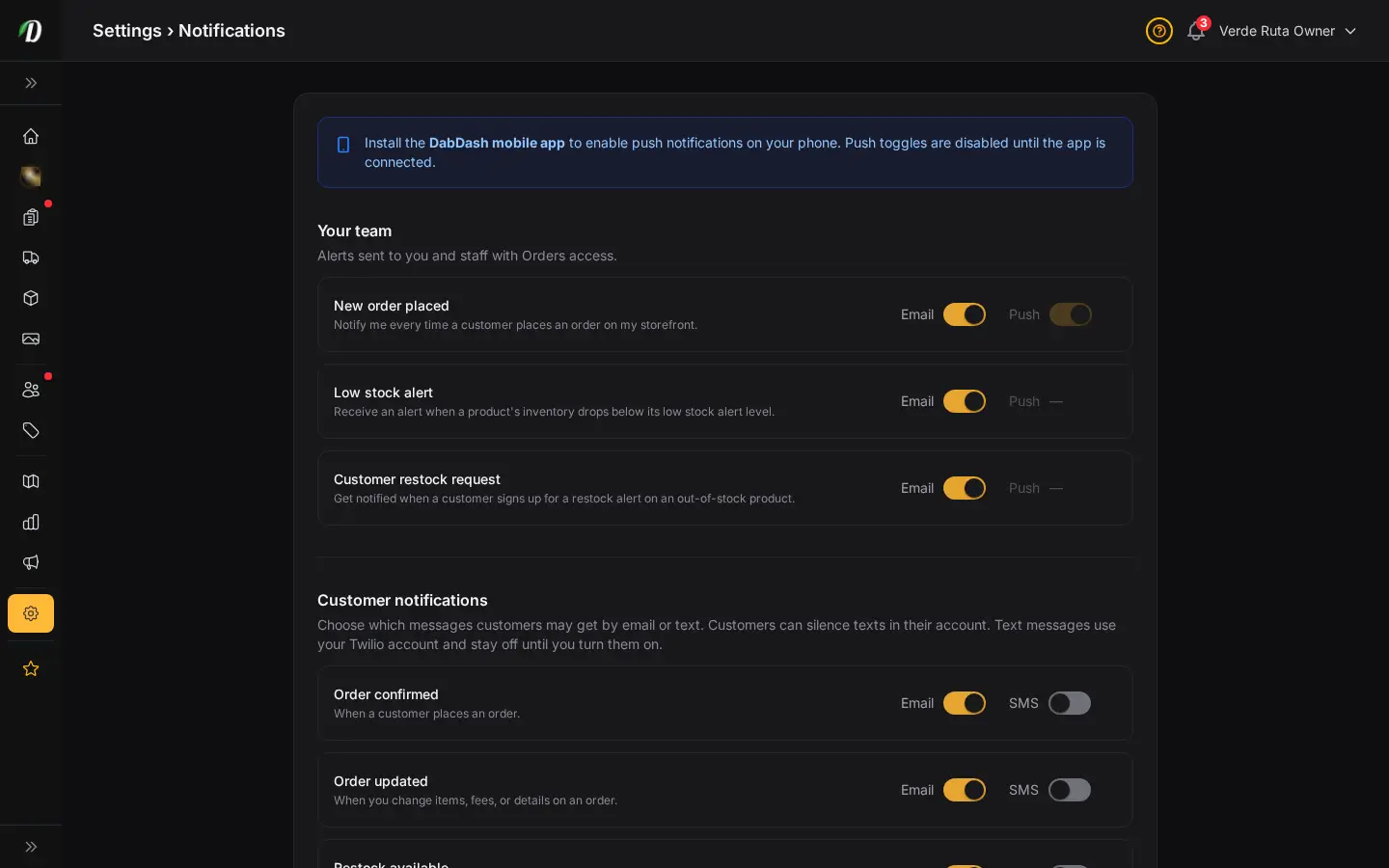
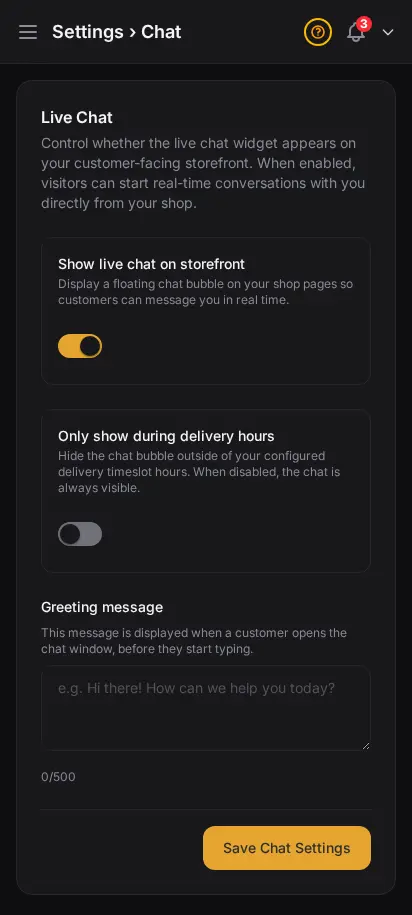
Pick which alerts matter, then turn on live chat with a welcome message and hours that match your real operation. The result feels calm, clear, and manageable for busy delivery teams.
- Toggle order, stock, and restock alerts
- Enable chat from one settings page
- Set greeting text and live hours
- All messages land in the customer inbox
- No extra chat tool to learn


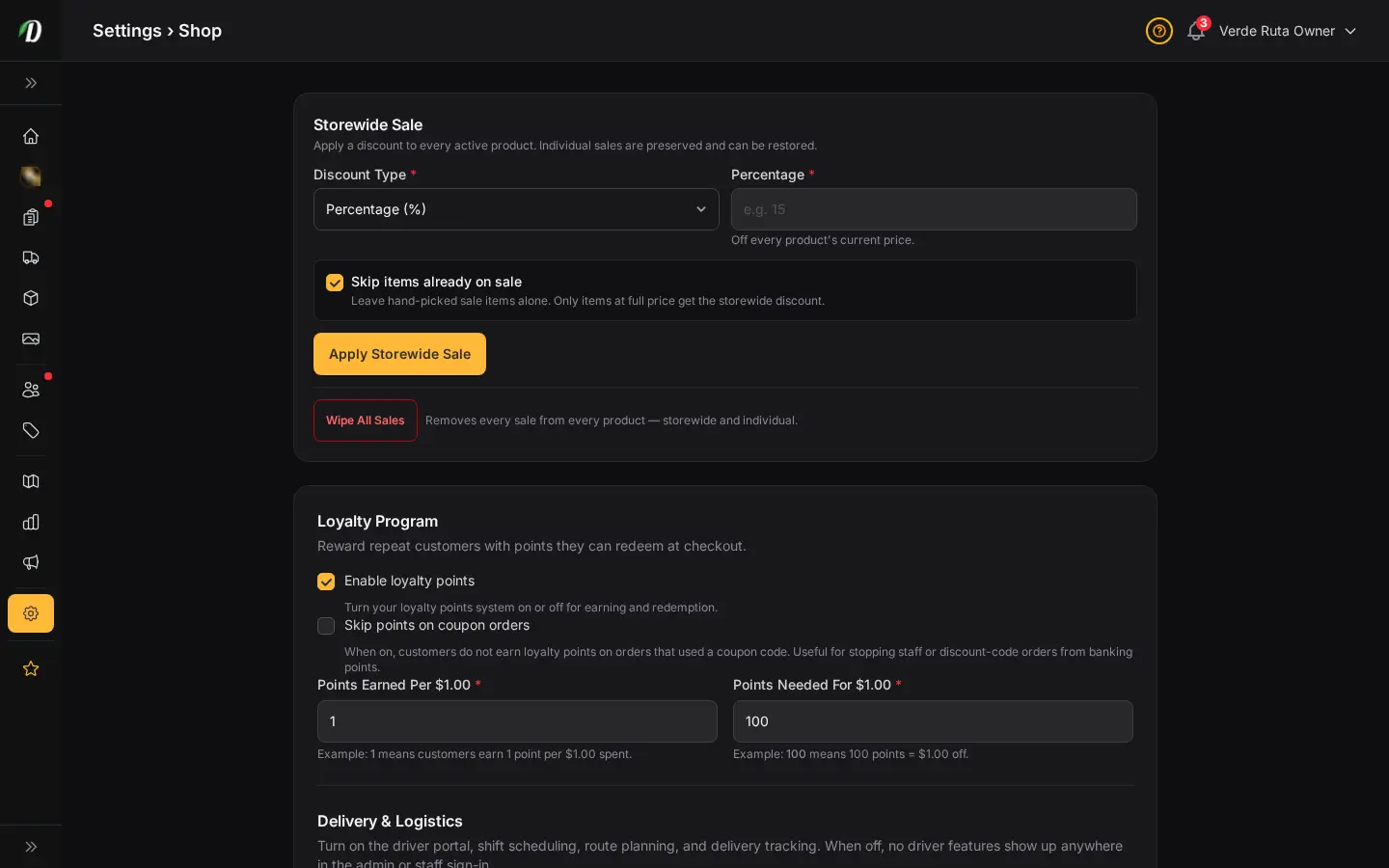
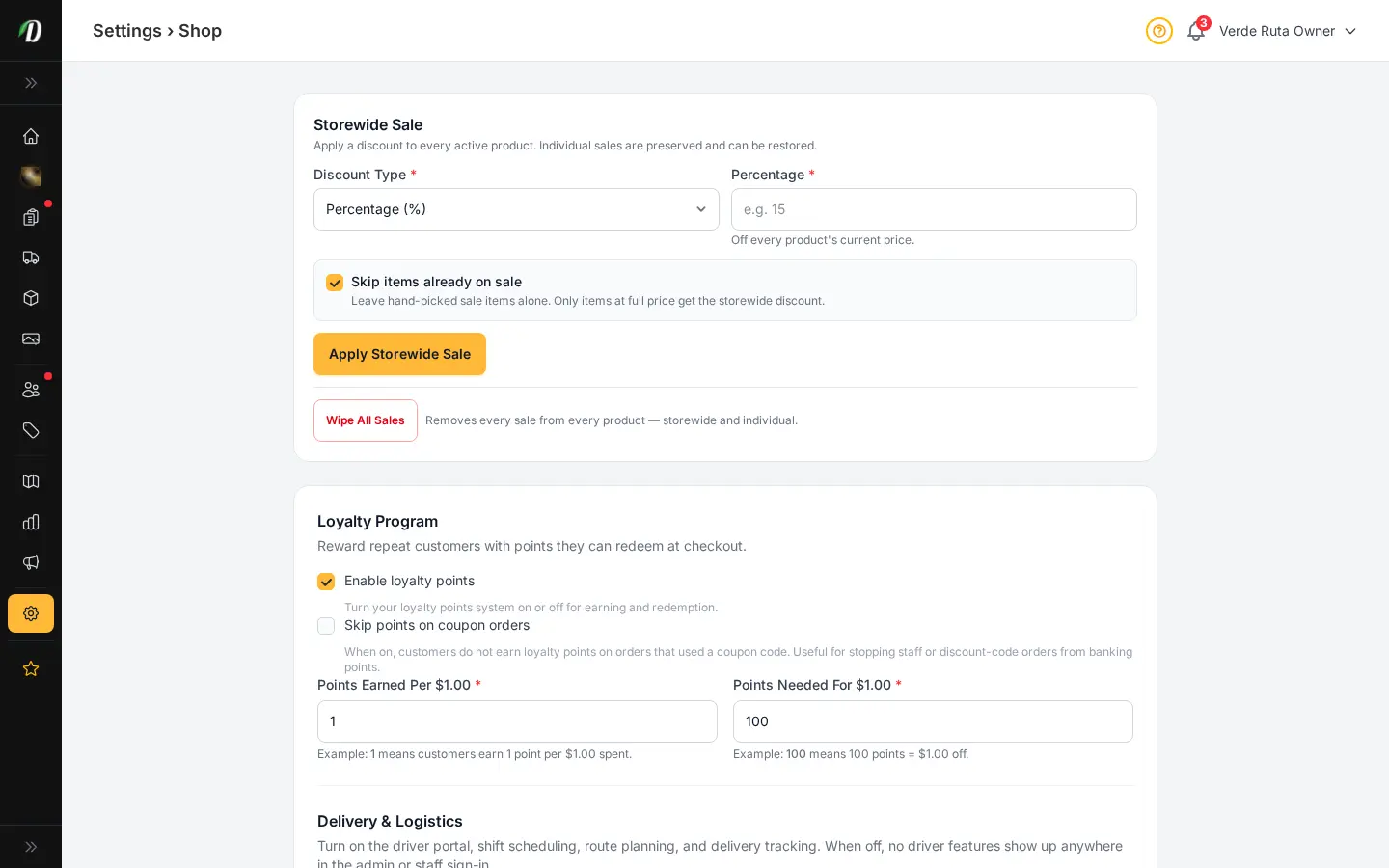
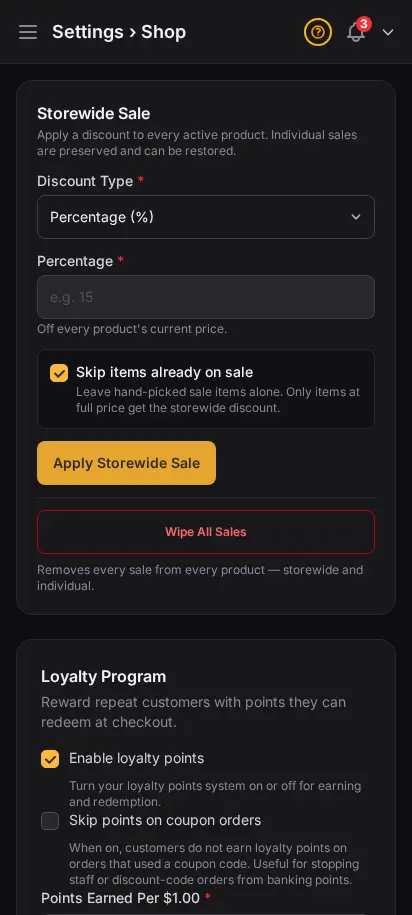
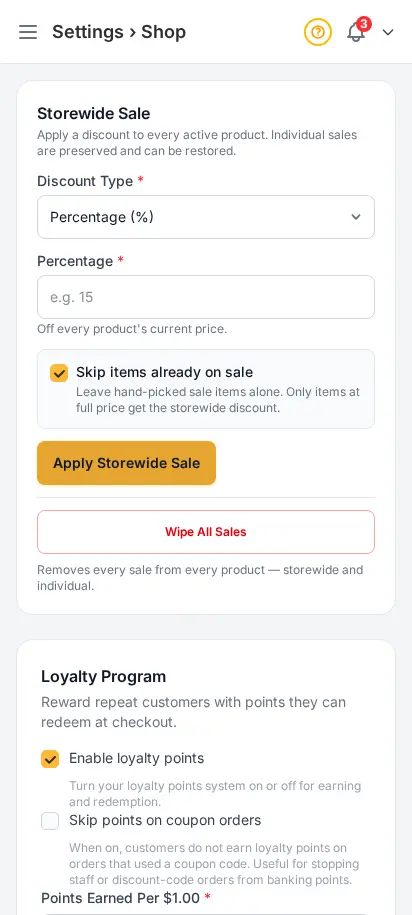
Set the rules customers see at checkout
Minimum order amounts, delivery fees, order limits, and storefront behavior live here. These are the knobs experienced operators tune first — before they worry about promos or ads.
- Minimum order and delivery fee defaults
- Order limits and cutoff behavior
- Storefront toggles customers feel immediately
- Separate from zone-level fee overrides
- Changes apply on next page load
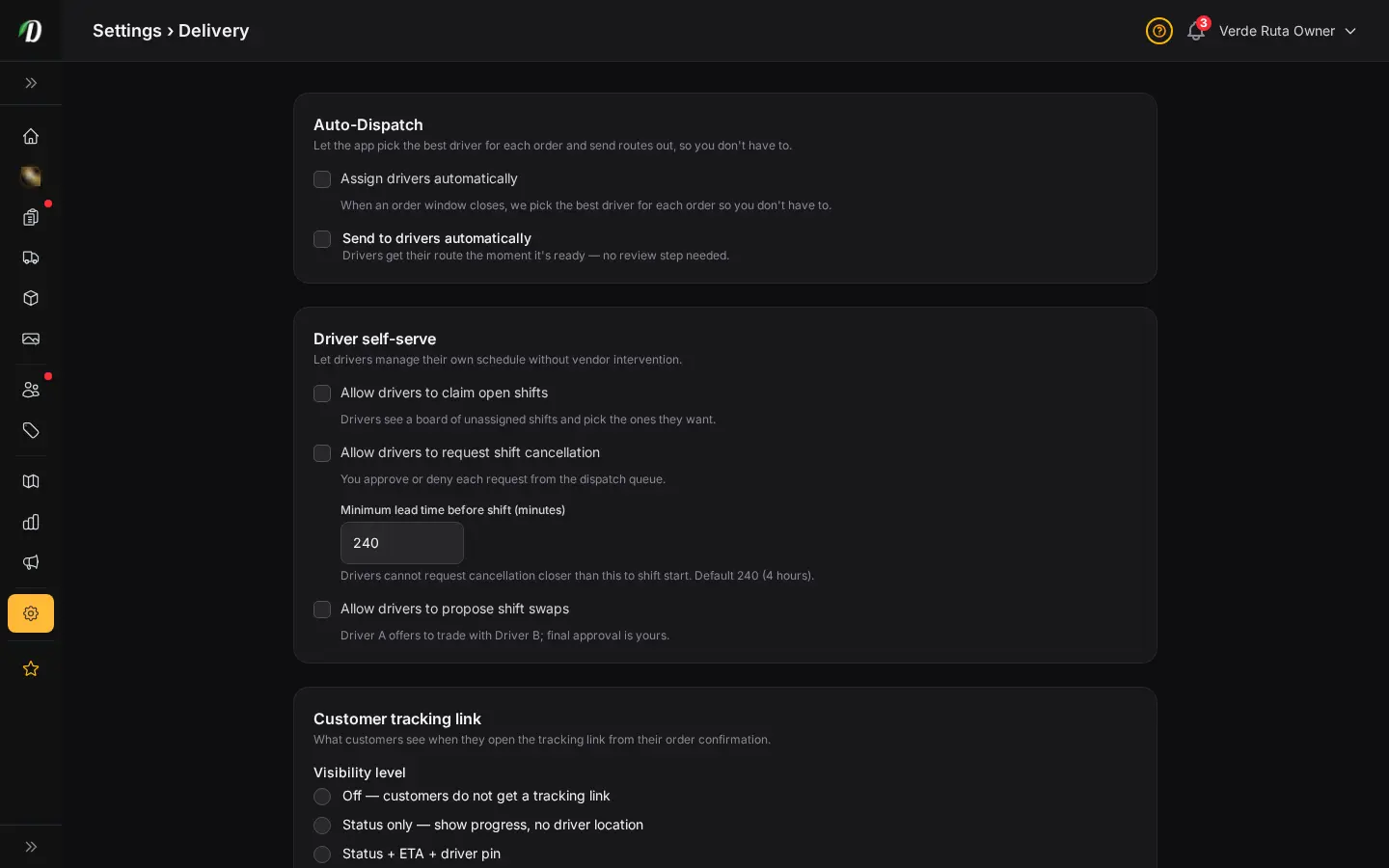
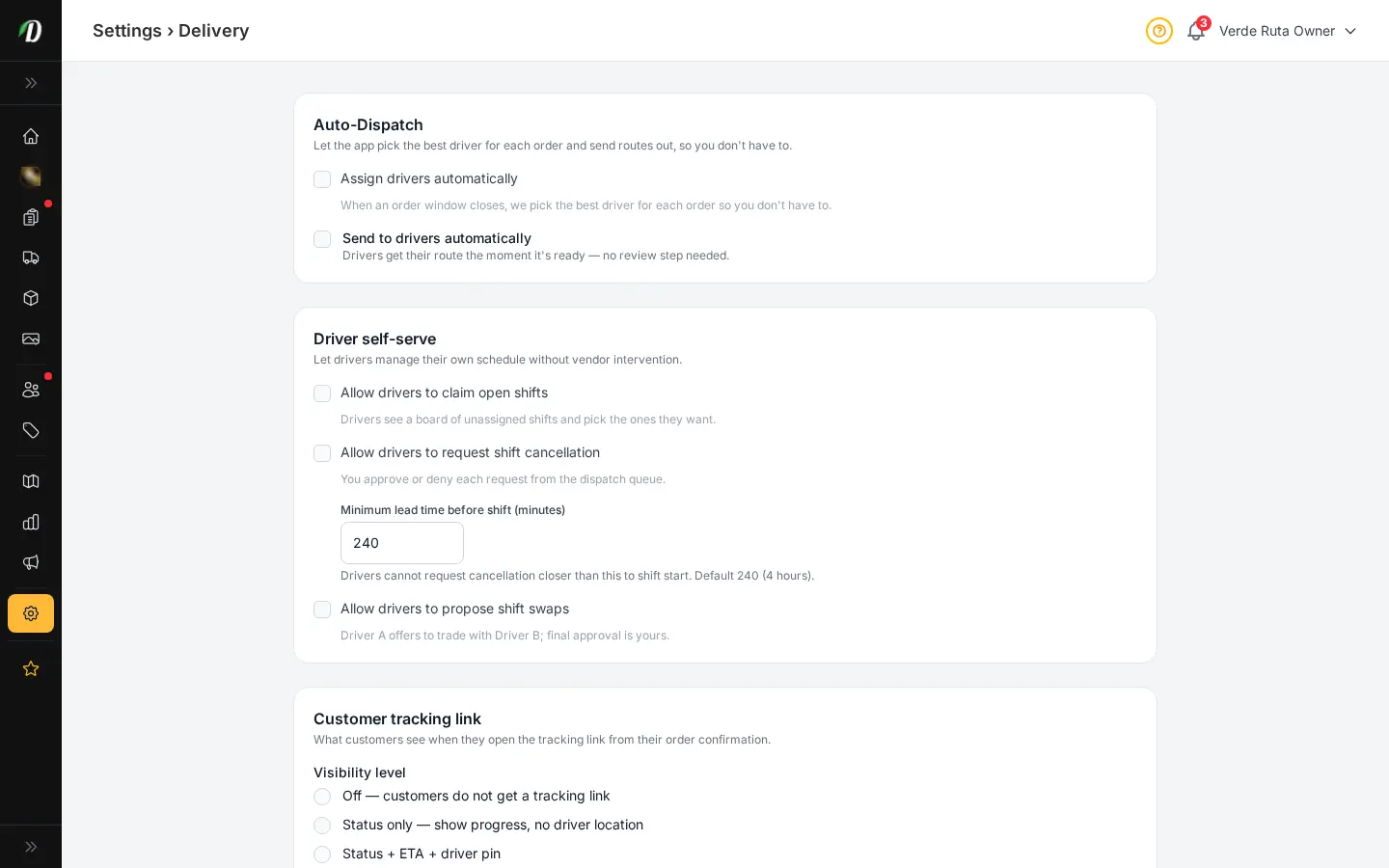
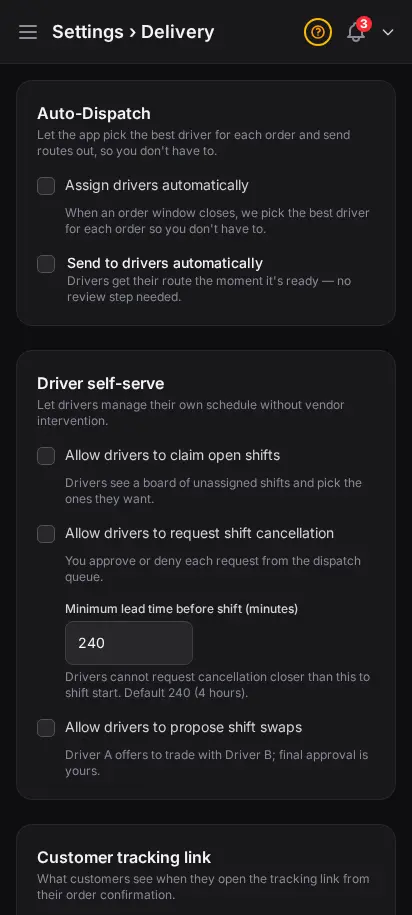
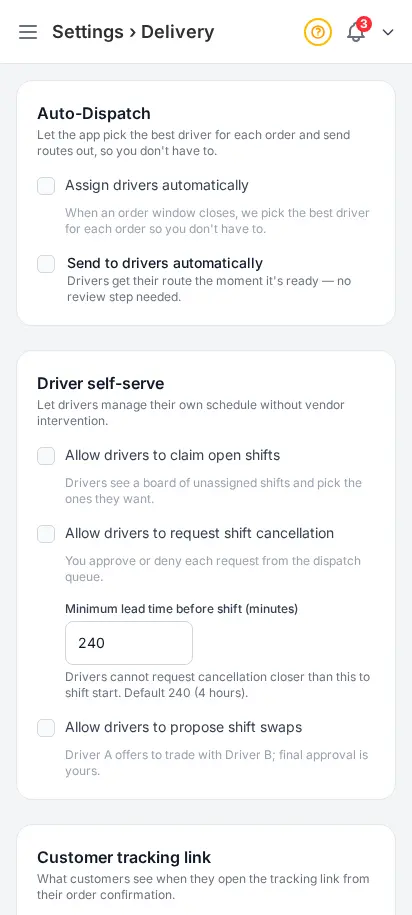
Control what drivers and customers can do on their own
Proof of delivery, live tracking, shift self-serve, and notification defaults — configured once, enforced everywhere. Built with input from dispatch leads who needed fewer phone calls on busy Fridays.
- Driver self-serve: open shifts, swaps, cancellations
- Customer tracking visibility toggles
- Proof-of-delivery requirements
- Notification defaults for route changes
- Pairs with driver app and dispatch queue


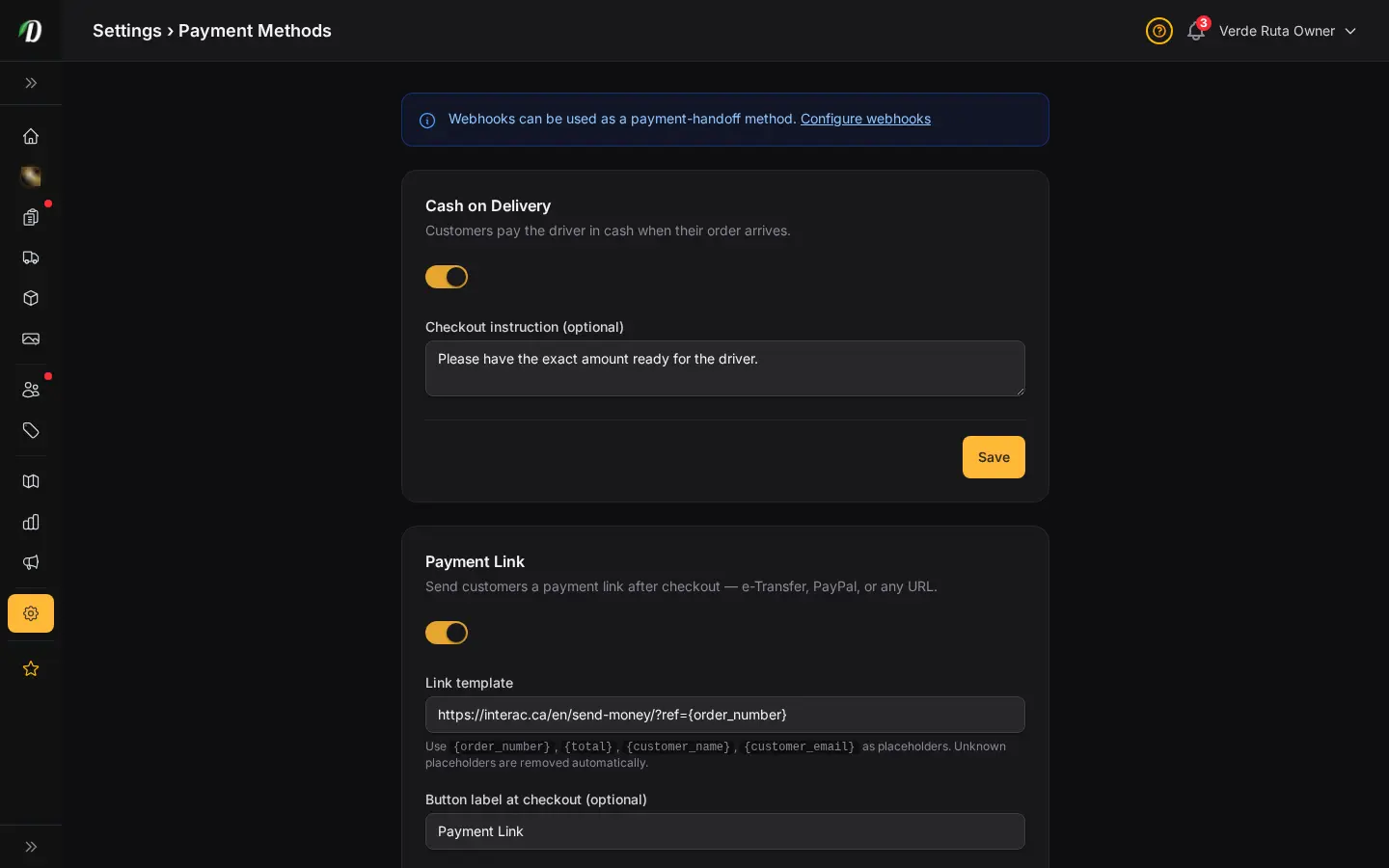
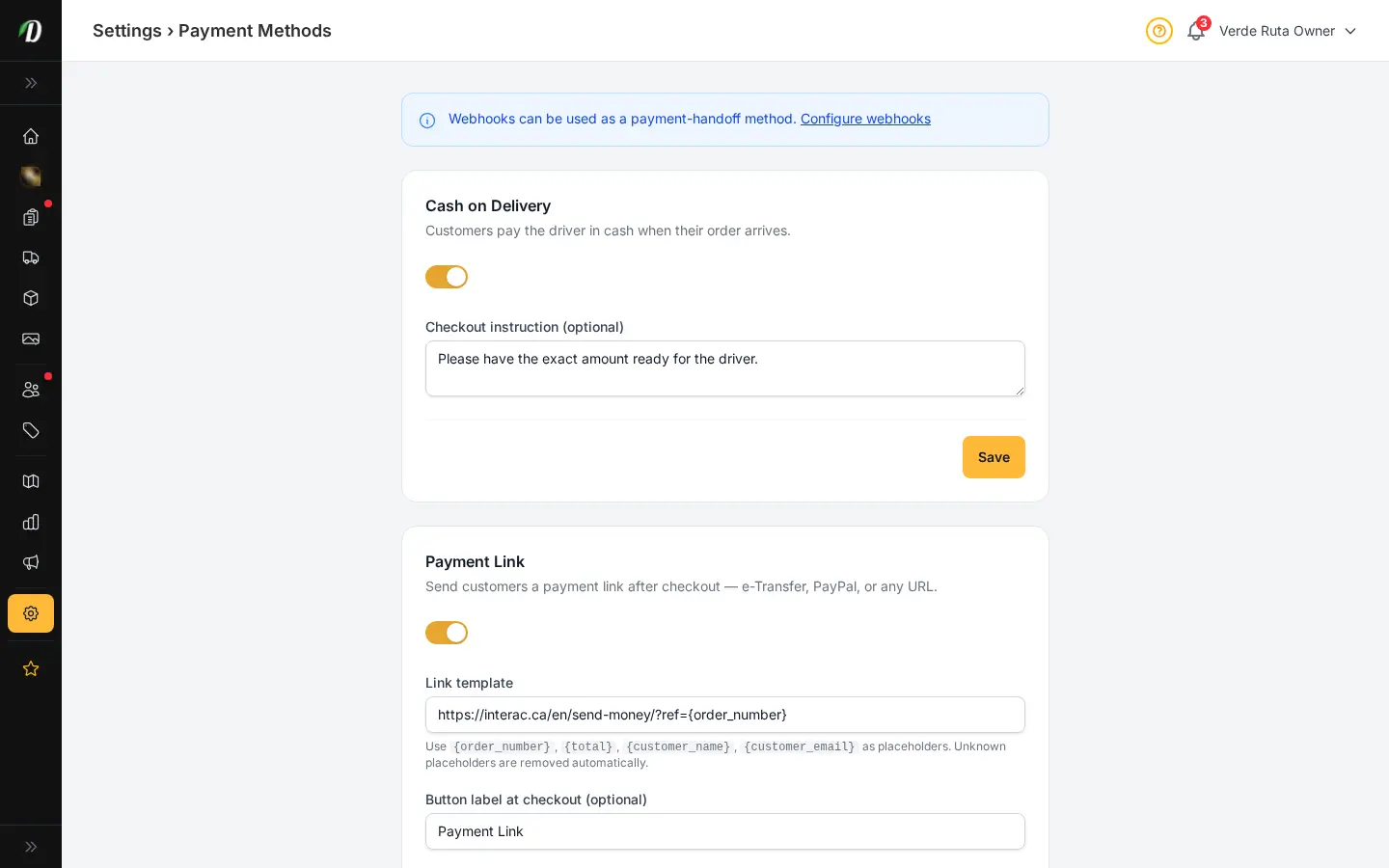
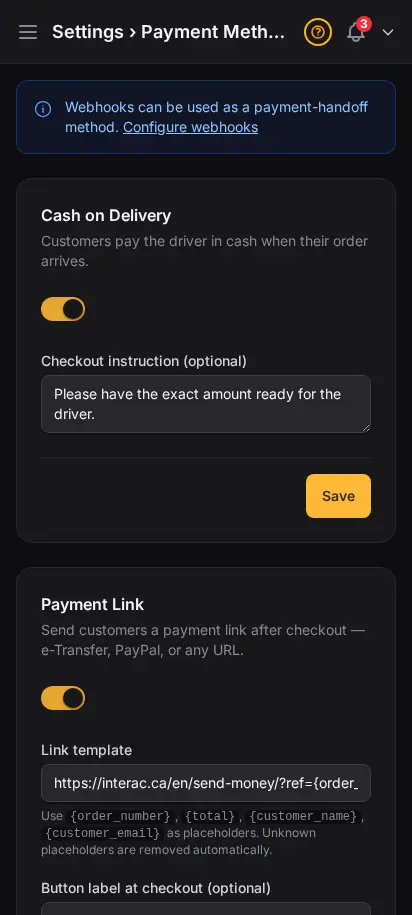
Turn on only what your market actually uses
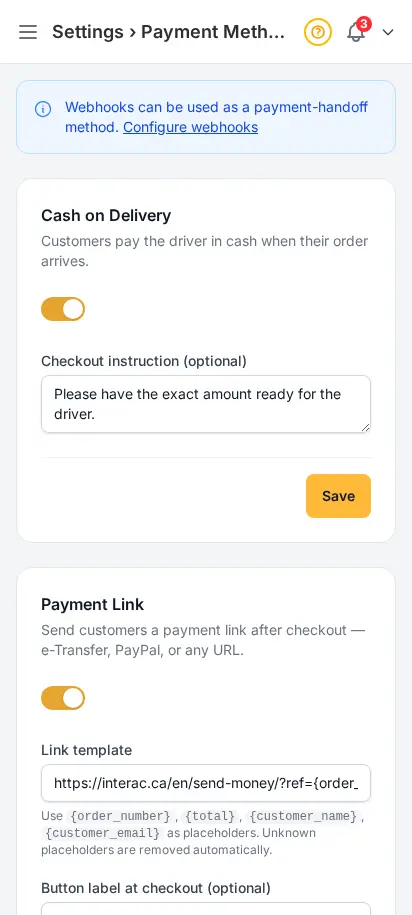
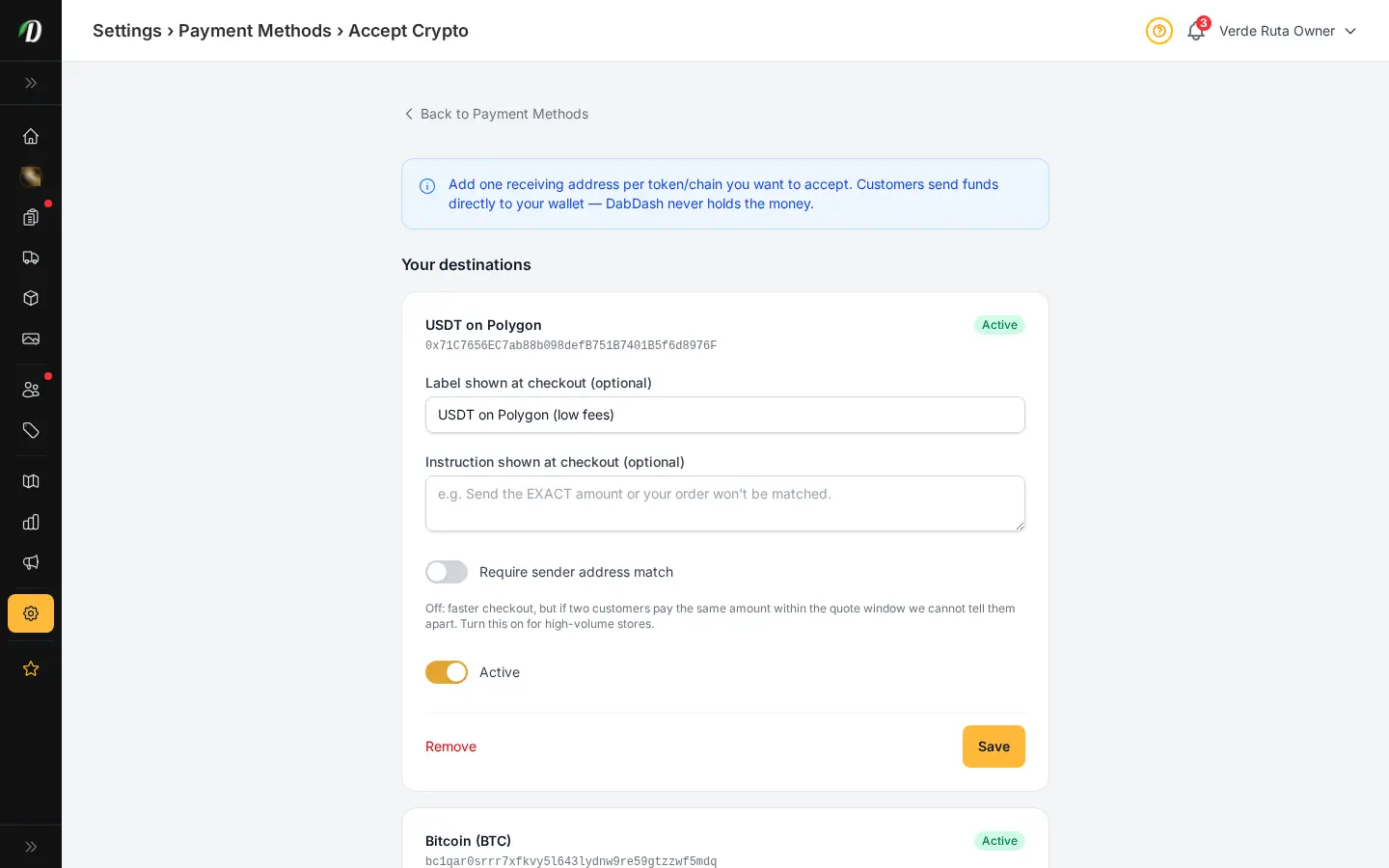
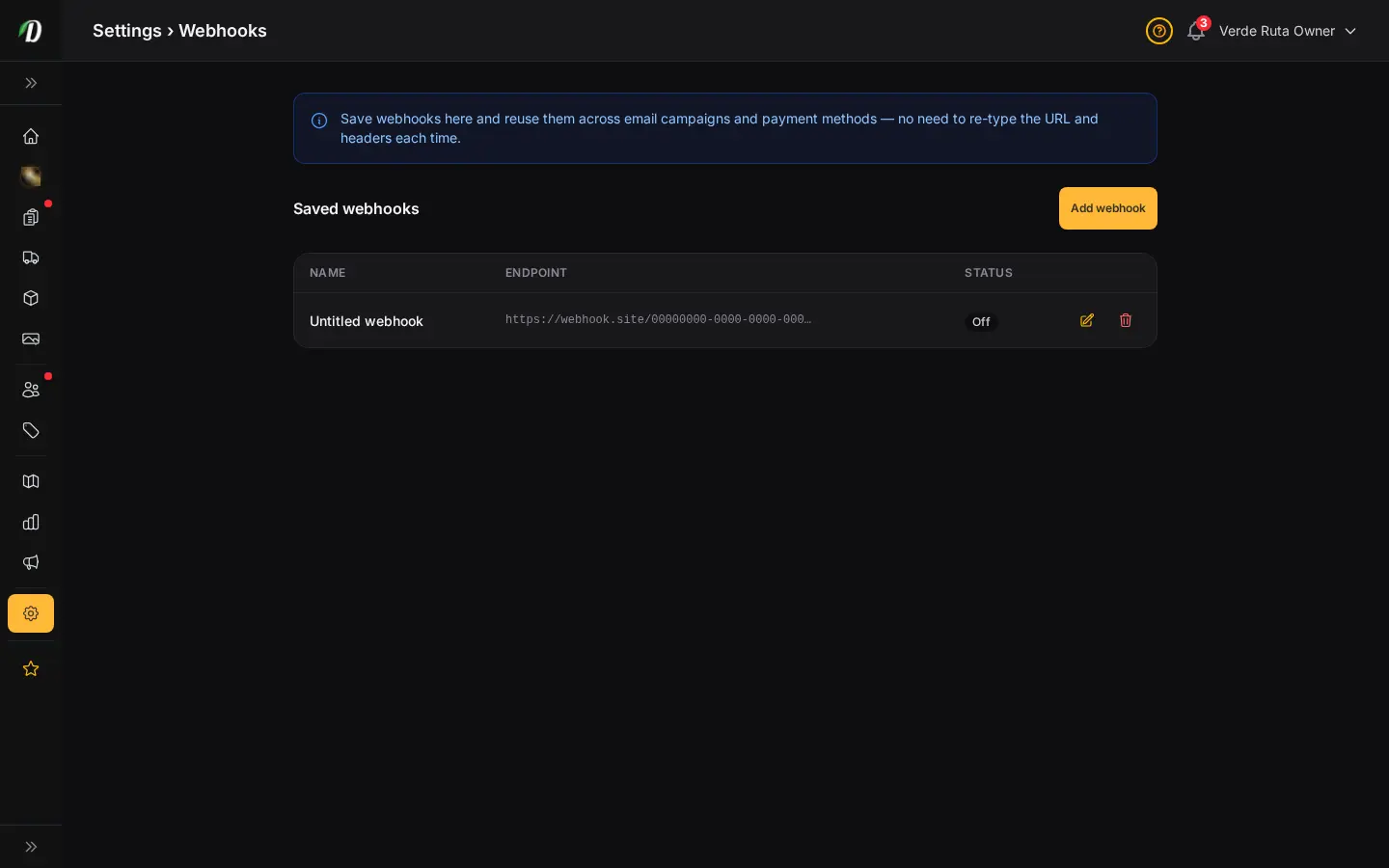
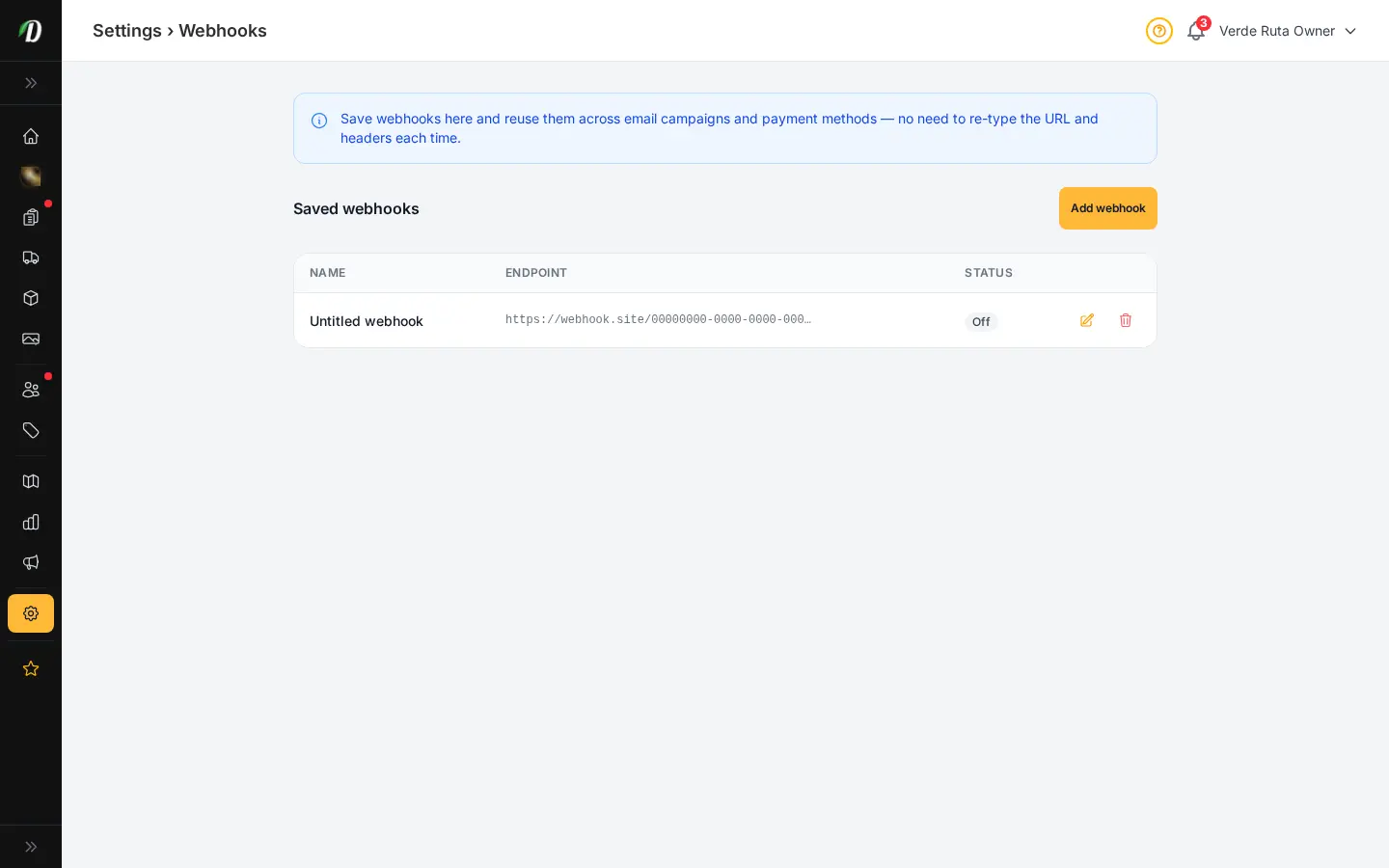
Cash on delivery, payment links, QR codes, webhooks, and crypto — enable any combination. Customers see only active methods at checkout. No card processor lock-in; you collect how your market expects.
- Cash on delivery with custom instruction line
- Payment link with per-order URL templates
- QR upload for Interac, Venmo, Cash App
- Webhook handoff to your CRM pipeline
- Crypto destinations per network you support
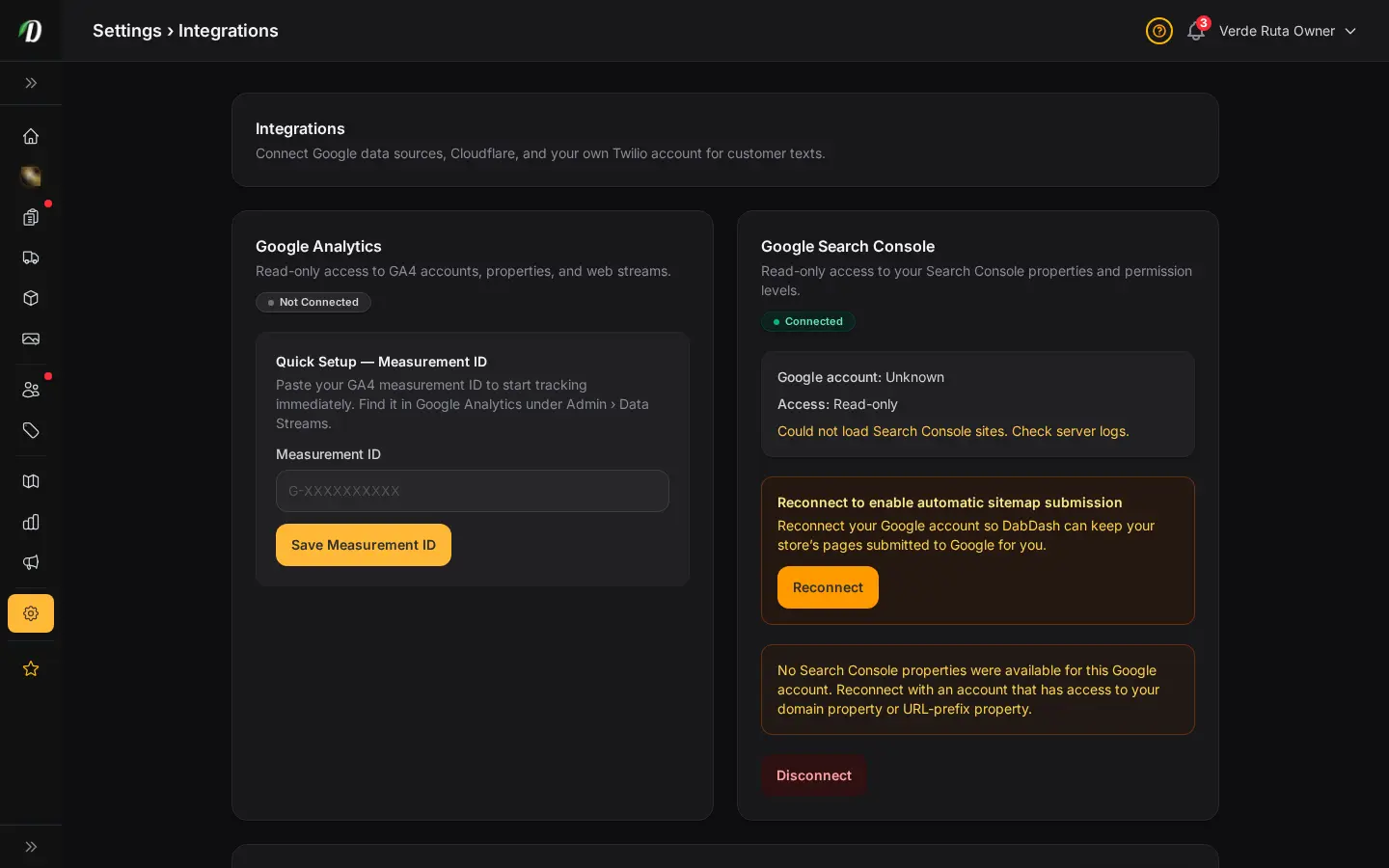
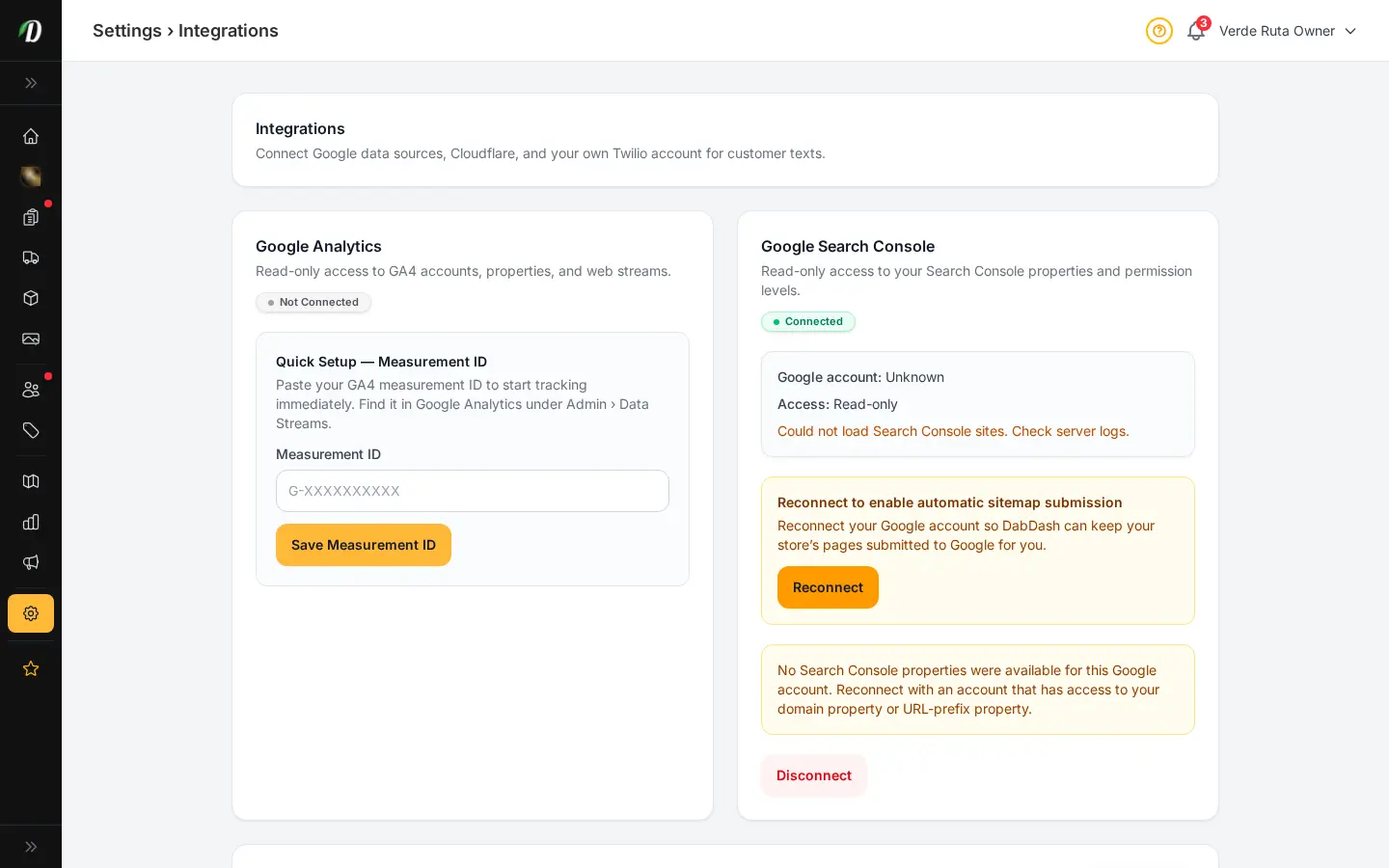
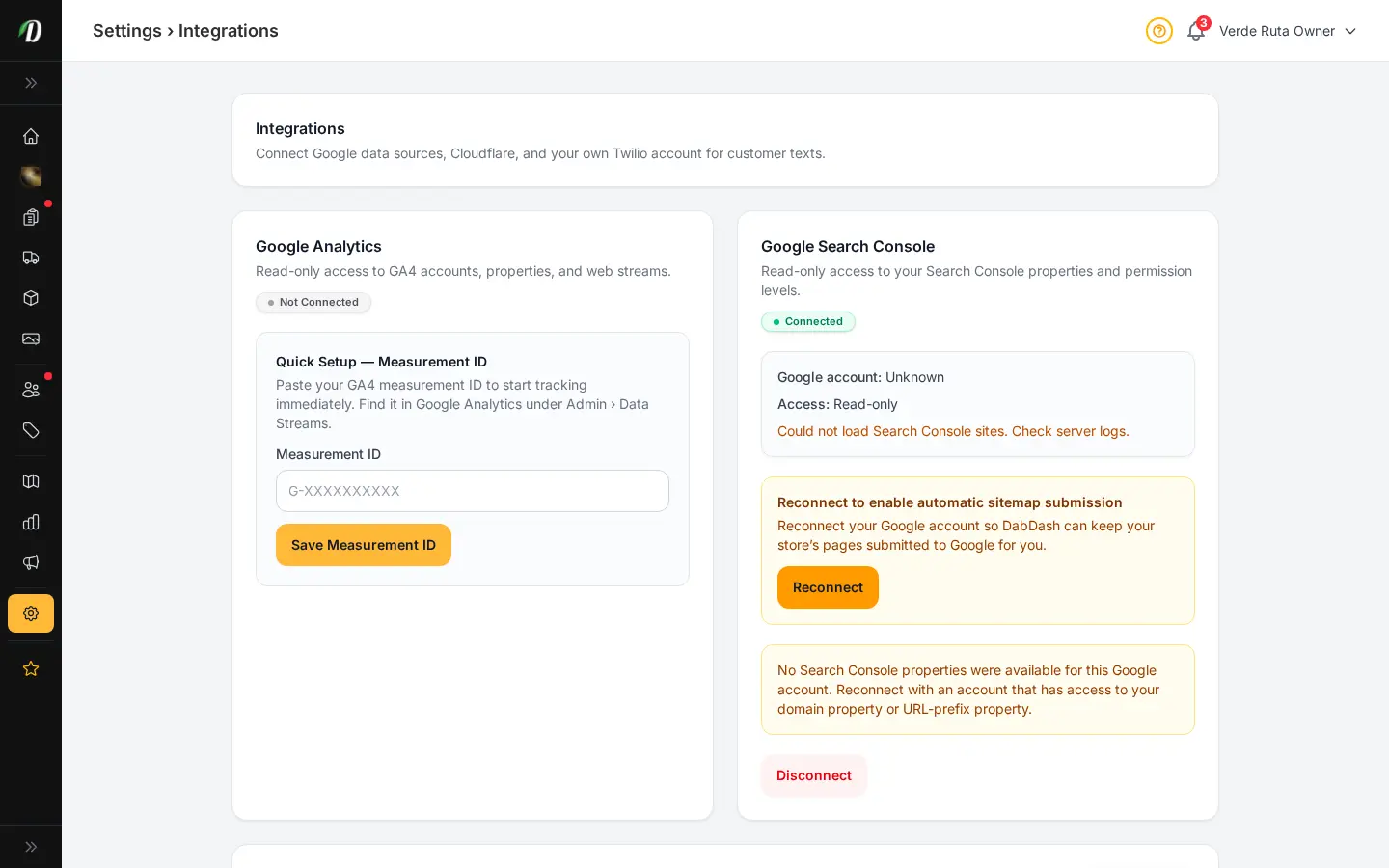
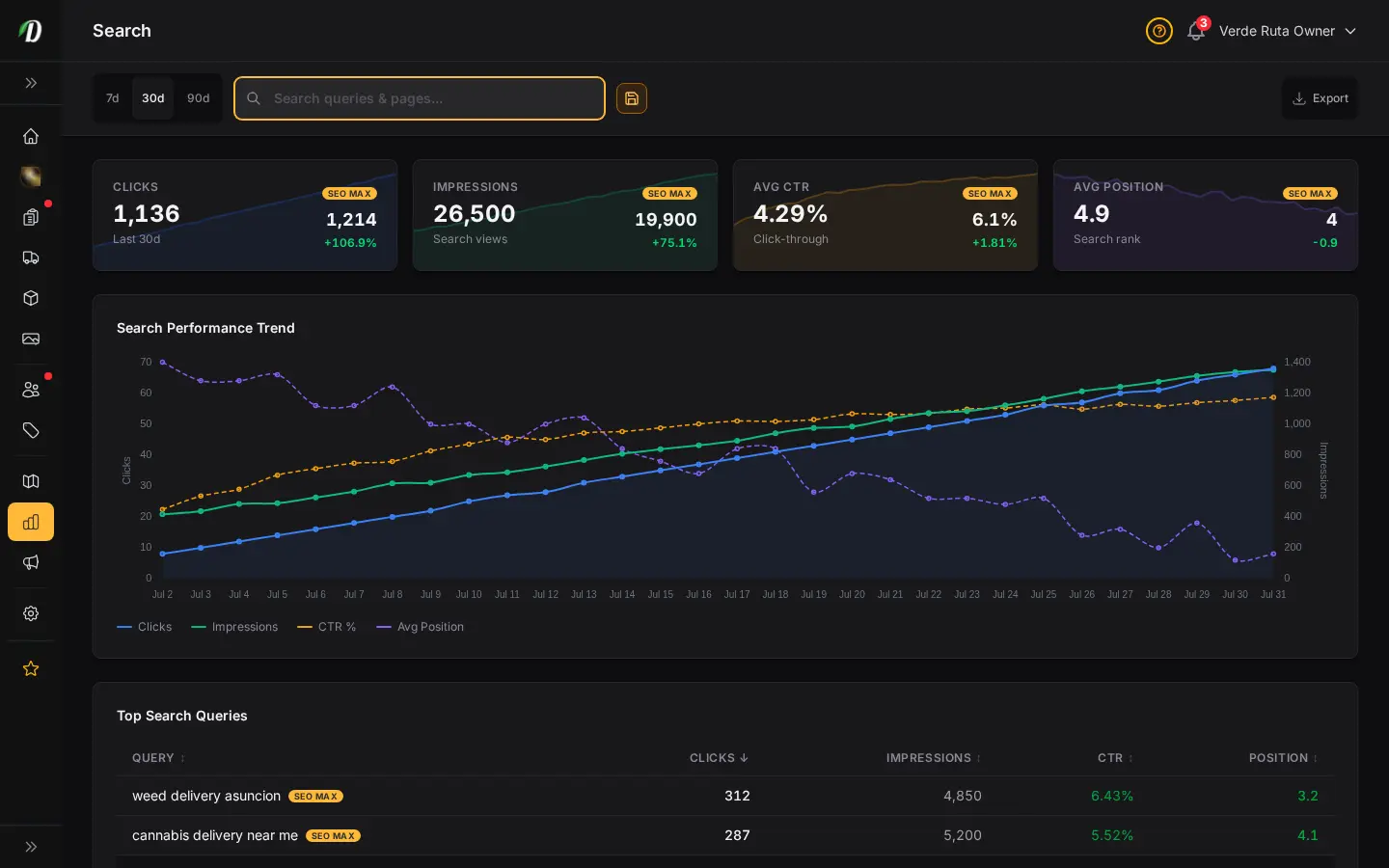
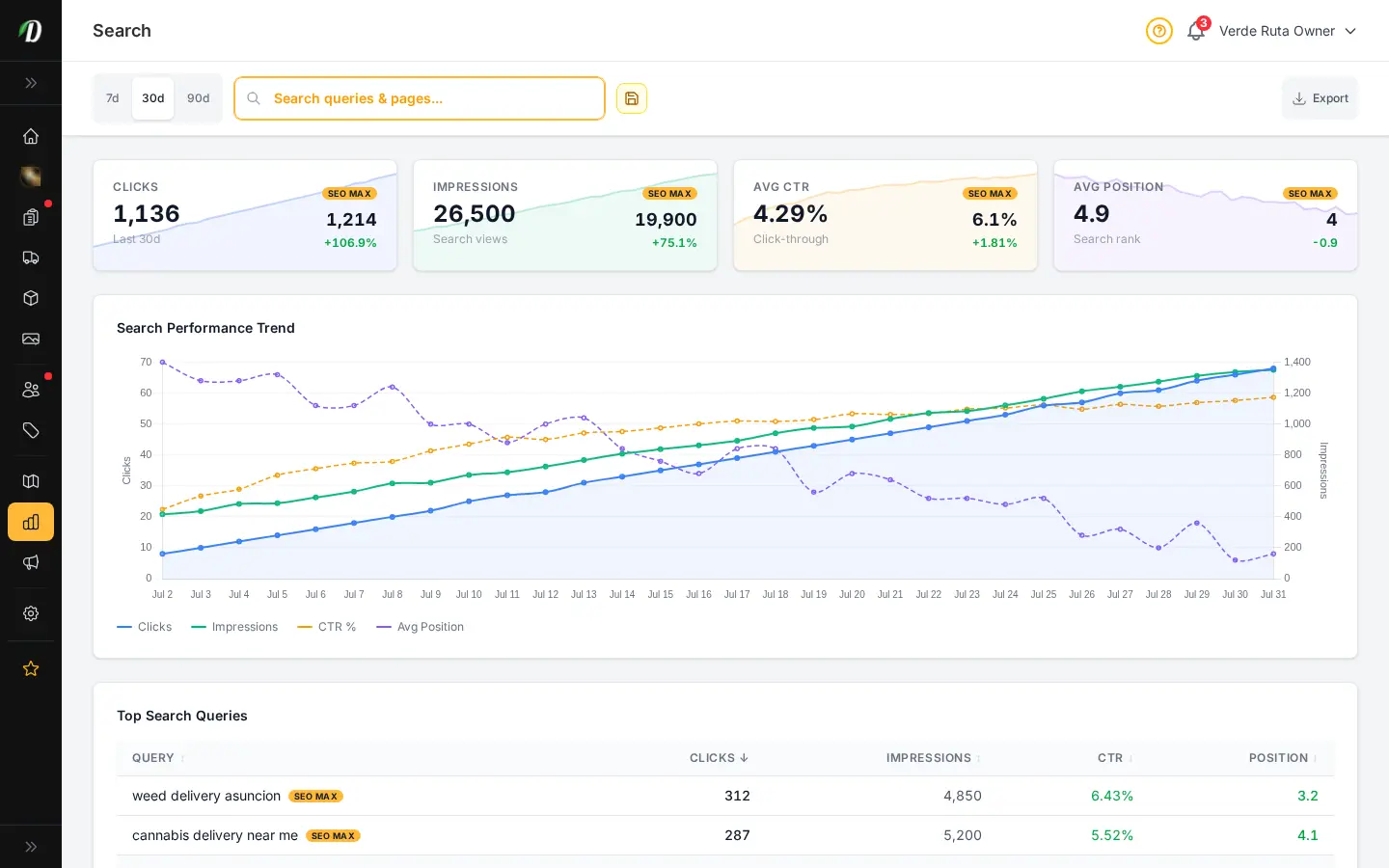
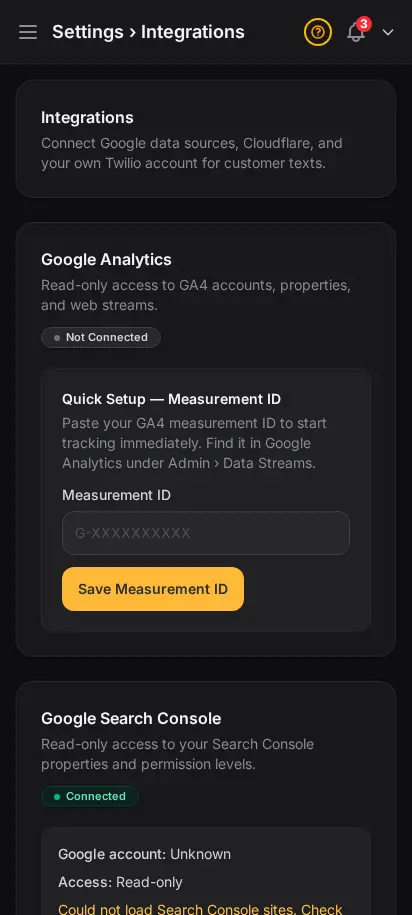
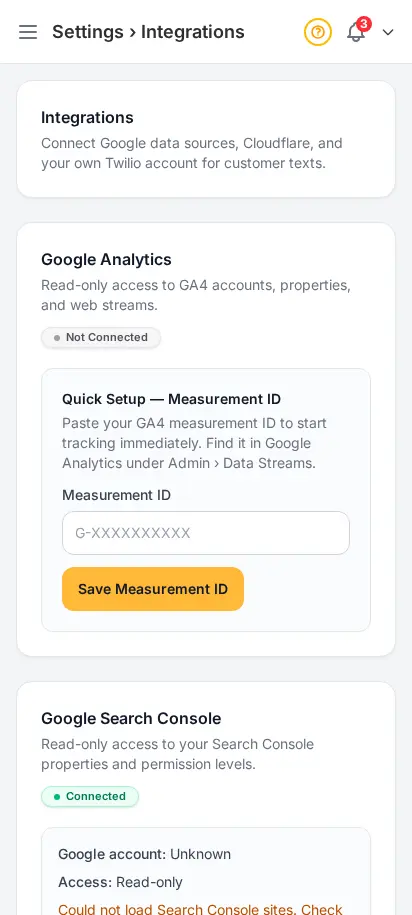
Connect analytics, search, and CDN without a developer
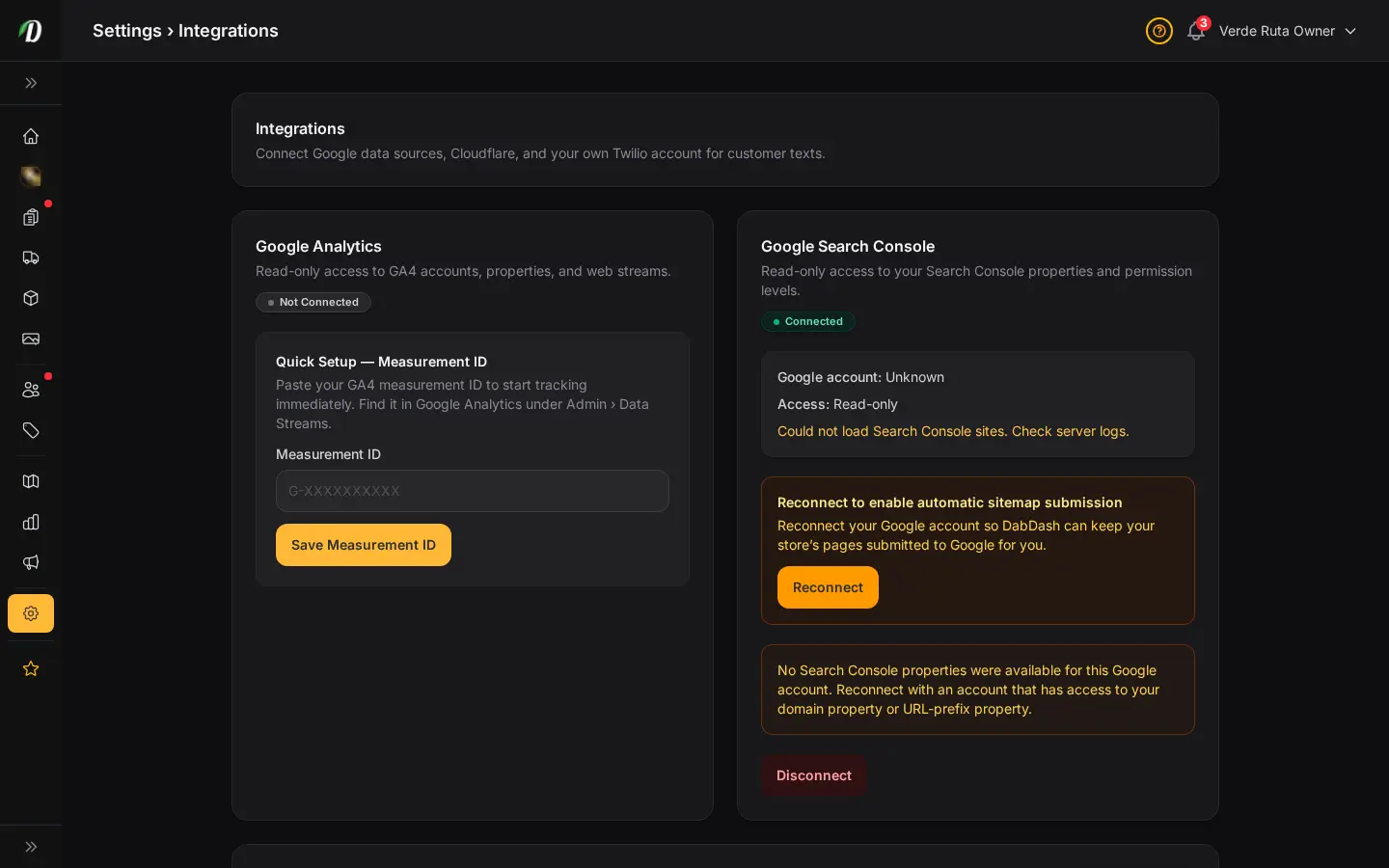
Paste a GA4 ID, connect Google Search Console, or link Cloudflare — each integration is independent. Read-only OAuth where possible; your credentials stay scoped to what each service needs.
- Google Analytics 4 measurement ID
- Search Console for ranking visibility
- Cloudflare zone linking
- Firebase push for mobile alerts
- Enable only what you use


Let Claude or Cursor query your live store data
Connect any MCP-compatible AI tool to your tenant endpoint. Ask about inventory, orders, or promotions in plain English — the same read-only access you trust in the dashboard, exposed for operators who live in AI workflows.
- Dedicated MCP endpoint per store
- API tokens with one-time reveal
- Works with Claude Desktop, Cursor, and more
- Read-only store observability tools
- Revoke tokens without affecting staff logins
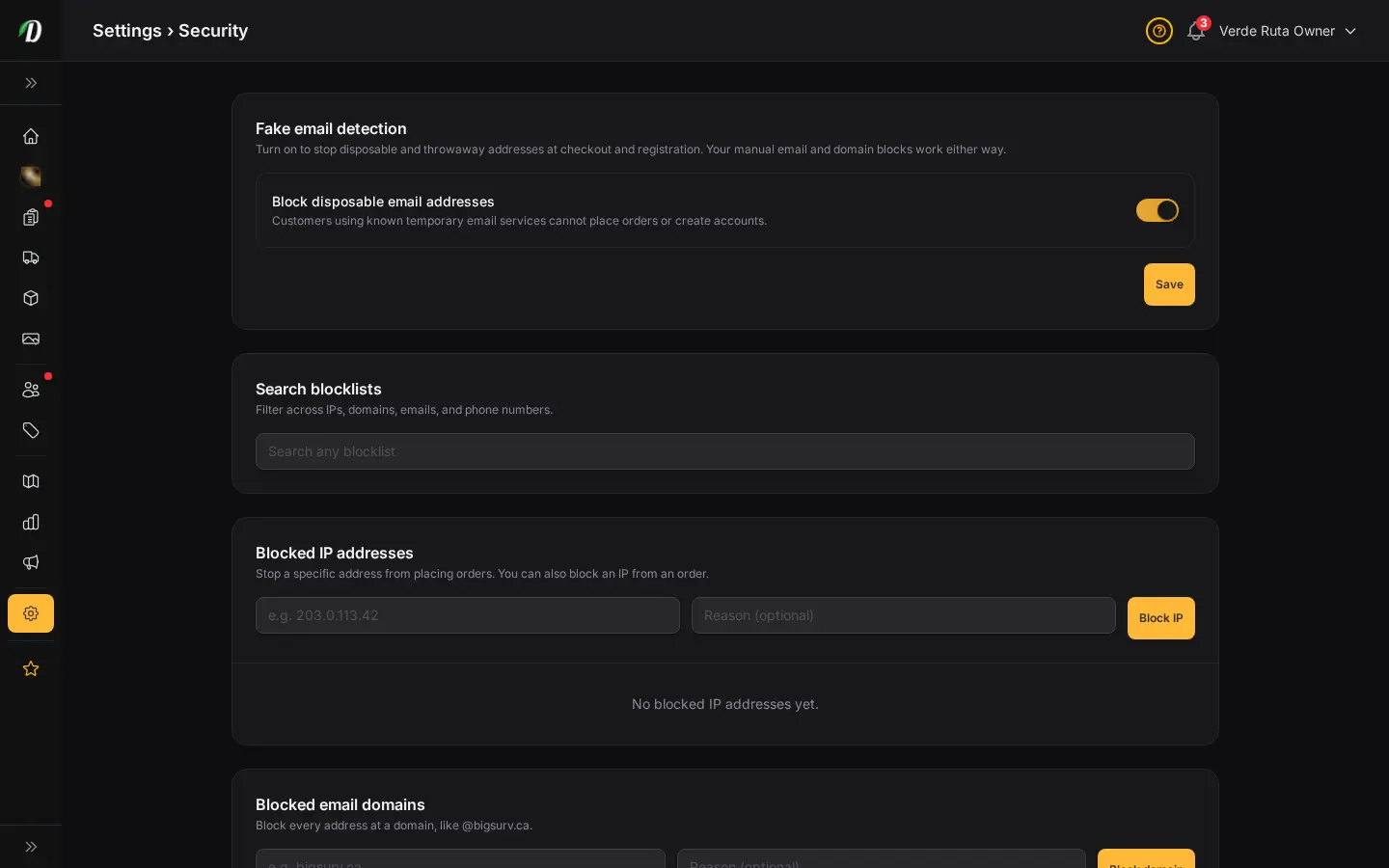
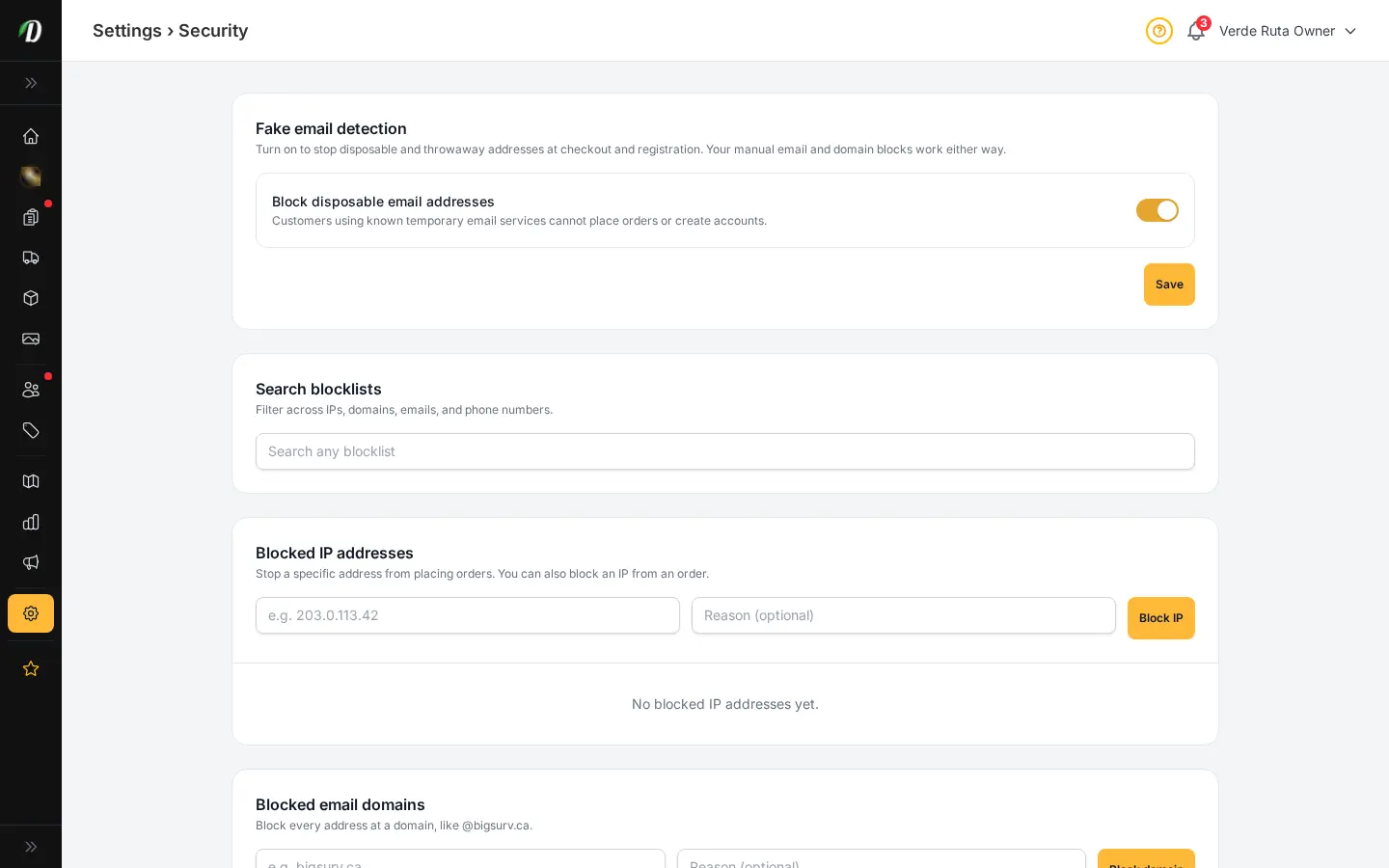
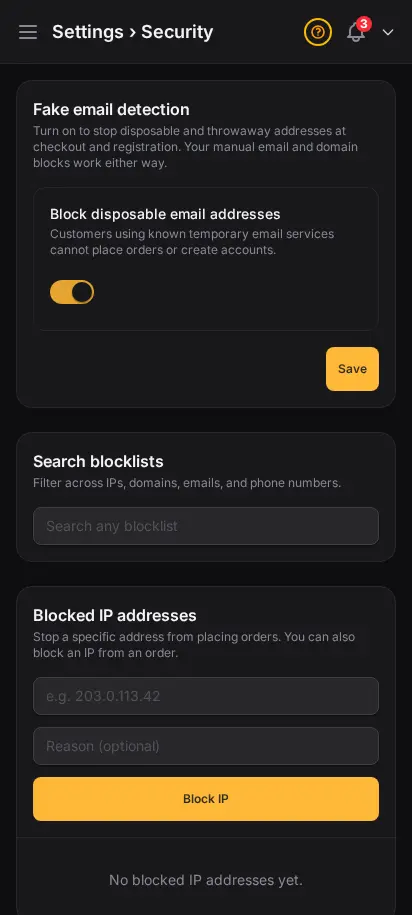
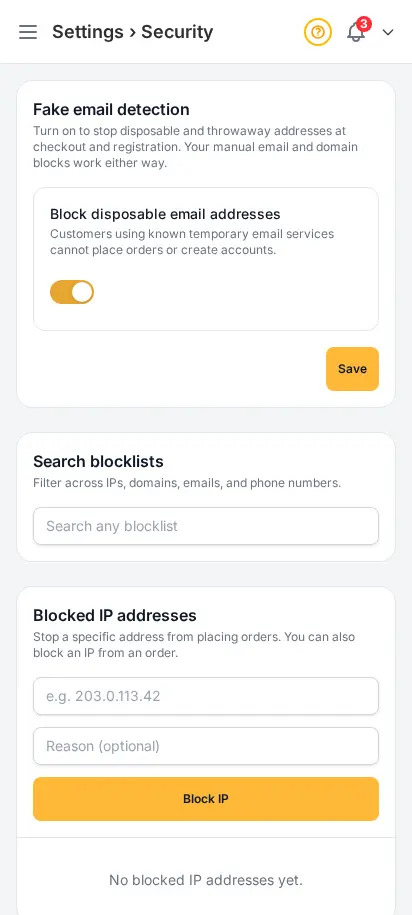
Block repeat fraud before it reaches your orders
Disposable email detection plus manual blocklists for IPs, domains, emails, and phone numbers. Each list works independently — security teams can add a bad actor in seconds without touching product or zone settings.
- Toggle disposable email blocking
- Blocked IP addresses with notes
- Blocked email domains and full addresses
- Blocked phone numbers at checkout
- Global search across all blocklists


Gate your storefront the way your license requires
Age wall, minimum age, and ID photo requirements — set once in Compliance settings. Mandatory ID capture flows into customer profiles and fulfillment documents your team already prints.
- Age verification wall before browse
- Configurable minimum age (typically 21)
- ID upload: none, optional, or mandatory
- Terms and privacy policy footer links
- Pairs with customer ID review workflow
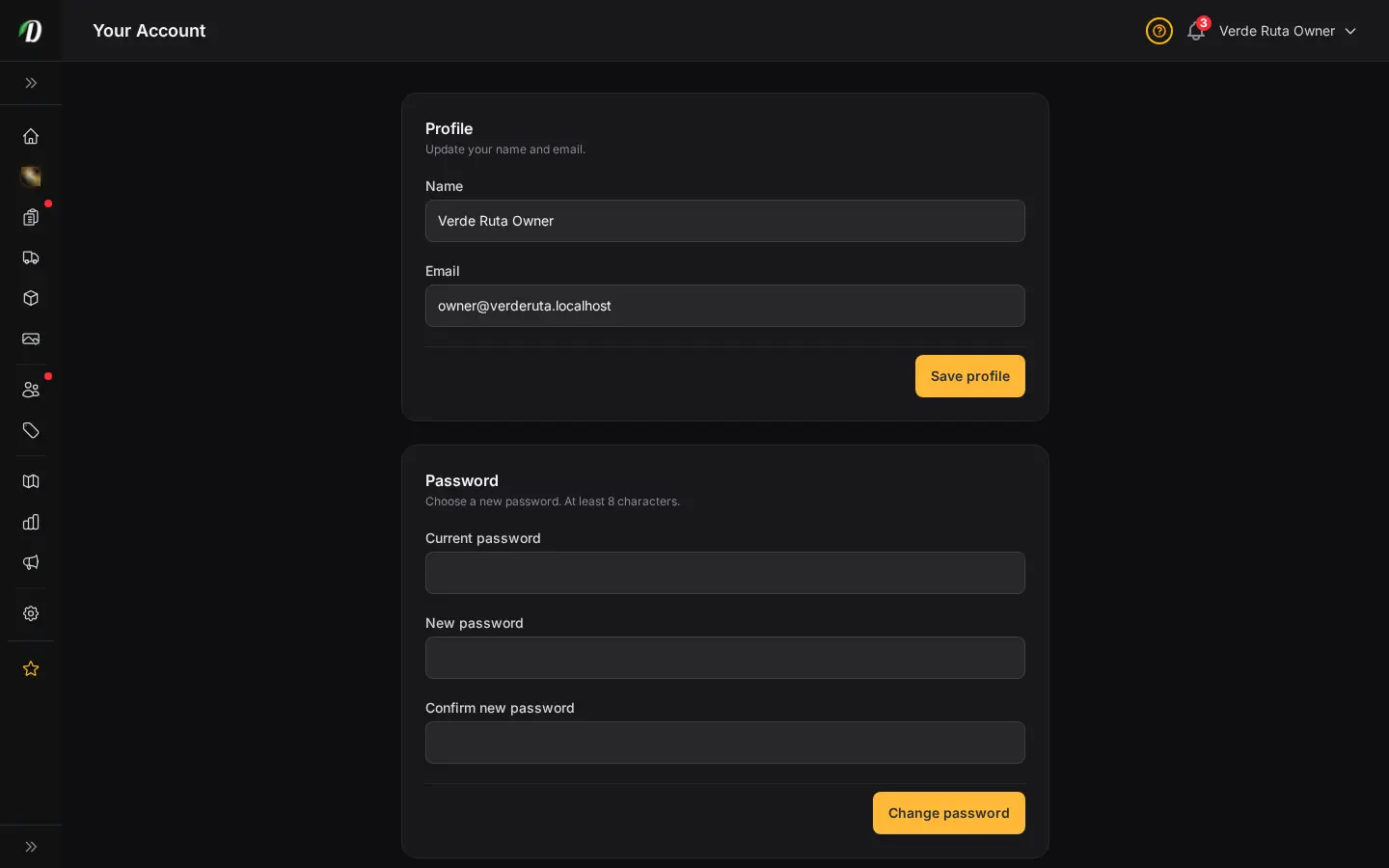
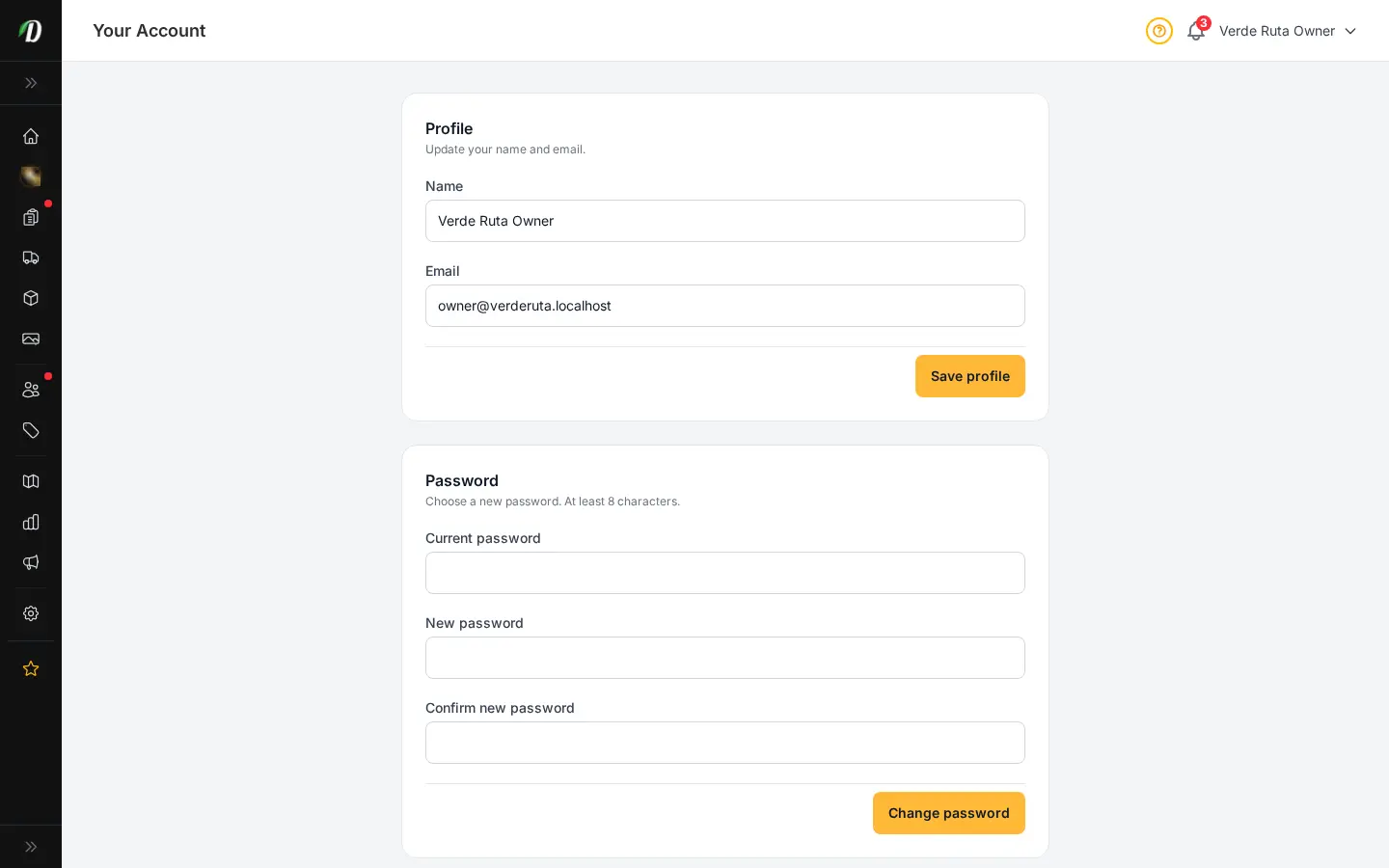
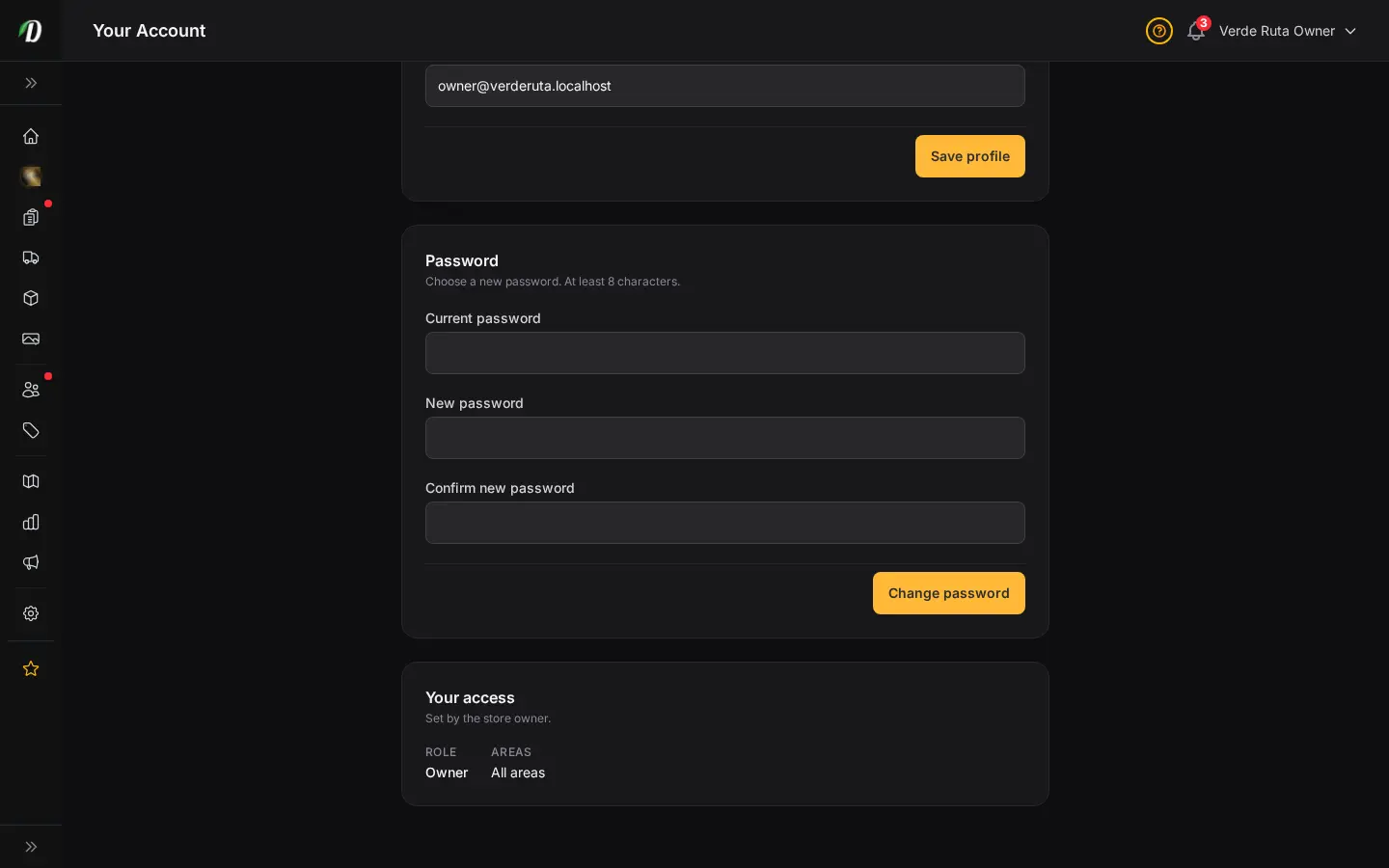
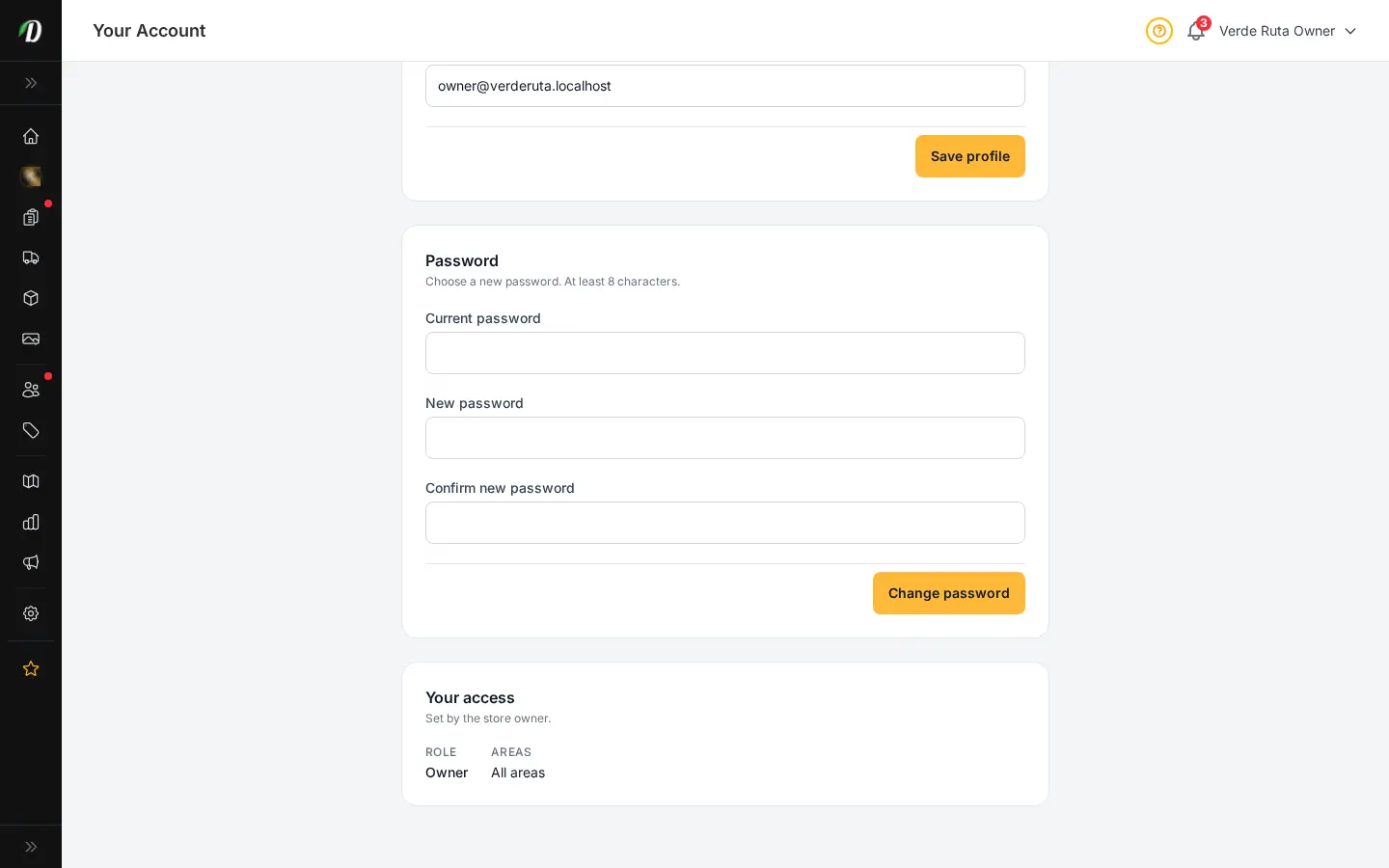
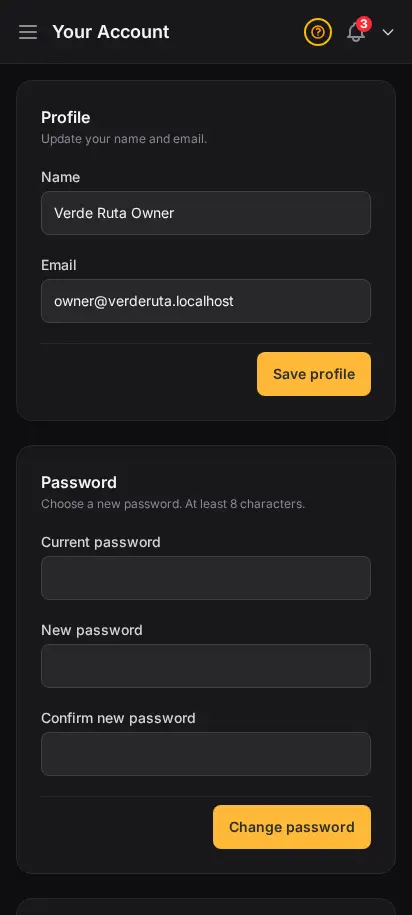
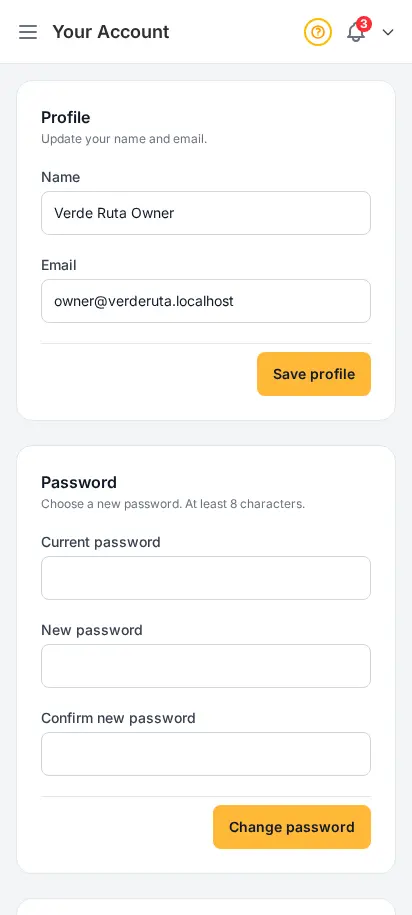
Your personal profile, kept separate from the store
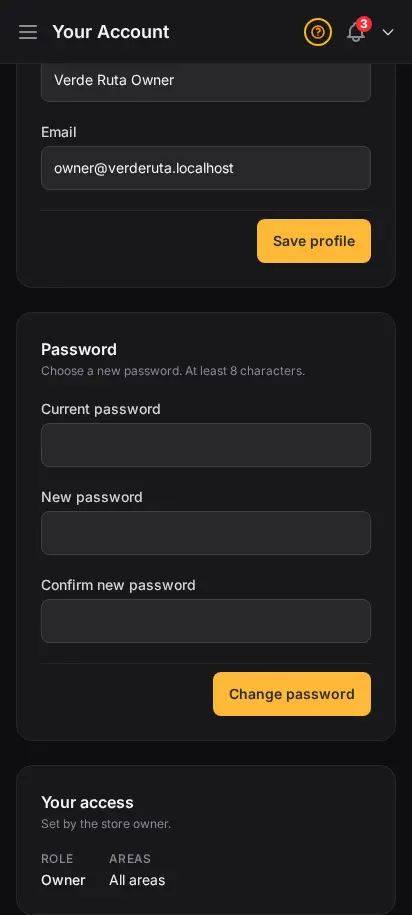
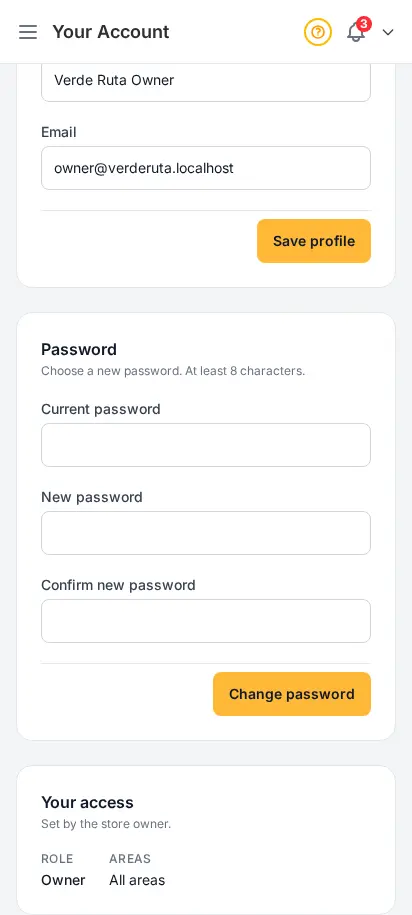
Your account is just yours — your name, your sign-in email, your password. Update it any time without touching anything customer-facing. If you run more than one store, the same account works across all of them.
- Edit your display name and contact email
- Change your password from a dedicated page
- Separate from the store profile — store info lives in General settings
- Use the same account across every store you operate


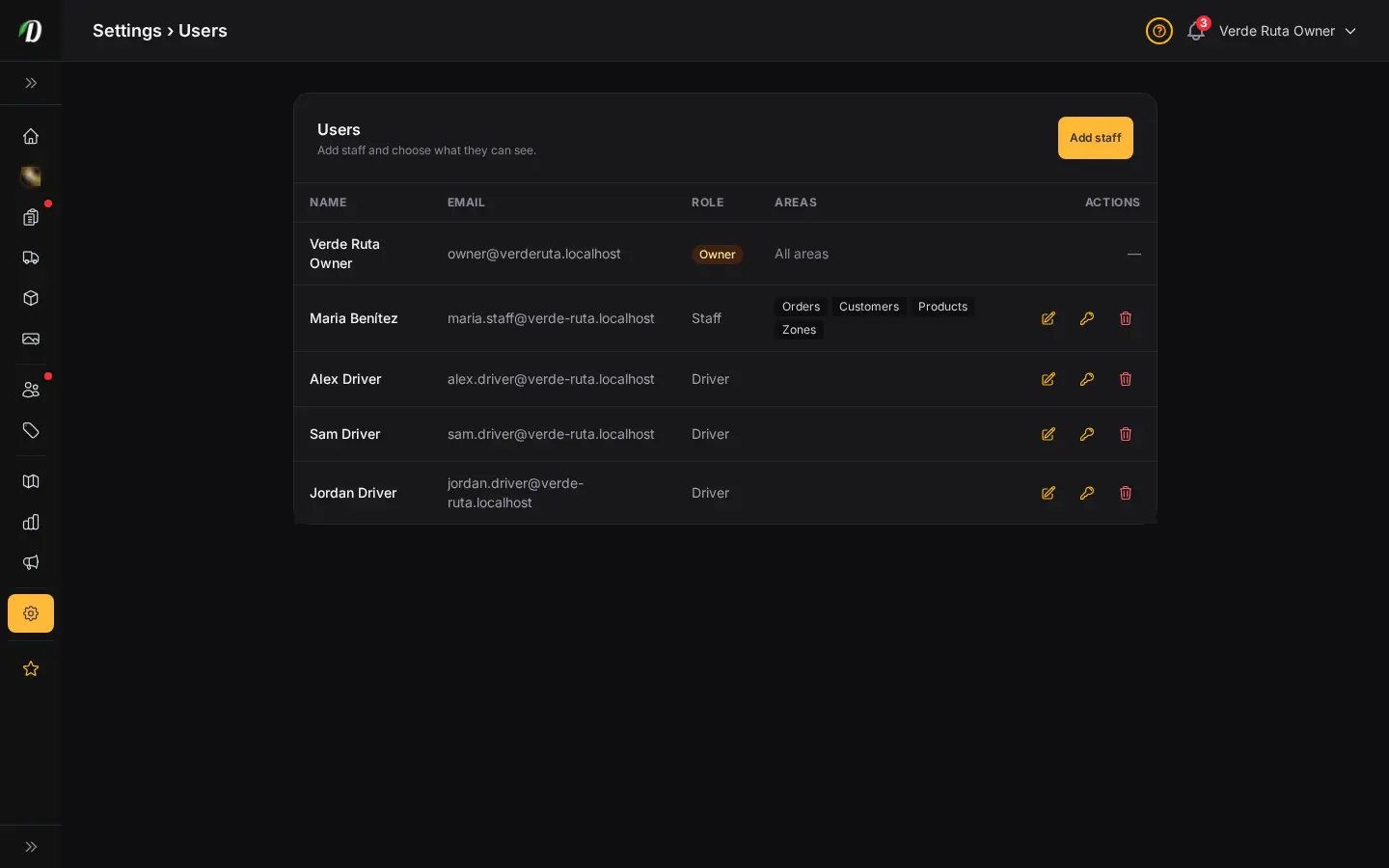
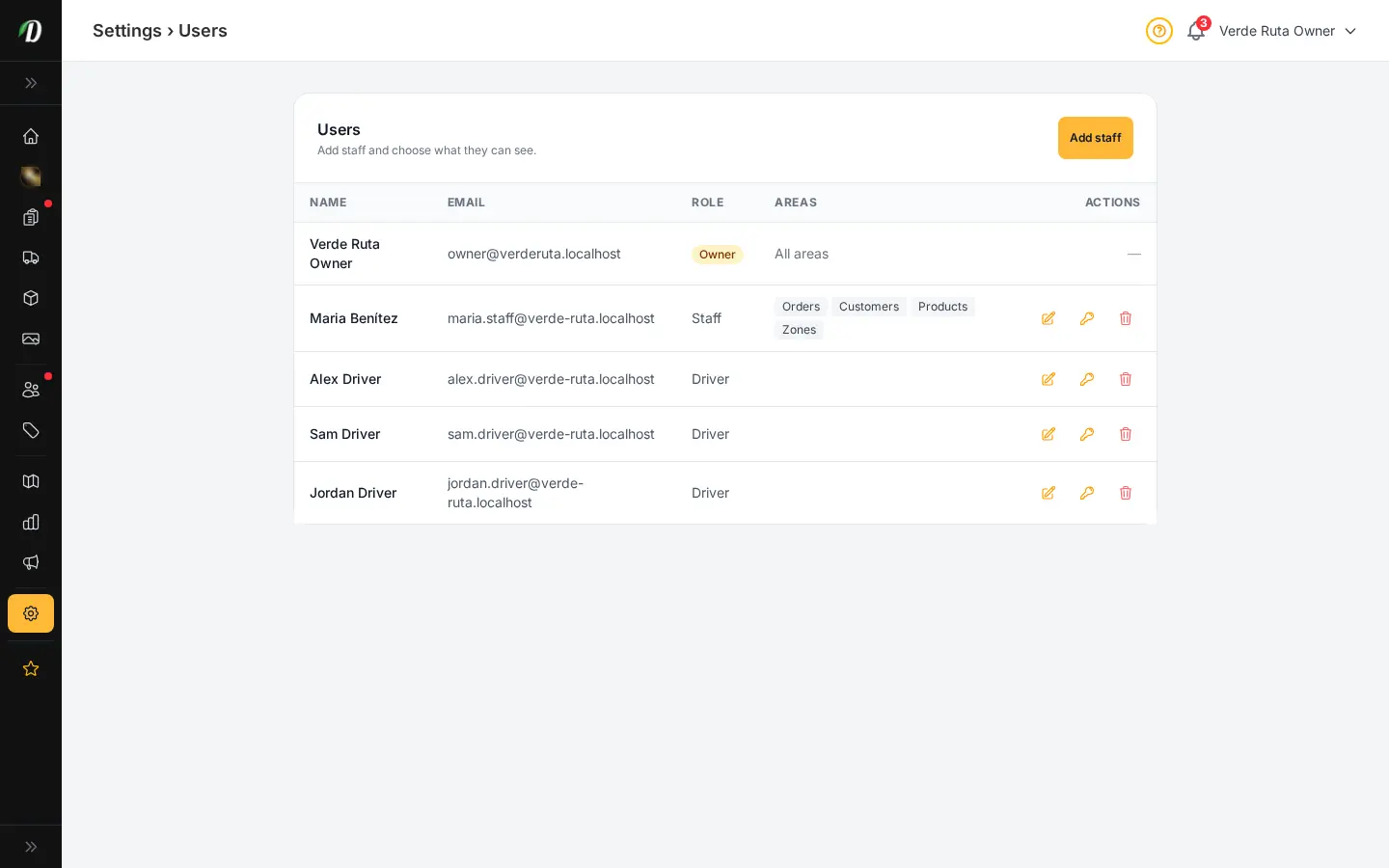
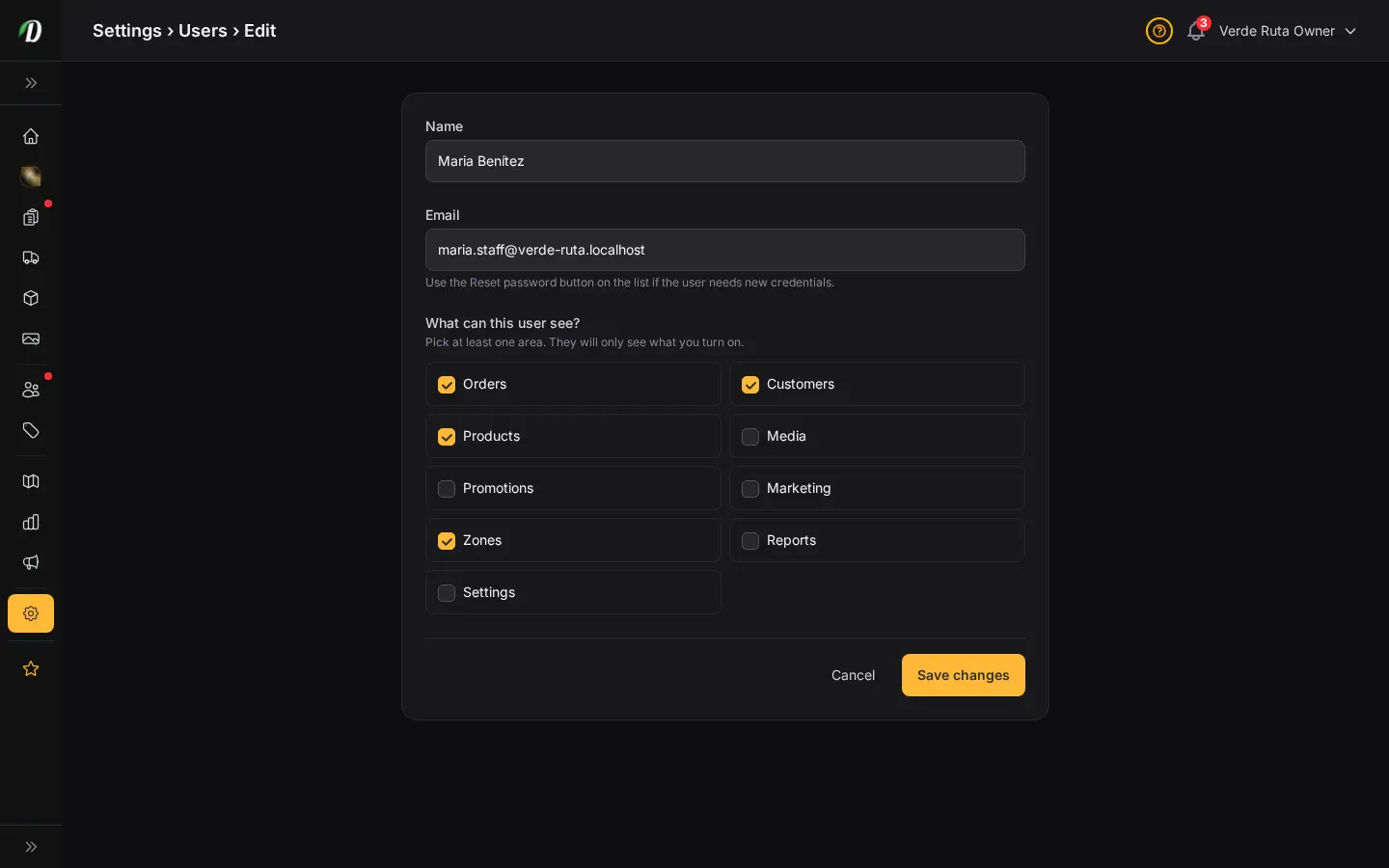
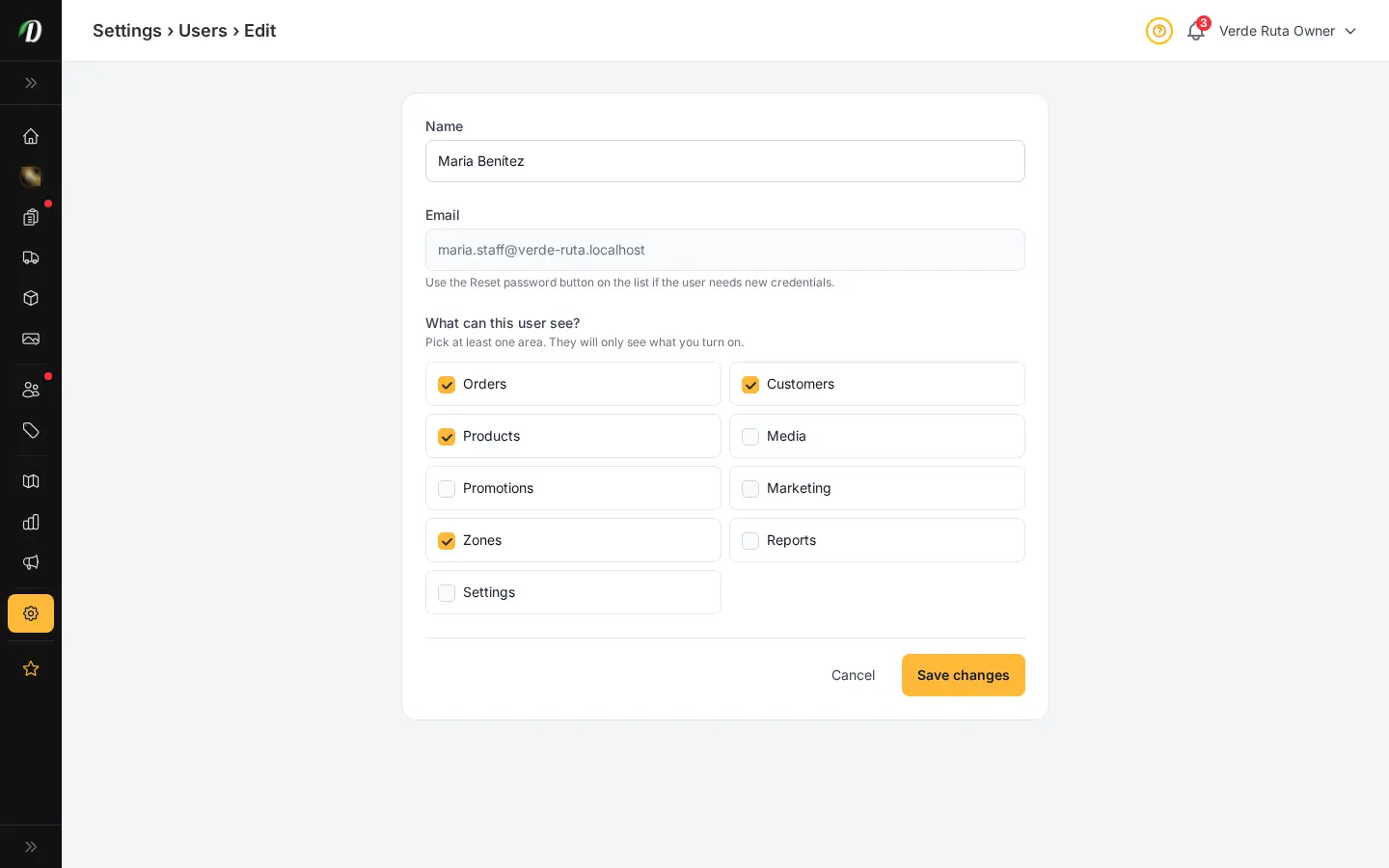
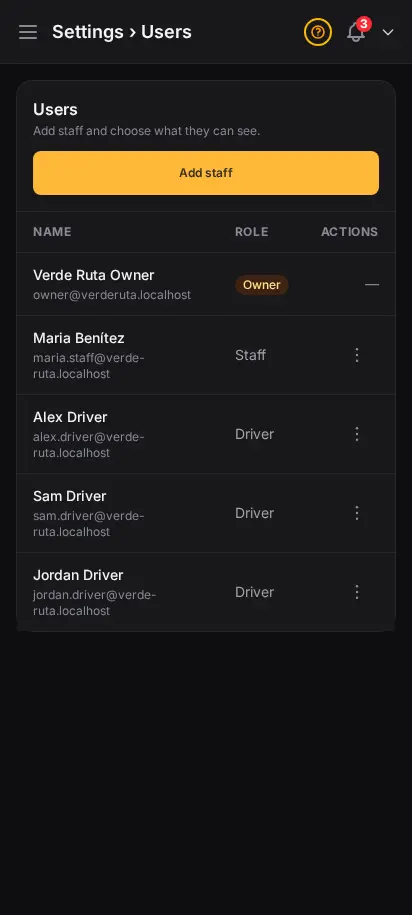
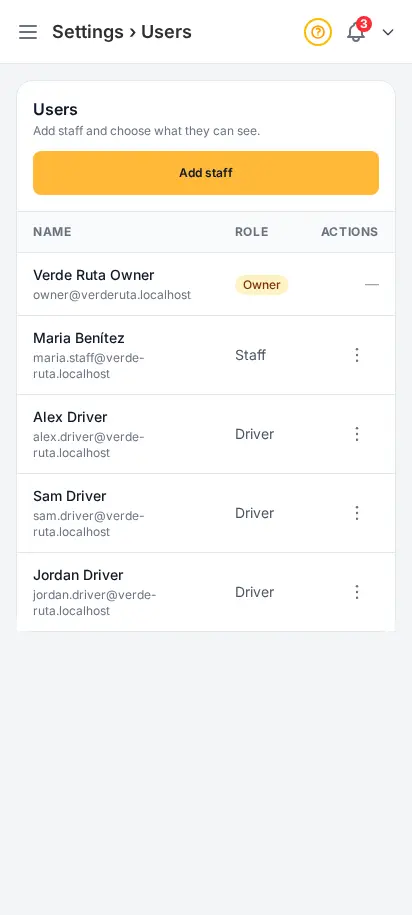
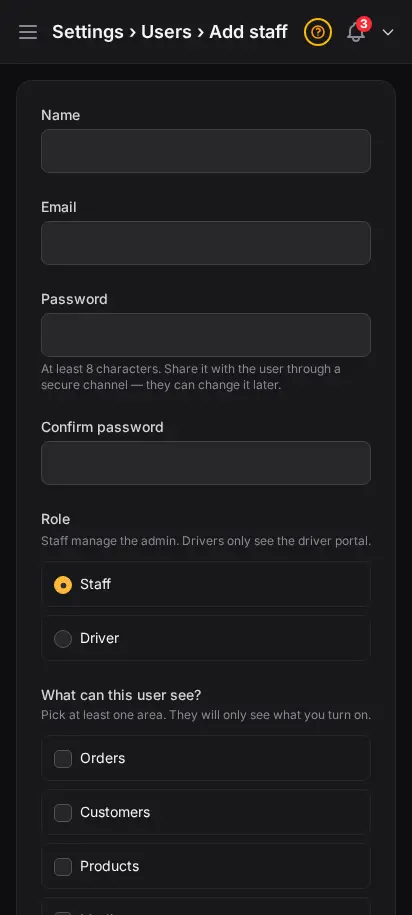
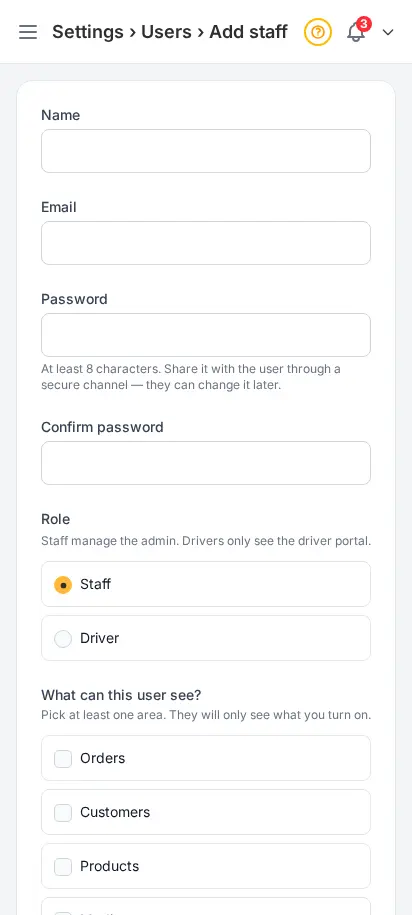
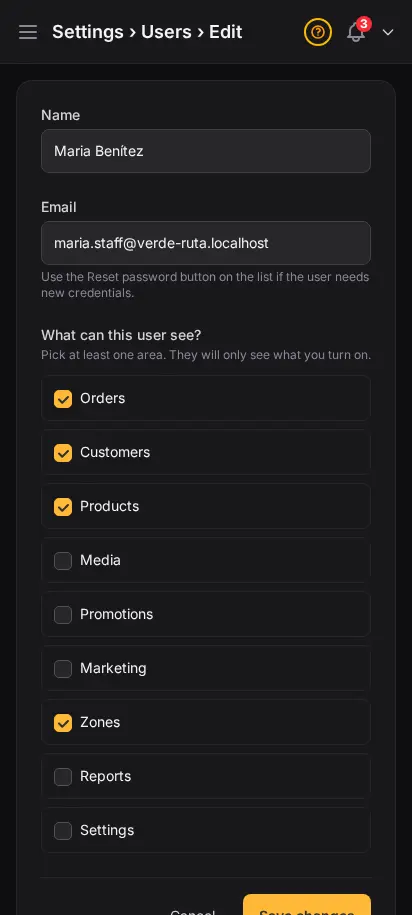
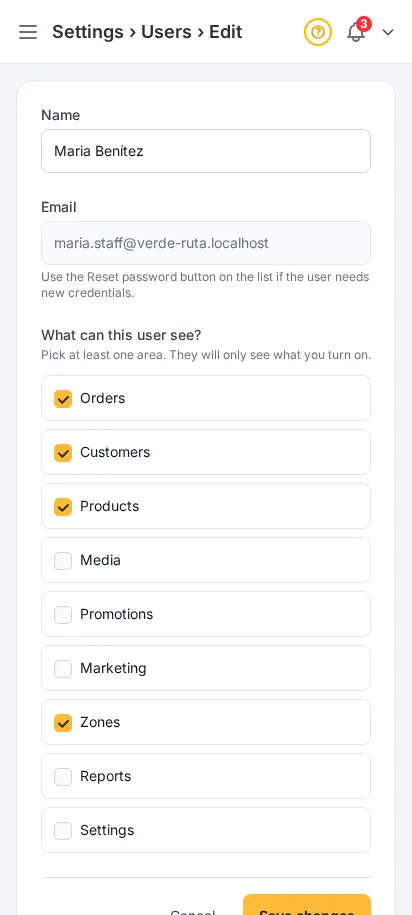
Bring your team in — share only what they need
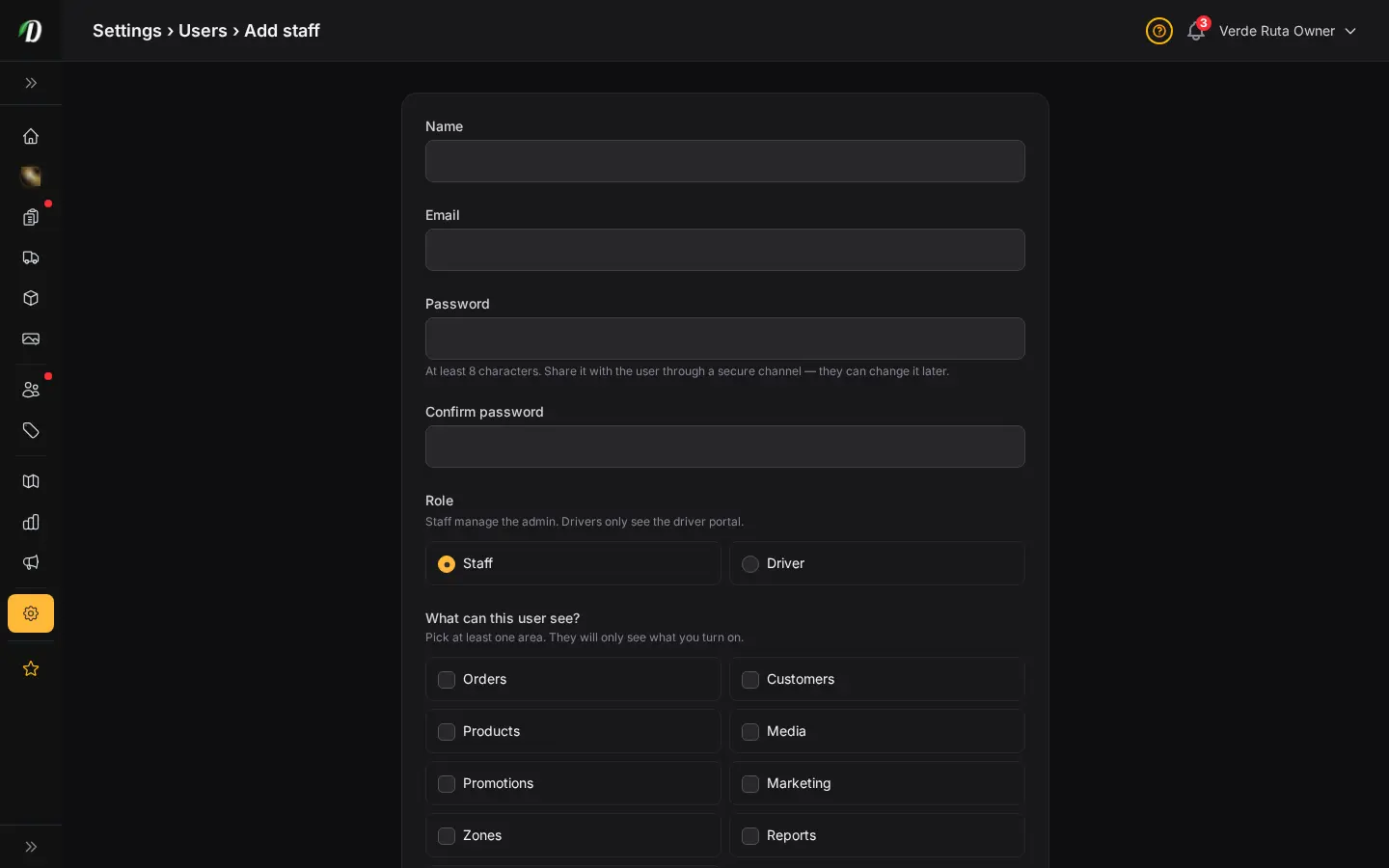
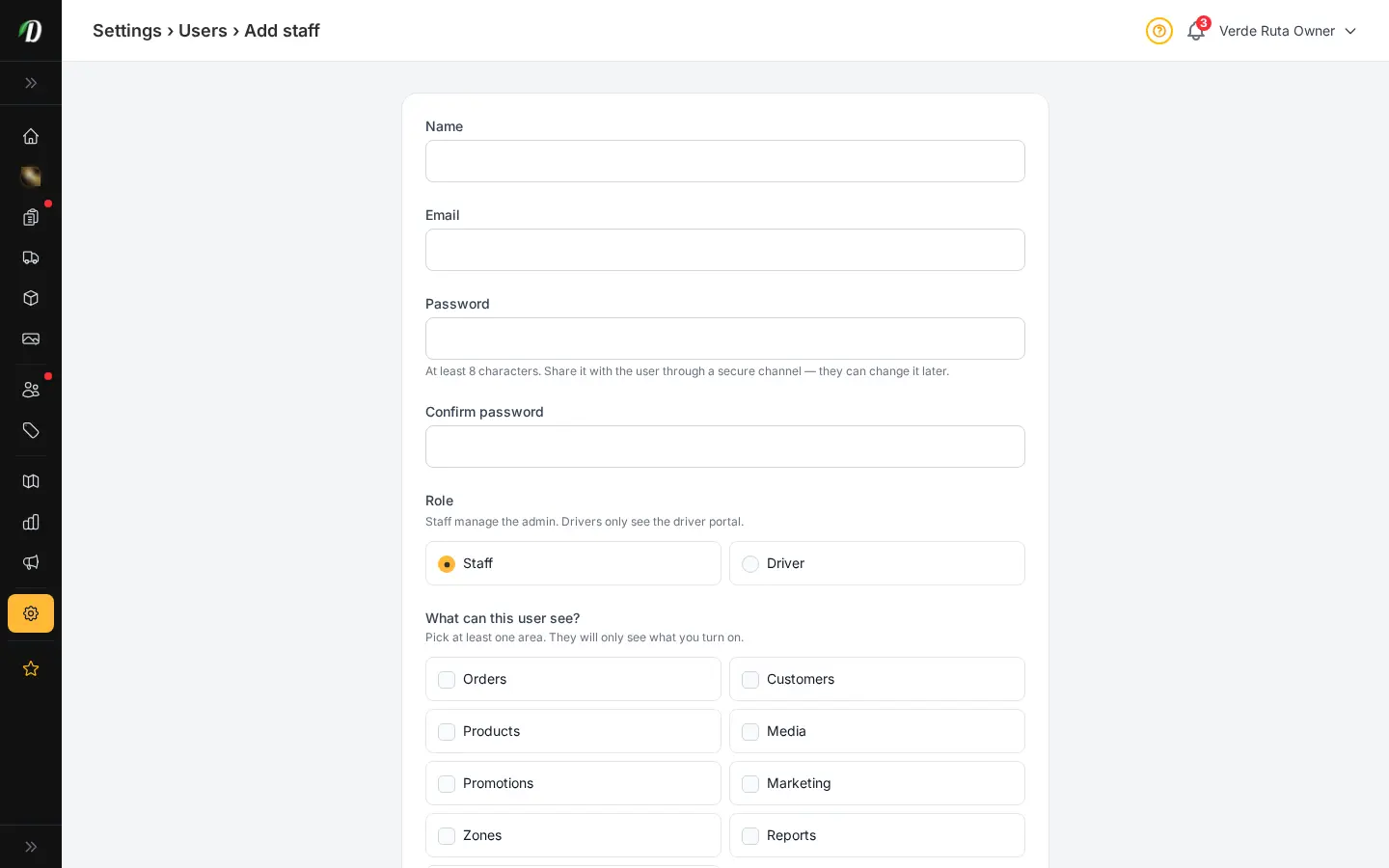
Add staff with their own login. For each person, pick exactly which areas of the dashboard they can see — orders, products, zones, customers, settings, and more. New hires get a clean view focused on their job. Reset their password or remove them in one click when things change.
- Per-area permissions: turn on orders, products, zones, settings, and more
- Each staff member has their own login and password
- Reset password in one click — no email round-trip needed
- Remove a team member cleanly when they move on
- Permissions are scoped to your store — no cross-store leakage
Customize your view
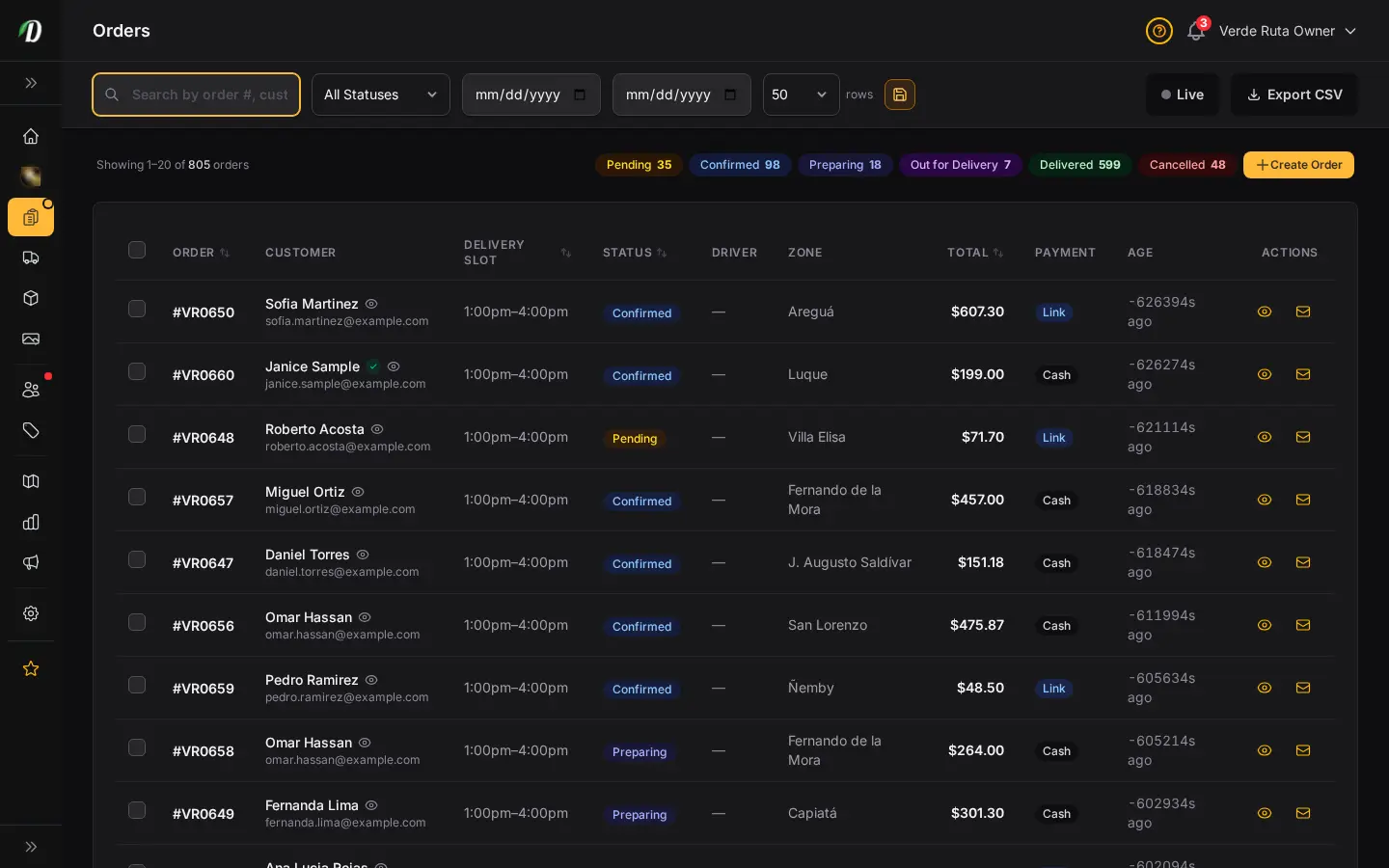
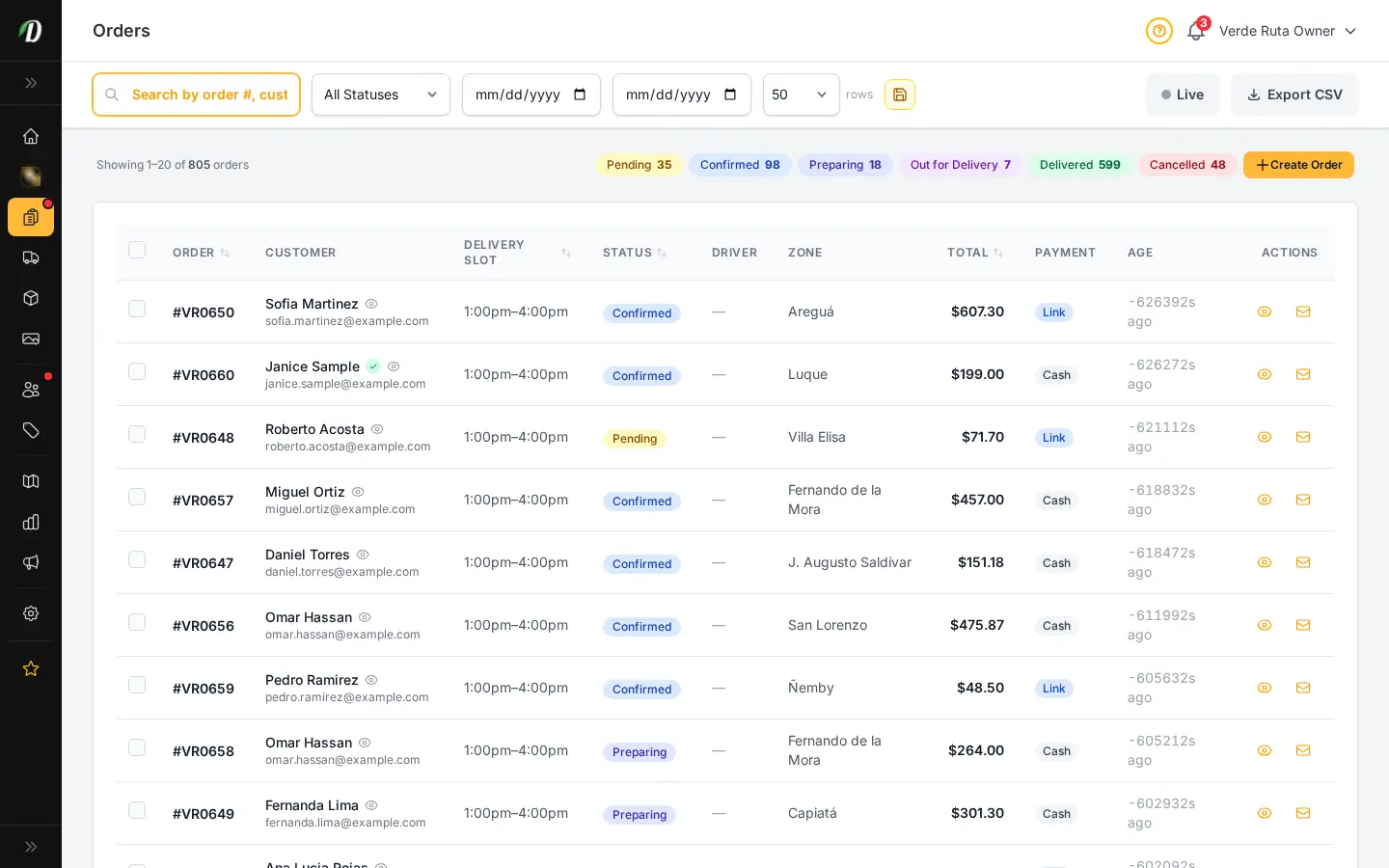
Choose how you'd like to see the screenshots.
Device
Theme


