Storefront Tour

See what your
customers see

Walk through the entire buying experience — from first visit to delivery. Real screenshots. Fully branded. Zero code required.

No credit card required. 7-day free trial. Cancel anytime.

Age Verification
customize view

Compliant from the first click

Every visitor sees an age verification gate before anything else. It's required, it's branded, and it stores the confirmation in their session so they only see it once. Enable or disable it from your settings — zero code.

  • 21+ confirmation required before browsing
  • Fully branded with your store name and logo
  • Session-persisted — visitors confirm once per visit
  • Toggle on/off from vendor settings
DabDash age verification gate asking visitors to confirm they are 21+
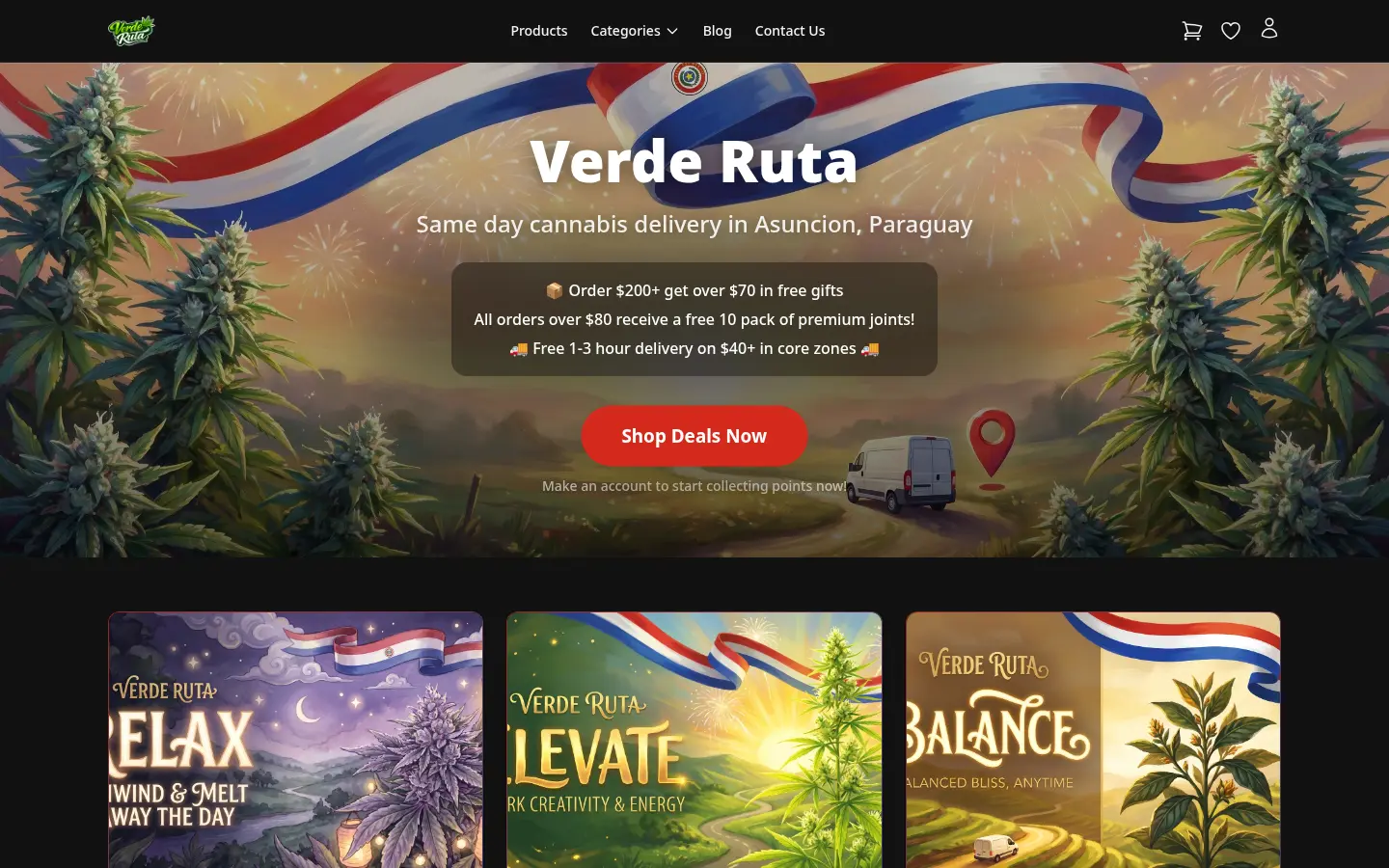
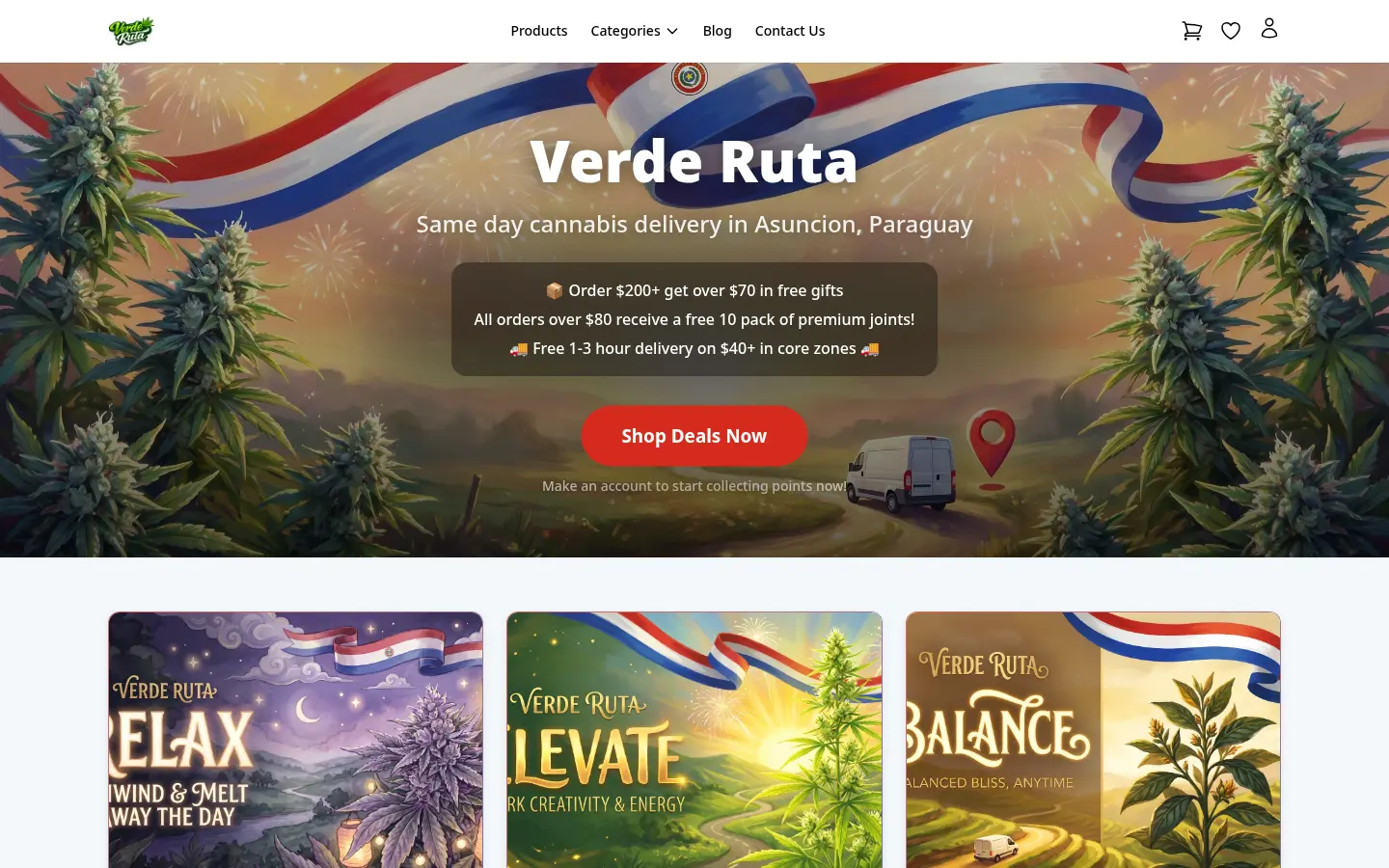
DabDash storefront homepage with hero banner and featured products
DabDash storefront homepage with custom hero image and product grid
DabDash storefront homepage with hero banner and featured products — mobile view
DabDash storefront homepage with custom hero image and product grid — mobile view
Shop Home

A branded storefront in minutes

Your customers land on a fully branded homepage — your hero banner, your tagline, your featured products, and your category grid. Dark mode or light mode. Custom font. Custom colors. All controlled from your admin.

  • Customizable hero banner with title, subtitle, and CTA
  • Featured products carousel highlights your best sellers
  • Category grid for quick navigation
  • Dark/light mode with your brand colors and font
  • Hero background image upload
Zone Selection

Delivery zones that work for your business

Customers select their delivery zone to see accurate fees, minimums, and product availability. You draw the zones, set the fees, and the storefront handles the rest — including GPS auto-detection.

  • Zone list with delivery fees and minimums
  • GPS auto-detection suggests the right zone
  • Fees and service charges per zone
  • Zone-specific availability and pricing
DabDash delivery zone selection page with address input
DabDash storefront category listing with product counts
DabDash storefront flower category showing filtered products
DabDash storefront category listing with product counts — mobile view
DabDash storefront flower category showing filtered products — mobile view
Categories

Organized browsing, zero friction

Customers browse by category — Flower, Edibles, Concentrates, Pre-Rolls, Vapes, Accessories — each with product counts. Click a category to see only the products that matter. Clean, fast, mobile-friendly.

  • Category grid with product counts
  • Filtered product listing per category
  • Mobile-responsive grid layout
  • SEO-friendly category URLs
Product Catalog

Every product, beautifully detailed

Your full catalog in a responsive grid. Each product page shows THC/CBD percentages, strain effects, flavor profiles, and a variation picker with clear pricing. Out-of-stock products offer restock notification sign-up.

  • Product grid with images, strain type badges, and pricing
  • Detailed product page with THC/CBD, effects, and flavors
  • Variation picker (1g, 3.5g, 7g, etc.) with live price updates
  • Out-of-stock products with email restock notification
  • Category filtering and search
DabDash product detail page for Blue Dream with strain info and variation selector
DabDash storefront product listing with filters and search
DabDash product detail page for Blue Dream with strain info and variation selector — mobile view
DabDash storefront product listing with filters and search — mobile view
DabDash storefront product listing filtered to Flower category showing strain type badges and pricing
DabDash out-of-stock product page showing restock notification sign-up form
DabDash storefront product listing filtered to Flower category showing strain type badges and pricing — mobile view
DabDash out-of-stock product page showing restock notification sign-up form — mobile view
Filtering & Restock

Find what they want — even when it's out of stock

Customers filter the product catalog by category and see only what's available in their zone. When a product is out of stock, they see a restock notification form — enter their email and they're automatically notified the moment you add inventory back.

  • Category and search filtering on product listing
  • Zone-aware availability — only shows stocked products
  • Out-of-stock product pages stay live for SEO
  • Restock email sign-up on out-of-stock products
  • Automatic restock email when inventory is restored
DabDash product detail with mix and match pricing tiers
DabDash cart showing mix and match progress bar at 75 percent nudging customer to add one more item
DabDash product detail with mix and match pricing tiers — mobile view
DabDash cart showing mix and match progress bar at 75 percent nudging customer to add one more item — mobile view
Mix & Match

Automatic volume discounts that drive bigger orders

Set up pricing tiers — "buy 4 different 3.5g flower strains, get 10% off." The storefront shows the offer on product pages. A real-time progress bar nudges customers to add one more item. When they hit the threshold, discounts apply automatically in the cart. No coupon codes needed.

  • Mix & match pricing shown on product detail pages
  • Progress bar nudges customers toward the next bundle
  • Discounts apply automatically at threshold
  • Works across different strains in the same weight tier
  • Per-item discount breakdown visible in cart
  • Stackable with other promotions

Volume discounts. Automatic freebies. Zero friction.

Your customers get rewarded for buying more — and you get bigger average orders.

Start Free Trial
Shopping Cart

A cart that converts

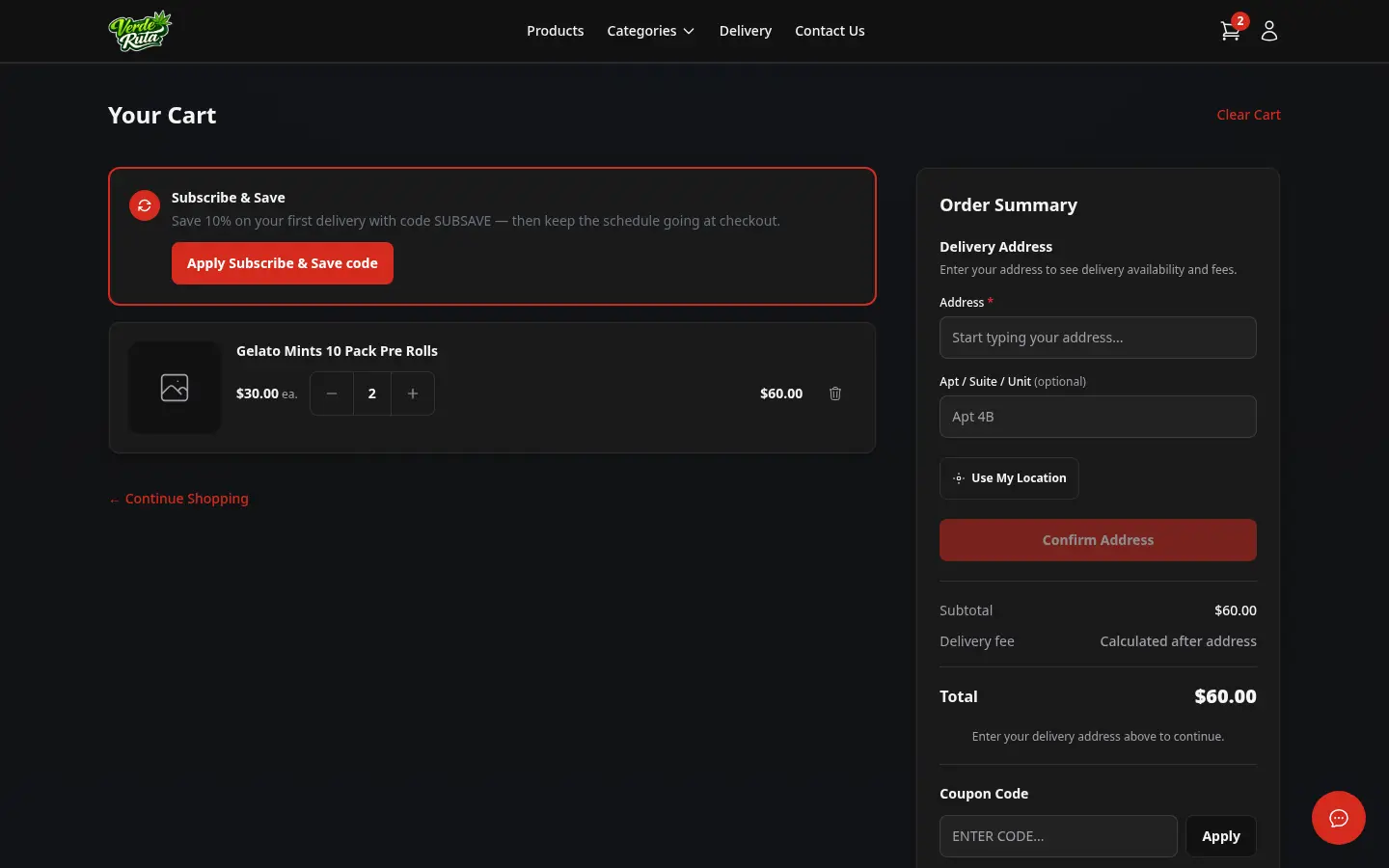
Items, quantities, subtotals, delivery fees — all laid out clearly. Customers can apply coupon codes for percentage or fixed discounts. When their subtotal crosses a freebie threshold, free items appear automatically. Everything updates in real time.

  • Line items with product images, variations, and prices
  • Coupon code input with instant validation
  • Automatic freebie items on spend thresholds
  • Delivery fee and service fee breakdown
  • Cart persists for guest and authenticated users
DabDash shopping cart with products, quantities, and subtotal
DabDash cart with coupon code applied showing discount
DabDash cart with automatic freebie reward added
DabDash shopping cart with products, quantities, and subtotal — mobile view
DabDash cart with coupon code applied showing discount — mobile view
DabDash cart with automatic freebie reward added — mobile view
DabDash guest checkout form with delivery address and payment
DabDash authenticated checkout with saved address and details
DabDash guest checkout form with delivery address and payment — mobile view
DabDash authenticated checkout with saved address and details — mobile view
Checkout

Guest or returning — checkout is seamless

Guests enter their details once. Returning customers see their saved addresses pre-filled. Order summary, delivery fee breakdown, and Stripe-powered payment — all on one page. Delivery time slots when you offer them.

  • Guest checkout — no account required
  • Saved addresses auto-fill for returning customers
  • Complete order summary with fee breakdown
  • Stripe payment integration (PCI compliant)
  • Optional delivery time slot selection
Order Confirmation

Confirmation they can trust

After payment, customers see a clear confirmation page with their order number, items, delivery address, and totals. An email confirmation lands in their inbox immediately. You get a notification too — so nothing slips through.

  • Order number and full summary on confirmation page
  • Automatic email confirmation to customer
  • Real-time notification to vendor
  • Order tracking from account dashboard
DabDash order confirmation page with order number and summary

Stripe payments. Email notifications. It just works.

From cart to confirmation in three steps. Guests and members. Every order tracked.

Start Free Trial
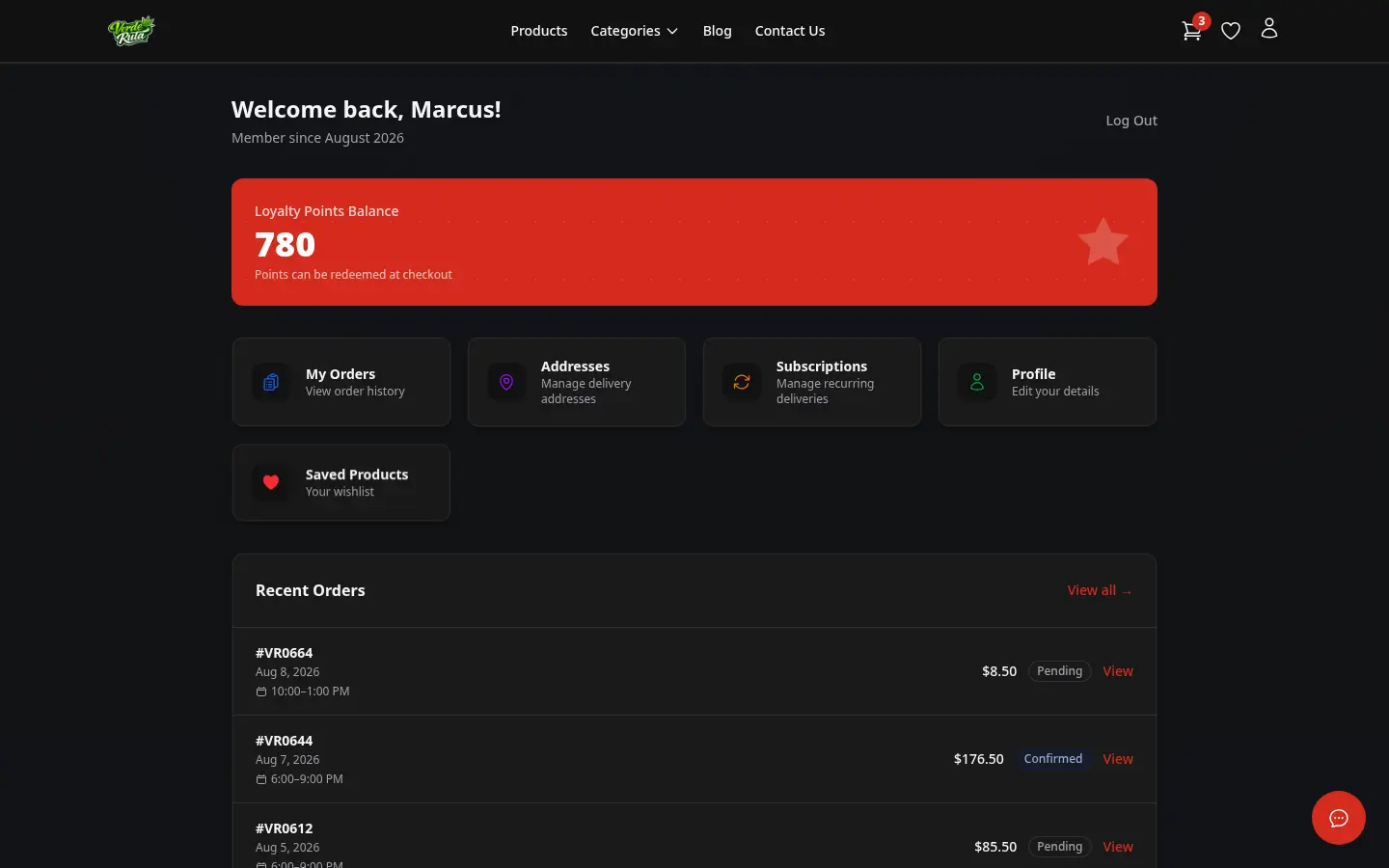
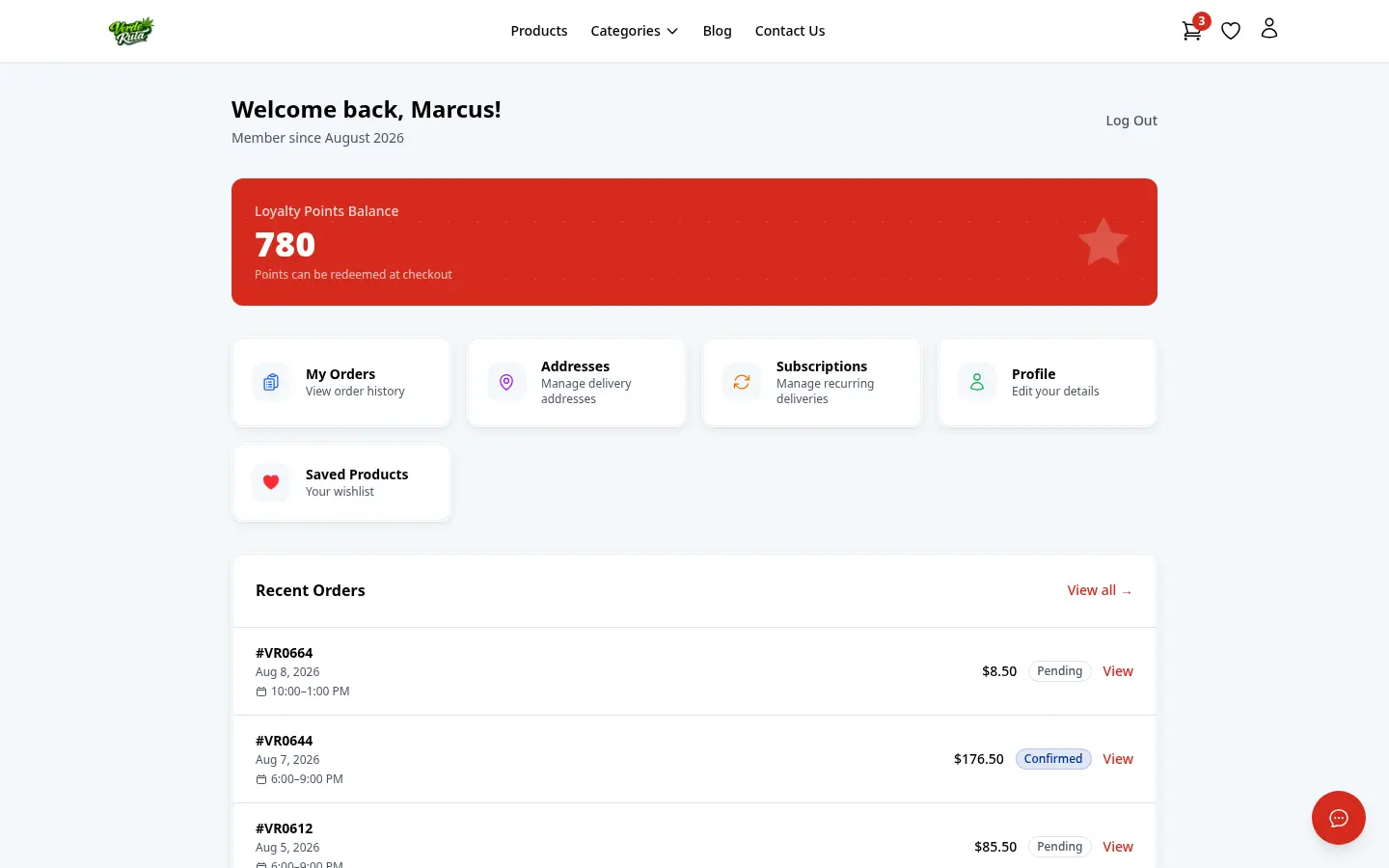
DabDash customer account dashboard with recent orders and loyalty points
DabDash customer order history list with status badges
DabDash customer account order detail showing line items, delivery address, fees, and order status
DabDash customer account dashboard with recent orders and loyalty points — mobile view
DabDash customer order history list with status badges — mobile view
DabDash customer account order detail showing line items, delivery address, fees, and order status — mobile view
Customer Dashboard

Their account, their history, their rewards

Customers see their recent orders, loyalty points balance, and quick links — all in one dashboard. The orders list shows every order with status badges. Click any order for the full breakdown with items, fees, and delivery info.

  • Account dashboard with recent orders overview
  • Full order history with status tracking
  • Detailed order view with line items and fees
  • Loyalty points balance at a glance
Loyalty & Addresses

Rewards that keep them coming back

Customers earn loyalty points on every order — visible in their account with a full transaction history. Saved addresses with a default badge make repeat ordering effortless. One click and they're ready to check out.

  • Loyalty points balance with transaction history
  • Points earned per order shown in detail
  • Multiple saved addresses with default selection
  • Profile editing for name, phone, and date of birth
DabDash customer loyalty points page with transaction history
DabDash customer saved addresses management
DabDash customer profile editor with name, phone, date of birth, and password change fields
DabDash customer loyalty points page with transaction history — mobile view
DabDash customer saved addresses management — mobile view
DabDash customer profile editor with name, phone, date of birth, and password change fields — mobile view
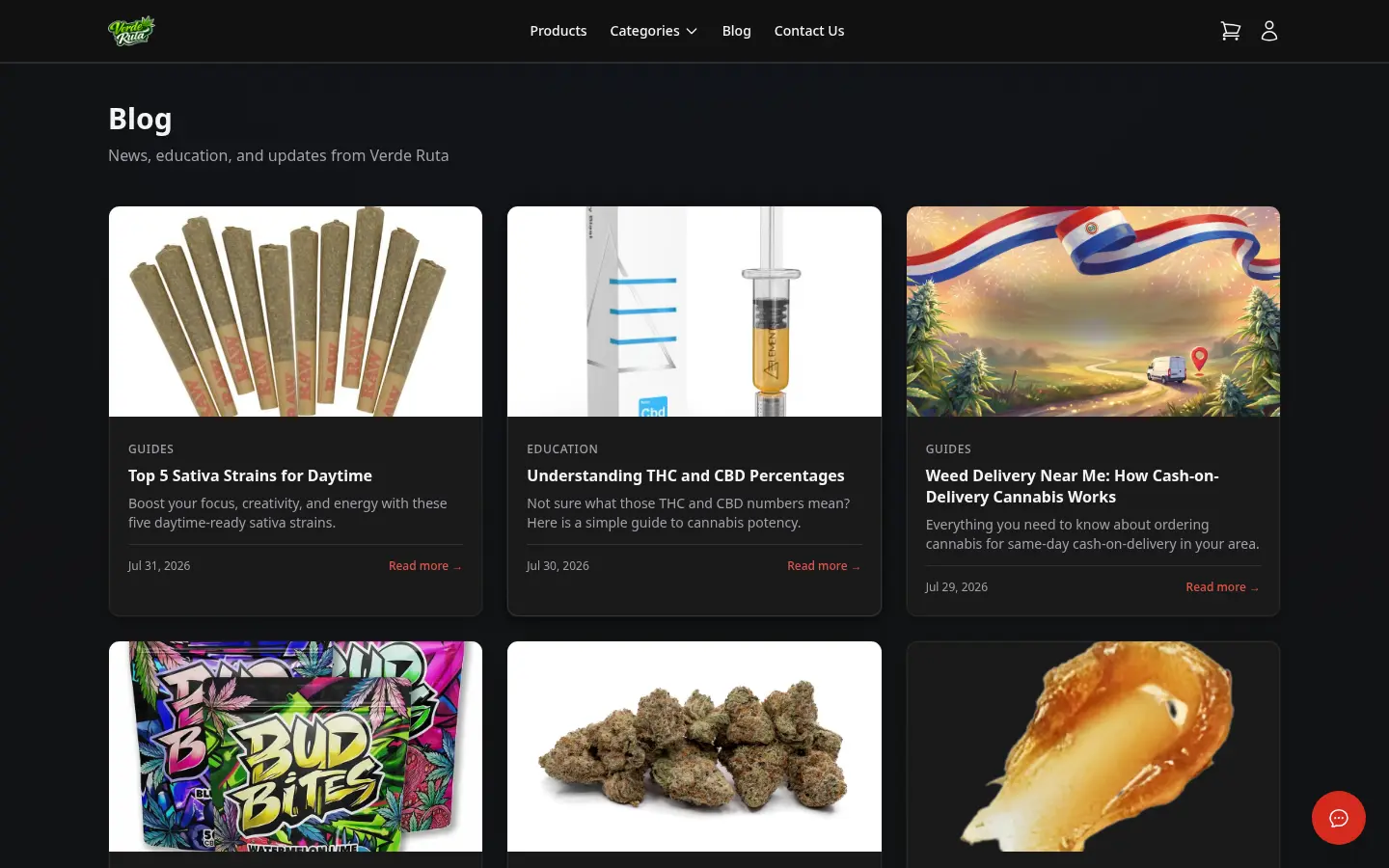
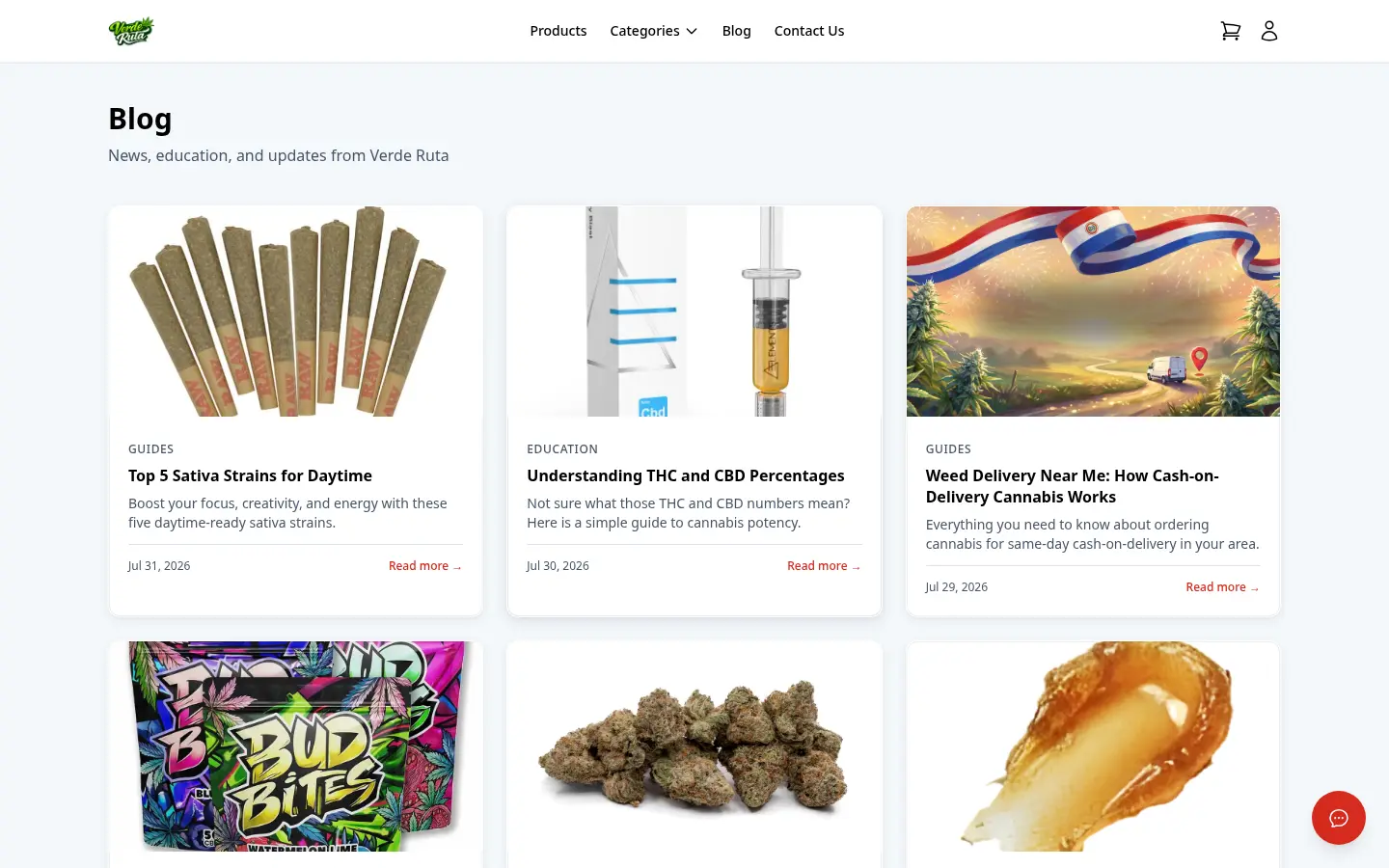
DabDash storefront blog listing with article cards
DabDash storefront blog post with full article content
DabDash storefront blog listing with article cards — mobile view
DabDash storefront blog post with full article content — mobile view
Blog & SEO

Content that ranks and converts

Every storefront includes a built-in blog. Write guides, strain reviews, or news — all under your subdomain for maximum SEO value. Categories, tags, related posts, and full Open Graph / schema markup out of the box.

  • Built-in blog under your store domain
  • Categories and tags for organization
  • Related posts to keep readers engaged
  • Full SEO meta: Open Graph, schema markup, canonical URLs
  • SSR pages — Google indexes every page instantly

SEO-first. Server-rendered. Google-ready.

Every page is server-rendered HTML that Google can crawl and index immediately. No JavaScript framework required.

Start Free Trial
Customer Auth

Simple login. No barriers.

Clean login and registration forms branded to your store. Forgot password flow with email reset. Customers create an account to save addresses, track orders, and earn loyalty points — but they can always checkout as a guest.

  • Branded login and registration forms
  • Email-based password reset flow
  • Guest checkout always available
  • Account benefits: saved addresses, order history, loyalty
DabDash customer login form
DabDash customer registration form
DabDash customer forgot password form
DabDash customer login form — mobile view
DabDash customer registration form — mobile view
DabDash customer forgot password form — mobile view

That's what your customers see. Ready to launch yours?

Start your free 7-day trial. Full storefront, fully branded, fully yours. No credit card required.

Customize your view

Choose how you'd like to see the screenshots.

Device

Theme