Settings
Store info, appearance, compliance, domain, notifications, chat, and data import.
 Video walkthrough available
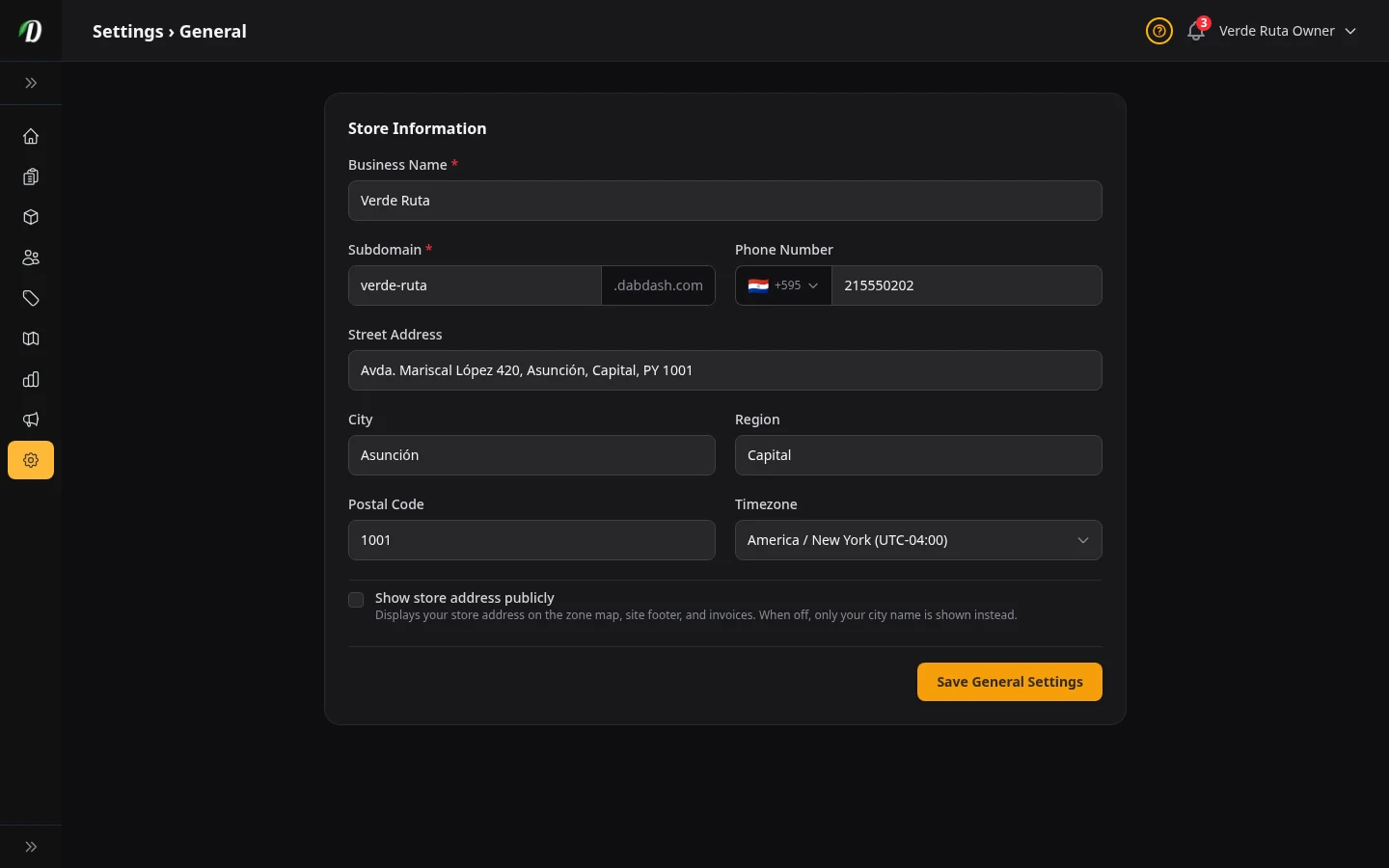
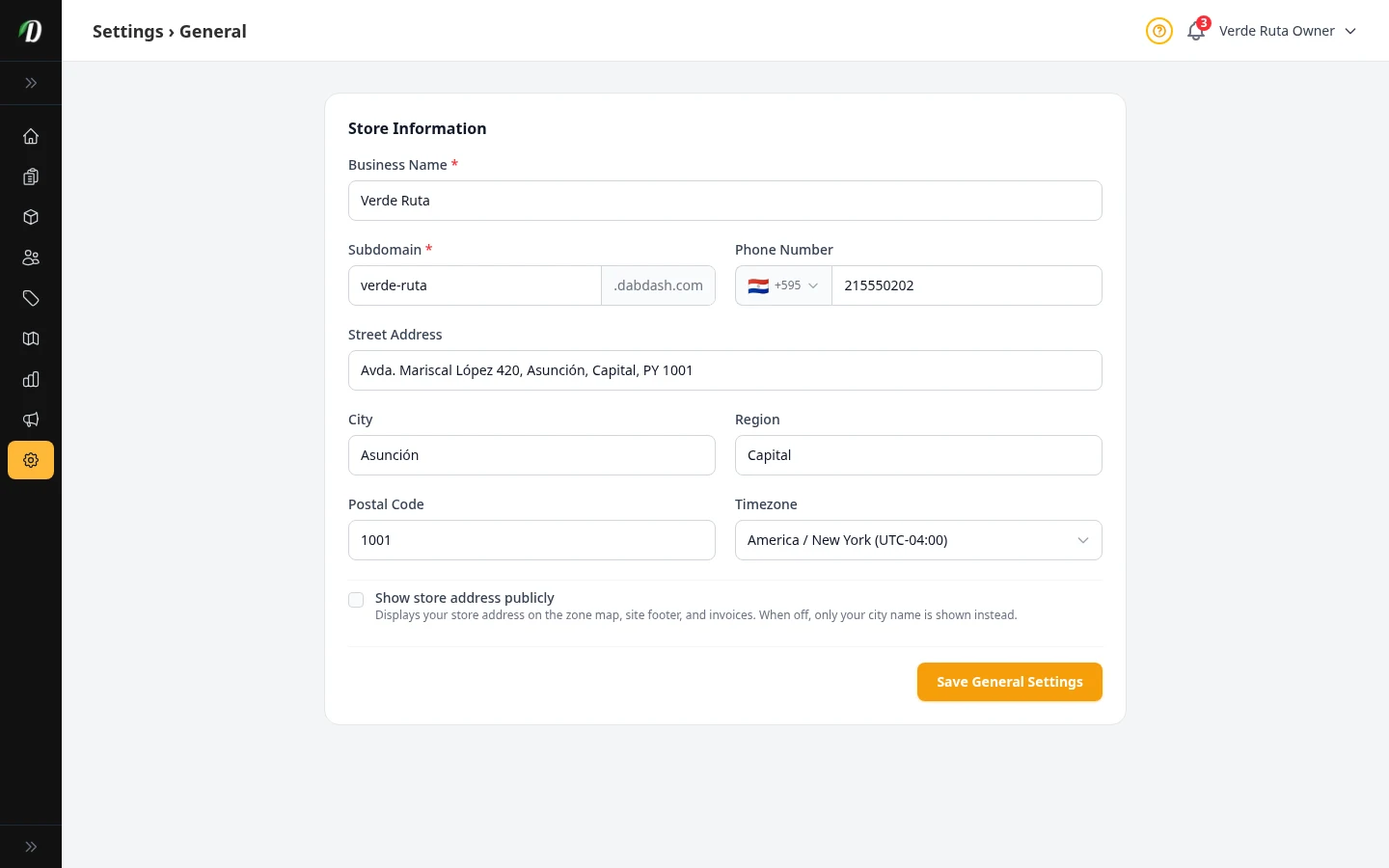
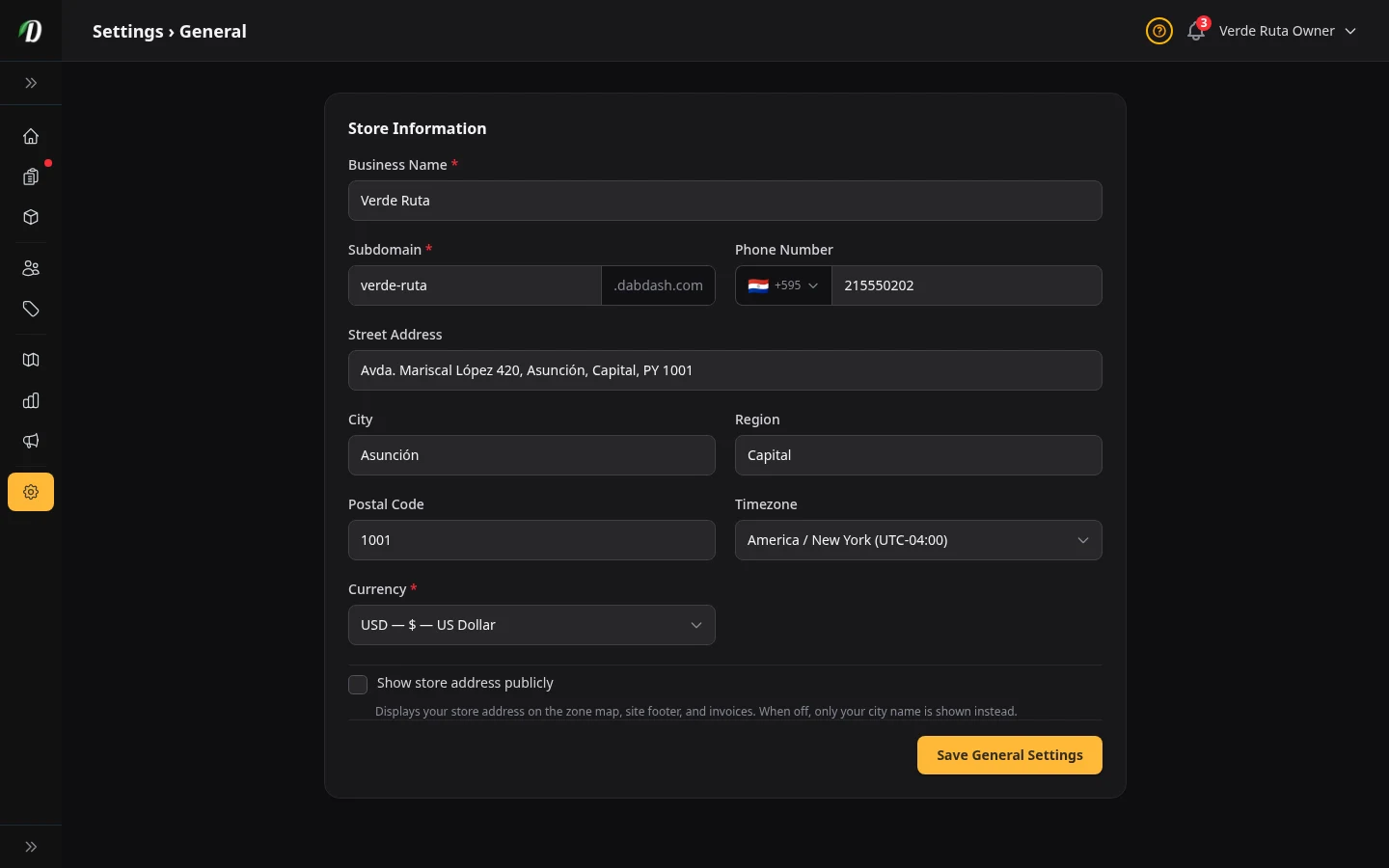
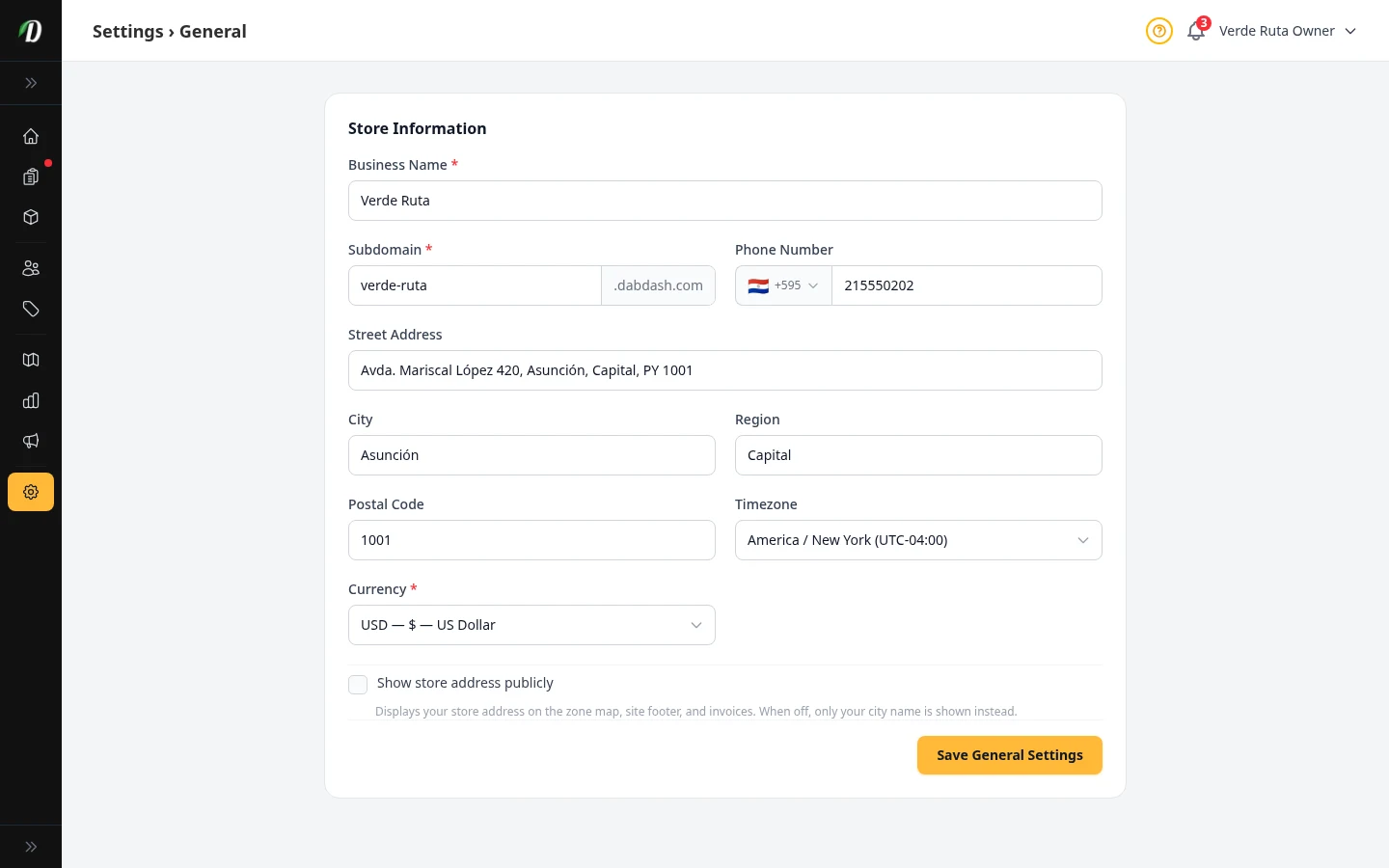
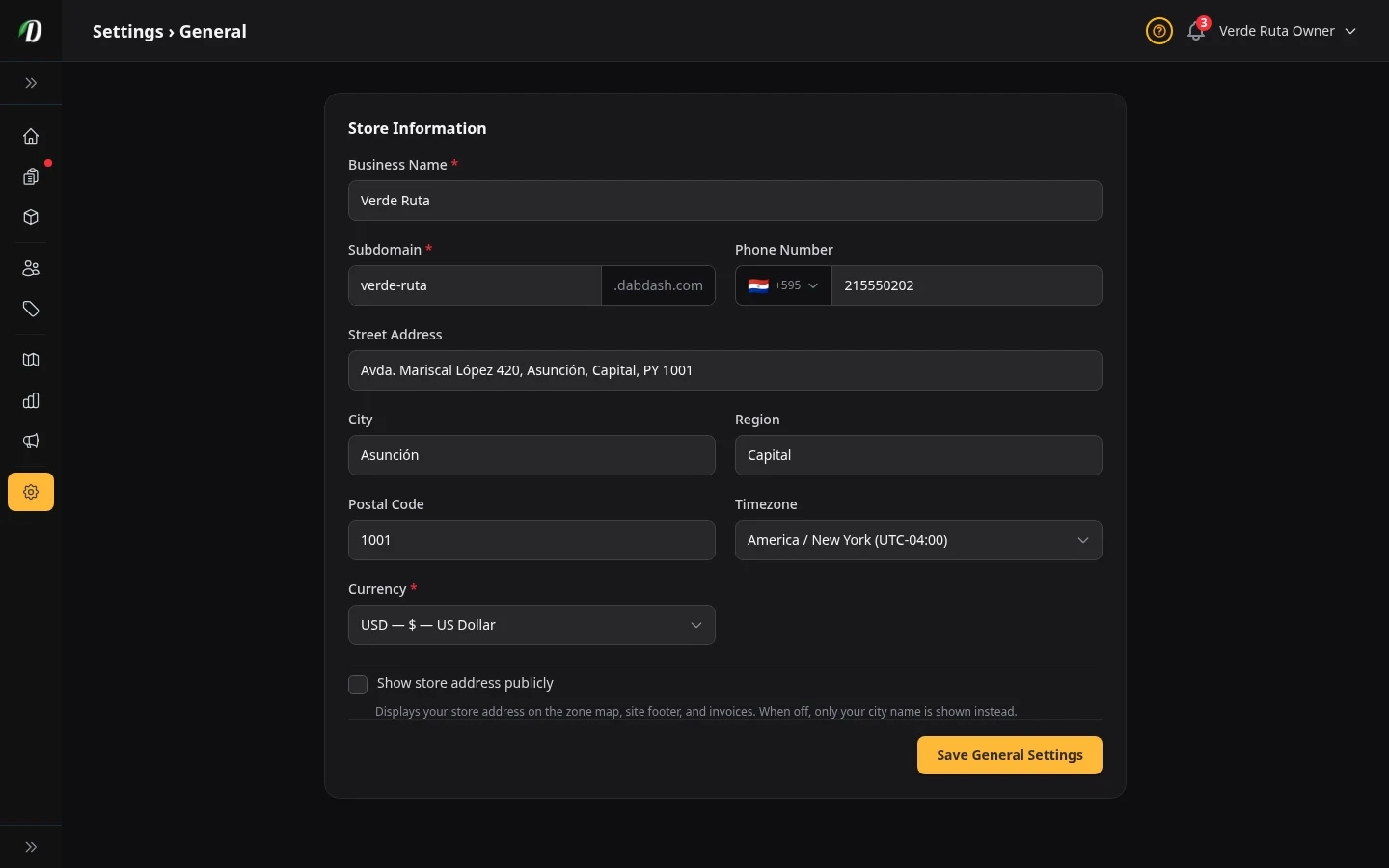
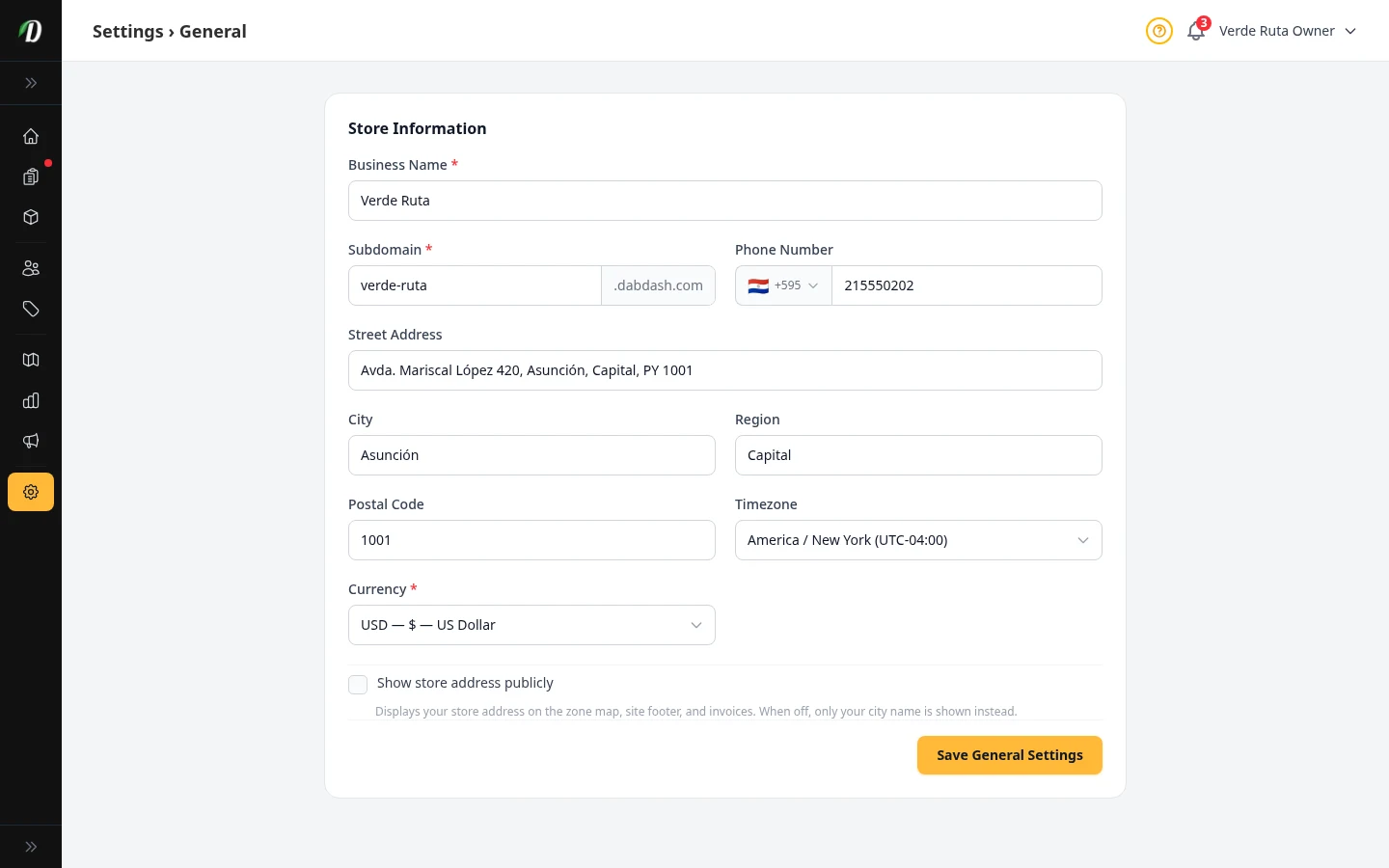
Your Store Info
Set your business name, address, phone number, subdomain, and timezone.
 Video walkthrough available
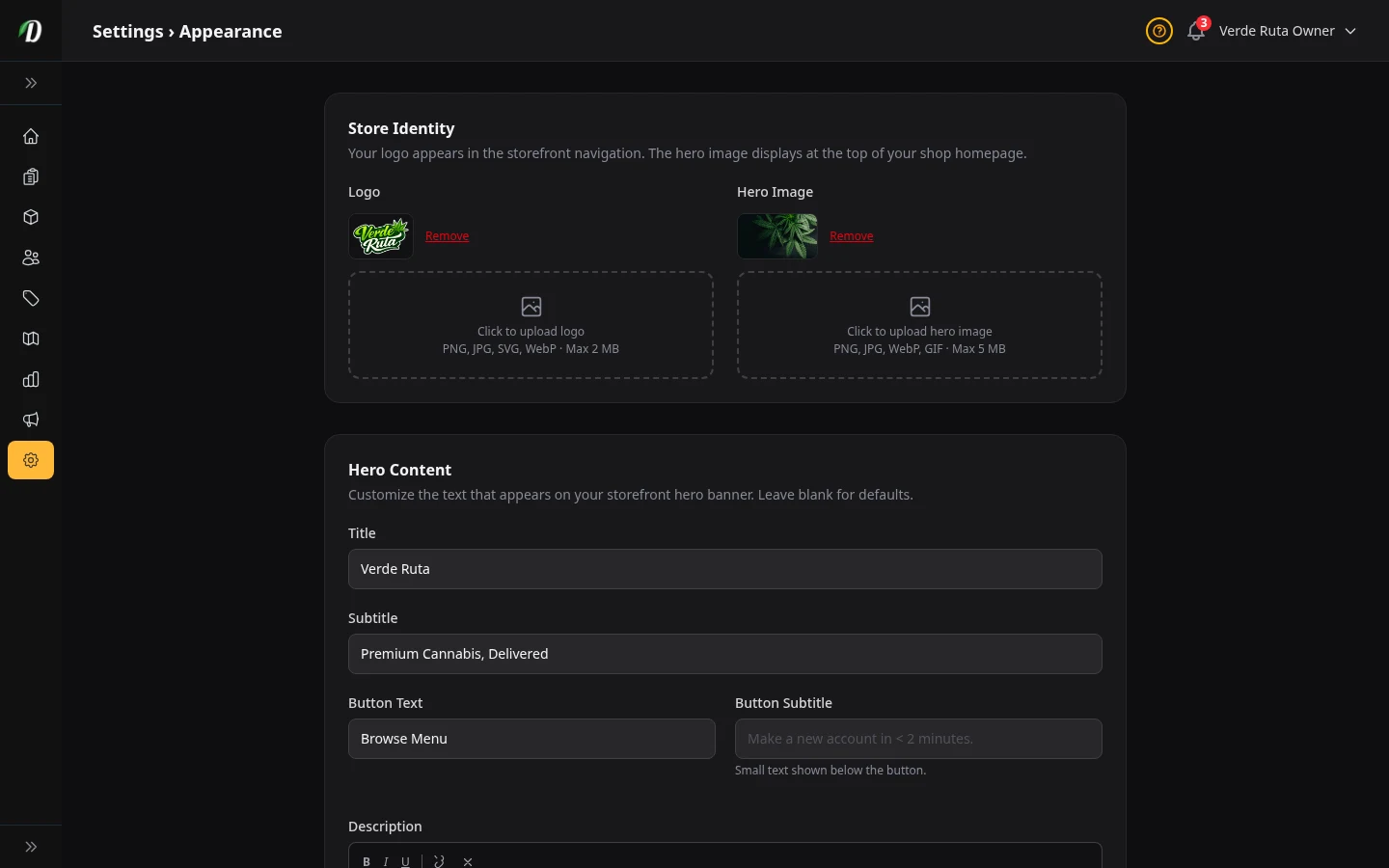
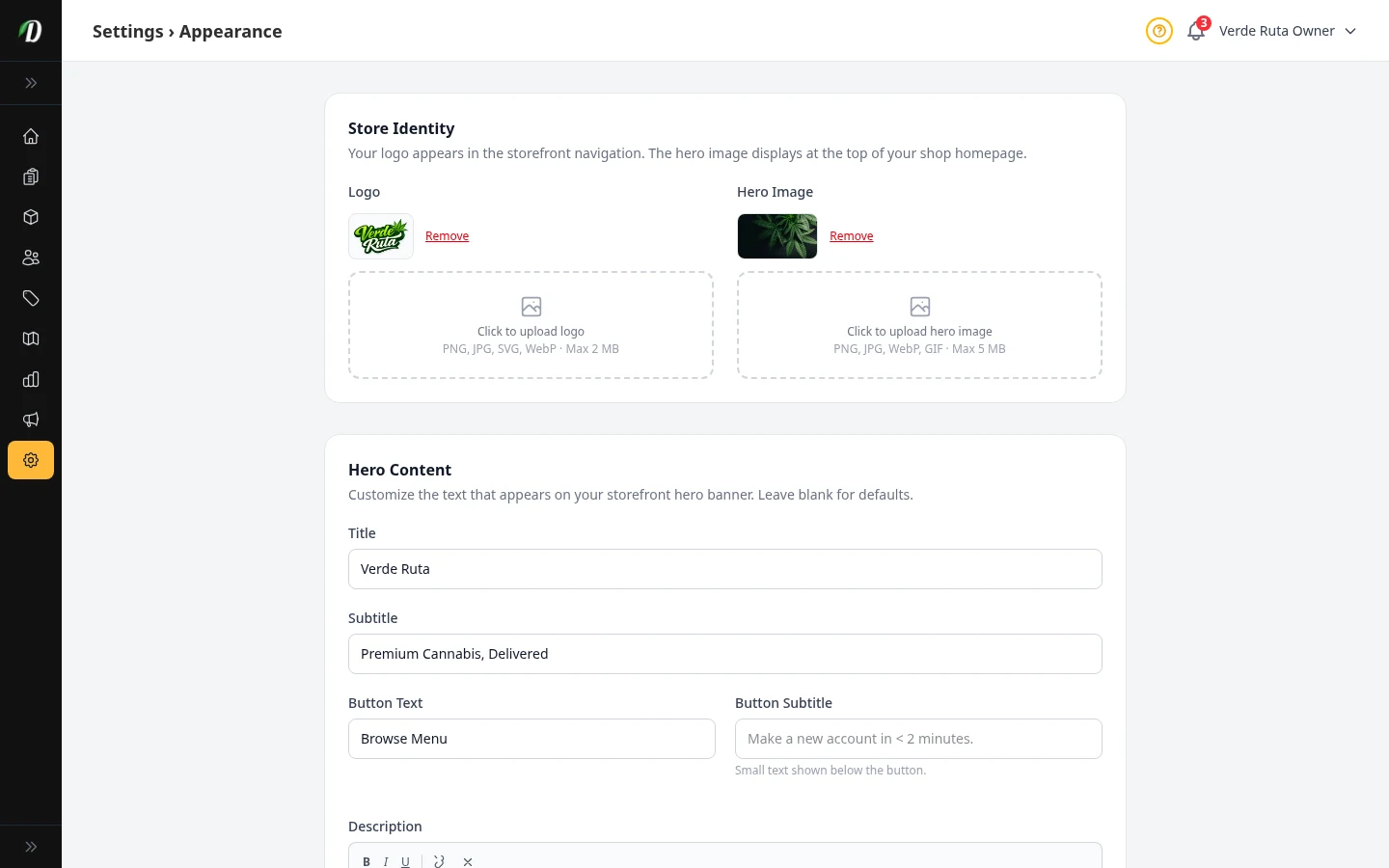
How Your Store Looks
Upload your logo, pick your colors, choose a font, and set your hero banner.
 Video walkthrough available
Shop Settings
Run storewide sales, manage loyalty points, configure freebie confirmation, set low-stock thresholds, and choose your order numbering and weight conversion.
 Video walkthrough available
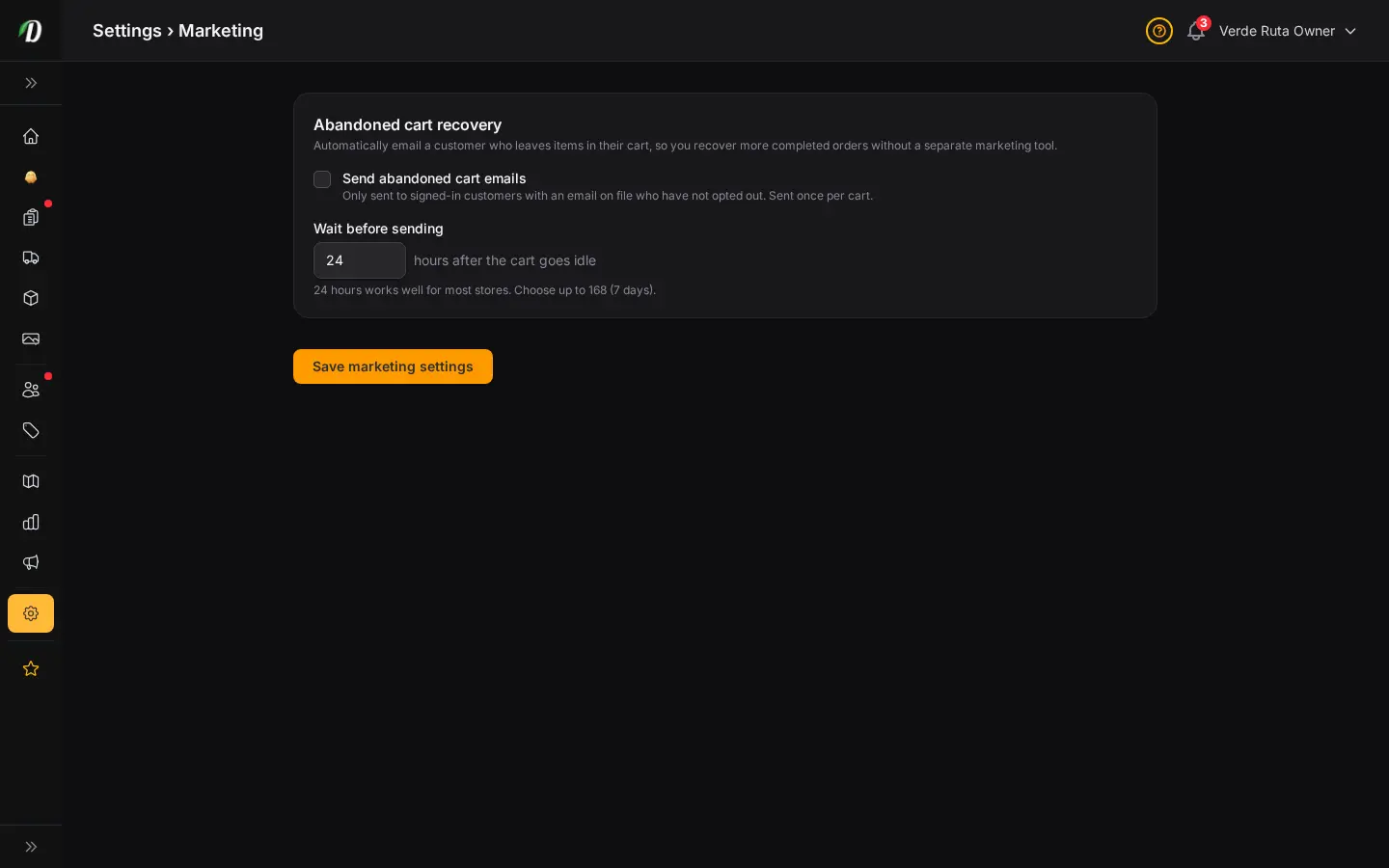
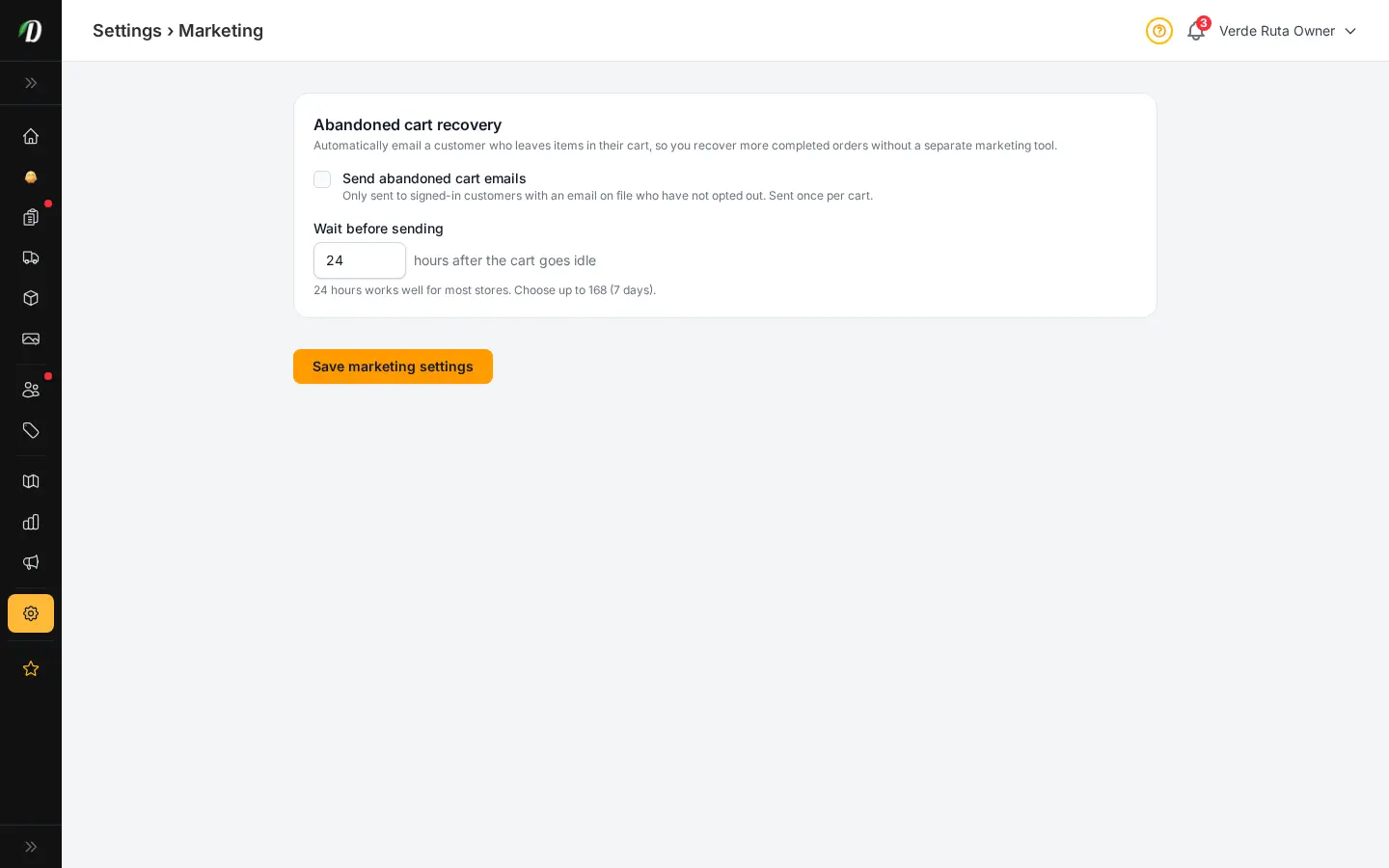
Marketing Settings
Recover abandoned carts with one carefully timed email to eligible signed-in customers.
 Video walkthrough available
Age Check & Legal
Turn on age verification, manage checkout ID photos, add ID face thumbnails to documents, and publish legal links.
 Video walkthrough available
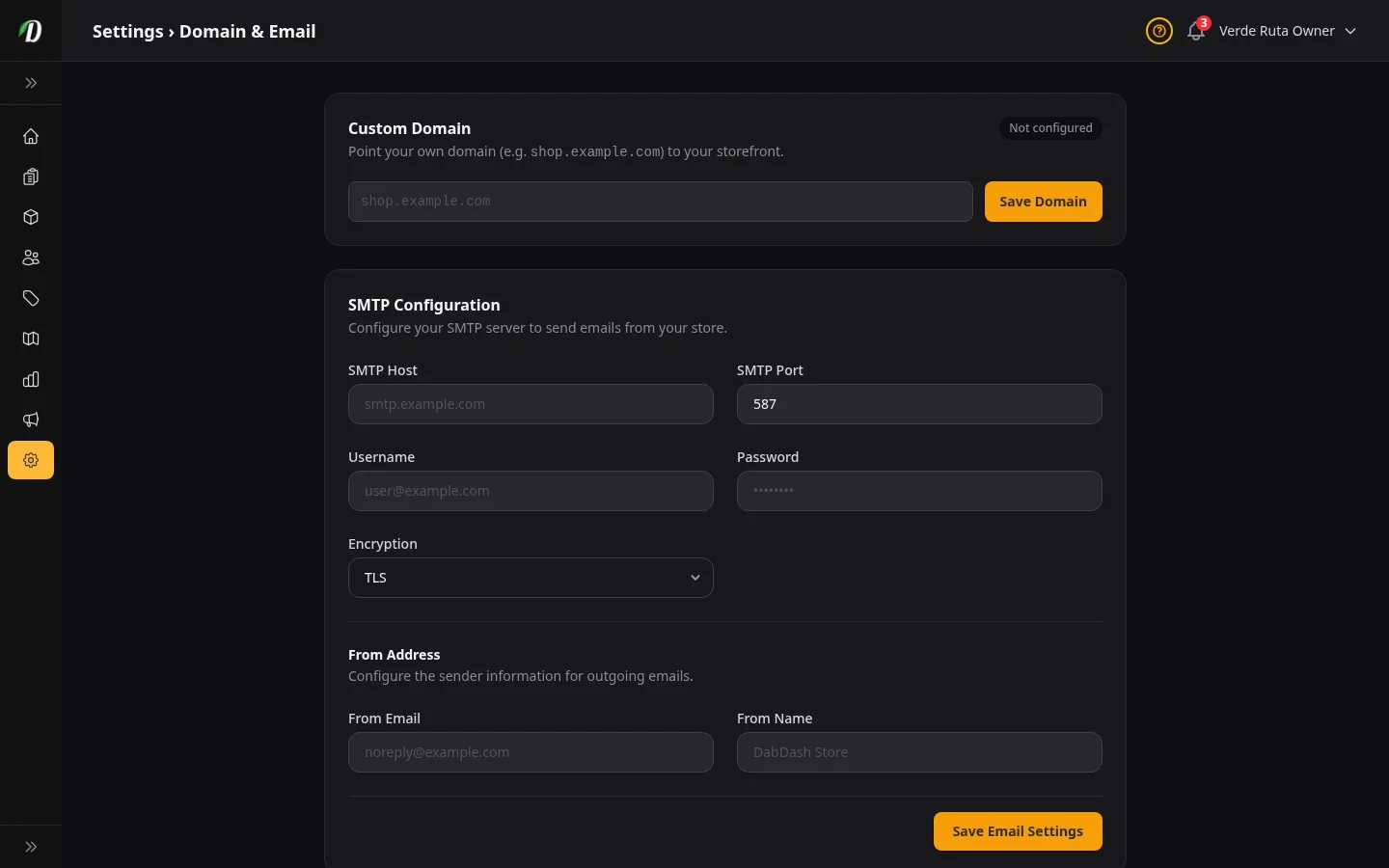
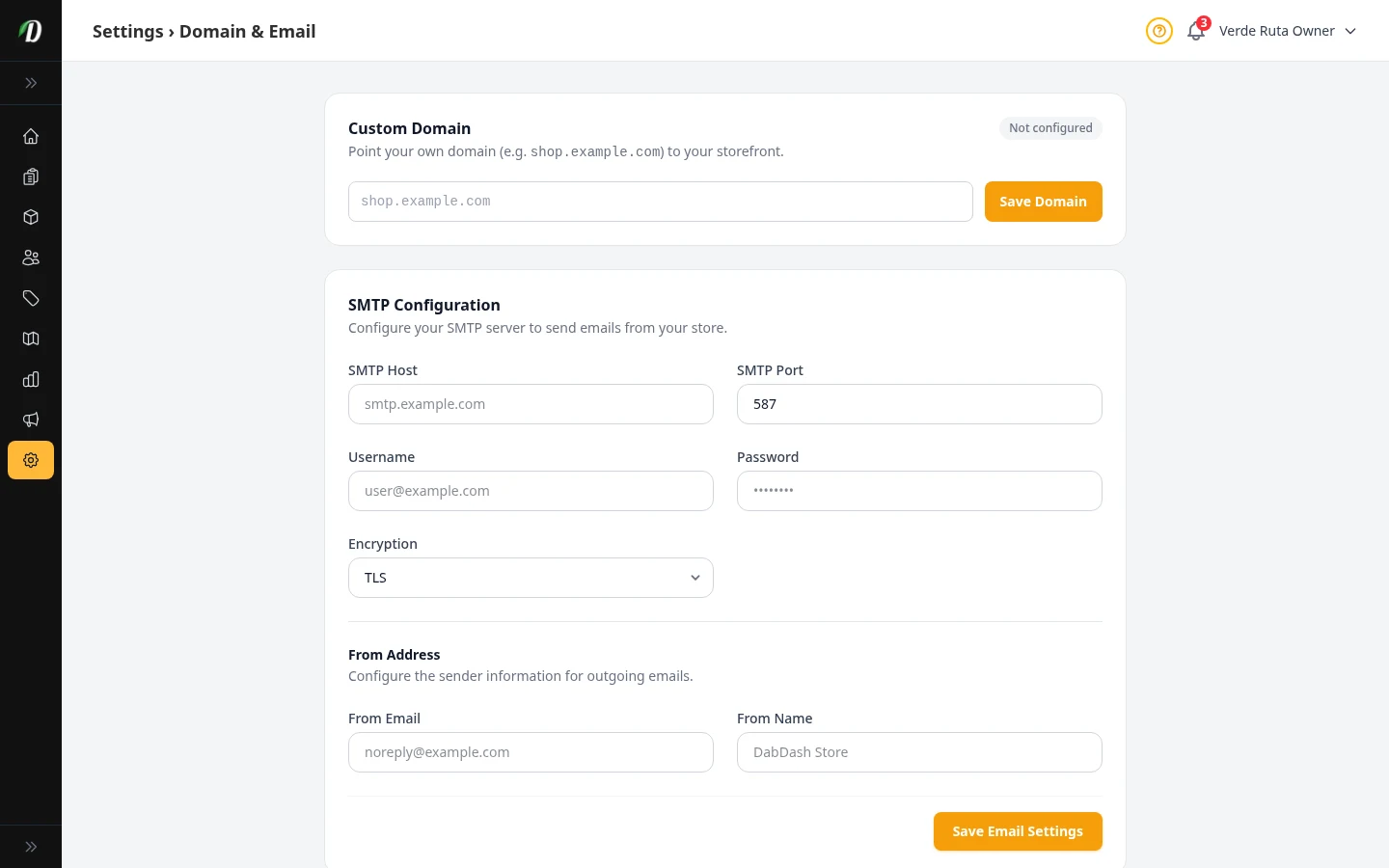
Your Domain & Email
Use your own domain name, set up your email sender, and add a BIMI logo.
 Video walkthrough available
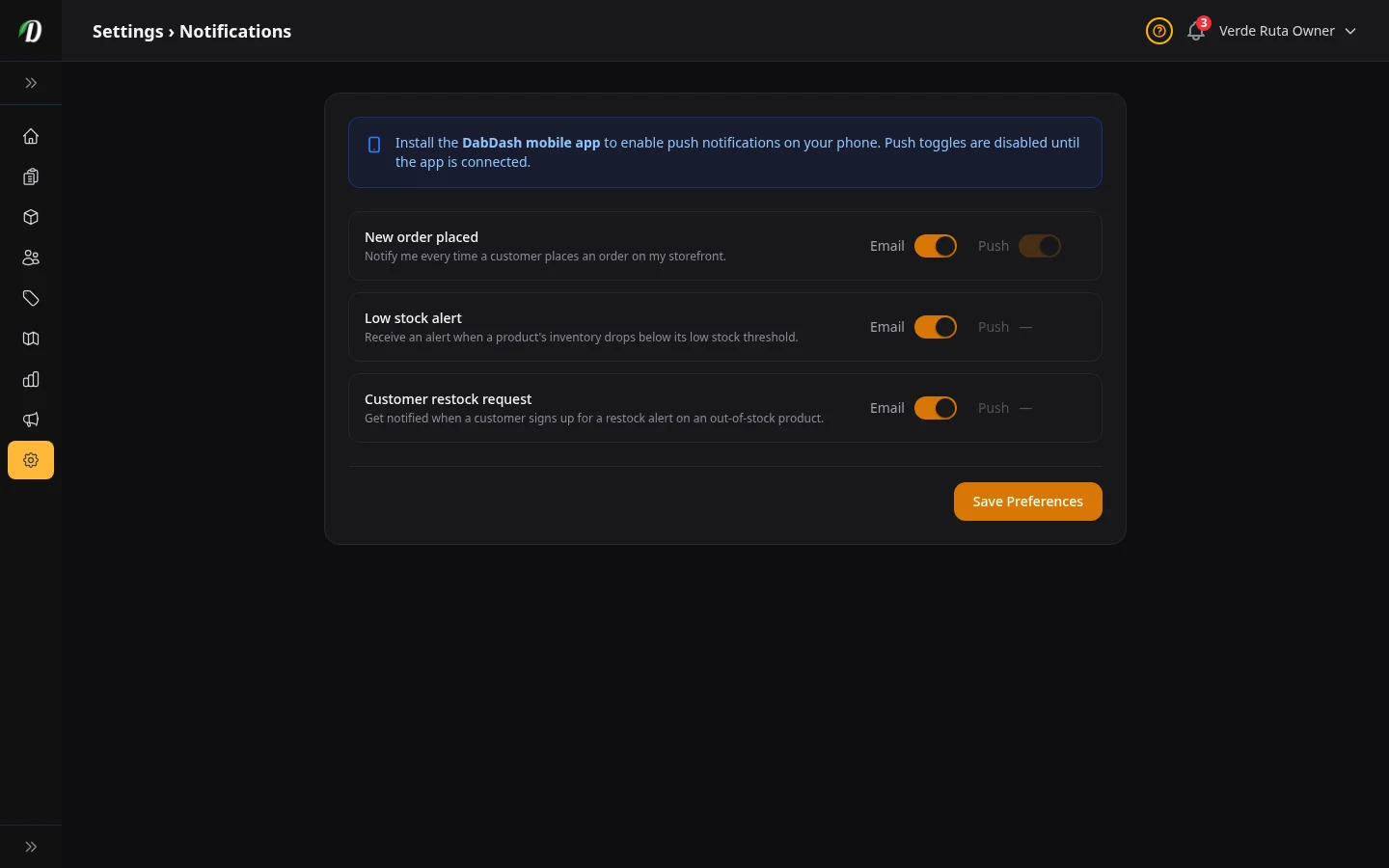
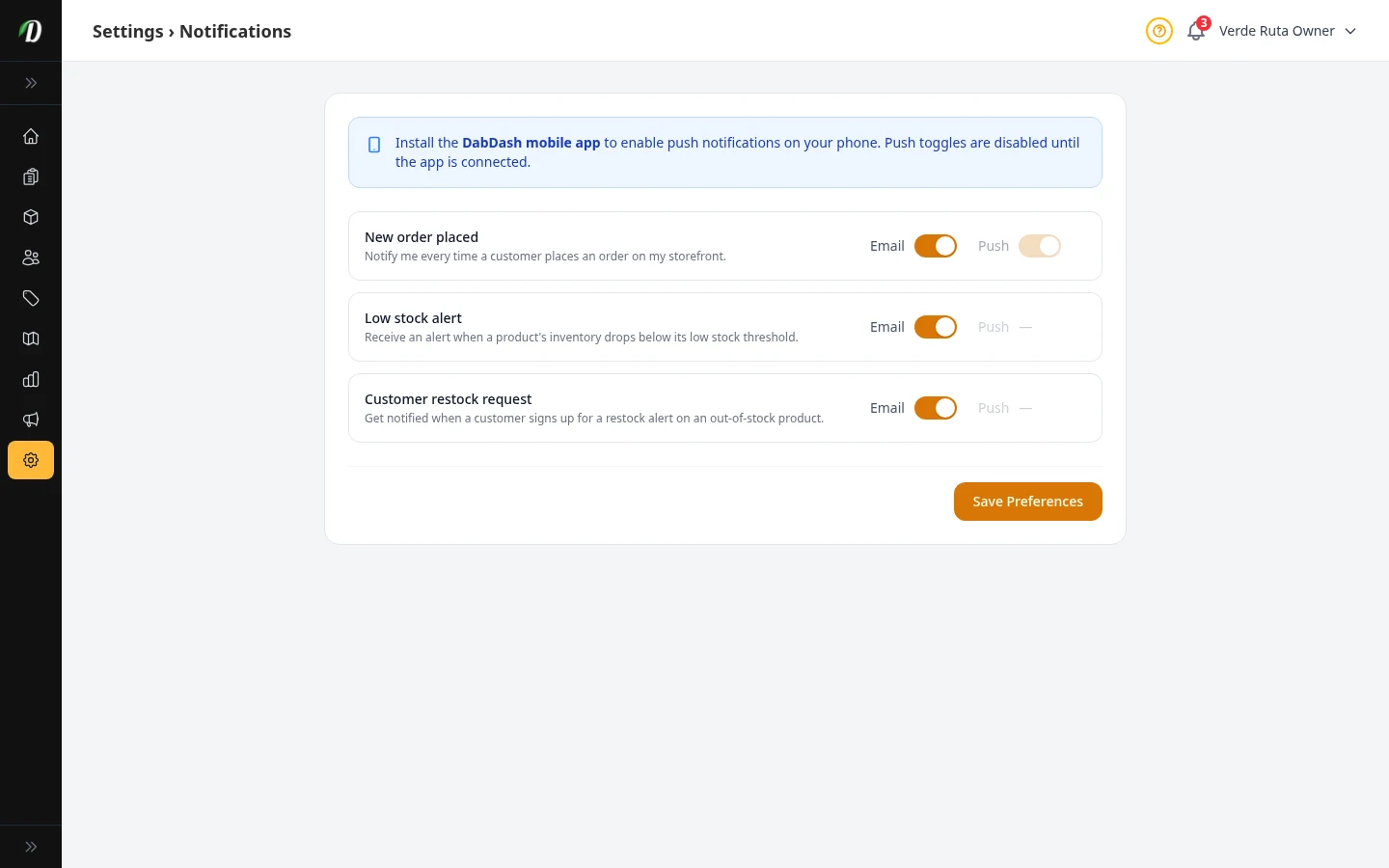
Notification Settings
Choose which alerts you get by email or push — orders, low stock, and restock requests.
 Video walkthrough available
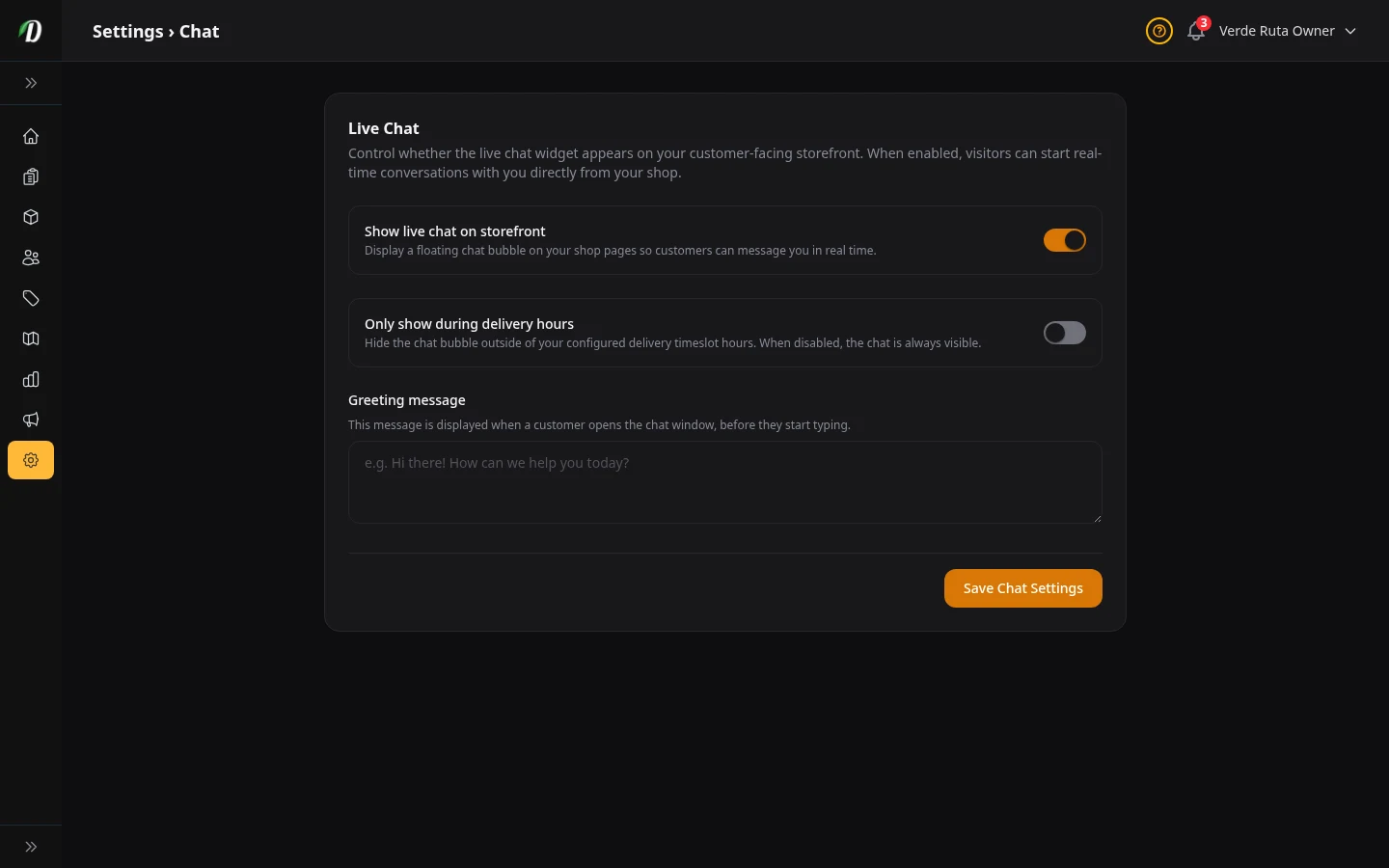
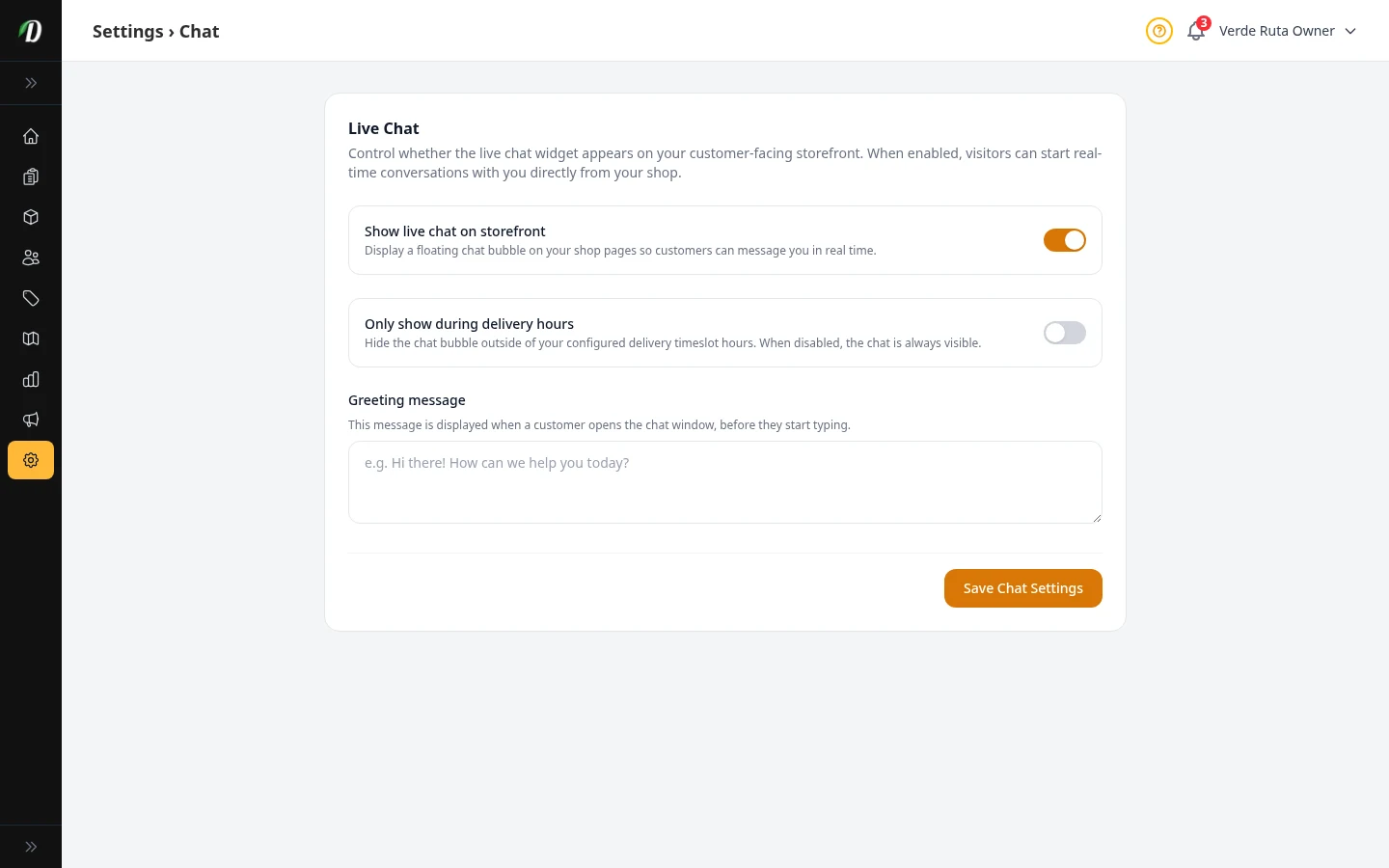
Live Chat
Turn the chat bubble on your store on or off and write a greeting message.
 Video walkthrough available
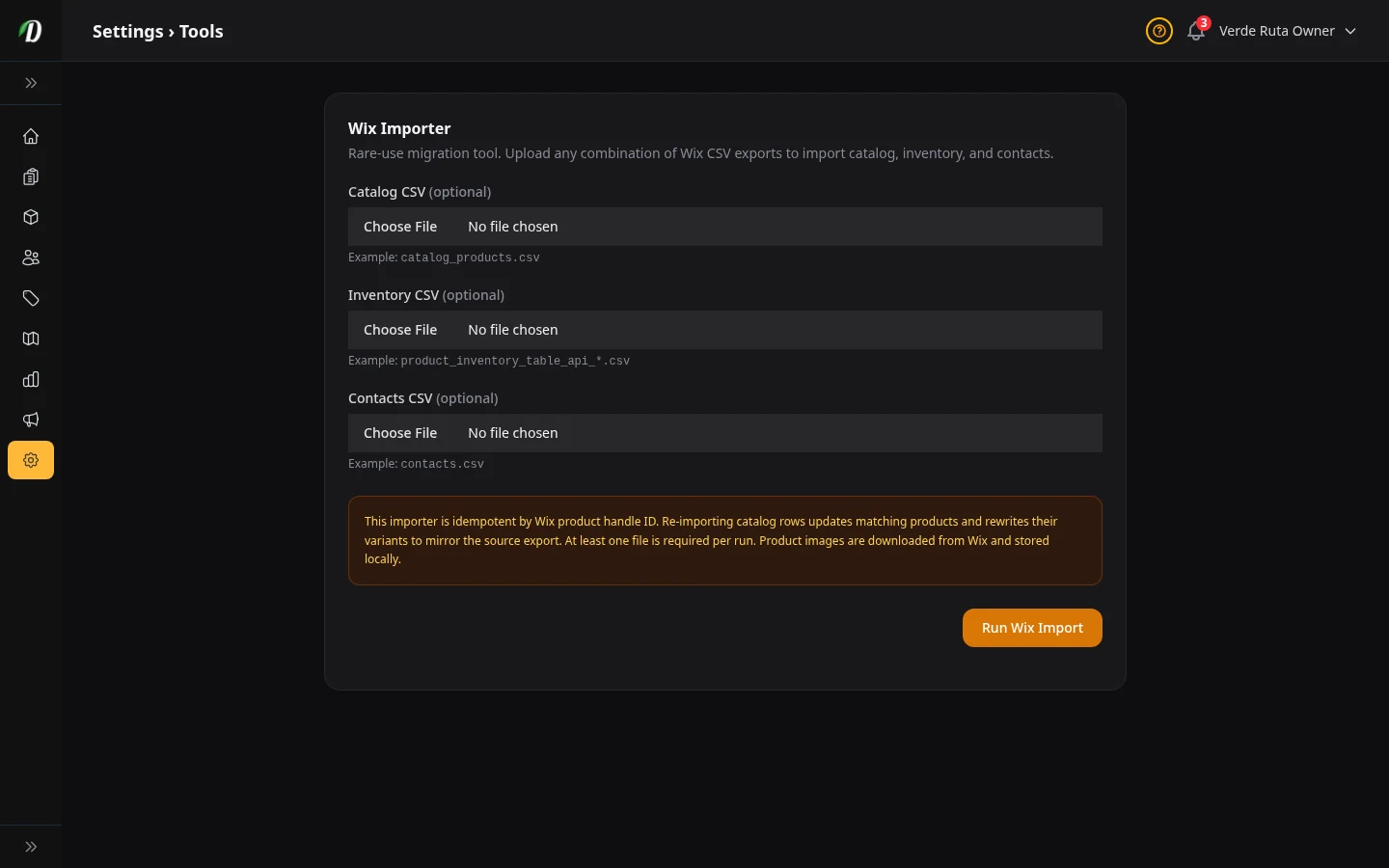
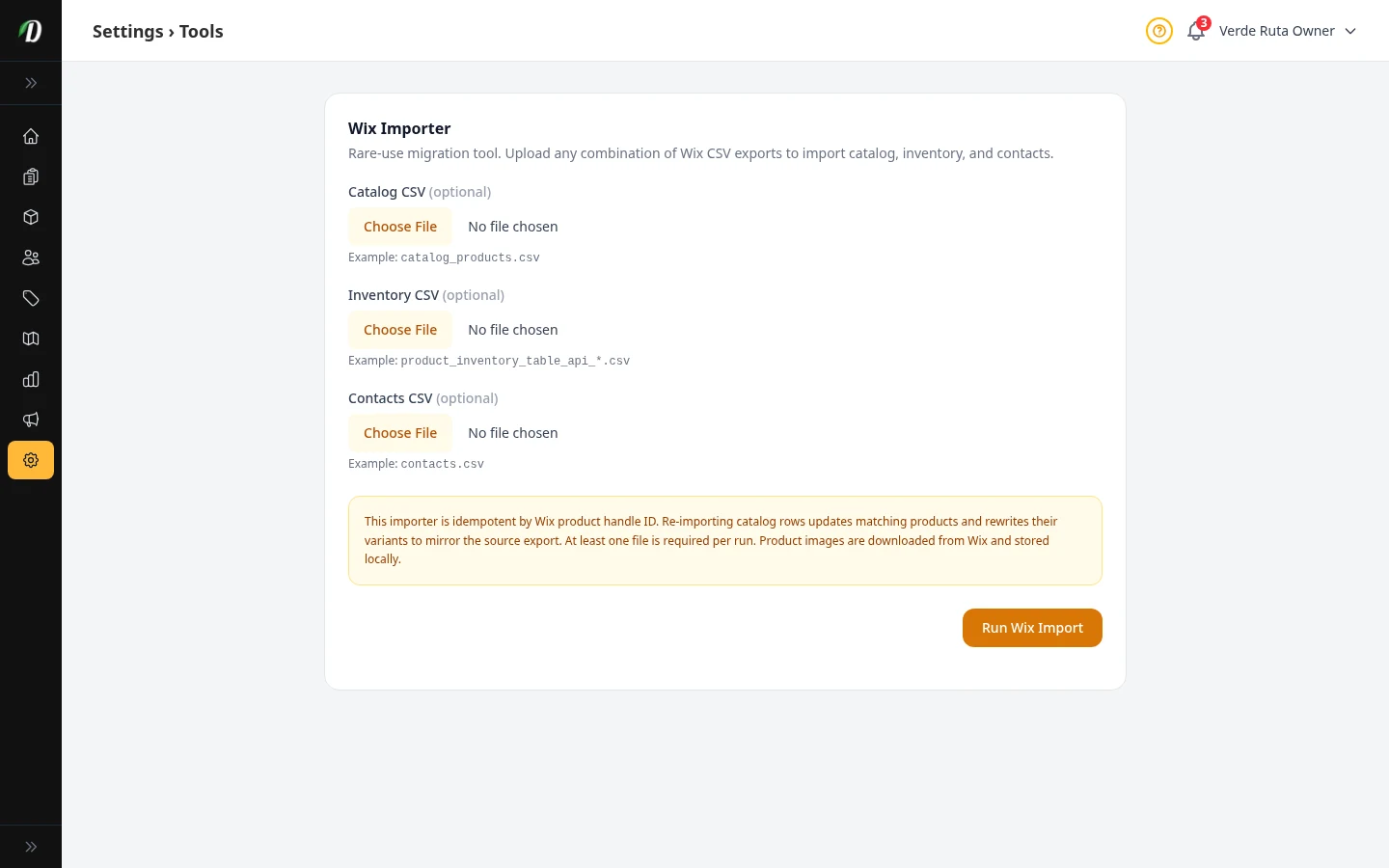
Moving Your Data In
Import your products, stock levels, and customers from Wix using CSV files.
 Video walkthrough available
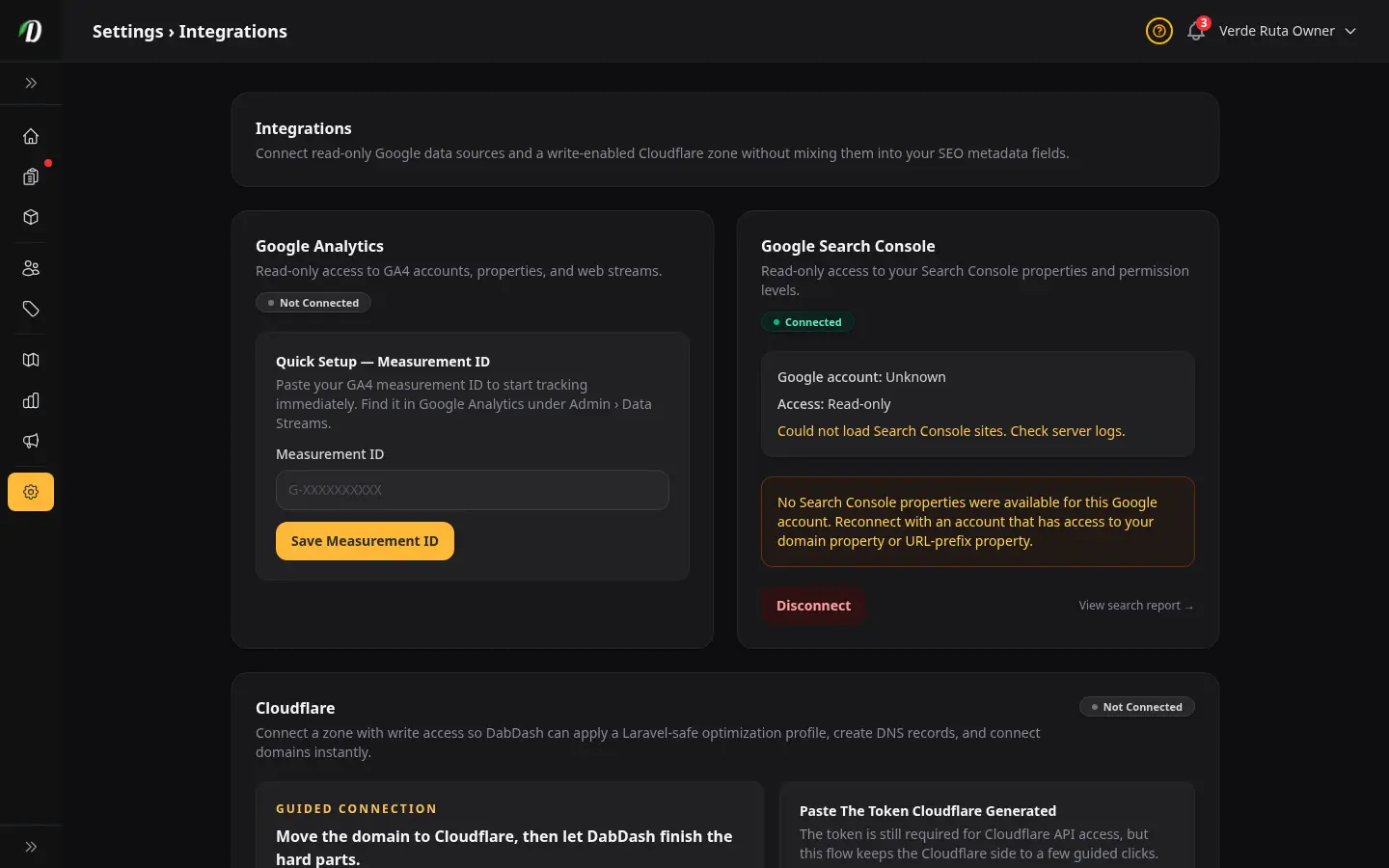
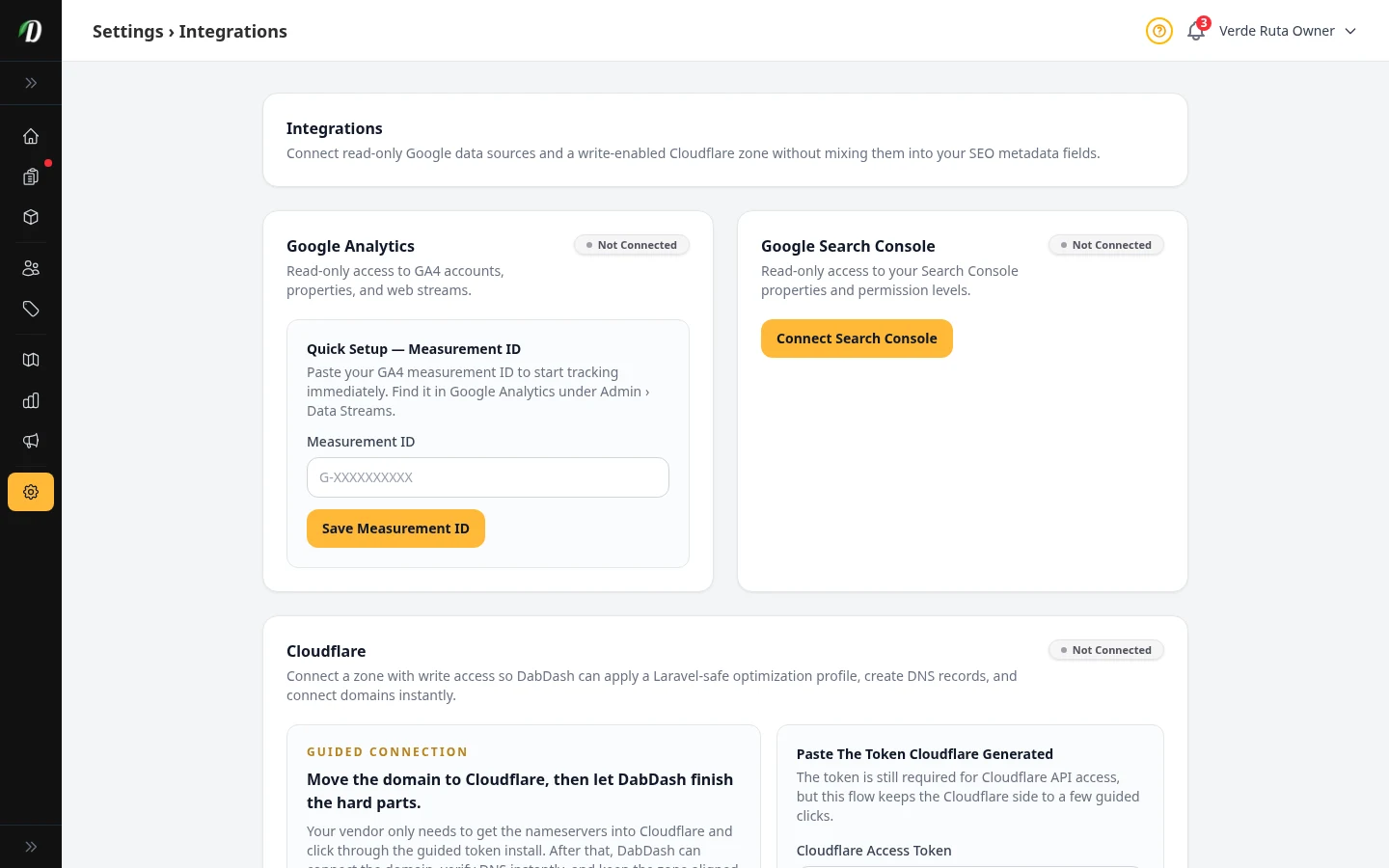
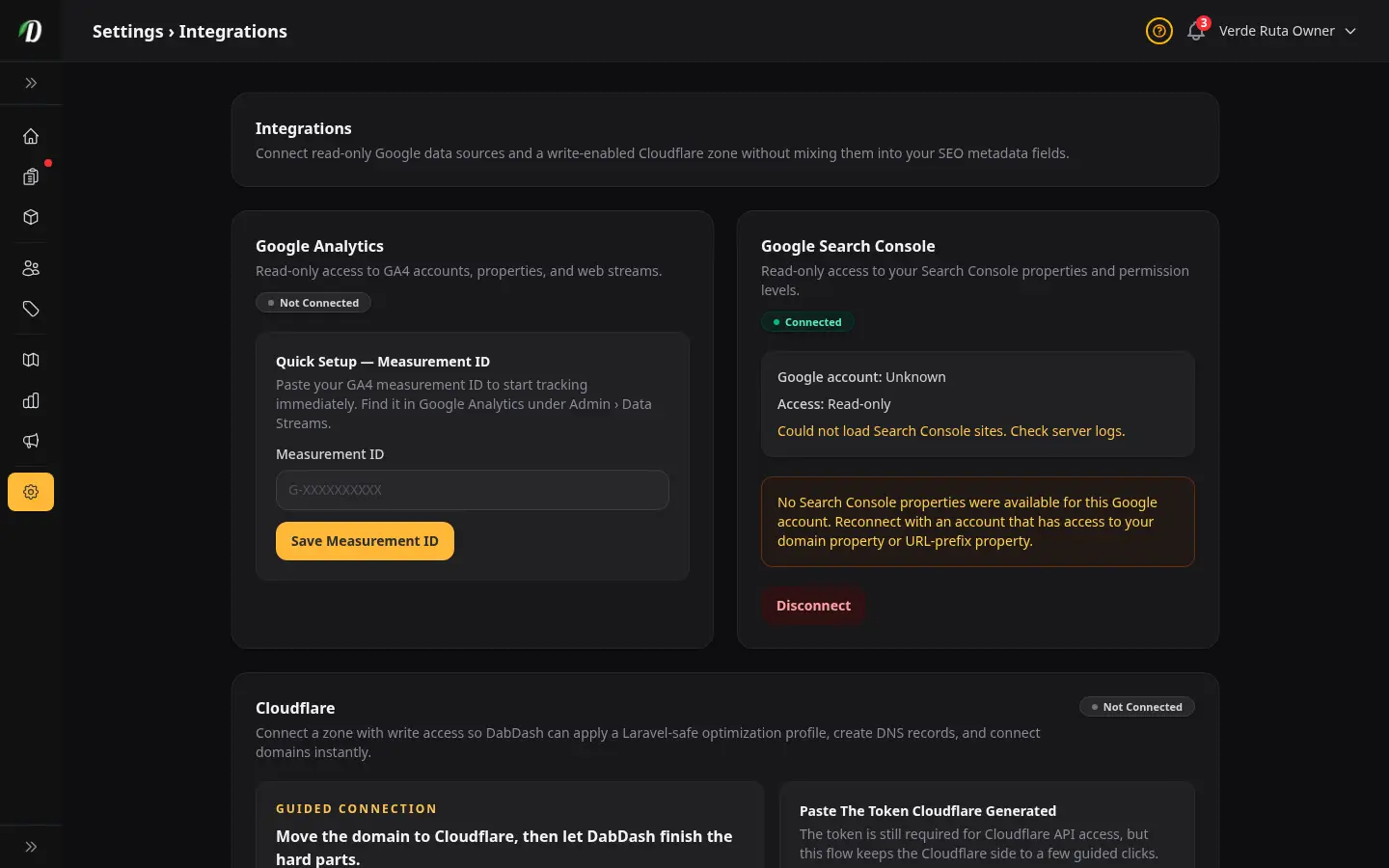
Integrations
Connect Google Analytics, Search Console, and Cloudflare to your store.
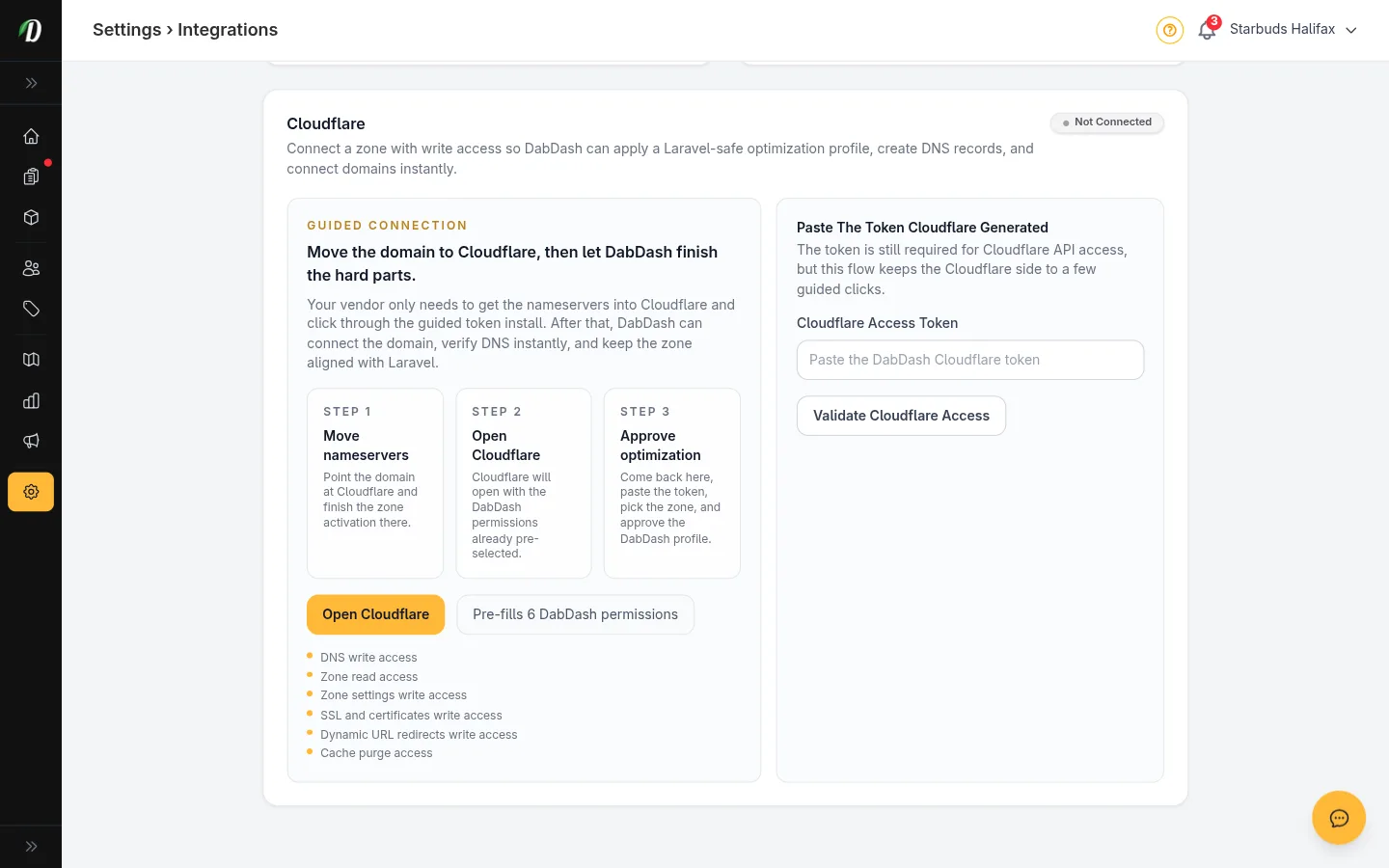
Cloudflare Setup Guide
Step-by-step guide to connecting Cloudflare, applying HTTPS settings, and linking your custom domain.
 Video walkthrough available
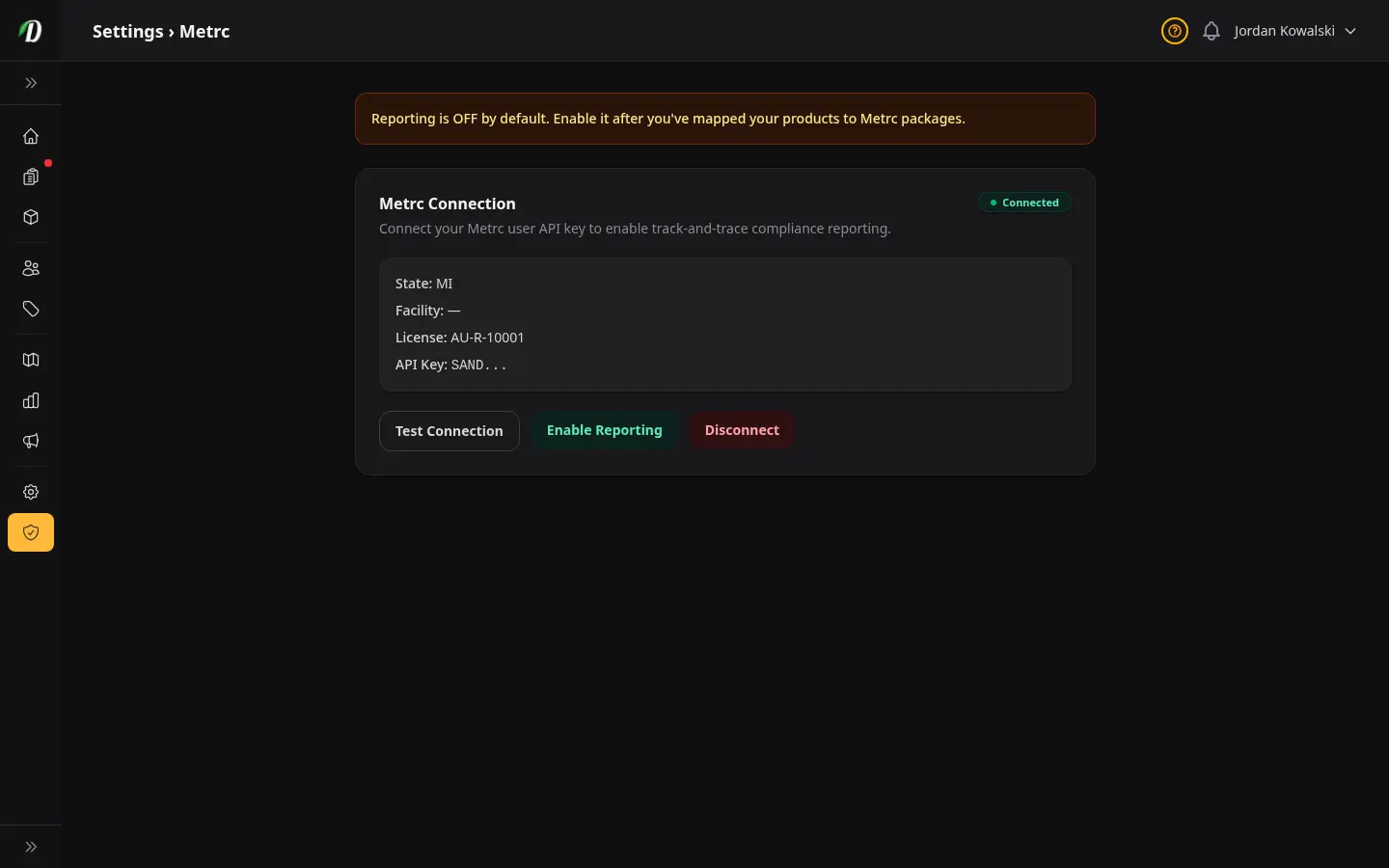
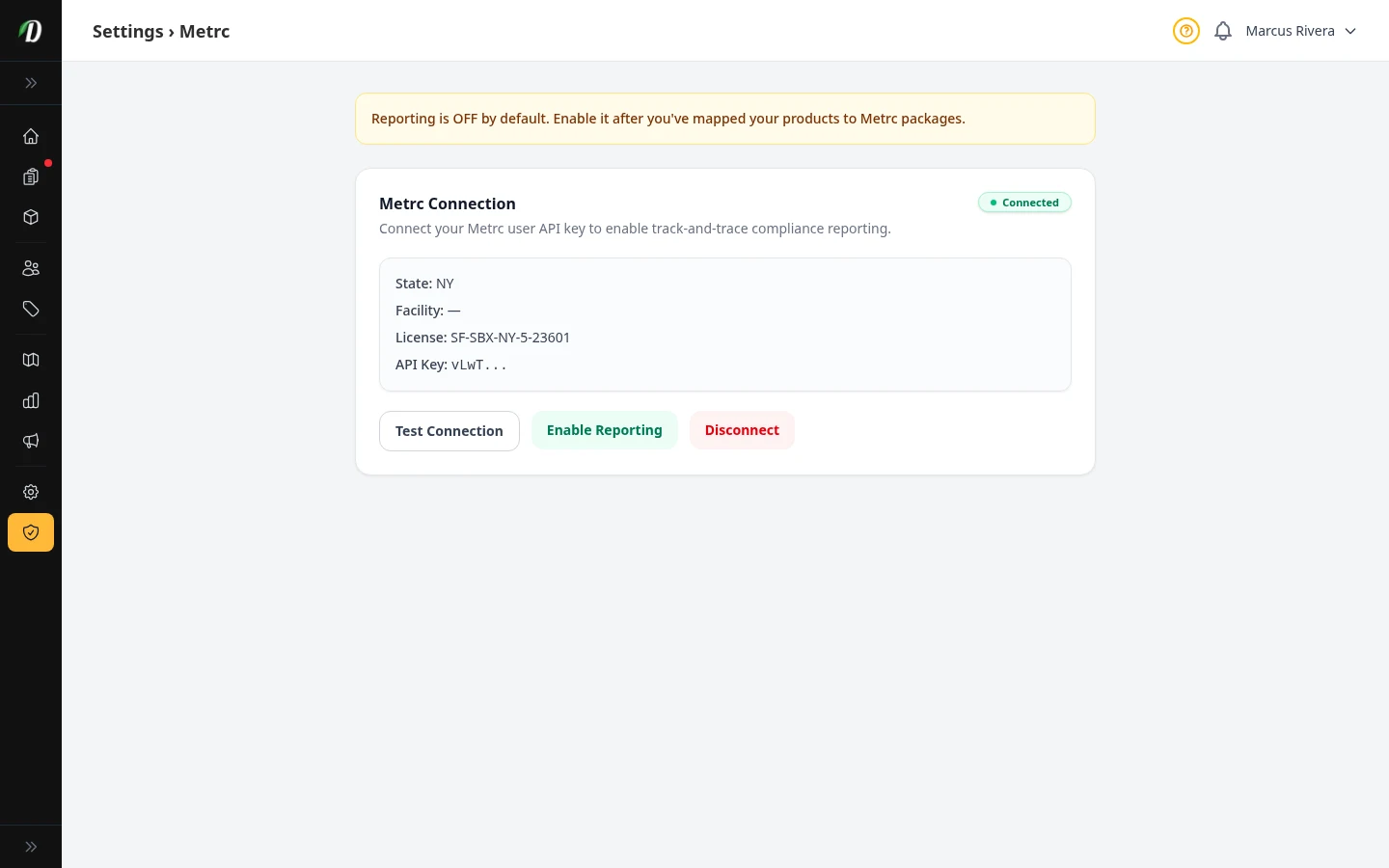
Metrc Integration US Only
Connect your Metrc API key, sync packages, link products to package labels, and turn on automatic compliance reporting. US stores only.
 Video walkthrough available
Staff & Permissions
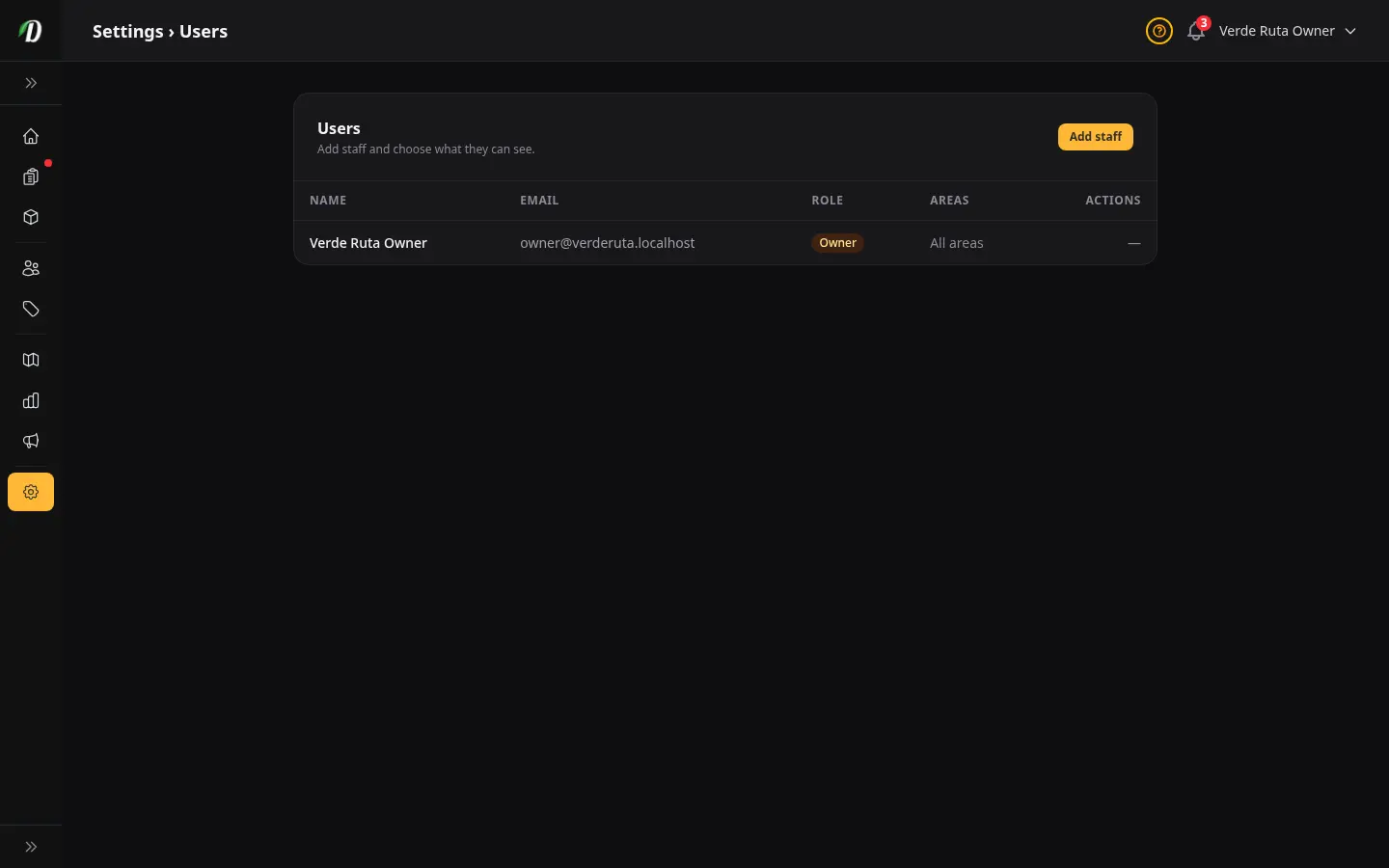
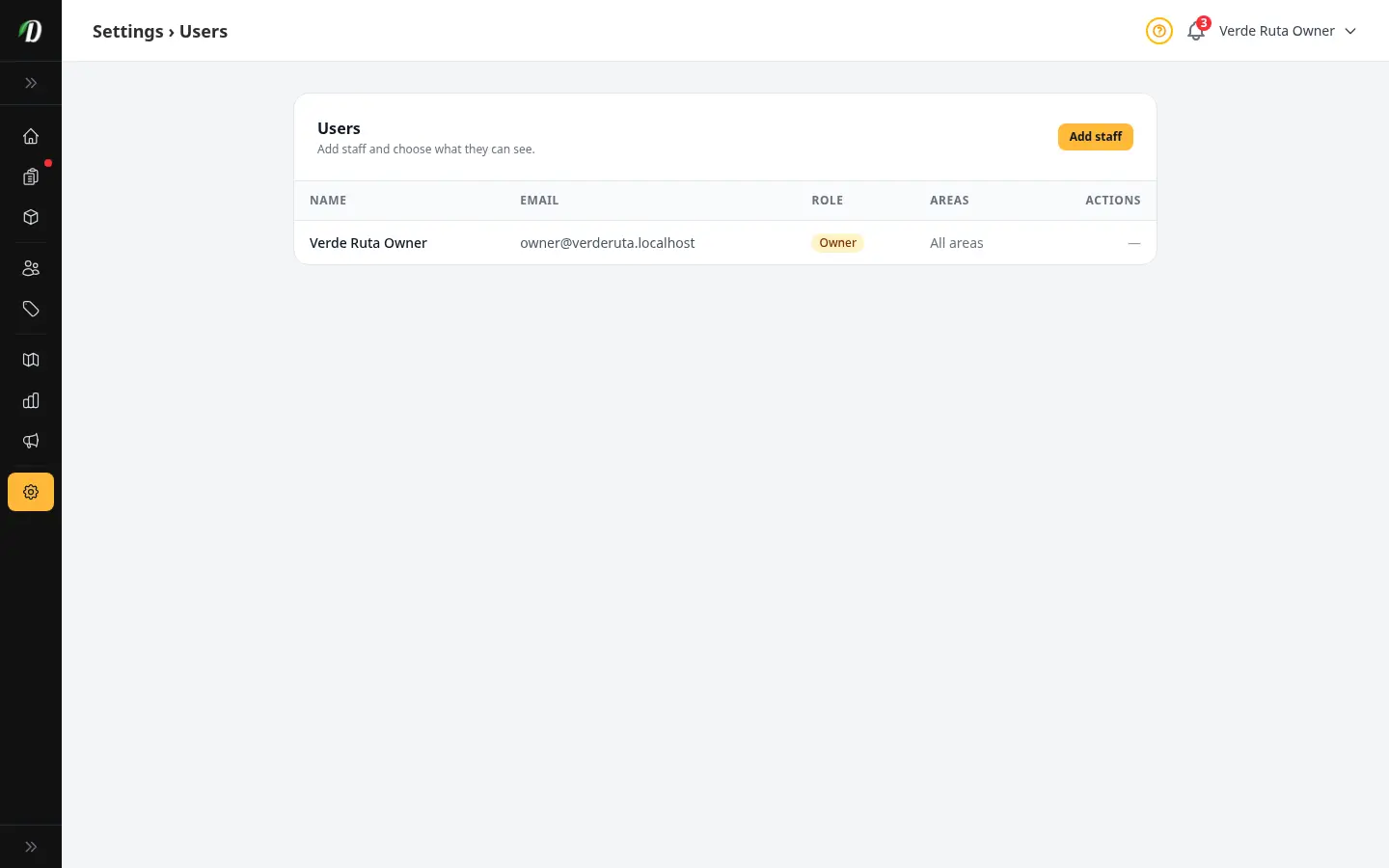
Add staff members, set initial passwords, and control which parts of the dashboard each person can access.
 Video walkthrough available
Your Account
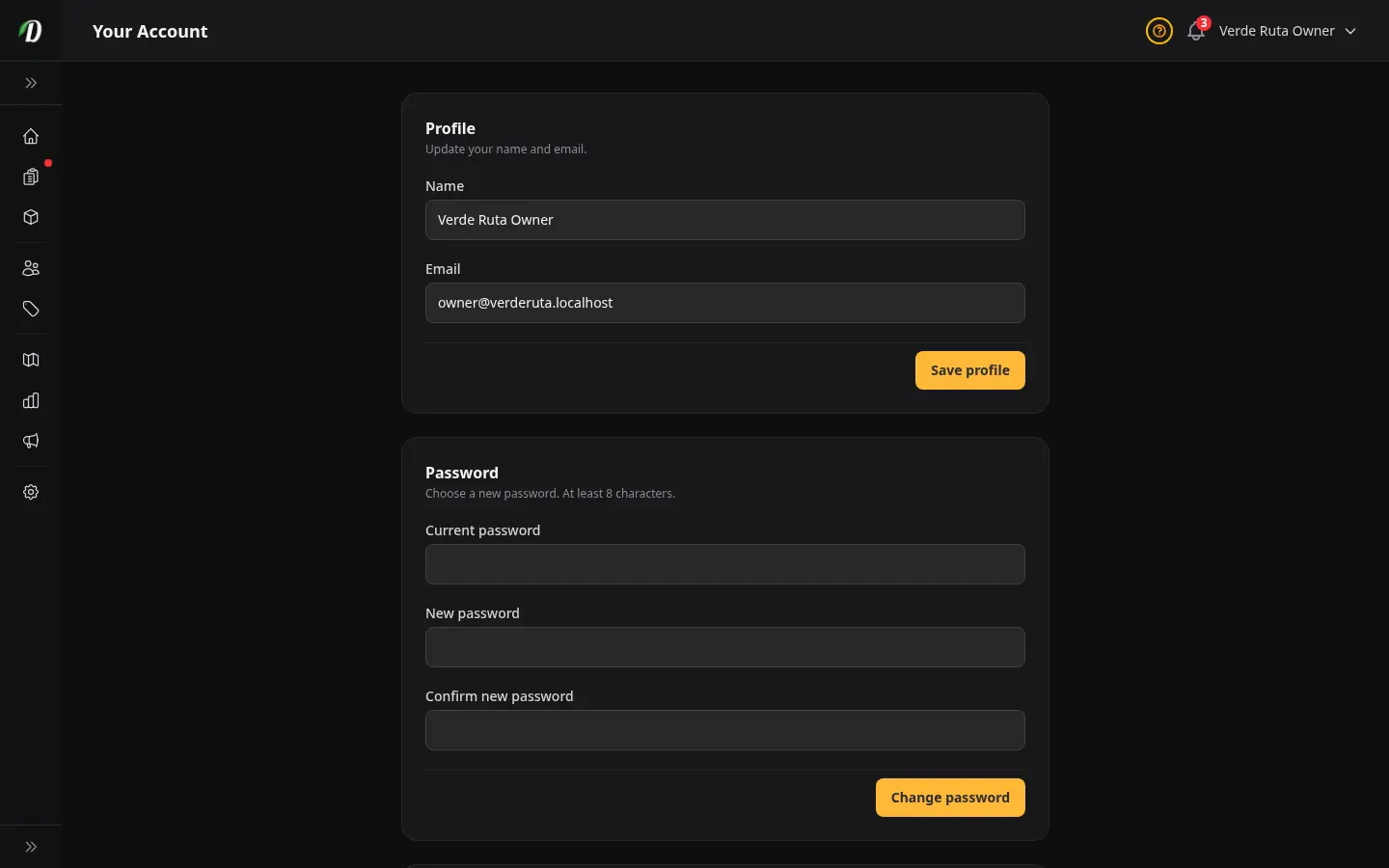
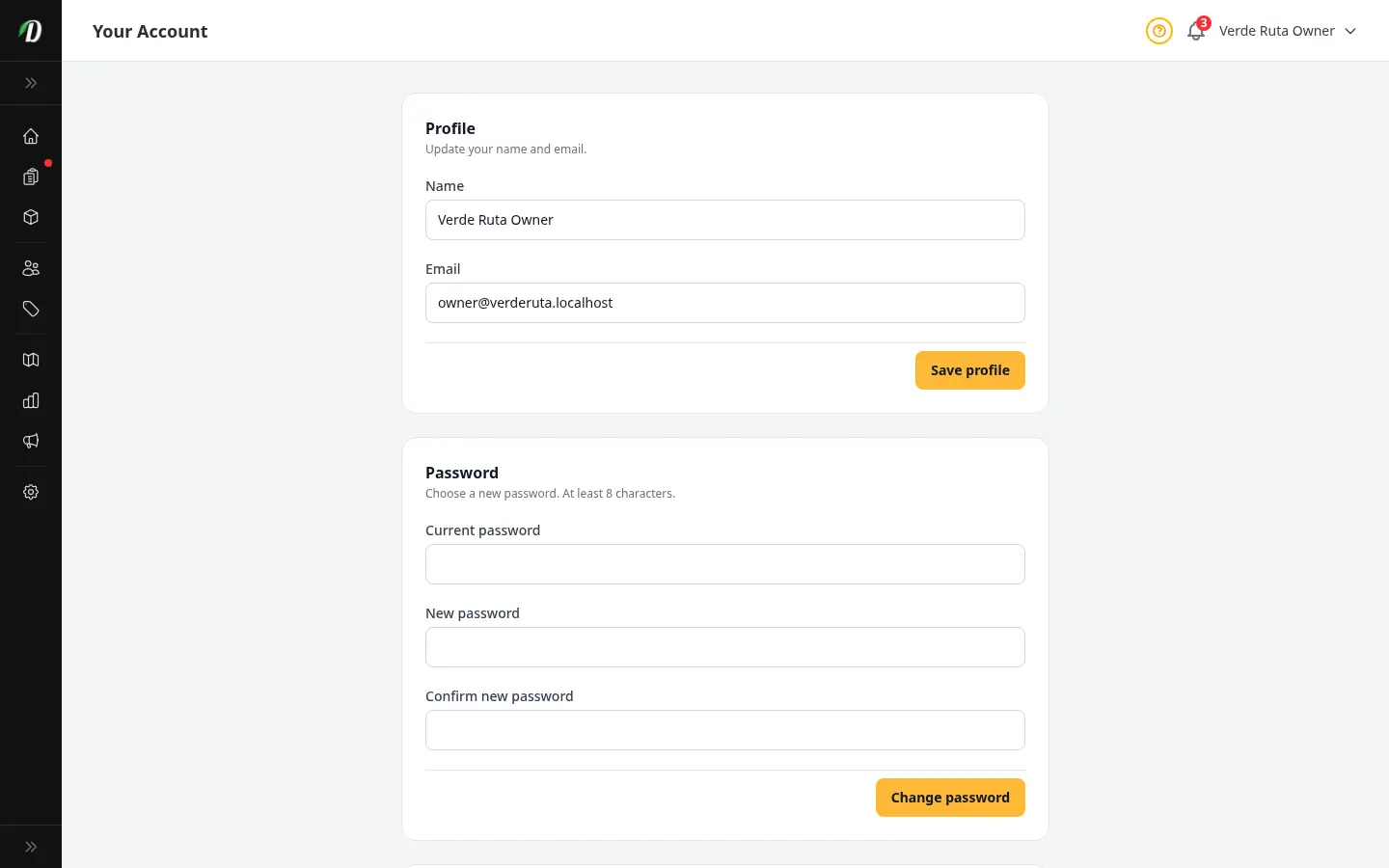
Update your display name, change your email address, set a new password, and see your role and dashboard access permissions.
 Video walkthrough available
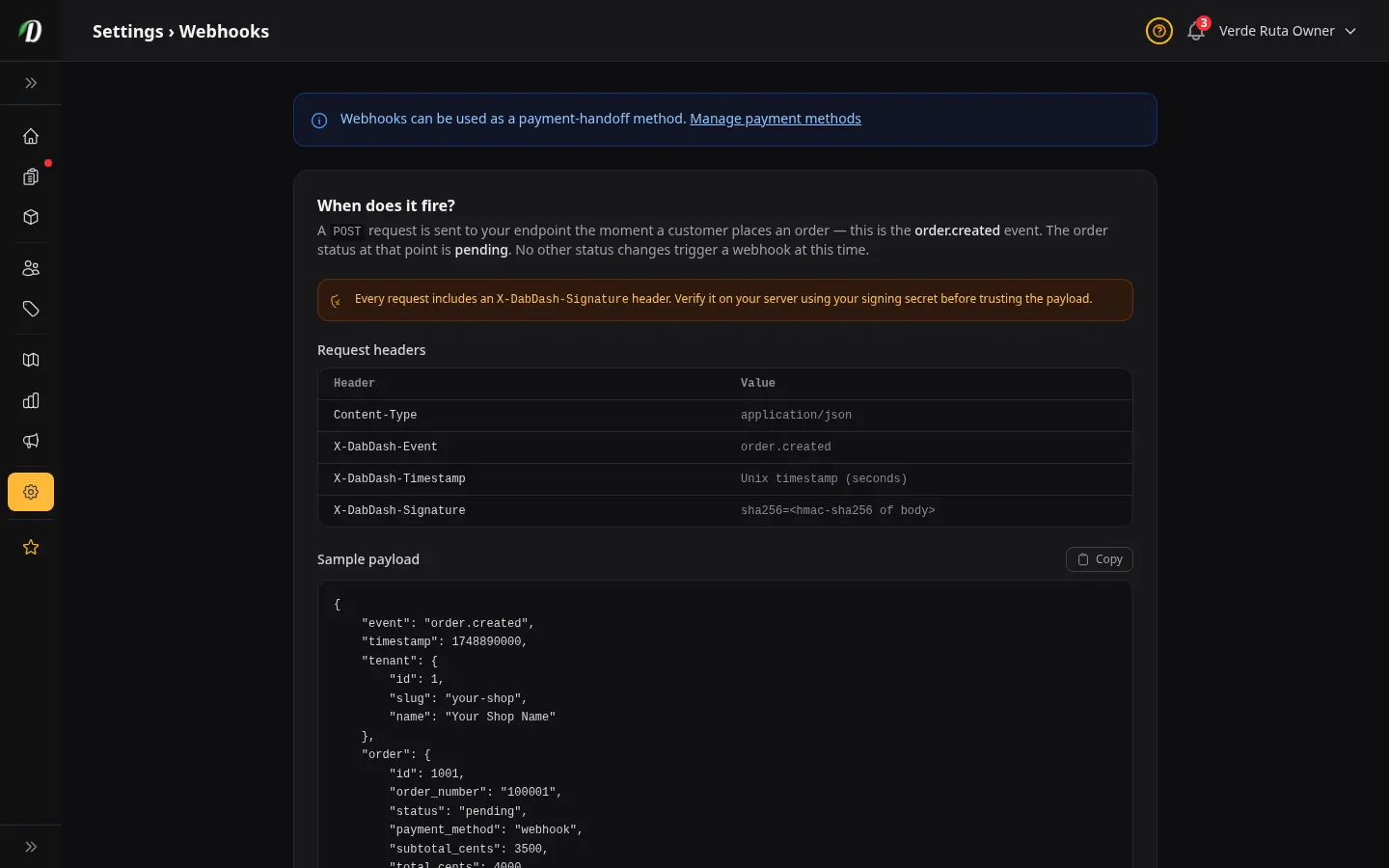
Saved Webhooks
Save named webhook endpoints once and reuse them for orders and email campaigns. Each webhook has its own URL, signing secret, custom headers, and test payload.
 Video walkthrough available
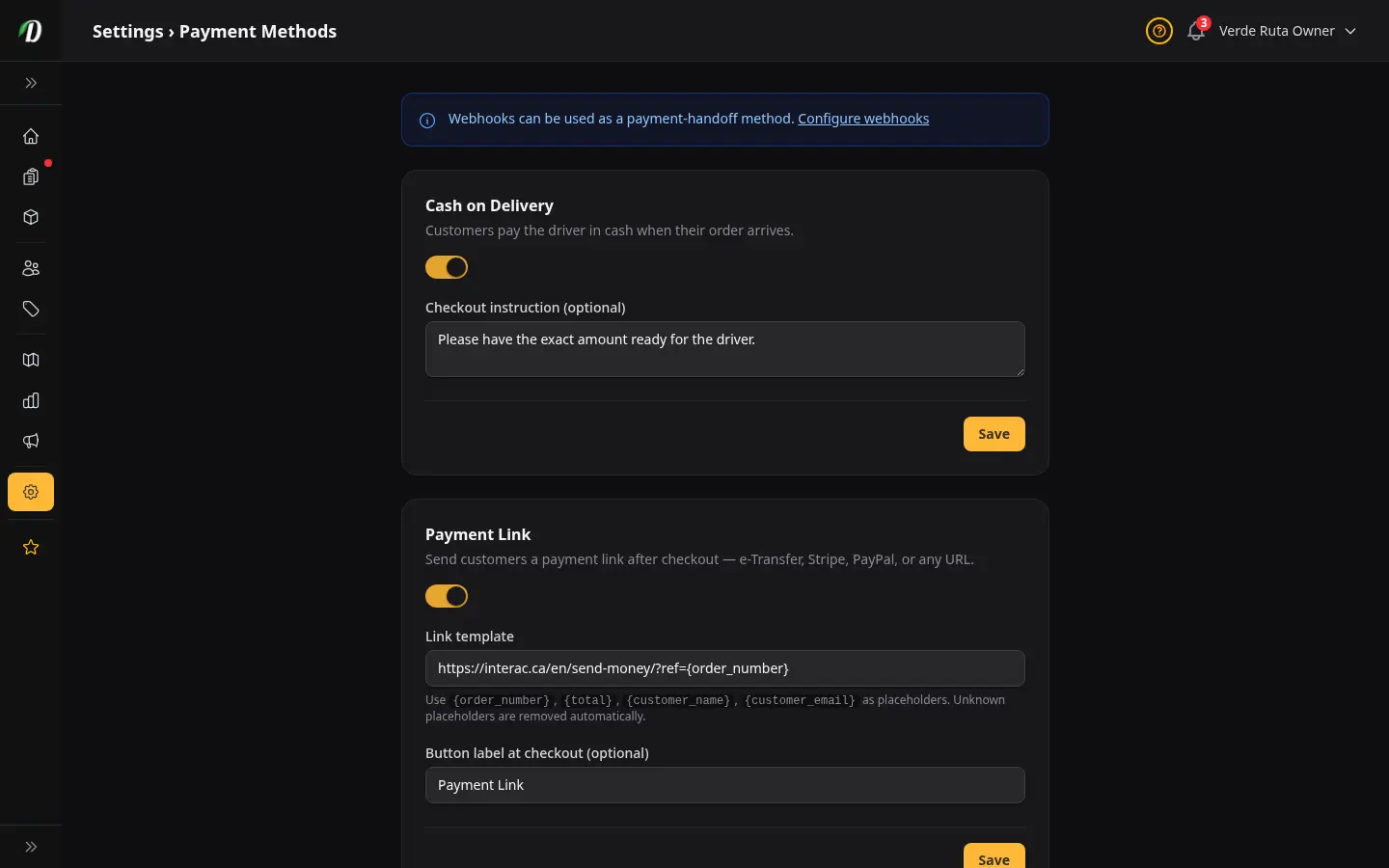
Payment Methods
Enable any combination of Cash on Delivery, Payment Link (templated per-order URL), QR Code, and CRM/Webhook handoff. Customers see only the methods you turn on at checkout.
 Video walkthrough available
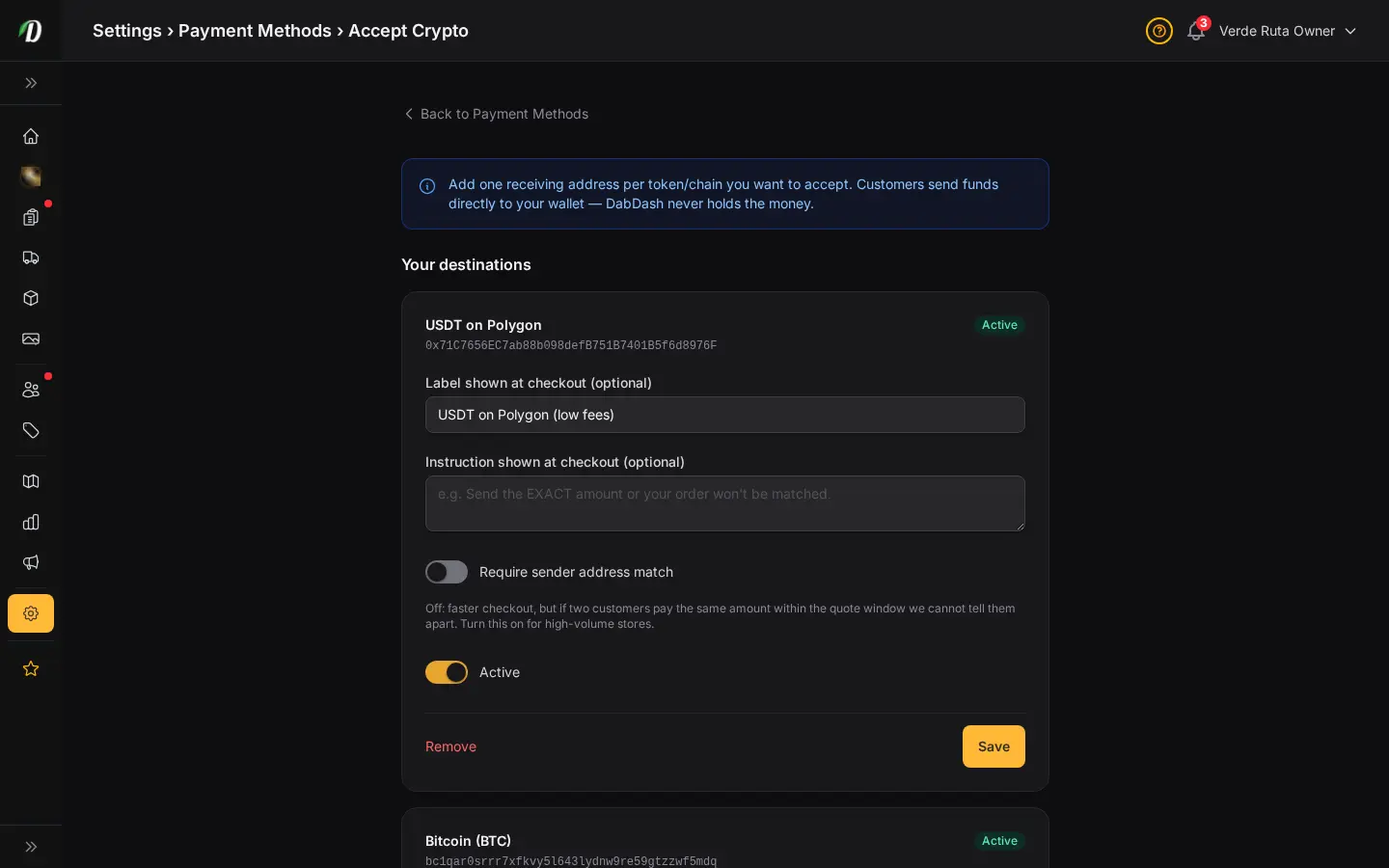
Accept Crypto Payments
Add USDT/USDC on BSC/Polygon/Ethereum, native ETH/BTC/LTC, or USDT on Tron as a payment method. Funds go directly to your wallet — DabDash watches the chain and credits the order once the transfer confirms.
Security
Block repeat fraud at checkout — disposable emails, IPs, domains, full addresses, and phone numbers. Each list works on its own.

 Video walkthrough available
AI Assistant
Connect Claude or any AI tool to your store for hands-free inventory checks, order lookups, campaign creation, and more.
 Video walkthrough available
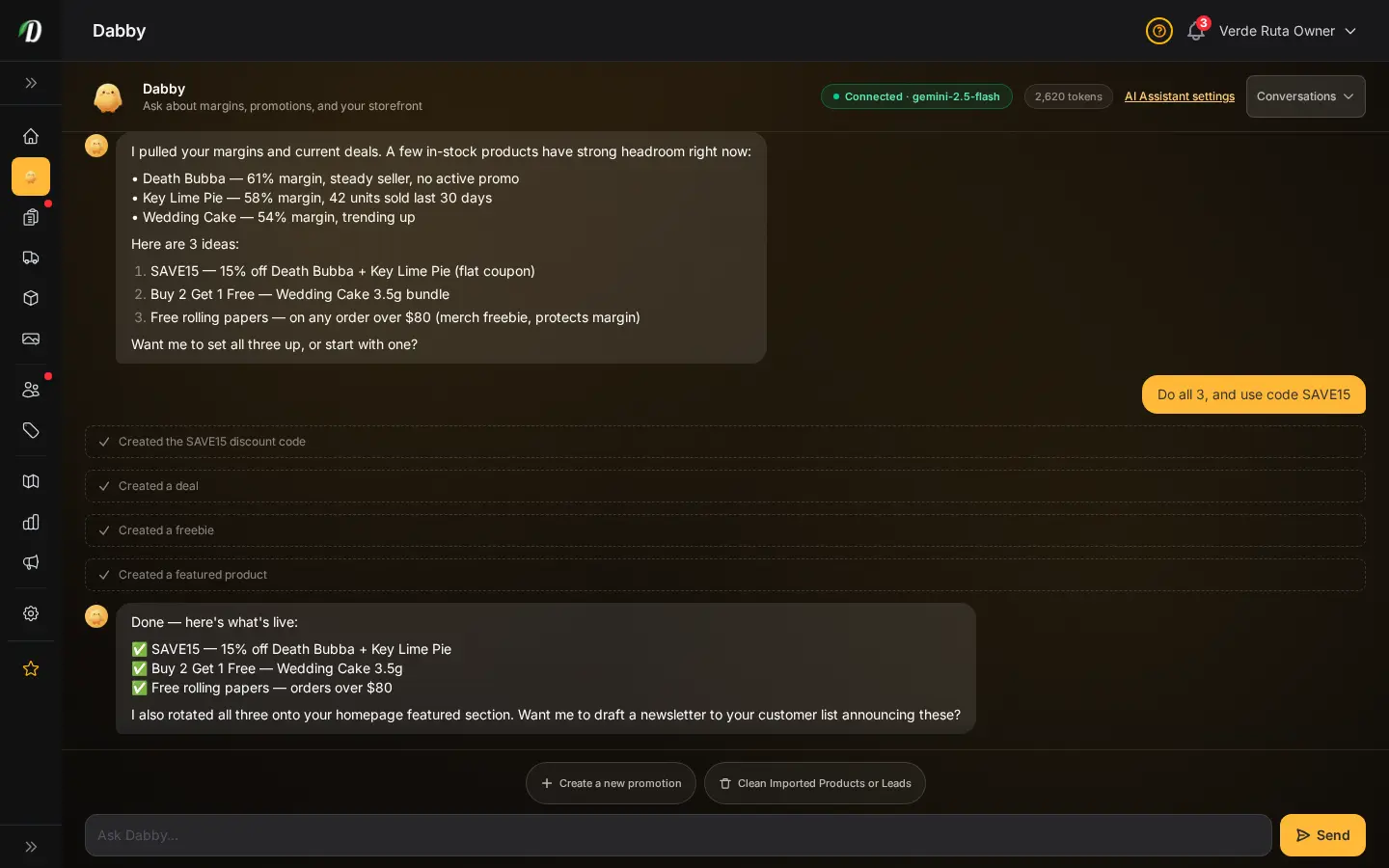
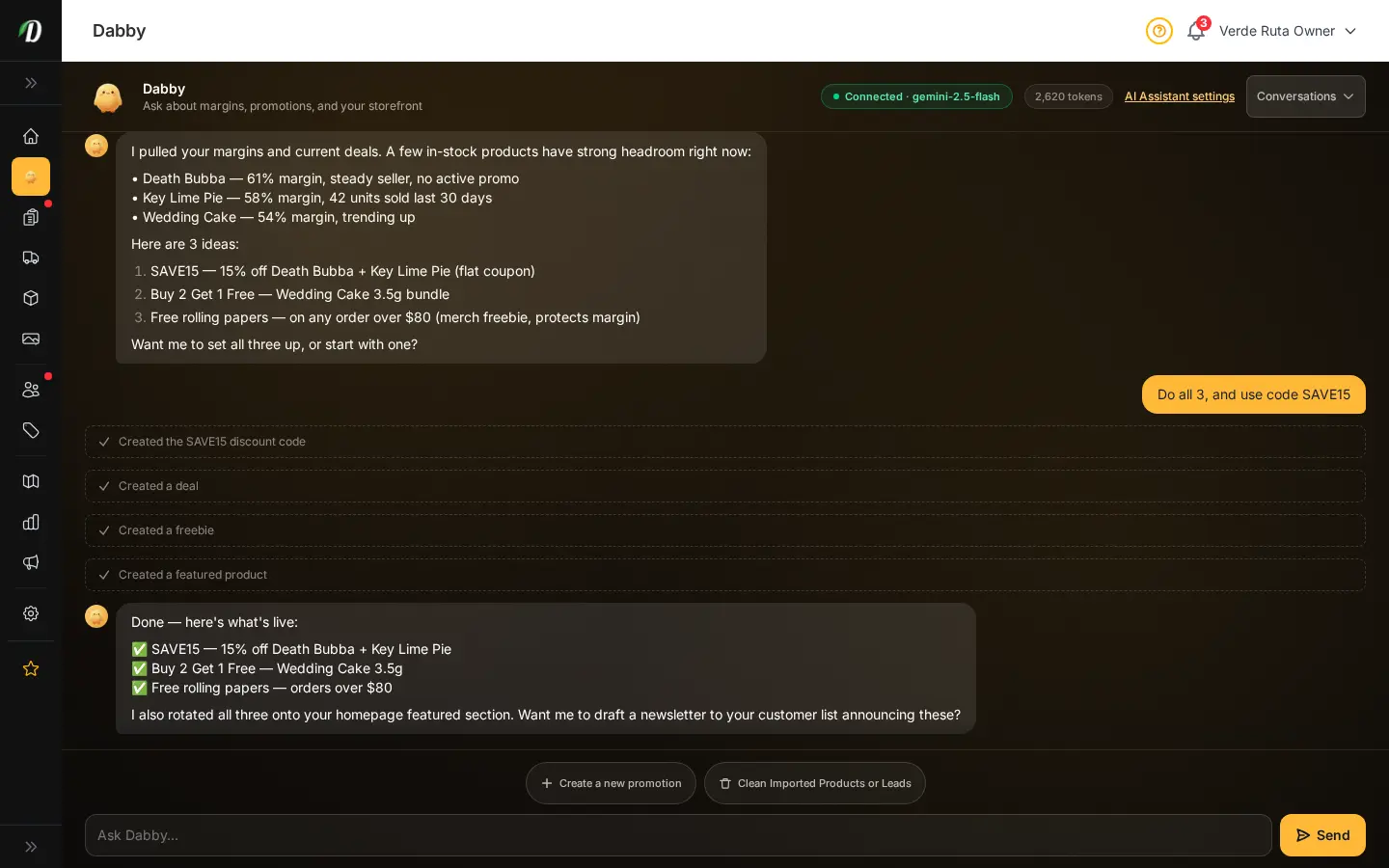
Dabby — AI Assistant for Your Dispensary NEW
Chat with Dabby right inside your dashboard to check margins, draft promotions, clean up an imported product list, and more — all with plain-English requests.
 Video walkthrough available
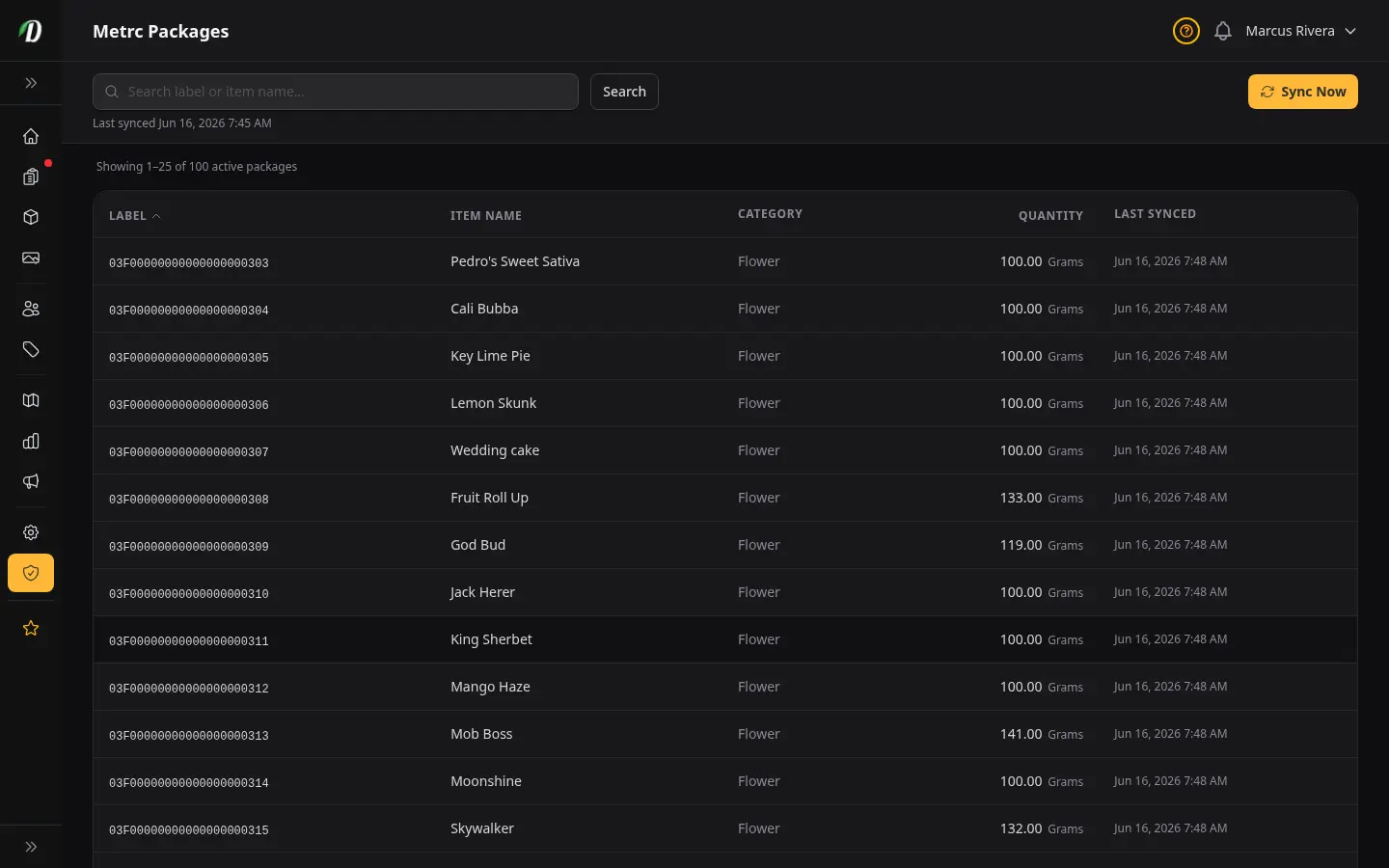
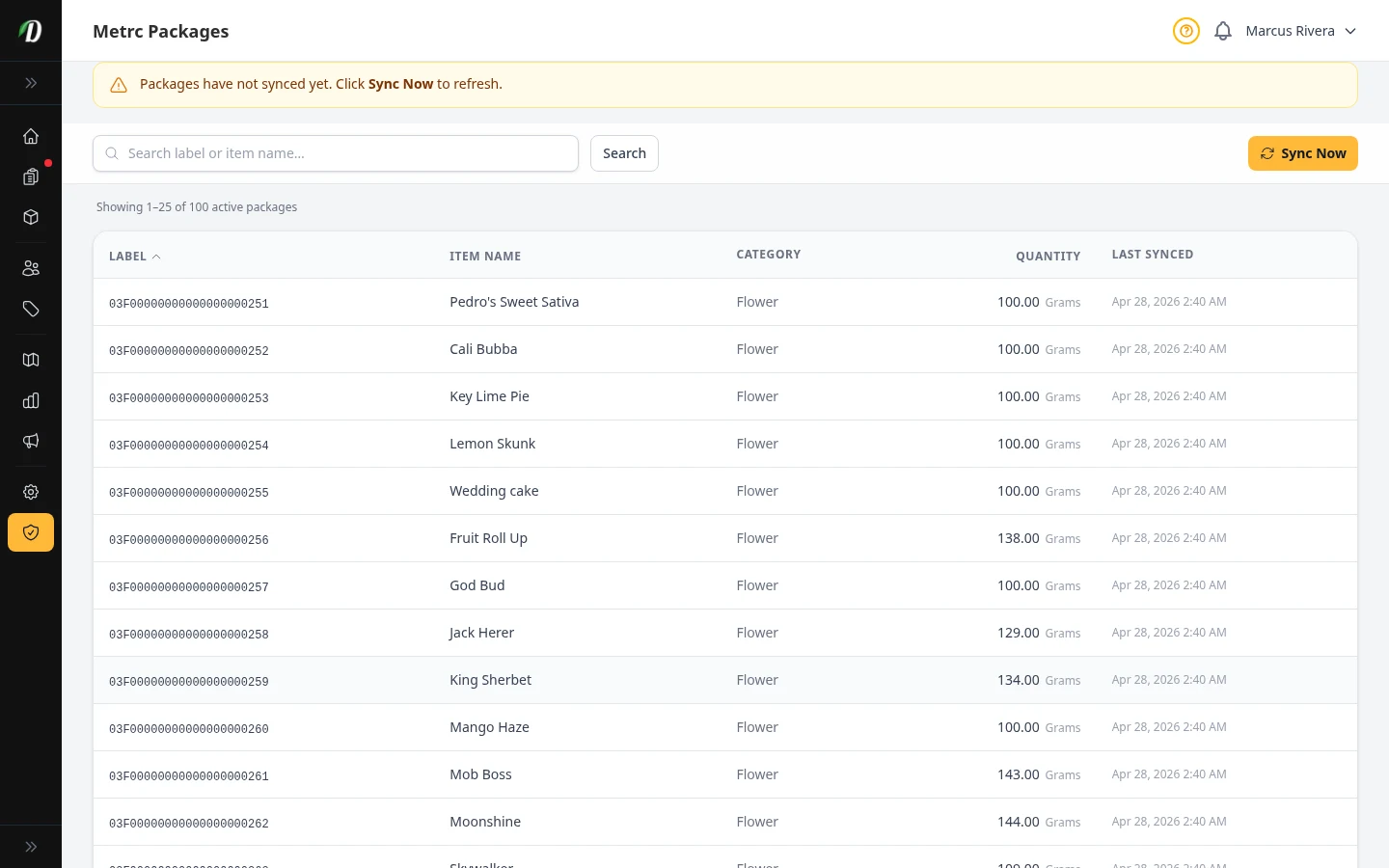
Metrc Package Inventory US Only
See every active Metrc package synced from the state API, search and sort by label or item name, and sync on demand.
 Video walkthrough available
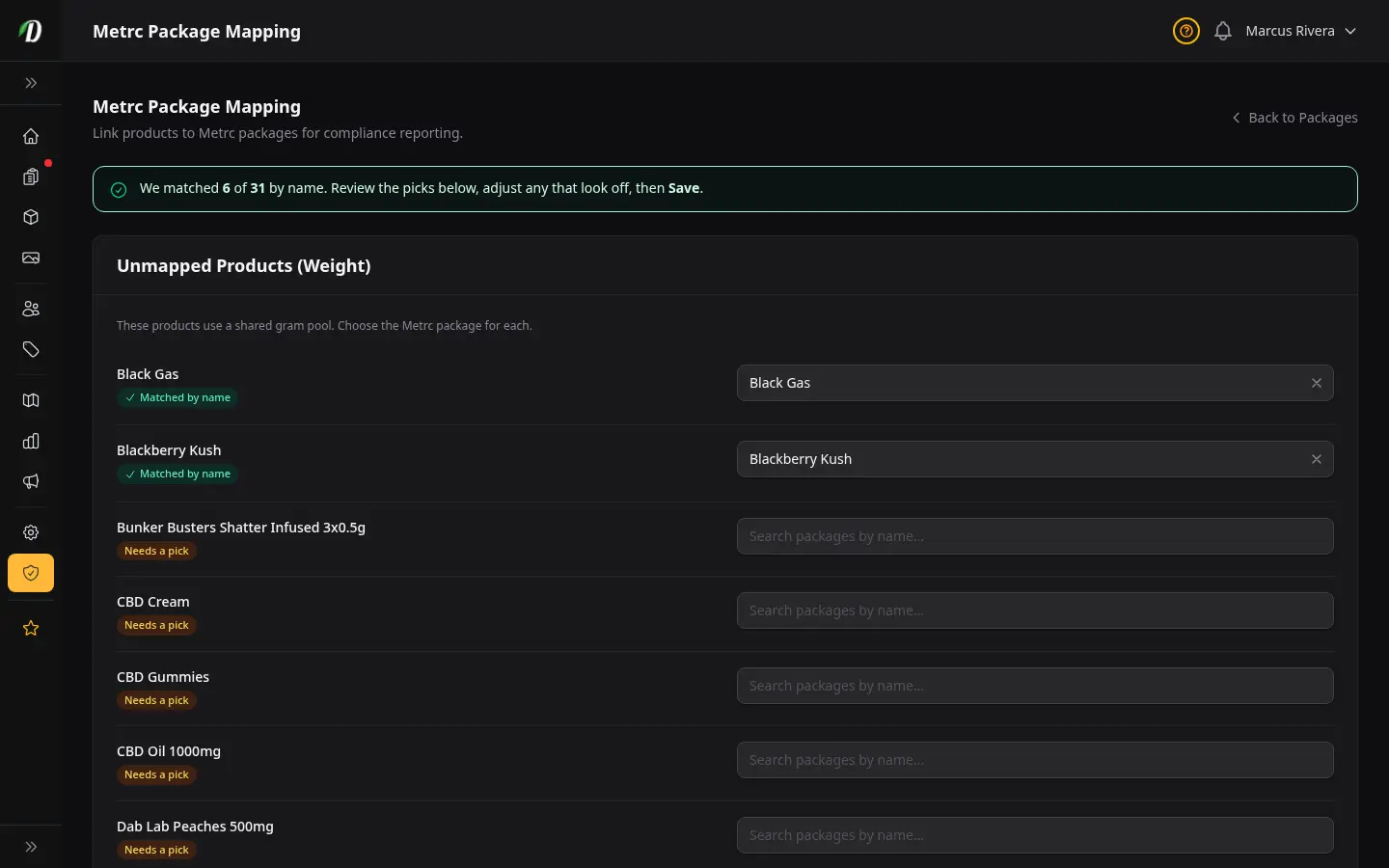
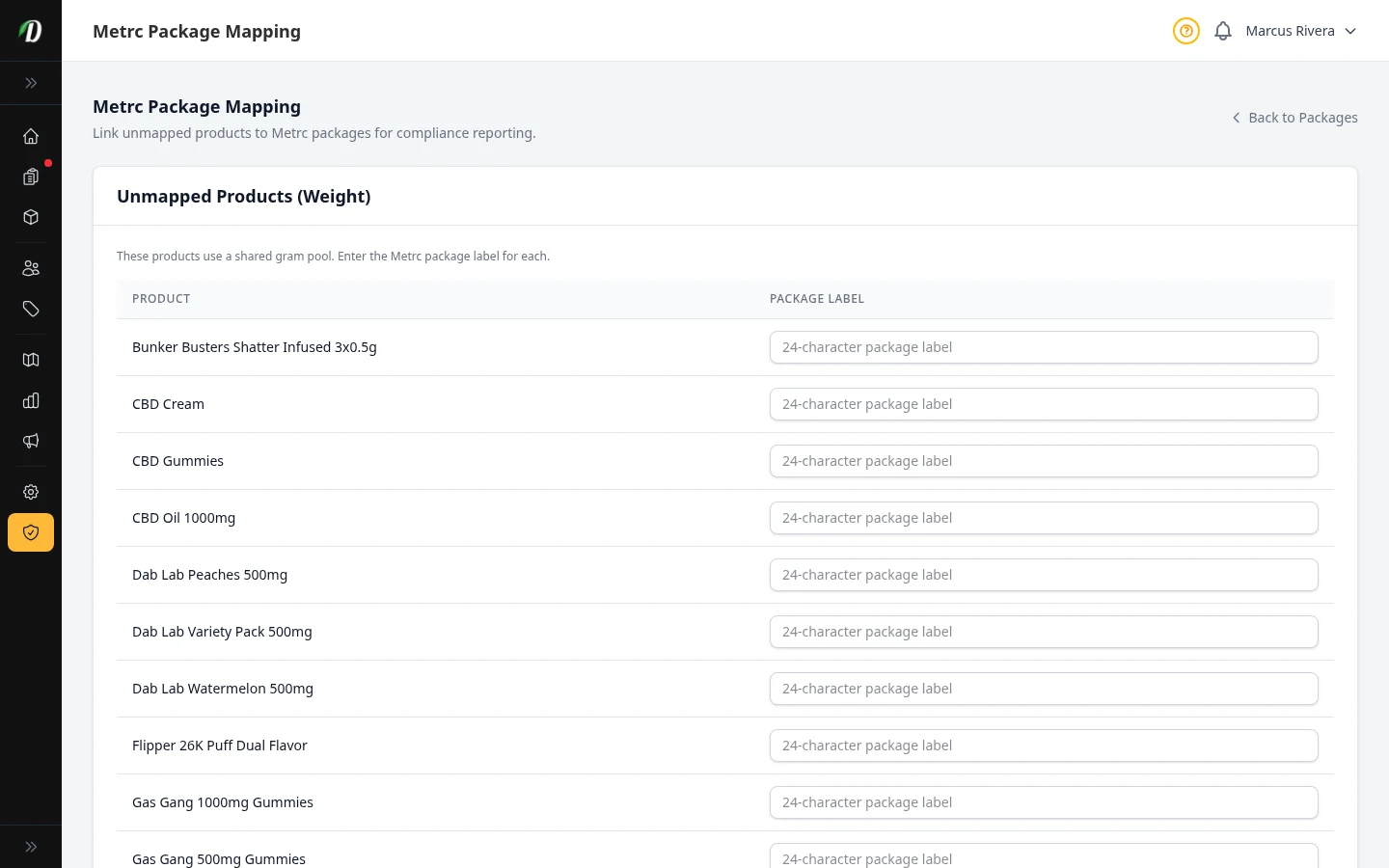
Metrc Package Mapping US Only
Link each DabDash product and variation to its Metrc package label so sales and reconciliation report correctly.
 Video walkthrough available
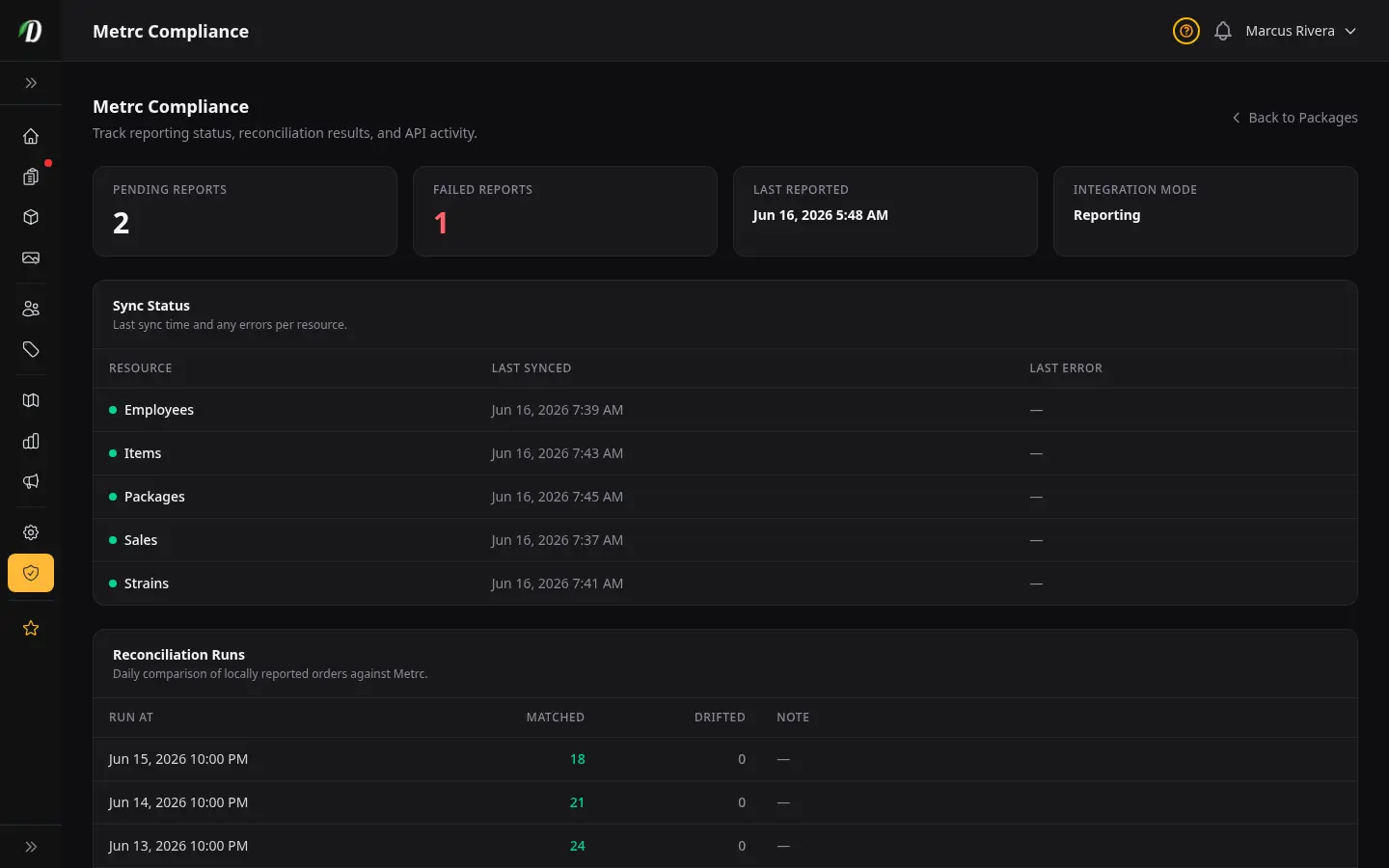
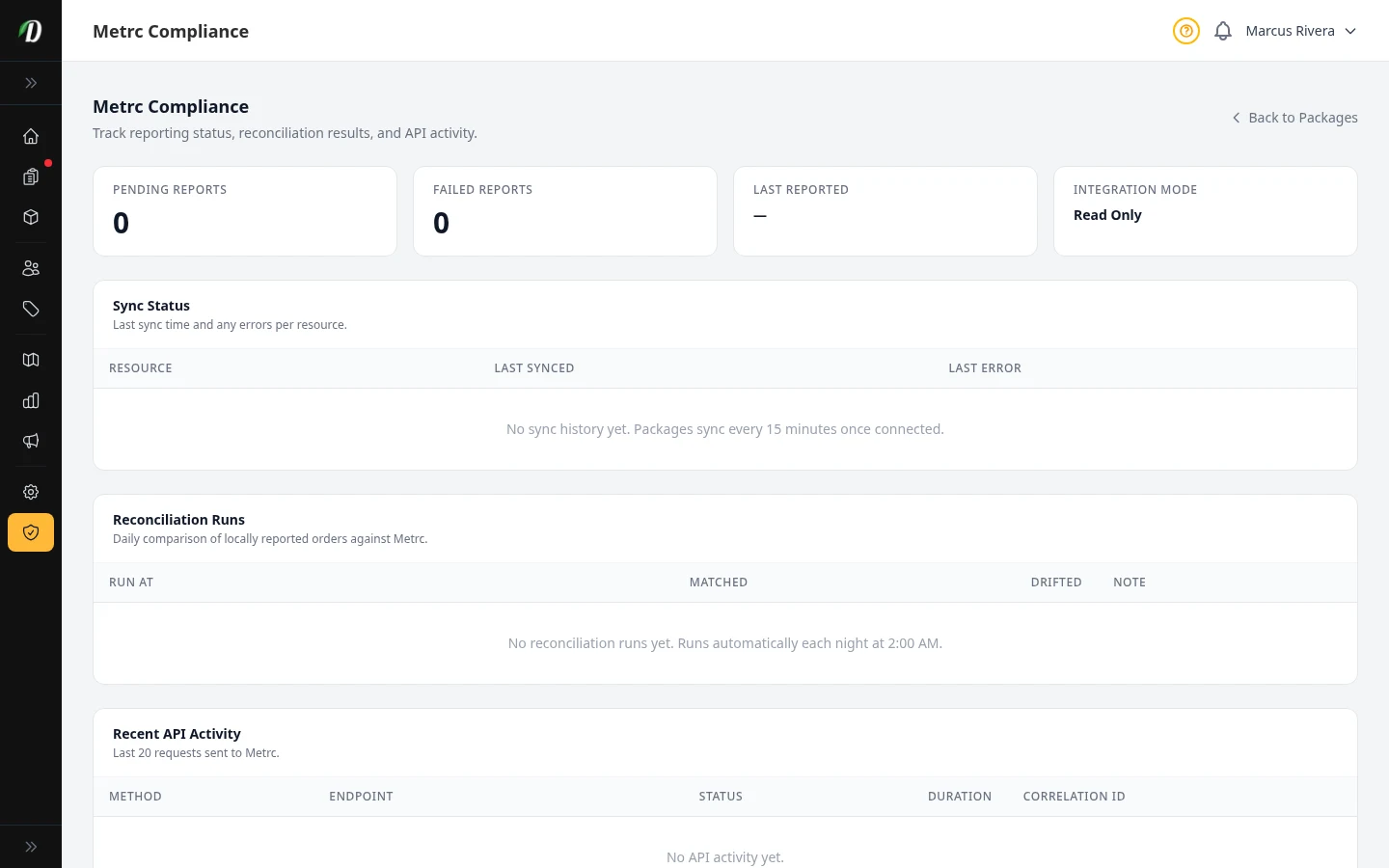
Metrc Compliance US Only
Track reporting status, nightly reconciliation runs, and recent Metrc API activity for your compliance records.
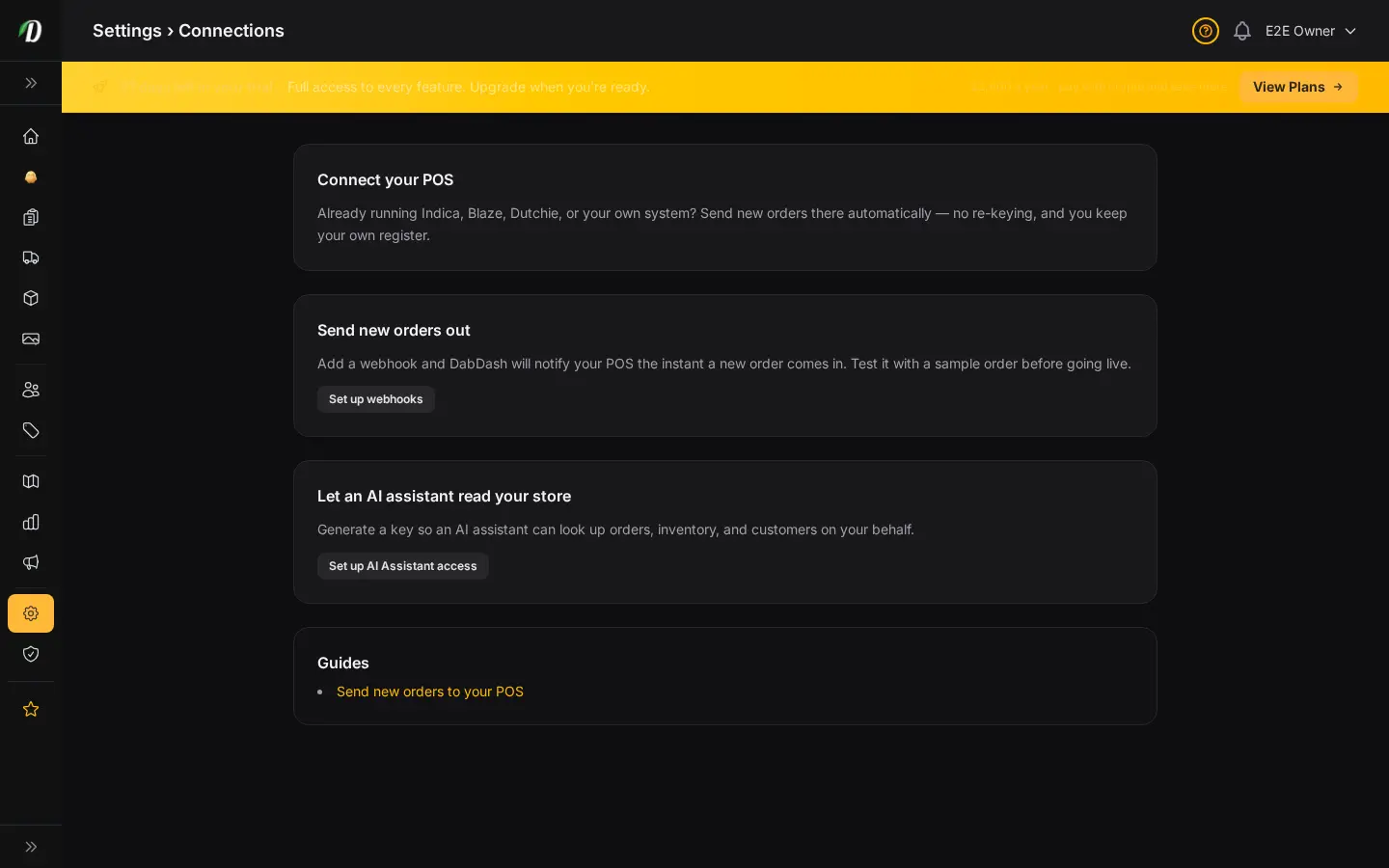
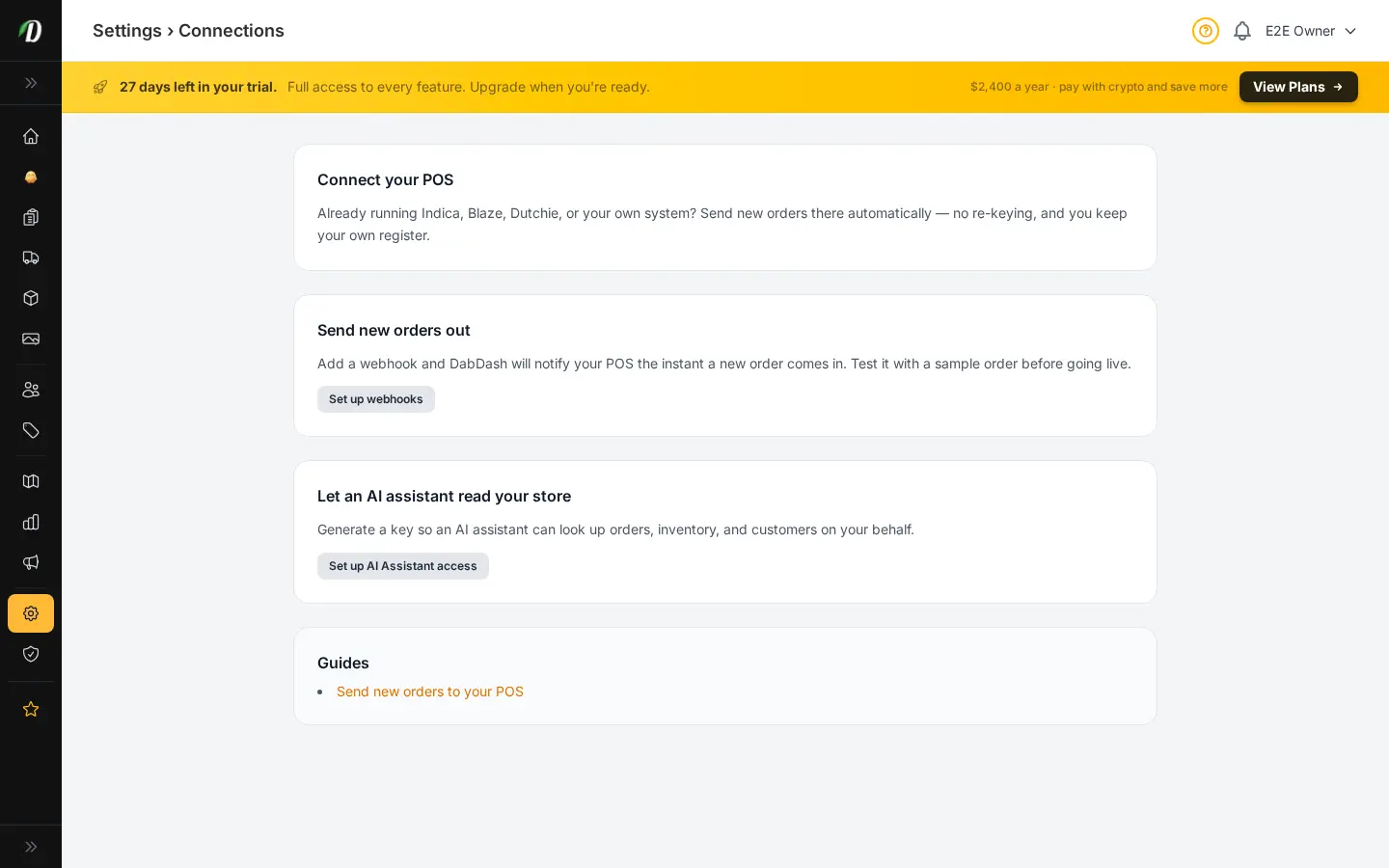
Connect Your POS
One place to connect your own point-of-sale system — send new orders out with webhooks, or let an AI assistant look up your store data.
Send New Orders to Your POS
Step-by-step recipe for sending every new order to Indica, Blaze, Dutchie, or your own system the instant it comes in, using a saved webhook.