Run your store from the palm of your hand — no laptop required.
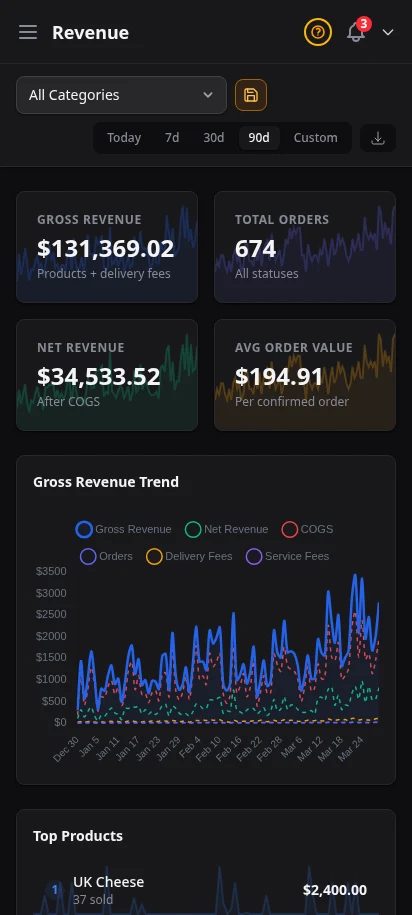
Manage orders, update stock, message customers, and watch sales come in — right from your phone, standing behind the counter.
SHA-256 e7d058cddc4ebffe516eed4b409f1fcaa05cbe3521e0a0f5318e07a0ef88ba7a
Free for every DabDash vendor. Works alongside the full dashboard — nothing is Android-only.
4.8/5from 10 vendor ratings and public reviews
Read the vendor reviewsThree steps to install
DabDash ships the app as a direct download — no Play Store wait, no app store review delay.
Open the detailed Android installation guideIncludes Android-version-specific screenshots, permission steps, first launch, updates, and fixes for common install errors.
Allow the download
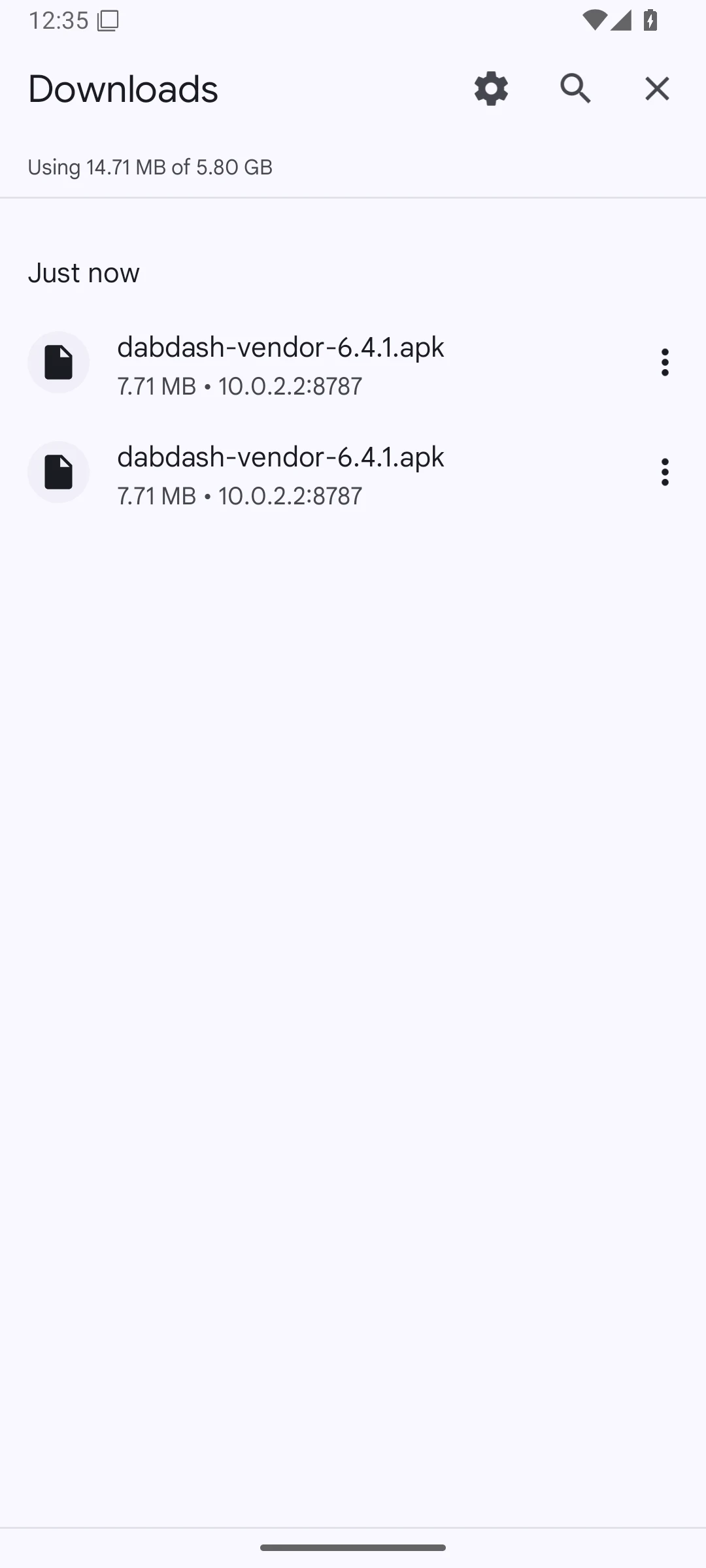
Tap "Download for Android" above. Your phone may ask you to allow installs from this source — approve it once, in your browser's download settings.
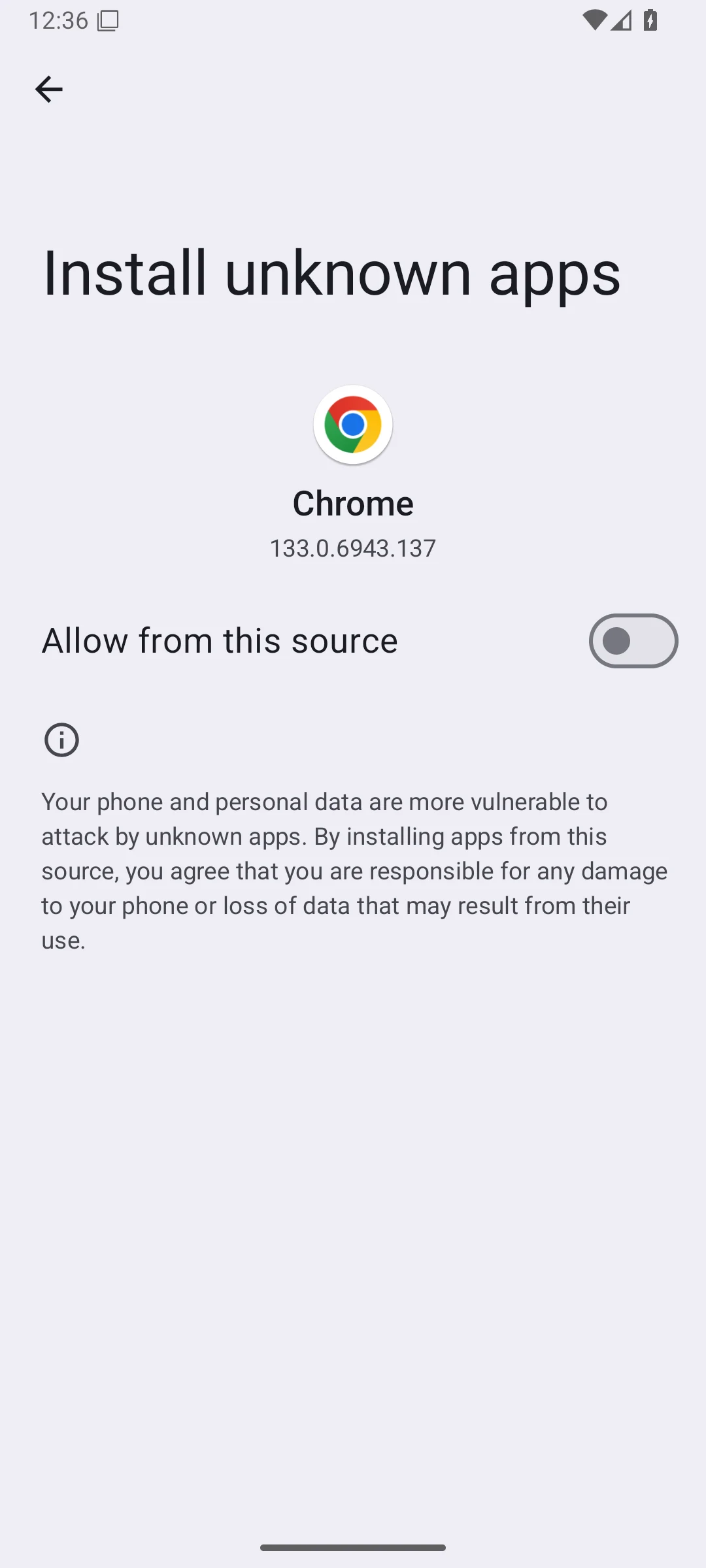
Open the downloaded file
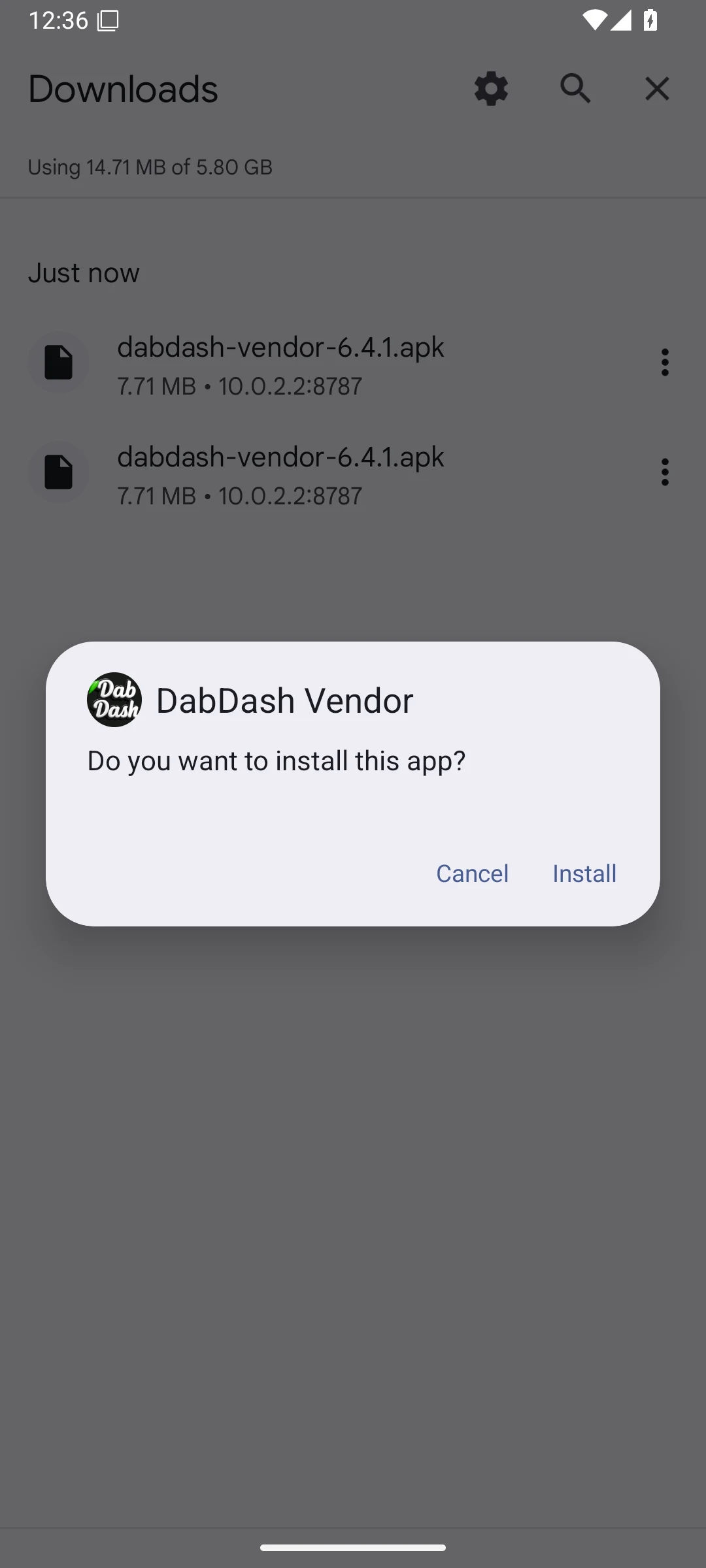
Open the DabDash file from your notifications or Downloads folder, then tap Install.
Log in and go
Sign in with your usual vendor account. The app checks for updates when it opens and asks you to install them.
Everything you need, from your pocket
The app puts your full vendor dashboard on your phone — the same tools, built for one-handed use.
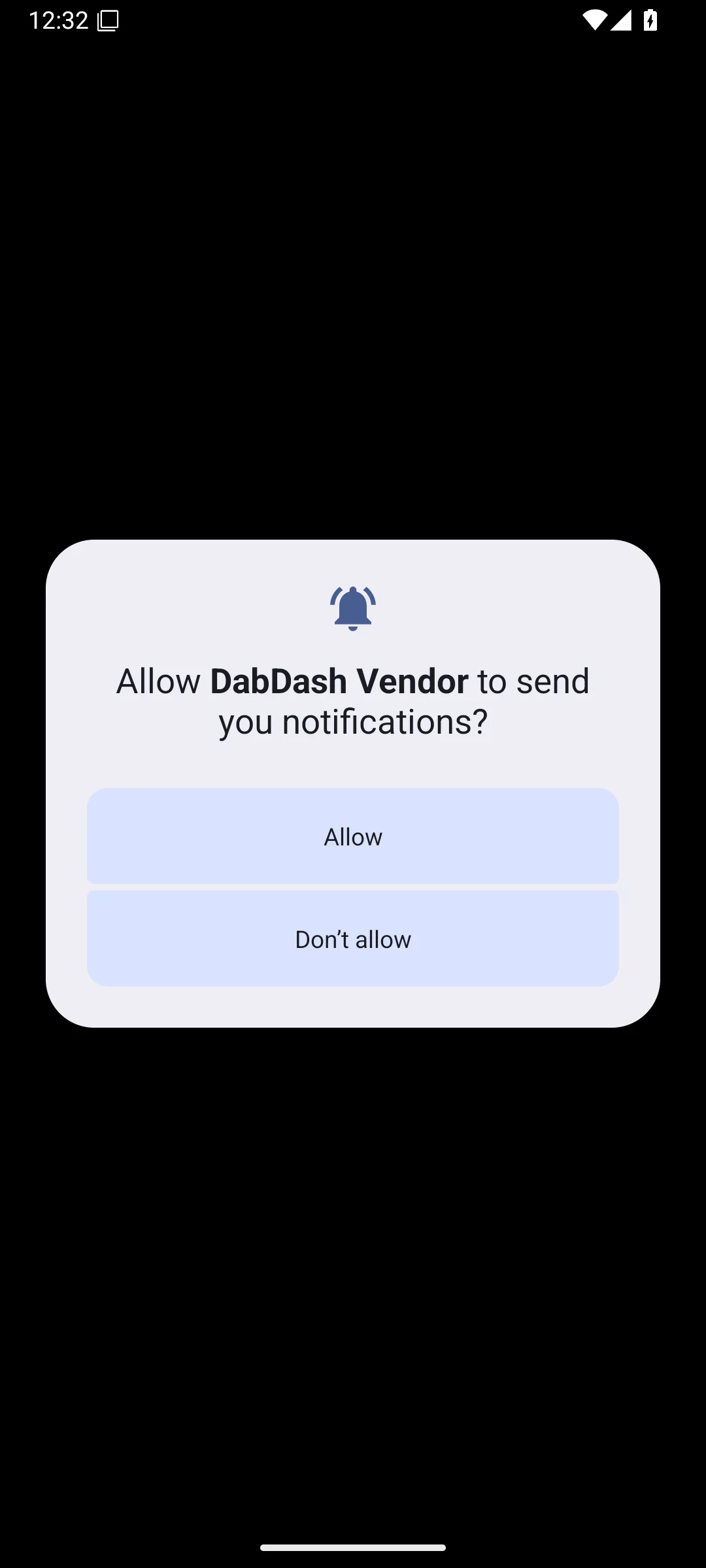
Order notifications
Get an alert the moment a new order comes in — even with the app closed.
Update stock on the fly
Mark items out of stock or adjust inventory the moment you notice, without walking to a laptop.
Message customers
Reply to customer questions from your inbox, right from your phone.
Snap product photos
Use your phone's camera to upload product photos directly into your catalog.
Delivery and zone status
Check today's coverage and delivery activity without opening a browser.
Always up to date
The app checks for updates on launch and prompts you to grab the latest version automatically.
Frequently asked questions
Does DabDash have a mobile app?
Yes. The DabDash Android app puts your full vendor dashboard on your phone — order notifications, stock updates, customer messaging, and delivery status — free for every DabDash vendor.
Do I need a laptop to use DabDash?
No. Everything you need to run your store day to day — orders, inventory, messages, sales — is available from the Android app. Some setup tasks, like designing your storefront, are easier on a larger screen but are not required daily.
Is there an iPhone app?
Not yet. DabDash currently ships an Android app only. An iPhone app is not available at this time.
What can I do from the mobile app vs. the full dashboard?
The mobile app covers the tasks vendors use most often: viewing and managing orders, updating stock, messaging customers, and checking delivery status. Less frequent tasks, like building your storefront or running marketing campaigns, are best done from the full dashboard on a computer.
How do I install the DabDash Android app?
Download it directly from this page and install it like any other Android app — no Play Store wait. After that, the app checks for updates on launch and prompts you automatically — you don't need to come back here.
Android says 'App not installed' — what now?
An older DabDash app is still on the device. Uninstall it, then install the file you just downloaded. Android blocks the update because the app is signed with a new key, and it does not tell you why. You will be signed out, so have your login ready.
Ready to run your store from anywhere?
Free for every DabDash vendor. Download the app or start your free trial.
SHA-256 e7d058cddc4ebffe516eed4b409f1fcaa05cbe3521e0a0f5318e07a0ef88ba7a