Transactional Text Messages
Send order confirmations, delivery updates, and restock alerts by text. Marketing texts and transactional texts follow separate opt-in rules.
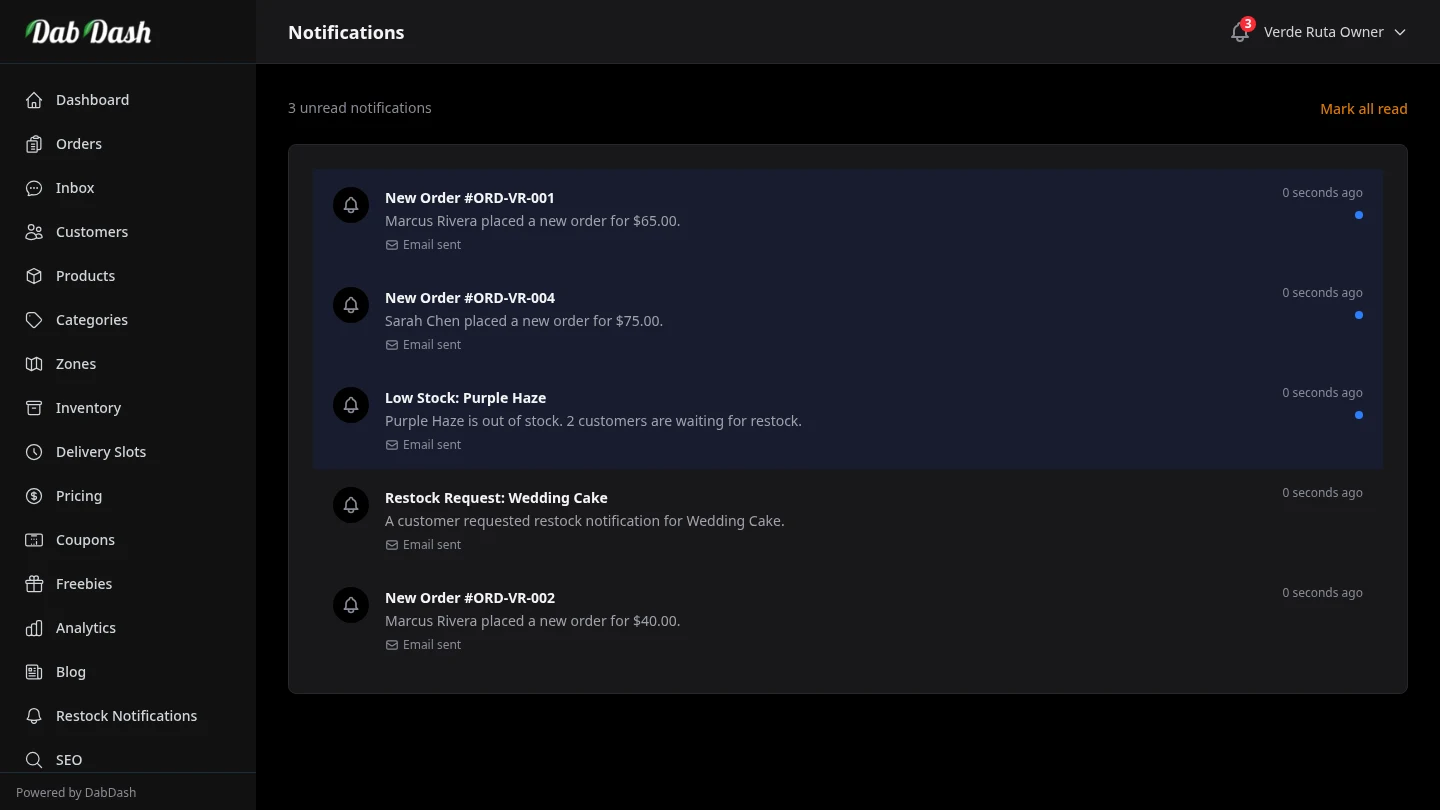
Marketing vs Transactional
Marketing texts are promotional blasts — flash sales, new drops, re-engagement. They require marketing opt-in and are sent from Marketing → Email Campaigns with the Text (SMS) channel.
Transactional texts are service messages about an order or a restock request the customer already made — confirmations, out-for-delivery updates, delivered notices, and back-in-stock alerts. They follow separate rules and are controlled under Settings → Notifications.
Events You Can Text
- Order confirmed — sent when checkout completes (if enabled).
- Out for delivery — sent when a driver marks the order en route.
- Delivered — sent when the order is marked delivered.
- Restock available — sent when a product a customer subscribed to is back in stock.
Customer Controls
Customers can mute transactional texts from their account settings without opting out of marketing, and vice versa. Checkout can capture marketing SMS consent separately. Inbound STOP replies opt the number out of marketing texts and are recorded on the customer and contact records.
Setup
- Connect Twilio under Settings → Integrations.
- Open Settings → Notifications and turn on the SMS toggles for each event you want.
- Review the Text log under Settings after your first order to confirm delivery.
Frequently Asked Questions
What transactional texts does DabDash send?
Order confirmations, order status changes (such as out for delivery or delivered), and restock alerts when a customer asked to be notified. These are service messages about purchases — not marketing blasts.
Do customers need to opt in to transactional texts?
Transactional texts follow a different rule than marketing texts. Customers can mute all texts from their account settings, but you do not need a separate marketing opt-in for order updates they expect when they place an order with a phone number.
How do I turn transactional texts on or off?
Connect Twilio under Settings → Integrations, then open Settings → Notifications and toggle the SMS events you want — order confirmed, out for delivery, delivered, and restock available. Each event can be enabled independently.