Dashboard Guide
Learn how to manage every aspect of your DabDash store.
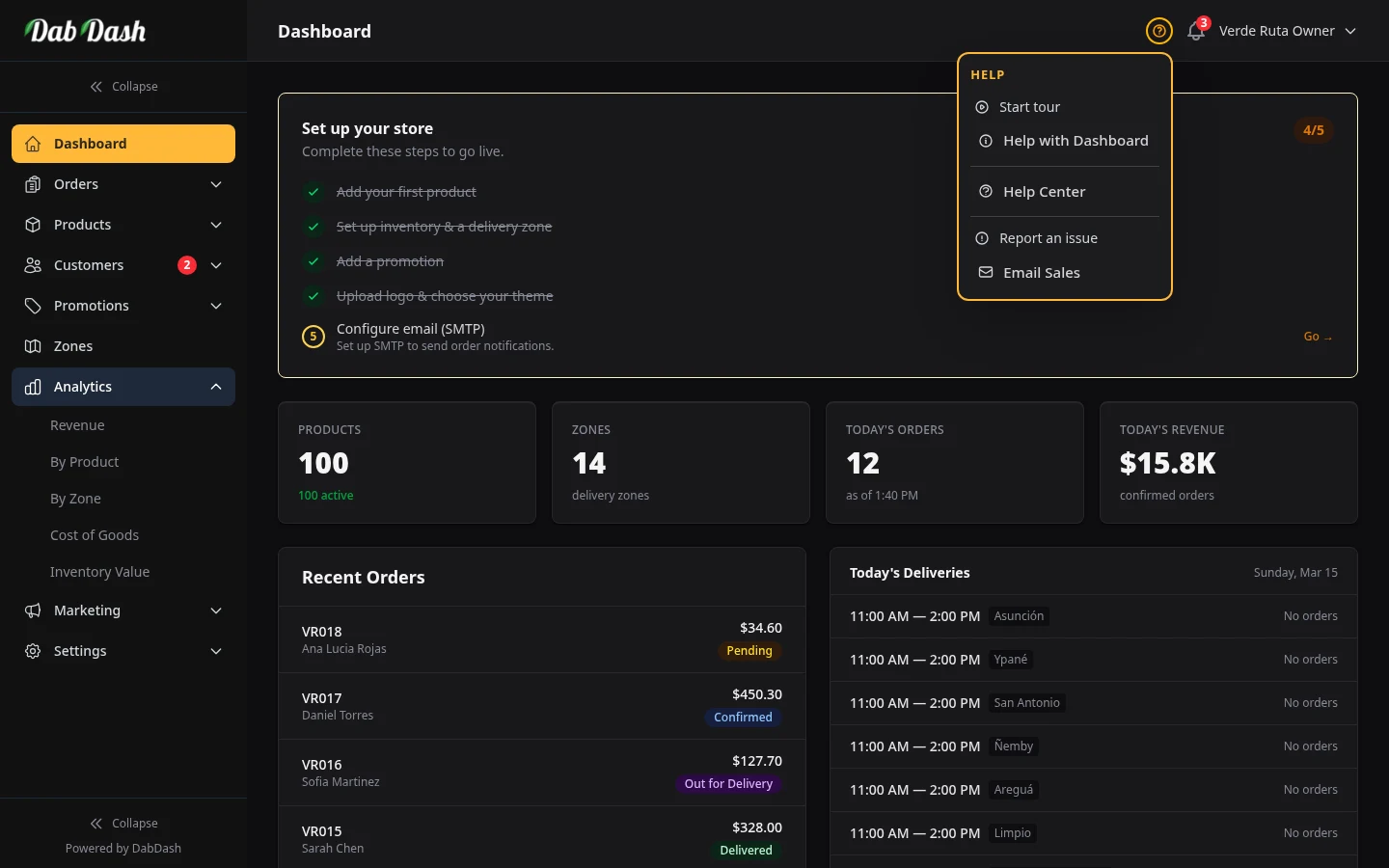
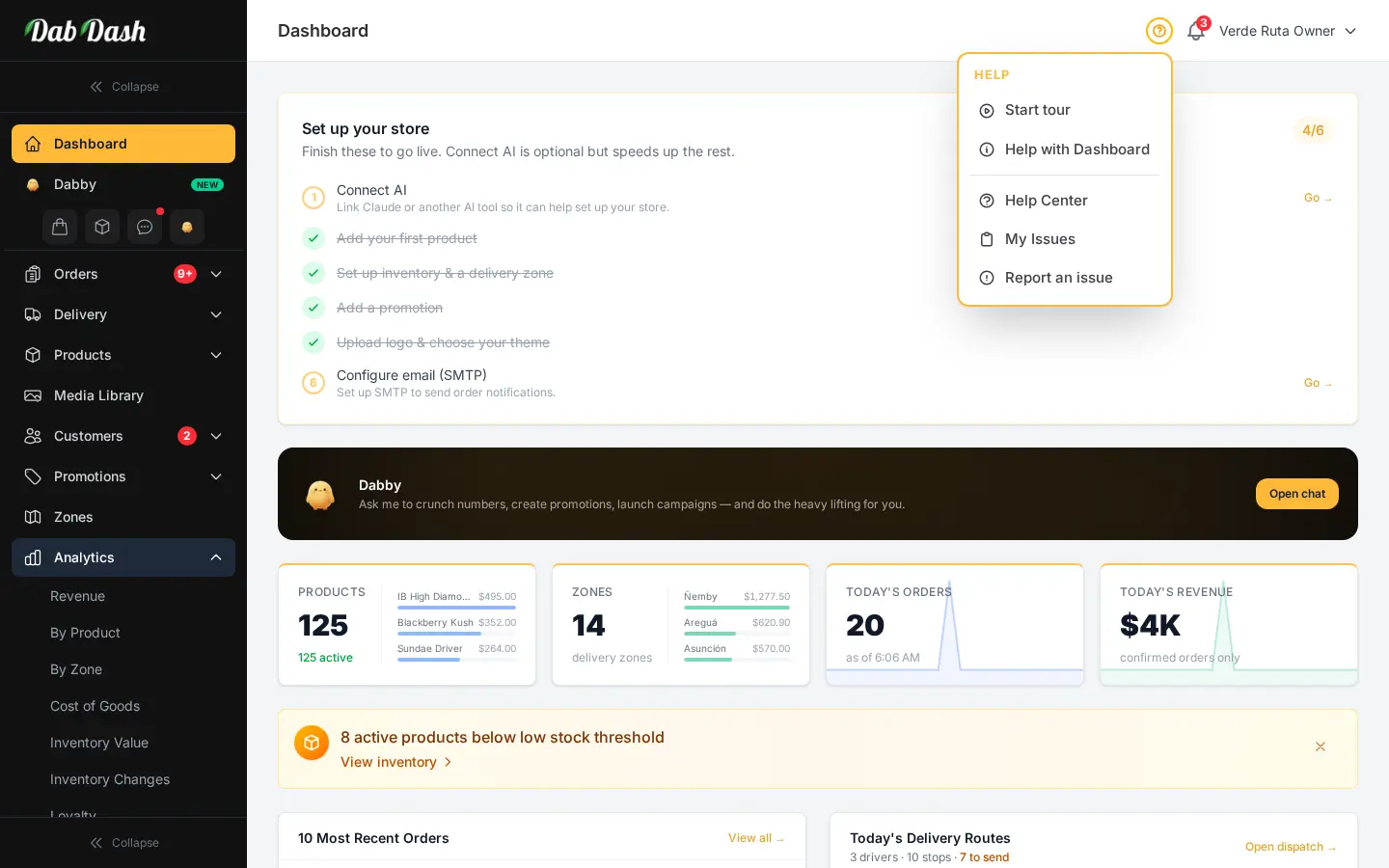
Dashboard Overview
Understanding your dashboard metrics, revenue charts, and recent orders at a glance.
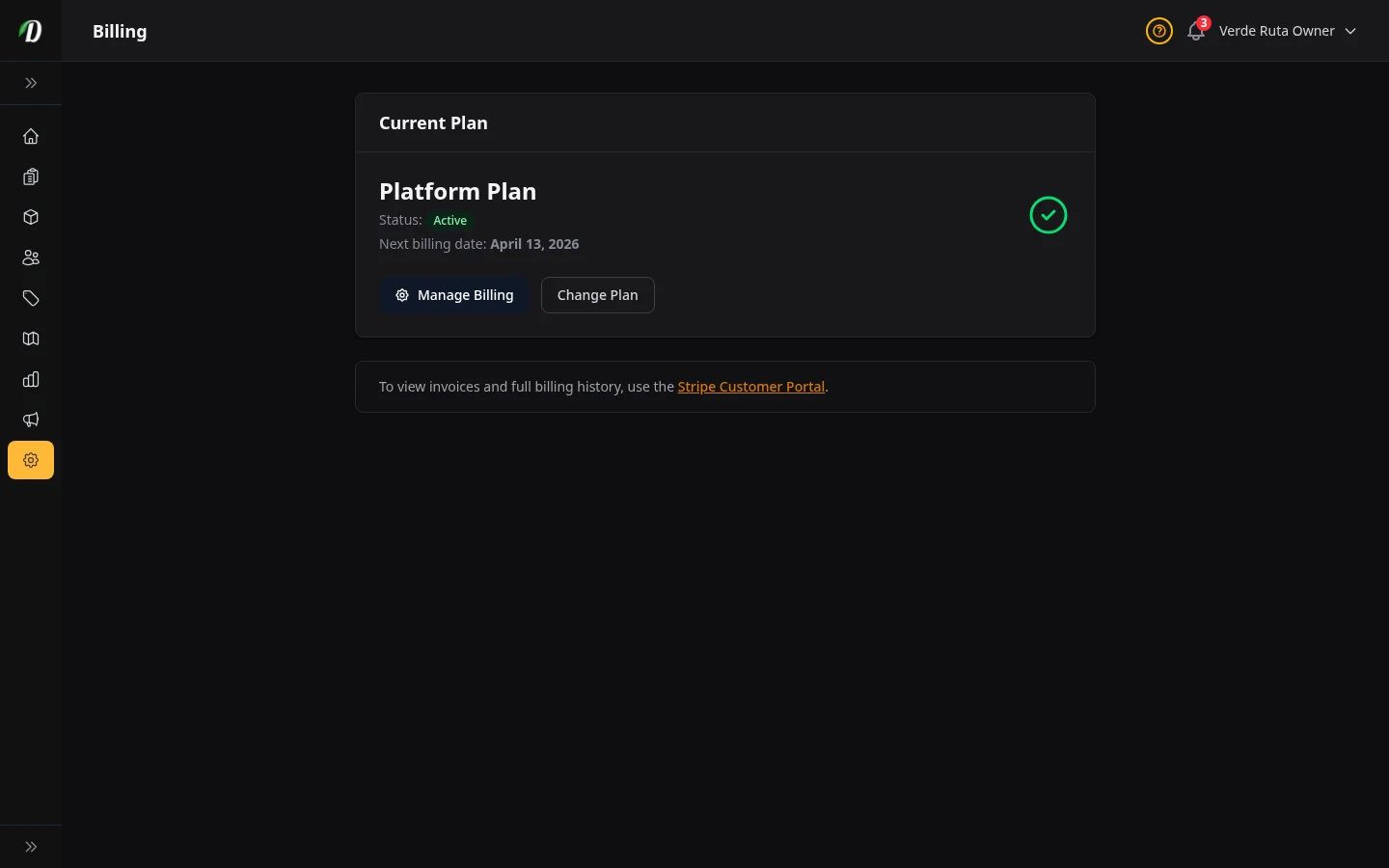
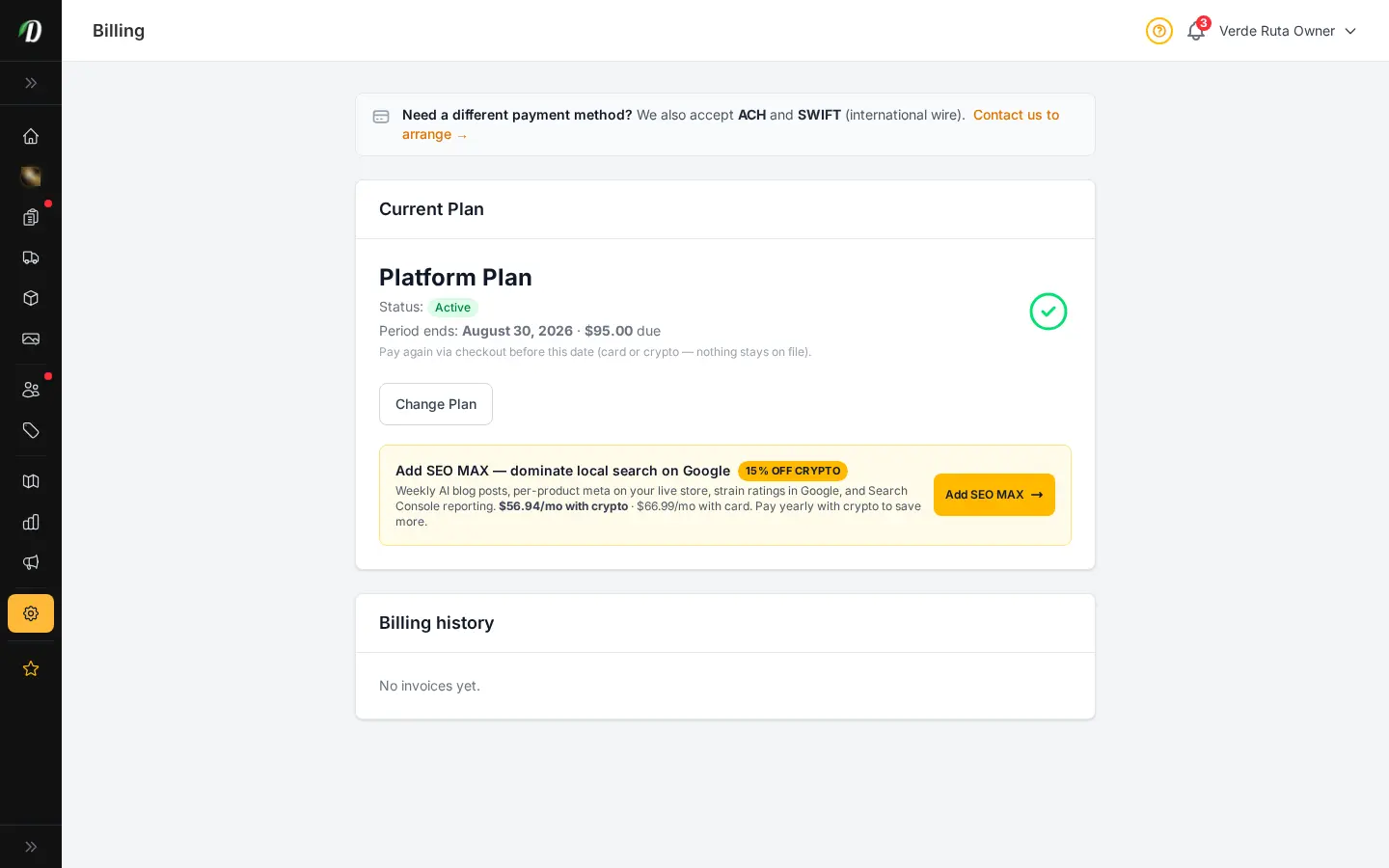
Billing & Subscription
Manage your plan, payments, trial expiry, and Stripe billing portal access.
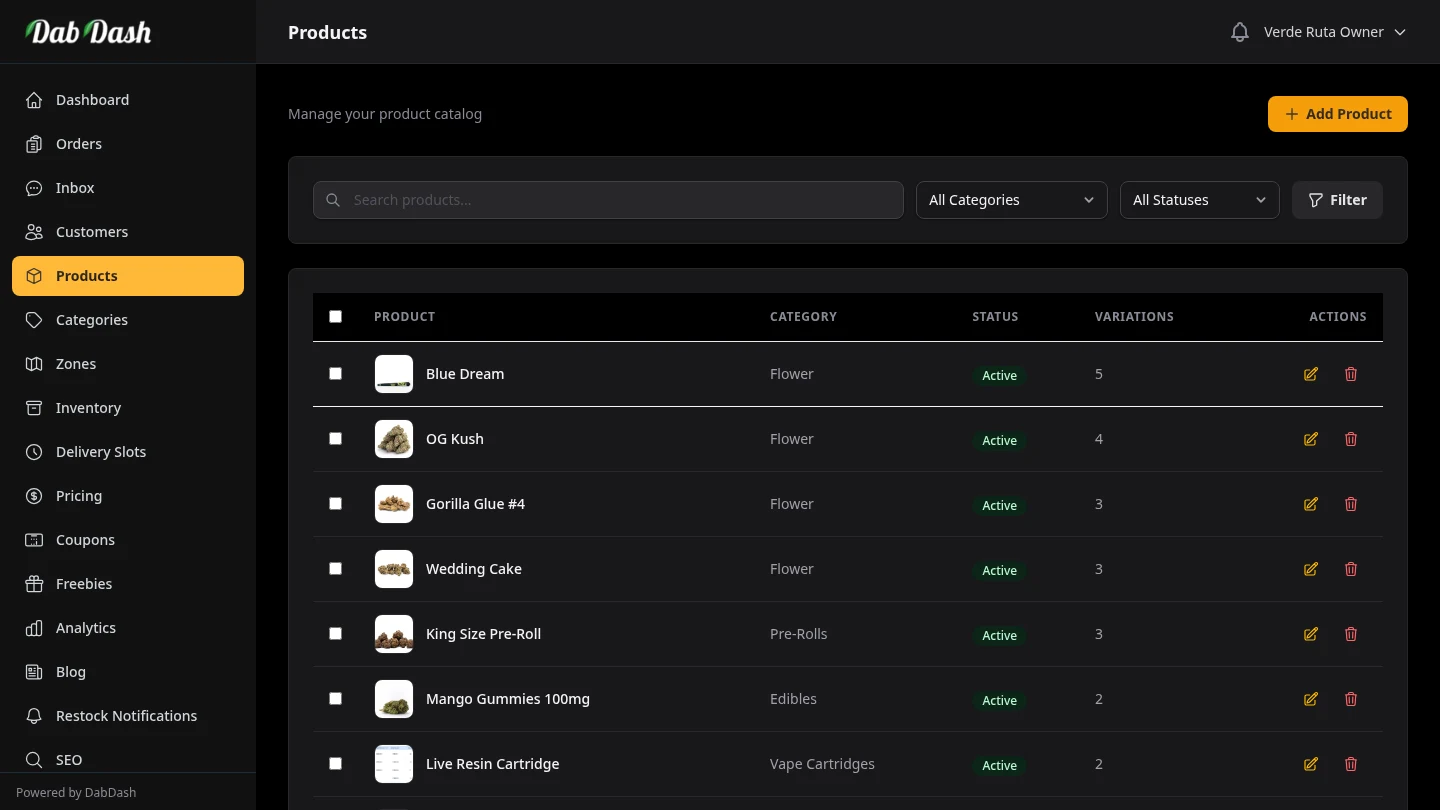
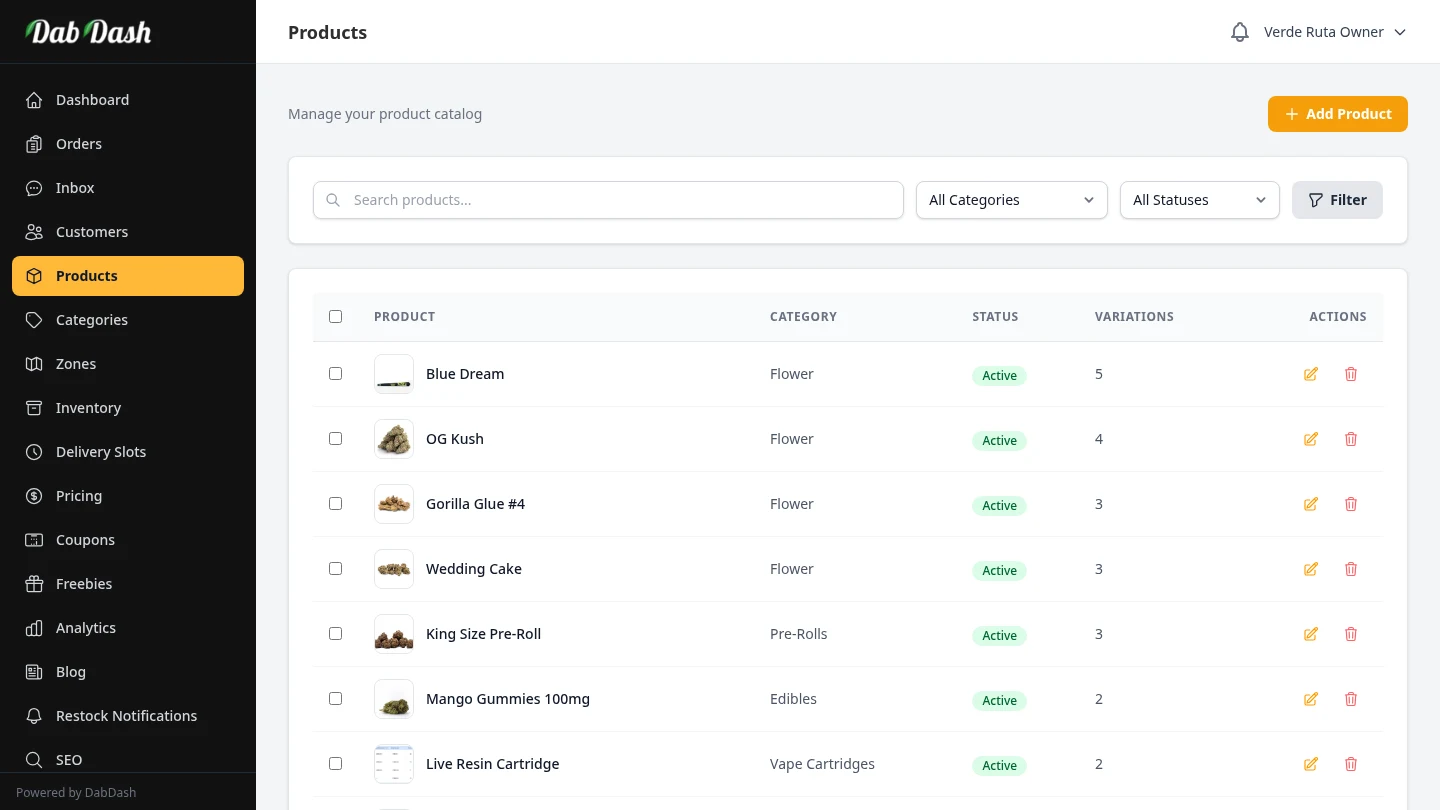
Managing Products
Create, edit, and organize your cannabis product catalog with strain data and weight variations.
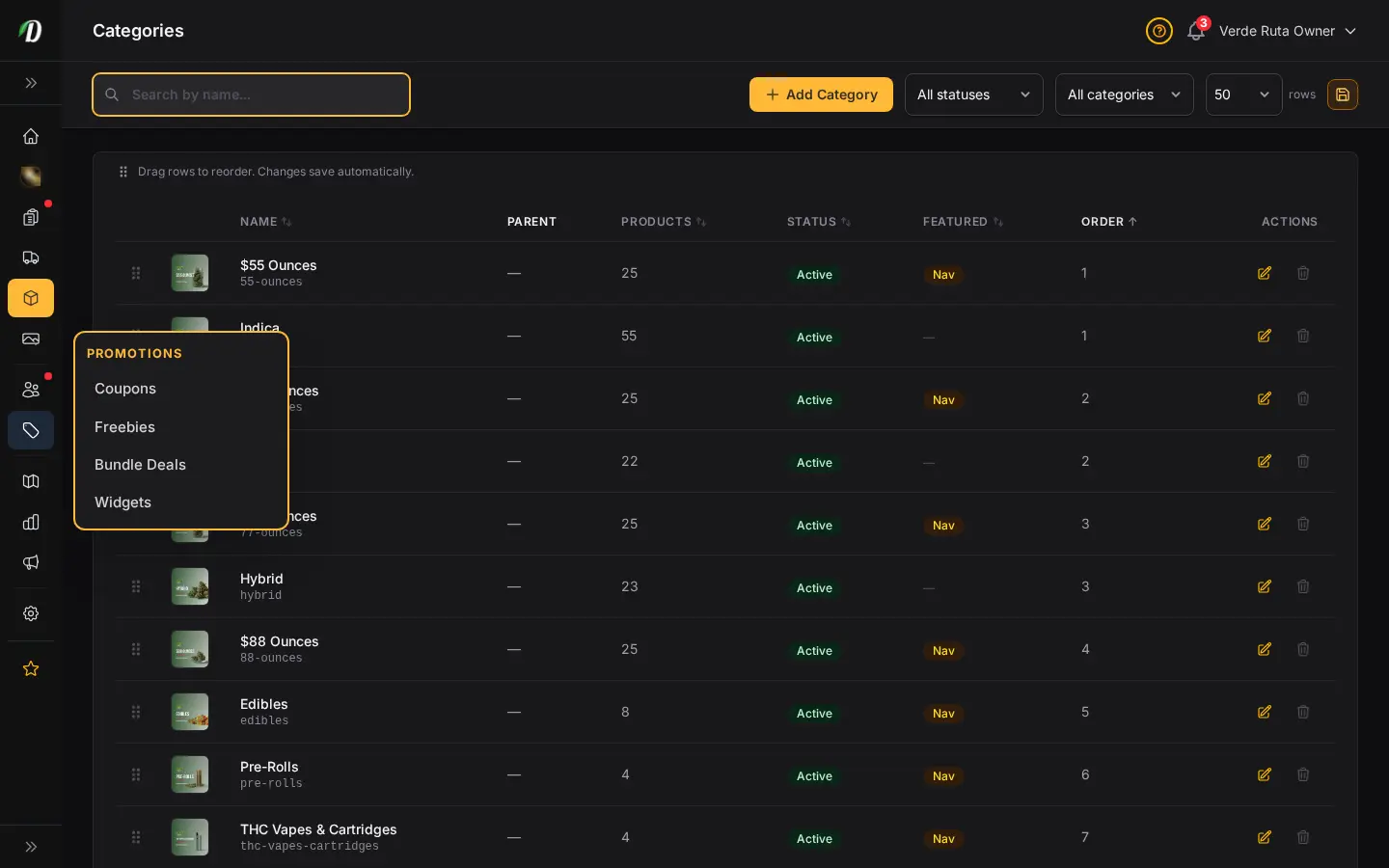
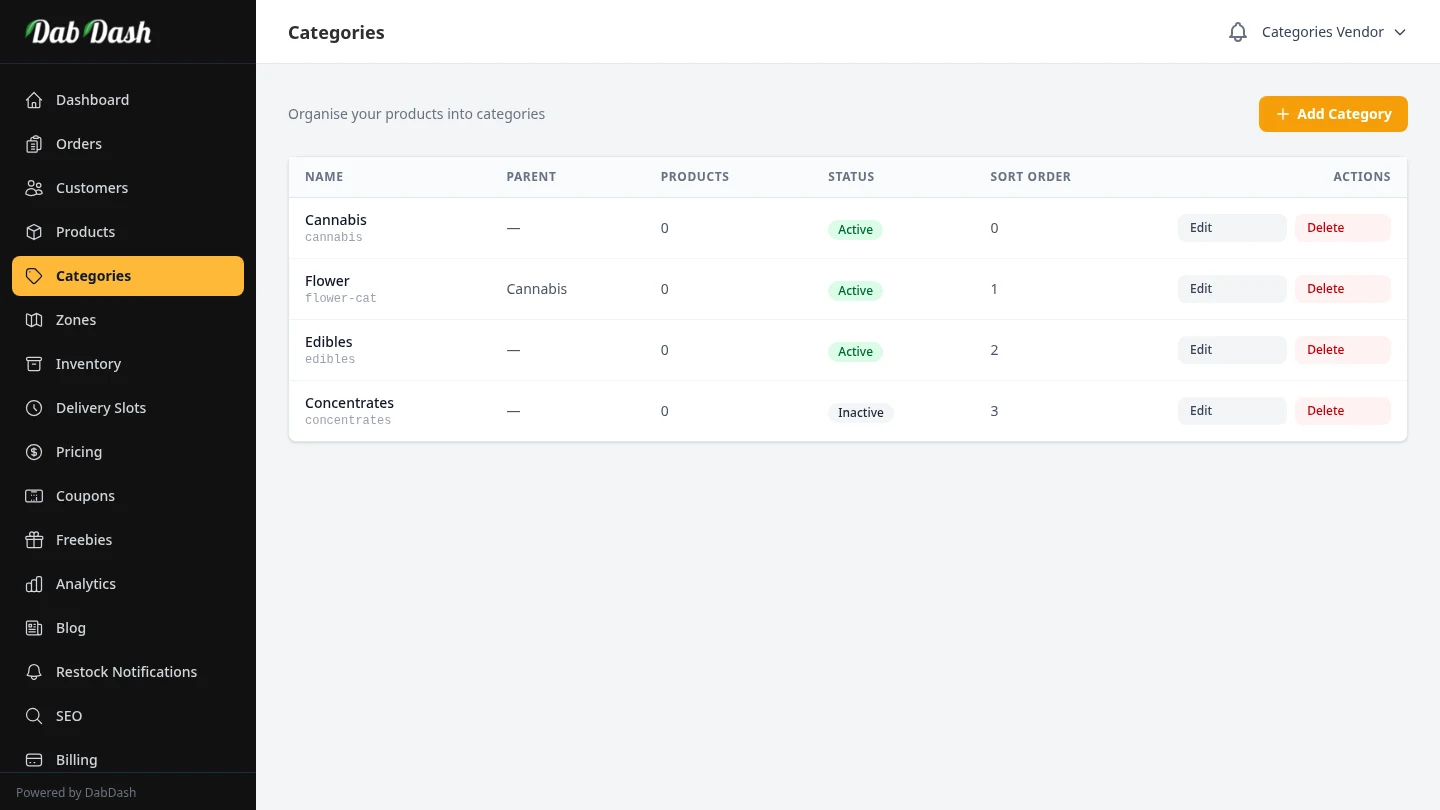
Managing Categories
Organize your products into categories for easy browsing and storefront navigation.
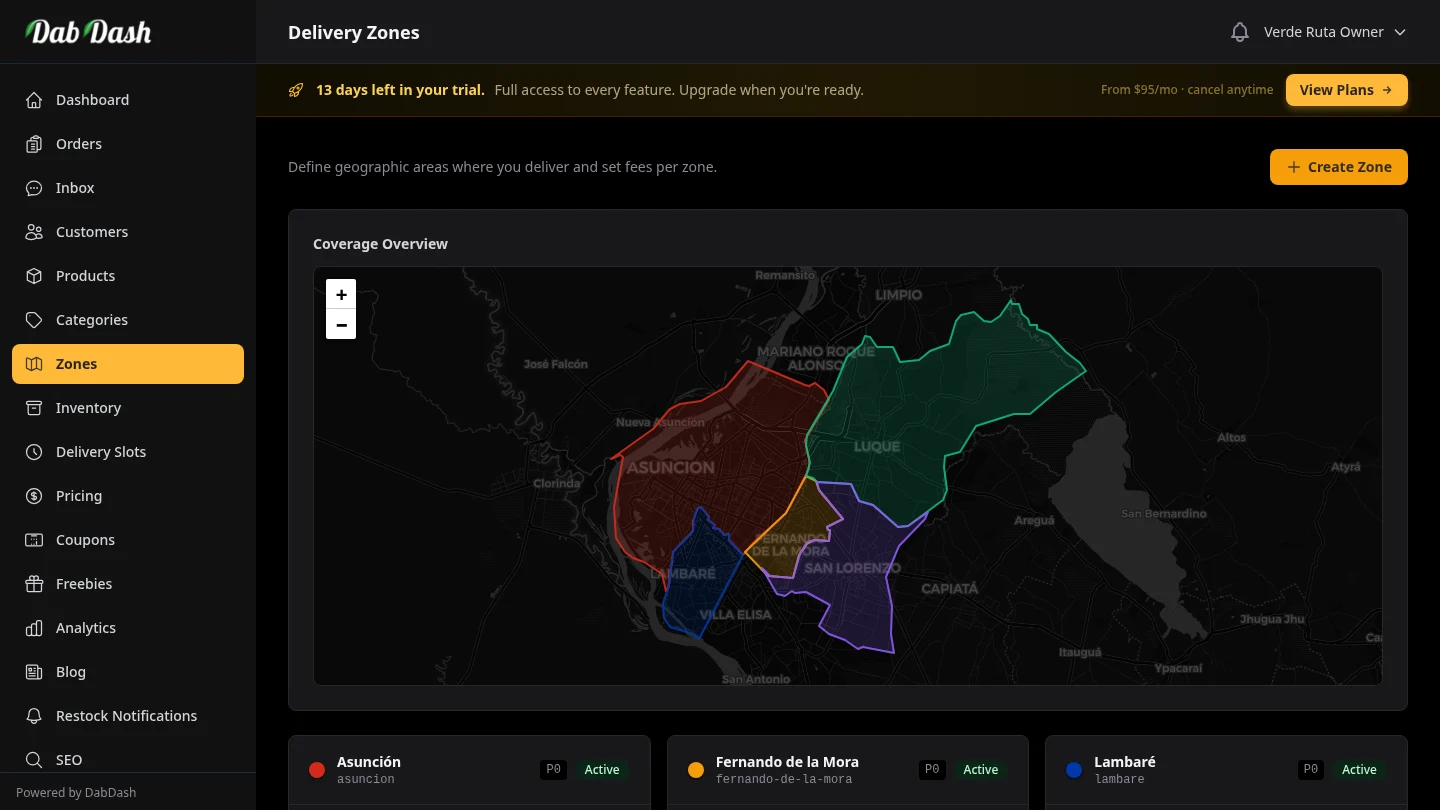
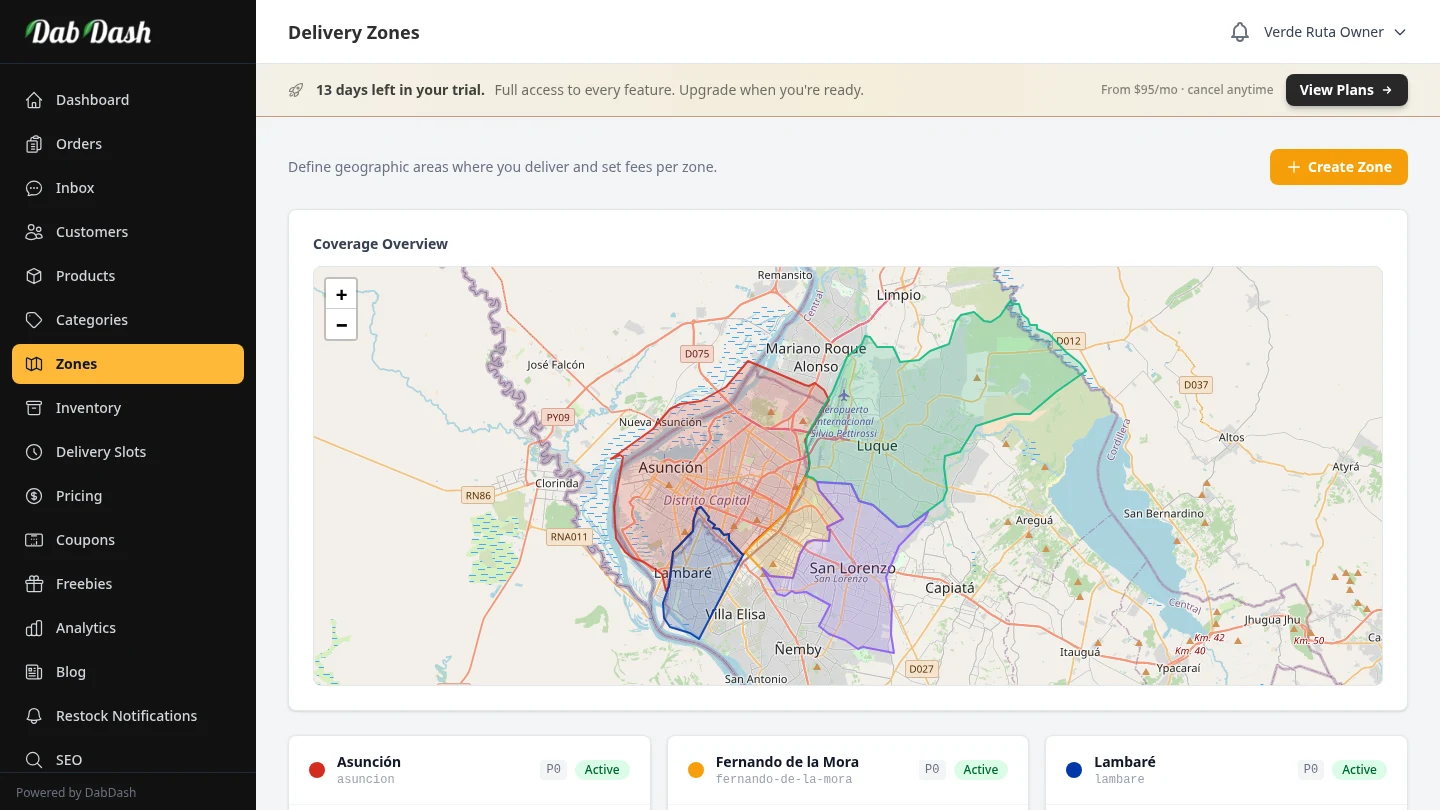
Delivery Zones
Draw delivery zones on the map, set fees, and control where you deliver.
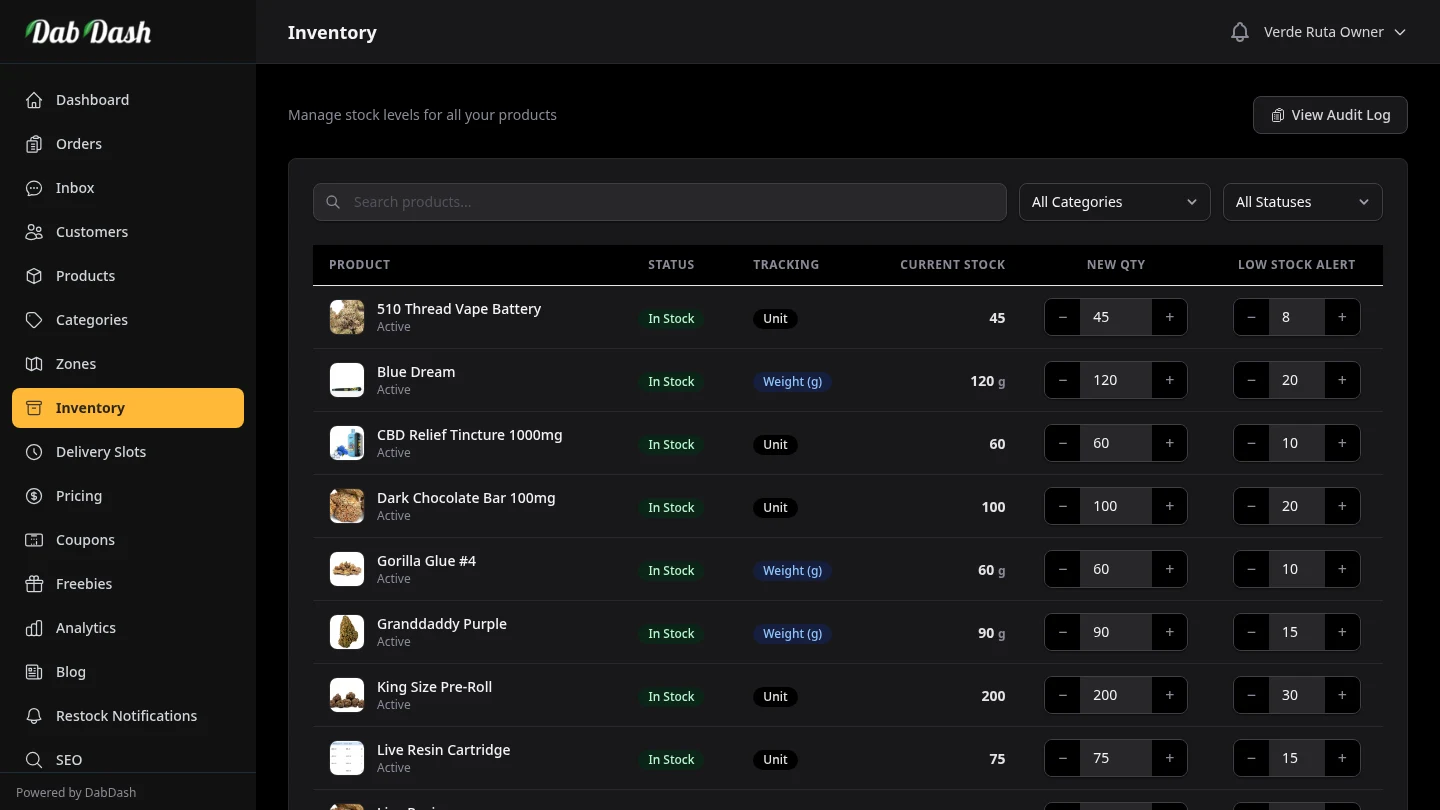
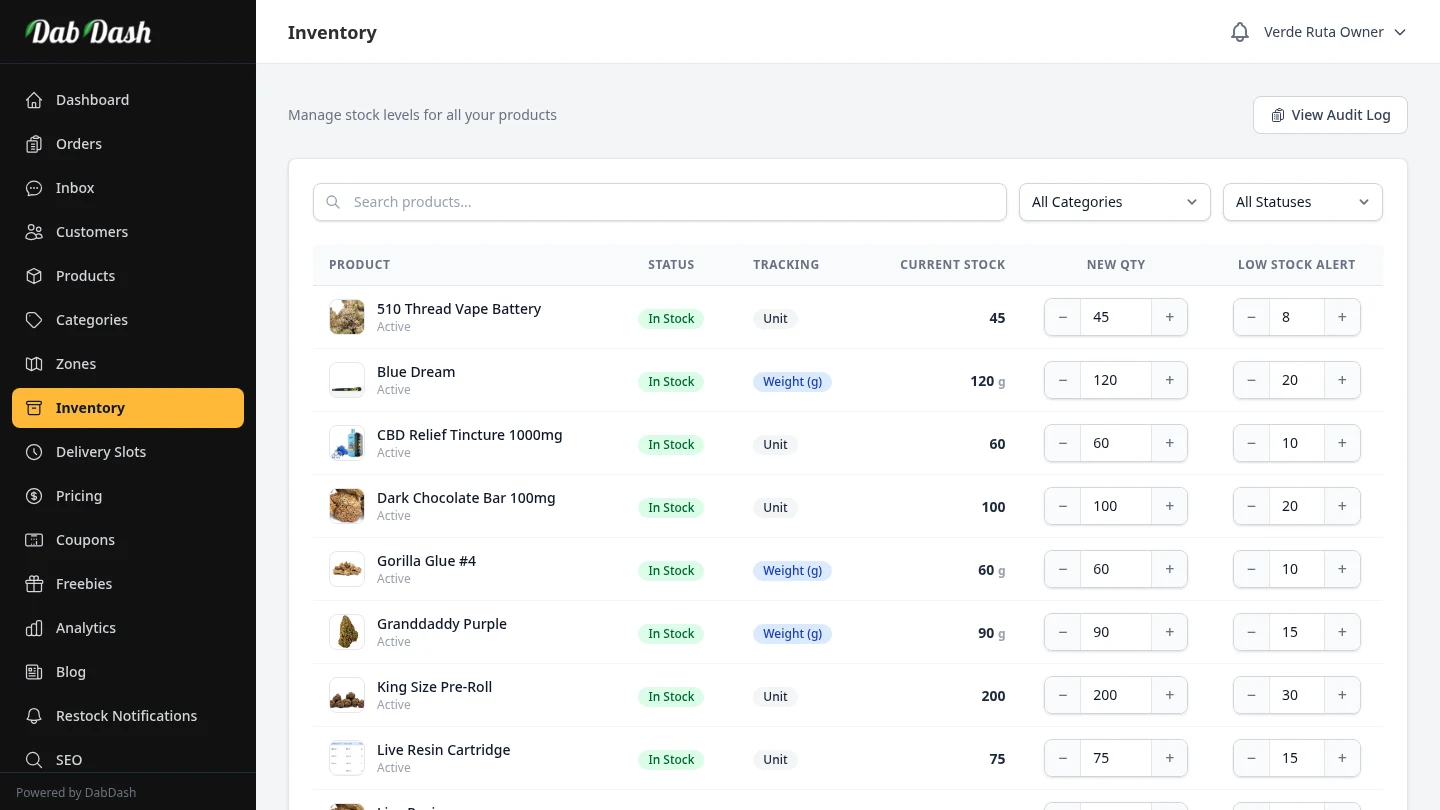
Inventory Management
Track zone-level stock, audit changes, and prevent overselling.
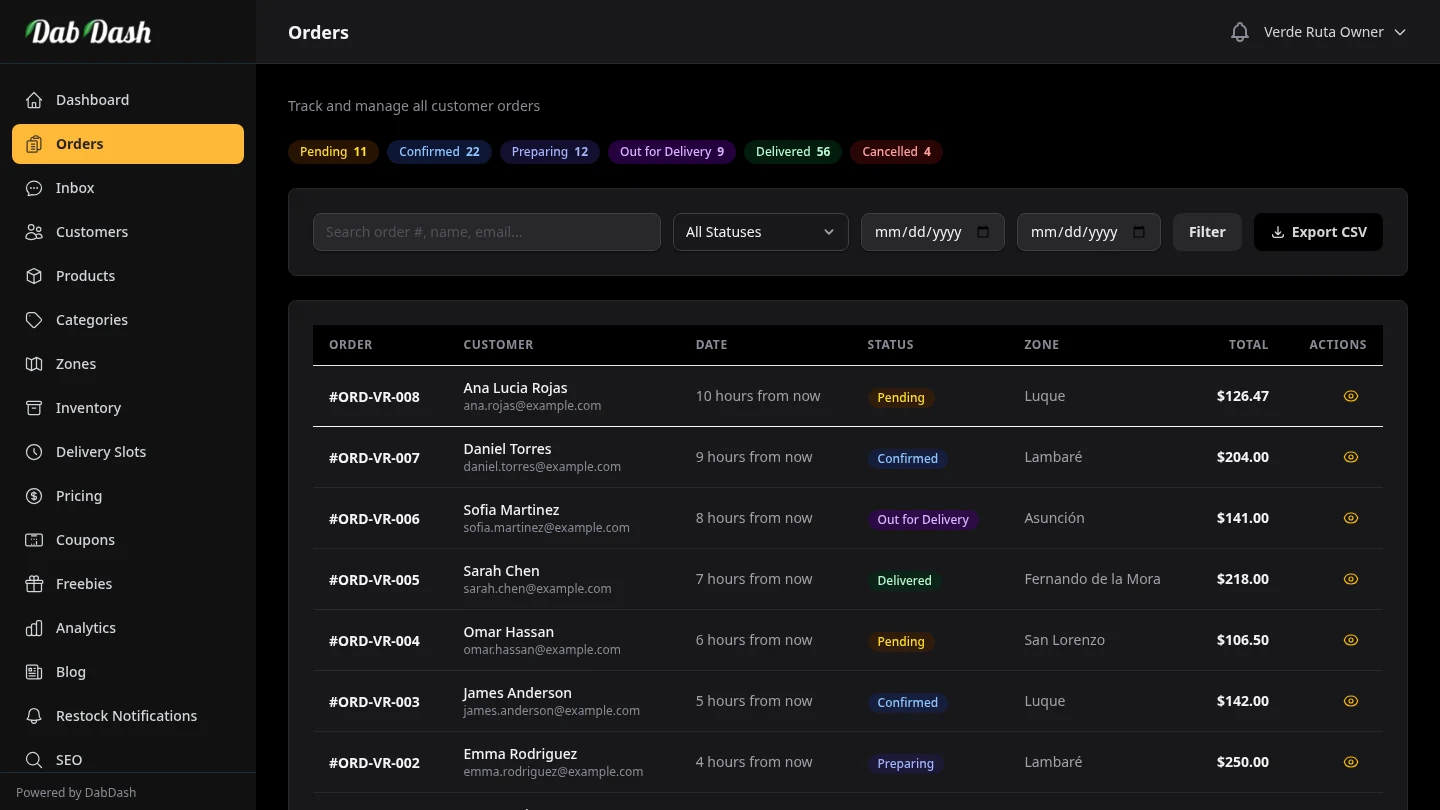
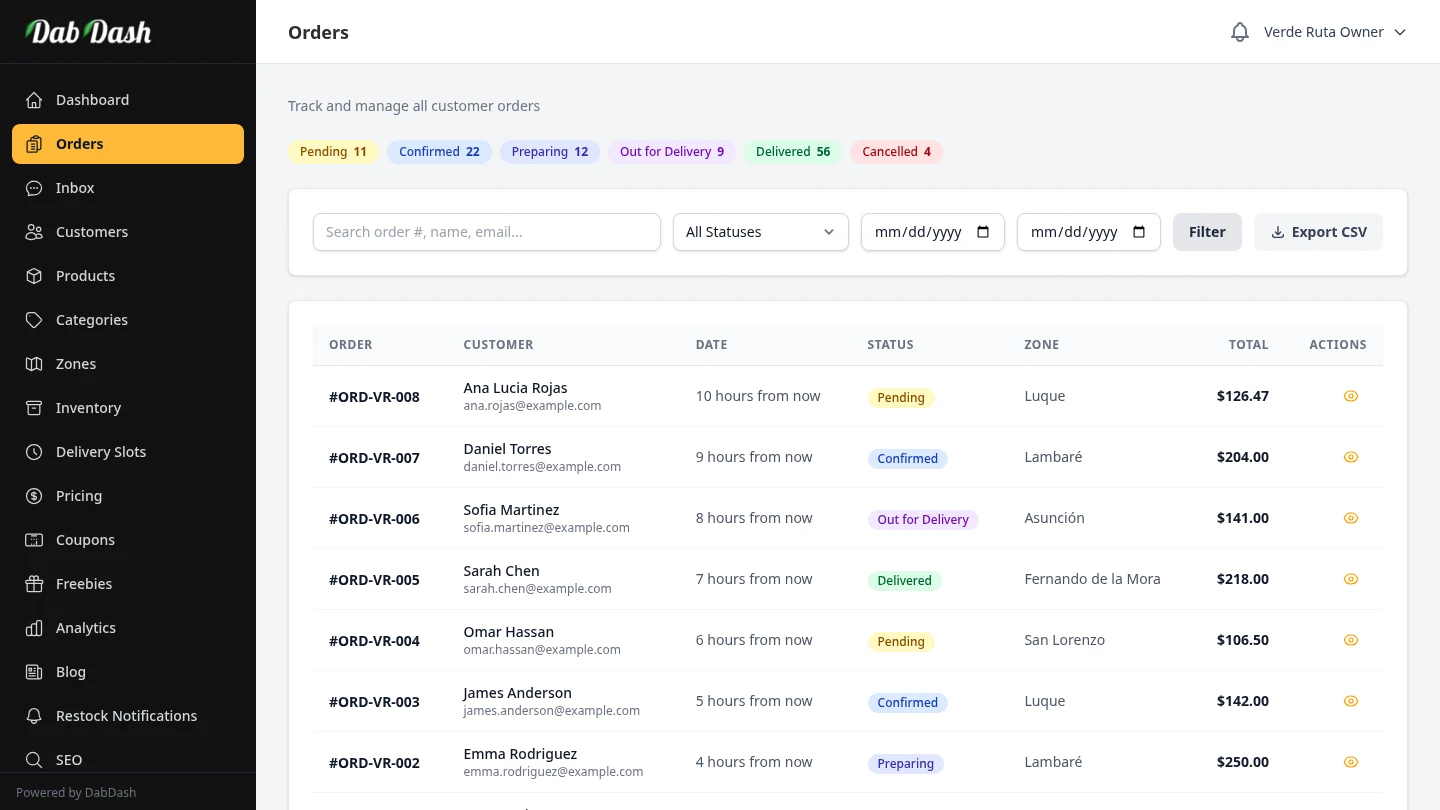
Order Management
View, process, and fulfill customer orders with status tracking and invoices.
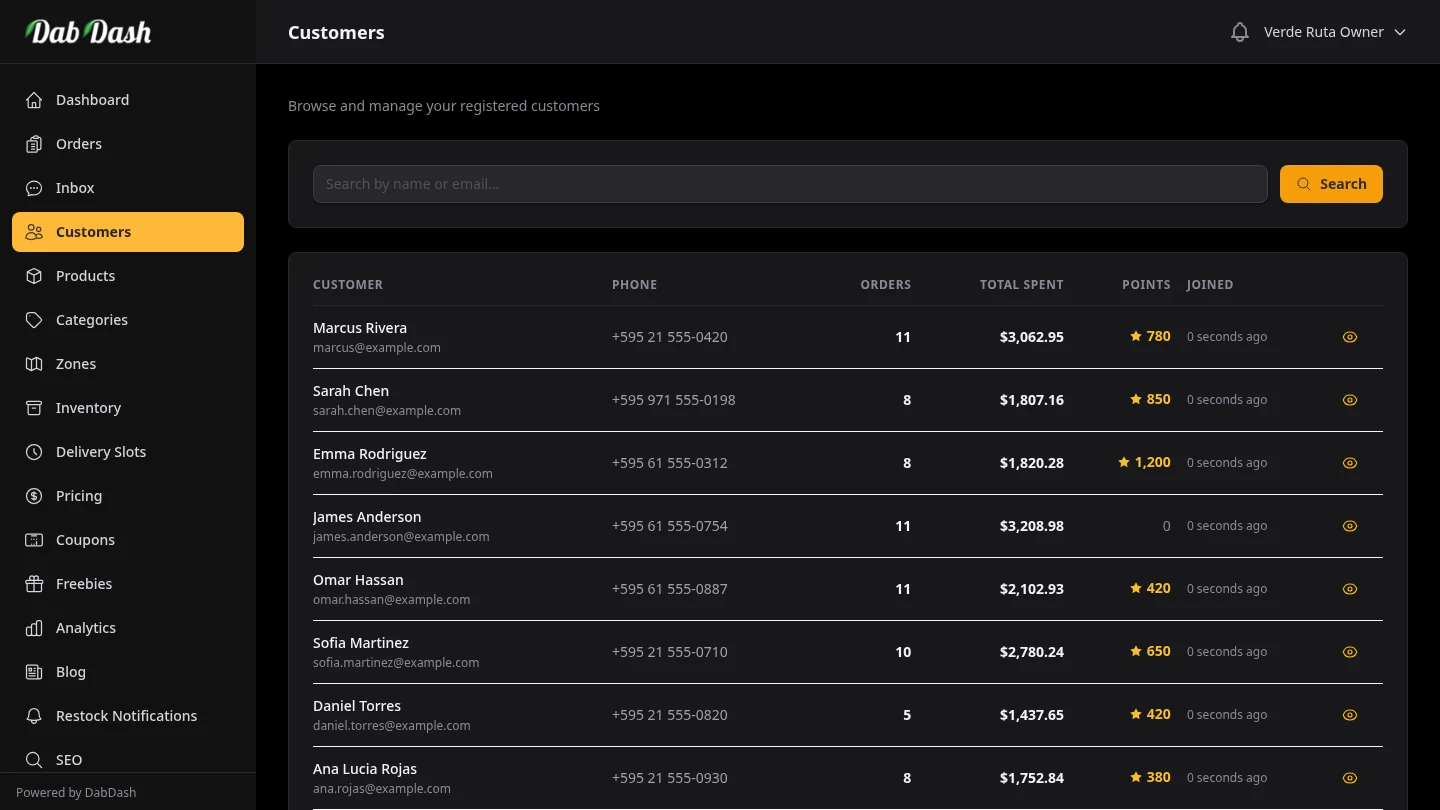
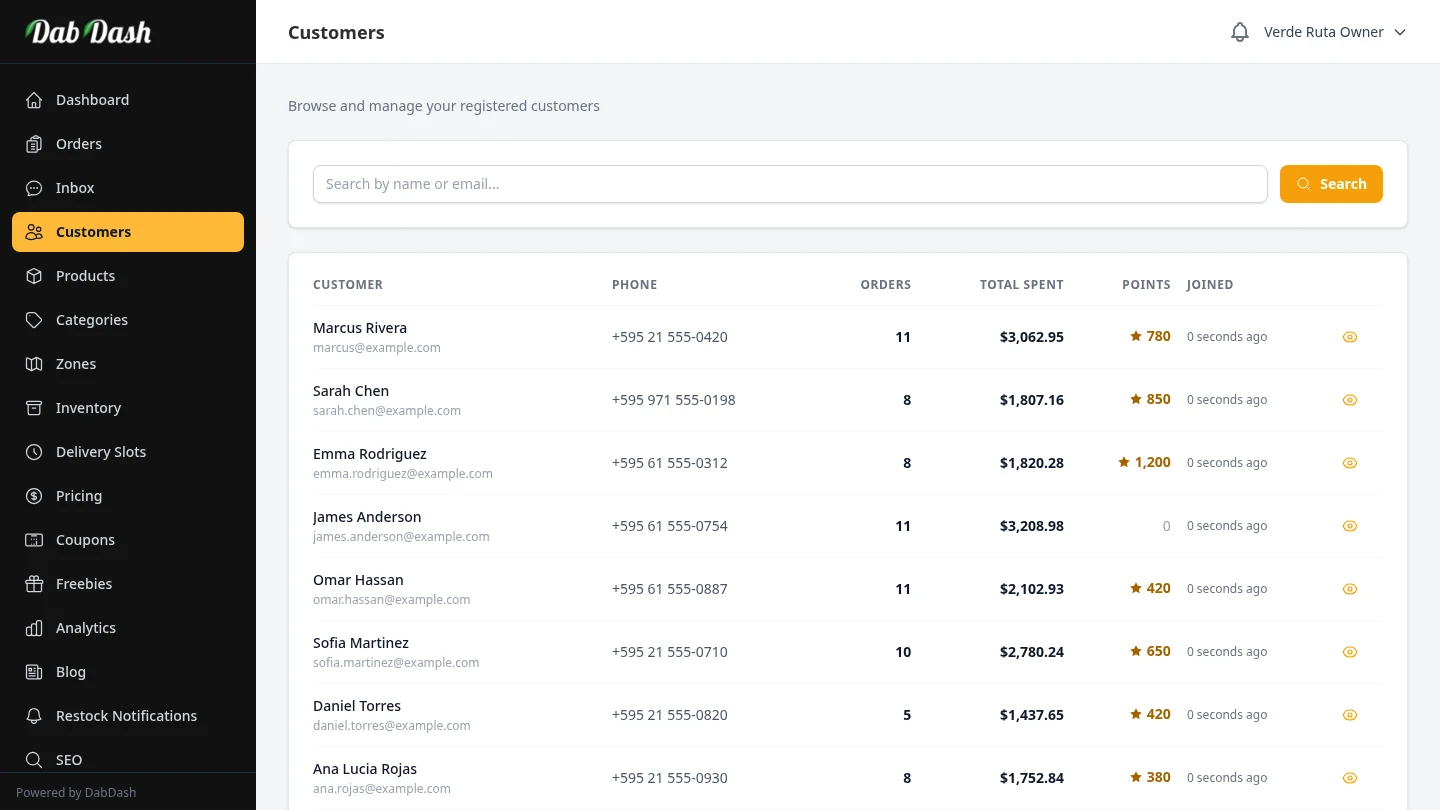
Customer Directory
Browse customer profiles, order history, loyalty points, and saved addresses.
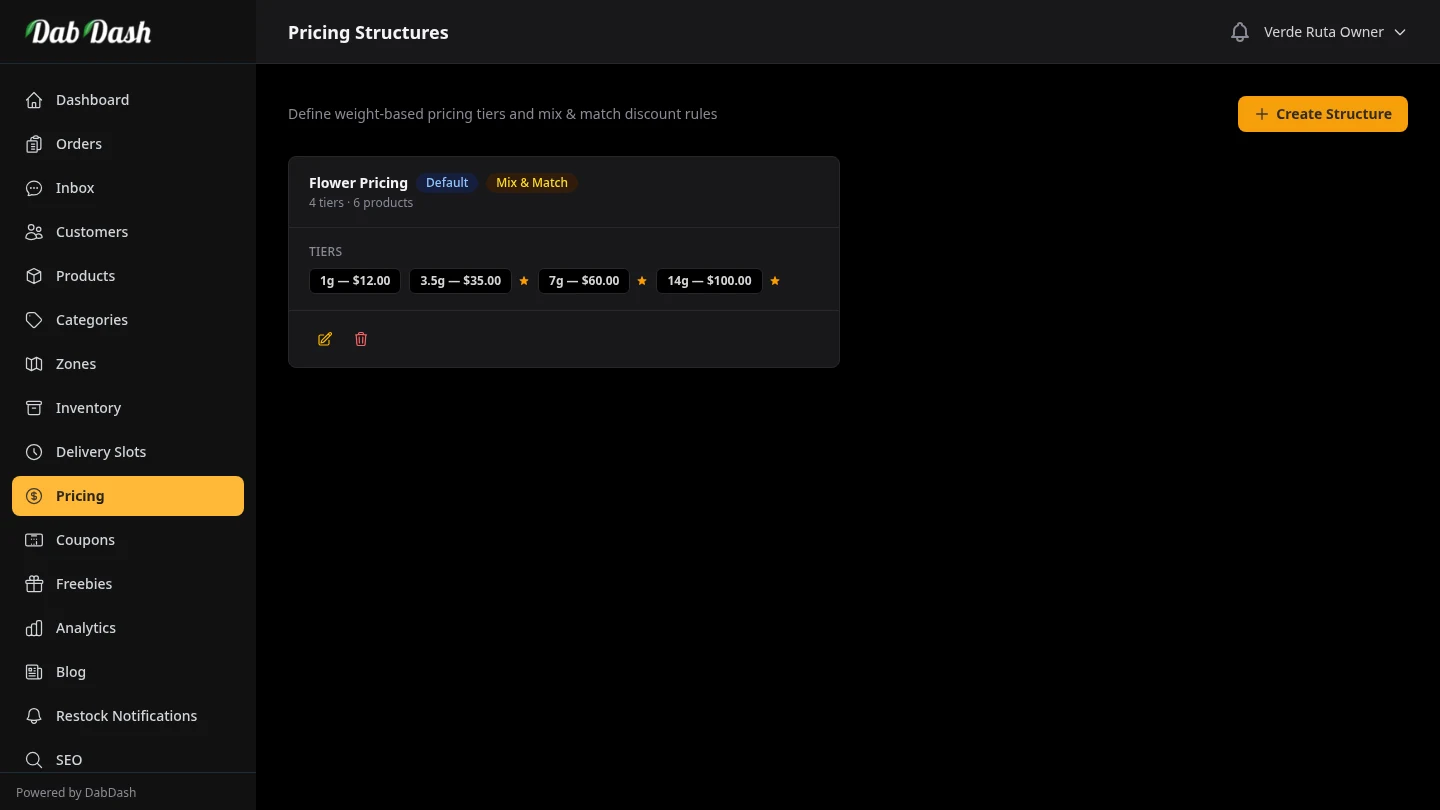
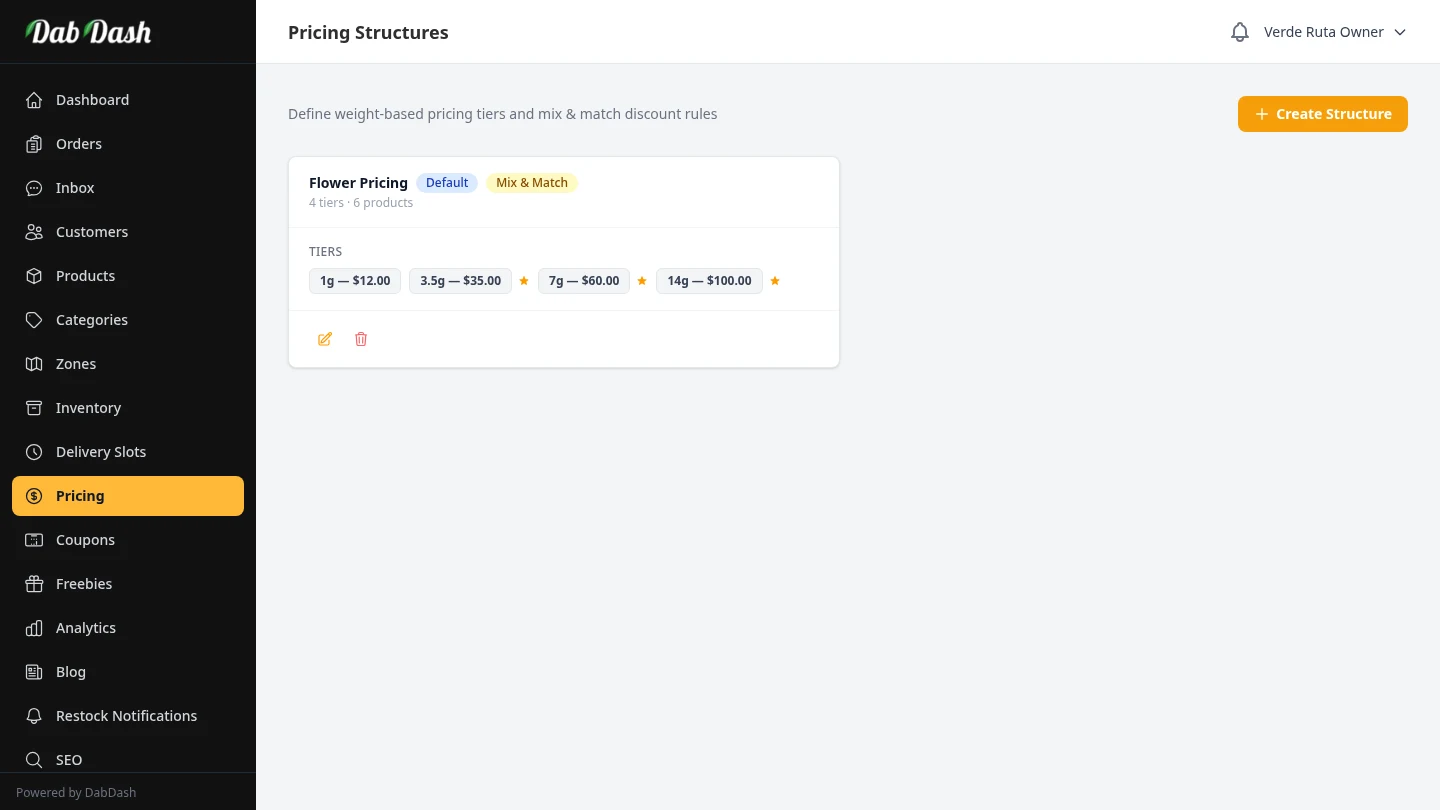
Pricing Structures
Configure Simple, Weight, Unit, Variation × Weight, and Variation × Unit pricing for cannabis products.
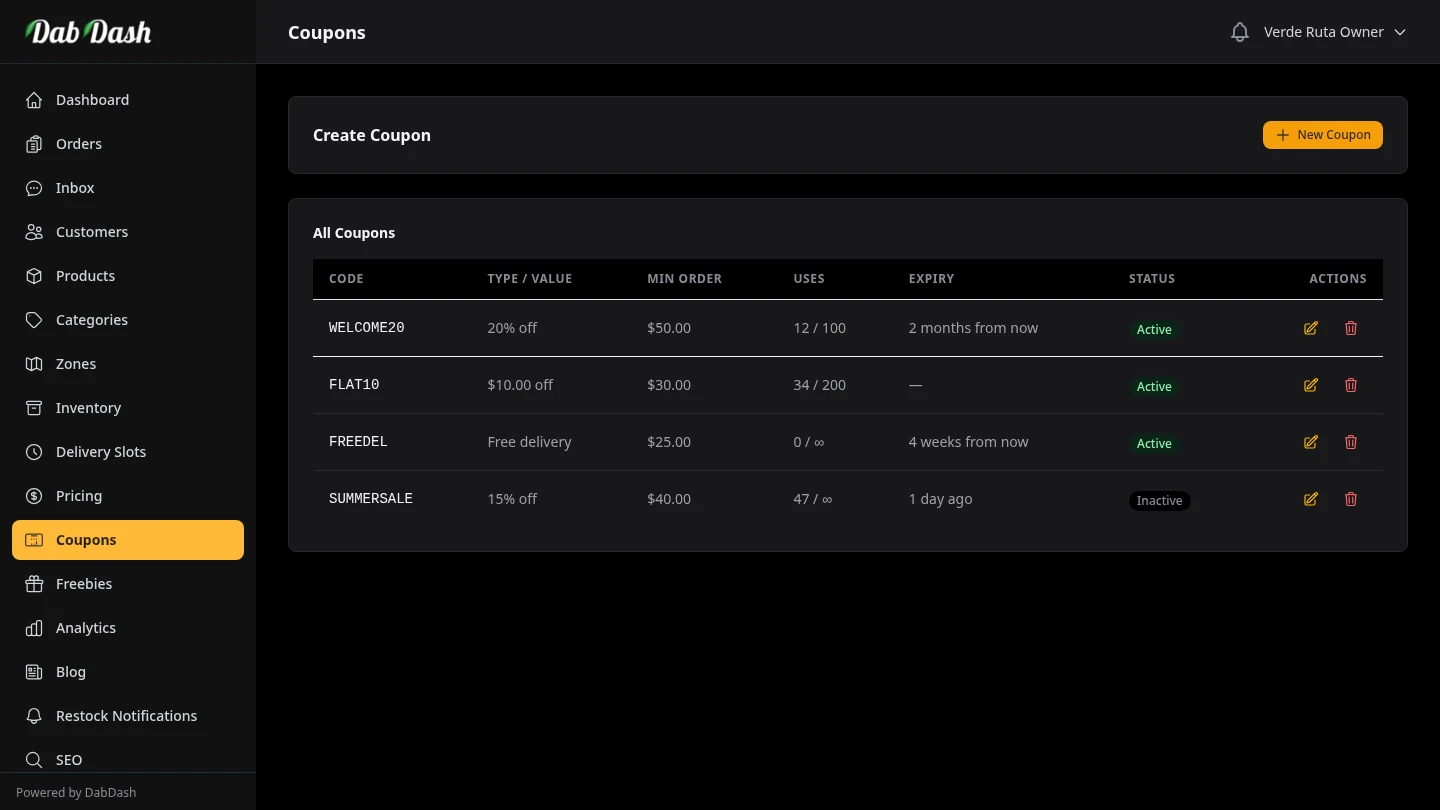
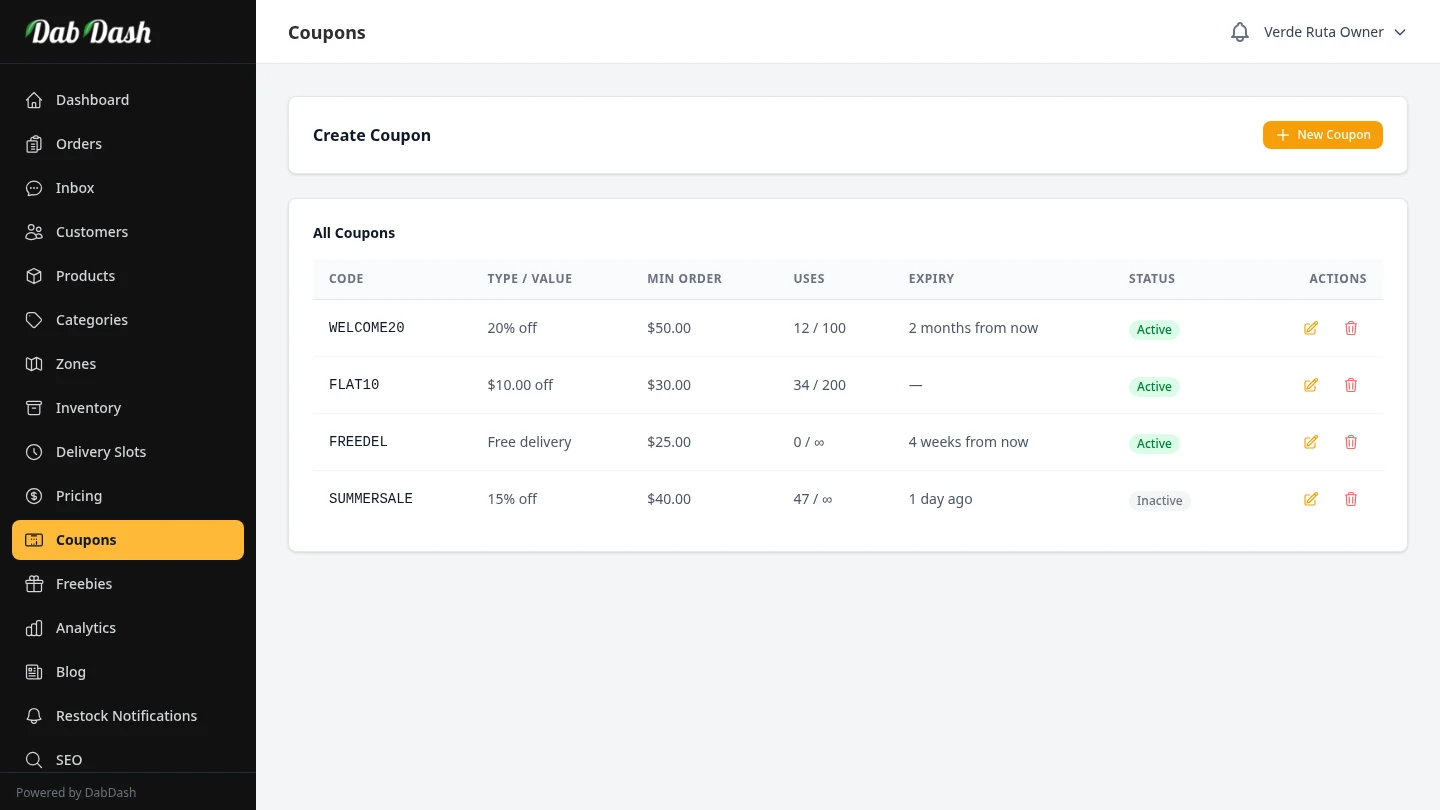
Coupons & Discounts
Create percentage or fixed-amount discount codes with usage limits and expiry dates.
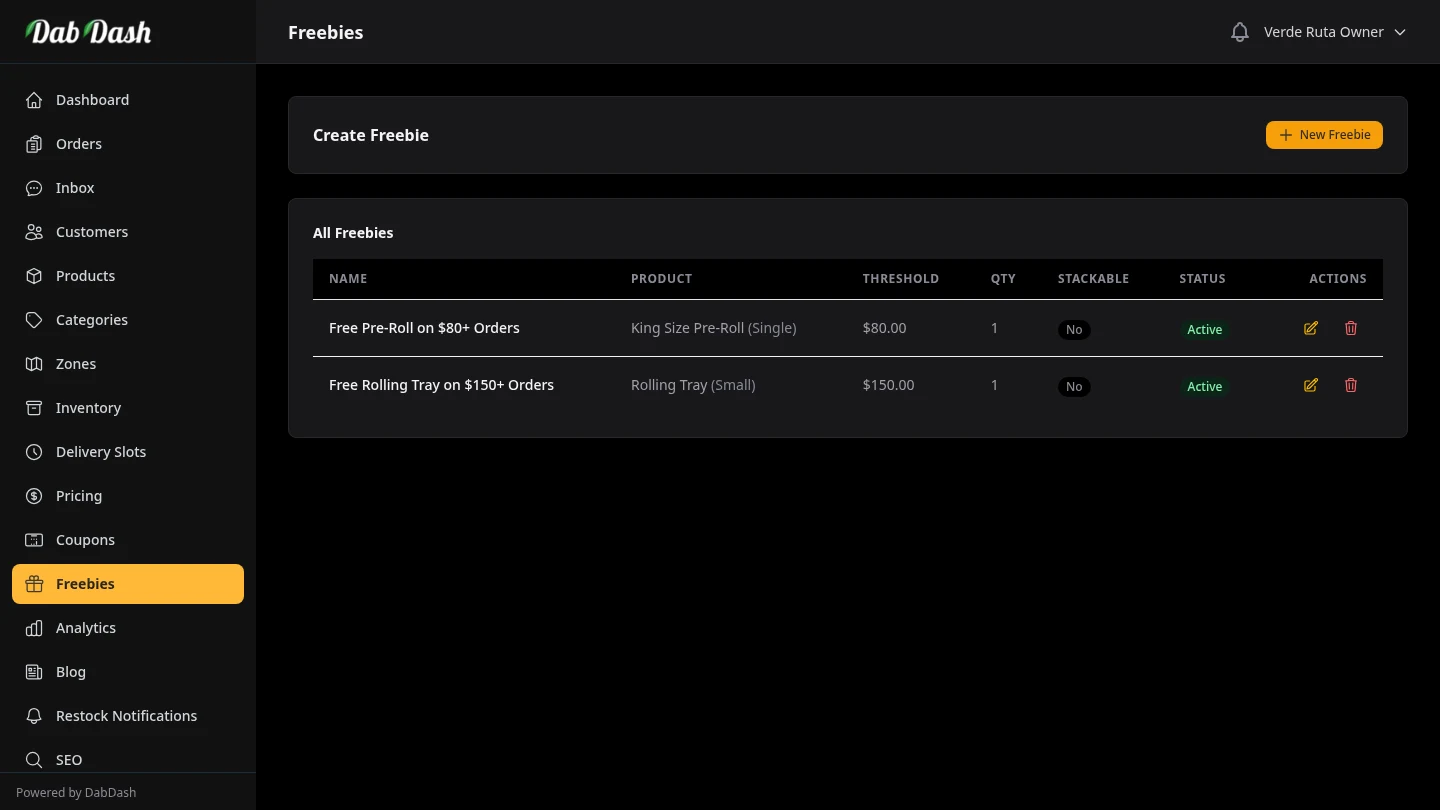
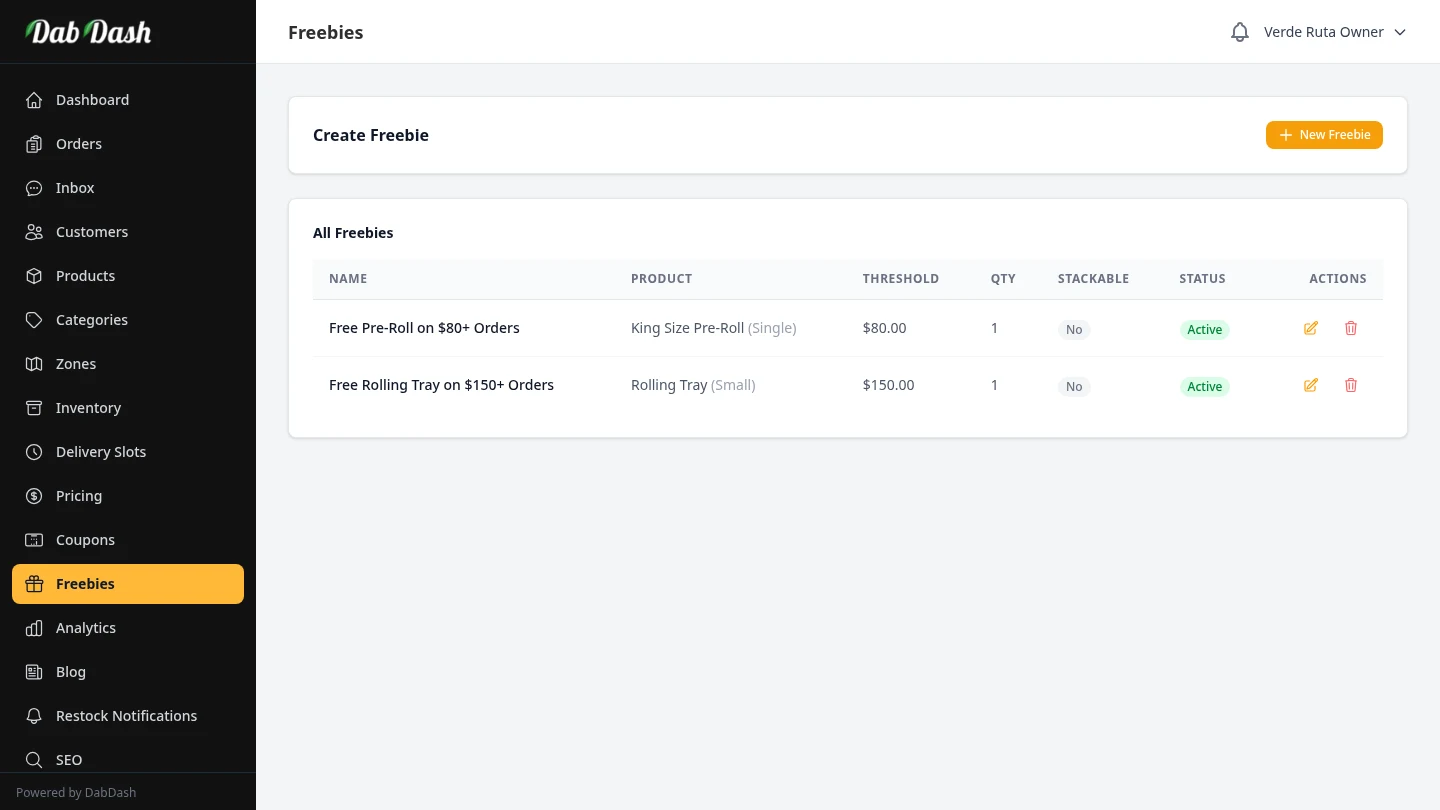
Freebie Rules
Reward customers with automatic free items when they reach spending thresholds.
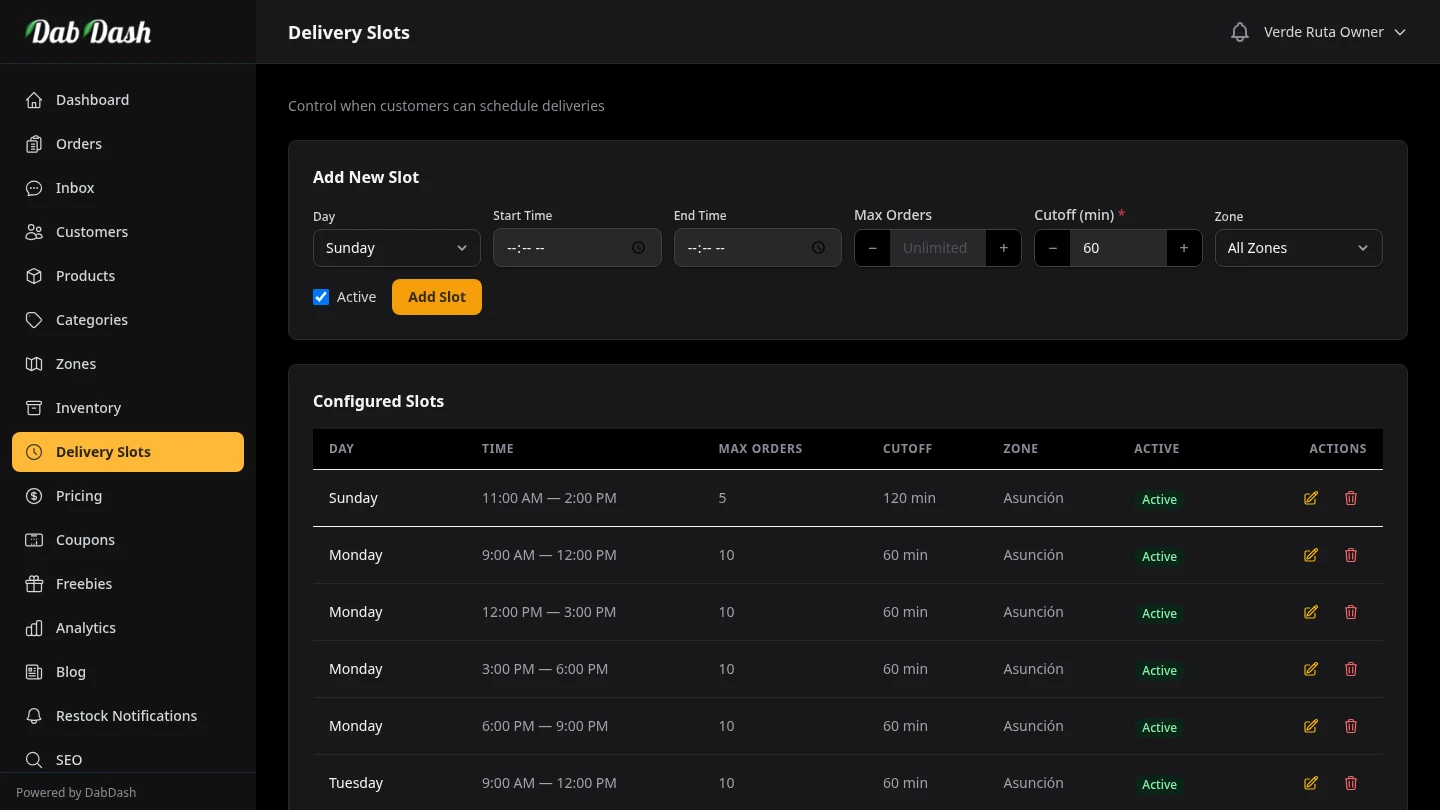
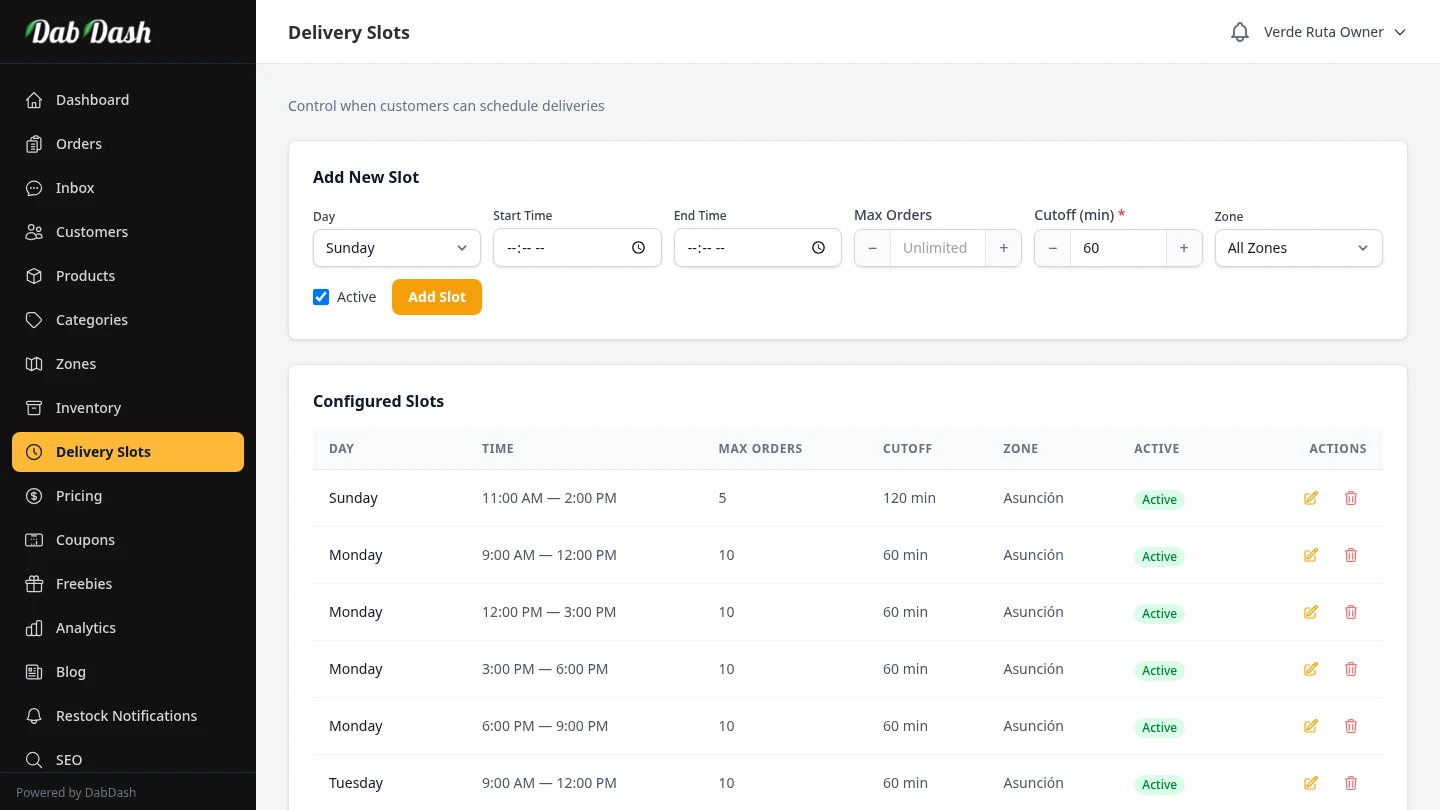
Delivery Slots
Configure available delivery windows by zone with capacity limits.
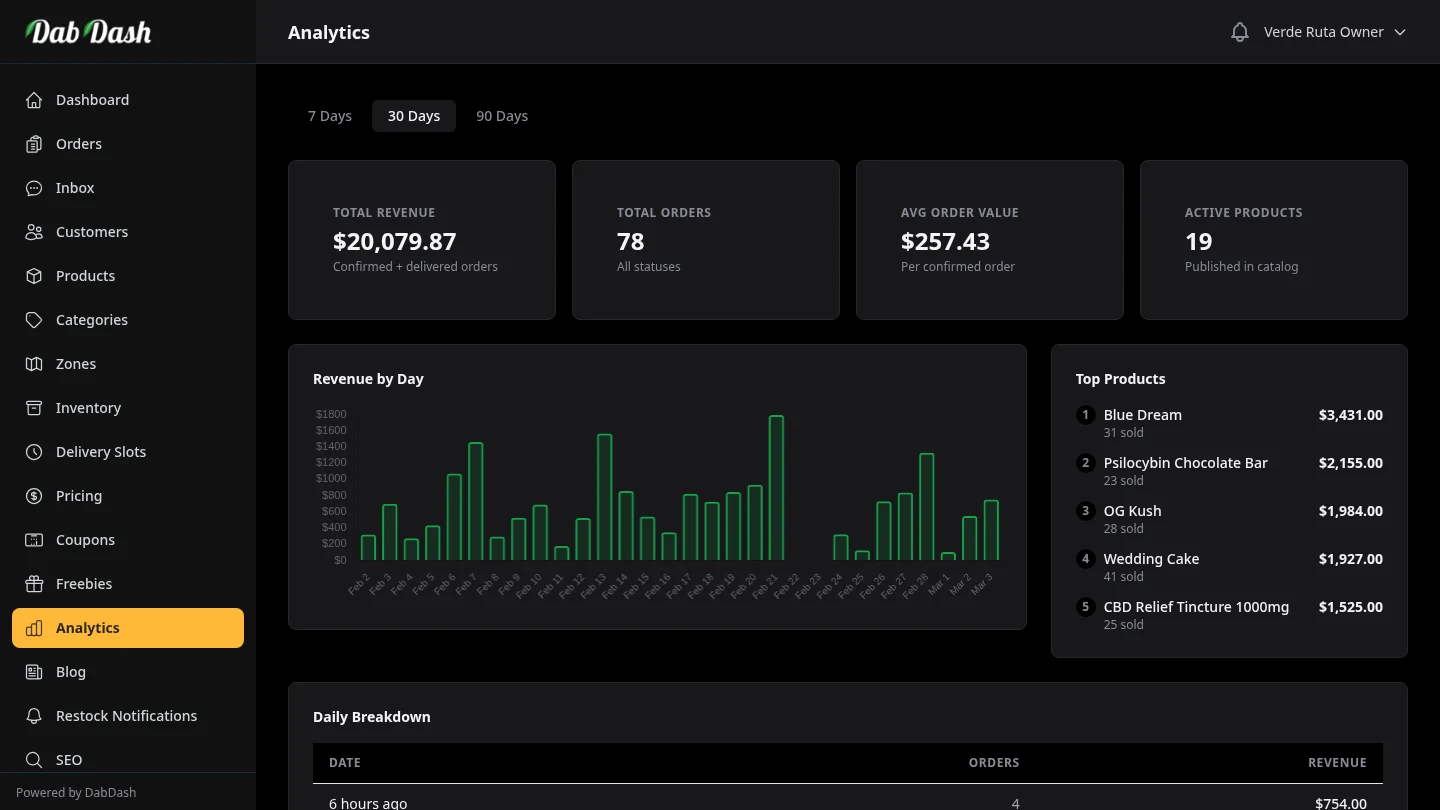
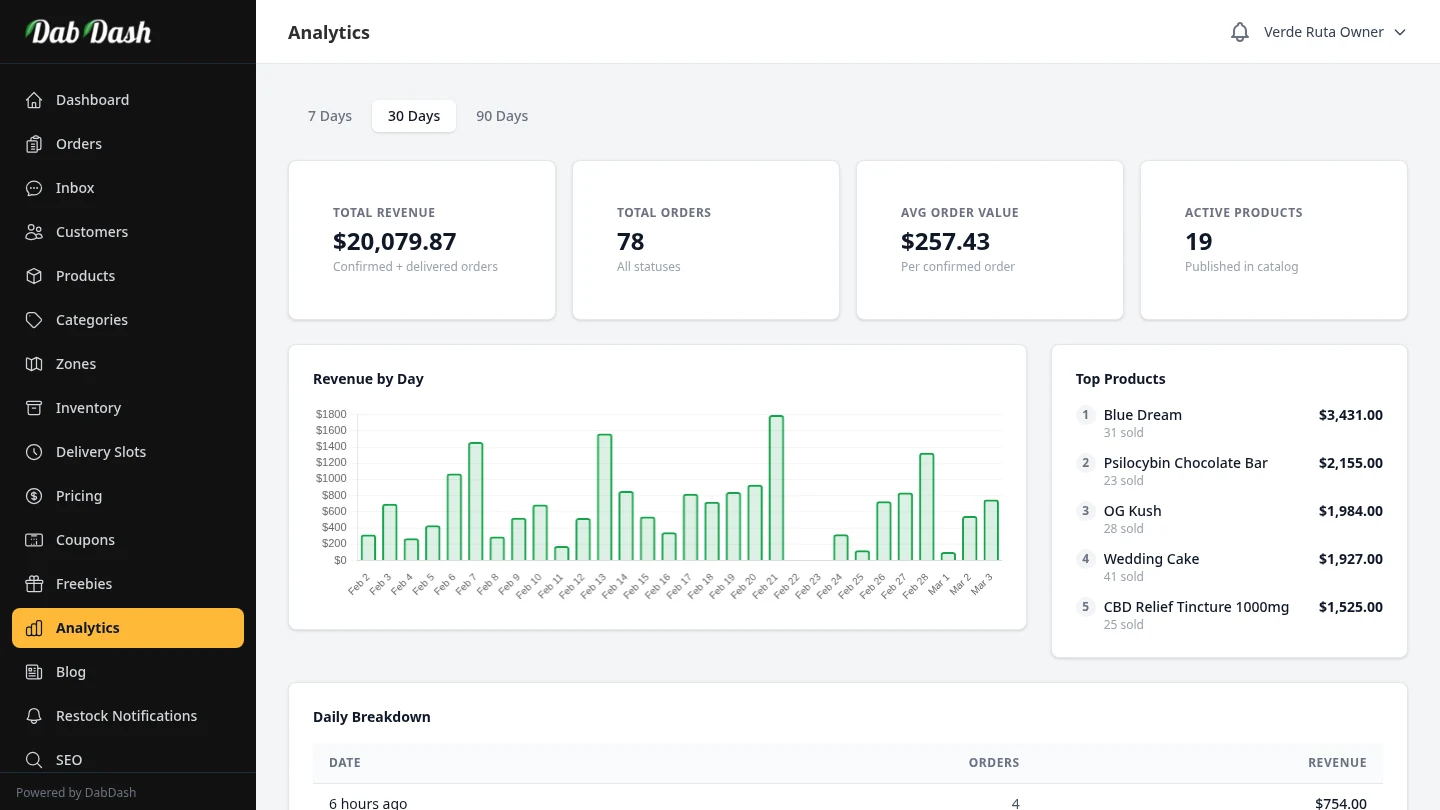
Analytics & Reports
Track revenue trends, top products, cost of goods, and margin breakdowns.
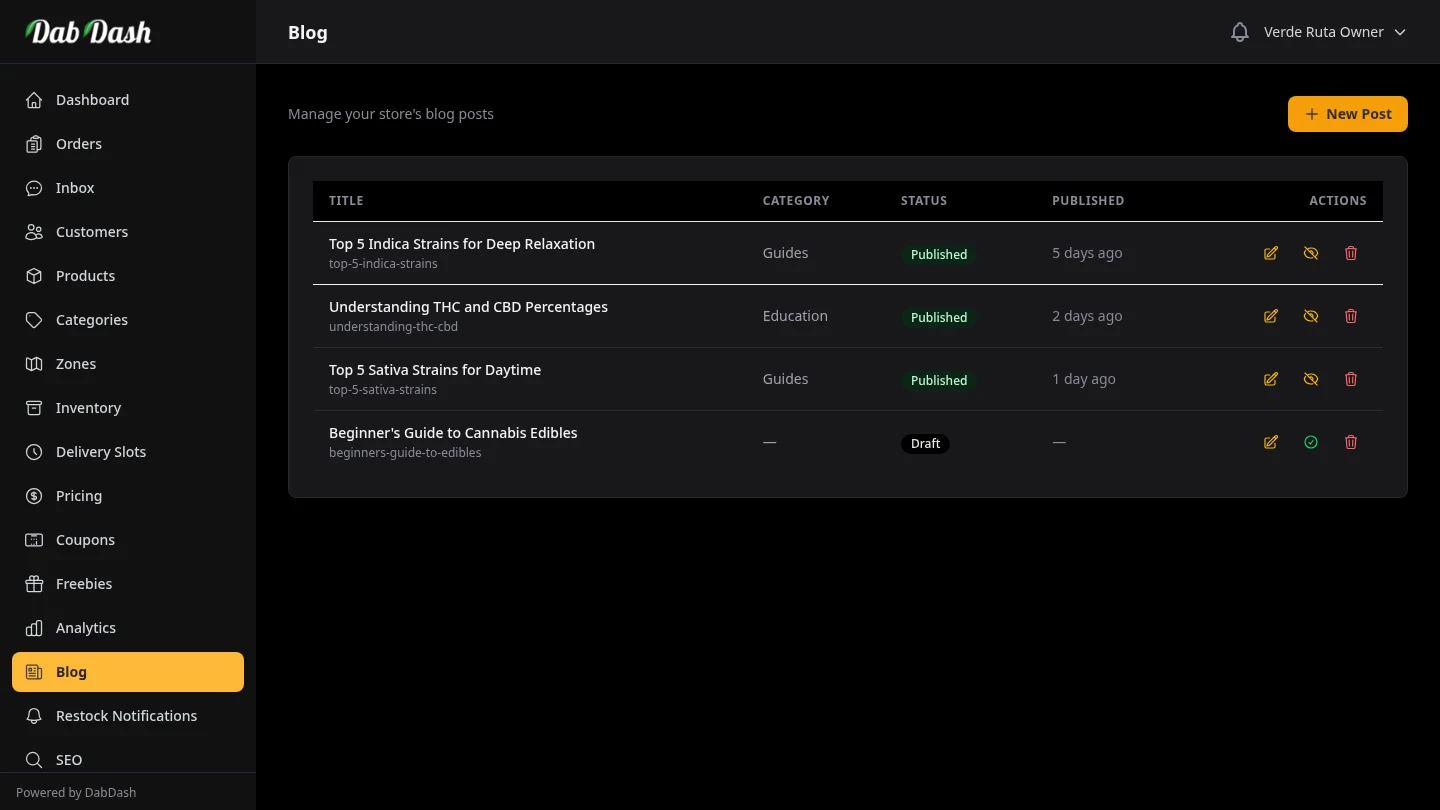
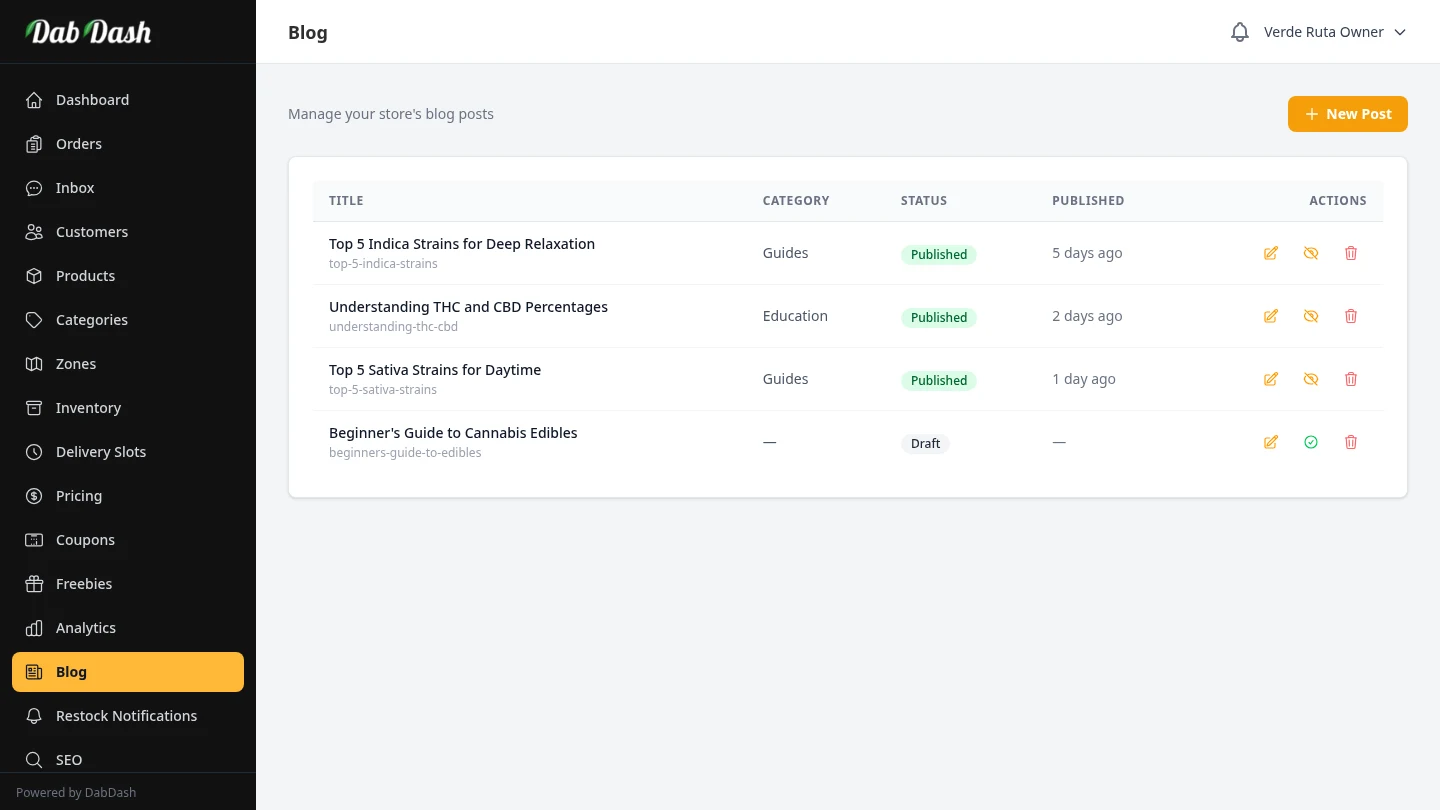
Vendor Blog
Publish blog posts on your storefront to engage customers and boost SEO.
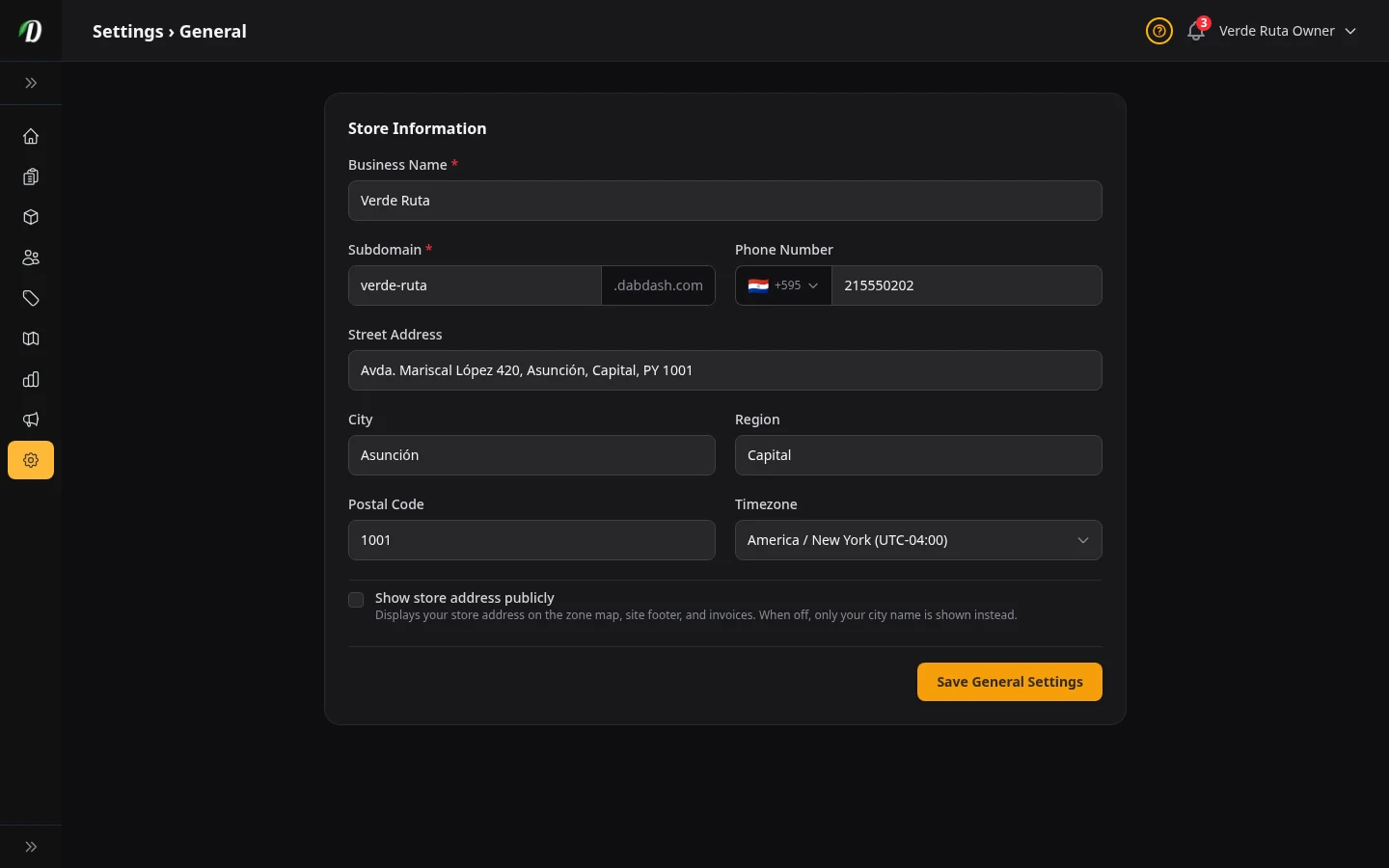
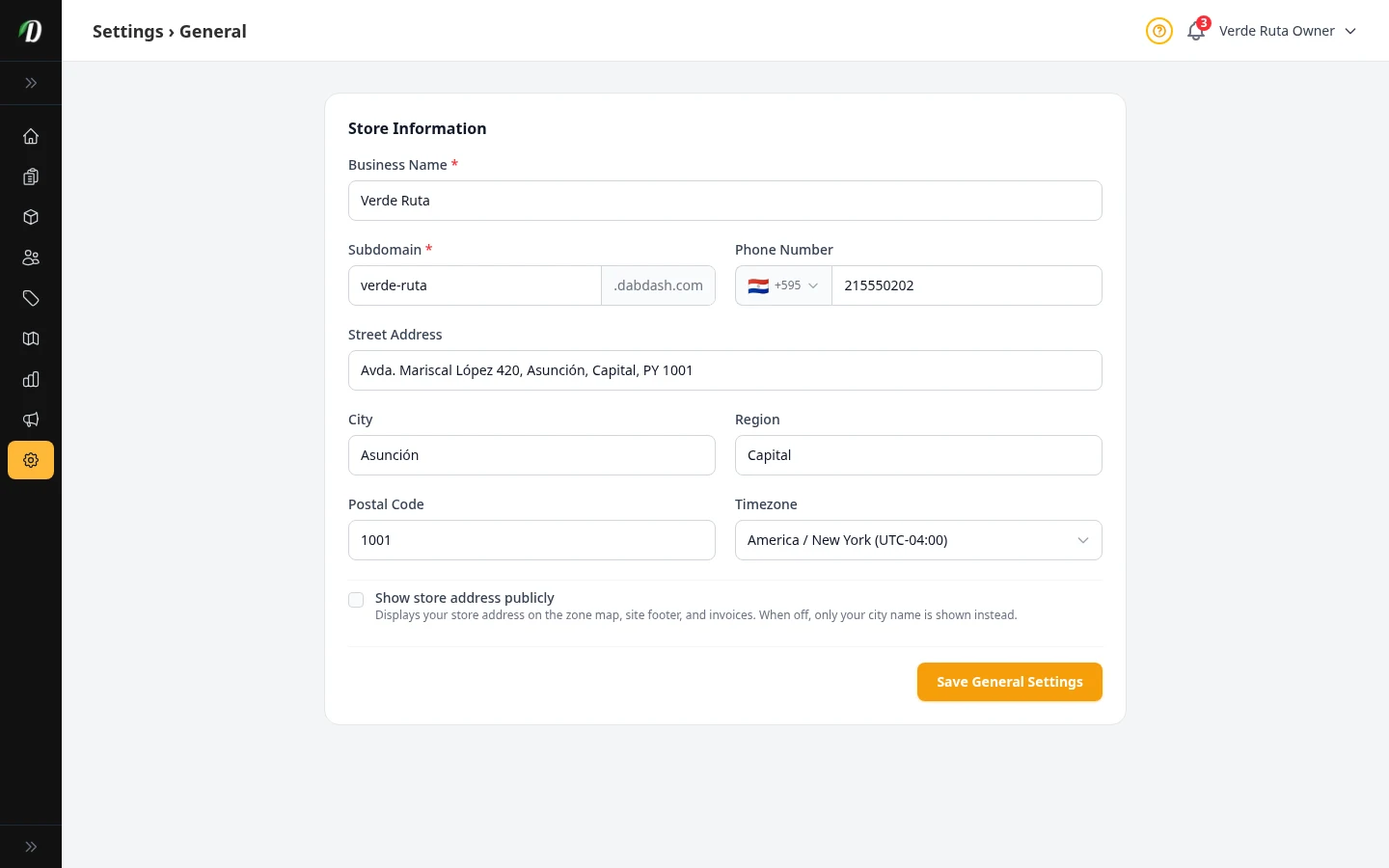
Your Store Info
Set your business name, address, phone number, subdomain, and timezone.
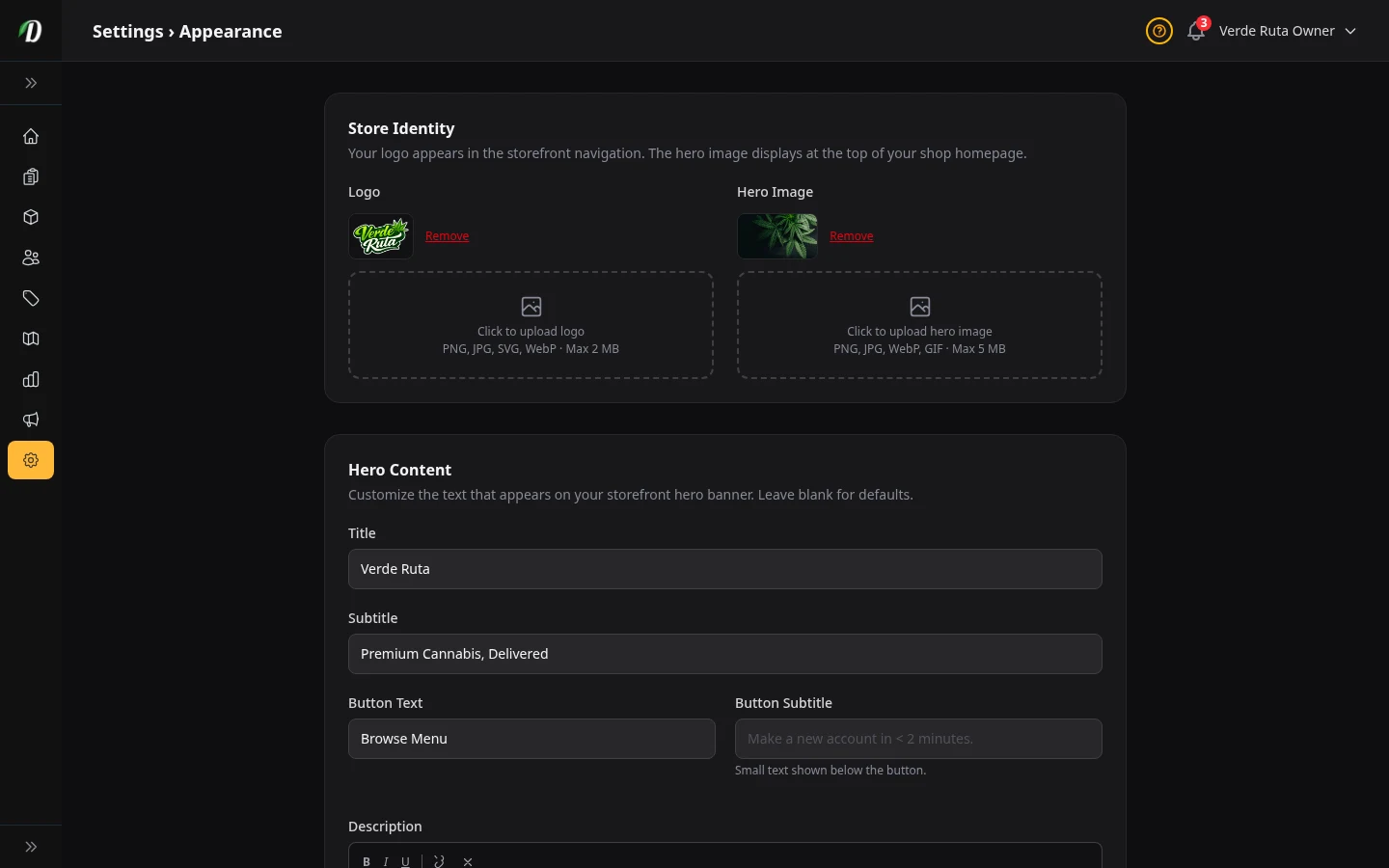
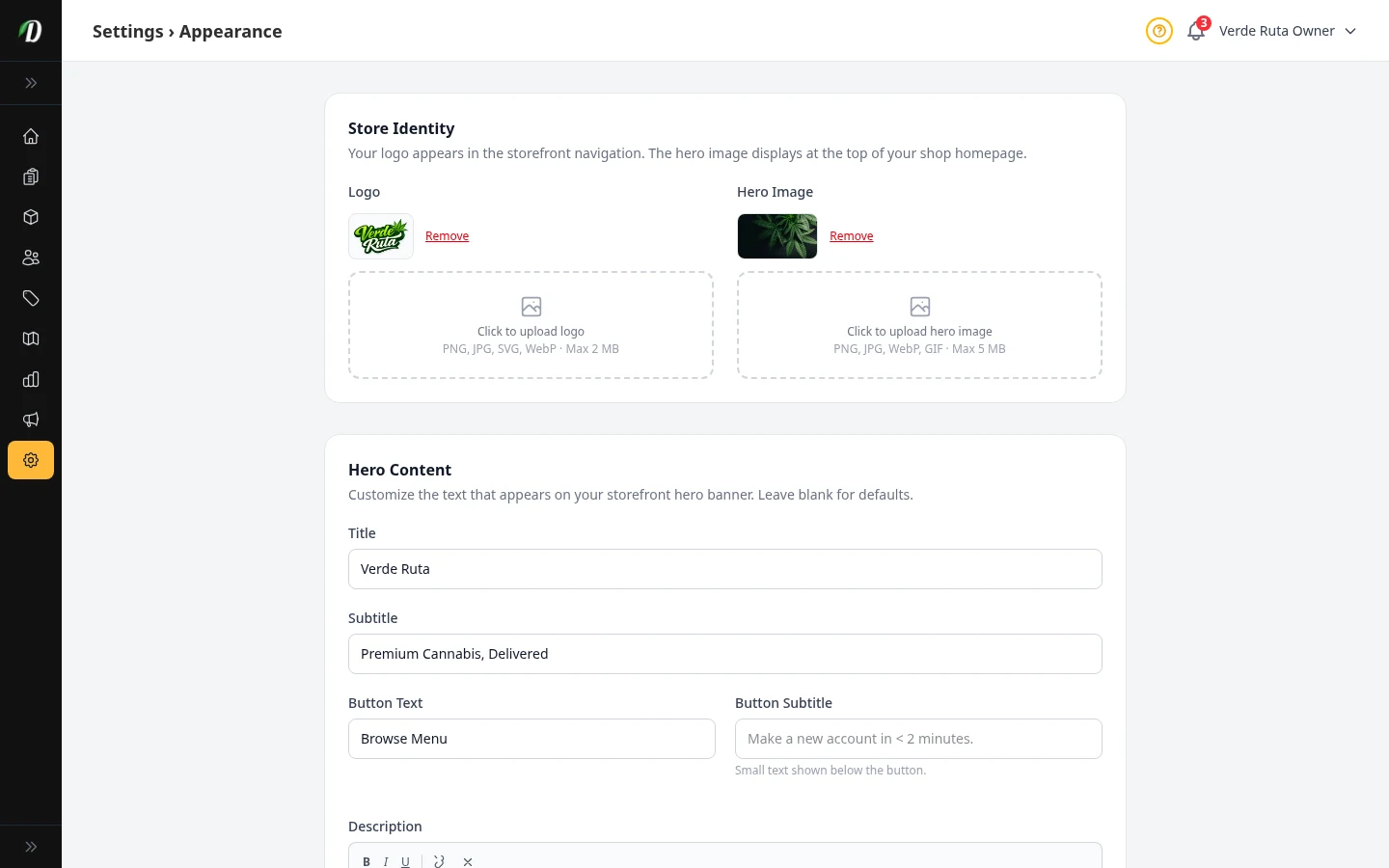
How Your Store Looks
Upload your logo, pick your colors, choose a font, and set your hero banner.
Loyalty Points
Turn loyalty points on or off and control how fast customers earn and spend them.
Age Check & Legal
Turn on age verification, require ID photos at checkout, and add legal page links.
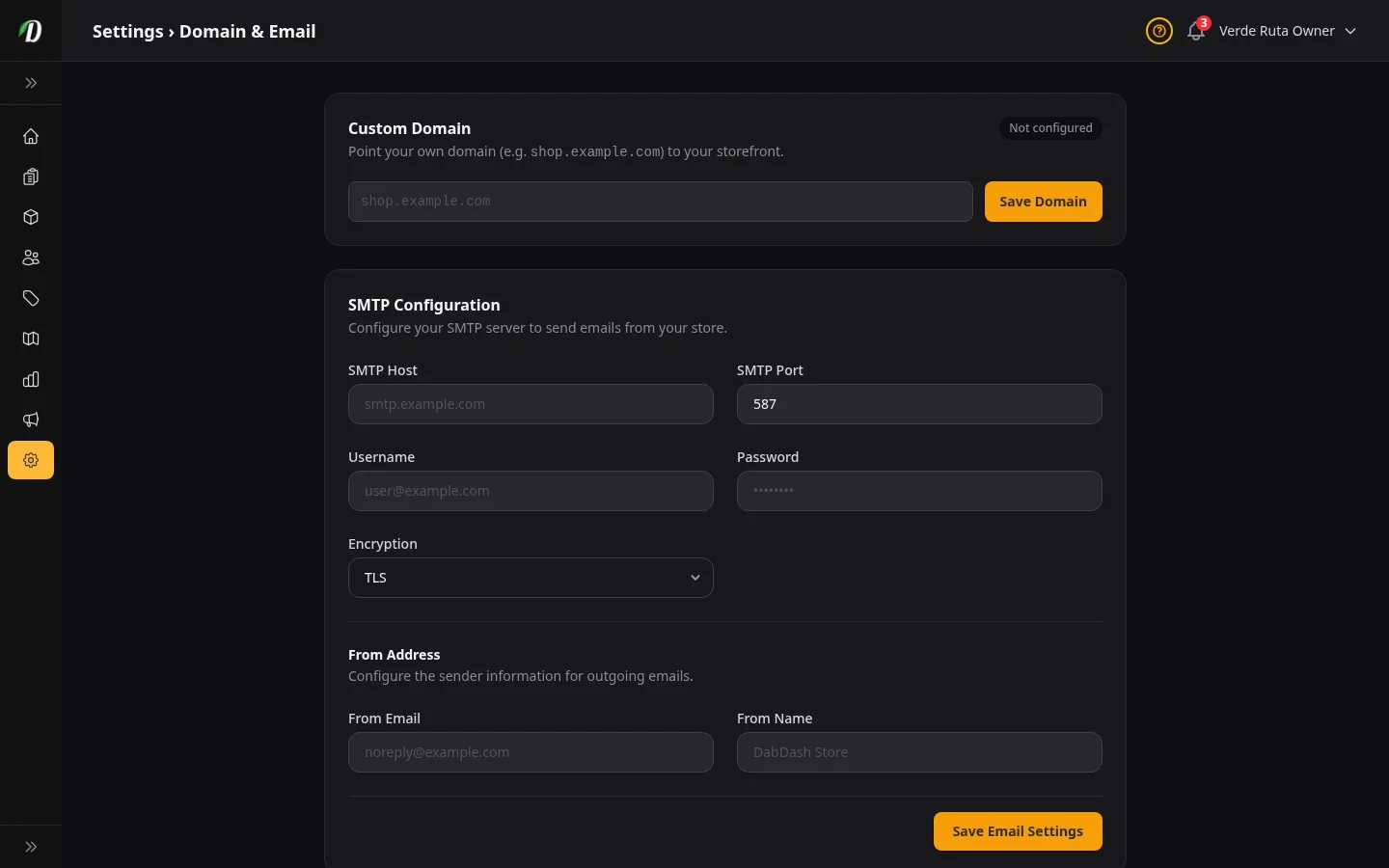
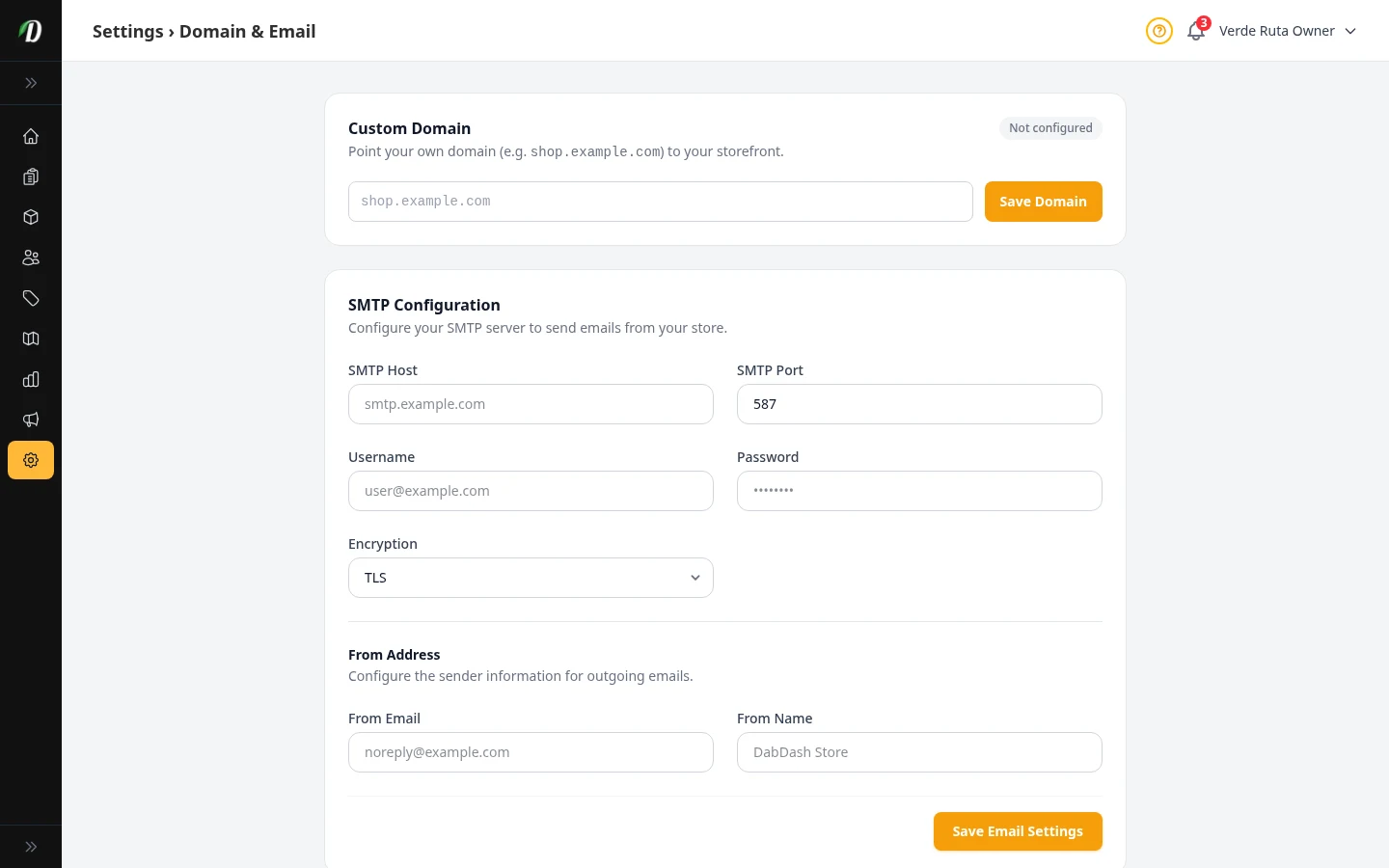
Your Domain & Email
Use your own domain name, set up your email sender, and add a BIMI logo.
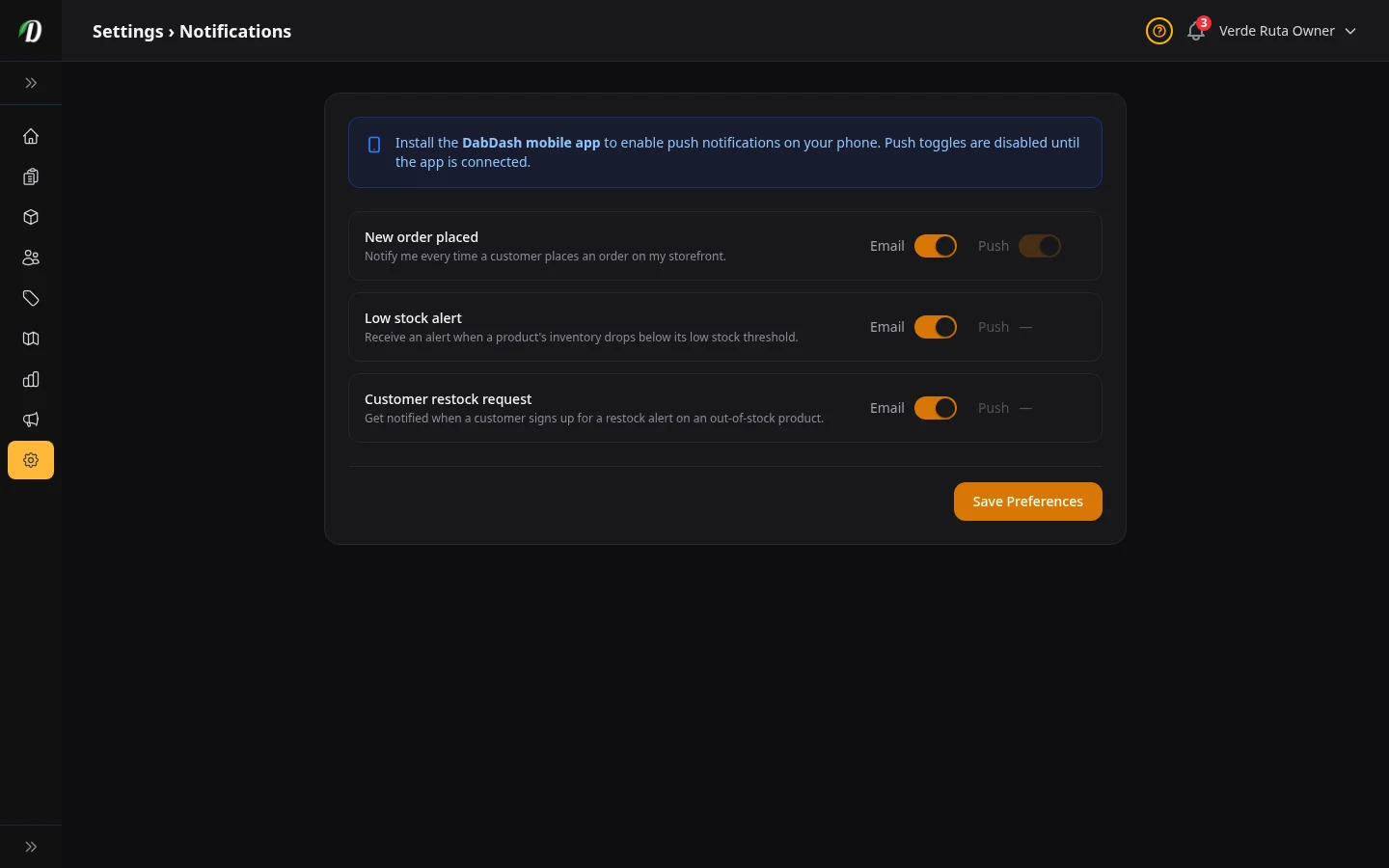
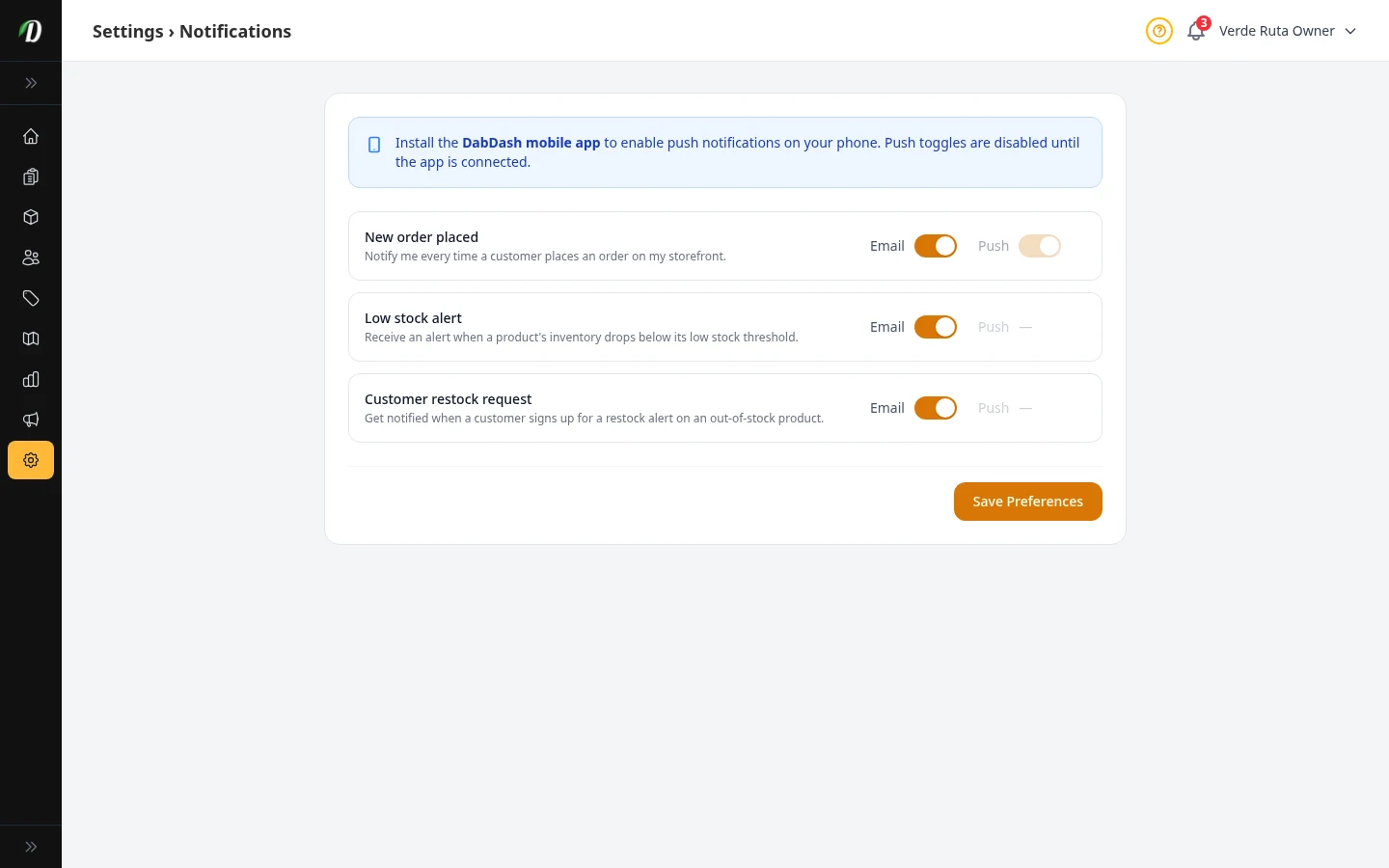
When We Tell You Things
Choose which alerts you get by email or push — orders, low stock, and restock requests.
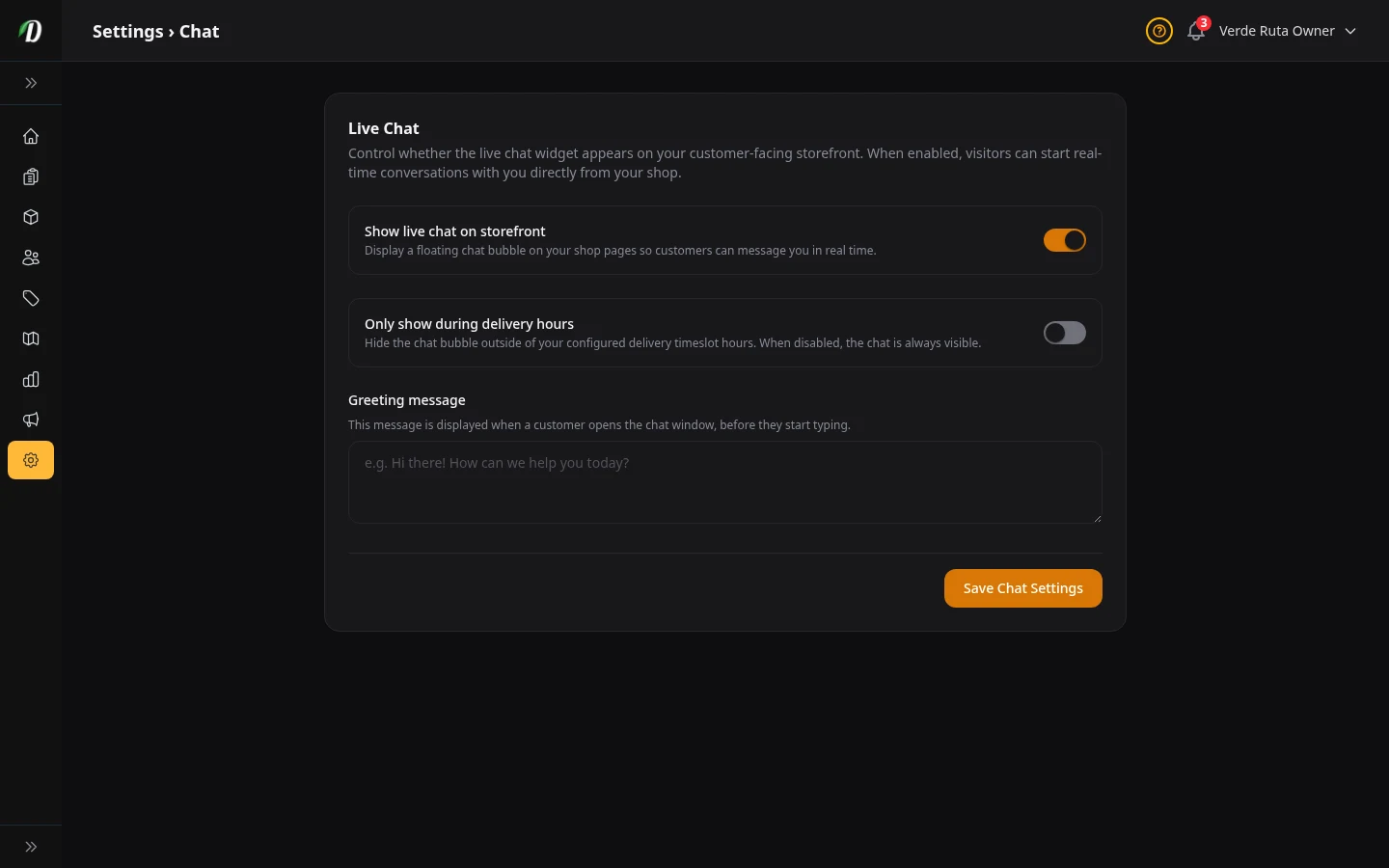
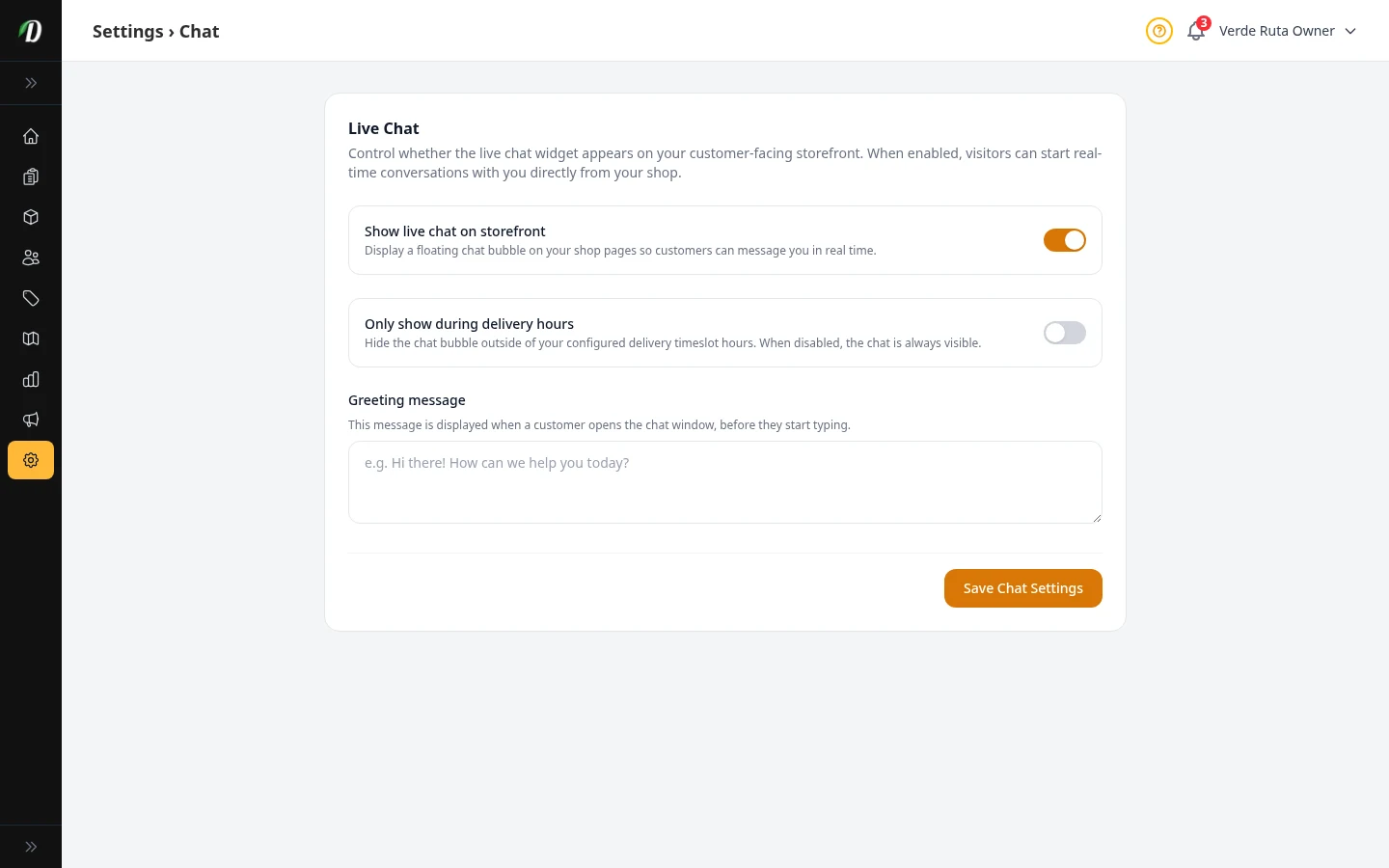
Live Chat
Turn the chat bubble on your store on or off and write a greeting message.
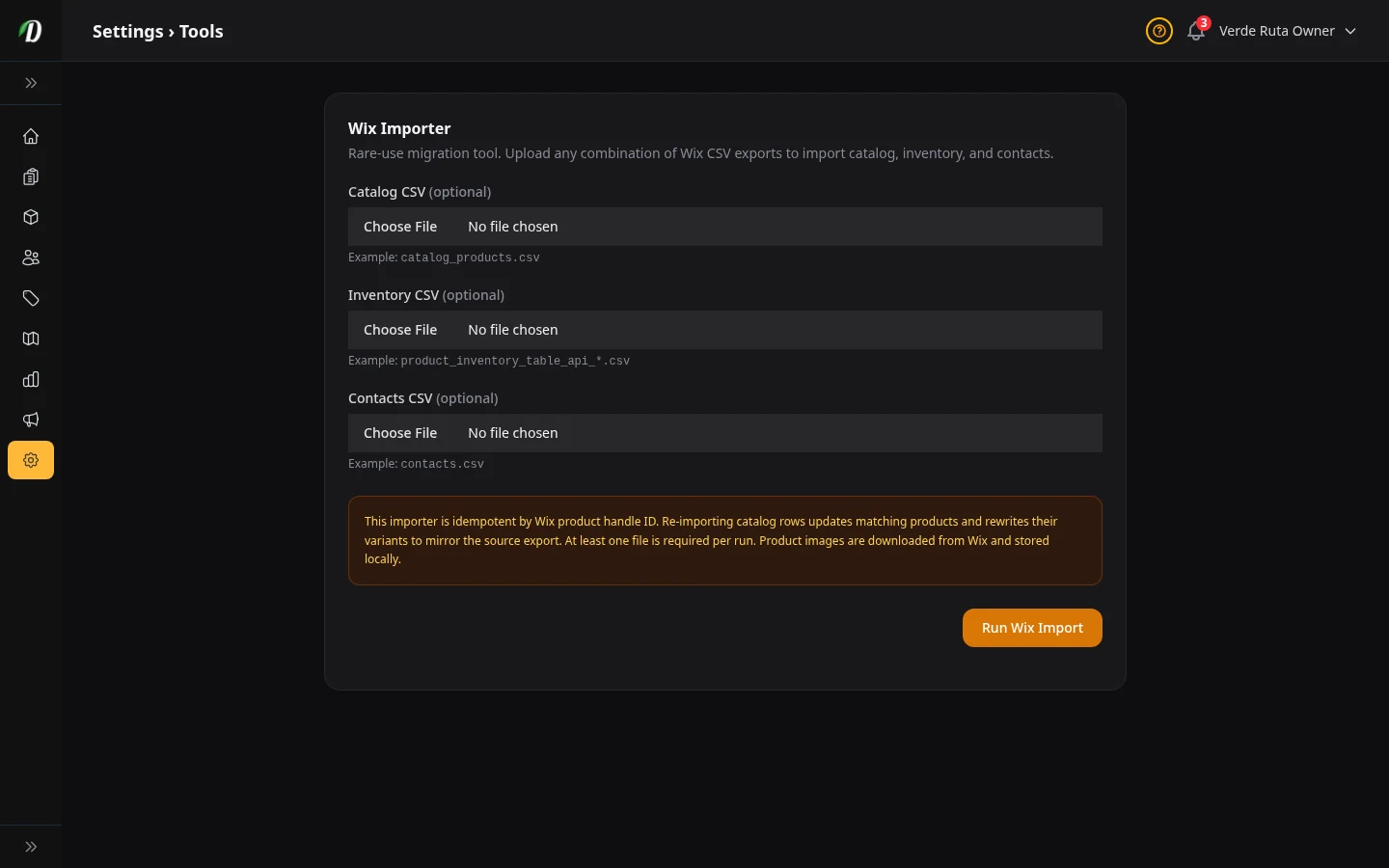
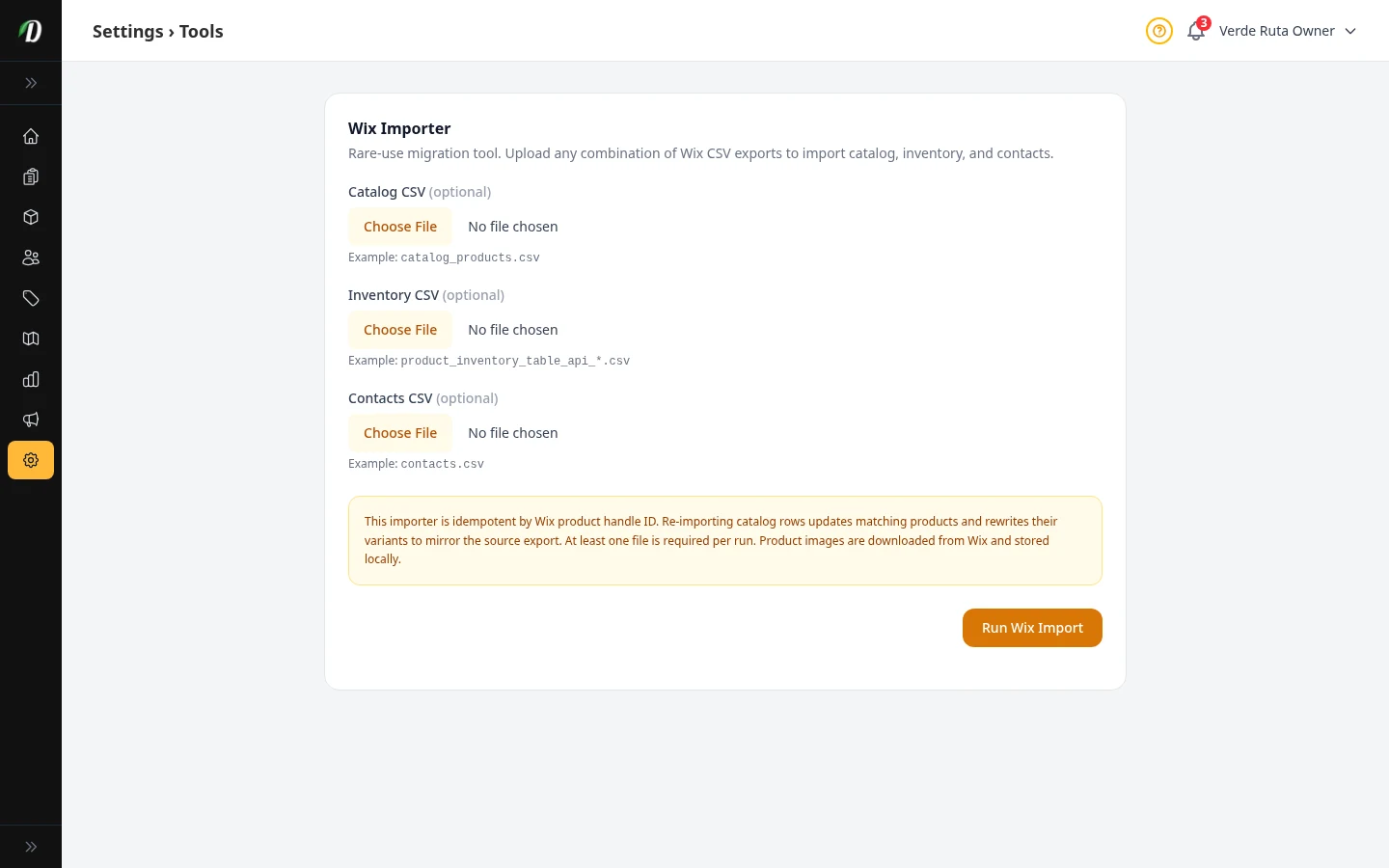
Moving Your Data In
Import your products, stock levels, and customers from Wix using CSV files.
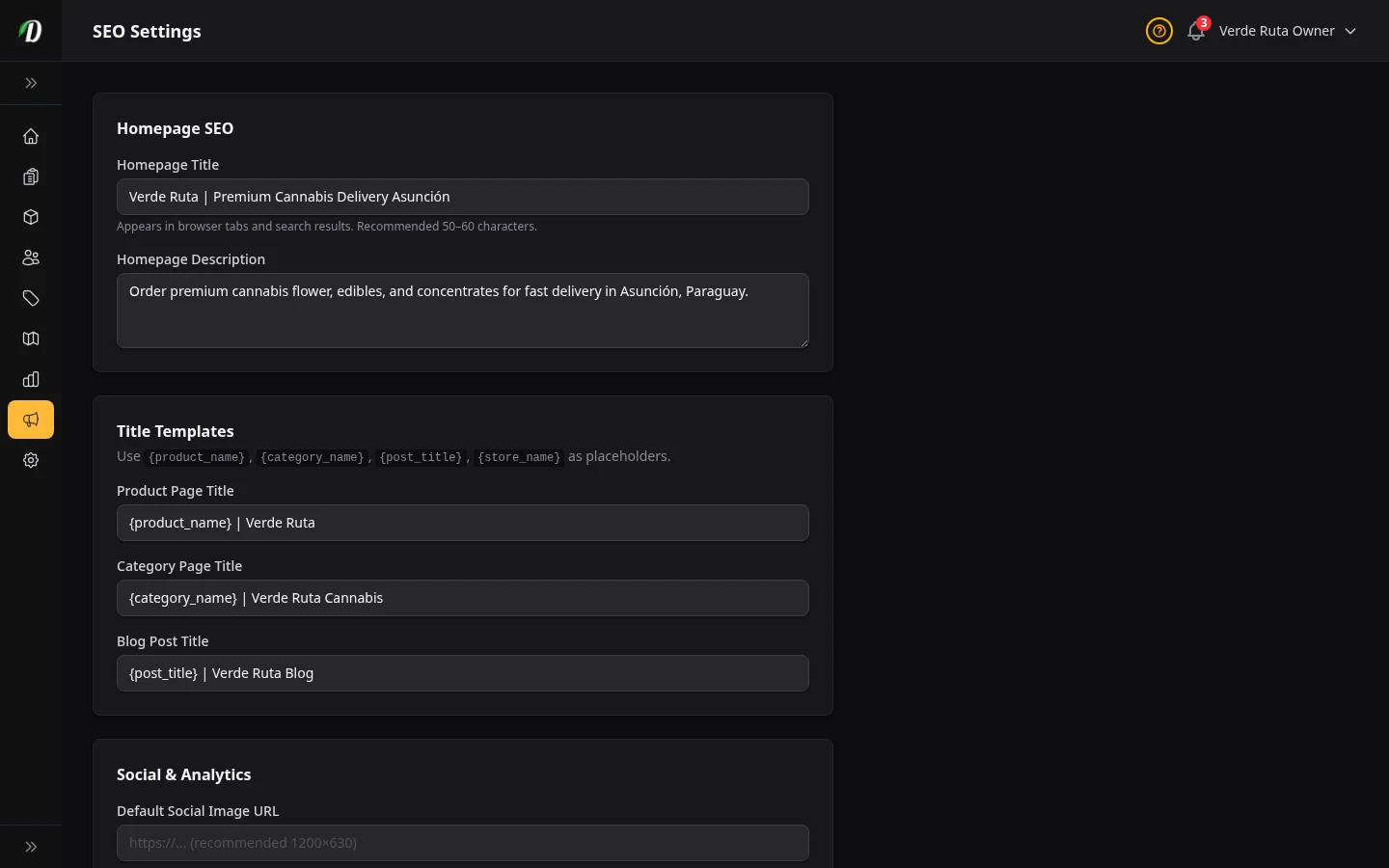
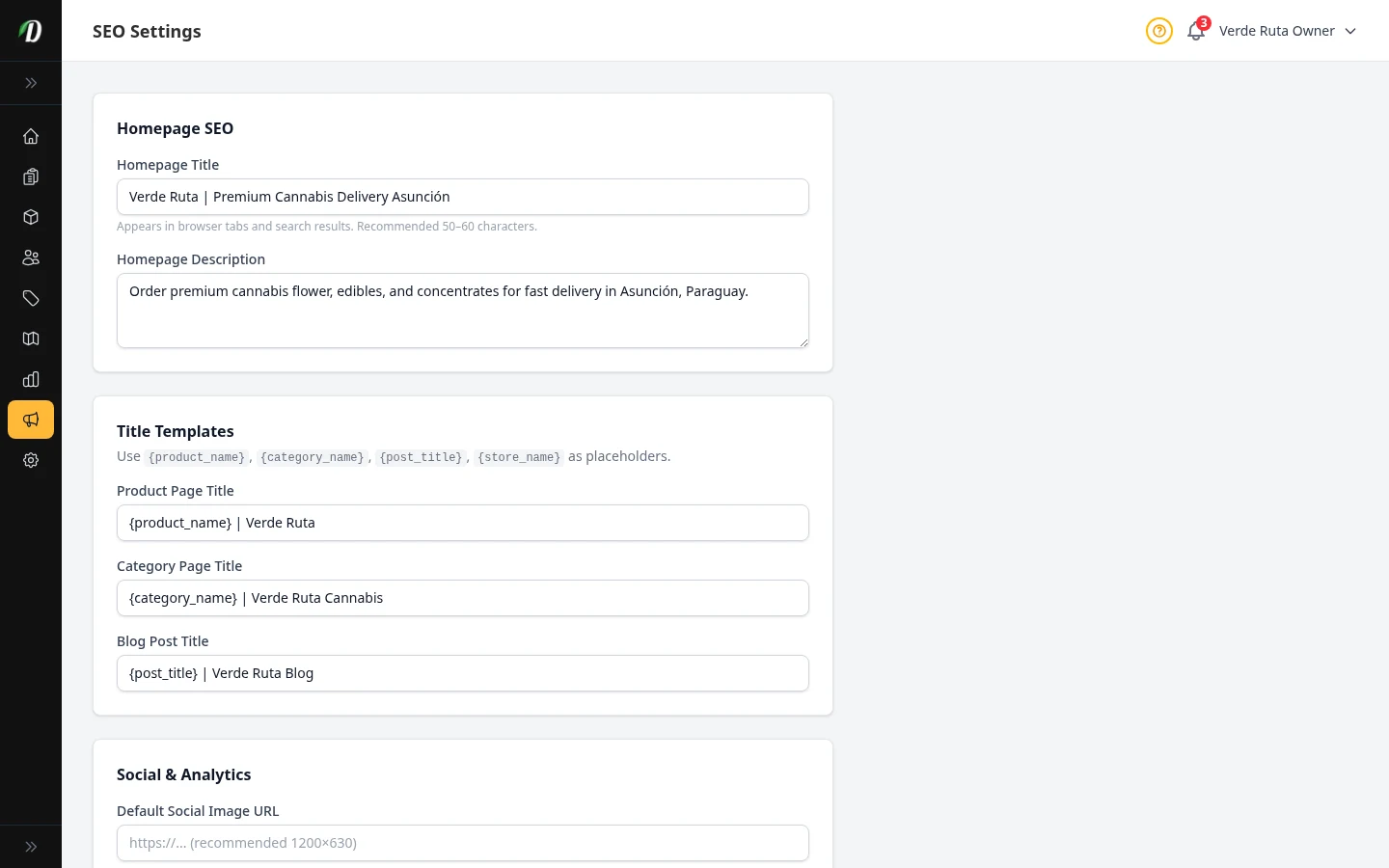
SEO Settings
Set meta titles, descriptions, and Open Graph data for your storefront pages.
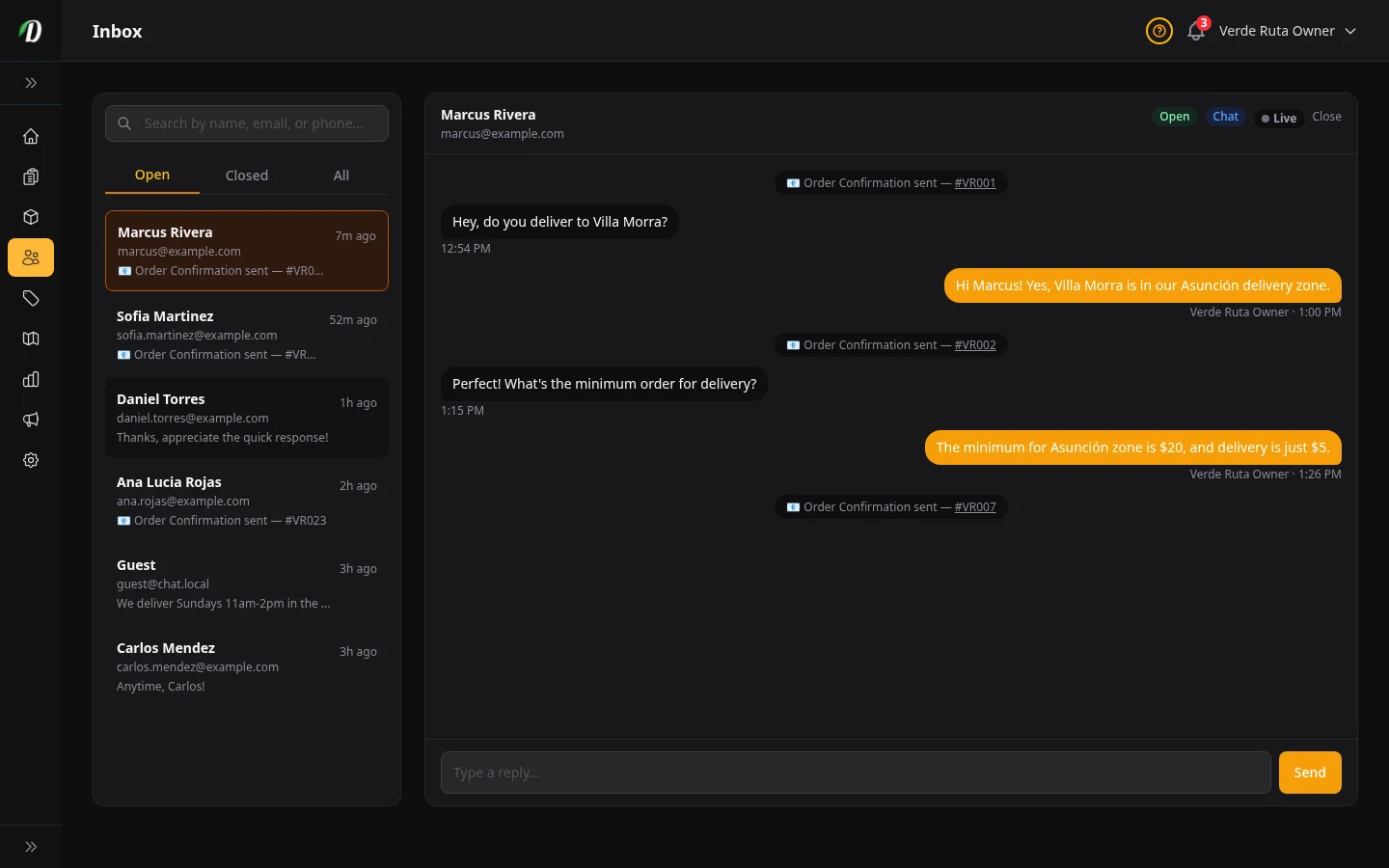
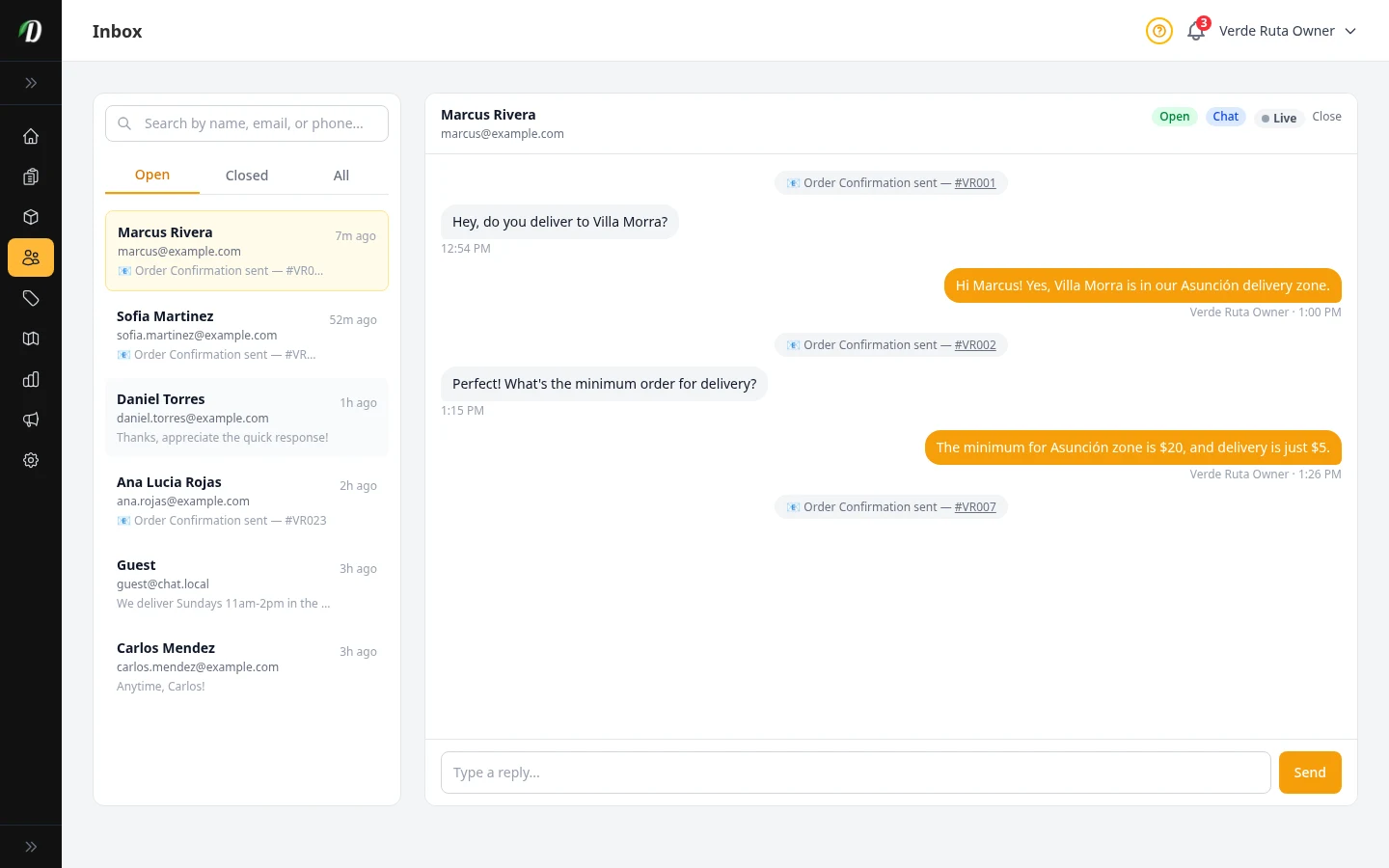
Customer Inbox
Manage live chat conversations and customer support messages.
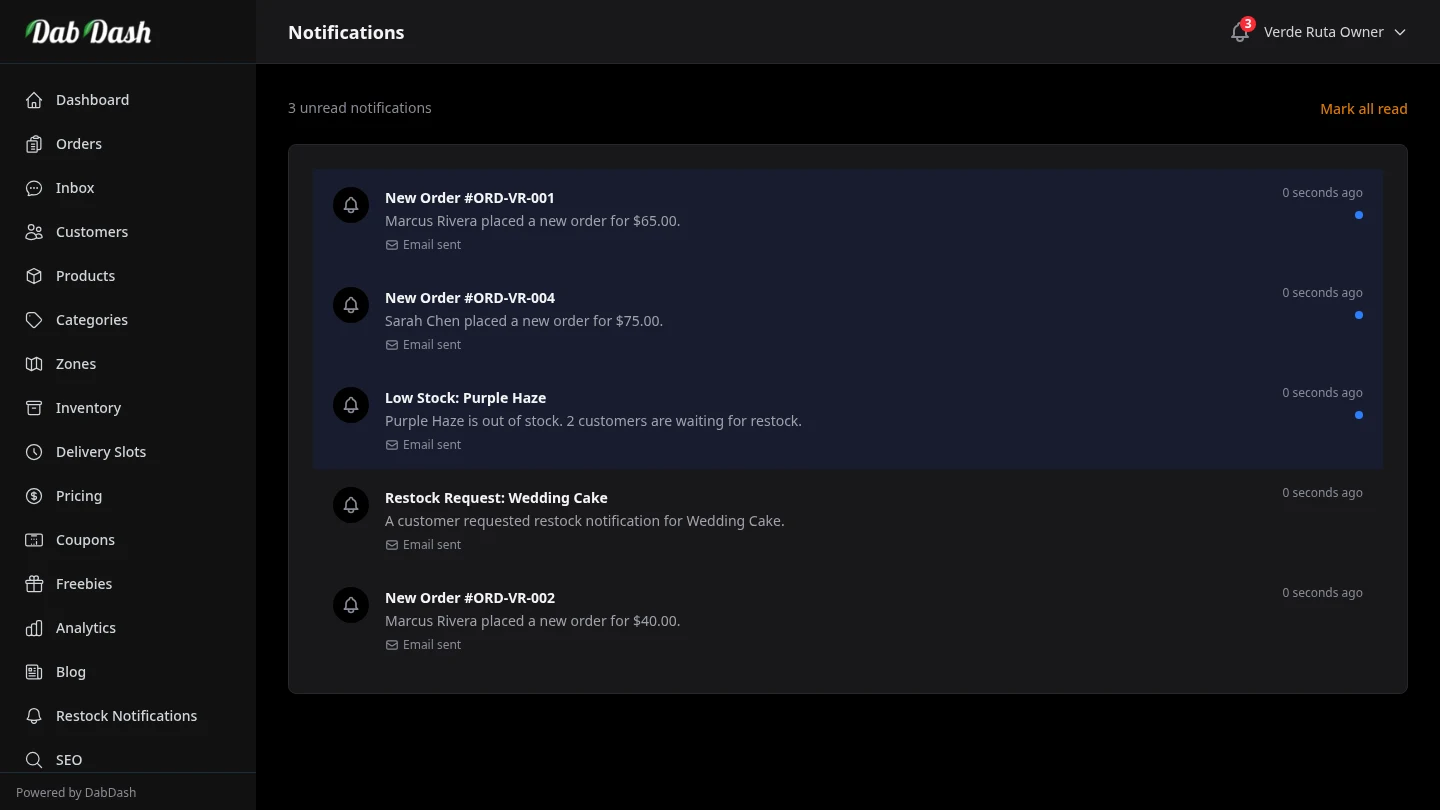
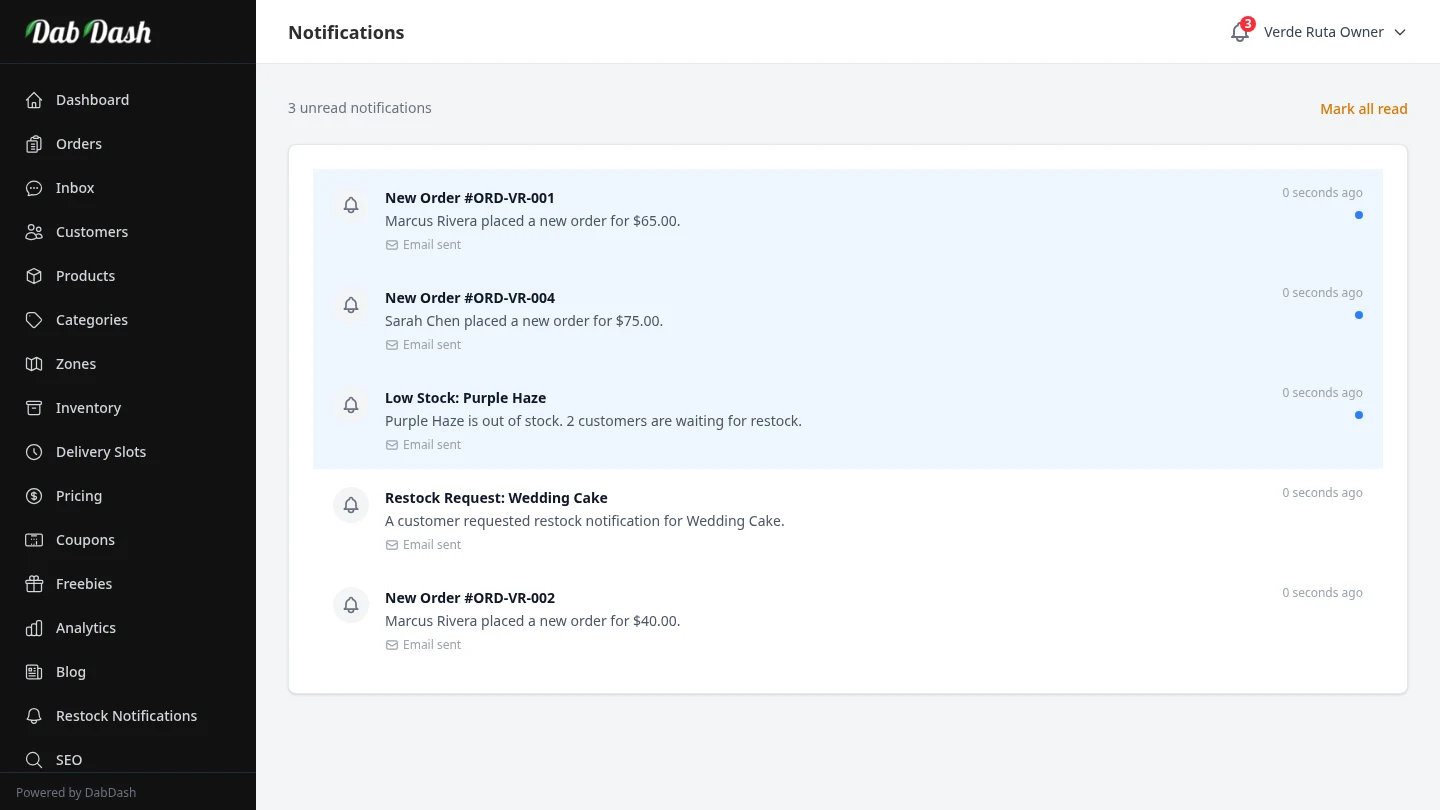
Notifications
View order alerts, stock warnings, and system notifications.
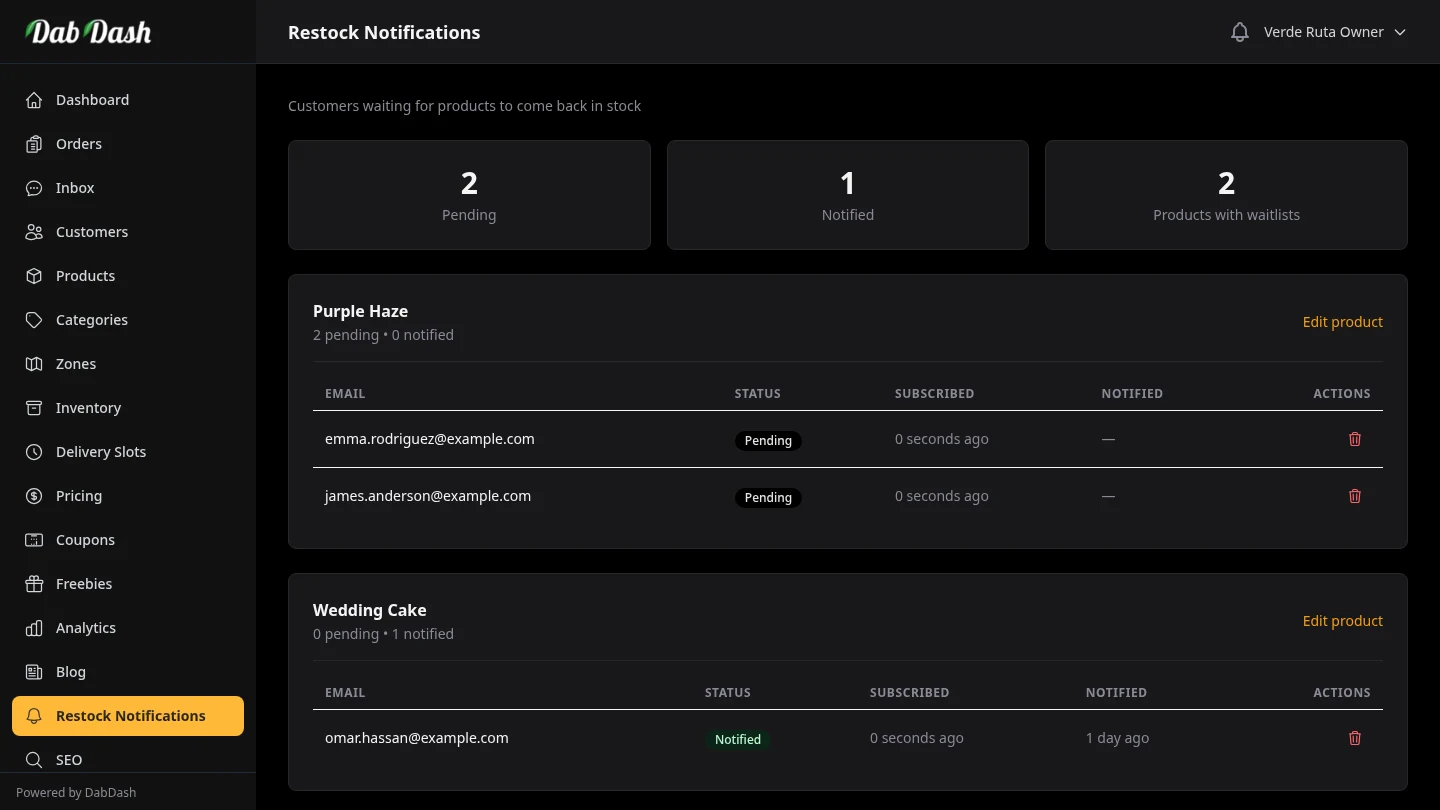
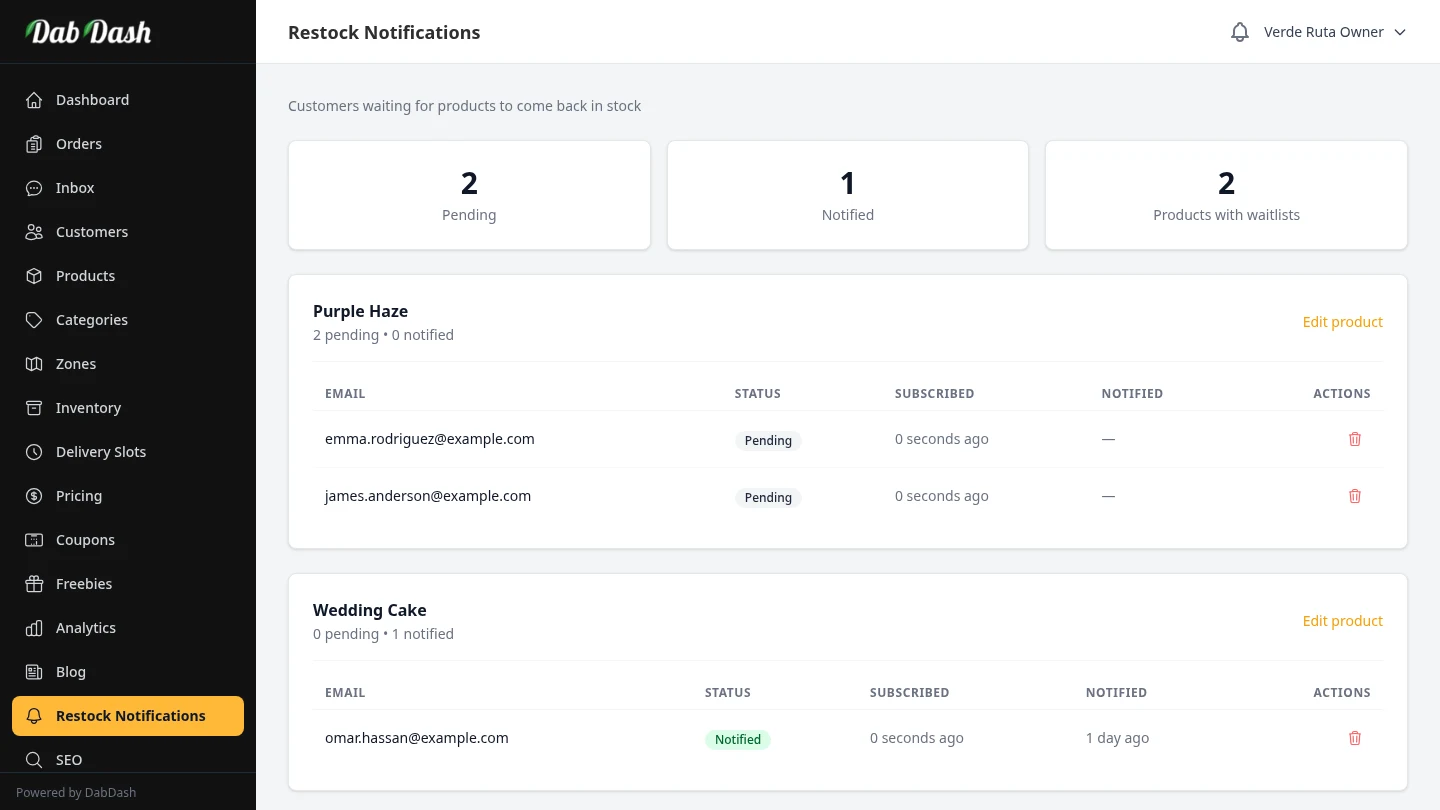
Restock Notifications
See which customers are waiting for out-of-stock products to return.