Live Chat
Turn the chat bubble on your store on or off and write a greeting message.
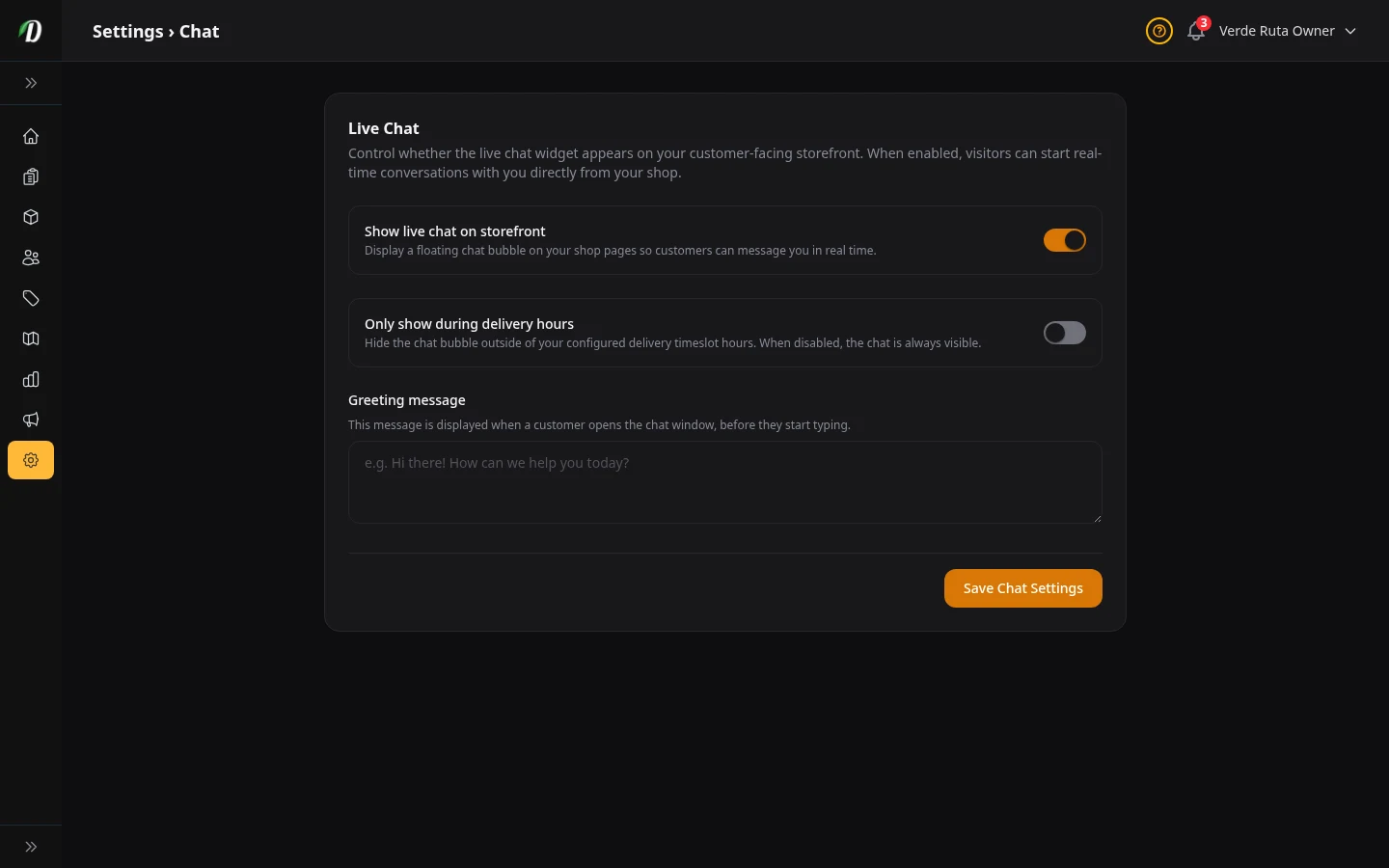
What this page does
DabDash has a built-in live chat. When you turn it on, a little chat bubble appears in the corner of your store. Customers can click it and send you a message. You see their messages in your Inbox. There is no extra cost for chat.
Turning chat on or off
Show live chat on storefront: Flip this on and the chat bubble appears on every page of your store. Flip it off and the bubble disappears completely — customers cannot message you.
Old messages don't get deleted when you turn chat off. They stay in your Inbox. You just stop getting new ones.
Only show during delivery hours
When you turn this on, the chat bubble hides itself outside your delivery hours. This stops customers from sending you messages at 3 AM when nobody is around to answer.
How it works: It uses the delivery hours you set up on the Delivery Slots page. If you don't have delivery slots set up yet, this toggle won't do anything.
Greeting message
This is the first thing a customer sees when they open the chat window — before they type anything. Use it to say hello and set expectations.
Good example: "Hi! We usually reply within a few minutes during delivery hours. How can we help?"
You can use up to 500 characters. Keep it short and friendly.
Tips
- Turn on "Only show during delivery hours" if you can't reply outside business hours. An unanswered message is worse than no chat at all.
- Check your Inbox every time you log in. Old unanswered messages make a bad impression.
- Keep the greeting short. Nobody wants to read a paragraph before they can type.