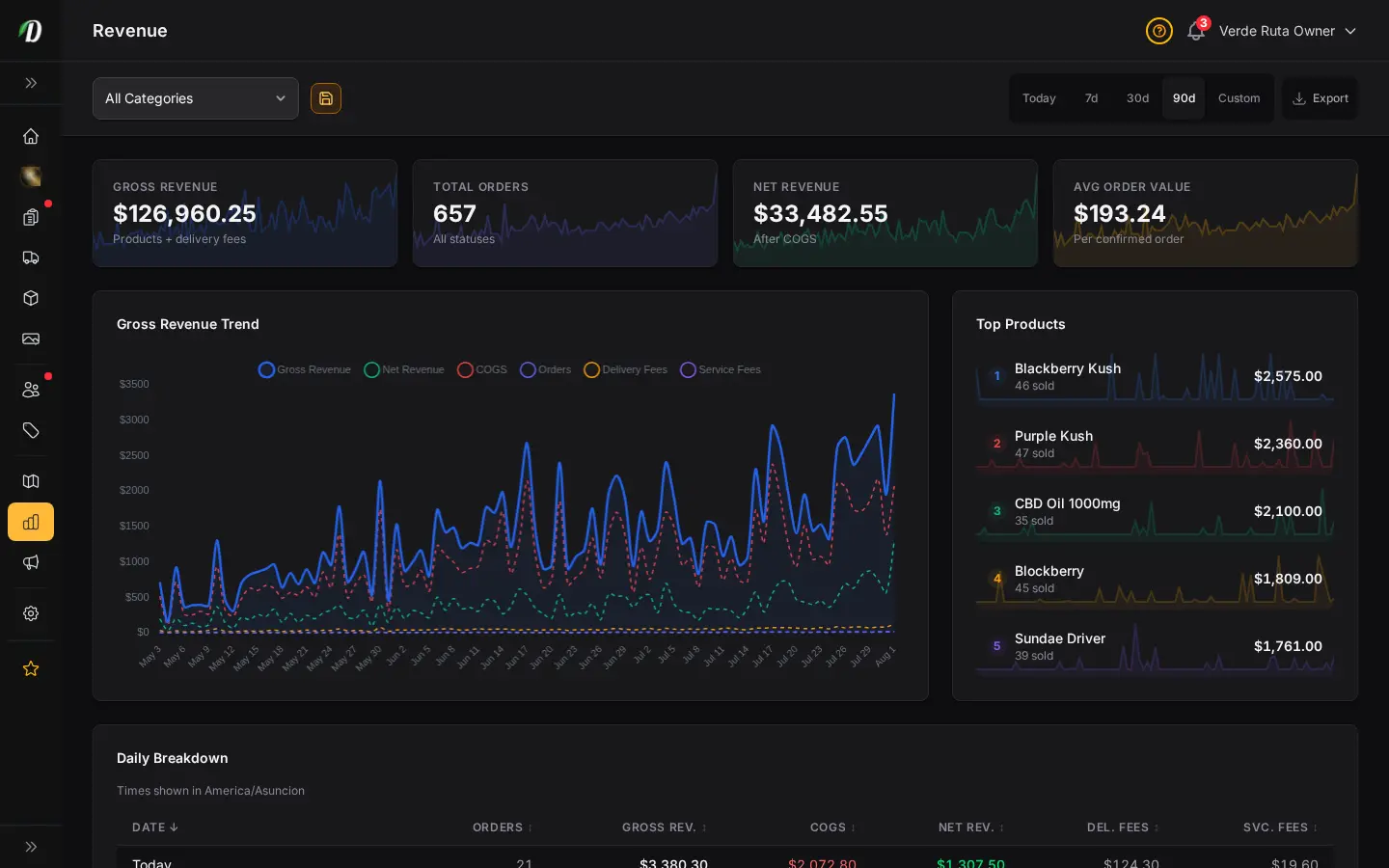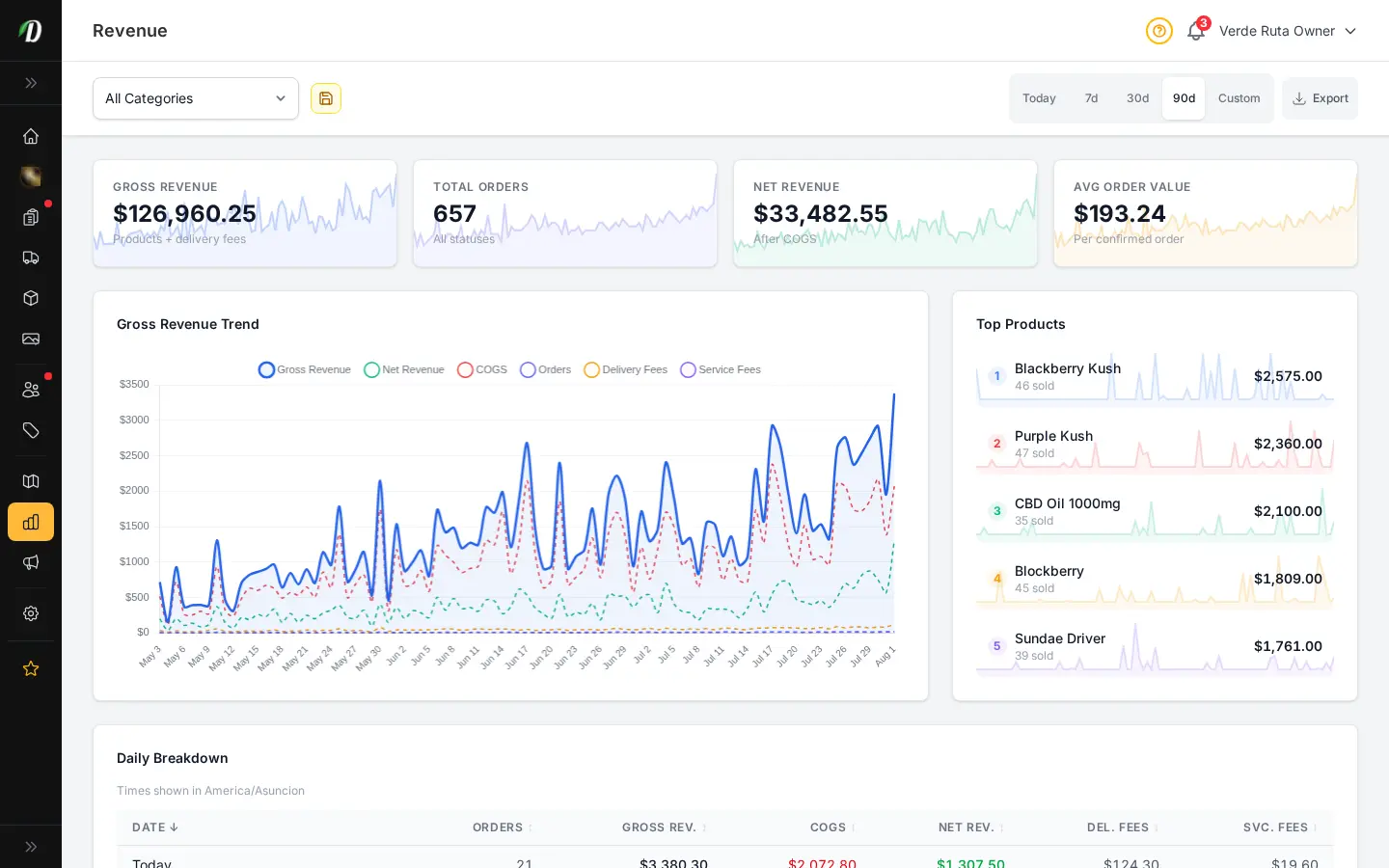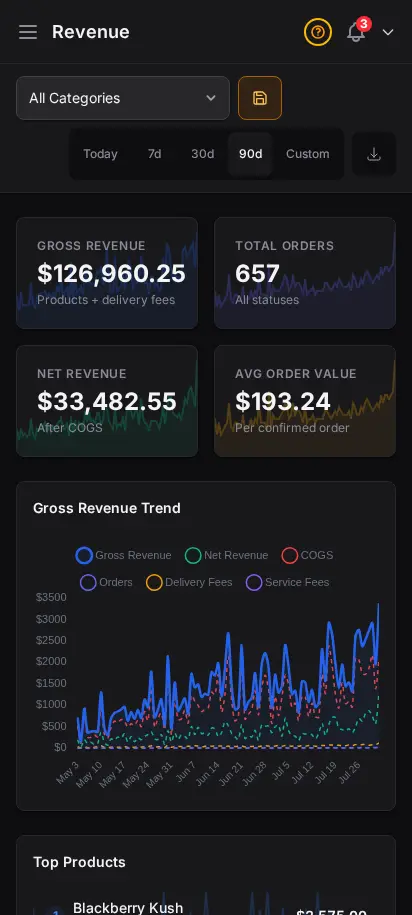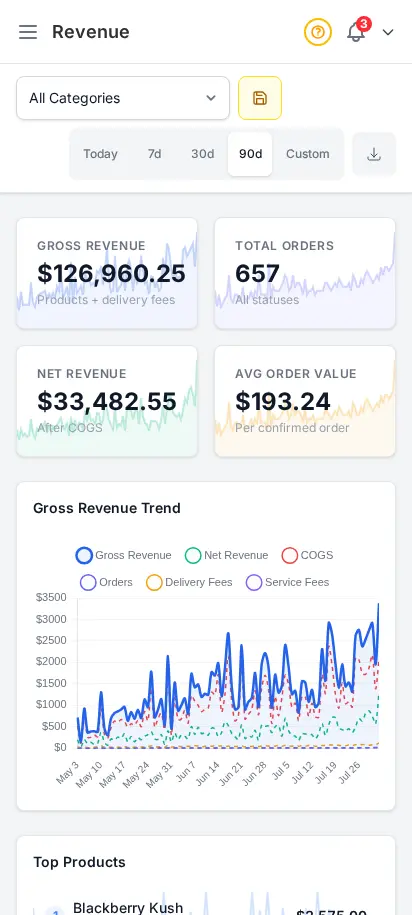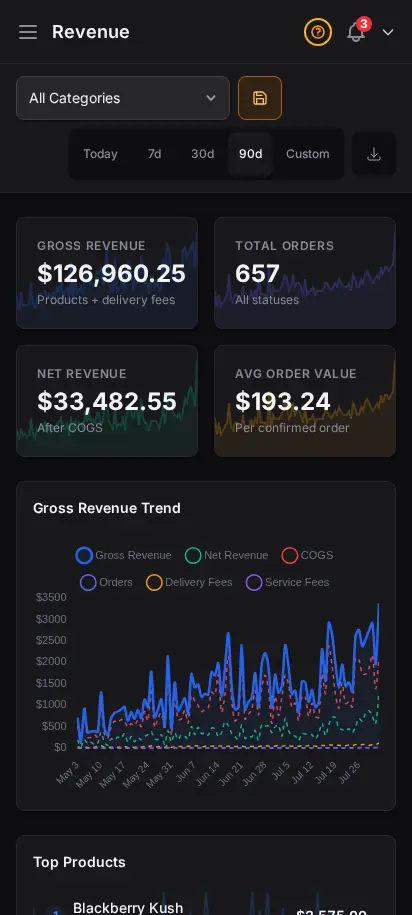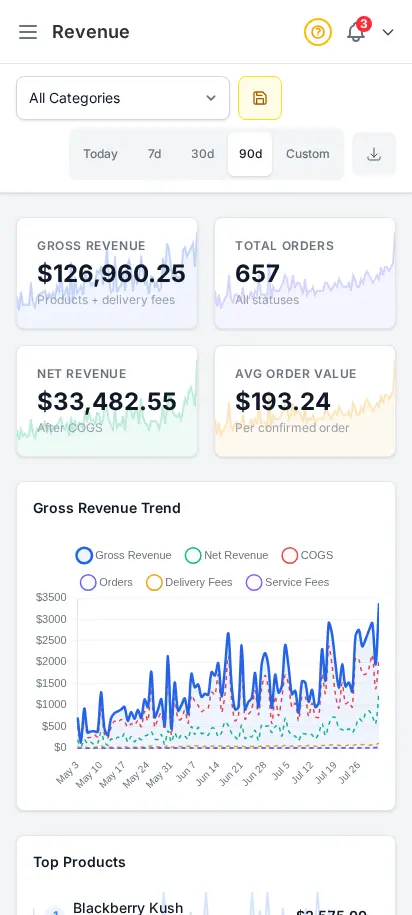
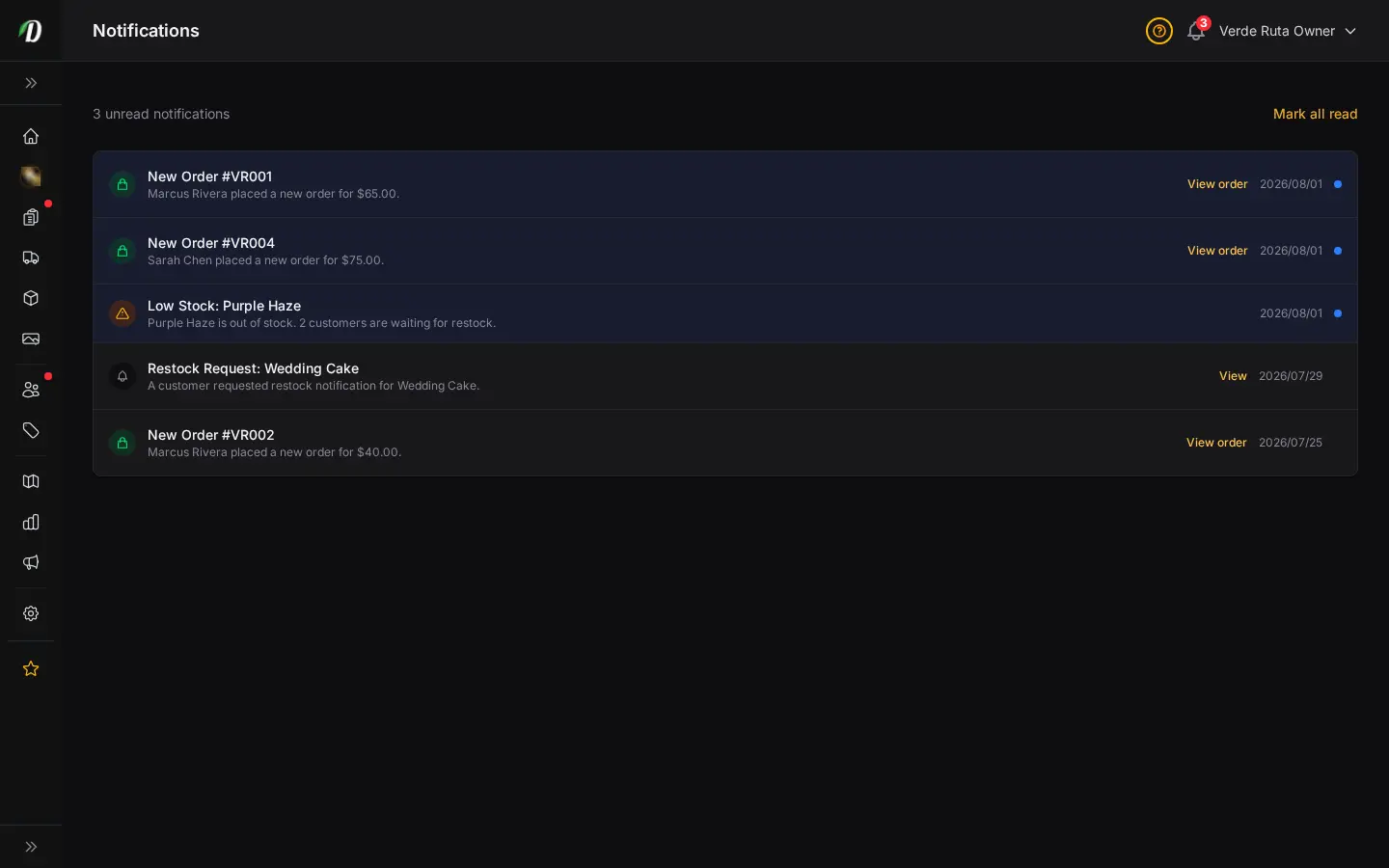
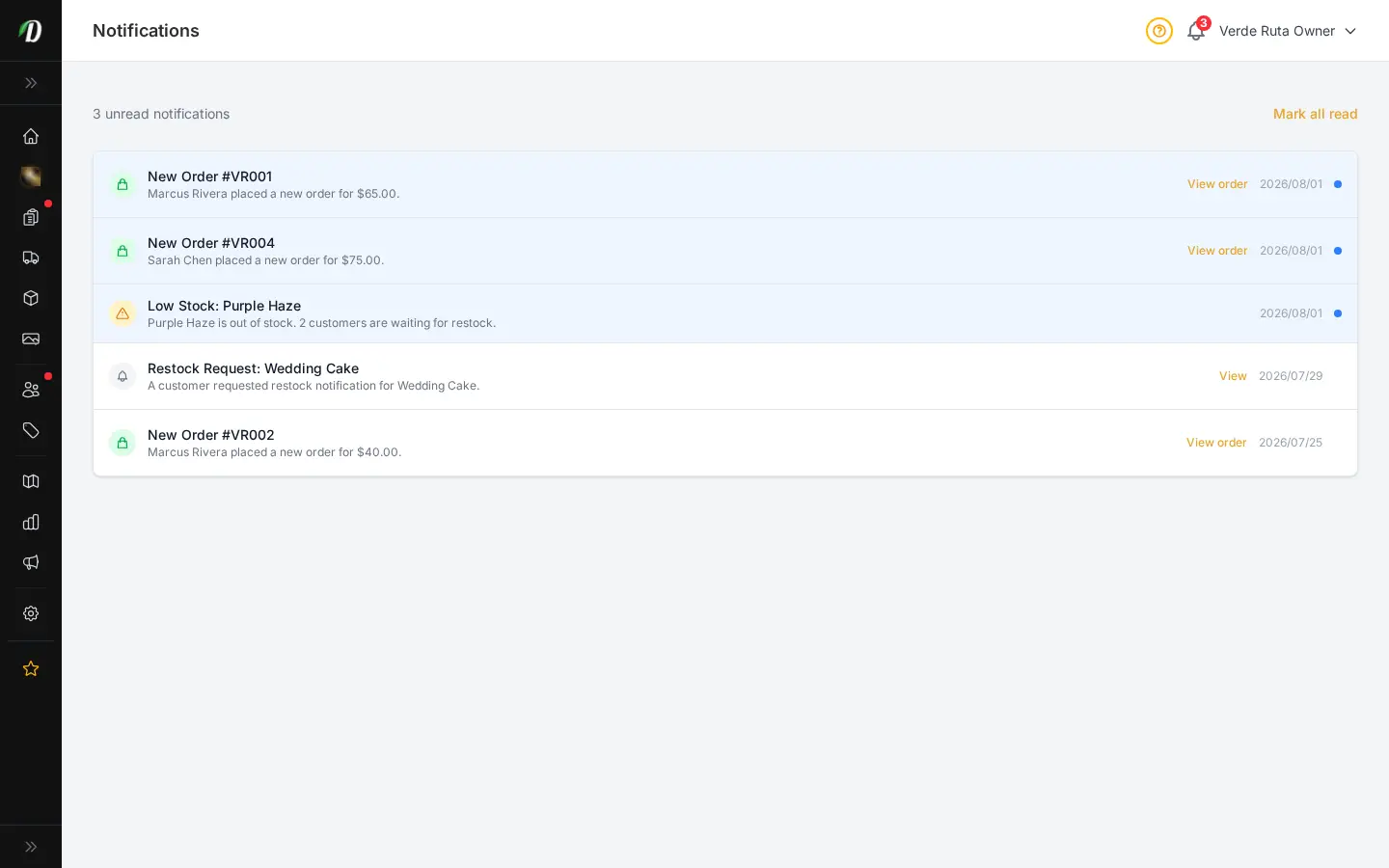
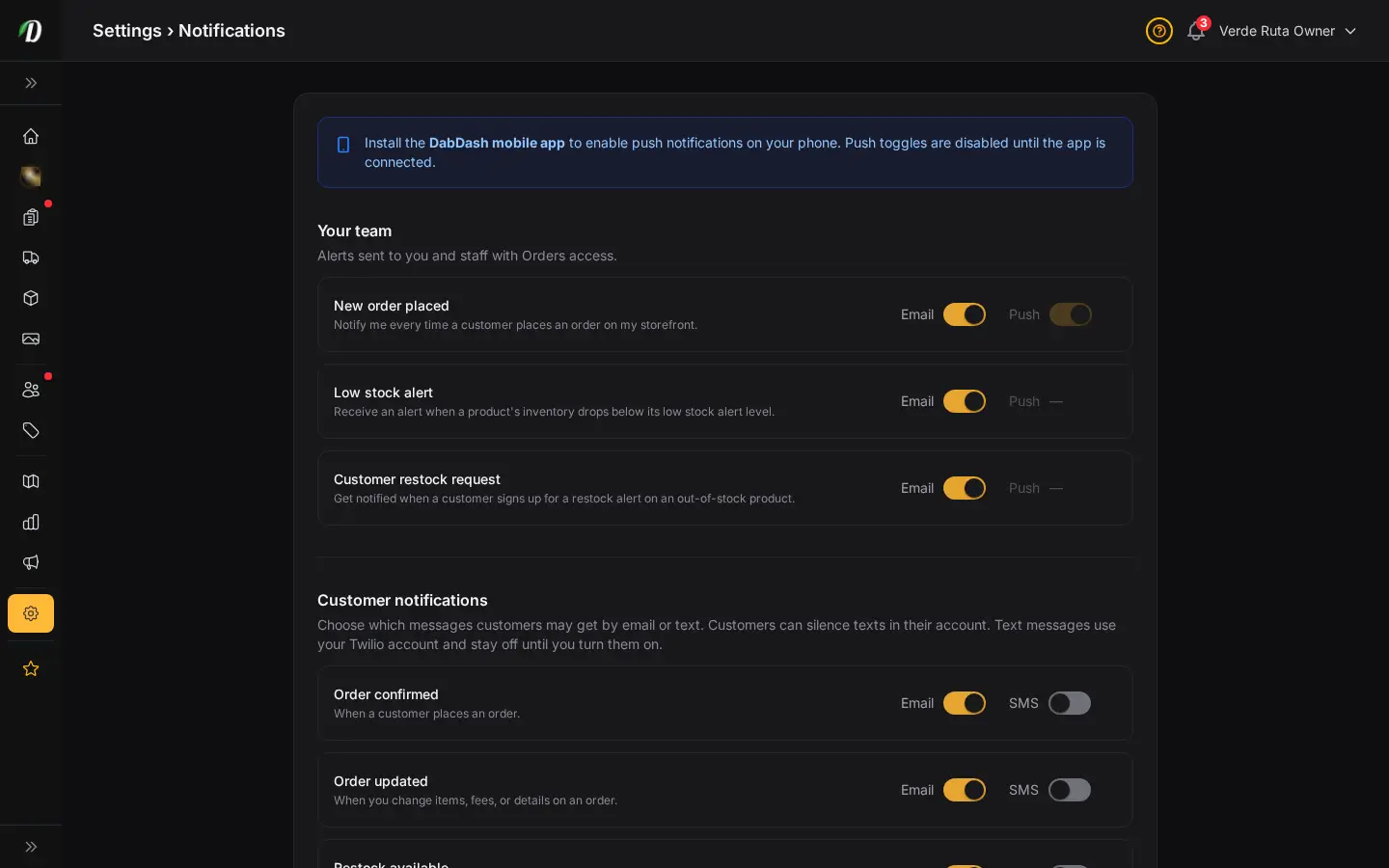
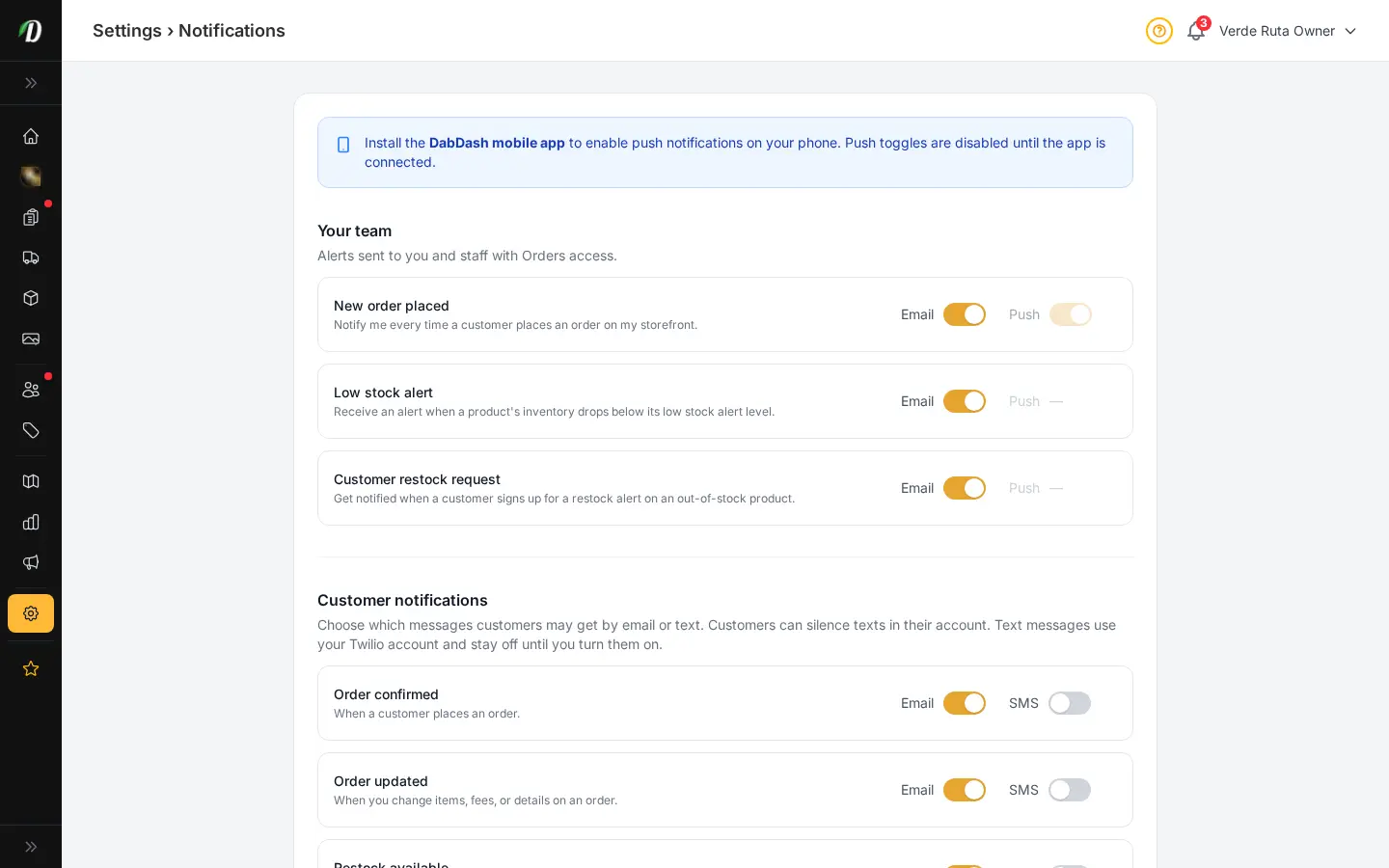
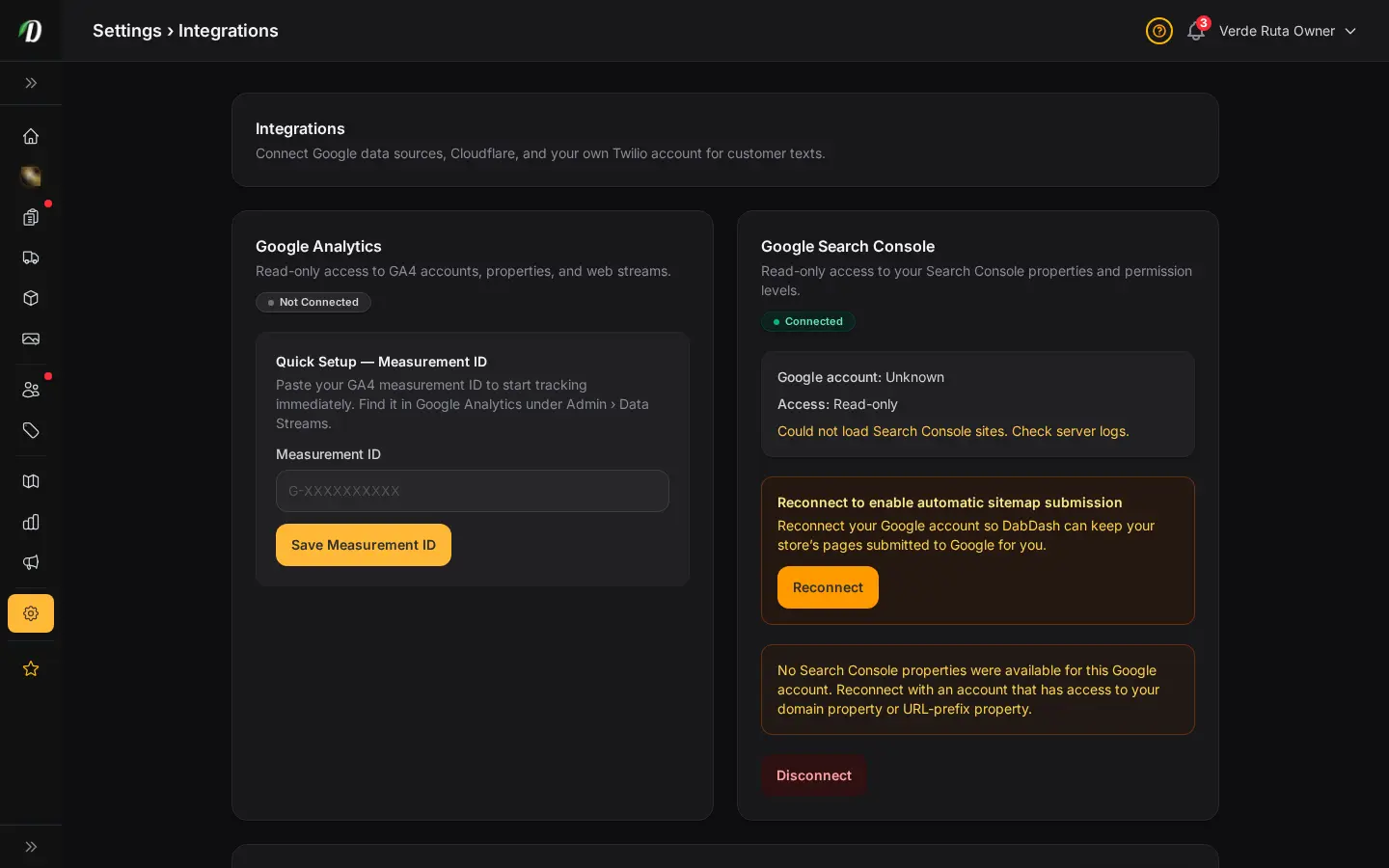
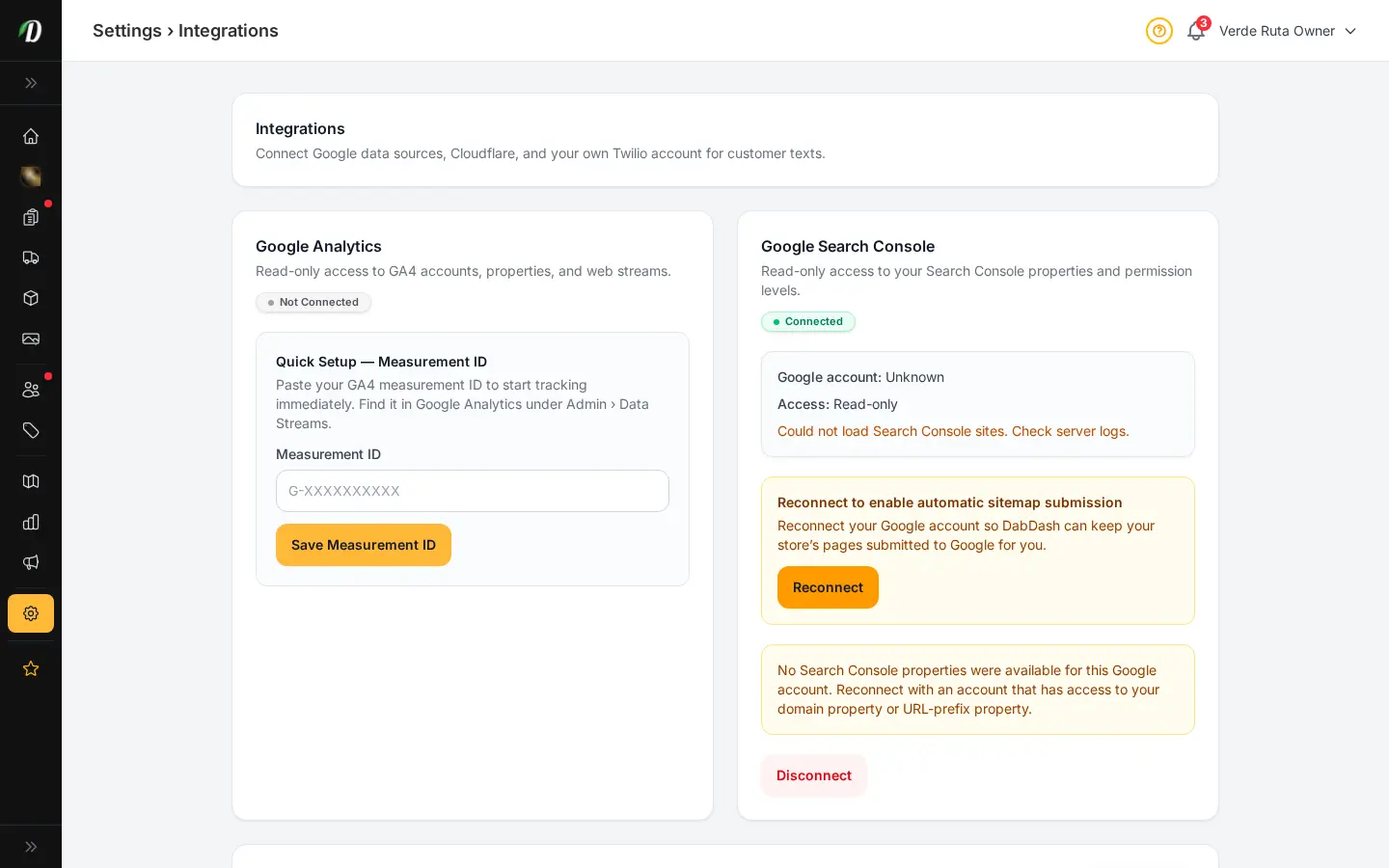
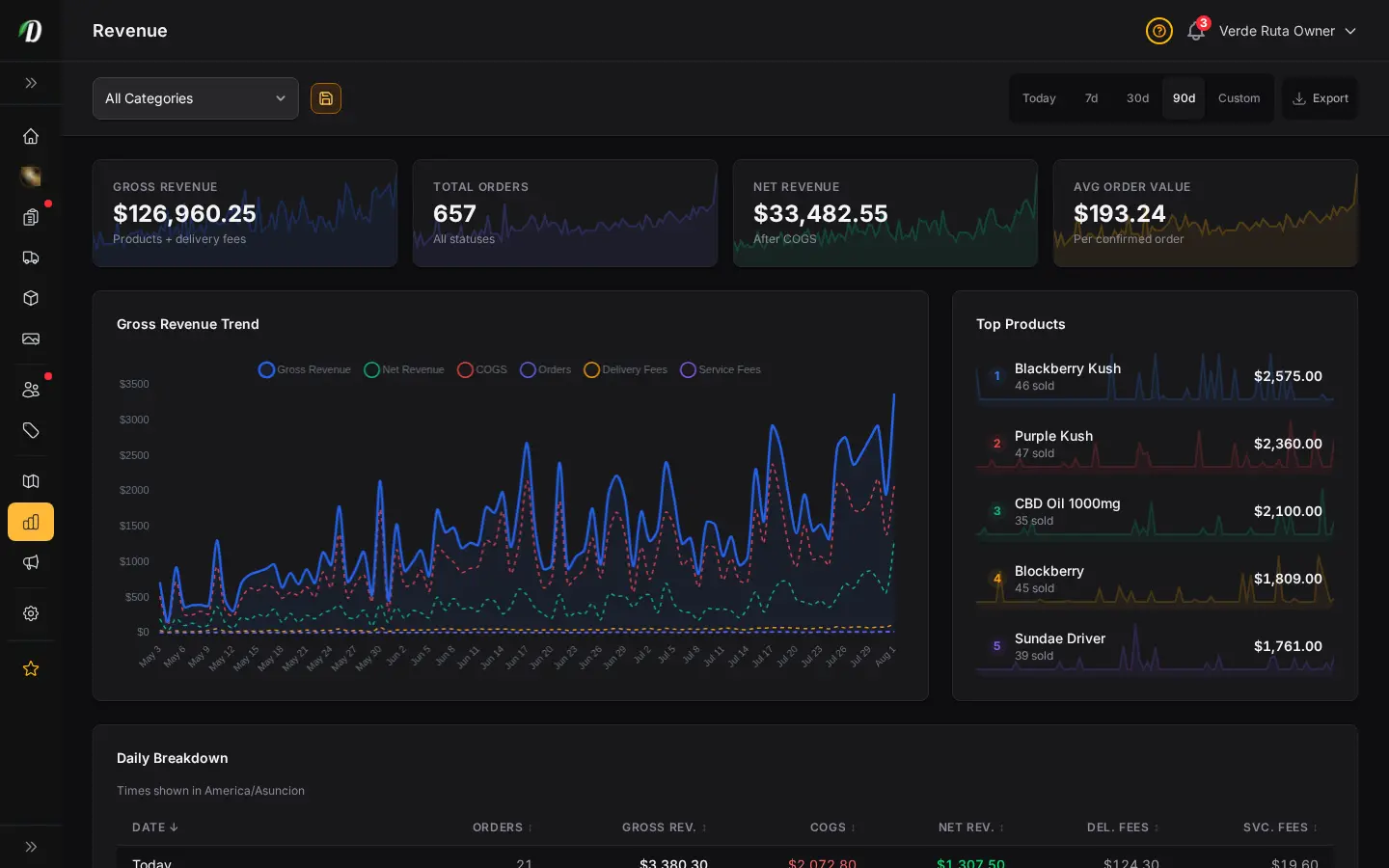
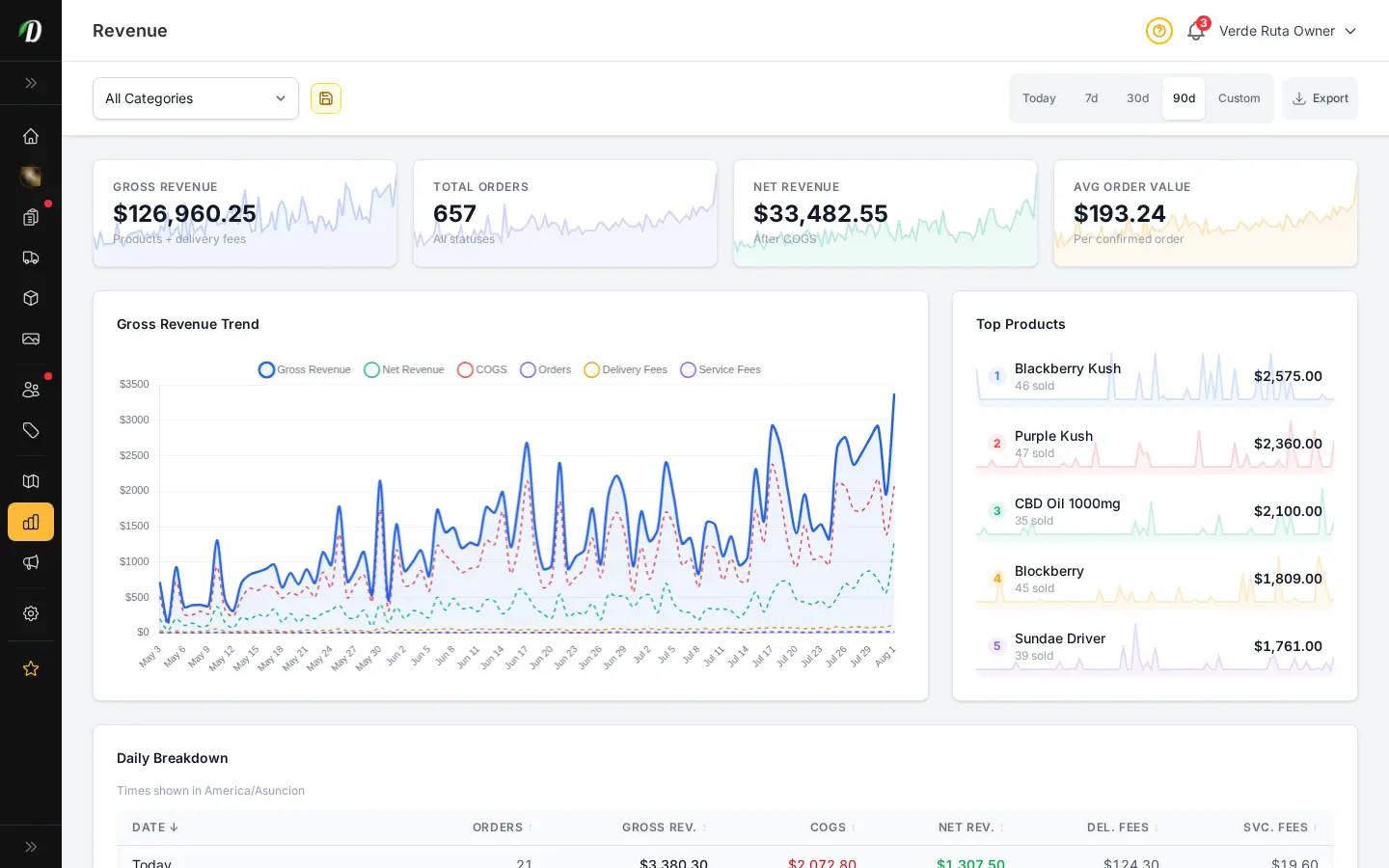
DabDash revenue report showing totals, charts, and date range controlsDabDash revenue report showing totals, charts, and date range controls
Click to explore
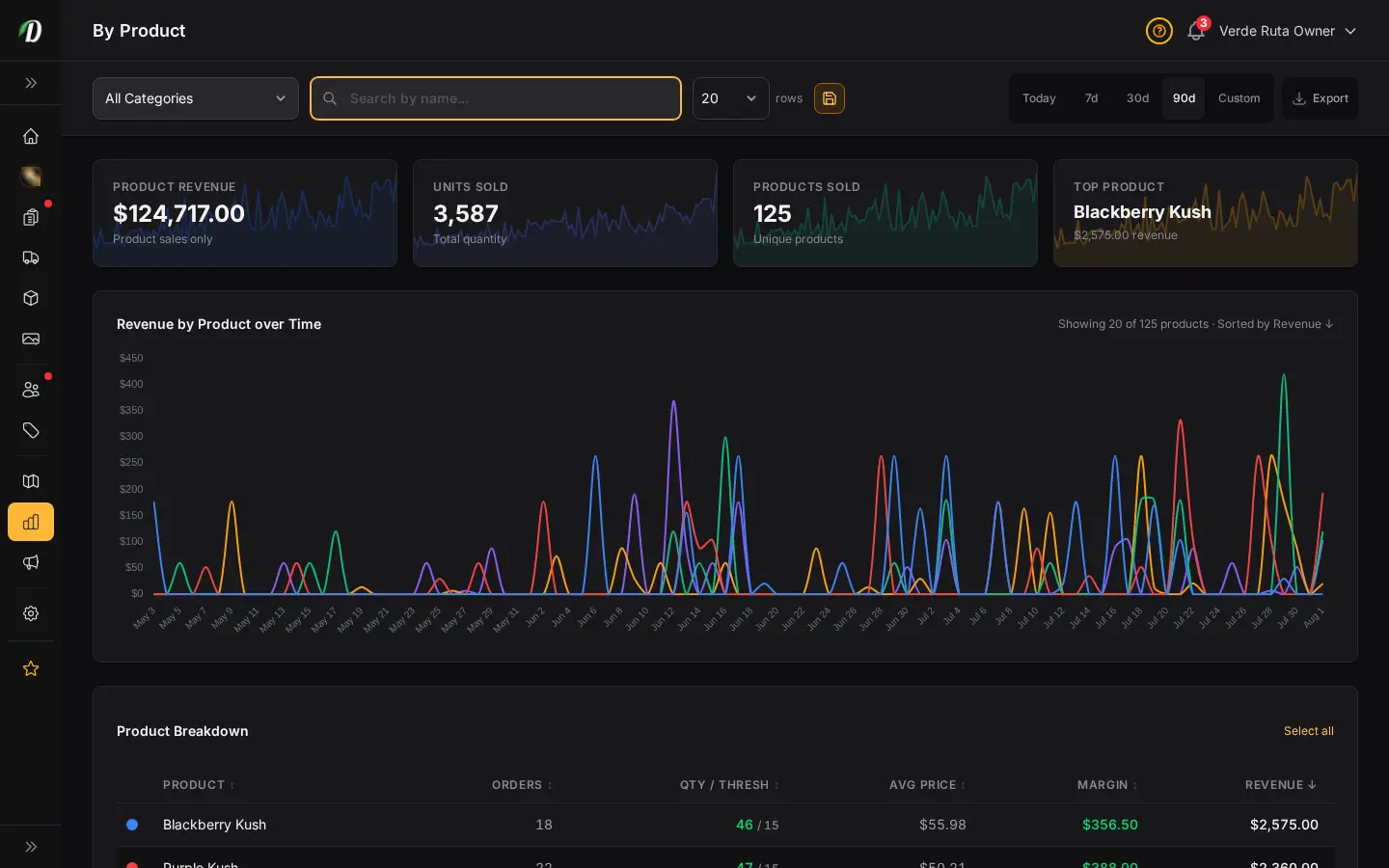
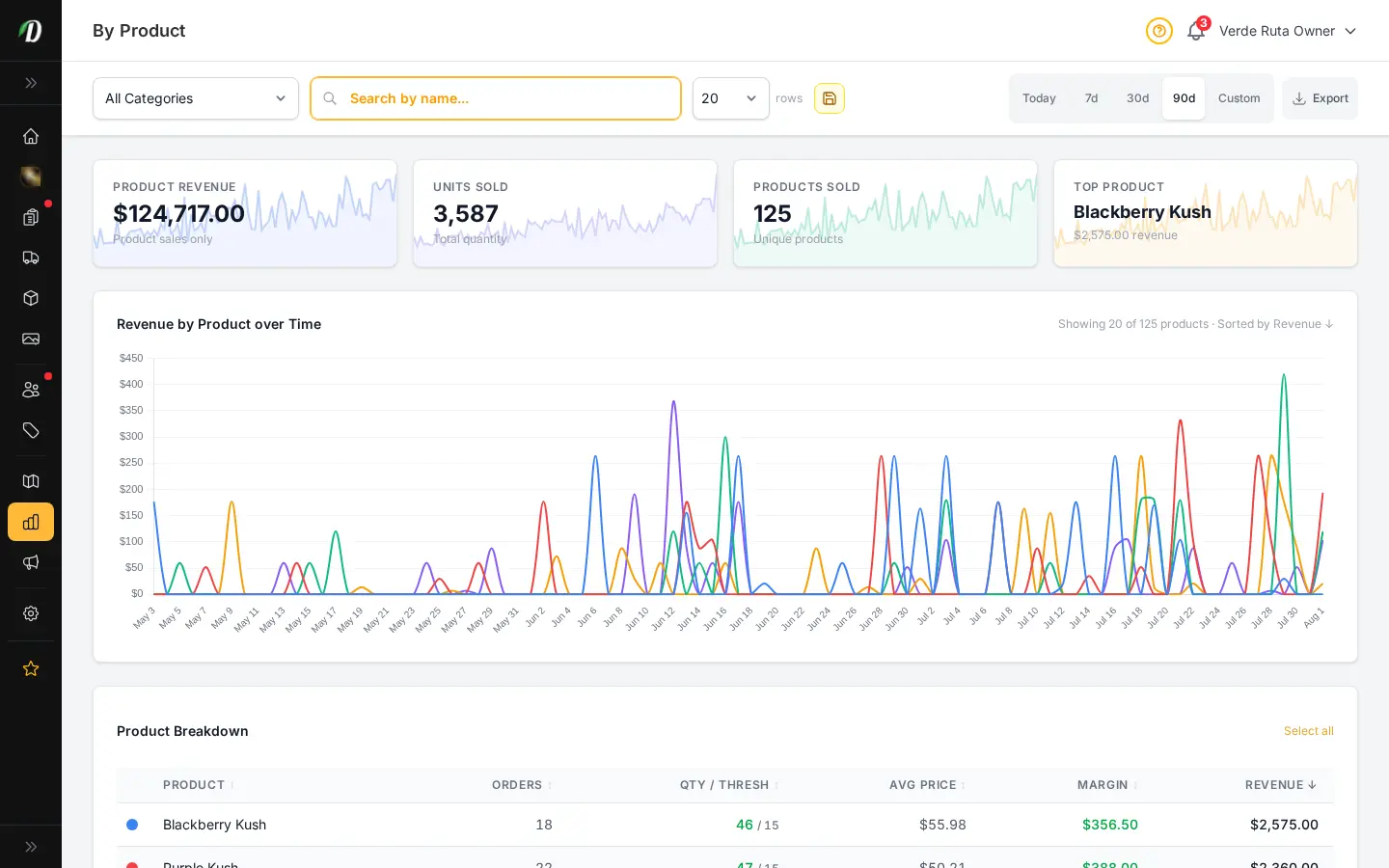
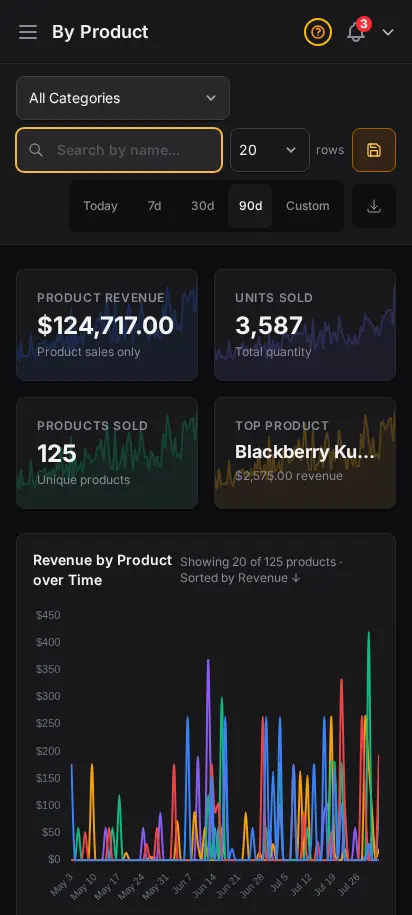
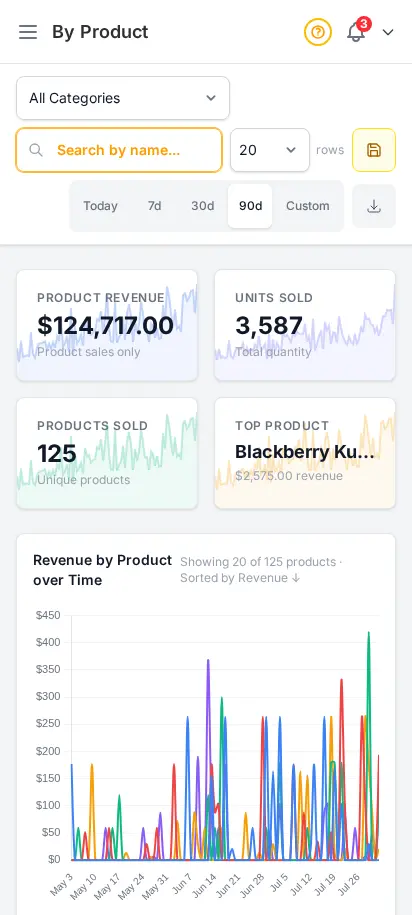
DabDash product report showing products sorted by revenue and order countsDabDash product report showing products sorted by revenue and order counts
Explore
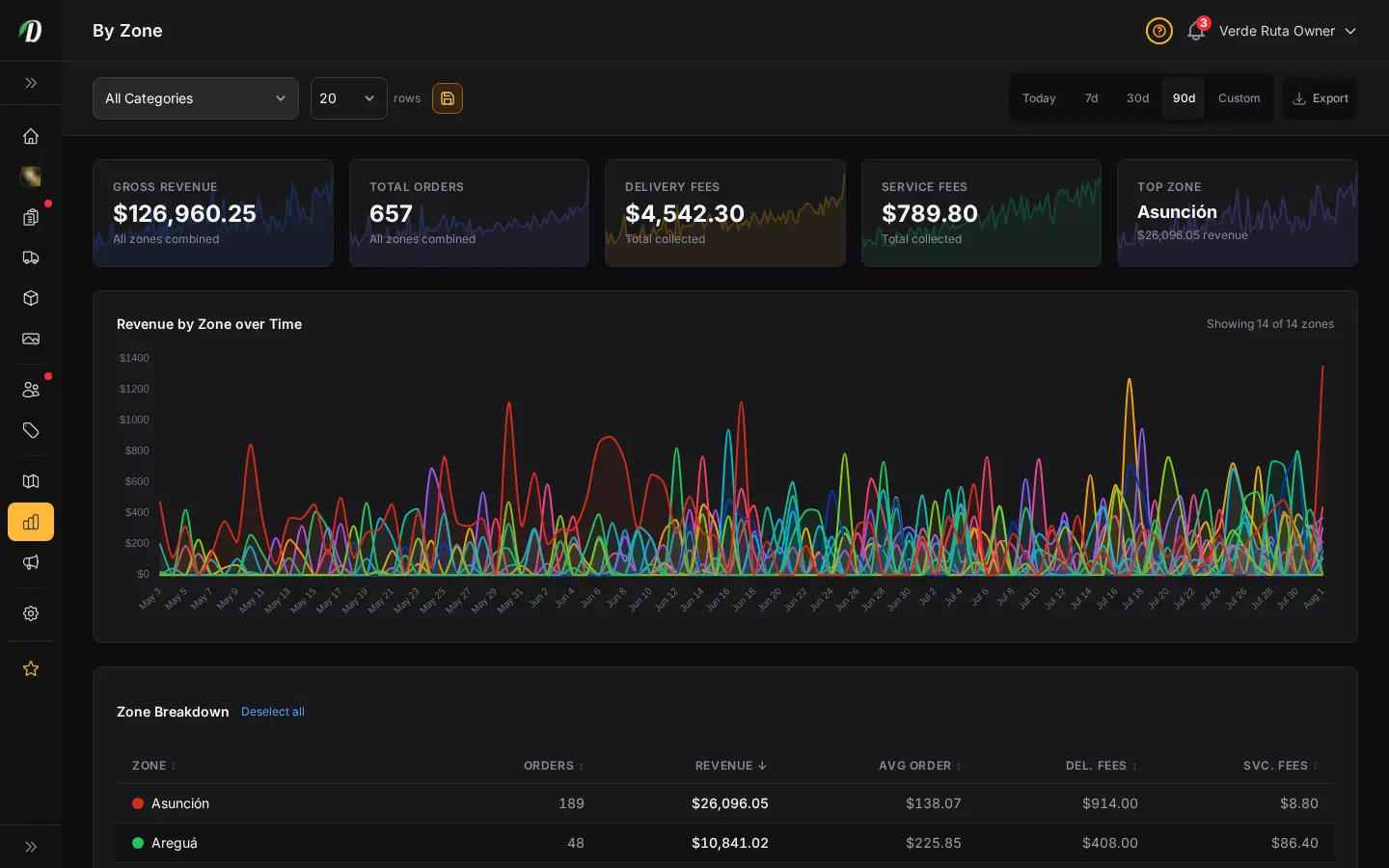
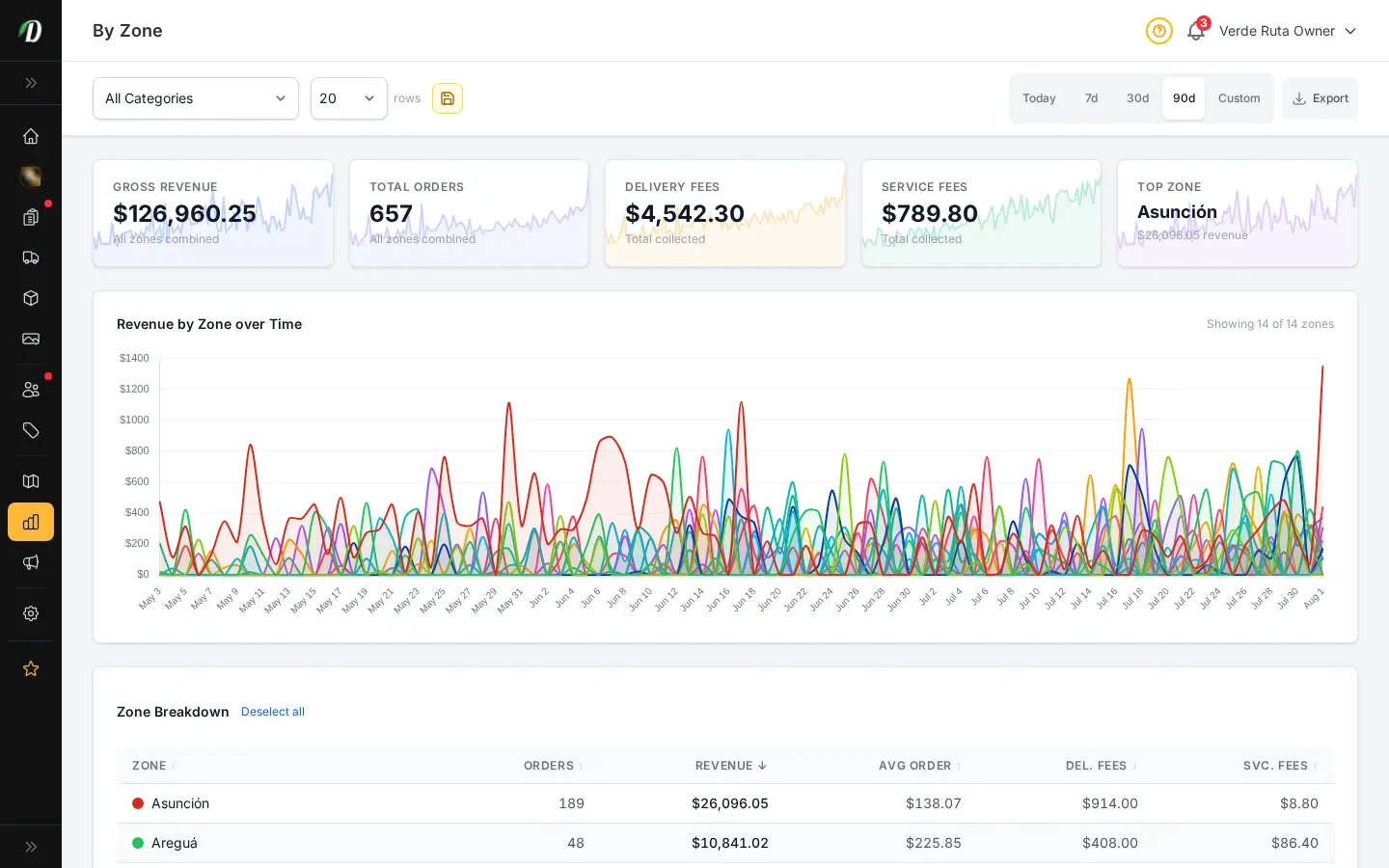
DabDash zone report showing delivery area performance and totals by zoneDabDash zone report showing delivery area performance and totals by zone
Explore
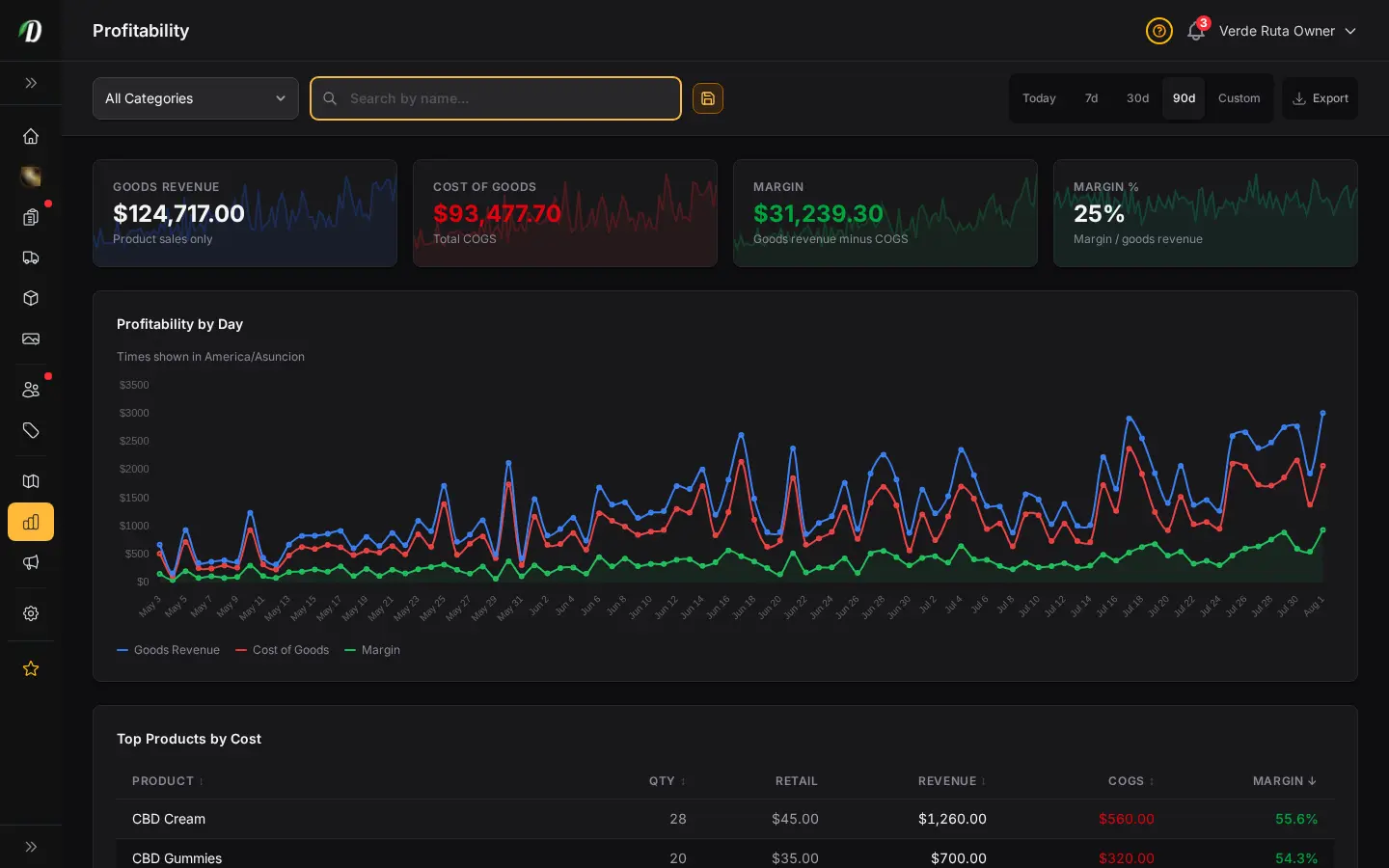
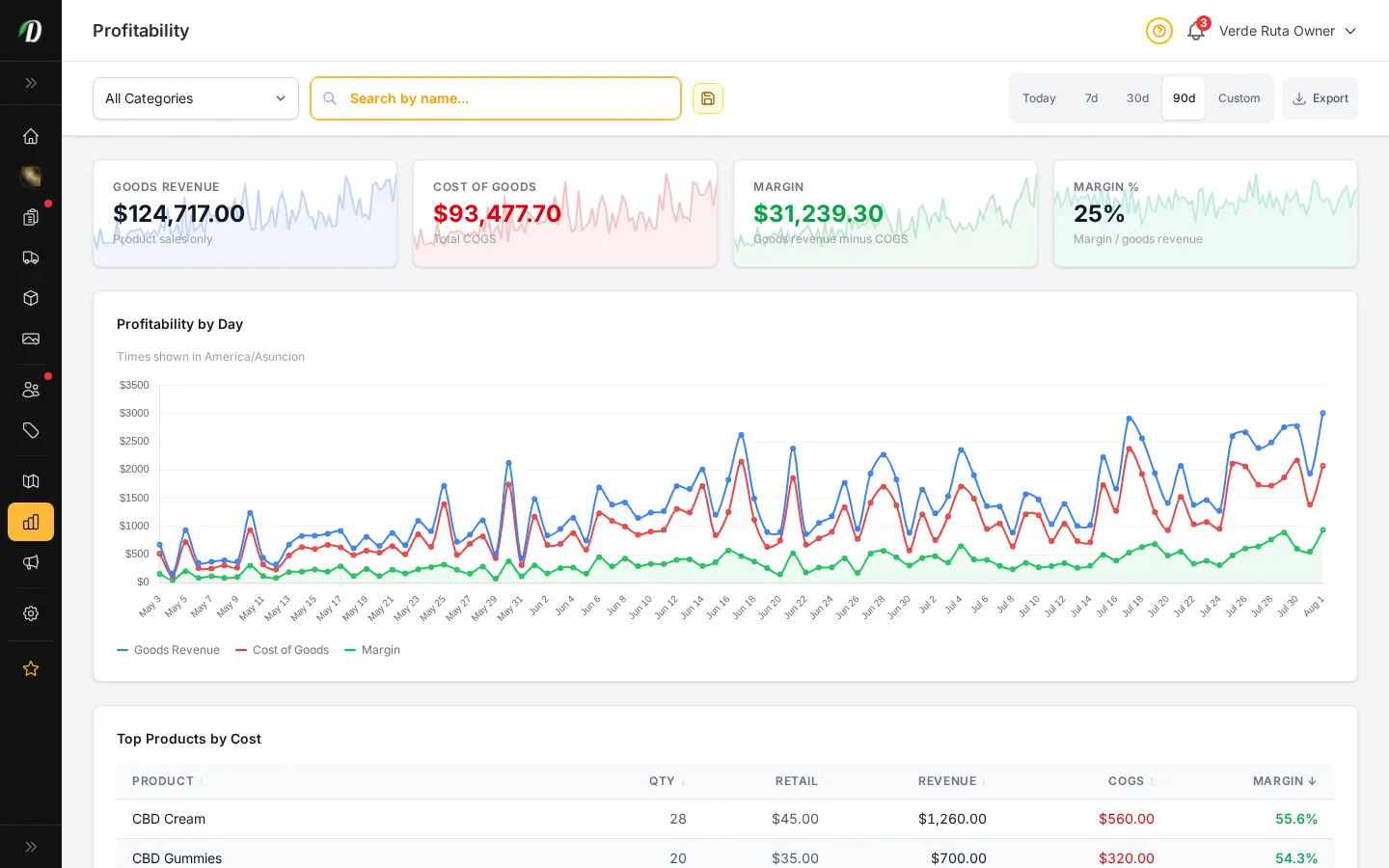
DabDash profit report showing revenue, costs, and margin detailsDabDash profit report showing revenue, costs, and margin details
Explore
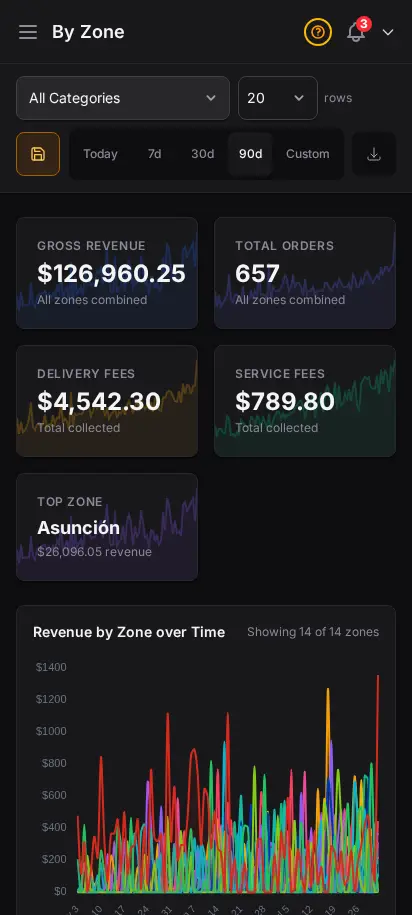
DabDash revenue report showing totals, charts, and date range controls — mobile viewDabDash revenue report showing totals, charts, and date range controls — mobile view
Explore
DabDash product report showing products sorted by revenue and order counts — mobile viewDabDash product report showing products sorted by revenue and order counts — mobile view
Explore
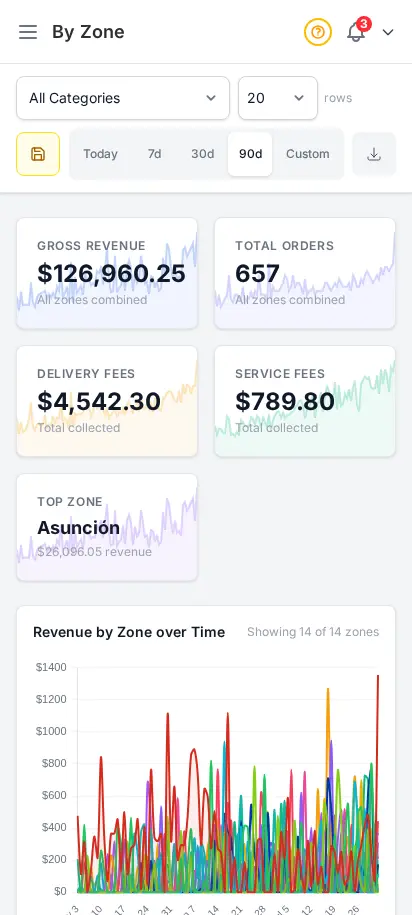
DabDash zone report showing delivery area performance and totals by zone — mobile viewDabDash zone report showing delivery area performance and totals by zone — mobile view
Explore
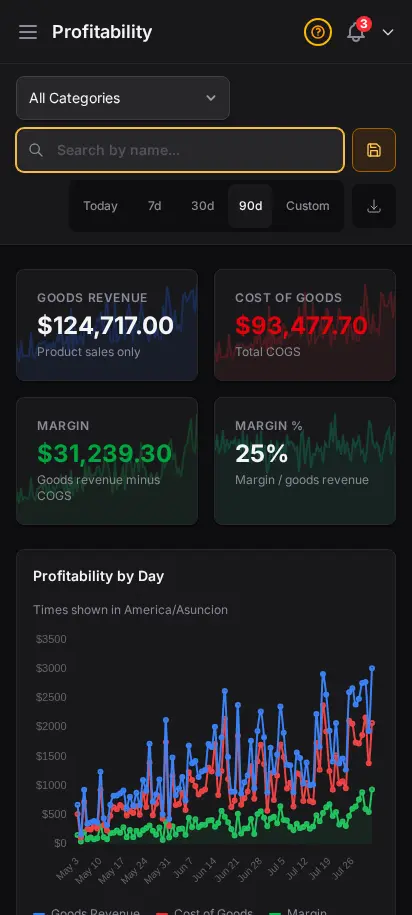
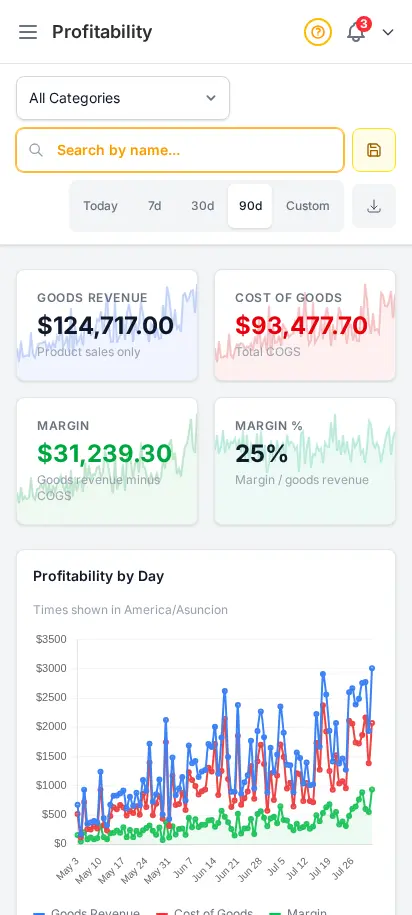
DabDash profit report showing revenue, costs, and margin details — mobile viewDabDash profit report showing revenue, costs, and margin details — mobile view
Explore

Data-driven decisions, not guesswork

Revenue tracking, cost of goods analysis, and profitability reports — all in your store timezone. Switch between 7-day, 30-day, and 90-day views. Know your margins, spot your best sellers, and export everything to CSV.

  • Revenue charts with date range selector (7d, 30d, 90d)
  • Cost of goods tracking with gross margin analysis
  • Revenue by product — top sellers, units sold, average price
  • Revenue by zone — delivery performance per zone
  • CSV export for all analytics data

Inventory value, loyalty, campaigns, and search — in one place

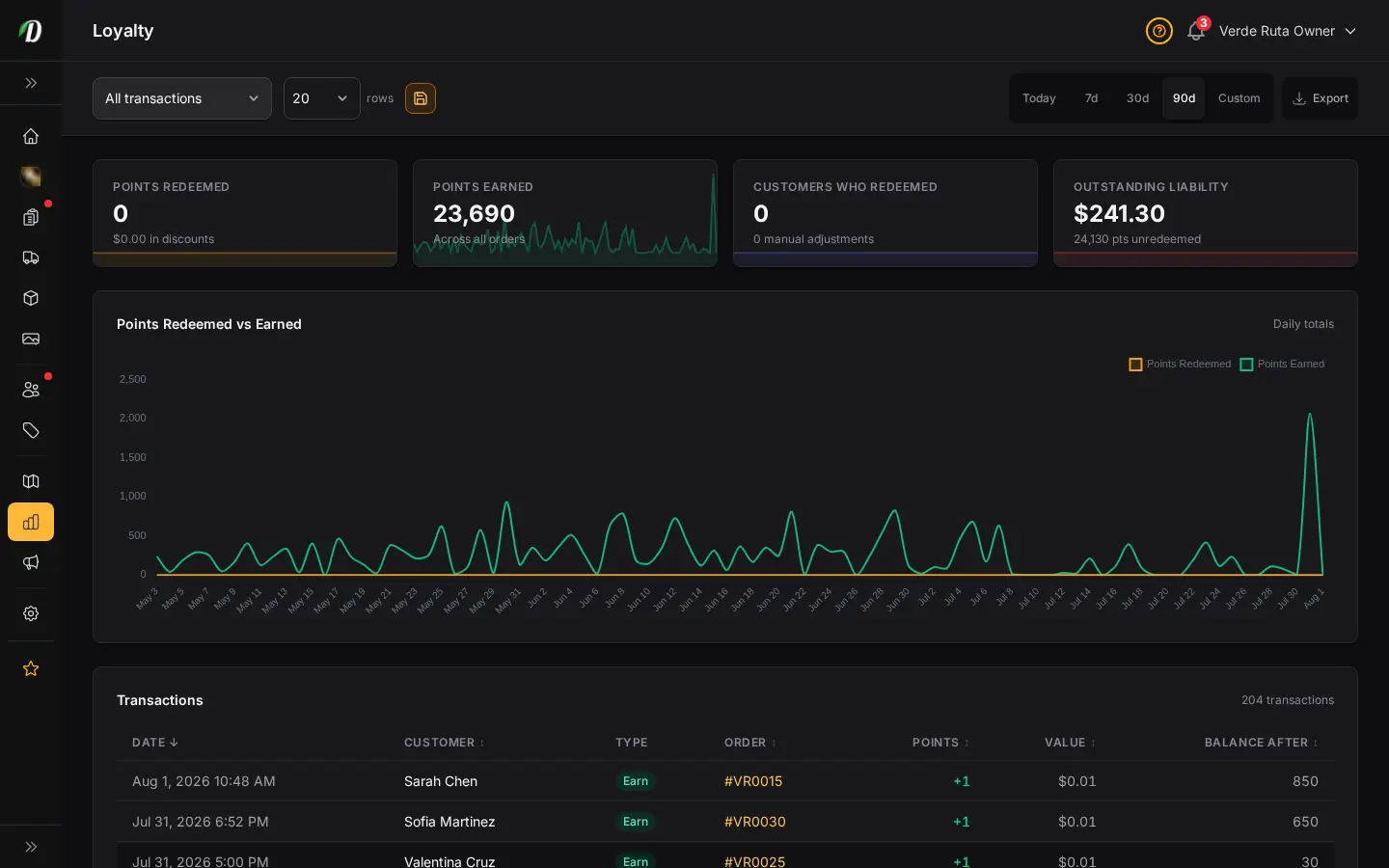
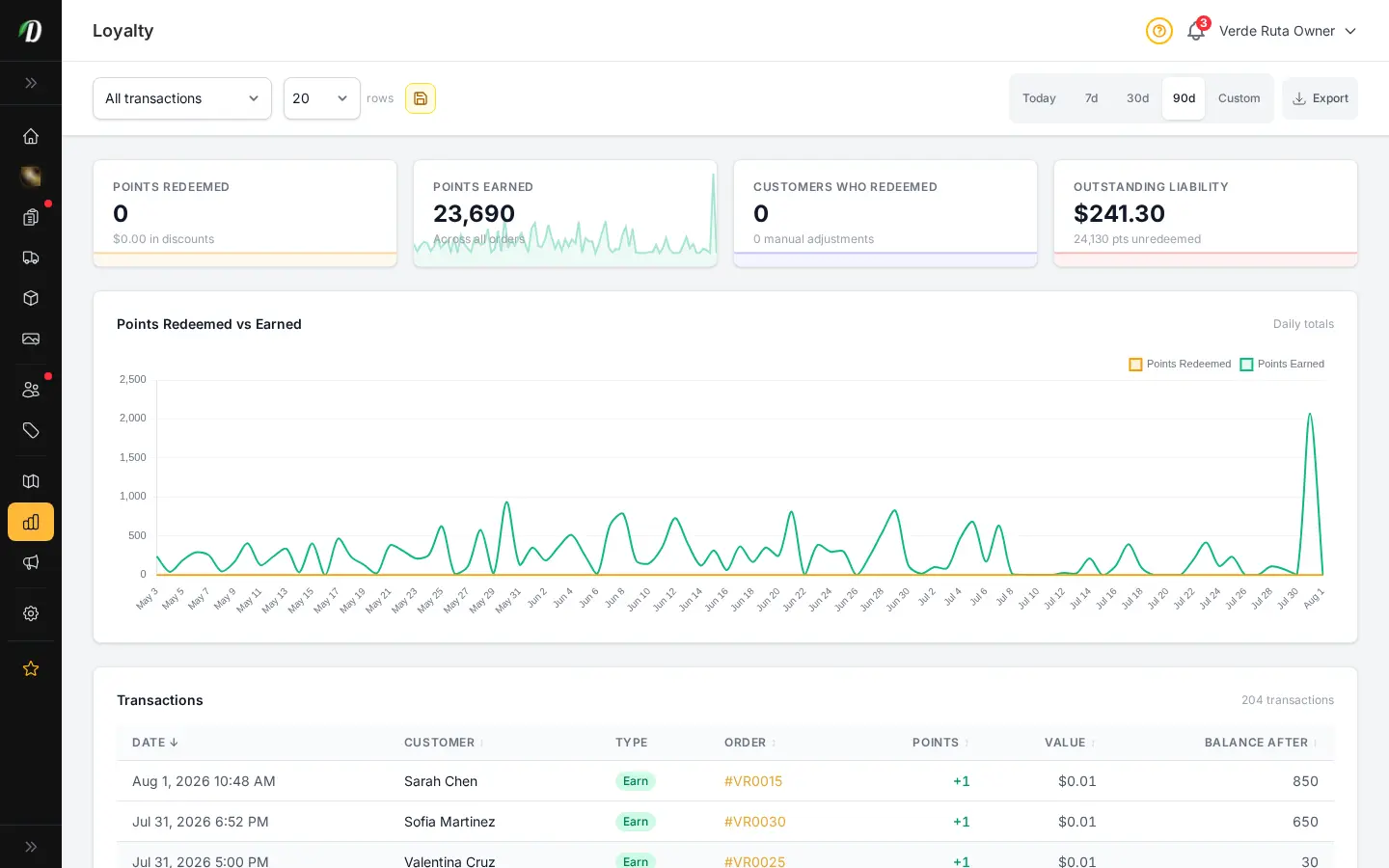
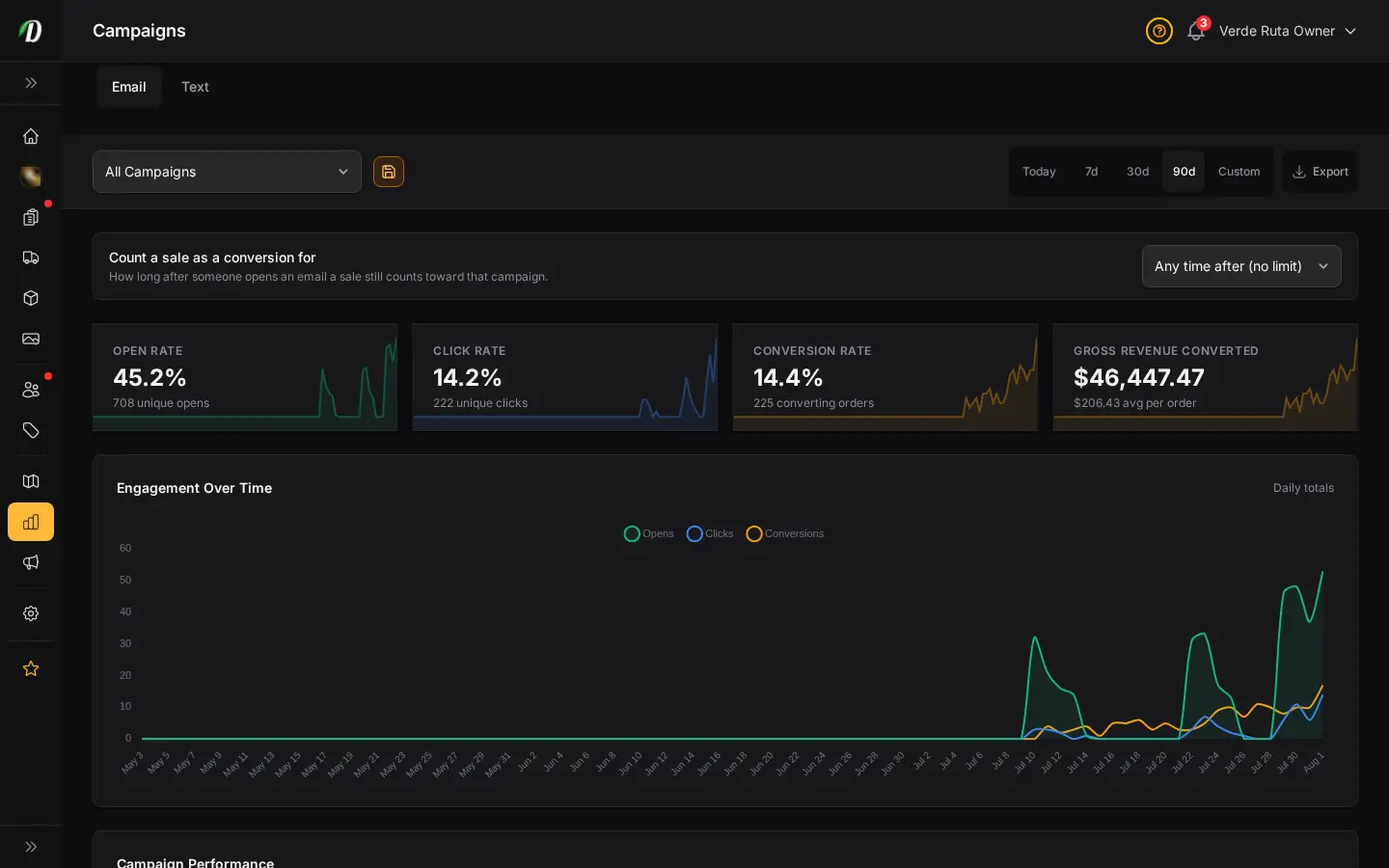
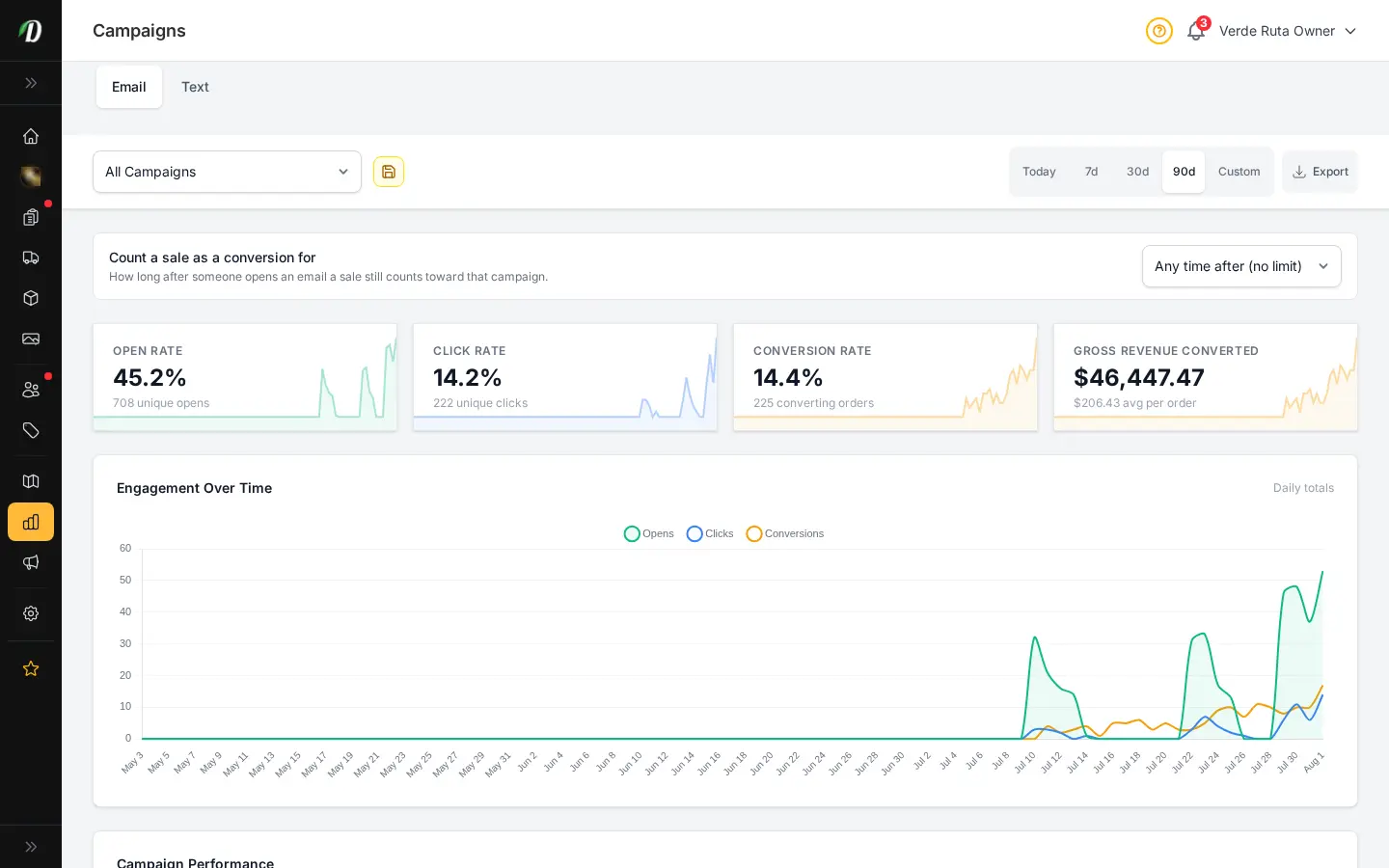
Revenue is the headline; margin and retention tell the story. SEO MAX subscribers get search-term performance. Every store gets loyalty balances, campaign attribution, and inventory valuation — the reports operators use in weekly ops reviews.
  • Inventory valuation at cost and retail
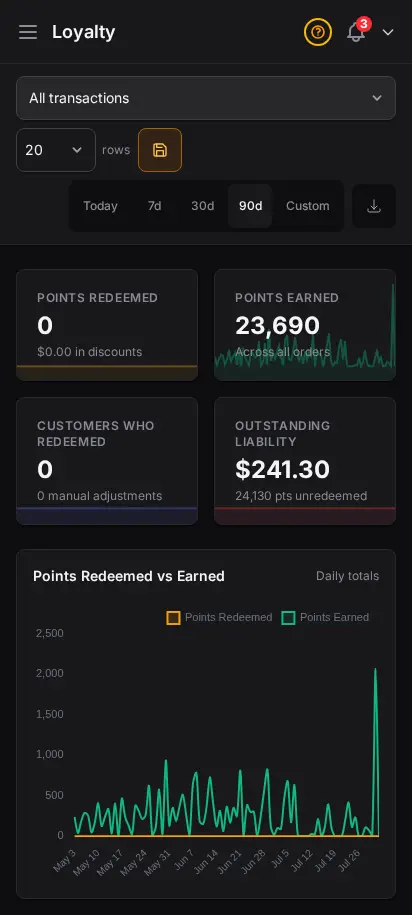
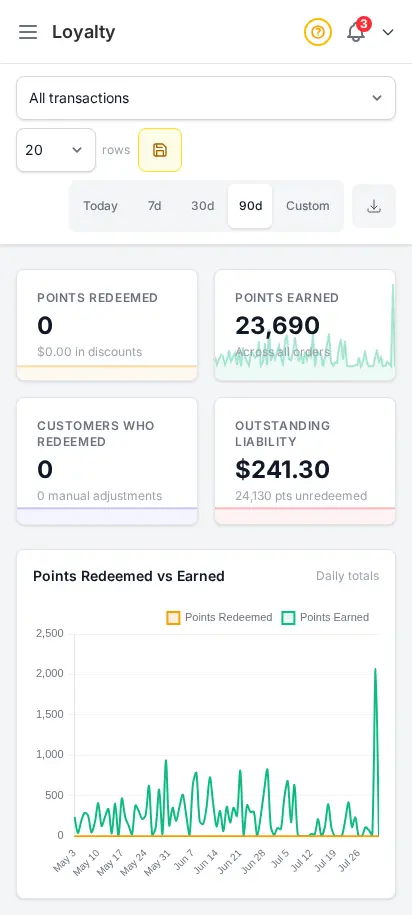
  • Loyalty points earned and redeemed
  • Campaign revenue attribution
  • SEO search performance (SEO MAX)
  • Inventory change audit with reasons
DabDash inventory valuation report showing stock value at cost and retail across the catalogDabDash inventory valuation report showing stock value at cost and retail across the catalog
Click to explore
DabDash loyalty report showing points earned, redeemed, and outstanding balances by customerDabDash loyalty report showing points earned, redeemed, and outstanding balances by customer
Explore
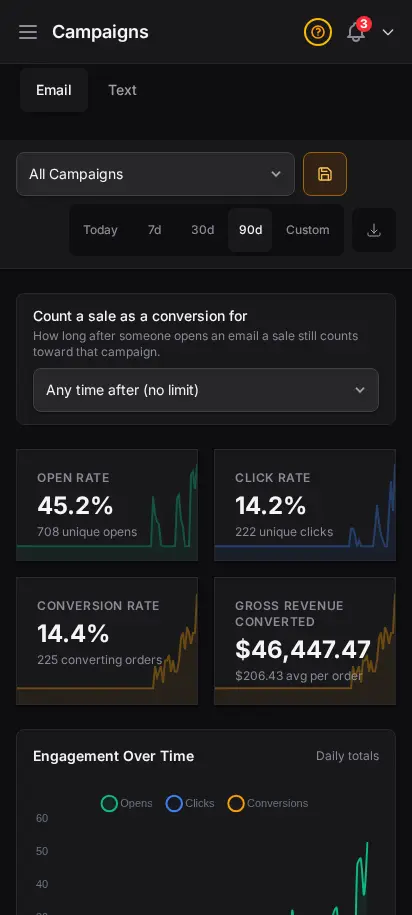
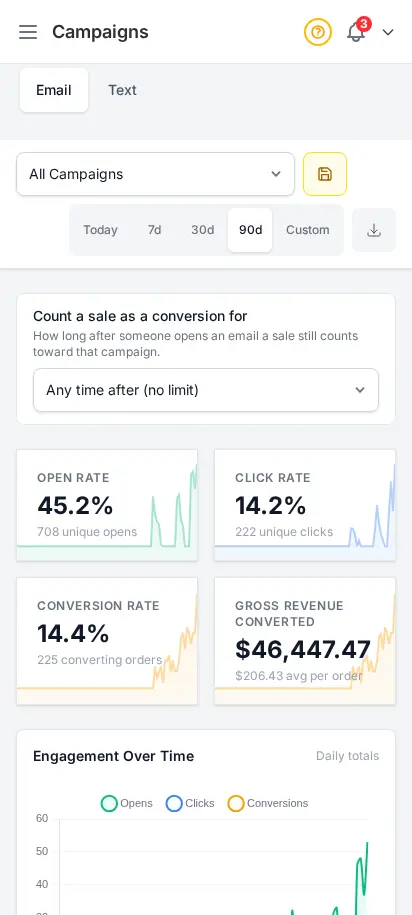
DabDash campaign attribution report showing revenue tied to email campaignsDabDash campaign attribution report showing revenue tied to email campaigns
Explore
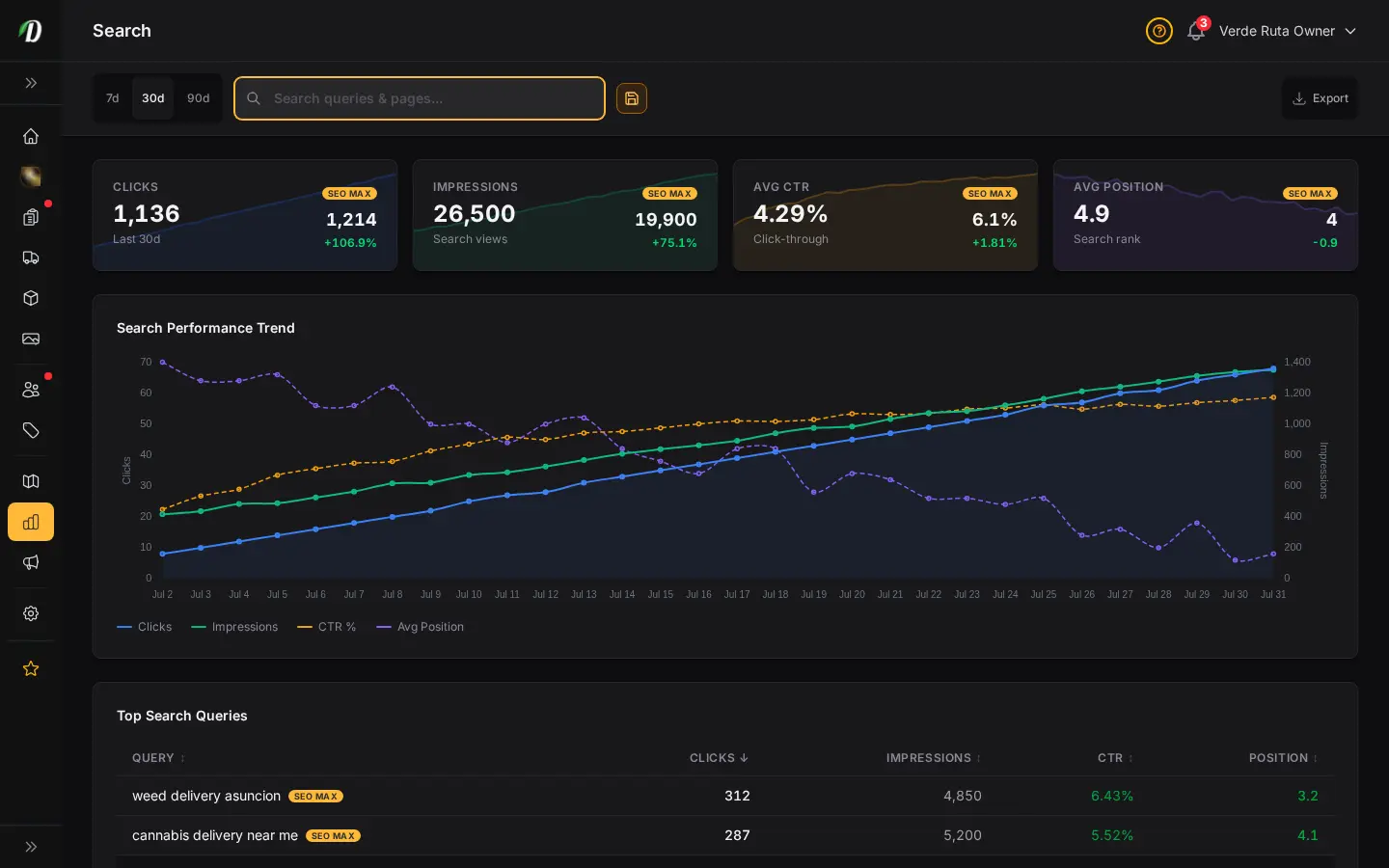
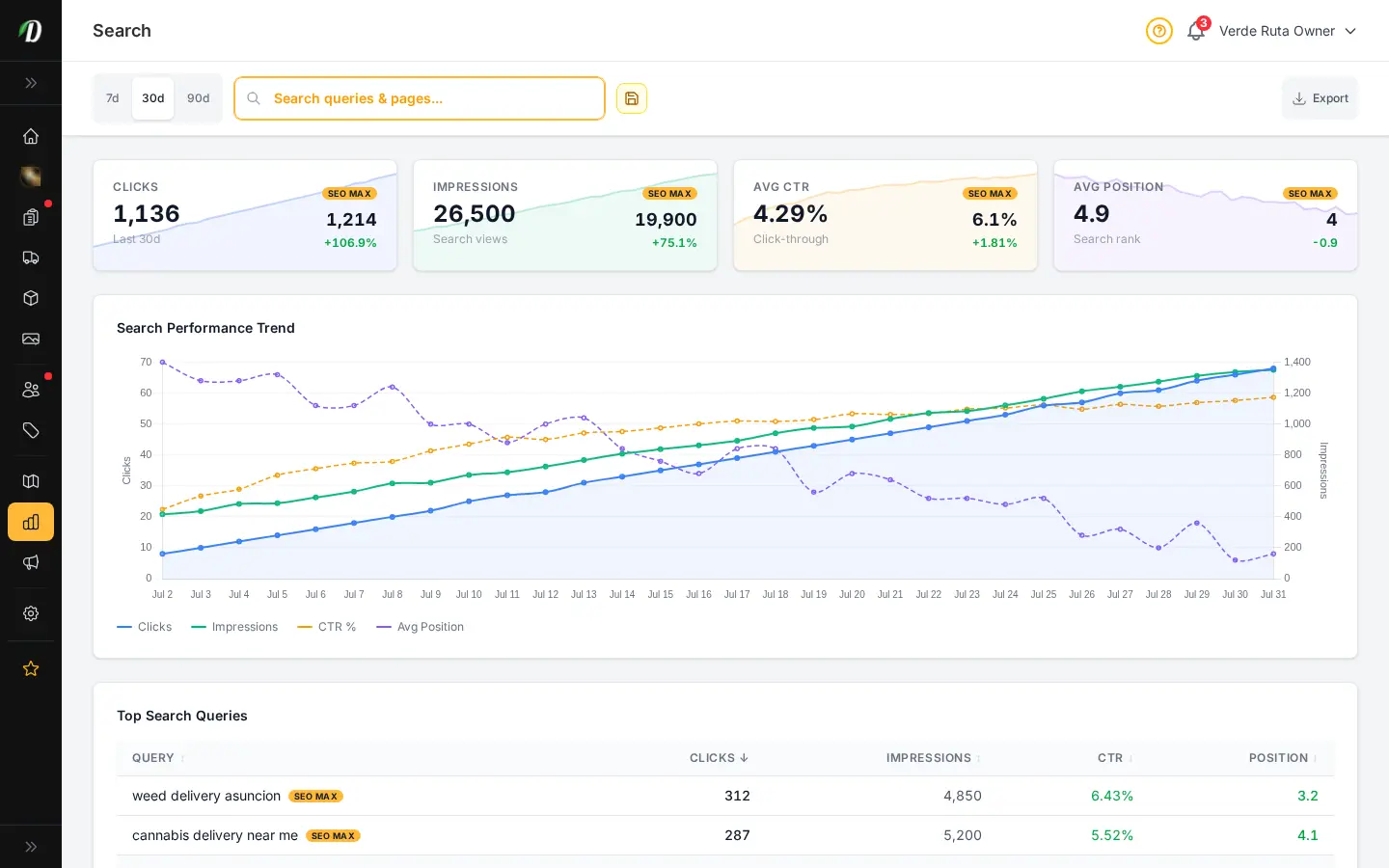
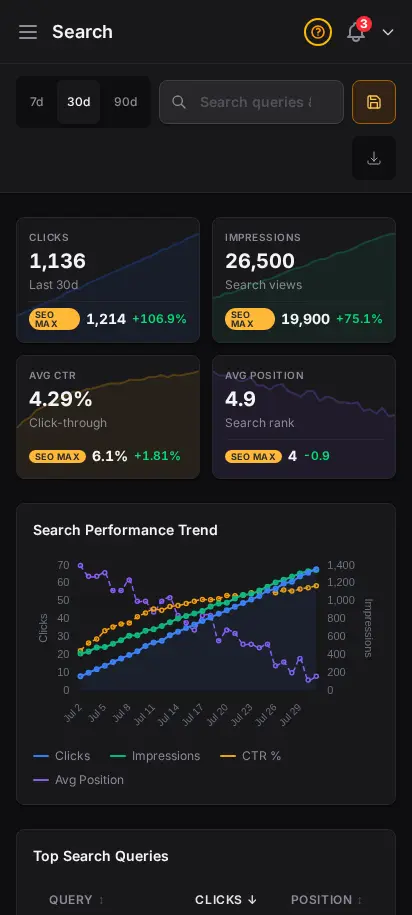
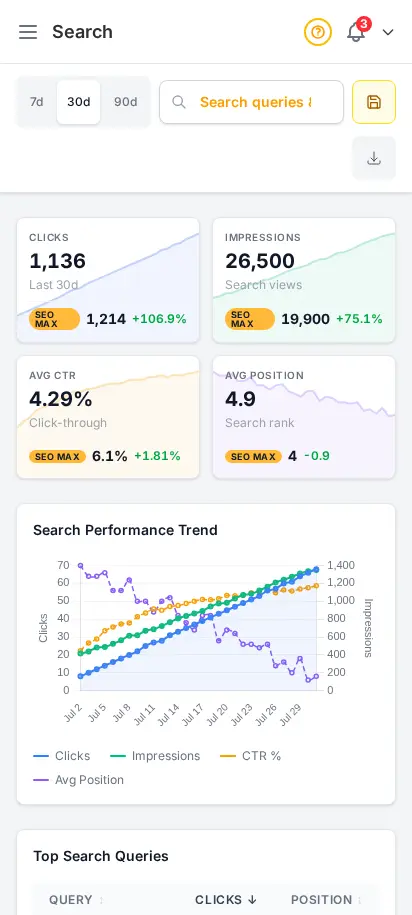
DabDash SEO performance report showing search queries, clicks, and impressions from Google Search ConsoleDabDash SEO performance report showing search queries, clicks, and impressions from Google Search Console
Explore
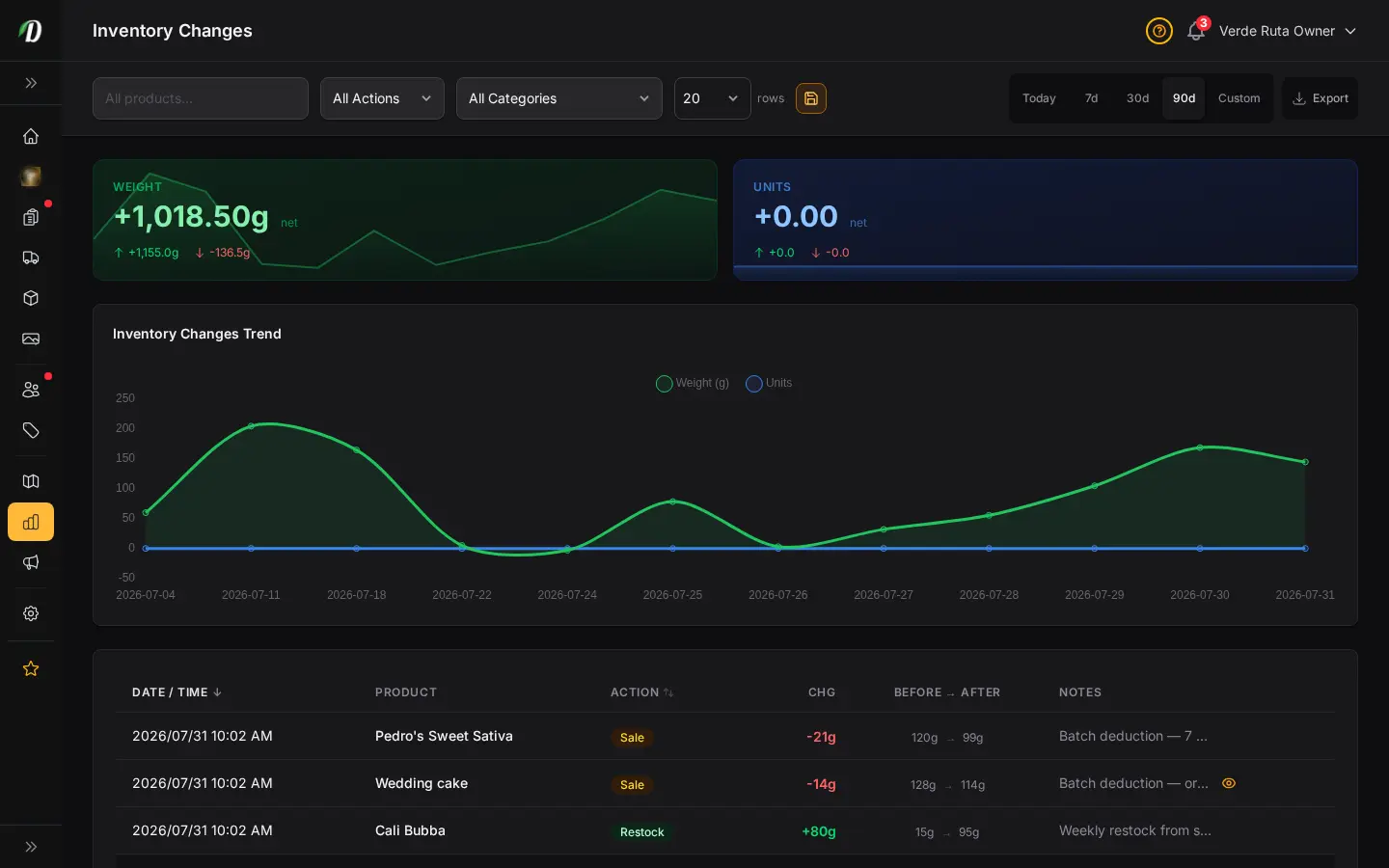
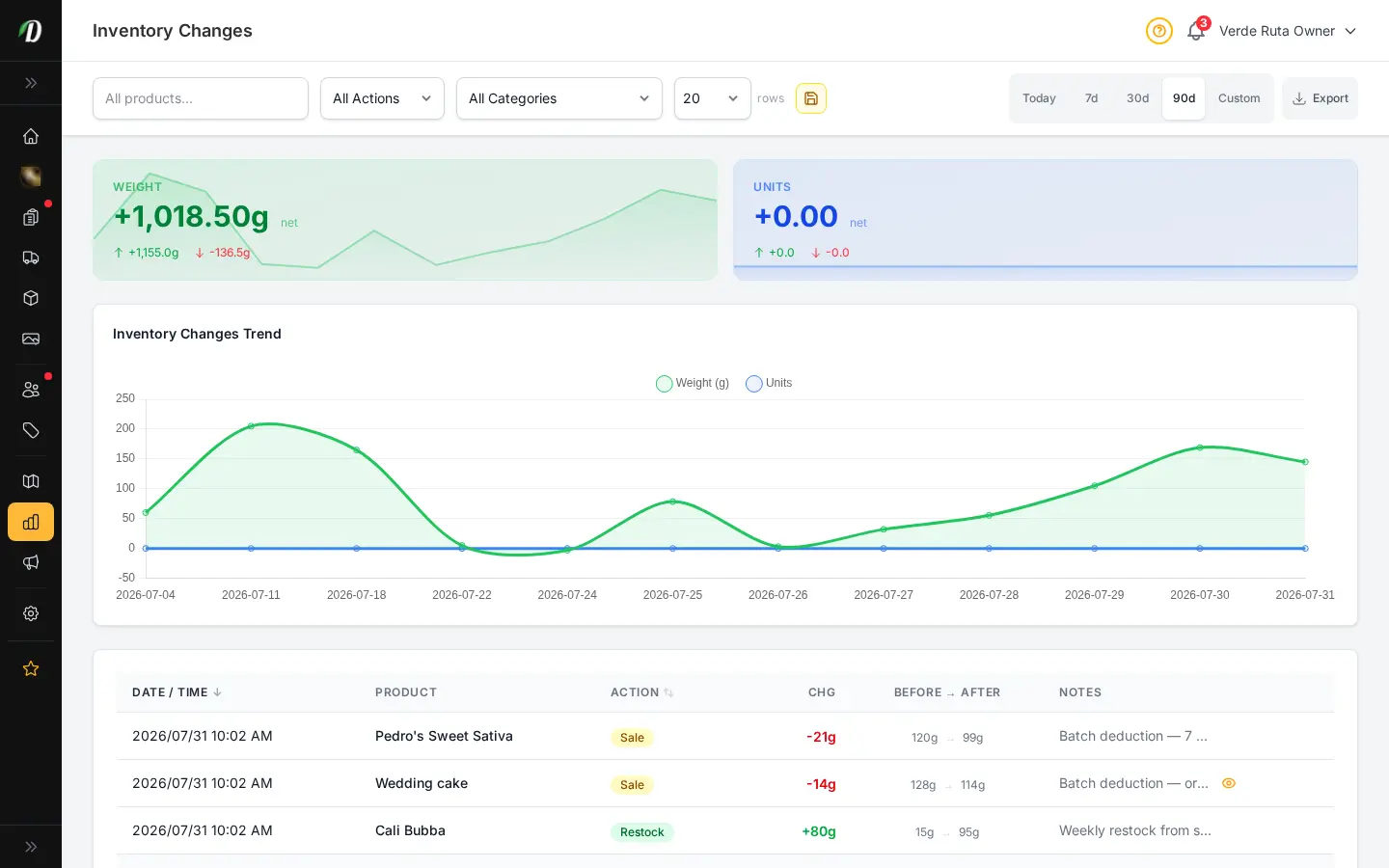
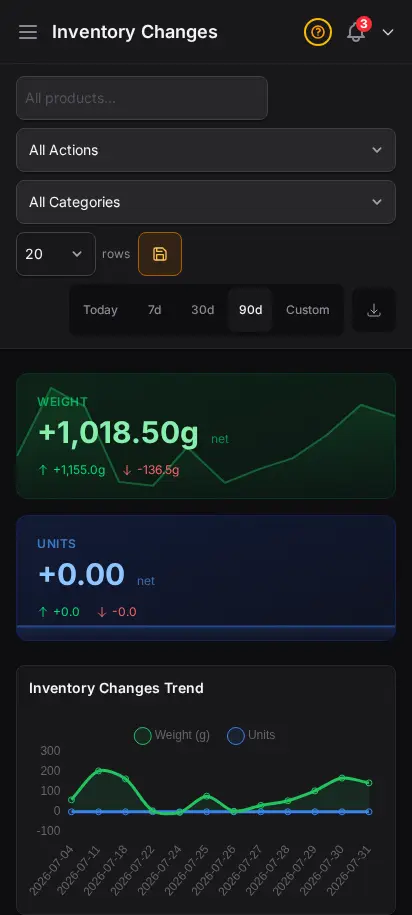
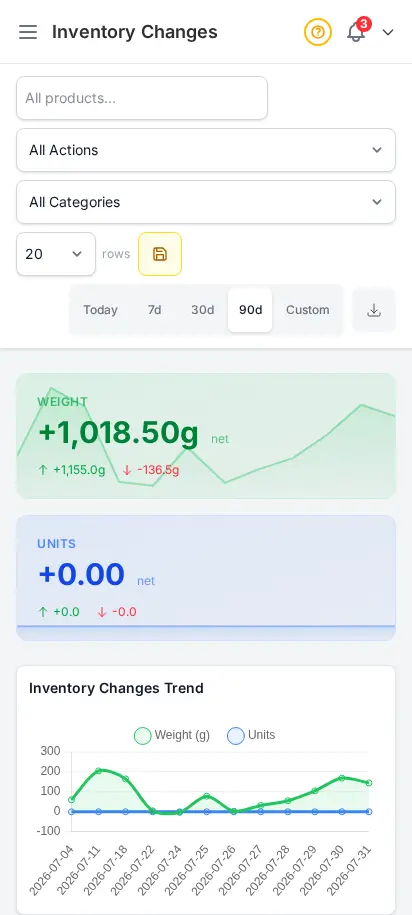
DabDash inventory changes report showing stock adjustments, reasons, timestamps, and quantitiesDabDash inventory changes report showing stock adjustments, reasons, timestamps, and quantities
Explore
DabDash inventory valuation report showing stock value at cost and retail across the catalog — mobile viewDabDash inventory valuation report showing stock value at cost and retail across the catalog — mobile view
Explore
DabDash loyalty report showing points earned, redeemed, and outstanding balances by customer — mobile viewDabDash loyalty report showing points earned, redeemed, and outstanding balances by customer — mobile view
Explore
DabDash campaign attribution report showing revenue tied to email campaigns — mobile viewDabDash campaign attribution report showing revenue tied to email campaigns — mobile view
Explore
DabDash SEO performance report showing search queries, clicks, and impressions from Google Search Console — mobile viewDabDash SEO performance report showing search queries, clicks, and impressions from Google Search Console — mobile view
Explore
DabDash inventory changes report showing stock adjustments, reasons, timestamps, and quantities — mobile viewDabDash inventory changes report showing stock adjustments, reasons, timestamps, and quantities — mobile view
Explore
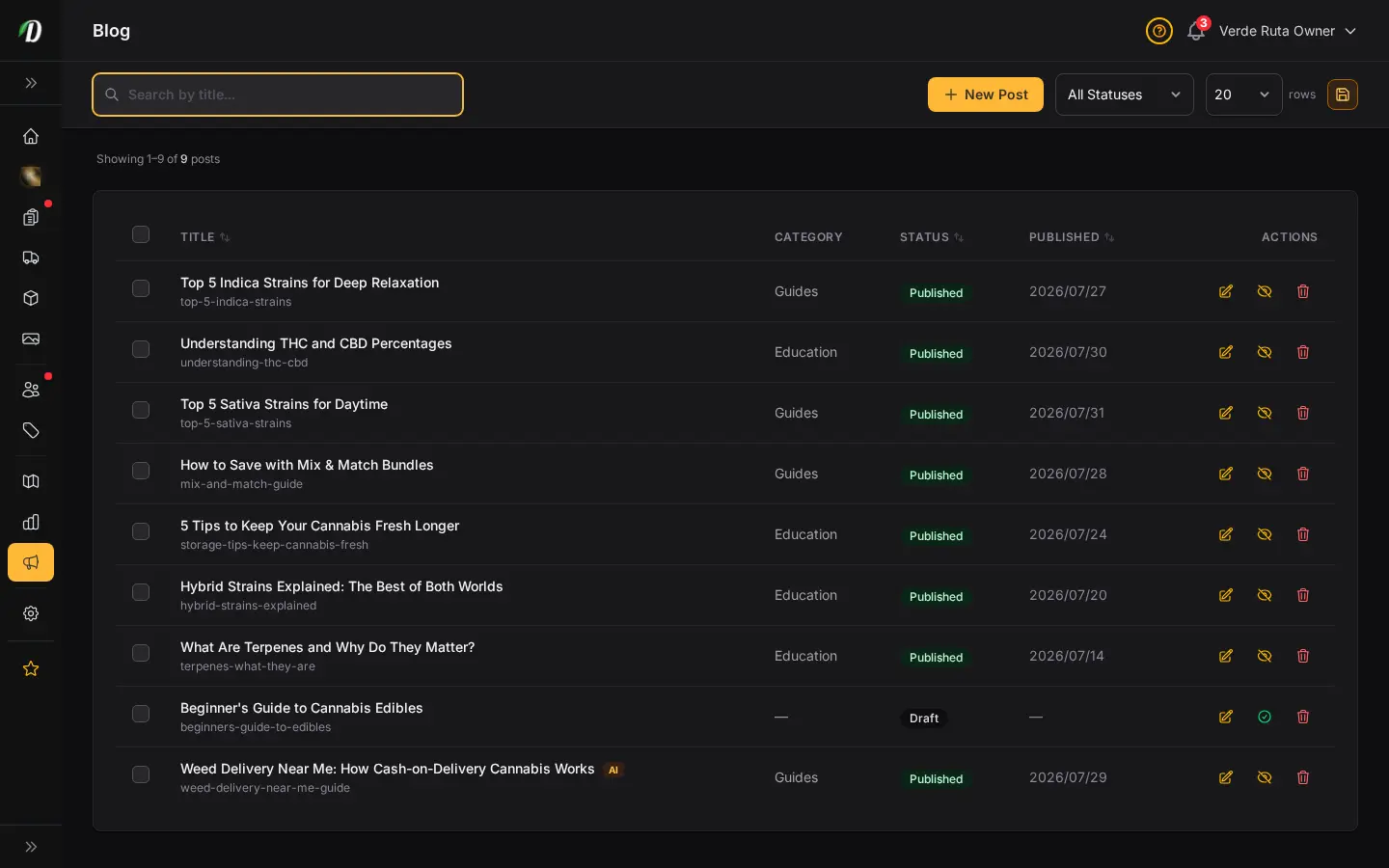
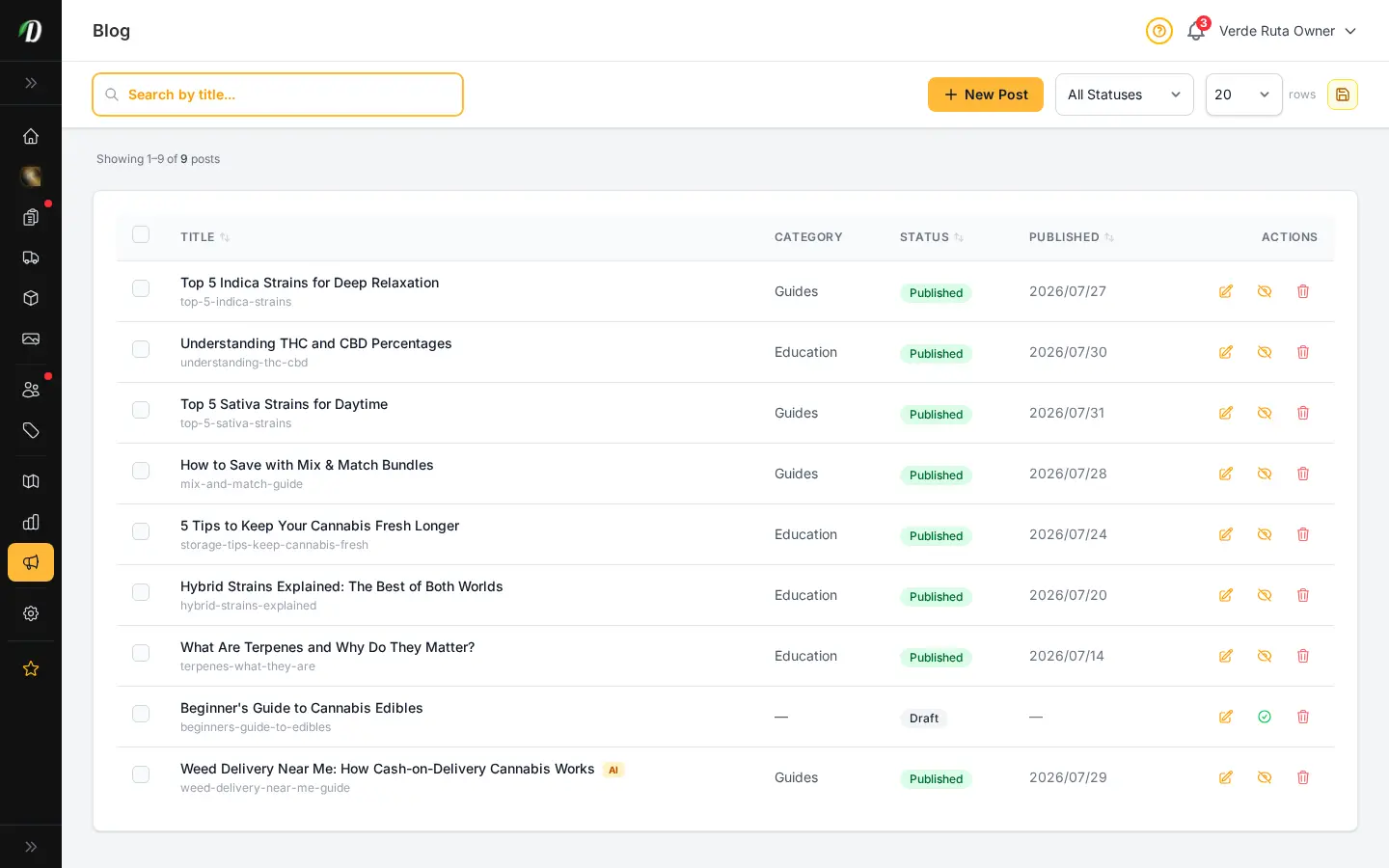
DabDash blog page showing published posts with titles, images, and status badgesDabDash blog page showing published posts with titles, images, and status badges
Click to explore
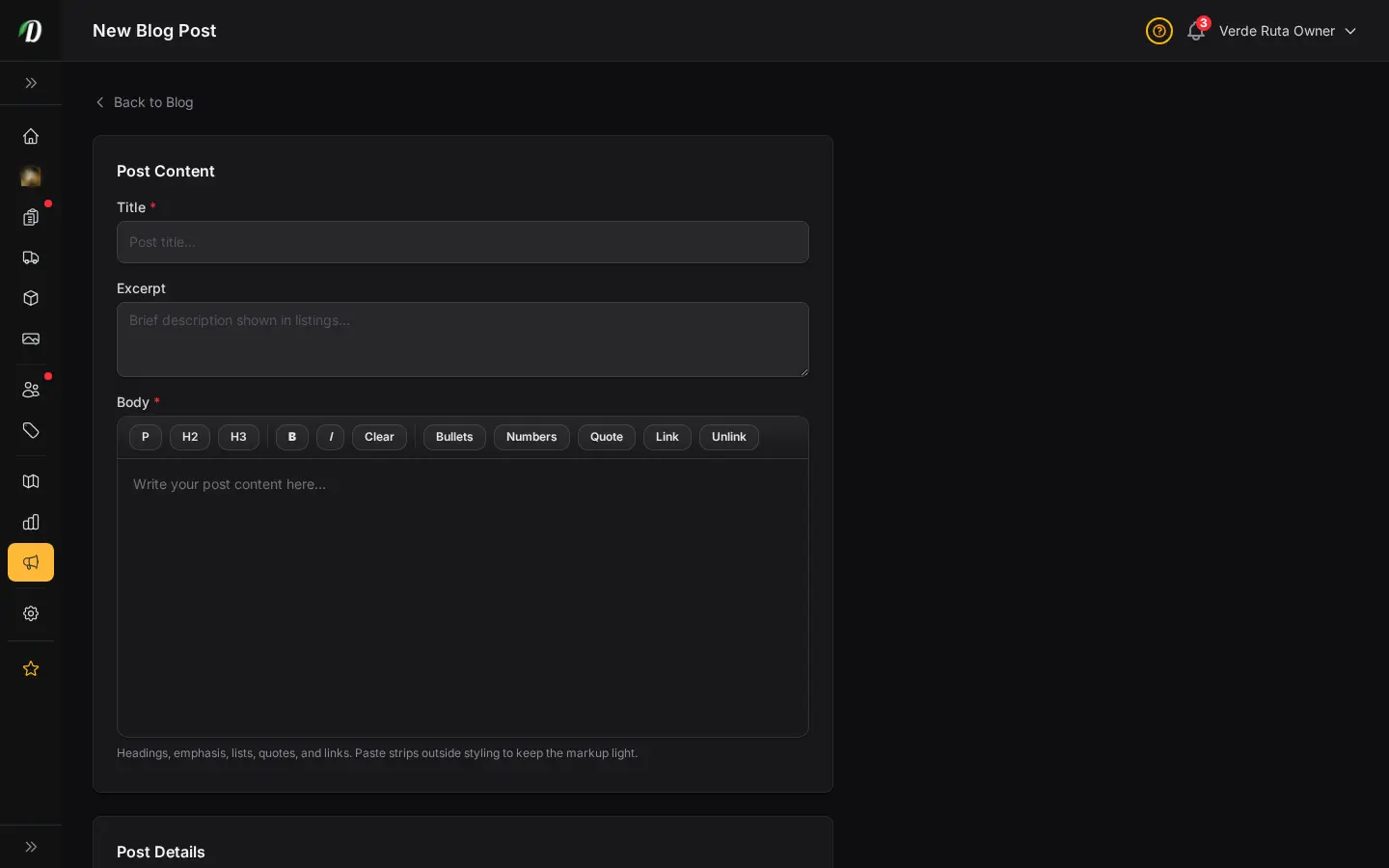
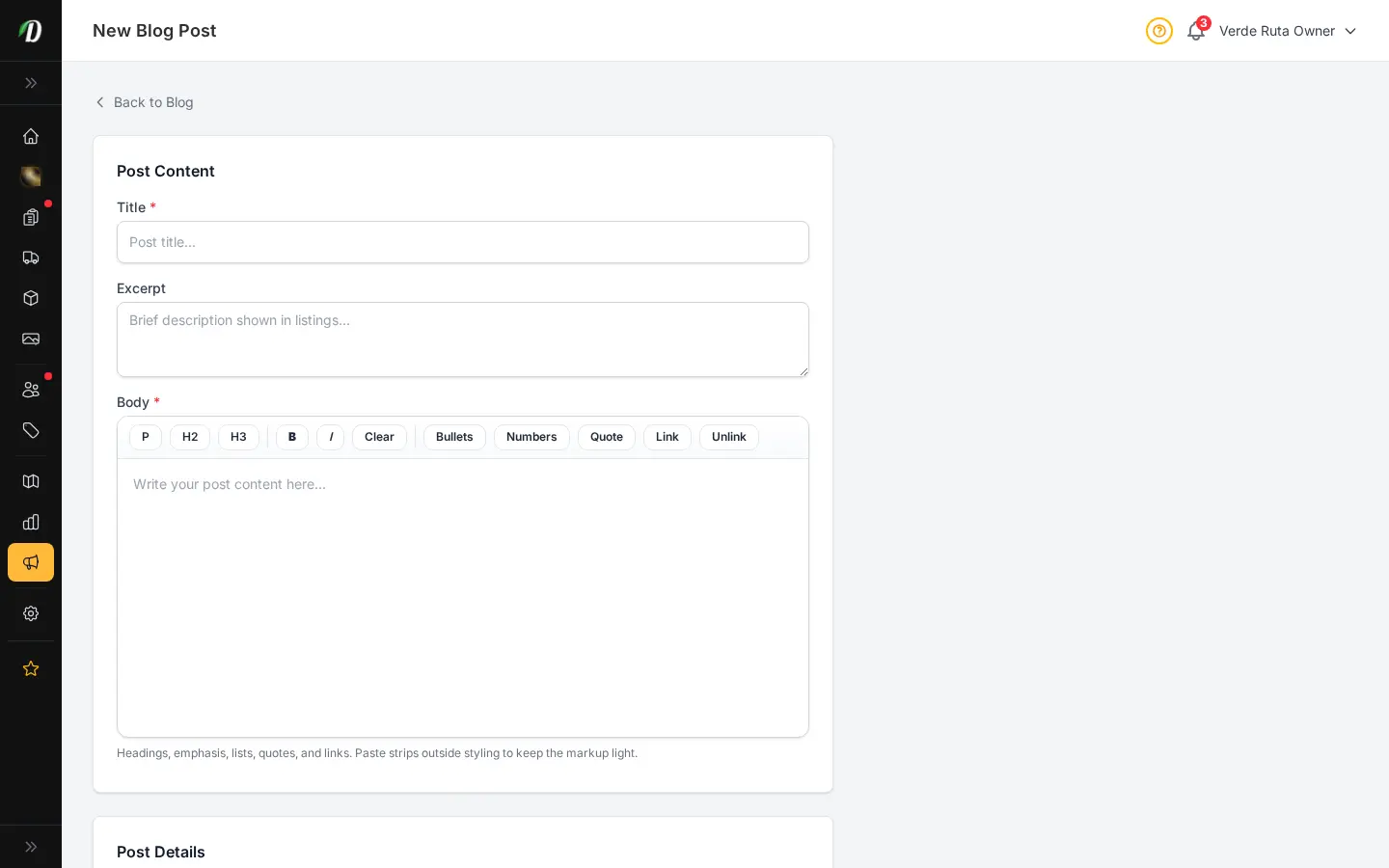
DabDash add blog post form showing title, article body, and publish controlsDabDash add blog post form showing title, article body, and publish controls
Explore
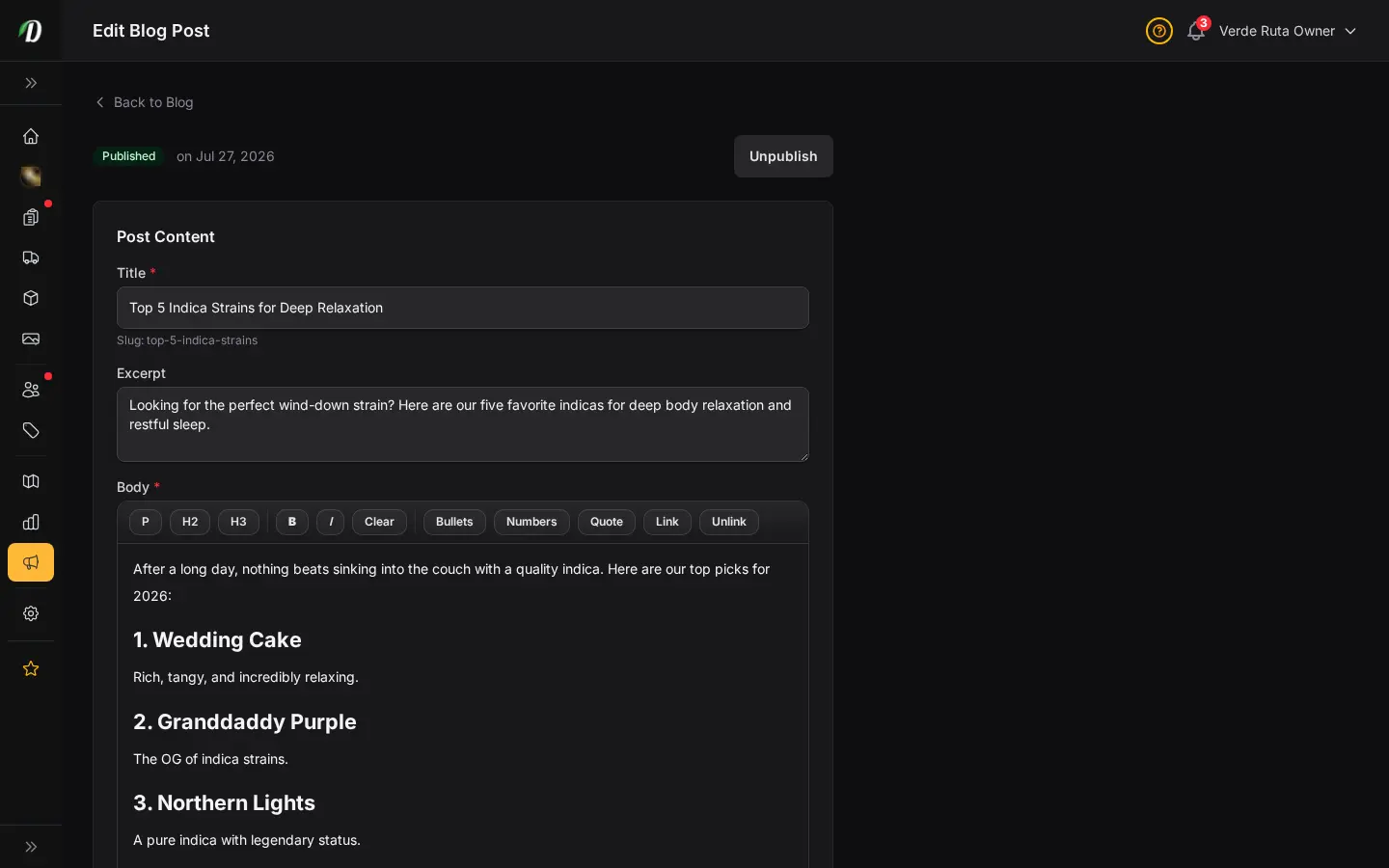
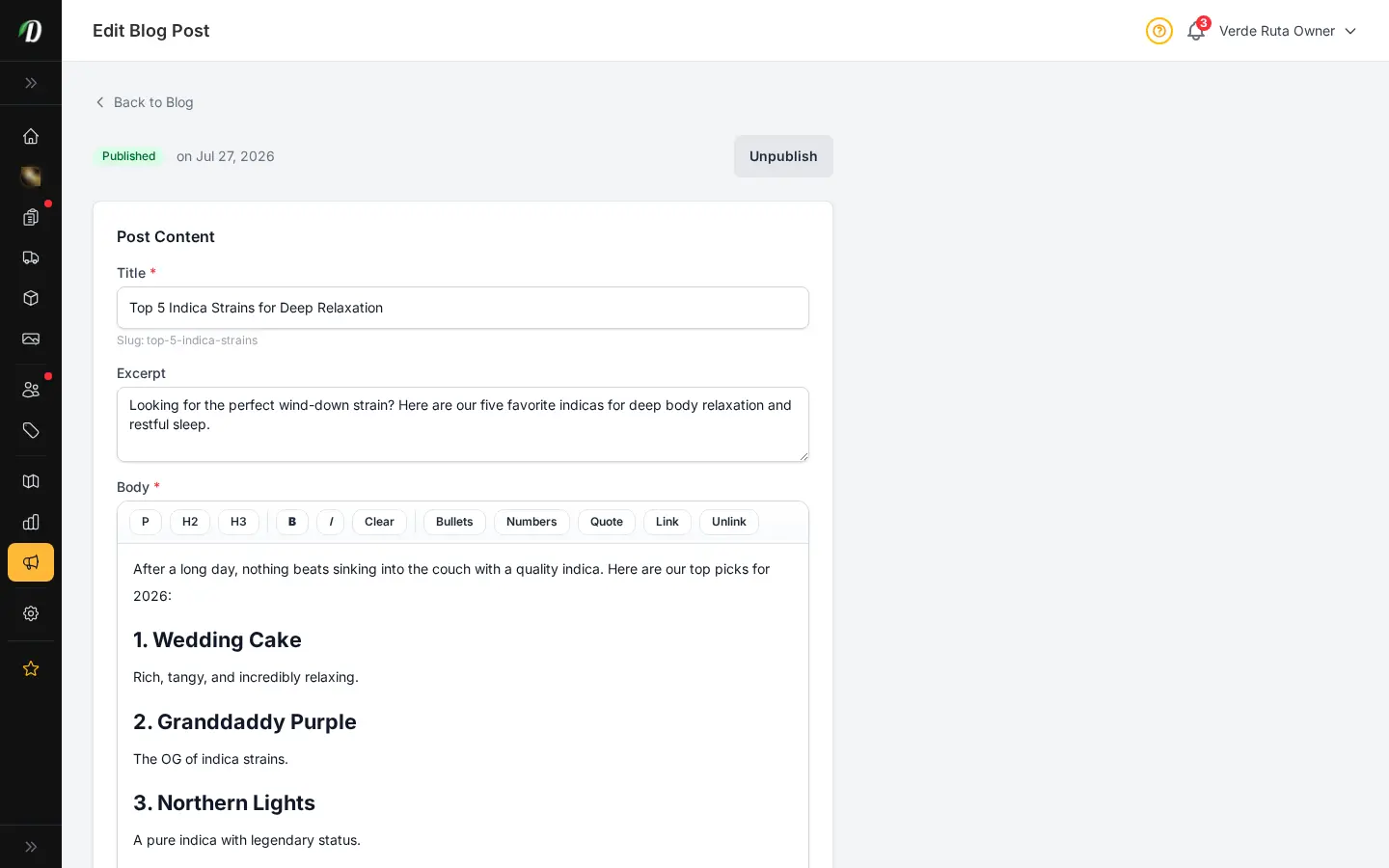
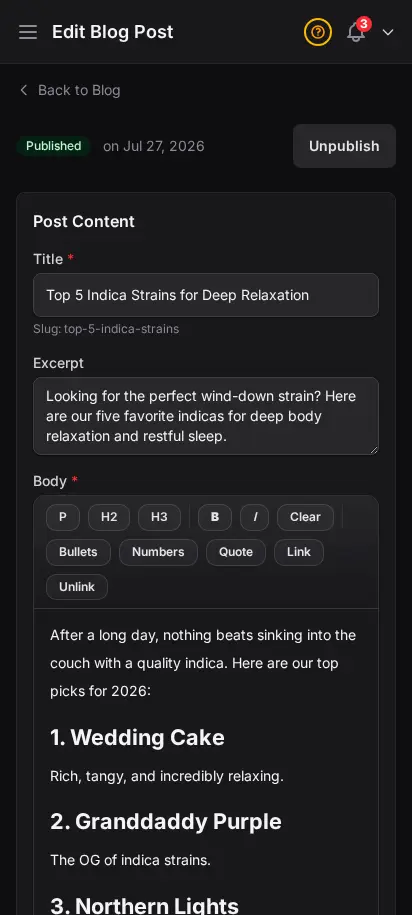
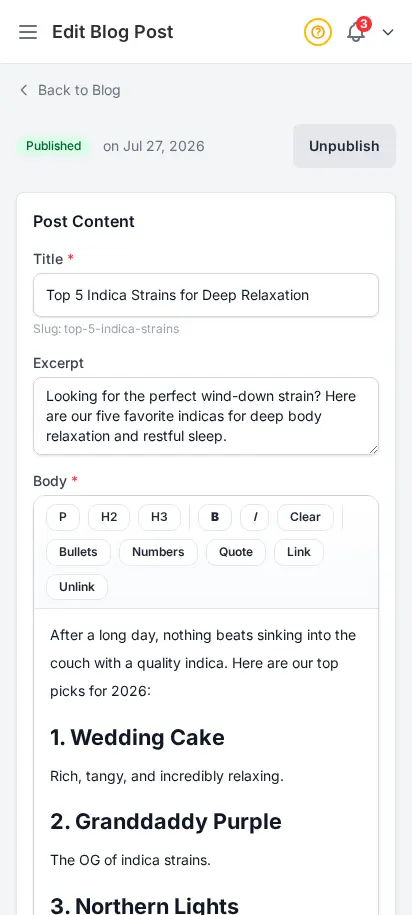
DabDash blog editor showing a saved post with content, SEO fields, and publish settingsDabDash blog editor showing a saved post with content, SEO fields, and publish settings
Explore
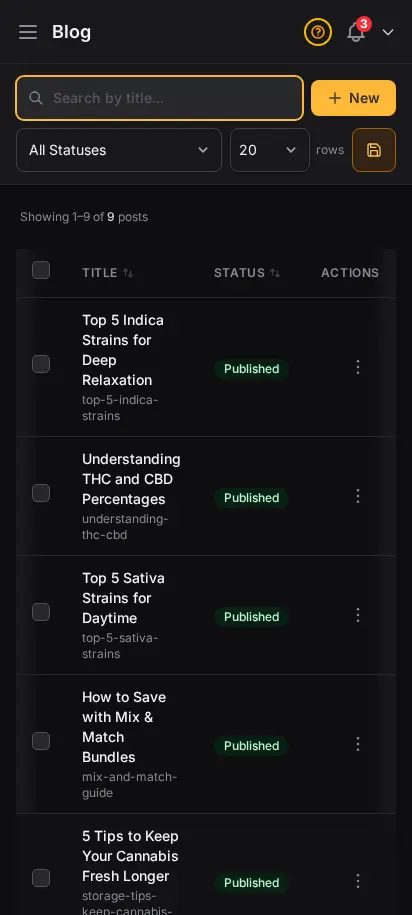
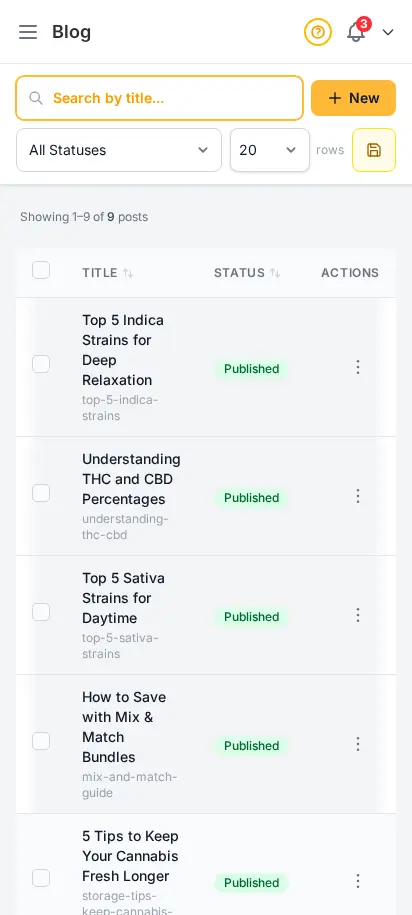
DabDash blog page showing published posts with titles, images, and status badges — mobile viewDabDash blog page showing published posts with titles, images, and status badges — mobile view
Explore
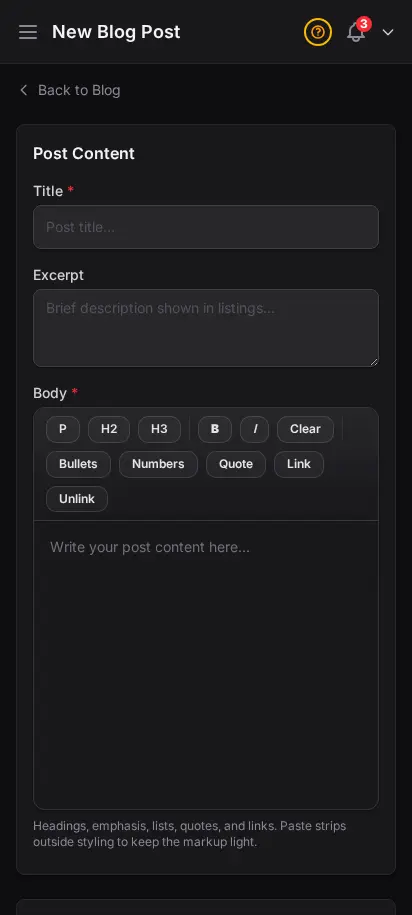
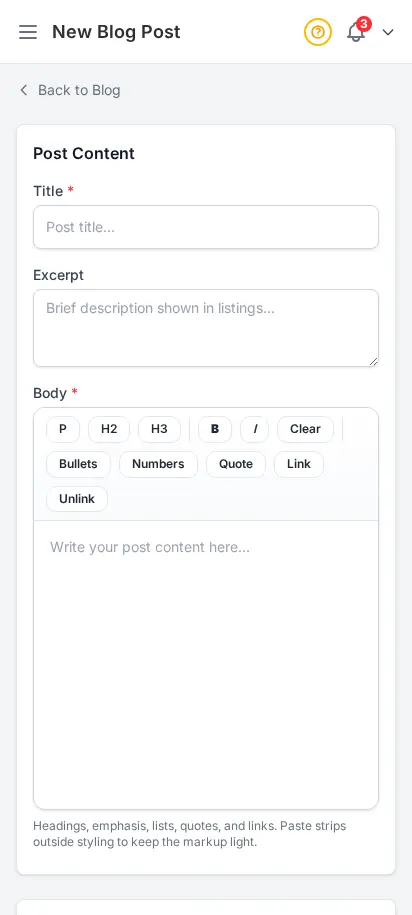
DabDash add blog post form showing title, article body, and publish controls — mobile viewDabDash add blog post form showing title, article body, and publish controls — mobile view
Explore
DabDash blog editor showing a saved post with content, SEO fields, and publish settings — mobile viewDabDash blog editor showing a saved post with content, SEO fields, and publish settings — mobile view
Explore

Publish content that brings customers back

Write blog posts directly in your dashboard. Each post gets its own SEO-friendly page on your storefront so it can rank on Google. Strain reviews, product announcements, educational content — content marketing builds organic traffic over time.

  • Rich text blog editor
  • SEO-friendly URLs with custom slugs for Google indexing
  • Draft and published status workflow
  • Posts appear on your storefront blog section
  • Featured images per post

Never lose a sale to "out of stock"

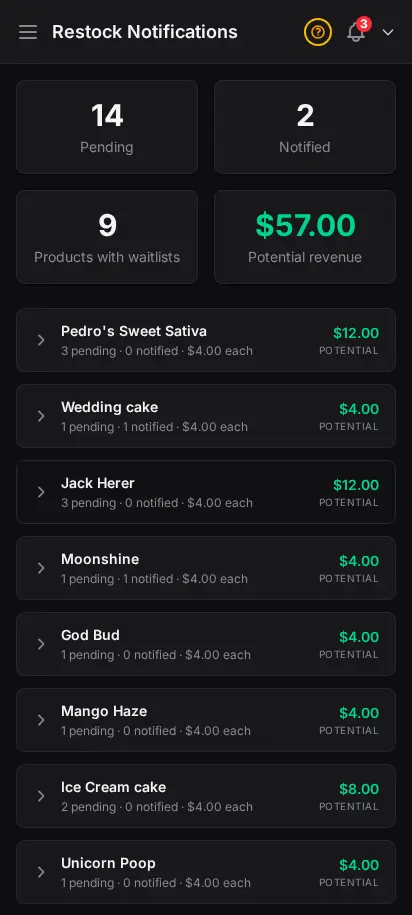
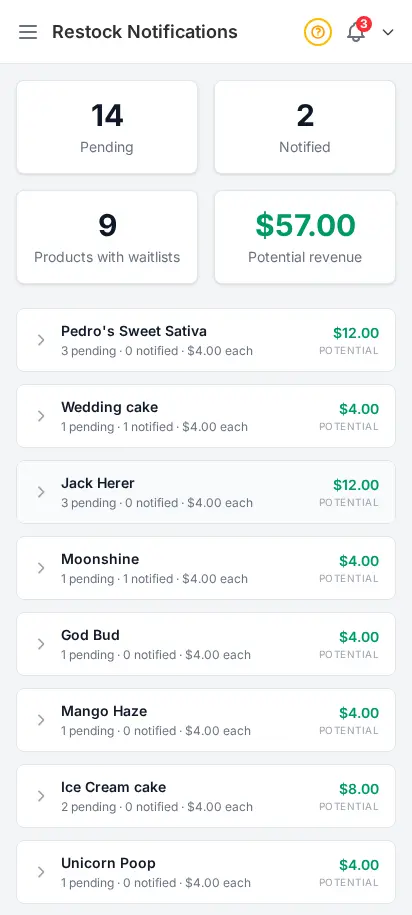
When a product goes out of stock, customers can subscribe to a restock notification. The moment you add stock back, they receive an email automatically. You see all pending notifications in your admin — it's a built-in demand signal.
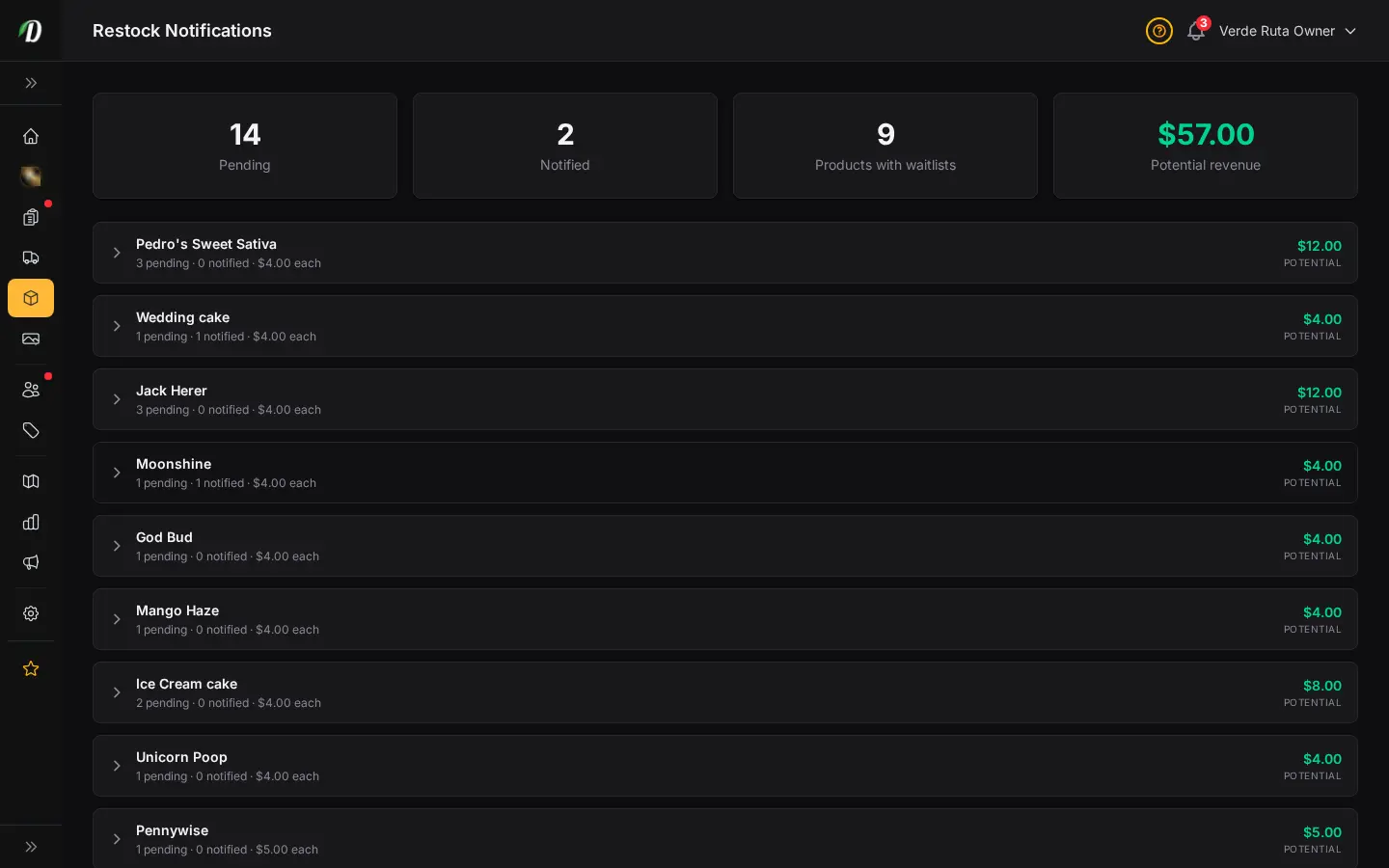
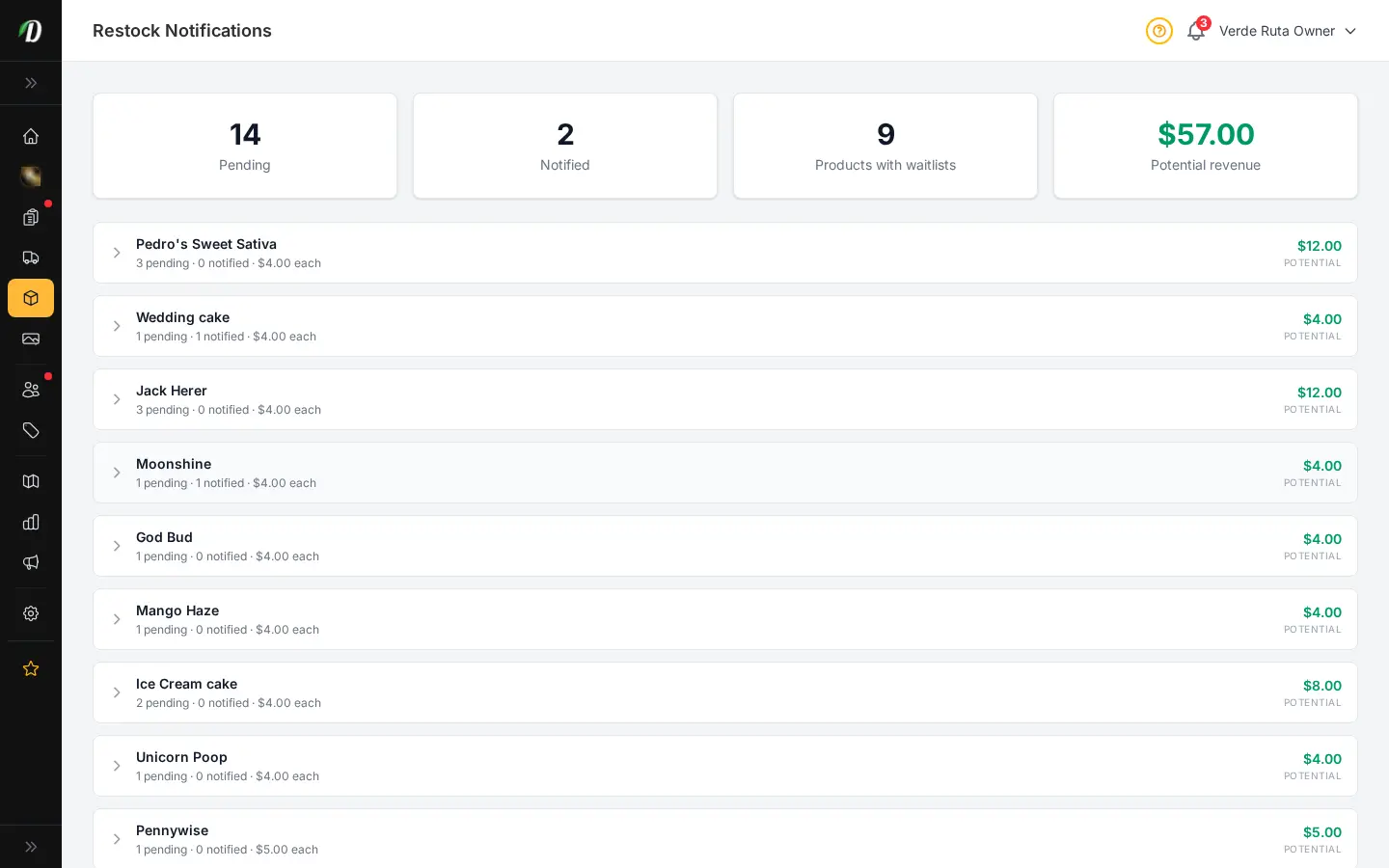
  • Customer-initiated restock email subscriptions
  • Automatic email when stock is added
  • View all pending notification requests
  • Built-in demand signal for restocking decisions
DabDash restock requests page showing shoppers waiting for out of stock productsDabDash restock requests page showing shoppers waiting for out of stock products
Click to explore
DabDash restock requests page showing shoppers waiting for out of stock productsDabDash restock requests page showing shoppers waiting for out of stock products
Click to explore
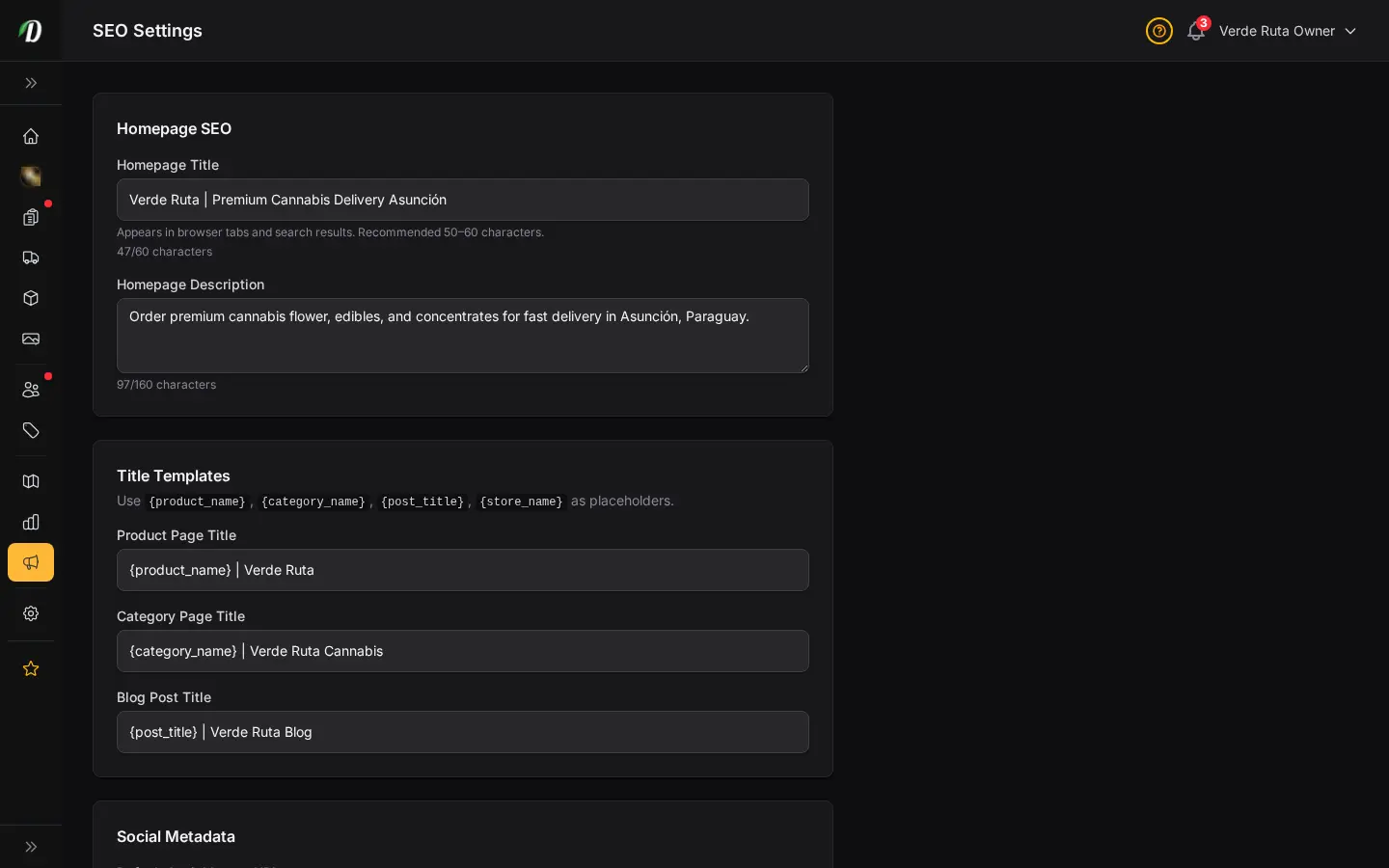
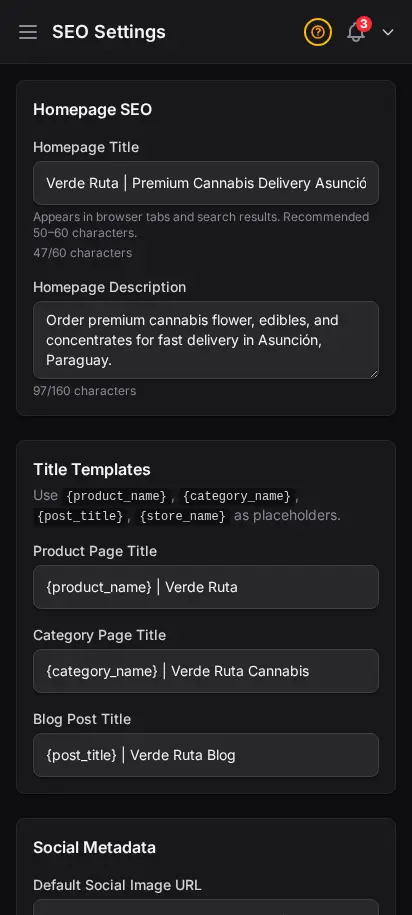
DabDash SEO settings showing filled in meta title, description, and share image fieldsDabDash SEO settings showing filled in meta title, description, and share image fields
Click to explore
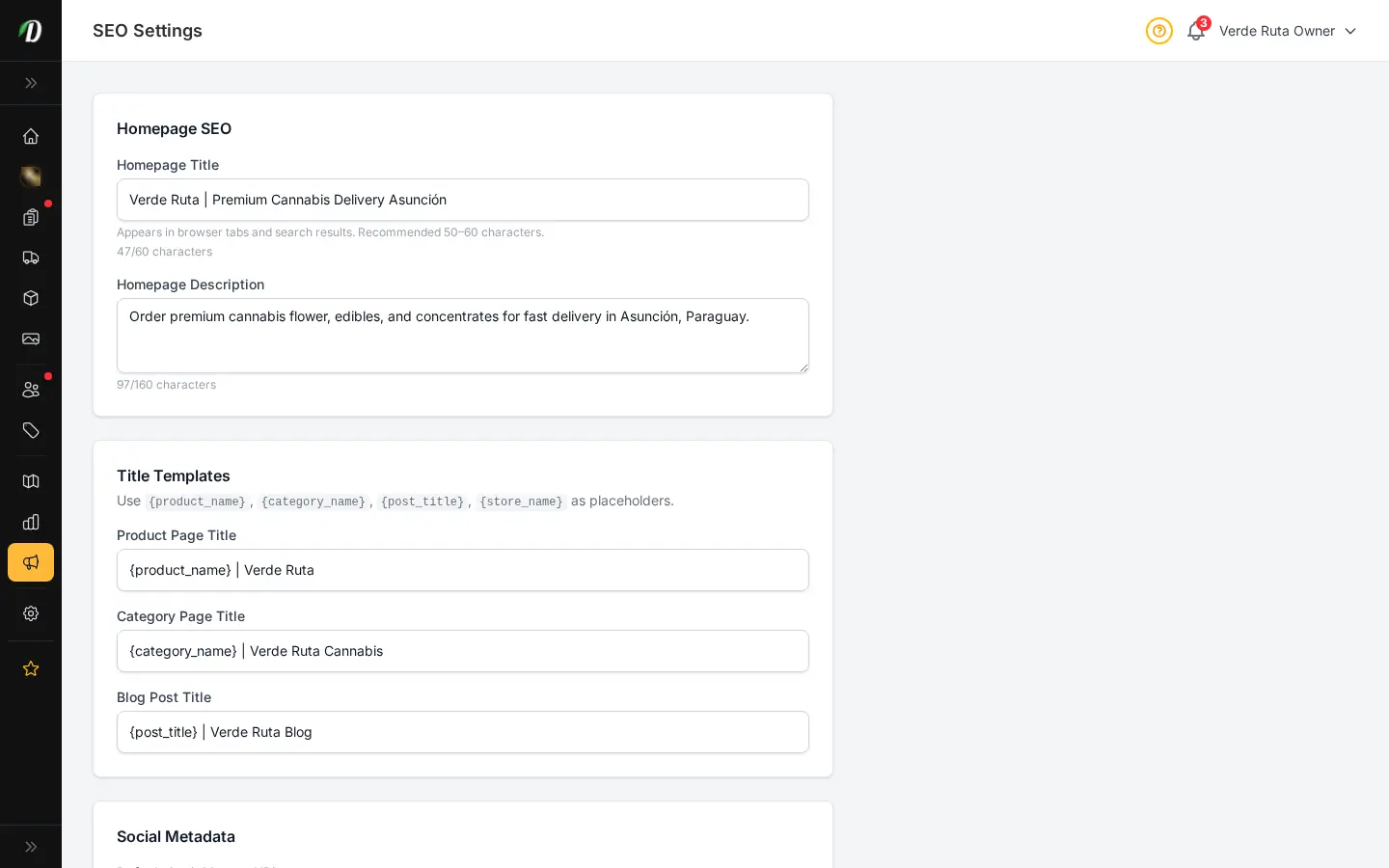
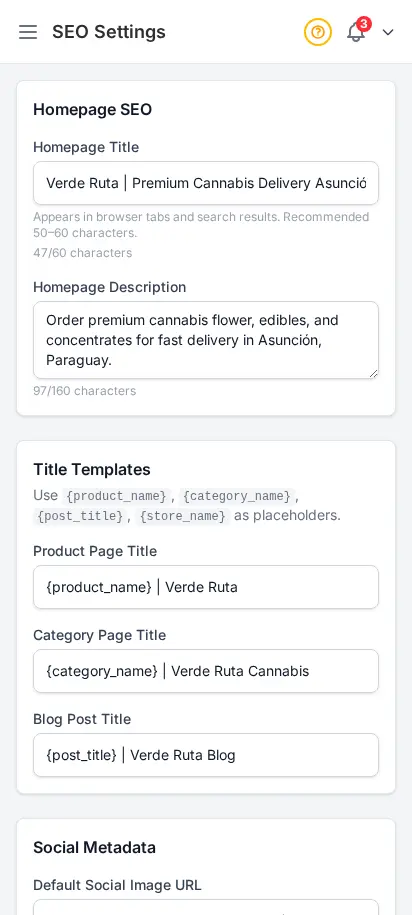
DabDash SEO settings showing filled in meta title, description, and share image fieldsDabDash SEO settings showing filled in meta title, description, and share image fields
Click to explore

Rank higher in local cannabis search

Set your store's global SEO defaults: homepage title, description, and share image. Every storefront page is server-side rendered with sitemaps and structured data. SEO MAX adds weekly AI blog posts, per-product SEO title and meta fields on the live storefront, strain library sync, star ratings in Google, and the Search Console report.

  • Global meta title and description defaults
  • Open Graph image configuration
  • Server-side rendered pages for crawlability on Google
  • SEO MAX add-on: AI blog automation, per-product meta, strain sync, Search Console report

Customize your view

Choose how you'd like to see the screenshots.

Device

Theme