Delivery Logistics

View the Full Product Tour
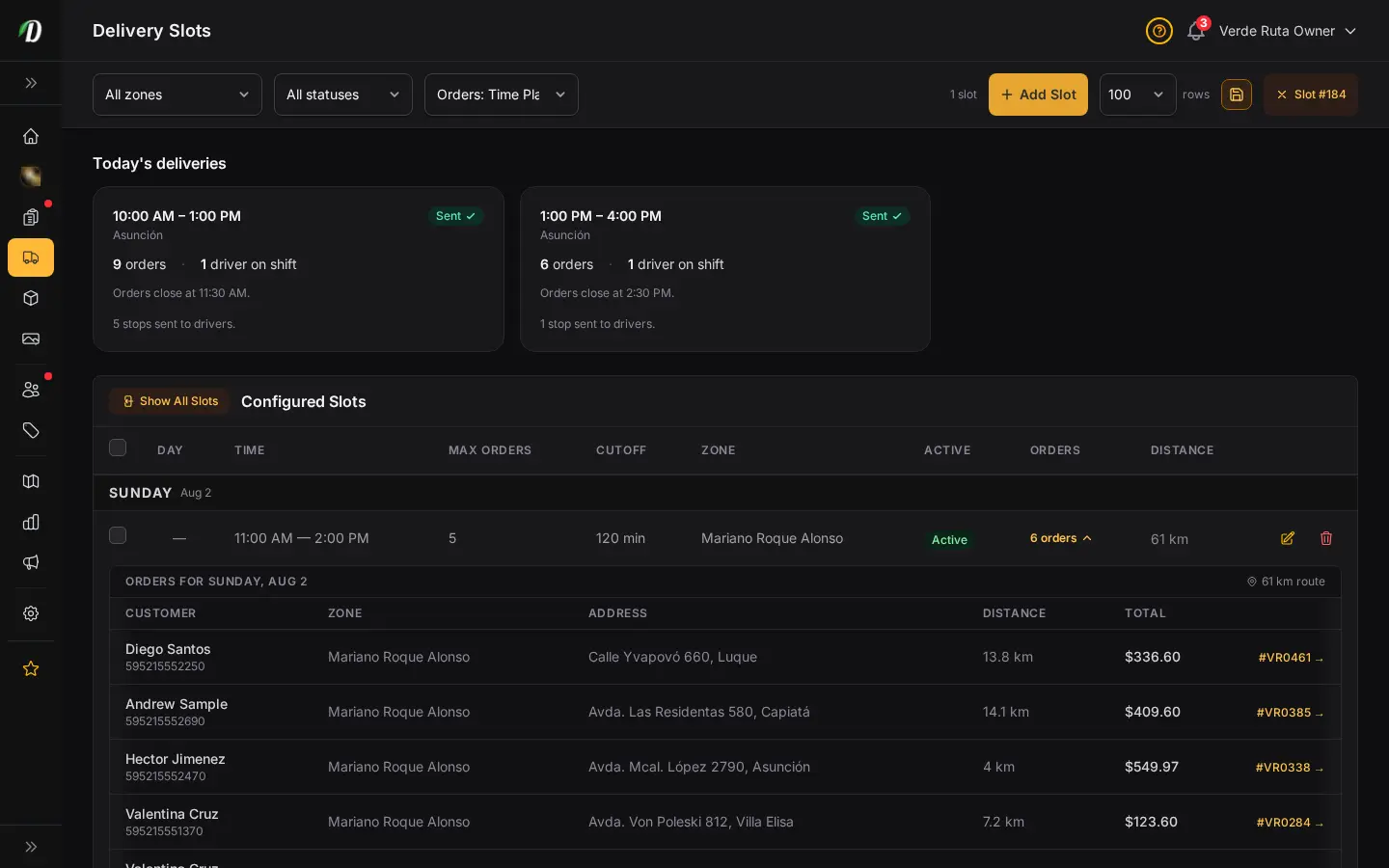
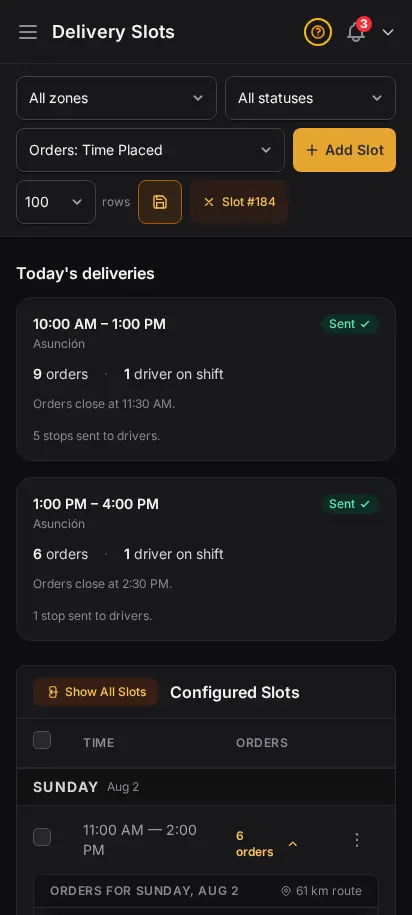
DabDash delivery slots page showing time windows with booked orders inside each slotDabDash delivery slots page showing time windows with booked orders inside each slot
Click to explore
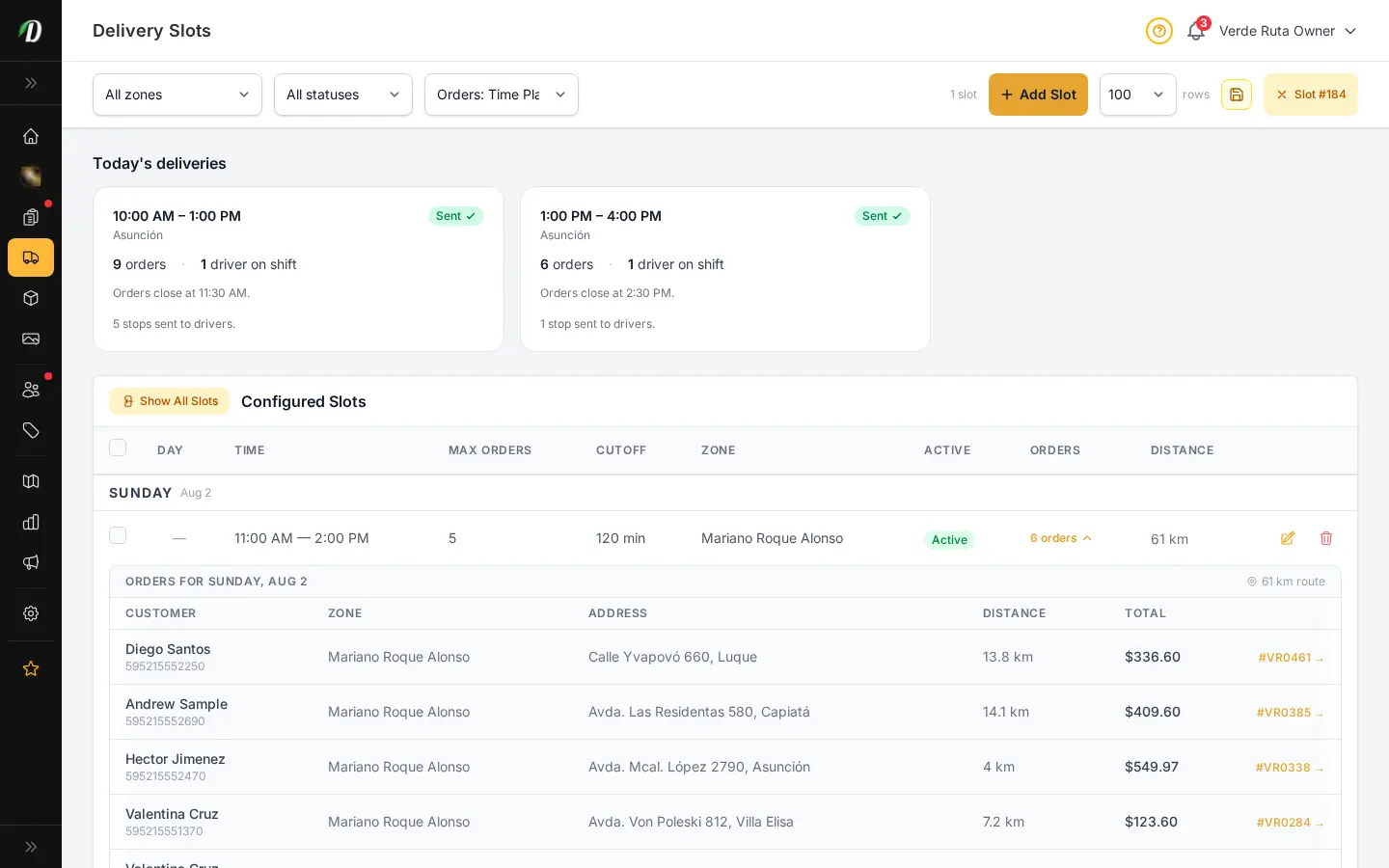
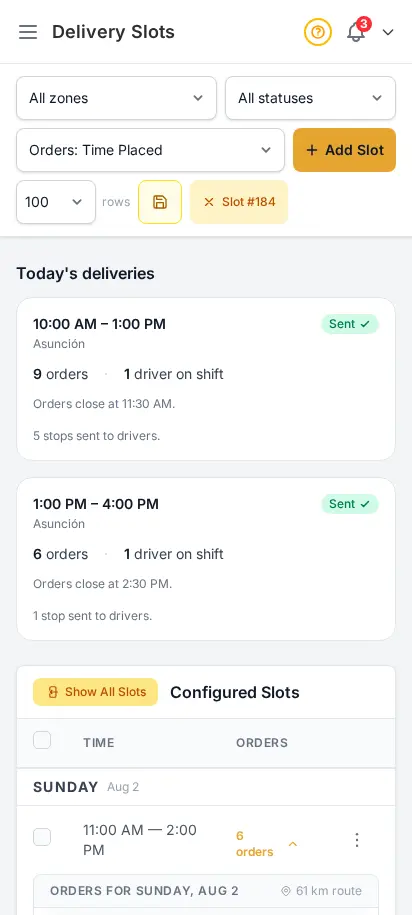
DabDash delivery slots page showing time windows with booked orders inside each slotDabDash delivery slots page showing time windows with booked orders inside each slot
Click to explore

Let customers pick their delivery window

Create delivery time windows so customers can choose when their order arrives. Set capacity limits per slot, specify available days of the week, and define time windows that match your driver schedules.

  • Configurable time windows (e.g., 10am–12pm, 2pm–4pm)
  • Per-slot capacity limits
  • Day-of-week scheduling
  • Customers select their preferred slot at checkout

Every driver, every stop, at a glance

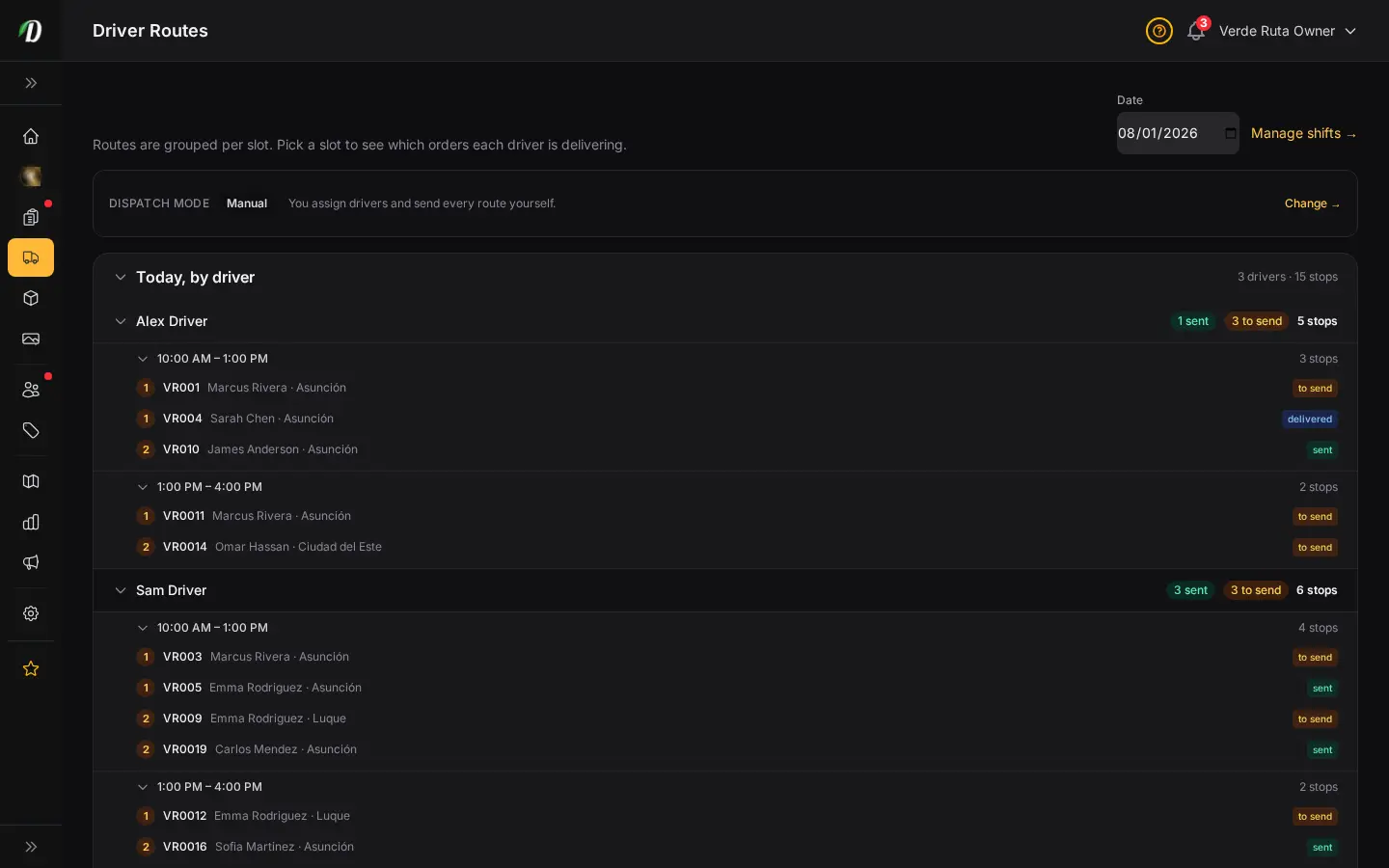
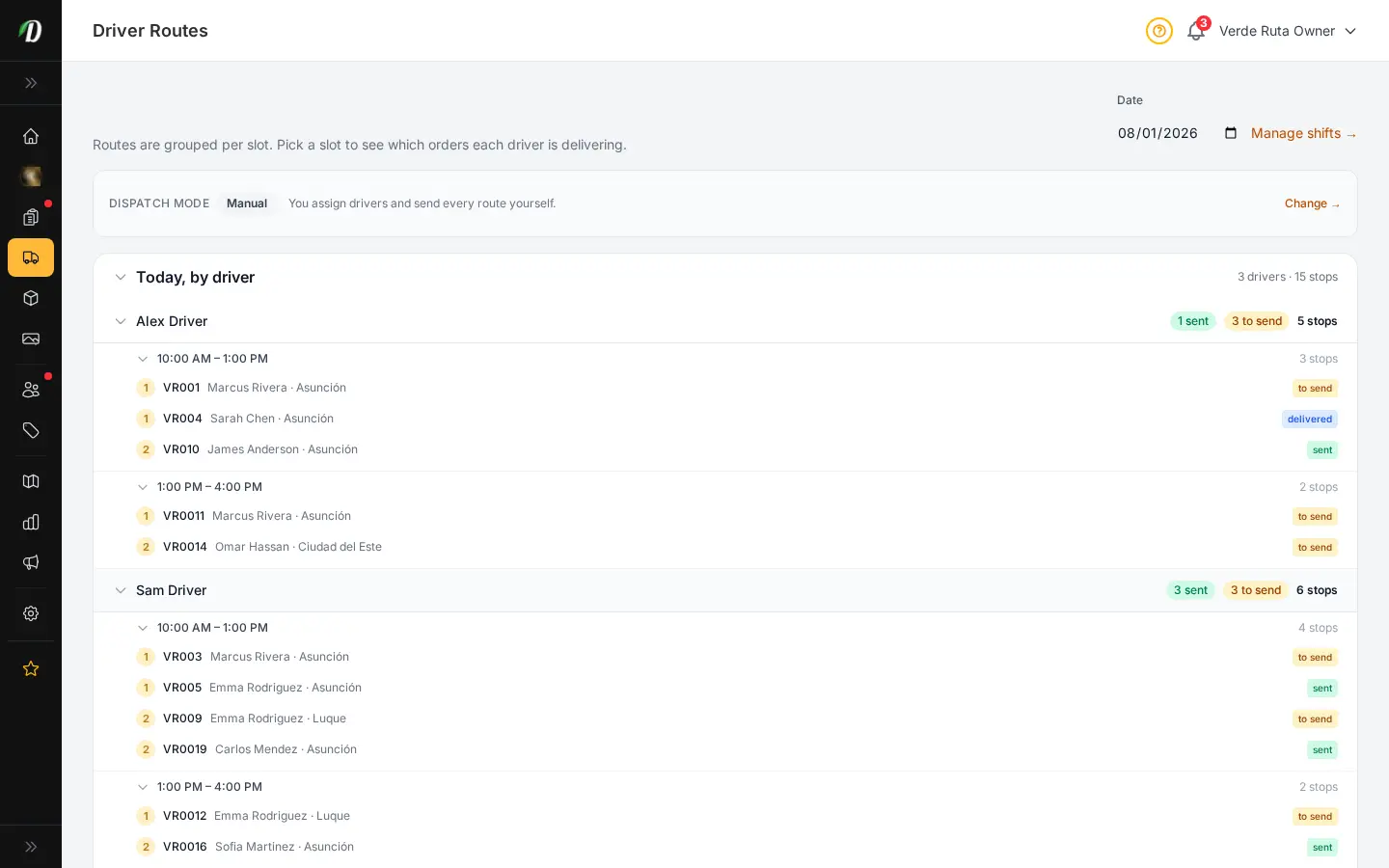
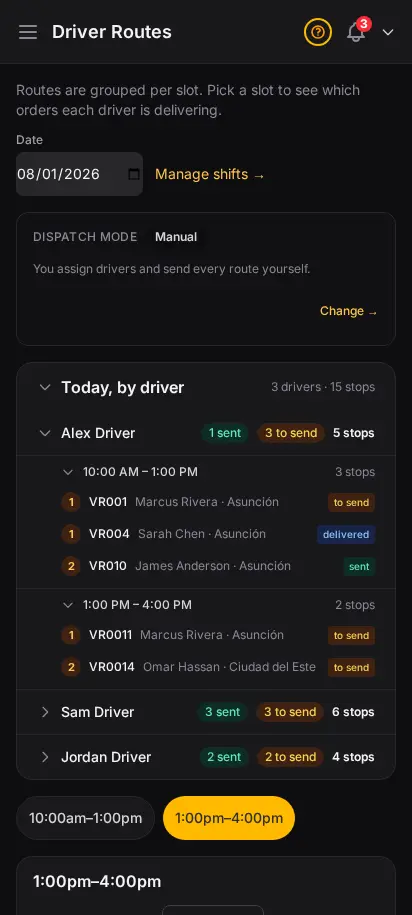
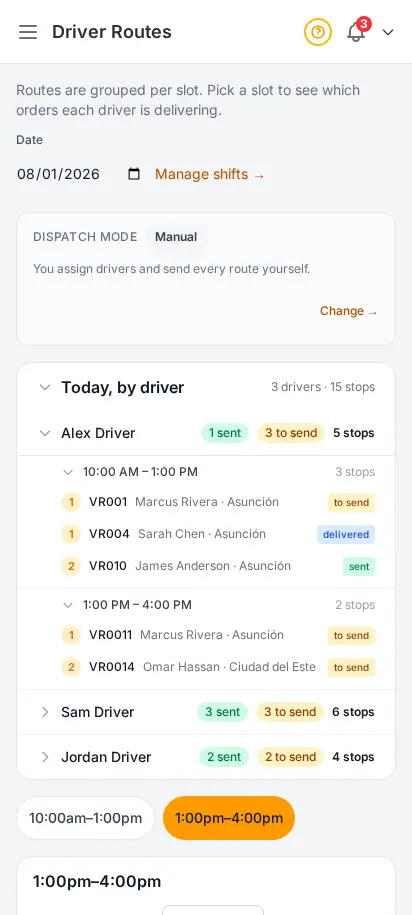
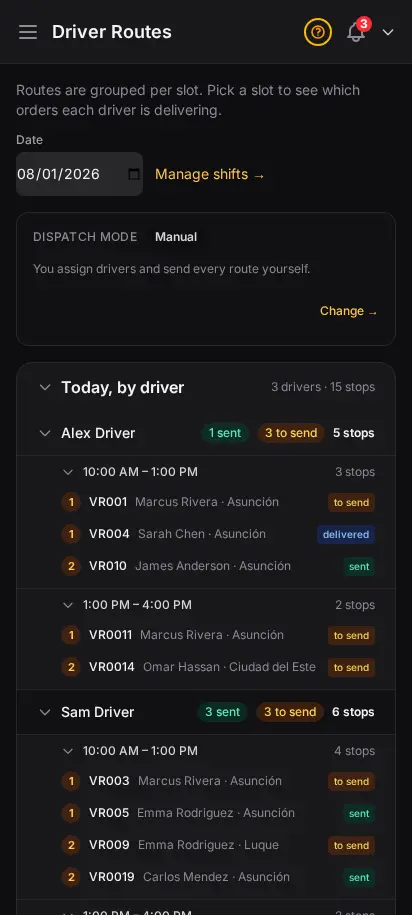
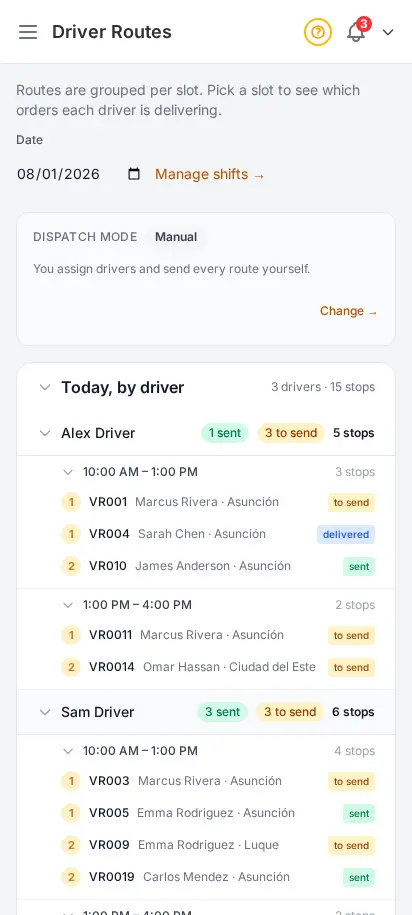
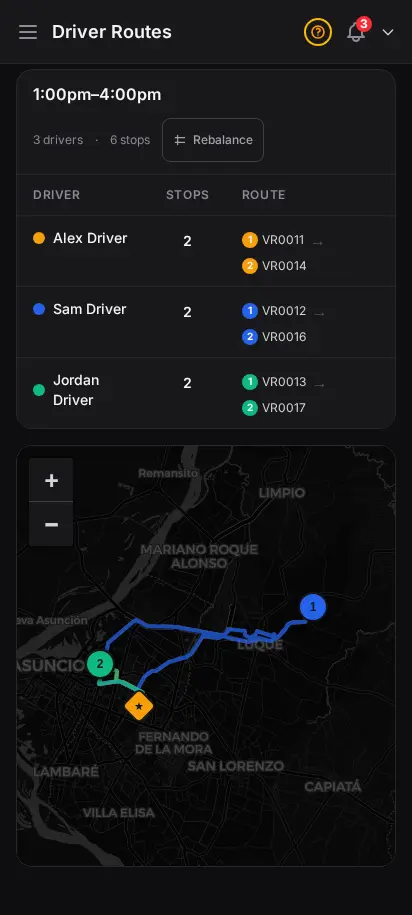
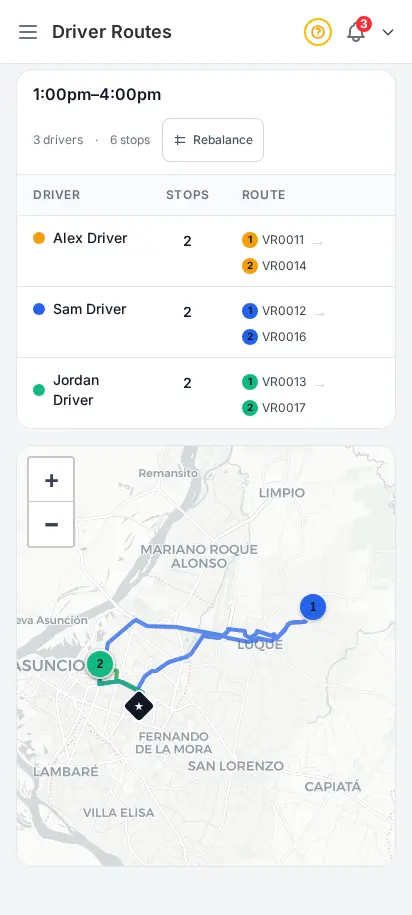
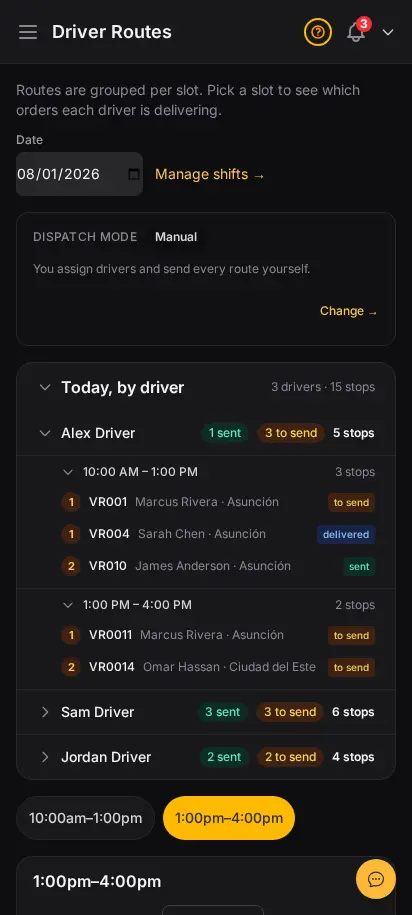
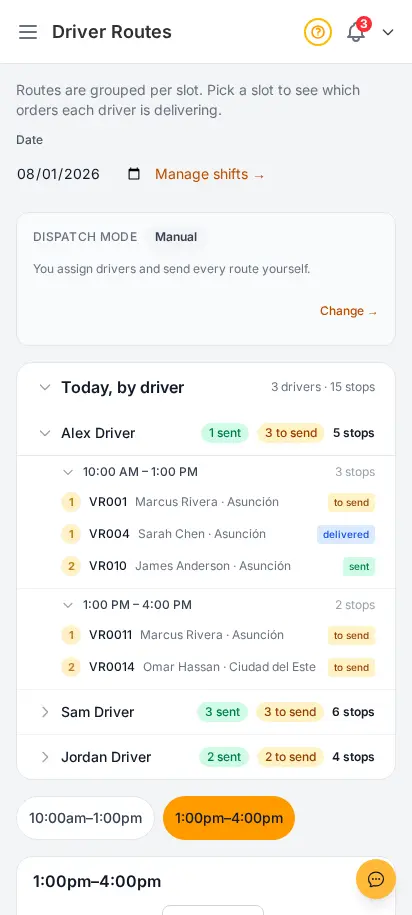
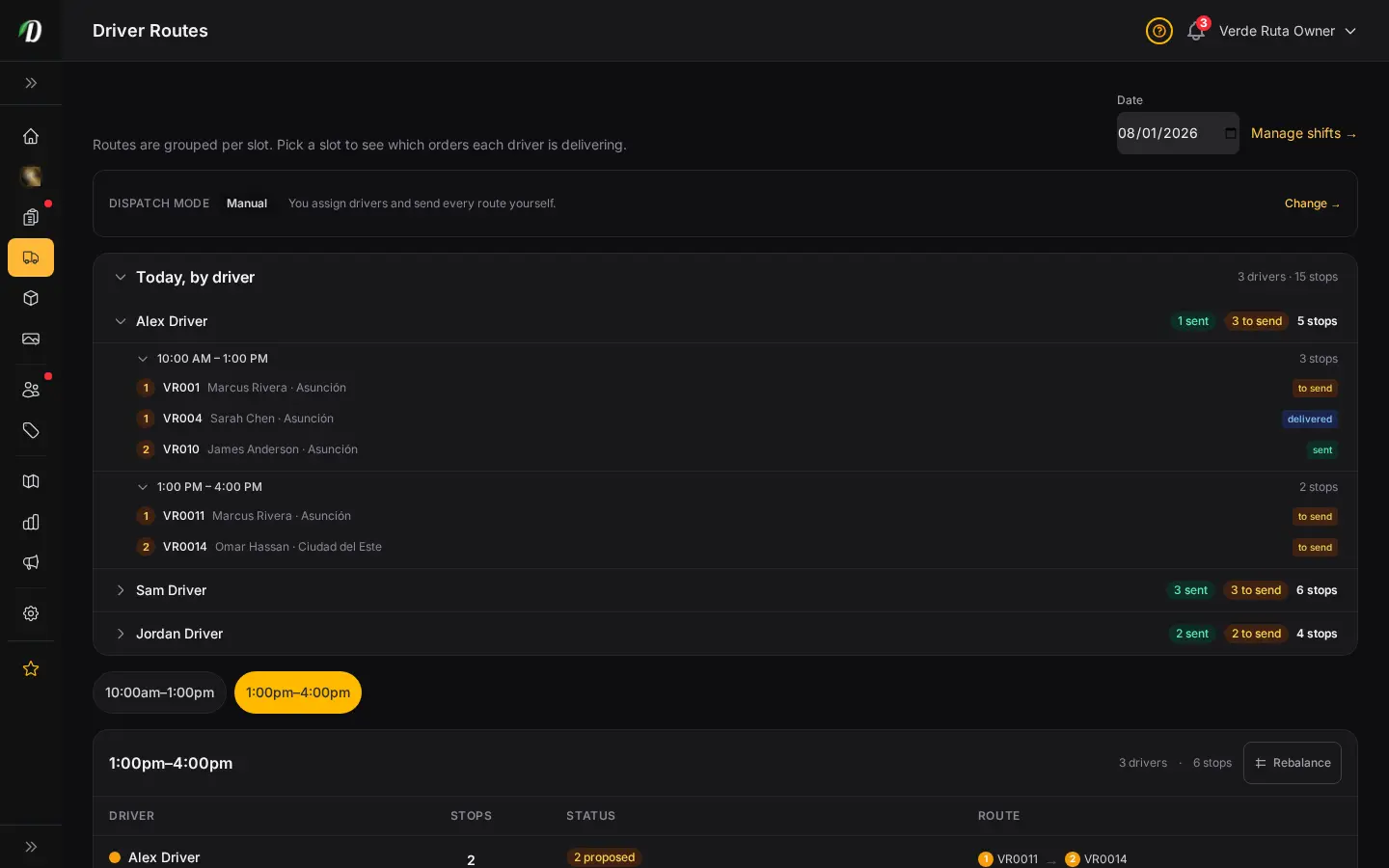
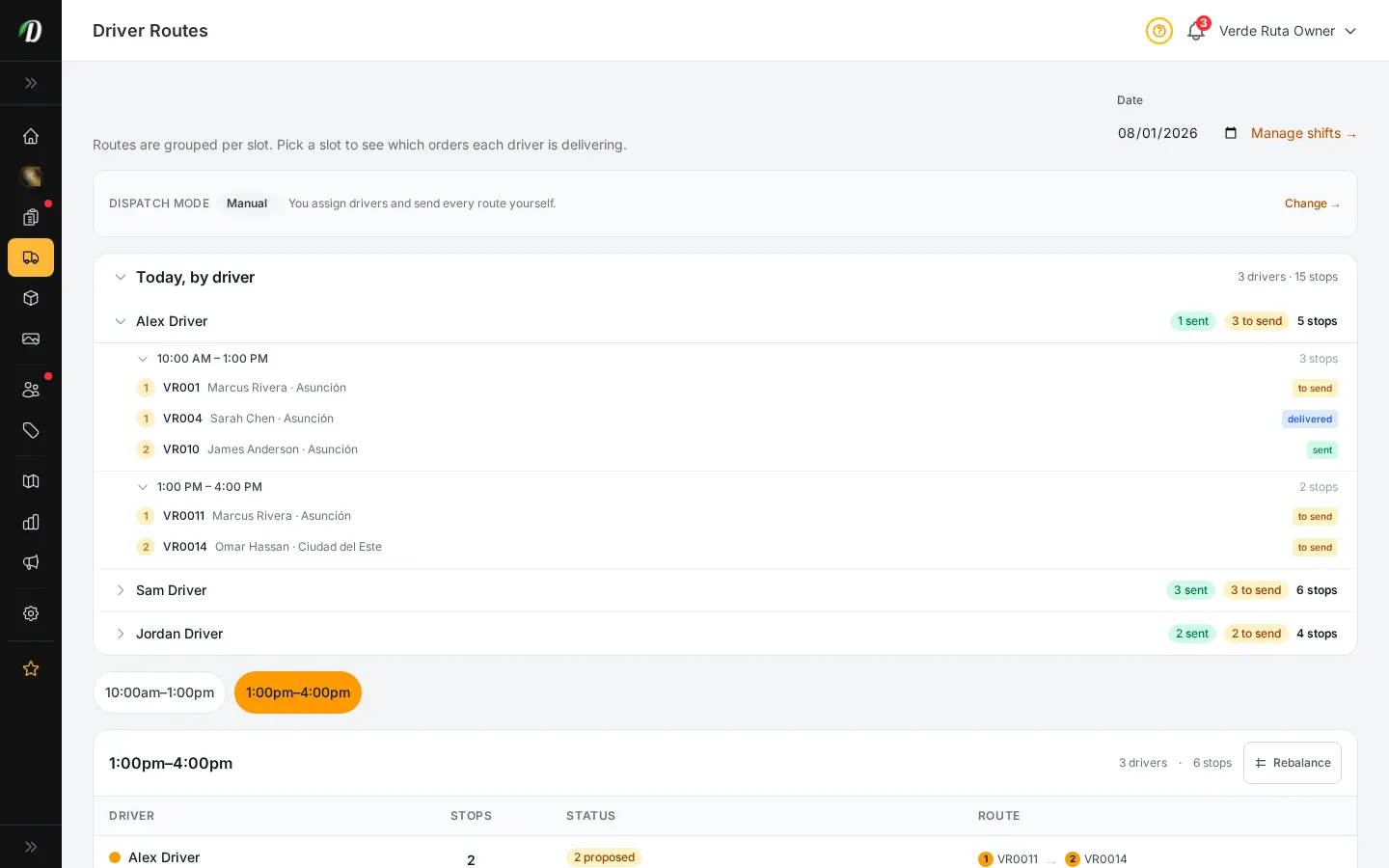
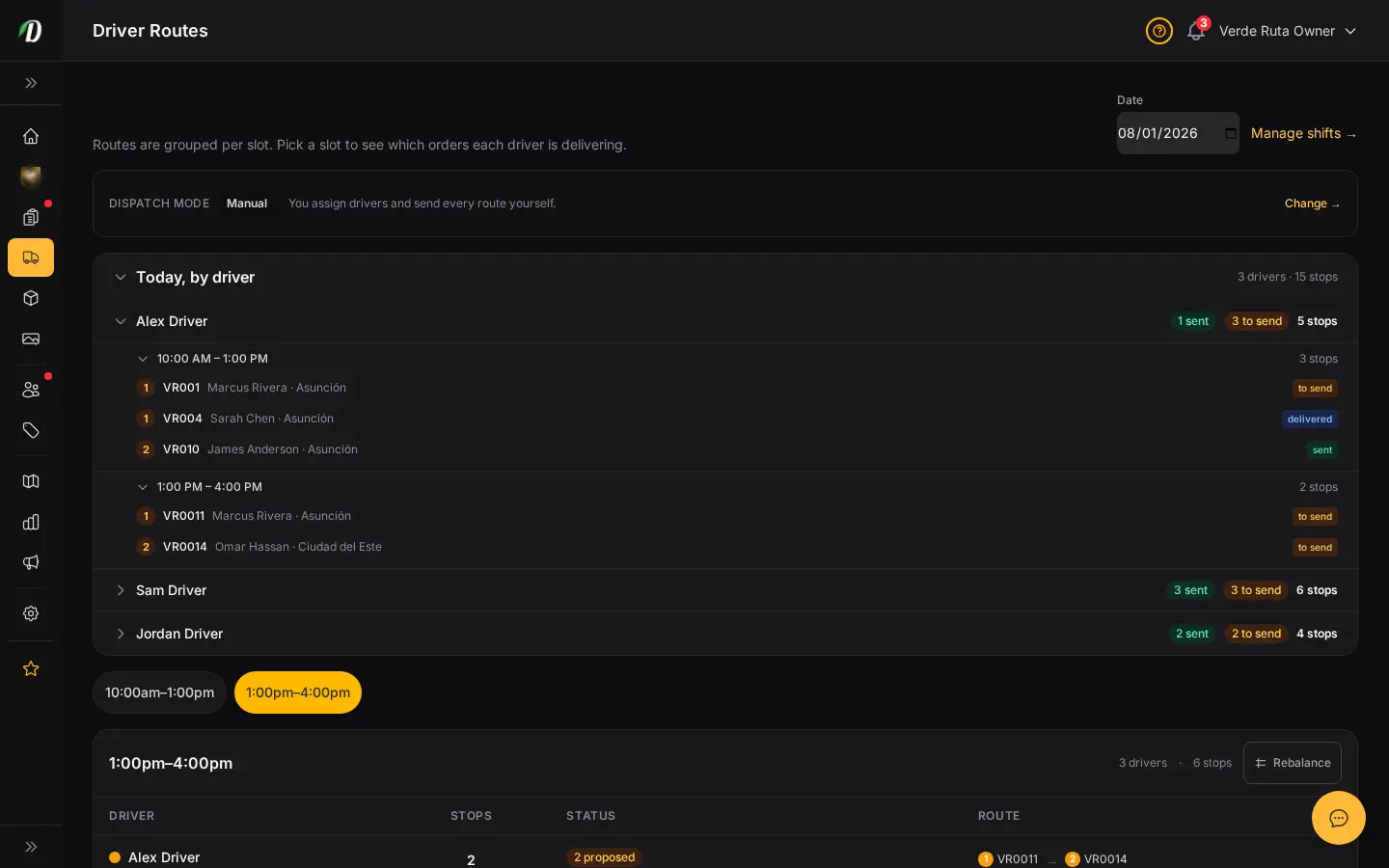
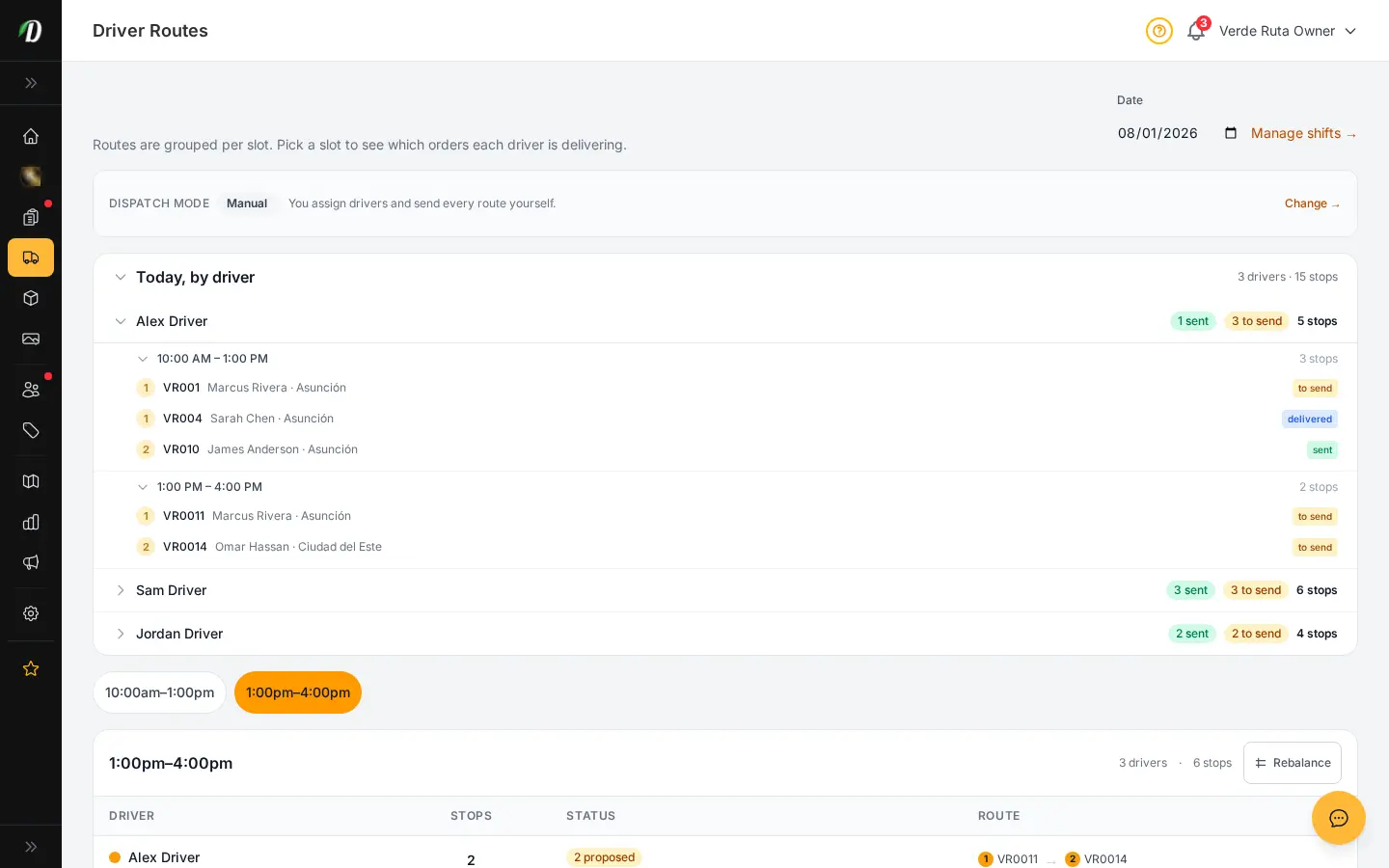
See exactly what each driver is delivering today — grouped by driver, then time window, then stop, in the order they will drive it. Pick how hands-on you want to be: assign everything yourself, let us draft routes for you to review, or fully automate it. When you need to rebalance, drag a not-yet-sent stop onto another driver and it moves instantly.
  • Driver → time window → ordered stops, on one screen
  • Manual, Hybrid, or Automatic dispatch — your call
  • Smart route optimization so drivers do more per shift
  • Drag-to-rebalance stops between drivers in seconds
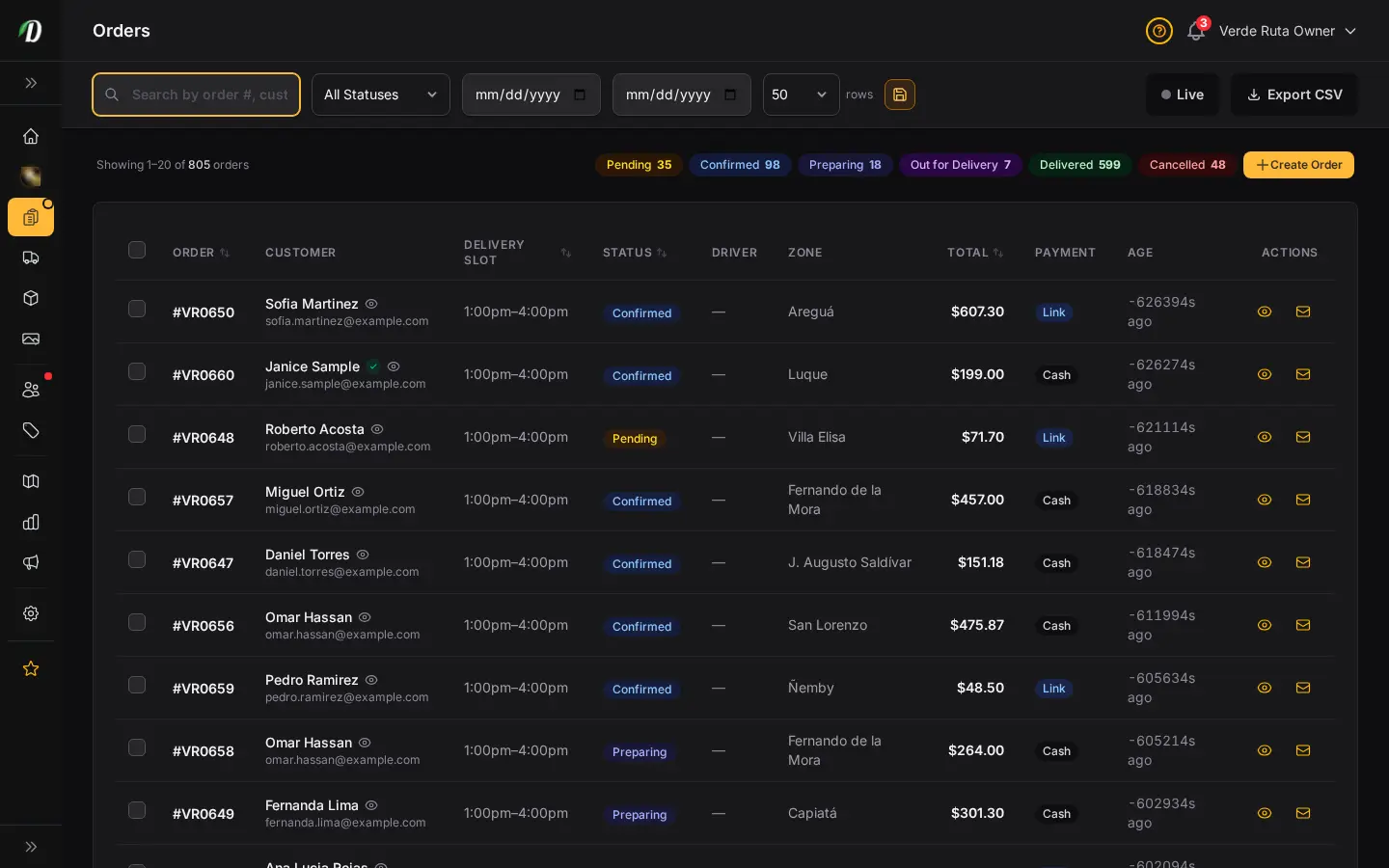
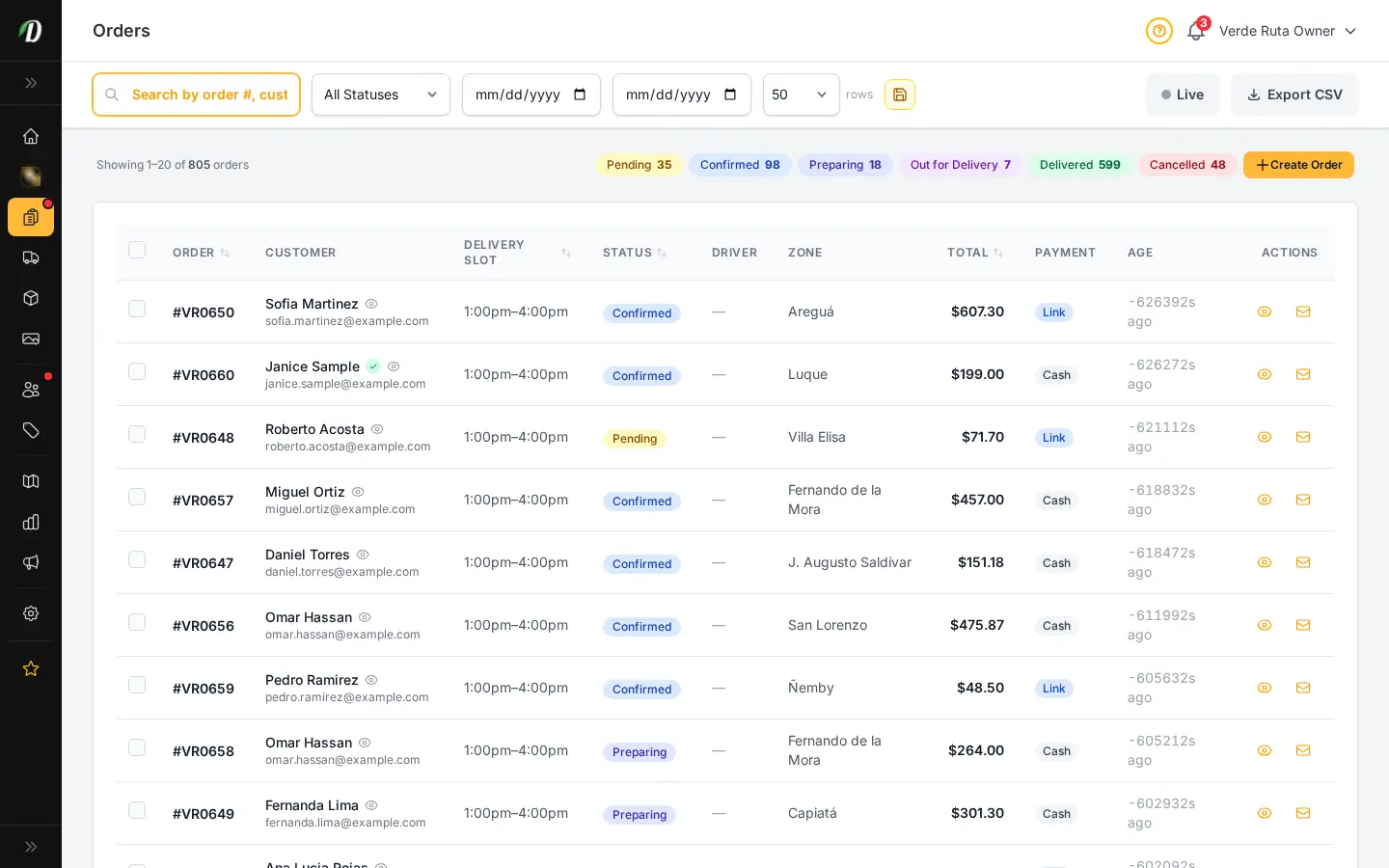
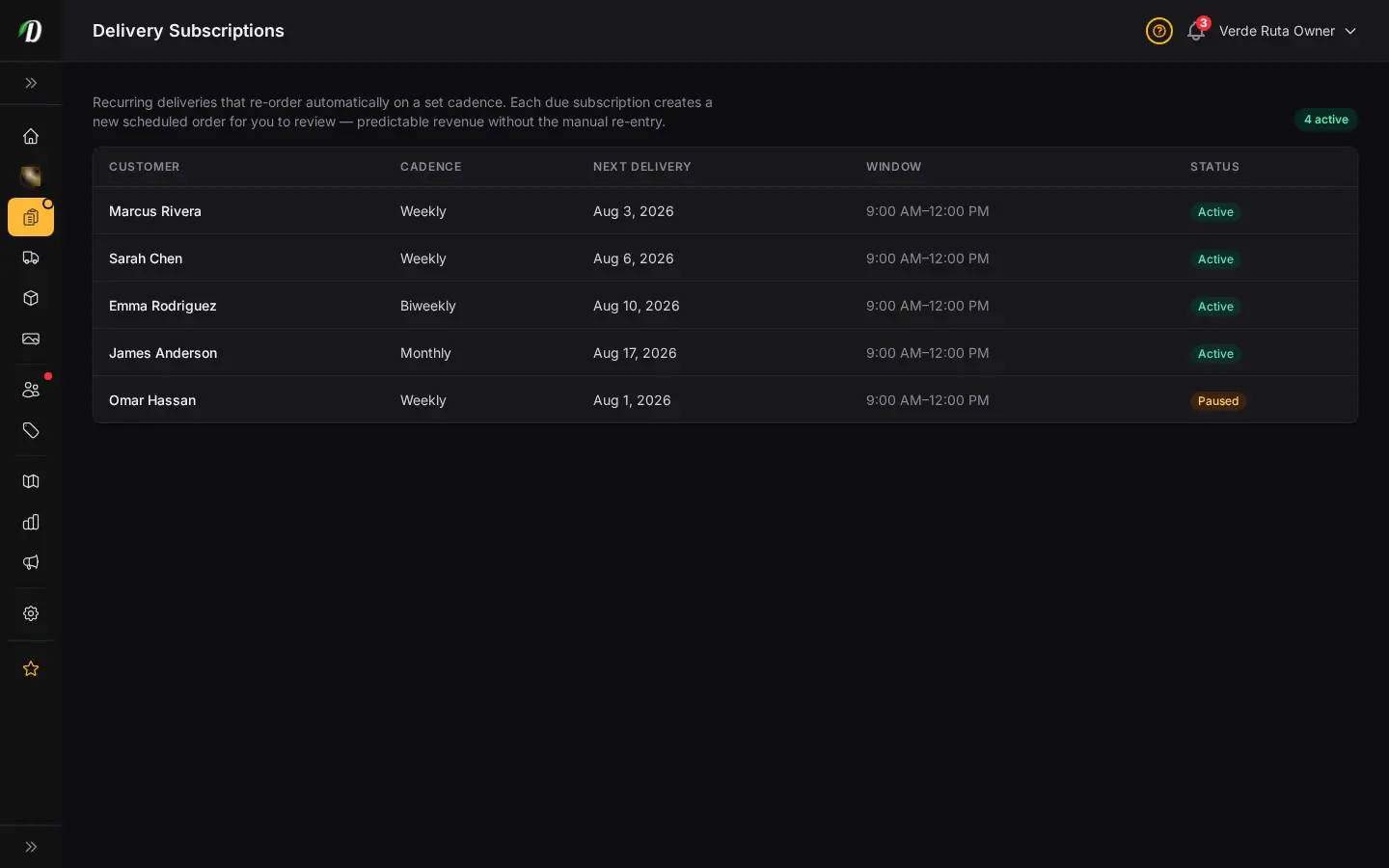
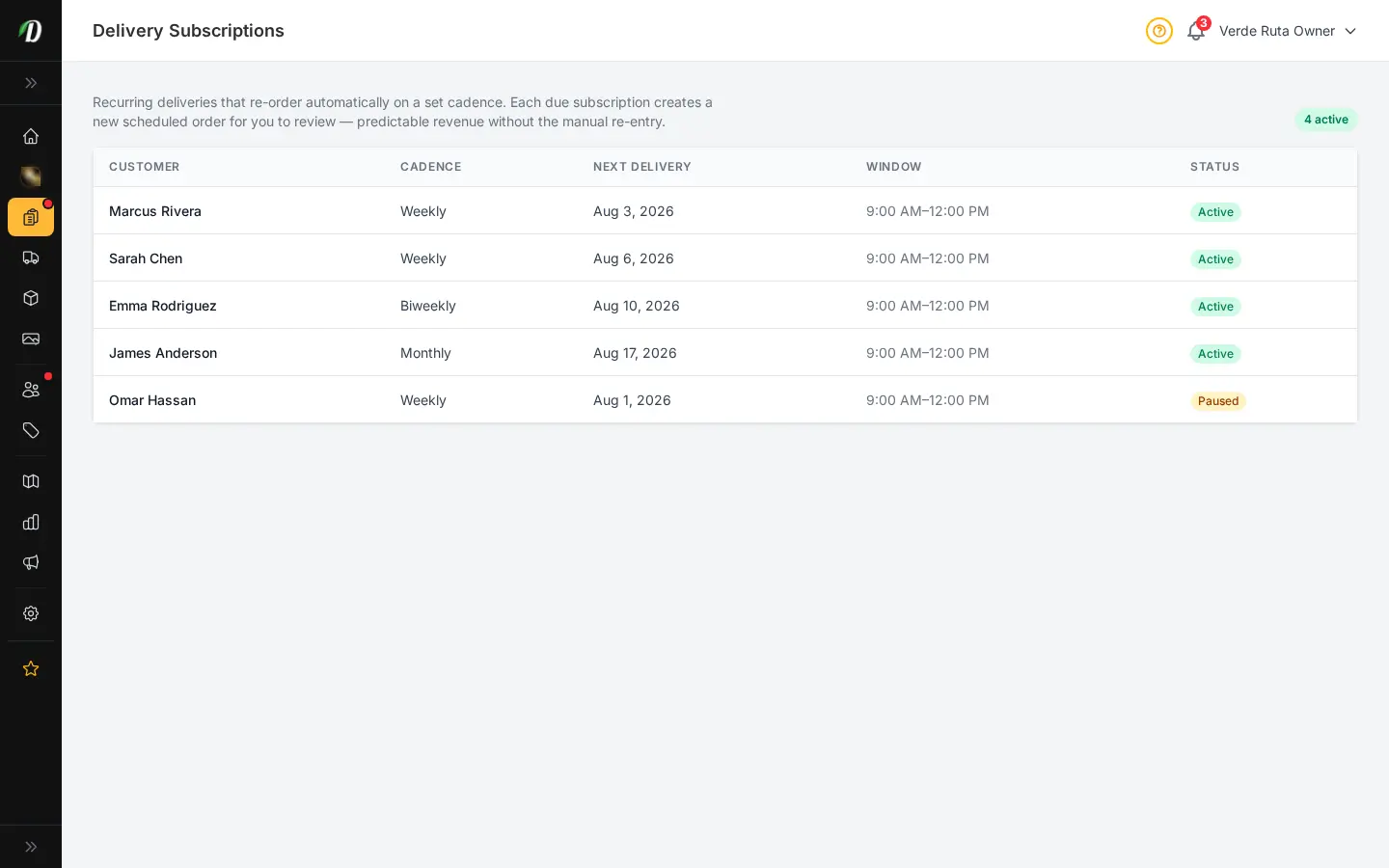
  • Recurring delivery subscriptions for predictable revenue
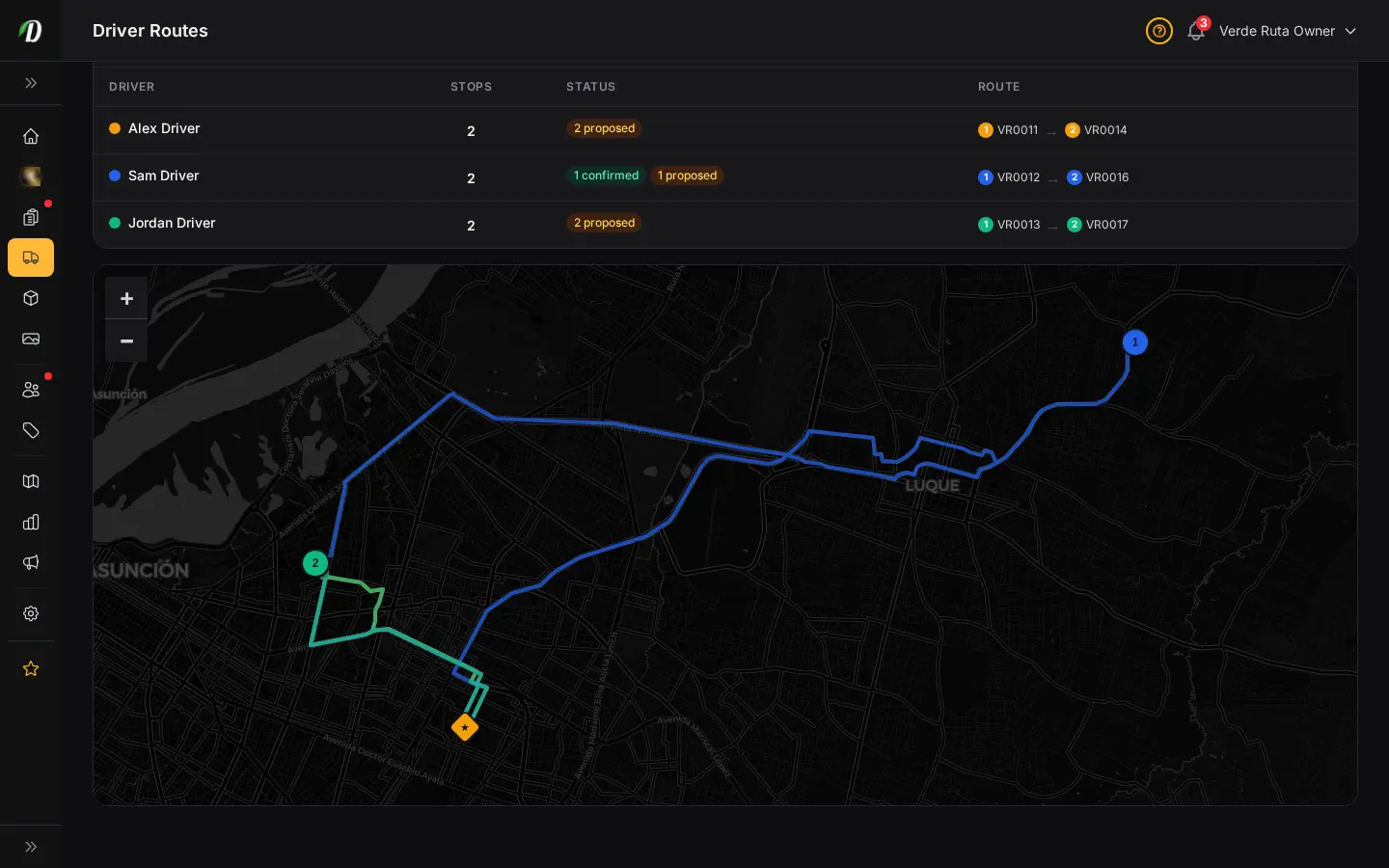
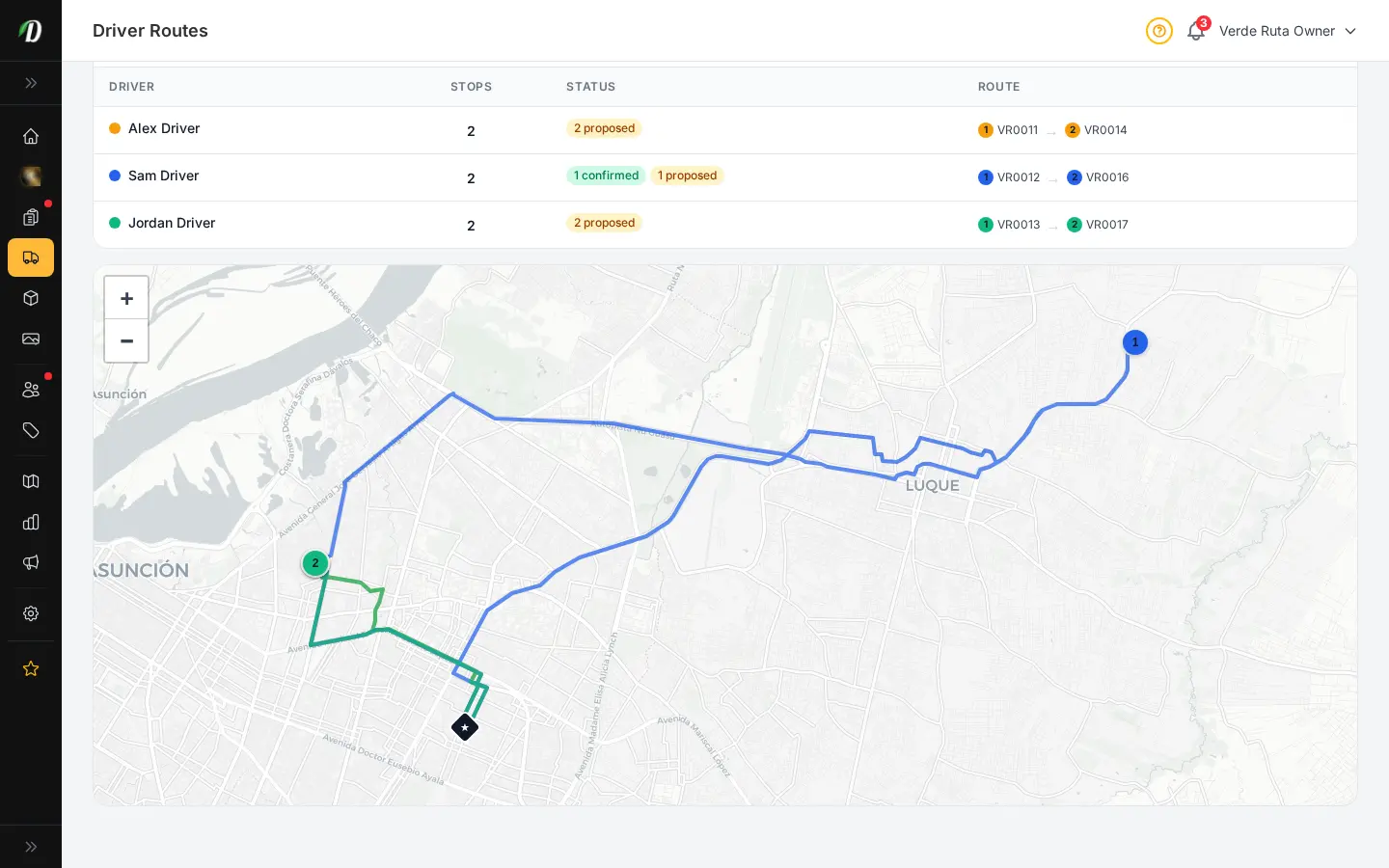
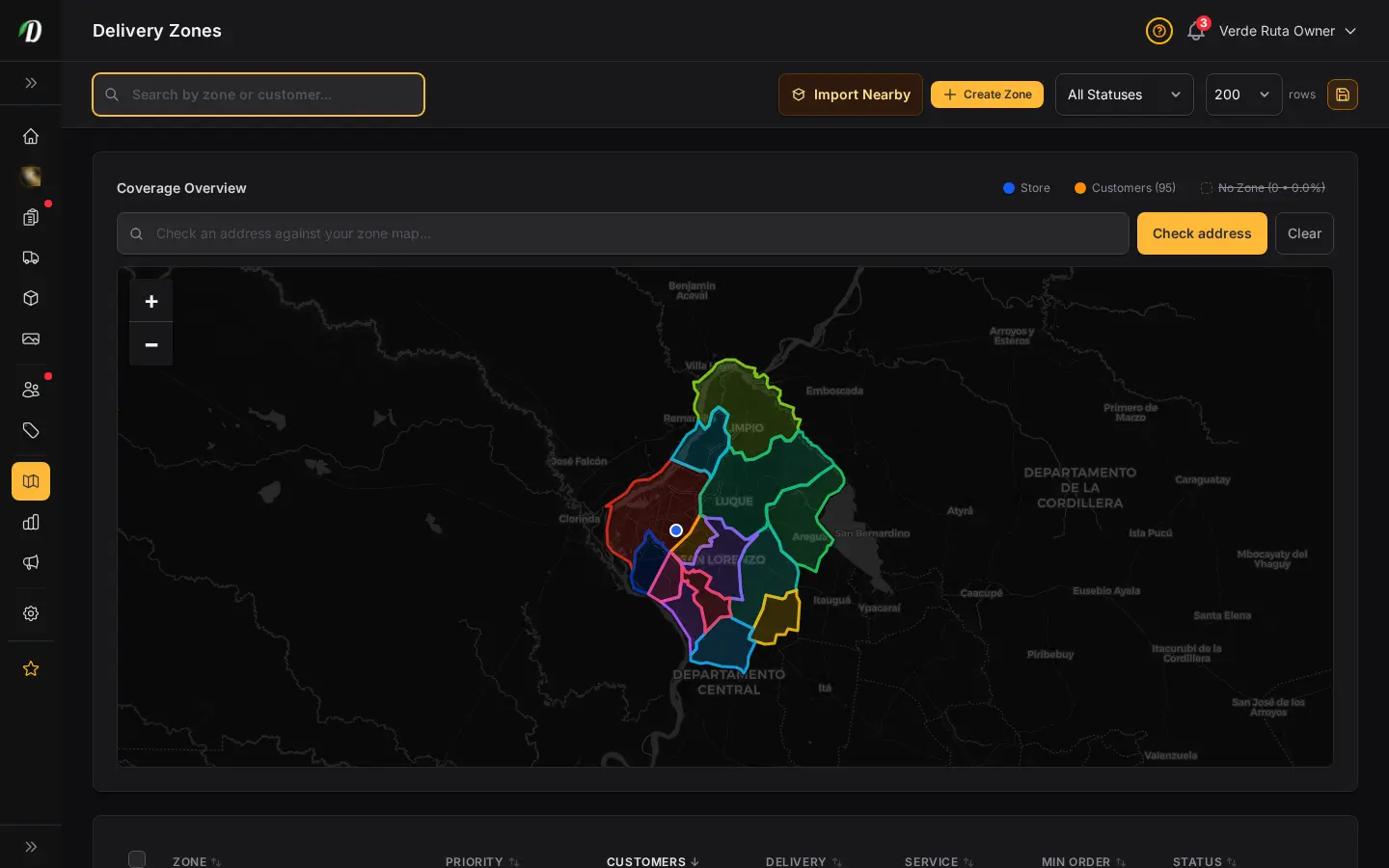
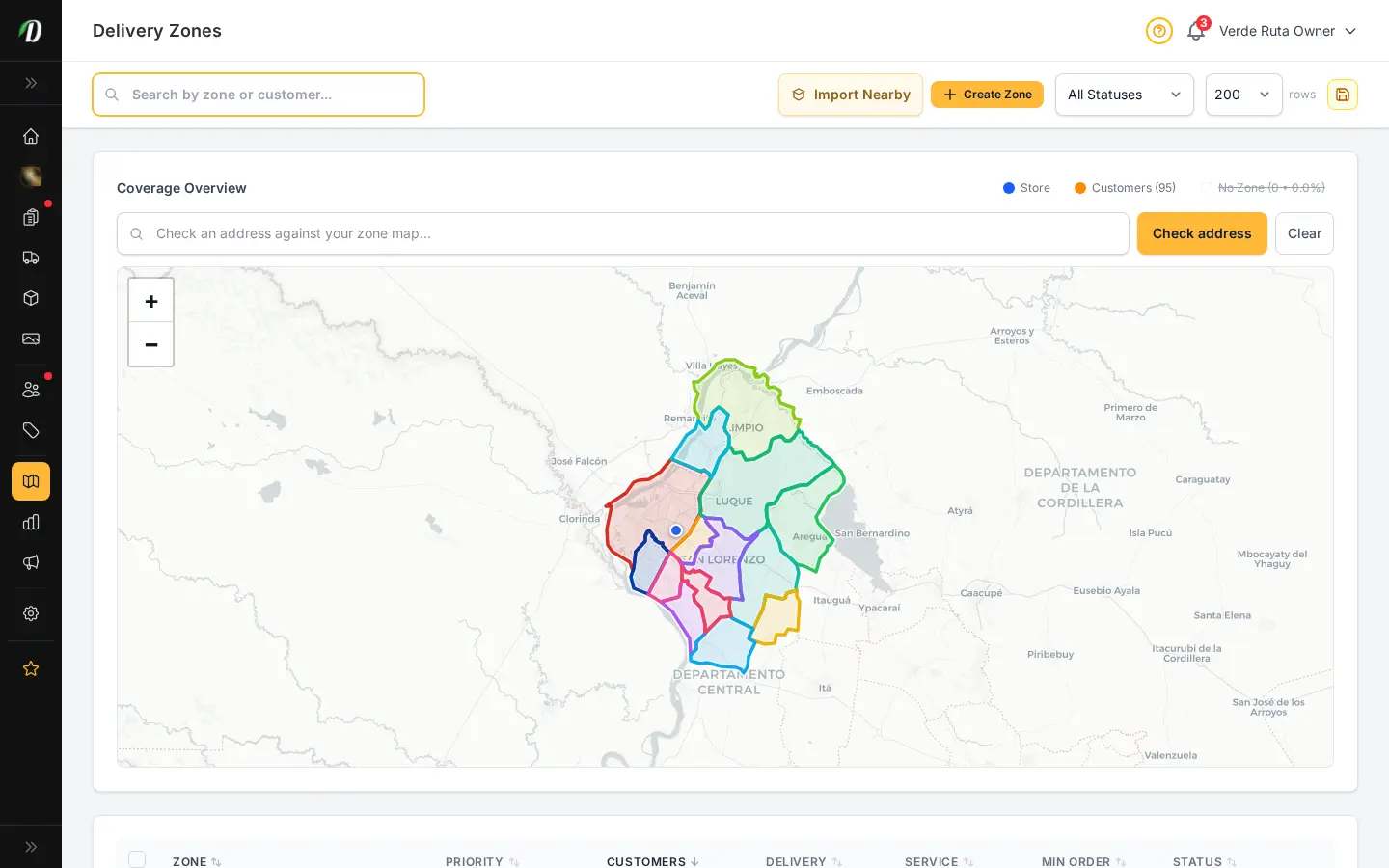
DabDash driver routes page showing a map of delivery stops colour-coded by driver alongside a per-driver stops tableDabDash driver routes page showing a map of delivery stops colour-coded by driver alongside a per-driver stops table
Click to explore
DabDash dispatch command center showing the dispatch mode indicator and a driver-first rollup of every driver, their delivery time windows, and ordered stopsDabDash dispatch command center showing the dispatch mode indicator and a driver-first rollup of every driver, their delivery time windows, and ordered stops
Explore
DabDash driver routes page in Map Mode with draggable stop chips for rebalancing deliveries between driversDabDash driver routes page in Map Mode with draggable stop chips for rebalancing deliveries between drivers
Explore
DabDash driver routes page showing a map of delivery stops colour-coded by driver alongside a per-driver stops table — mobile viewDabDash driver routes page showing a map of delivery stops colour-coded by driver alongside a per-driver stops table — mobile view
Explore
DabDash dispatch command center showing the dispatch mode indicator and a driver-first rollup of every driver, their delivery time windows, and ordered stops — mobile viewDabDash dispatch command center showing the dispatch mode indicator and a driver-first rollup of every driver, their delivery time windows, and ordered stops — mobile view
Explore
DabDash driver routes page in Map Mode with draggable stop chips for rebalancing deliveries between drivers — mobile viewDabDash driver routes page in Map Mode with draggable stop chips for rebalancing deliveries between drivers — mobile view
Explore
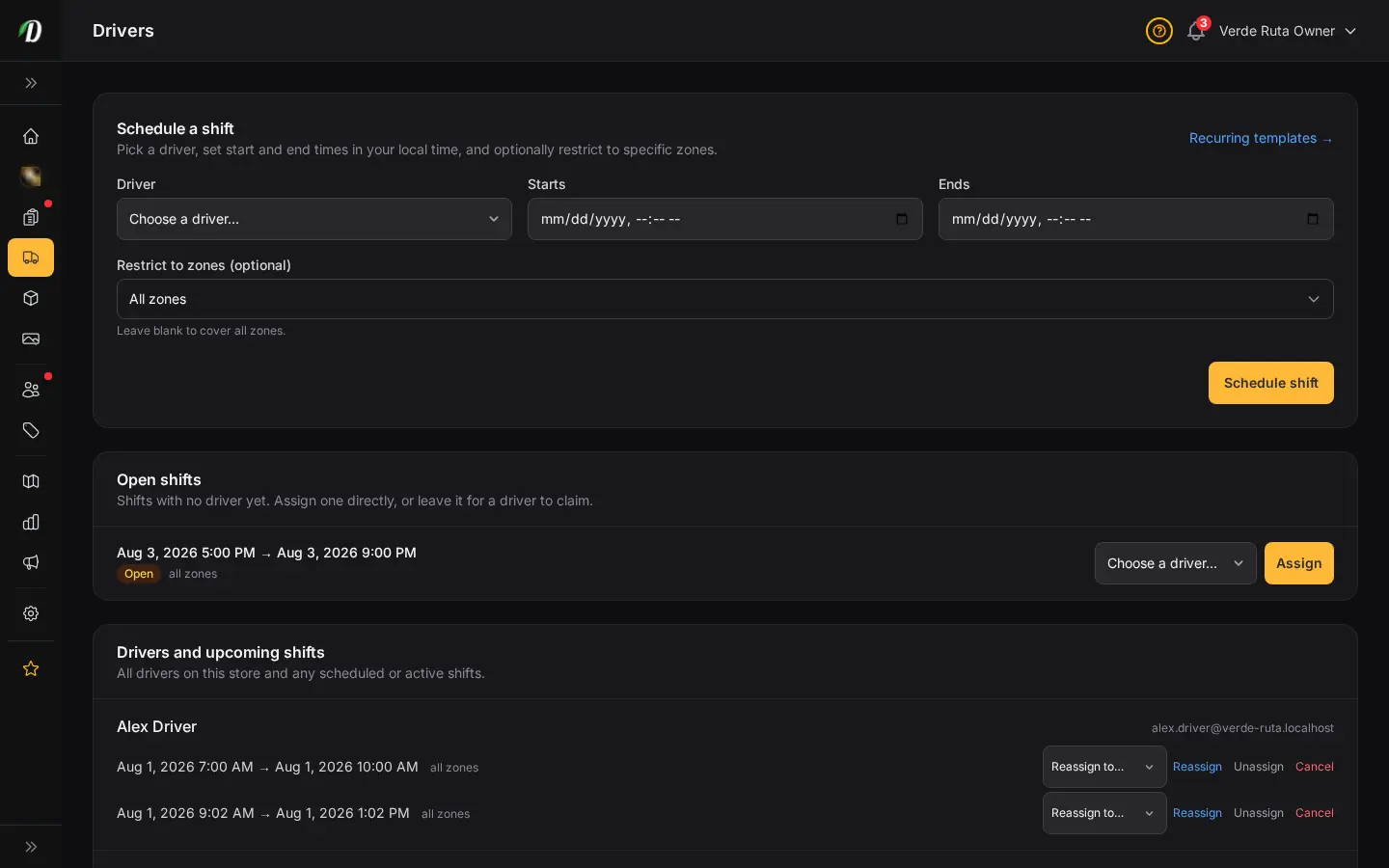
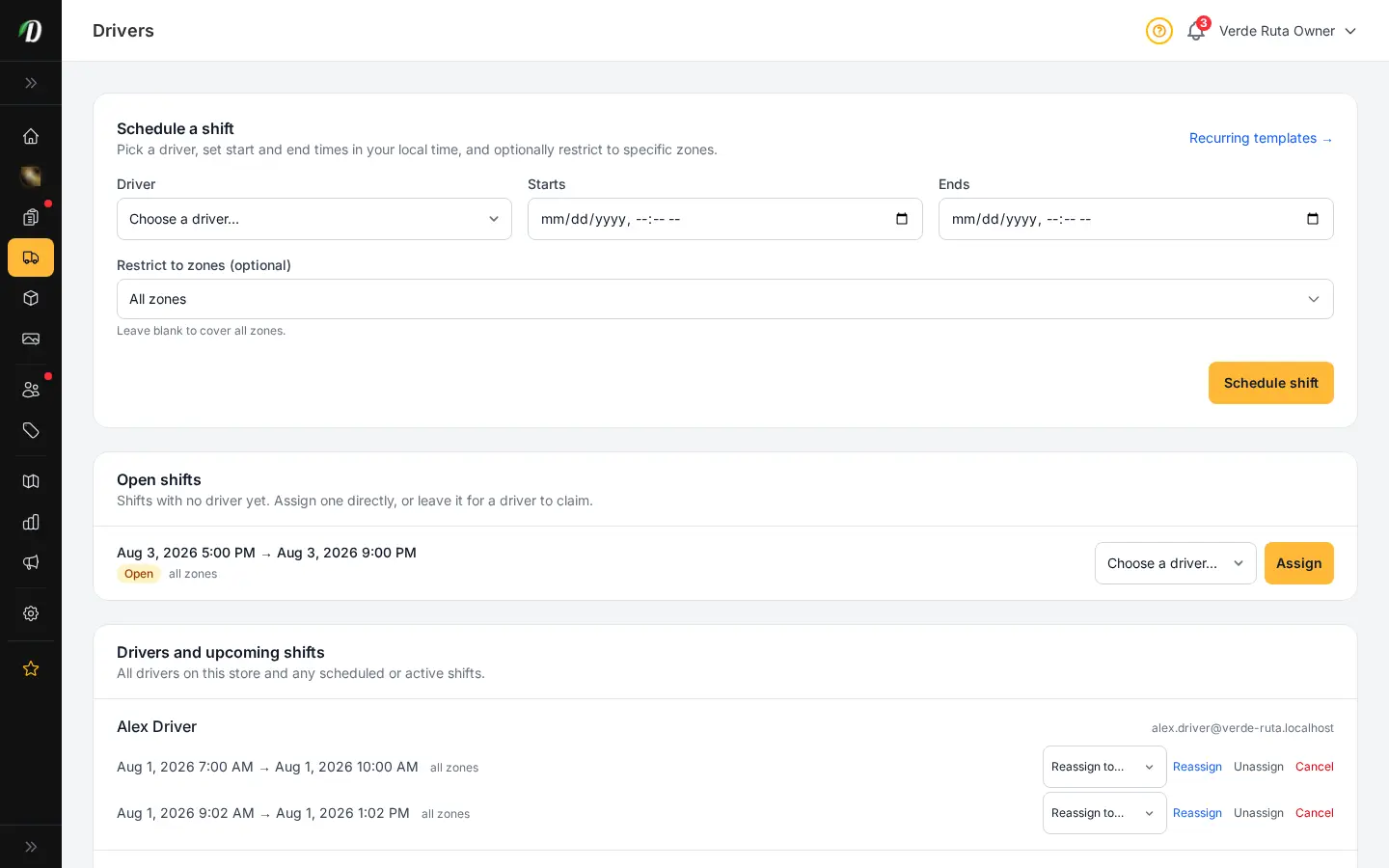
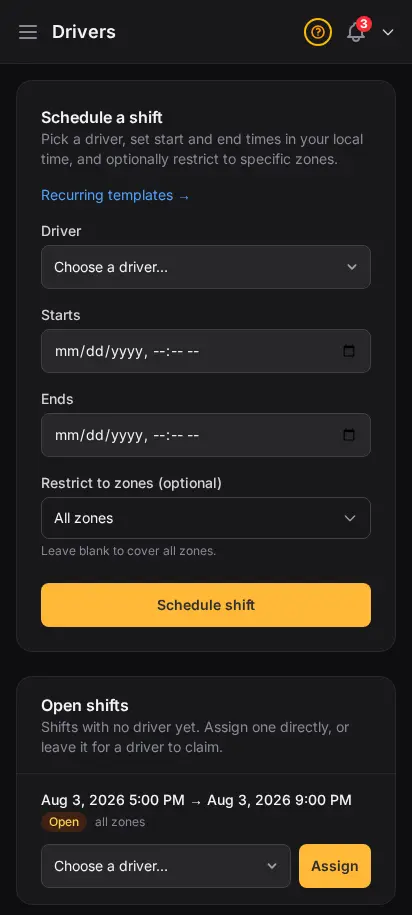
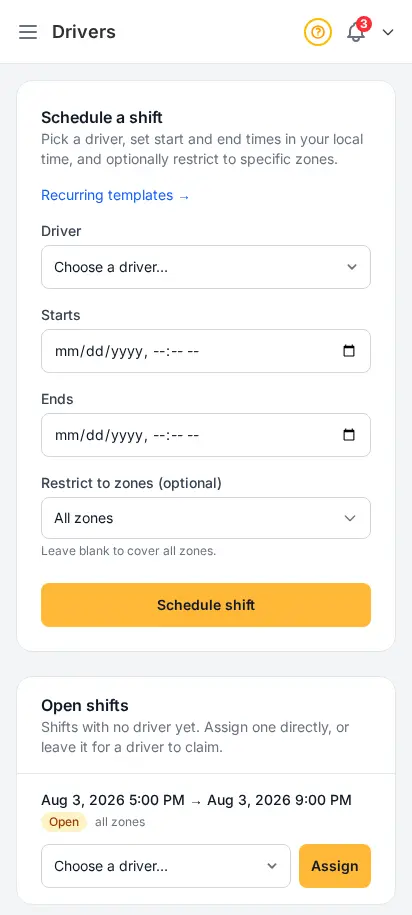
DabDash drivers page showing a shift scheduling form and a list of drivers with their upcoming shiftsDabDash drivers page showing a shift scheduling form and a list of drivers with their upcoming shifts
Click to explore
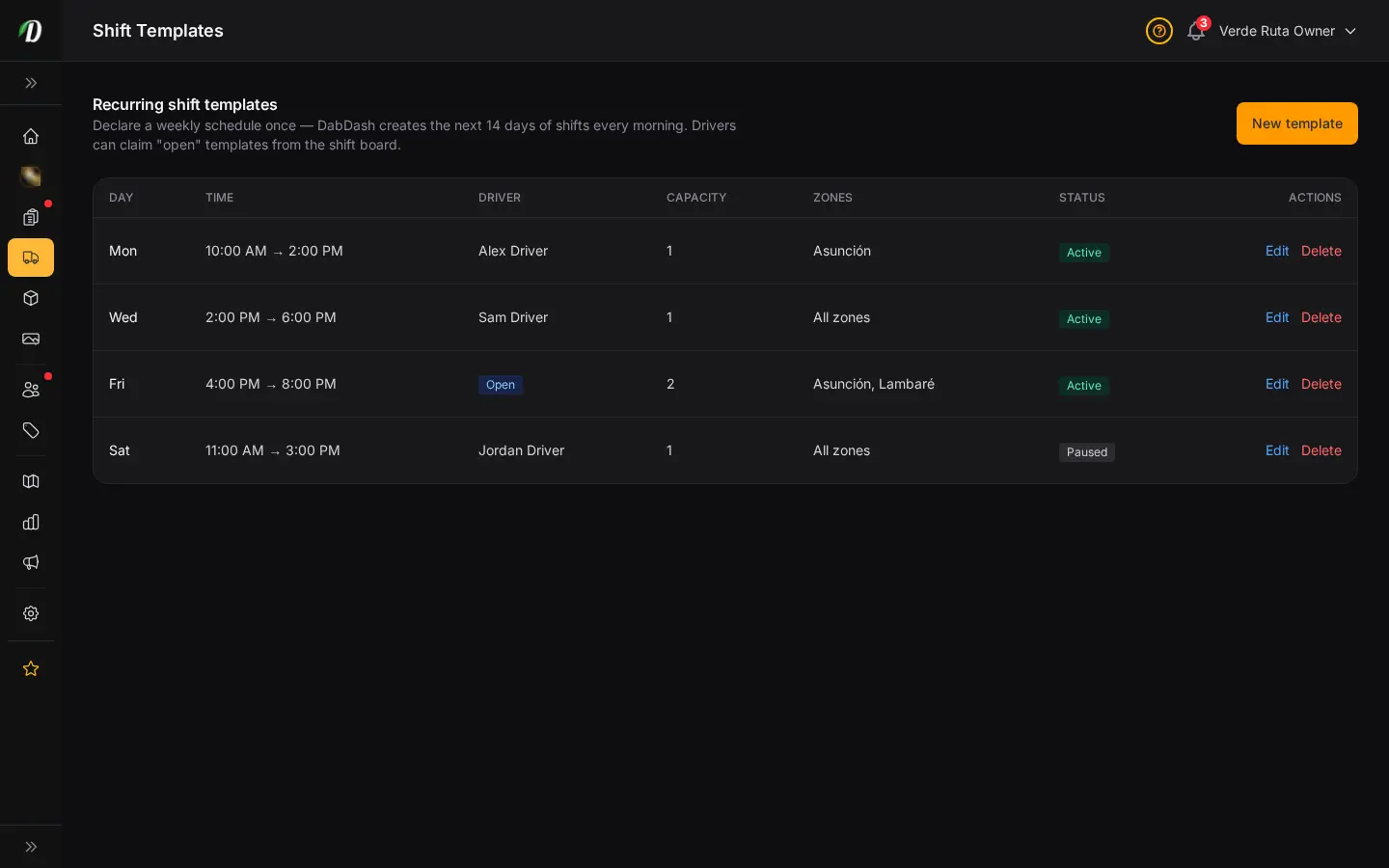
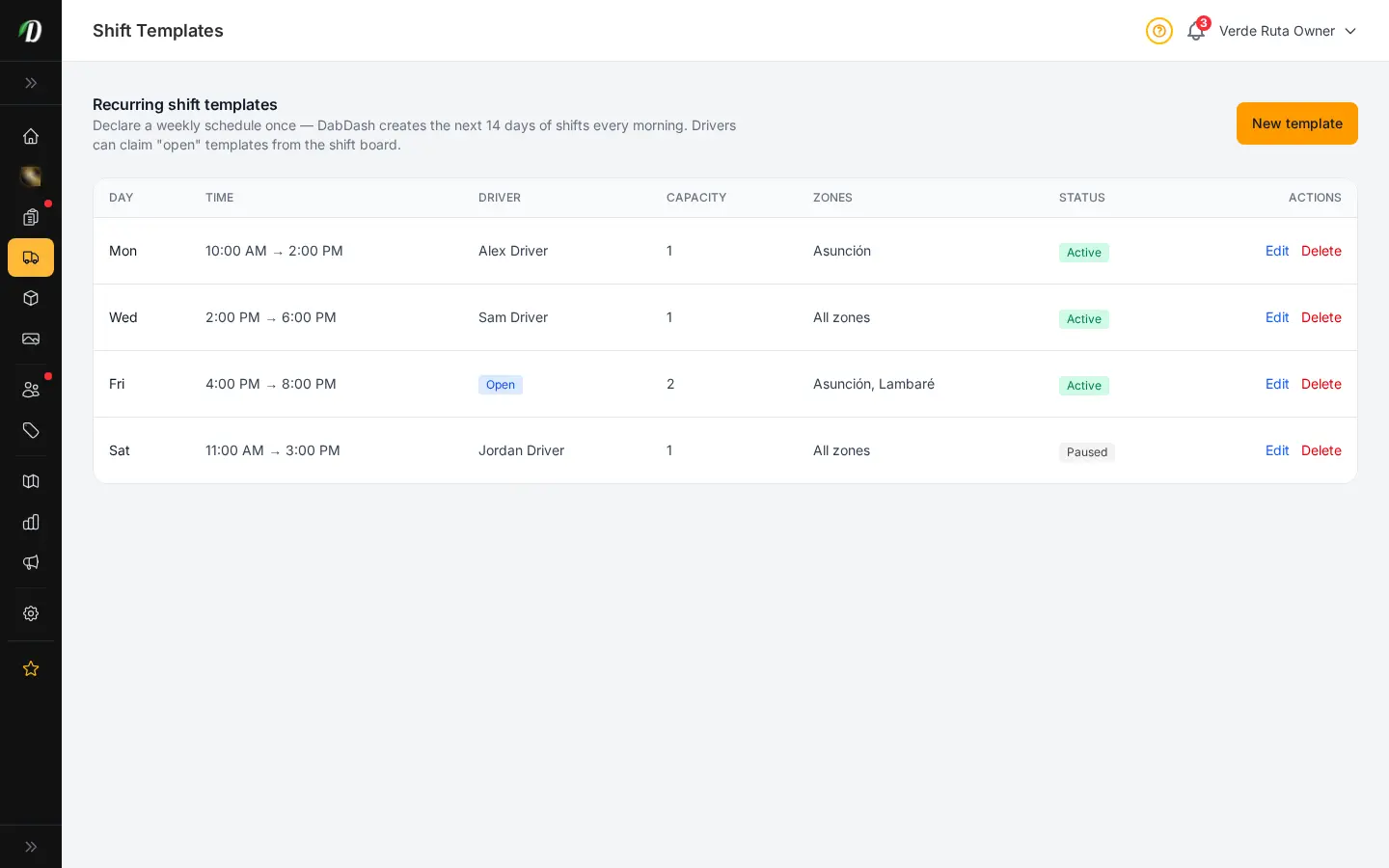
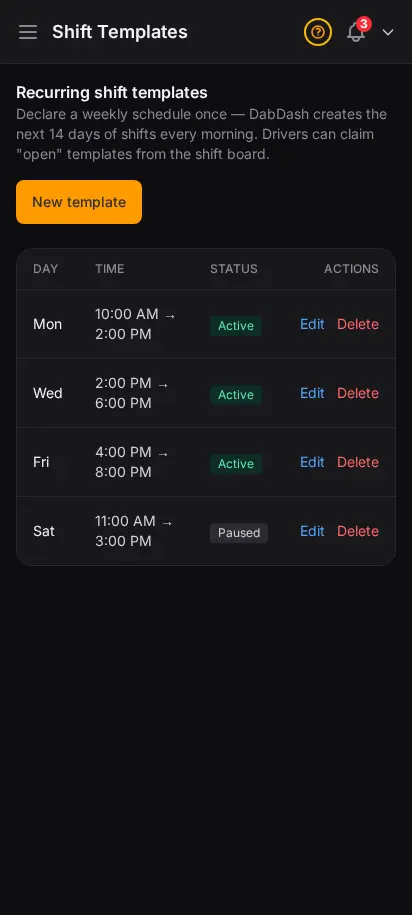
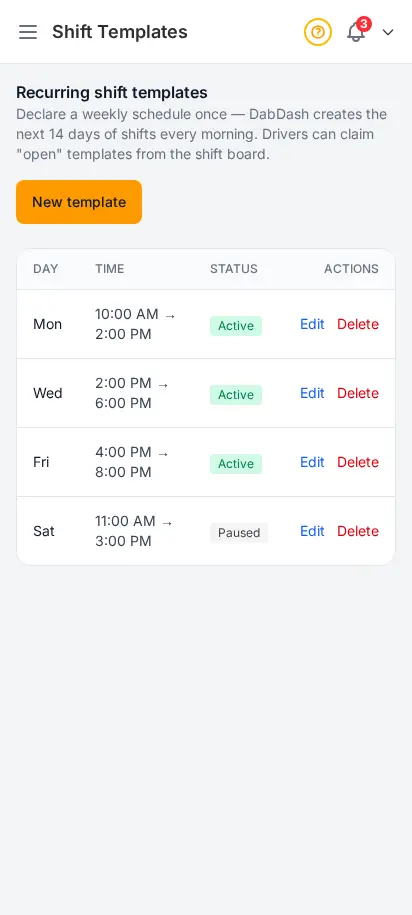
DabDash recurring shift templates page showing weekly shifts with day, time, assigned driver, capacity, zones, and active or paused statusDabDash recurring shift templates page showing weekly shifts with day, time, assigned driver, capacity, zones, and active or paused status
Click to explore
DabDash drivers page showing a shift scheduling form and a list of drivers with their upcoming shifts — mobile viewDabDash drivers page showing a shift scheduling form and a list of drivers with their upcoming shifts — mobile view
Explore
DabDash recurring shift templates page showing weekly shifts with day, time, assigned driver, capacity, zones, and active or paused status — mobile viewDabDash recurring shift templates page showing weekly shifts with day, time, assigned driver, capacity, zones, and active or paused status — mobile view
Explore

Schedule your fleet like a delivery pro

Route planning only works when drivers show up. Assign recurring shifts, set capacity per window, and let drivers claim open slots from their app — the same workflow multi-store operators use to keep weekends covered without spreadsheet chaos.

  • Driver roster with contact details and roles
  • One-off and recurring shift scheduling
  • Weekly shift templates with zones and capacity
  • Pause templates without deleting history
  • Drivers see assignments in the driver app

Approve swaps and cancellations before they hit the route

When a driver requests a swap or can't make a shift, you see it here first. Confirm proposed assignments, resolve conflicts, and keep customers informed — built from real dispatch desk feedback from licensed delivery teams.
  • Pending cancellation and swap requests in one queue
  • Proposed delivery assignments awaiting your OK
  • Driver-first rollup tied to today's routes
  • Fewer last-minute surprises on delivery day
  • Works with the command center and map mode
DabDash dispatch page showing driver cancellation requests, swap requests, and proposed delivery assignments awaiting confirmationDabDash dispatch page showing driver cancellation requests, swap requests, and proposed delivery assignments awaiting confirmation
Click to explore
DabDash dispatch page showing driver cancellation requests, swap requests, and proposed delivery assignments awaiting confirmationDabDash dispatch page showing driver cancellation requests, swap requests, and proposed delivery assignments awaiting confirmation
Click to explore
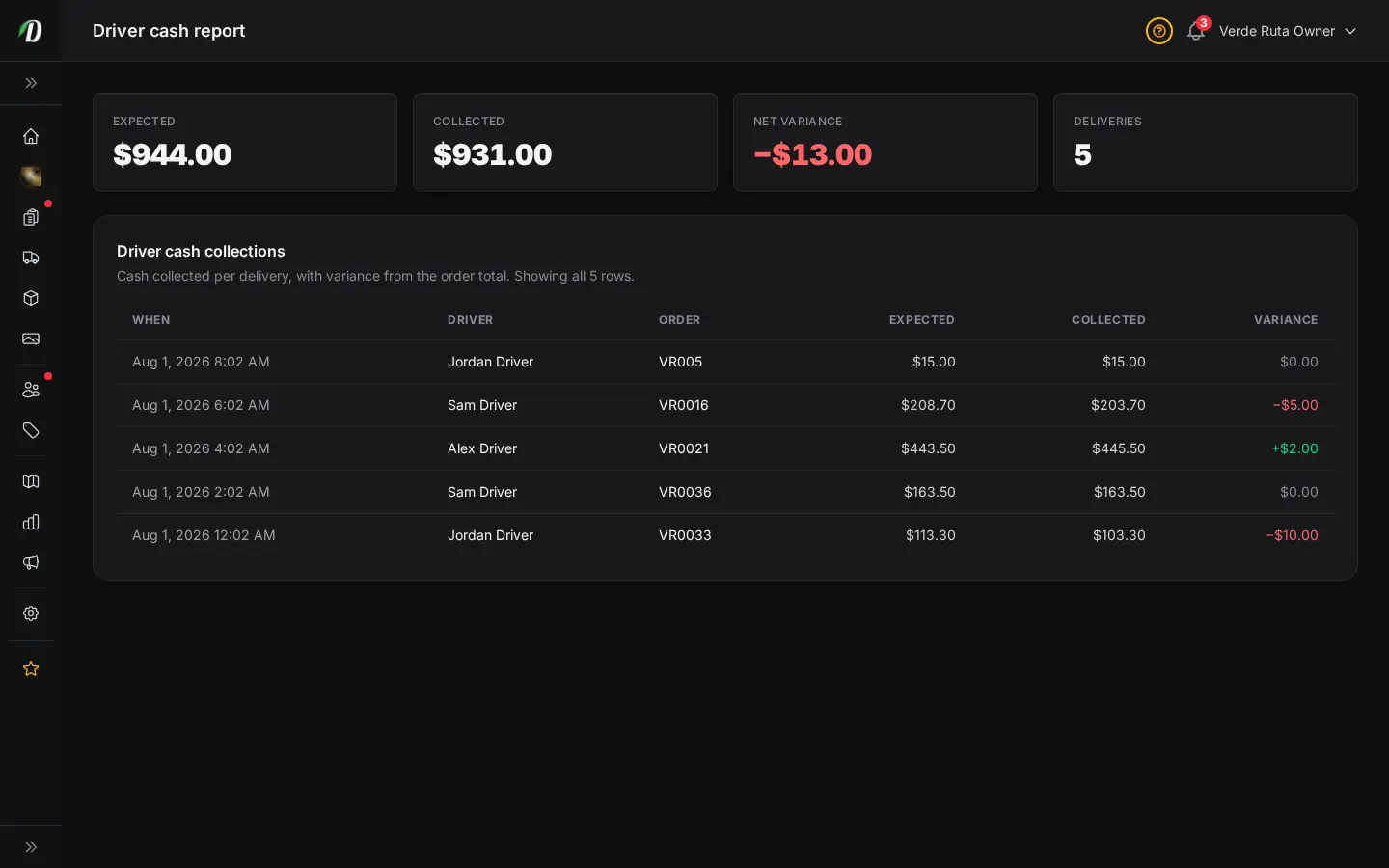
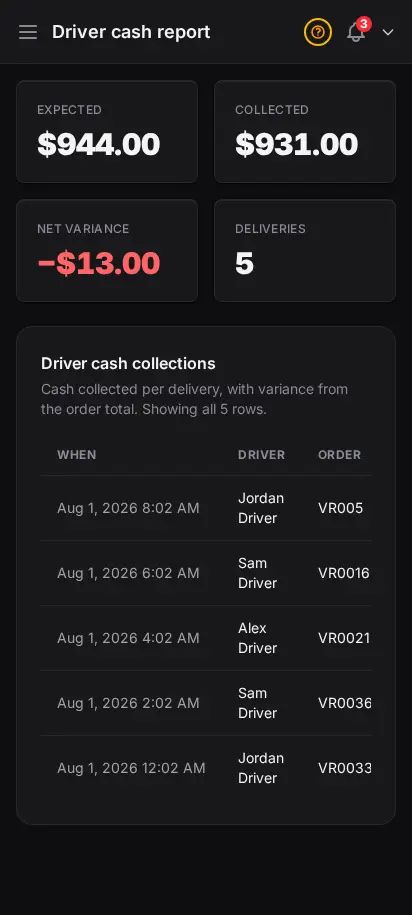
DabDash driver cash reconciliation report showing expected versus collected cash with the variance per orderDabDash driver cash reconciliation report showing expected versus collected cash with the variance per order
Click to explore
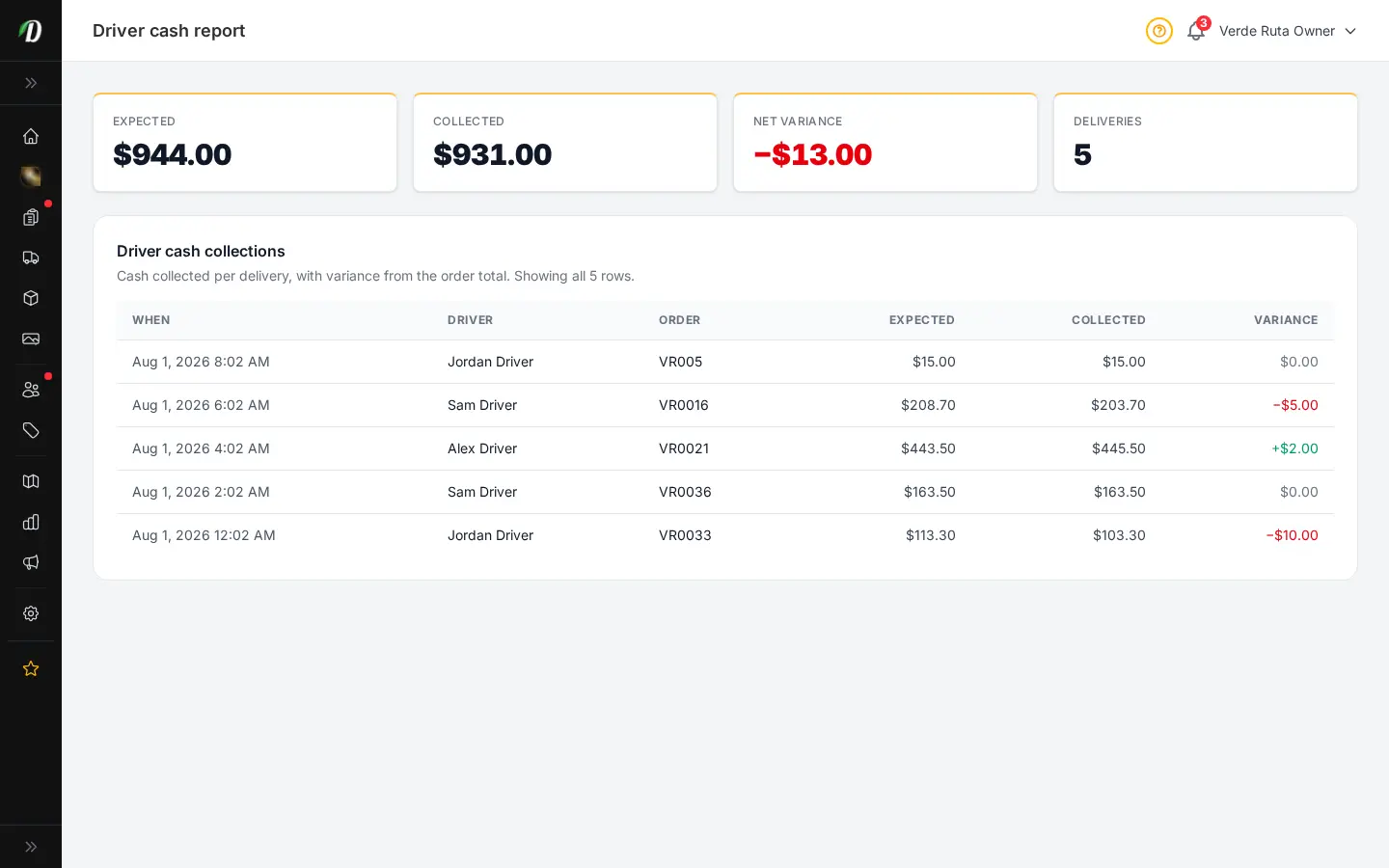
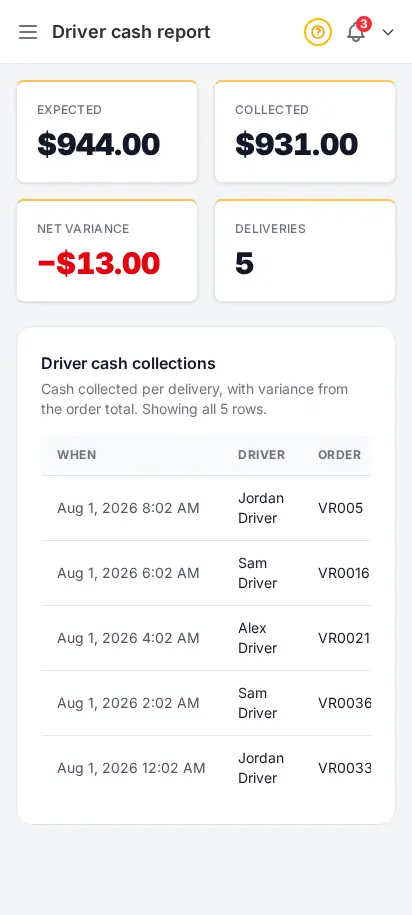
DabDash driver cash reconciliation report showing expected versus collected cash with the variance per orderDabDash driver cash reconciliation report showing expected versus collected cash with the variance per order
Click to explore

Close the day knowing every dollar is accounted for

Cash-on-delivery stores lose margin when collections drift. This report compares what each order was worth against what drivers handed in — the same reconciliation view finance leads ask for before they sign off on nightly totals.
  • Expected vs collected per order
  • Variance column flags shorts and overages
  • Filter by date and driver
  • Pairs with cash-on-delivery payment method
  • Audit-friendly export for your bookkeeper
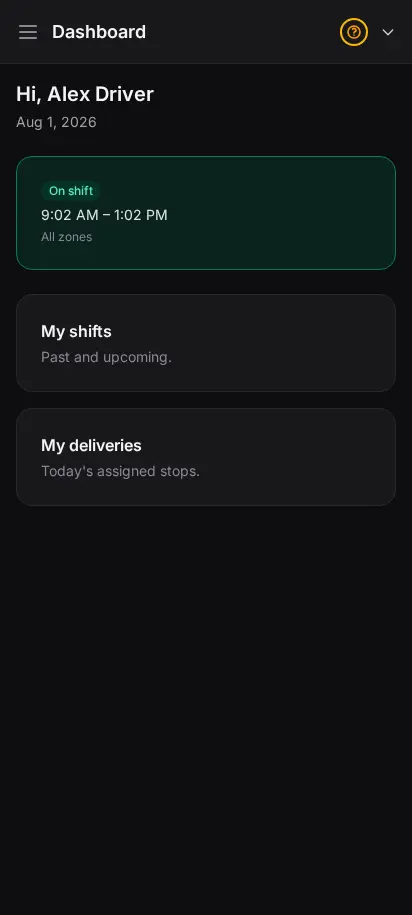
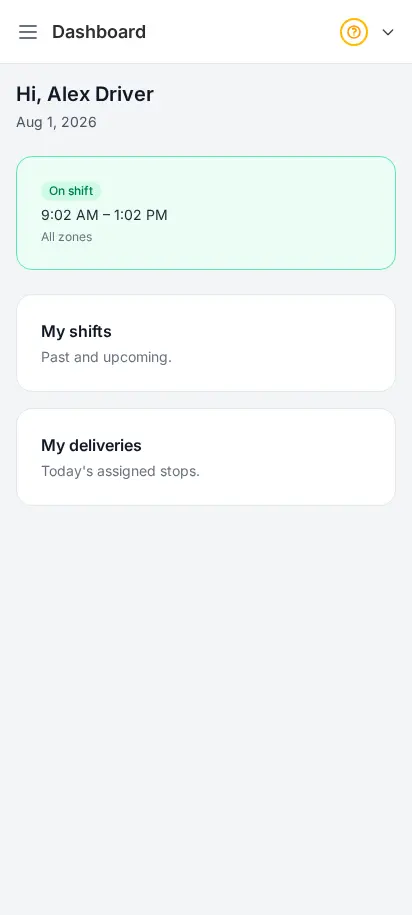
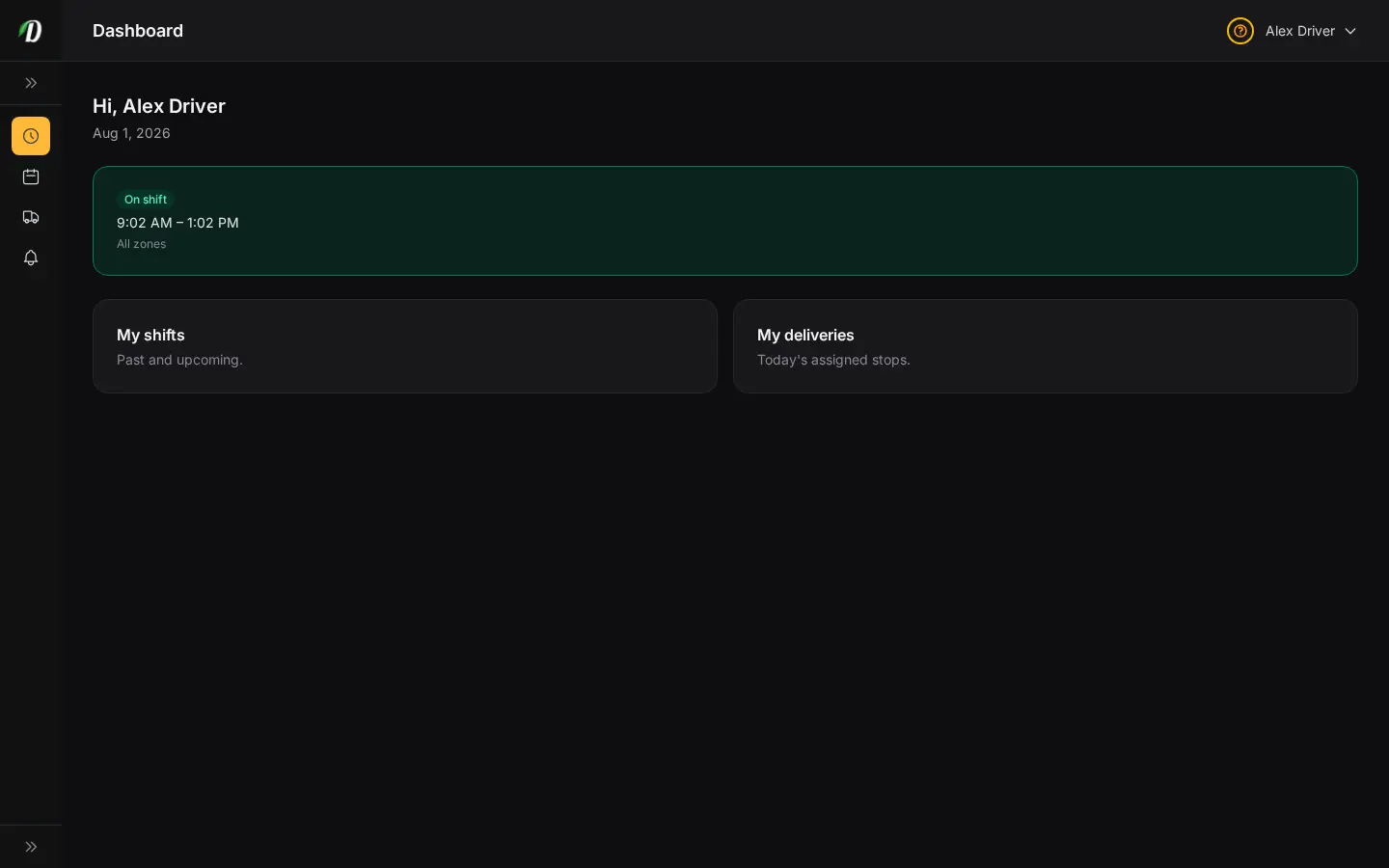
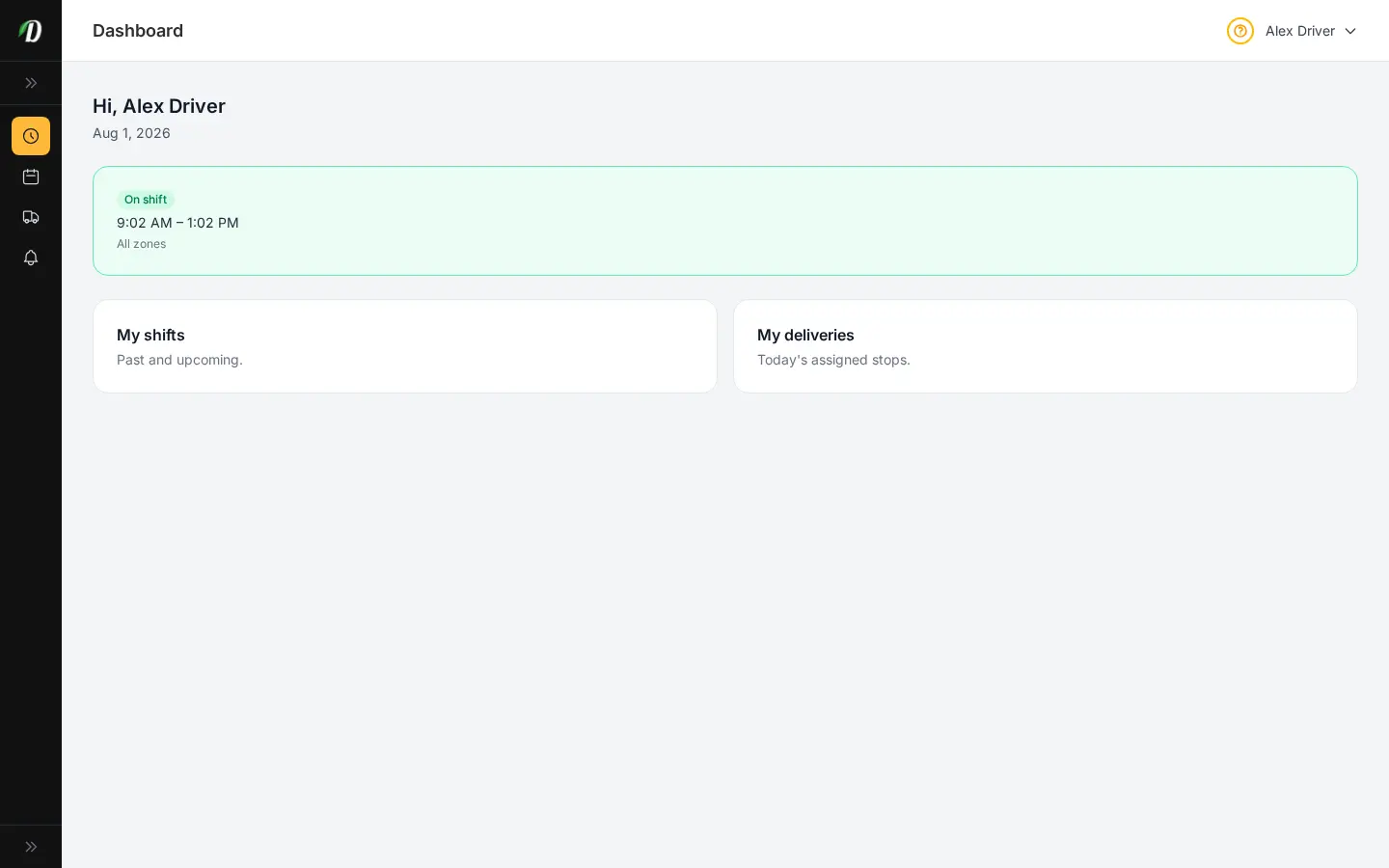
DabDash driver app dashboard showing the driver's shift status and assigned deliveries for the dayDabDash driver app dashboard showing the driver's shift status and assigned deliveries for the day
Click to explore
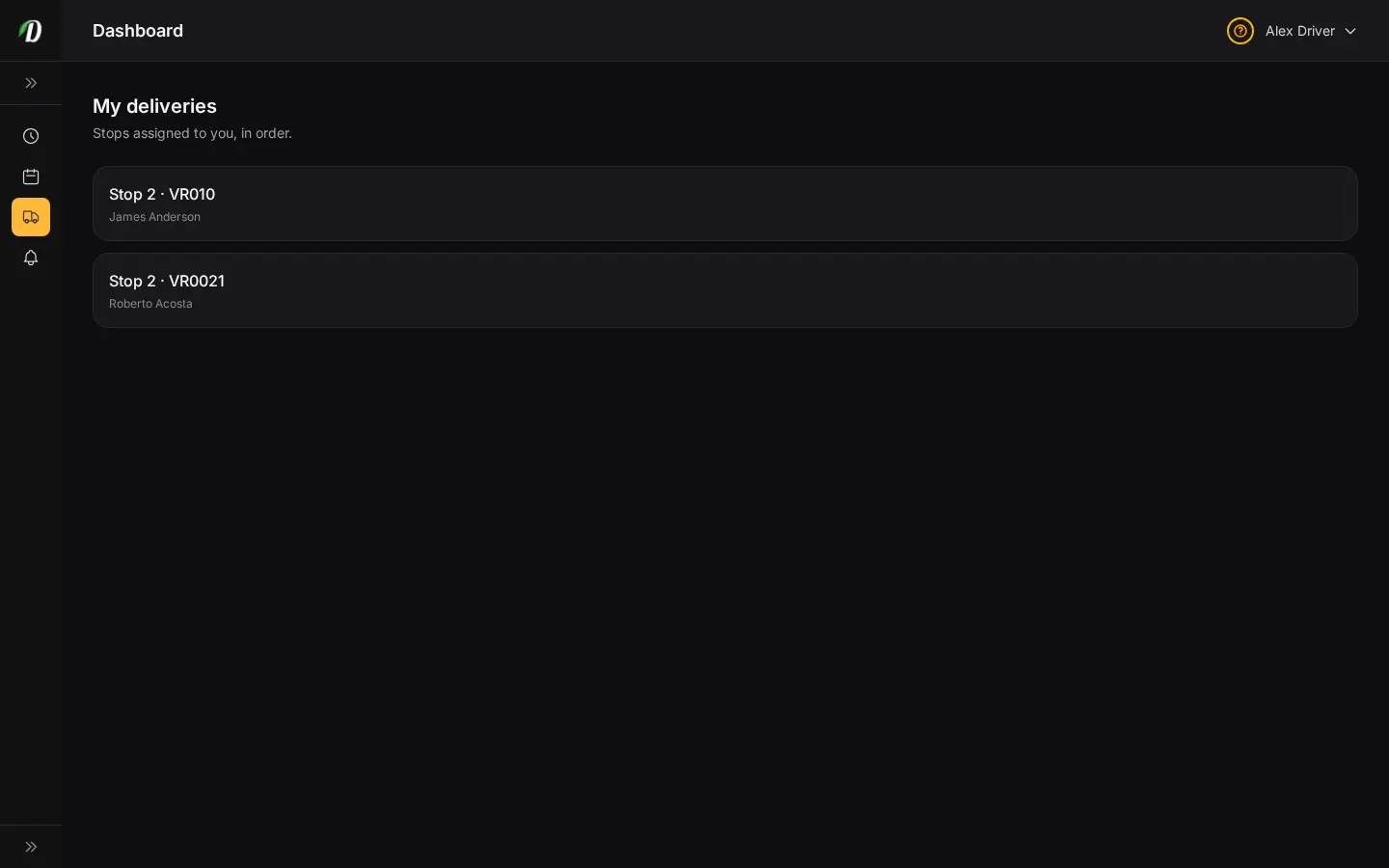
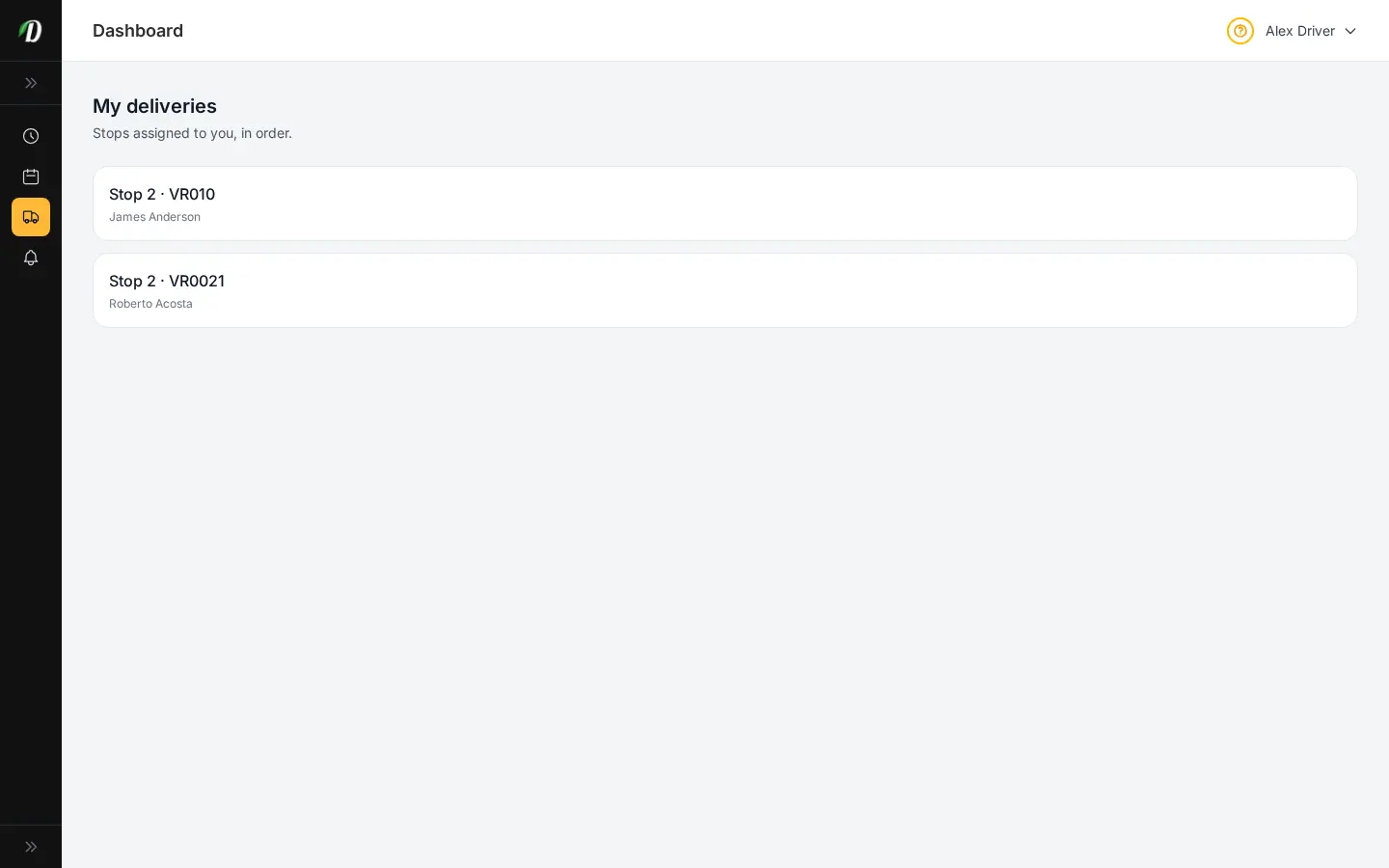
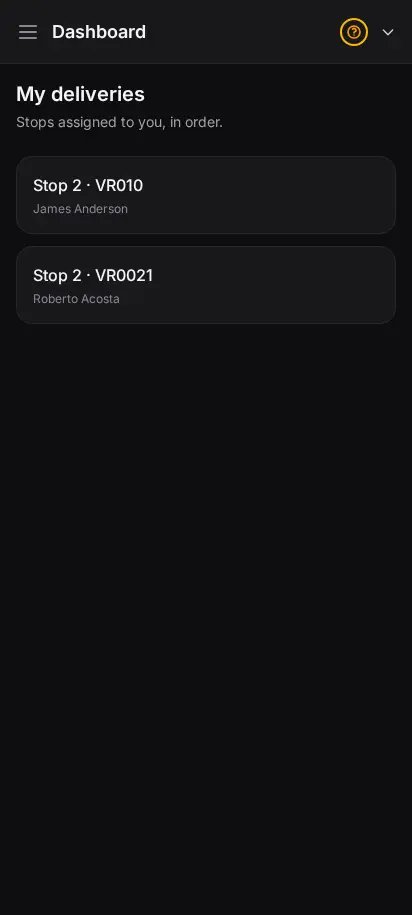
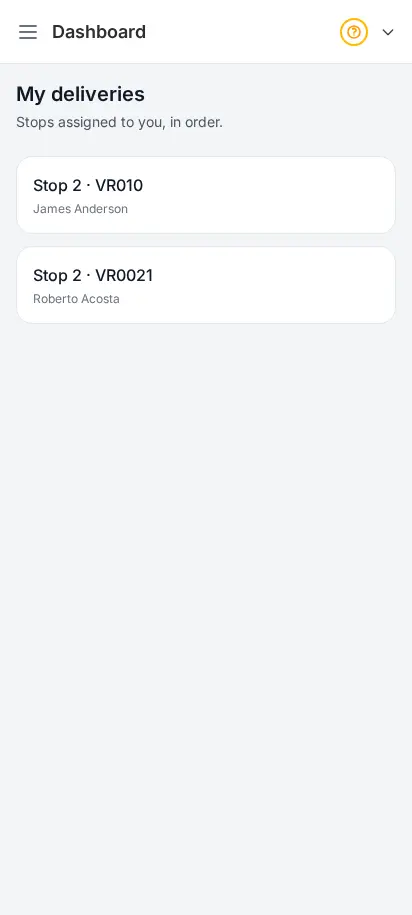
DabDash driver app deliveries list showing today's stops in delivery order with customer addressesDabDash driver app deliveries list showing today's stops in delivery order with customer addresses
Explore
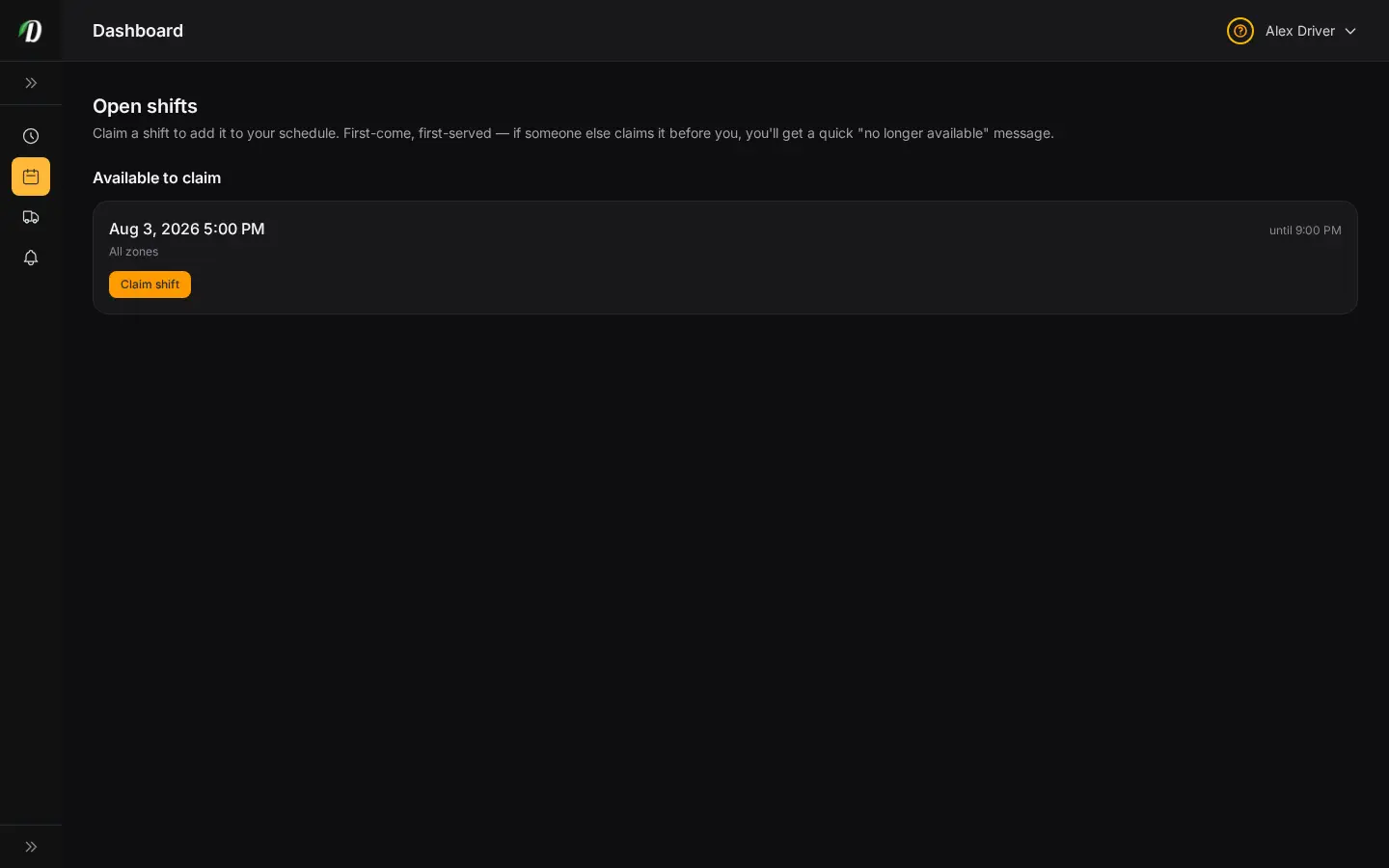
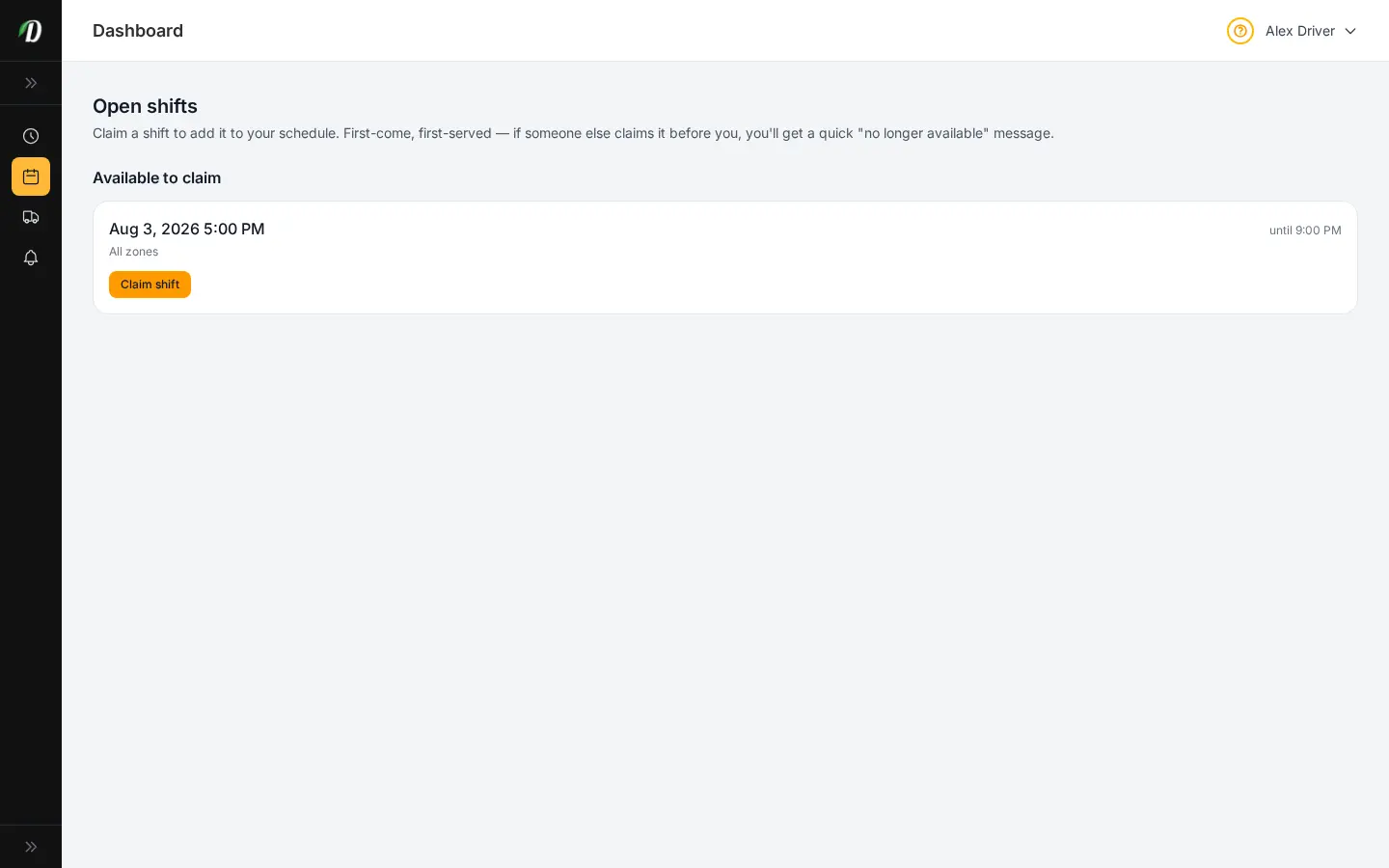
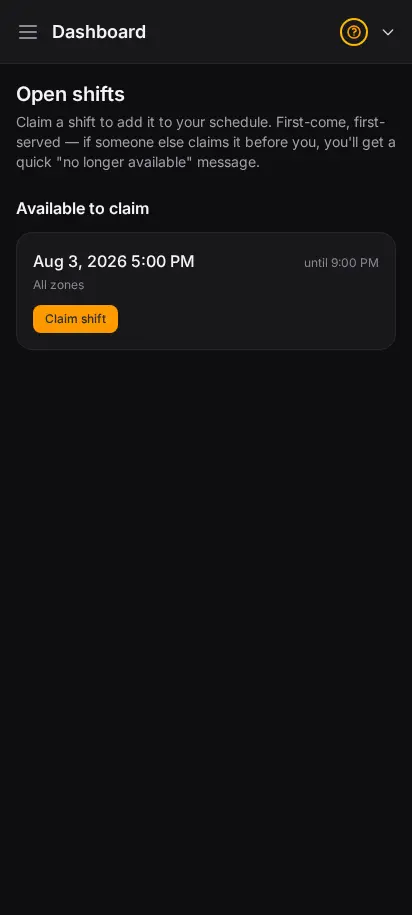
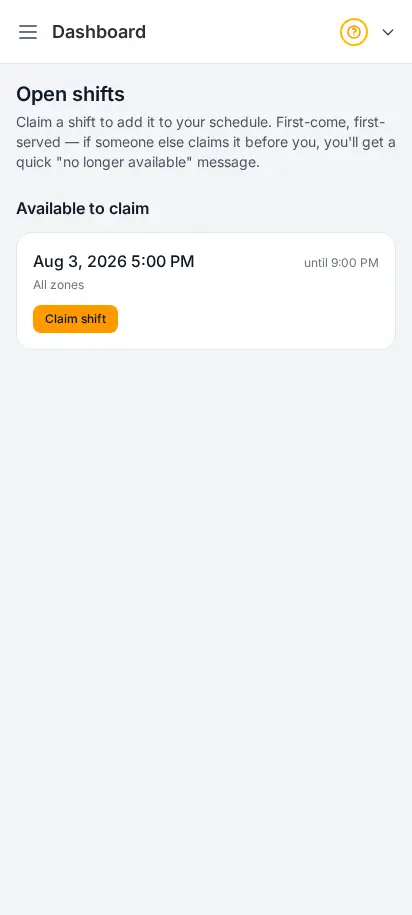
DabDash driver app open shifts screen where a driver can pick up an available delivery shiftDabDash driver app open shifts screen where a driver can pick up an available delivery shift
Explore
DabDash driver app dashboard showing the driver's shift status and assigned deliveries for the day — mobile viewDabDash driver app dashboard showing the driver's shift status and assigned deliveries for the day — mobile view
Explore
DabDash driver app deliveries list showing today's stops in delivery order with customer addresses — mobile viewDabDash driver app deliveries list showing today's stops in delivery order with customer addresses — mobile view
Explore
DabDash driver app open shifts screen where a driver can pick up an available delivery shift — mobile viewDabDash driver app open shifts screen where a driver can pick up an available delivery shift — mobile view
Explore

What your drivers see in the field

Your drivers get their own simple app — no training required. They pick up open shifts, see their stops in delivery order, navigate to each door, and confirm delivery with a photo or signature. Cash collected is tracked automatically, so end-of-shift reconciliation is effortless.

  • Pick up open shifts and manage their schedule
  • Today's stops in route order, one tap to navigate
  • Proof of delivery — photo or signature at the door
  • Cash collection tracked automatically per shift

Customize your view

Choose how you'd like to see the screenshots.

Device

Theme