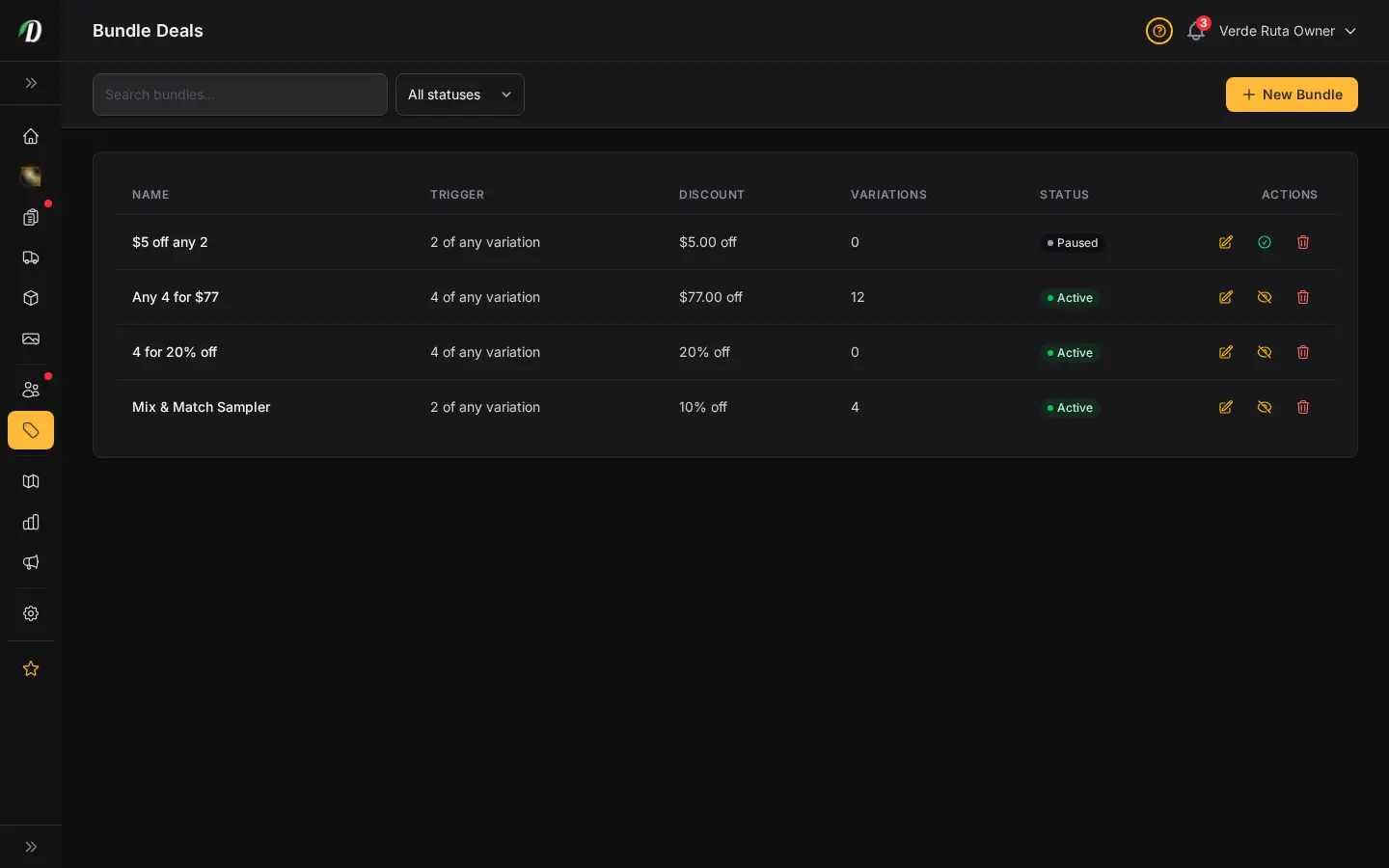
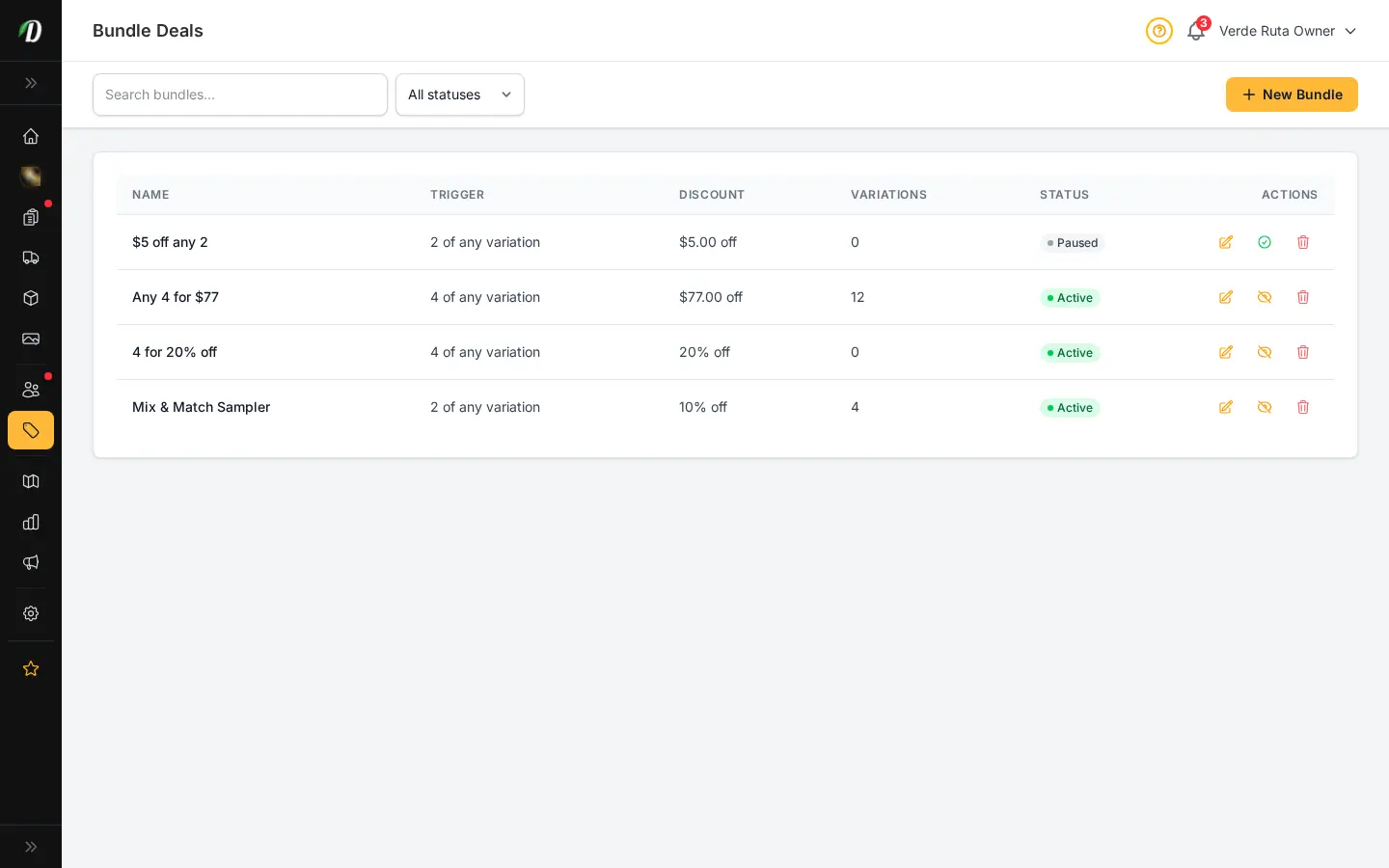
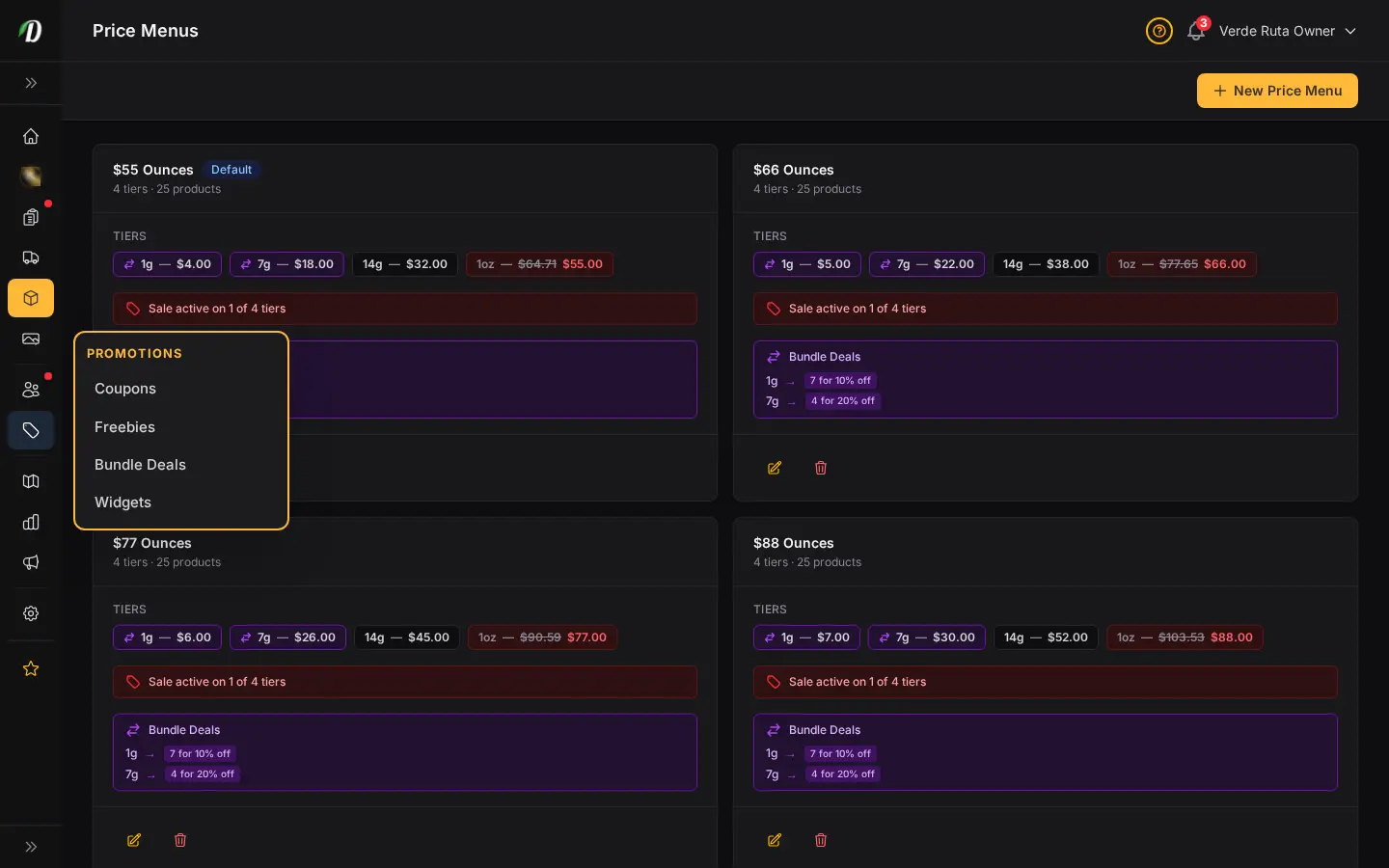
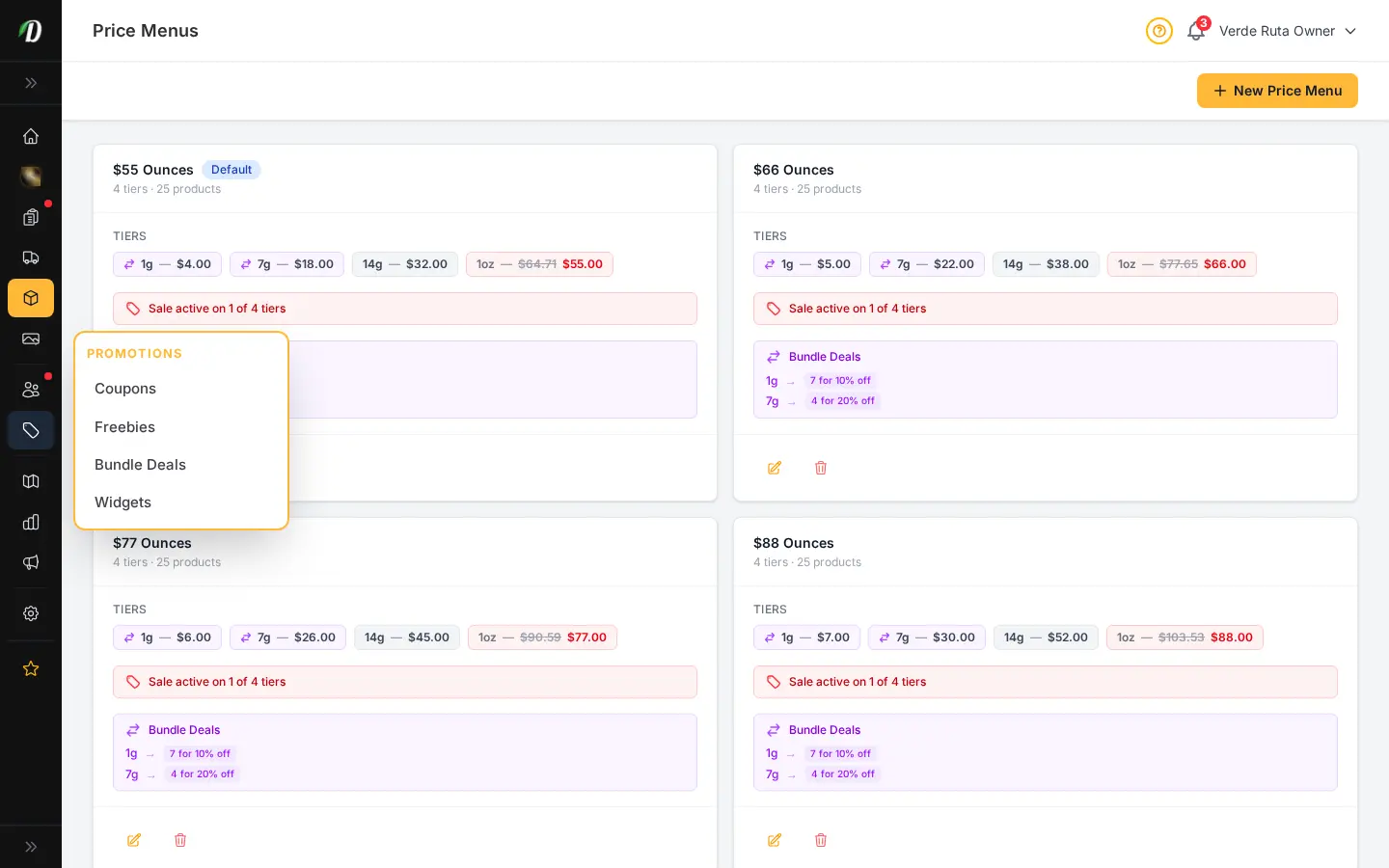


Do customers need a coupon code to get a bundle discount?
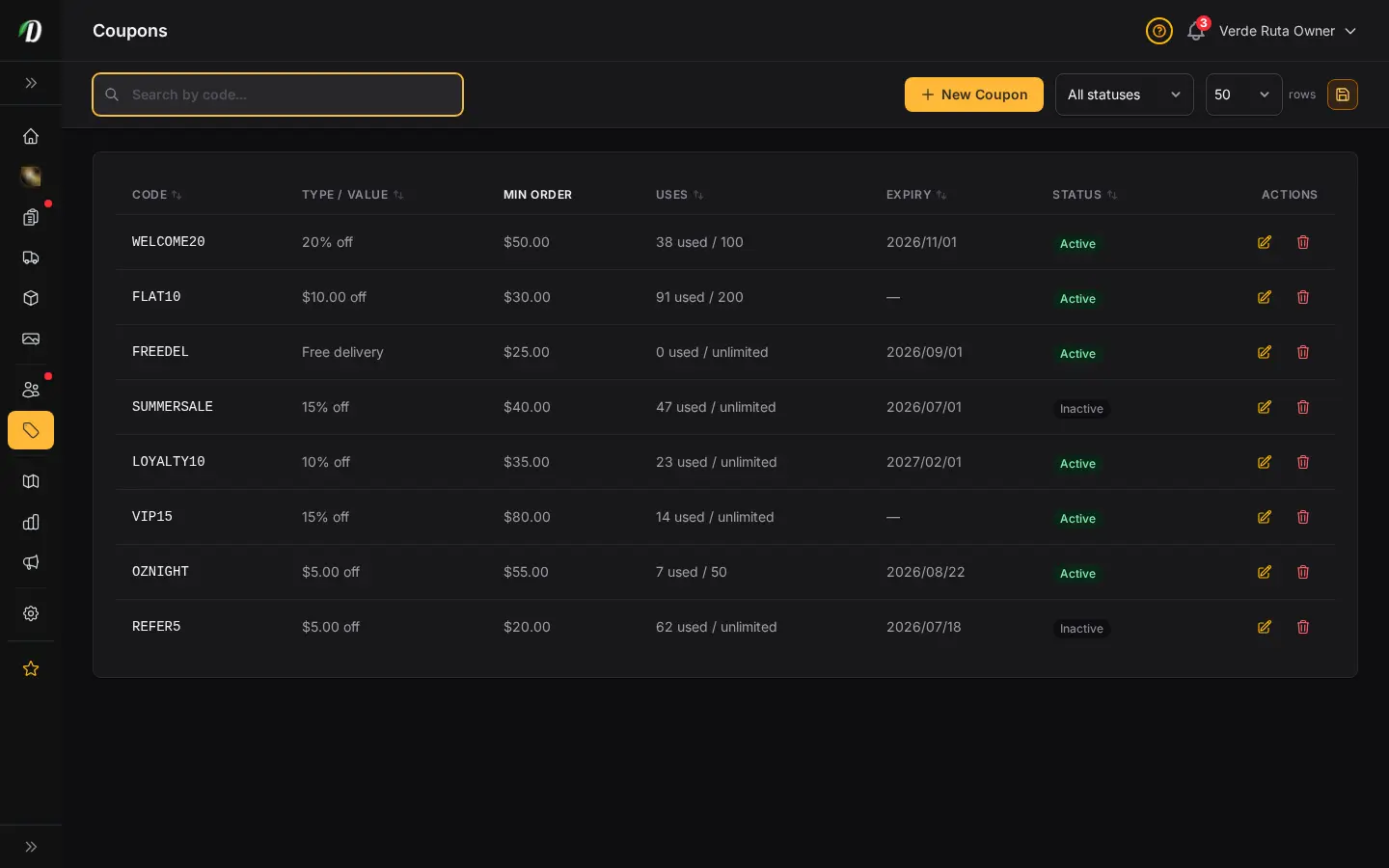
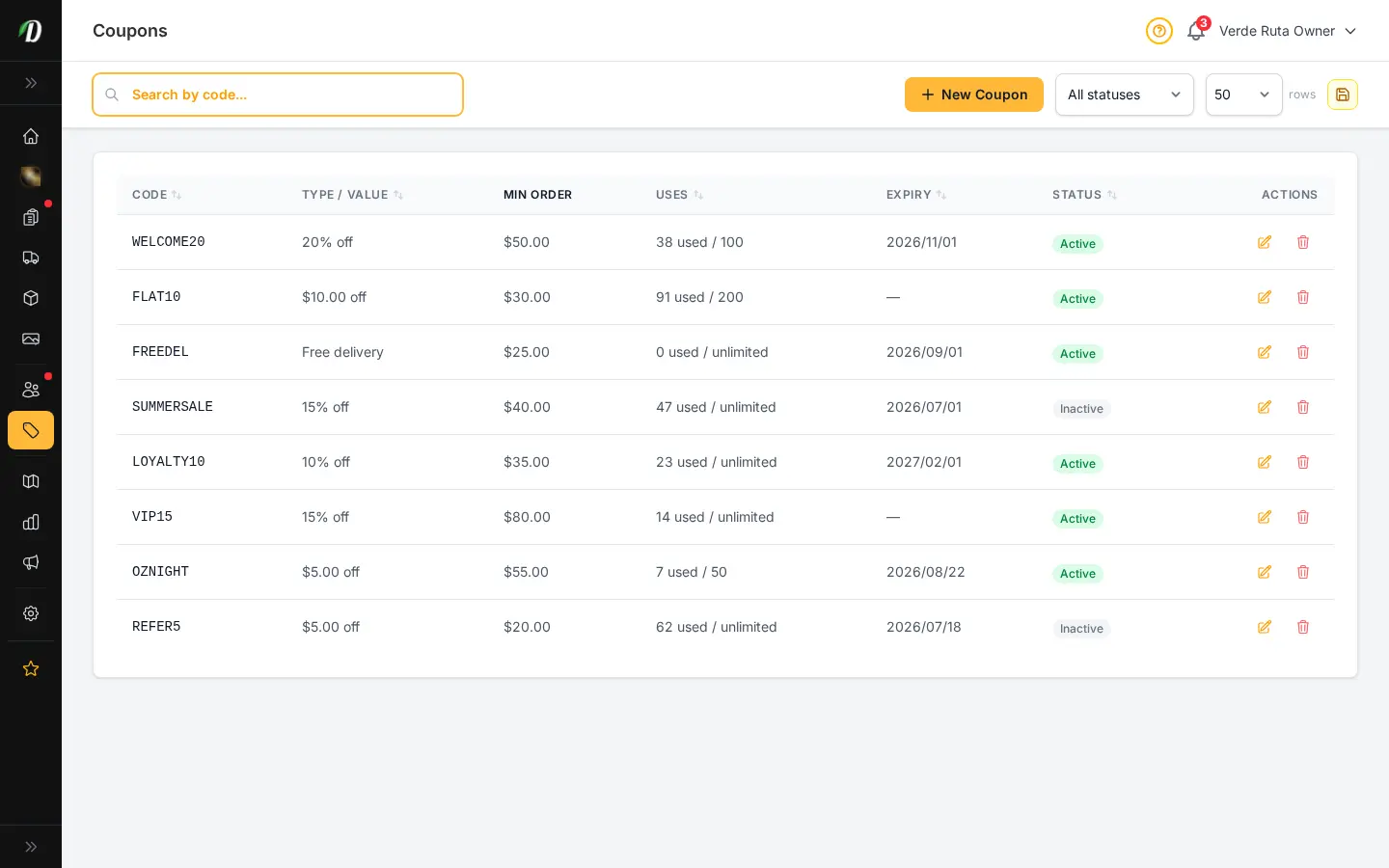
No, bundle deals like "buy 4 different 3.5g strains, get 10% off" apply automatically once the cart hits the trigger quantity, with a progress bar showing how close they are.
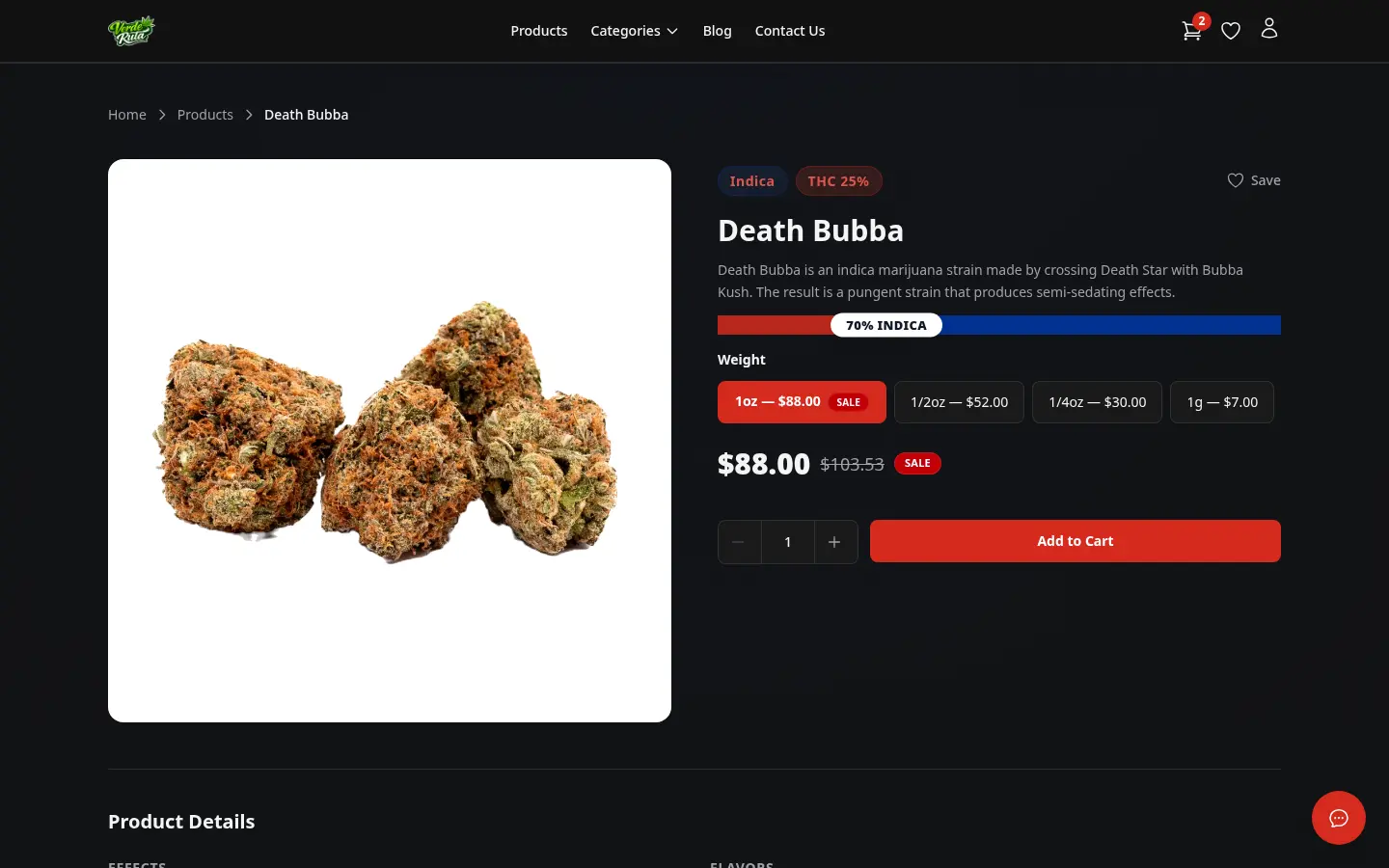
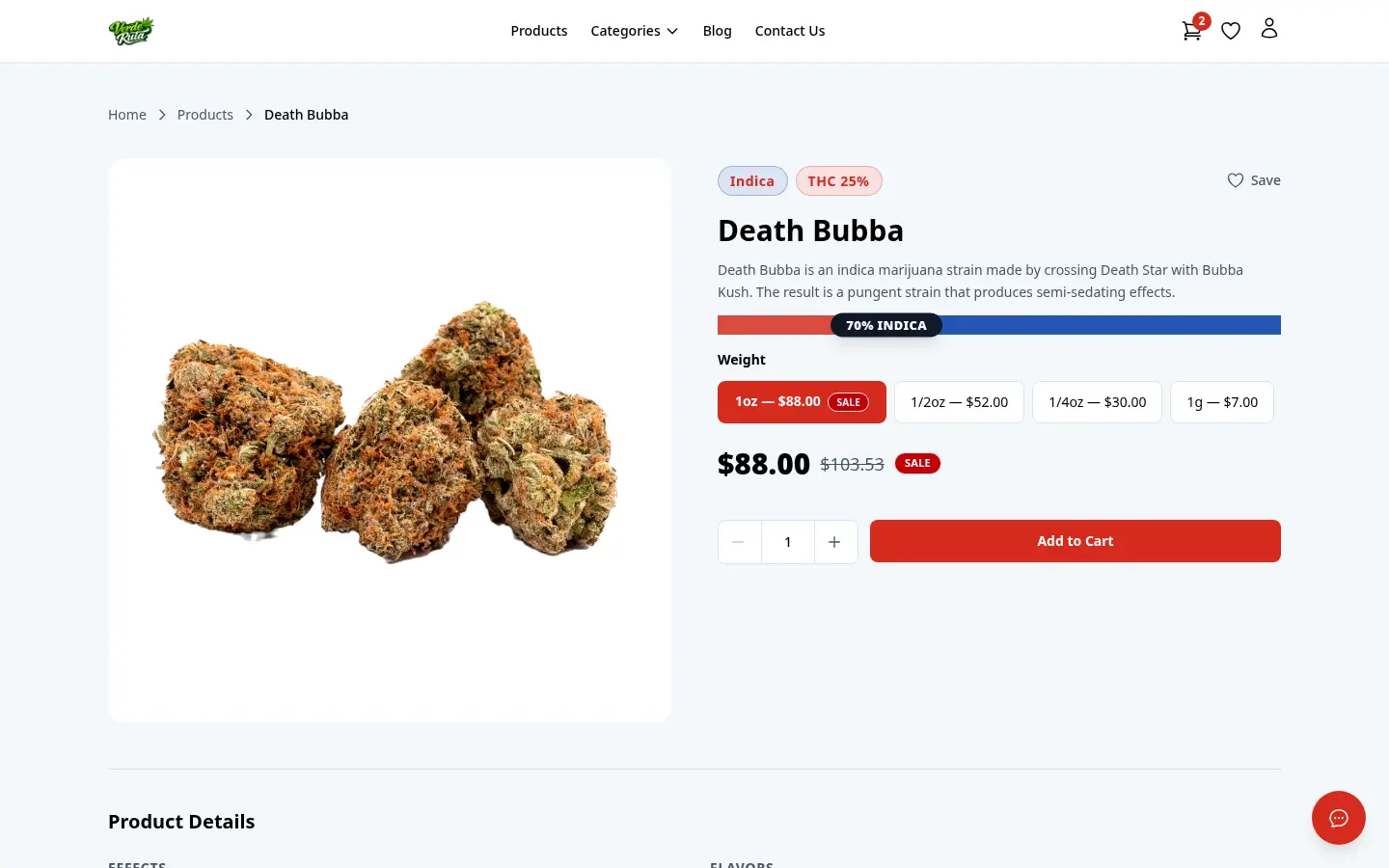
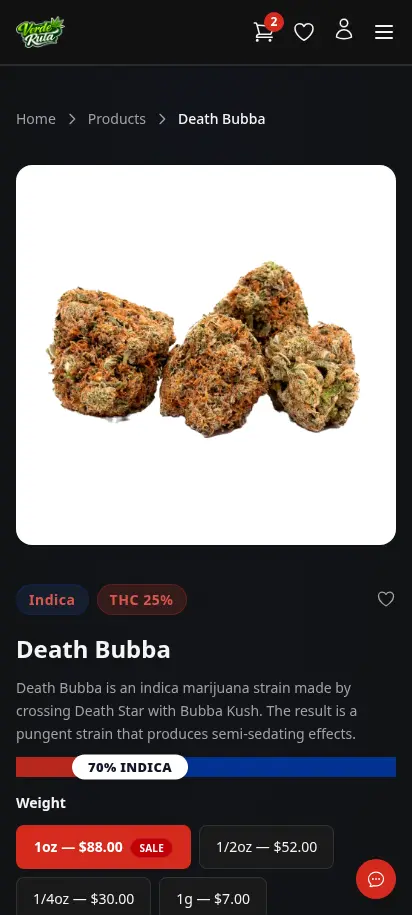
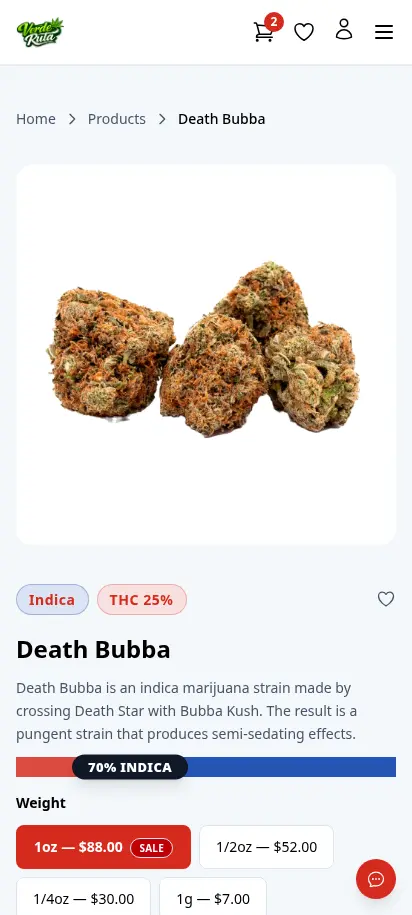
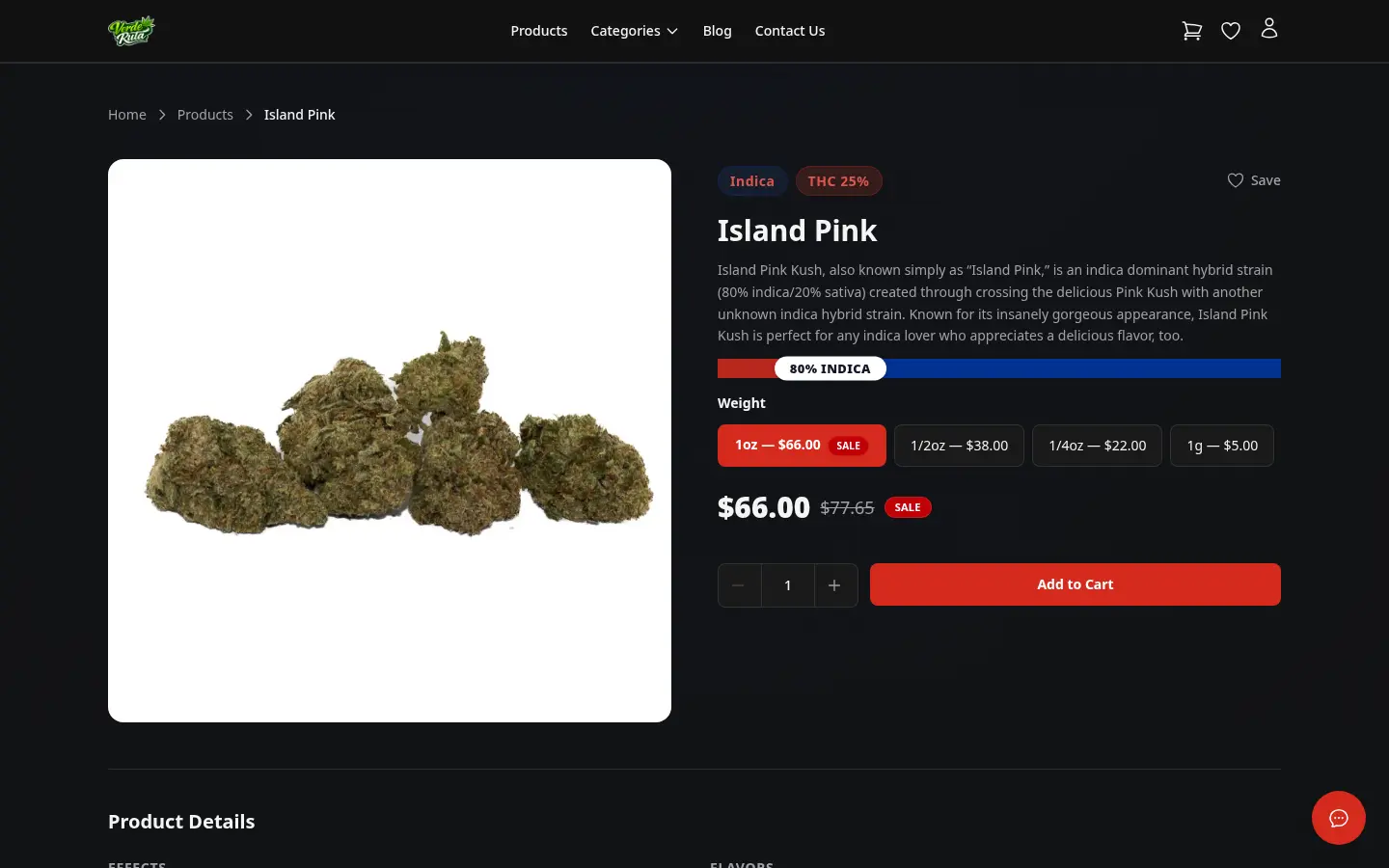
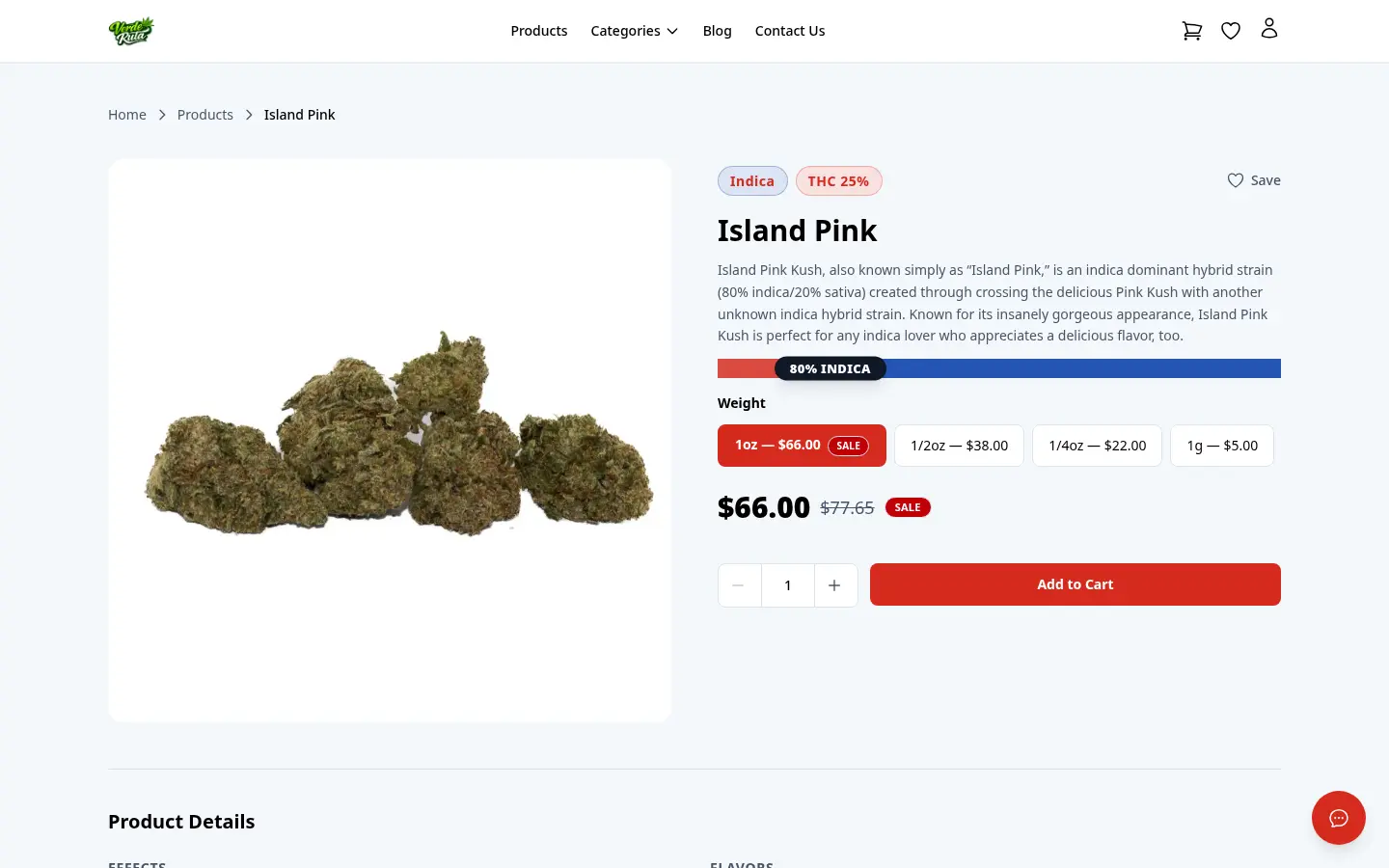
Set up pricing tiers — "buy 4 different 3.5g flower strains, get 10% off." The storefront shows the offer right on the product page with a real-time progress bar. Customers see exactly how many more items they need. When they hit the threshold, discounts apply automatically. No coupon codes needed.
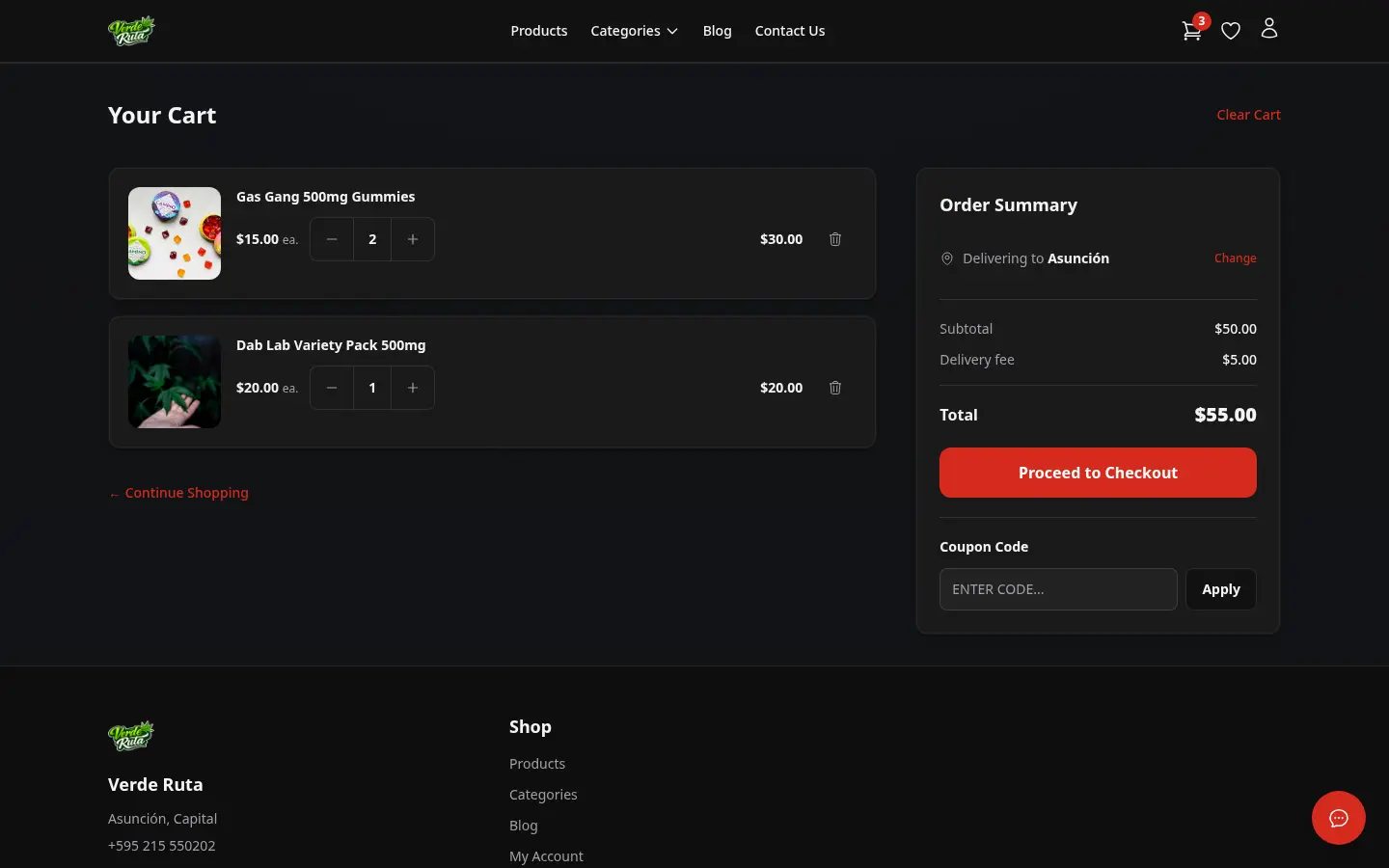
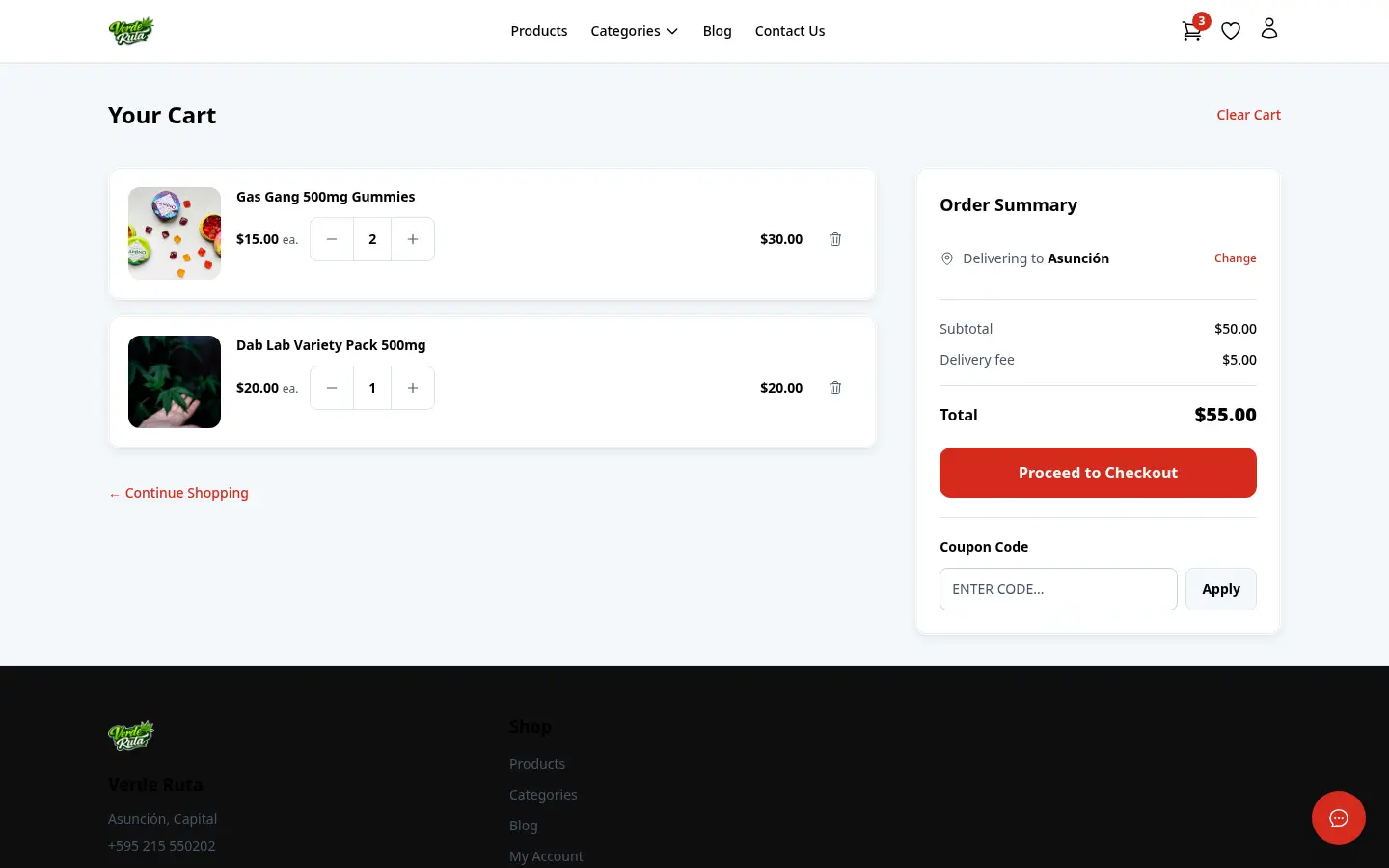
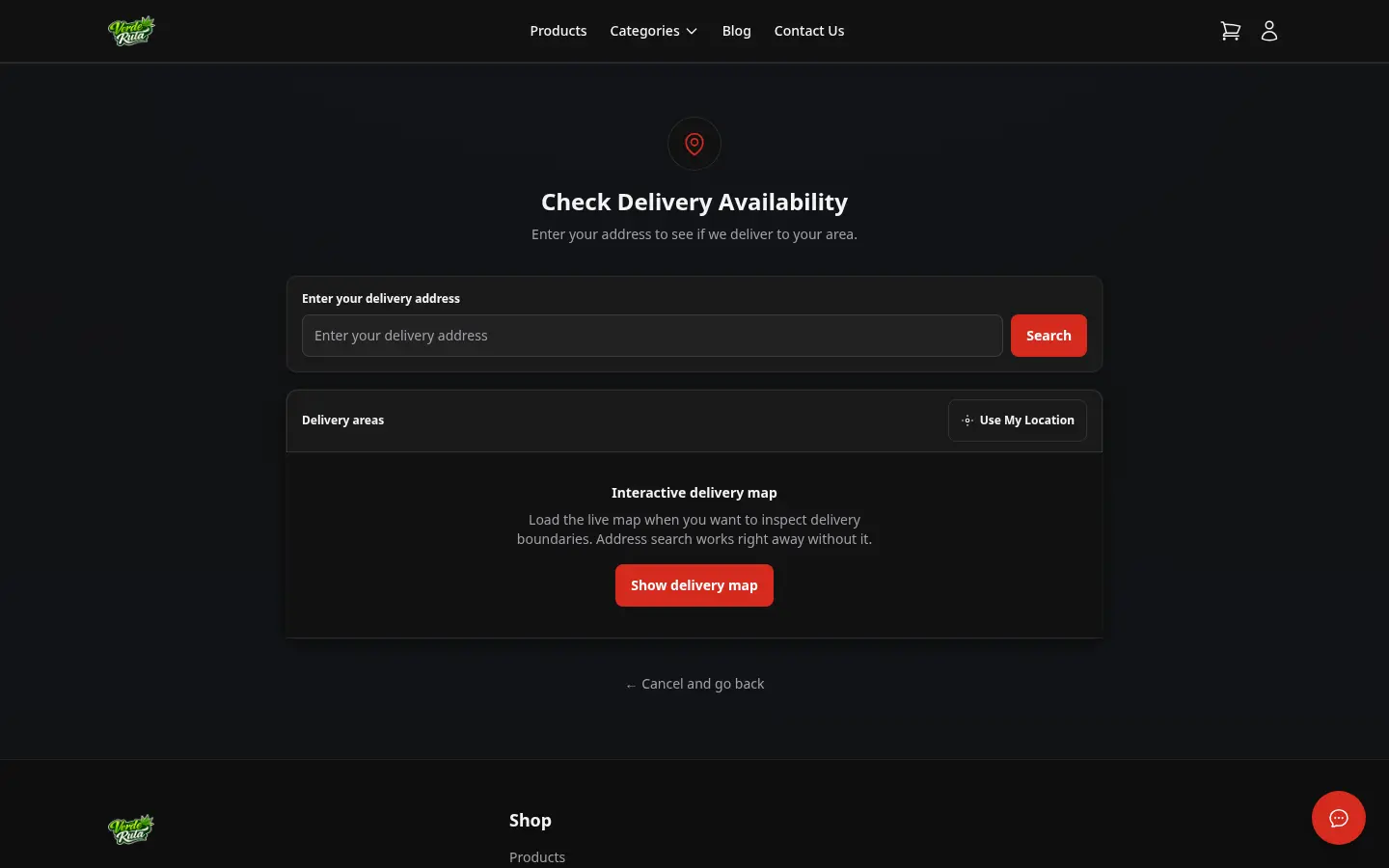
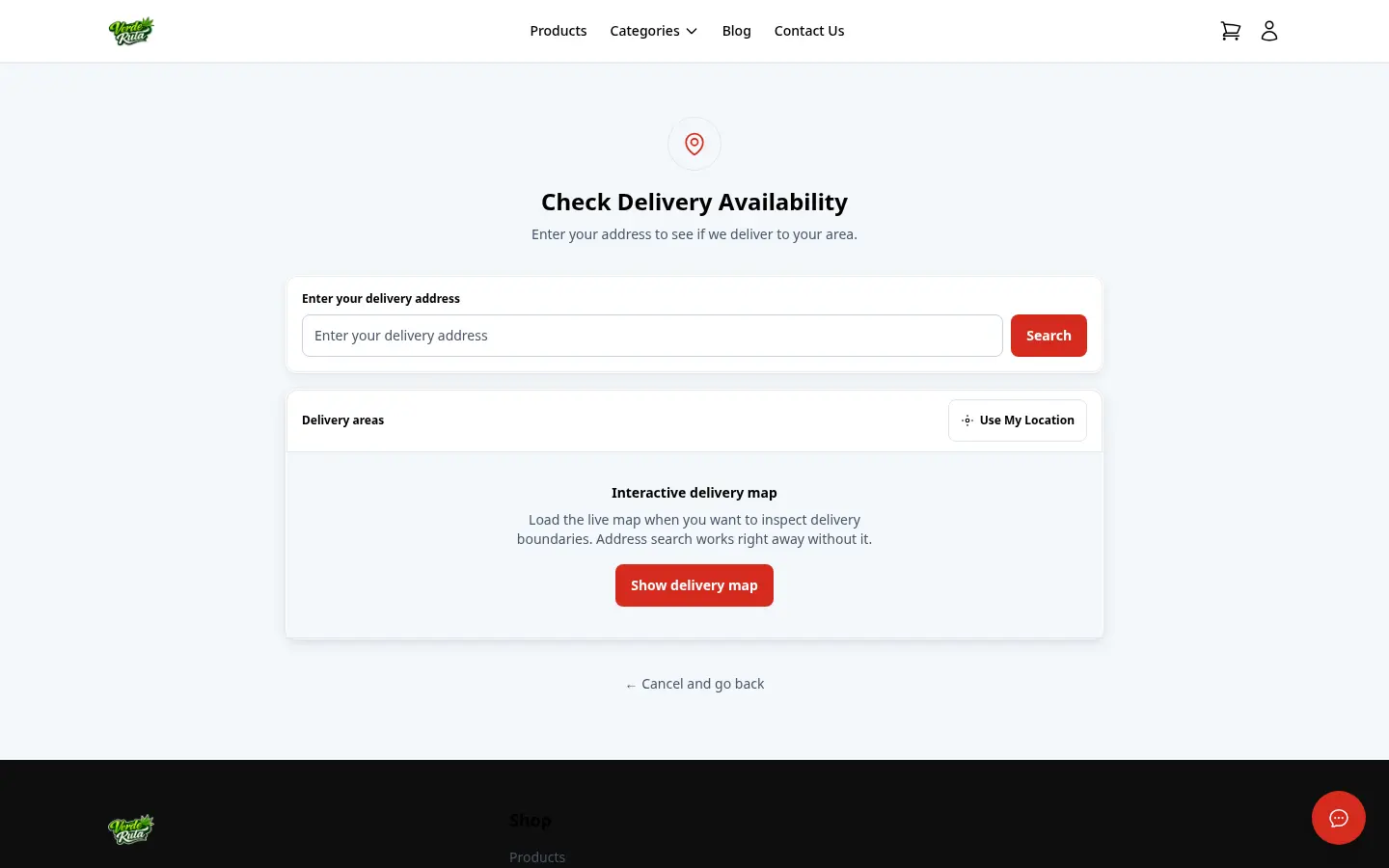
Customers see their items alongside the delivery address form. Type an address or tap "Use My Location" — the system auto-detects the zone and applies the right fees. Returning customers have their saved address pre-filled. Coupon codes go in right below the total.
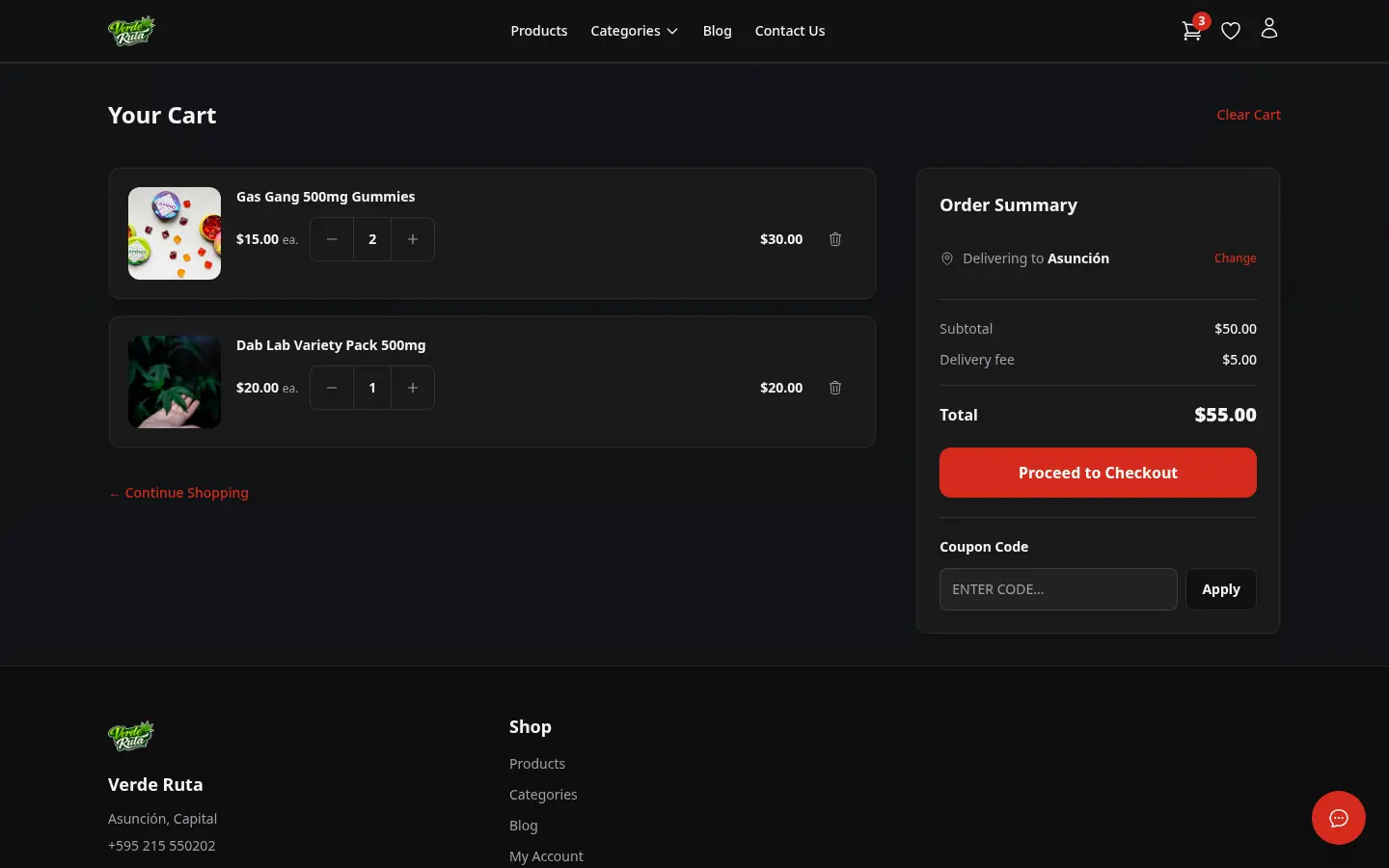
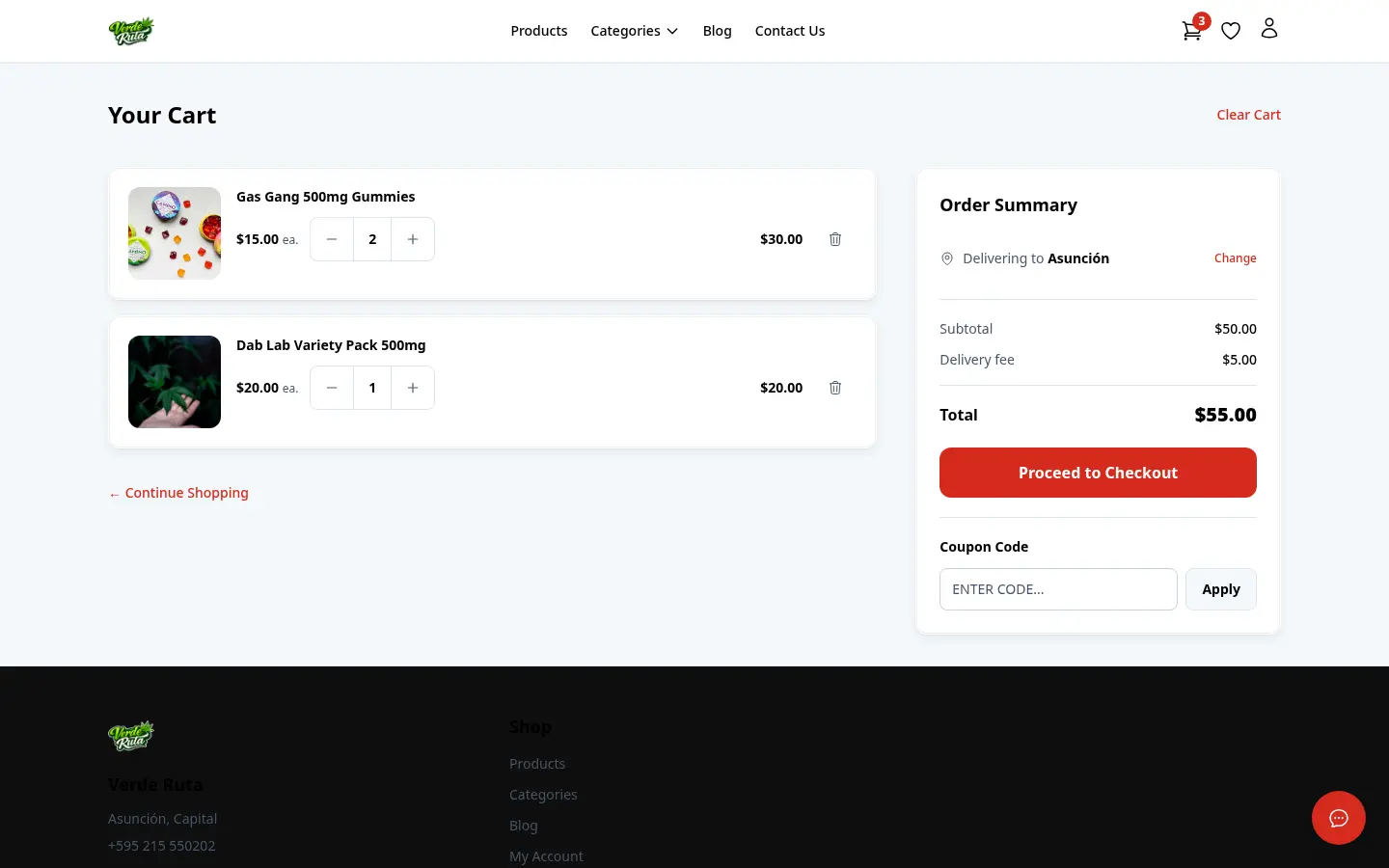
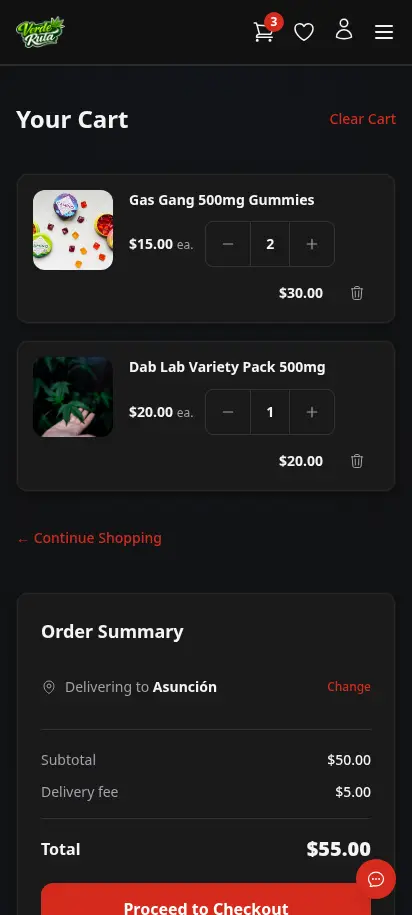
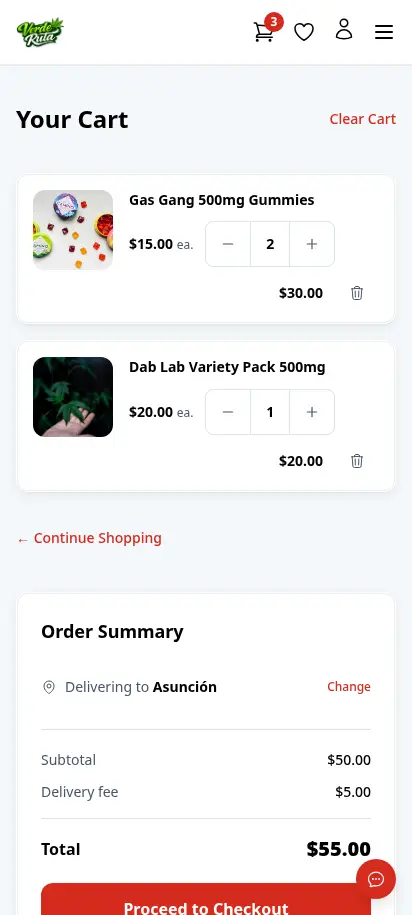
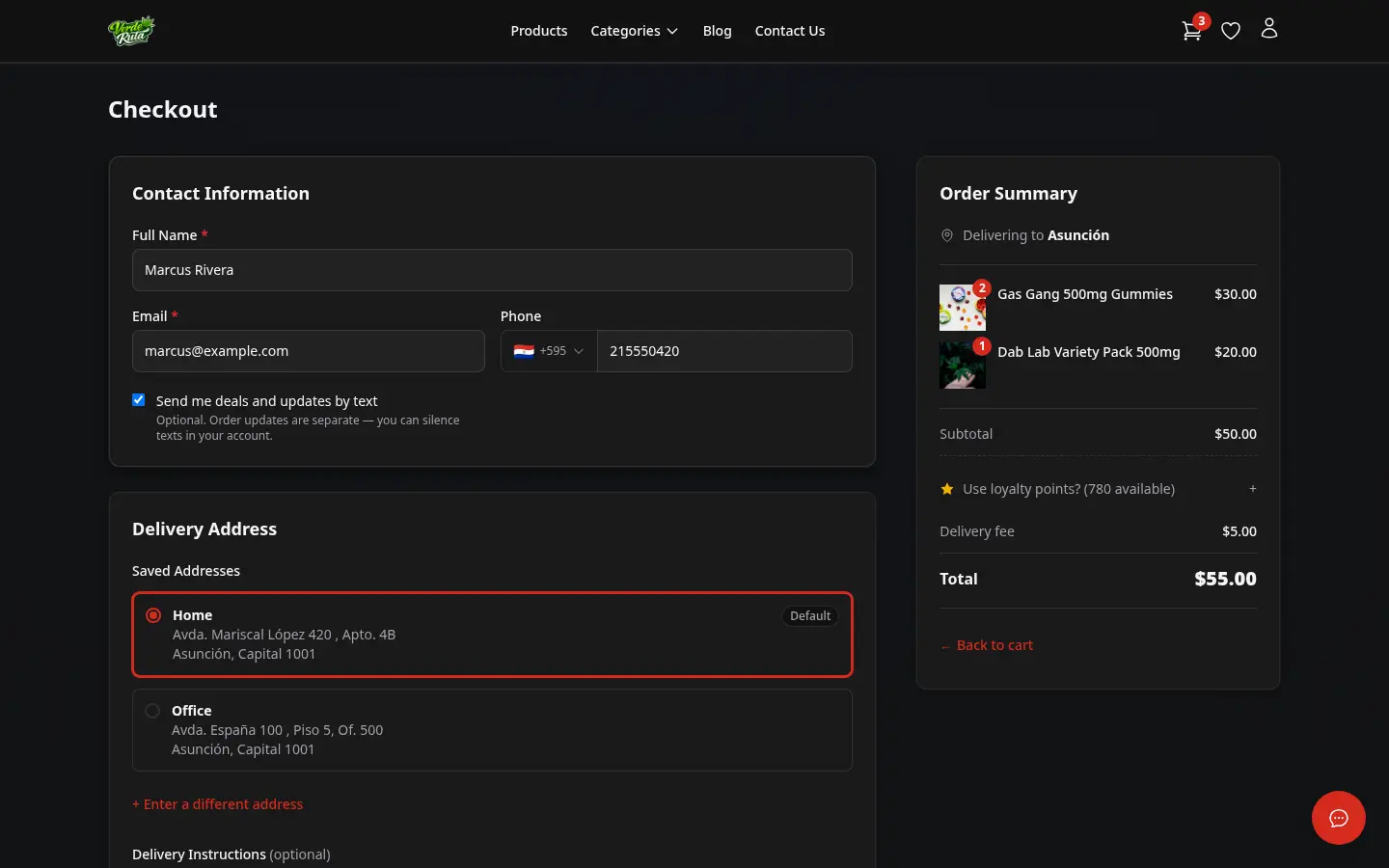
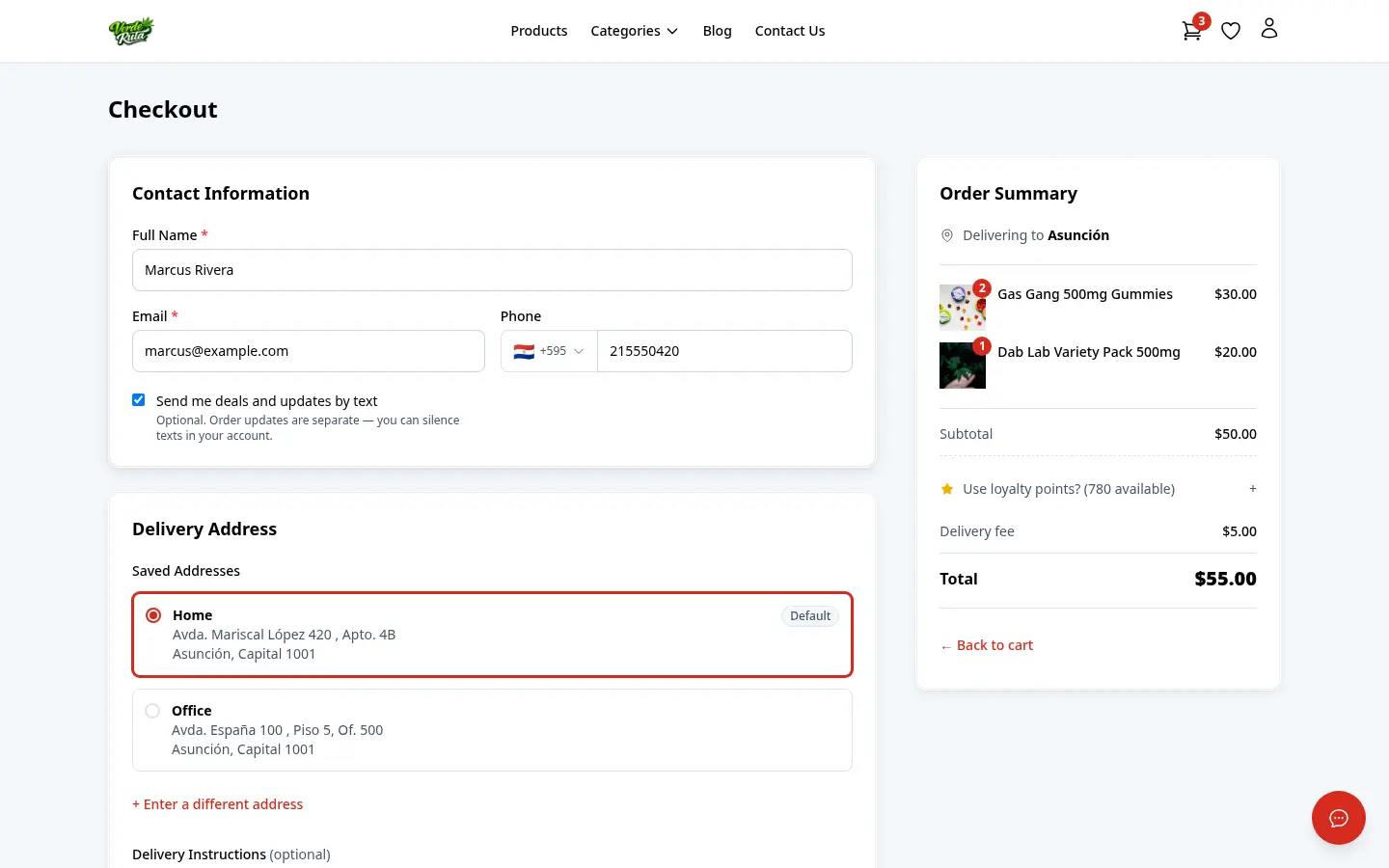
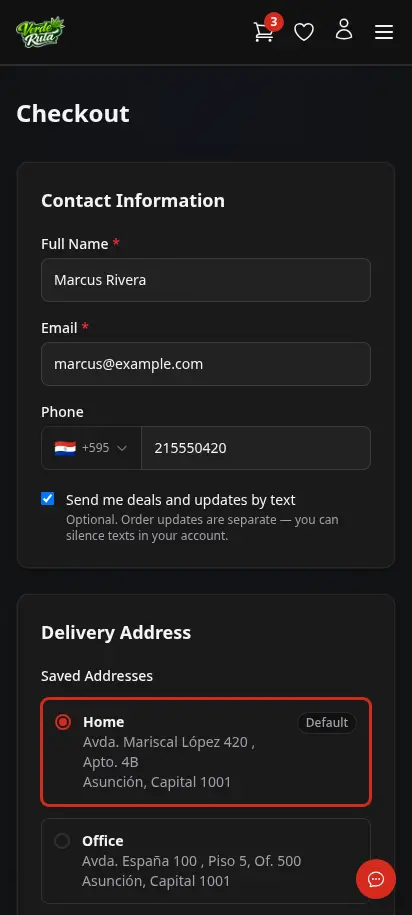
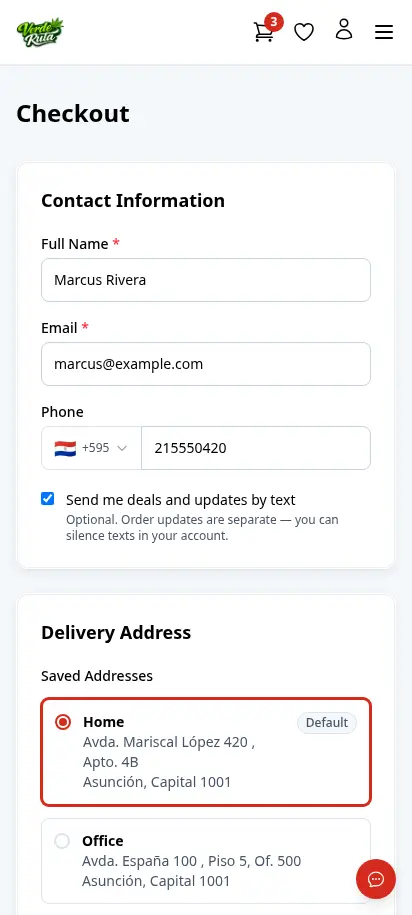
Zone and fees are already set from the cart. Checkout is where the customer confirms their address, picks a delivery schedule, and places the order. No payment gateway — your driver collects cash at delivery. Guest and returning customers see the same clean one-page flow.
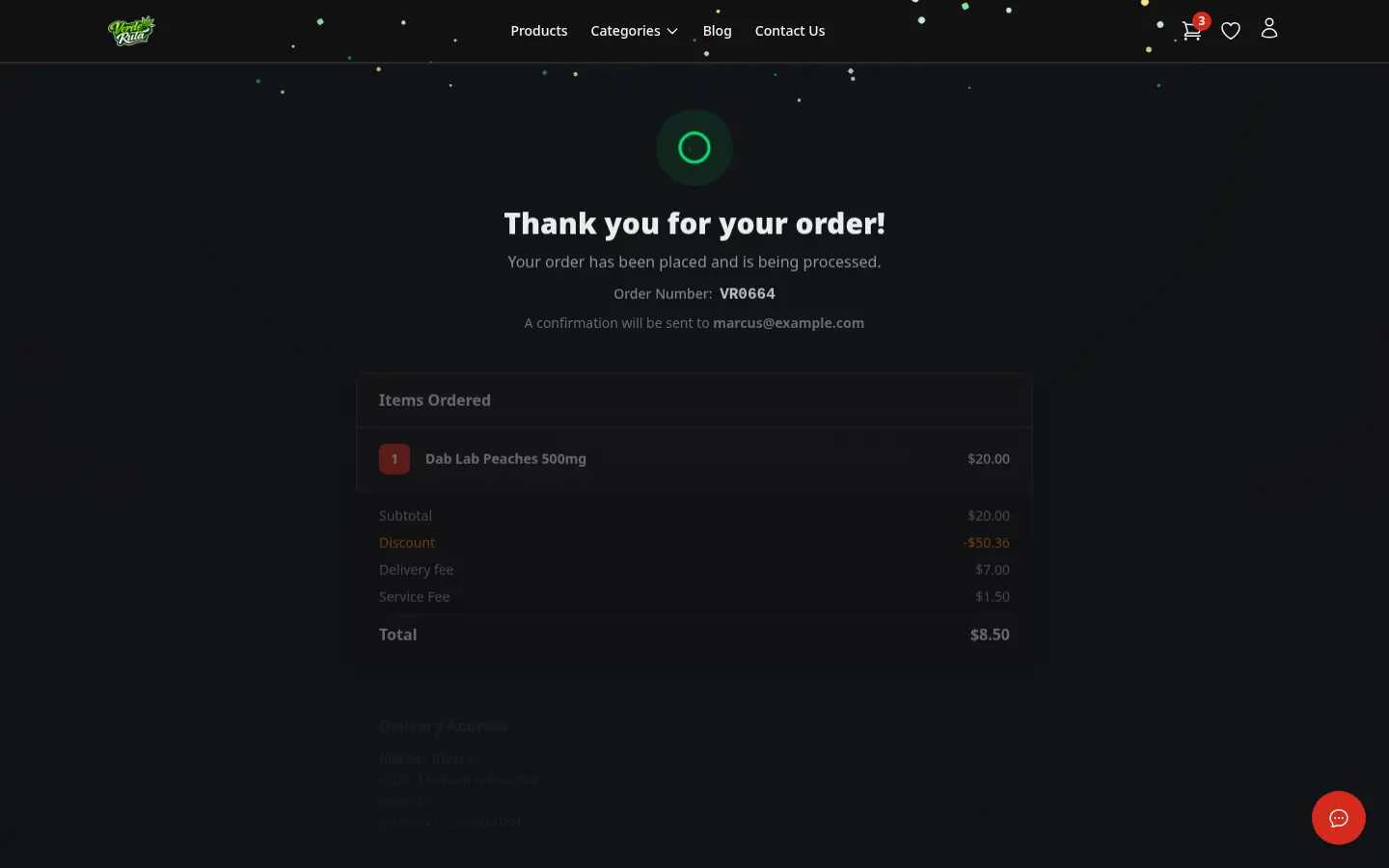
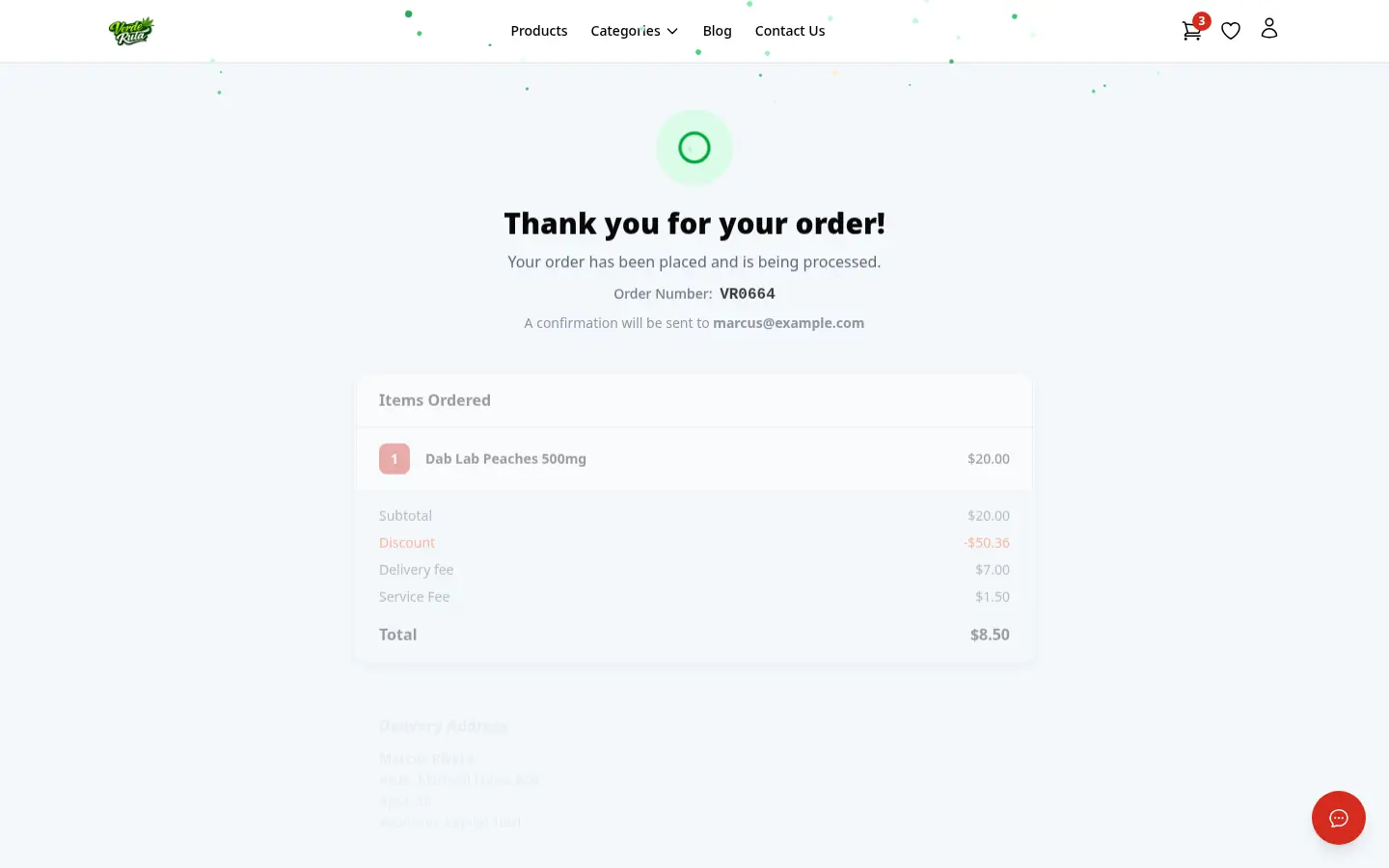
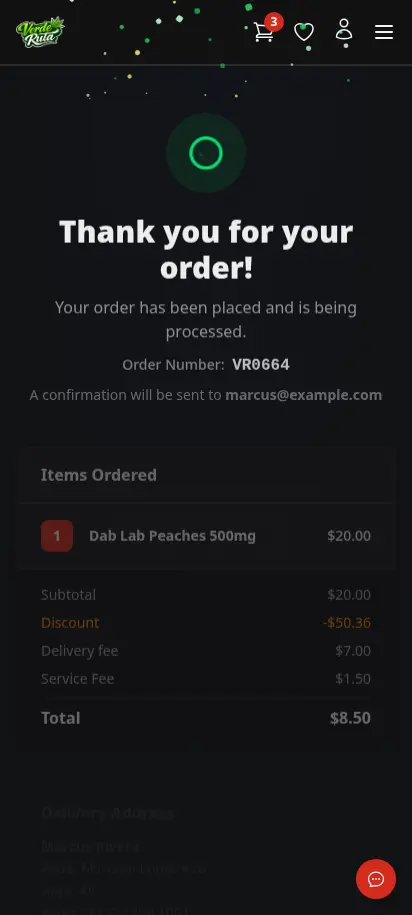
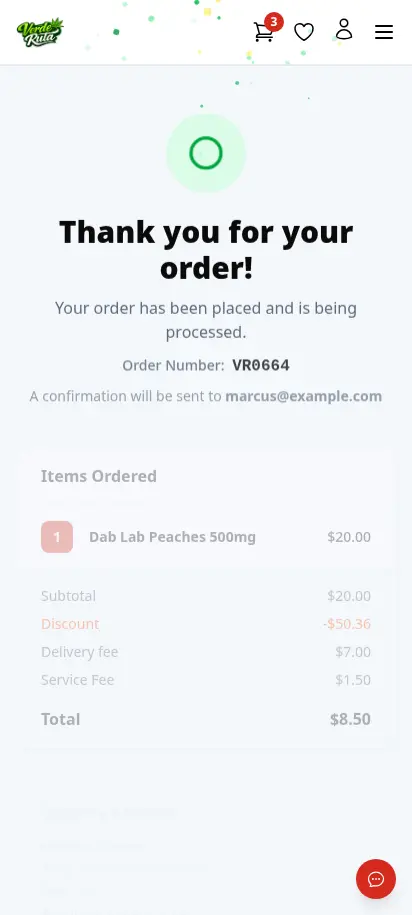
After placing the order, customers see a clear confirmation page with their order number, items, delivery address, slot, and totals. An email confirmation lands in their inbox immediately. You get a notification too — so nothing slips through.
No, bundle deals like "buy 4 different 3.5g strains, get 10% off" apply automatically once the cart hits the trigger quantity, with a progress bar showing how close they are.
From the address the customer enters, automatically, using autocomplete or their device location, they never pick a zone themselves.
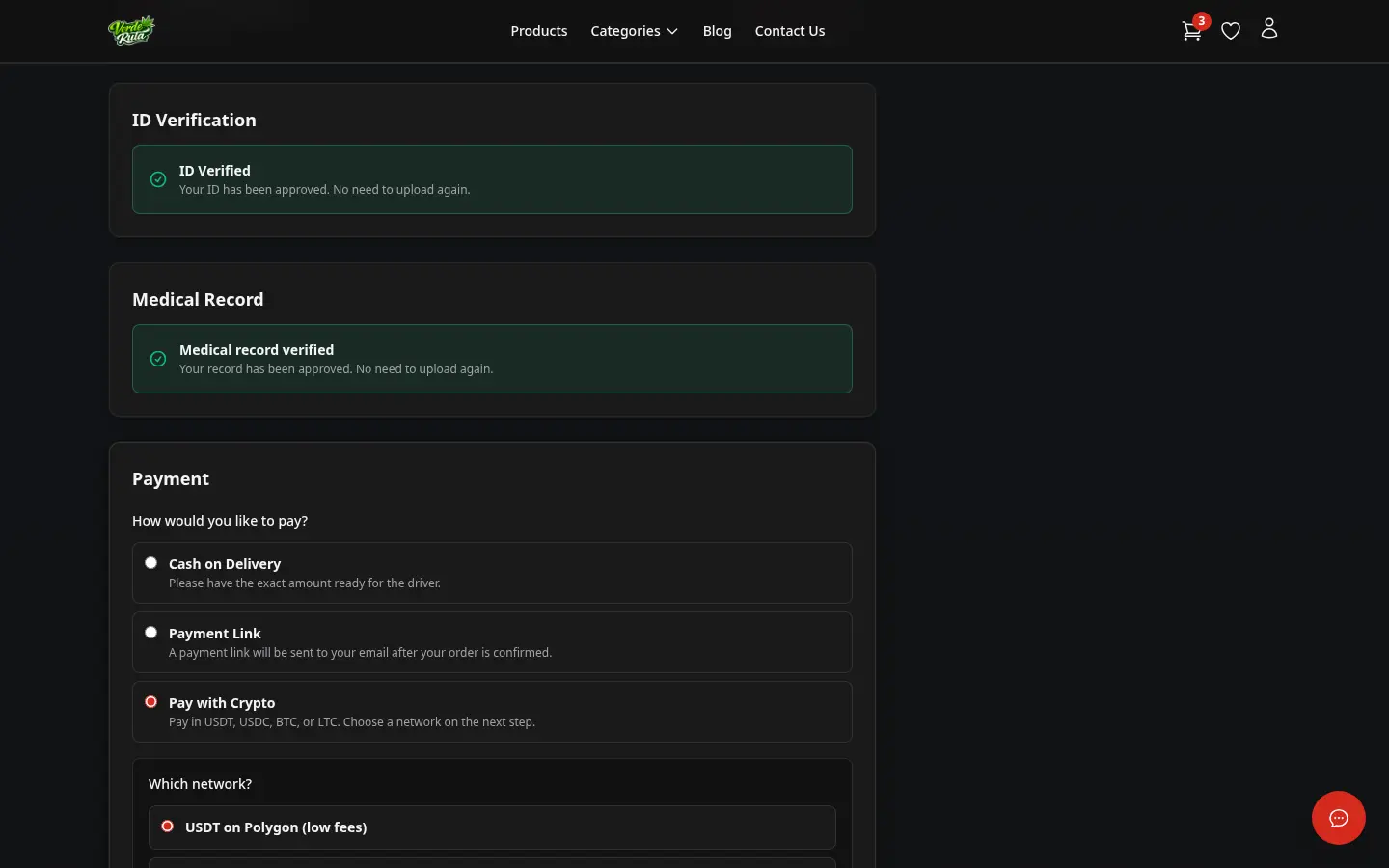
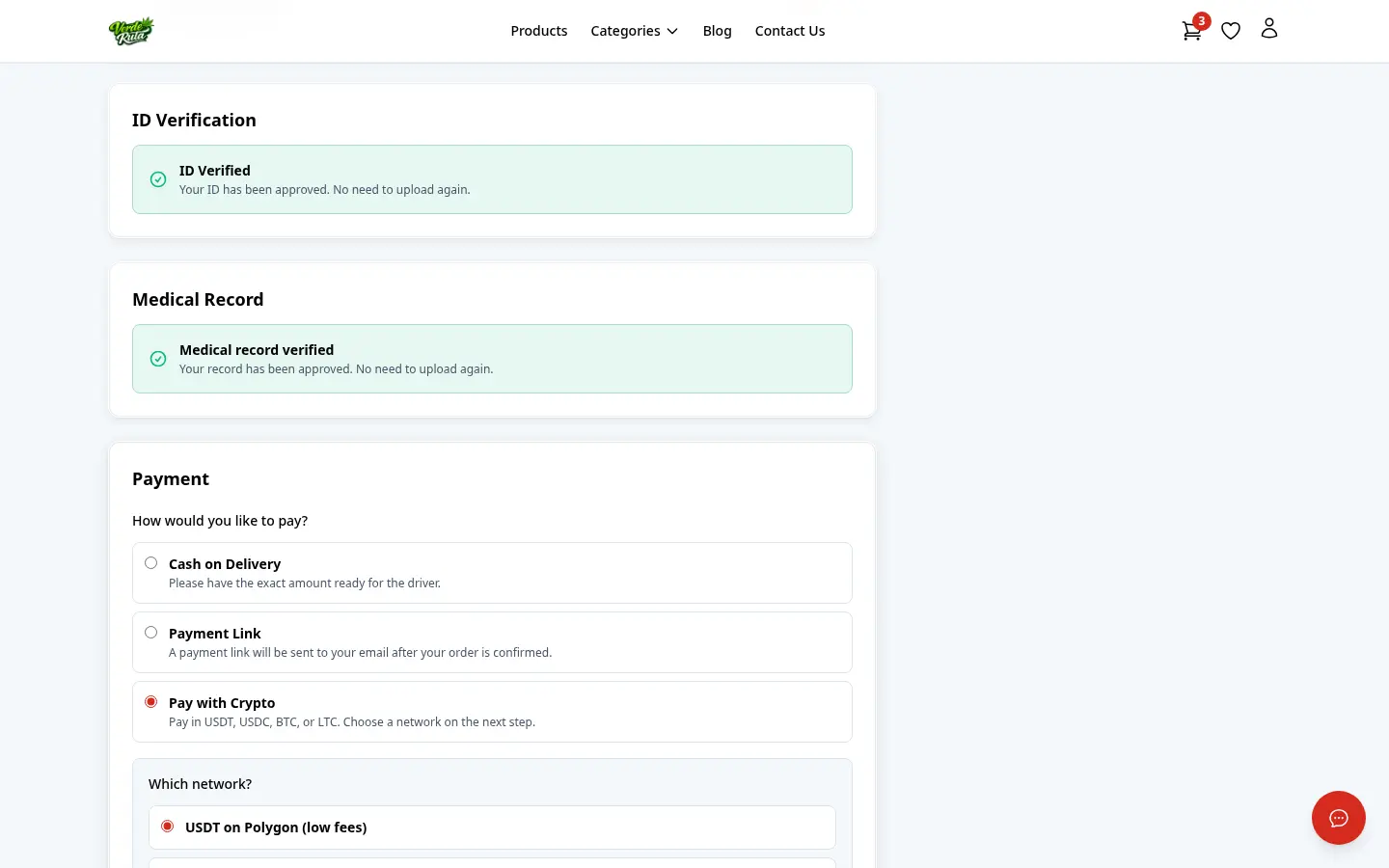
No. Checkout has no payment gateway. Customers pay through the method you've enabled, such as cash on delivery, a payment link, or crypto.
No, a returning customer's saved address pre-fills automatically at checkout.
They land on a confirmation page with the order number, items, address, and slot, get an email confirmation immediately, and you get a real-time notification in your dashboard.
Choose how you'd like to see the screenshots.
Device
Theme
