Delivery Zone Fallback Page
The DabDash delivery zone fallback page — when it appears, how address entry works, and what happens when an address is outside the delivery area.
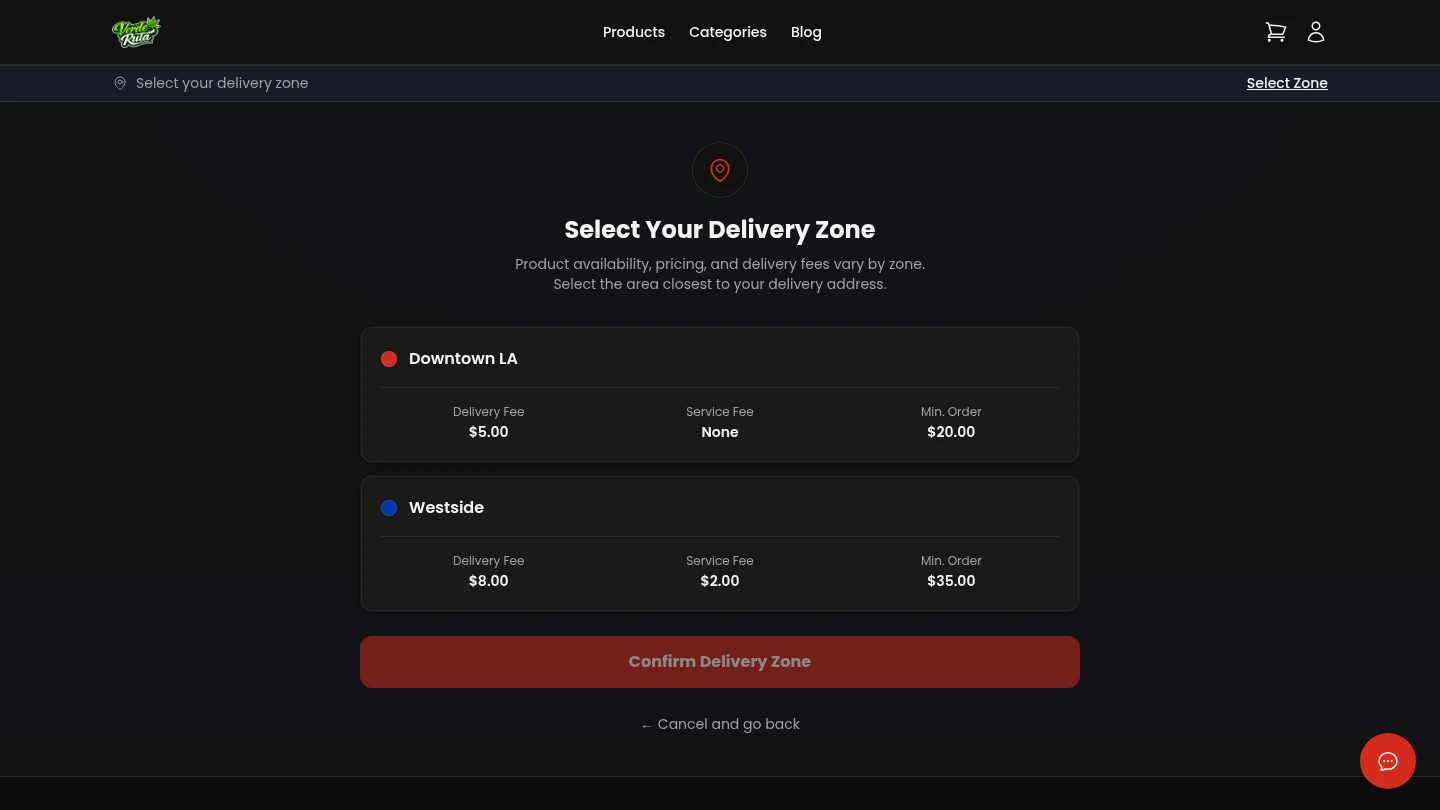
Overview
This page only shows up when the system cannot auto-detect a delivery zone from the customer's address. Most customers never see it — their zone is detected automatically when they enter an address on the cart page.
This is the fallback for the small number of cases where automatic detection does not work.
When It Appears
If someone visits the store and their location cannot be determined, or if they have not entered an address yet, they may land on this page. It asks for a delivery address.
This can happen when location sharing is turned off in the browser, or when the store link does not include enough information to figure out the zone on its own.
How It Works
Entering an address checks if it falls inside one of the store's delivery zones. If it does, the customer is redirected to start shopping with the correct delivery fee already set.
If the address is outside all zones, a message explains that delivery is not available to that area. The customer can try a different address.
Most Customers Skip This
On mobile, the browser shares location automatically. On desktop, the address entry on the cart page handles zone detection. This page exists as a safety net for edge cases.
If a customer lands here and enters a valid address, they are taken straight to the store and can begin browsing immediately.
Frequently Asked Questions
What is the delivery zone fallback page on a DabDash store?
It is a fallback page that asks for a delivery address when the system cannot auto-detect a zone. Most customers never see it because zone detection happens automatically on the cart page.
What happens if an address is outside all delivery zones?
A message explains that delivery is not available to that area. The customer cannot proceed to checkout until they enter an address inside an active delivery zone.