
How do bundle deals work?
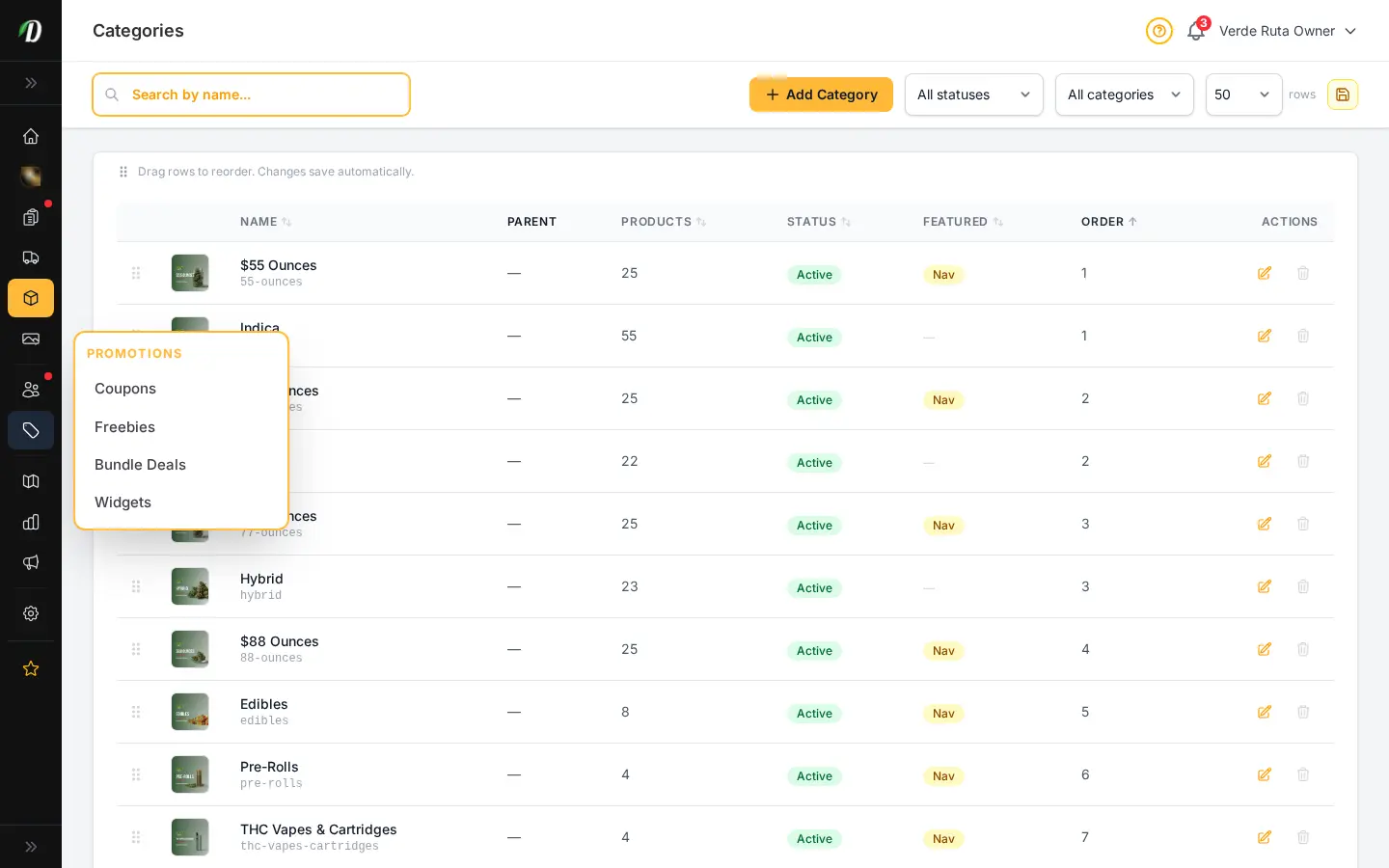
You set a trigger quantity and a percentage or fixed discount; when a customer's cart reaches that quantity across the variations you choose, the discount applies automatically, no code needed.
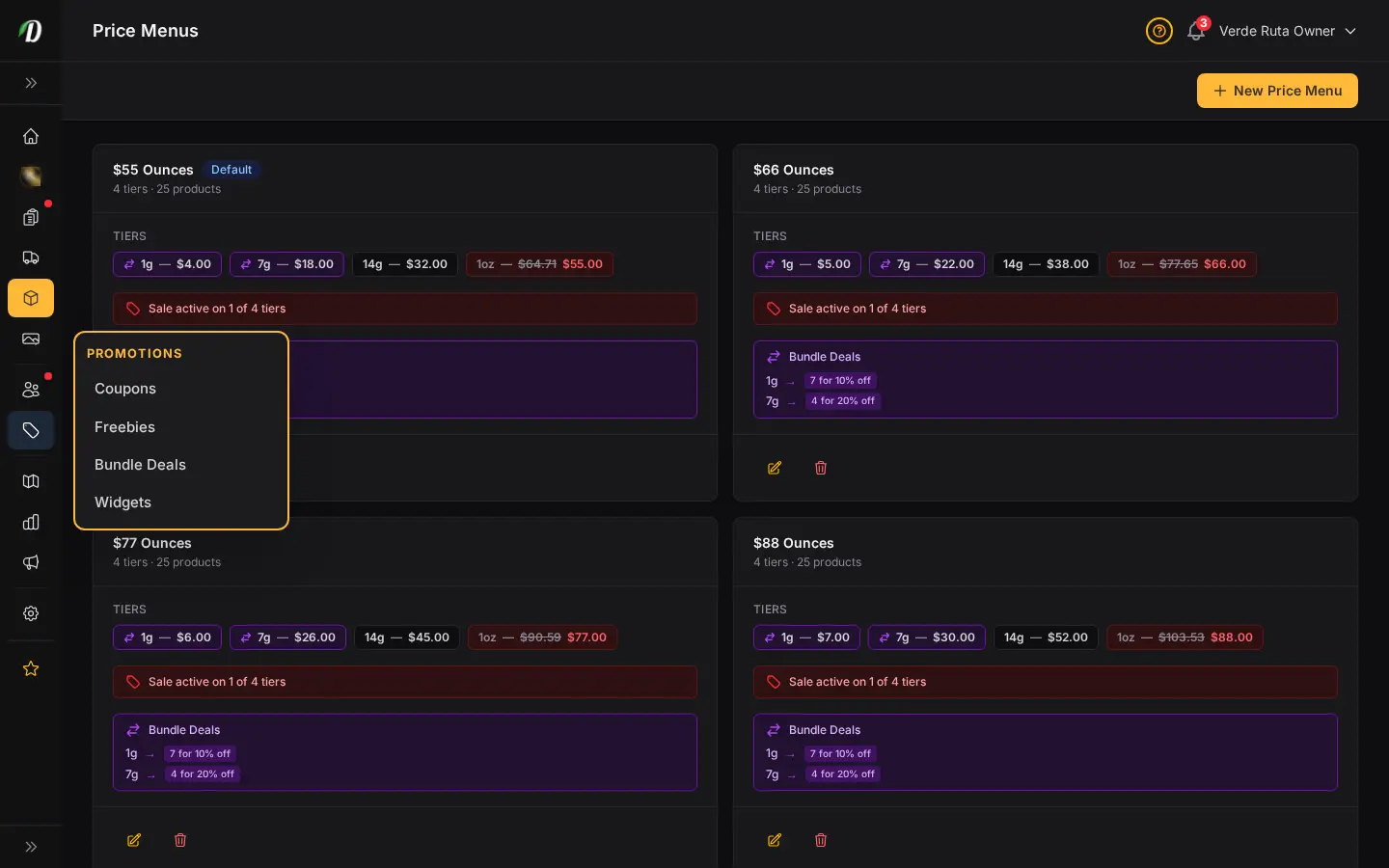
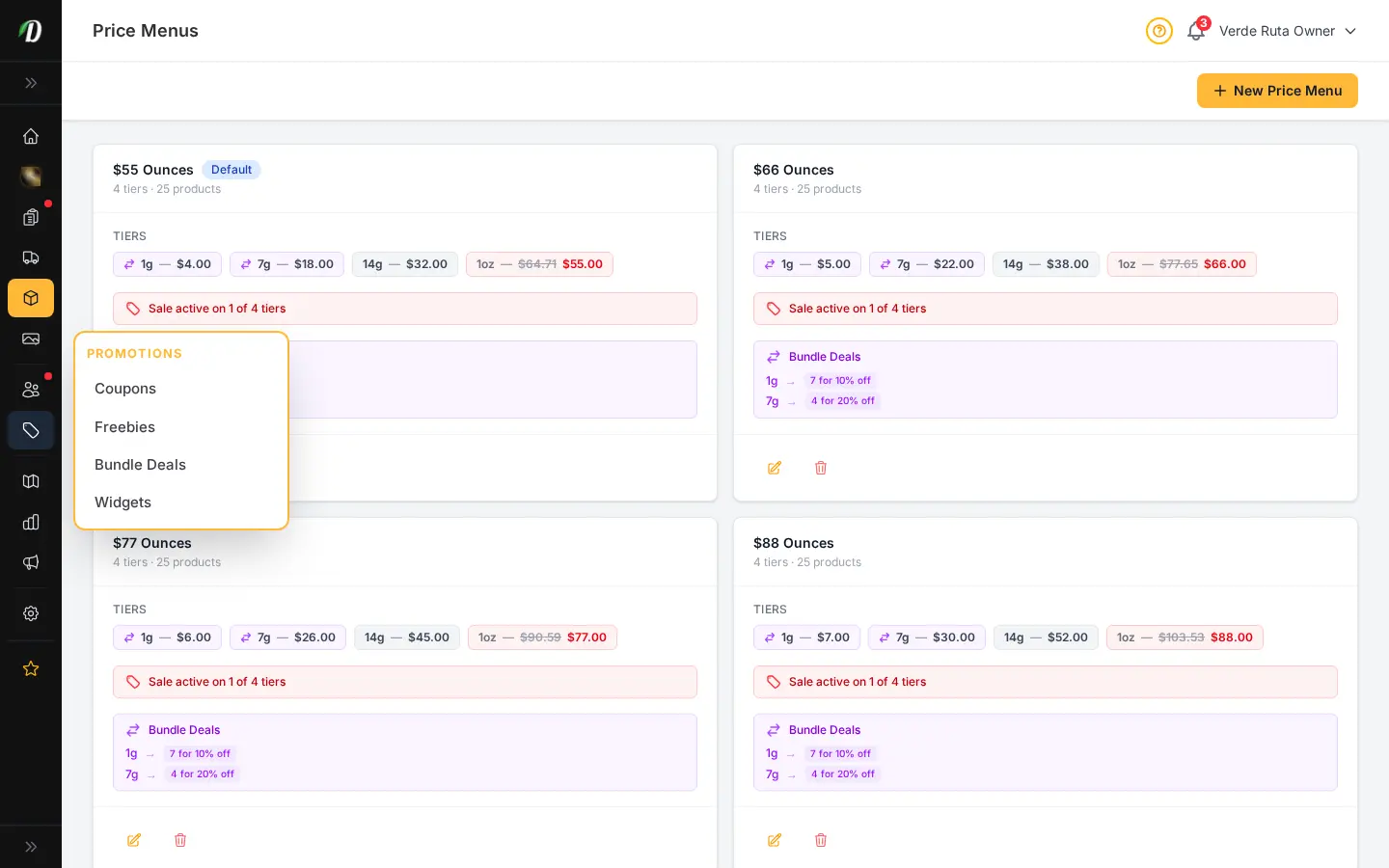
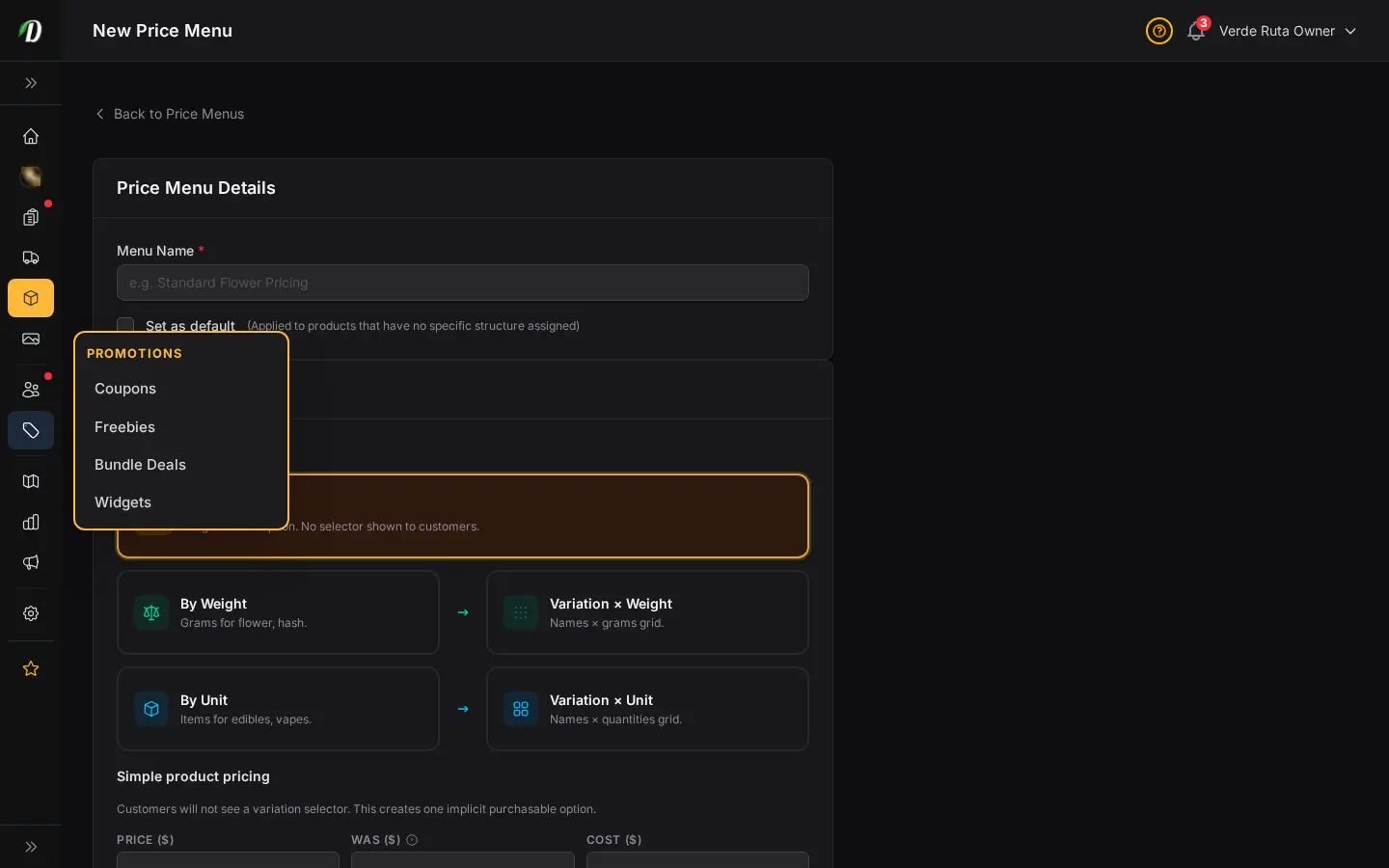
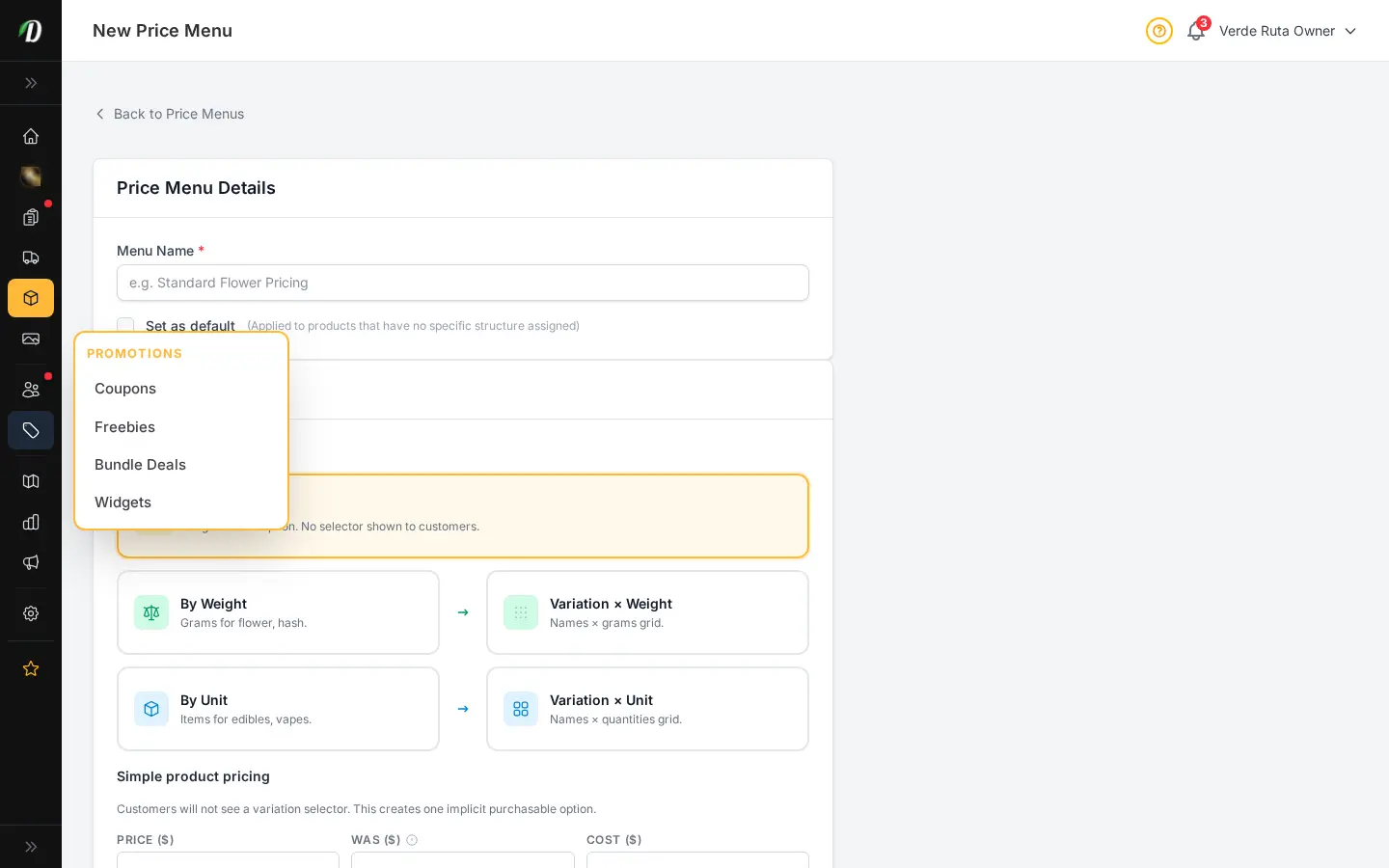
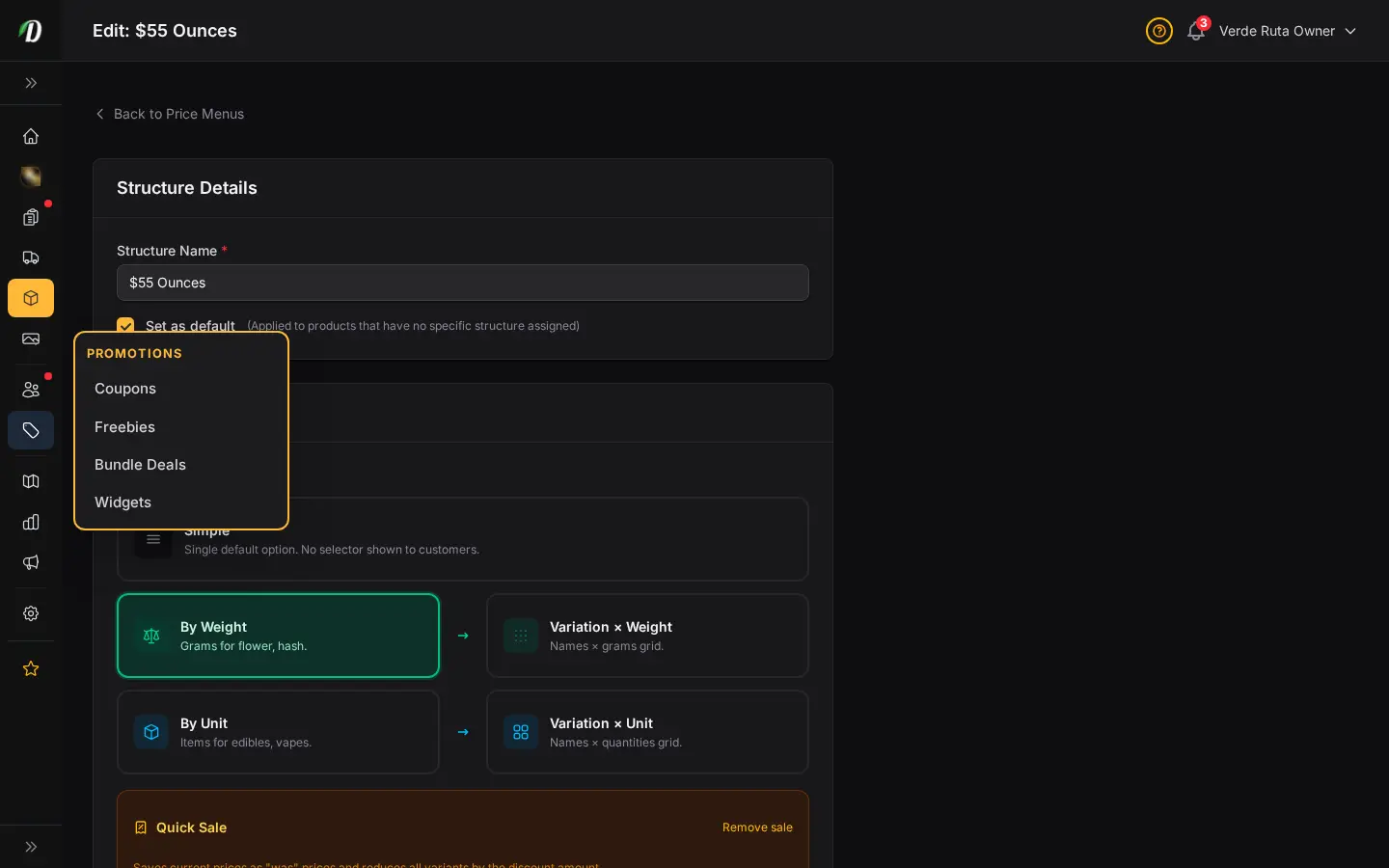
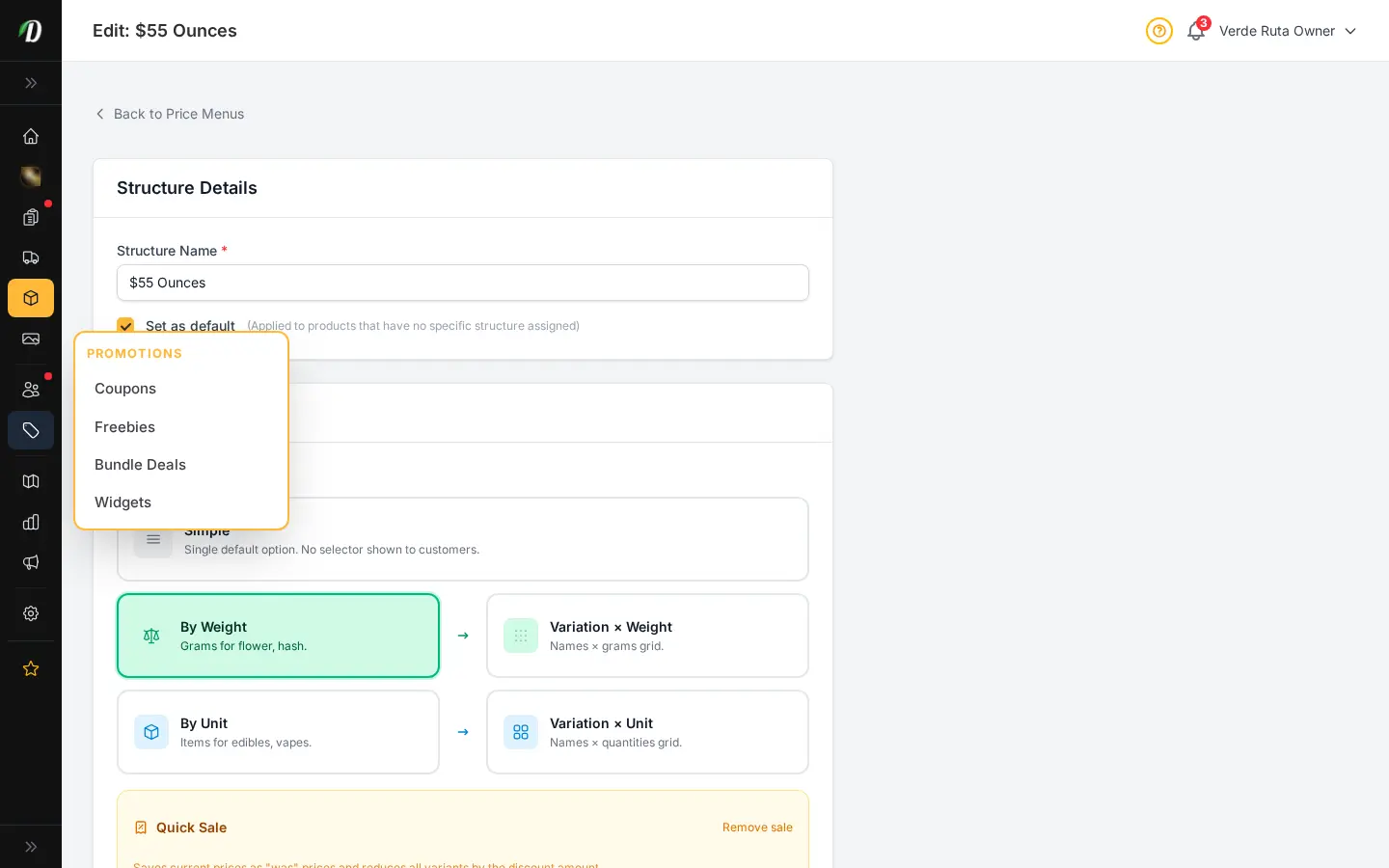
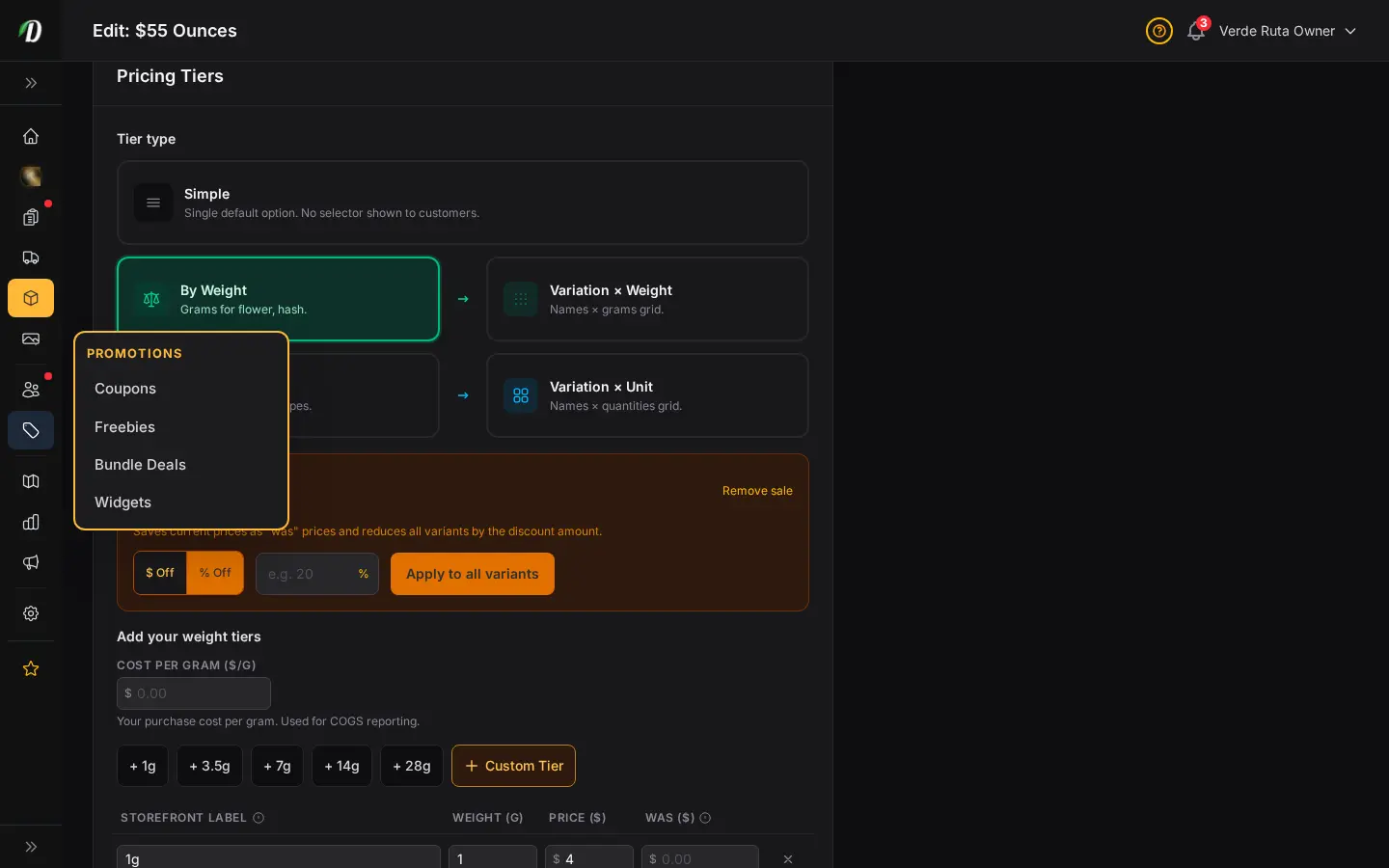
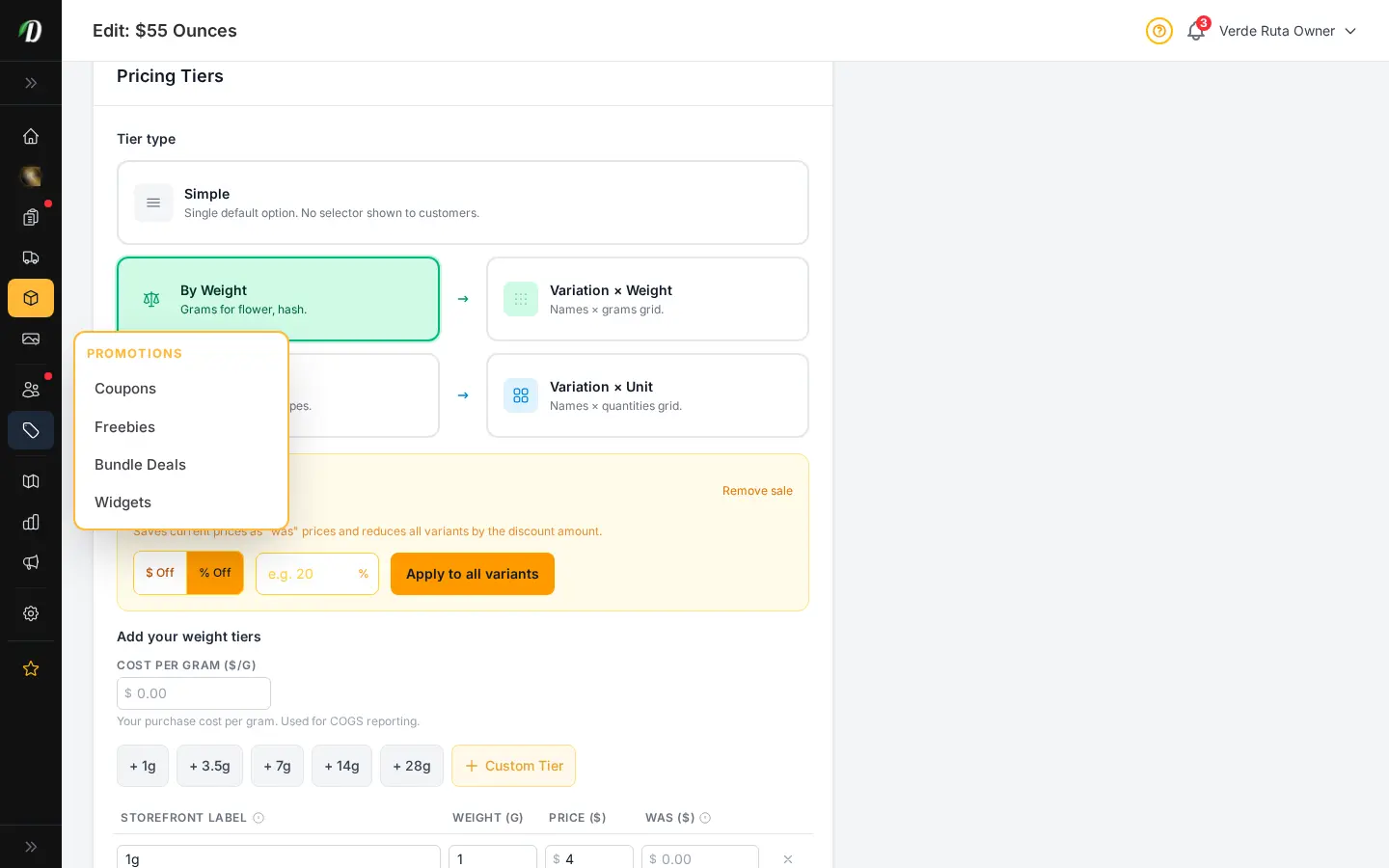
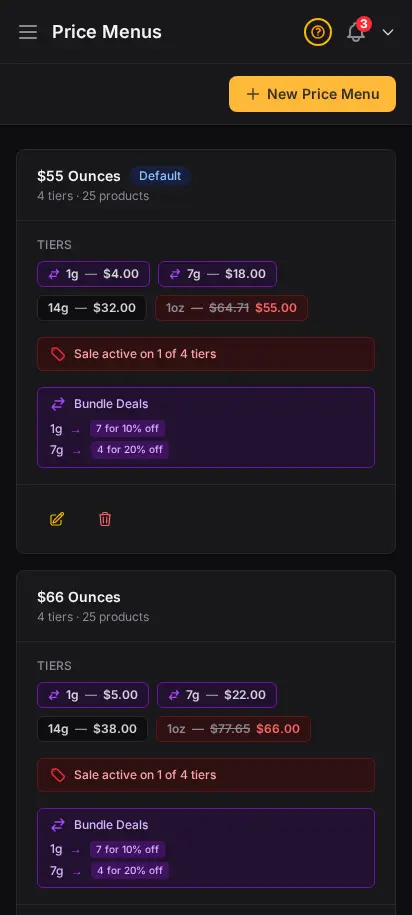
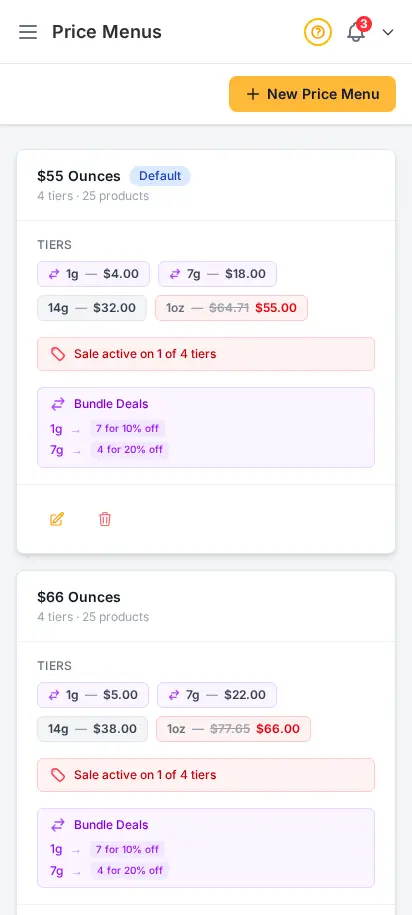
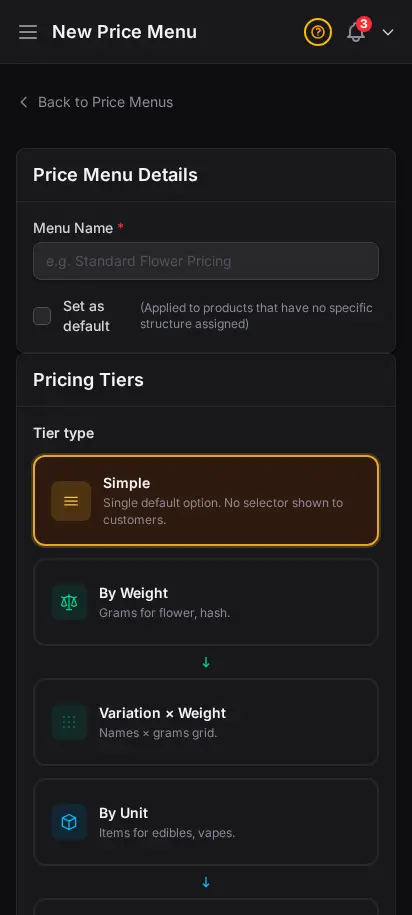
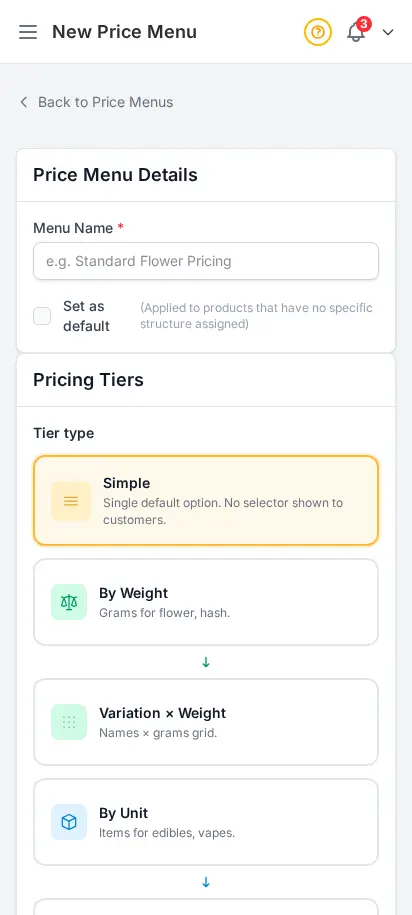
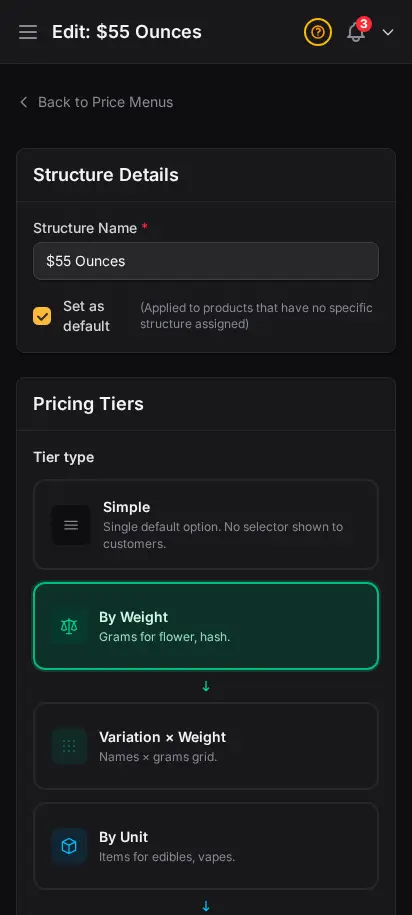
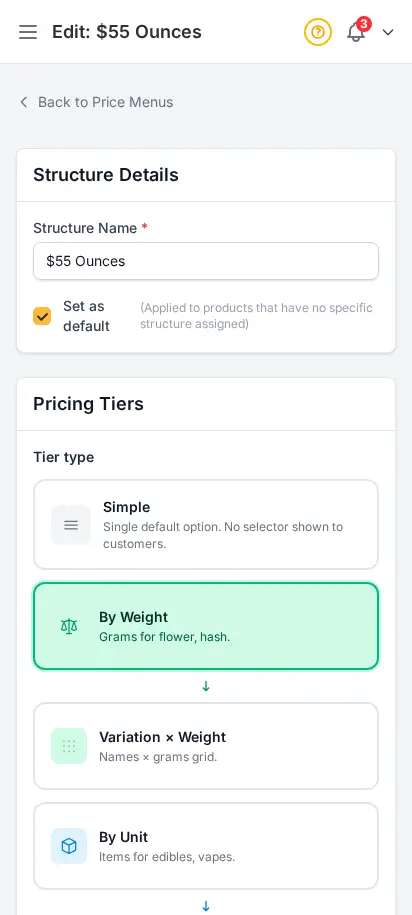
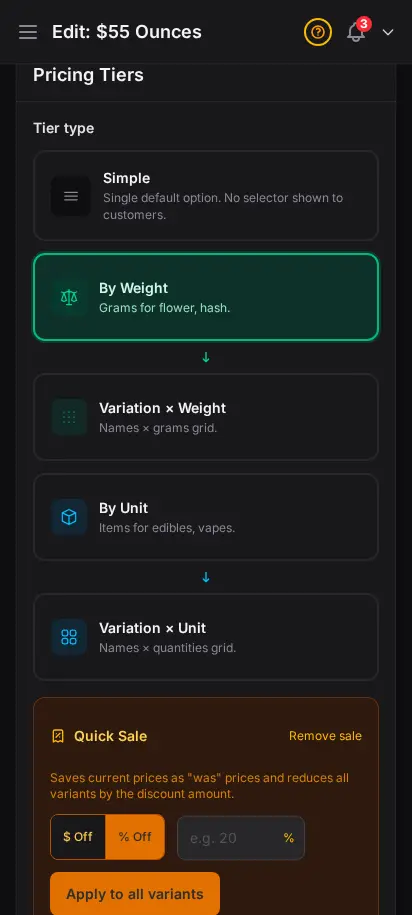
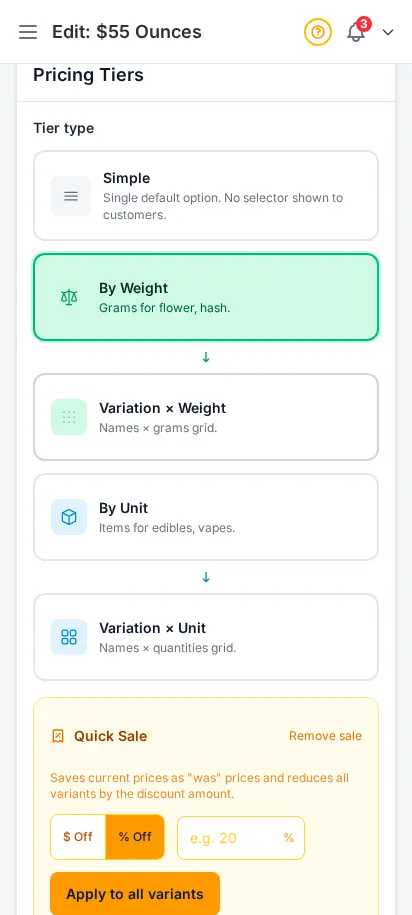
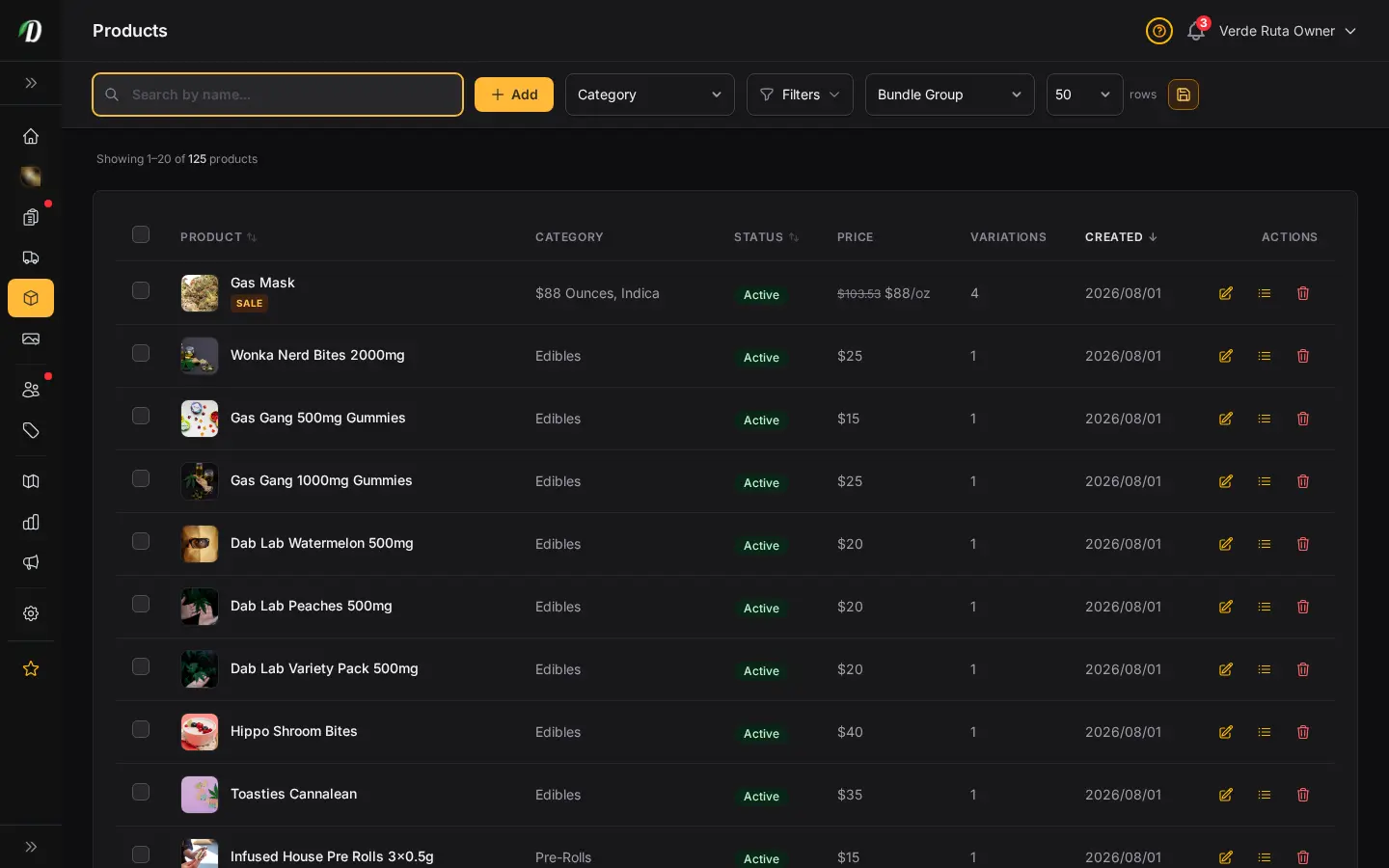
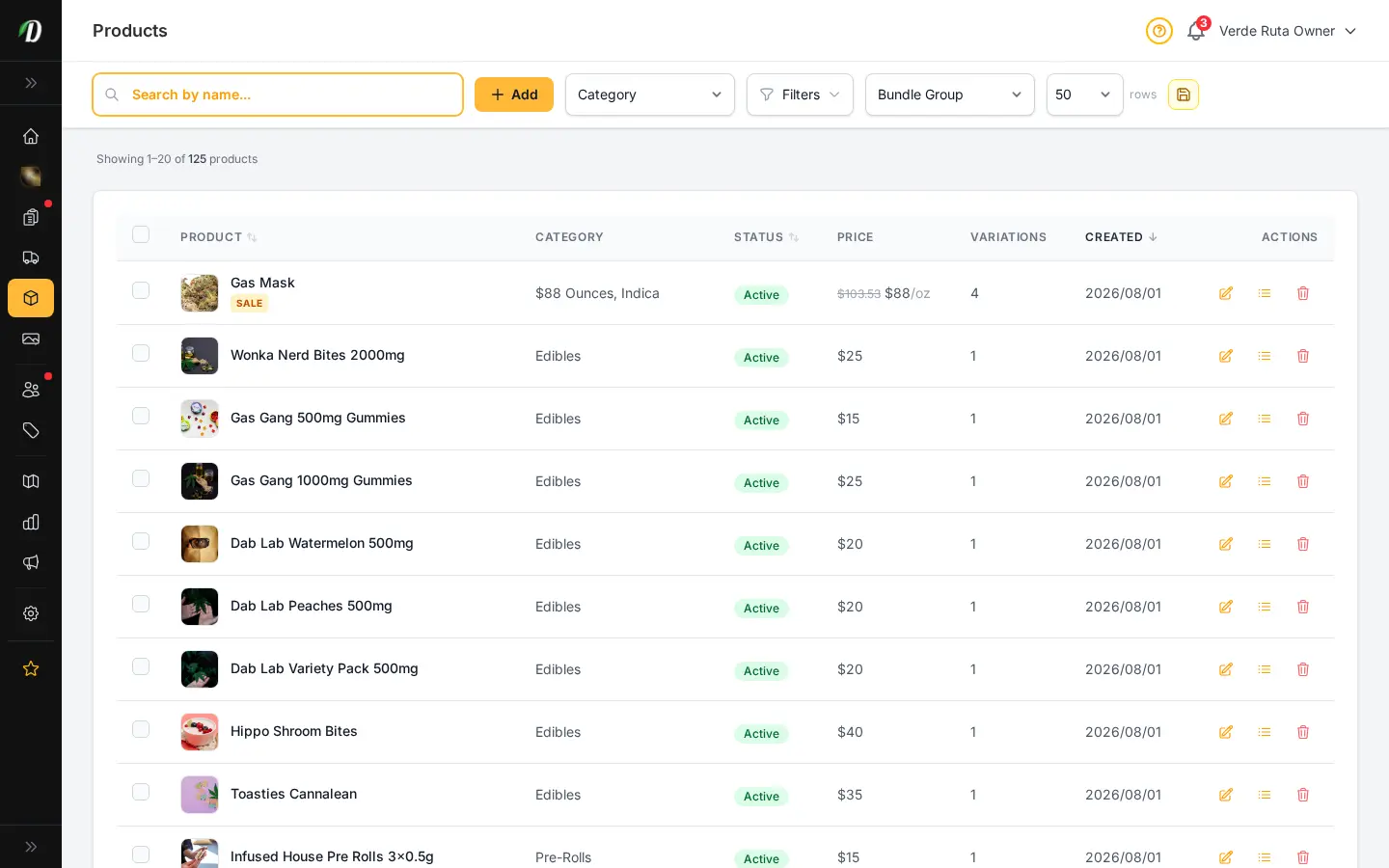
Build reusable price menus once, then attach them to as many products as you want. Set weight tiers like 1g, 3.5g, 7g, 14g, 28g — or unit-based menus for pre-rolls, edibles, and accessories. Change a price on the menu and every linked product updates instantly. No more editing prices on each product, one by one.
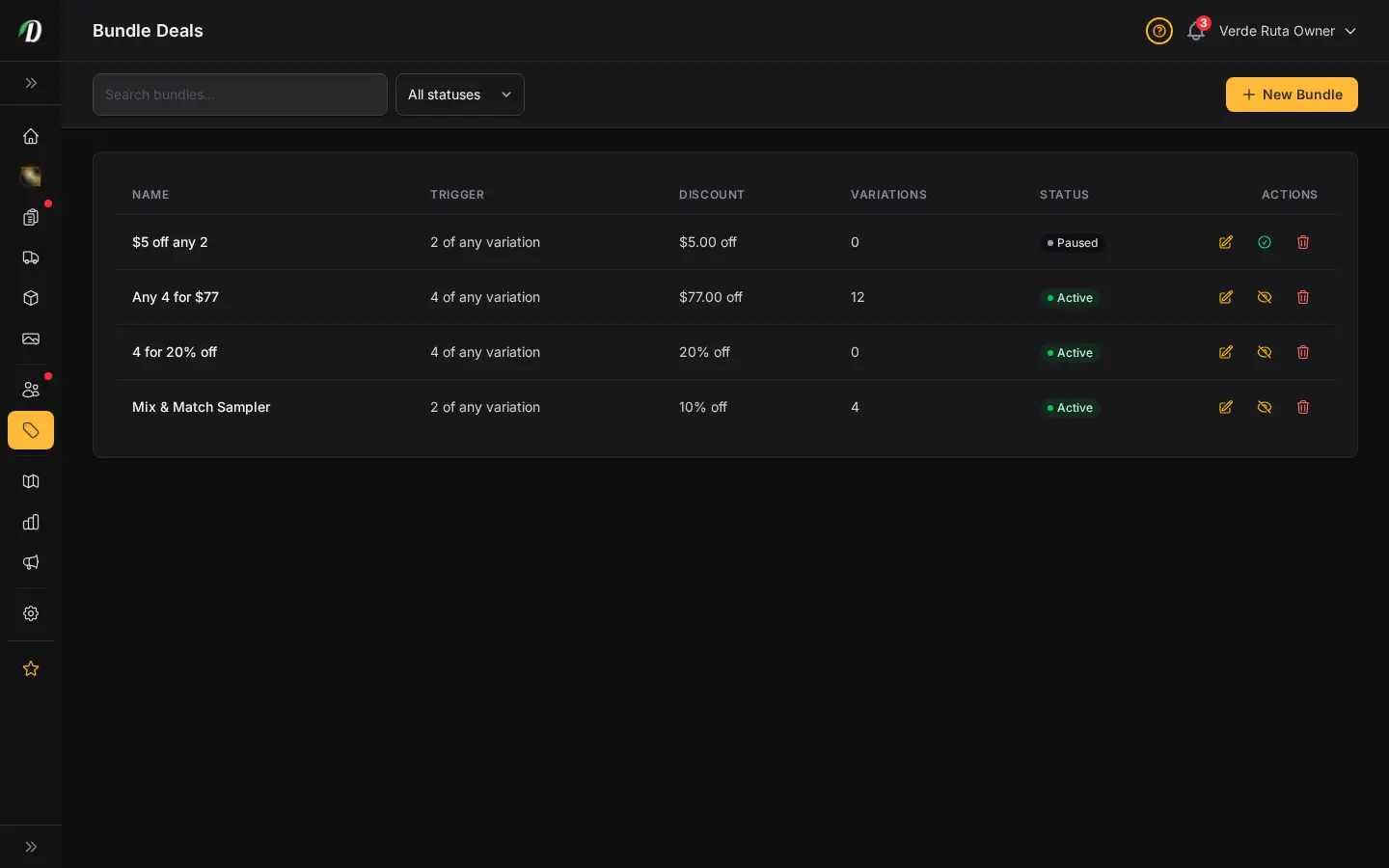
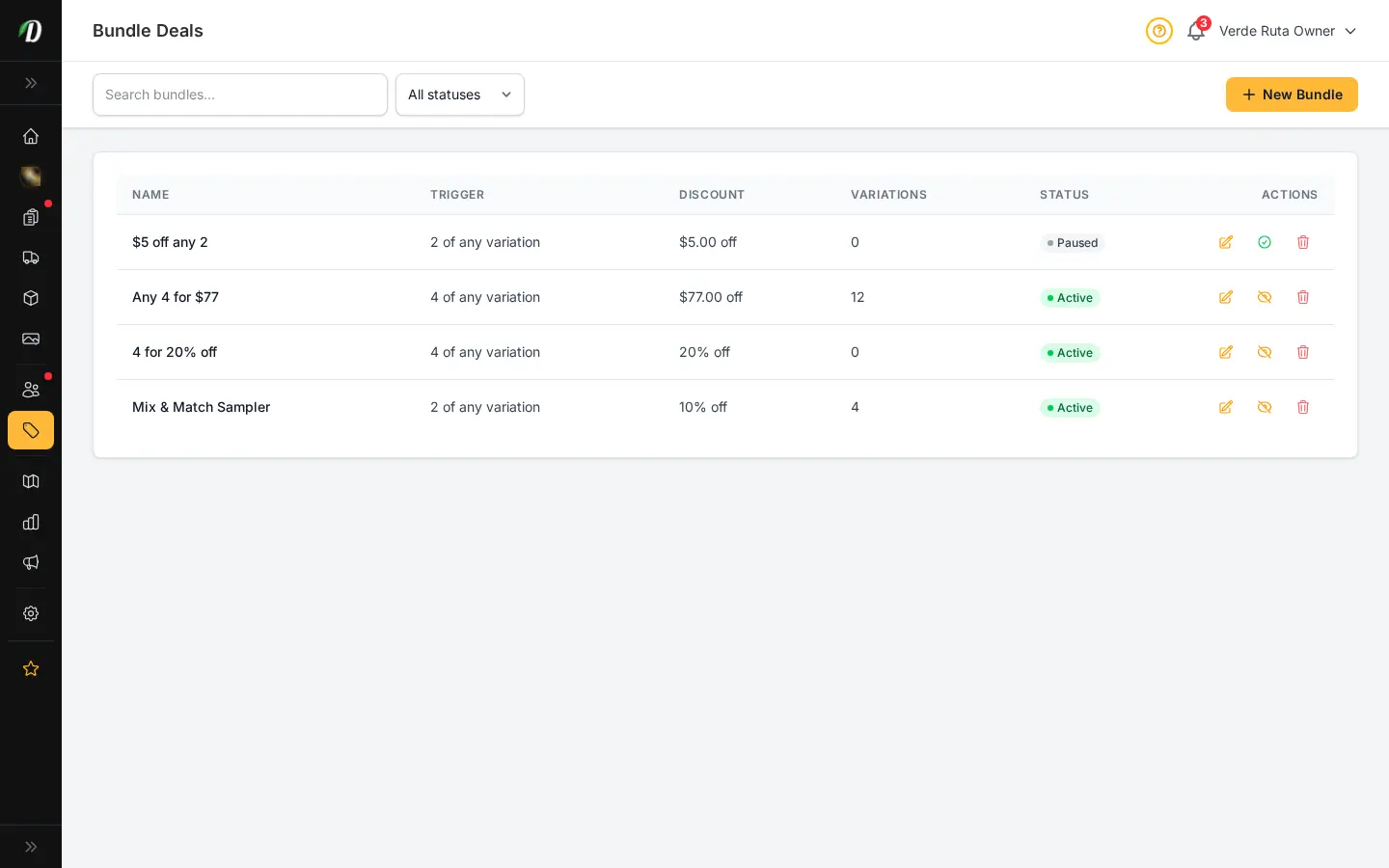
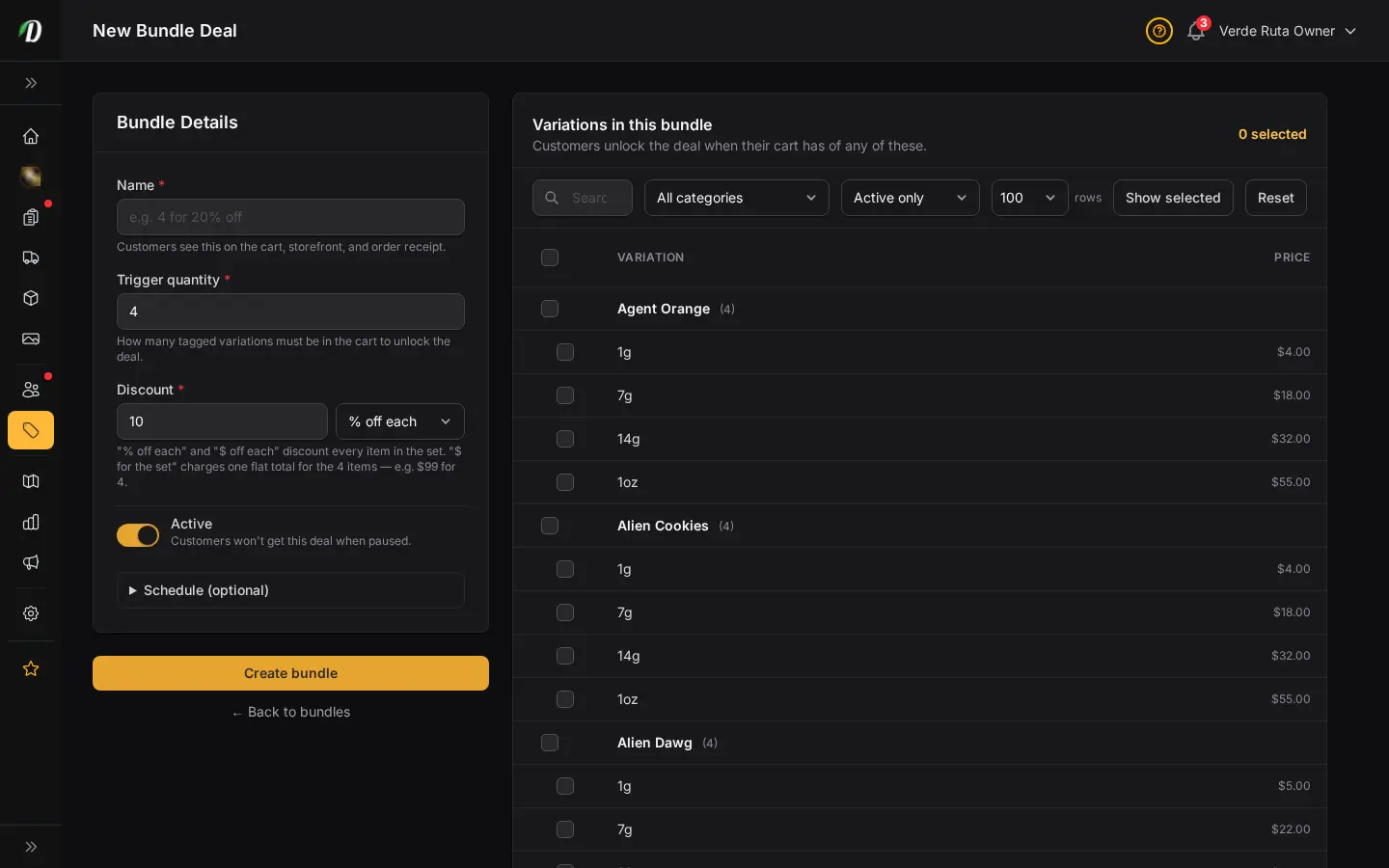
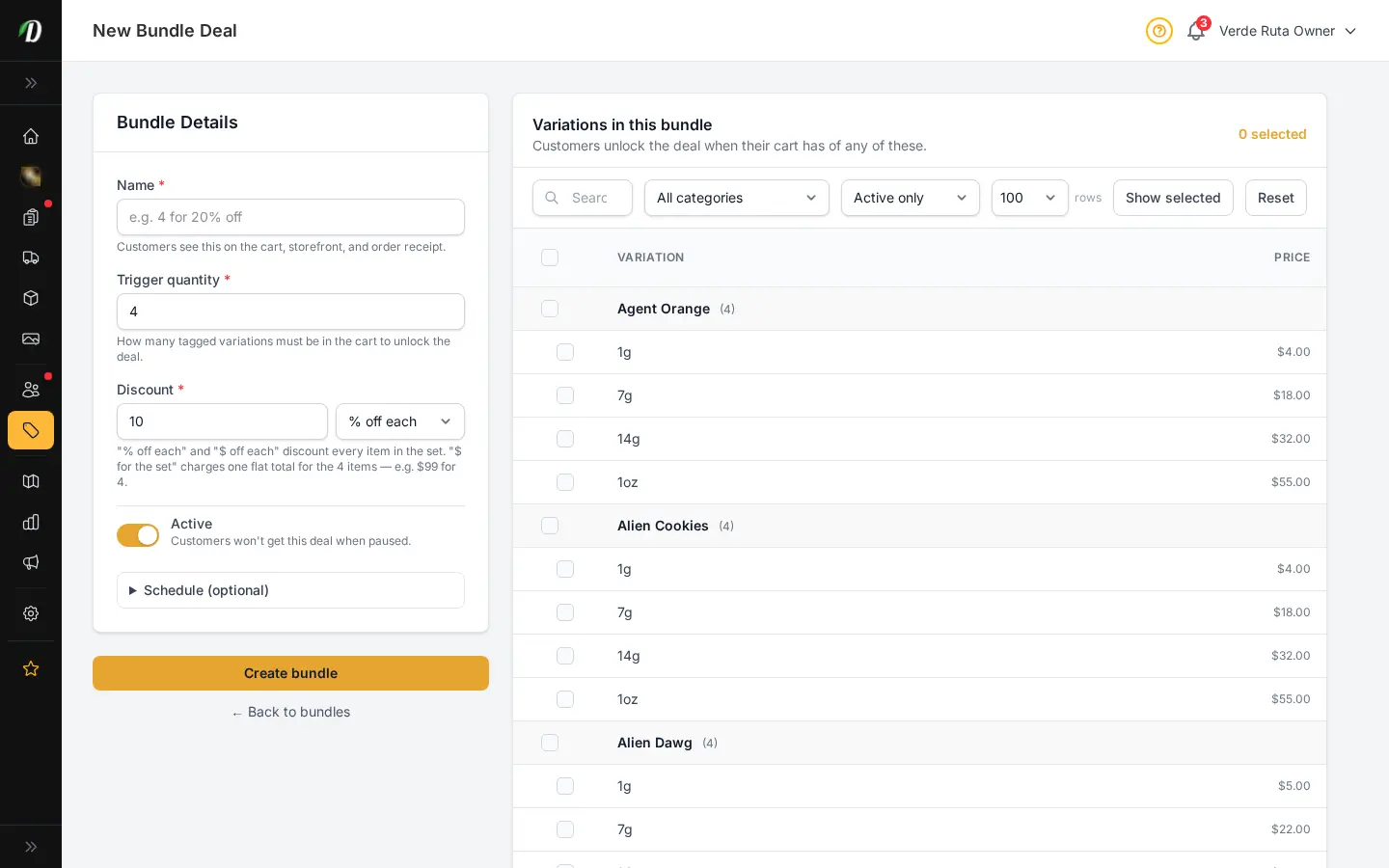
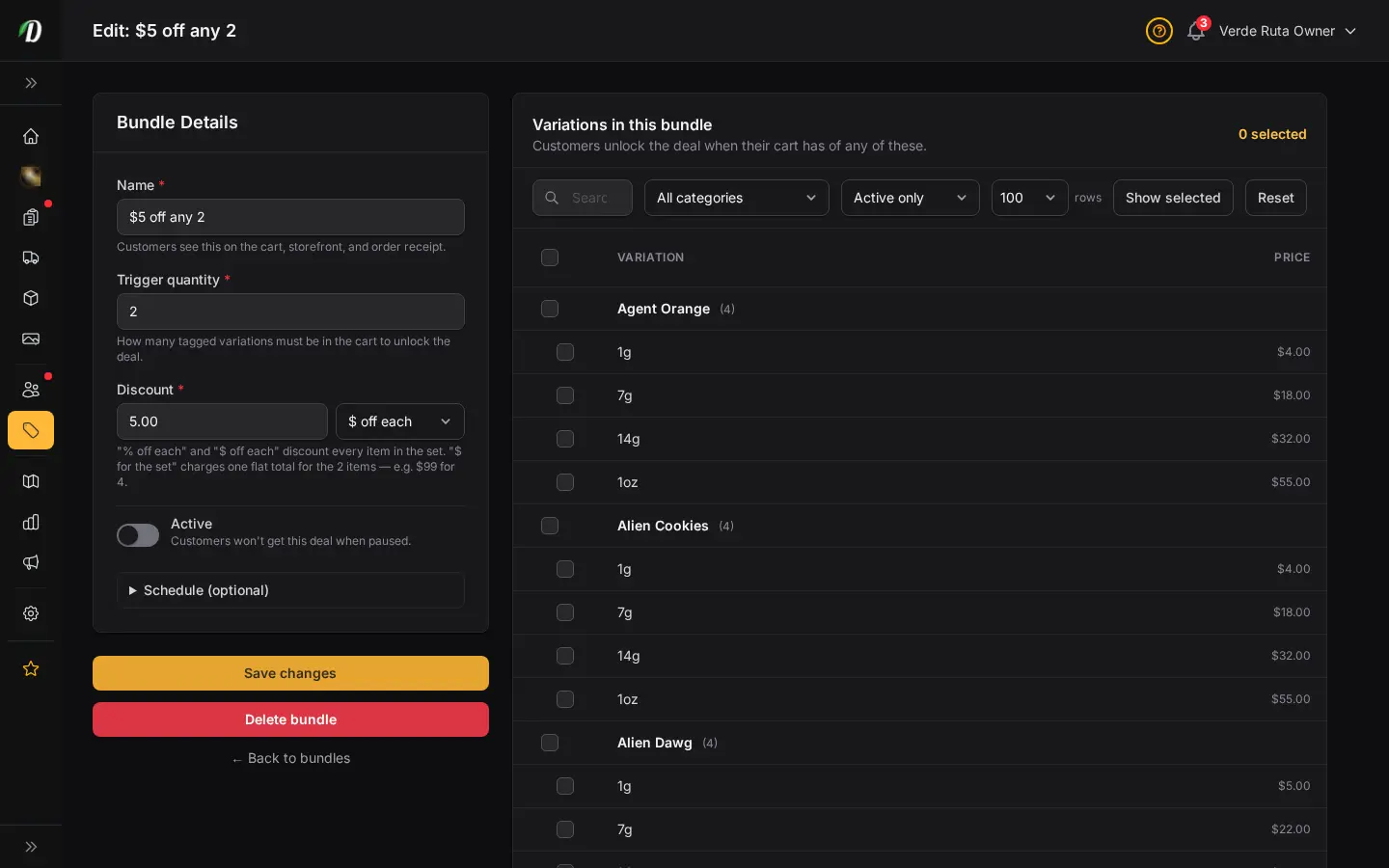
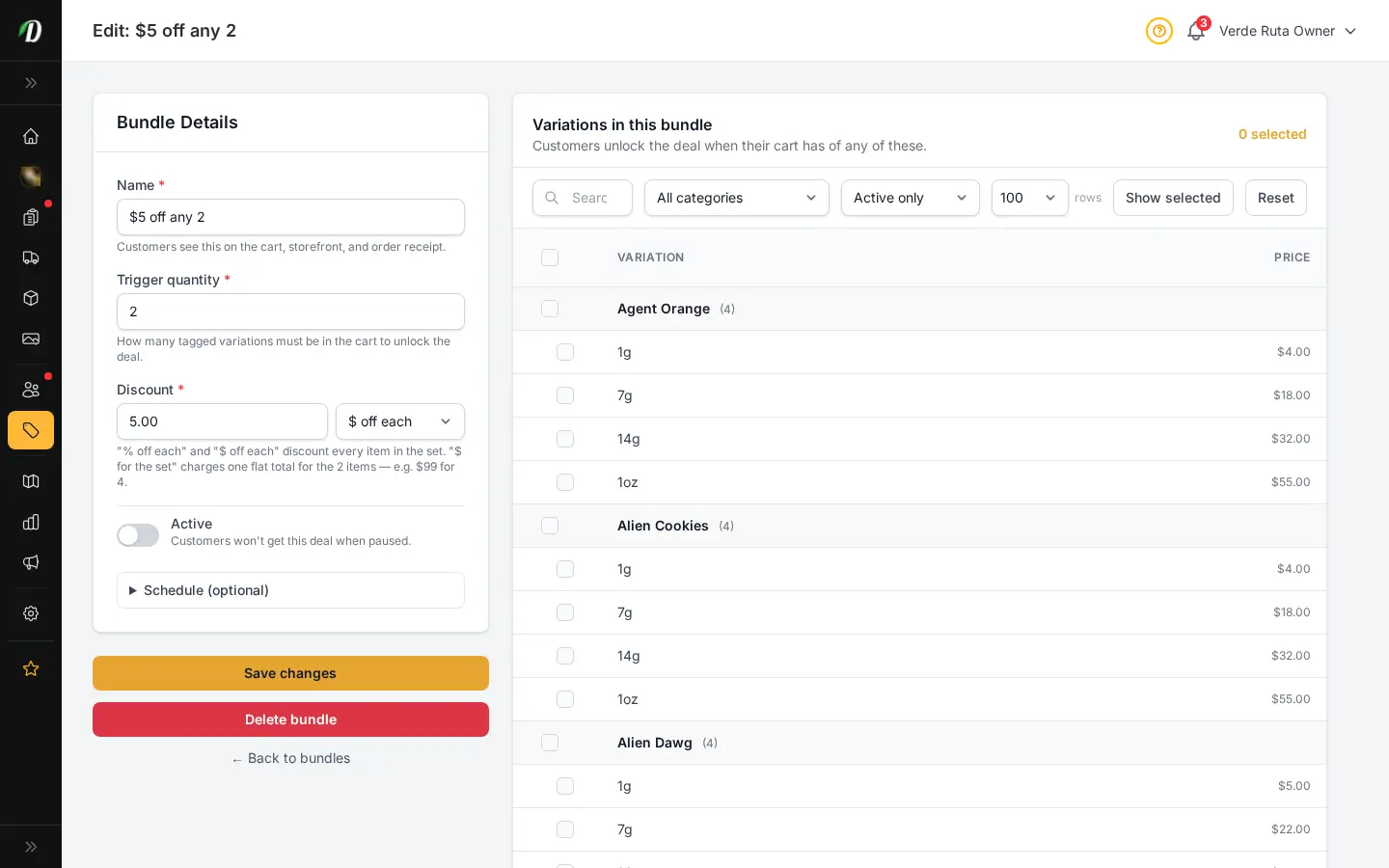
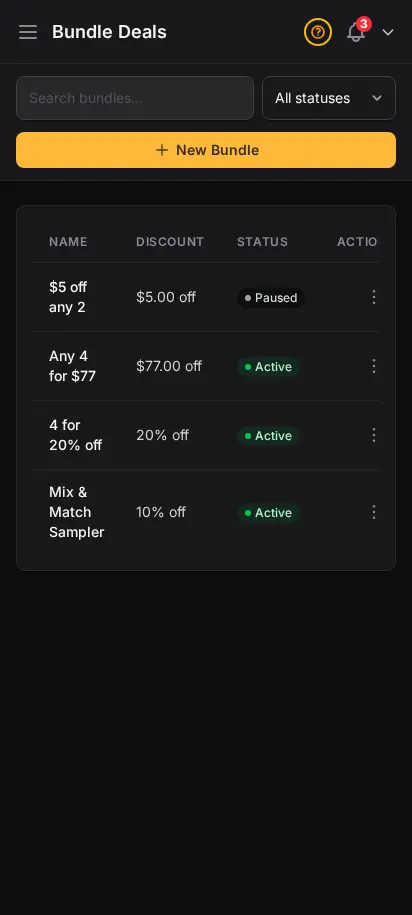
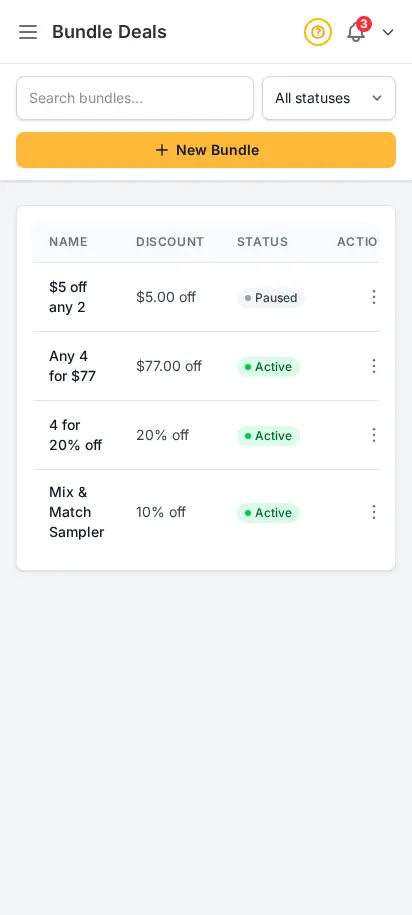
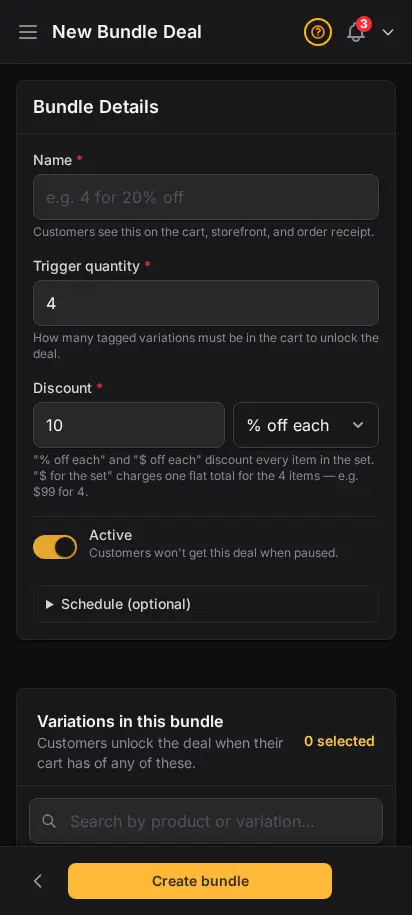
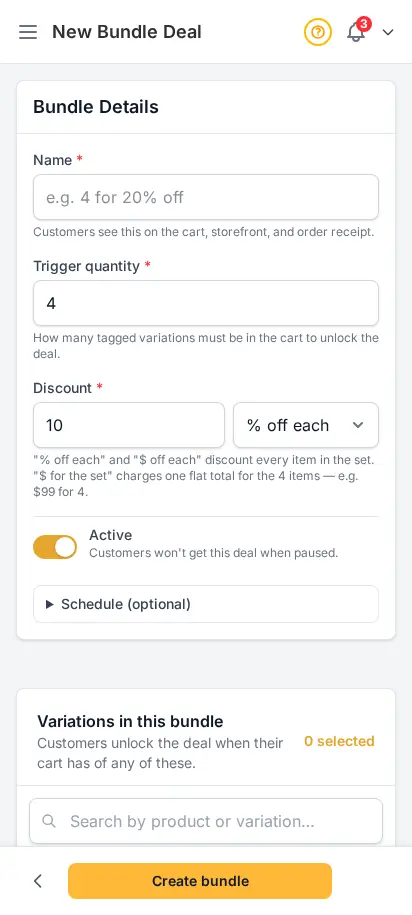
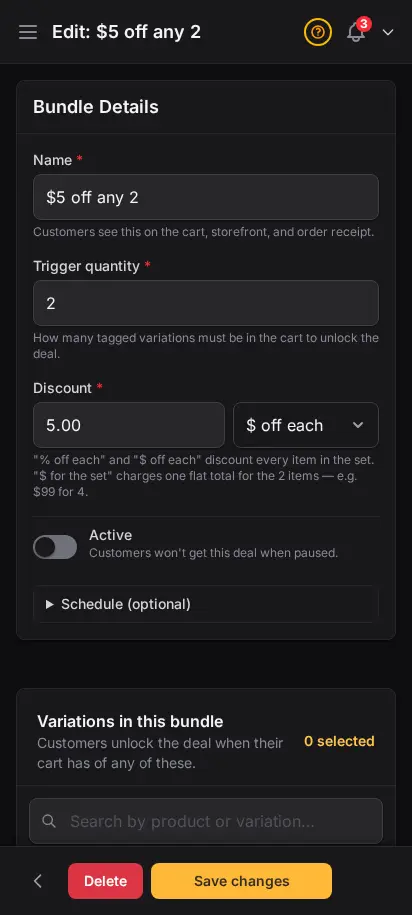
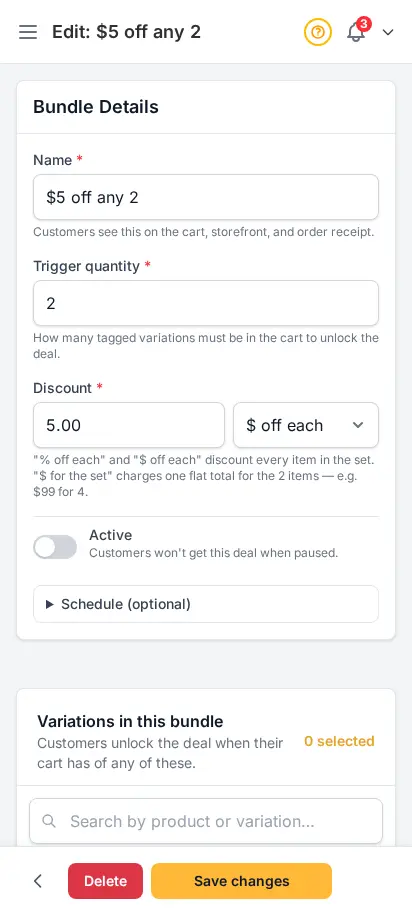
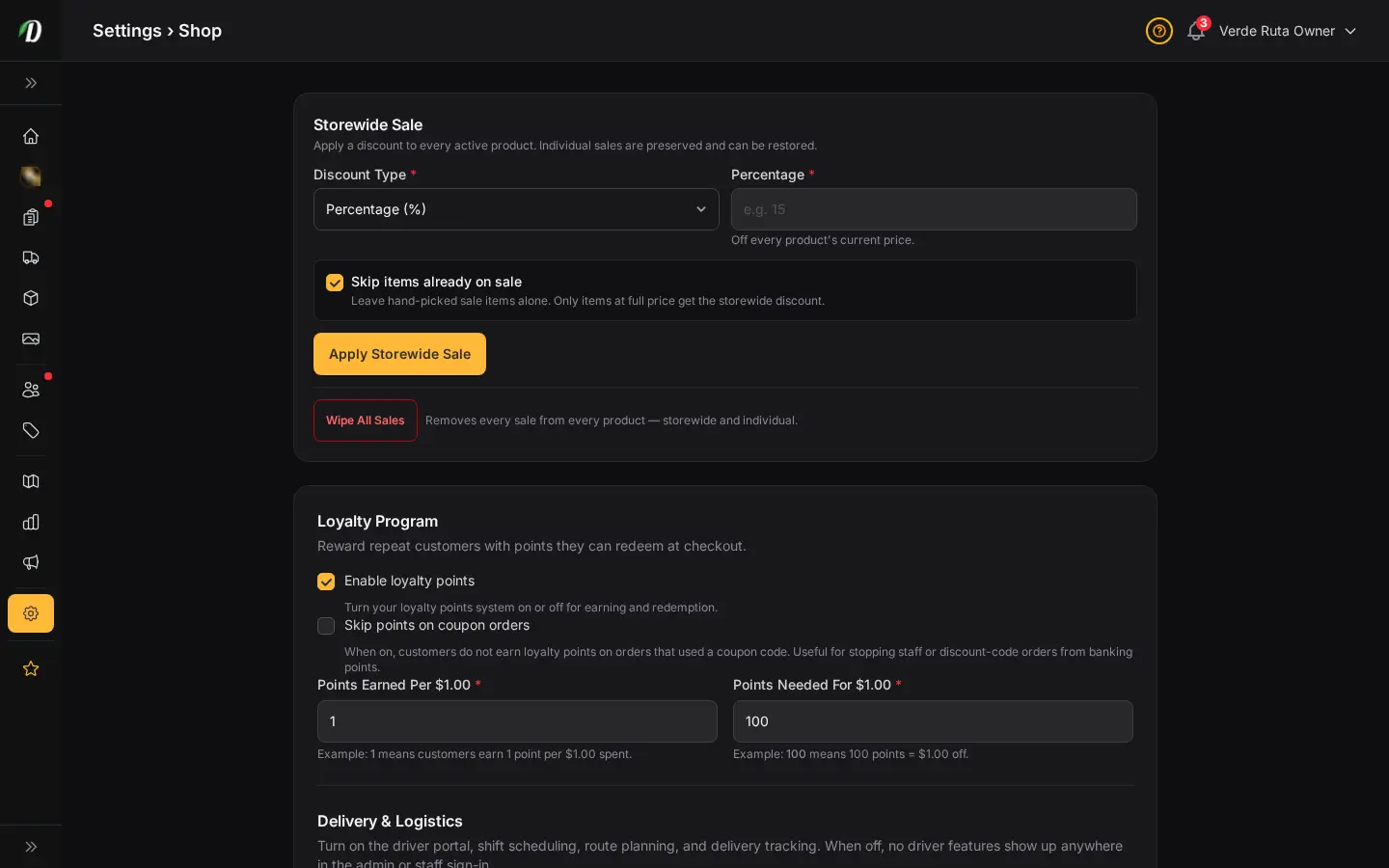
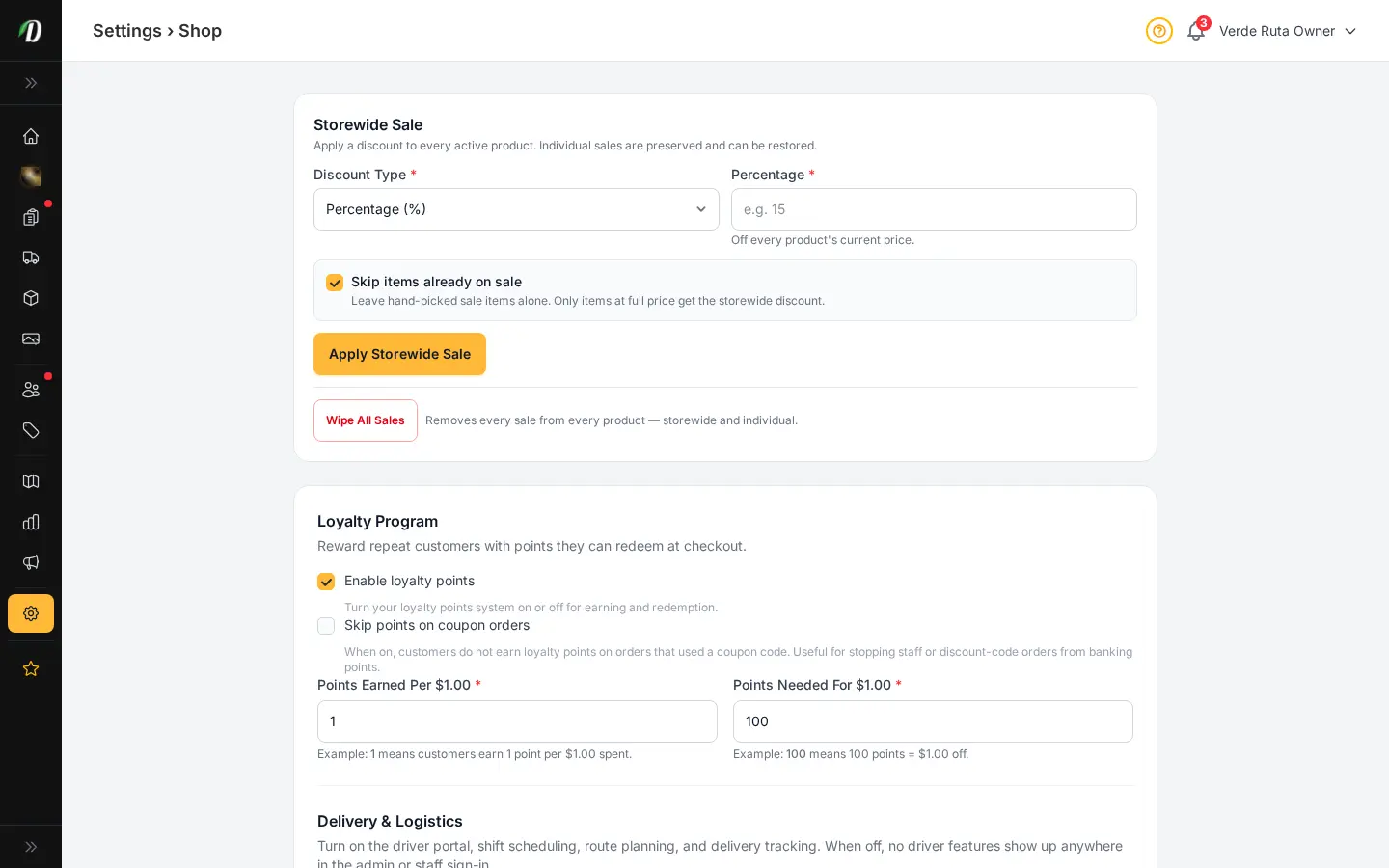
Create quantity-based bundle deals that fire automatically when customers add the right mix of products to their cart. Set a trigger quantity, choose a percentage or fixed discount, and pick which variations qualify.
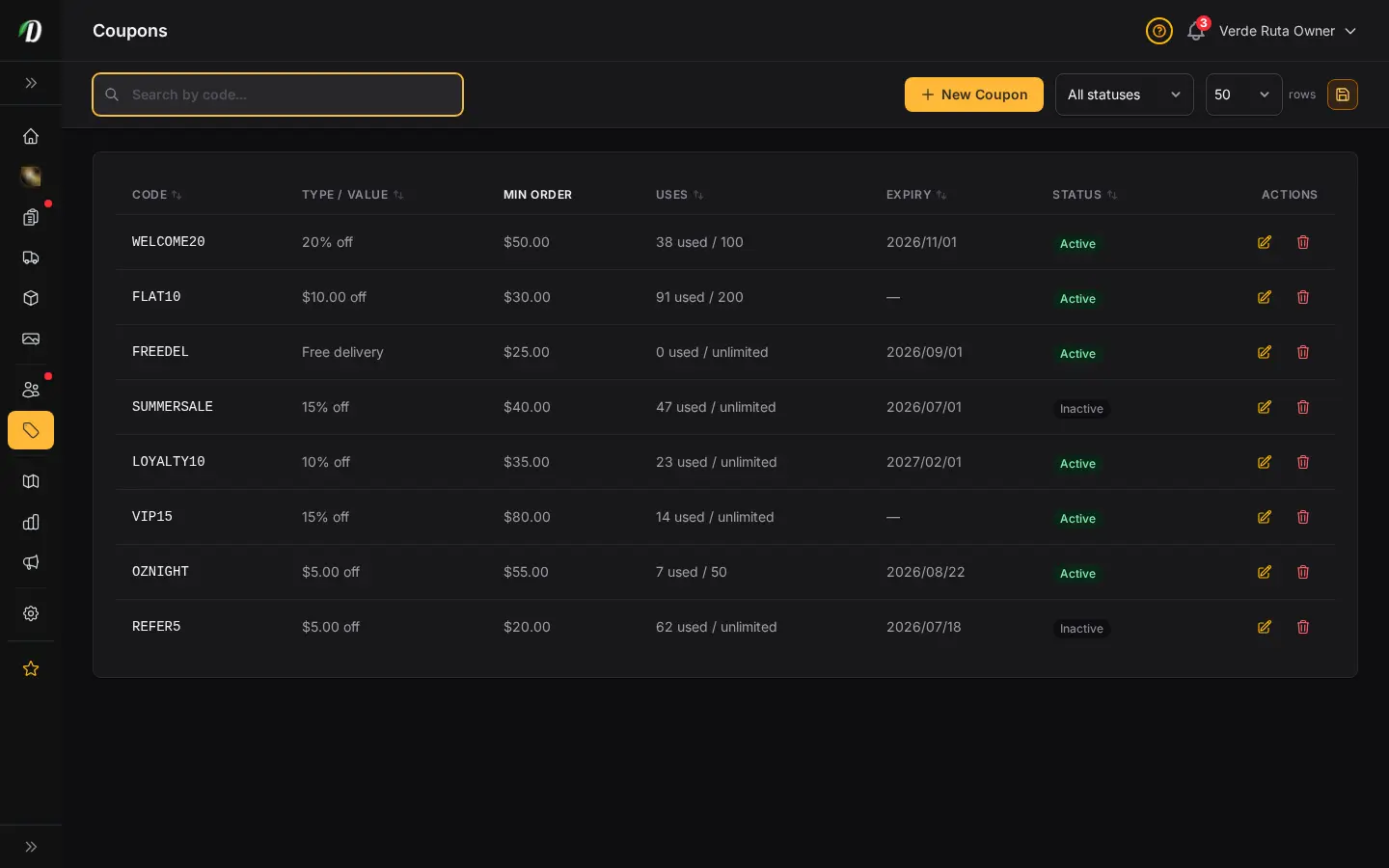
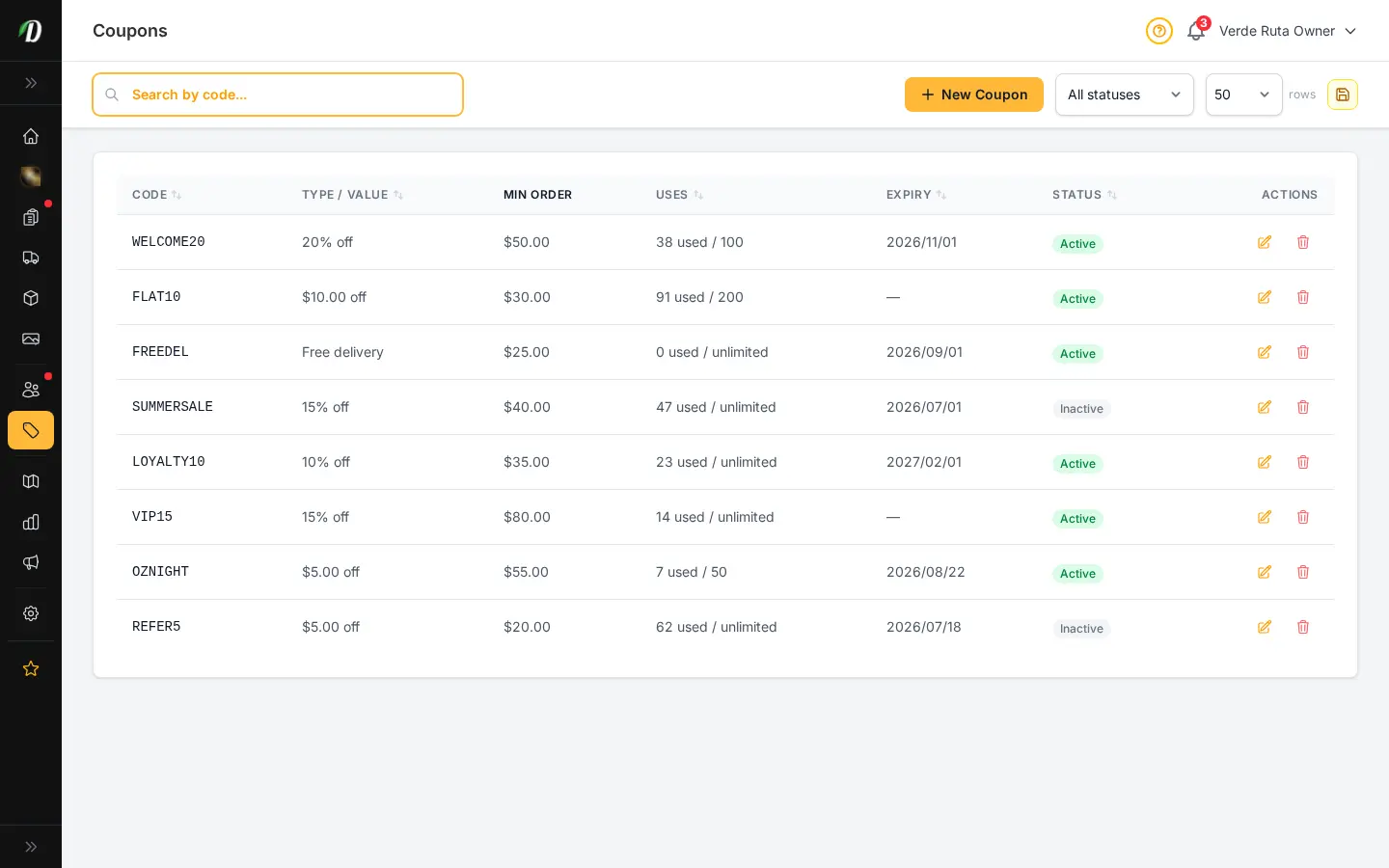
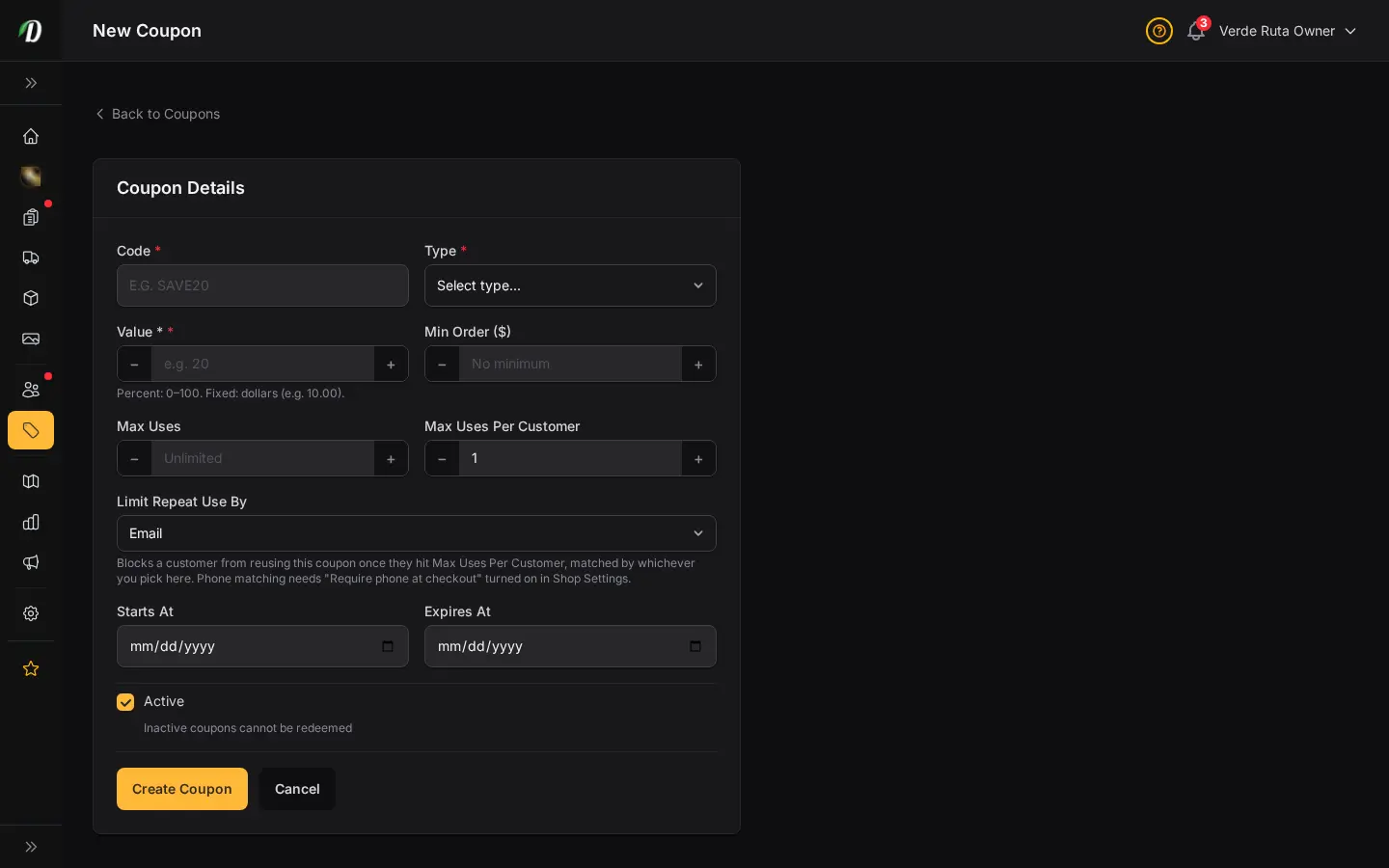
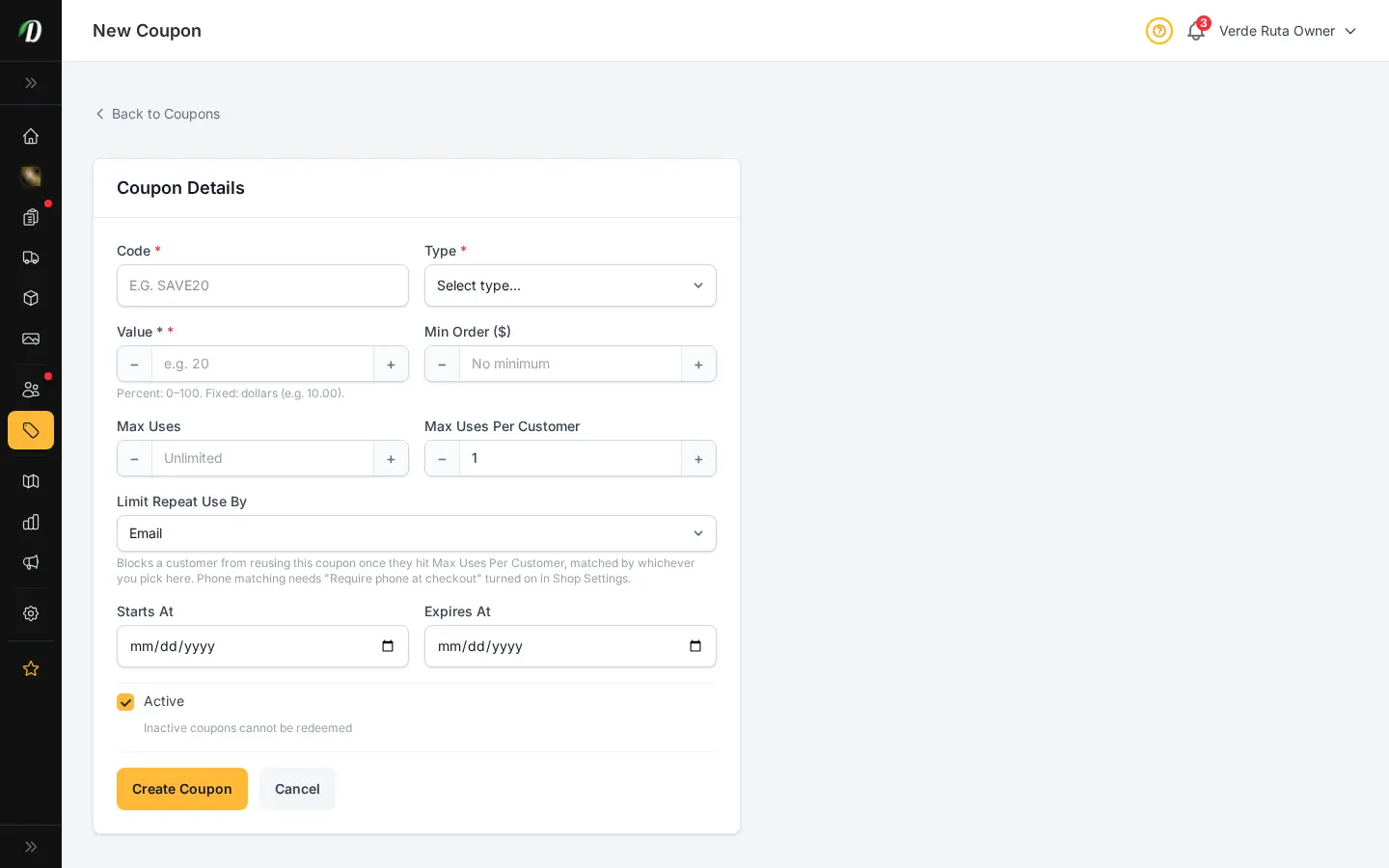
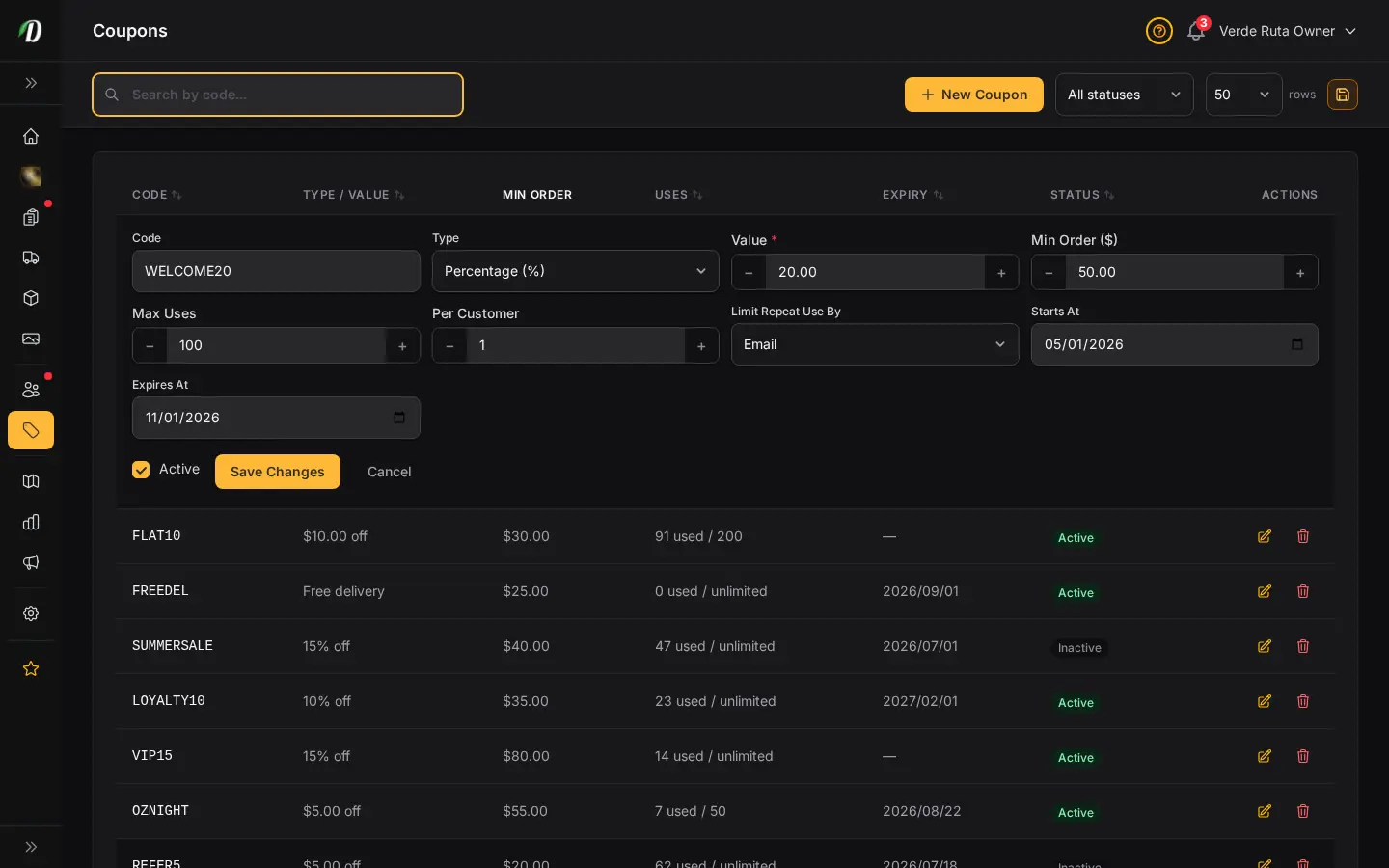
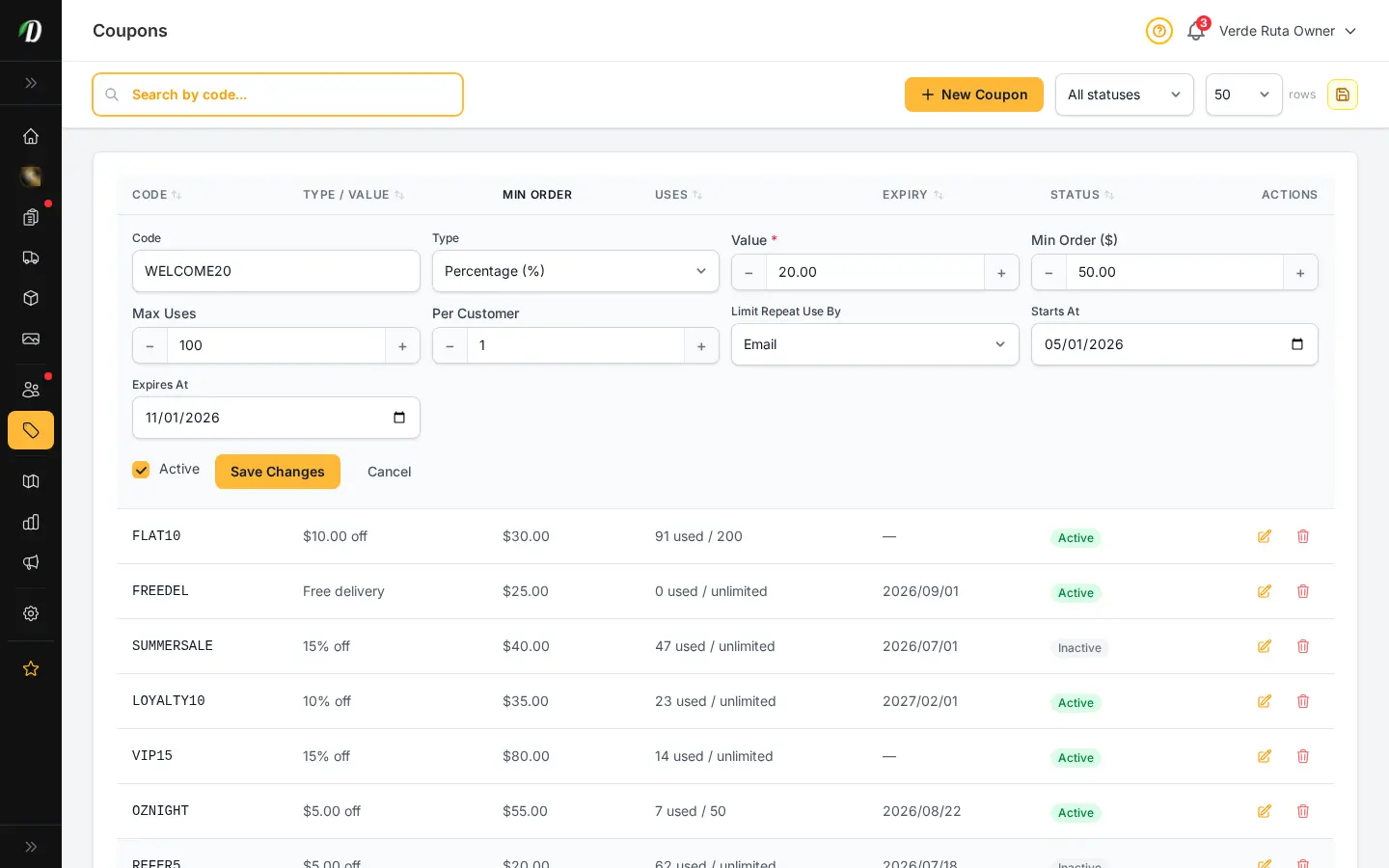
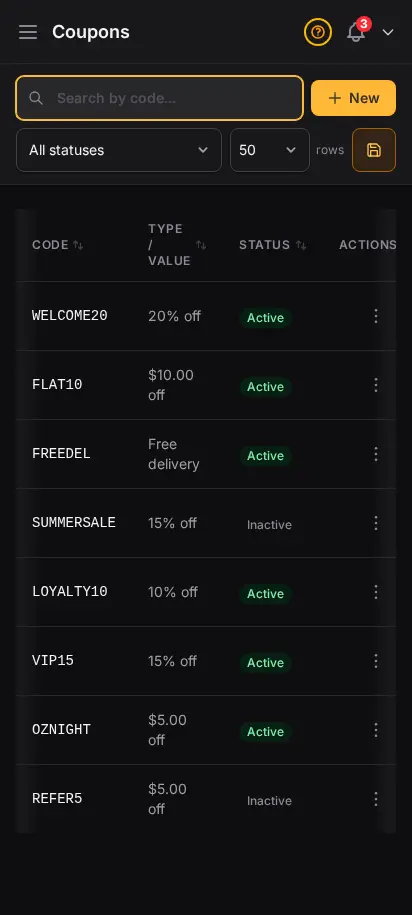
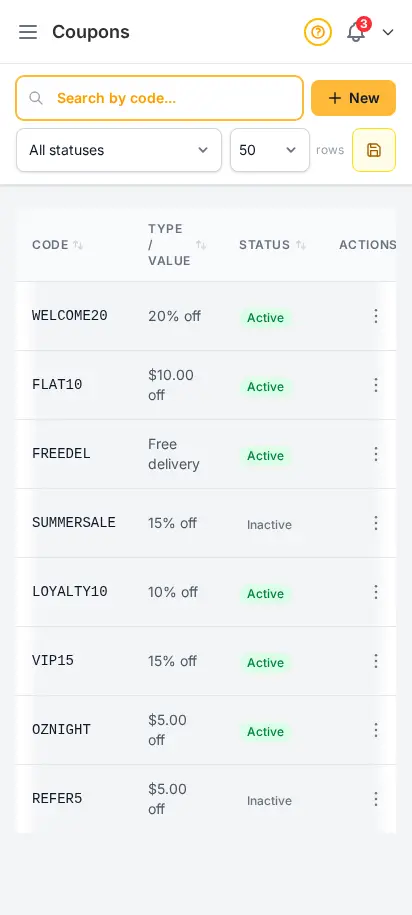
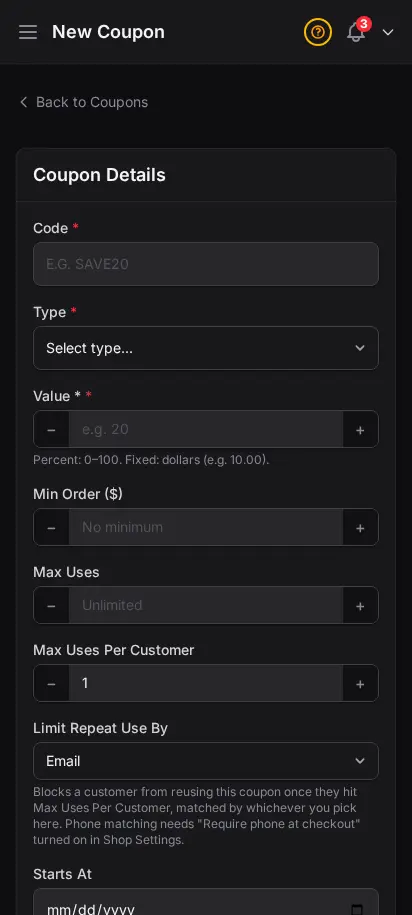
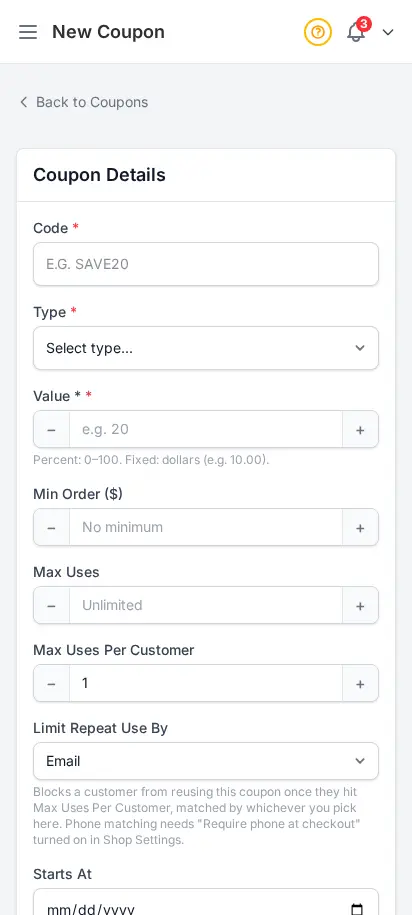
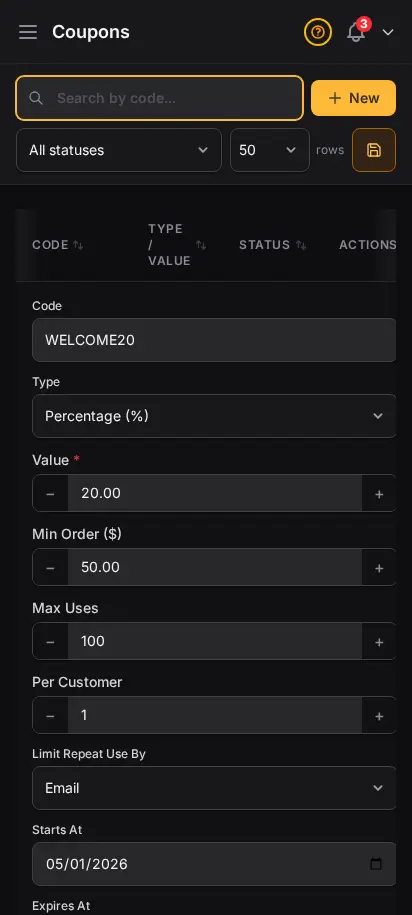
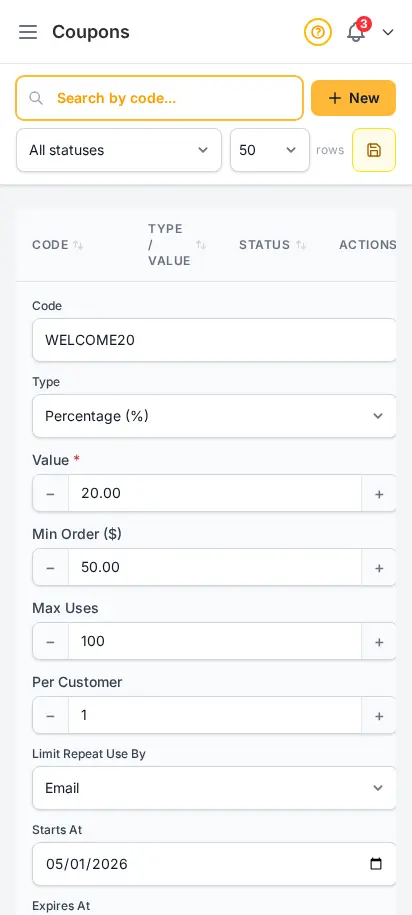
Create percentage or fixed-amount coupon codes with usage limits, expiration dates, and minimum order requirements. Track redemption counts in real time.
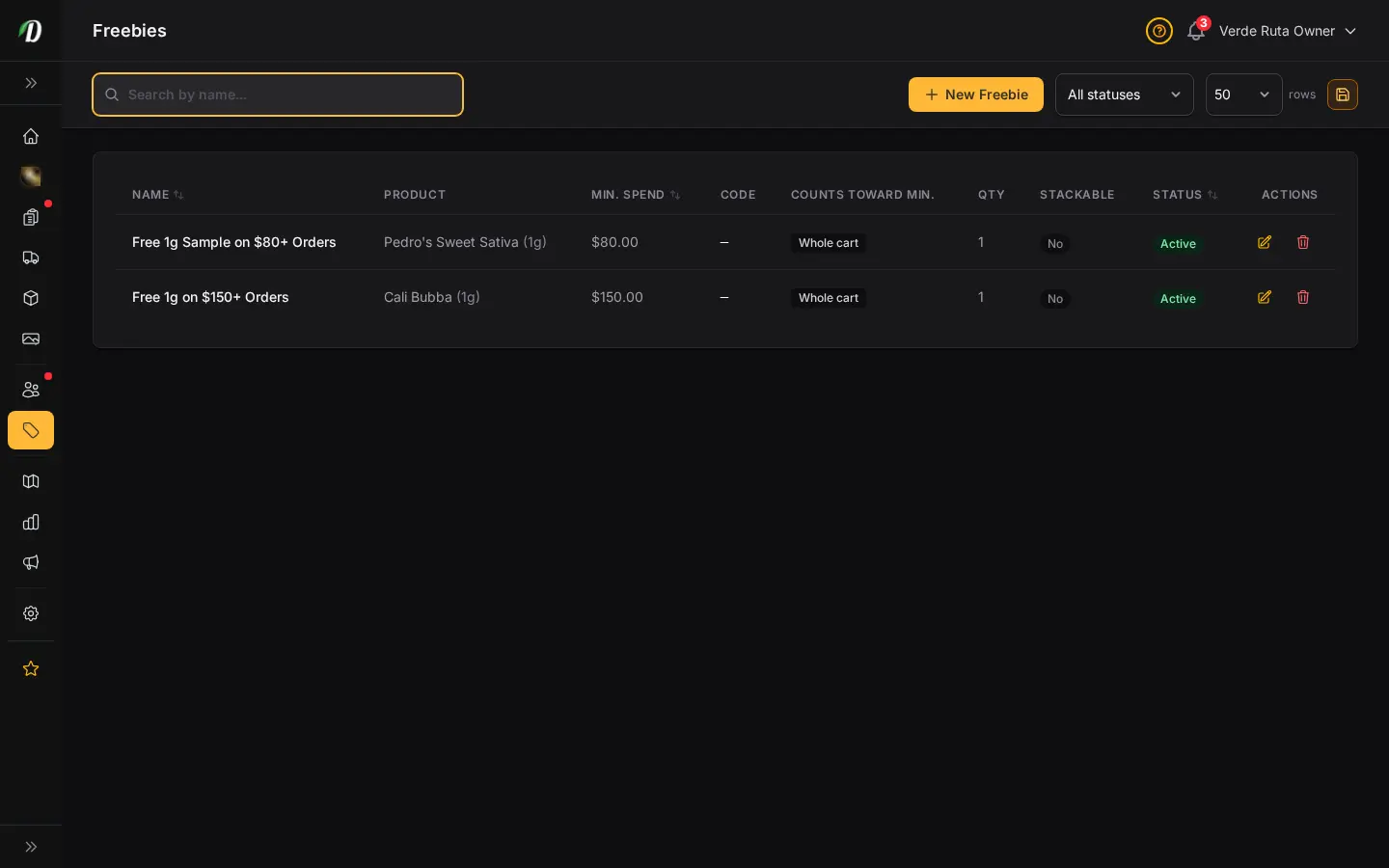
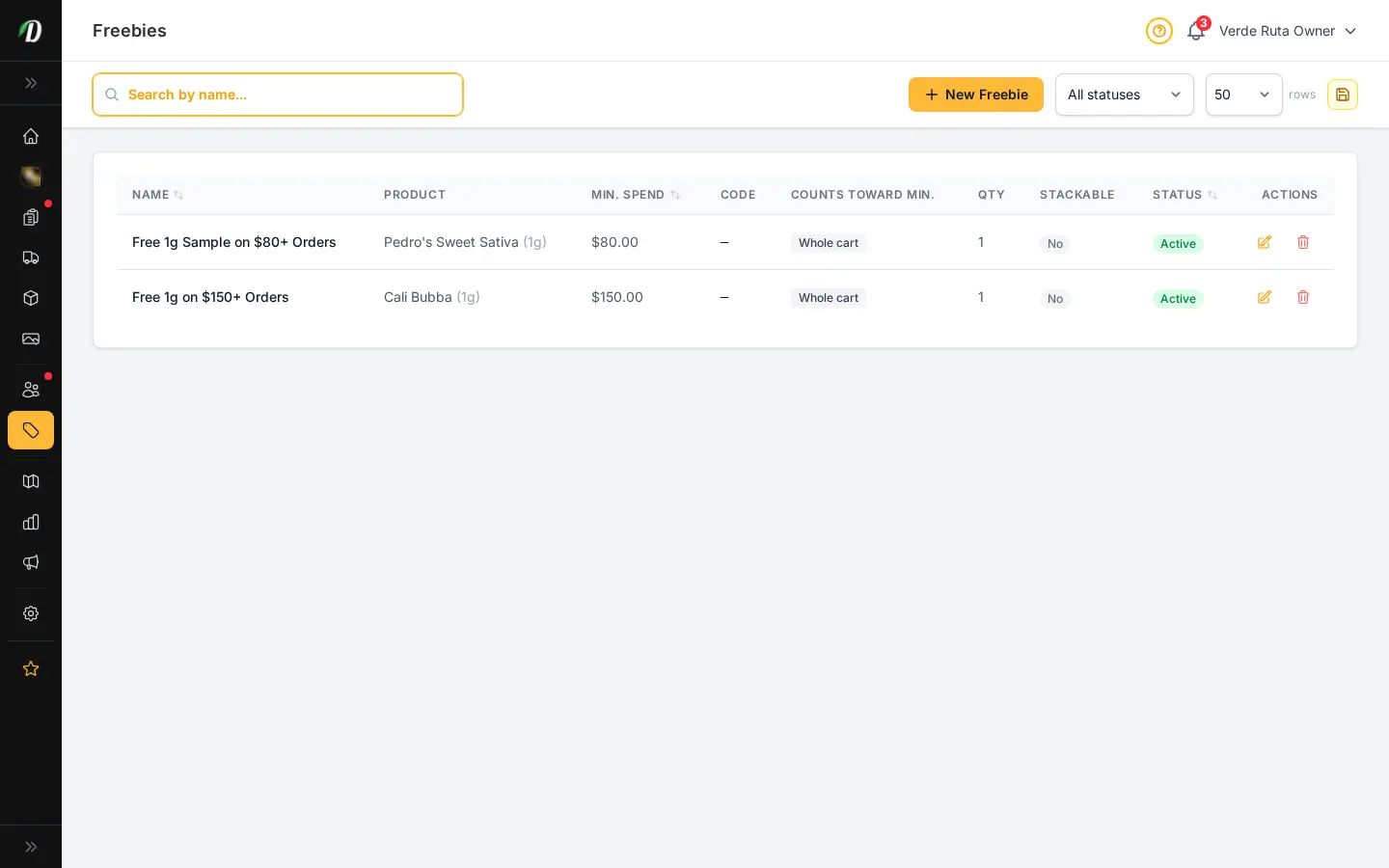
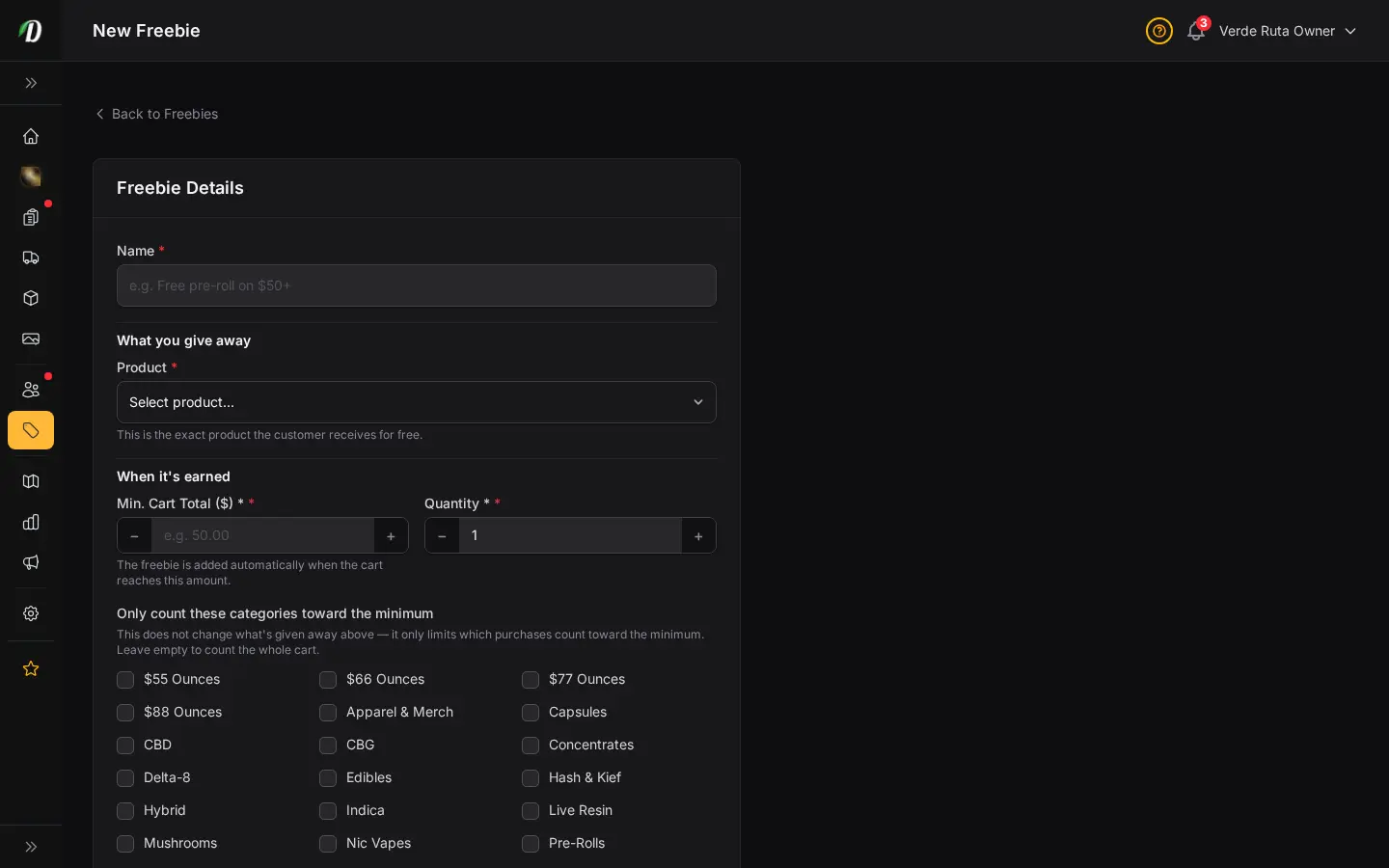
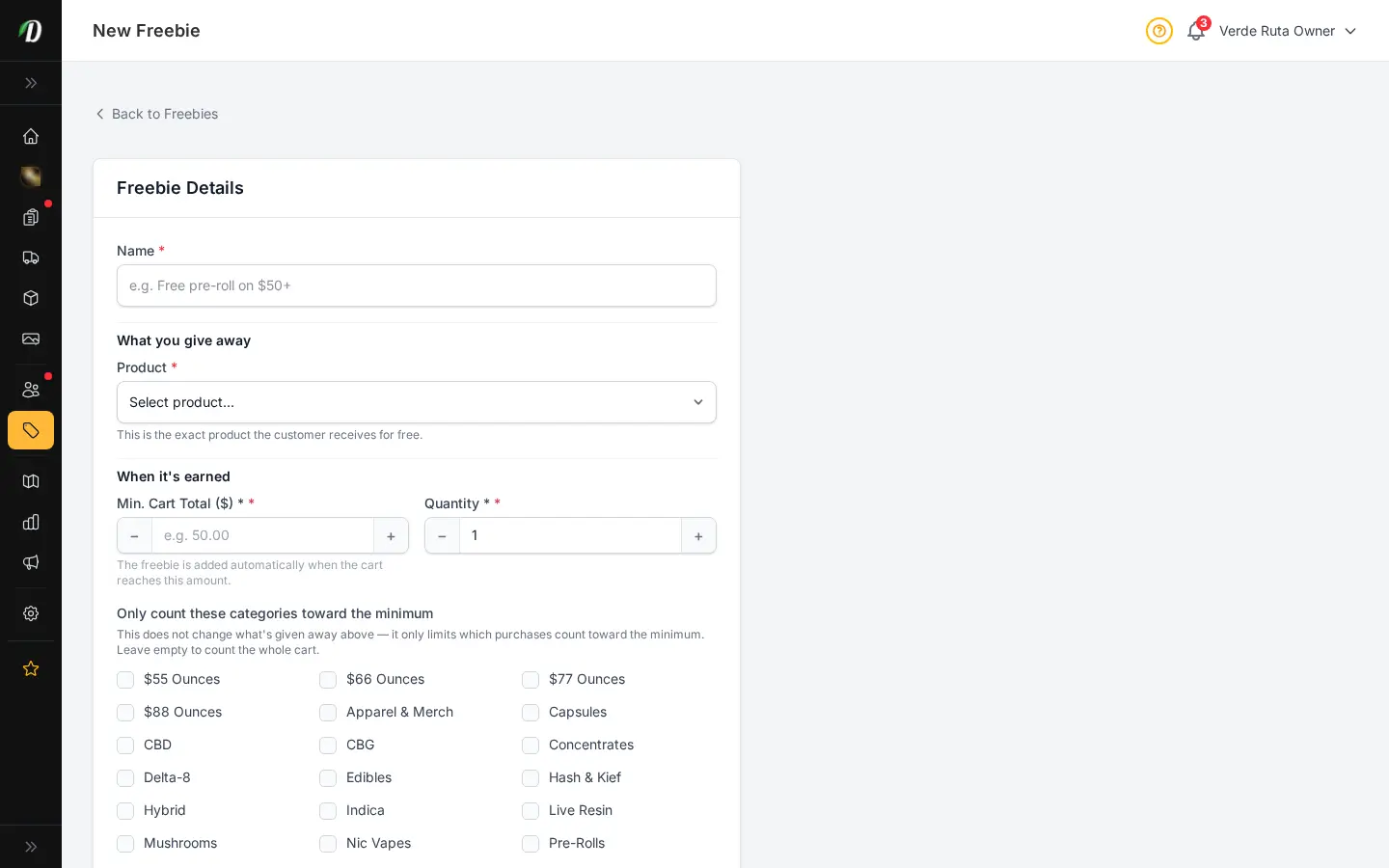
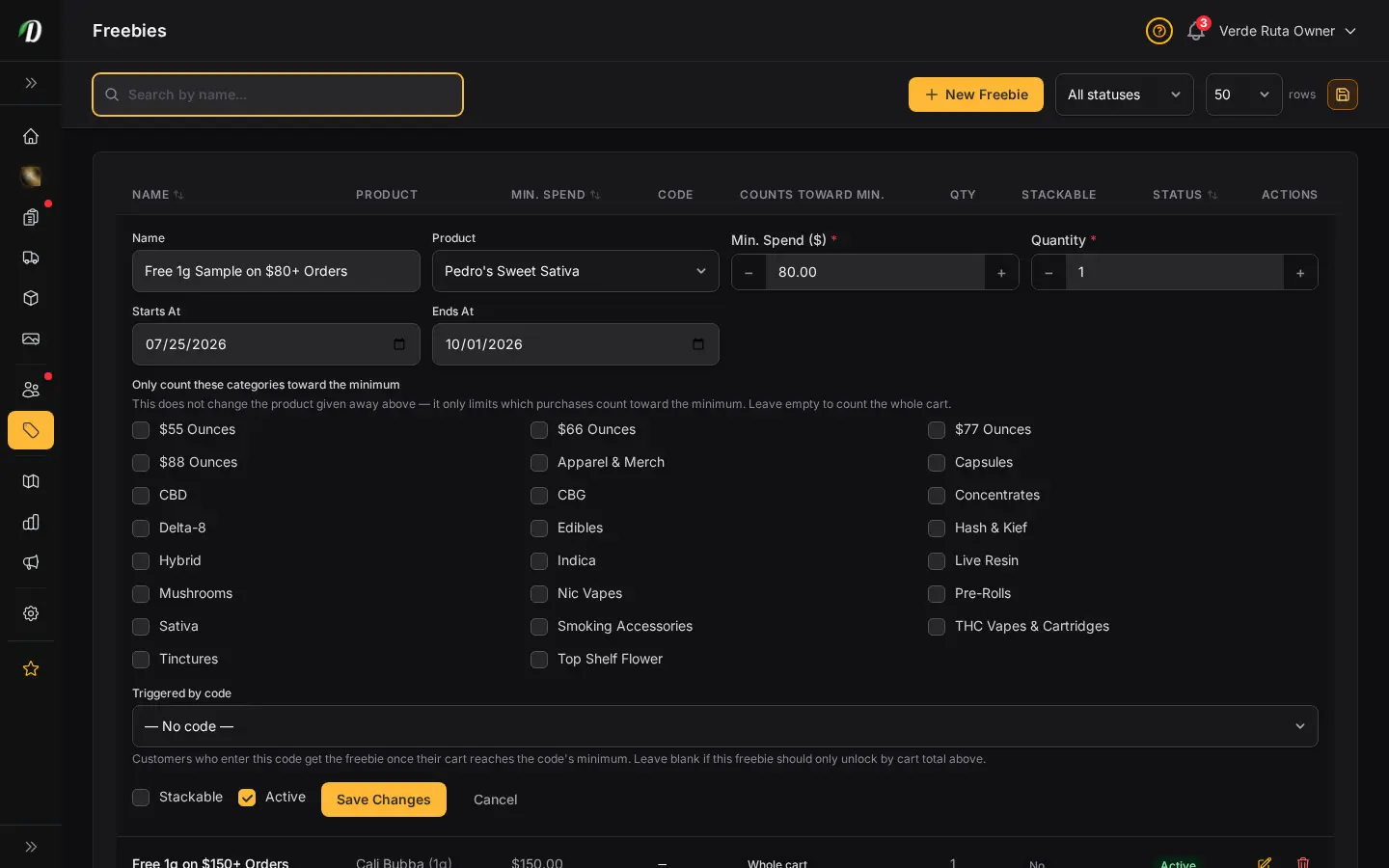
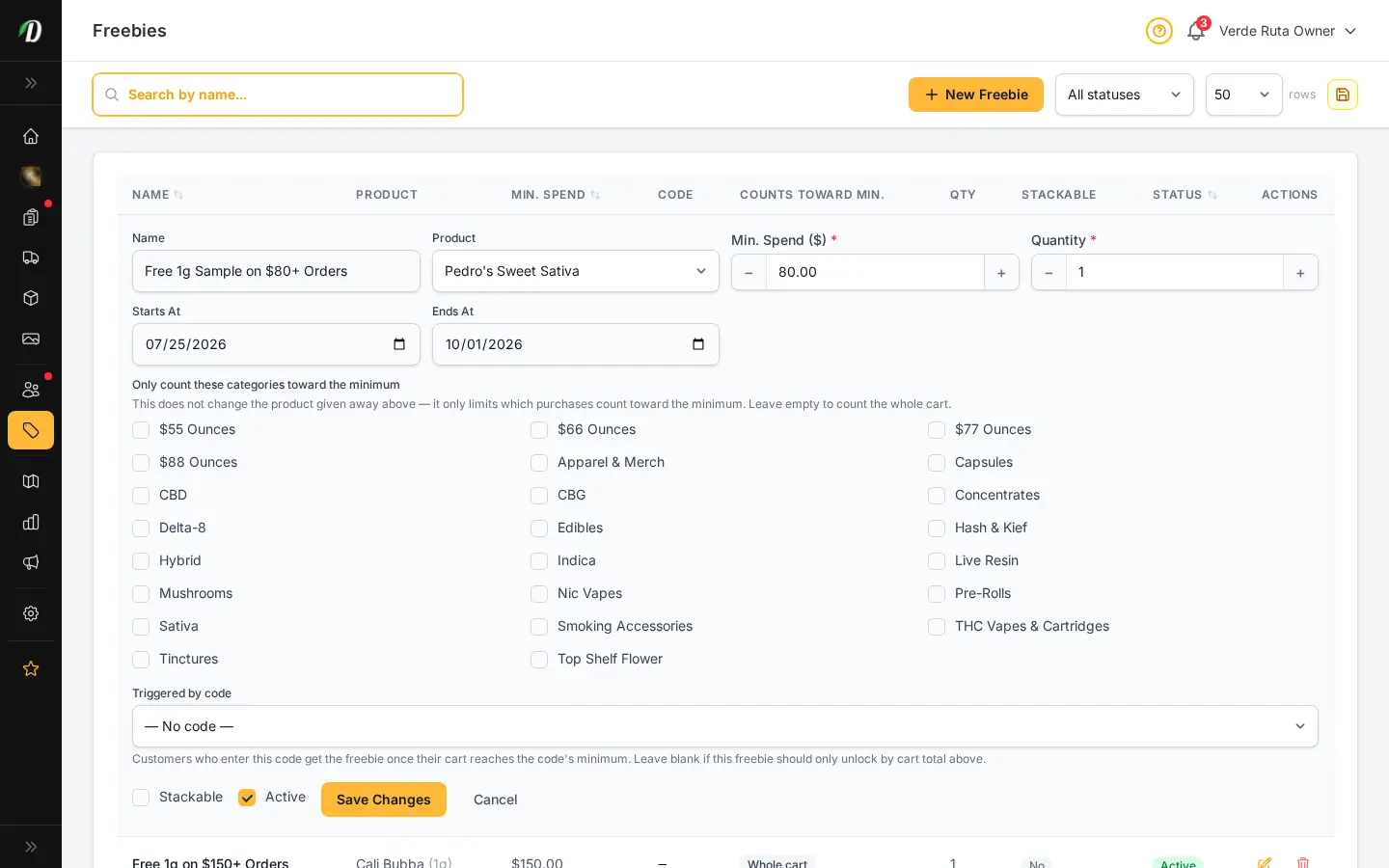
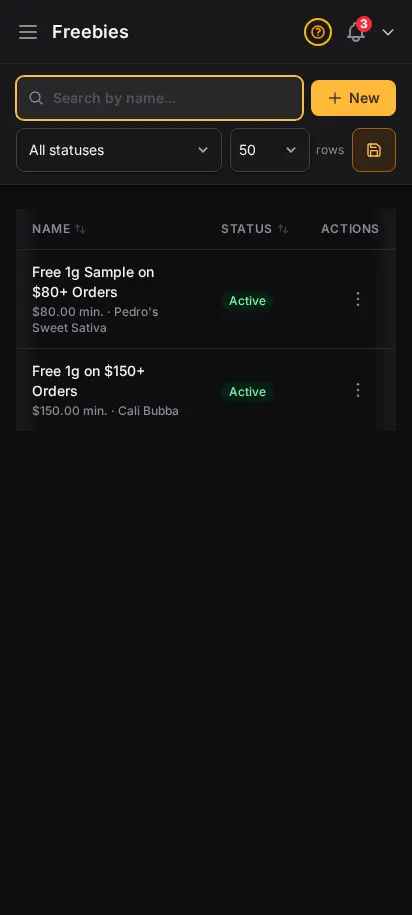
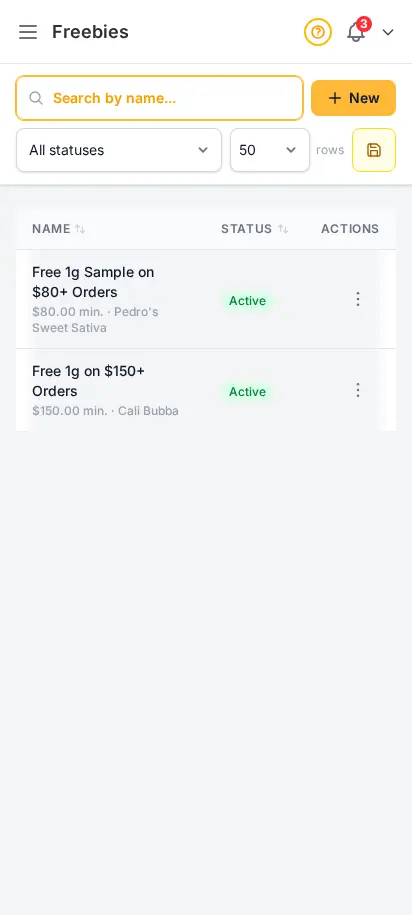
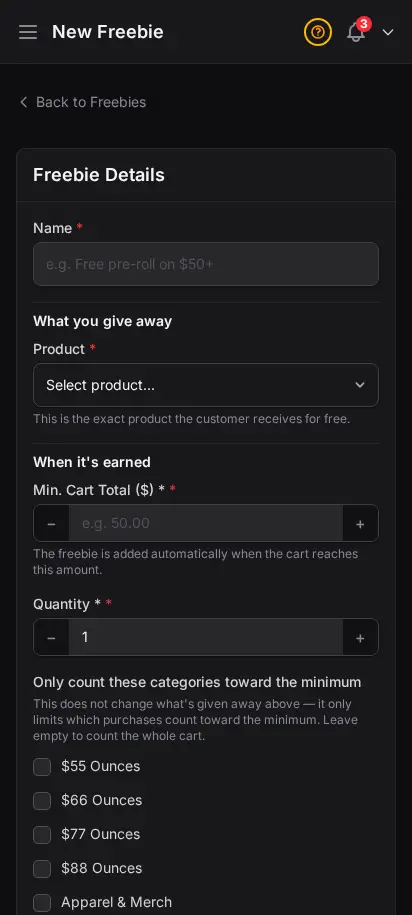
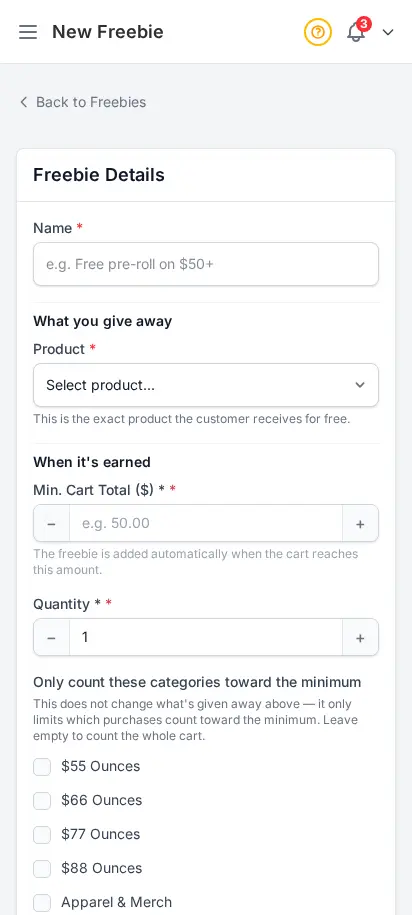
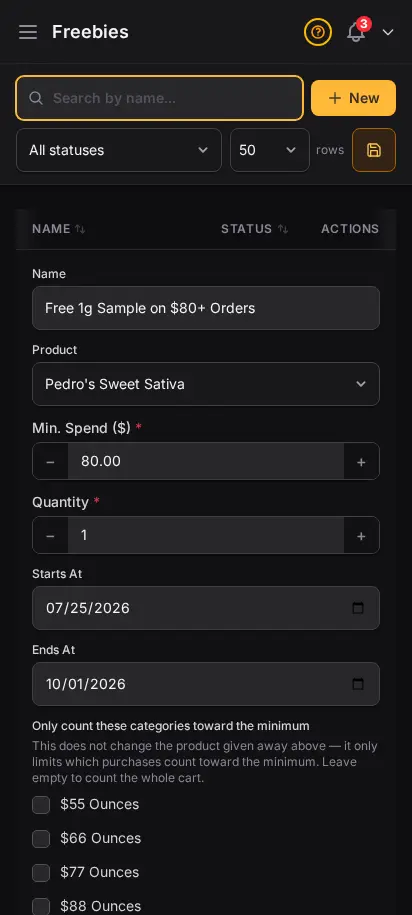
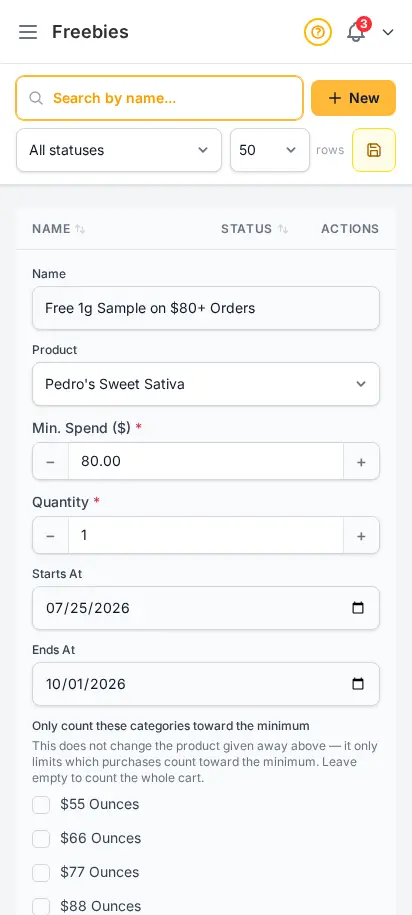
Set spend thresholds that automatically add free products to the customer's cart. Spend $100, get a free pre-roll. Spend $200, get a free edible. Customers see the freebie appear at checkout — it drives conversion and increases average order value.
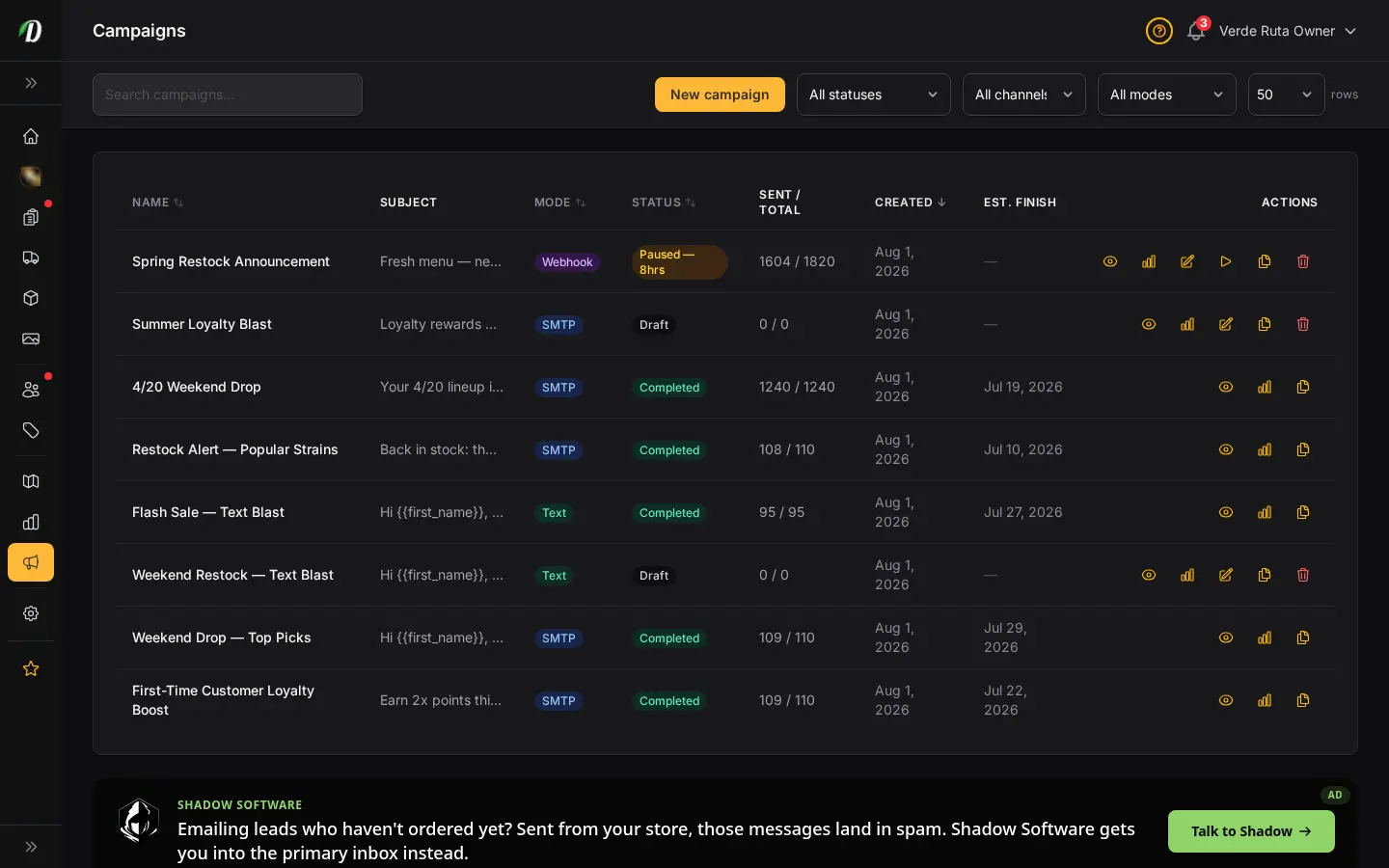
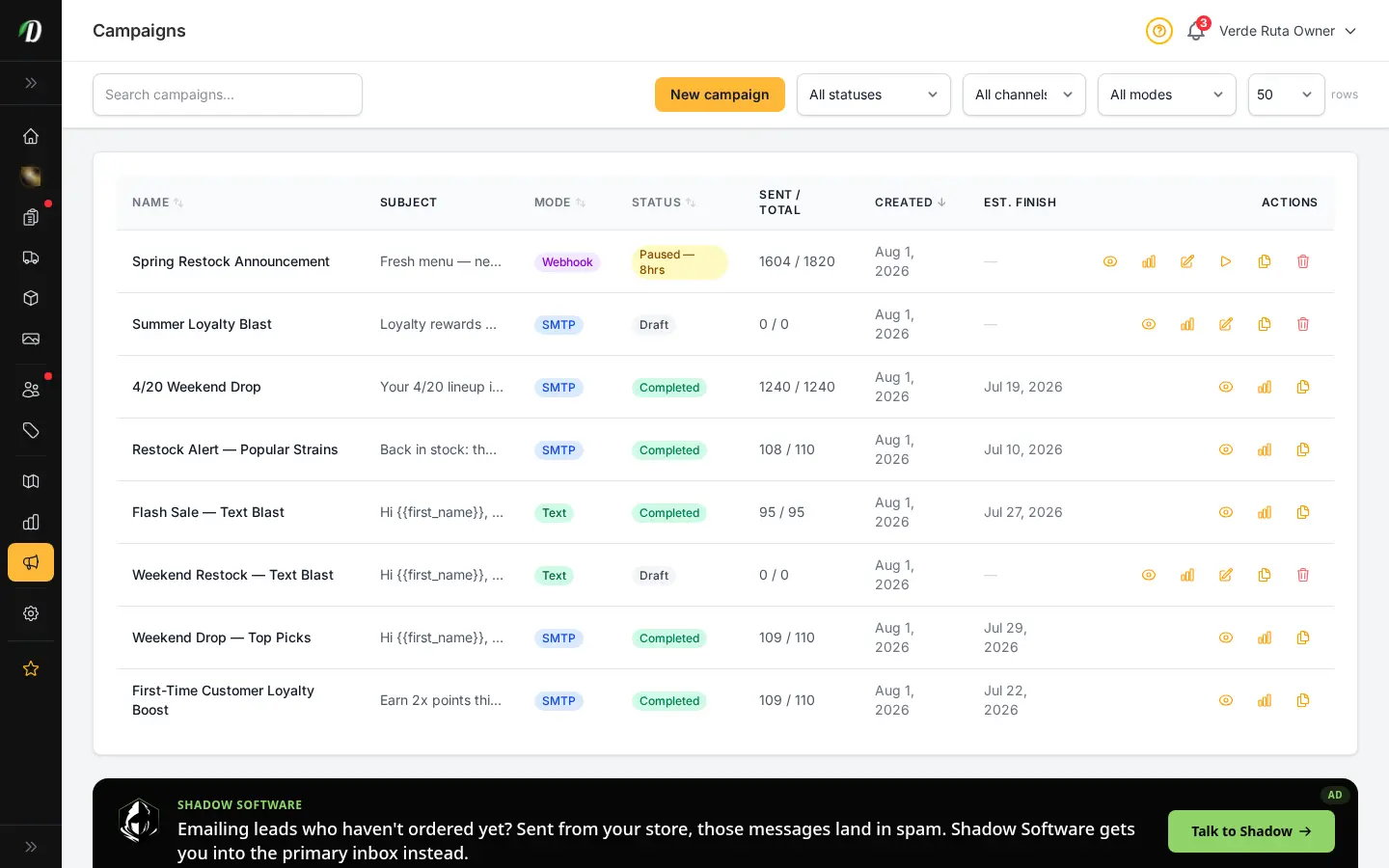
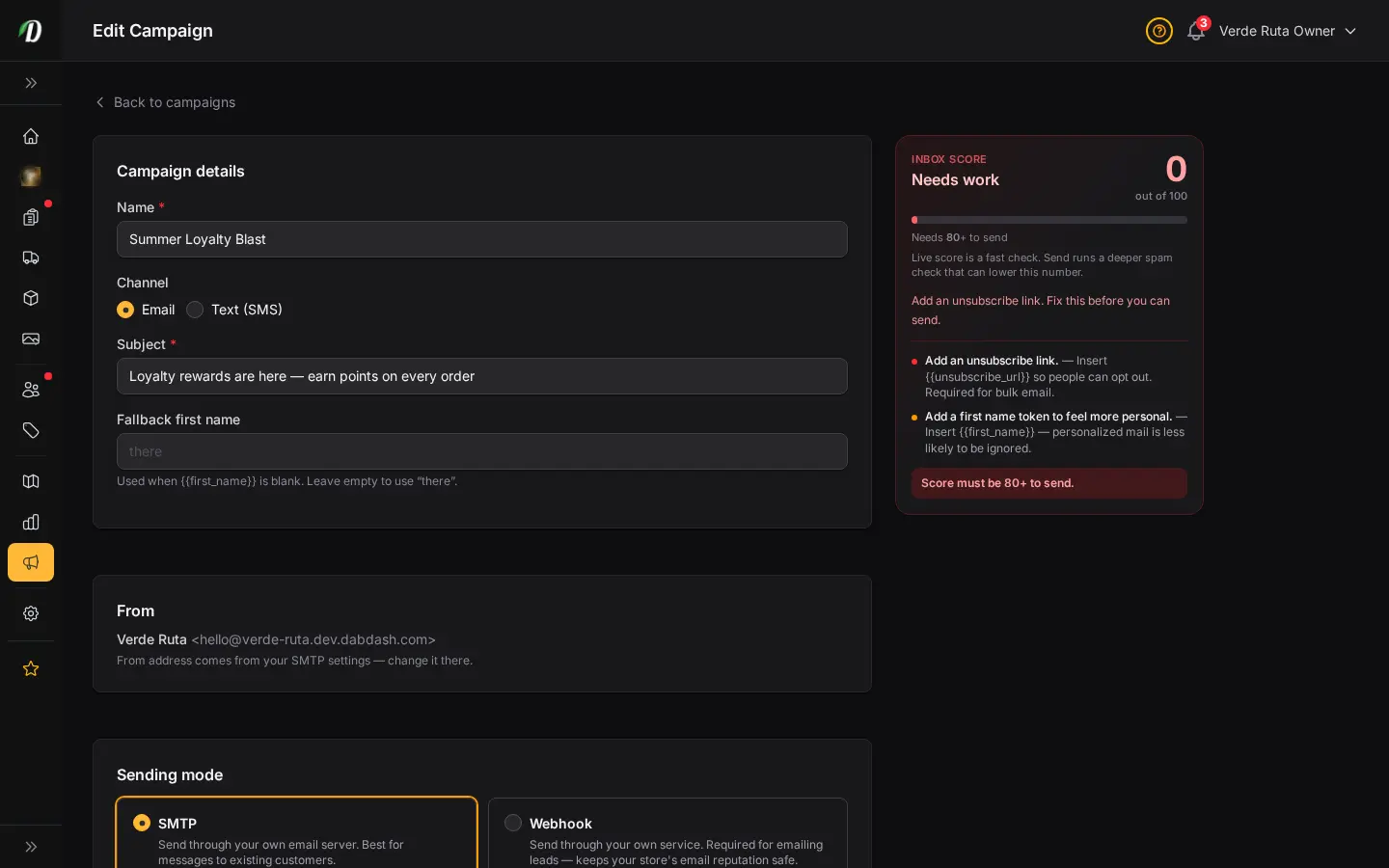
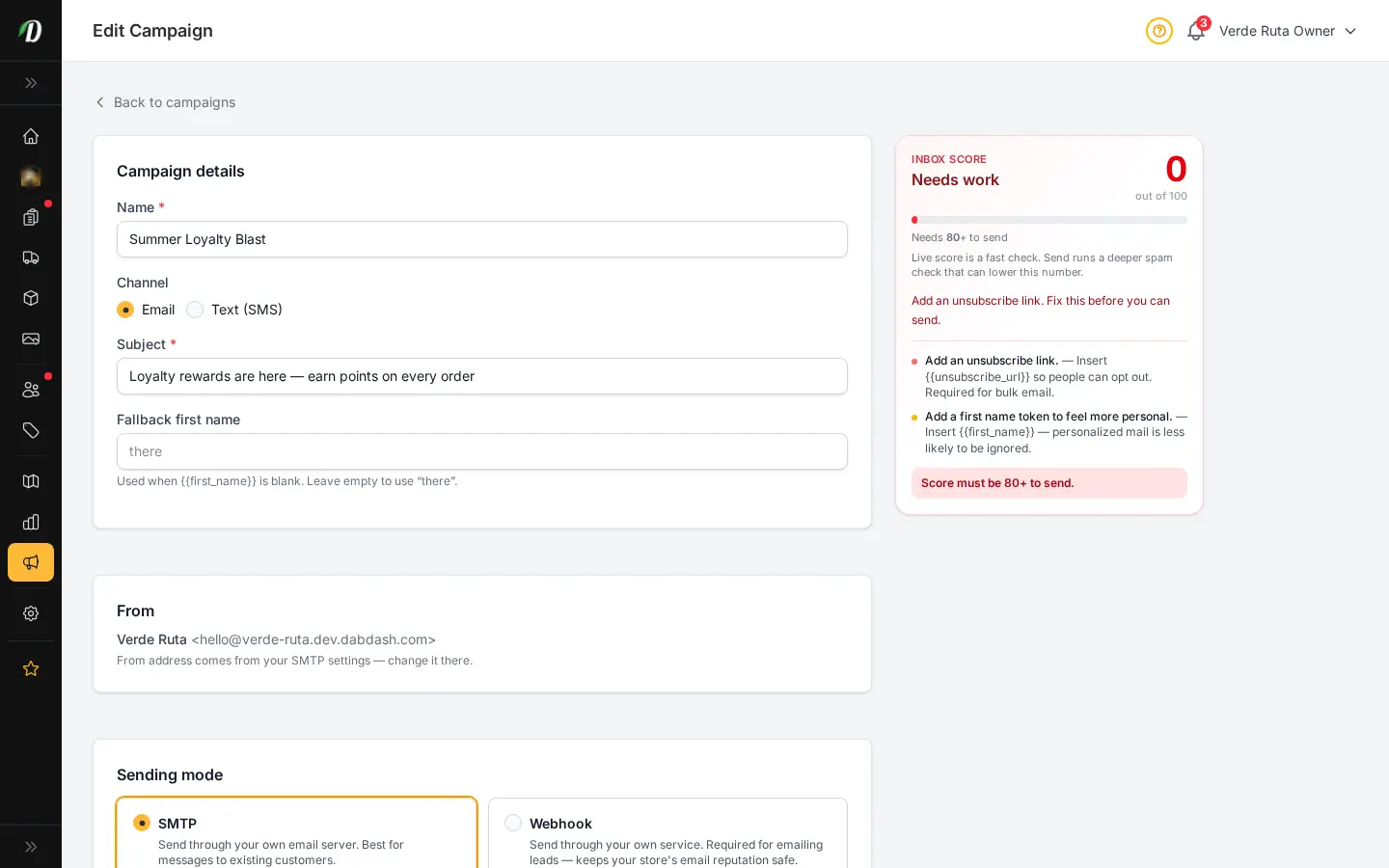
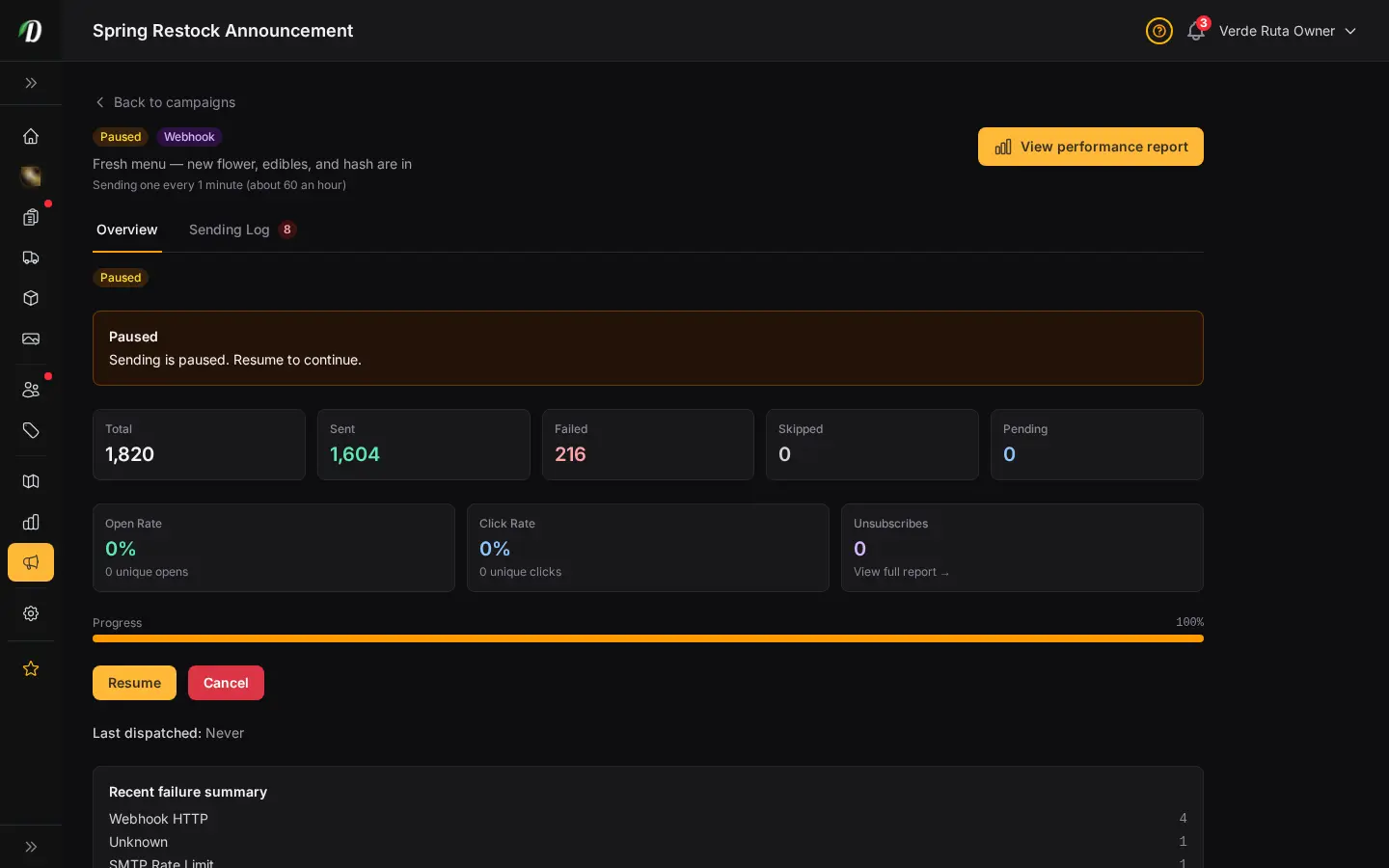
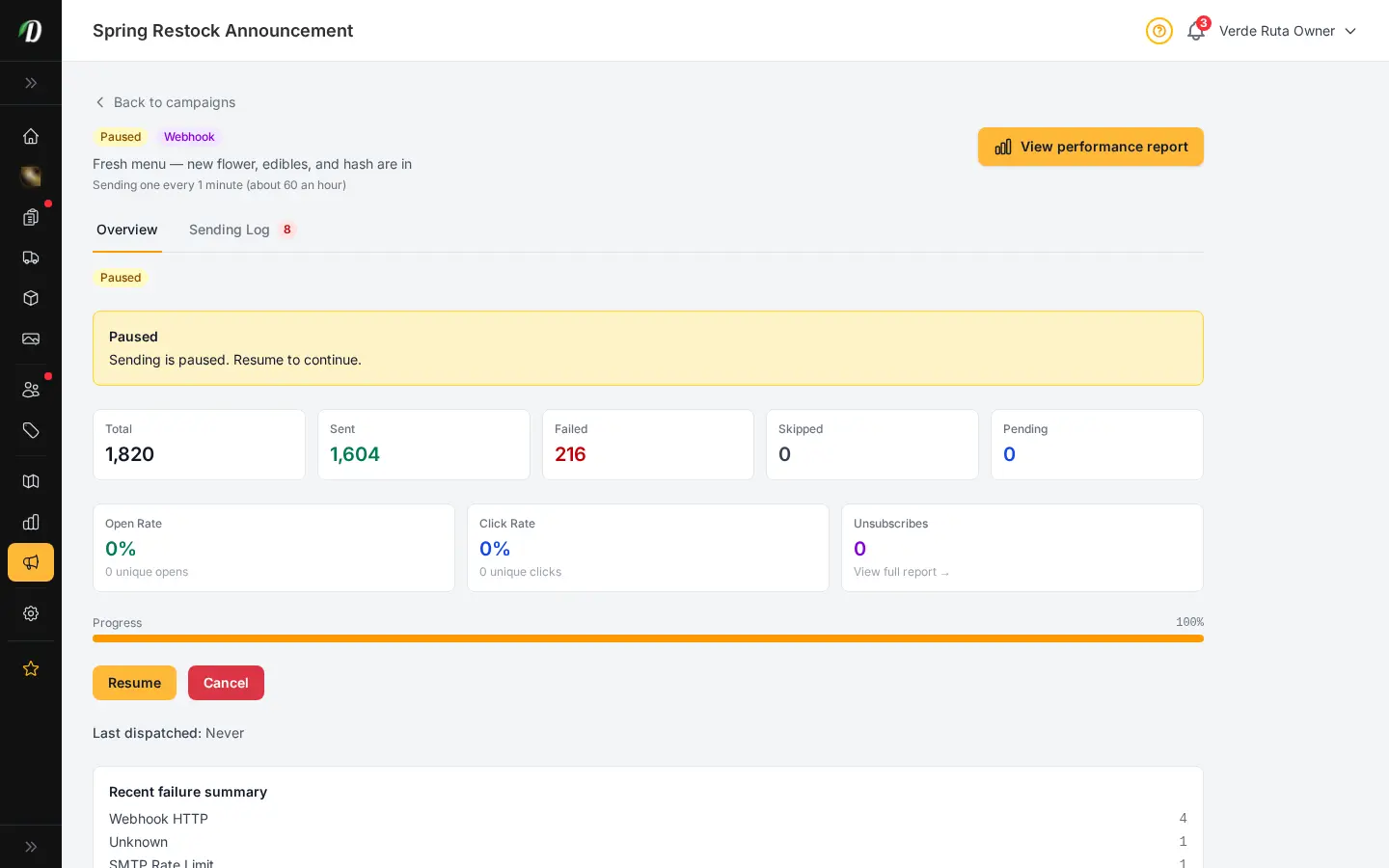
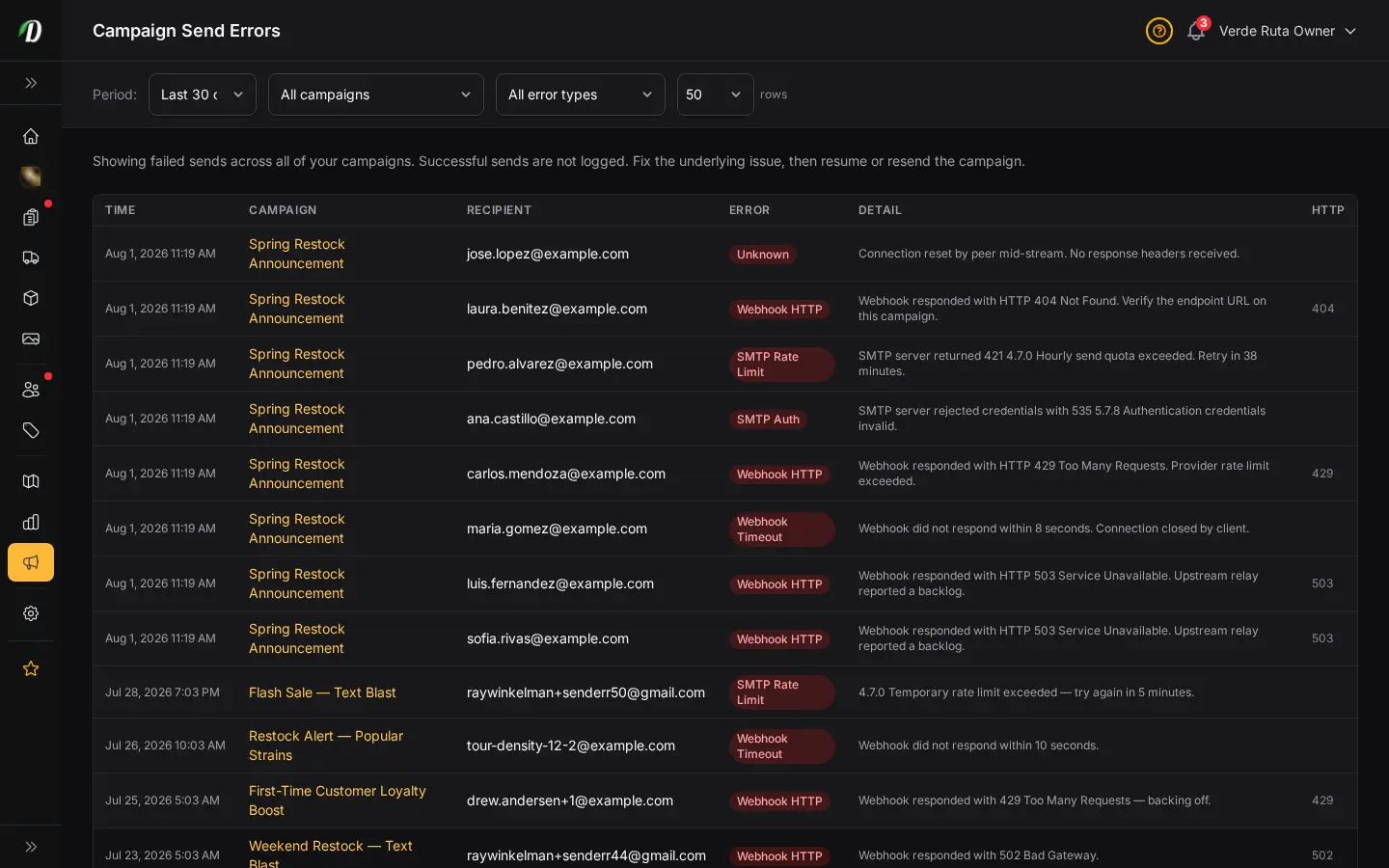
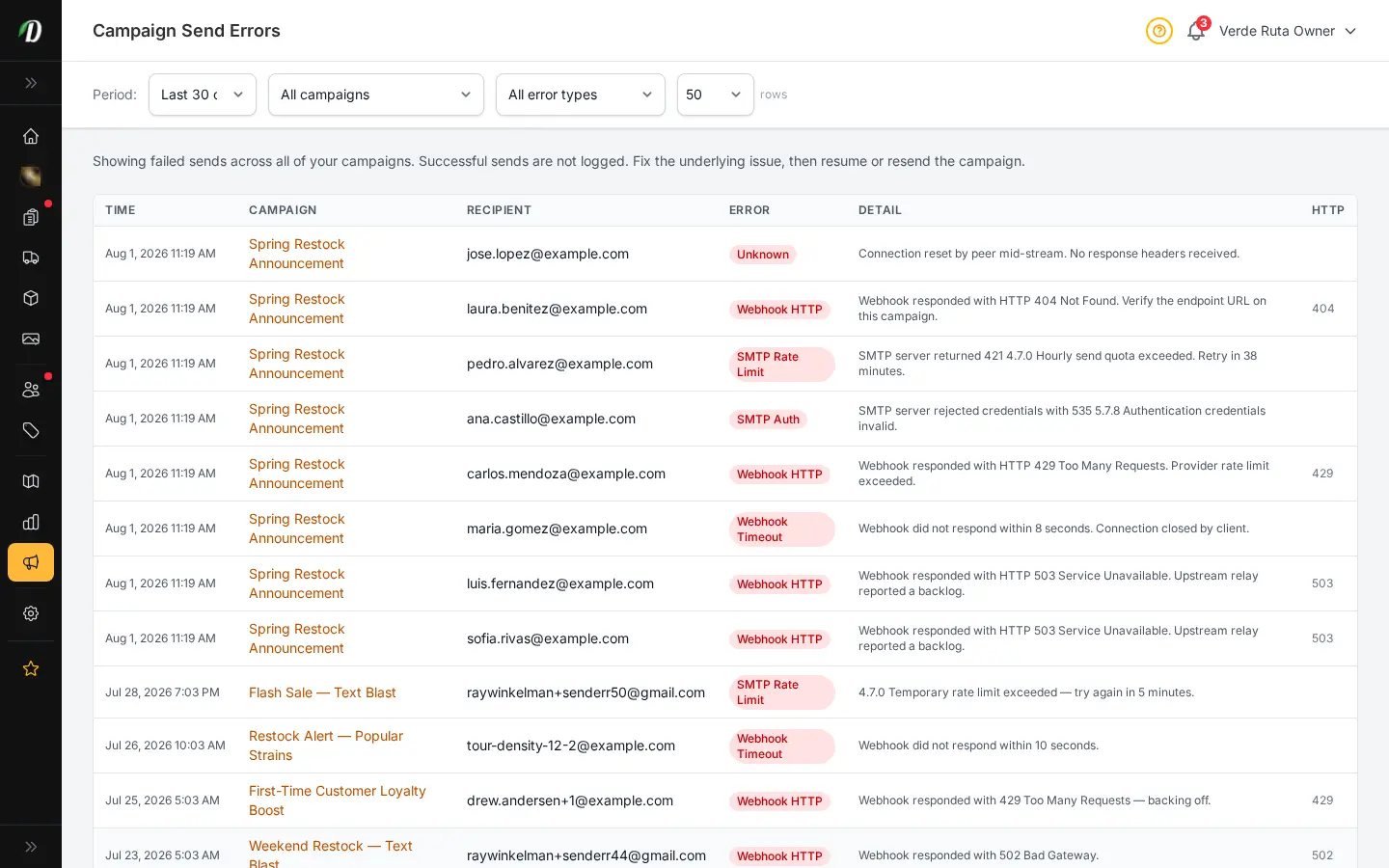
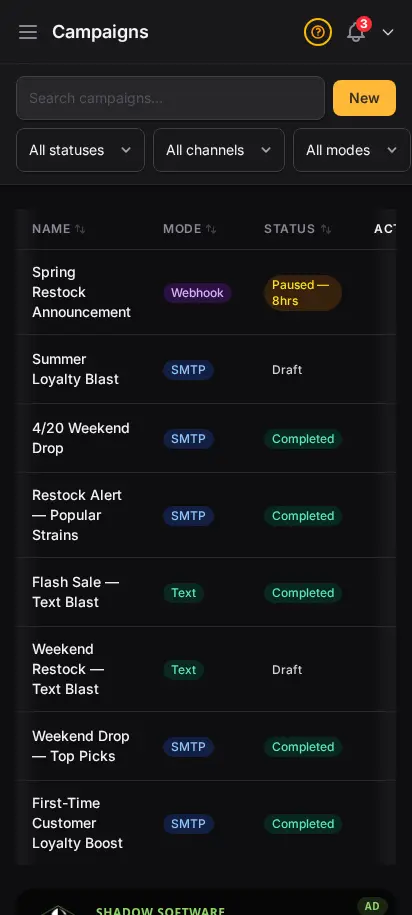
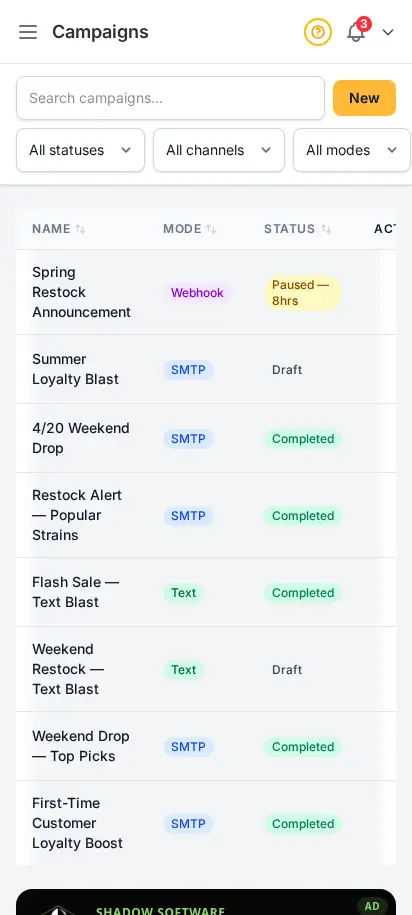
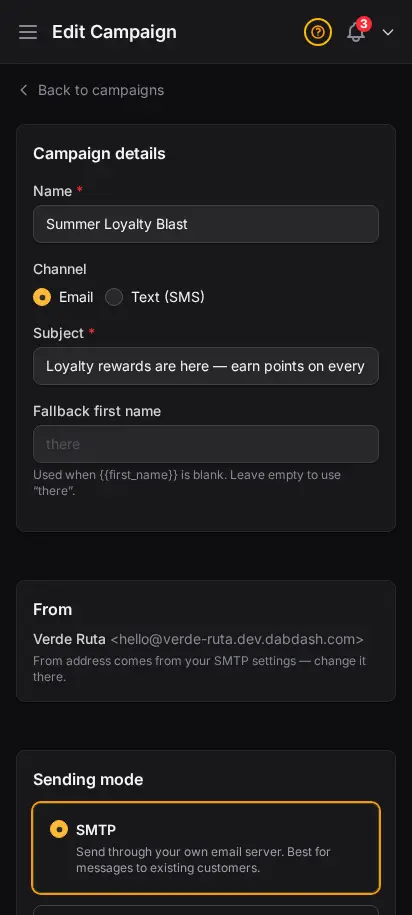
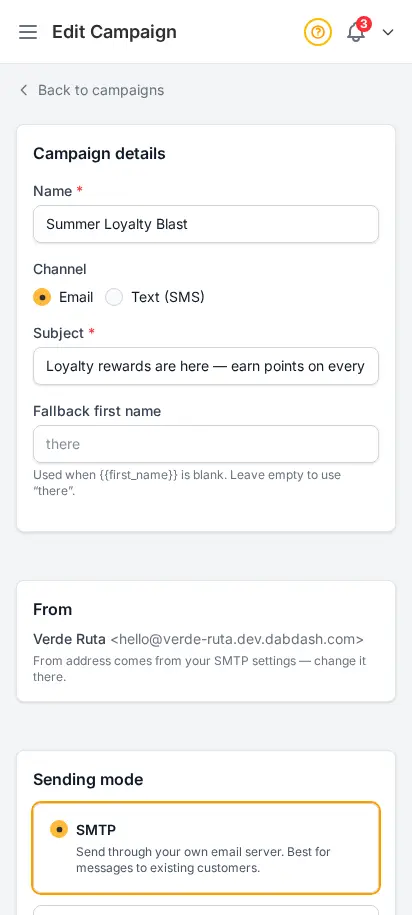
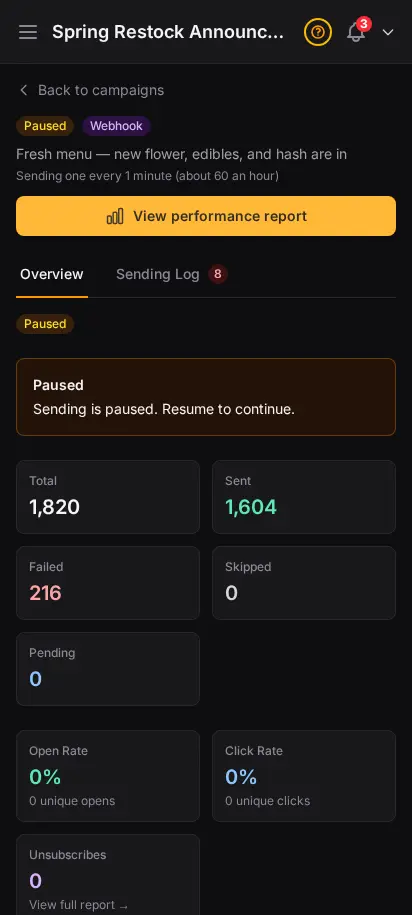
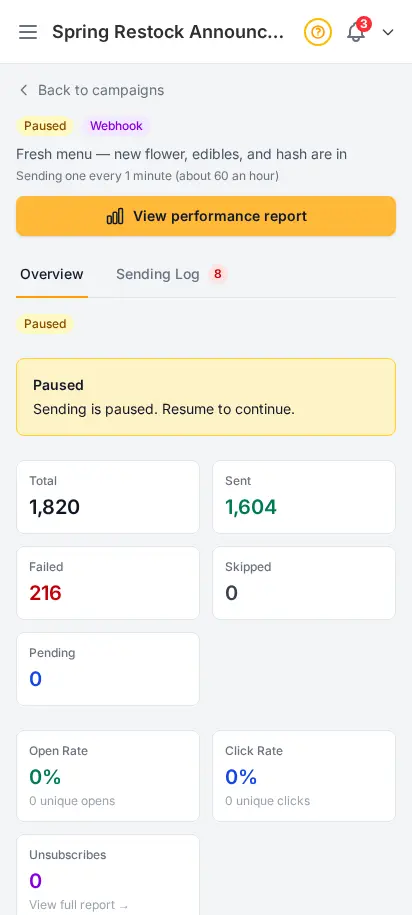
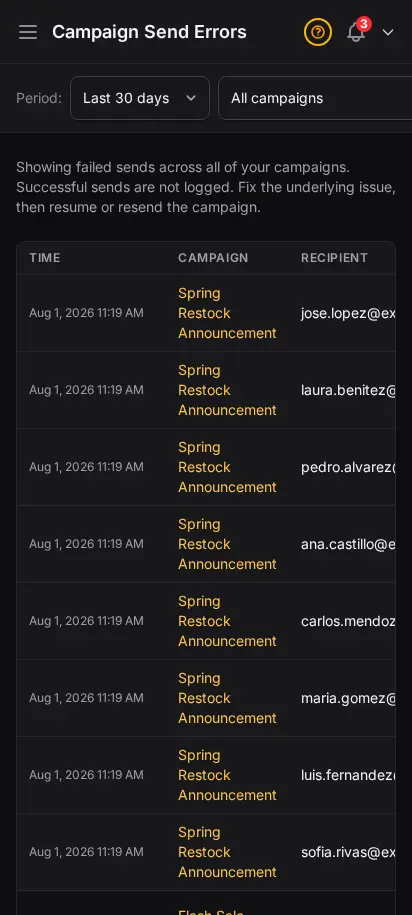
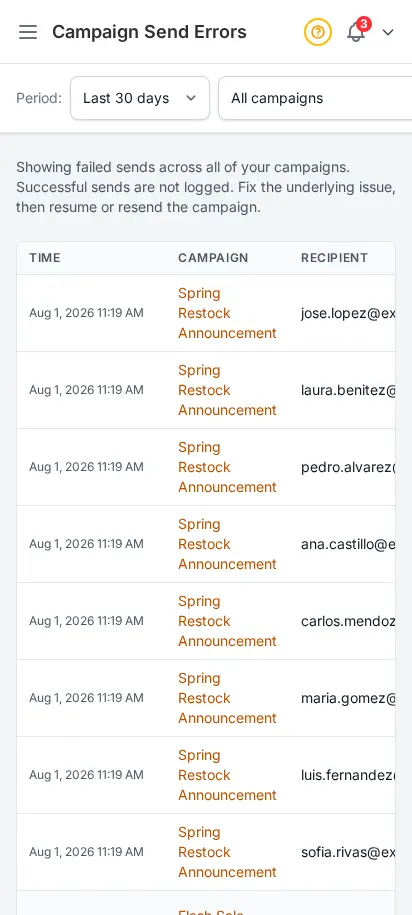
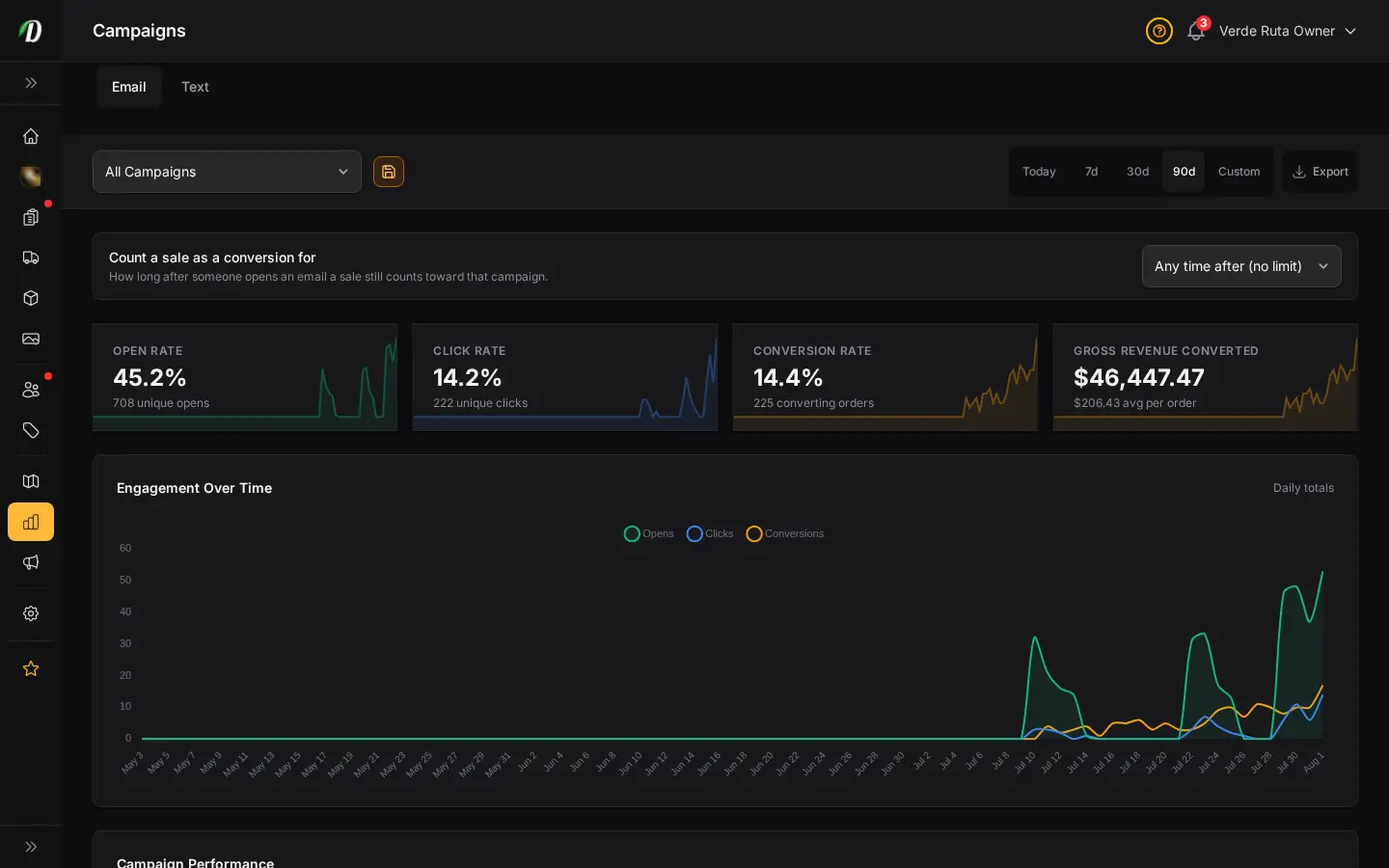
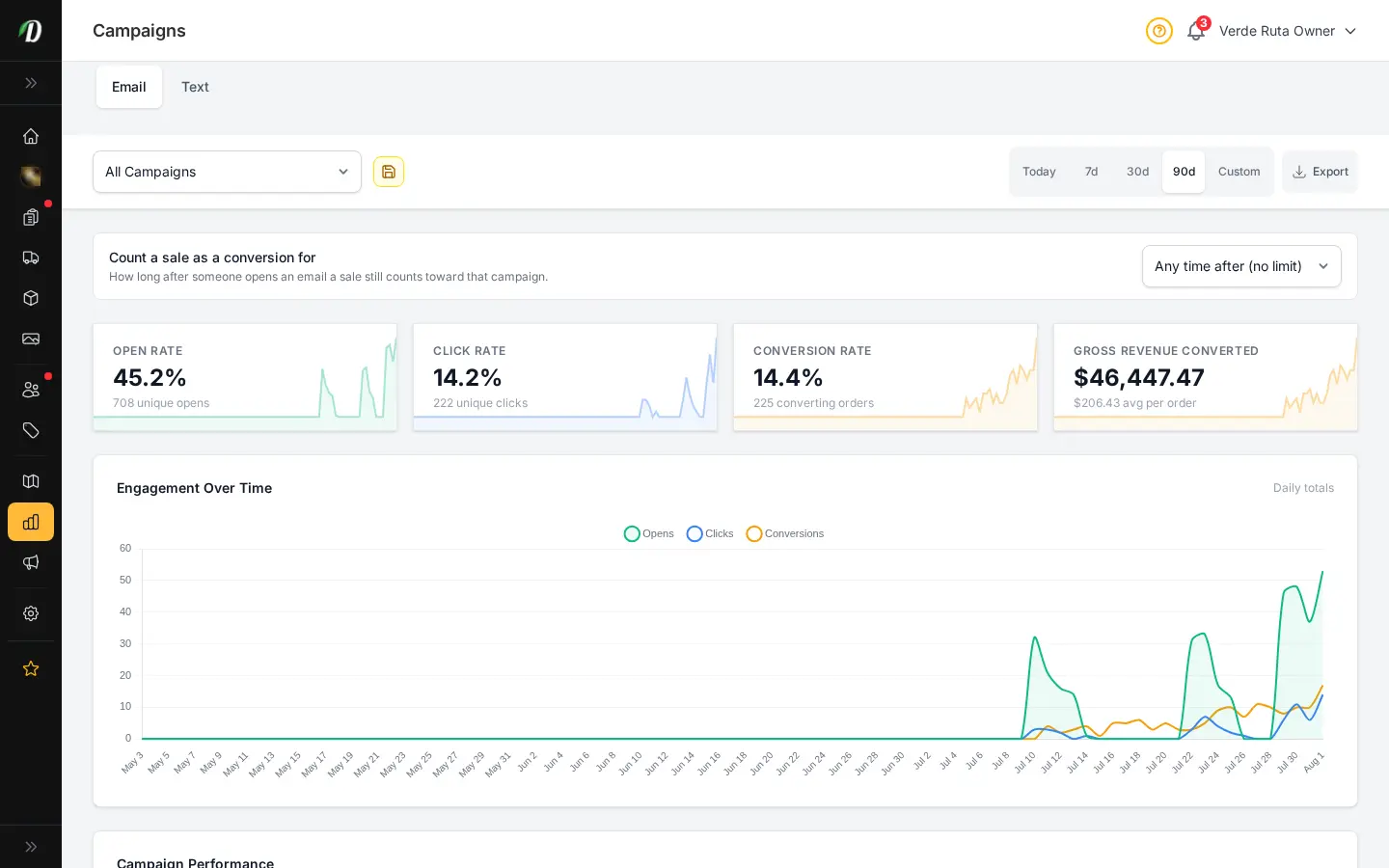
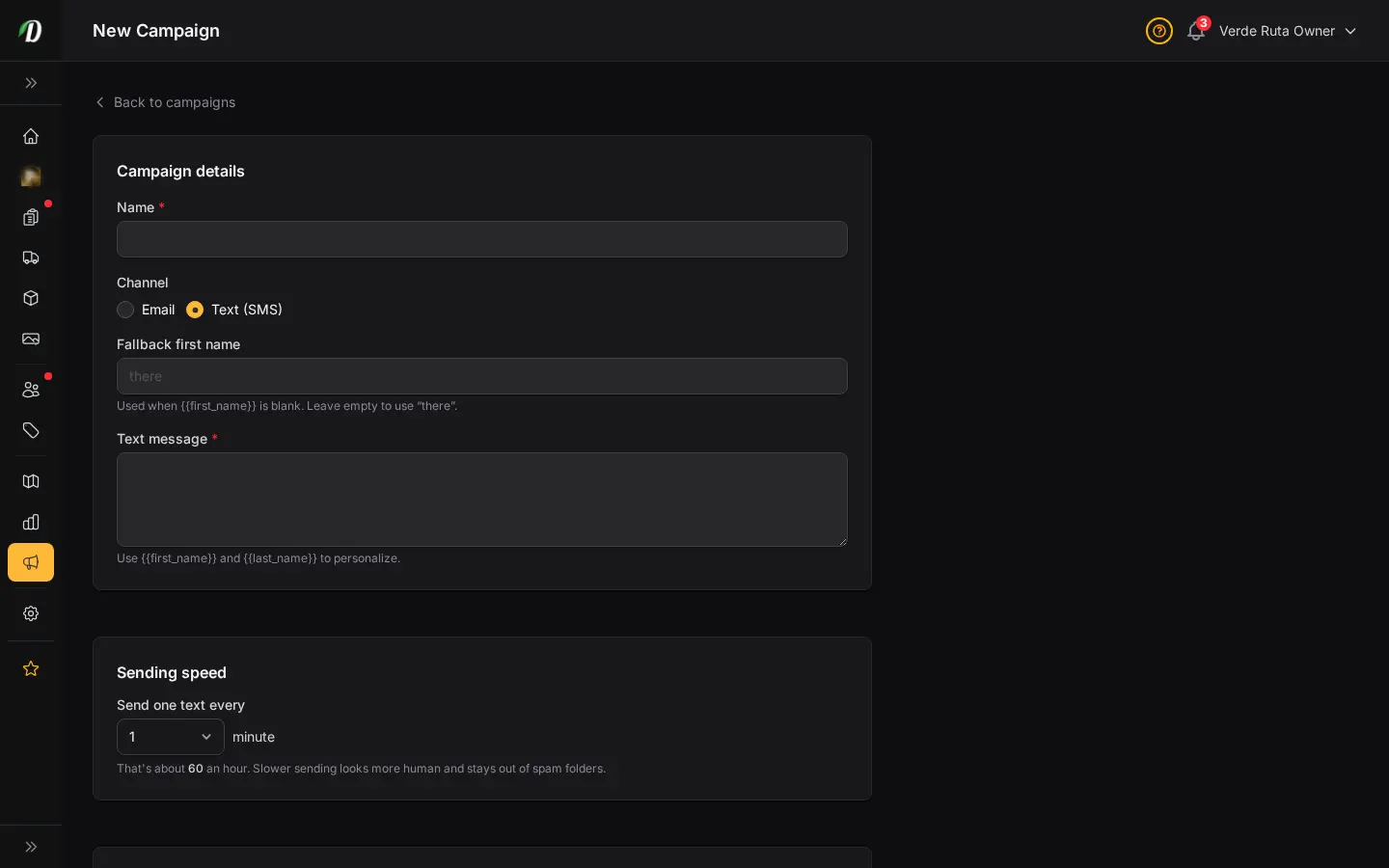
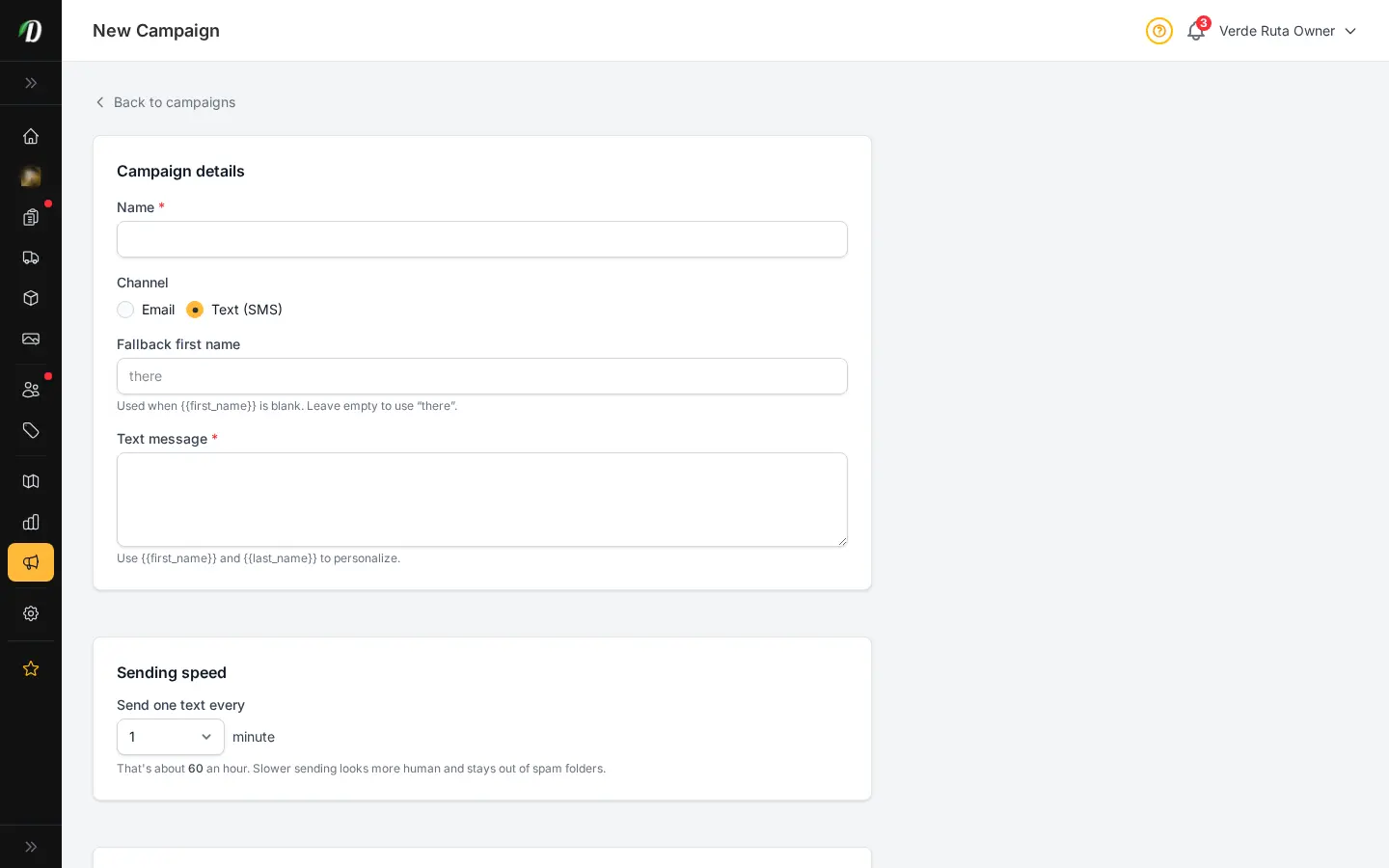
Build and send email campaigns to your customers directly from your dashboard. Import your list, write your email, and deliver it via SMTP or your own webhook relay. Track who received it, how many opened, and catch any delivery errors before they pile up.
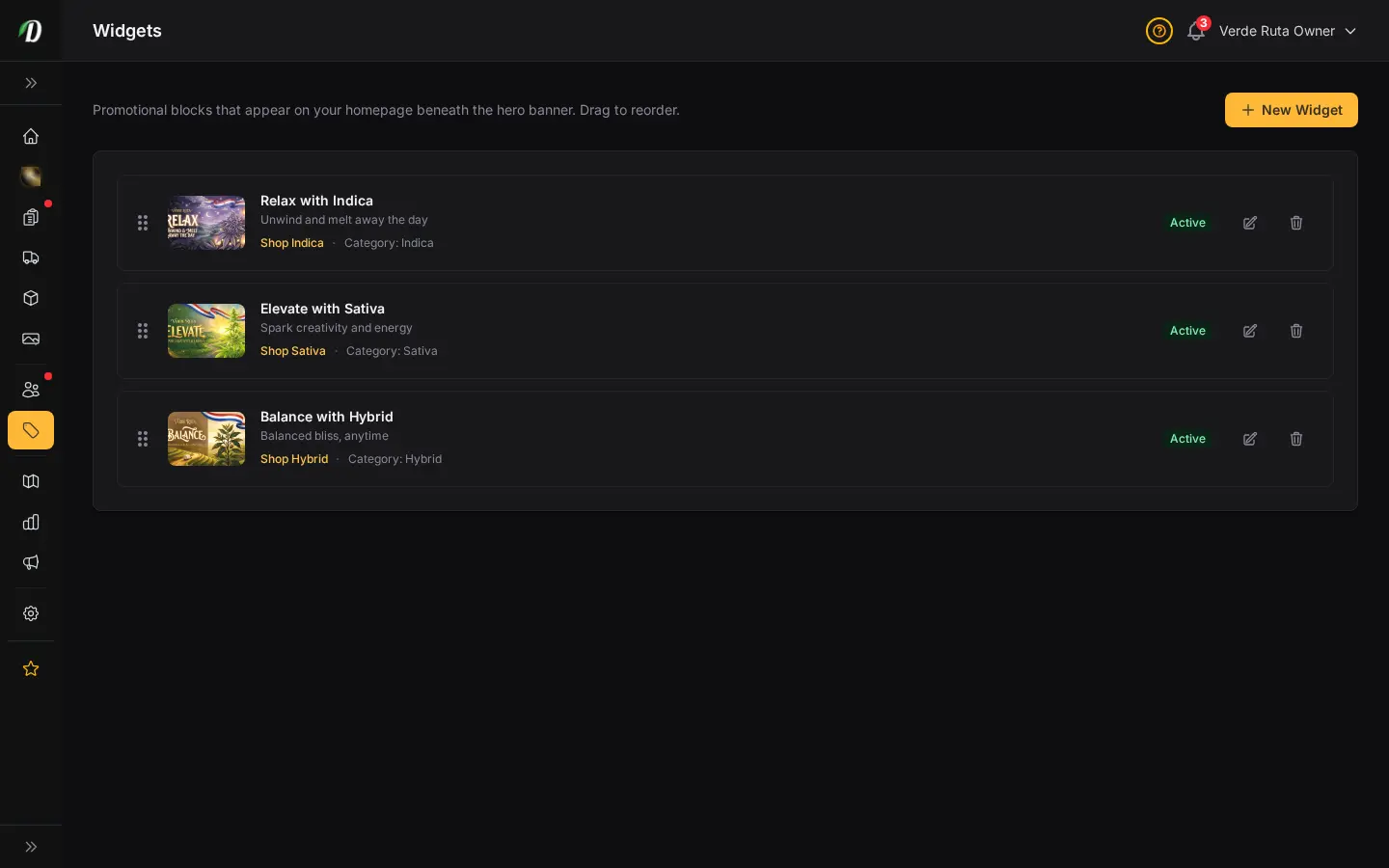
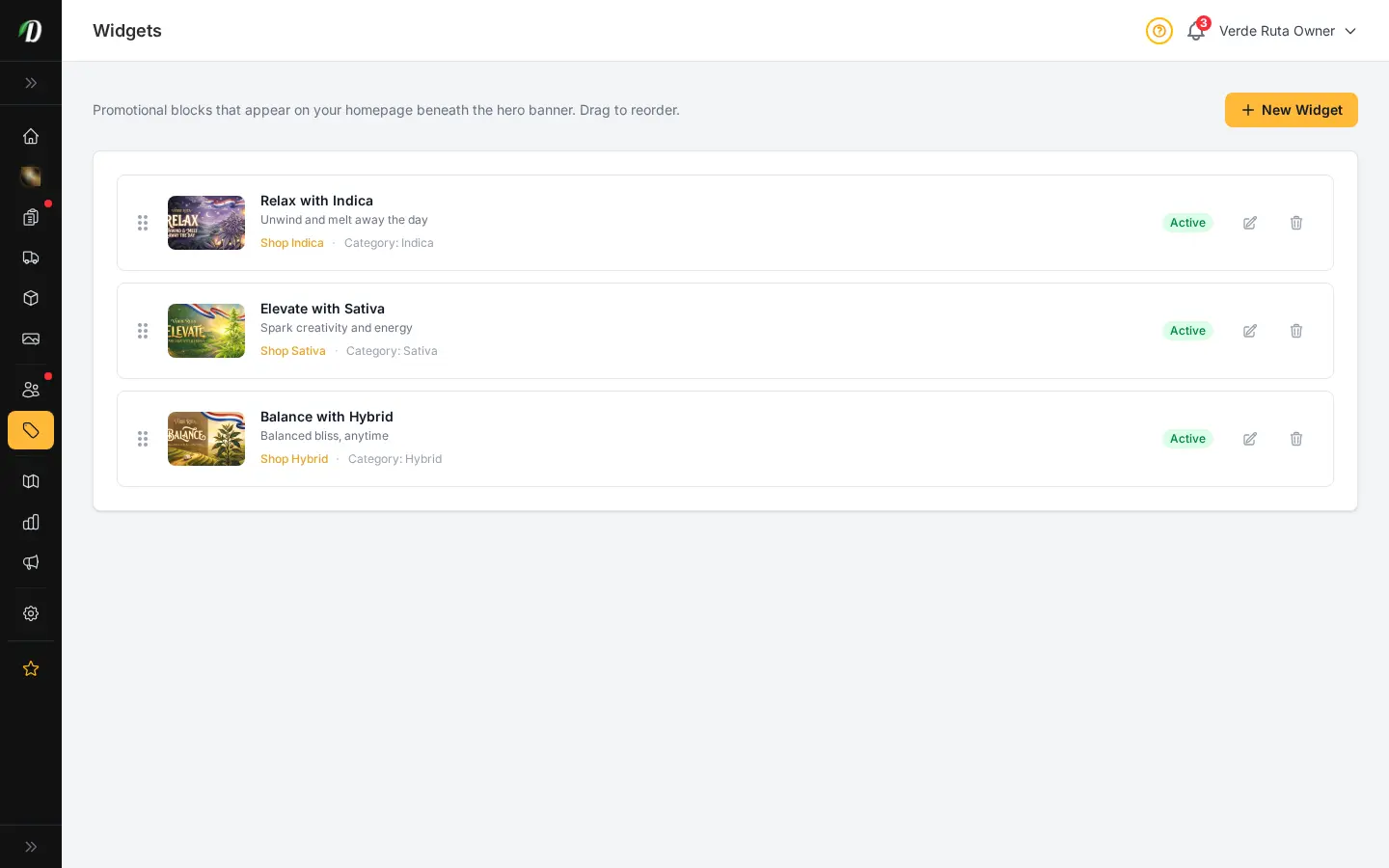
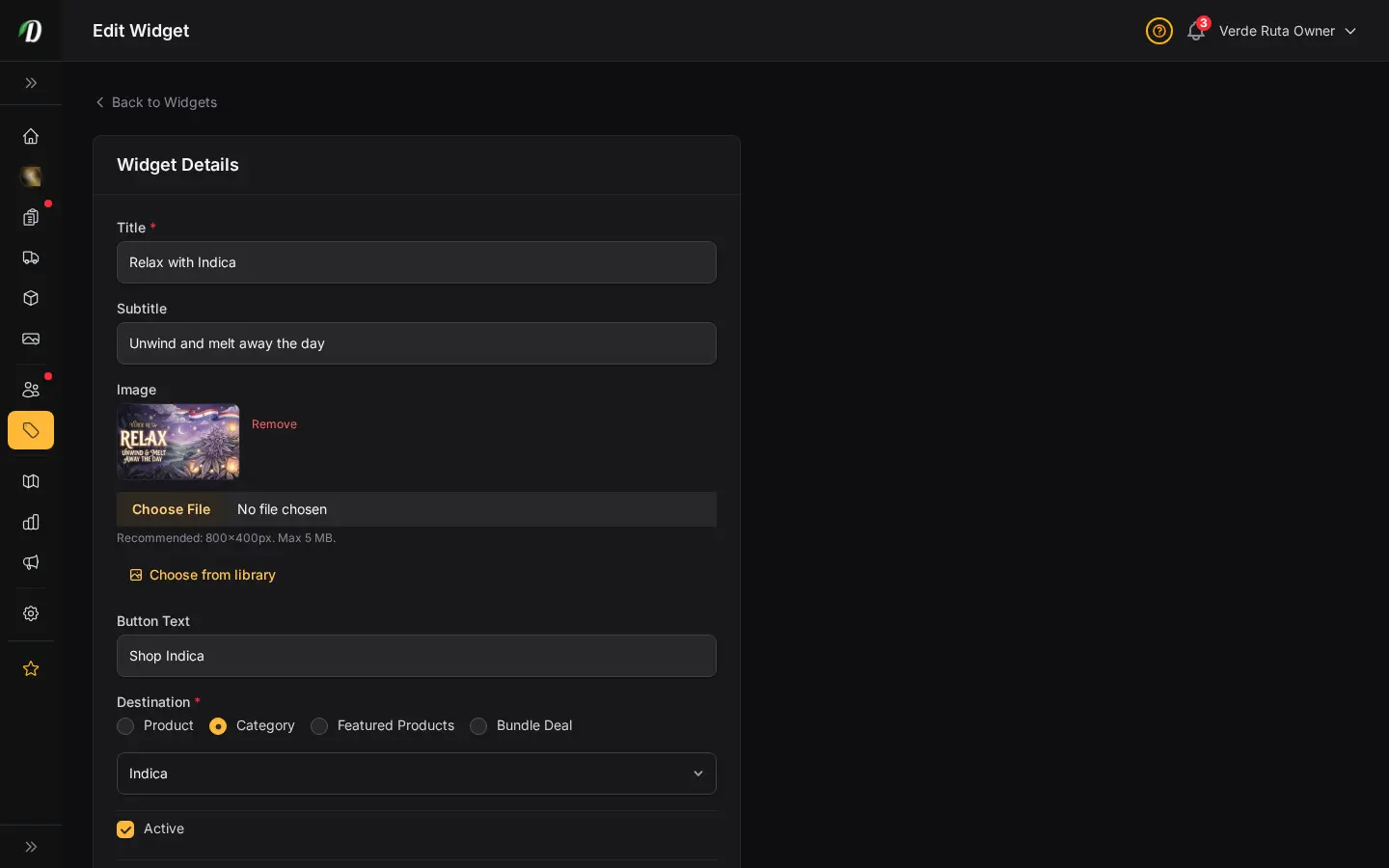
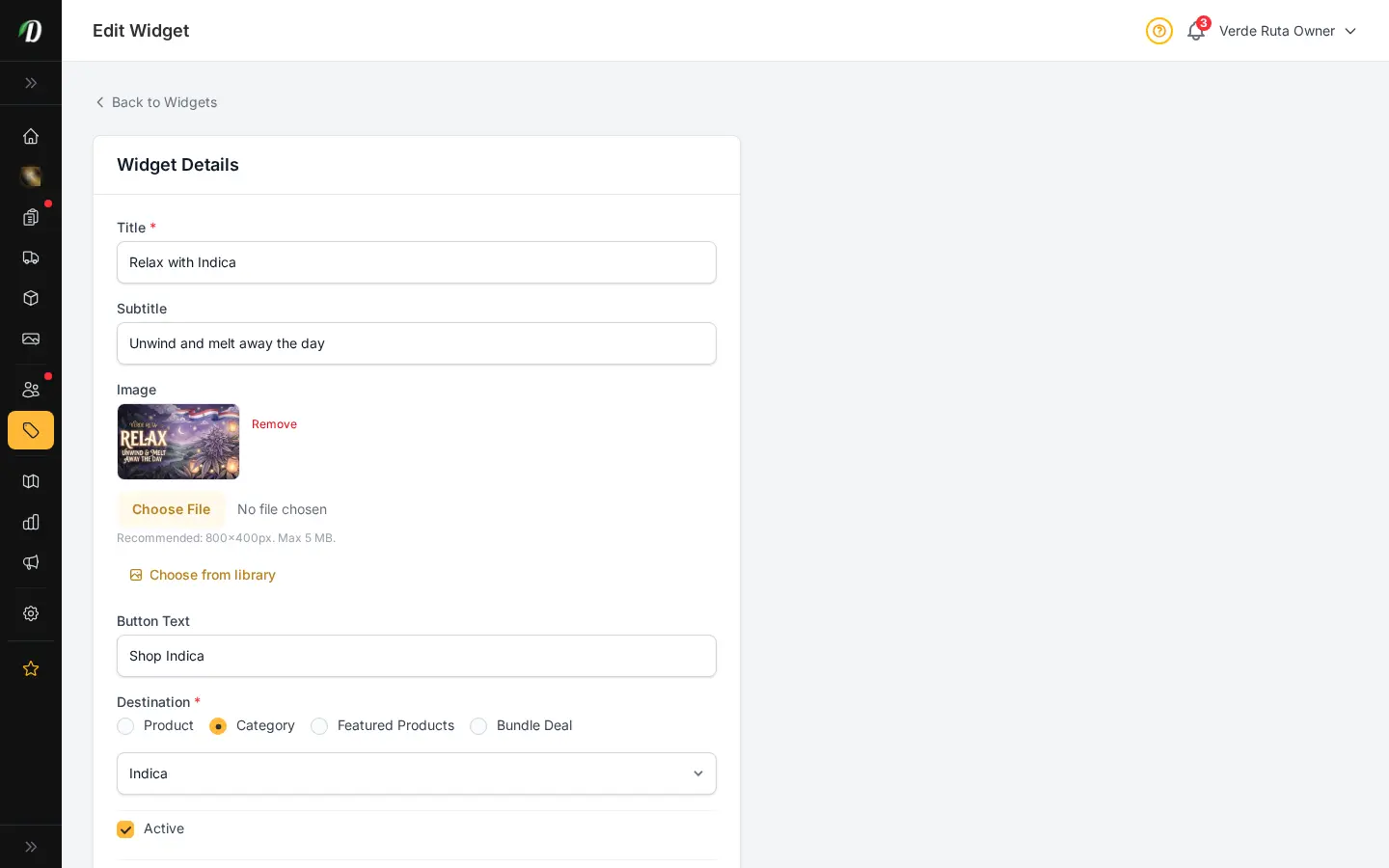
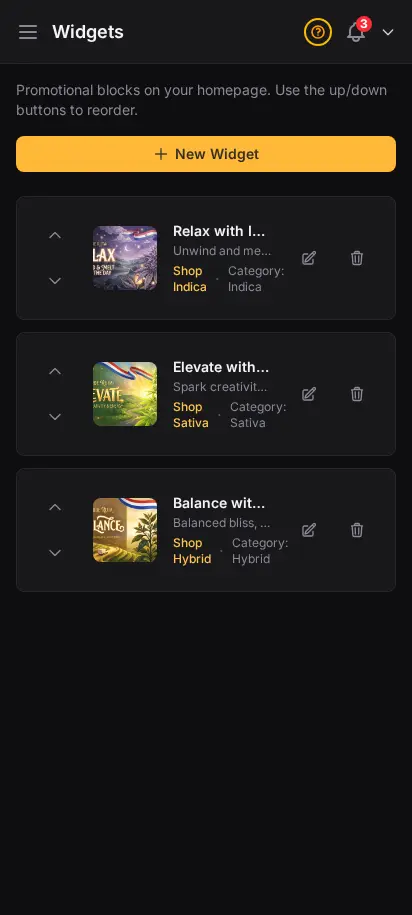
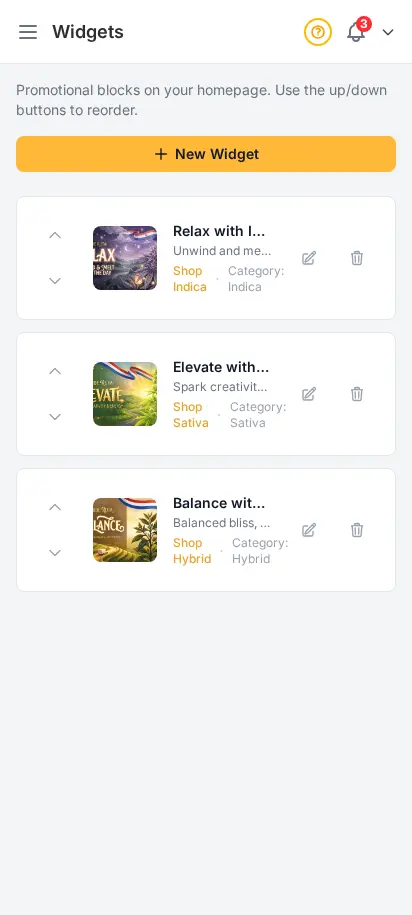
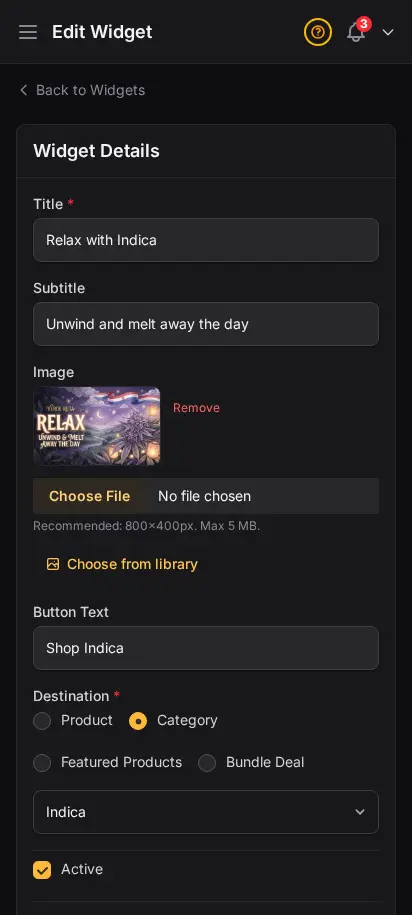
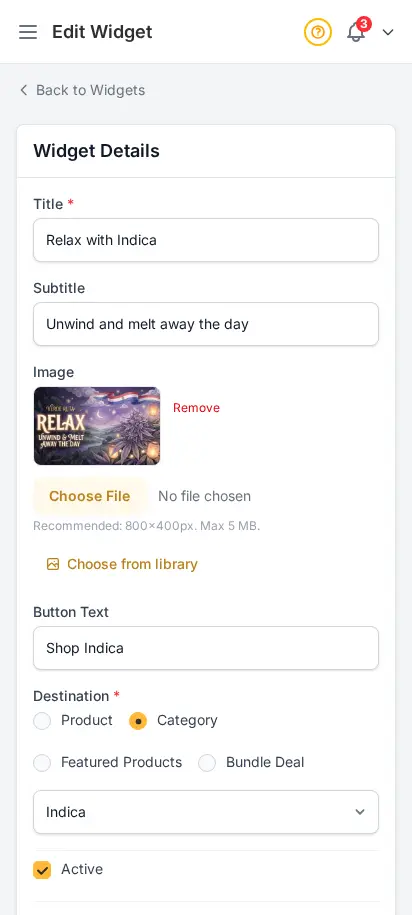
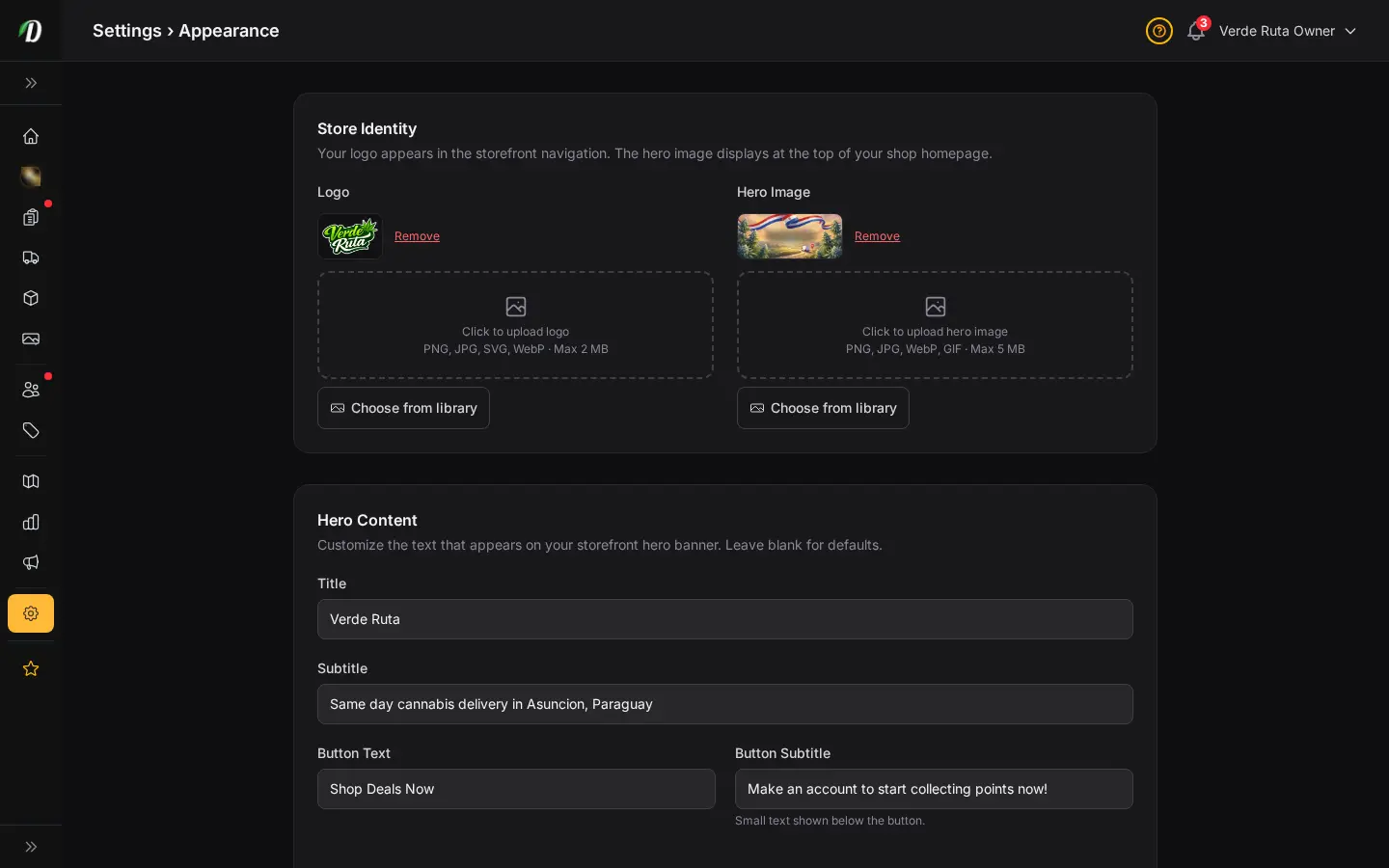
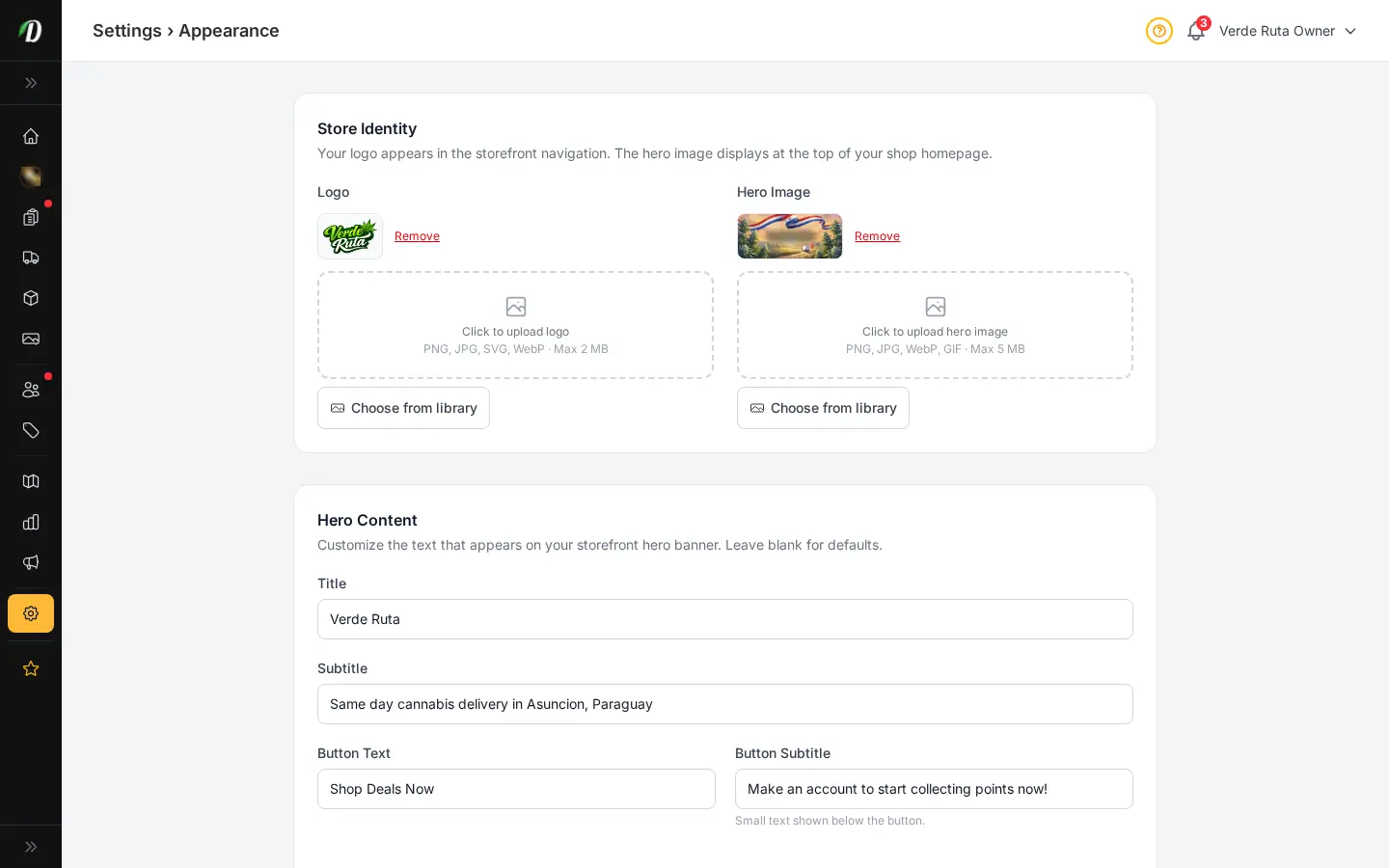
Build homepage promo cards for featured products, categories, or featured collections. Reorder them, swap the image, change the button text, and turn them on or off without touching code.
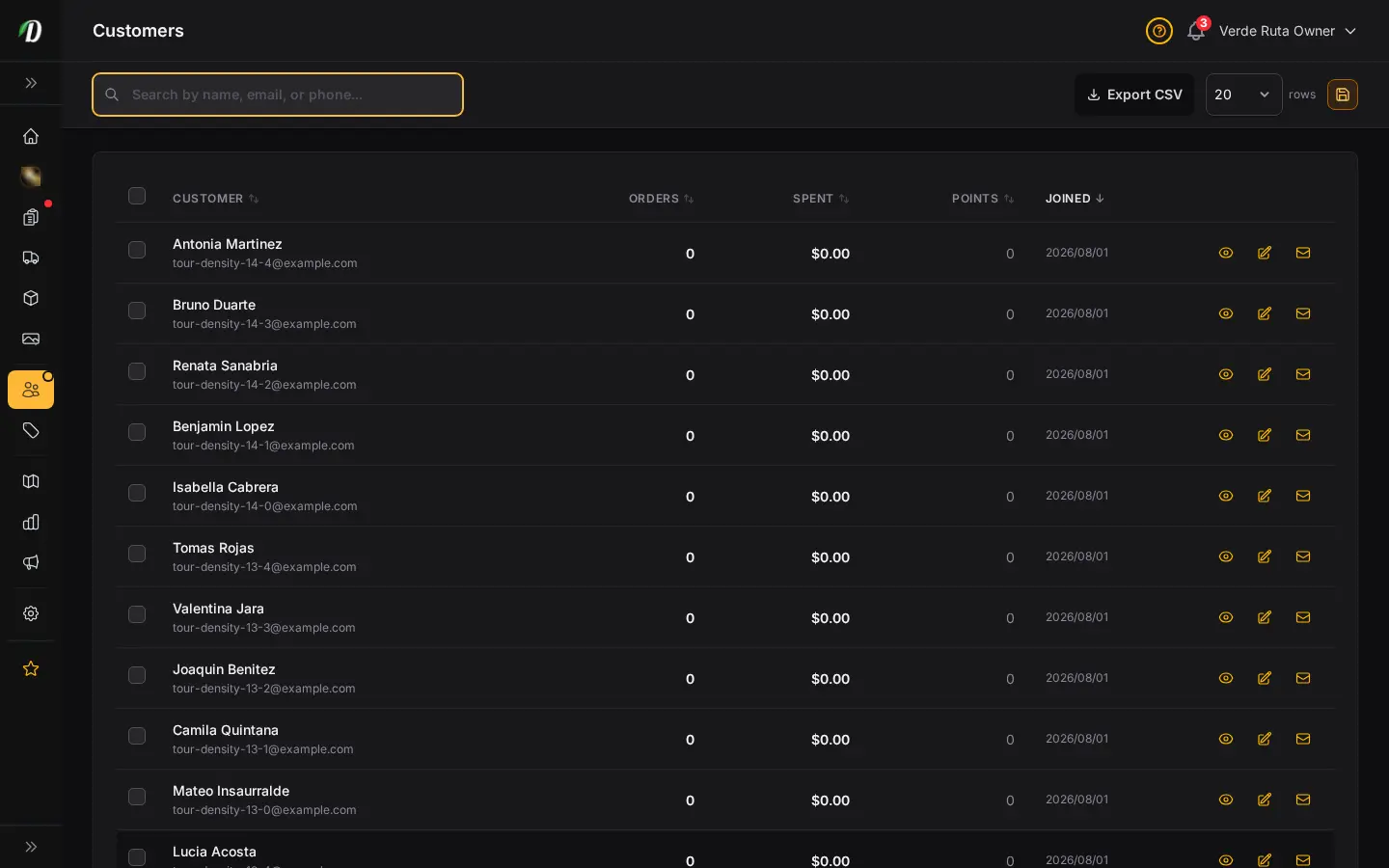
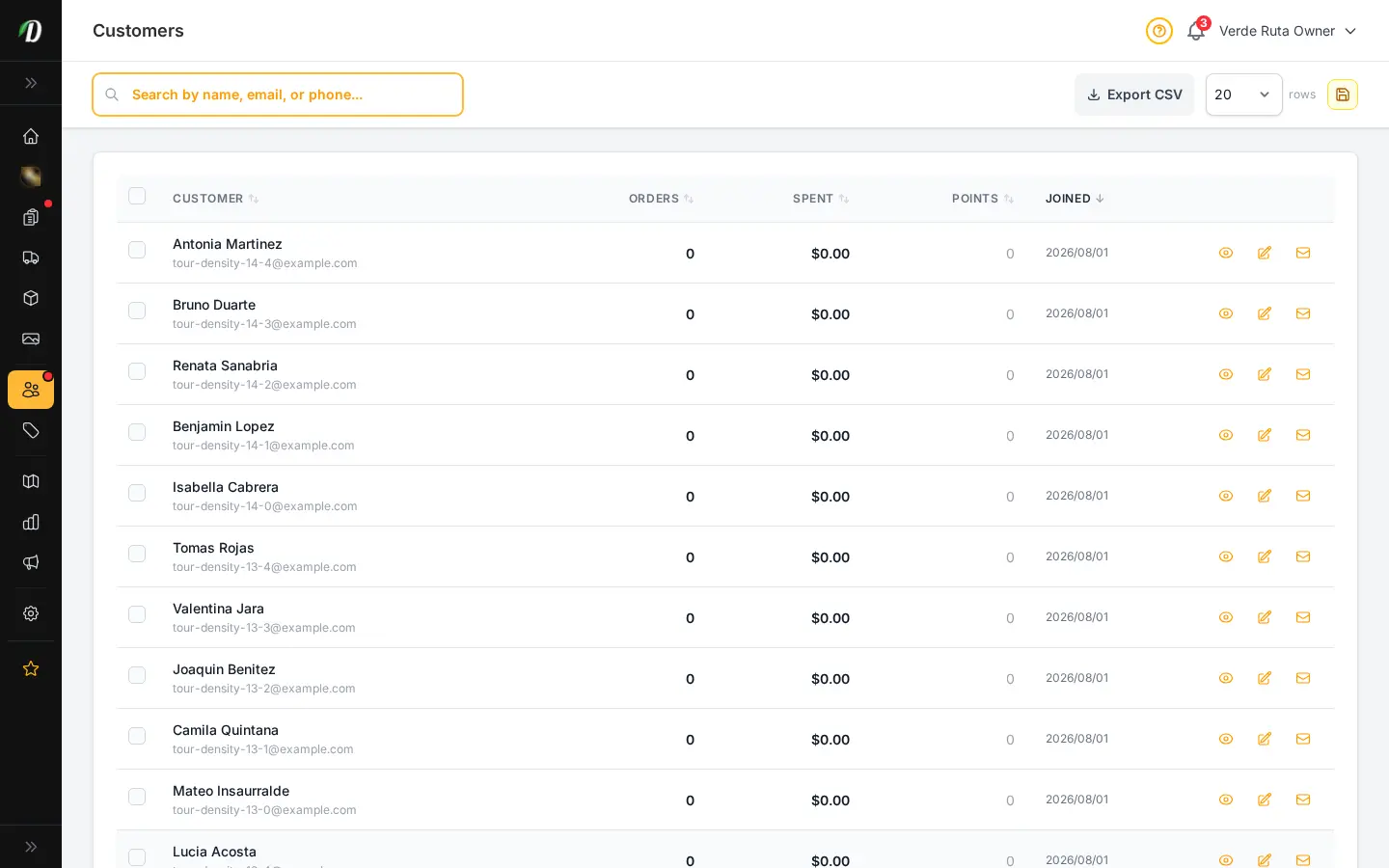
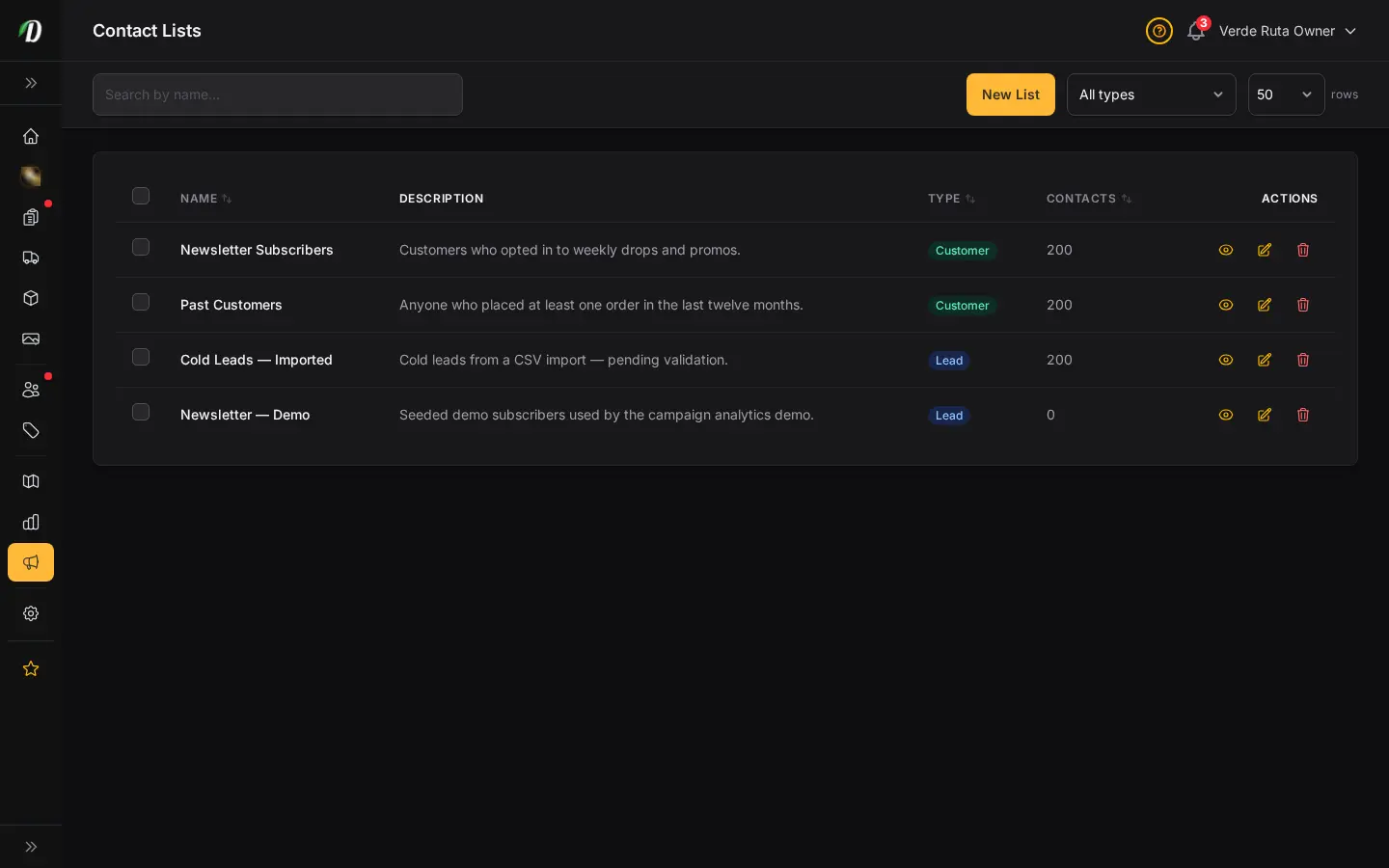
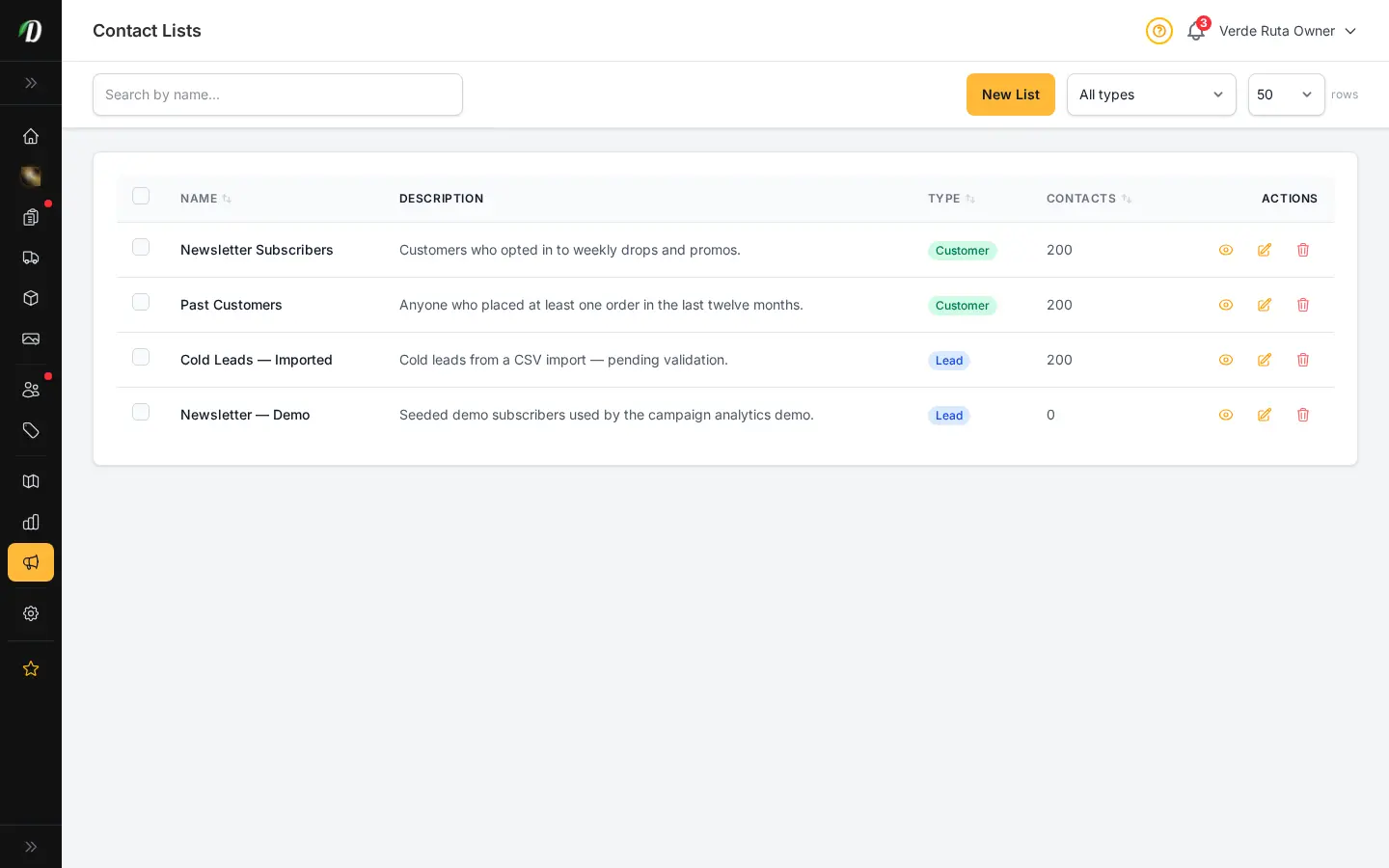
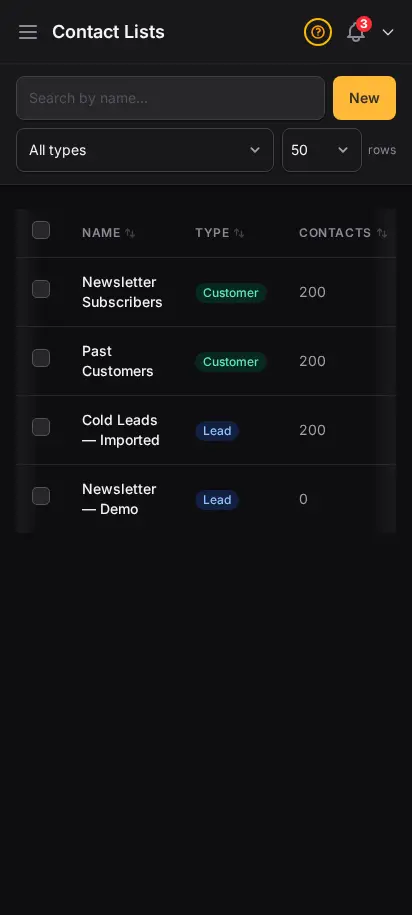
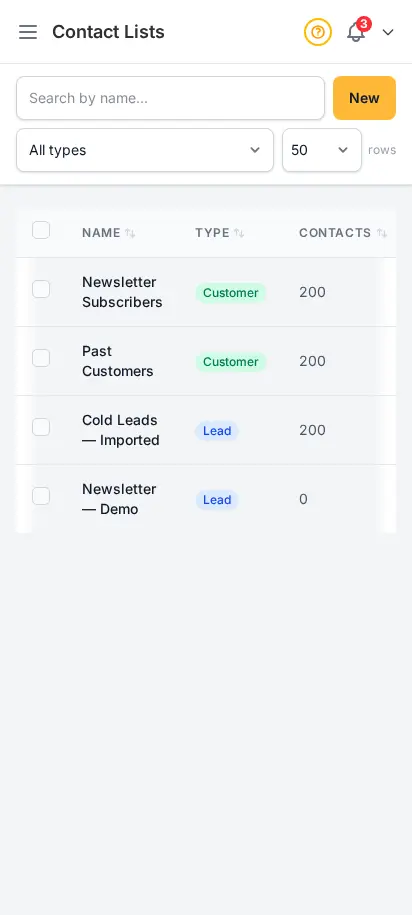
Import customer emails, build segmented lists, and launch campaigns to people who already know your brand. Operators who grew repeat revenue fastest treat lists as an asset — separate from one-off inbox replies.
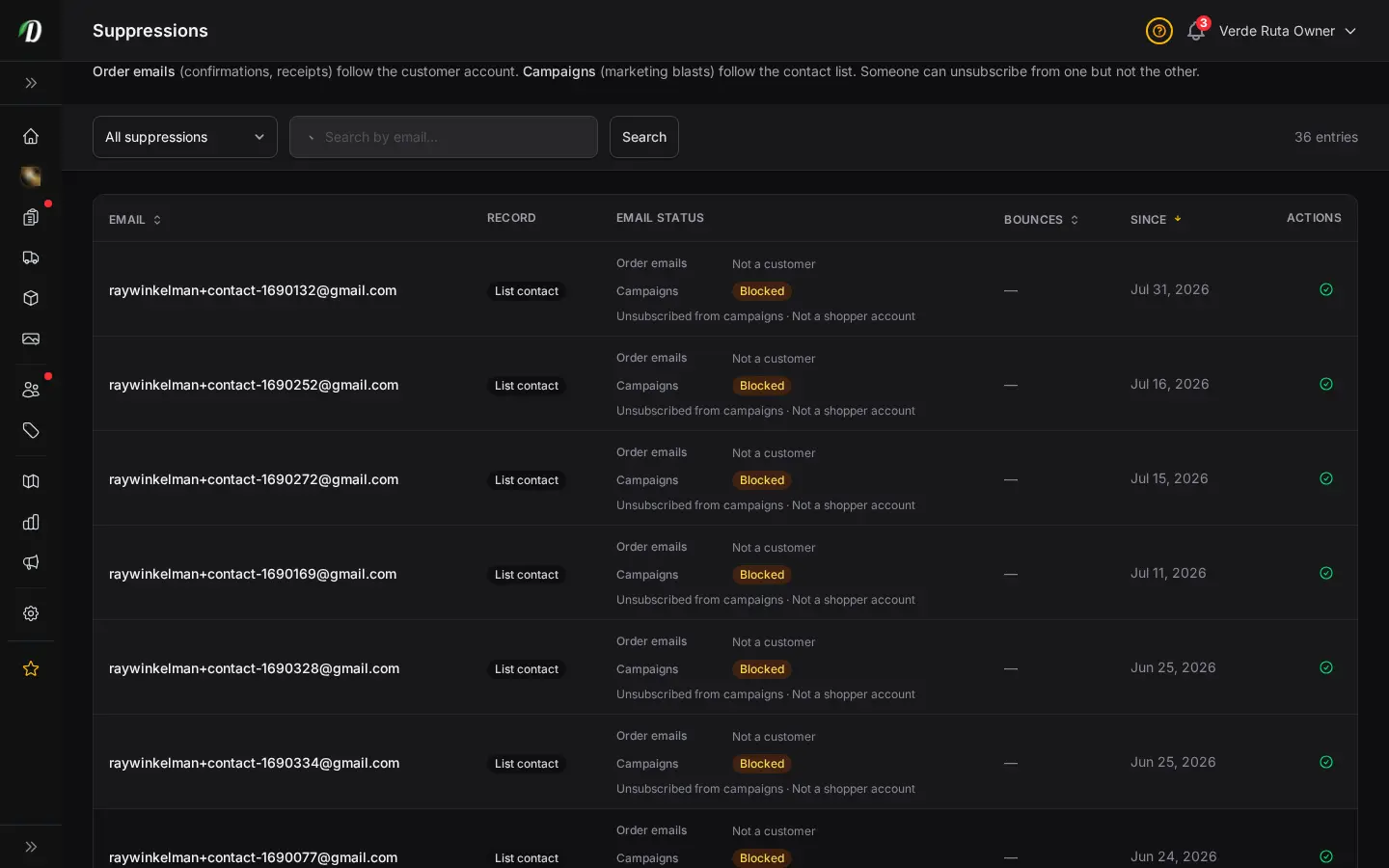
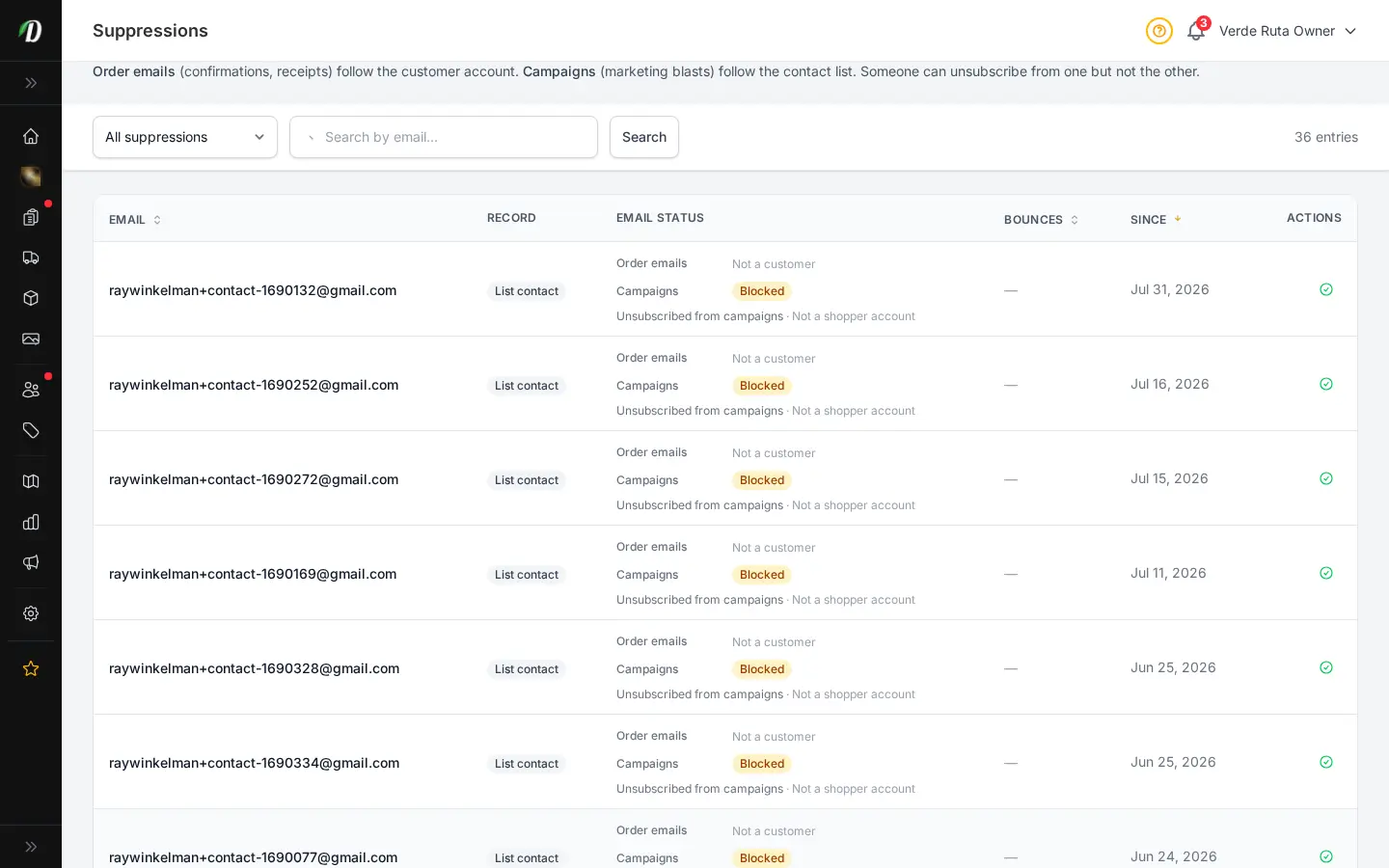
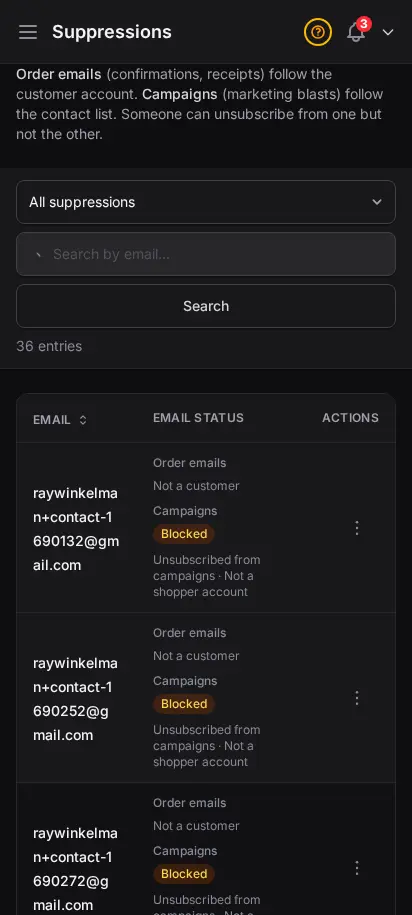
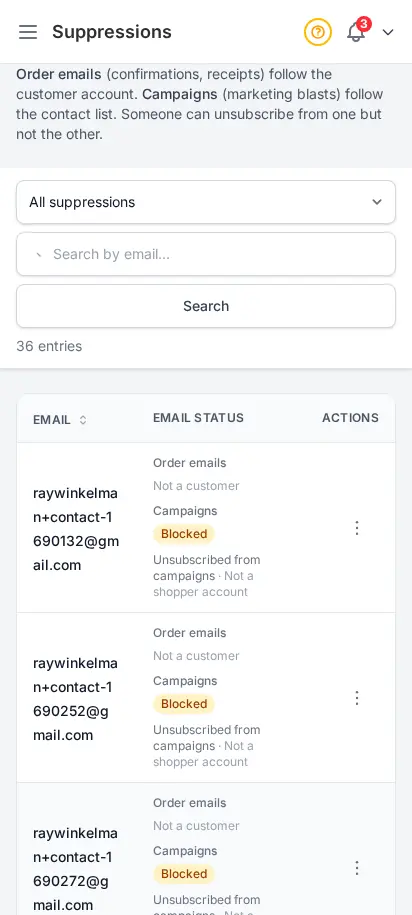
Sending to bad addresses hurts everyone's inbox reputation. The Suppressions page shows every blocked email — bounces, unsubscribes, and customer opt-outs — so you can lift a suppression when a customer asks to hear from you again.
You set a trigger quantity and a percentage or fixed discount; when a customer's cart reaches that quantity across the variations you choose, the discount applies automatically, no code needed.
Yes, freebies trigger on a spend threshold you set, for example spend $100 and get a free item, with multiple escalating tiers supported.
You connect your own email delivery, either SMTP or a webhook relay, so campaigns send through the provider you already use.
Yes, campaigns track who received the email, opens, and any delivery errors, plus support A/B testing subject lines.
It moves to suppressions, which tracks bounces, unsubscribes, and opt-outs so your campaigns and transactional emails stay compliant and protect your sender reputation.
Choose how you'd like to see the screenshots.
Device
Theme
