One-Click Zone Setup

View the Full Product Tour
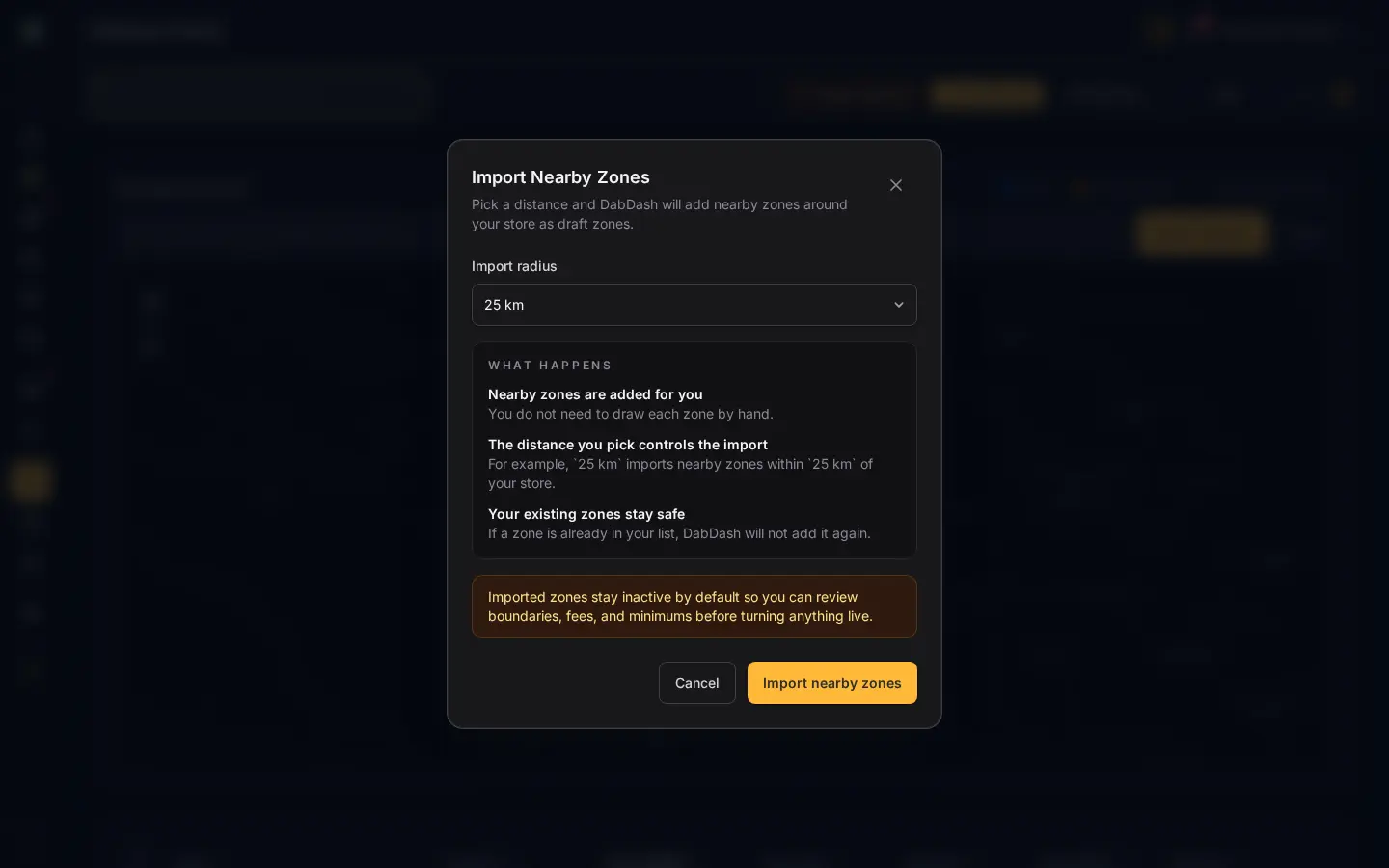
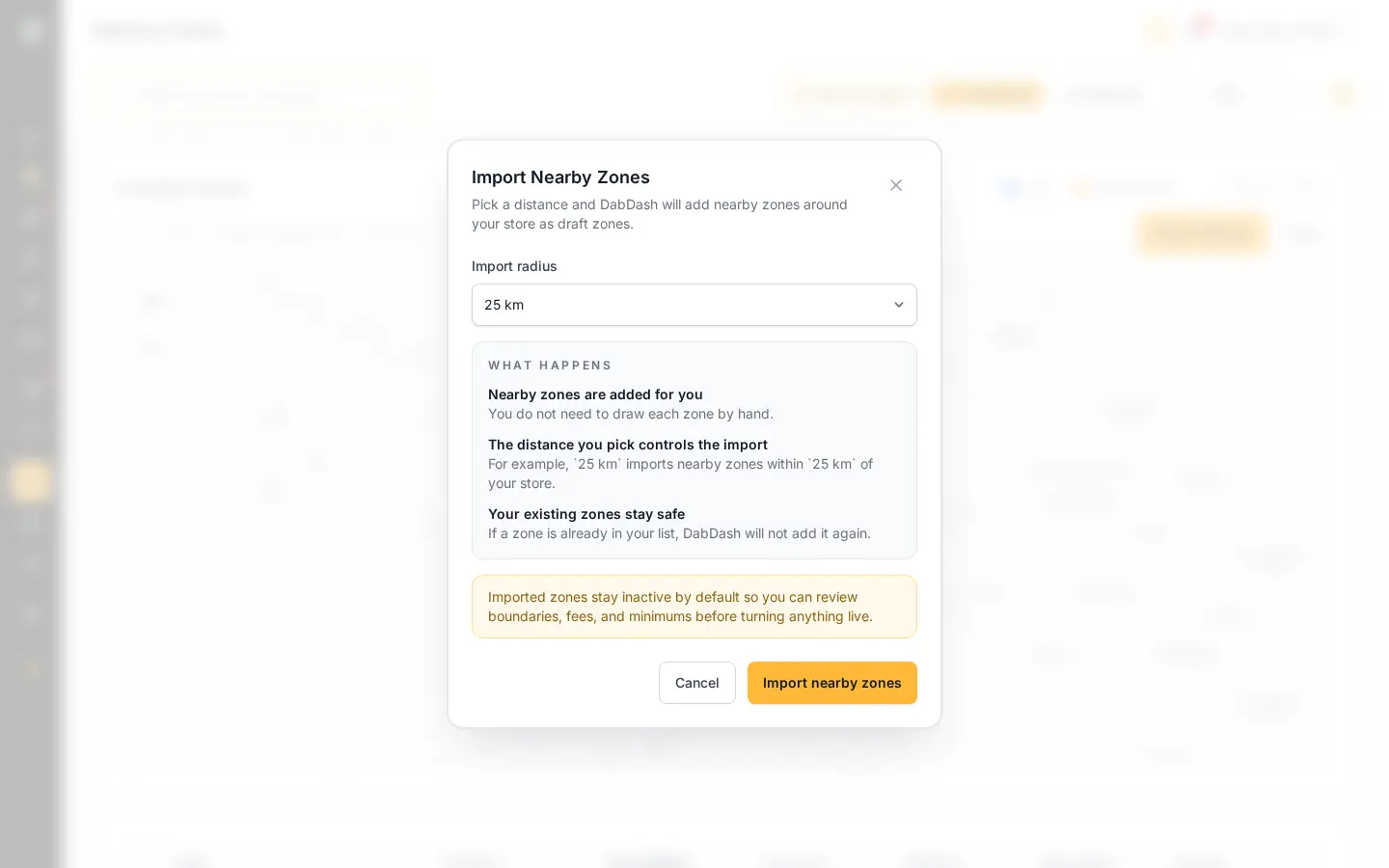
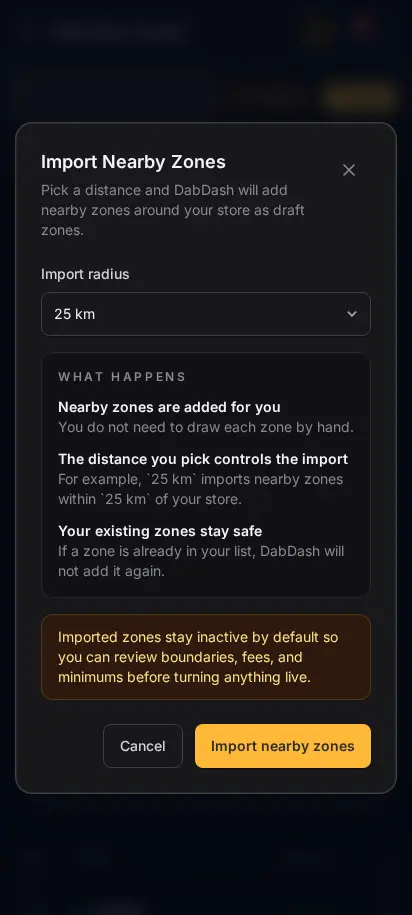
DabDash one-click nearby zone import modal showing radius-based draft delivery zone setupDabDash one-click nearby zone import modal showing radius-based draft delivery zone setup
Click to explore
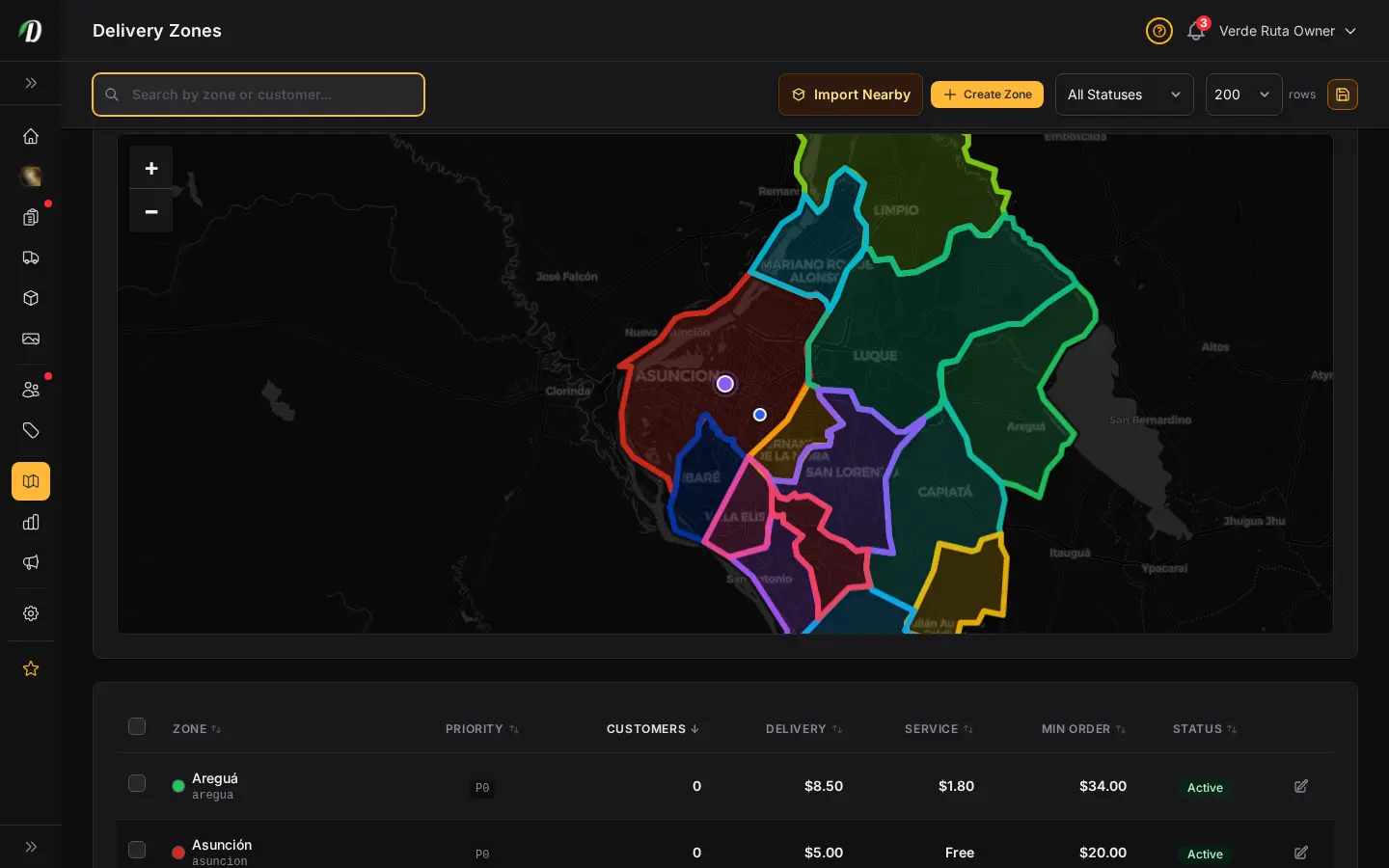
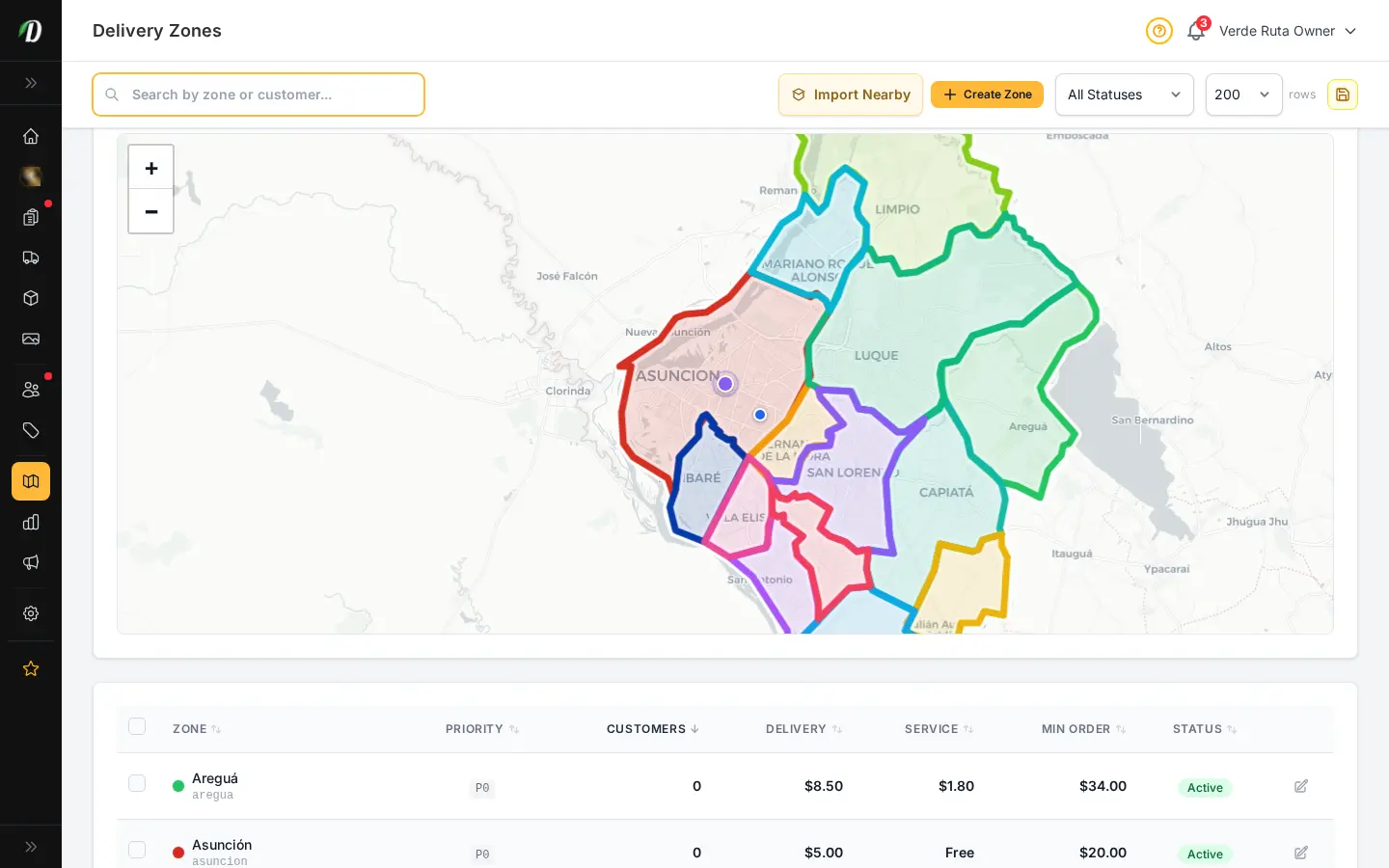
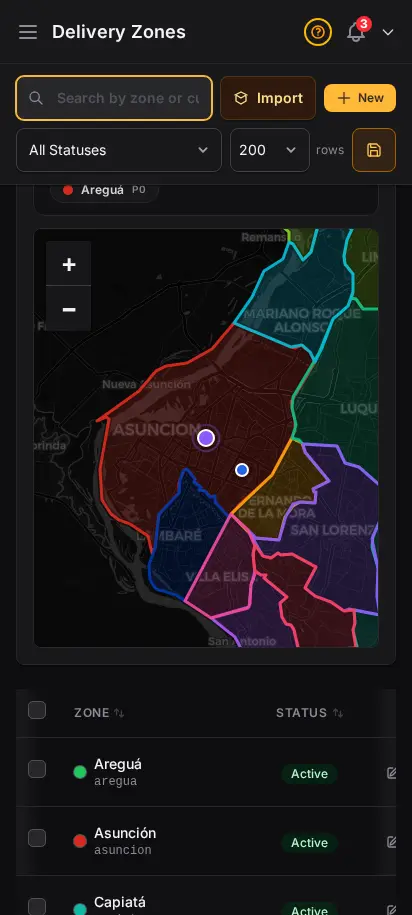
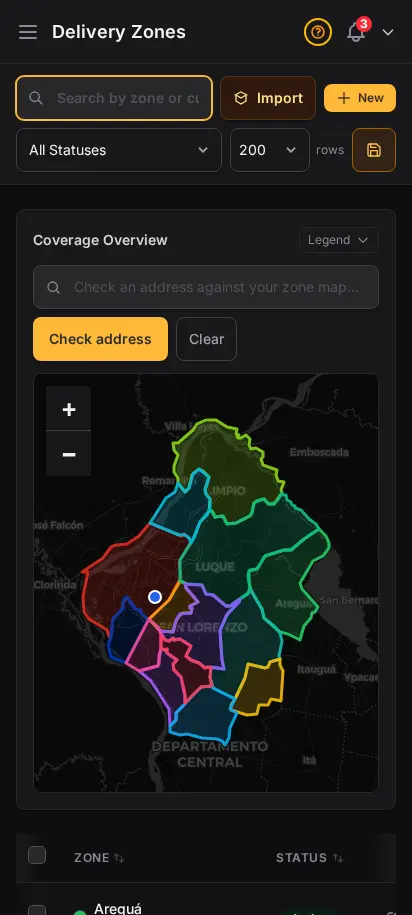
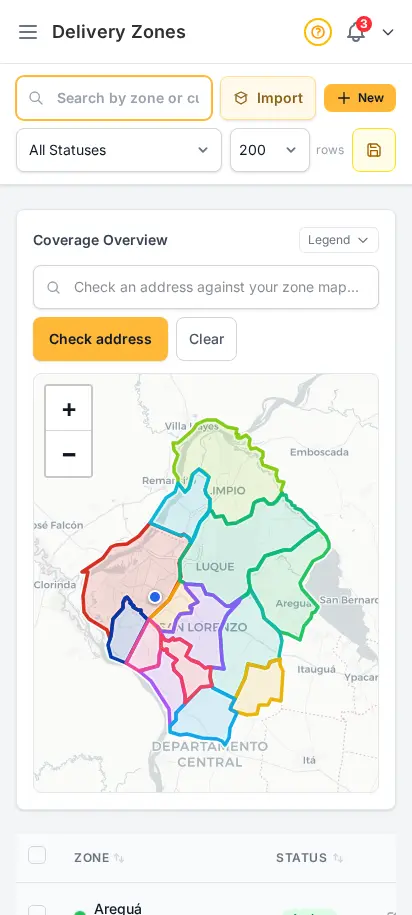
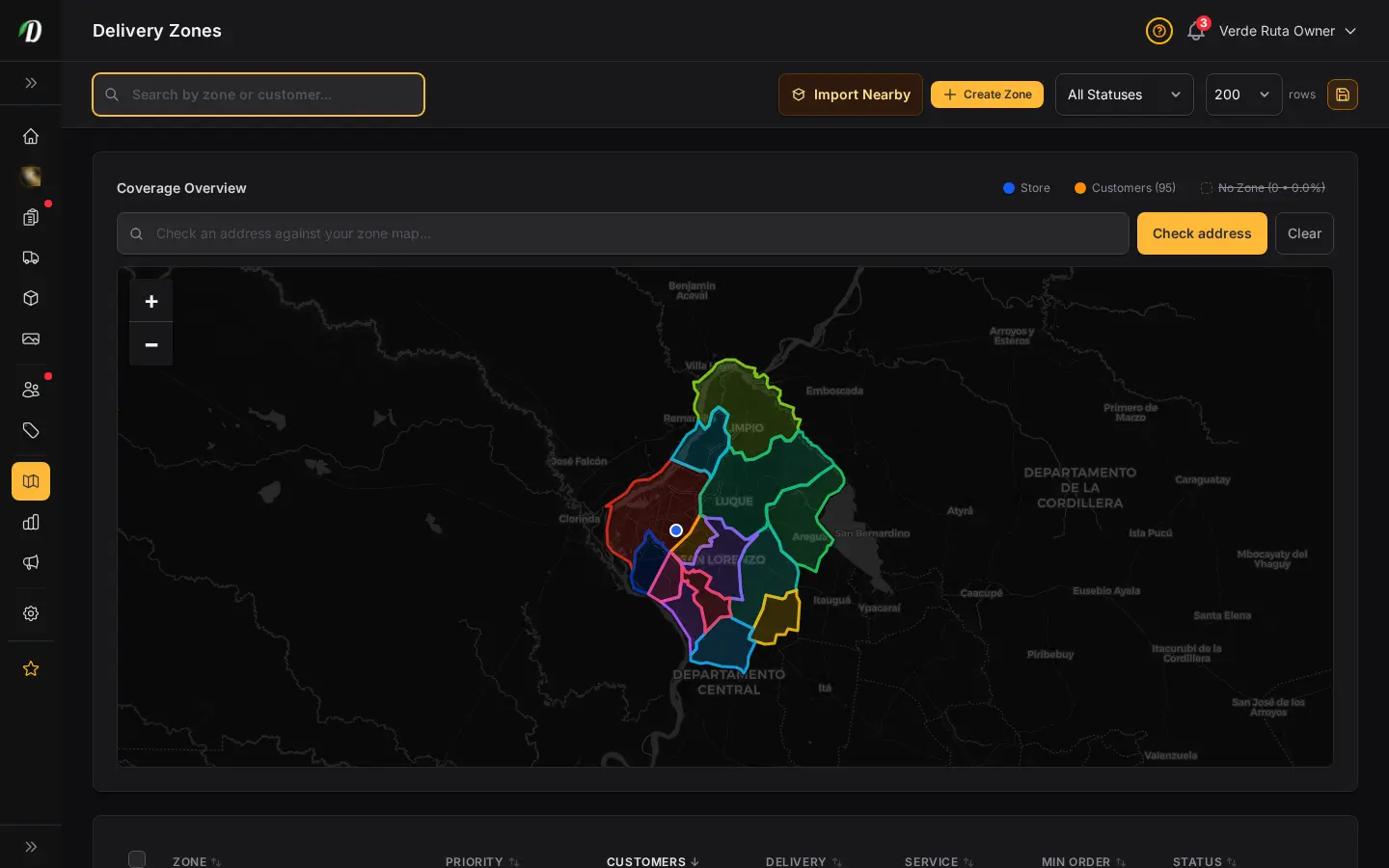
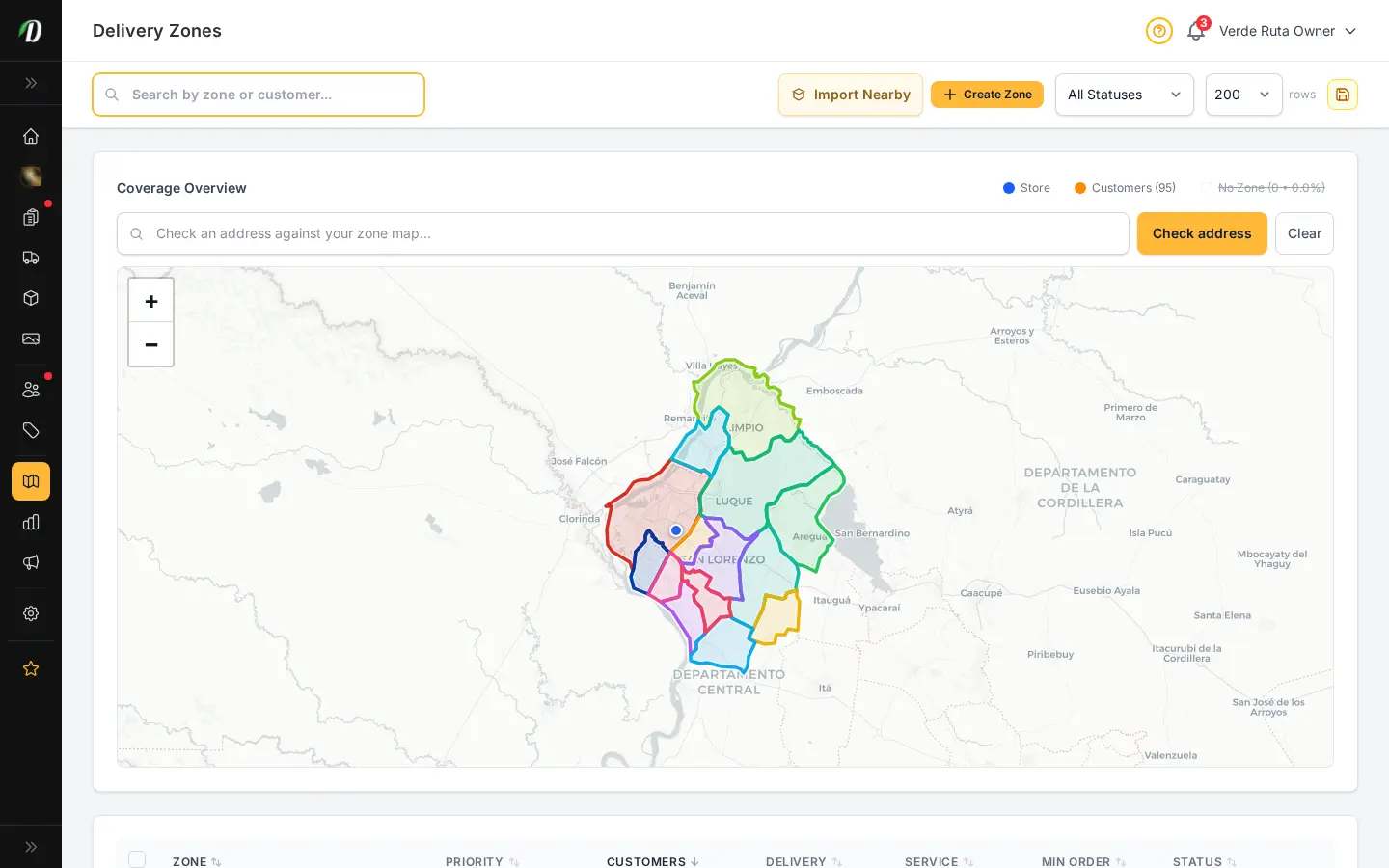
DabDash delivery zones coverage check showing a tested address dropped on the map with a matching zone overlayDabDash delivery zones coverage check showing a tested address dropped on the map with a matching zone overlay
Click to explore
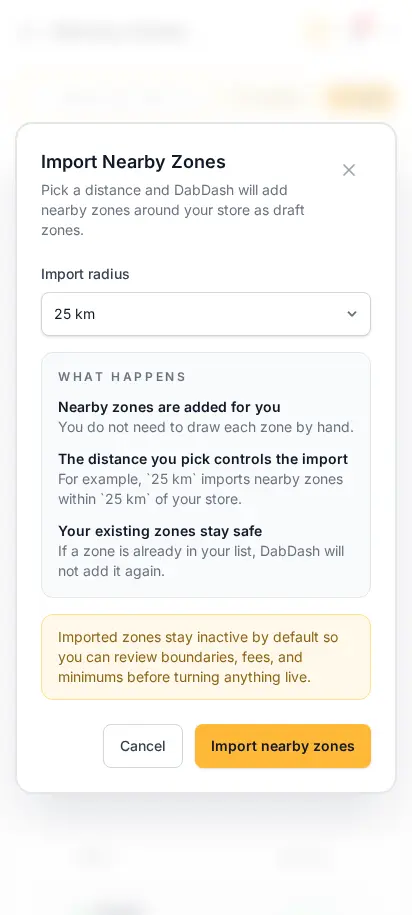
DabDash one-click nearby zone import modal showing radius-based draft delivery zone setup — mobile viewDabDash one-click nearby zone import modal showing radius-based draft delivery zone setup — mobile view
Explore
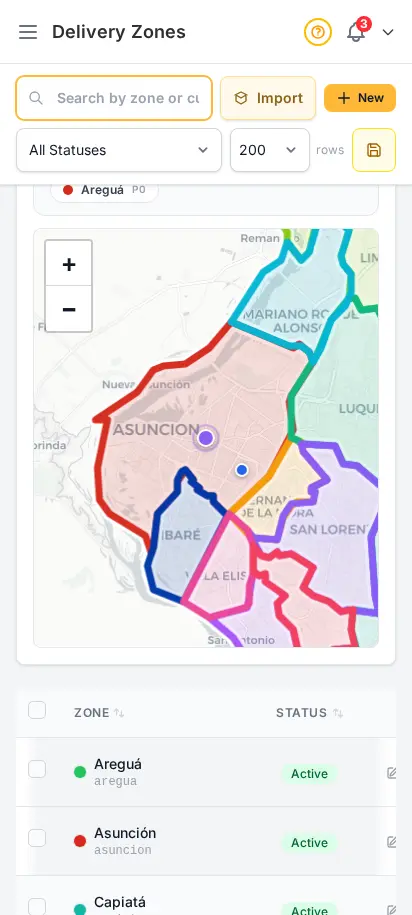
DabDash delivery zones coverage check showing a tested address dropped on the map with a matching zone overlay — mobile viewDabDash delivery zones coverage check showing a tested address dropped on the map with a matching zone overlay — mobile view
Explore

Launch your coverage in one click

New stores can skip the slow part. Import nearby delivery zones in one click, choose how far out from your store to pull, then review the inactive draft boundaries before you turn anything live. Once you are live, the same page lets you test any address against the map and explain coverage instantly.
  • One-click nearby zone imports with flexible radius options
  • Draft zones stay inactive until you approve them
  • Address coverage checker drops the customer location directly on the map
  • Customer overlays show where real shoppers live before you expand
  • Fastest path from signup to taking orders
DabDash delivery zones page showing existing zones, fees, minimums, and coverage detailsDabDash delivery zones page showing existing zones, fees, minimums, and coverage details
Click to explore
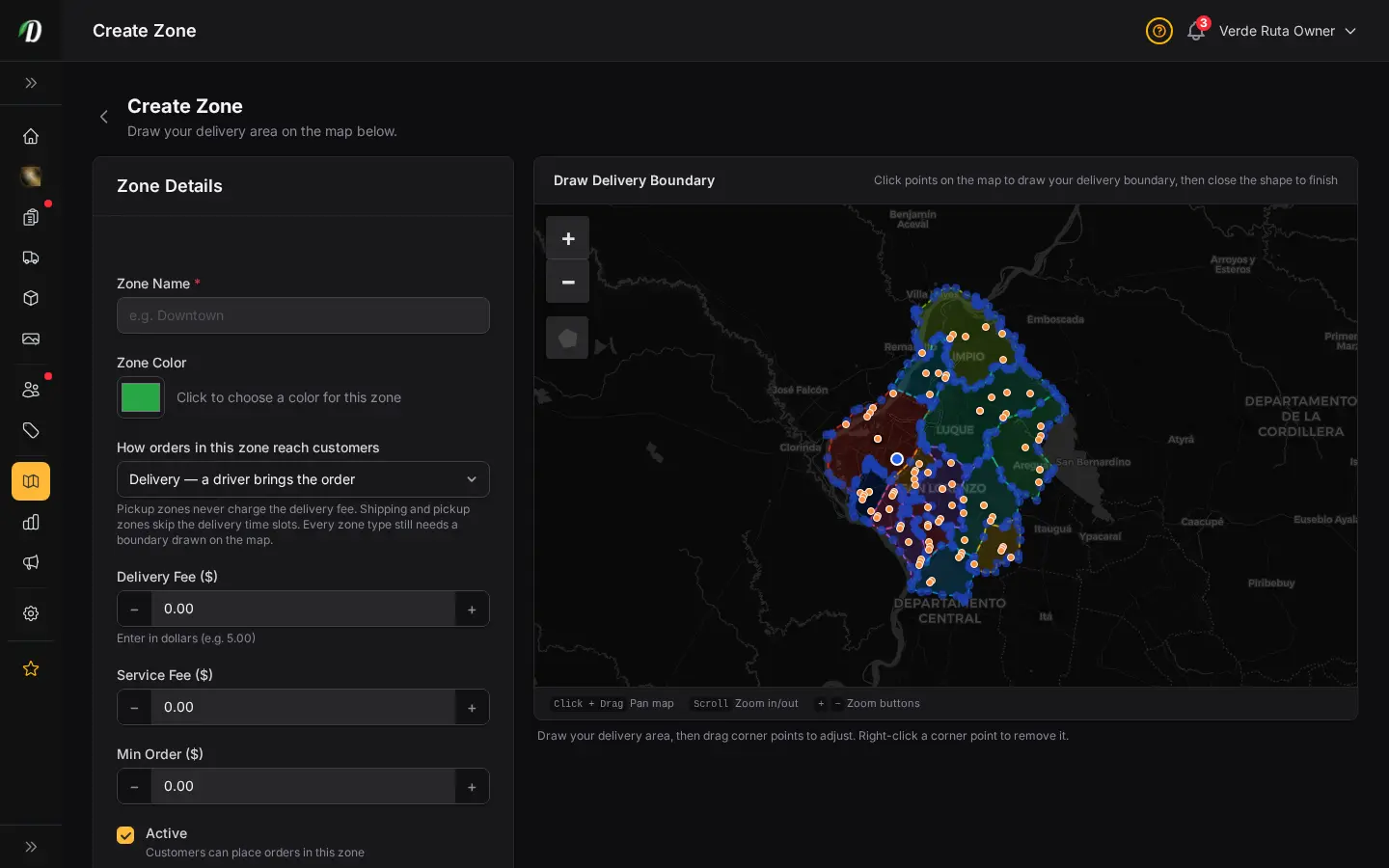
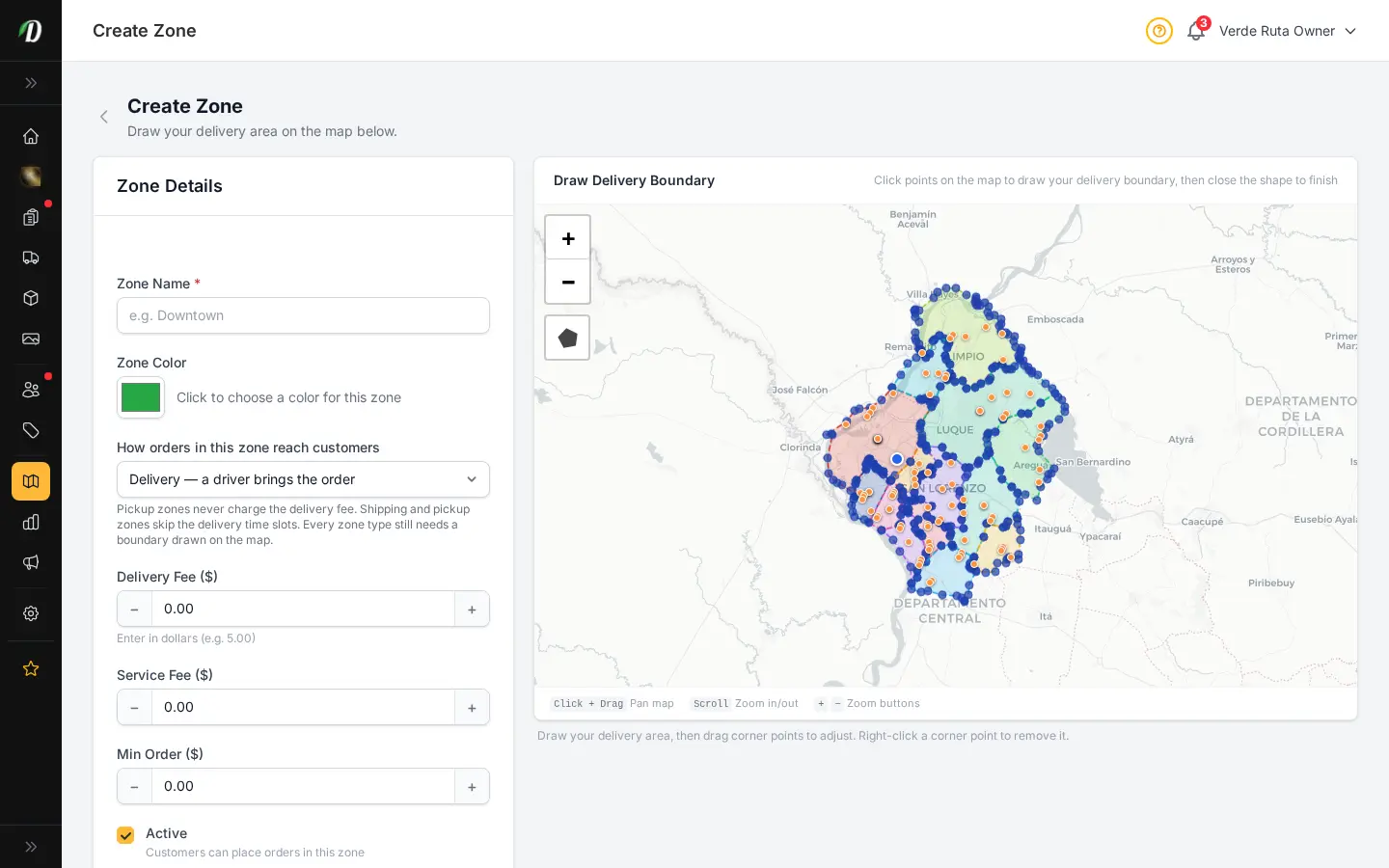
DabDash add delivery zone page showing map drawing tools and delivery fee fieldsDabDash add delivery zone page showing map drawing tools and delivery fee fields
Explore
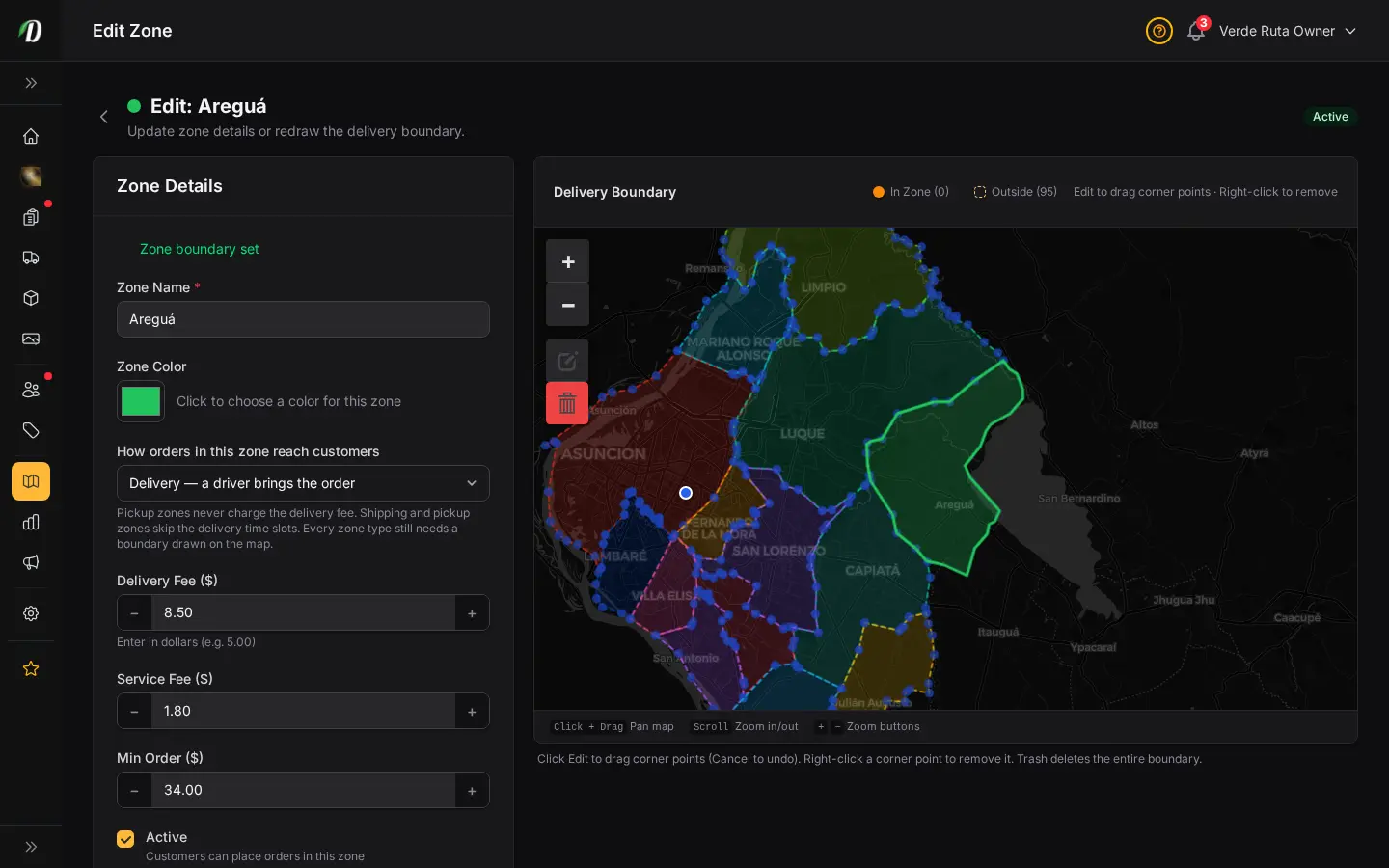
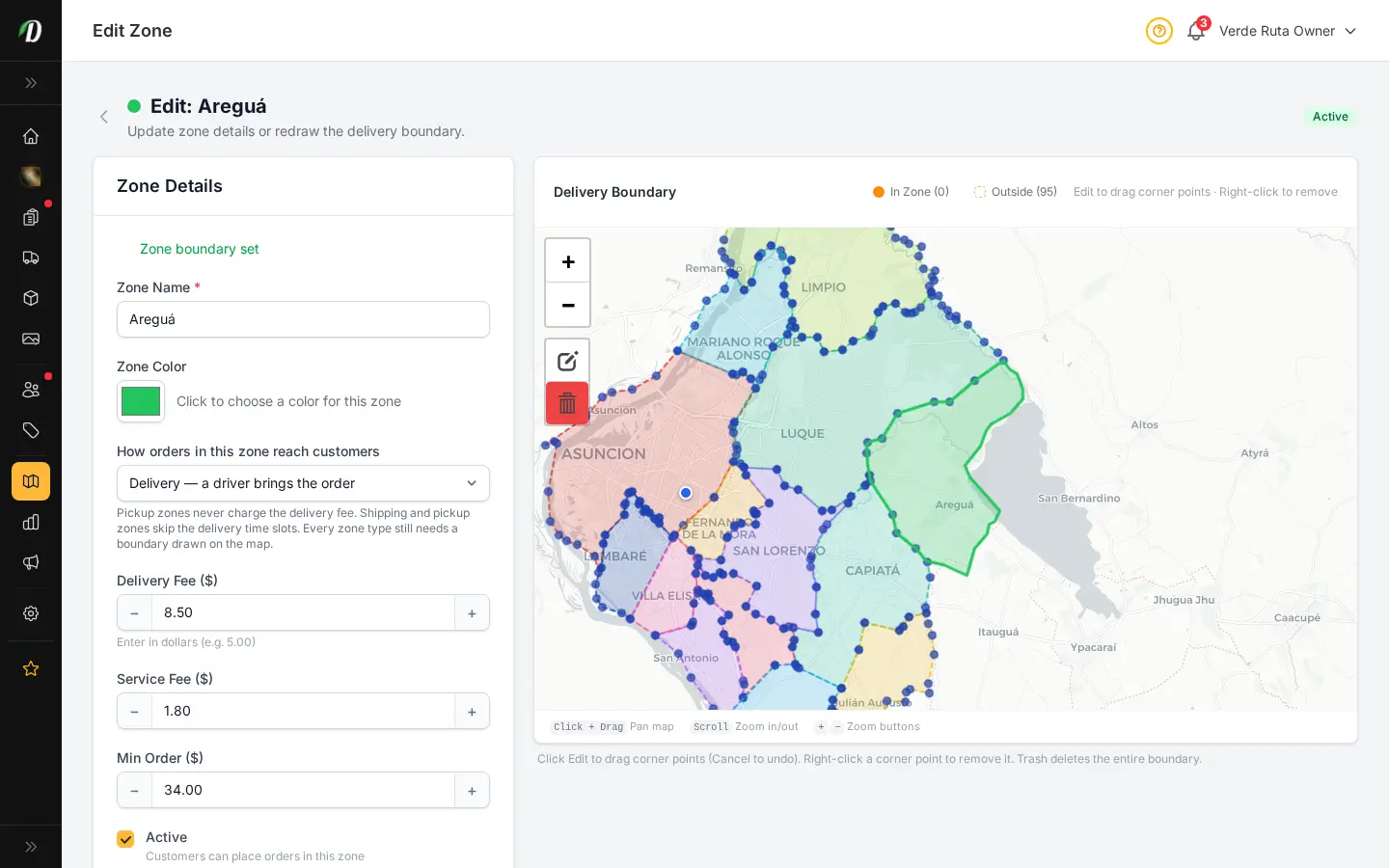
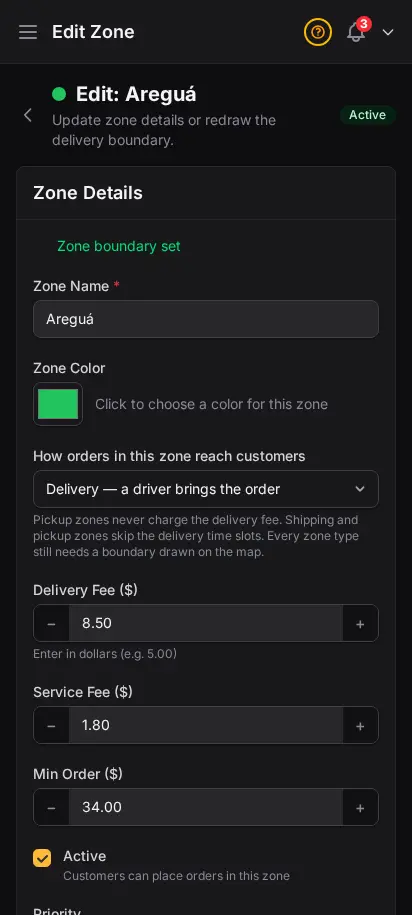
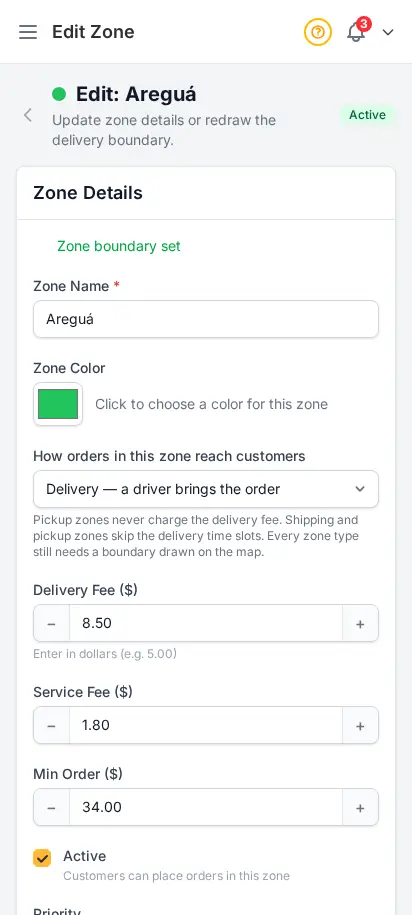
DabDash delivery zone editor showing a drawn map, fee settings, and active controlsDabDash delivery zone editor showing a drawn map, fee settings, and active controls
Explore
DabDash delivery zones page showing existing zones, fees, minimums, and coverage details — mobile viewDabDash delivery zones page showing existing zones, fees, minimums, and coverage details — mobile view
Explore
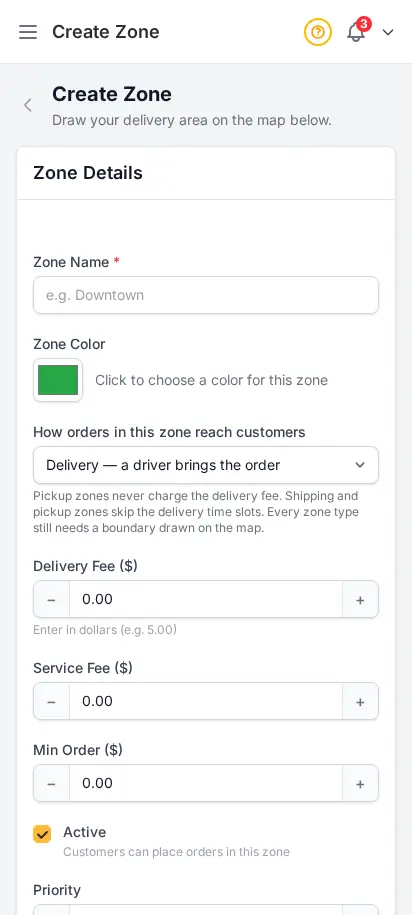
DabDash add delivery zone page showing map drawing tools and delivery fee fields — mobile viewDabDash add delivery zone page showing map drawing tools and delivery fee fields — mobile view
Explore
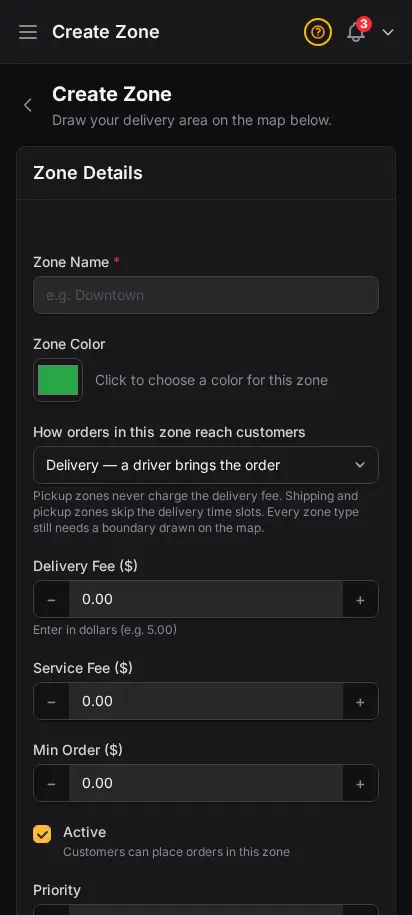
DabDash delivery zone editor showing a drawn map, fee settings, and active controls — mobile viewDabDash delivery zone editor showing a drawn map, fee settings, and active controls — mobile view
Explore

Fine-tune your map when you need precision

When you want custom territory edges, DabDash gives you the full interactive Leaflet editor too. Adjust imported drafts or draw new polygon zones, set per-zone delivery fees, service fees, and minimum order amounts, and reference nearby zones so your coverage stays clean.

  • Interactive polygon drawing on real-world maps
  • Edit imported drafts or build completely custom zones
  • Per-zone delivery fee and service fee
  • Per-zone minimum order amount
  • Color-coded zones for visual clarity
  • Auto zone detection by customer address

Track every gram, log every change

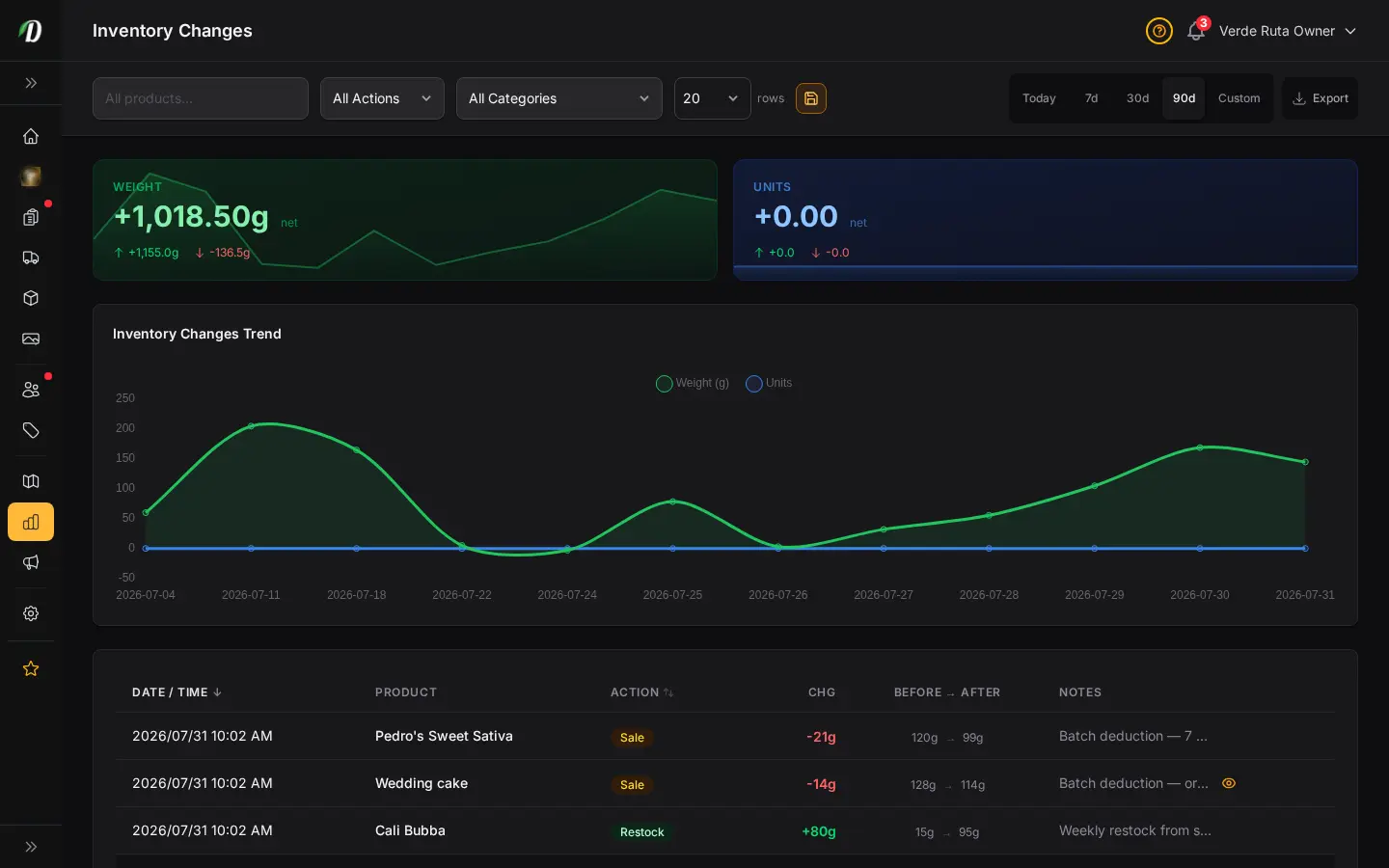
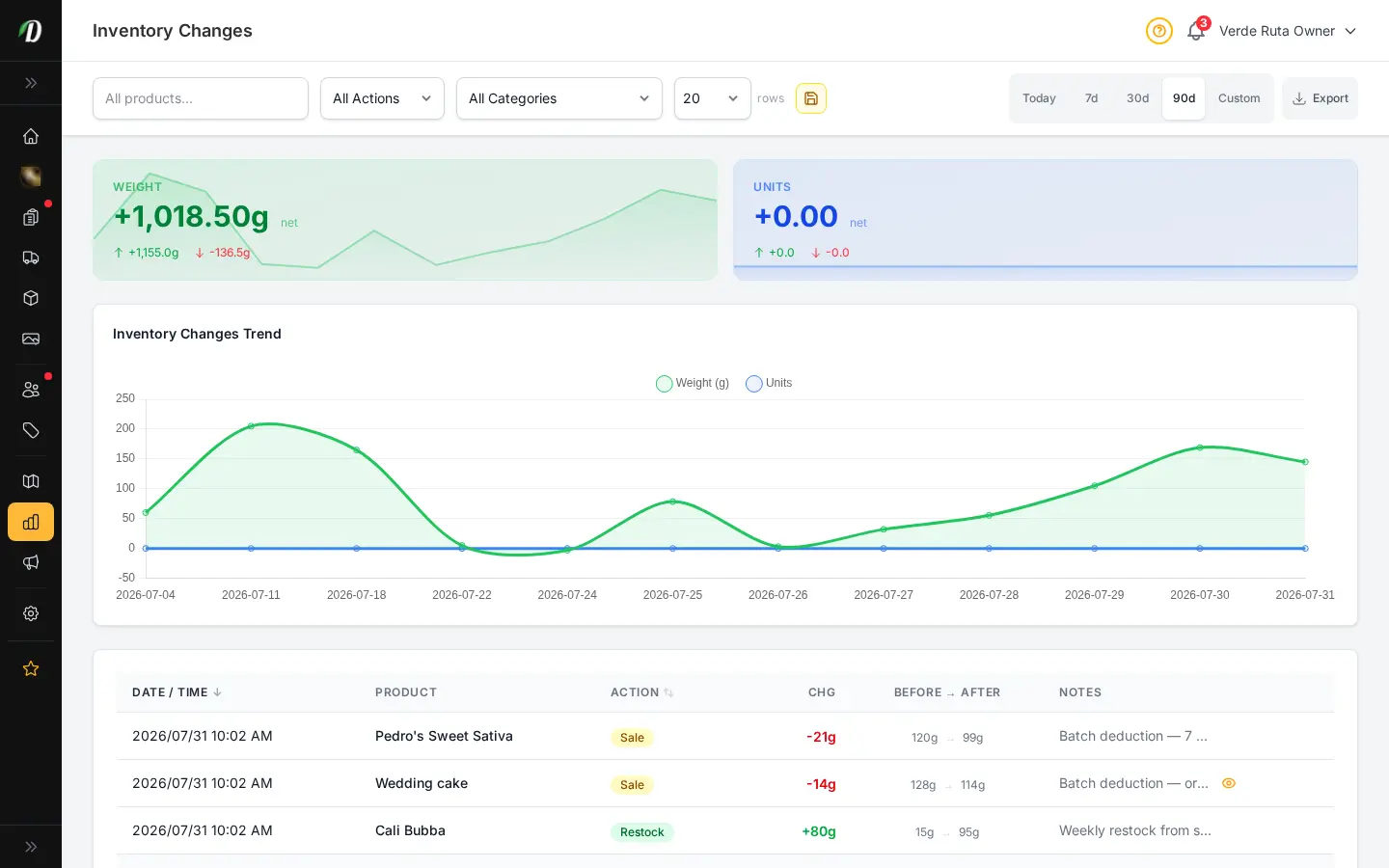
Manage stock levels for all your products from one central dashboard. Every stock adjustment — whether from an order, a manual update, or a restock — is logged in the audit trail with the exact timestamp, user, reason, and quantity change.
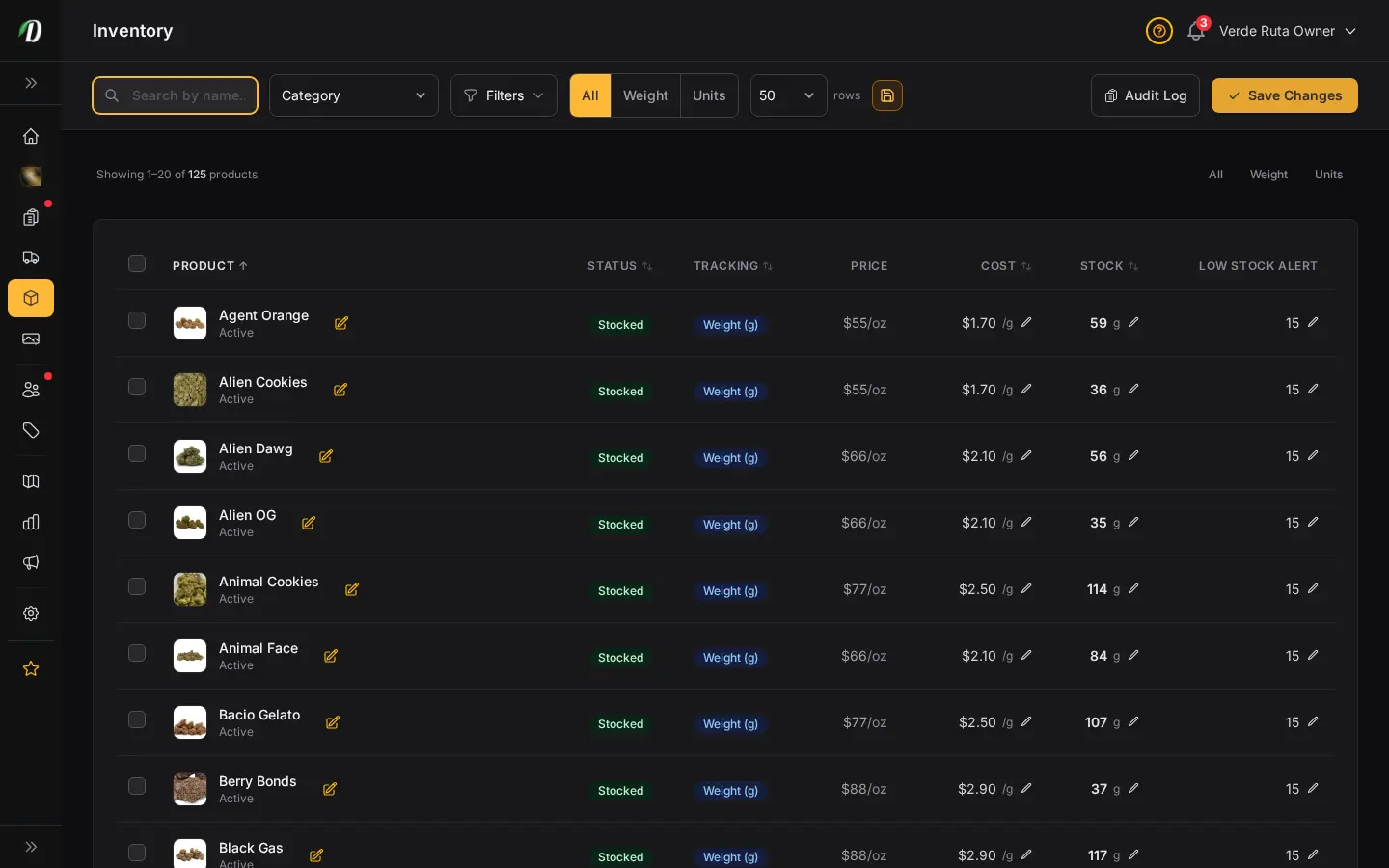
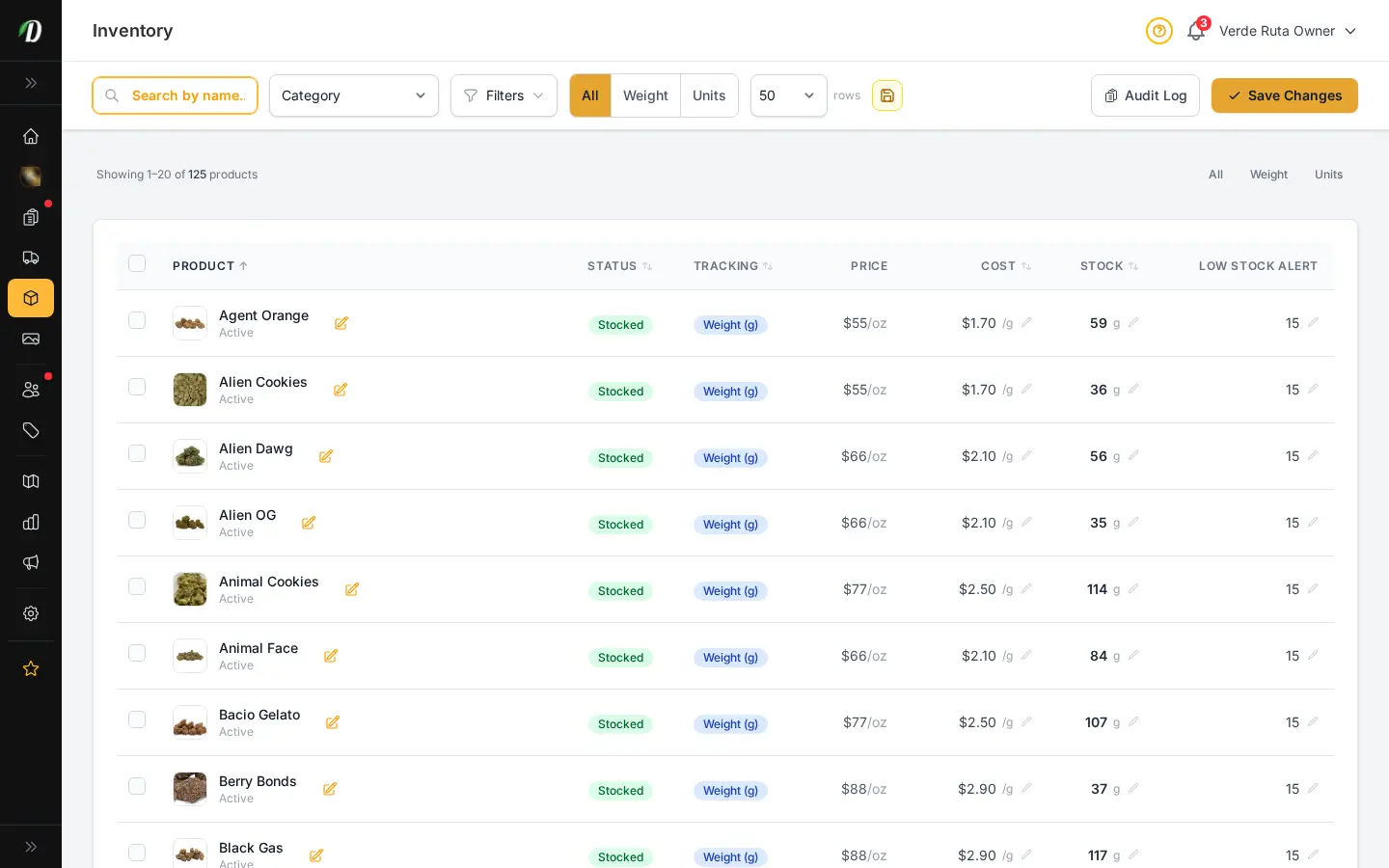
  • Central inventory dashboard with stock levels for every product
  • Weight-tracked (grams) and unit-tracked product support
  • Full audit log of every inventory change
  • Adjustment reasons: sale, restock, manual, damage
  • Low stock threshold alerts
  • CSV export of audit log
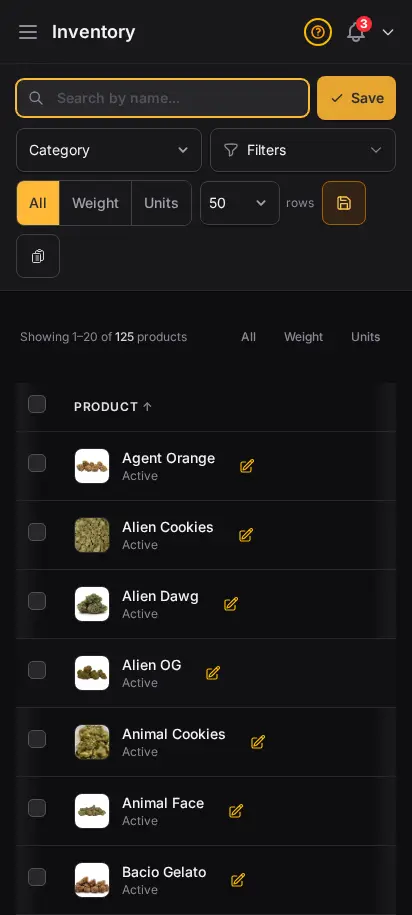
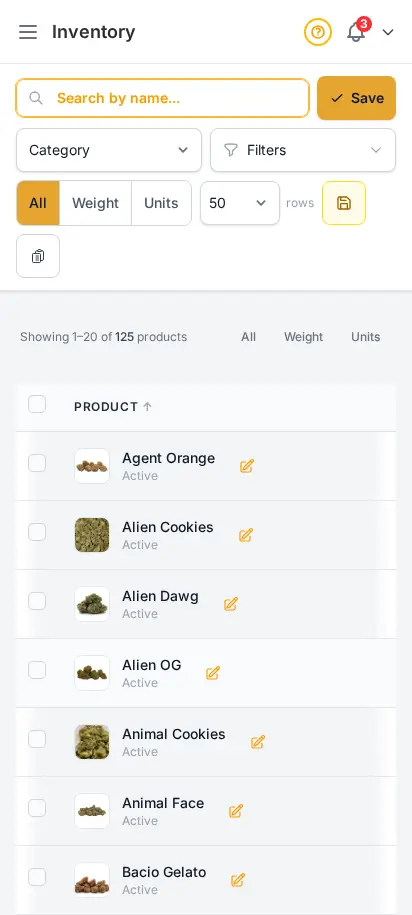
DabDash inventory page showing rich stock levels, unit counts, and low stock signalsDabDash inventory page showing rich stock levels, unit counts, and low stock signals
Click to explore
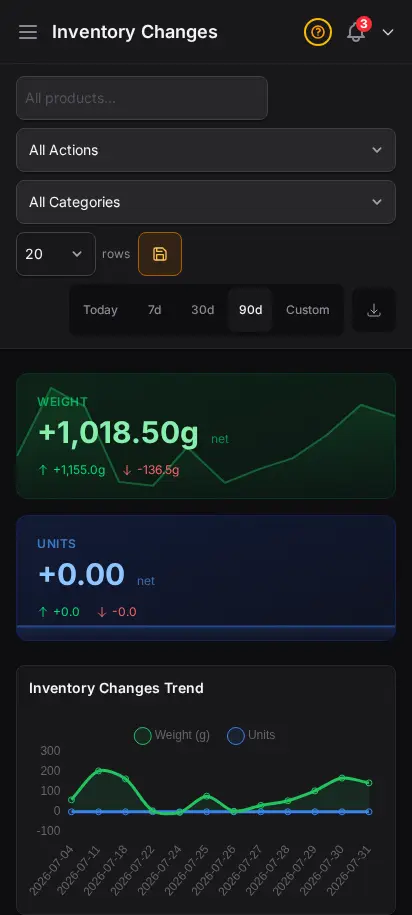
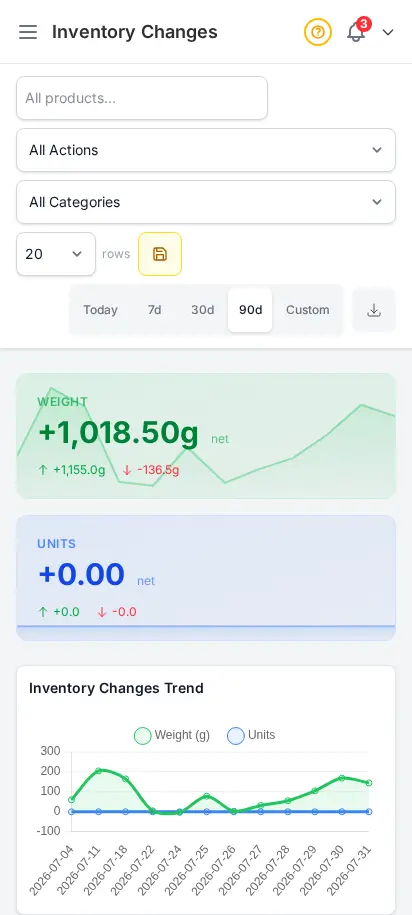
DabDash inventory changes report showing stock adjustments, reasons, timestamps, and quantitiesDabDash inventory changes report showing stock adjustments, reasons, timestamps, and quantities
Click to explore
DabDash inventory page showing rich stock levels, unit counts, and low stock signals — mobile viewDabDash inventory page showing rich stock levels, unit counts, and low stock signals — mobile view
Explore
DabDash inventory changes report showing stock adjustments, reasons, timestamps, and quantities — mobile viewDabDash inventory changes report showing stock adjustments, reasons, timestamps, and quantities — mobile view
Explore

Customize your view

Choose how you'd like to see the screenshots.

Device

Theme