What statuses can an order have?
Orders move through pending, confirmed, out for delivery, completed, or cancelled, shown as badges in the order table so you can scan status at a glance.
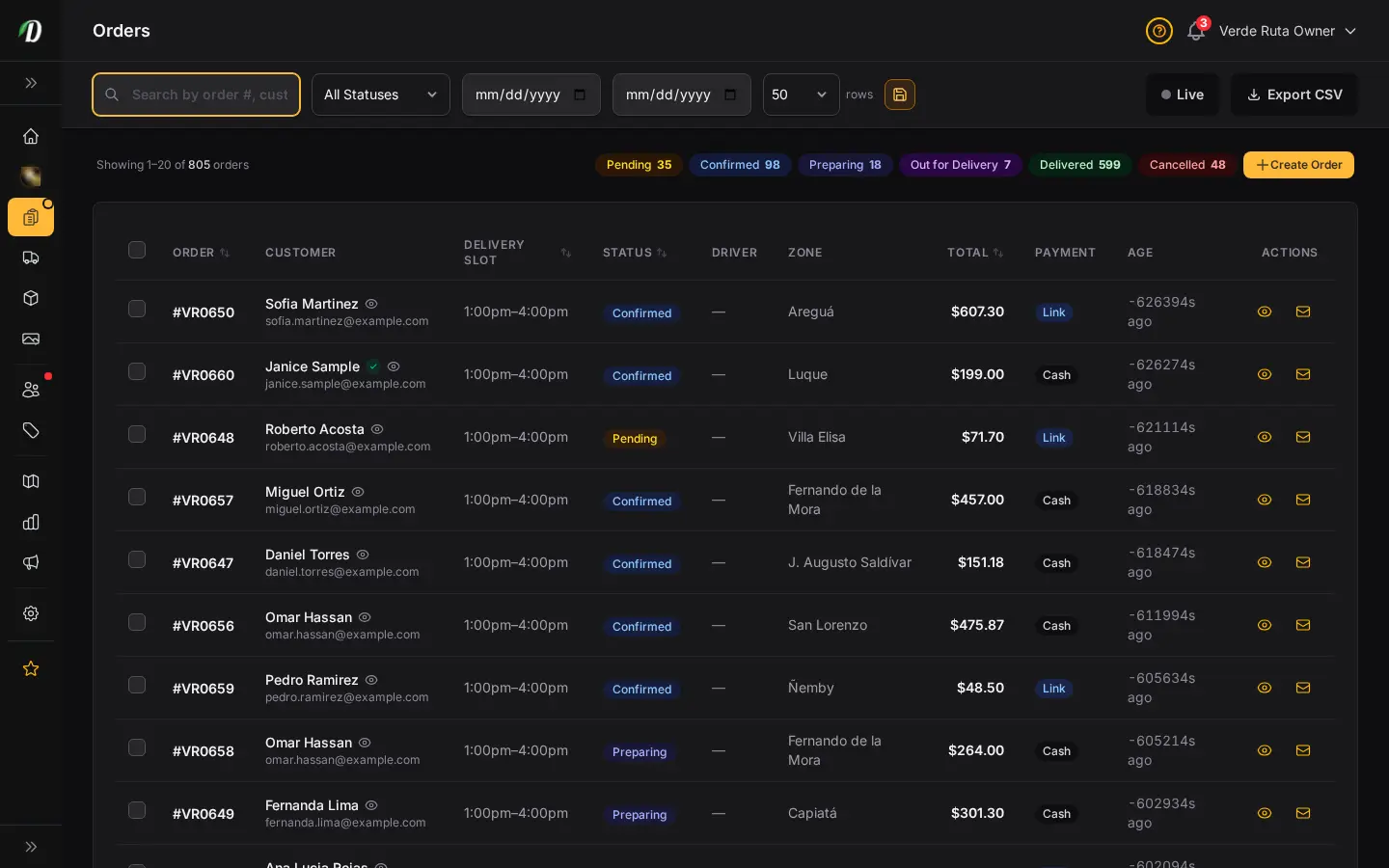
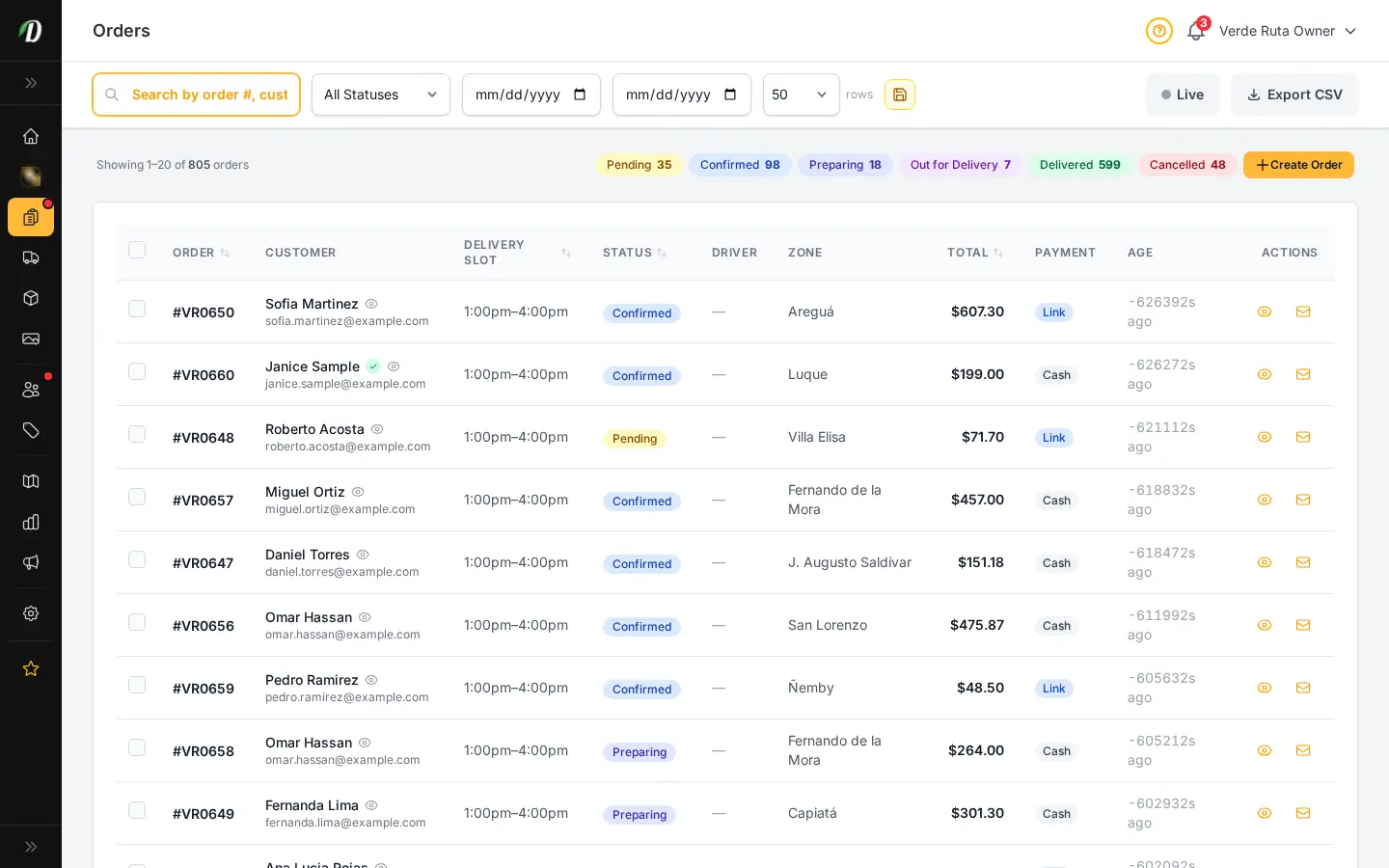
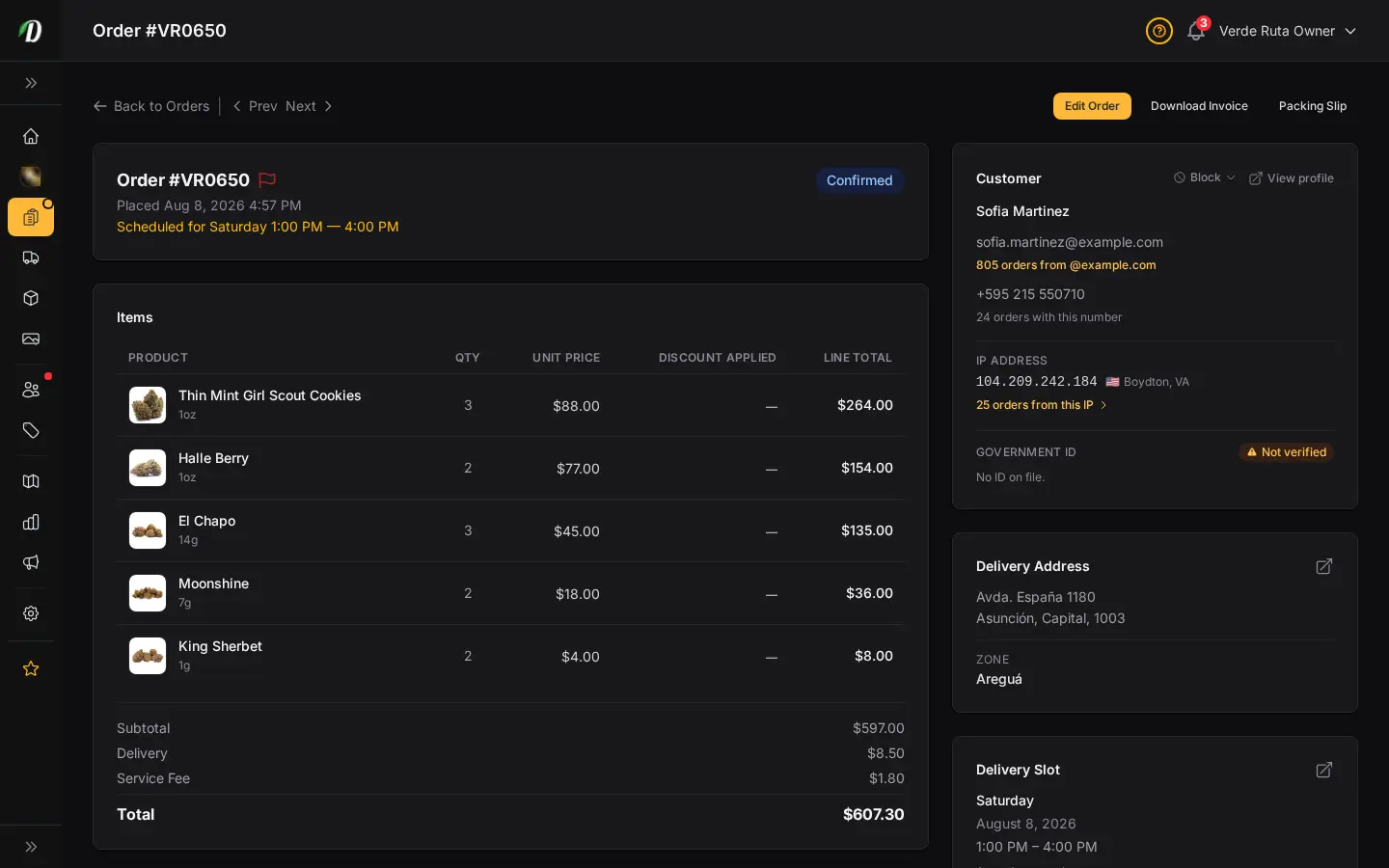
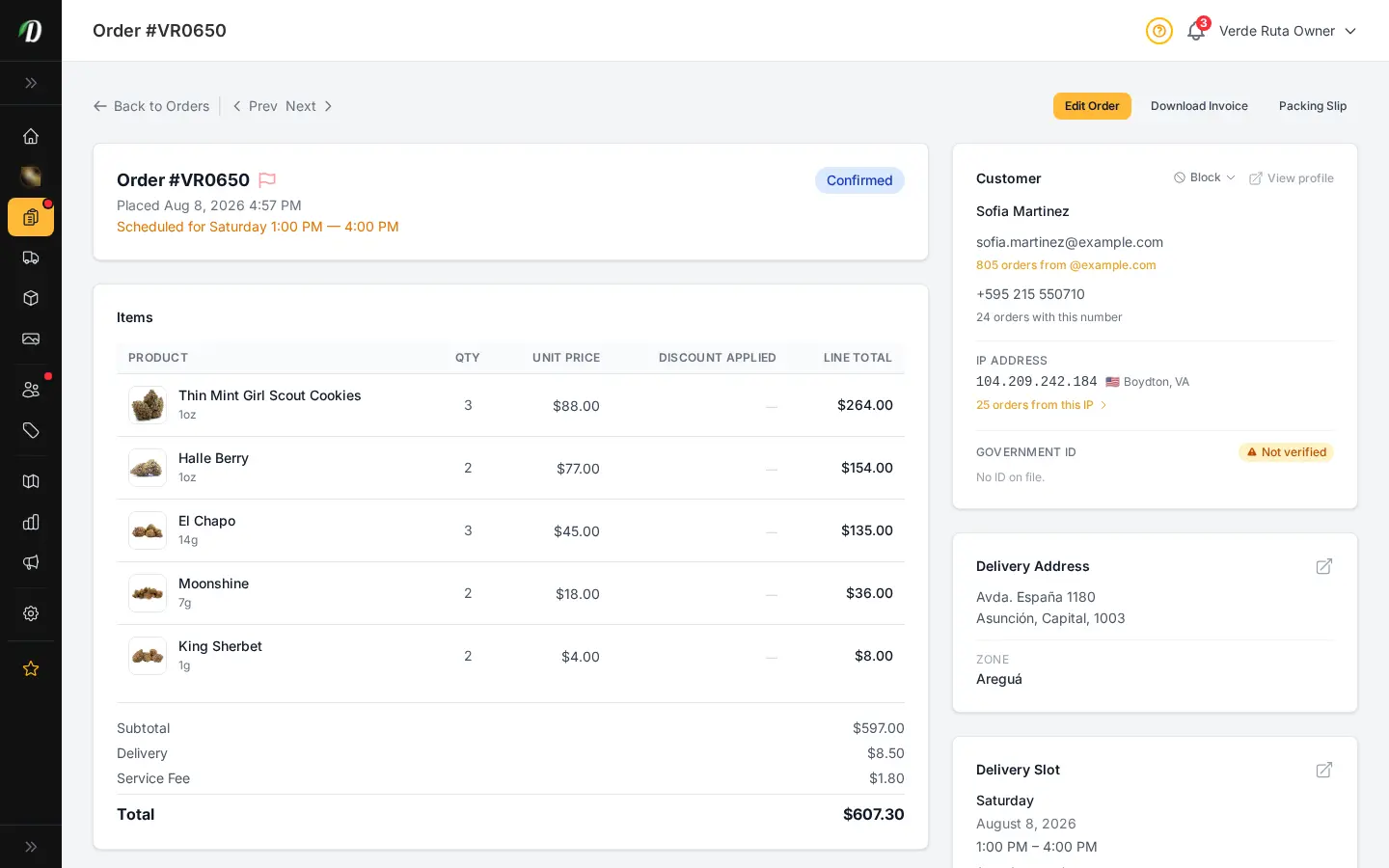
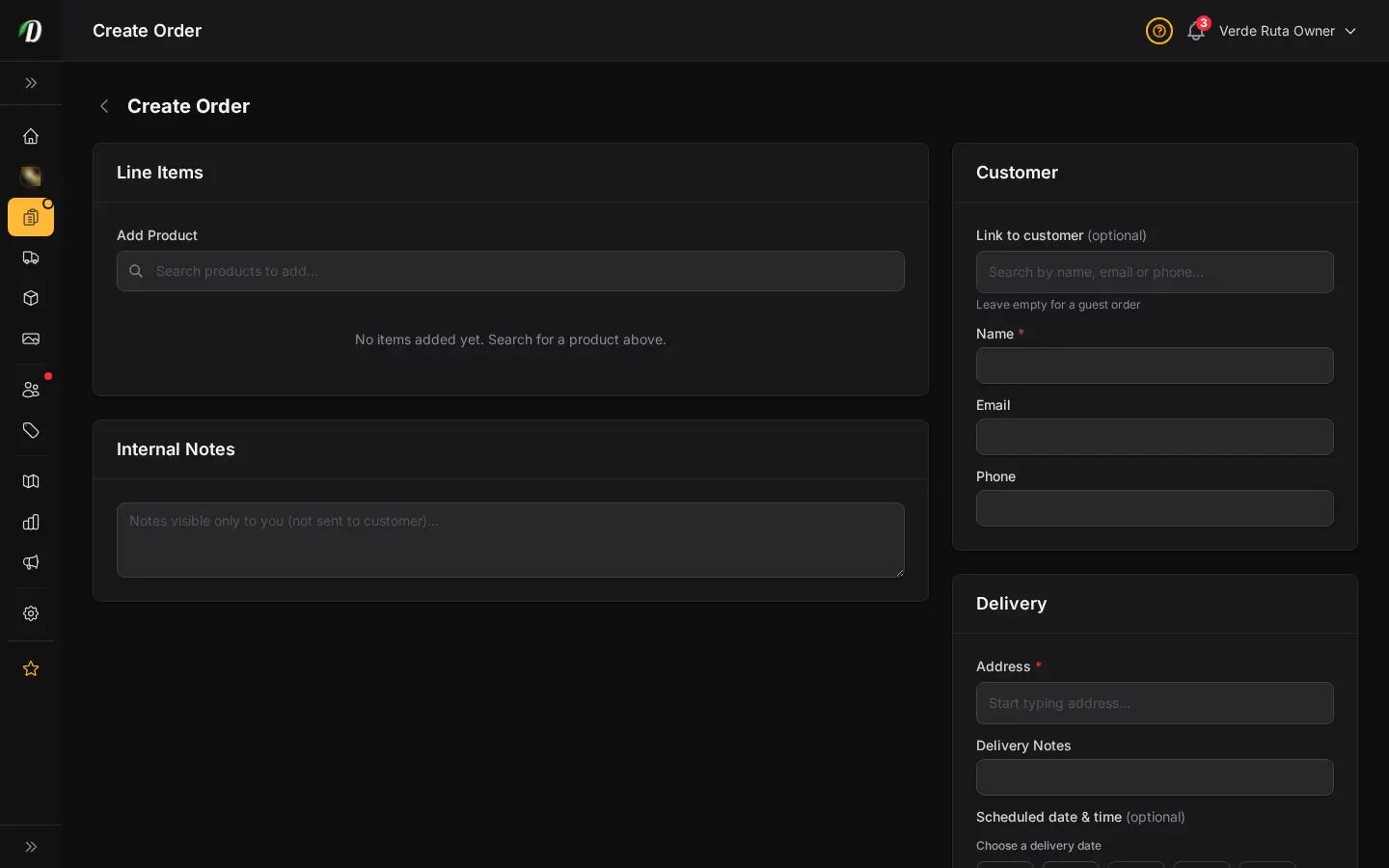
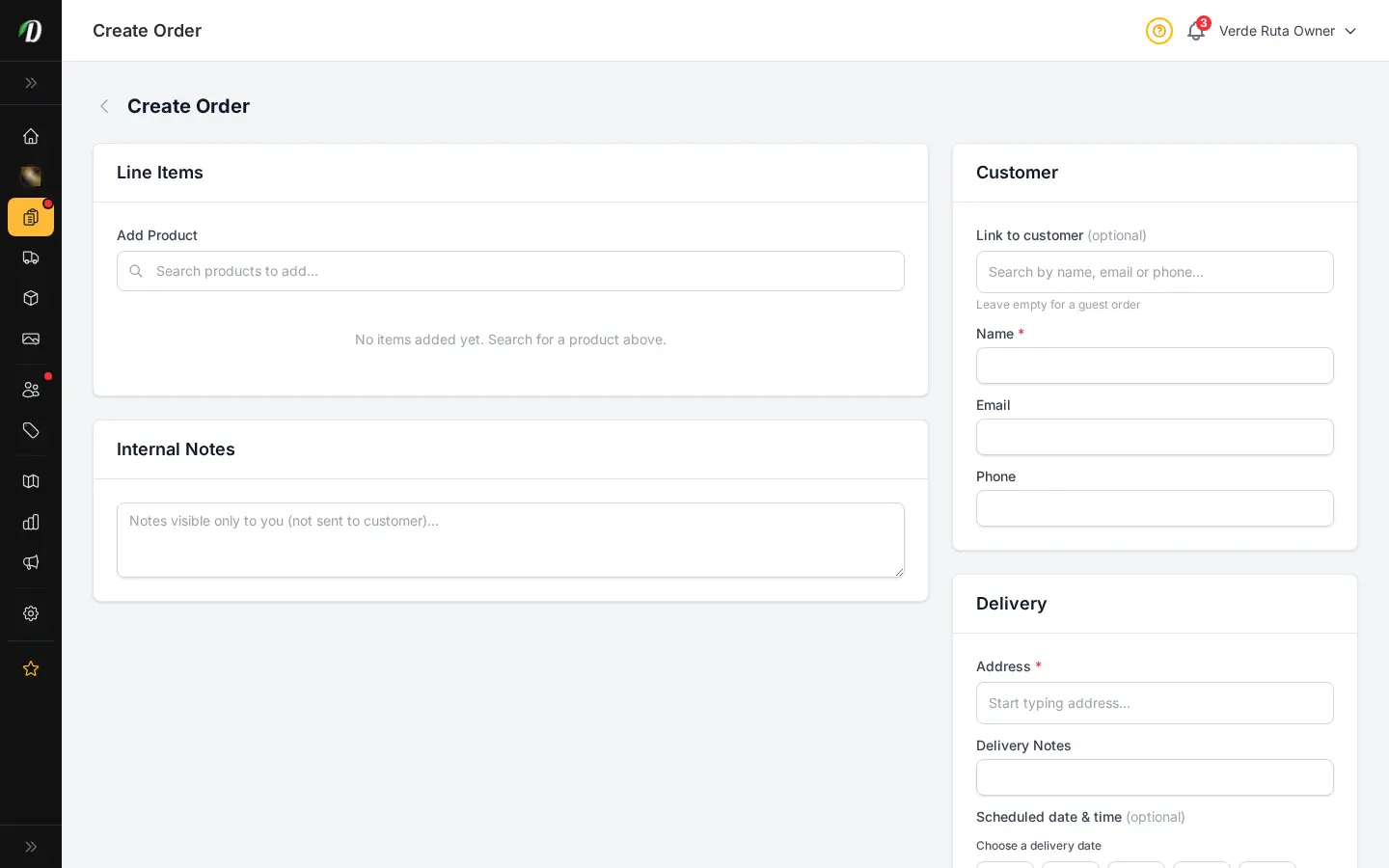
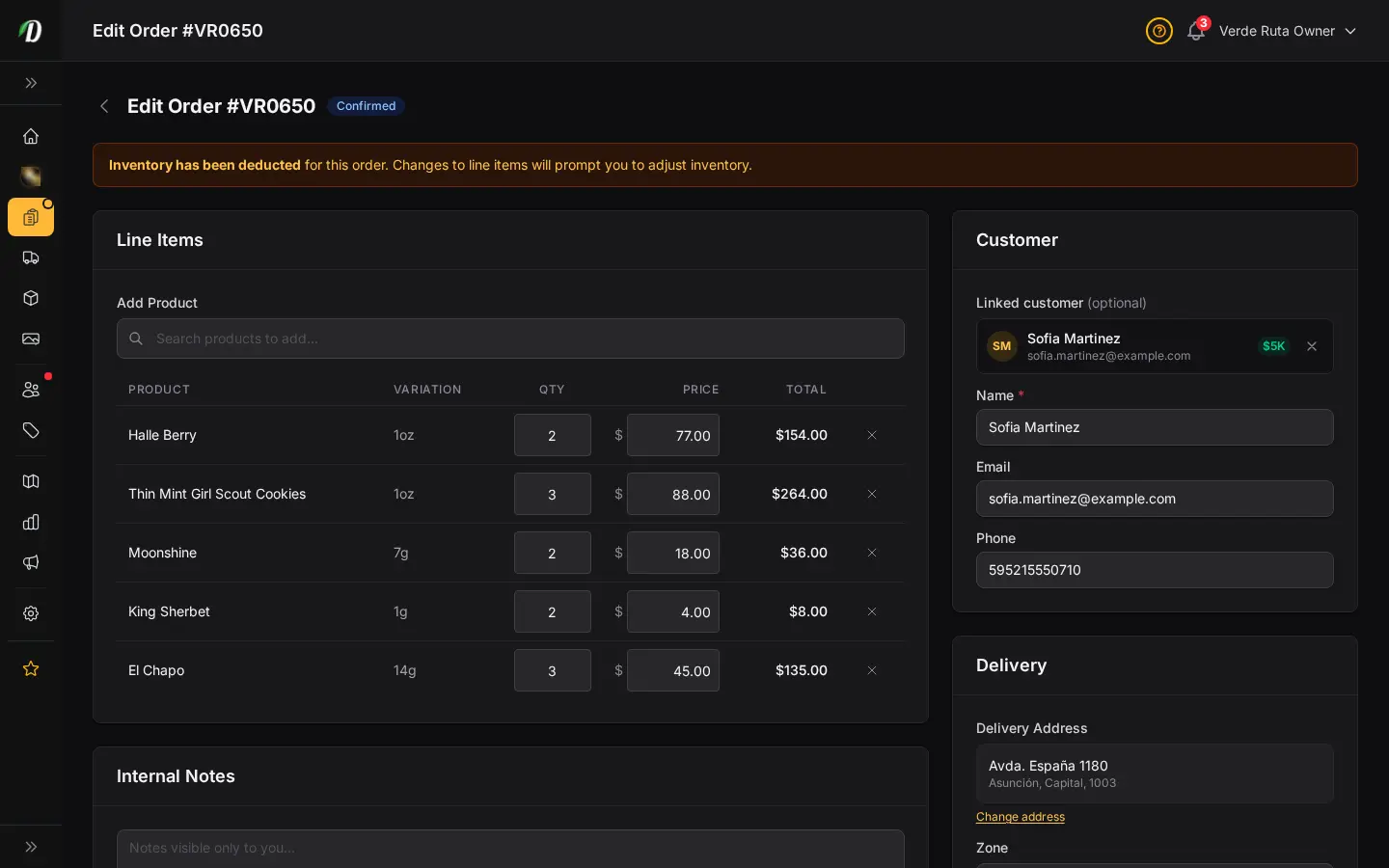
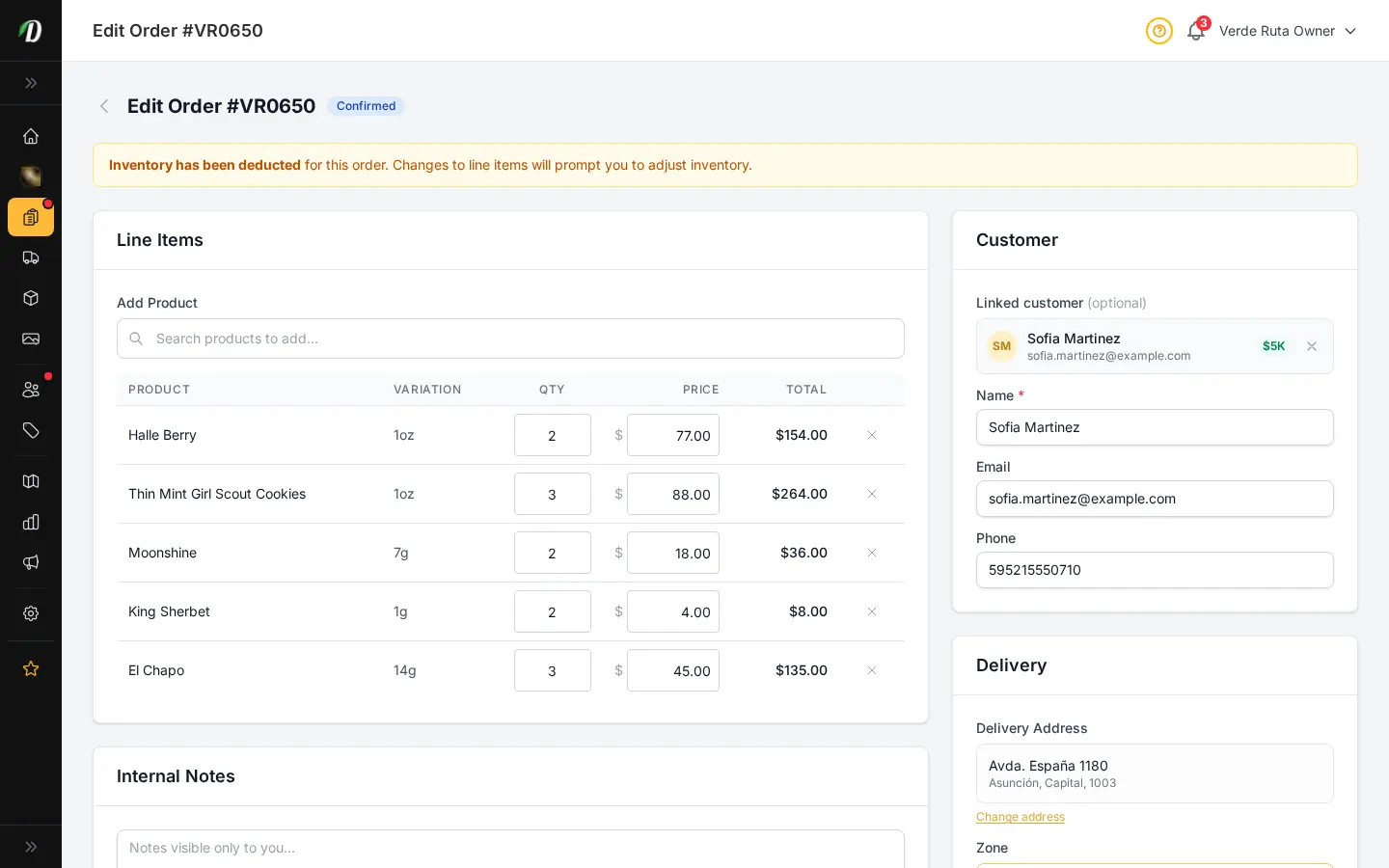
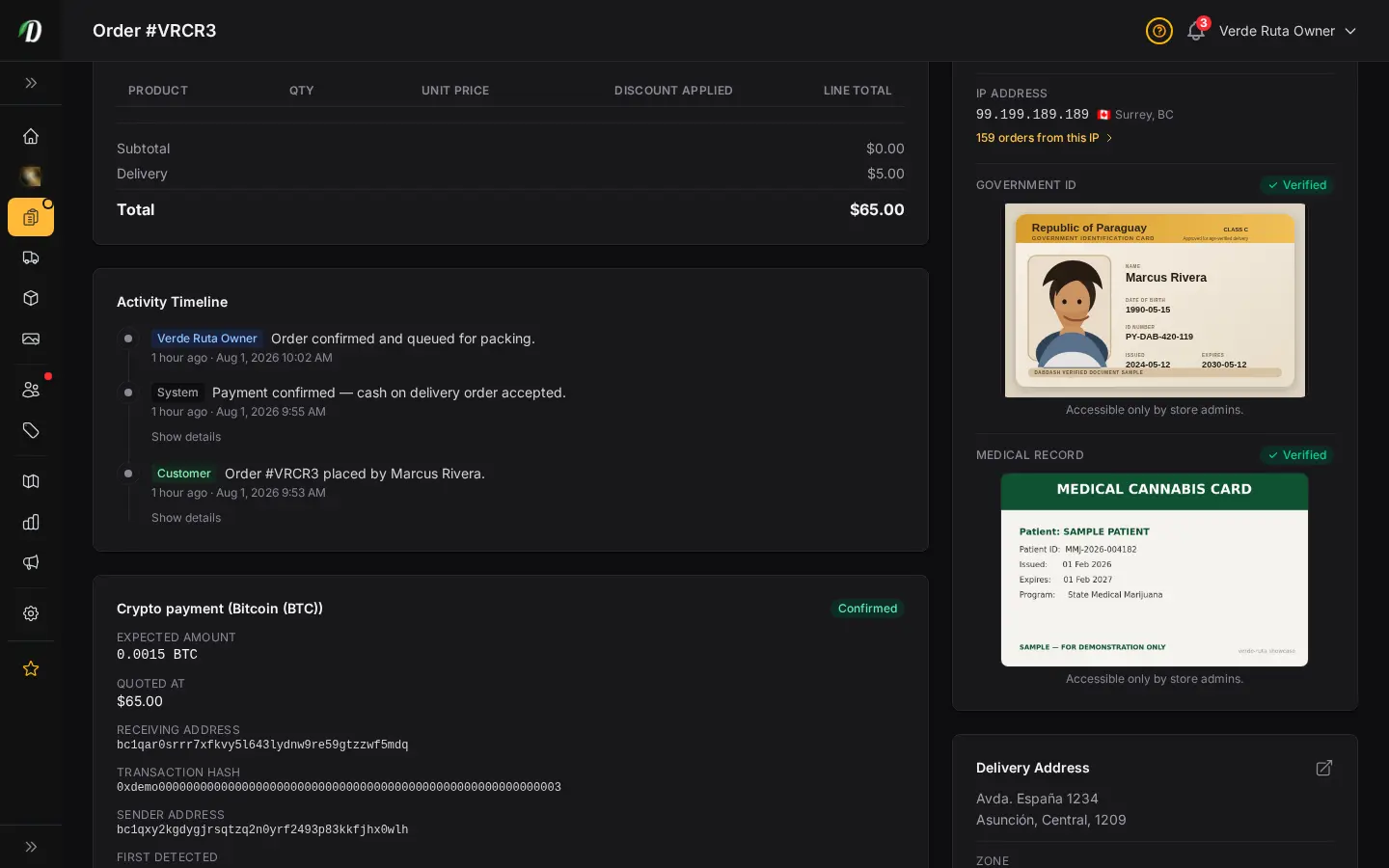
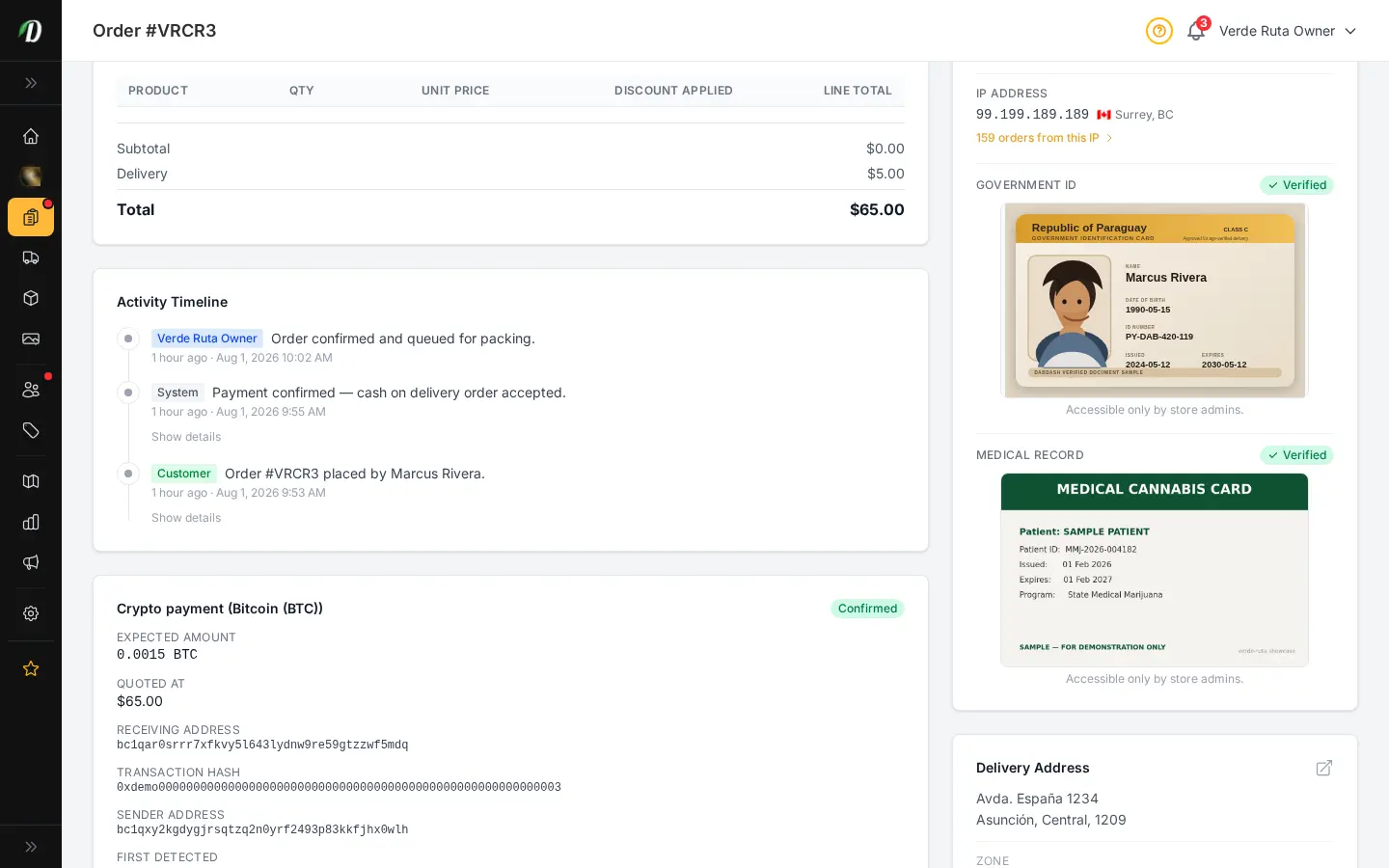
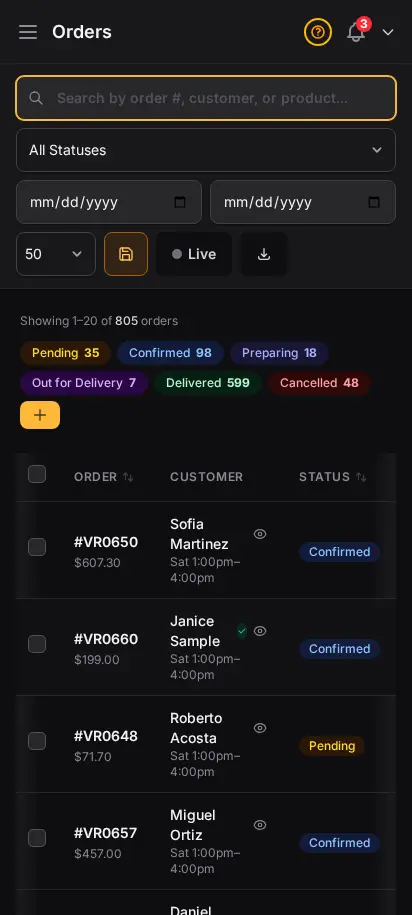
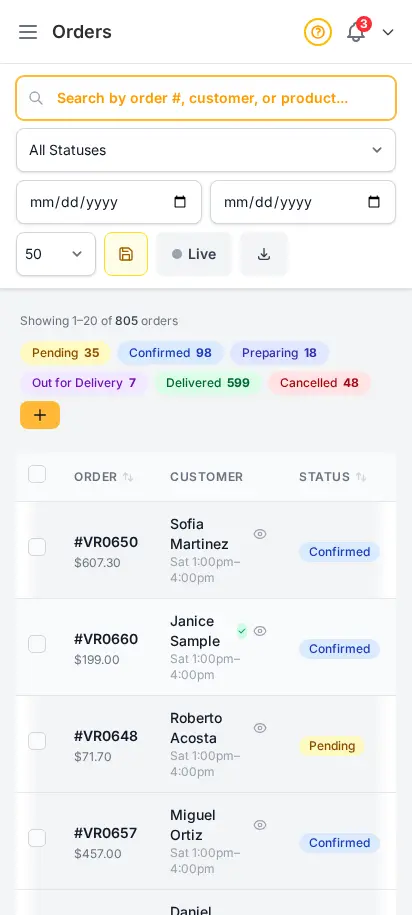
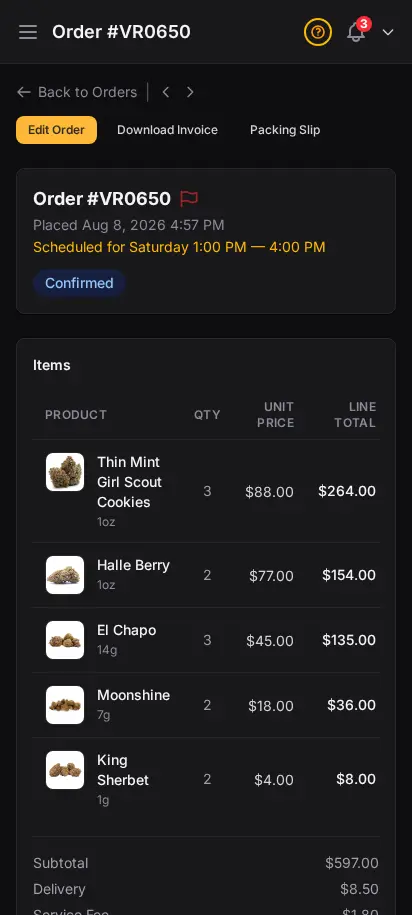
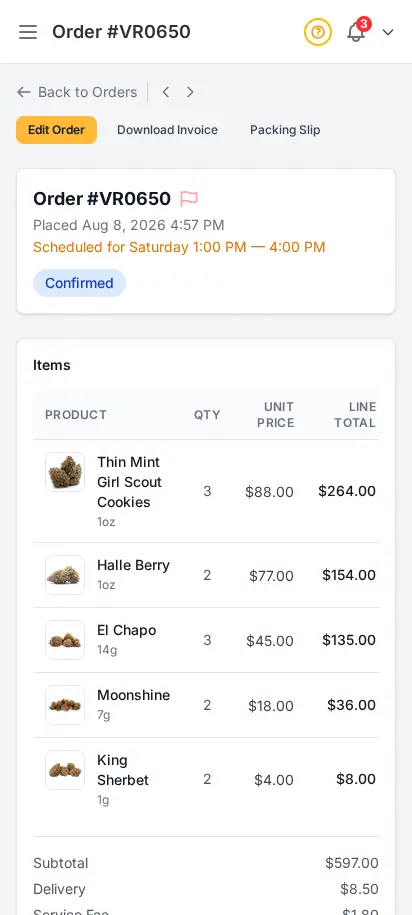
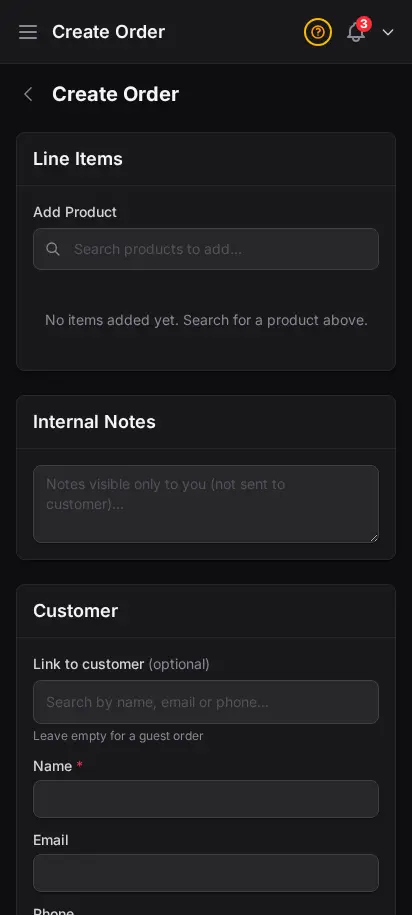
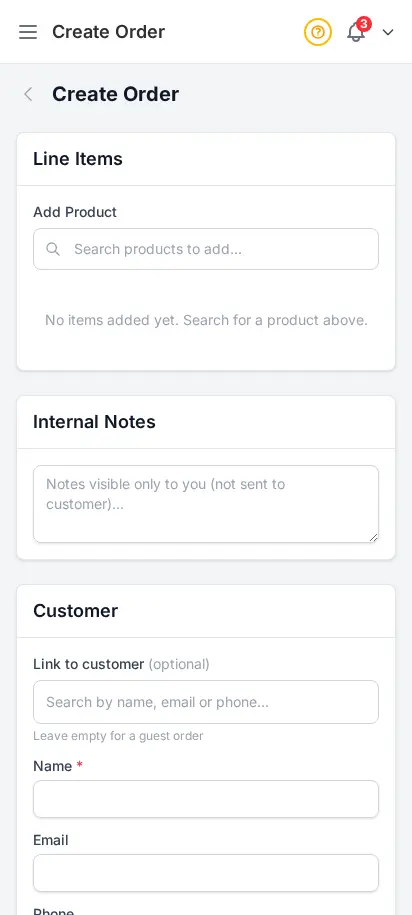
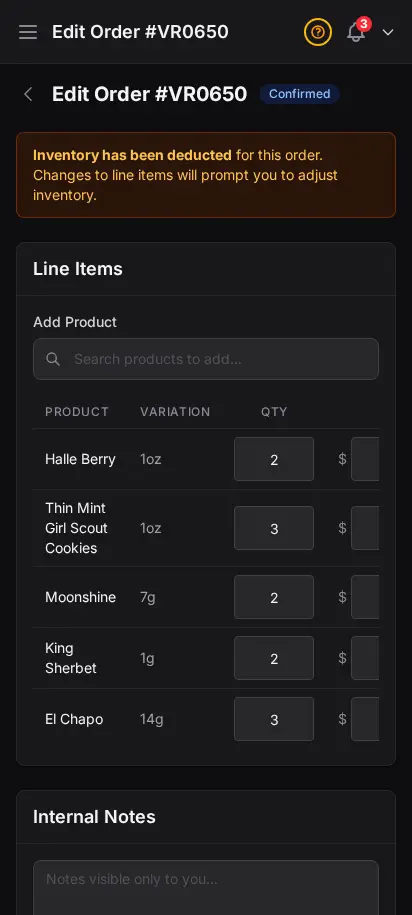
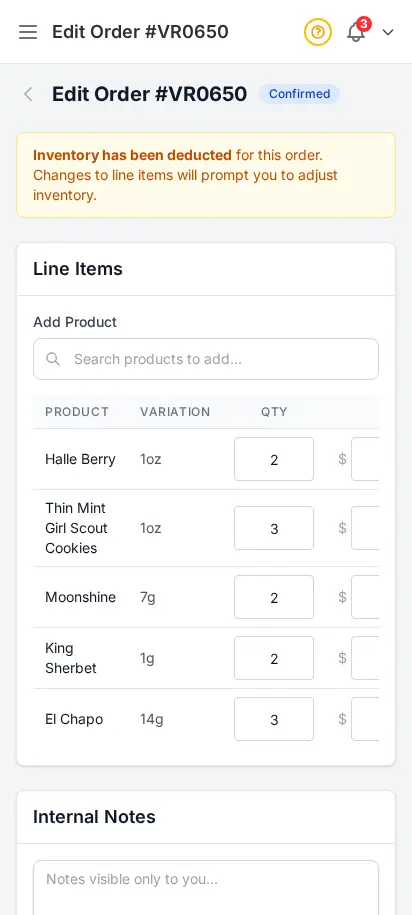
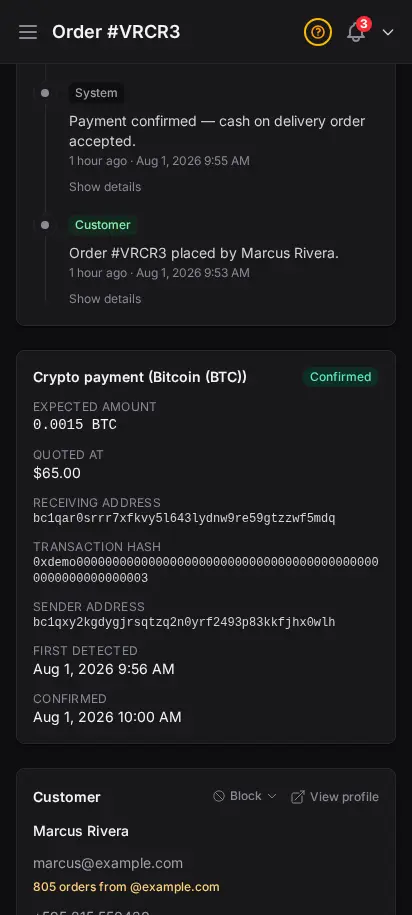
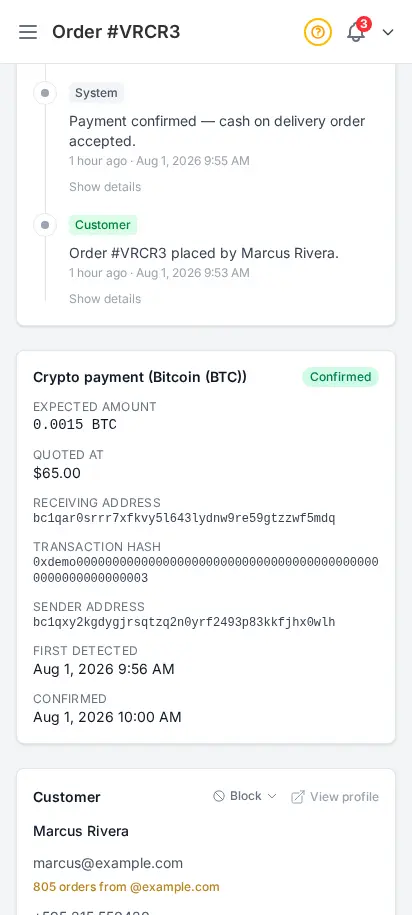
See all your orders in one filterable table — pending, confirmed, out for delivery, completed, or cancelled. Click any order for the full detail view with customer info, line items, delivery zone, fees, and payment status.
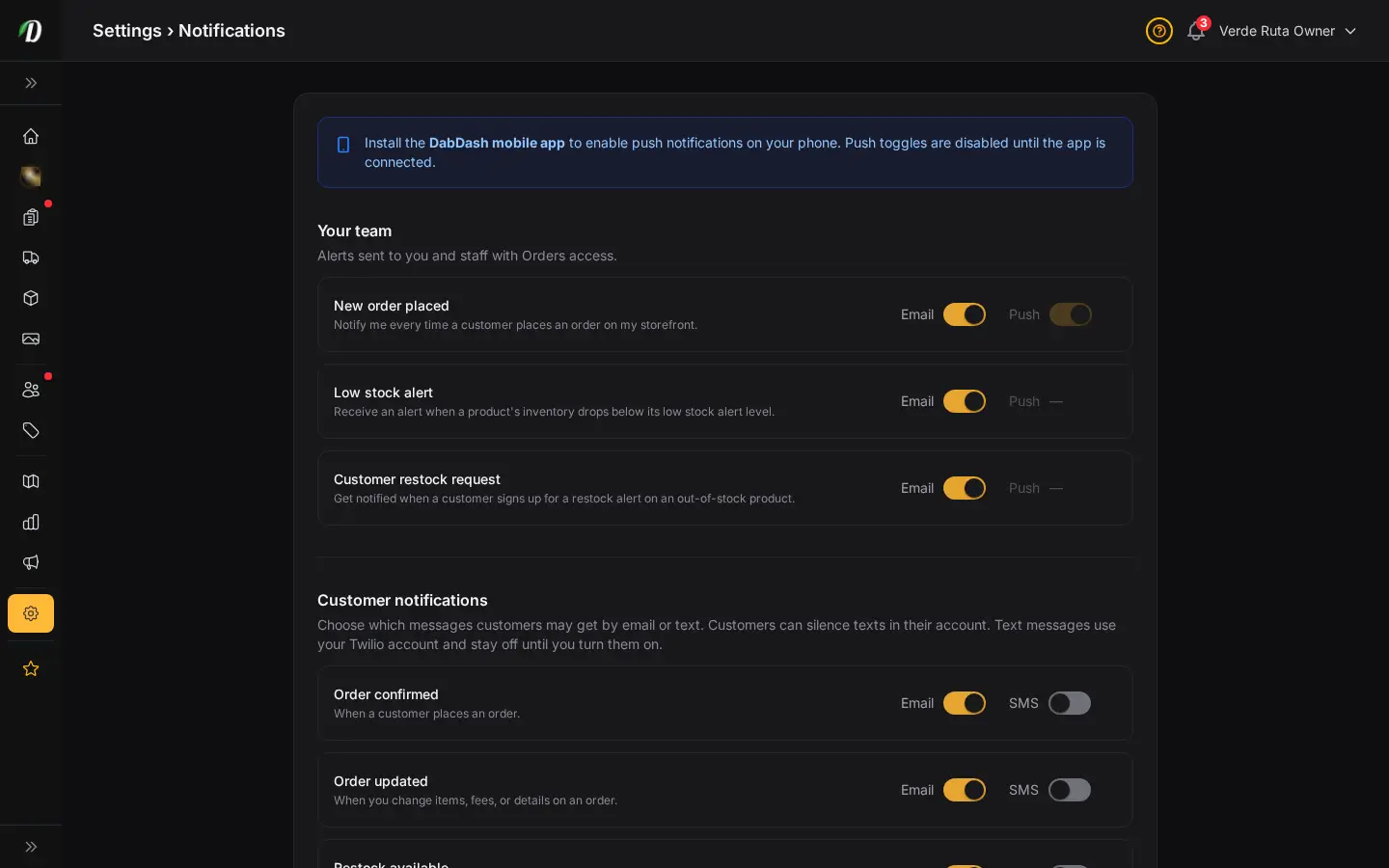
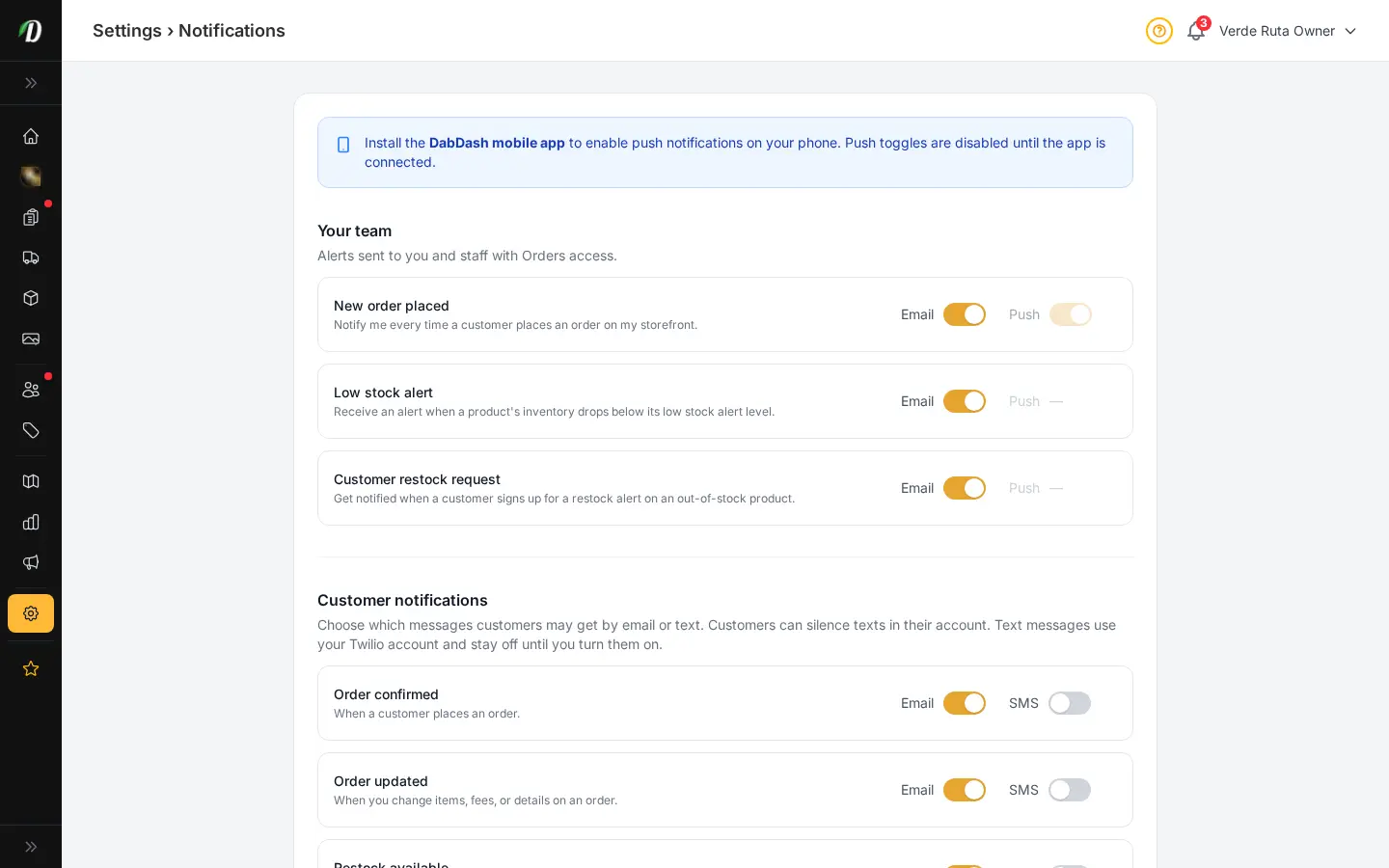
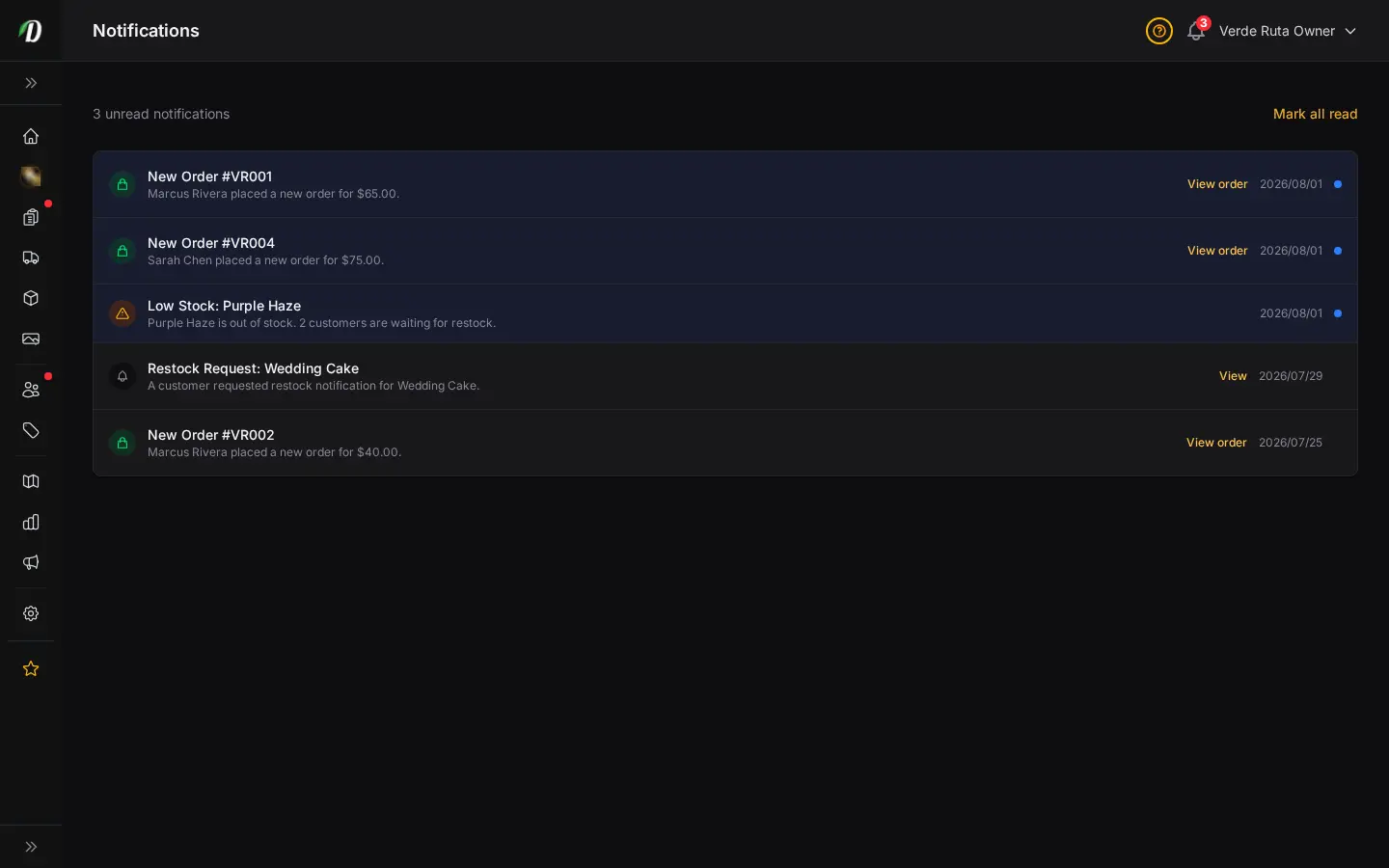
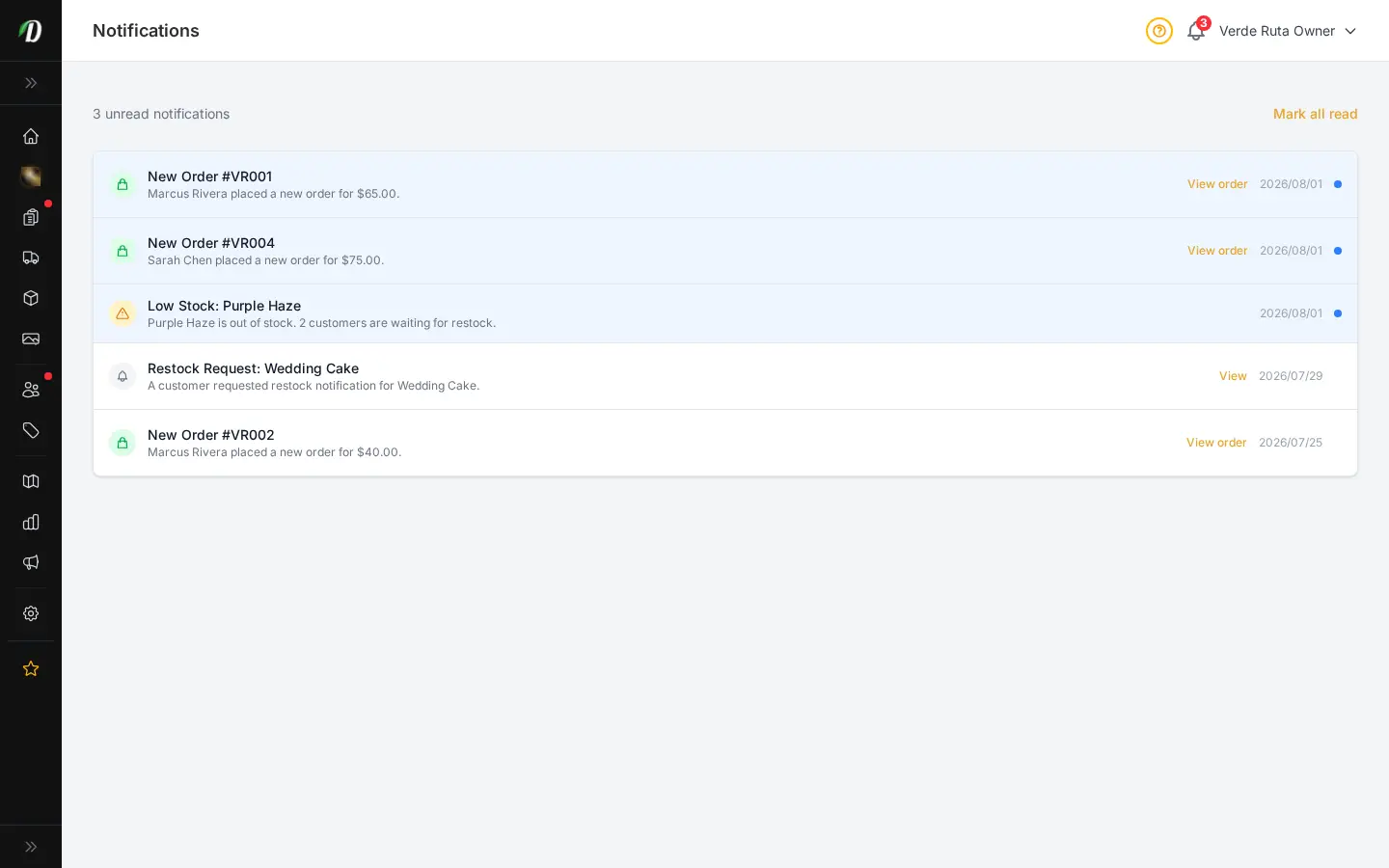
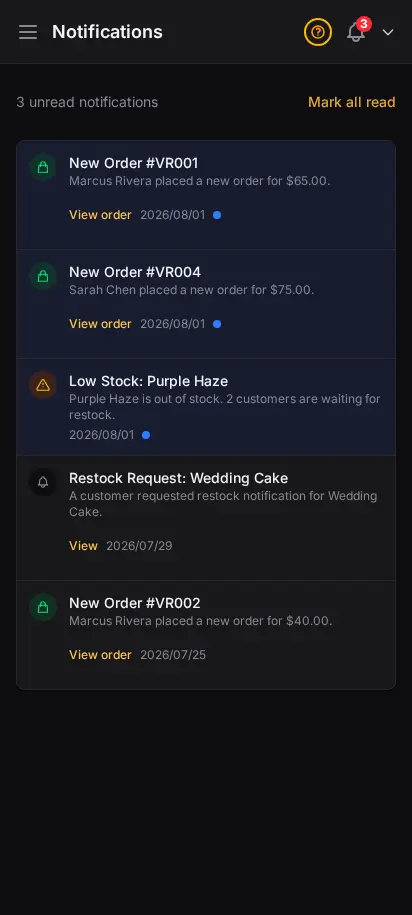
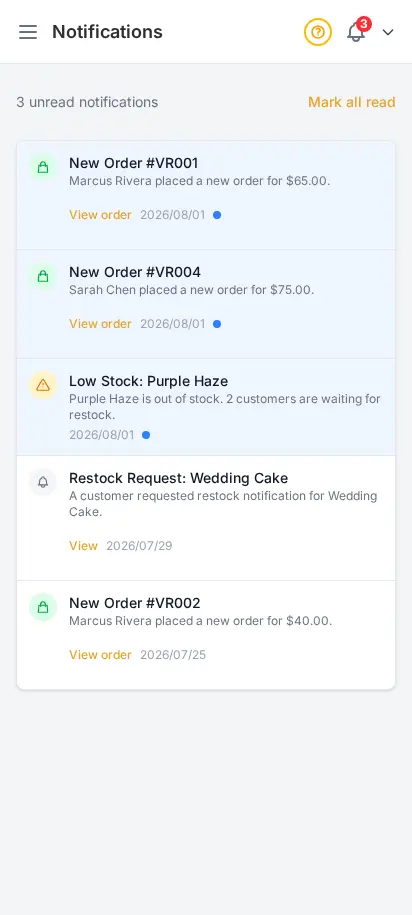
Every new order triggers a real-time notification in your admin — a bell icon with an unread count so nothing slips by. View your full notification feed, mark items read, and configure which events trigger push alerts to your phone.
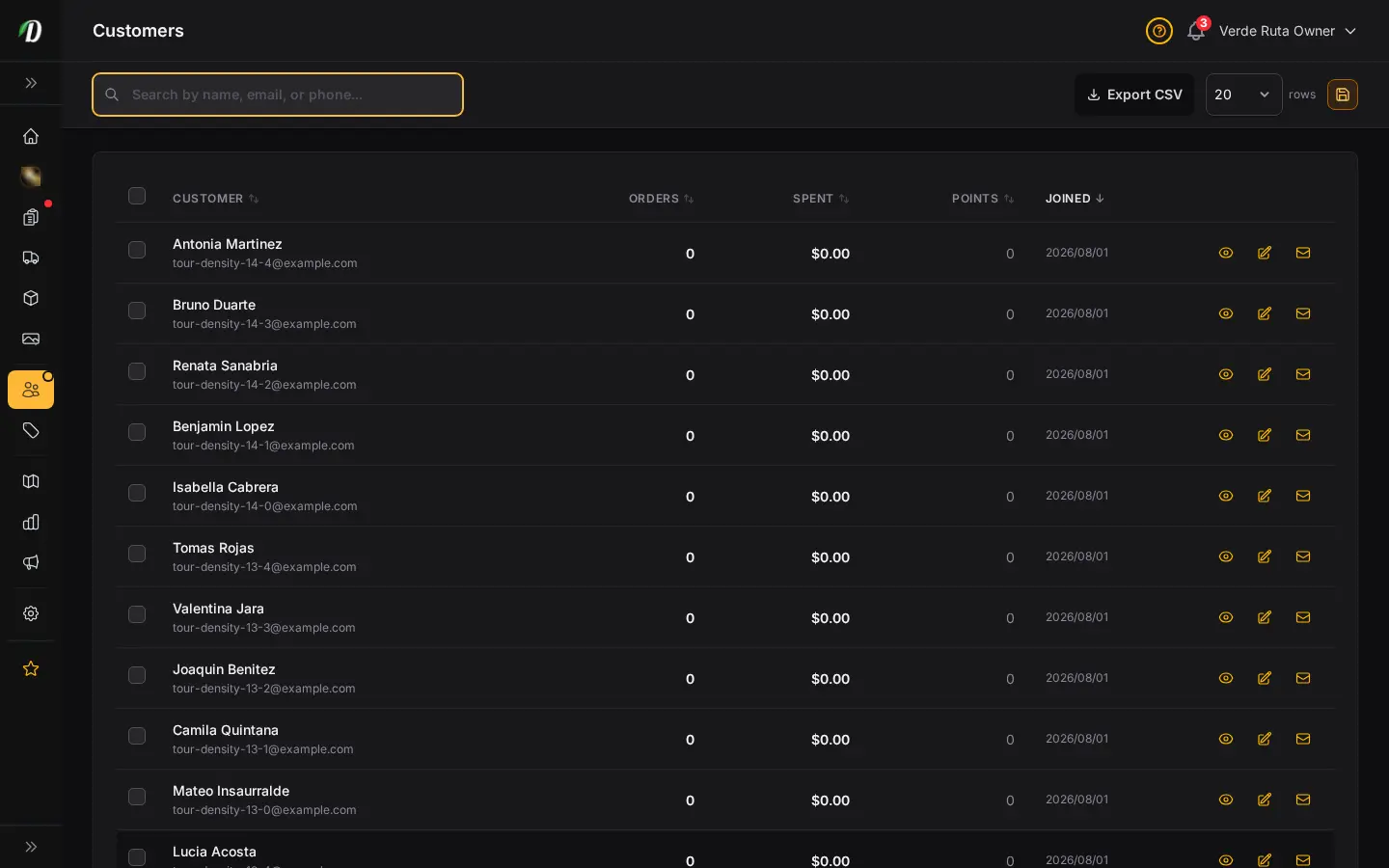
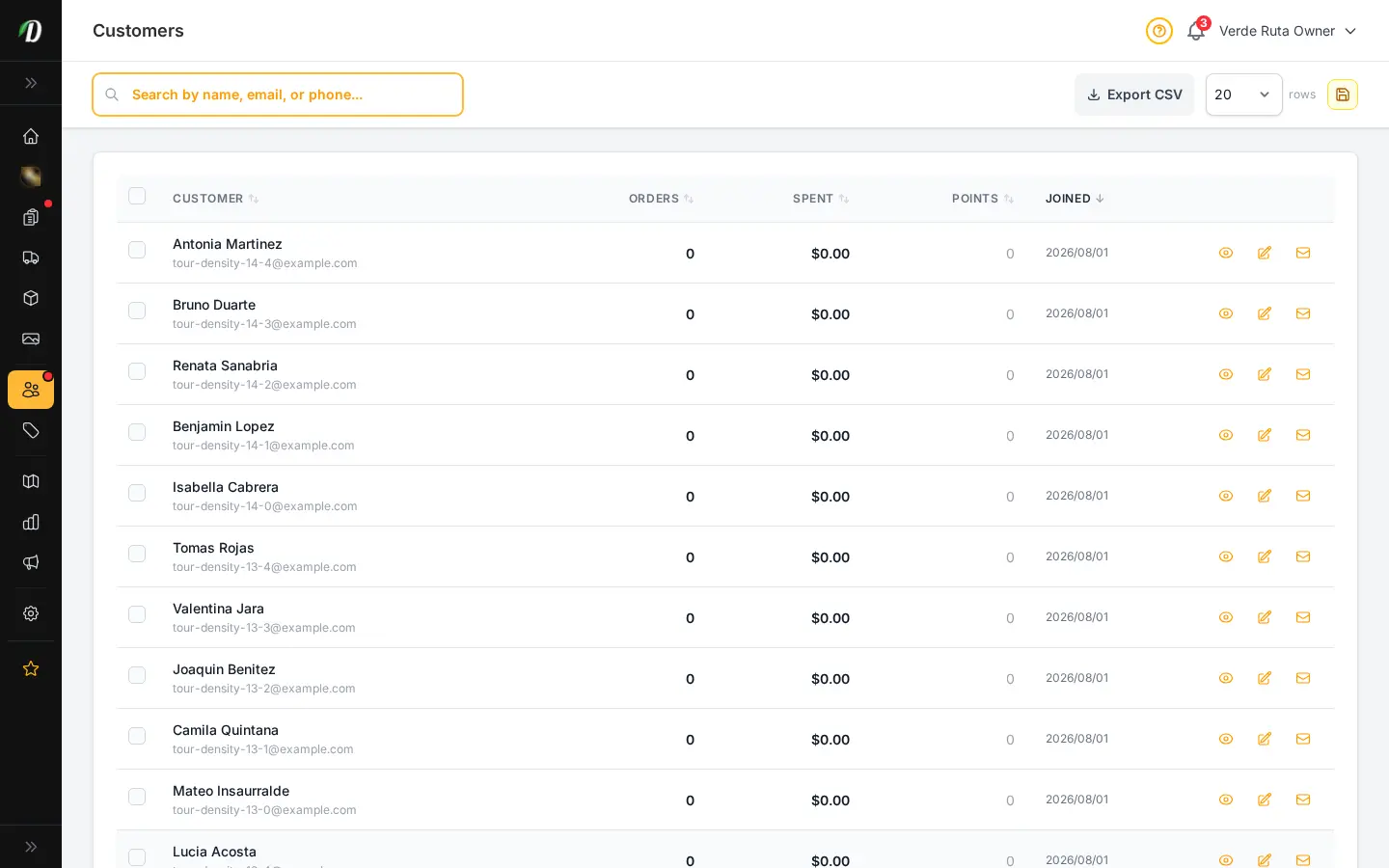
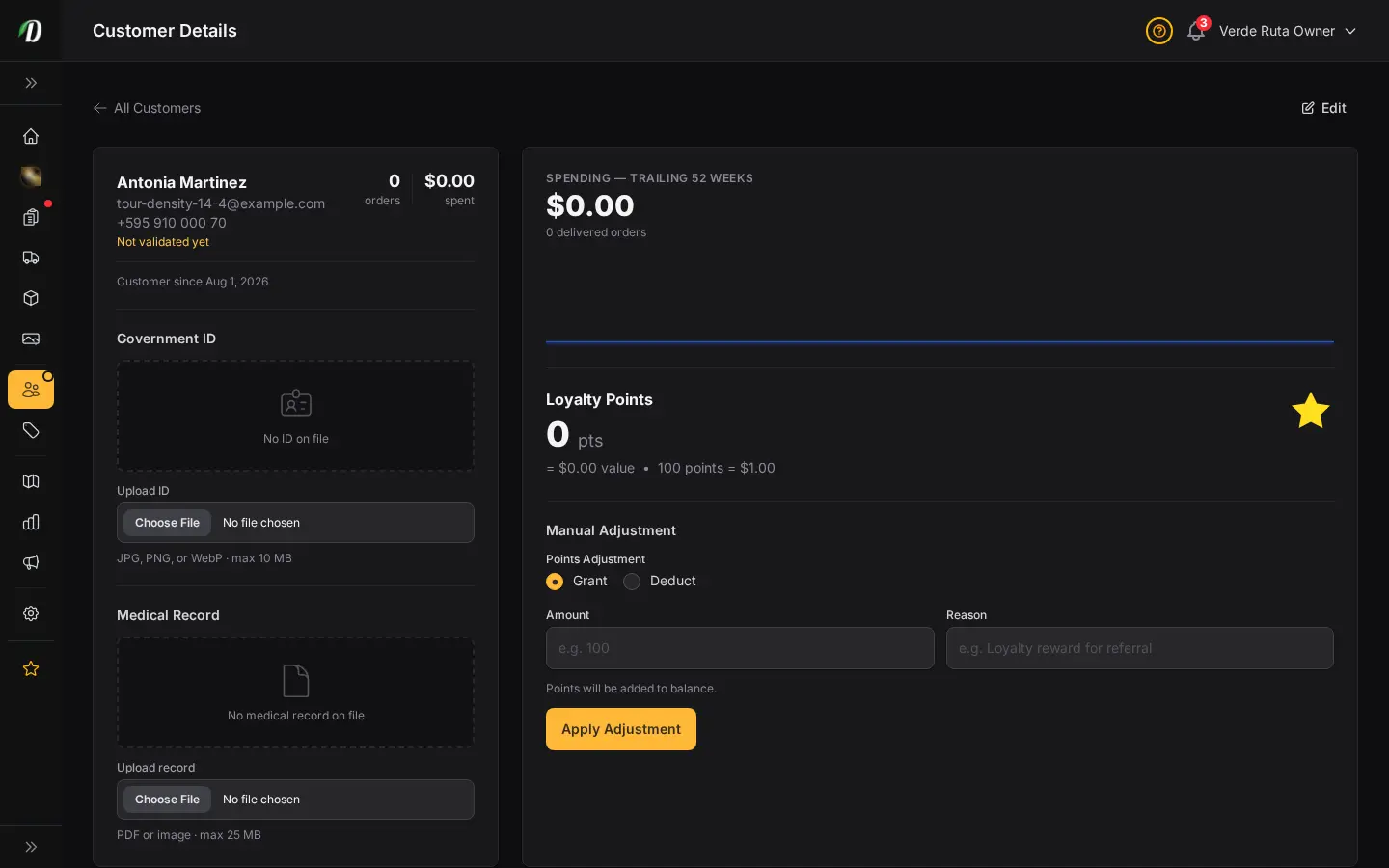
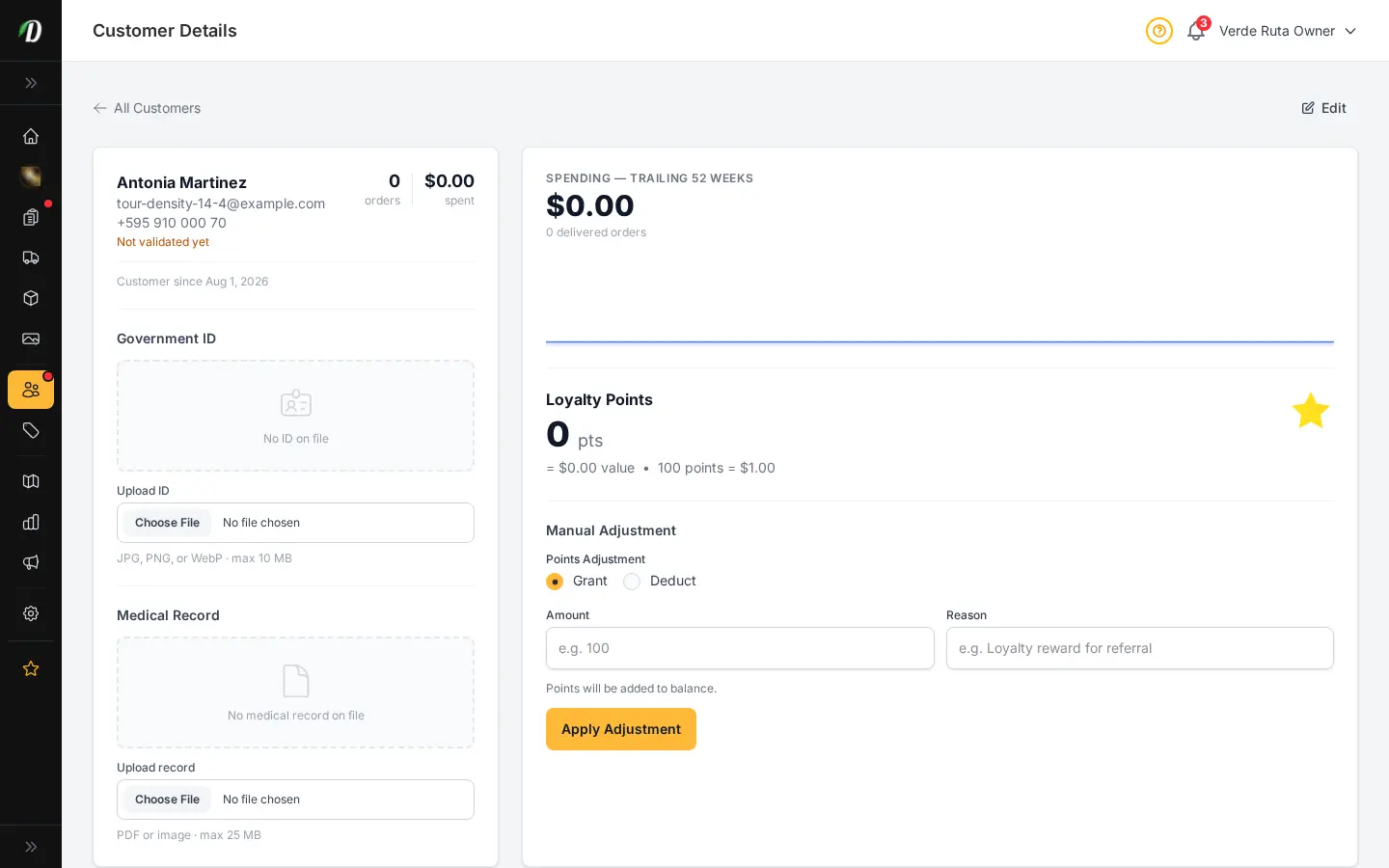
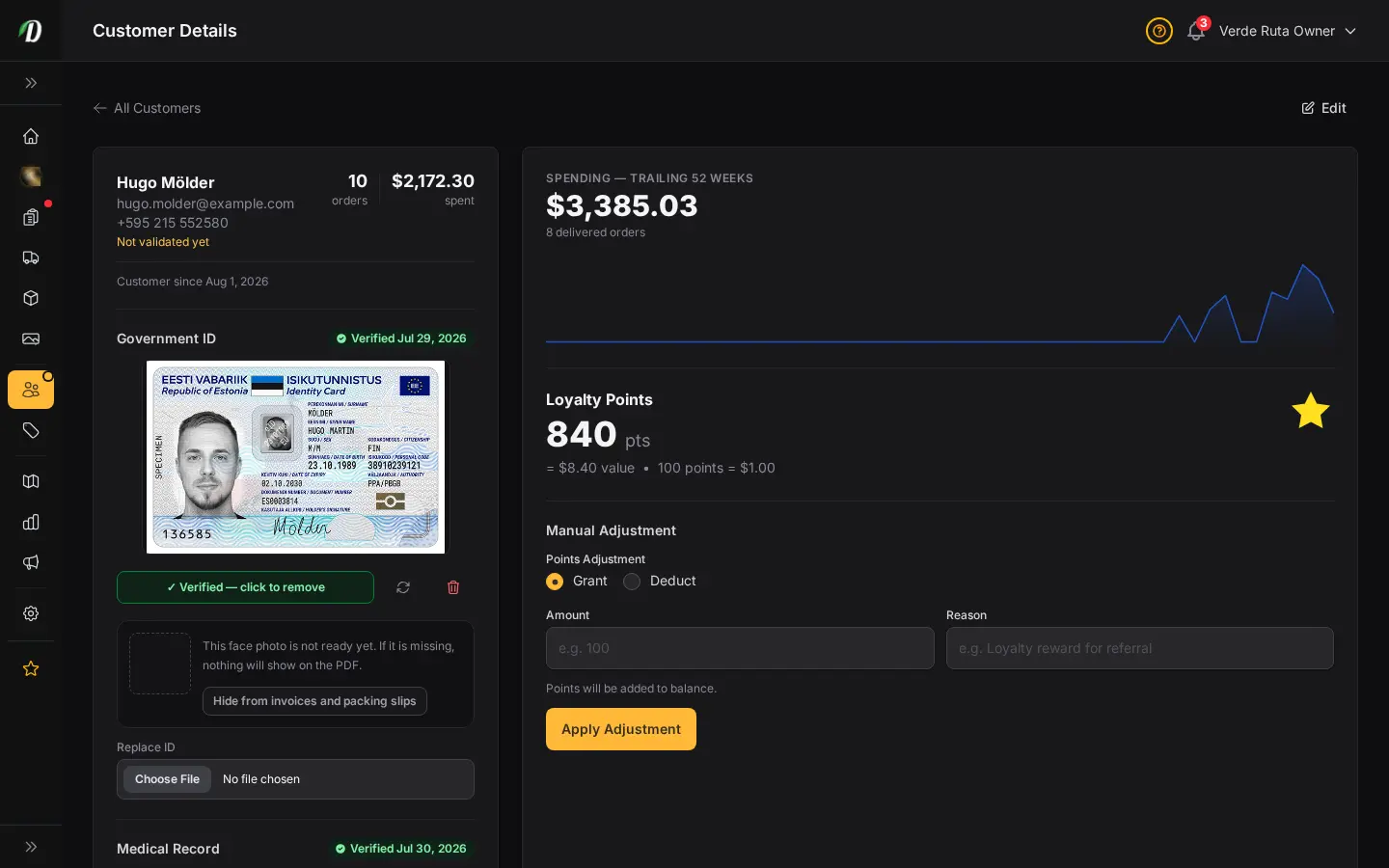
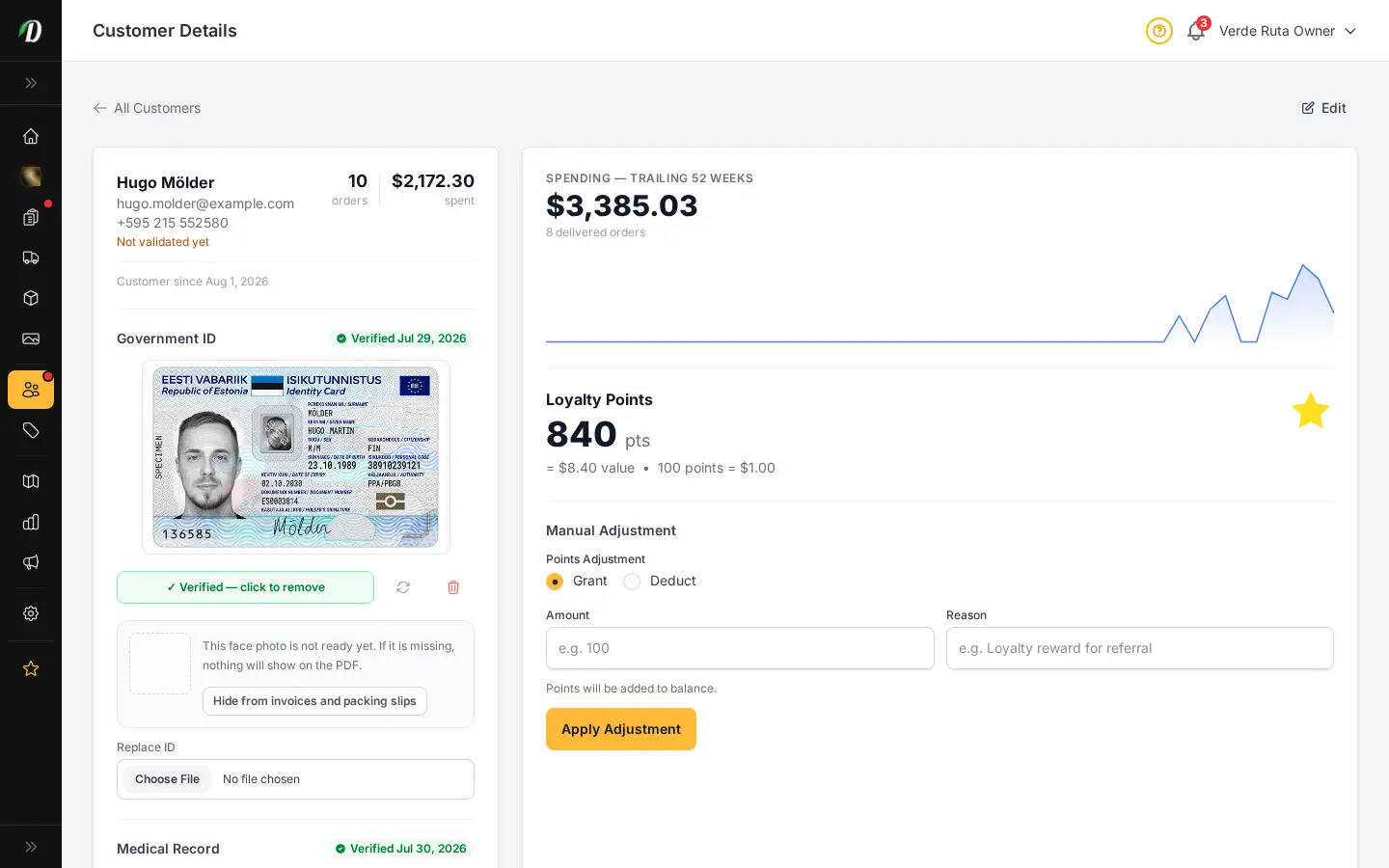
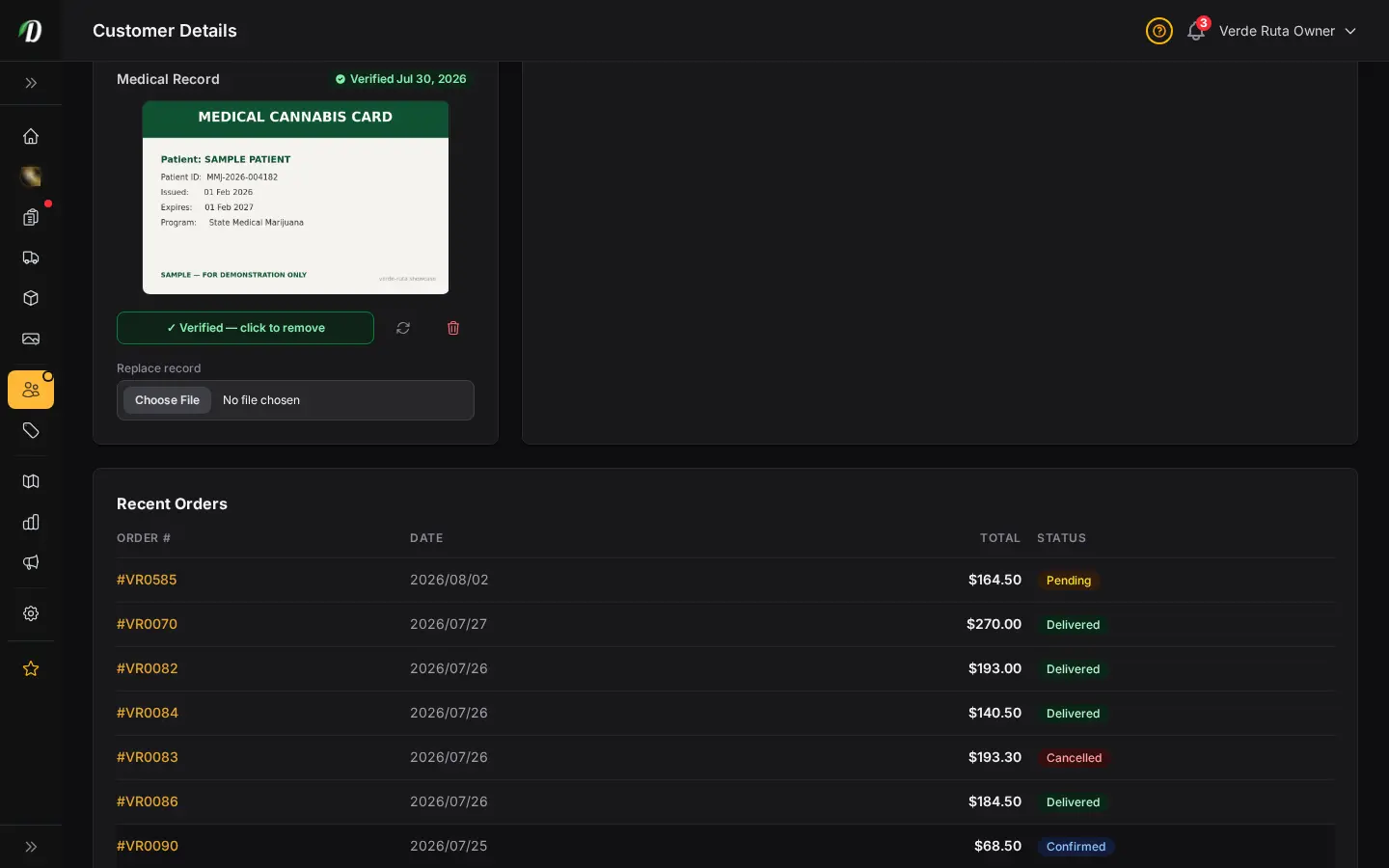
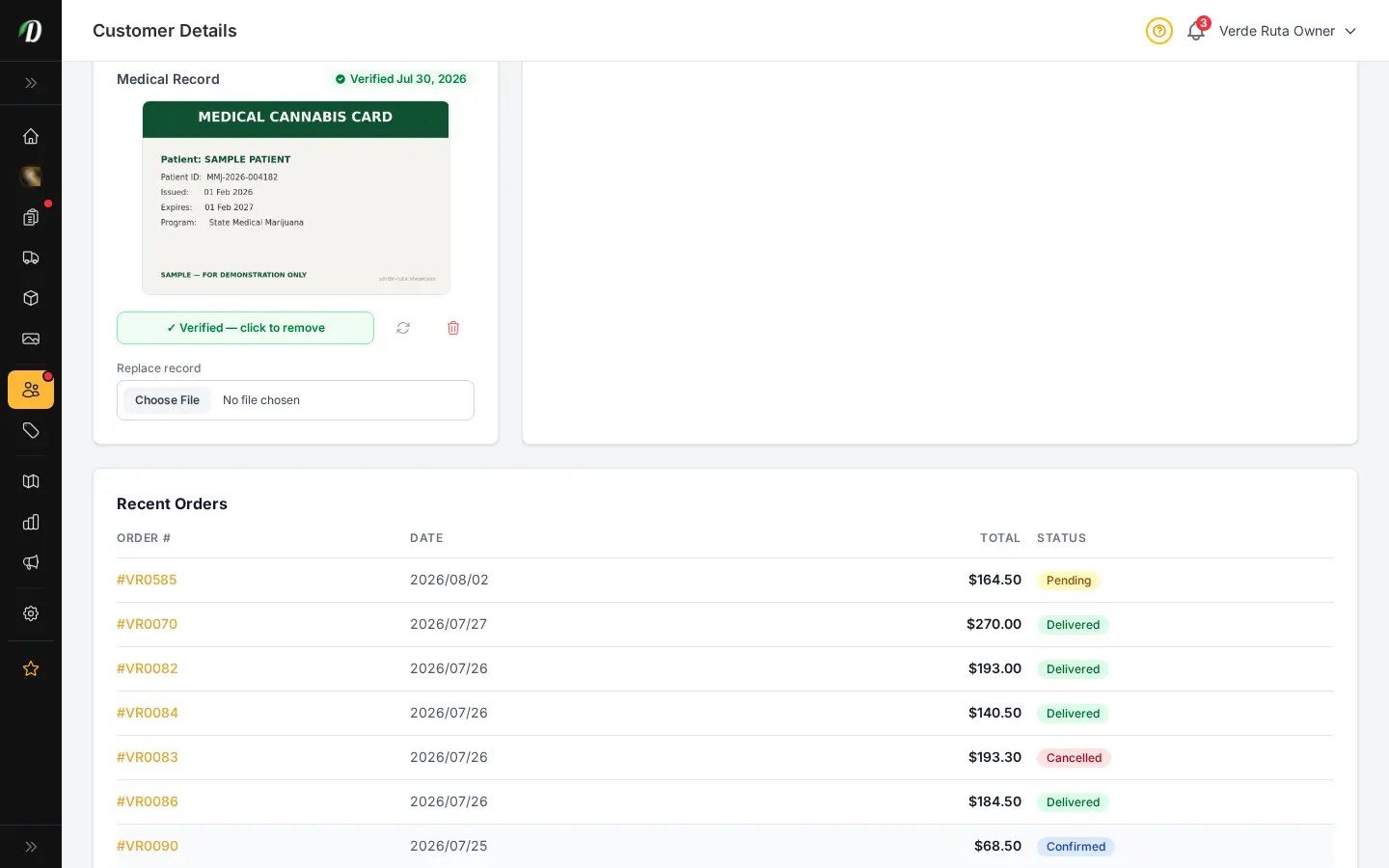
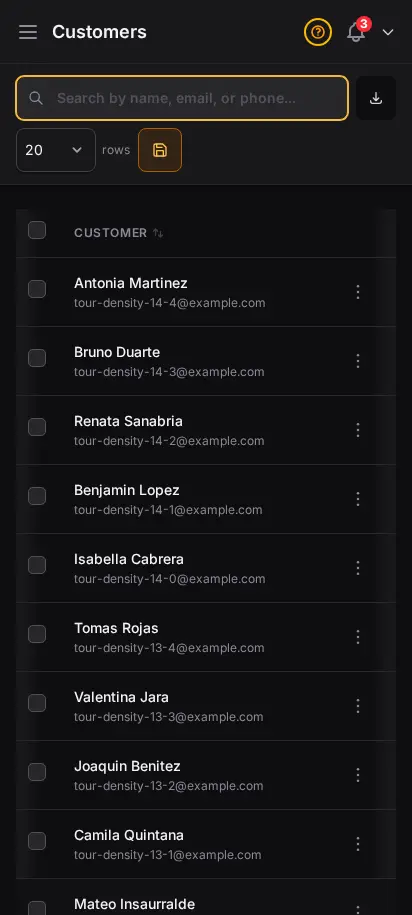
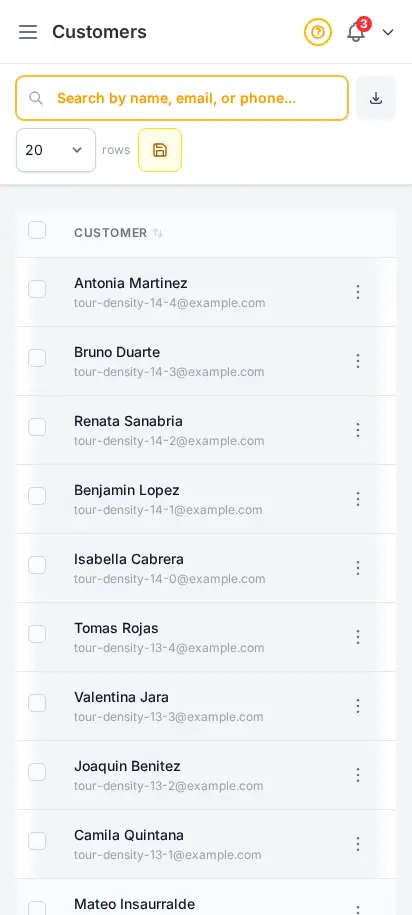
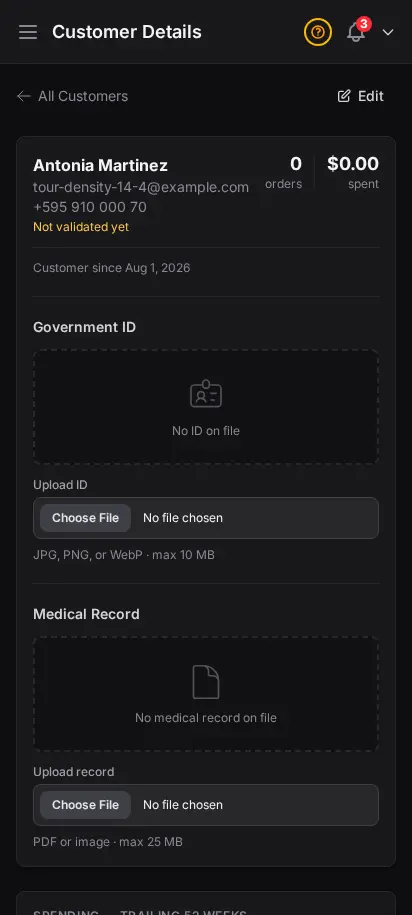
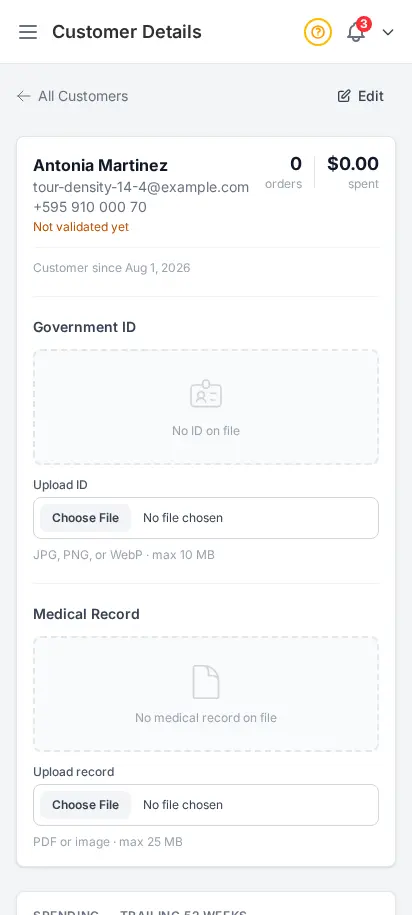
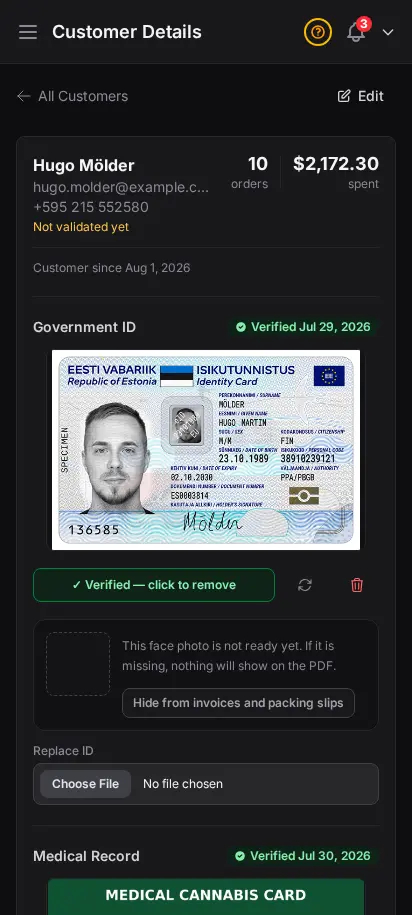
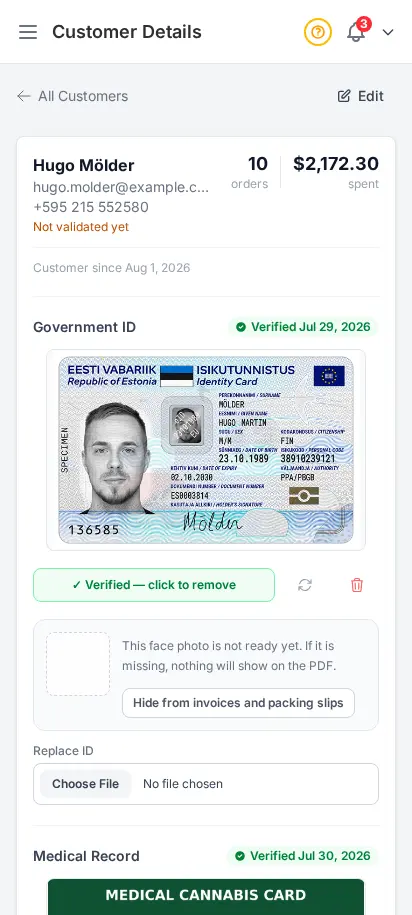
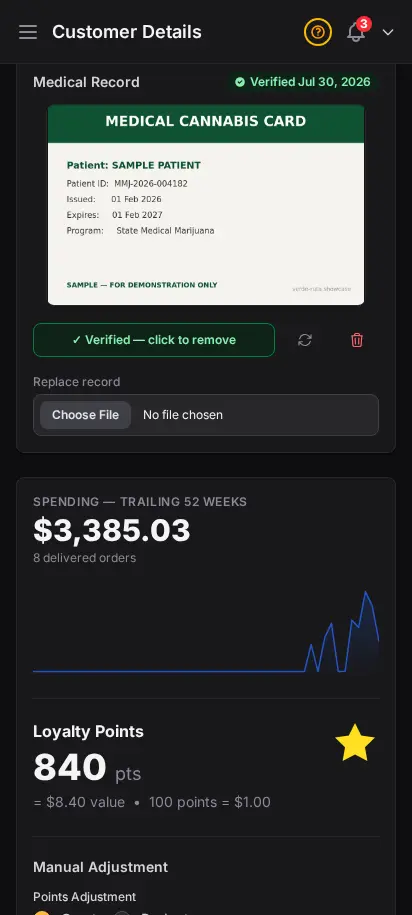
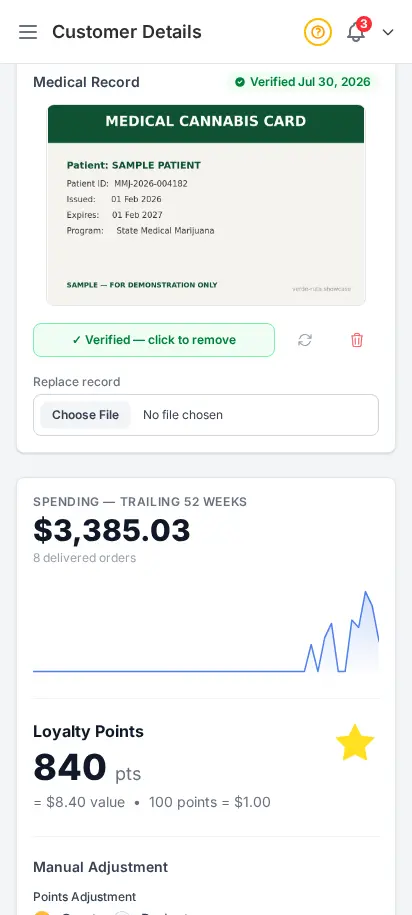
Every customer who creates an account appears in your customer directory. See their order history, total spend, loyalty points, saved addresses, and any uploaded ID right inside the profile, including the private face crop DabDash can reuse on fulfillment documents.
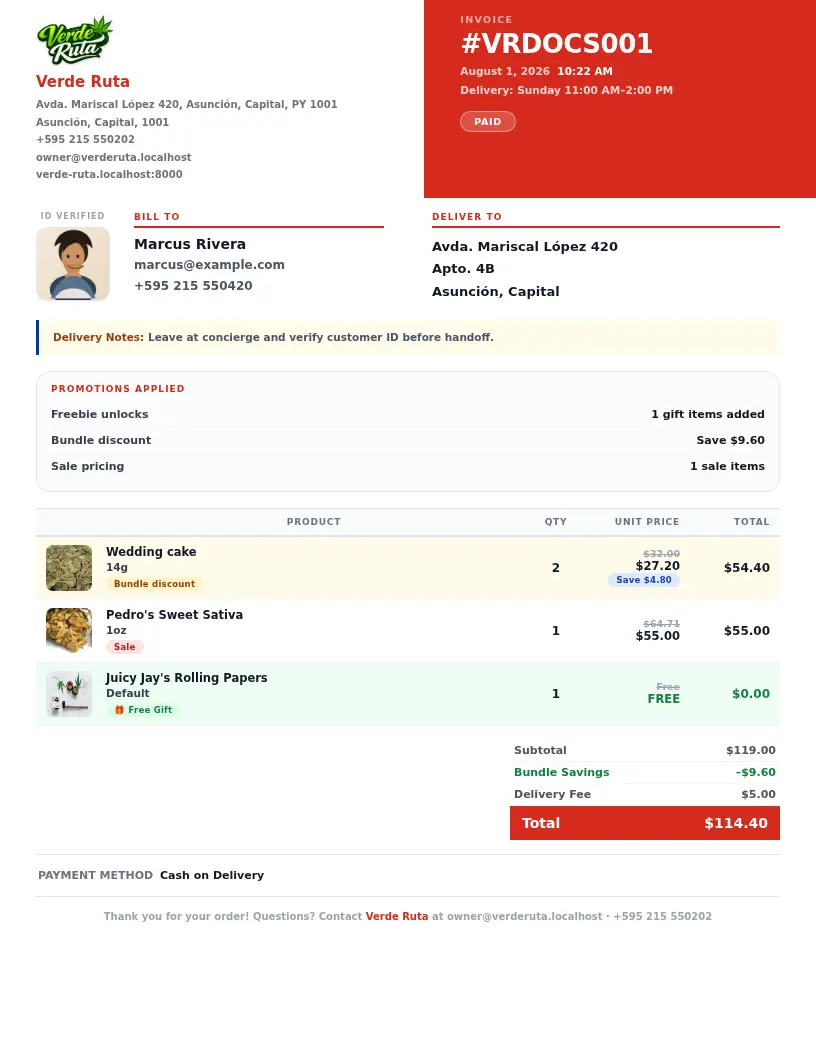
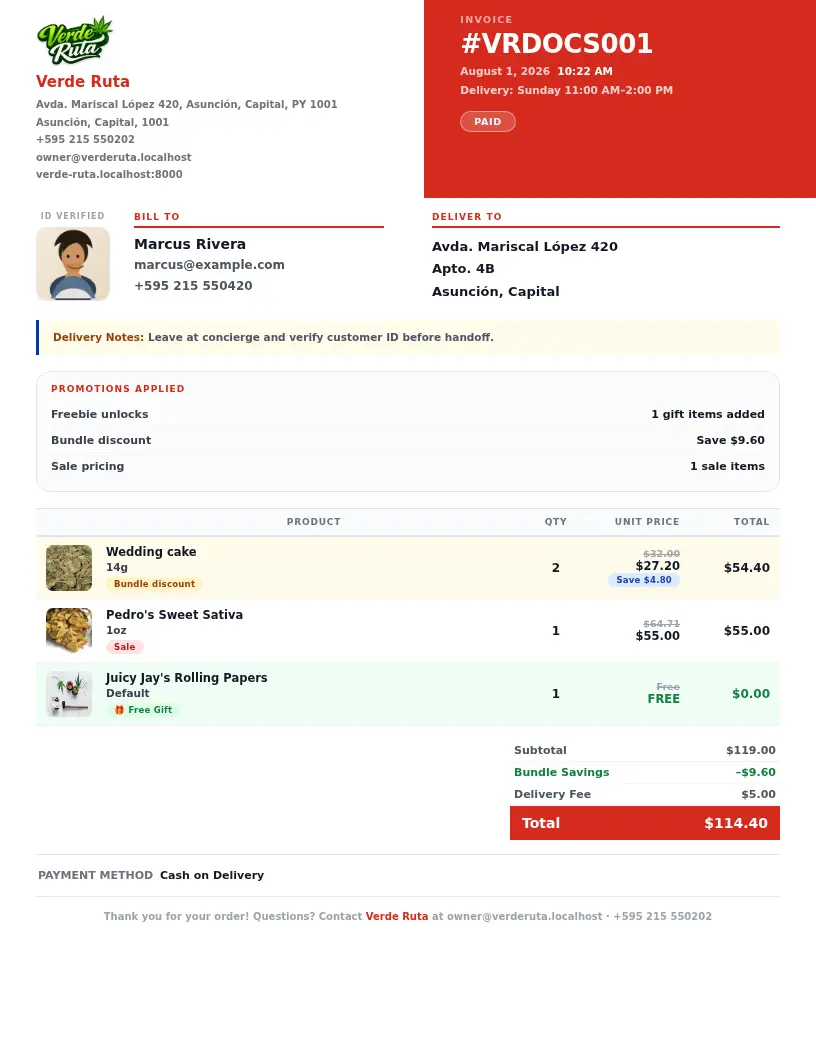
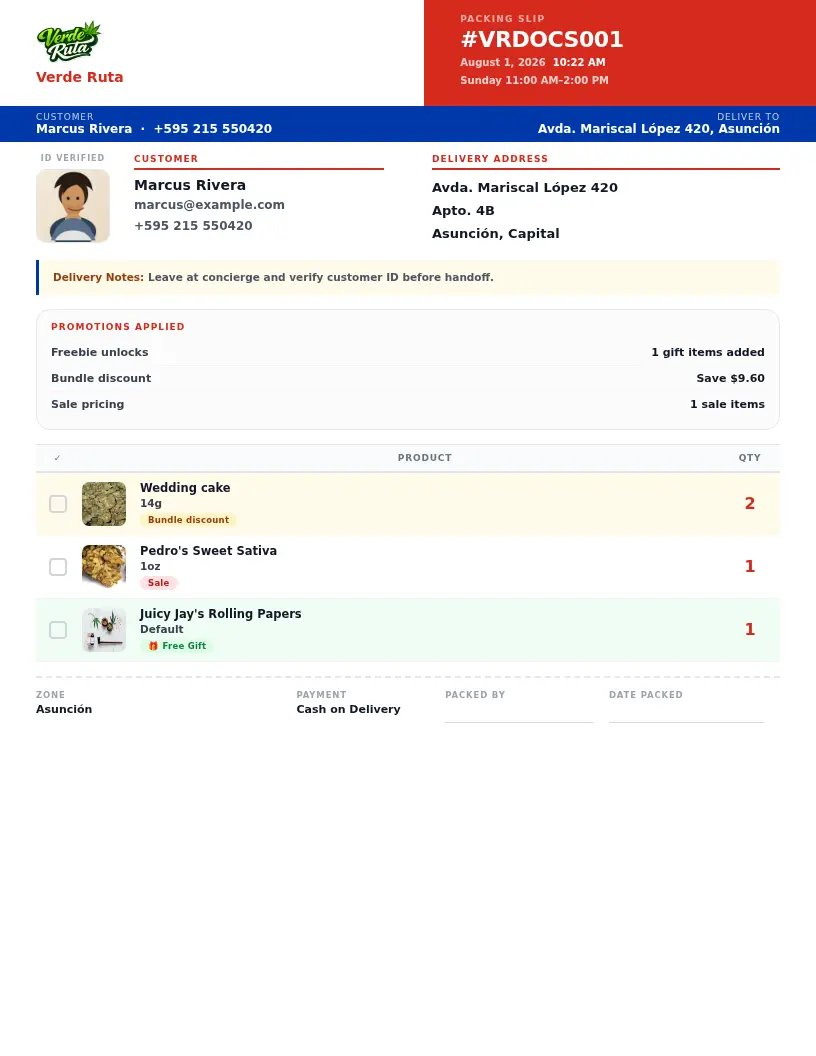
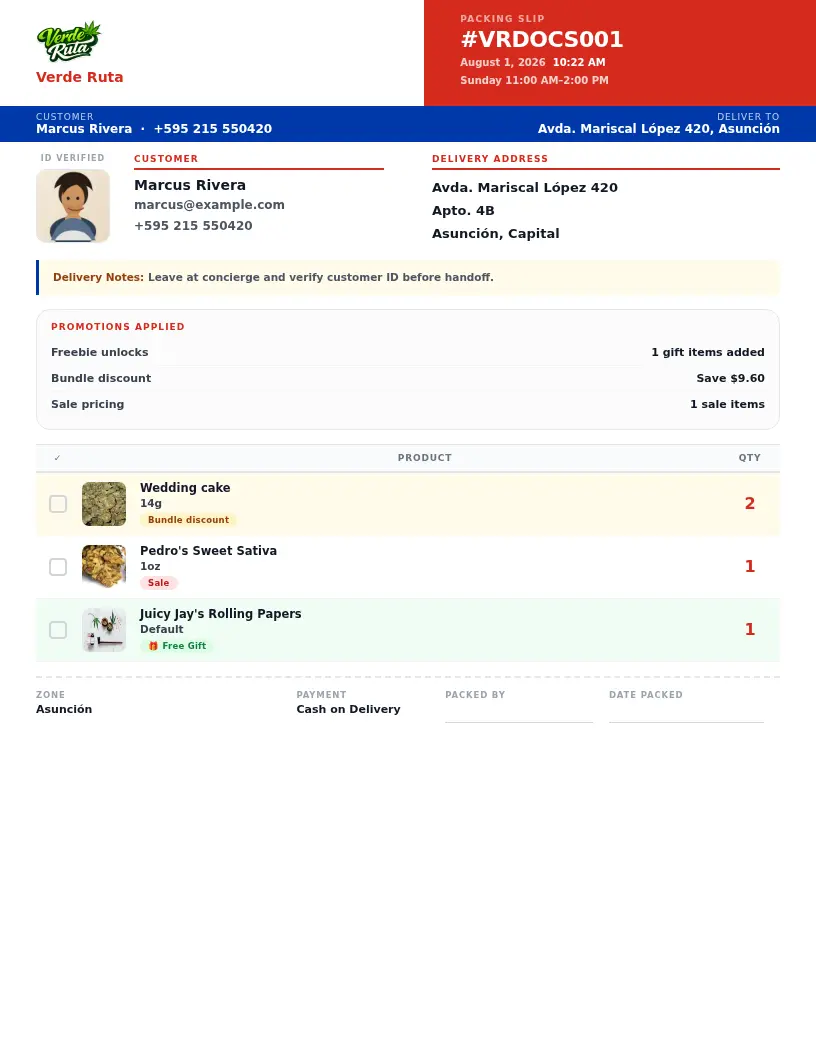
Invoices and packing slips can carry the customer's cropped face photo plus a clean promotion summary, so your team can see freebies, bundle deal savings, sale pricing, and the promo code on the same order without bouncing between screens.
Orders move through pending, confirmed, out for delivery, completed, or cancelled, shown as badges in the order table so you can scan status at a glance.
Yes, every order can generate a PDF invoice and packing slip, which can include the customer's ID photo crop and a summary of any freebies, bundle savings, or promo codes applied.
A bell icon in the admin header shows unread alerts for new orders, low stock, and restocks, with push notifications available to your phone as well.
Order history, total spend, loyalty points, saved addresses, and their uploaded ID with its verification status, all in one place.
Yes, the order table supports CSV export with date and status filters, so you can pull exactly the range you need for bookkeeping.
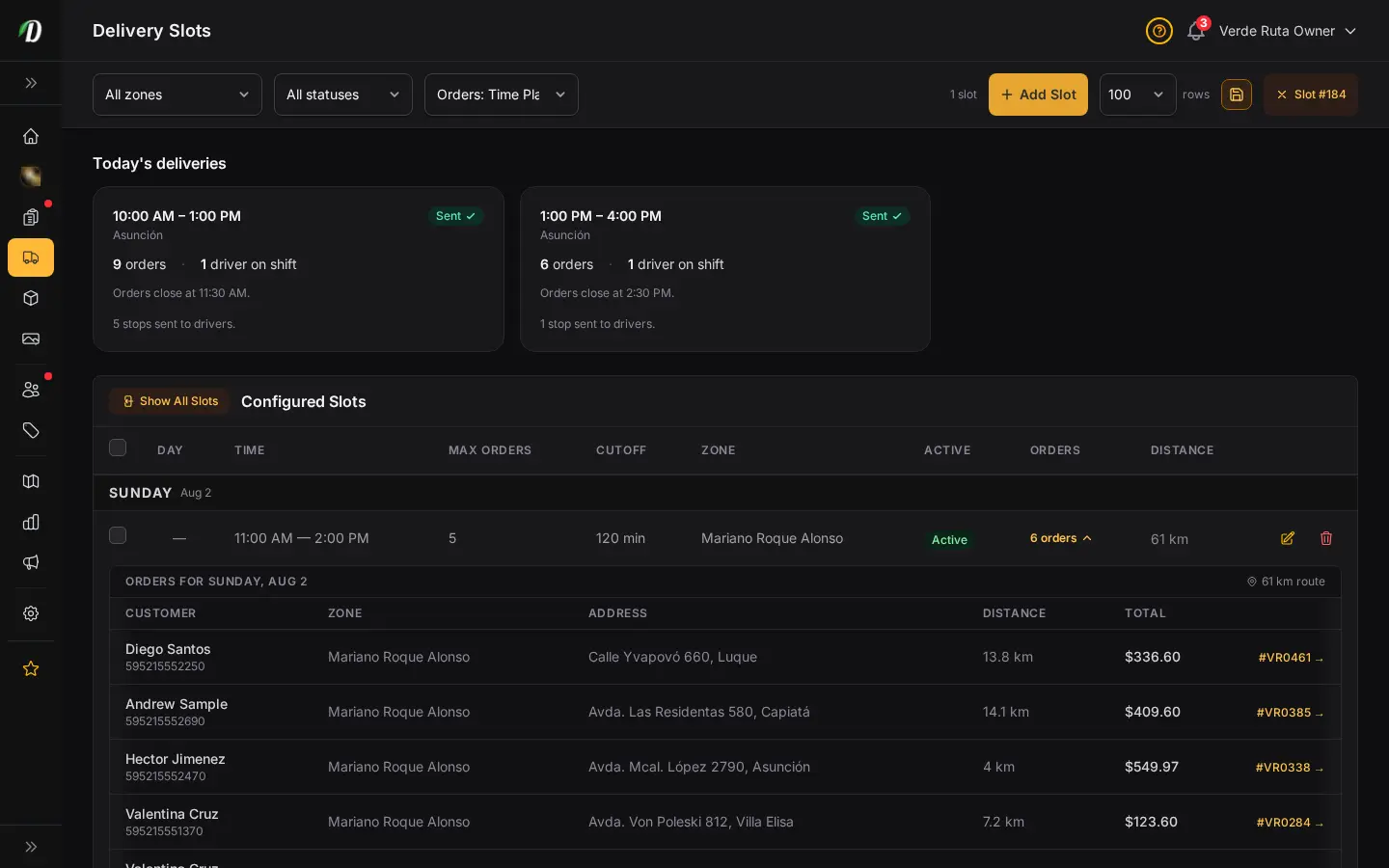
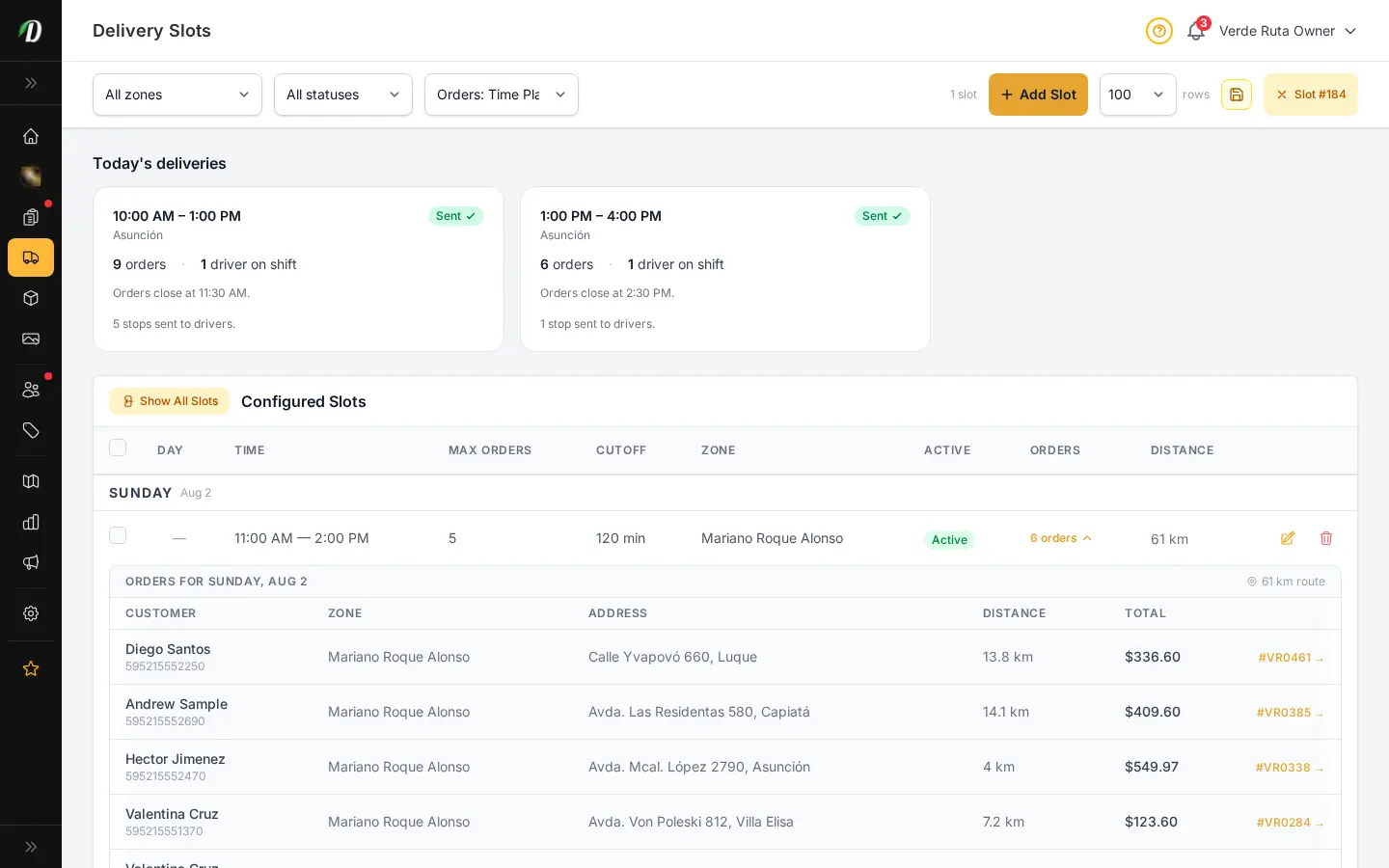
Choose how you'd like to see the screenshots.
Device
Theme
