Do I have to enter strain data manually for every product?
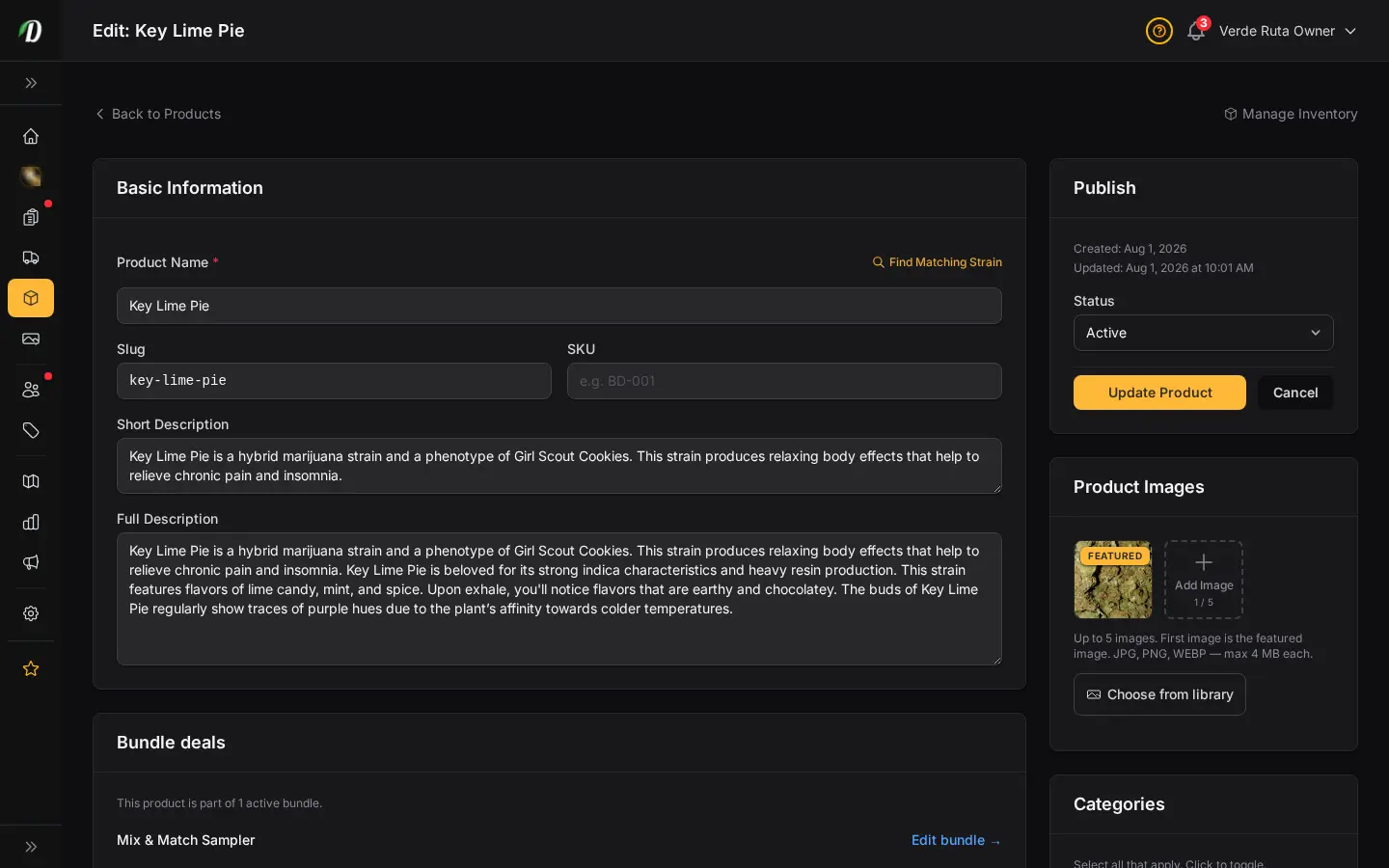
No. Pick a strain from the built-in cannabis strain database and it auto-fills THC/CBD percentages, effects, and flavors for you.
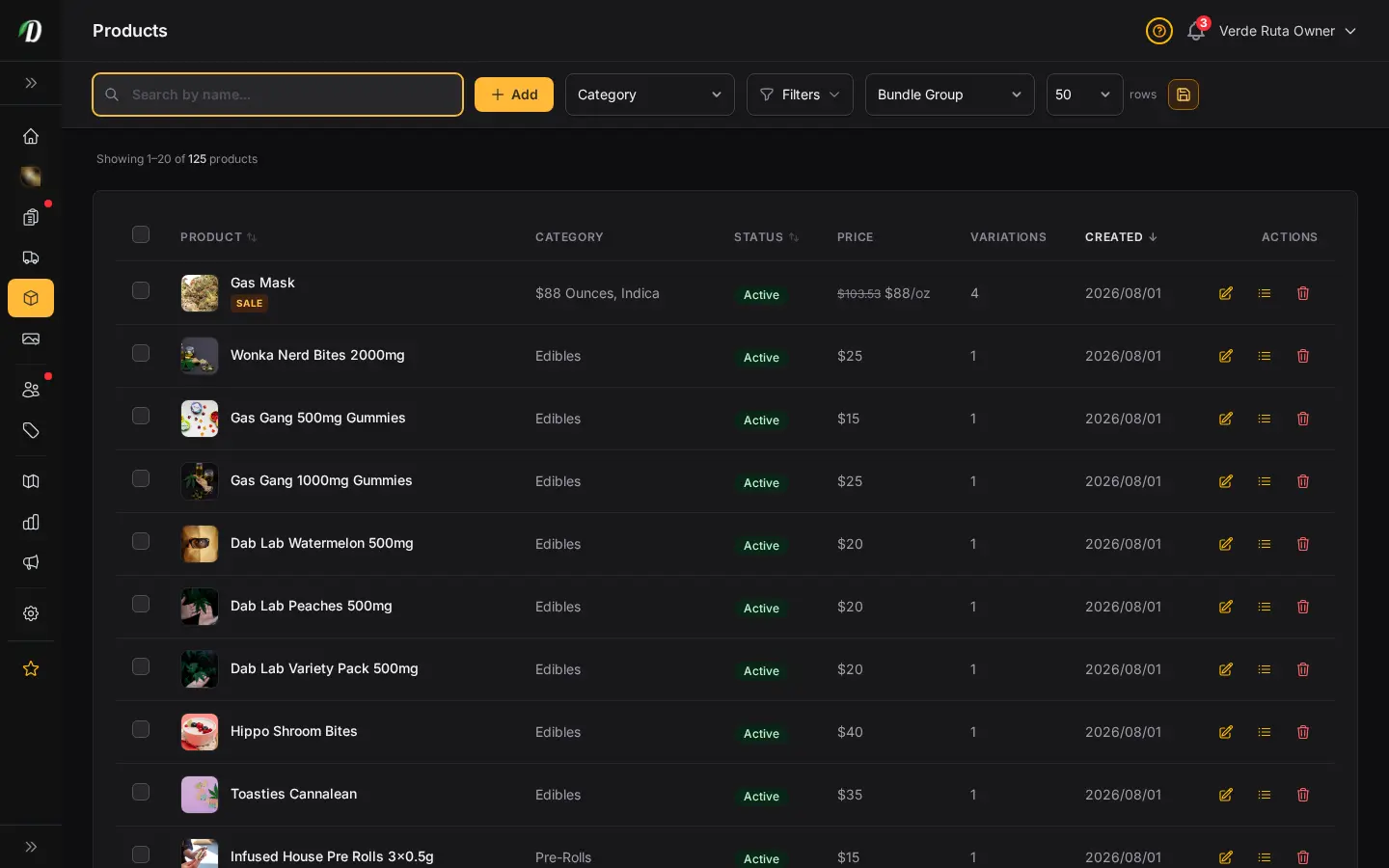
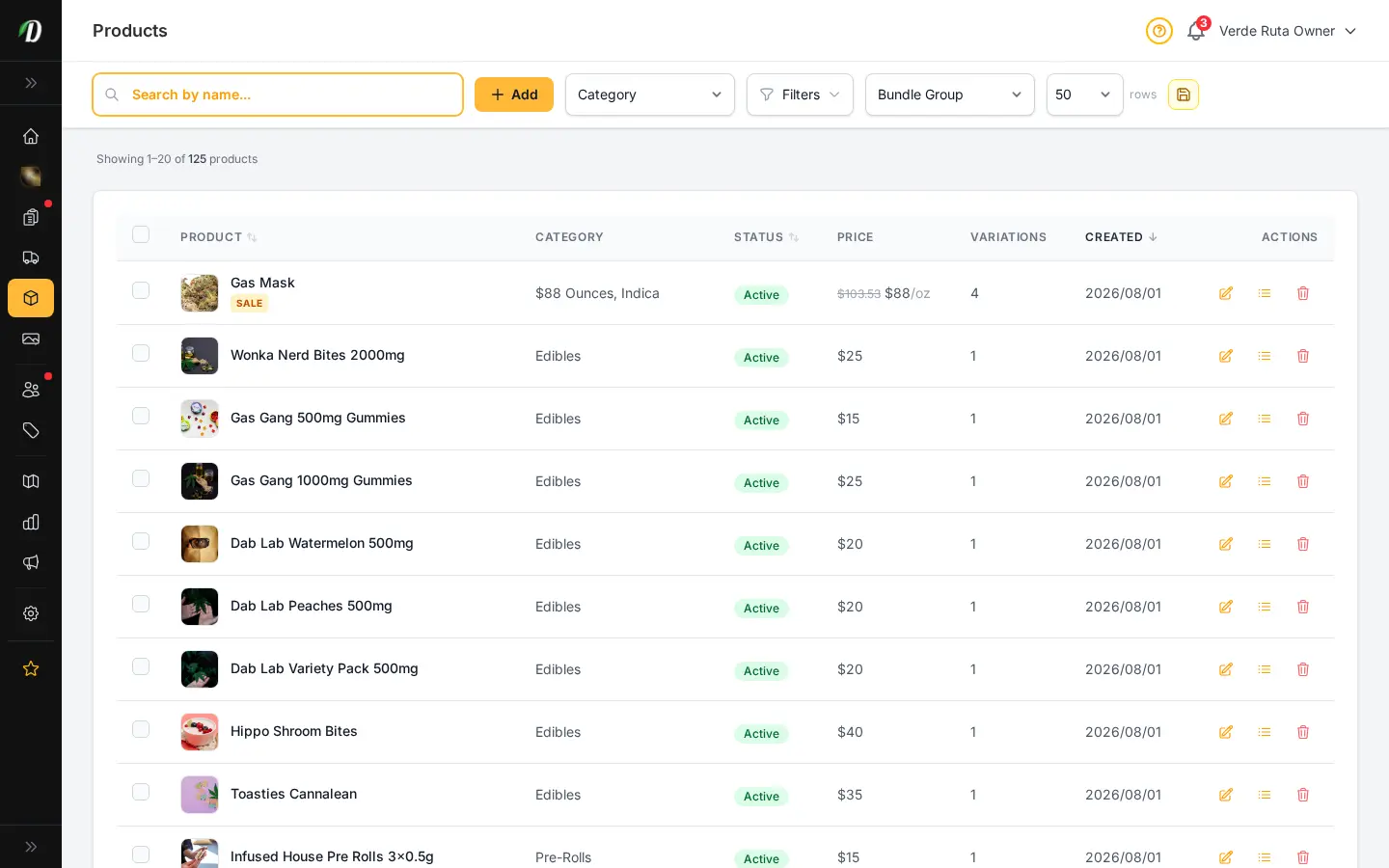
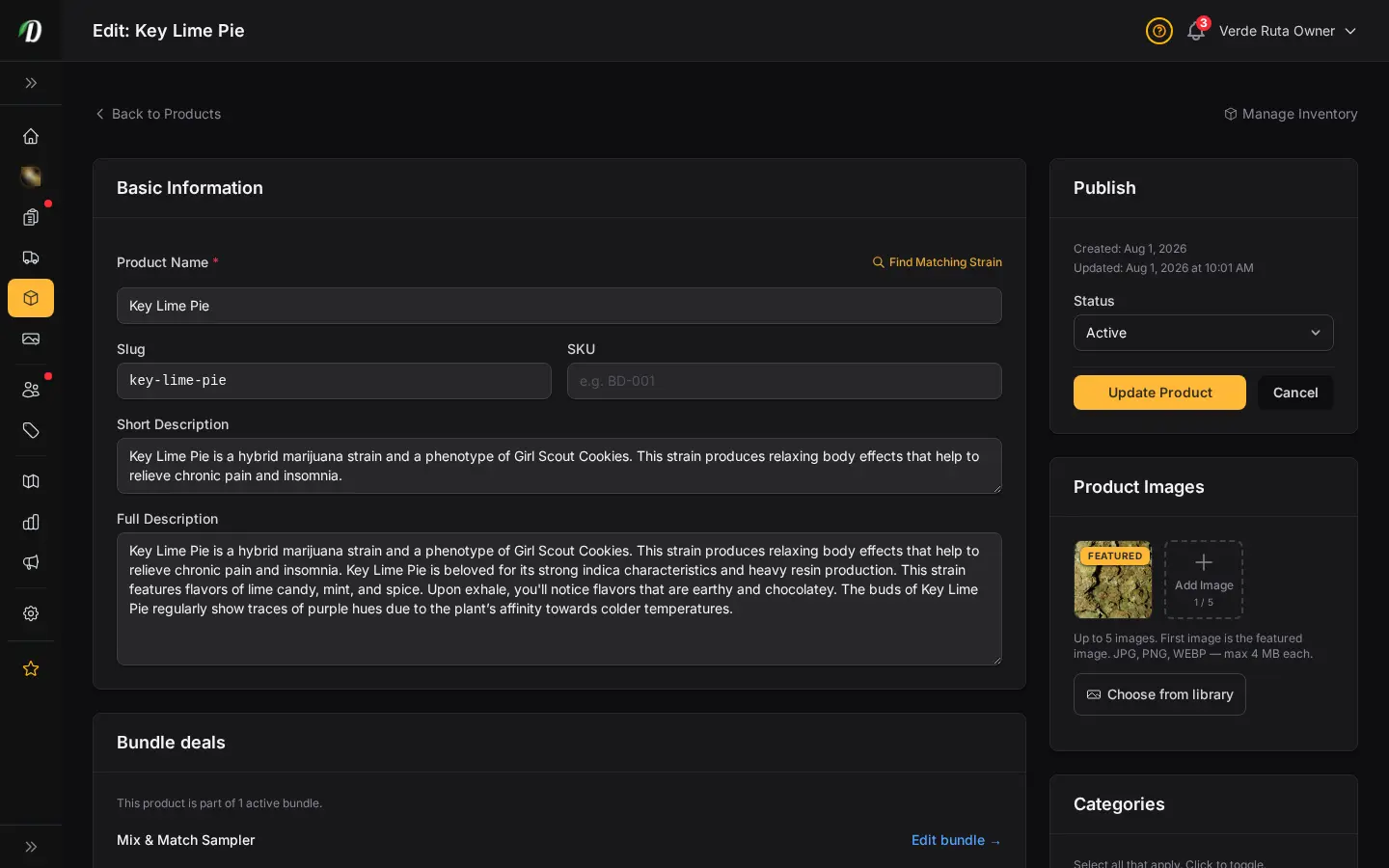
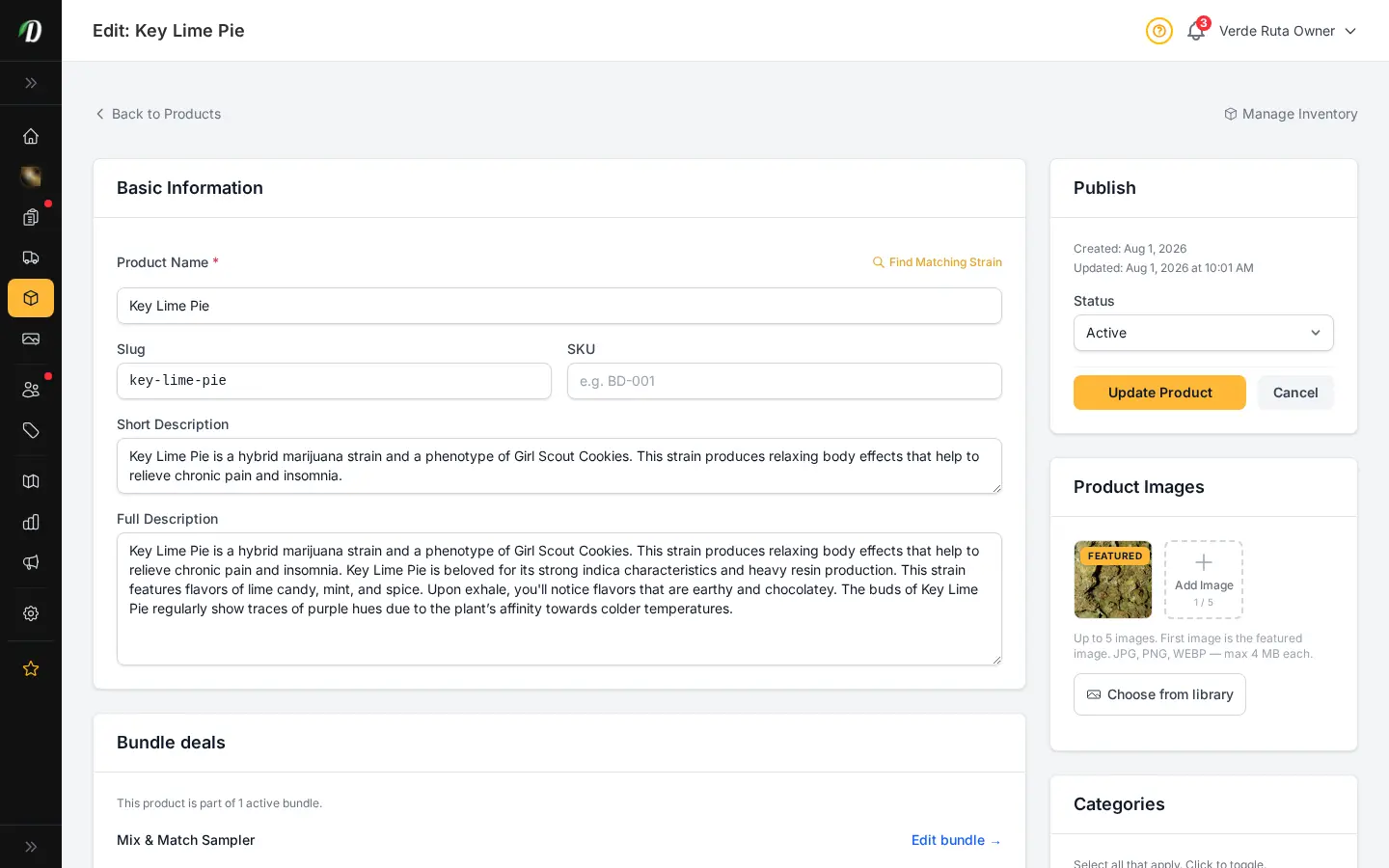
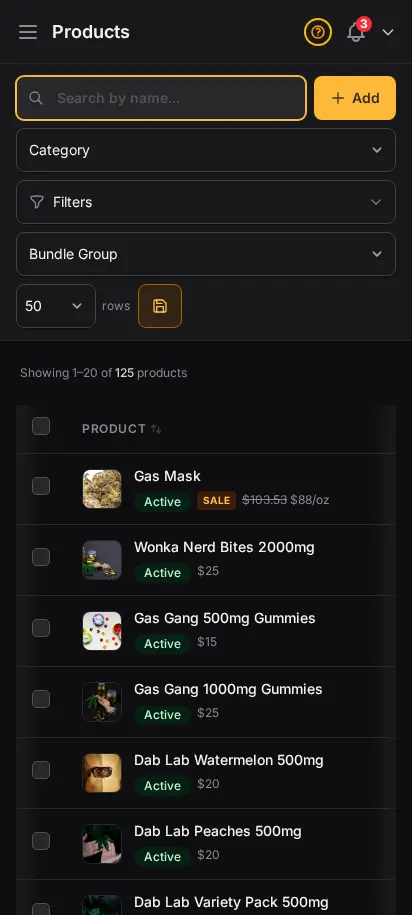
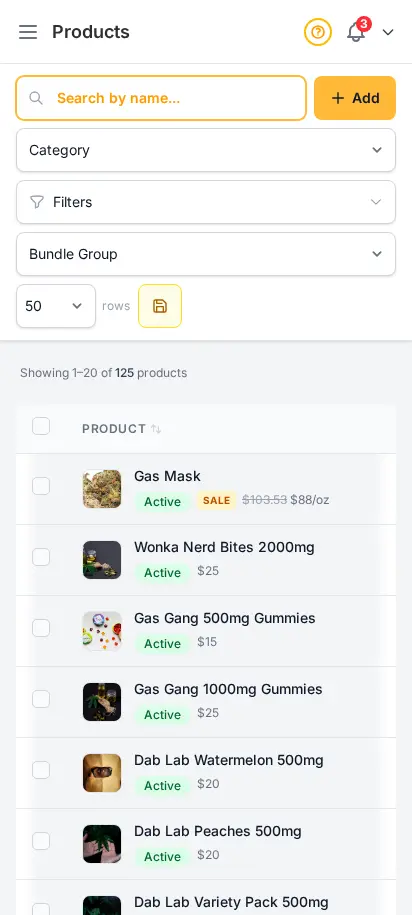
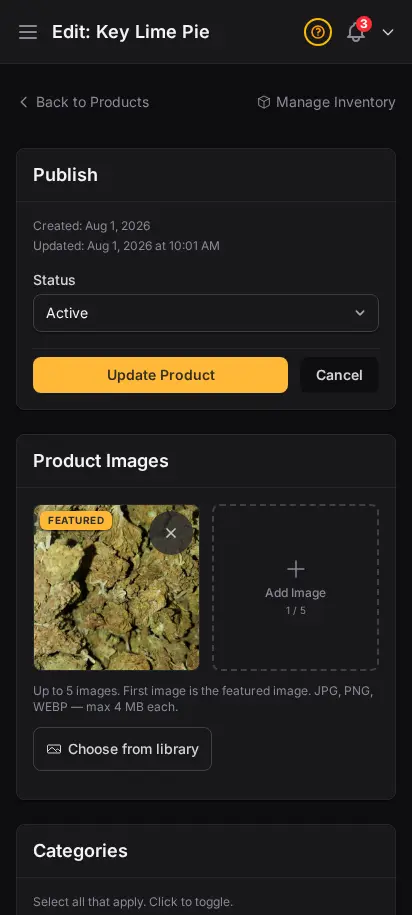
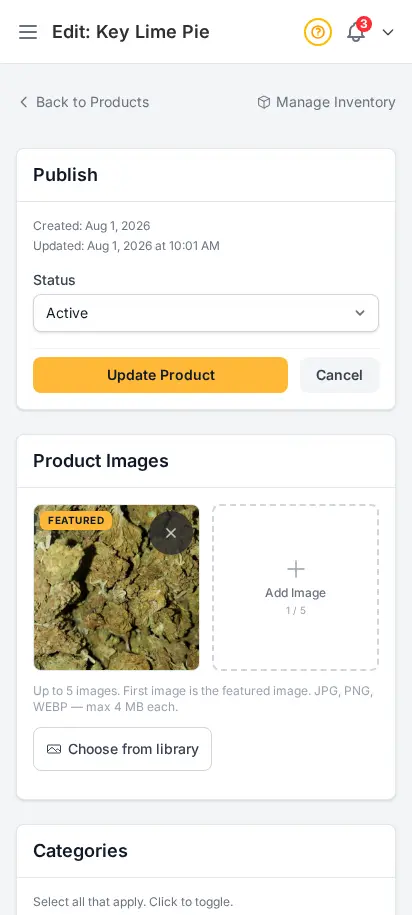
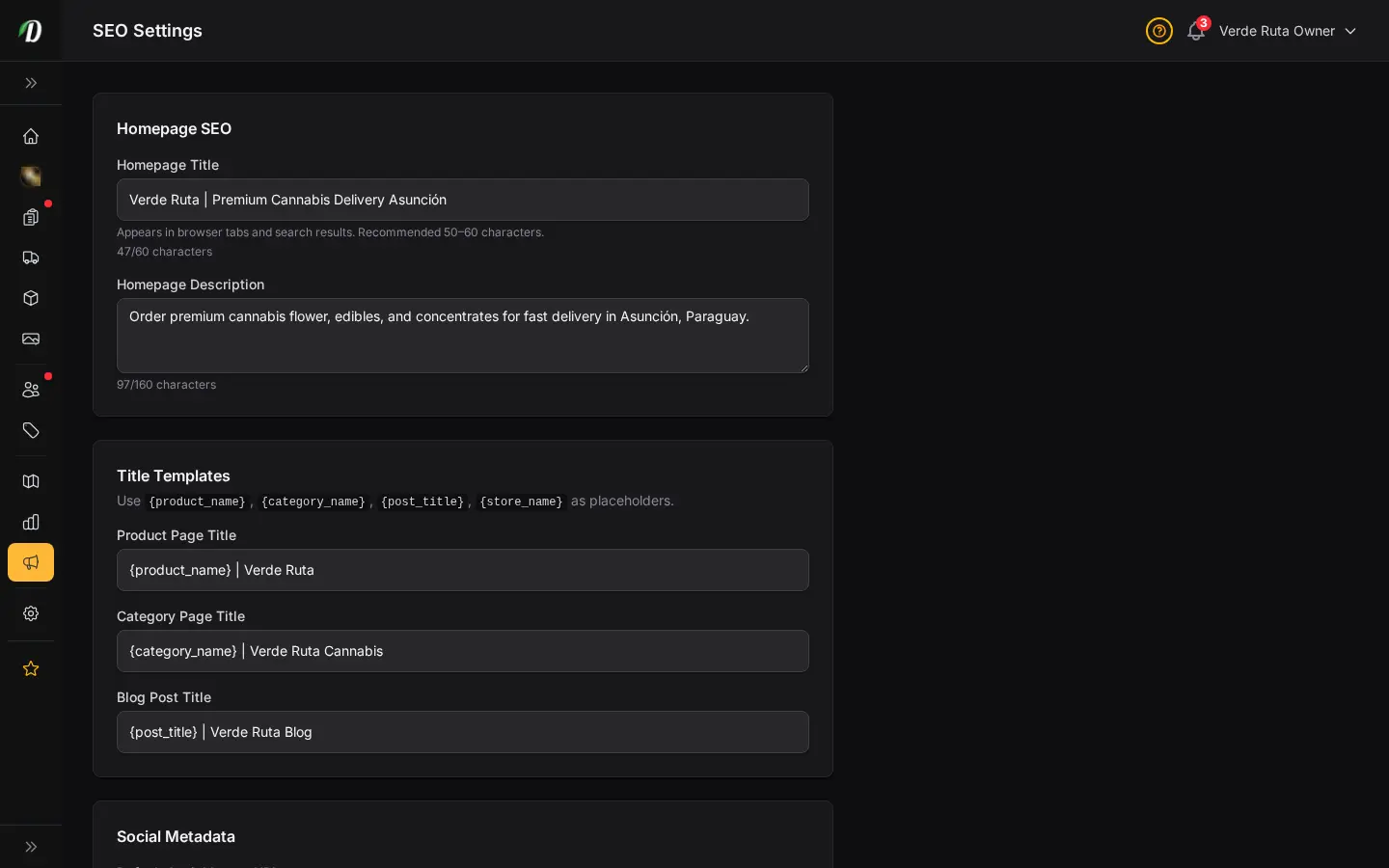
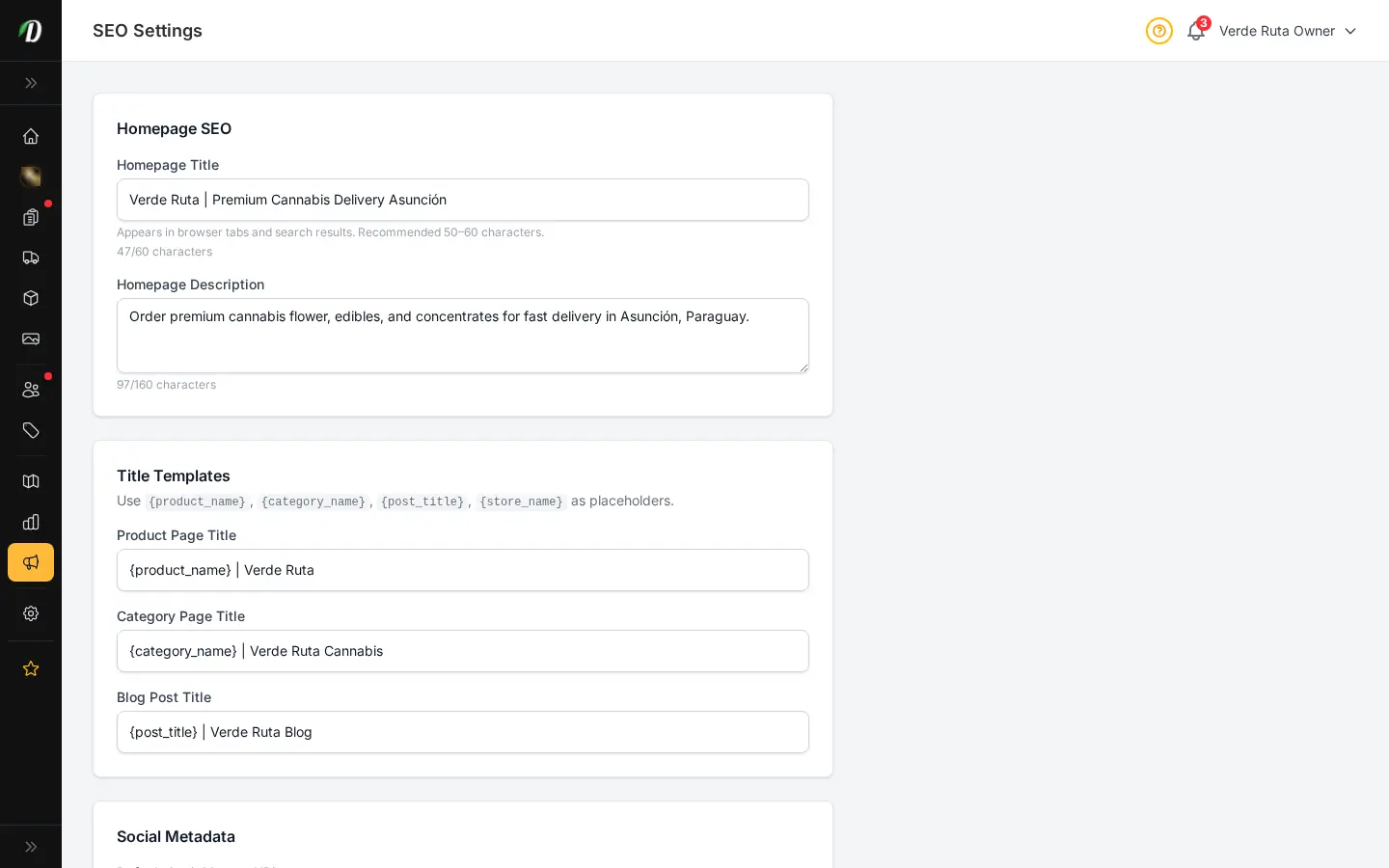
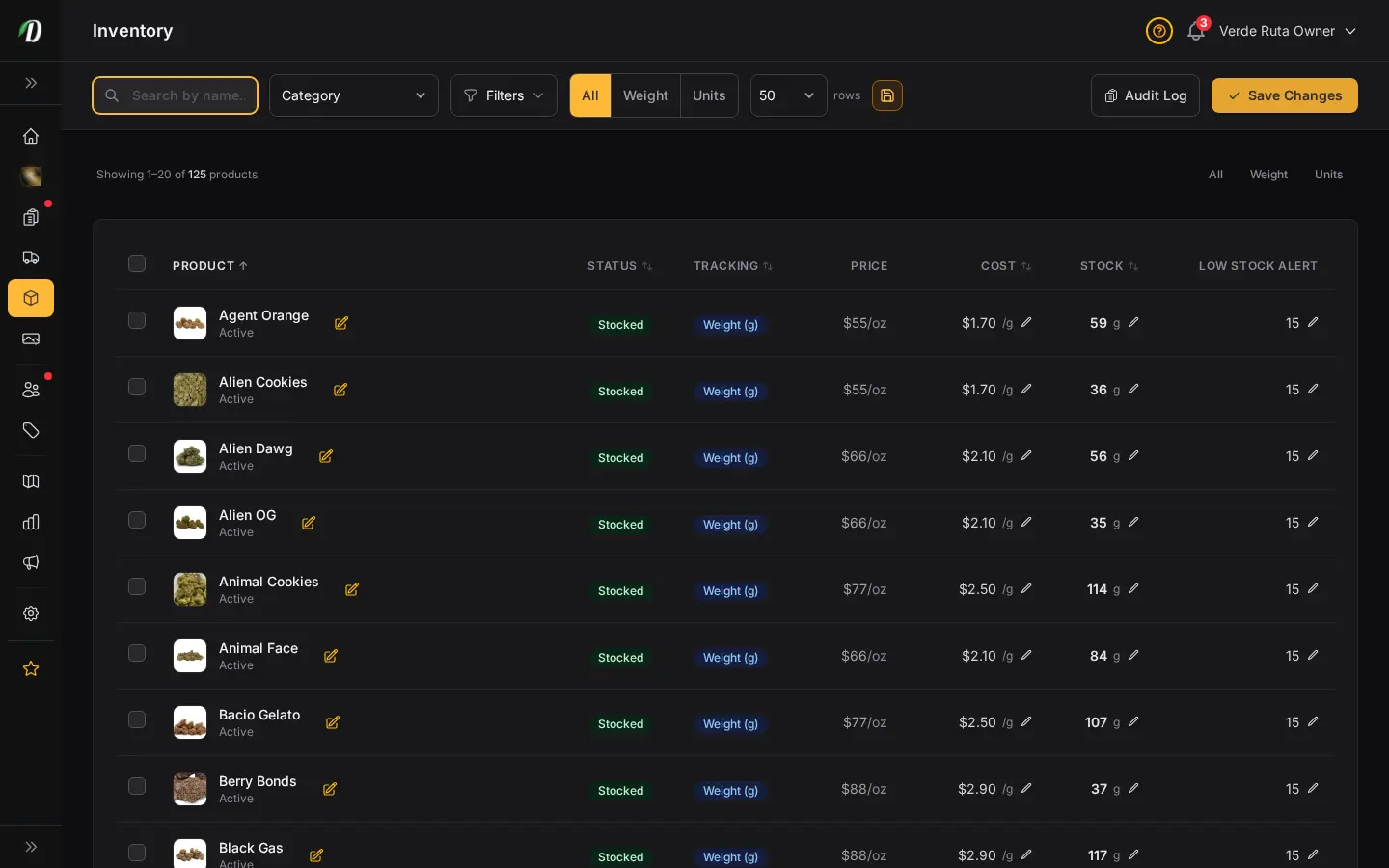
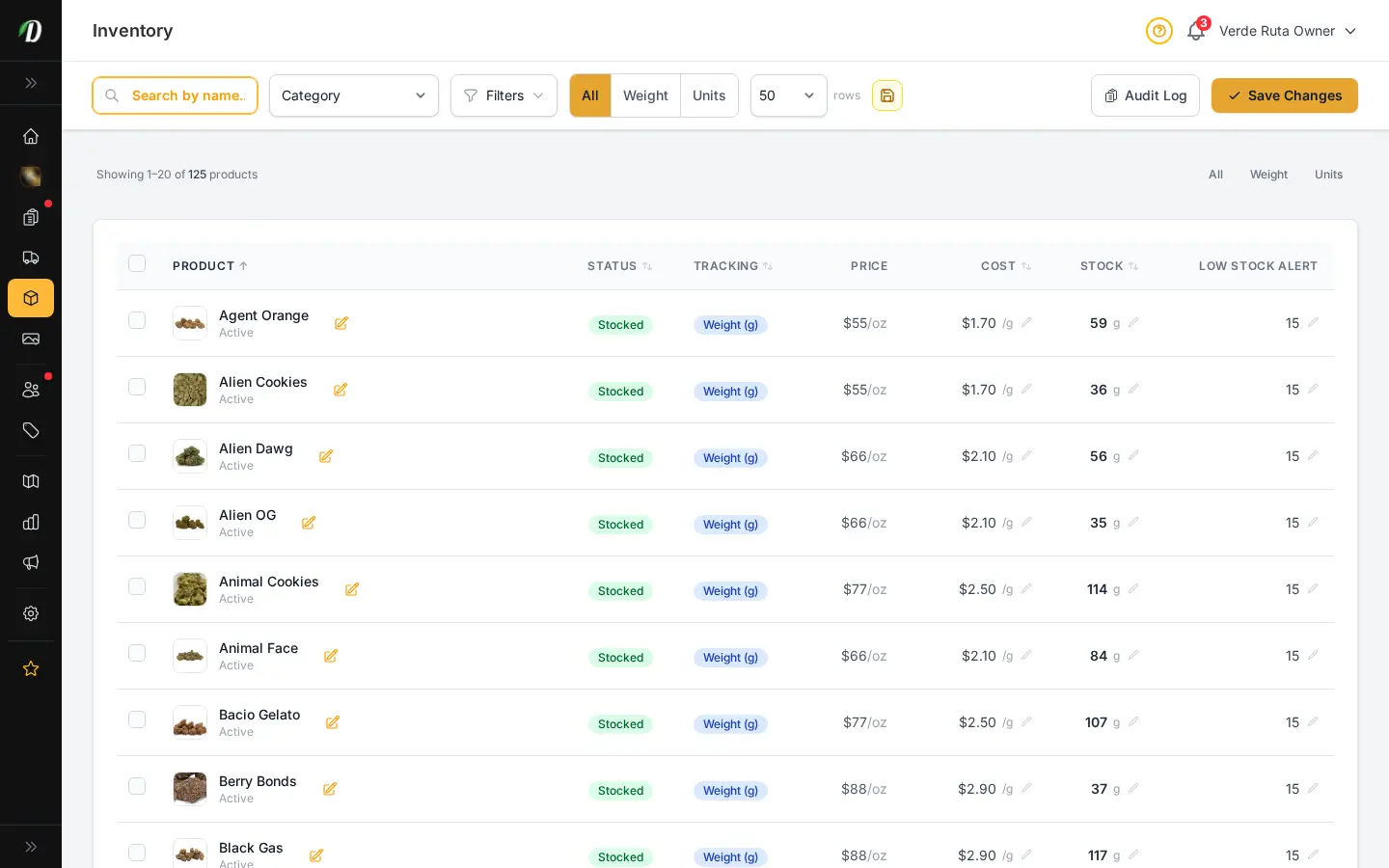
Add flowers, edibles, concentrates, topicals, and accessories with all the detail your customers expect. Strain data auto-fill, weight-based or unit-based variations, gallery images, and built-in SEO fields that improve how products appear on Google.
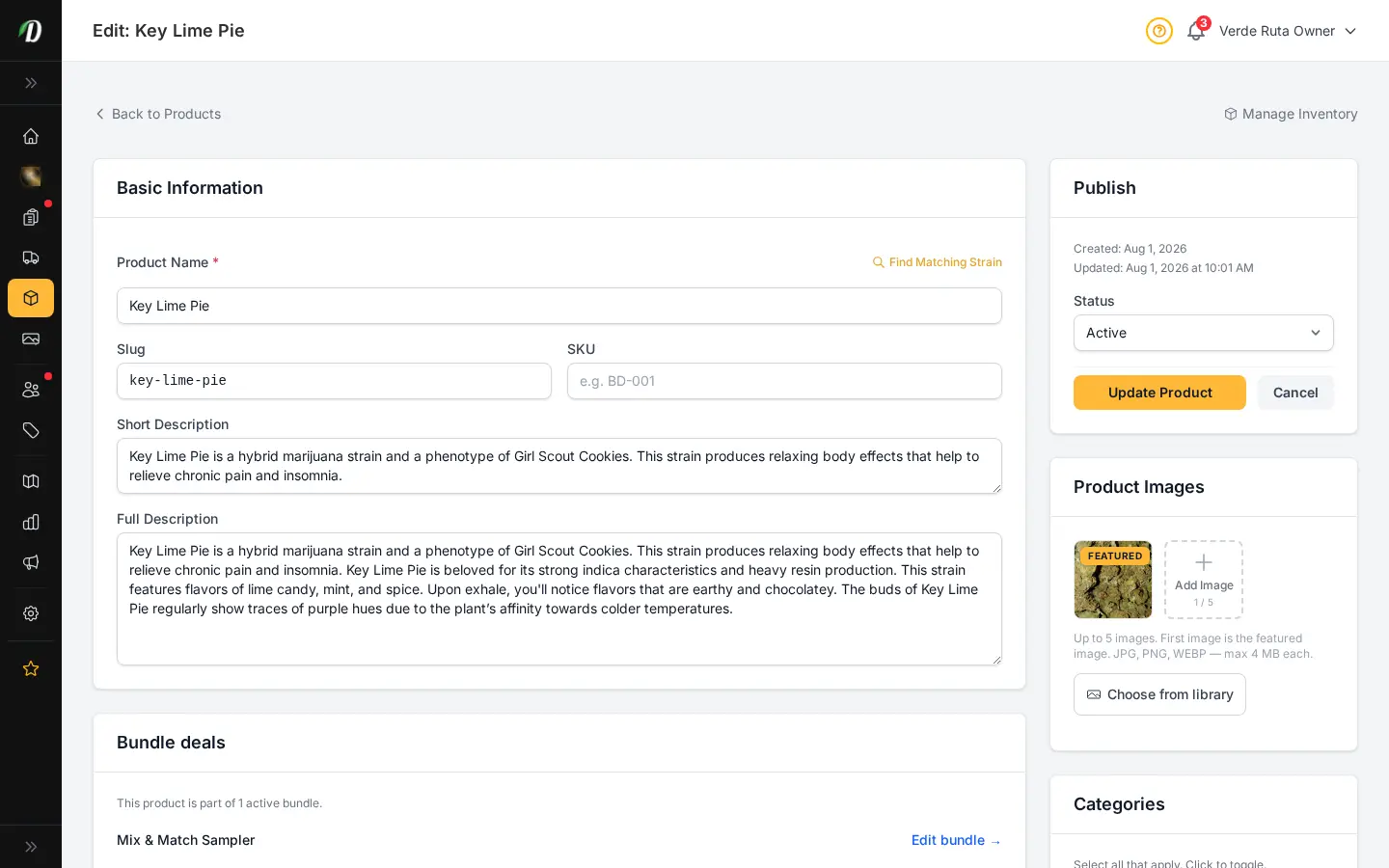
The product creation form is straightforward: name, strain type, description, category, weight variations, and pricing. Pick a strain from the built-in database and THC/CBD percentages, effects, and flavors auto-fill. Upload a featured image or it falls back to the strain's photo.
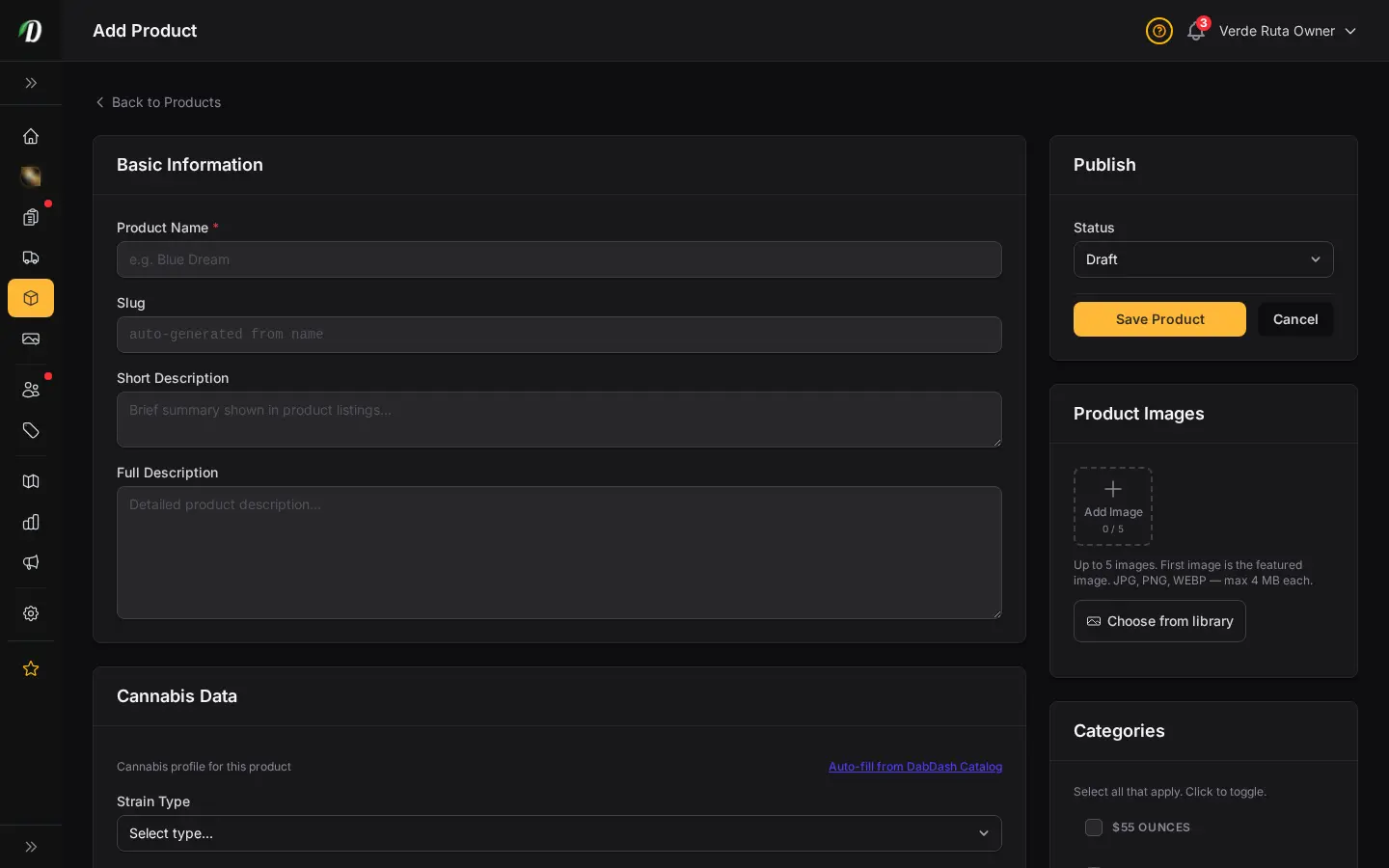
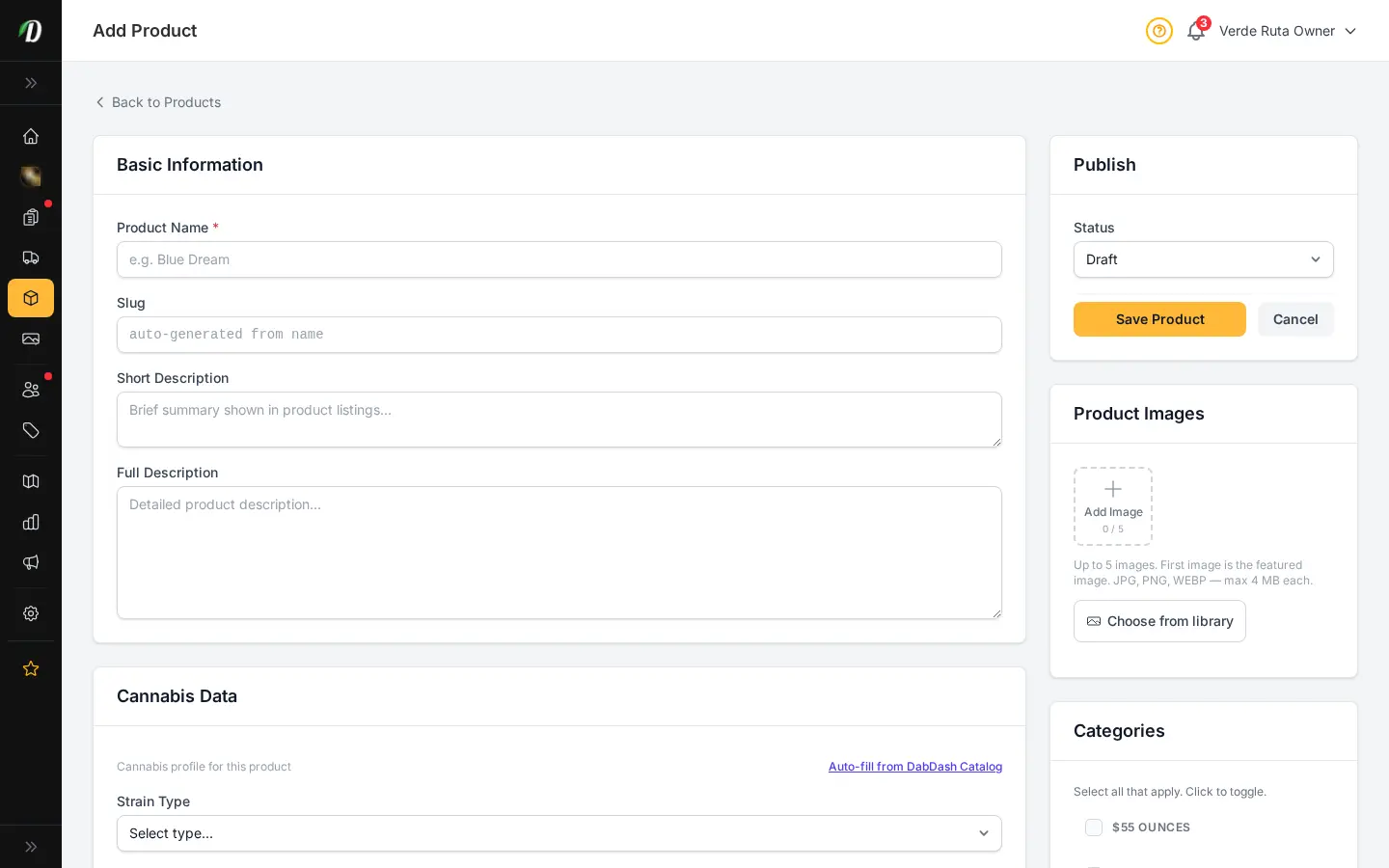
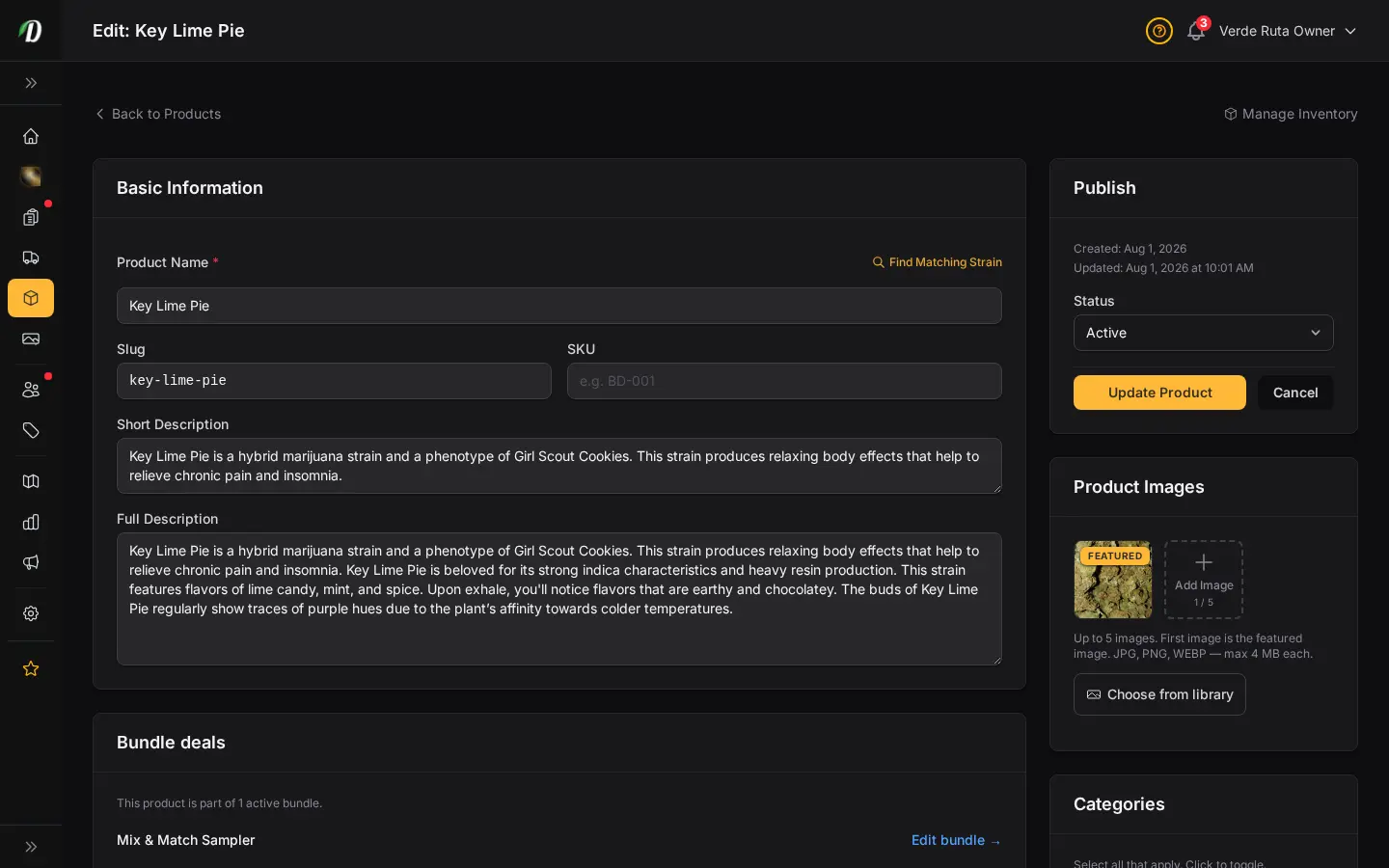
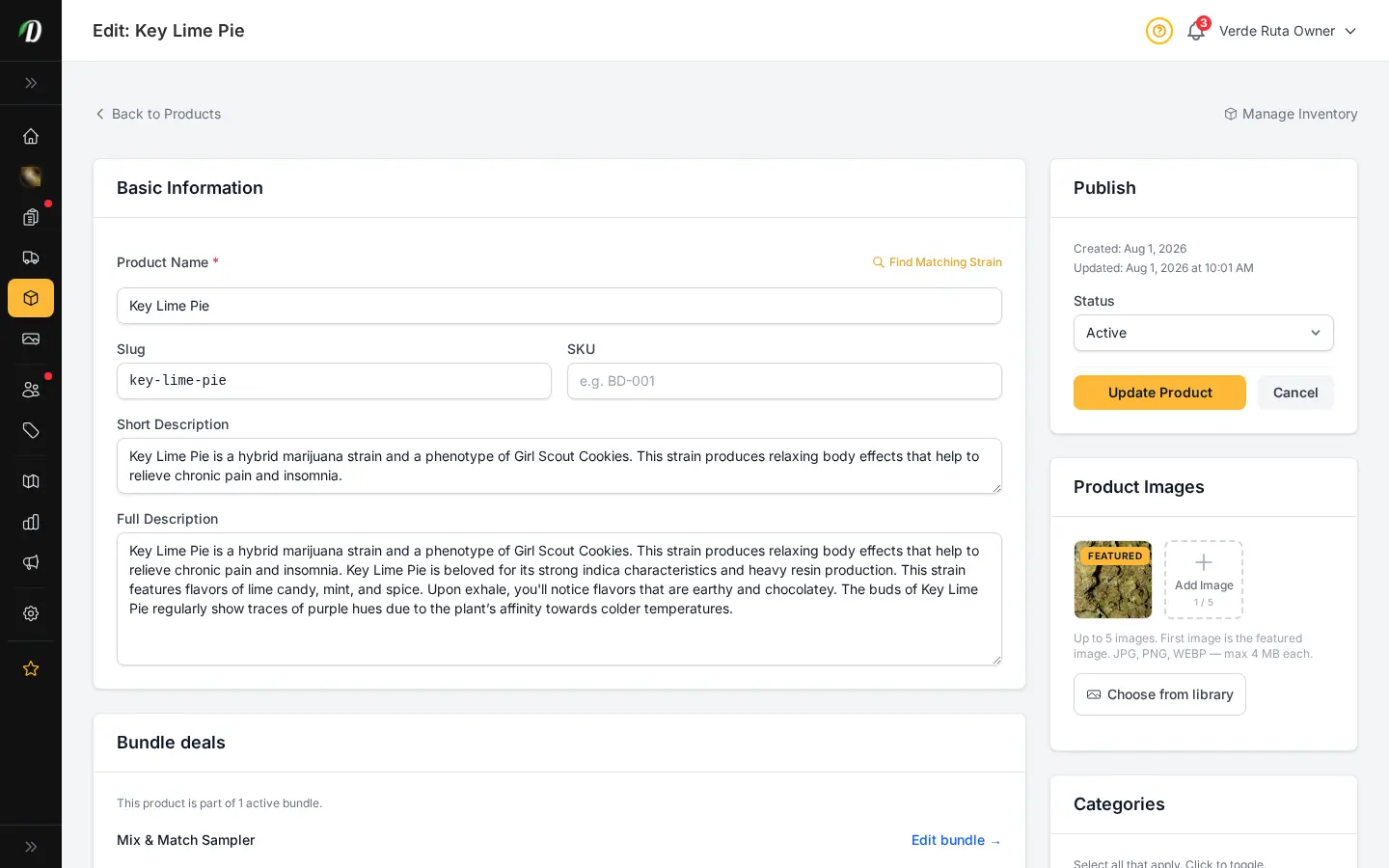
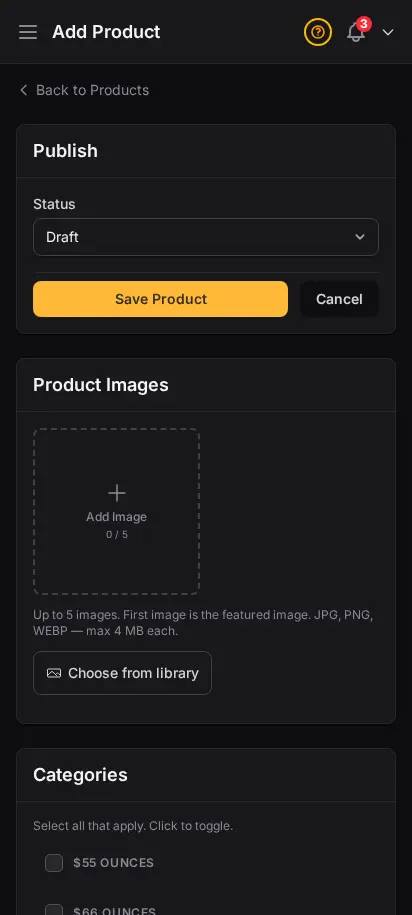
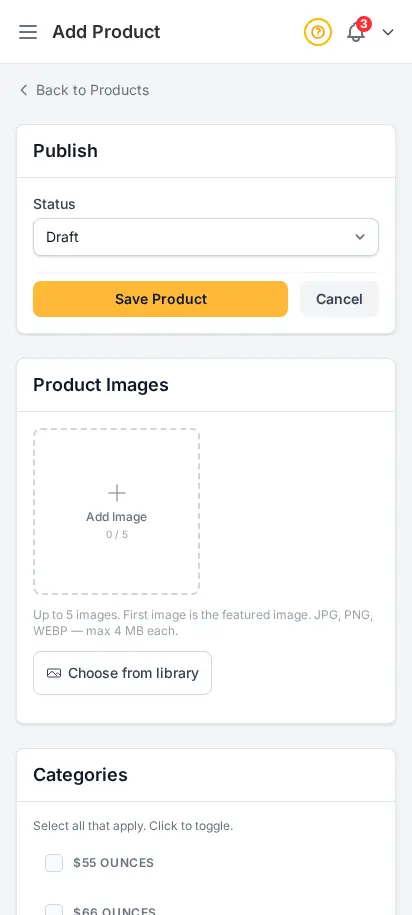
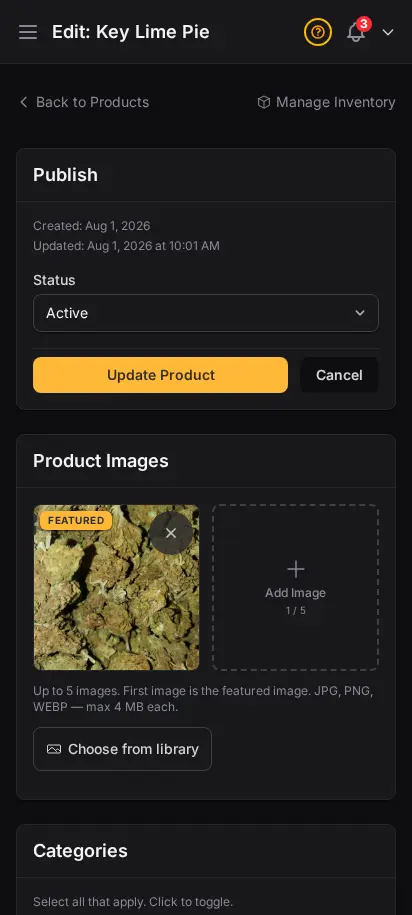
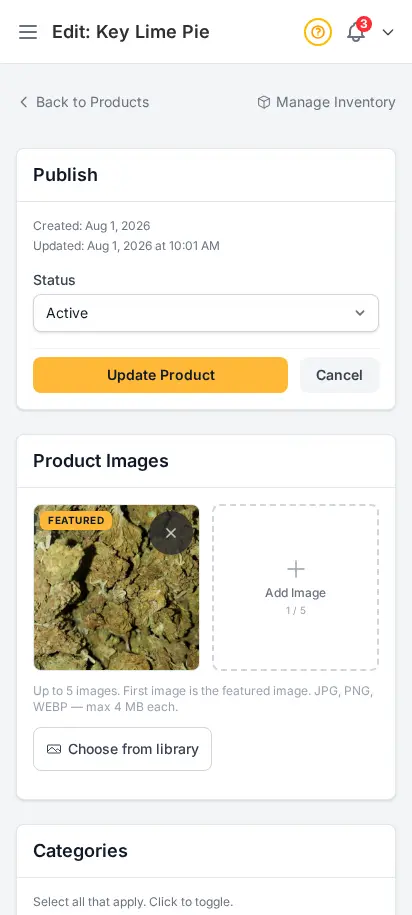
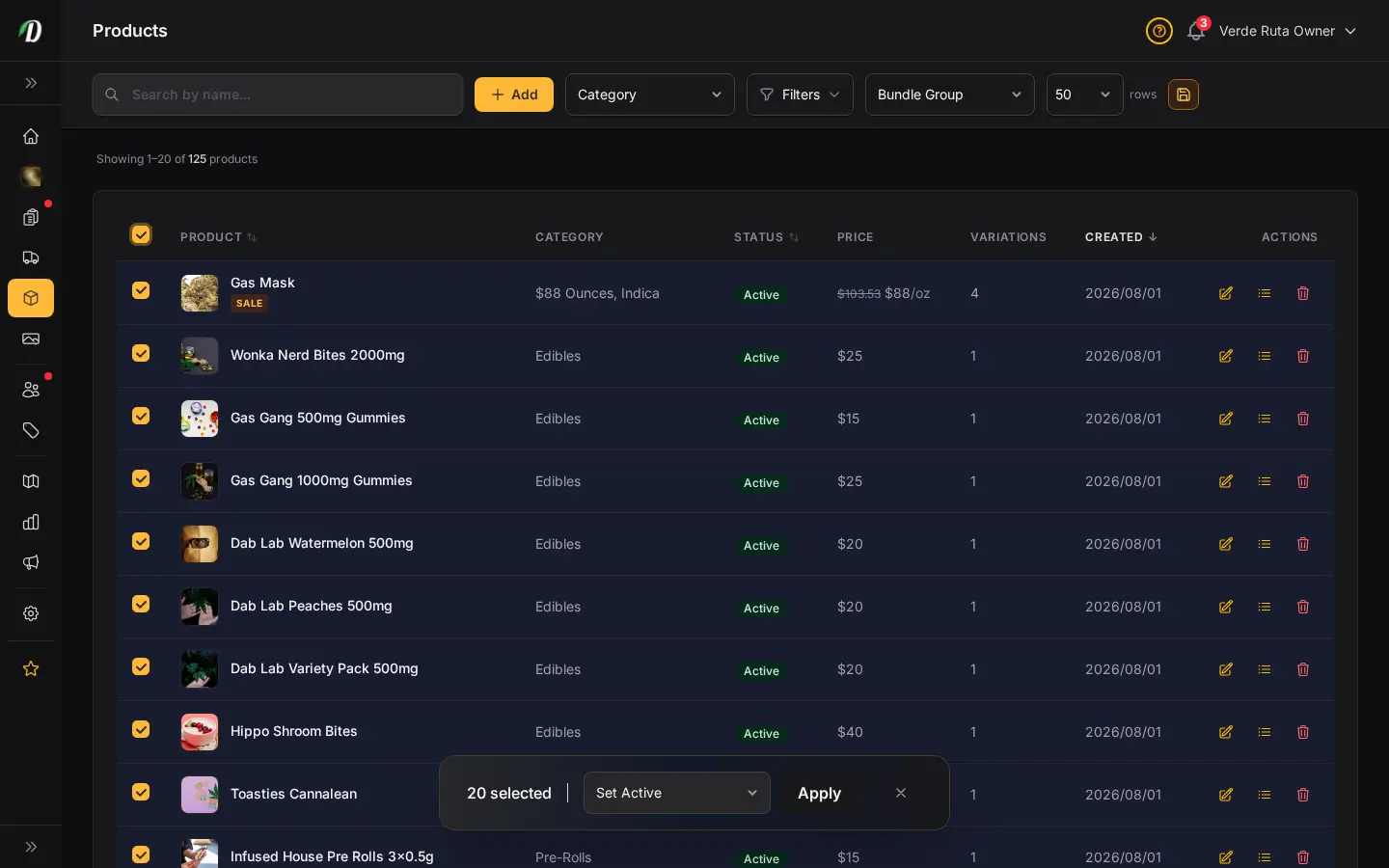
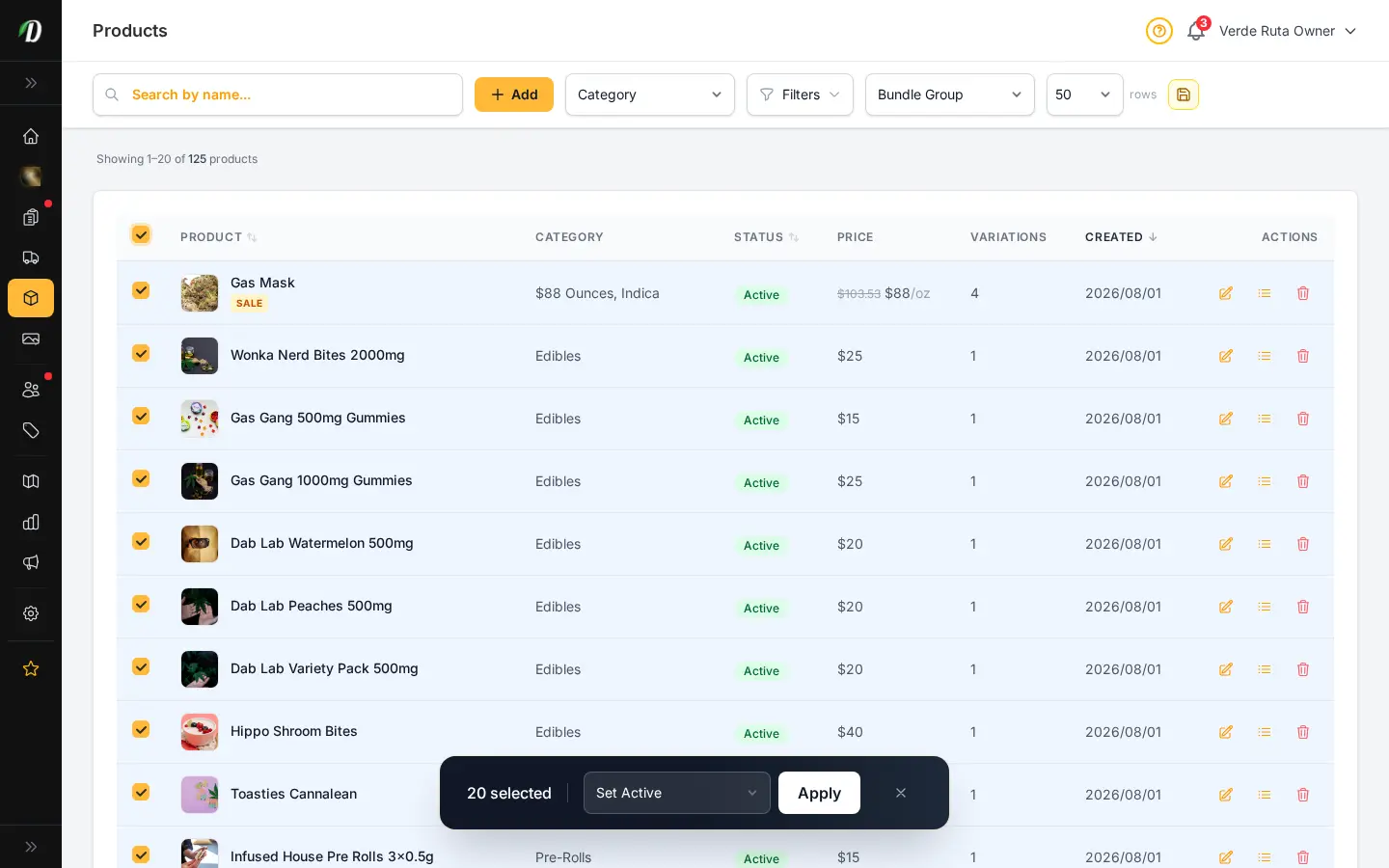
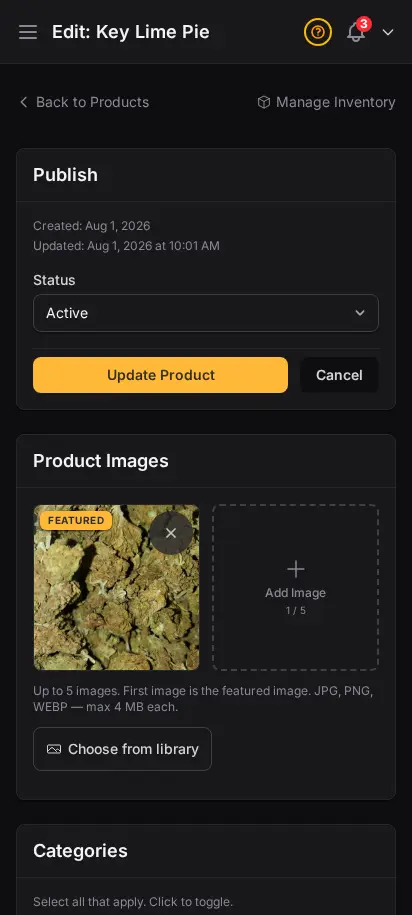
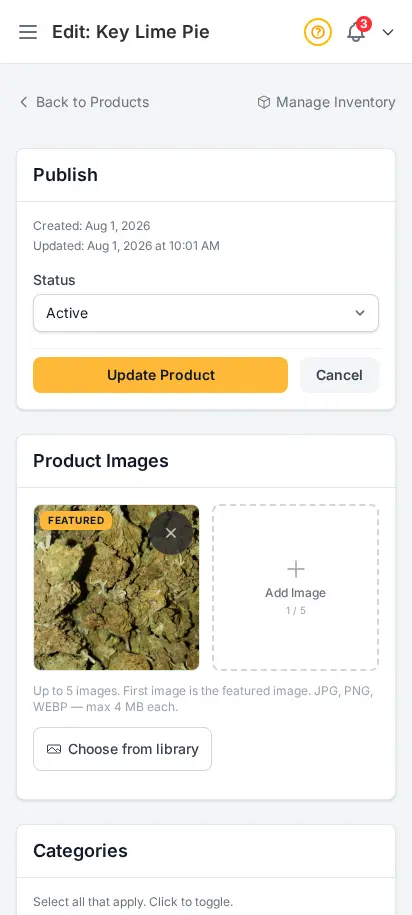
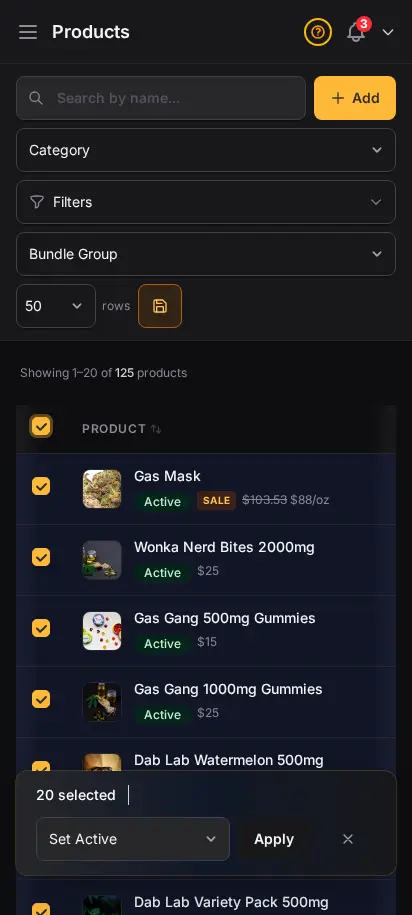
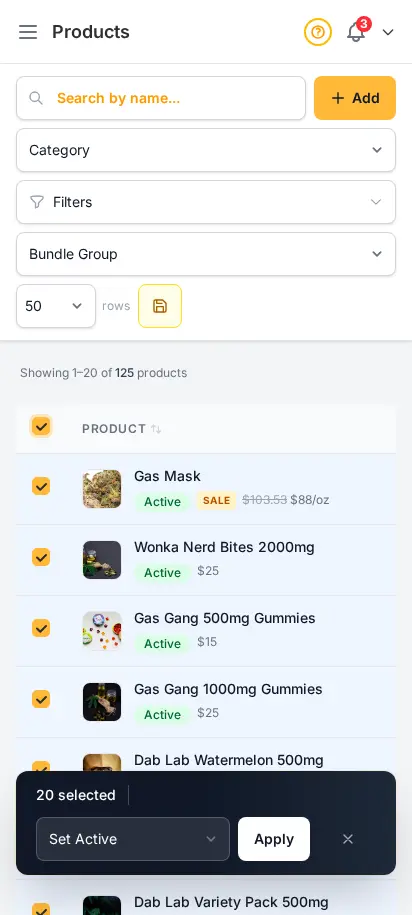
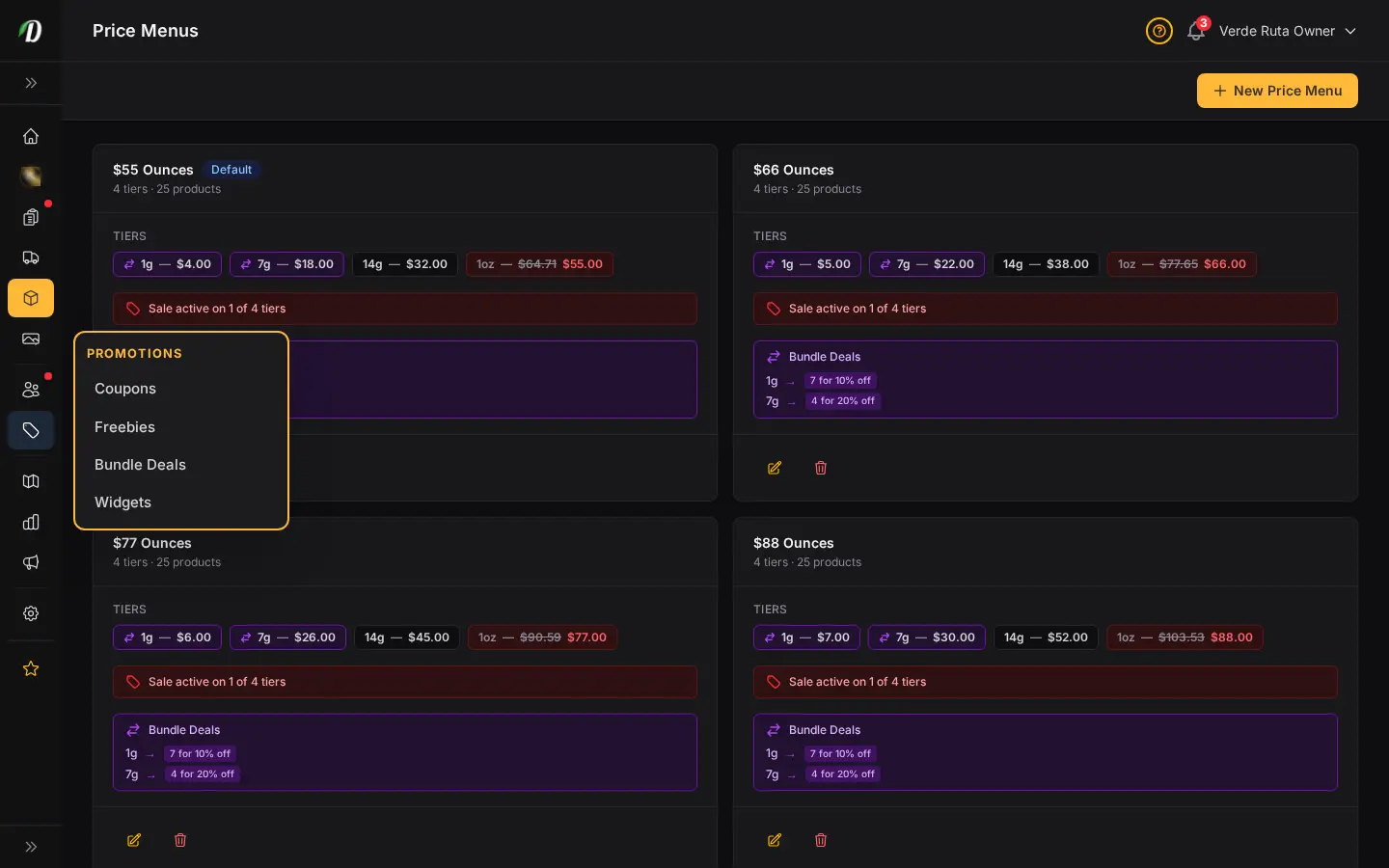
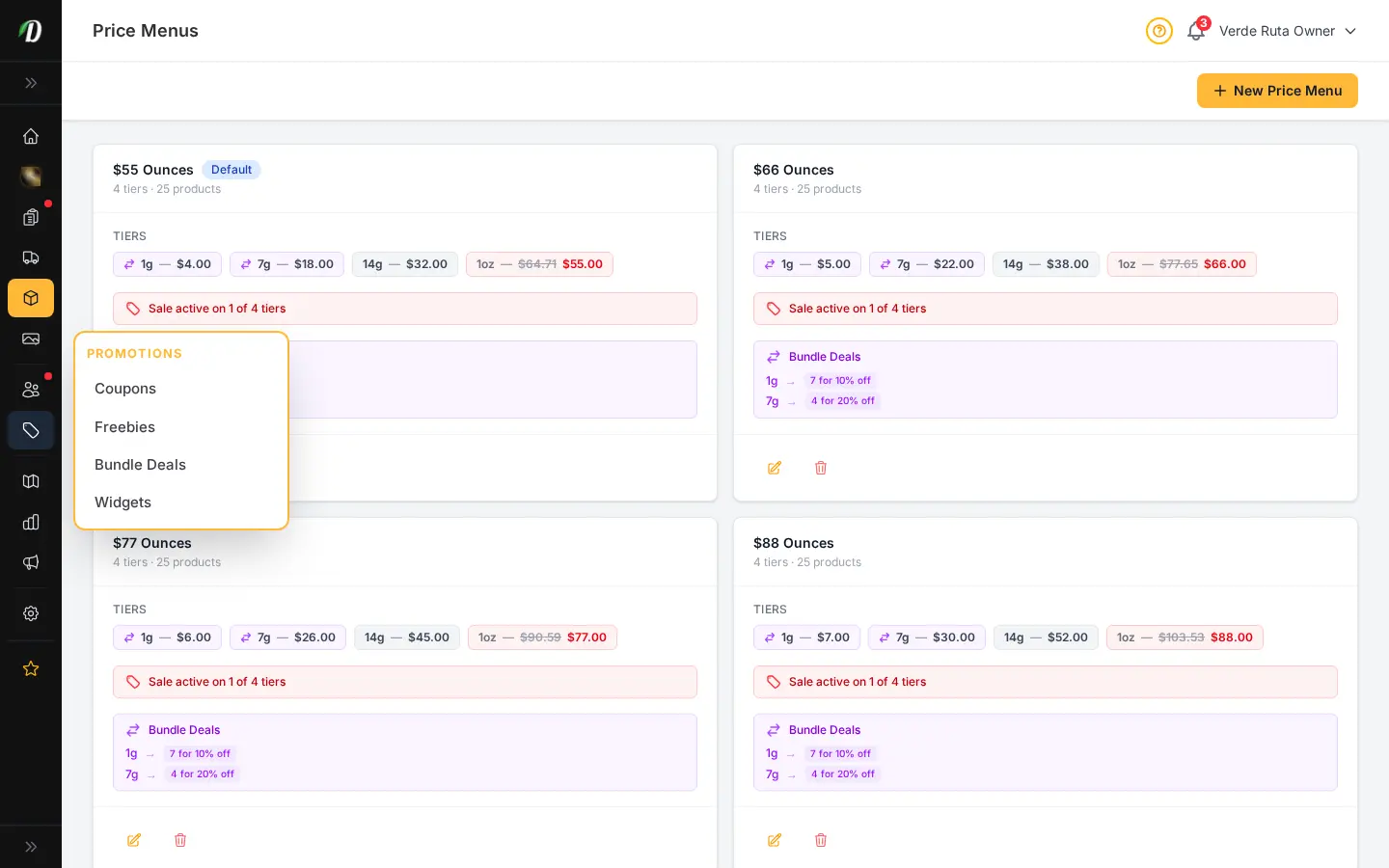
Build saved weight variations, connect them to reusable price menus, and keep your cost fields organized in one place. When the catalog gets large, bulk-select products and enrich them all at once — DabDash matches each product to its strain and fills in cannabinoid data, effects, and flavors in a single operation.
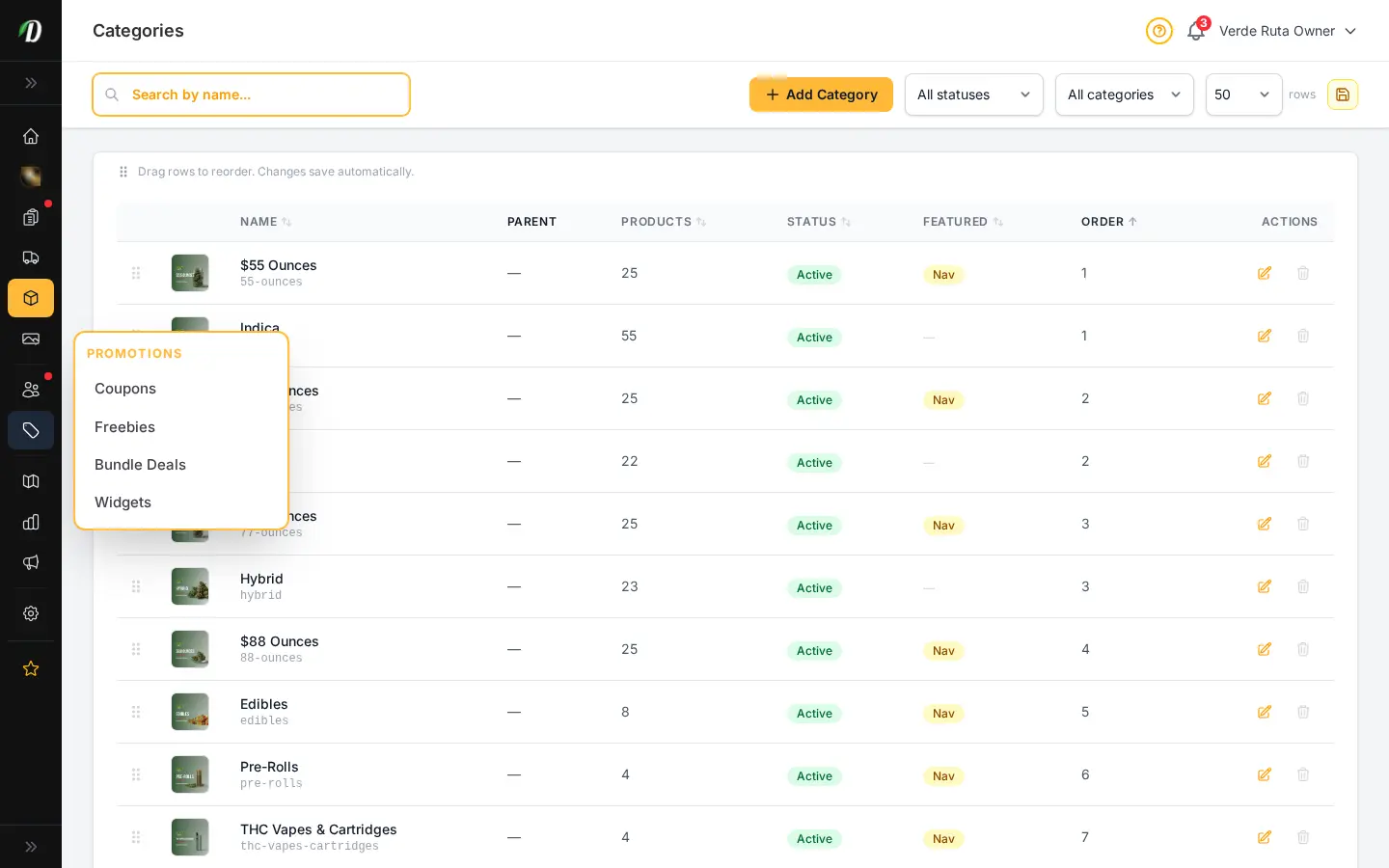
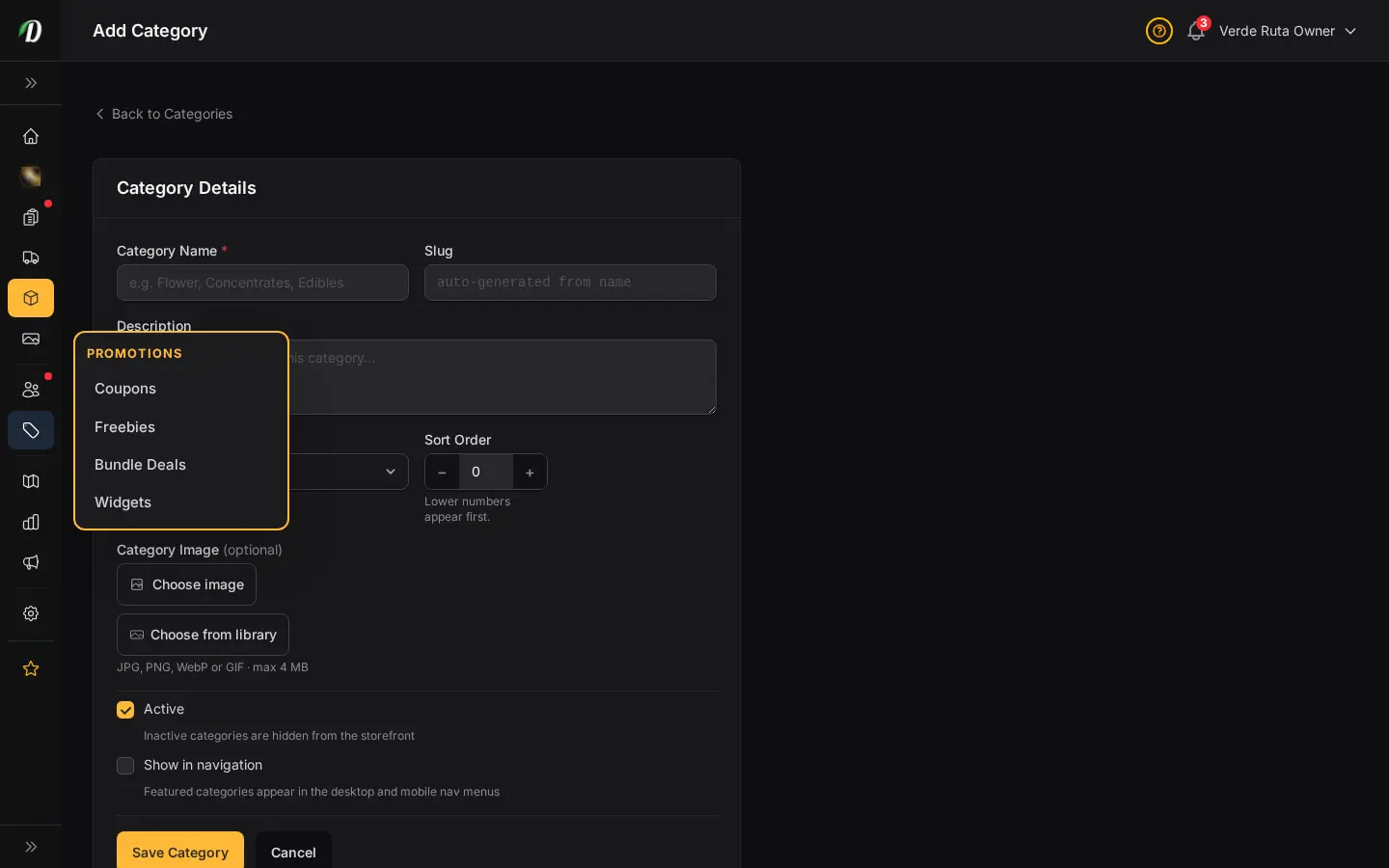
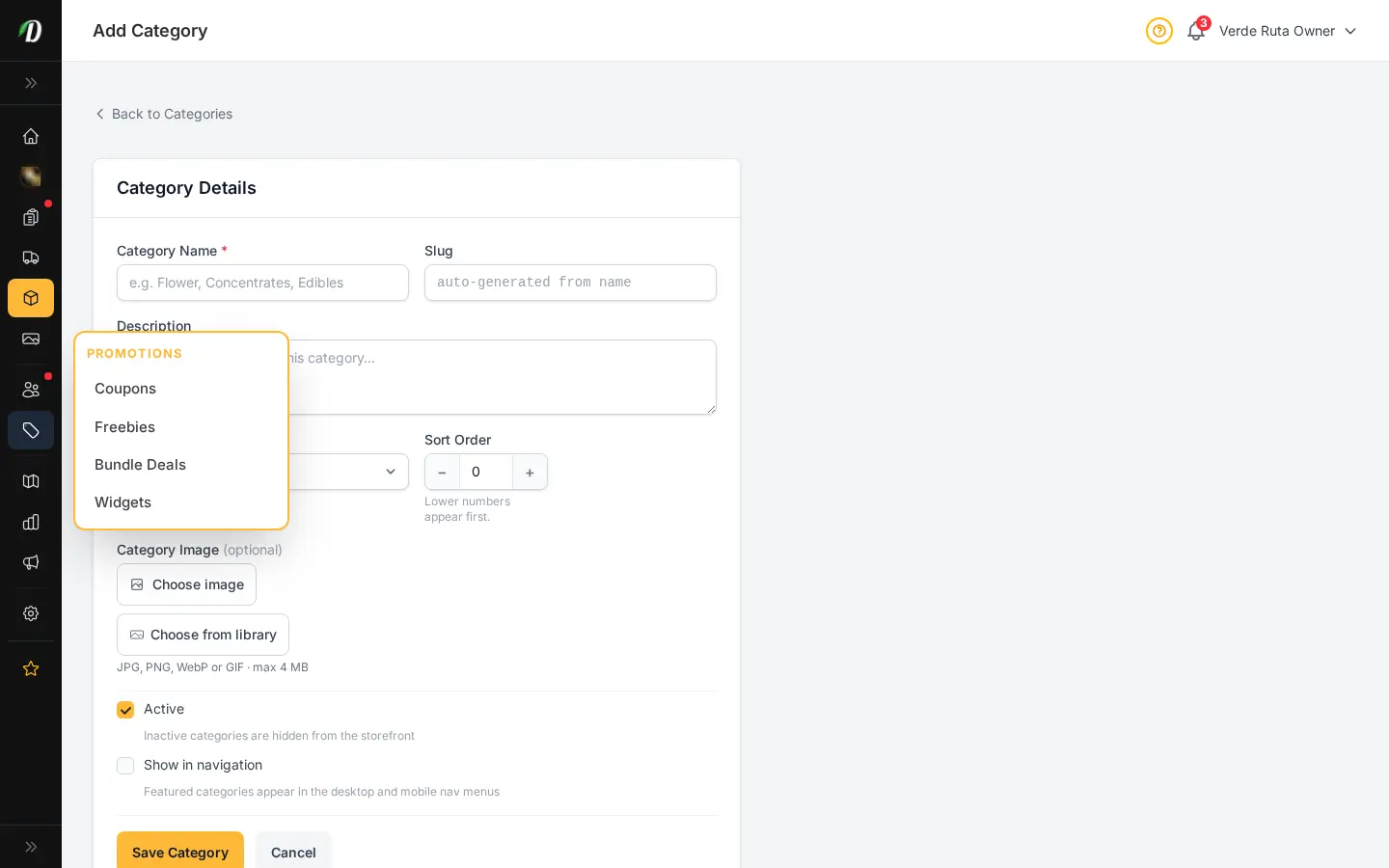
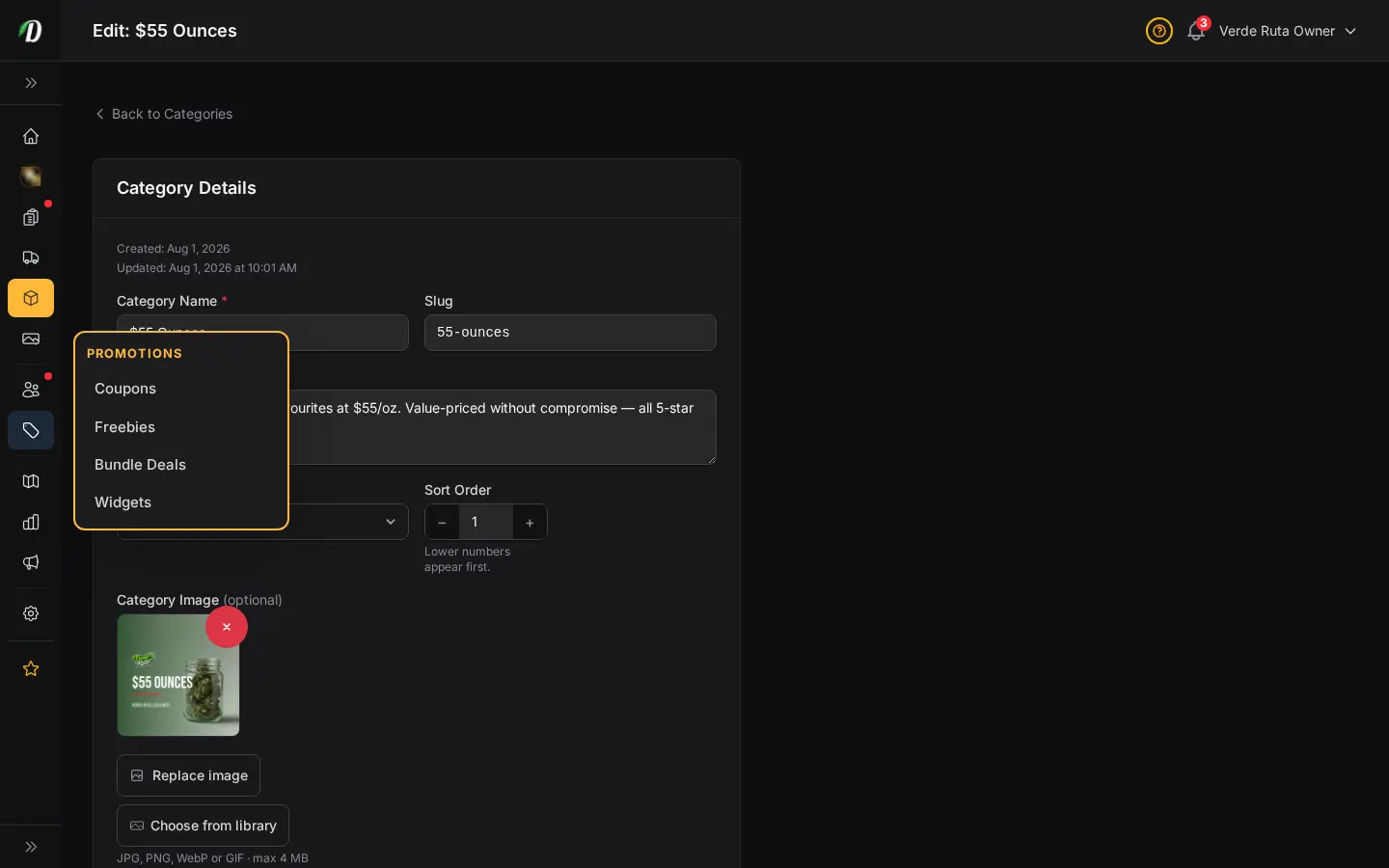
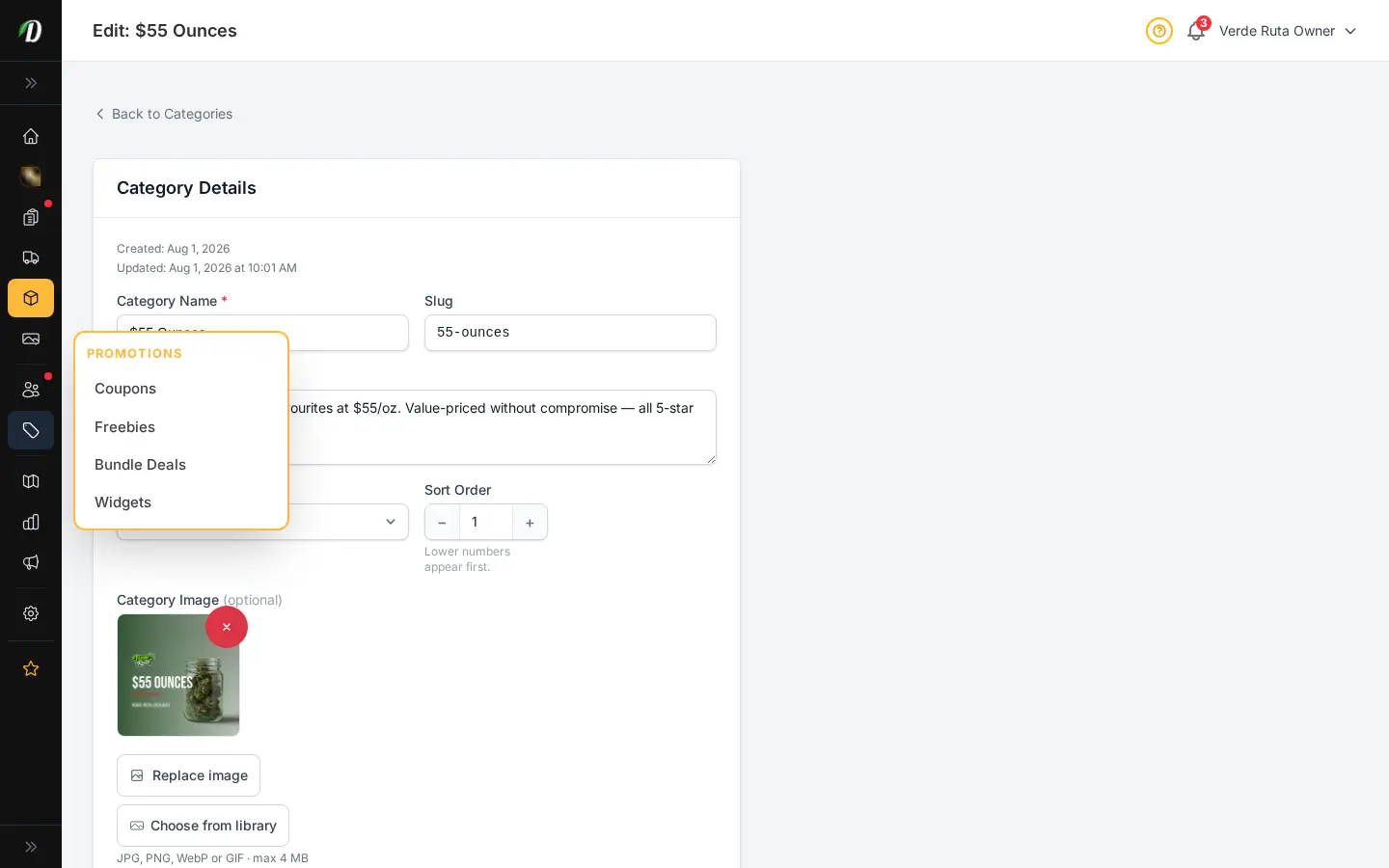
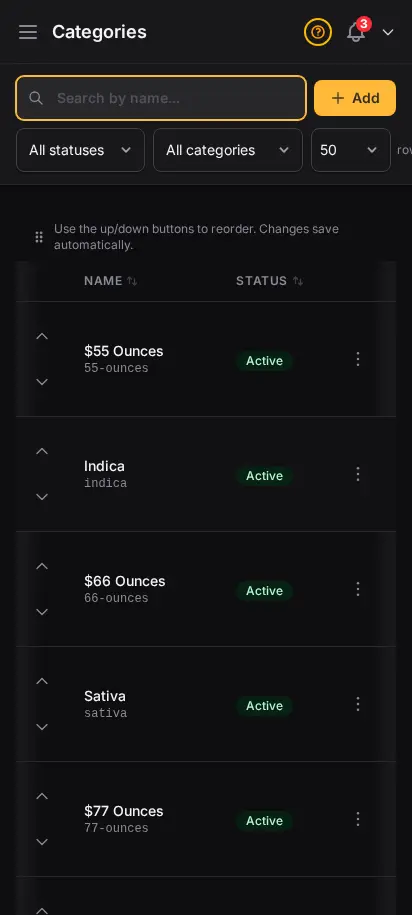
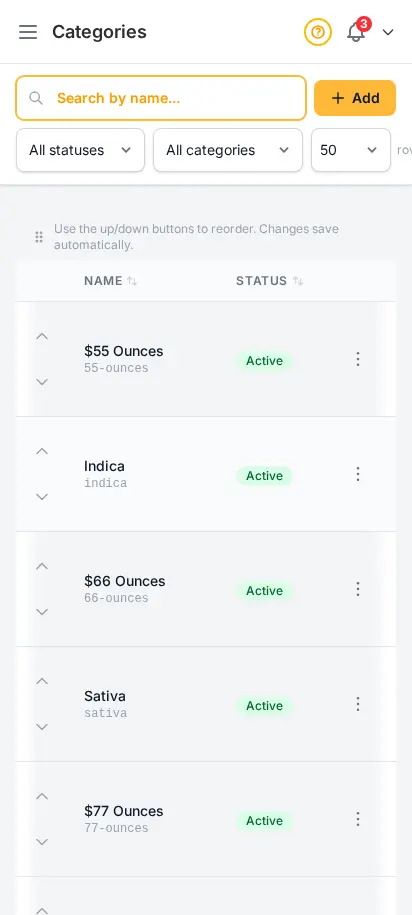
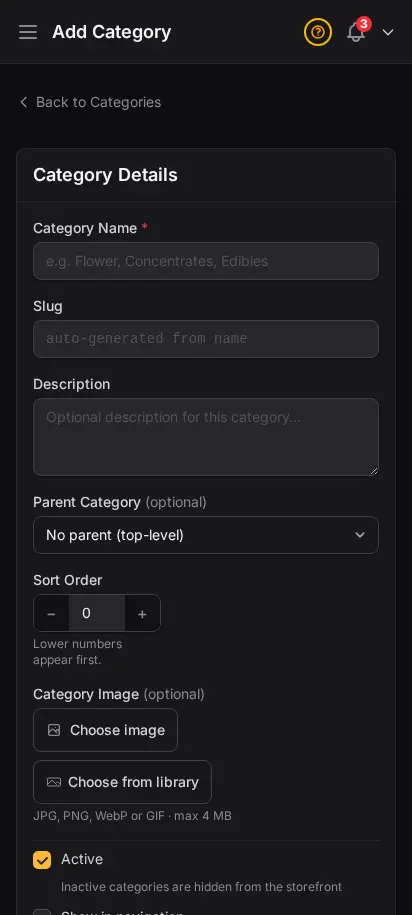
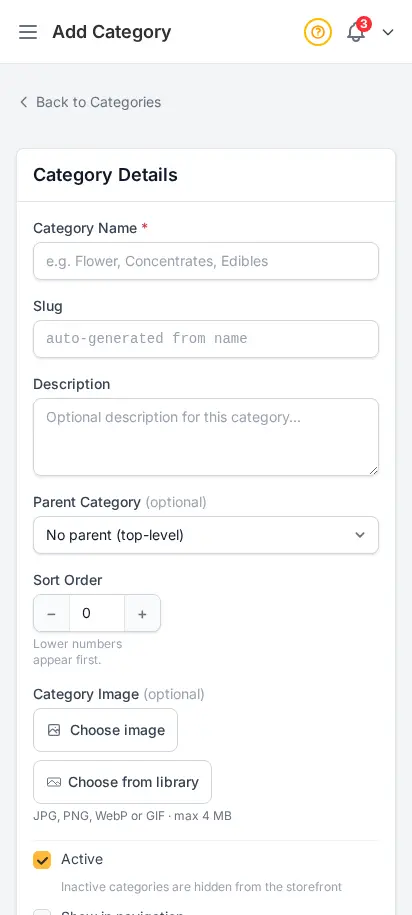
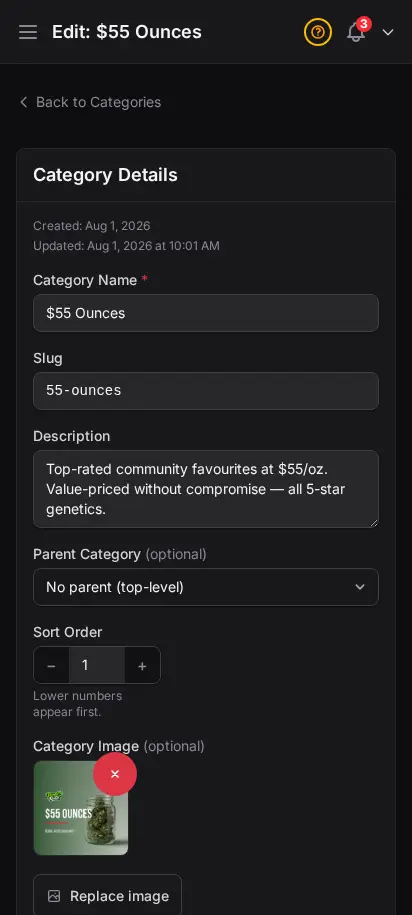
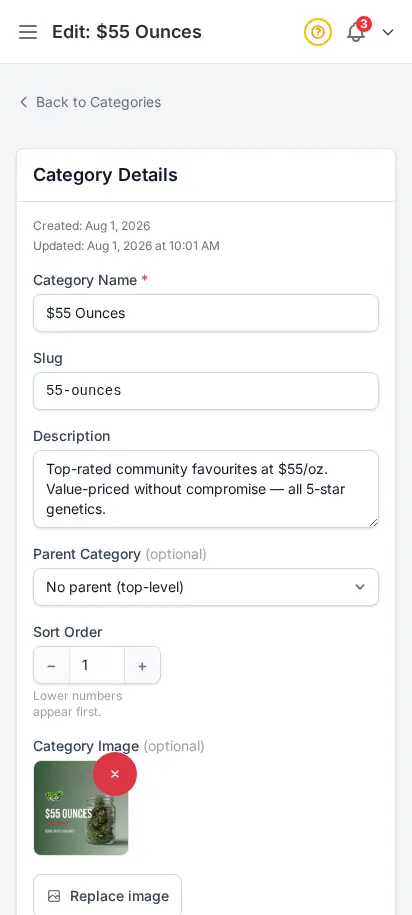
Create categories like Flower, Edibles, Concentrates, Pre-Rolls, and Topicals. Each category has its own name, slug, description, and display order. Customers browse your store by category — make it intuitive for them.

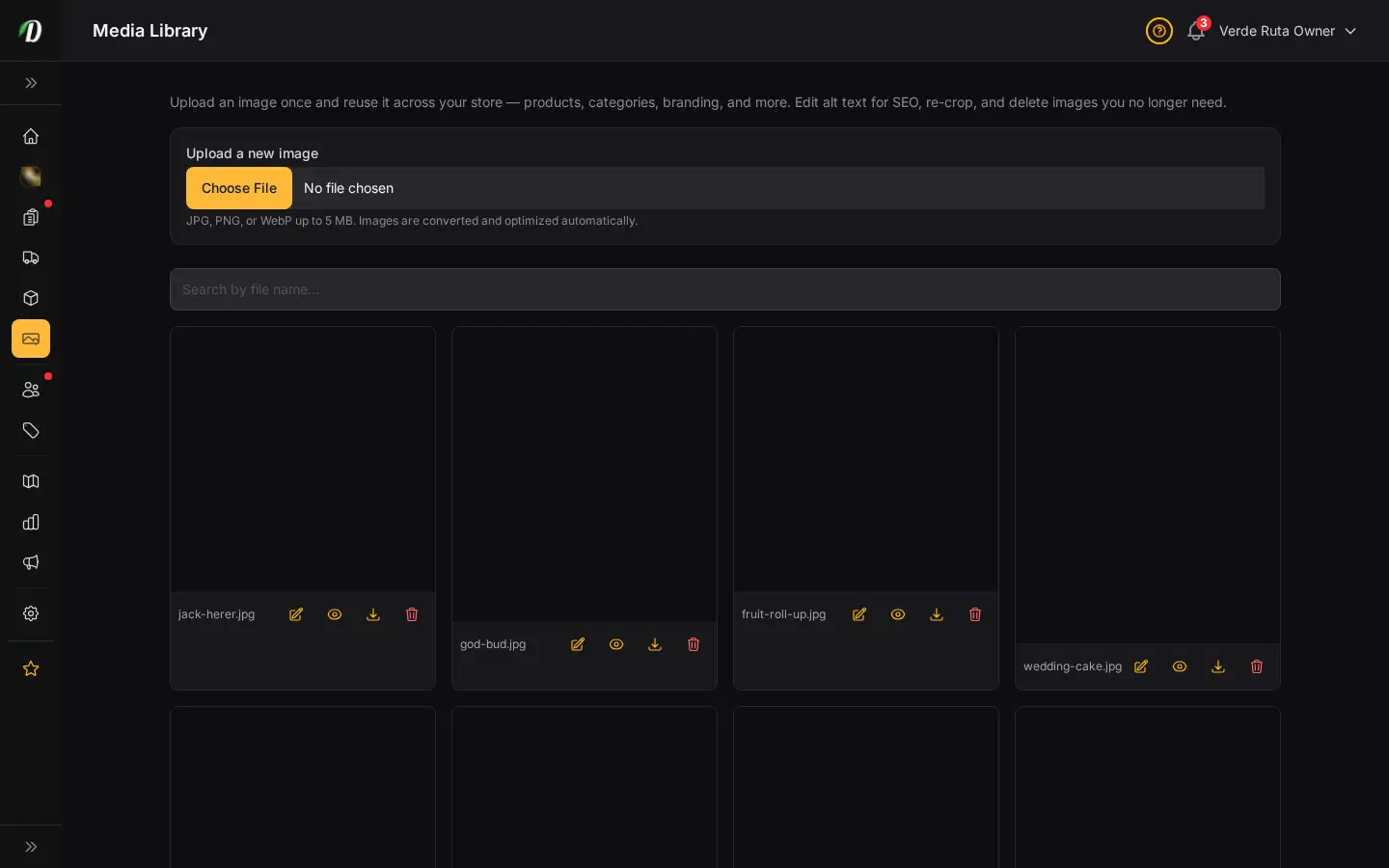
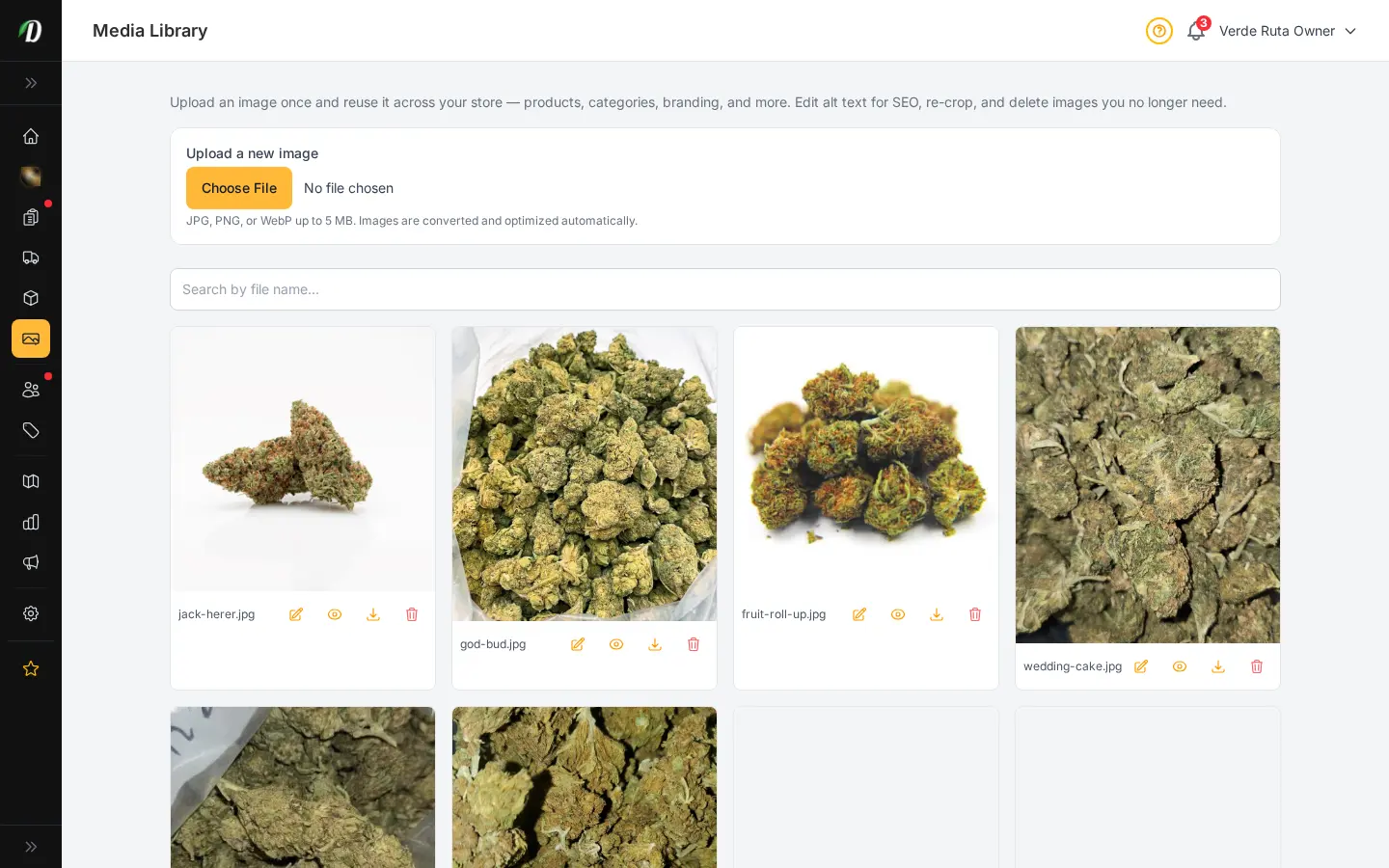
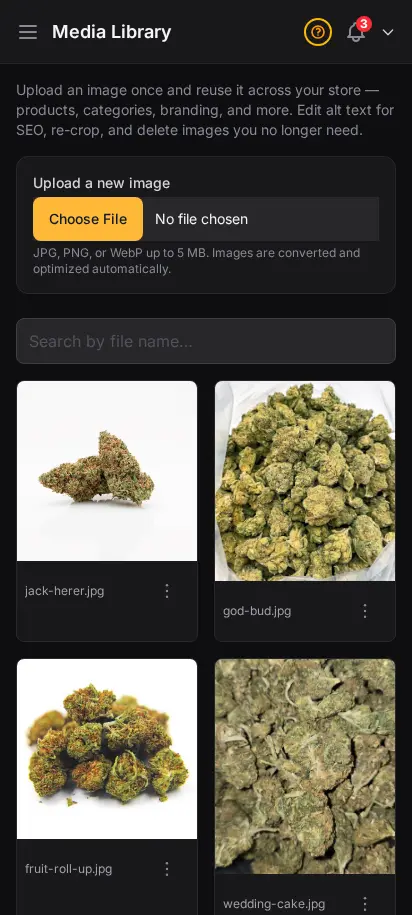
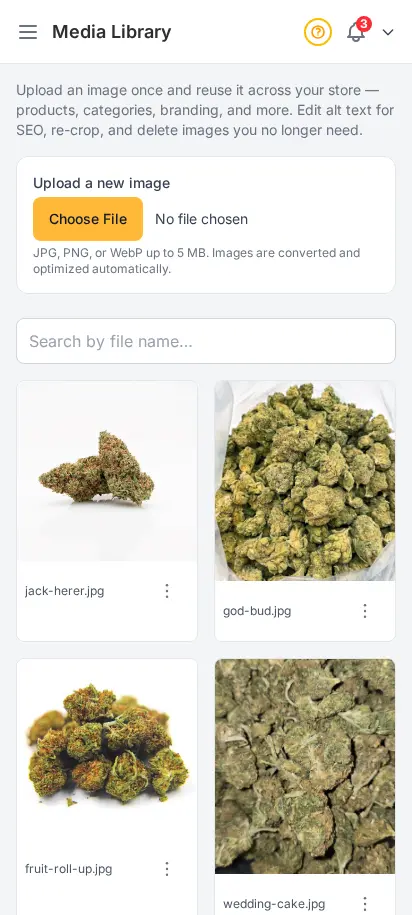
Stop re-uploading the same product photo five times. The Media Library is where experienced operators centralize store images — crop once, add alt text for Google, and drop assets into products, categories, widgets, and campaigns without hunting through old uploads.
No. Pick a strain from the built-in cannabis strain database and it auto-fills THC/CBD percentages, effects, and flavors for you.
Yes, products support weight-based or unit-based variations, each with its own price and optional sale price.
Unlimited categories with custom slugs, a filterable product index with status tabs and search, and bulk actions for activating, archiving, or deleting many products at once.
Yes, reusable price menus attach to many products at once, so editing the menu updates every linked product's pricing instantly.
The media library warns you before deleting an image that is still attached to a product, so you don't accidentally break a live listing.
Choose how you'd like to see the screenshots.
Device
Theme
