Categories & Product Lists
How customers browse cannabis products by category on a DabDash store. Category cards, product filters, strain data on cards, and the full catalog view.
Overview
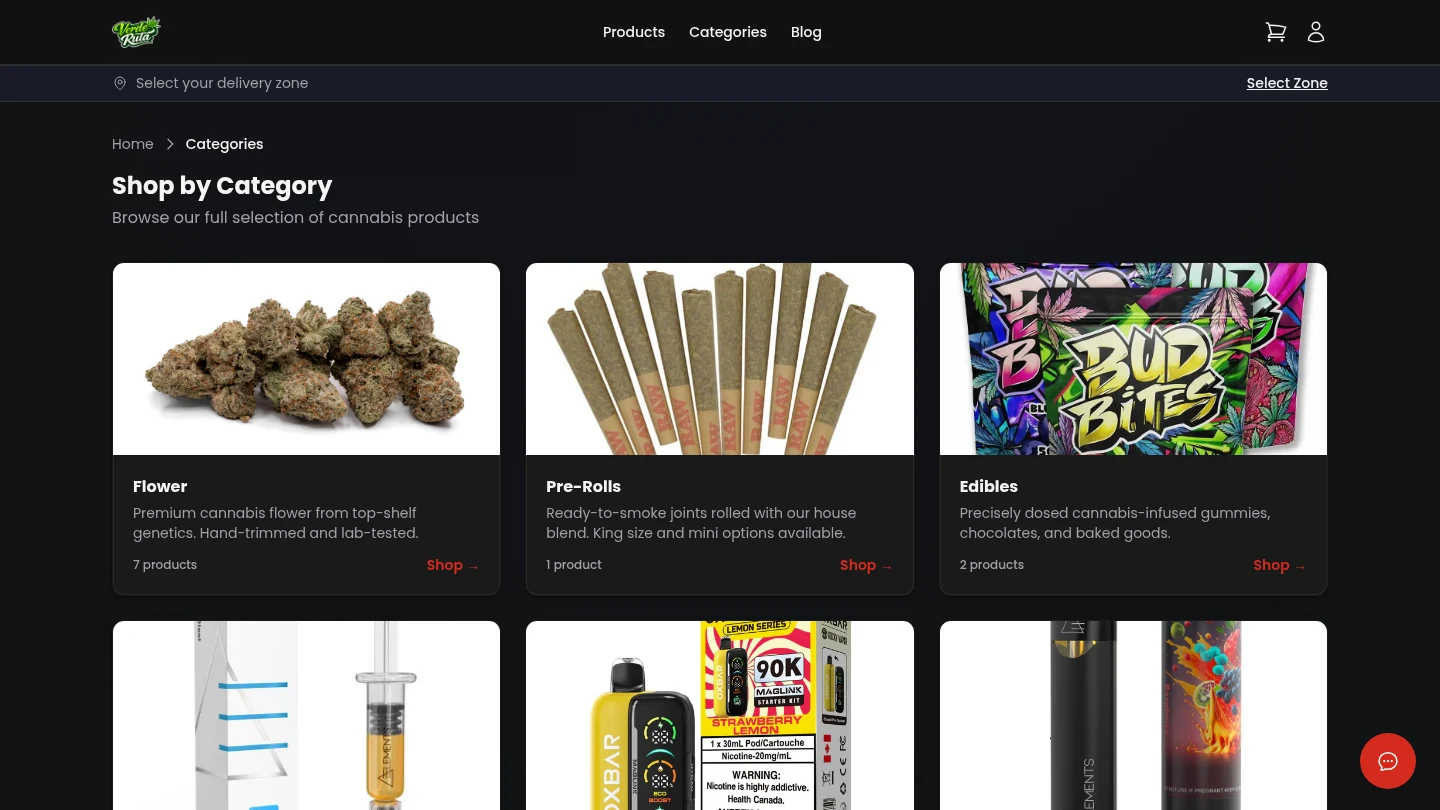
Categories organize products into groups. A store might have Flower, Edibles, Concentrates, Pre-Rolls, Vapes, and more. Each category has its own page showing only the products that belong to it.
There is also an "All Products" page that shows every product in the store at once. Both views use the same product card layout so everything looks consistent.
The Categories Page
This page lists every category the store has set up. Each one is shown as a card with the category name, an image, and a count of how many products are inside. Clicking a card opens that category.
Categories with zero active products are hidden automatically. Only categories that have something to show appear on this page.
Inside a Category
Clicking a category card opens the category page. This shows only the products that belong to that group. Each product card shows the name, strain type, price, and an image.
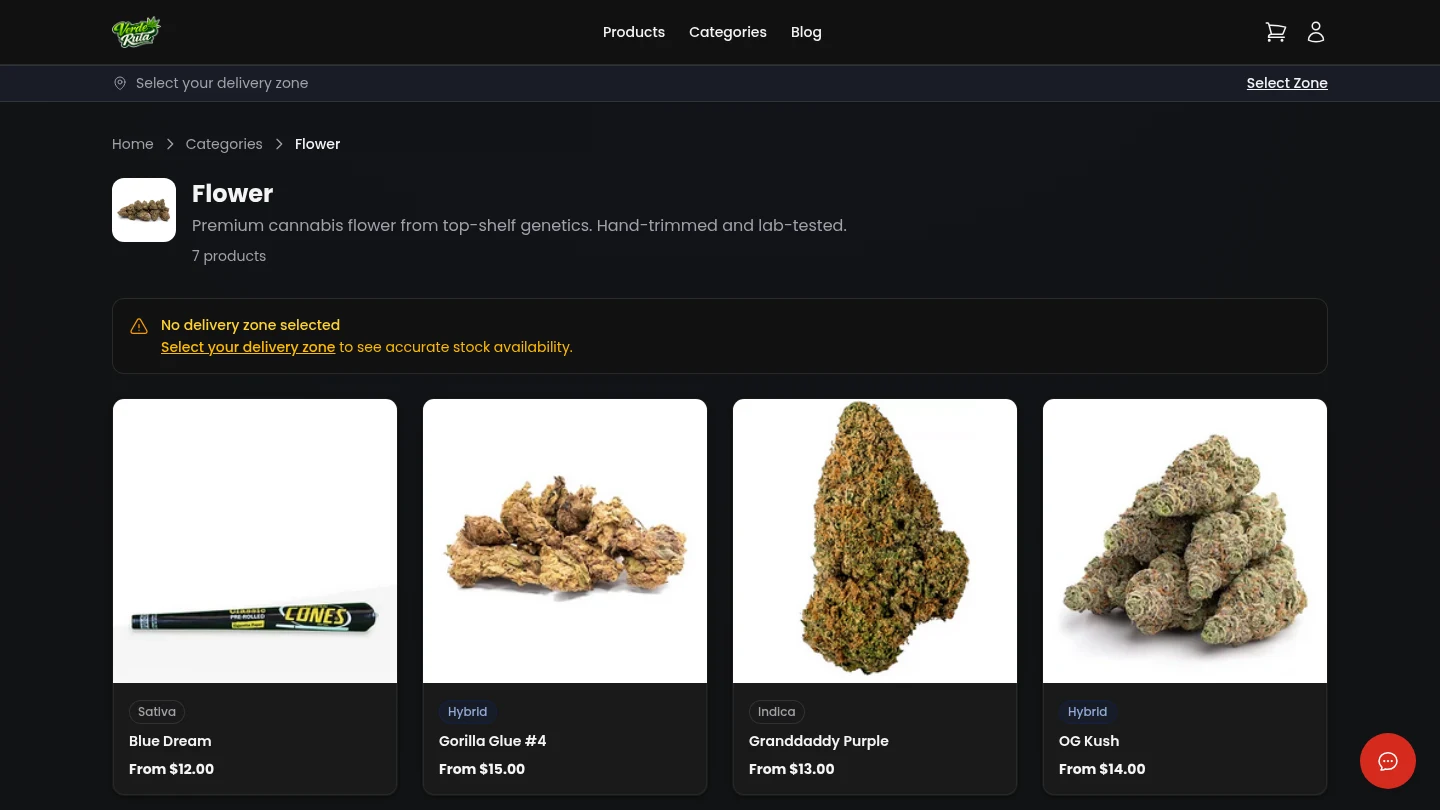
The strain type bar at the top of each card shows whether the product is Indica, Sativa, Hybrid, or CBD. Prices show the range if the product has multiple sizes.
The Full Product List
The "All Products" page shows every product the store carries, regardless of category. This is useful for customers who want to browse everything at once.
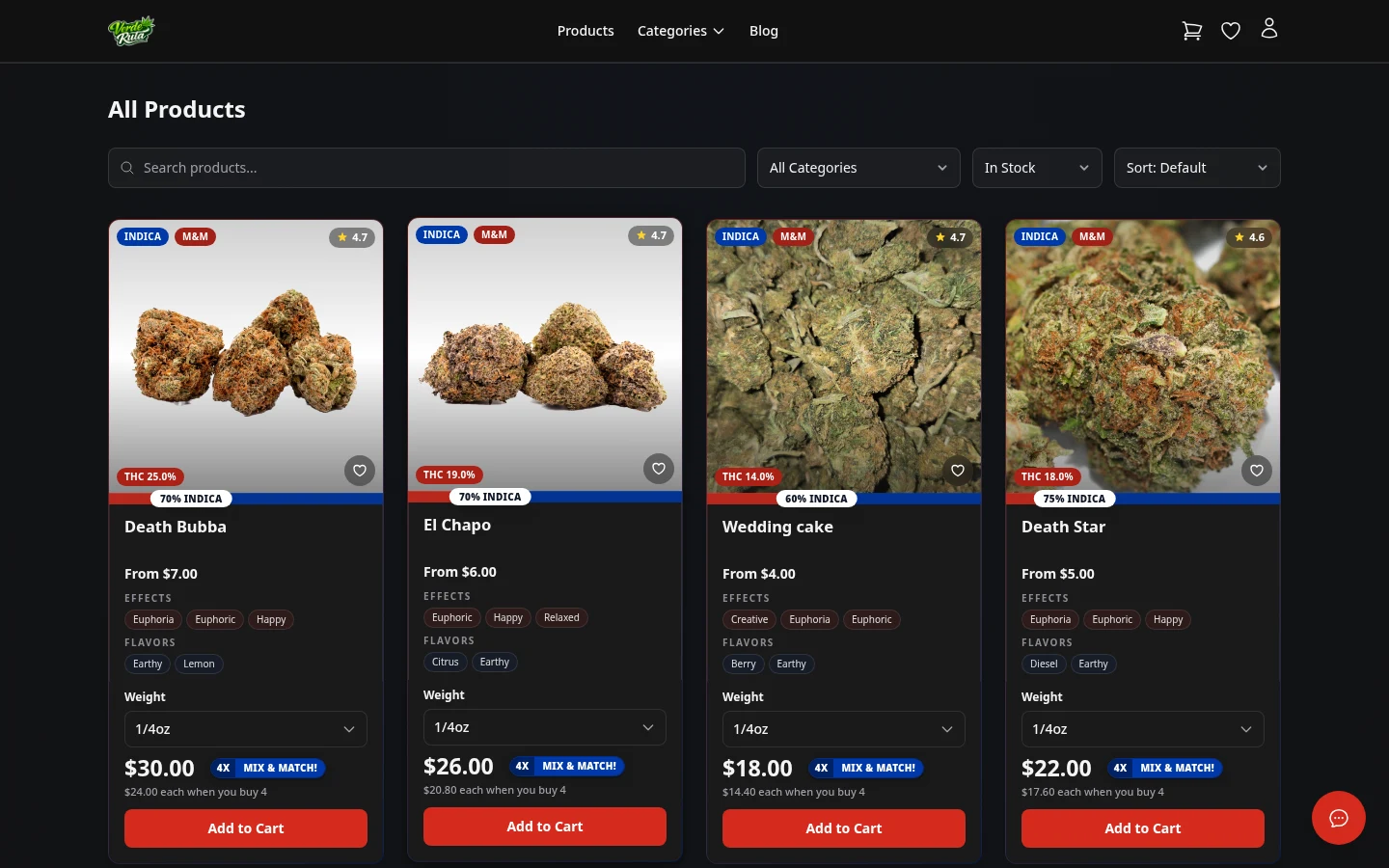
Each card has either an "Add to Cart" button or a "Notify Me" button. "Add to Cart" appears when the product is in stock. "Notify Me" appears when it is sold out.
Products are listed with the newest first. The page loads more products as the customer scrolls down.
Frequently Asked Questions
How do customers find products on a DabDash store?
Customers browse by category using the navigation menu or homepage grid. Each category page shows product cards with strain type, price range, and stock status. Out-of-stock products show a Notify Me button instead of Add to Cart.
What do the product cards show on a DabDash store?
Each product card shows the product name, an image, the strain type (Indica, Sativa, Hybrid, or CBD), the price or price range, and an indica/sativa ratio bar. Cards for out-of-stock items show a Notify Me button.
Can customers filter products on a DabDash store?
Yes. The product catalog page has category filters, a search bar, and sort options. Clicking a category in the navigation shows only products in that group.