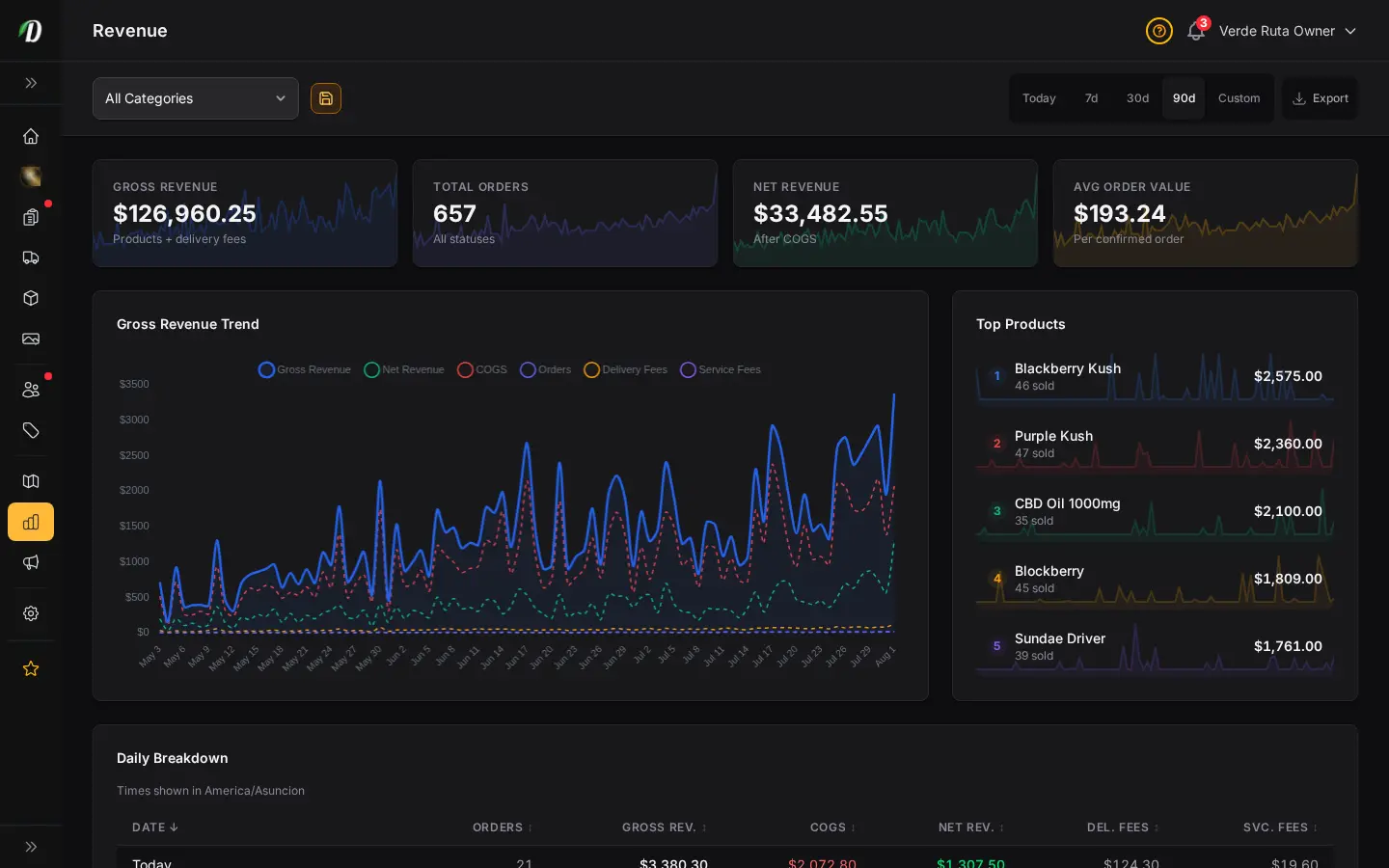
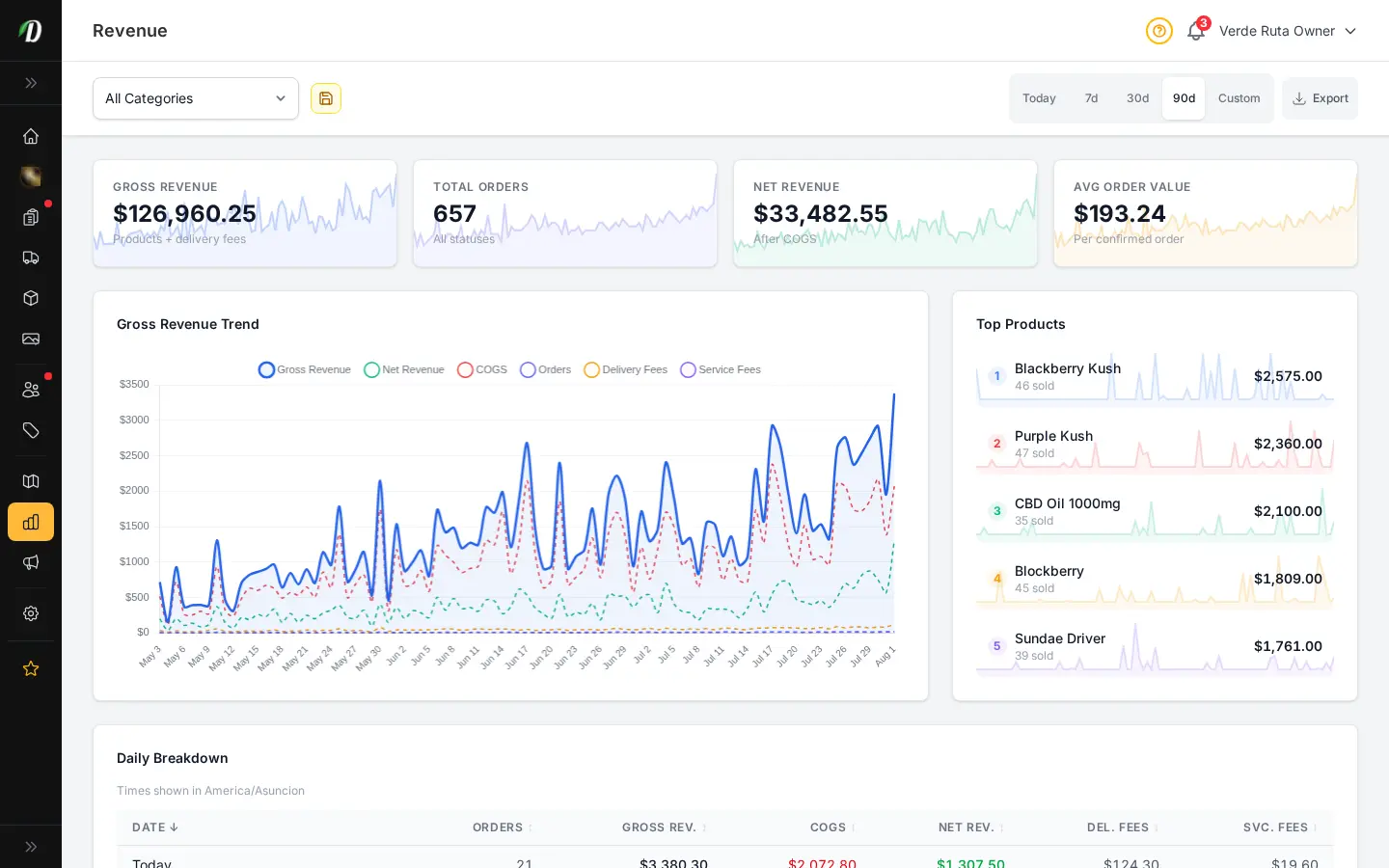
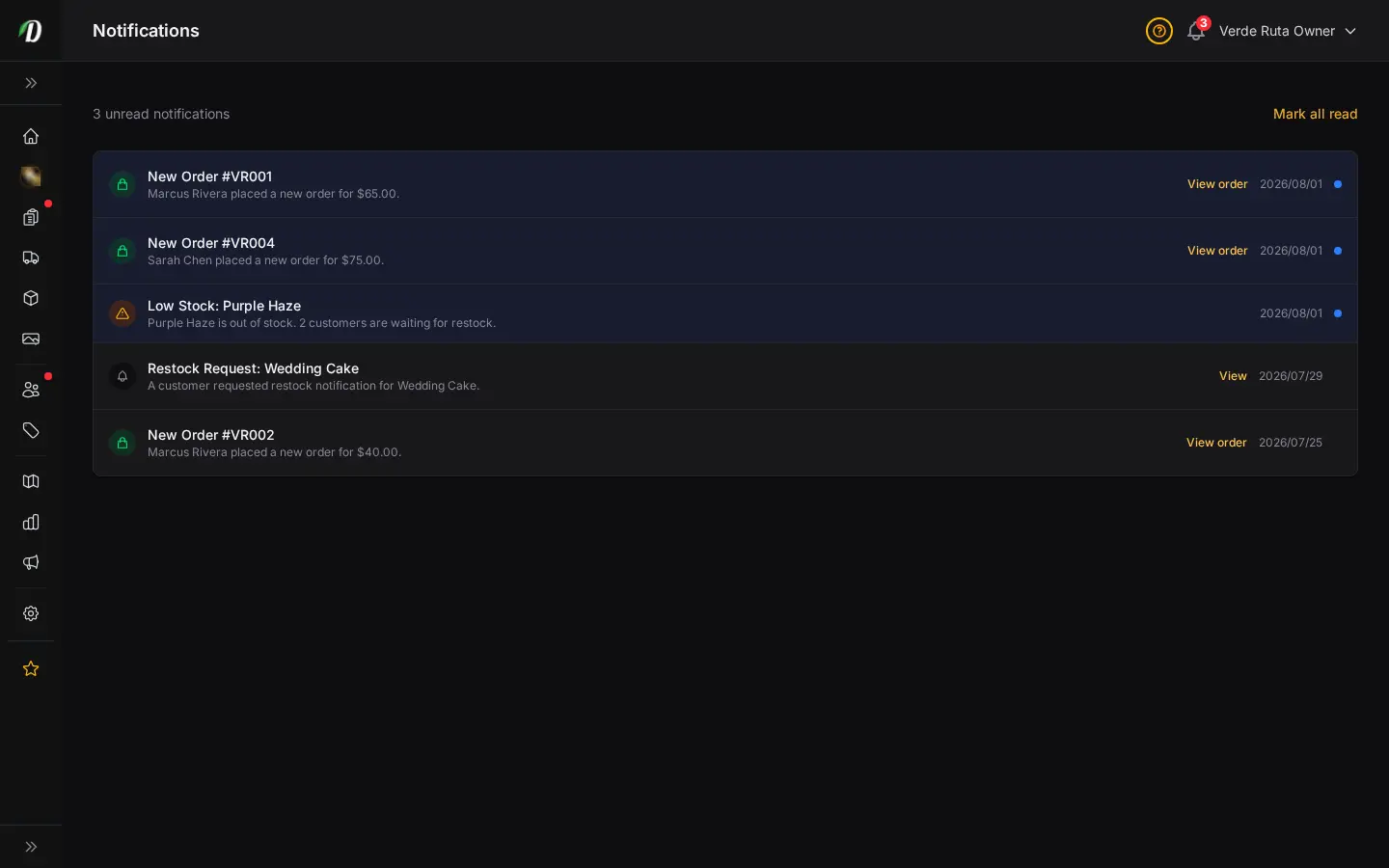
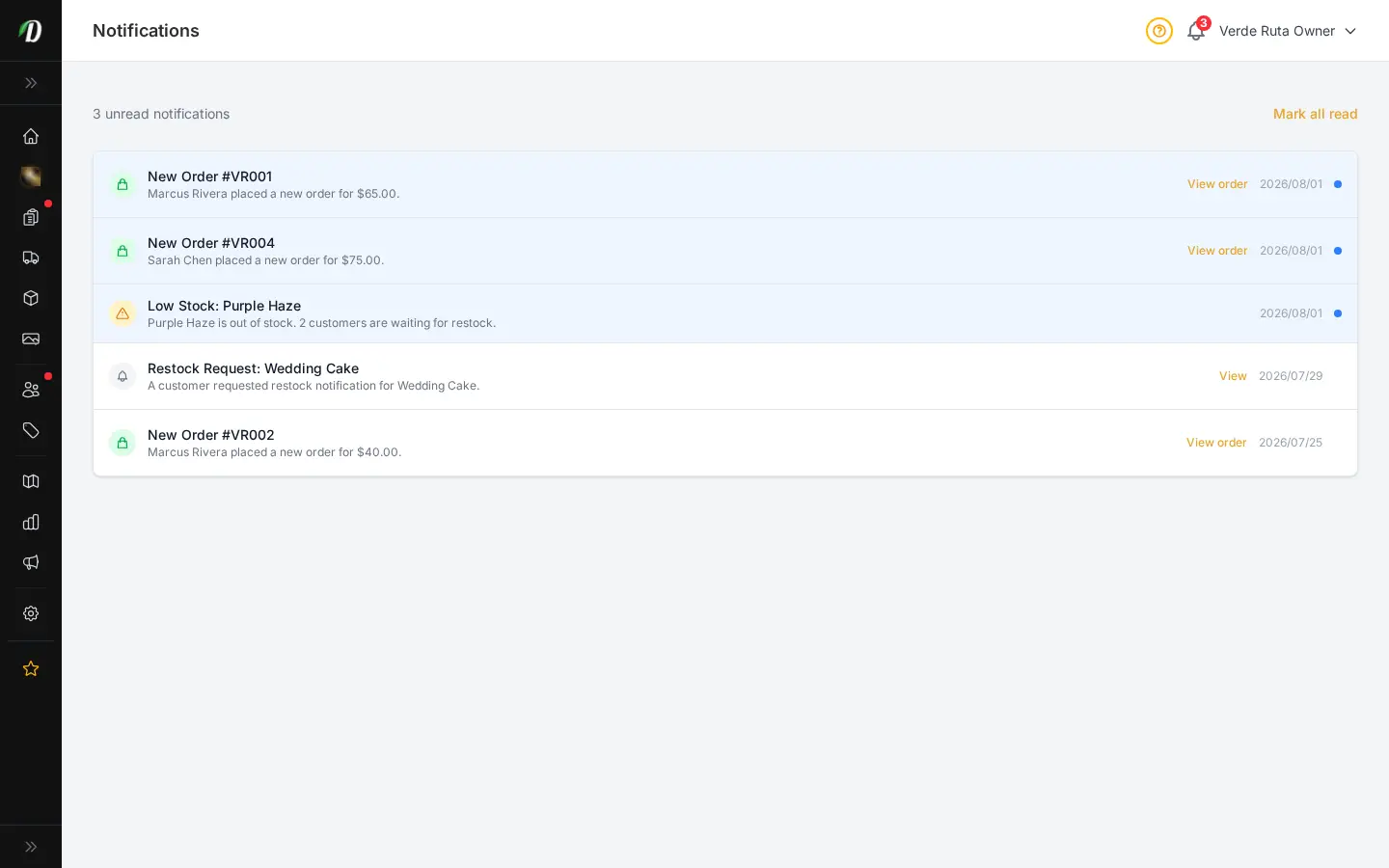

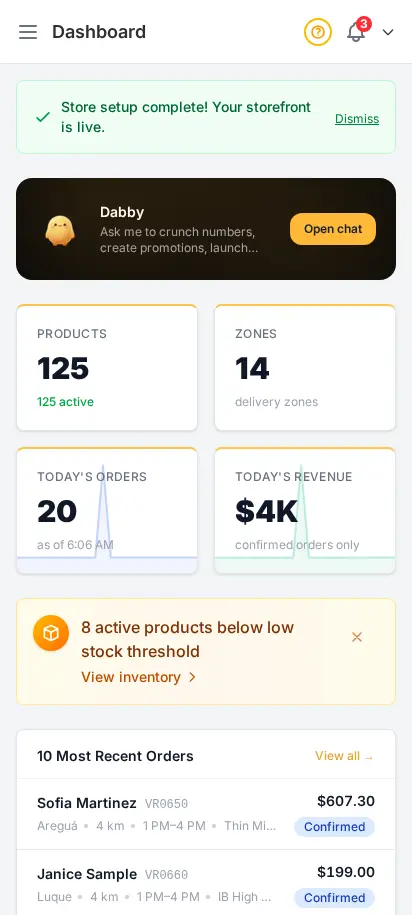
What shows up on the dashboard home screen?
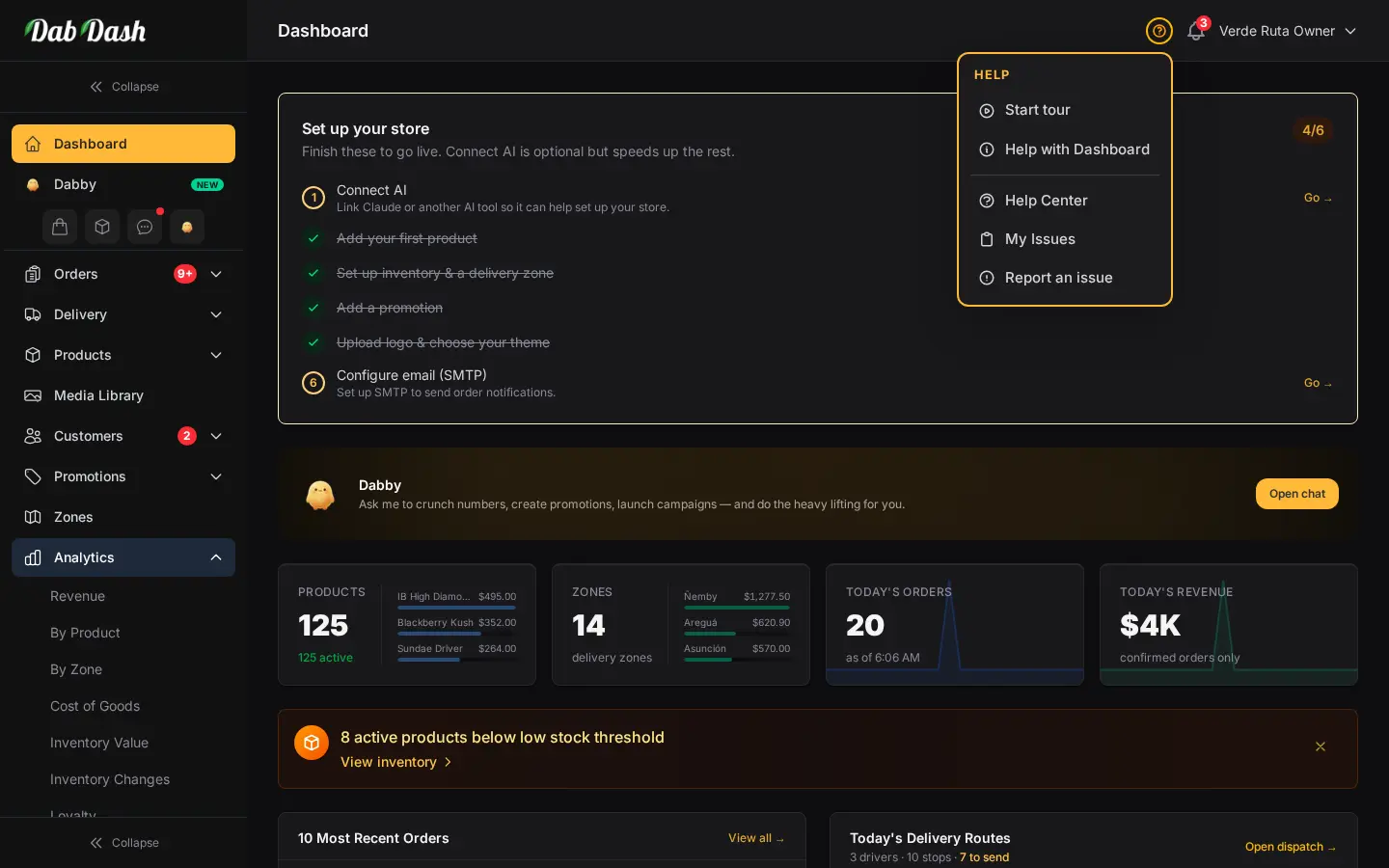
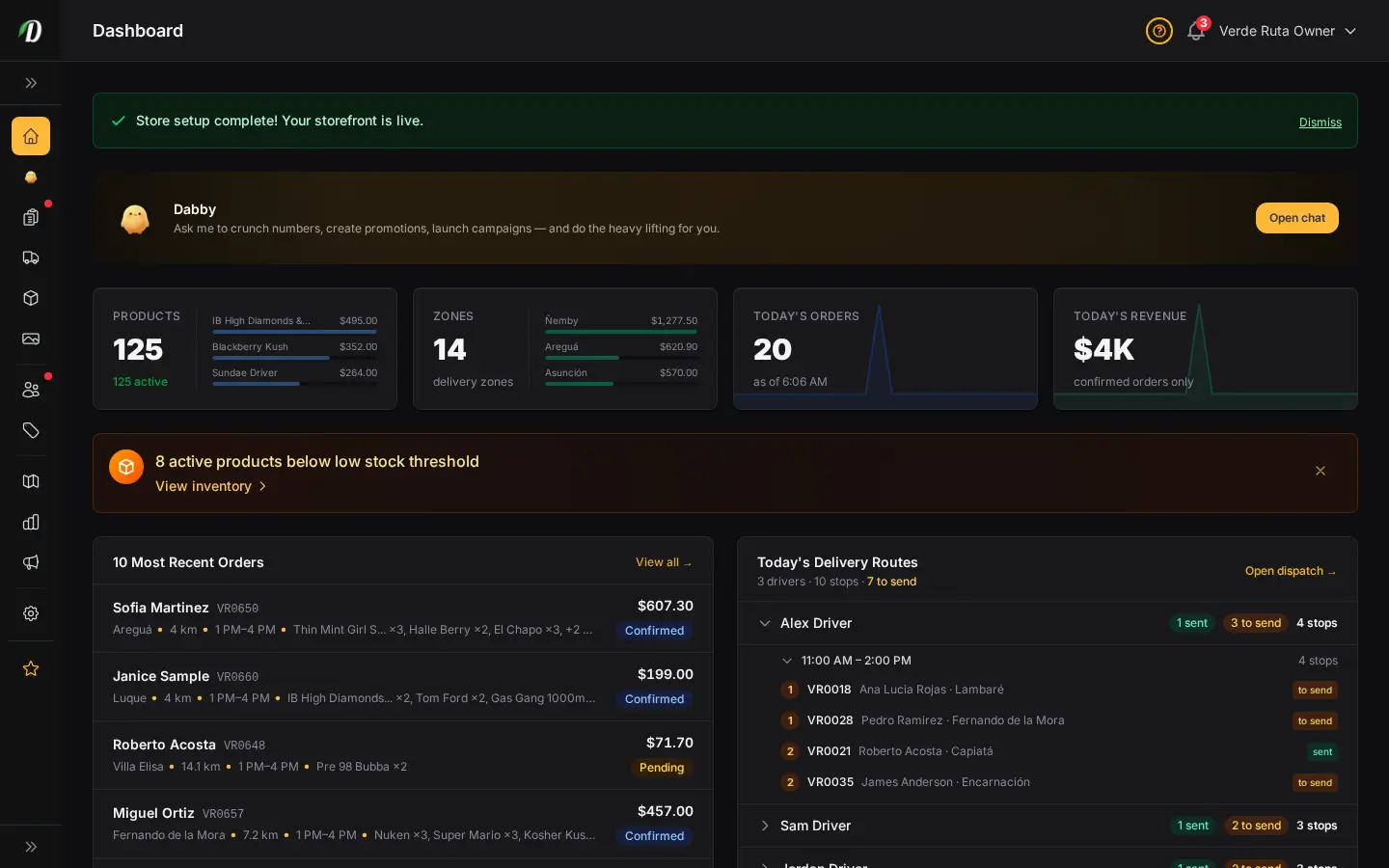
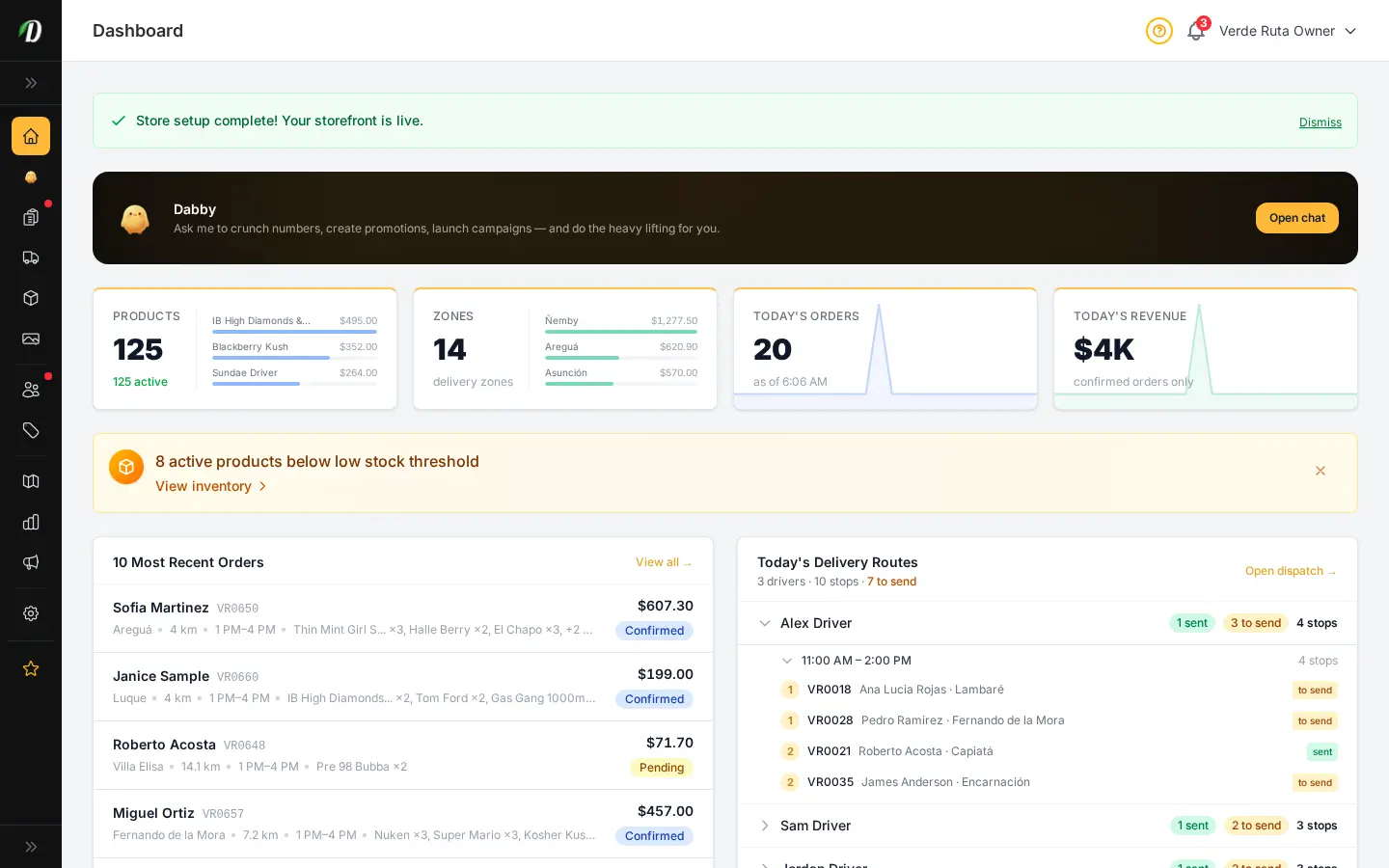
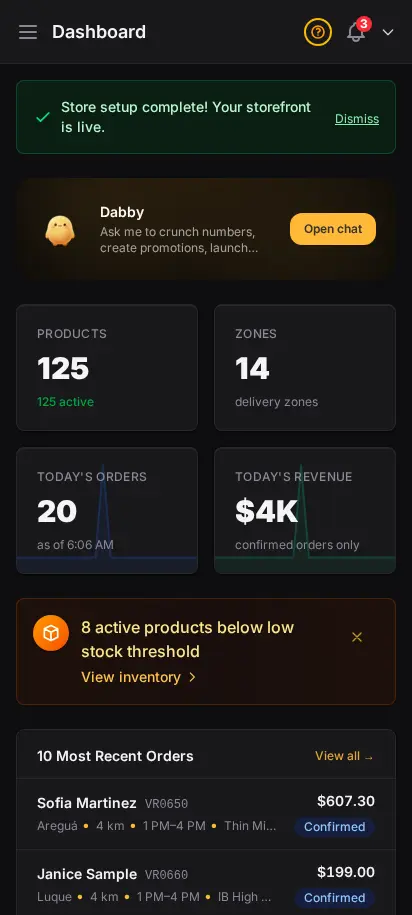
Your product count, active delivery zones, today's orders, and today's revenue, all on one screen, plus a recent orders list and low-stock alerts that link straight to inventory.
The moment you log in, you see exactly where your business stands. Product counts, active delivery zones, today's orders, and revenue — all on a single screen. Low stock alerts surface problems before they cost you sales.


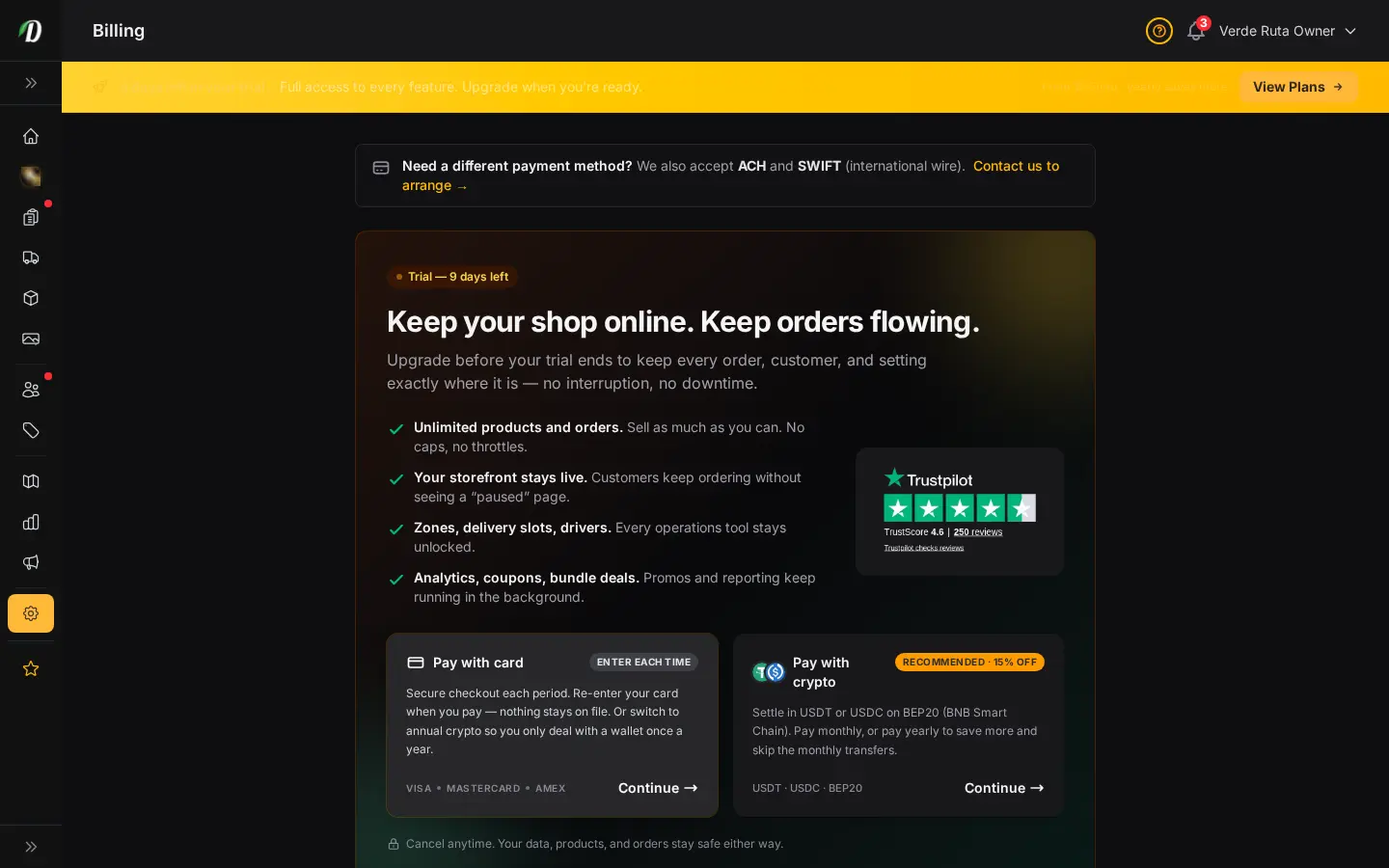
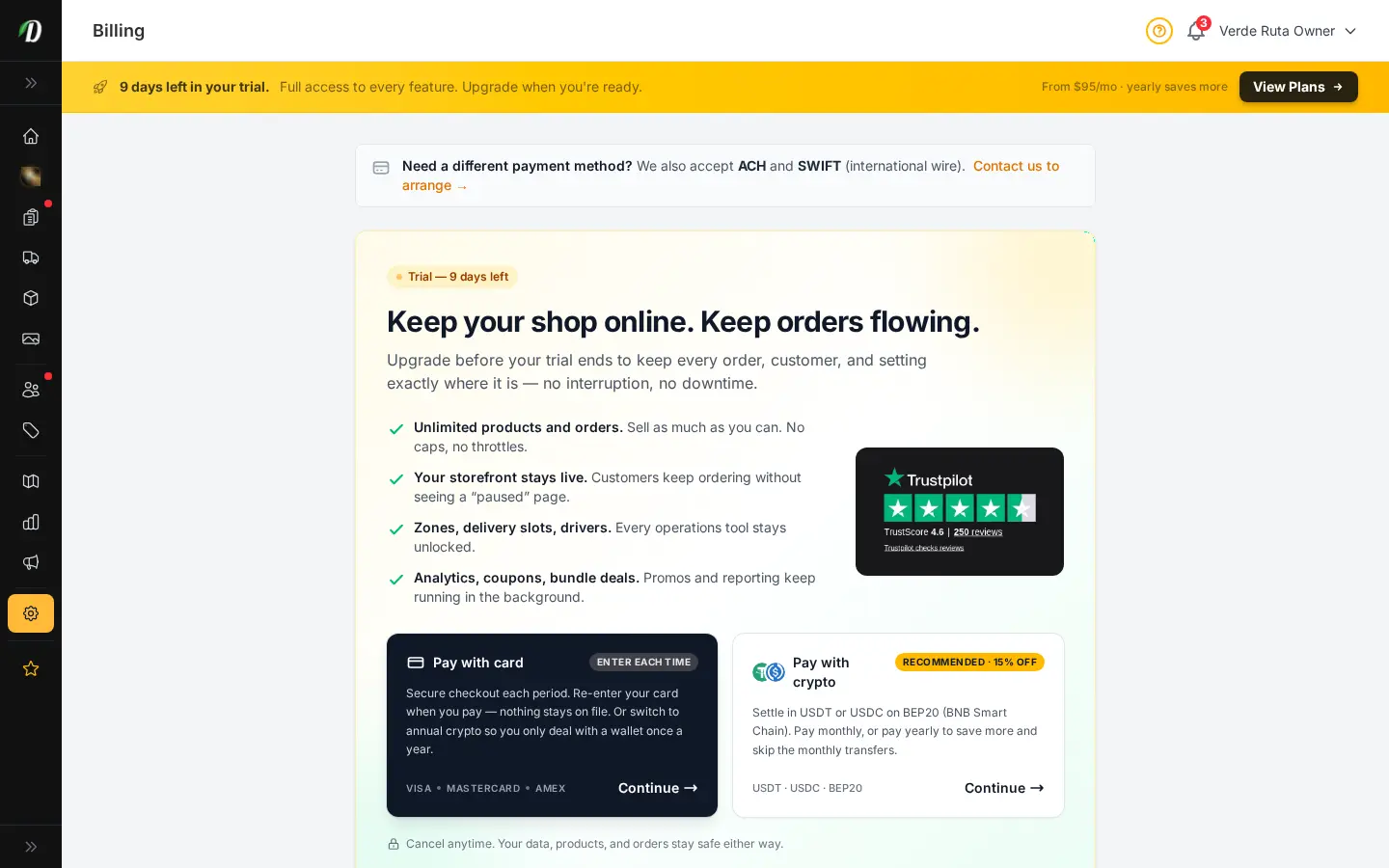
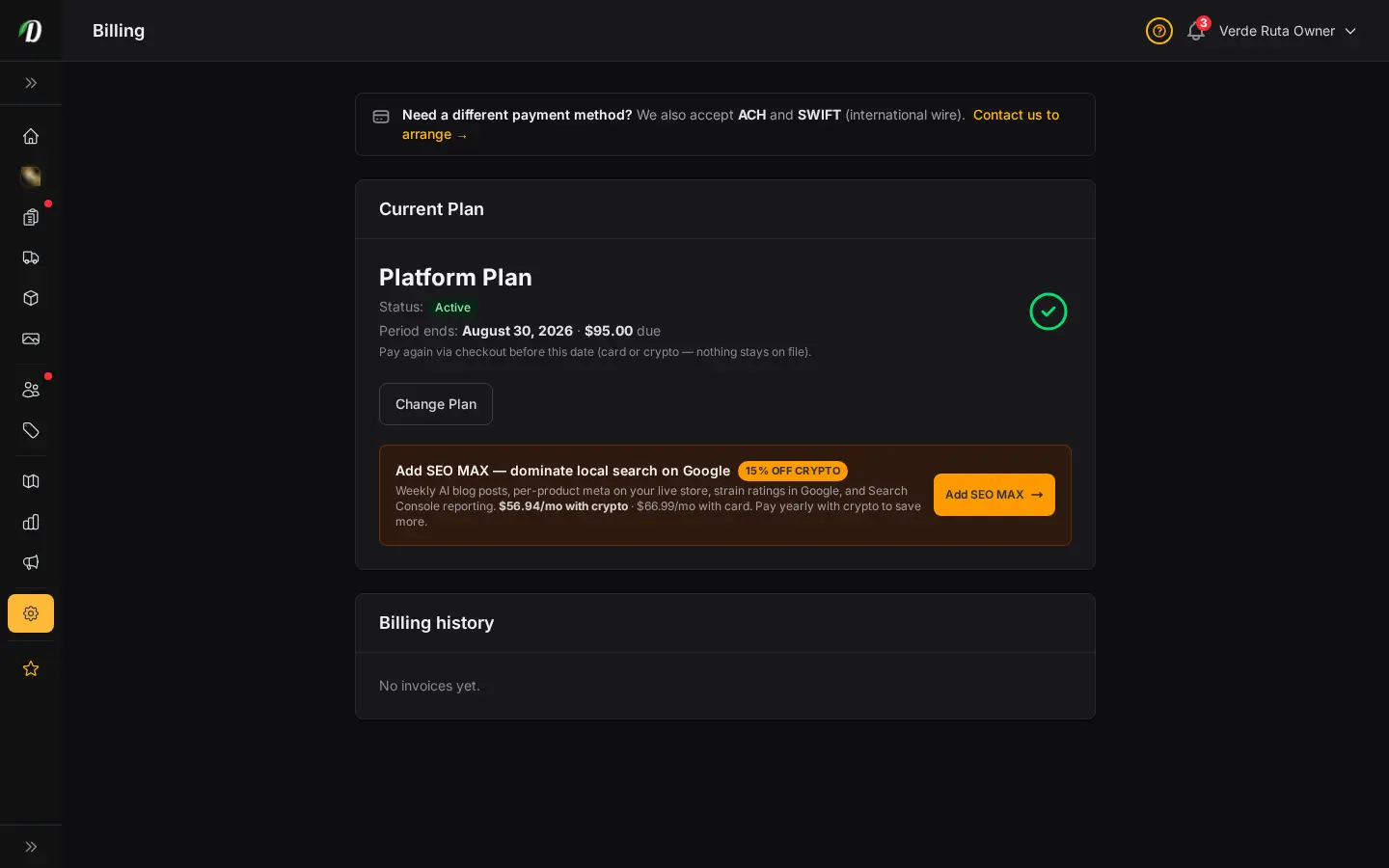

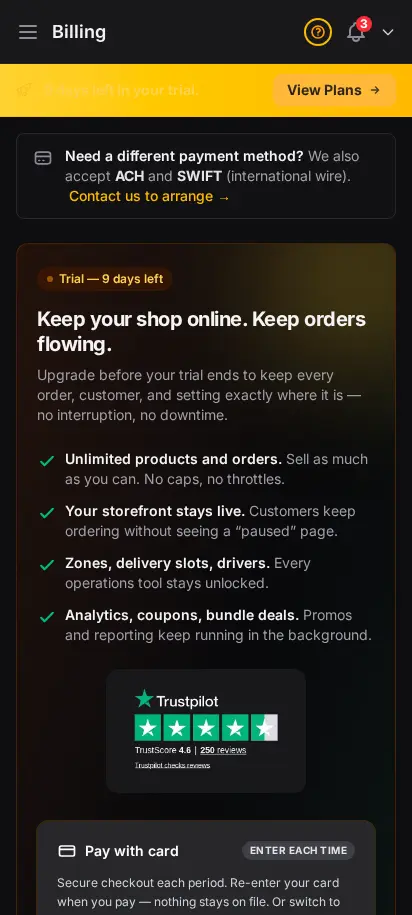
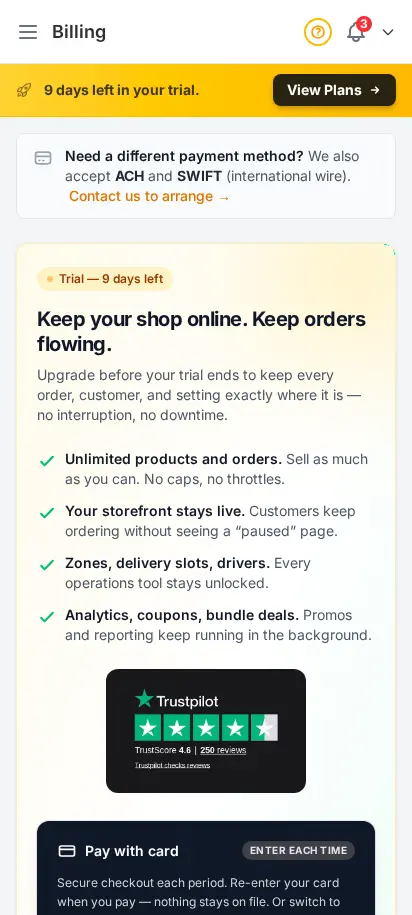
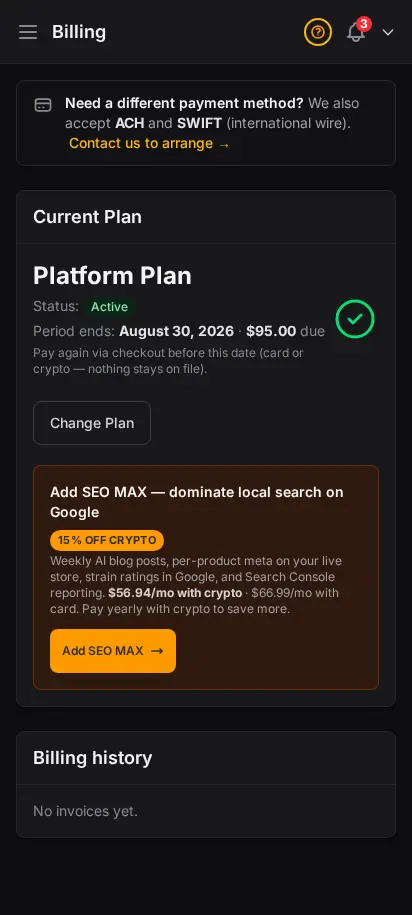
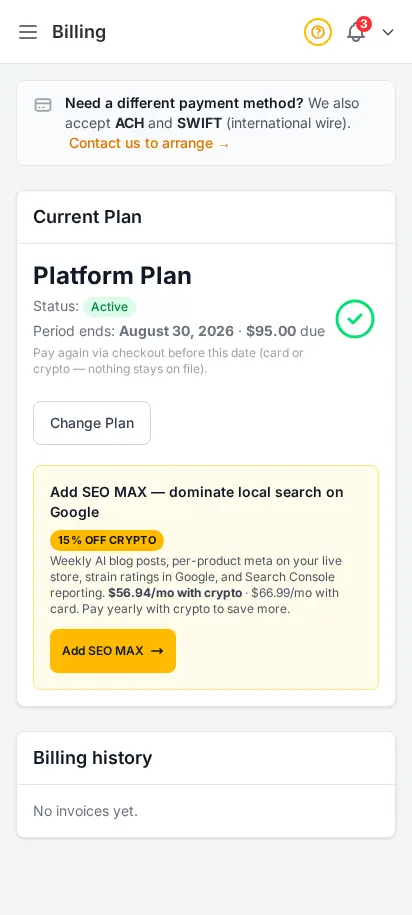
Licensed cannabis operators told us billing clarity matters as much as features. Your Billing page shows your plan, renewal date, and payment status in plain language. Change plans, add SEO MAX, or pay with crypto — all without leaving the dashboard you already use daily.
Your product count, active delivery zones, today's orders, and today's revenue, all on one screen, plus a recent orders list and low-stock alerts that link straight to inventory.
The free trial runs 14 days with full admin access, no credit card required.
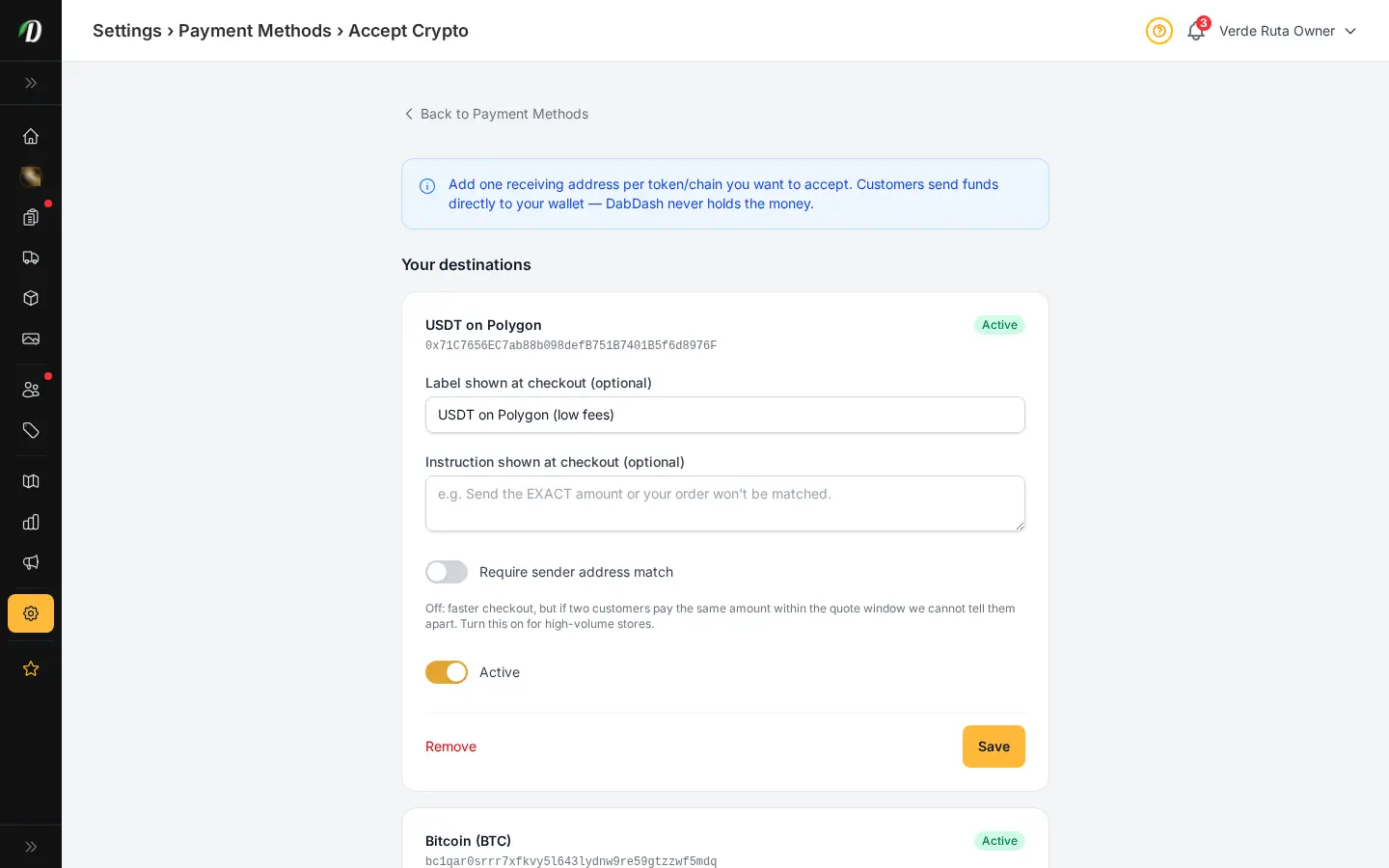
Yes, crypto is one of the supported billing methods for your platform subscription. This is separate from how your customers pay for their orders on your storefront.
Billing is owner-only. Staff members you add never see subscription or invoice details, even if you grant them access to other areas.
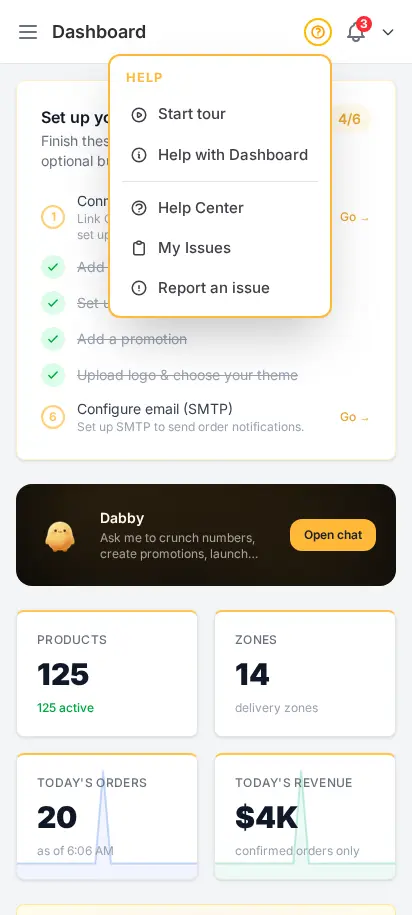
Every page has a help menu with guided tours and knowledge base articles, and new stores get an onboarding checklist on the dashboard home screen.
Choose how you'd like to see the screenshots.
Device
Theme
