Dabby Across Stores
Portfolio Dabby: pick a working store for writes, then compare KPIs across every shop you can access.
Ask about your portfolio
Open Dabby from the Dabmaster menu and ask a question about your shops, such as which shop had the most orders during a date range. Dabby can summarize portfolio results for the shops available to your account.
For a question about one shop, include its name and the dates you want to review. Check the answer against the selected period before sharing it.
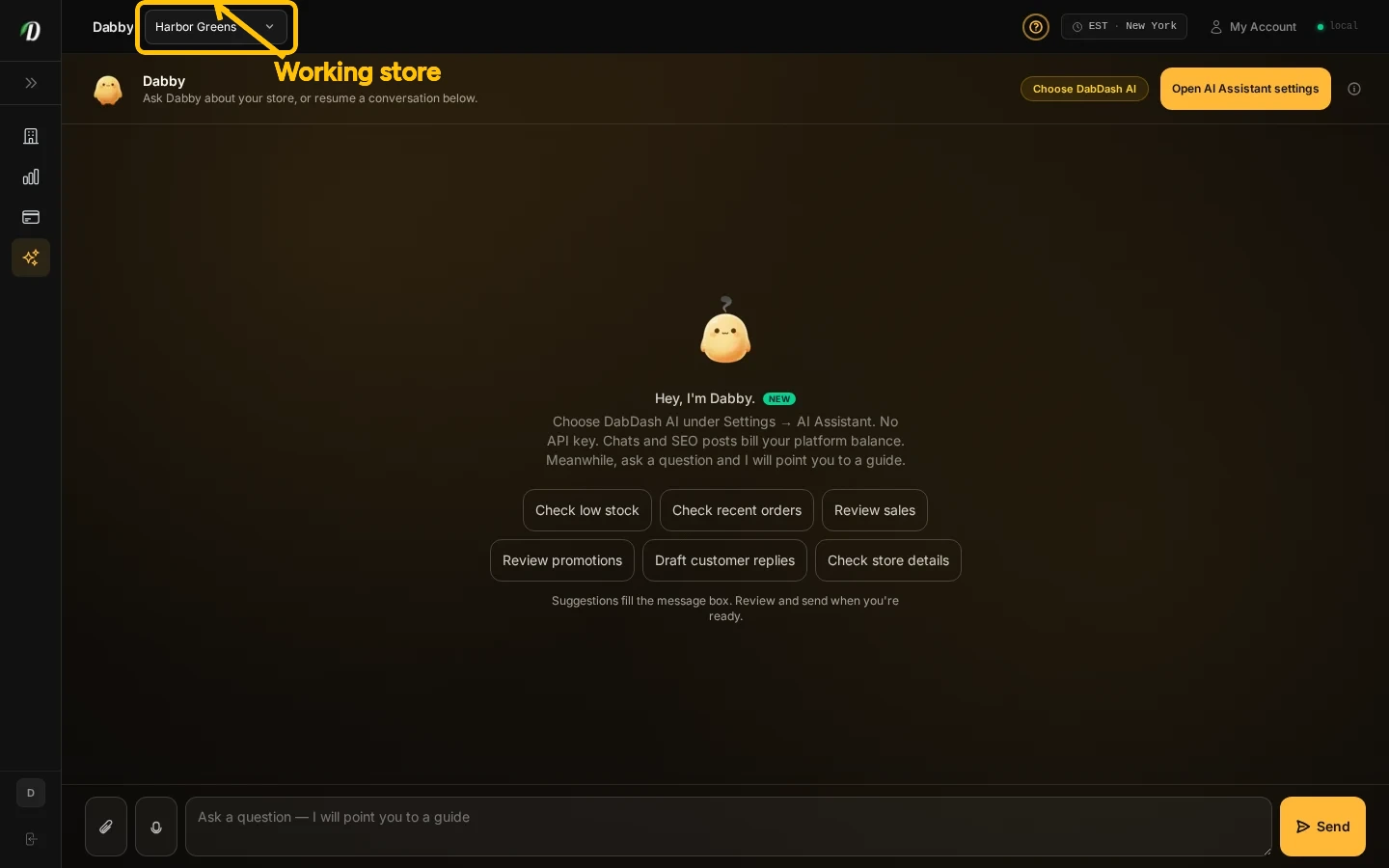
Working store
Before asking Dabby to make a change, choose the working shop in the top bar. Check that shop’s name, describe the change you want, and review the proposed action before continuing. Choose a different shop before requesting a change there.
Portfolio questions can cover more than one shop. Changes apply to the selected working shop, so verify its name before you continue.
Guided tour
Help → Start tour shows where to select a working shop, use a suggested question, and enter a message.
Frequently Asked Questions
Can Dabby answer questions across my shops?
Dabby can summarize and compare portfolio data for shops assigned to your account.
Where do Dabby’s changes take effect?
Write actions apply to one selected working shop. Confirm the shop and action before approving a change.
Can Dabmaster write to every shop at once?
No. Portfolio questions can cover multiple shops, while write actions run in one working shop.