Opening a Store
Open (impersonate) a linked shop to work inside its catalog, orders, and routes — then return to the portfolio.
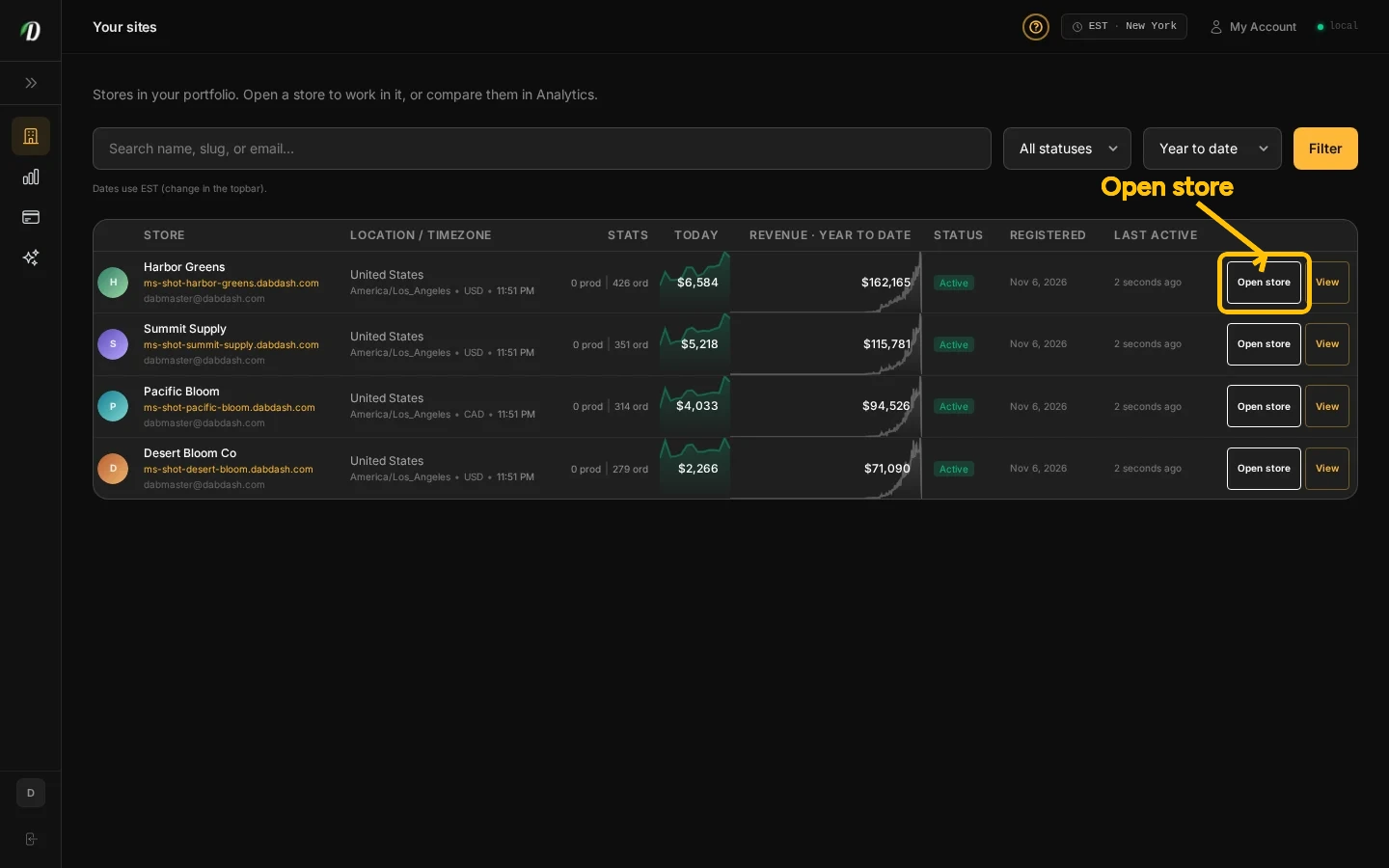
Open a store
From Sites, find the shop you need and select Open store. DabDash opens that shop’s dashboard with the permissions available to your account.
Check the shop name at the top of the dashboard before making changes. When you are done, select Stop Impersonating in the banner to return to Dabmaster.
Guided tour
On Sites, Help → Start tour covers the portfolio intro, filters, and the sites table where Open store lives.
Frequently Asked Questions
How do I open a linked shop?
Open Sites, find the shop, and select Open store. Your access inside the shop follows your account permissions.
Does opening a shop give me more permissions?
No. Opening a shop uses your existing access and does not change ownership or permissions.
What if a shop is missing from Sites?
Ask the shop owner to check your access.