What is Dabmaster?
The portfolio role for operators who run more than one dispensary — sites, analytics, billing, and Dabby across stores.
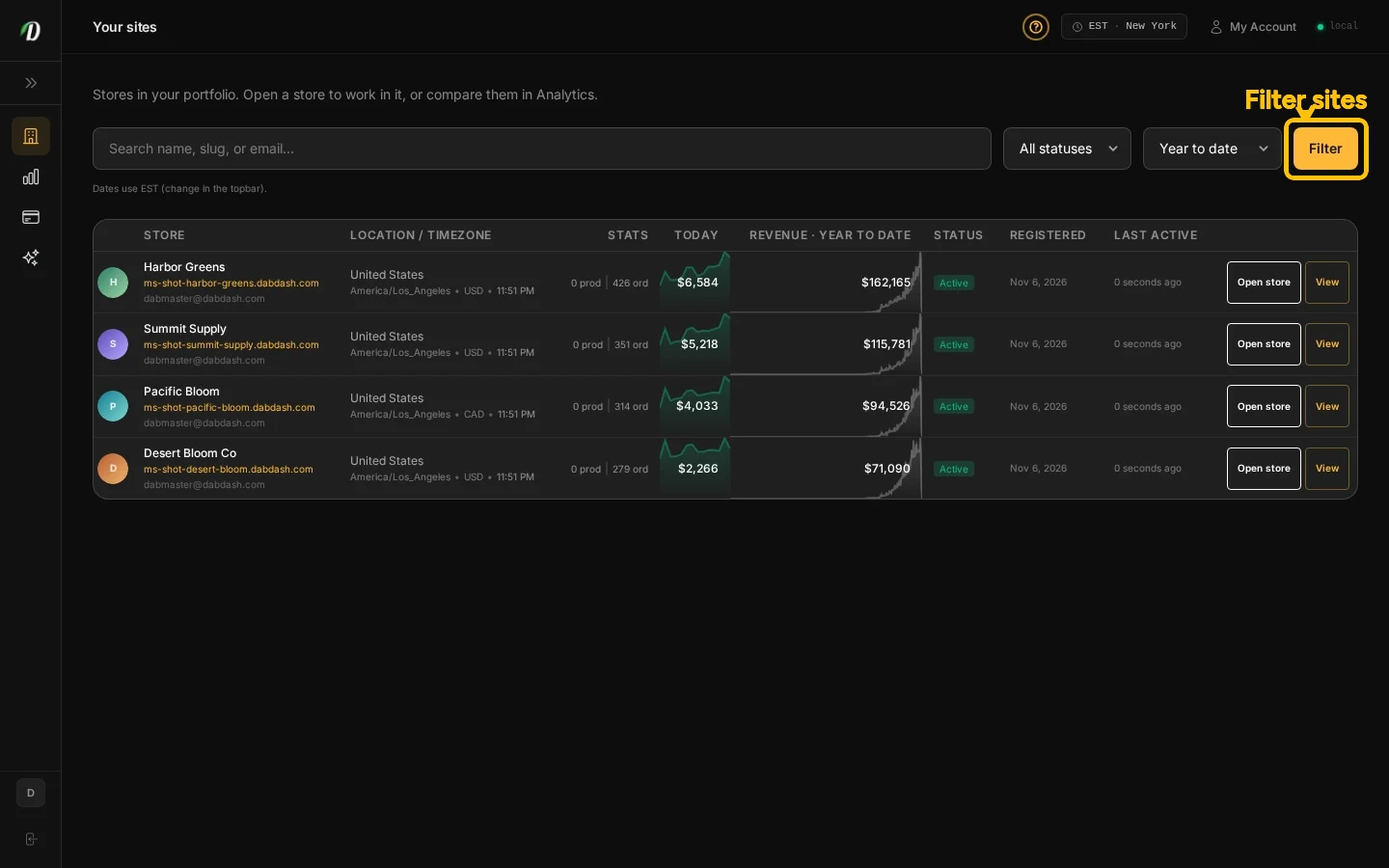
Overview
Dabmaster brings your linked shops into one place. Use Sites to open a shop, Analytics to review results, Billing to add credits, and Dabby to ask questions about your shops.
Each shop keeps its own storefront, products, stock, customers, and driver app. You see the shops assigned to your account. If you expected a shop and do not see it, ask its owner to check your access.
What you can do
- Browse linked sites and open a store to work inside it.
- Review orders, customers, and revenue across the shops you can access.
- Top up platform credits for many shops in one Shadow checkout.
- Ask Dabby about your shops, or choose one shop before asking it to make a change.
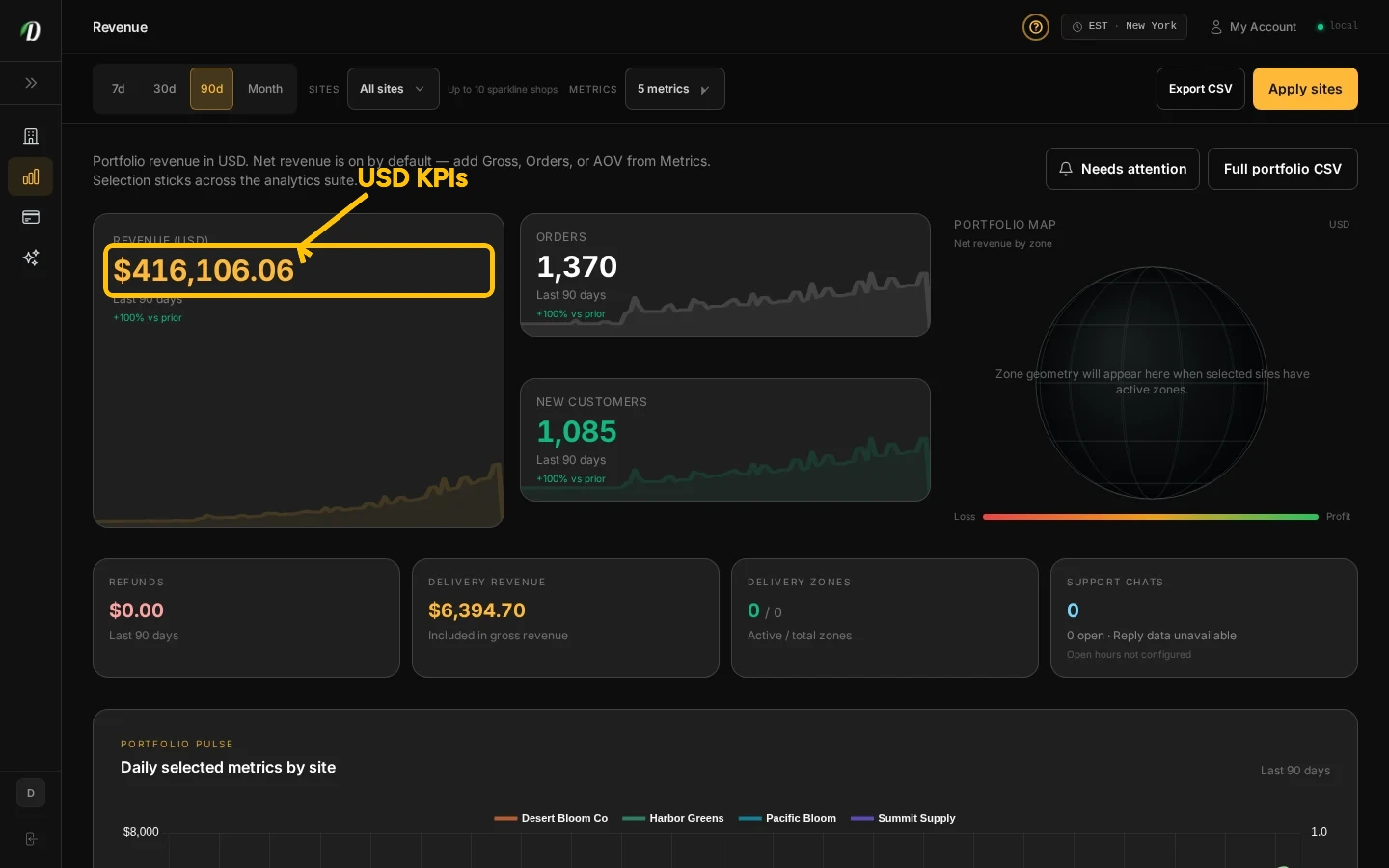
Link another shop
Submit a shop access request with its web address, the shop administrator’s email, and last month’s revenue and order count. The request is reviewed before the shop appears in your list.
Frequently Asked Questions
How do I see which shops are in my portfolio?
Open Sites in Dabmaster. The list shows shops assigned to your account. If it is empty, ask a shop owner to check your access.
How are different shop currencies shown?
Portfolio totals and the main revenue chart use USD. Comparison cards show each shop’s revenue in that shop’s currency.
Does Dabmaster show every shop on the platform?
No. You only see shops assigned to your account.