Customer Dashboard

View the Full Storefront Tour
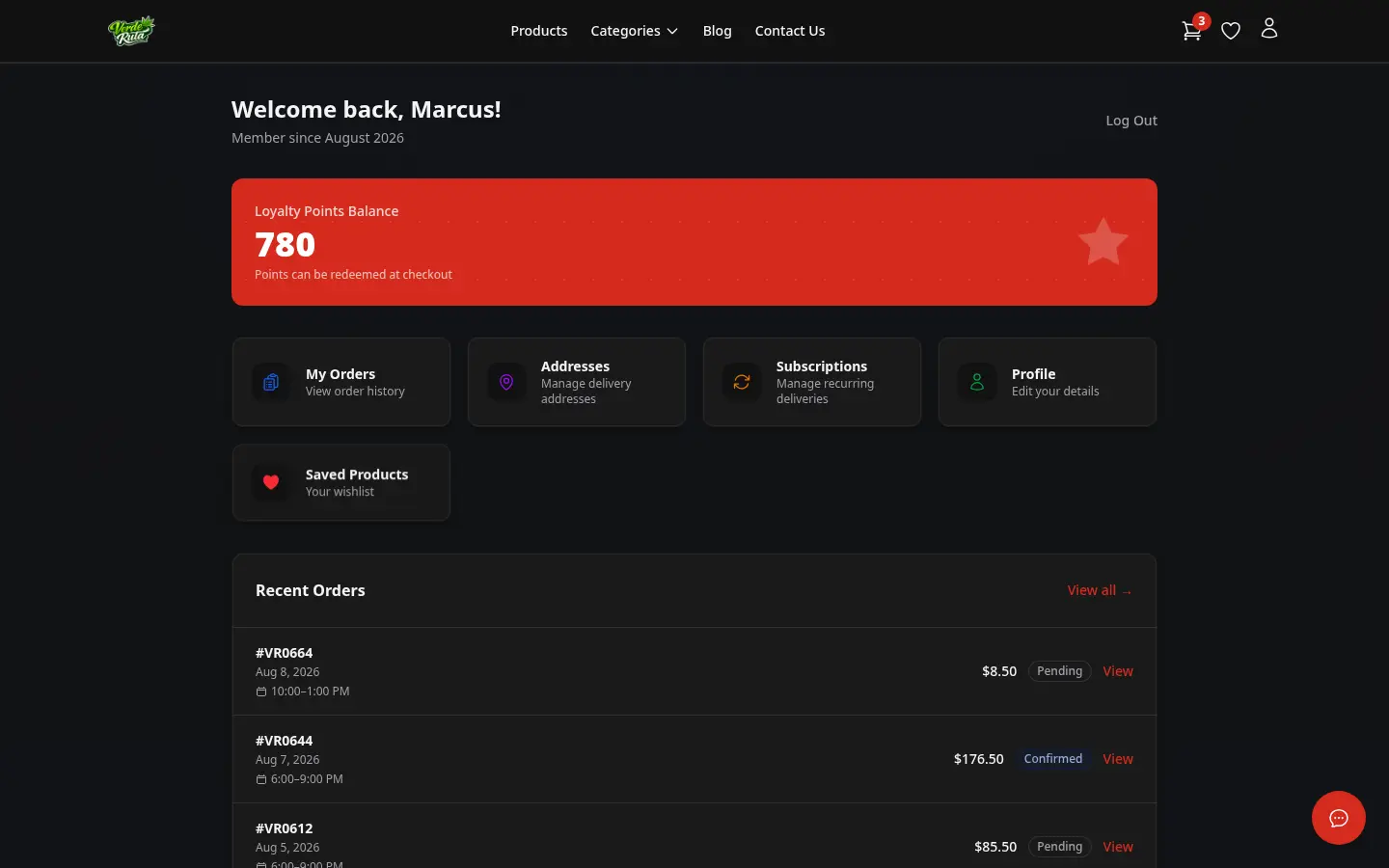
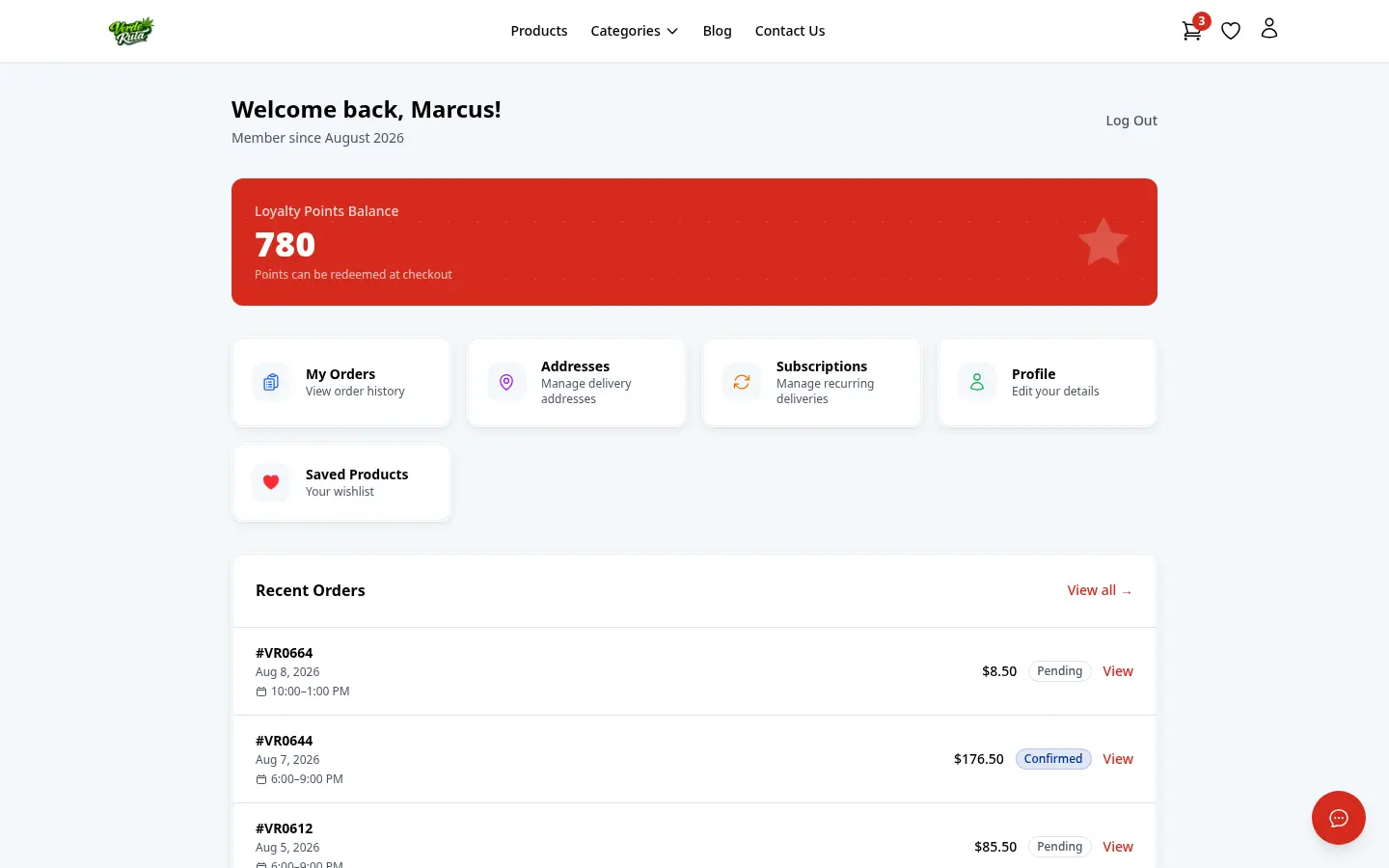
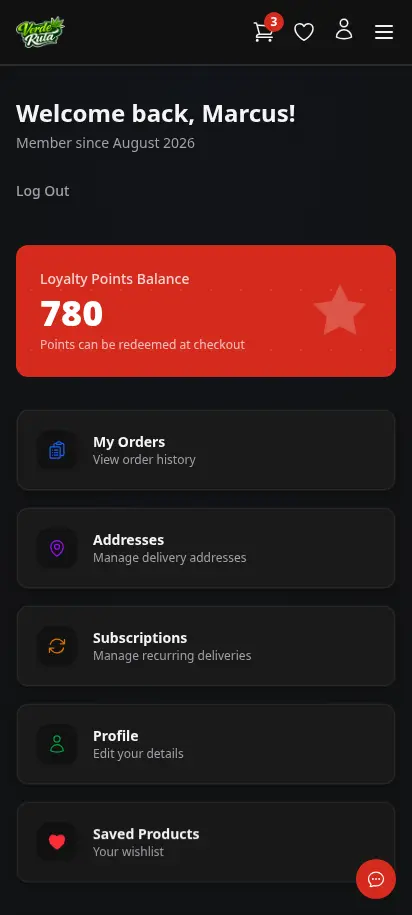
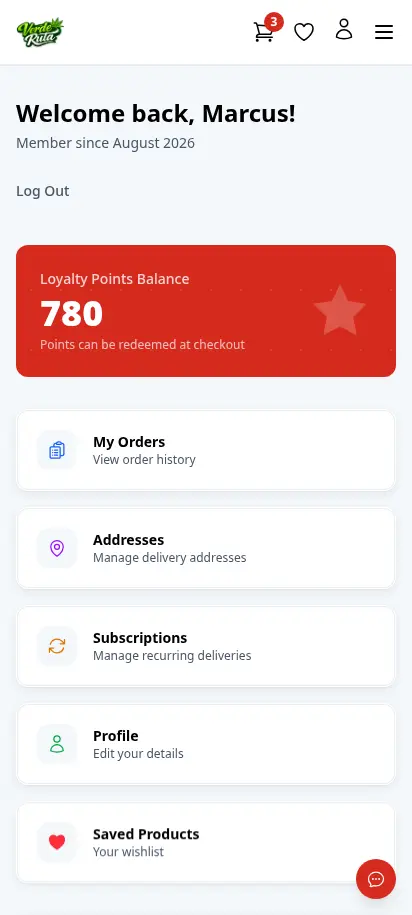
DabDash customer account dashboard showing loyalty points, recent orders, and quick navigationDabDash customer account dashboard showing loyalty points, recent orders, and quick navigation
Click to explore
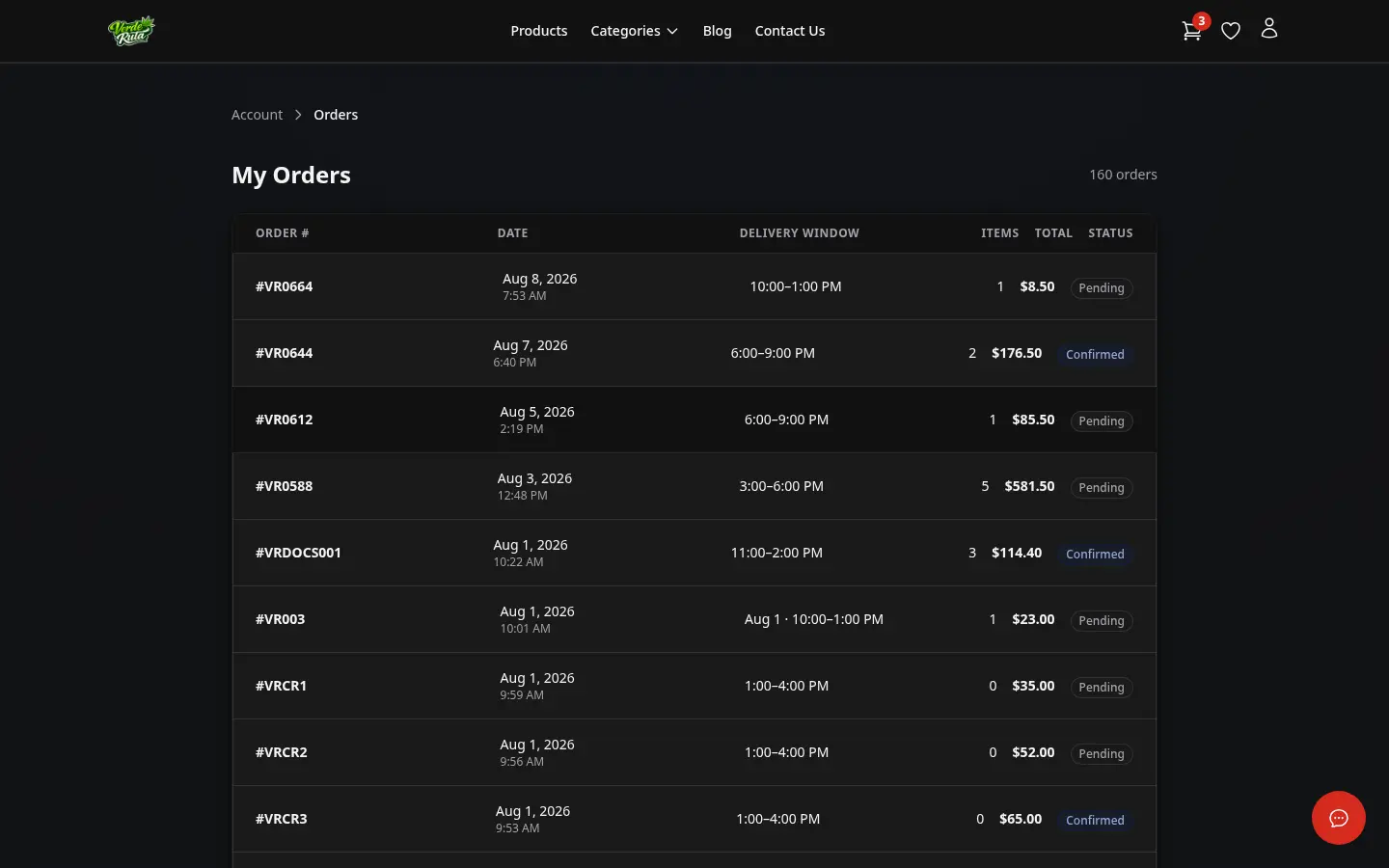
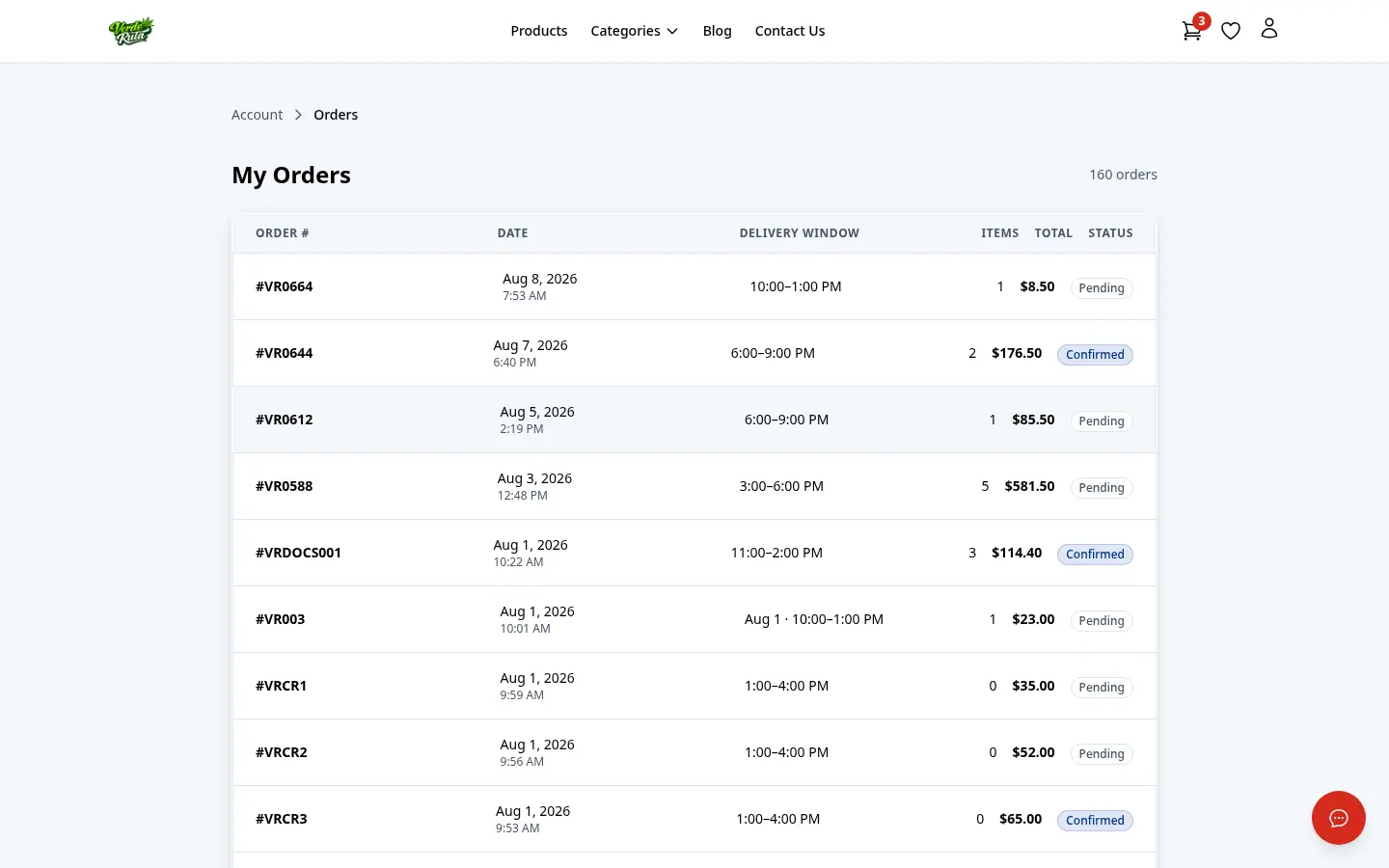
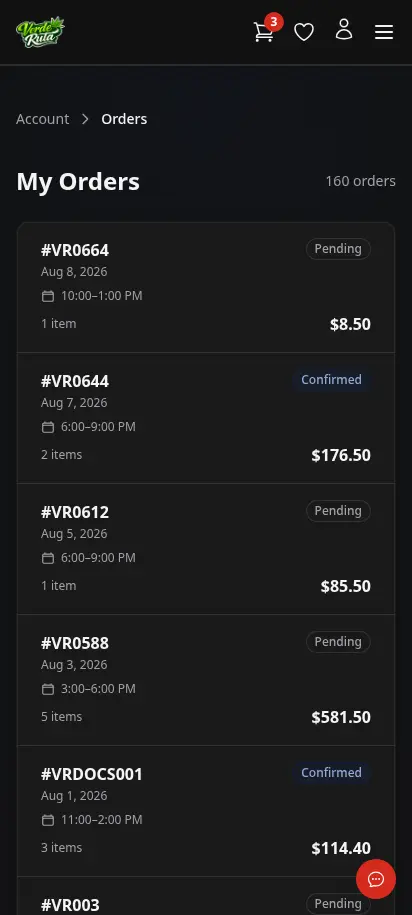
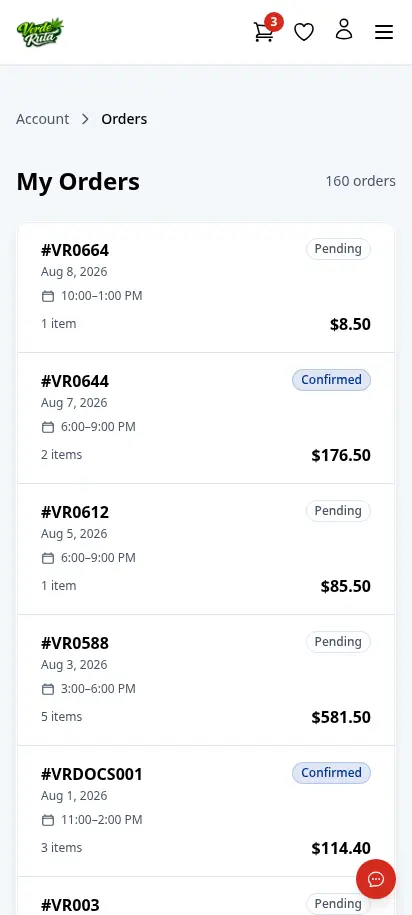
DabDash customer orders page showing past orders with status badgesDabDash customer orders page showing past orders with status badges
Explore
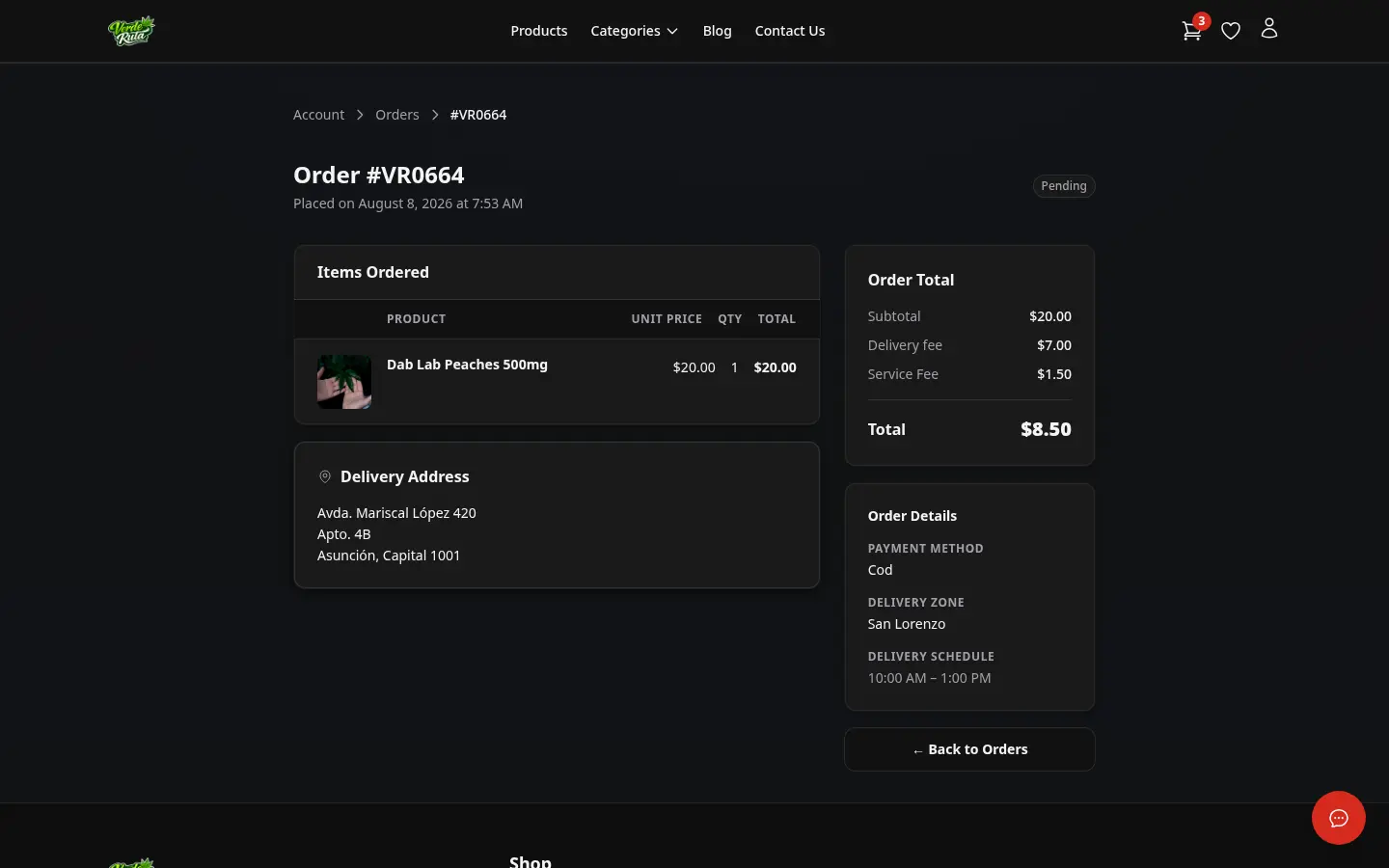
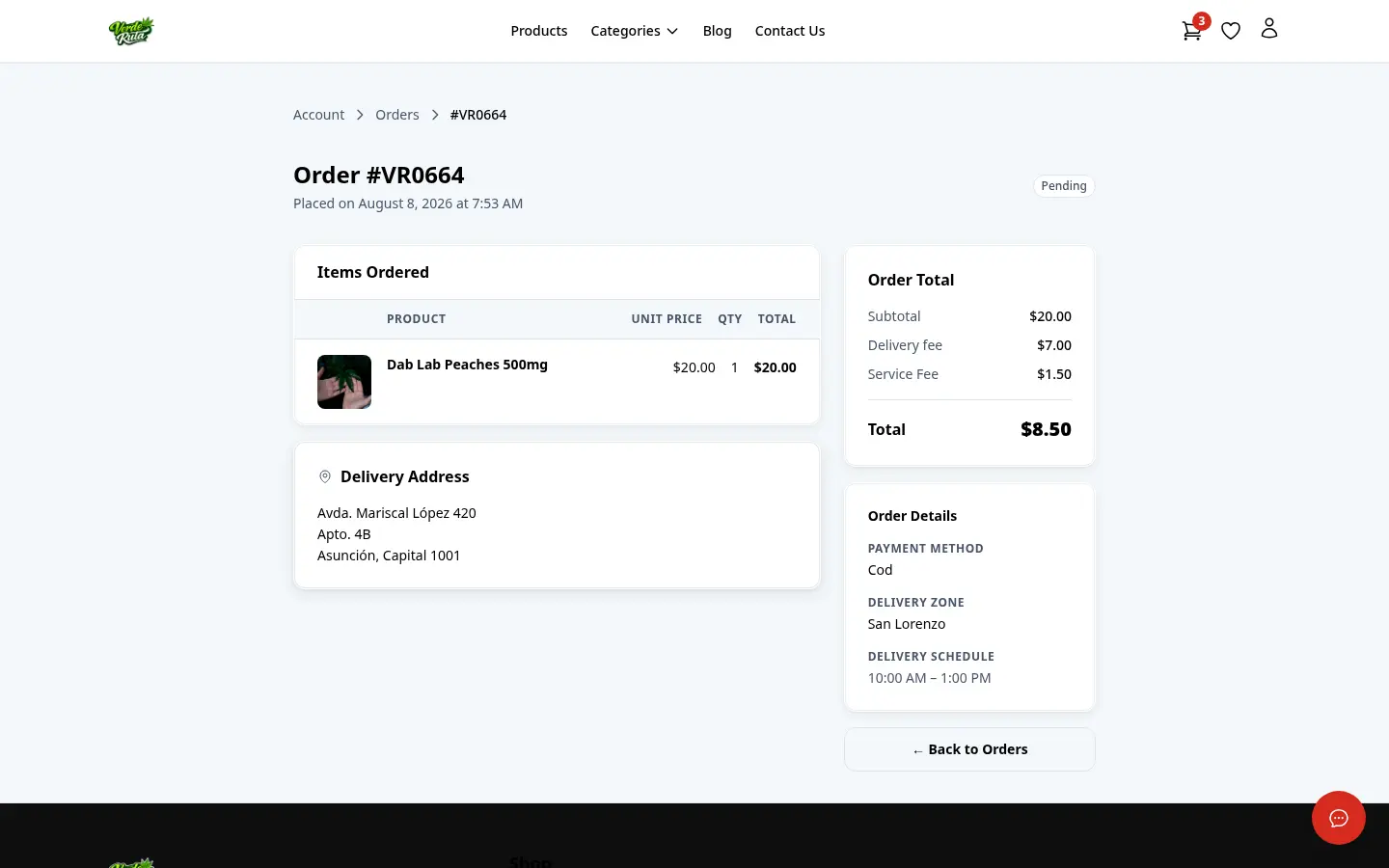
DabDash customer order detail page showing items, address, fees, and order statusDabDash customer order detail page showing items, address, fees, and order status
Explore
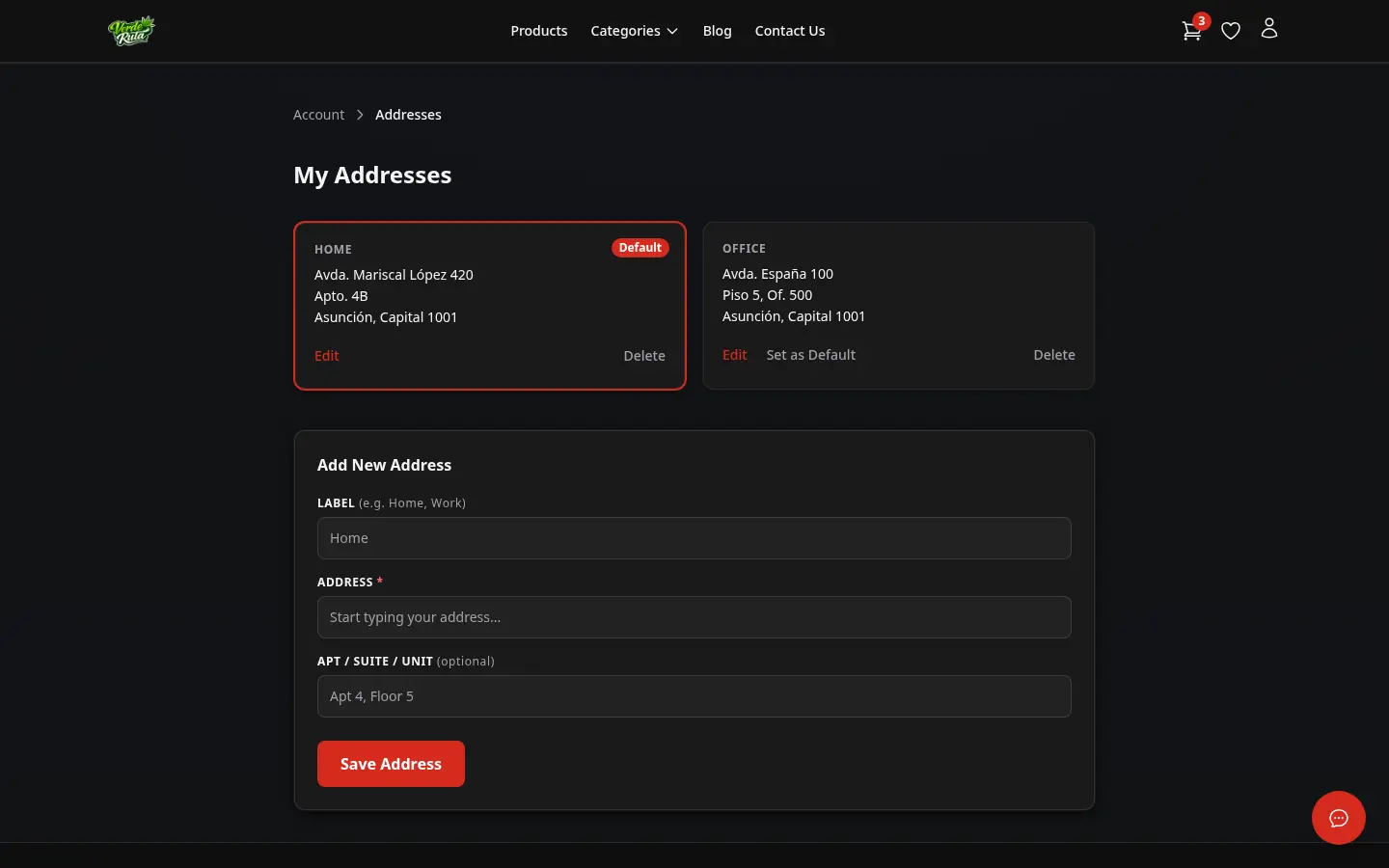
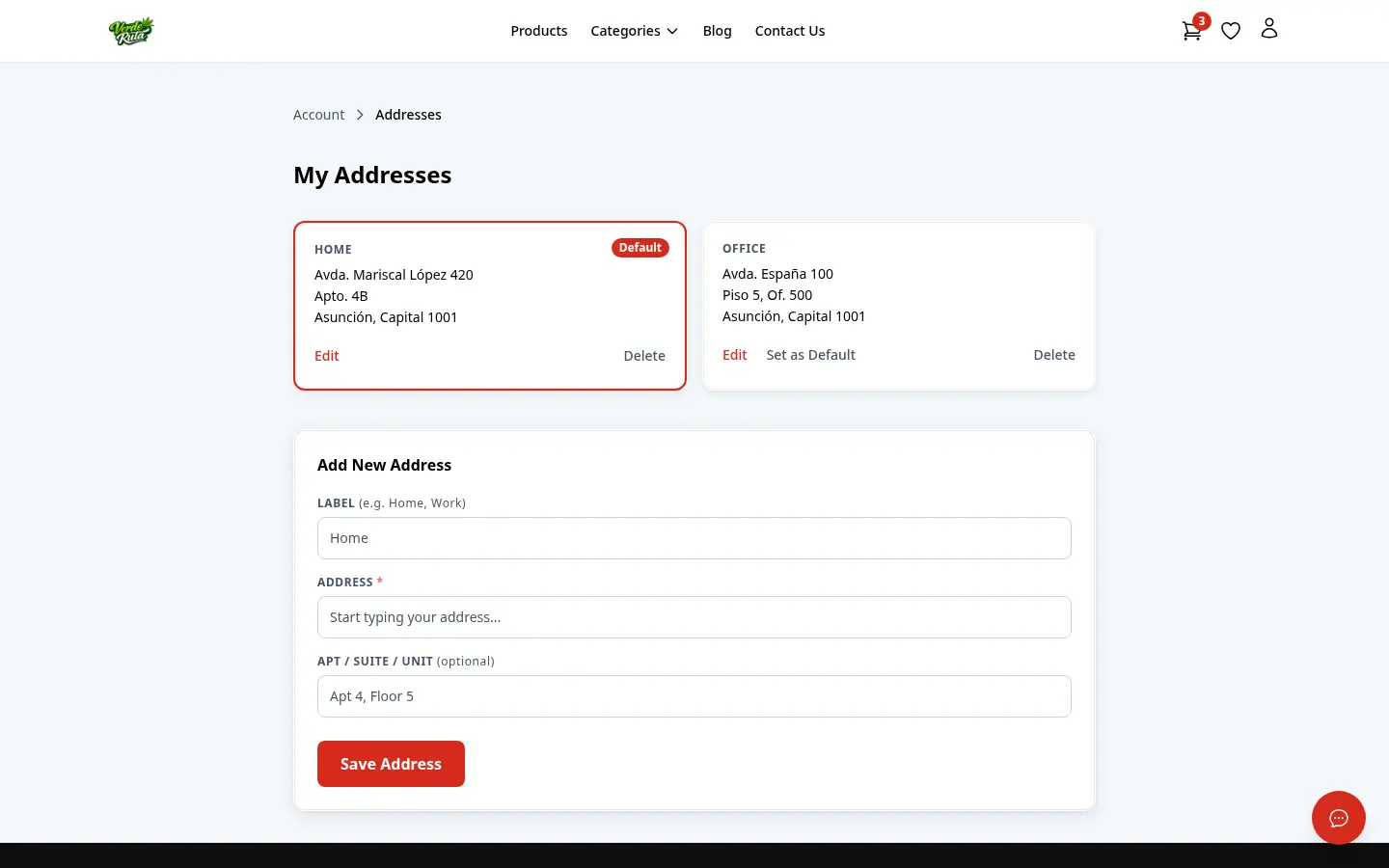
DabDash addresses page showing saved delivery addresses and default address controlsDabDash addresses page showing saved delivery addresses and default address controls
Explore
DabDash customer account dashboard showing loyalty points, recent orders, and quick navigation — mobile viewDabDash customer account dashboard showing loyalty points, recent orders, and quick navigation — mobile view
Explore
DabDash customer orders page showing past orders with status badges — mobile viewDabDash customer orders page showing past orders with status badges — mobile view
Explore
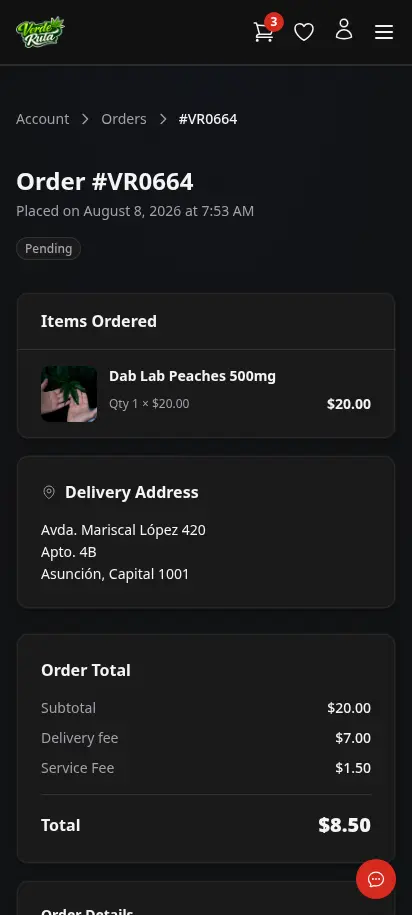
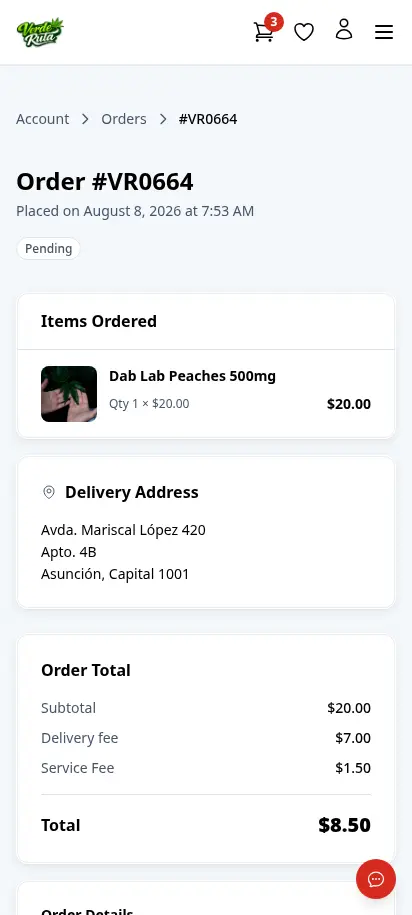
DabDash customer order detail page showing items, address, fees, and order status — mobile viewDabDash customer order detail page showing items, address, fees, and order status — mobile view
Explore
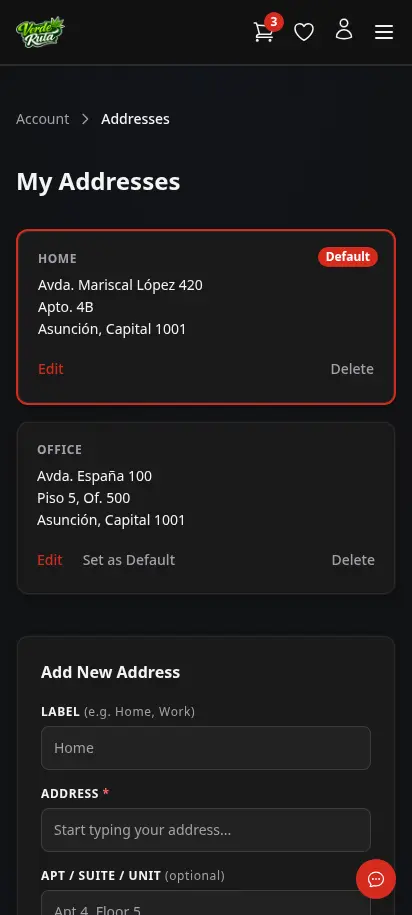
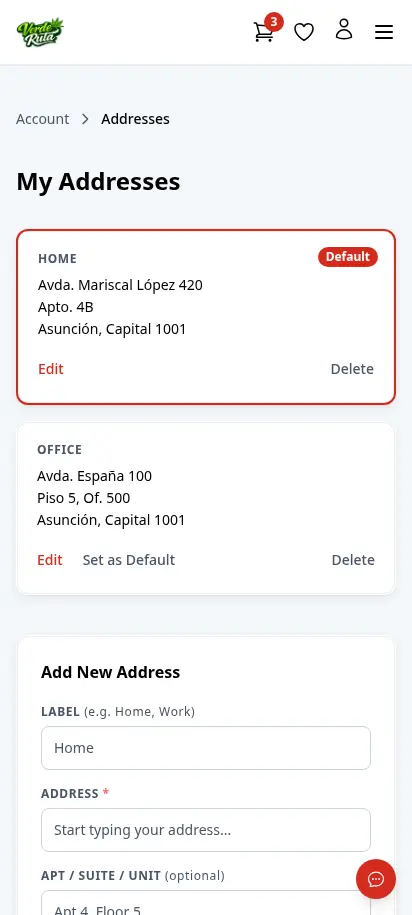
DabDash addresses page showing saved delivery addresses and default address controls — mobile viewDabDash addresses page showing saved delivery addresses and default address controls — mobile view
Explore

Their history, their receipts, their addresses

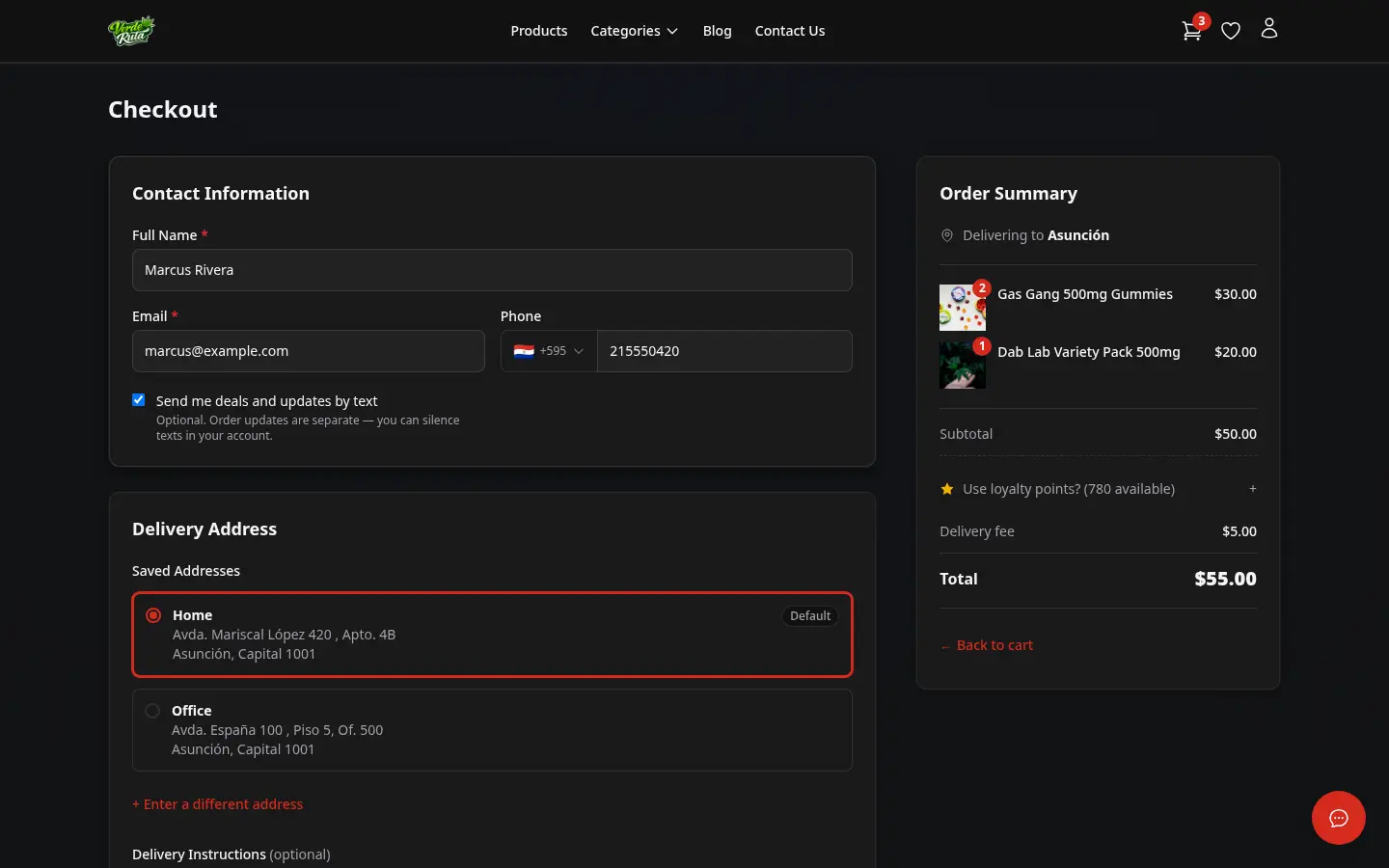
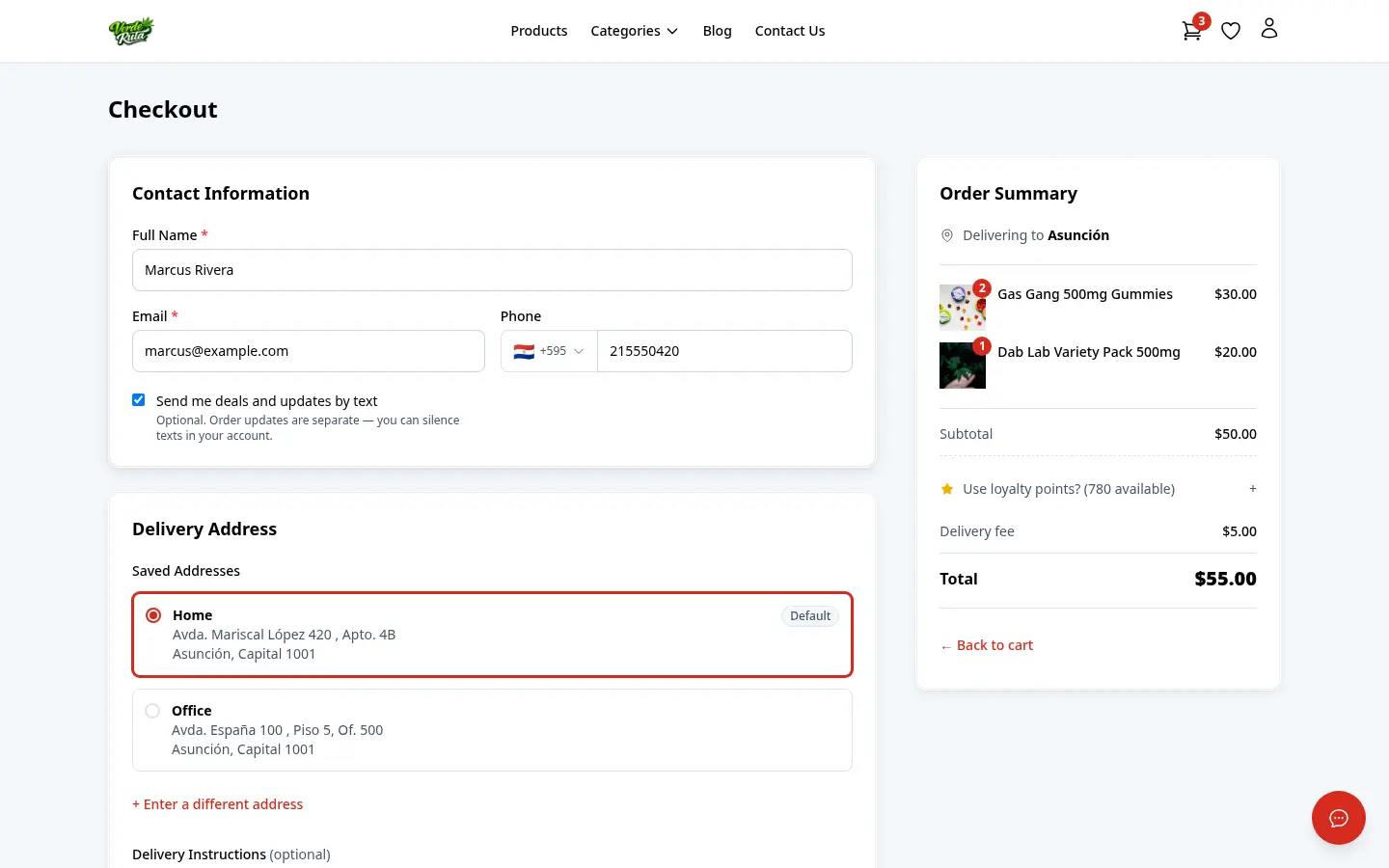
Returning customers can review orders, open past receipts, and check delivery details without calling you. Saved addresses skip the address step entirely next time — zone and fees are detected automatically.

  • Account dashboard with recent orders at a glance
  • Full order history with status tracking
  • Detailed order view with items, fees, and delivery schedule
  • Saved addresses auto-detect zone and fees at next checkout

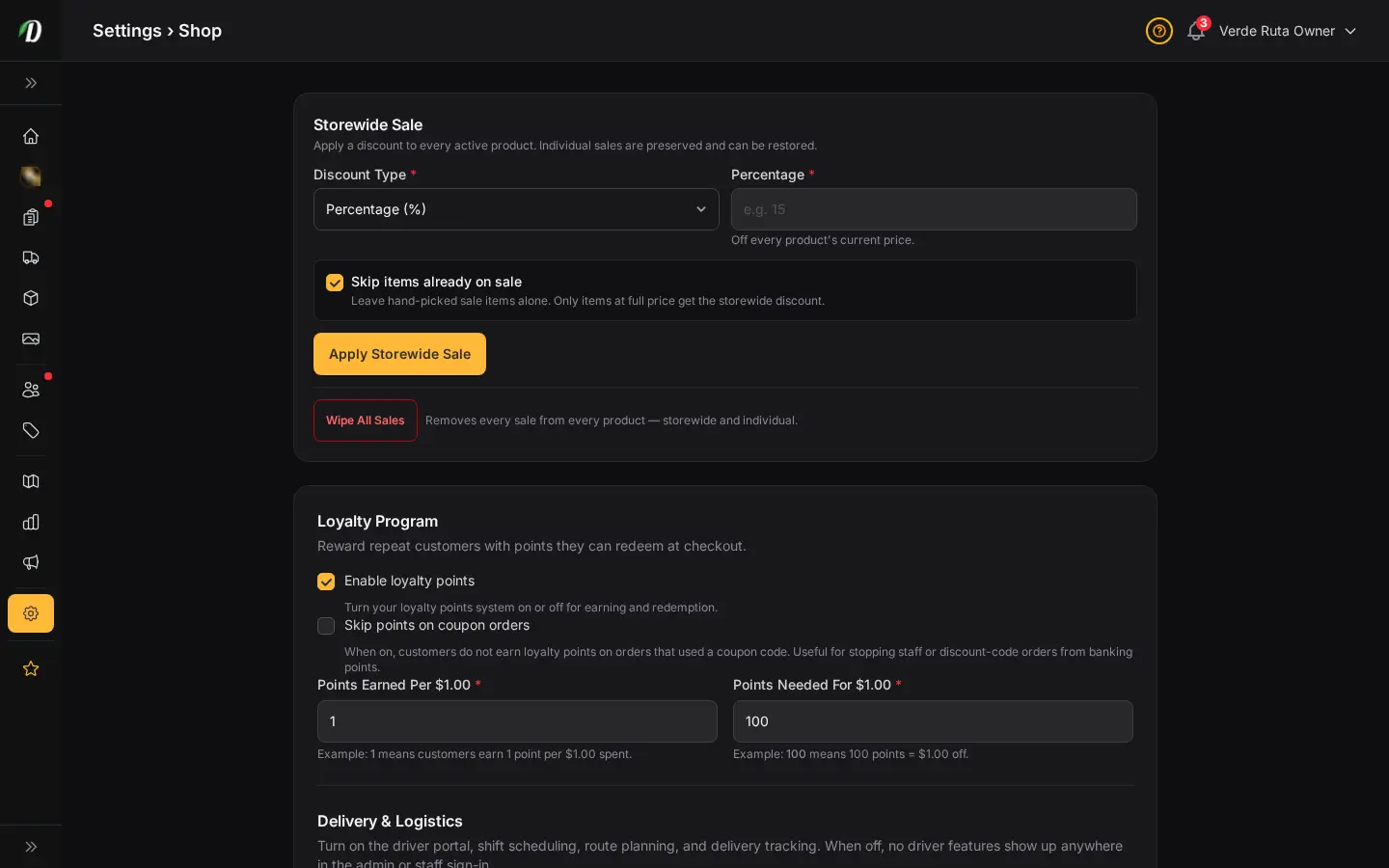
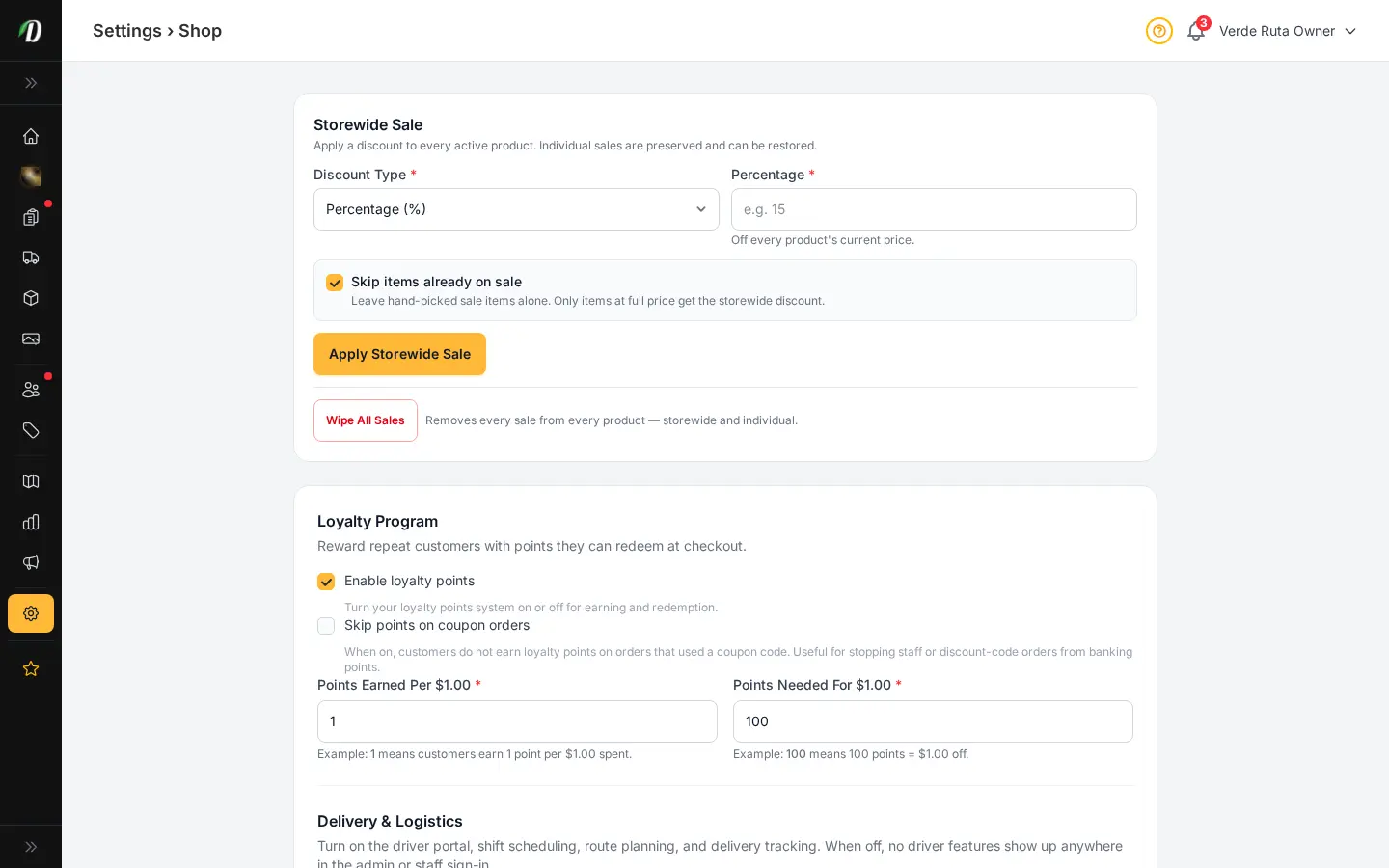
Points that earn the next order

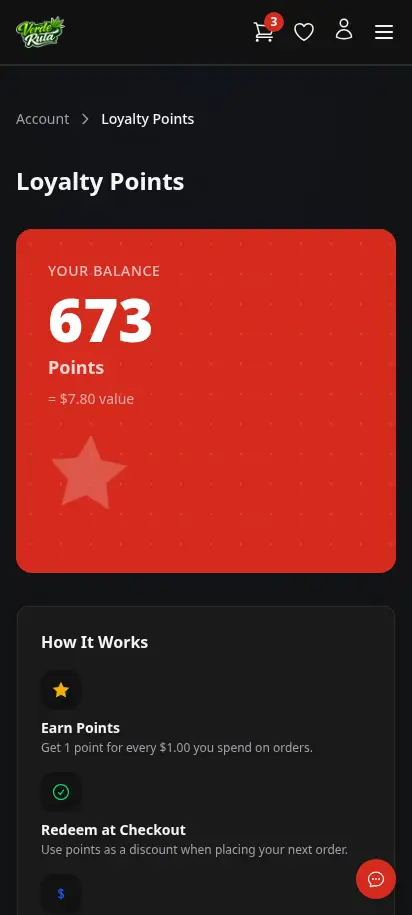
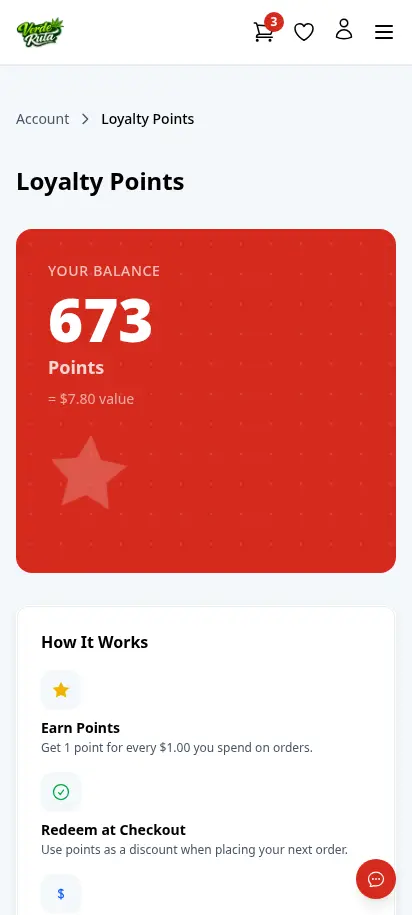
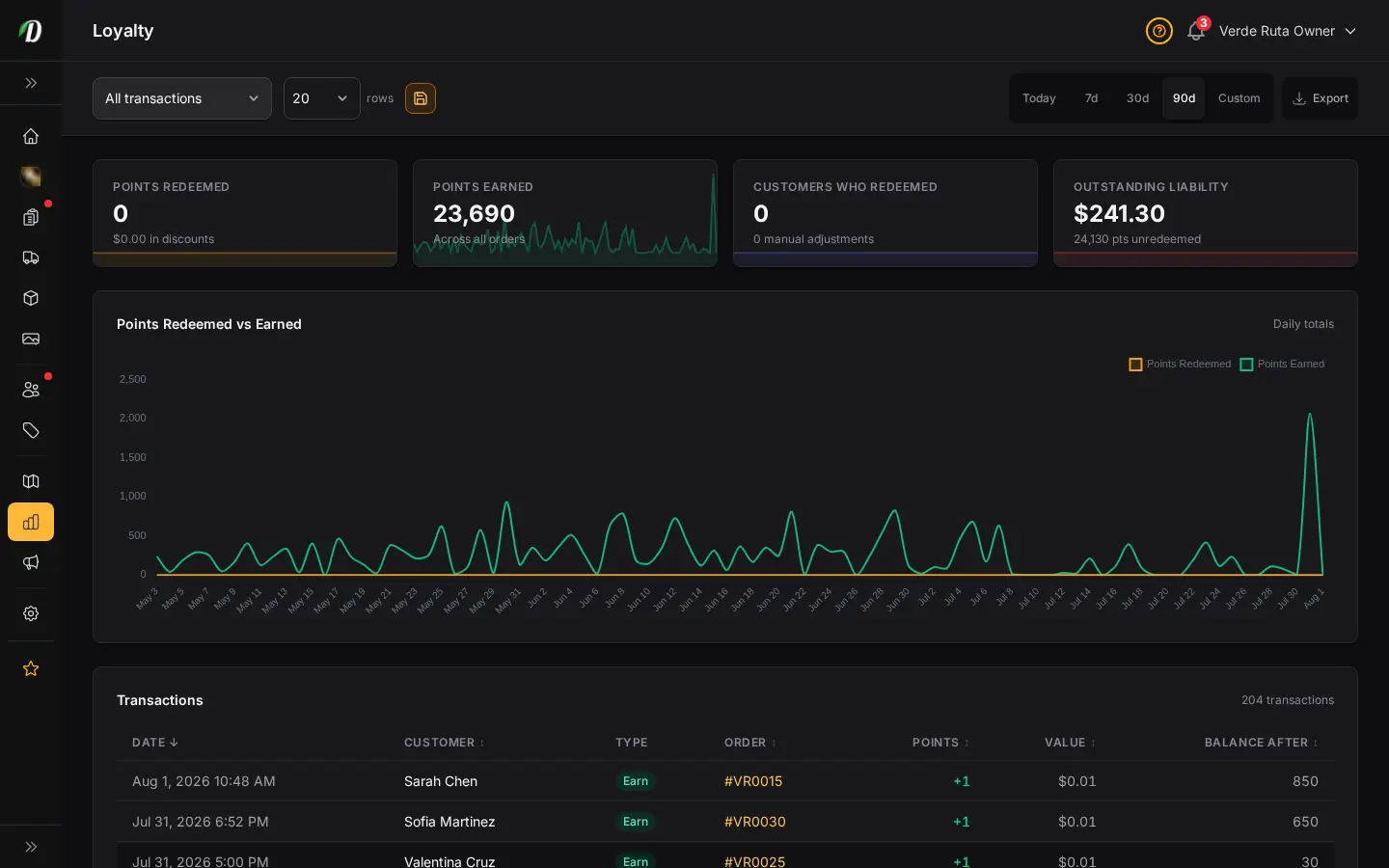
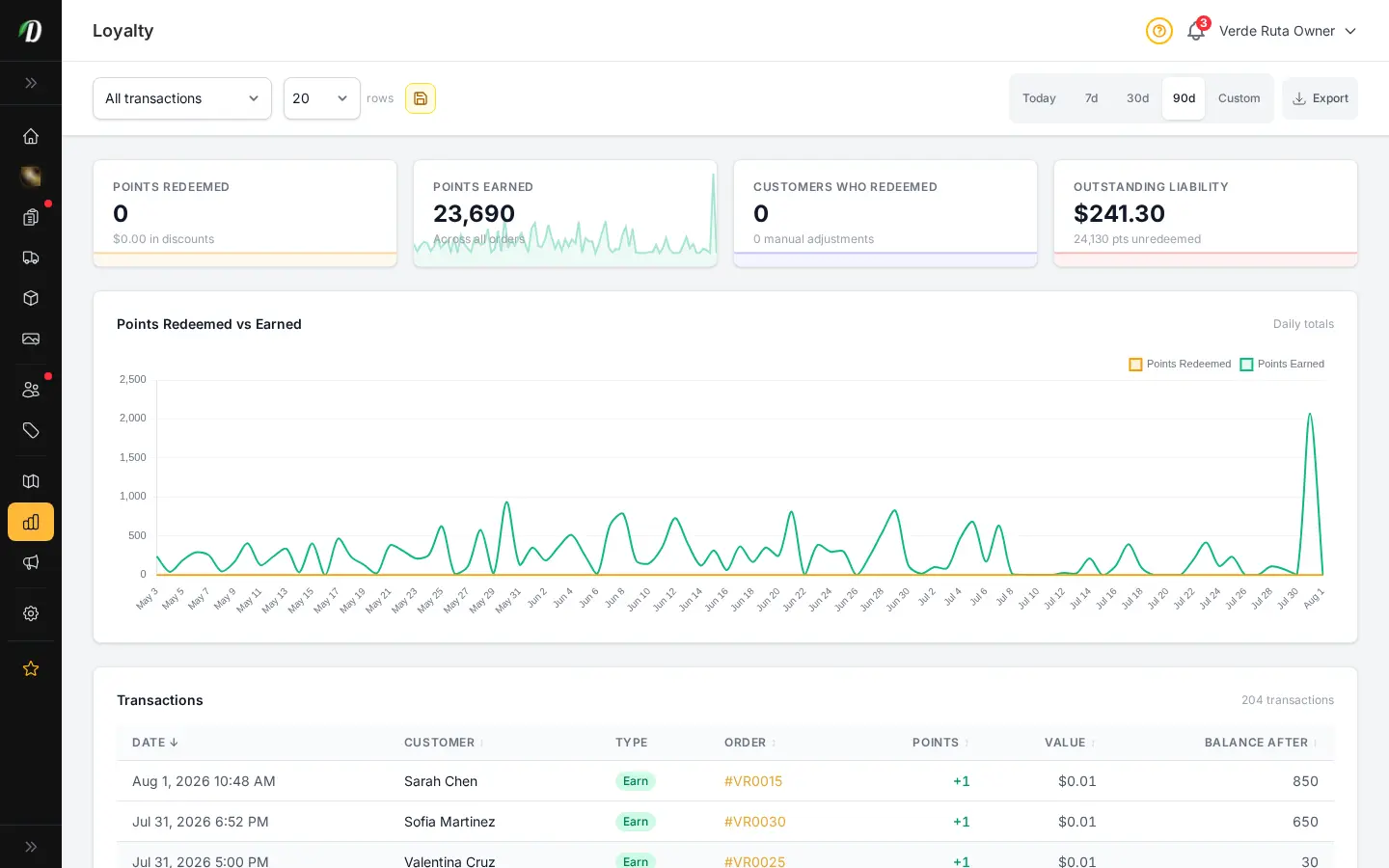
Customers earn points on every purchase and redeem them at checkout for a discount. Balances, earn rate, and redemption value are visible in their account — transparent enough to actually motivate repeat buys.
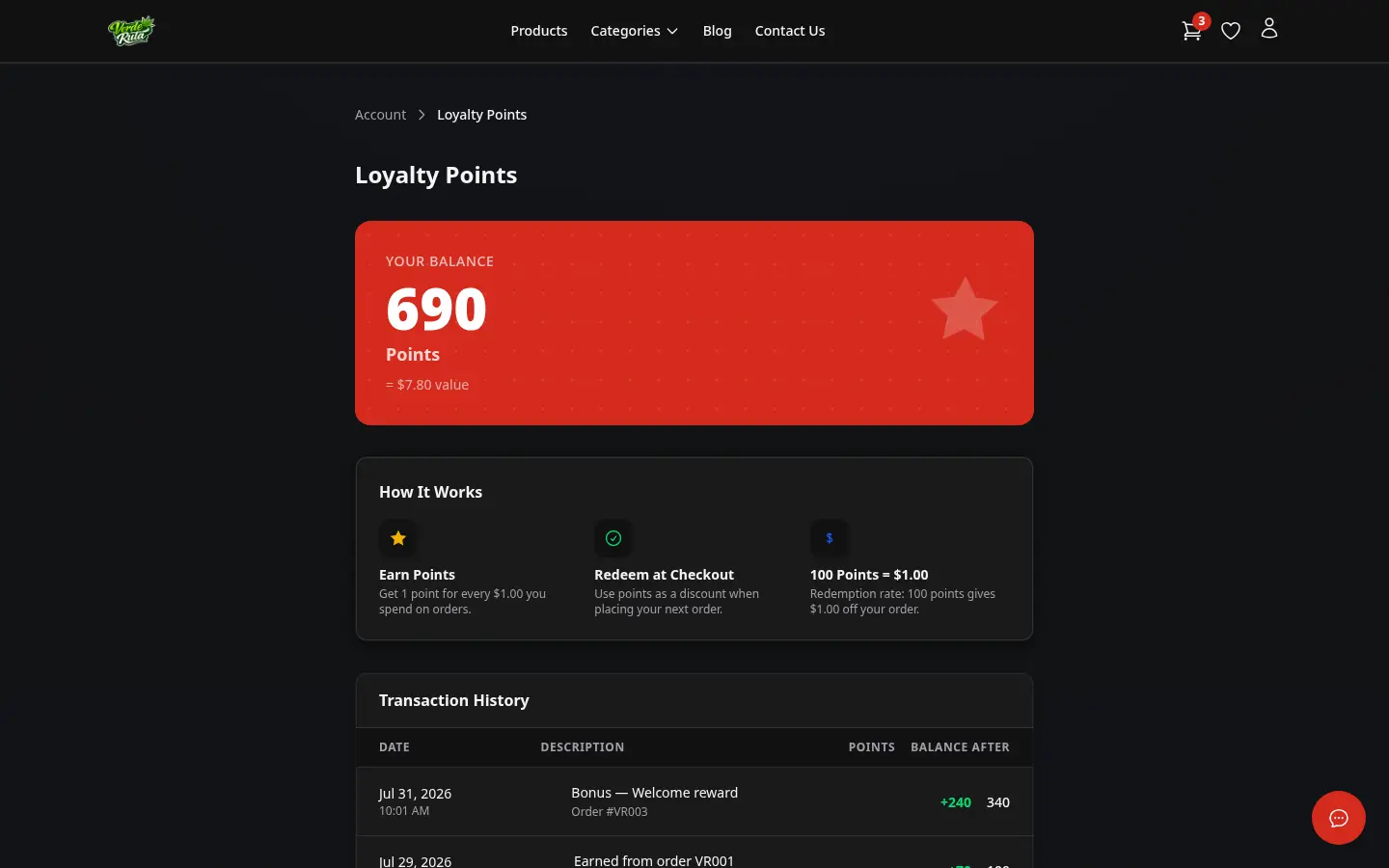
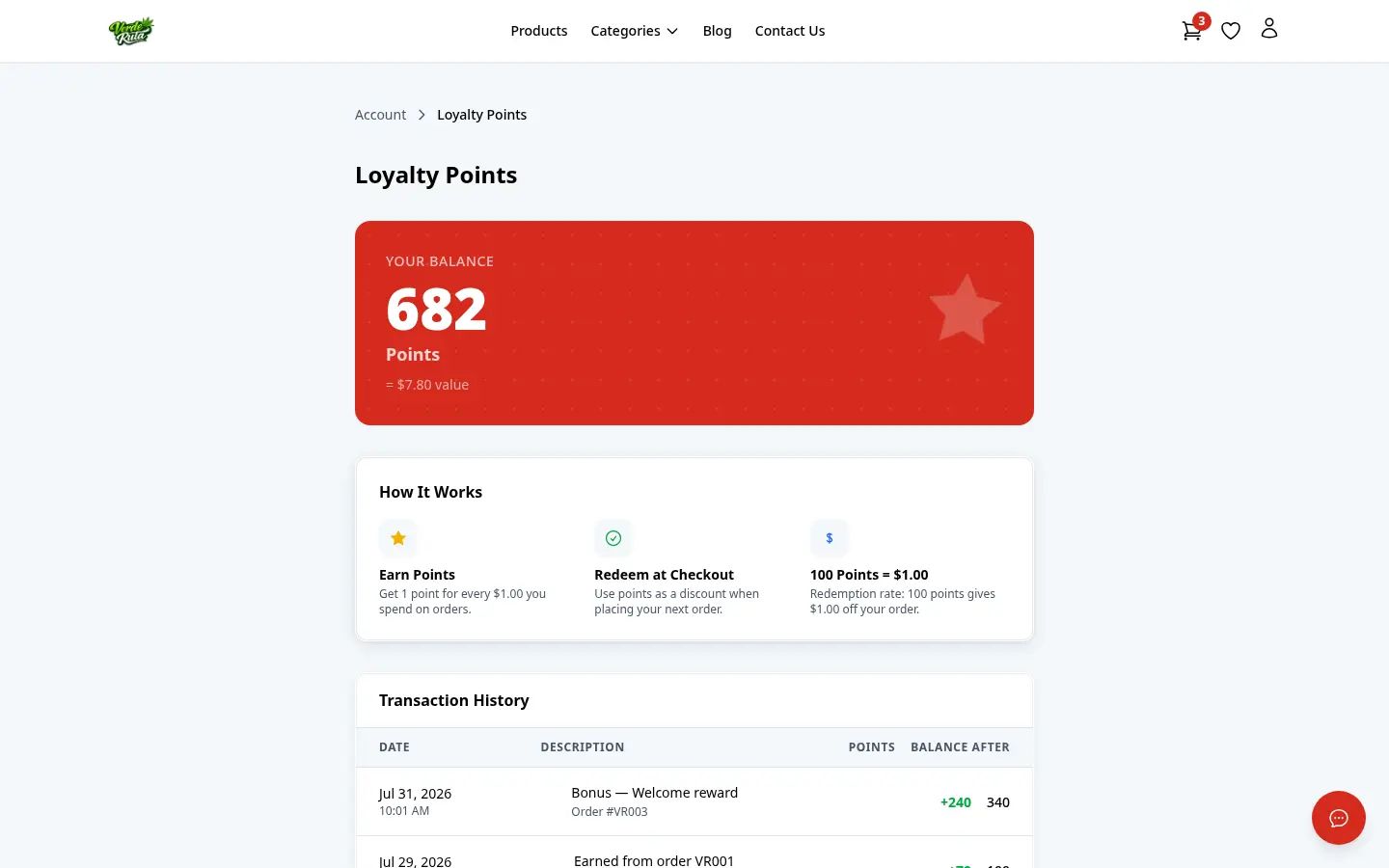
  • Loyalty points balance with full transaction history
  • Earn points automatically on every order
  • Redeem as a discount at checkout
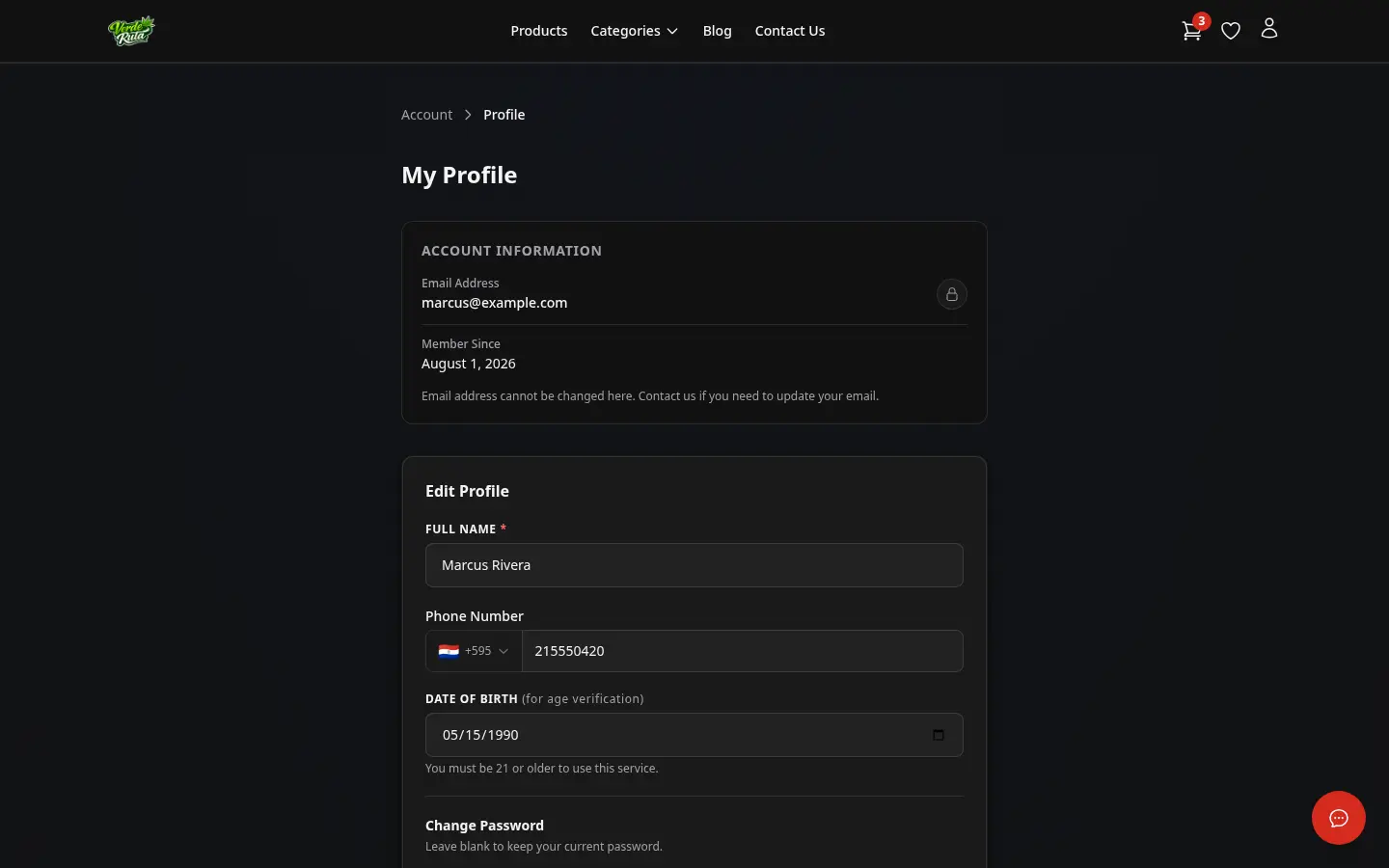
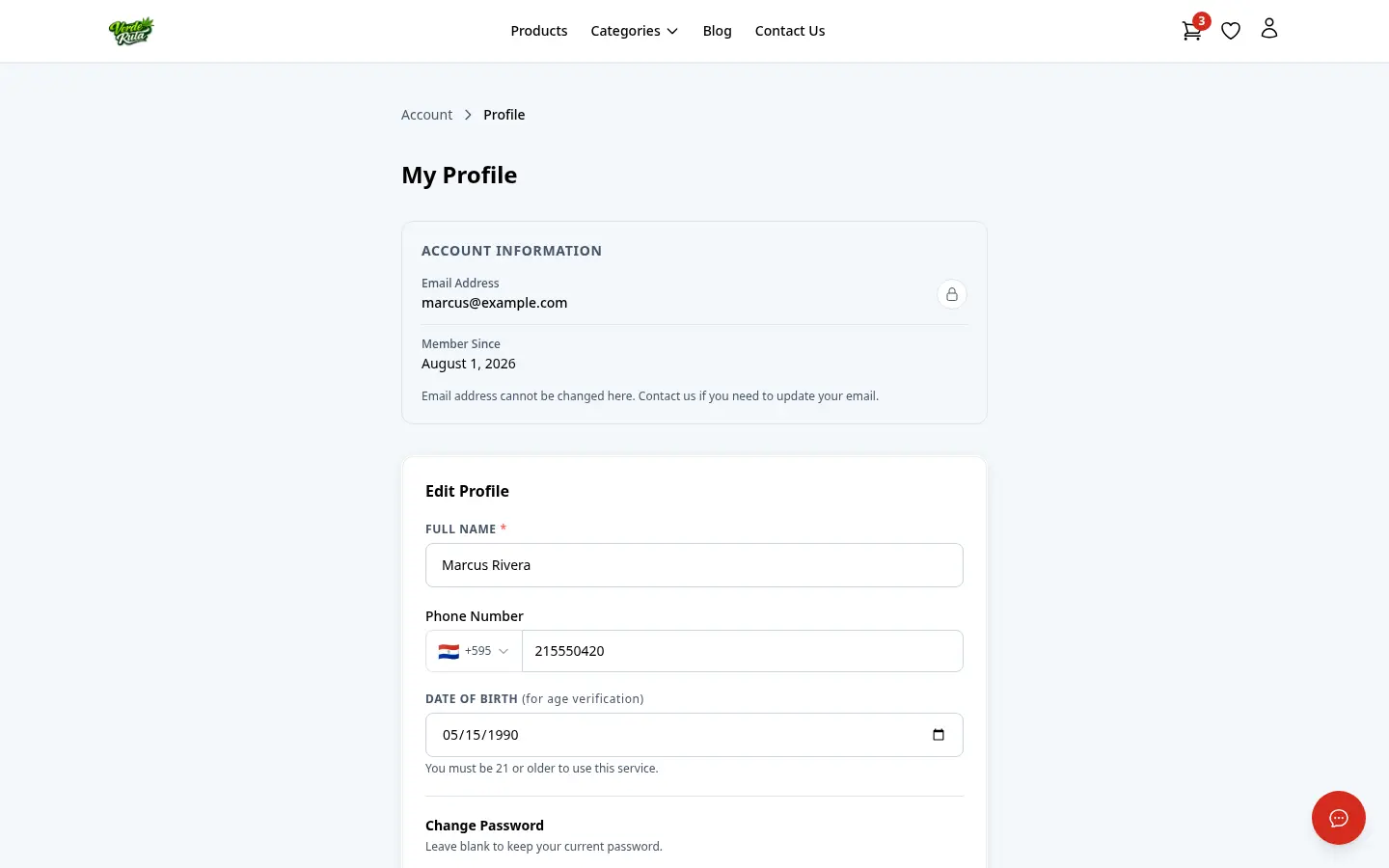
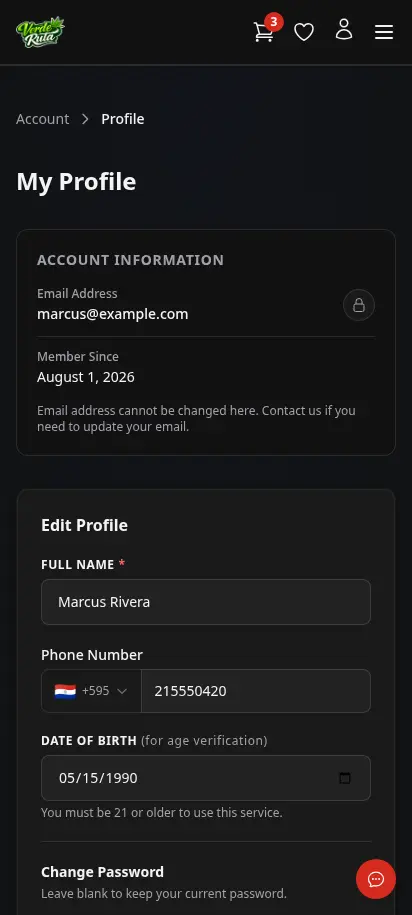
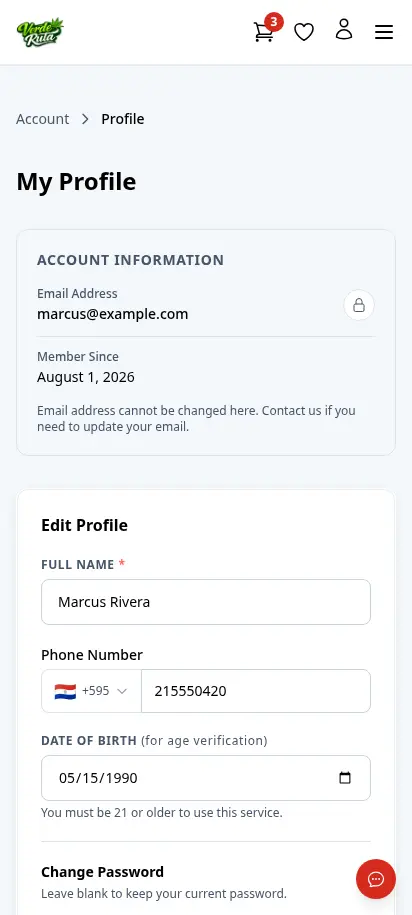
  • Profile editing for name, phone, and date of birth
DabDash loyalty page showing points balance and reward historyDabDash loyalty page showing points balance and reward history
Click to explore
DabDash customer profile page showing saved account details and password controlsDabDash customer profile page showing saved account details and password controls
Click to explore
DabDash loyalty page showing points balance and reward history — mobile viewDabDash loyalty page showing points balance and reward history — mobile view
Explore
DabDash customer profile page showing saved account details and password controls — mobile viewDabDash customer profile page showing saved account details and password controls — mobile view
Explore
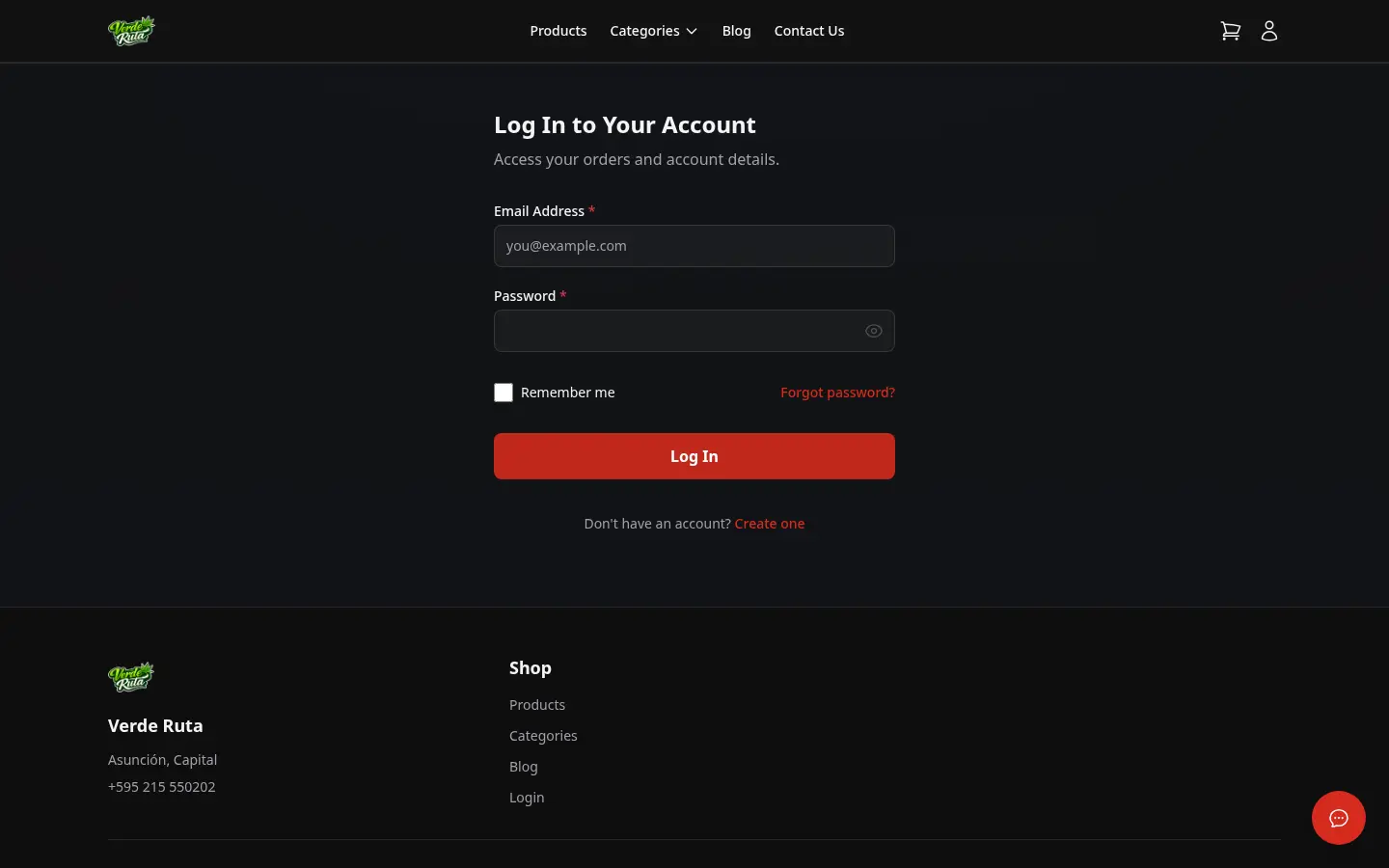
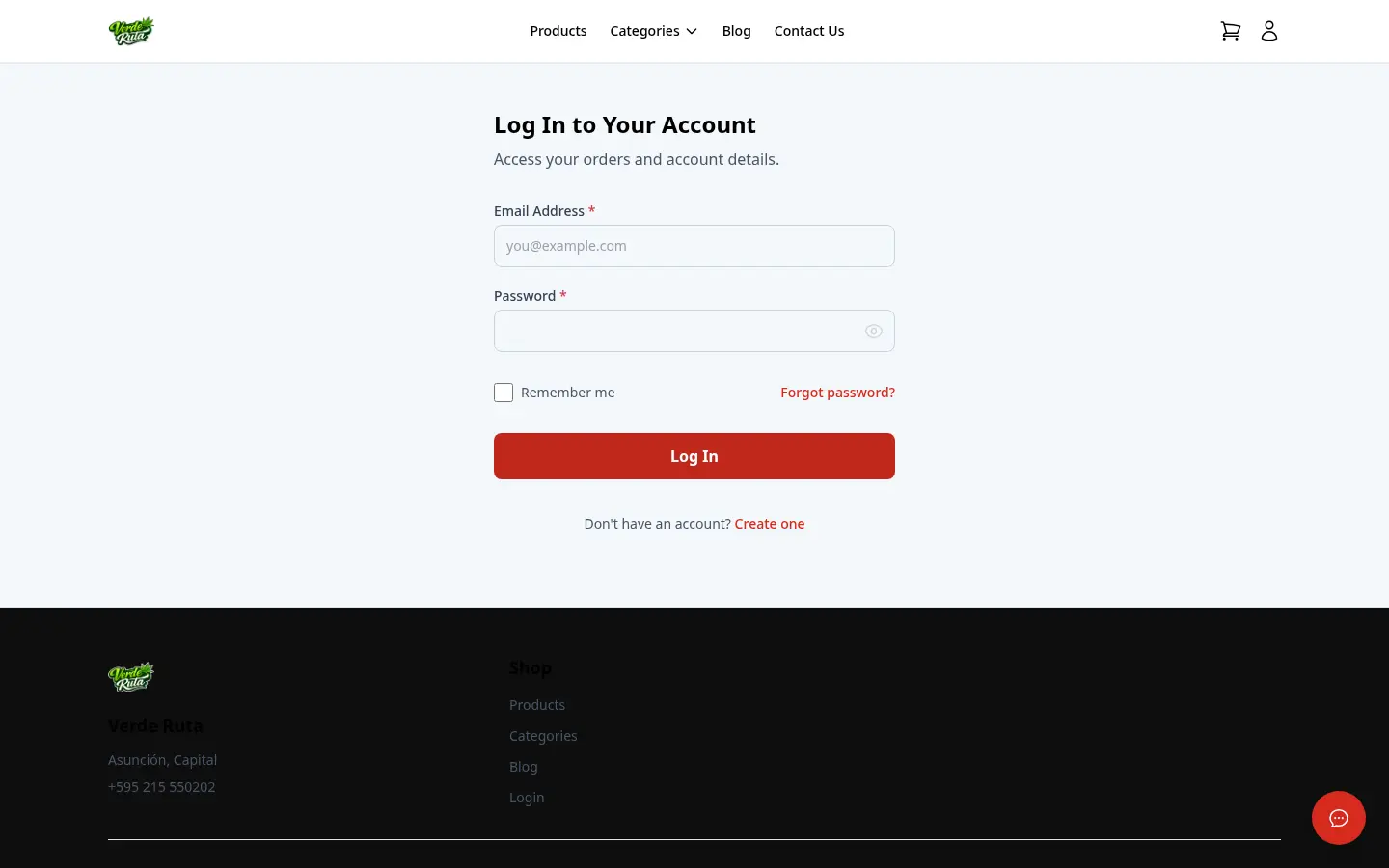
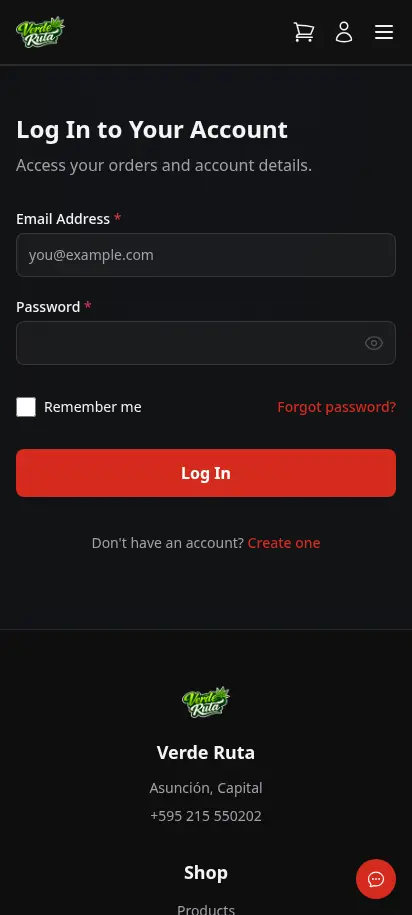
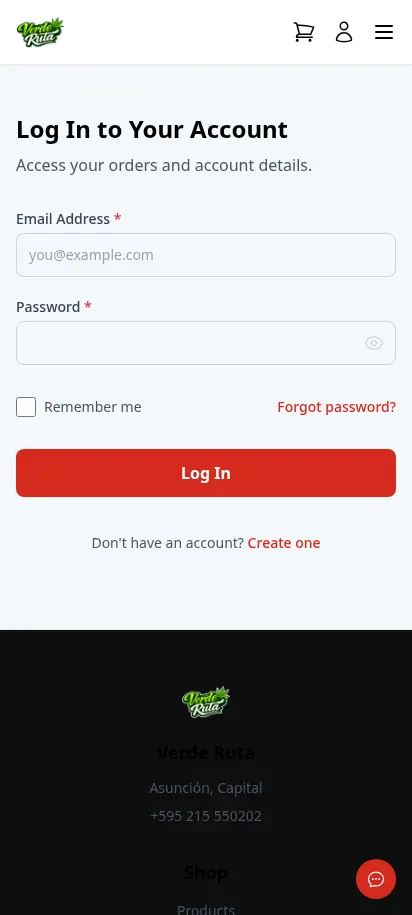
DabDash branded customer login page with email and password fieldsDabDash branded customer login page with email and password fields
Click to explore
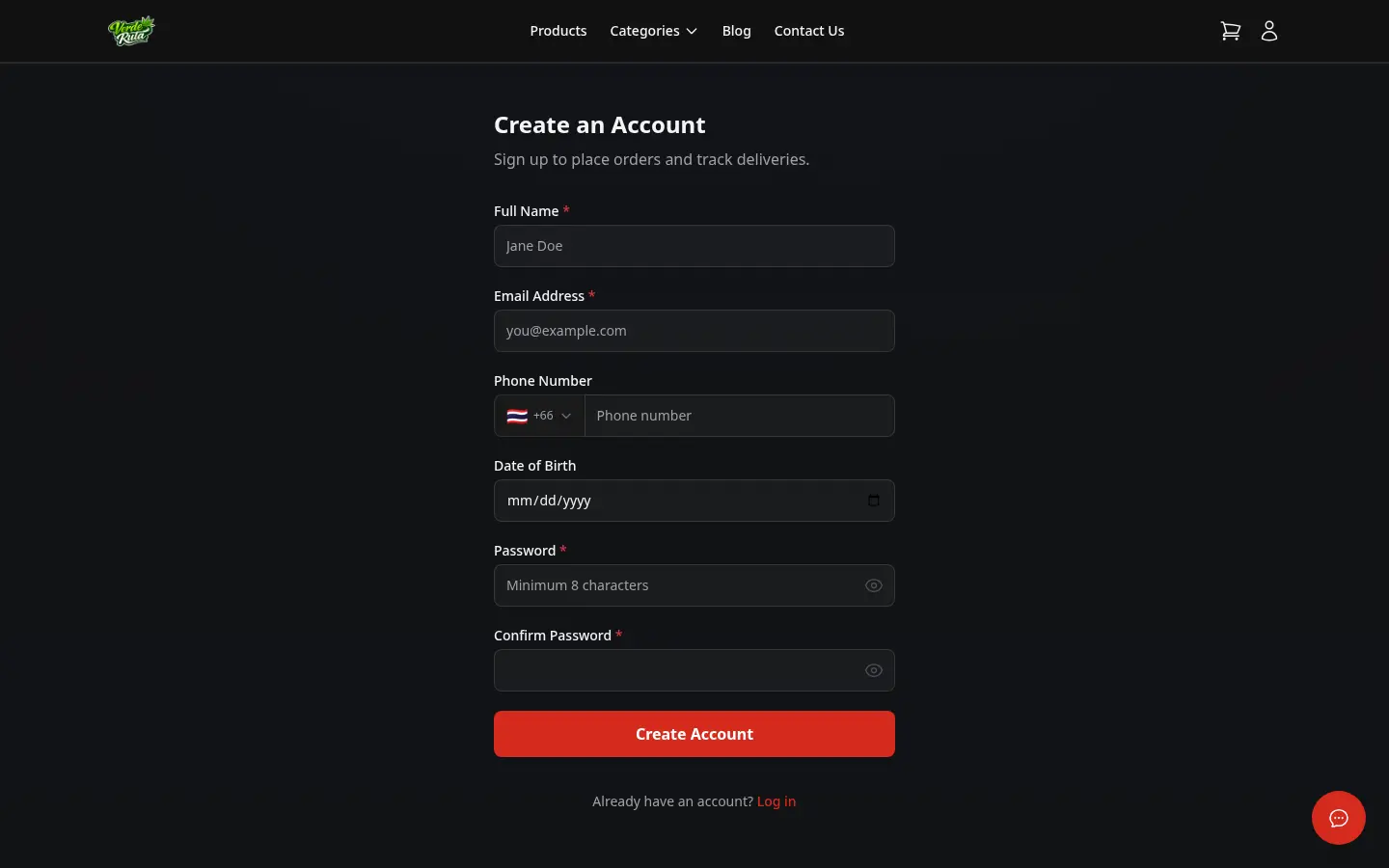
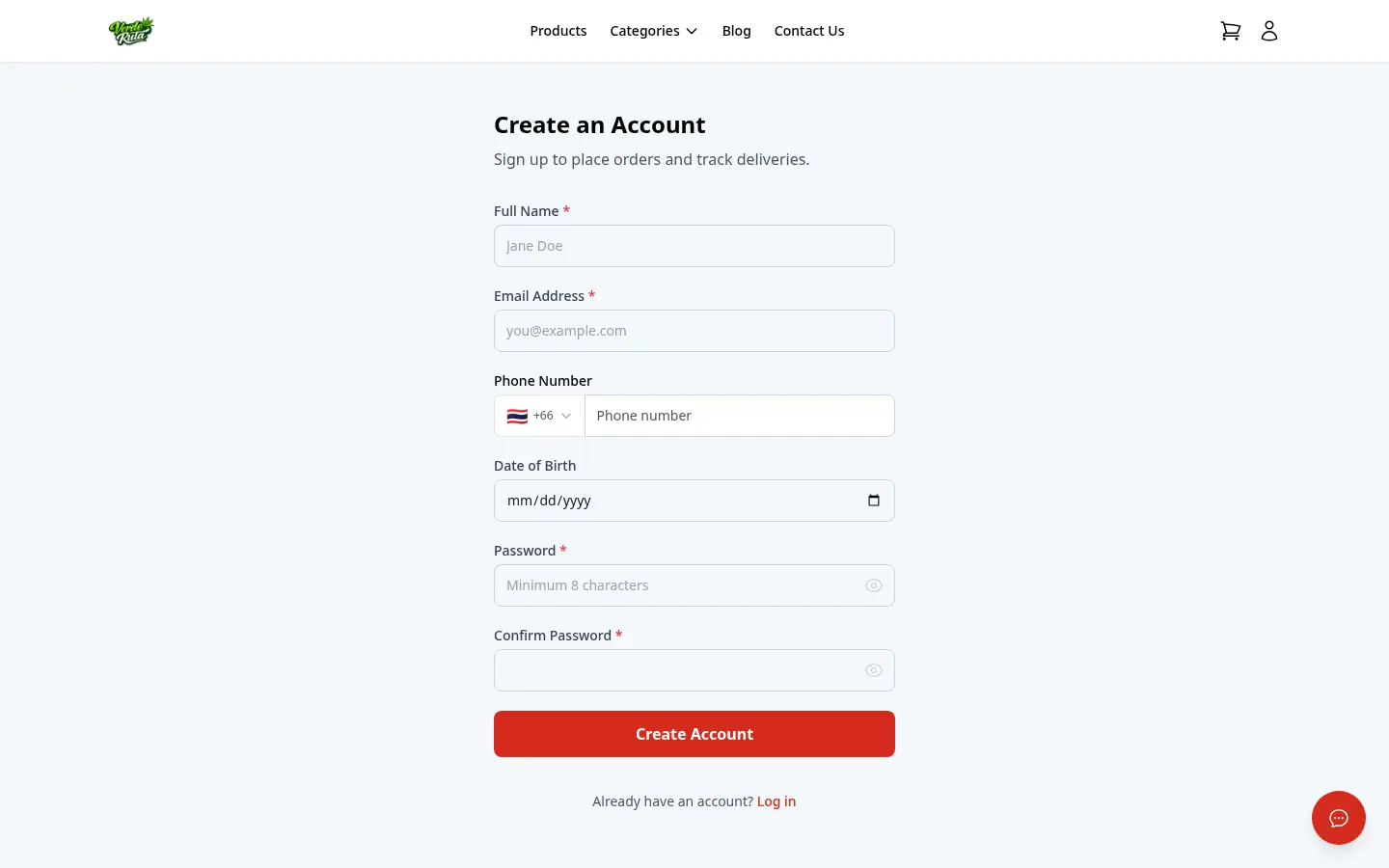
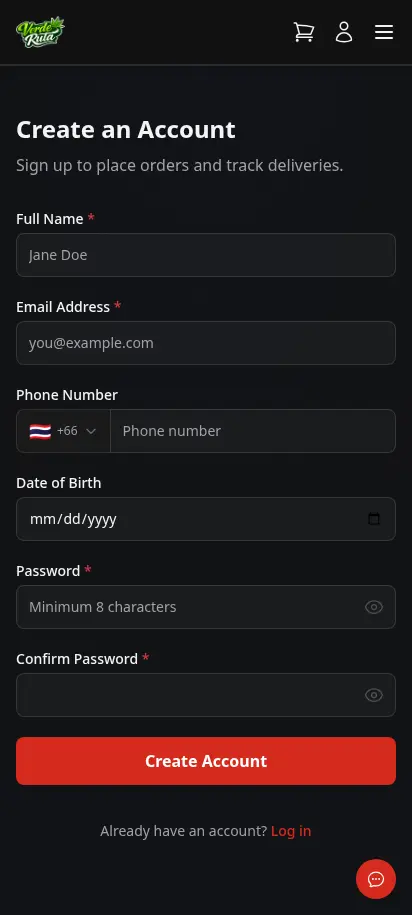
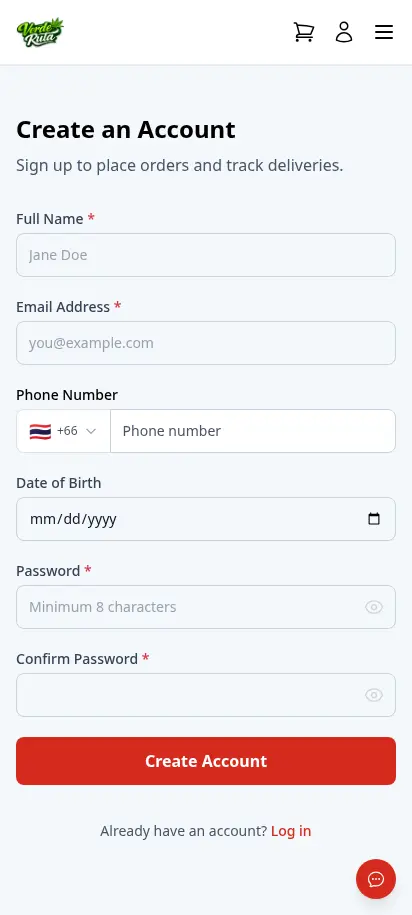
DabDash customer registration page with name, email, phone, date of birth, and password fieldsDabDash customer registration page with name, email, phone, date of birth, and password fields
Explore
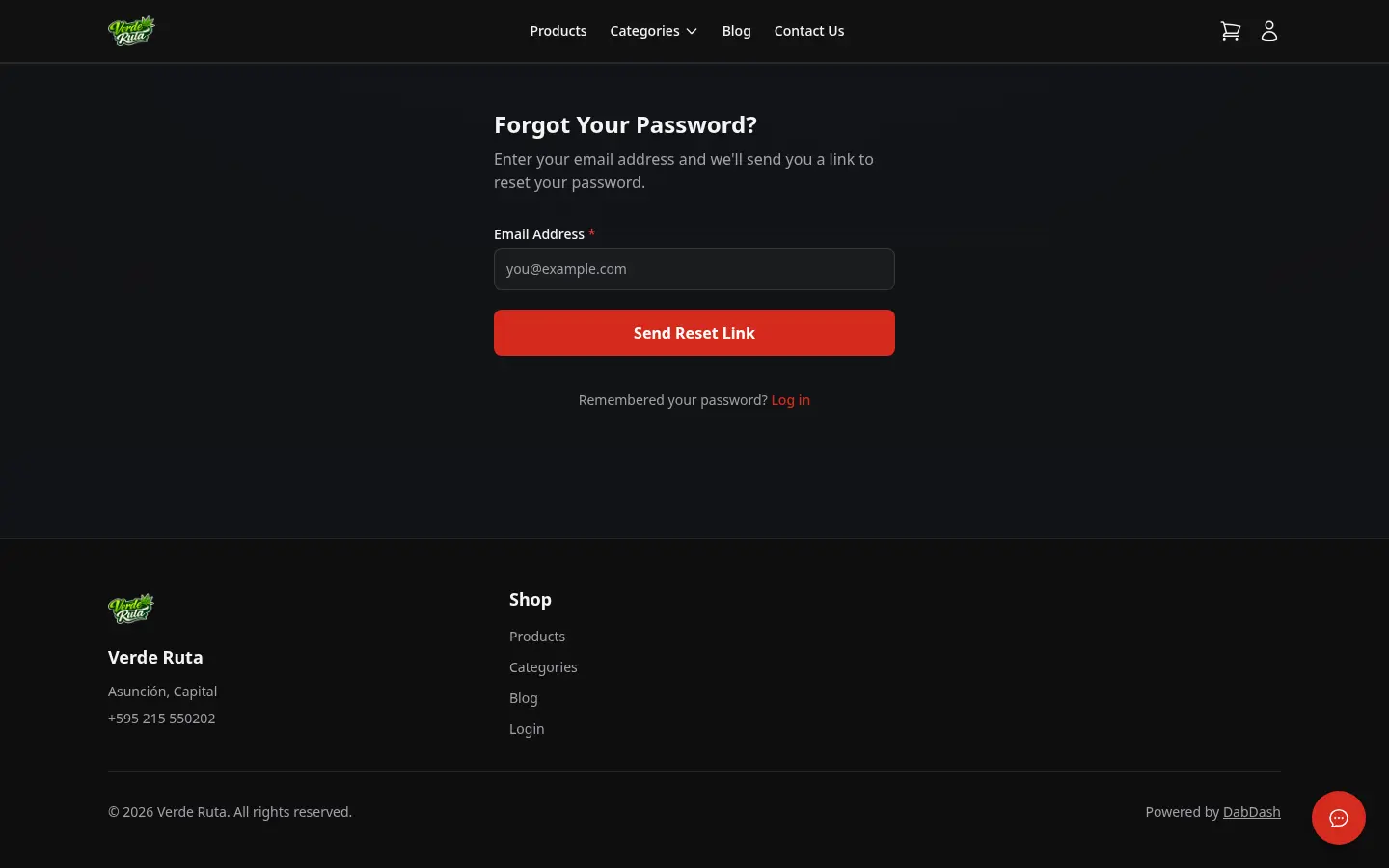
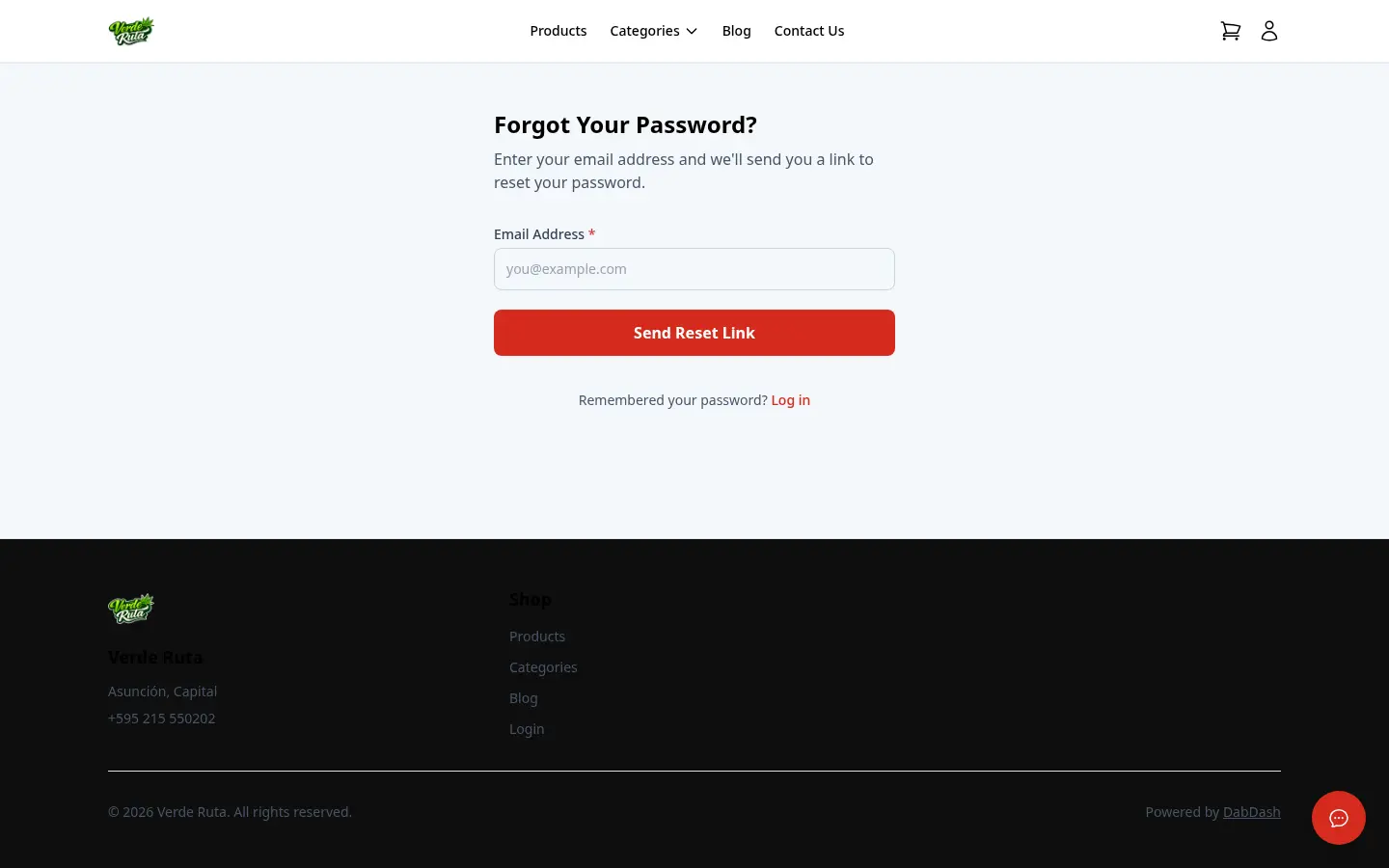
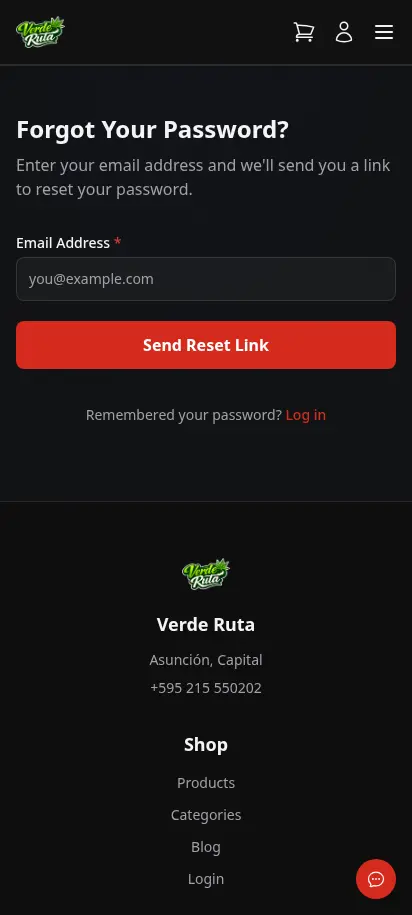
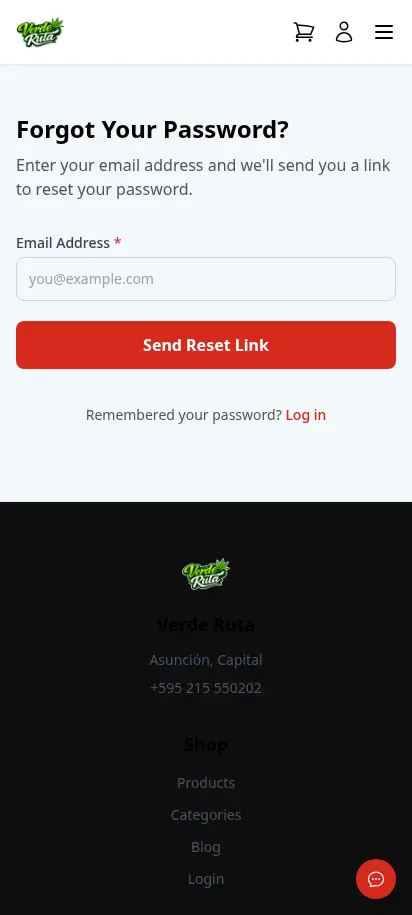
DabDash forgot password page with email input and reset link buttonDabDash forgot password page with email input and reset link button
Explore
DabDash branded customer login page with email and password fields — mobile viewDabDash branded customer login page with email and password fields — mobile view
Explore
DabDash customer registration page with name, email, phone, date of birth, and password fields — mobile viewDabDash customer registration page with name, email, phone, date of birth, and password fields — mobile view
Explore
DabDash forgot password page with email input and reset link button — mobile viewDabDash forgot password page with email input and reset link button — mobile view
Explore

Simple login. No barriers.

Clean login and registration forms stay inside the store brand. Customers can create an account, recover a password, or keep moving as a guest — no friction, no dead ends.

  • Branded login and registration forms
  • Email-based password reset flow
  • Guest checkout always available
  • Account creation never required to buy

Customize your view

Choose how you'd like to see the screenshots.

Device

Theme