Signing In & Registering
How to create an account, log in, and reset a forgotten password on a DabDash cannabis delivery store. Guest checkout is always available.
Overview
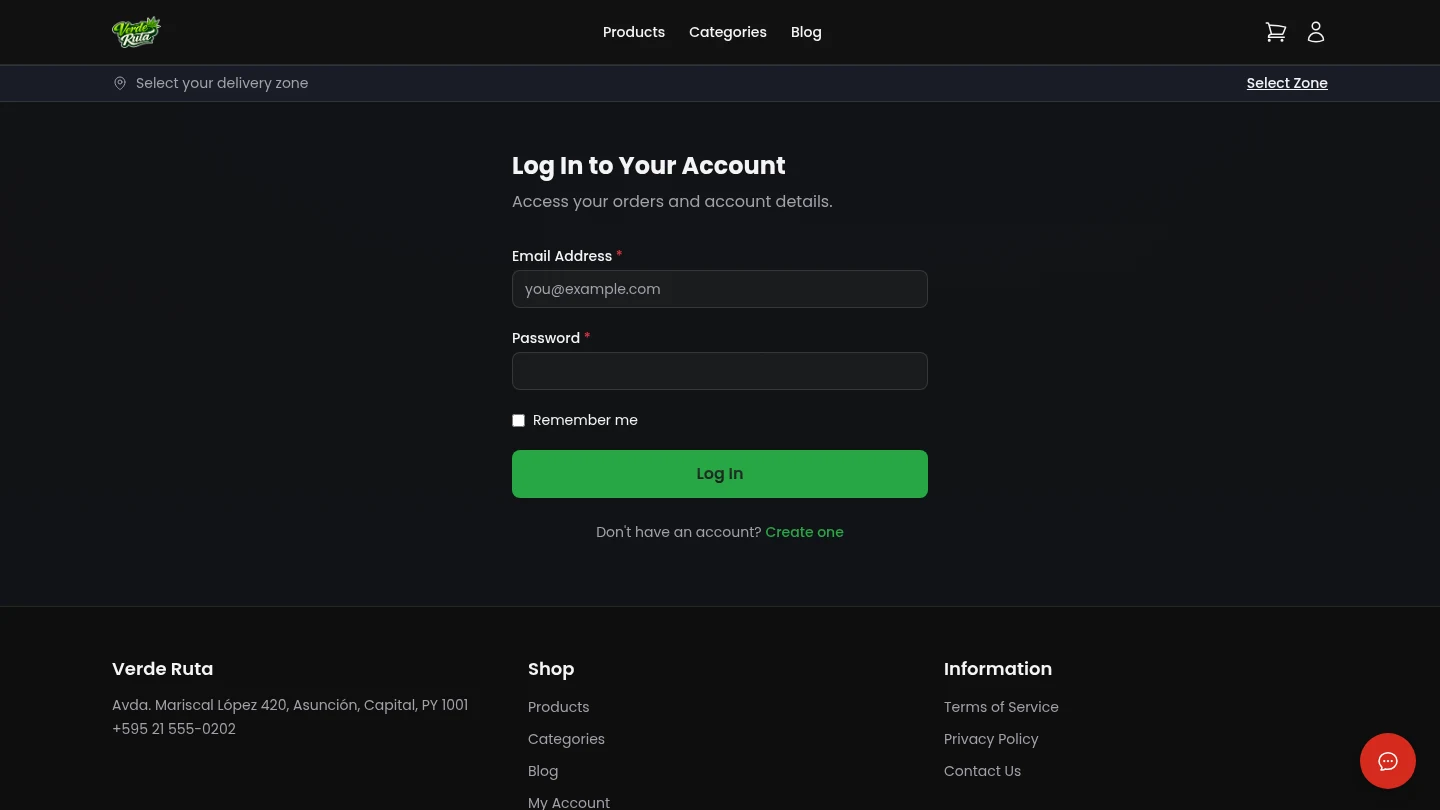
These pages handle signing in, creating a new account, and resetting a forgotten password. An account is optional — guest checkout is always available.
The Login Page
The login page has two fields: email and password. Clicking "Log In" goes straight to the account dashboard.
Below the form there are links to create a new account or reset a forgotten password.
Creating an Account
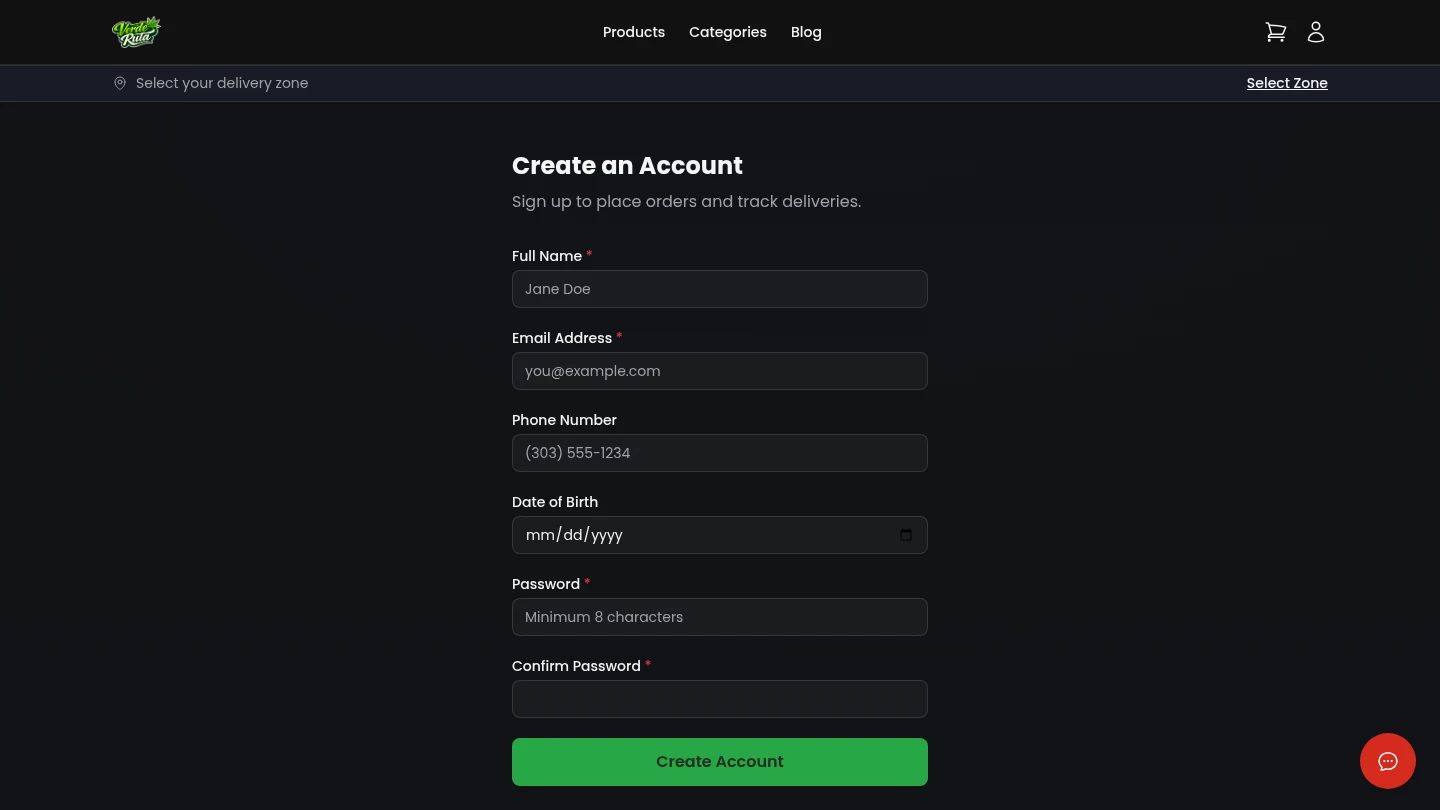
The registration page asks for a name, email address, and password. After signing up, a verification email is sent to confirm the address.
Once the email is confirmed, the account is active and ready to use.
Forgot Password
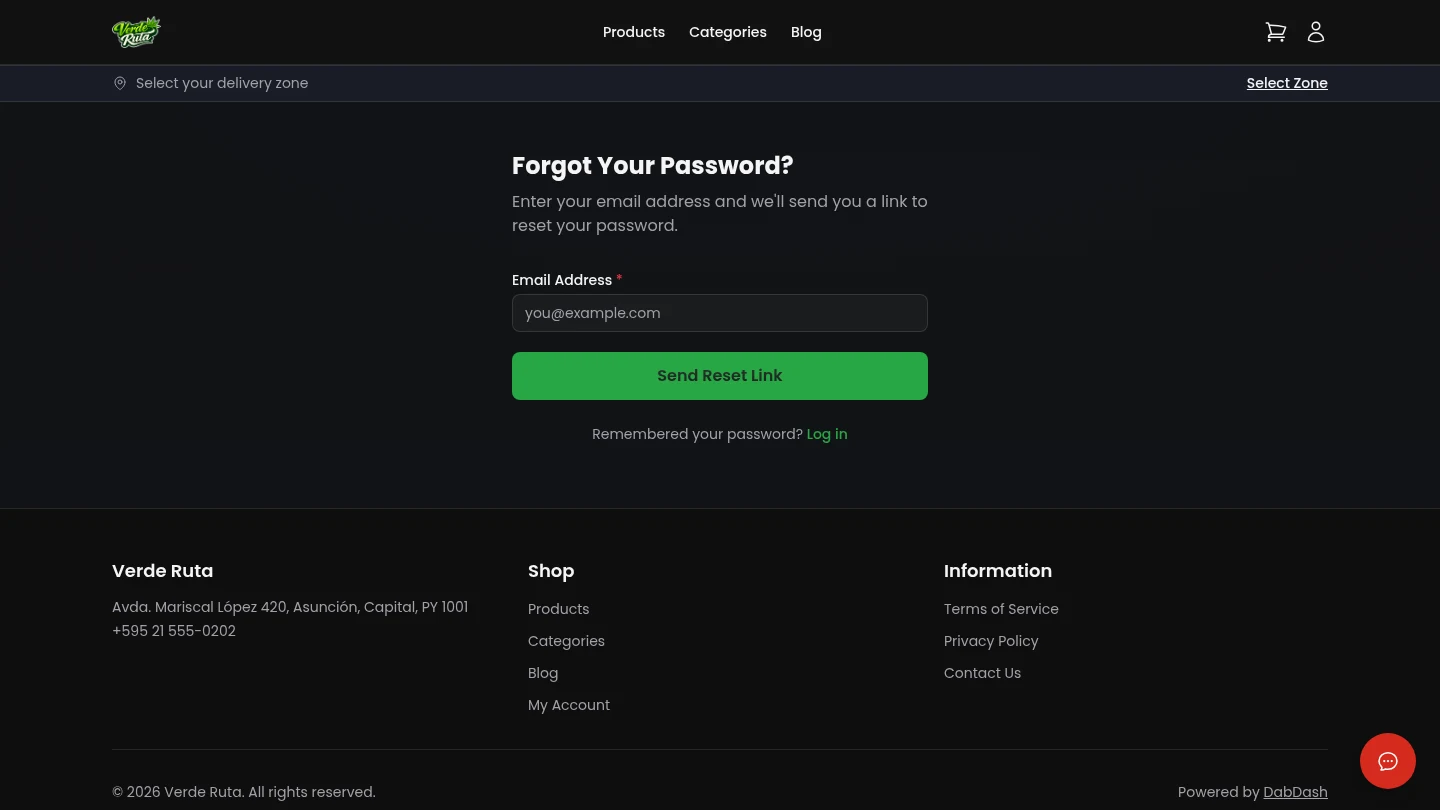
Entering an email address sends a reset link. Clicking the link in the email opens a page to set a new password.
Guest Checkout
Creating an account is not required to place an order. Guest checkout works without logging in.
Logged-in customers get extra features: saved addresses, order history, and loyalty points. But the full ordering flow works just fine as a guest.
Frequently Asked Questions
How does account creation work on a DabDash store?
The registration page asks for a name, email address, and password. After signing up, a verification email is sent. Once the email is confirmed, the account is active and ready to use.
Is an account required to place an order on a DabDash store?
No. Guest checkout is always available. An account is optional but gives access to order history, saved addresses, and loyalty points.
How does password reset work on a DabDash store?
On the forgot password page, entering an email address sends a reset link. Clicking the link opens a page to set a new password. The old password is not needed.