Checkout & Fulfilment Flow
How zone validation, delivery slots, ID collection, and payment work during checkout.
Overview For Your Team
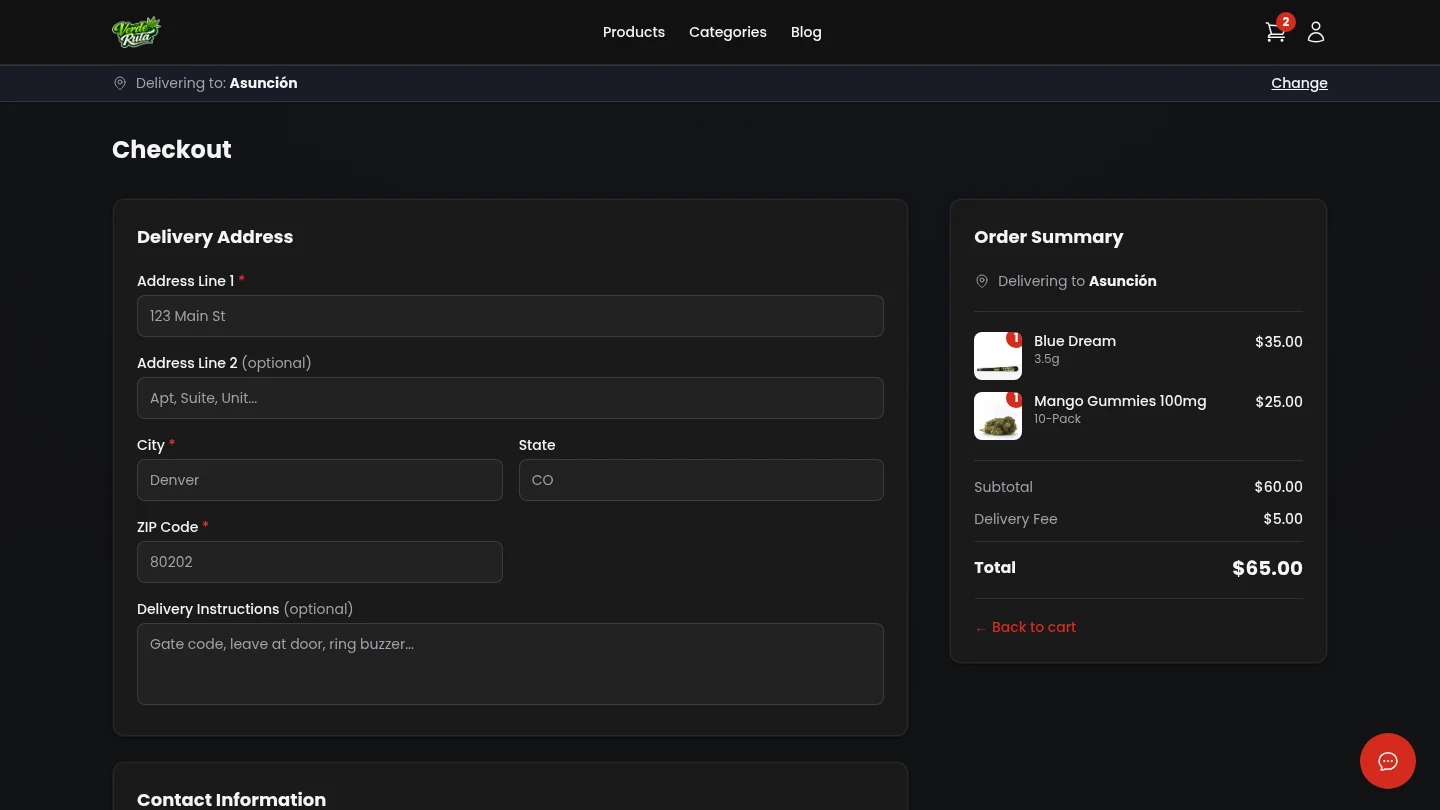
Checkout is where all order rules are checked: delivery area, minimum order, open delivery times, age and ID requirements, and payment.
Every completed checkout becomes an order in your dashboard queue with pricing, discounts, customer, and delivery data attached.
Checkout Steps
- Delivery area check confirms the address is inside an active zone.
- Delivery time check shows only time windows that still have room.
- Customer info is collected (guest checkout or logged-in customer).
- ID policy applies based on your General Settings requirement.
- Payment is charged and the order is saved when payment succeeds.
- Success screen confirms order and links customer to next actions.
Settings That Affect Checkout
- Zones
- Coverage, minimum order, delivery fee, and service fee directly change who can check out and final totals.
- Delivery Slots
- If slots are missing or over capacity, customers cannot select a valid delivery window.
- Age Gate + ID Requirement
- Your ID upload mode (`none`, `optional`, `mandatory`) changes completion rules for regulated orders.
- Promotions & Loyalty
- Coupon, freebie, mix-and-match, and loyalty redemption all influence final payable amount.
After Checkout: What You Handle
- Order appears in Orders with status controls (Pending, Confirmed, Preparing, Out for Delivery, Delivered, and more).
- Inventory is adjusted based on what the customer bought.
- Customer records and loyalty balances are updated.
- Order emails and alerts follow your Notifications and Email settings.
- Invoices and packing slips become available from order detail.
Ops Checklist
- Keep at least one active zone and delivery slot set available at all times.
- Test checkout after changing zone fees, minimums, or ID requirements.
- Review failed/abandoned checkouts when campaign traffic spikes.
- Send a test order email after you update email settings.