How long does migration take?
Catalog import can take an afternoon; zone mapping and checkout QA usually need 1–2 weeks of parallel testing.

 DabDash Team
Planning a move from Higher Level Greenfield? Compare workflows, data export, delivery zones, payments, and launch steps before you flip the switch.
Teams outgrow menu-first stacks when delivery volume rises, SEO matters, or payment fees eat margin. Read our DabDash vs Higher Level comparison for a feature-by-feature view before you migrate.
Export products, categories, customer emails (where permitted), and historical promos. Map delivery zones in DabDash with polygons — do not assume zip lists from your old system will translate.
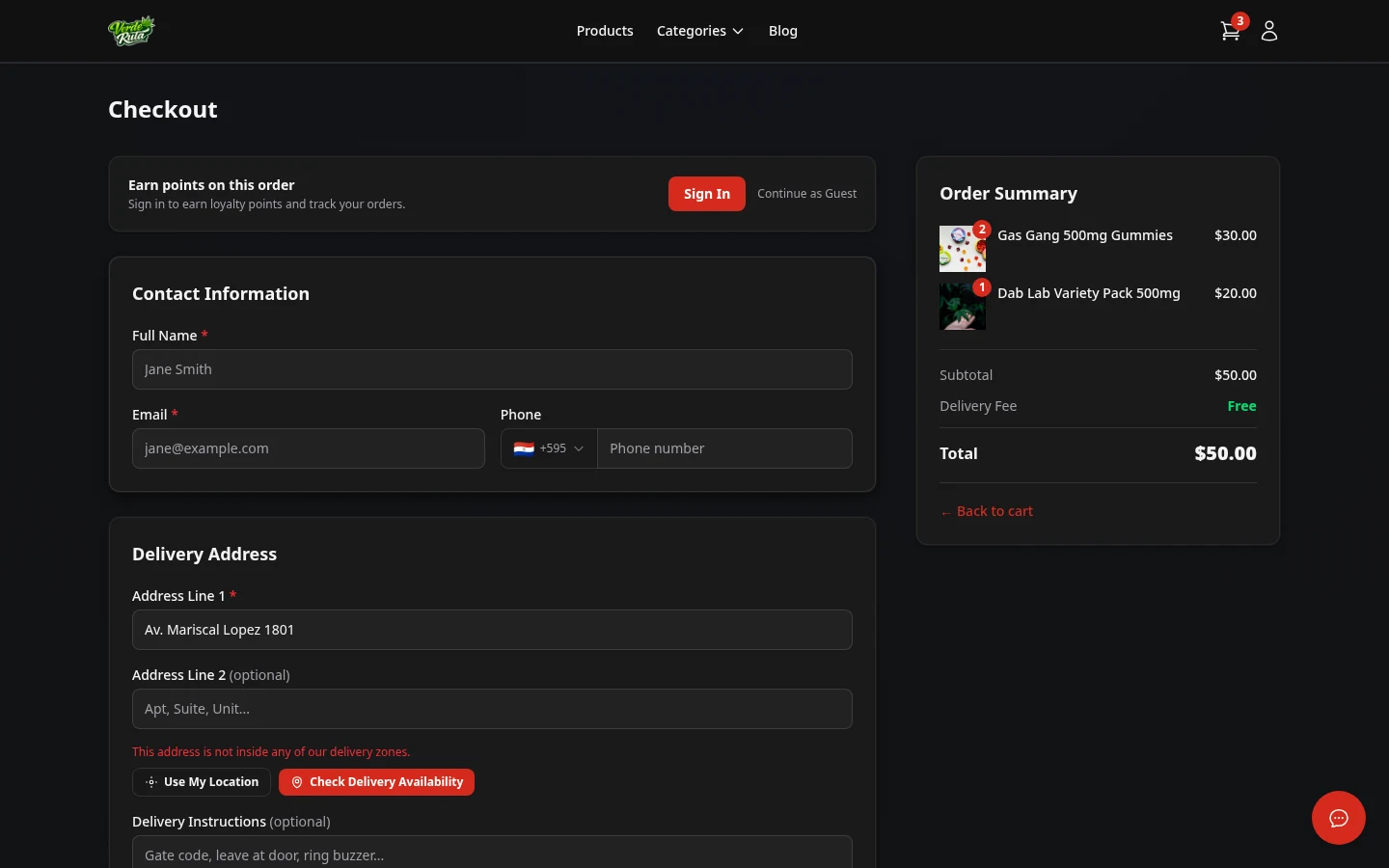
Soft-launch the new shop to staff and VIPs for a week. Test COD checkout, zone detection, and driver workflows on real addresses in every zone.
Update GBP links, email footers, and social bios on launch day. Publish a short blog post announcing the new shop URL so returning customers are not surprised.
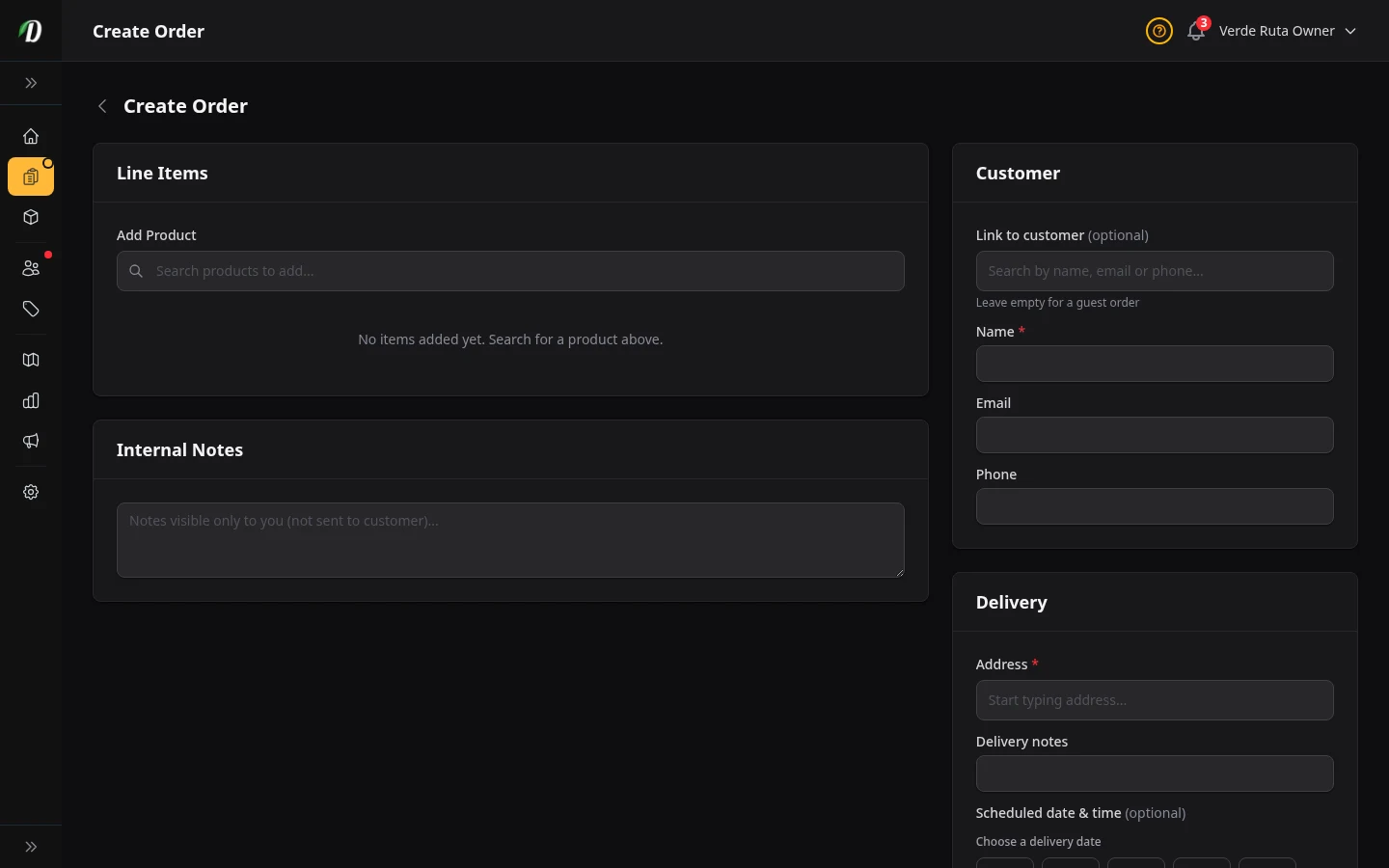
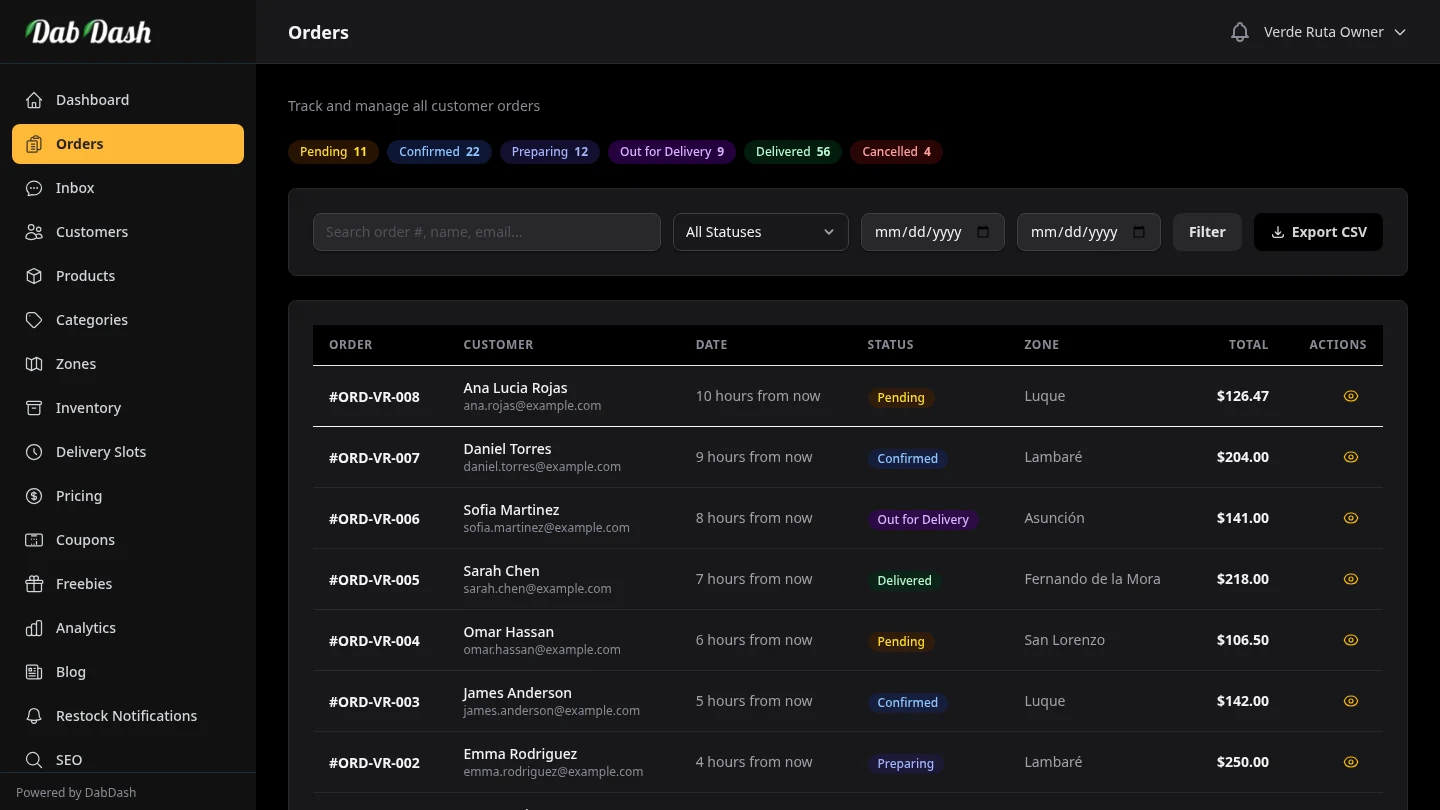
Want to see zones, checkout, and SEO in one dashboard? Browse DabDash features, check pricing, or take the product tour.
Quick answers to the most common follow up questions readers search after exploring this topic.
Catalog import can take an afternoon; zone mapping and checkout QA usually need 1–2 weeks of parallel testing.
Use 301 redirects from retired URLs, keep product slugs stable where possible, and submit the new sitemap in Search Console.
Yes. DabDash supports BYOPP — connect your processor via webhook without revenue share.
Start your free 14-day trial — no credit card required.
Get Started Free